Ir directamente a la información del producto
1 de 7

Soporte enchufable para reflector Wyze Cam

Soporte enchufable para reflector Wyze Cam

Color
$19.98
En existencias
Get it as soon as
Devoluciones sin problemas de 30 días.
En existencias
A blue and white logo for Wyze.
VENTAJAS Exclusivas de Wyze.com
Garantía extendida de 18 meses

Obtenga una garantía extendida de 18 meses al comprar este producto en wyze.com. También obtenga paquetes especiales, promociones únicas y recompensas con cada pedido

Olvídese de la complejidad y el coste de instalar una caja de conexiones. Opte por una solución de iluminación fácil de conectar y usar.

Ver todos los detalles
  • A black screen with no visible content.

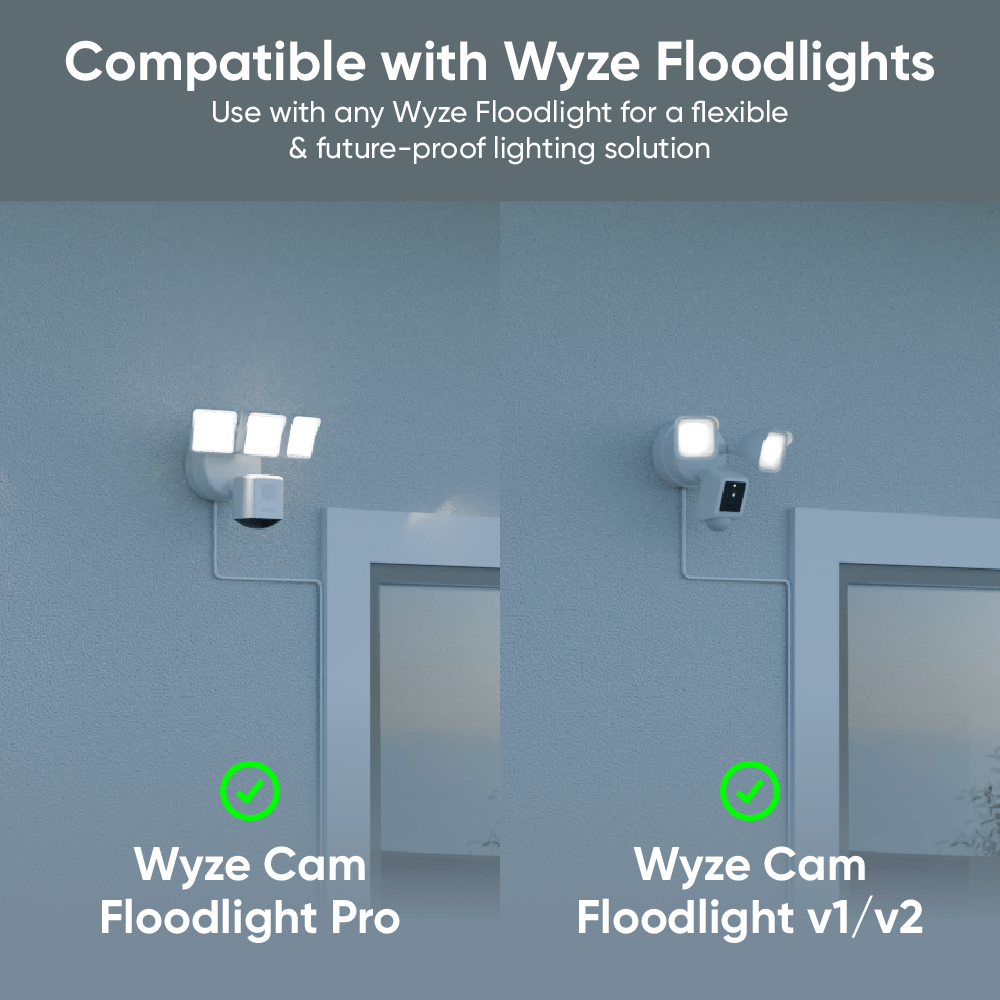
    Compatible con reflectores Wyze

    Funciona con Wyze Cam Floodlight v1/v2 y Pro.

  • A black screen with a 20ft icon.

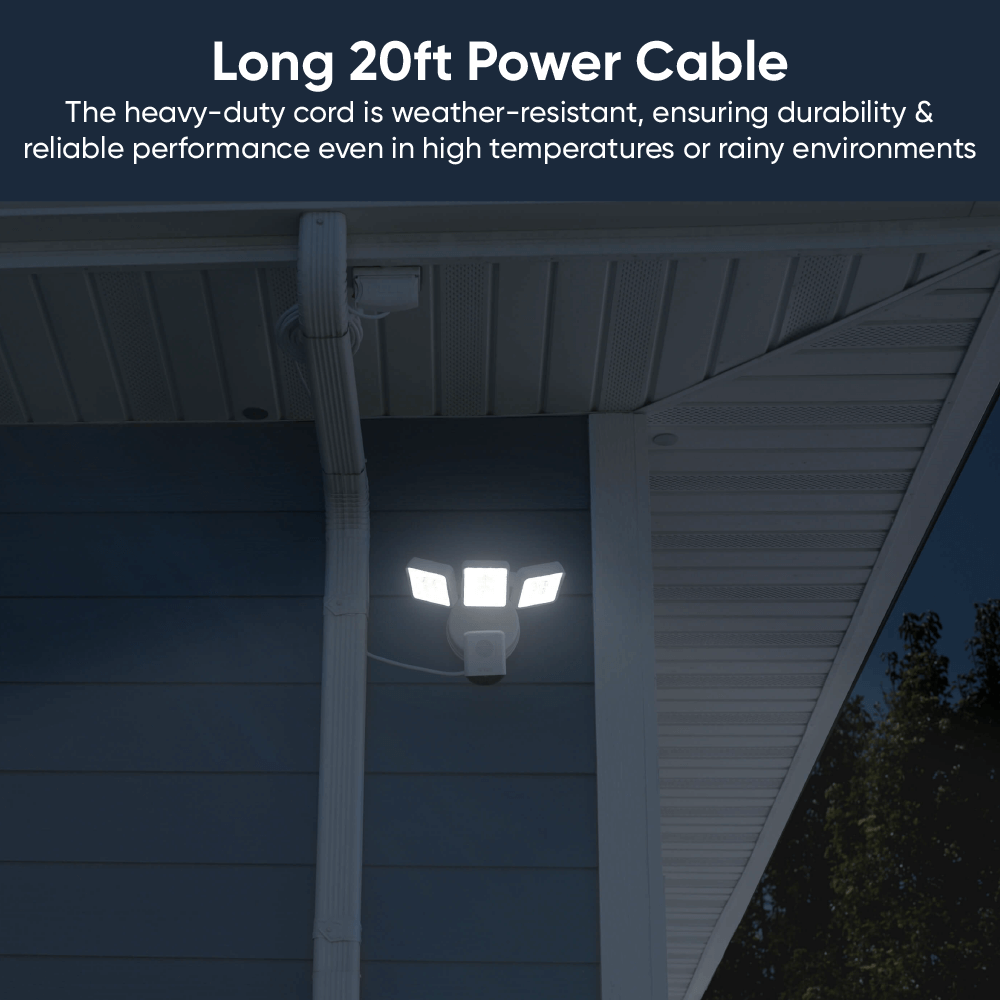
    Cable de alimentación de 20 pies (6 m)

    Accede fácilmente a una toma de corriente apta para exteriores. Incluye correa de velcro.

  • Install icon on a black screen.

    Fácil de instalar

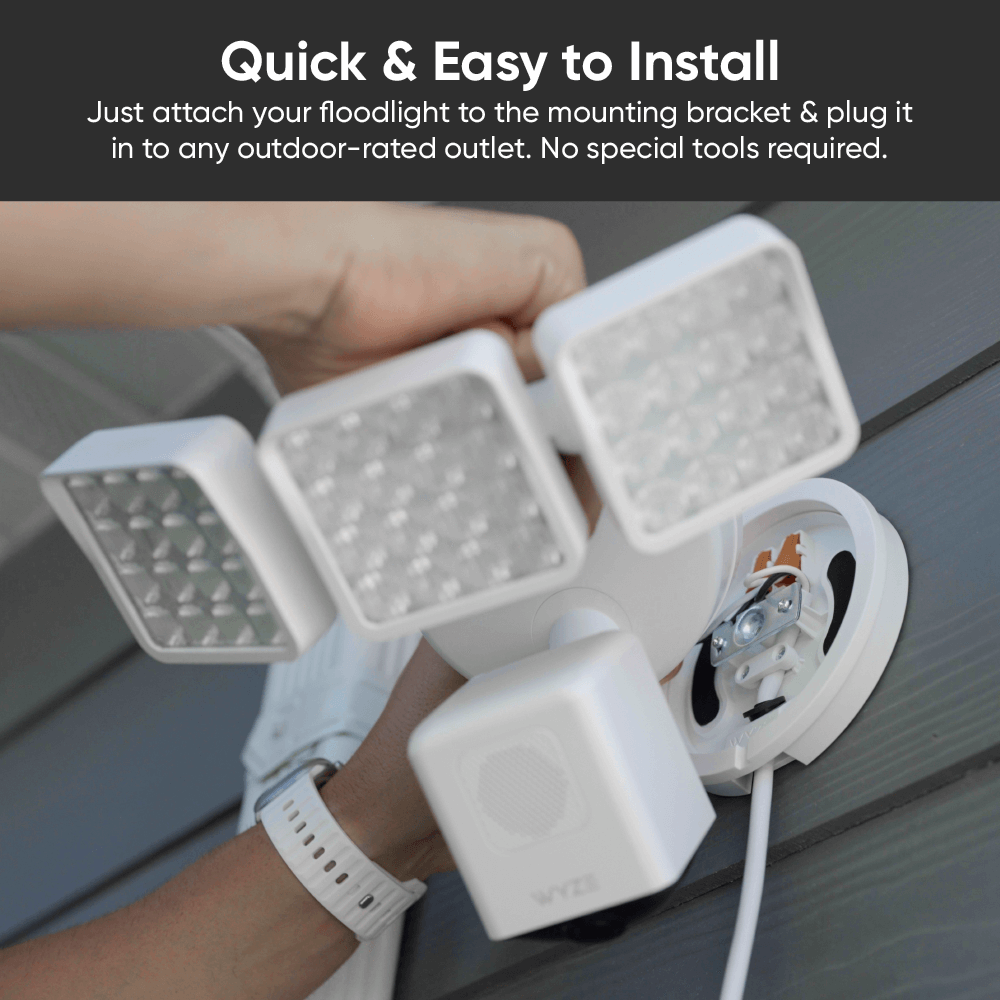
    Es rápido y sencillo. Solo tienes que conectarlo y montar el foco.

  • A black screen with no visible text or objects.

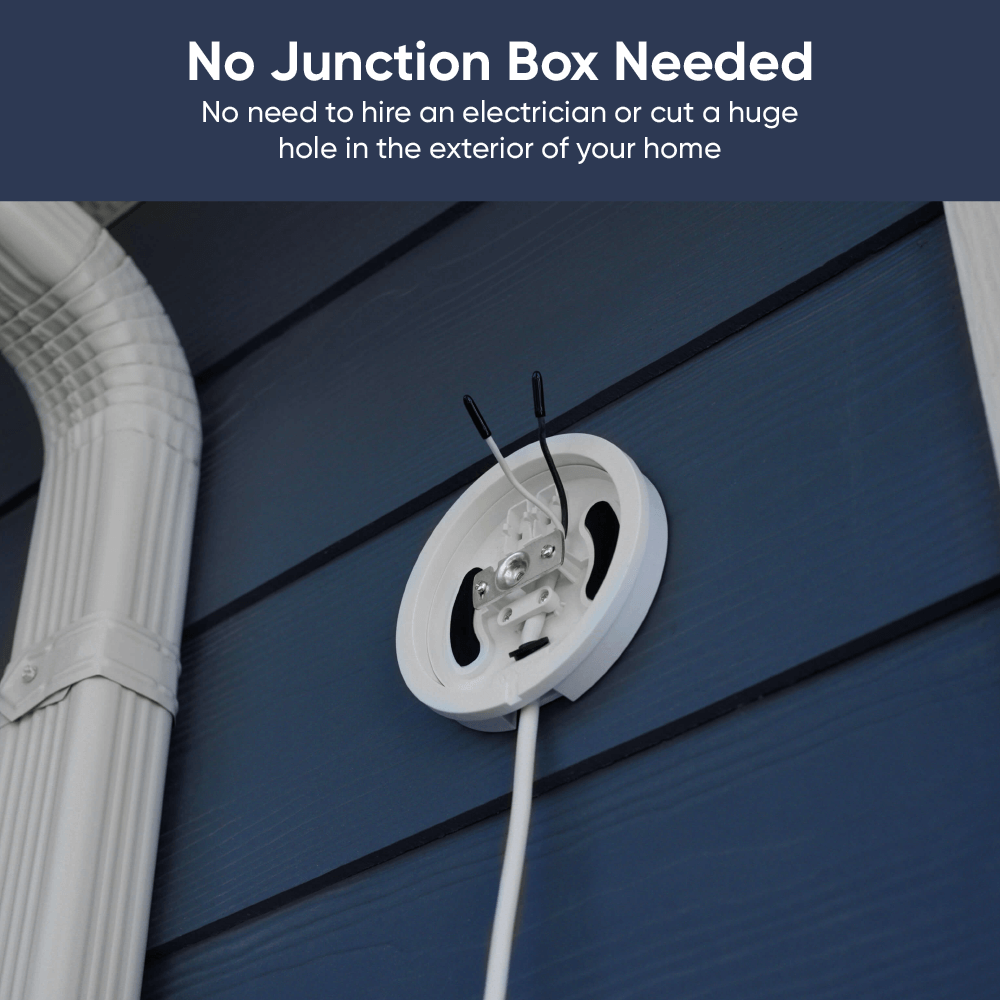
    No se requiere caja de conexiones

    Olvídate del electricista y la construcción. Conecta y listo en minutos.

  • Colores: Blanco y Negro
  • Caja fuerte para exteriores: Sí
  • Temperatura de funcionamiento: -22 °F a 122 °F
  • Entrada: 110 - 120 V CA
  • Clasificación del cable de alimentación: SJTW (cable termoplástico de servicio pesado, S: servicio, J: junior, T: termoplástico, W: aprobado para la intemperie)
  • Cable de alambre: 18 AWG
  • Longitud del cable de alimentación: 20 pies (6 m)
  • Dimensiones del paquete: 153 mm x 155 mm x 79 mm
  • Peso del paquete: 1,39 libras
  • Producto completo: UL153, ​​RoHS, REACH SVHC 240, CP65
  • Montaje: UL94, UL 746A,B, ASTM D495
  • Cable de alimentación: UL62, UL817, UL2556, UL1581, rocío salino de 48 h, clasificación de temperatura de 105 °C
  • 1x Soporte enchufable para reflector Wyze Cam
  • 1x Kit de montaje Floodlight Pro (anillo de silicona, tornillo largo)
  • 1x Kit de tornillos de montaje
  • 1x cinta de espuma
  • 1x Guía de inicio rápido

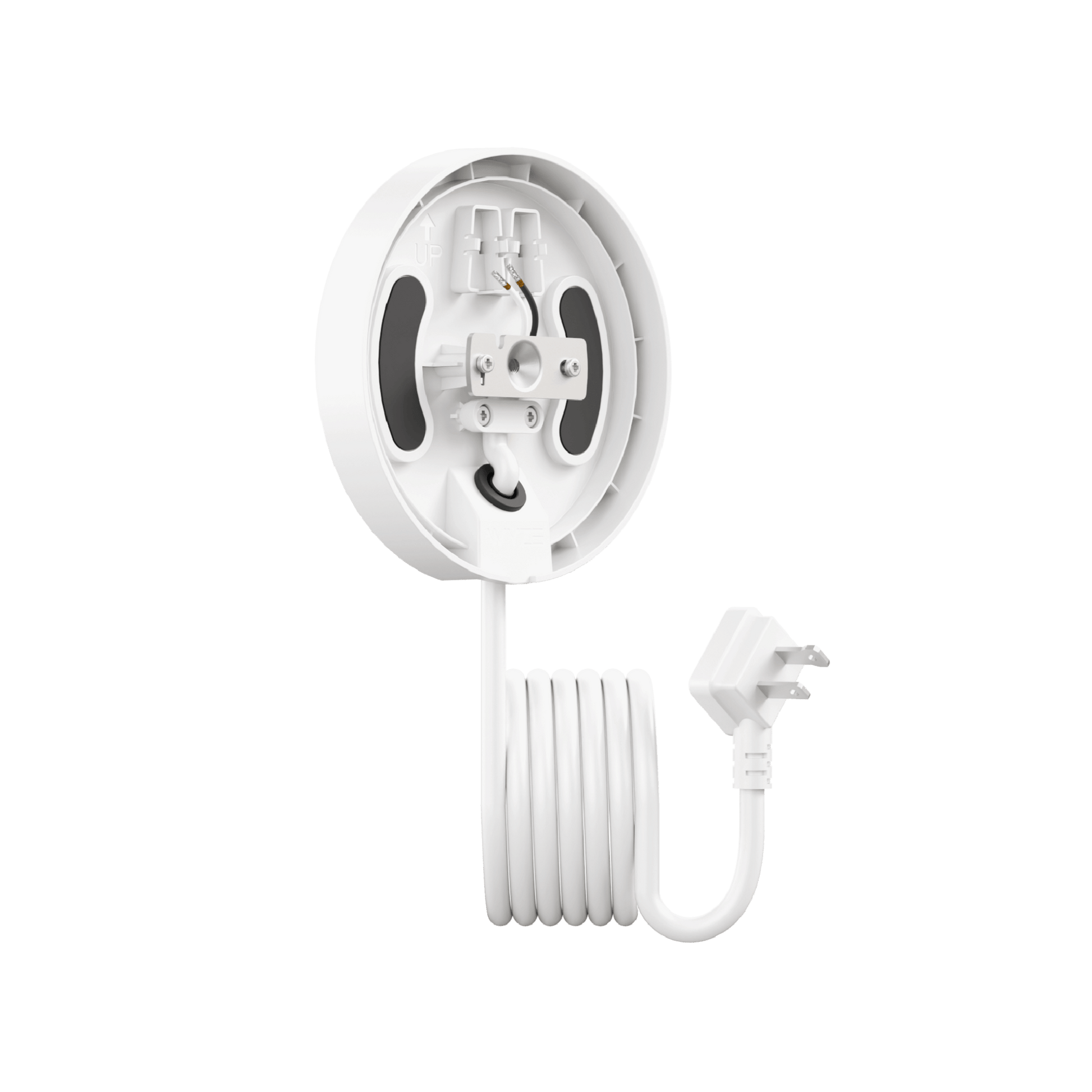
Wyze Floodlight Cam Plug-in Mount is an accessory that offers a simple installation solution for all Wyze floodlight models–no junction box required. Use it to install any Wyze Cam to an outdoor GFCI power outlet.

Our Wyze Cam Floodlights require an outdoor junction box for installation. But many homes today lack multiple exterior junction boxes, and hiring a licensed electrician to install one can average ~$650.

With a Wyze Floodlight Cam Plug-In Mount, you don't need a junction box at all. You can install your Wyze Cam Floodlight near any outdoor-rated GFCI power outlet, simplifying installation and reducing the cost.

All Wyze Cam Floodlight models are compatible with this mount, including Wyze Cam Floodlight v1, v2, and Pro. The mount is not compatible with any non-Wyze floodlight camera.

The mount is available in matte white and matte black to seamlessly match our existing Wyze Cam Floodlight devices.

The included outdoor power cord is 20 feet long.

Yes, the plug-in mount and it's attached power cord are both outdoor-rated. It is suitable for outdoor environments when properly installed.

Yes, Wyze Floodlight Cam Plug-In Mount is safe for outdoor use as long as it is connected to a GFCI outdoor power outlet with a power output of 110-120V AC.

Wyze Floodlight Cam Plug-in Mount requires a power input of 110-120V AC. This is standard for most residential homes in the US.

No, DO NOT power the plug-in mount until the floodlight camera is completely wired and properly installed on the mount.

Una solución de energía flexible para todos los reflectores Wyze Cam.

Olvídate de las descargas eléctricas (a menos que te gusten). Si puedes conectar un cable, disfruta de la seguridad de un reflector Wyze. Se acabaron las cajas de conexiones incómodas y los electricistas caros.

A white table with a green plant on it.
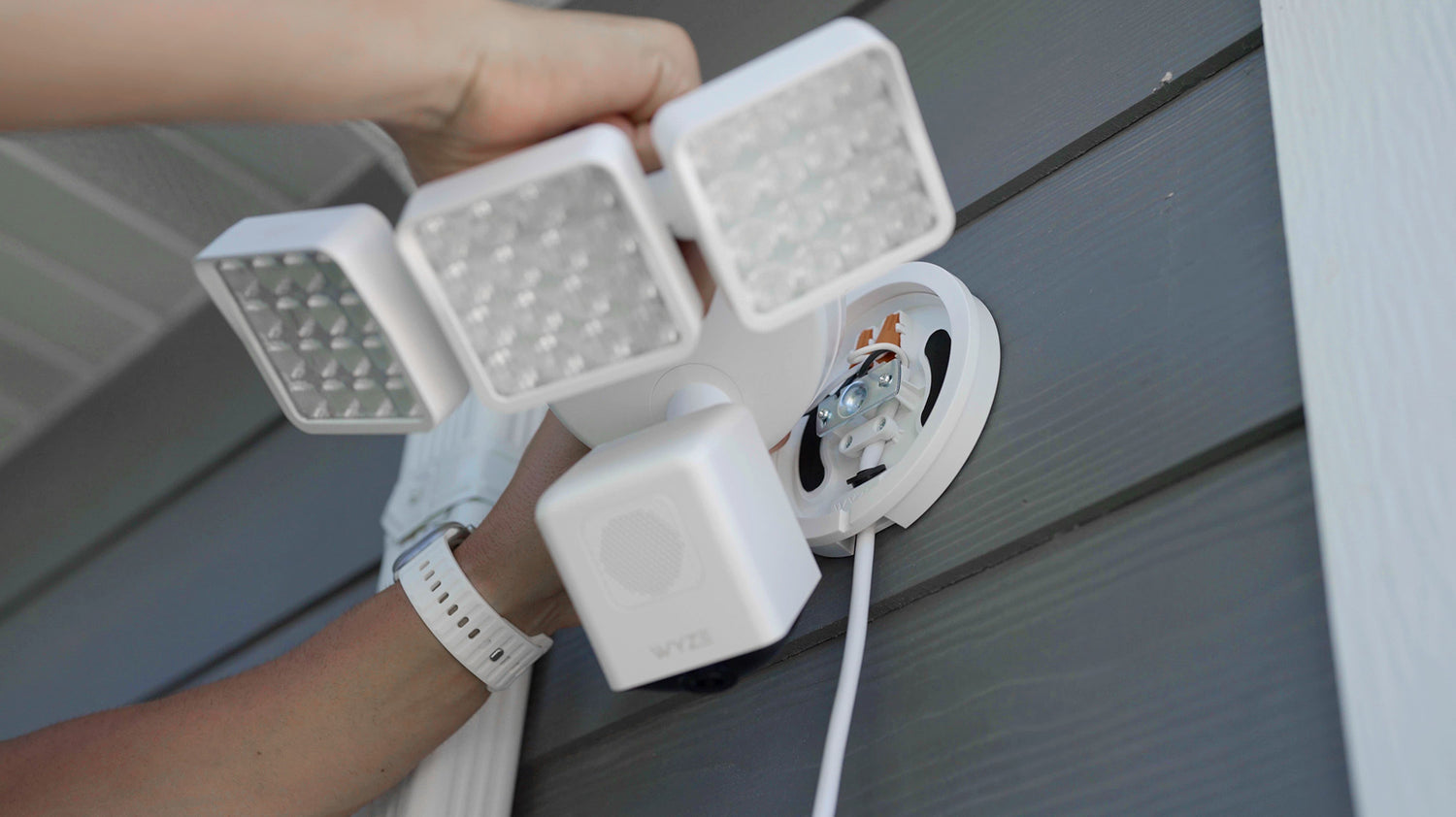
A person holding a white light fixture with a camera on it.

Fácil de instalar. No necesita caja de conexiones.

Olvídate de la complejidad y el coste de una caja de conexiones. Olvídate de contratar electricistas y personal de mantenimiento, o de hacer agujeros gigantes en el exterior de tu casa.

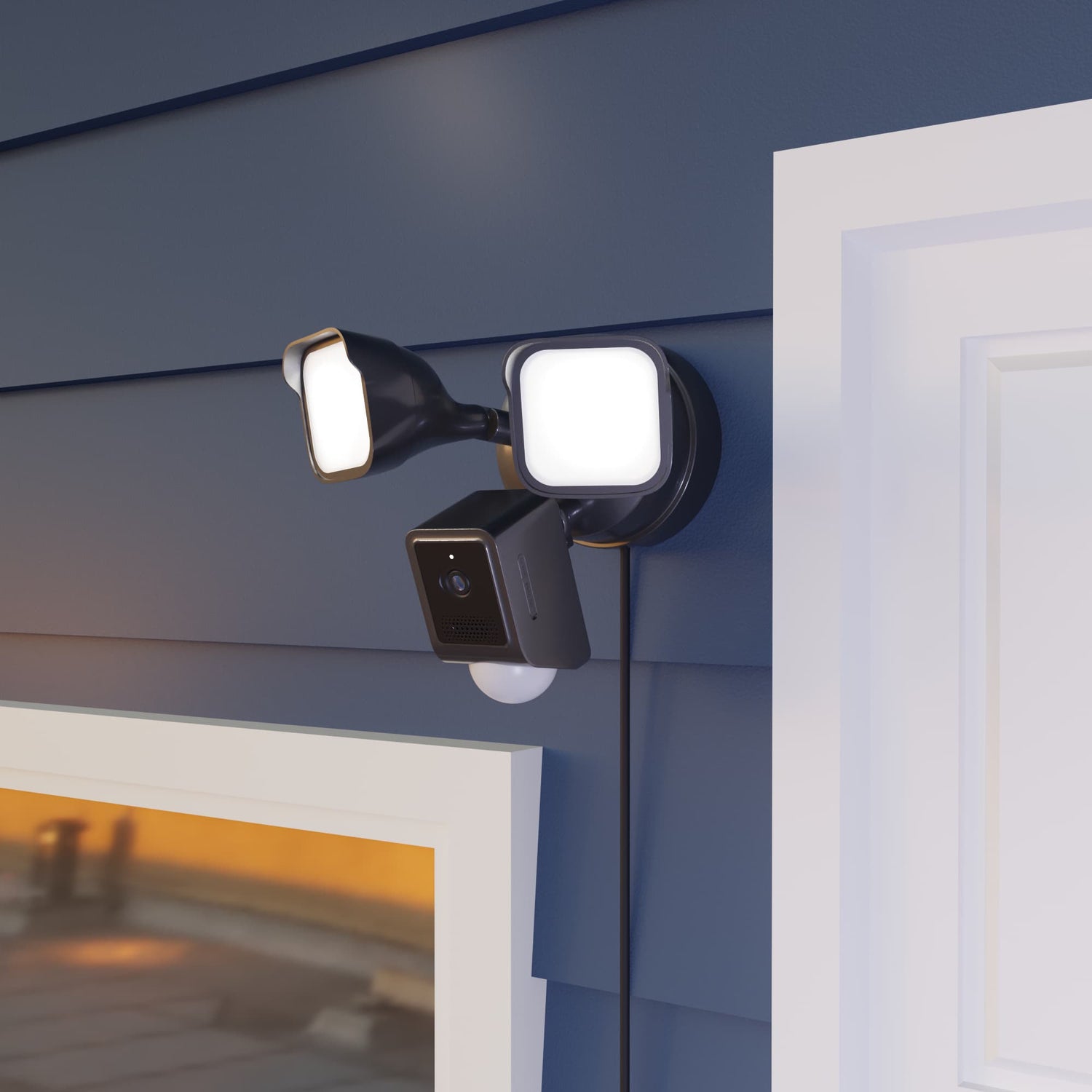
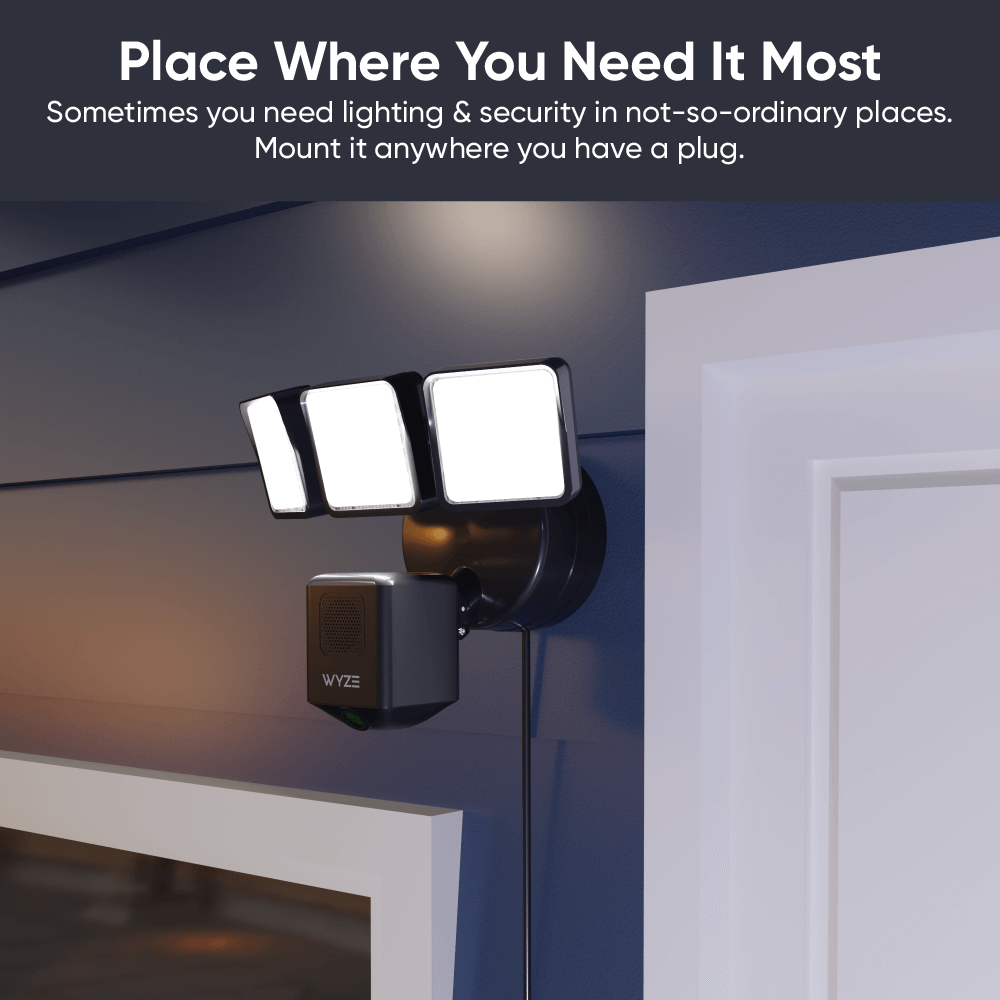
Two lights attached to a wall.

Colócalo justo donde lo necesitas.

¡Libérate de las ataduras de las cajas de conexiones mal ubicadas! El resistente cable de 6 metros llega fácilmente a las tomas de corriente para exteriores. Incluye una correa de velcro para una gestión ordenada del cable.

En serio, mira lo fácil que es instalarlo.

Comparar focos

Swipe to compare more products →
Comparar focos
Proyector Wyze Cam Pro
from $124.98 $149.98
Foco Wyze Cam v2
Foco Wyze Cam v2
from $99.98
Reflector de cámara Wyze
from $79.99 $93.99
Resolución de la cámara
2.5K
2 mil
1080p
Campo de visión
180°
160°
130°
Lúmenes
3000 lm
2800 lm
2600 lm
Cabezales de Proyector
3
2
2
Temperatura de color
5000K
5000K
5000K
Conectividad Wi-Fi
Doble banda 2.4/5 GHz
2,4 GHz
2,4 GHz
Control de iluminación por visión con IA
Con Suscripción Cam Plus
Detección de movimiento
IA de visión
PIR
PIR
Sirenas
105 dB
105 dB
105 dB
Modo de luz ambiental
Advertencia de movimiento
Modo de configuración del dispositivo
Bluetooth®
Wi-Fi
Código QR
IR Lights
12 x 850 nm
6 x 850nm
4 x 850 nm, 4 x 940 nm
Compatibilidad de tarjetas MicroSD
Hasta 256 GB
Hasta 256 GB
Hasta 256 GB
Fuente de alimentación
Cableado de 110-120 V
Cableado de 110-120V
Integraciones inteligentes
Amazon Alexa, Asistente de Google, IFTTT
Certificaciones
FCC, UL, CE, IC, IP65
View
View
View

Support Articles

Installing your Floodlight Cam Plug-In Mount is as simple as securing in the mounting plate to the wall, wiring your Wyze Cam Floodlight to it, then plugging it into power*.

* Only plug it into power AFTER installation is complete.

Before you begin installation

Turn off power at the circuit breaker before installation. The plug-in mount works with a GFCI outlet for power. Make sure, for the outlet you plan to use for your floodlight, that the power is turned OFF before installation.

WARNING. Risk of electrical shock! Do not plug the plug-in mount into power until AFTER installation is complete as indicated by the guide below.

What's in the box?

  • Wyze Floodlight Cam Plug-In Mount x1
  • Mounting Kit x2
  • Foam Tape x2
  • Long Screw x1
  • Silicone Ring x1
  • Quick Start Guide x1

To install your Wyze Floodlight Cam Plug-In Mount:

  1. Remove the floodlight plug-in mount from the packaging.
  2. Carefully read the instructions on the red sticker labels before removing it for mounting.
  3. Position your plug-in mount at the area you want your floodlight to be, near your GFCI outlet. The cord from the plug-in mount is 20 feet long.
  4. Secure the mounting plate to the wall using the screws included in the mounting kit.
  5. Remove the paper backing from each piece of foam tape and place it over the curved screw holes on the mounting plate.
  6. Next, follow along in the Quick Start Guide and/or the video below to mount your Wyze Cam Floodlight v1, Wyze Cam Floodlight v2, Wyze Cam Floodlight Pro.

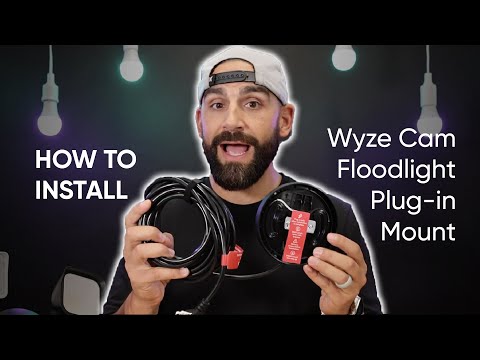
Here's a handy video for how to install Wyze Floodlight Cam Plug-In Mount and any Wyze Cam Floodlight model:

Download the Quick Start Guide for Wyze Floodlight Cam Plug-n Mount in this article.

Below is the Quick Start Guide for Wyze Floodlight Cam Plug-In Mount, a manual for how to install the device and secure a Wyze Cam Floodlight the mount.

This guide is a user manual with the basics about Wyze Floodlight Cam Plug-In Mount including:

  • What's in the box for Wyze Floodlight Cam Plug-In Mount.
  • How to install your plug-in mount.
  • How to install your Wyze Cam Floodlight device onto the plug-in mount.

Power Issues

Problem

Your Wyze Floodlight Cam Plug-in Mount won’t power on your Wyze Cam Floodlight.

Troubleshooting

  1. Remove the device from power.
  2. If possible, verify if the power outlet has a normal power supply of 110-120V AC.
  3. Ensure the devices are not visibly damaged.
  4. Try a different outlet.
  5. Ensure that Wyze Floodlight Cam Plug-in Mount was installed properly by following the steps in our Wyze Floodlight Cam Plug-in Mount Installation Guide. If you’re ever unsure when dealing with wiring or power, we recommend reaching out to a licensed electrician at your discretion.
  6. If possible, try a different Wyze Floodlight Cam Plug-in Mount.
  7. If possible, try a different Wyze Cam Floodlight.
  8. If possible, try wiring Wyze Cam Floodlight to a junction box.

Other Issues

For all other troubleshooting, please follow the troubleshooting provided for the attached Wyze Cam Floodlight.

  • Wyze Cam Floodlight v1 Help Center
  • Wyze Cam Floodlight v2 Help Center
  • Wyze Cam Floodlight Pro Help Center
Added to your cart
Envío GRATIS en pedidos de $59+
Subtotal
$0.00
View cart