Ir directamente a la información del producto
1 de 8

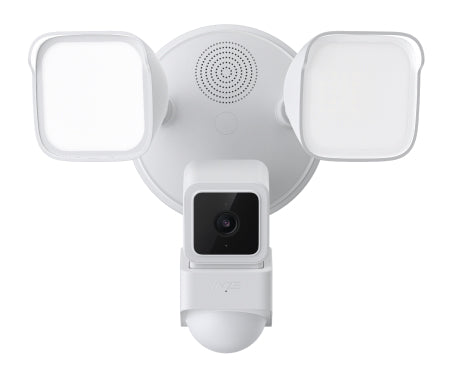
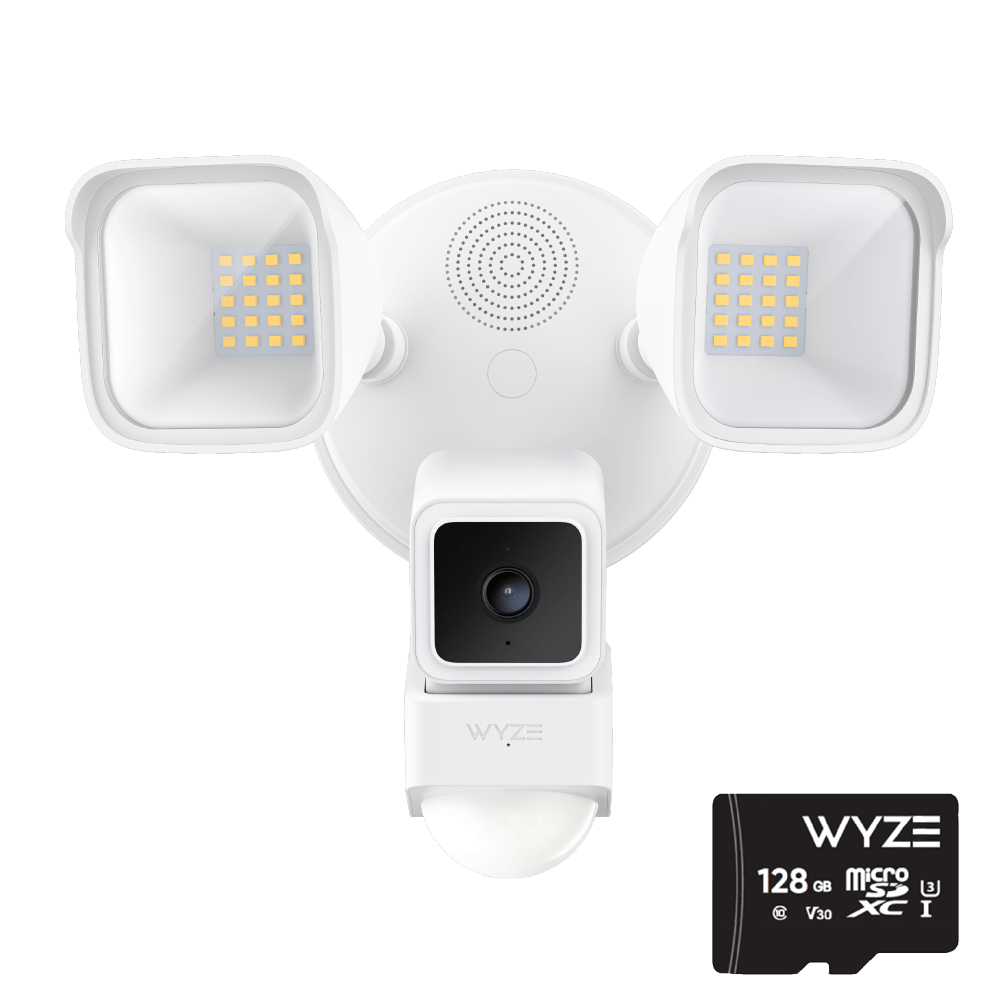
Reflector de cámara Wyze

Reflector de cámara Wyze

Potente solución de seguridad para exteriores - PCMAG

Check out the newer model:
  • 2K HD Resolution & Color Night Vision.
  • 160° View + 270° PIR Motion Detection.
  • 2800 Super-Bright LEDs.
  • 2 Bright Spotlight Design.
  • 24/7 Recording with MicroSD Card.
  • Two-way talk + loud siren.

Get Floodlight v2

Agotado
Get it as soon as
Este producto ya no está disponible y no volverá.
A blue and white logo for Wyze.
VENTAJAS Exclusivas de Wyze.com
Garantía extendida de 18 meses

Obtenga una garantía extendida de 18 meses al comprar este producto en wyze.com. También obtenga paquetes especiales, promociones únicas y recompensas con cada pedido

El foco que te hace sentir visto. Y filmado. Y grabado. Tú y cualquier otro pobre diablo que pasee frente a sus 270 grados de detección de movimiento personalizable y 2600 lúmenes de luz que destierra a los malos. Audio bidireccional. Visión nocturna a color. Puerto USB adicional. Y suficiente luz para broncear a los intrusos mientras los desalienta. Bien, bien, en realidad no. Pero en serio, ¡vamos a cegar a alguien! Si quisieran sus retinas, no habrían entrado en tu jardín.
Ver todos los detalles
  • 2000 Lumens

    LED superbrillantes de 2600 lúmenes.

  • A black background with no visible content.

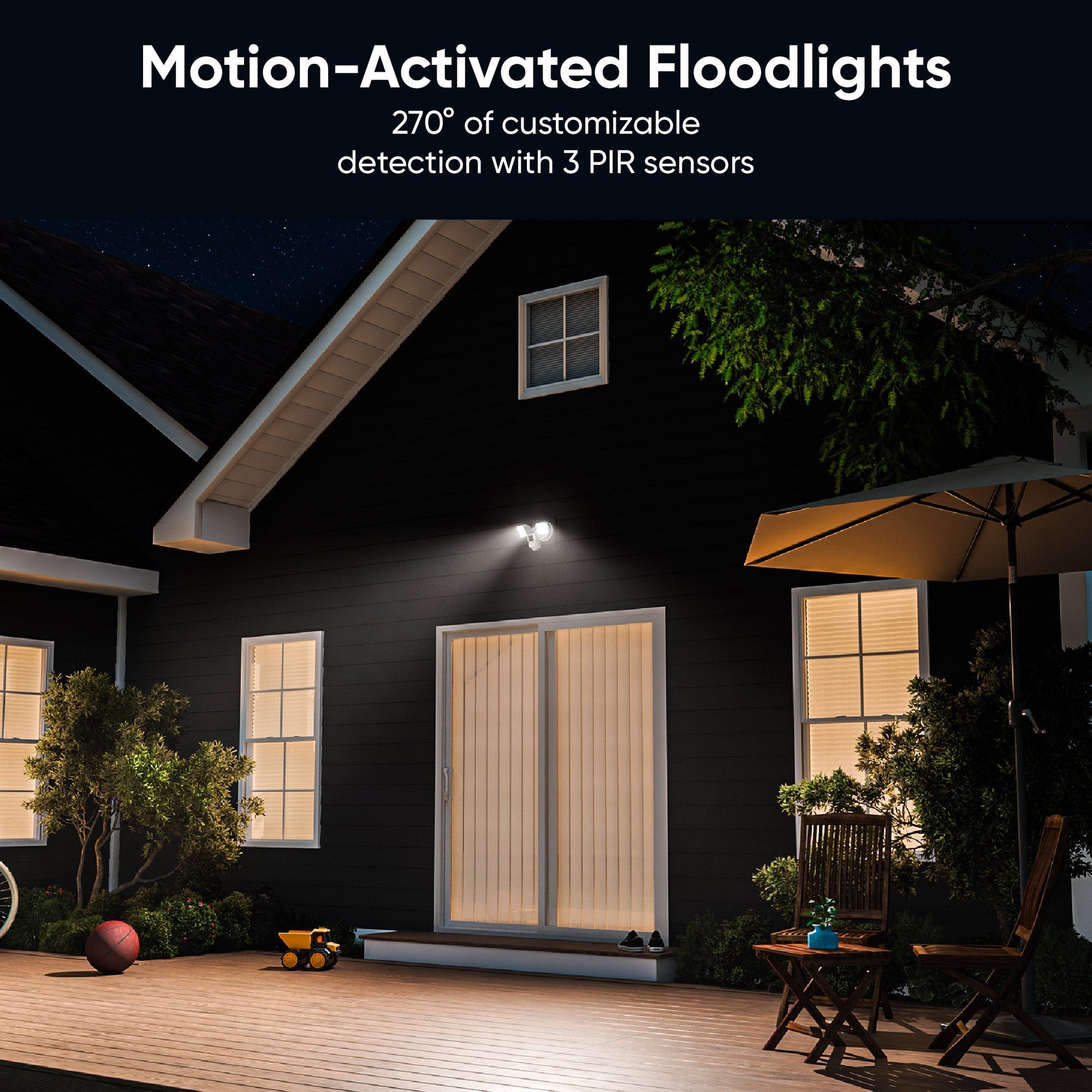
    270° Motion Detection

  • Color night vision camera.

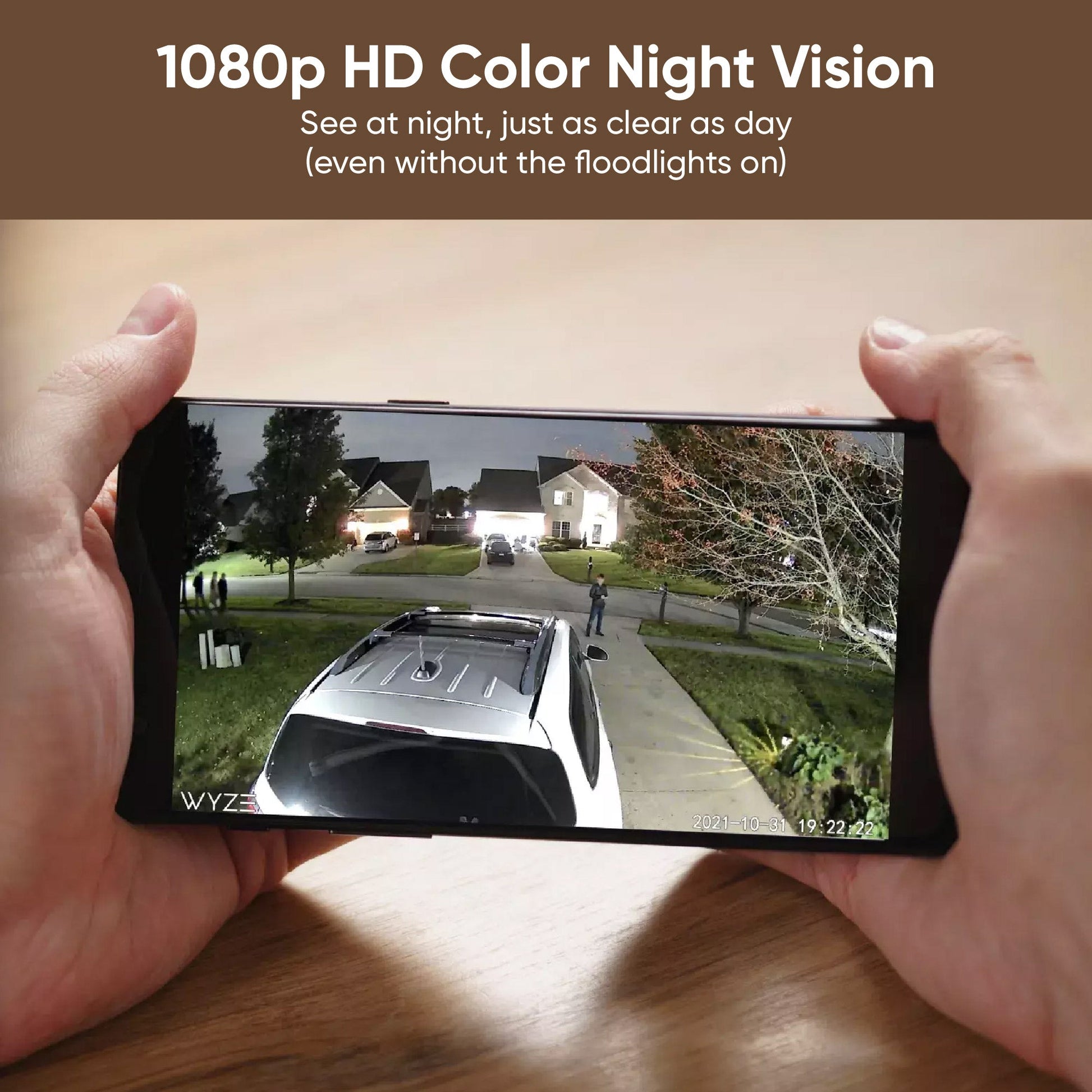
    1080p Full HD y visión nocturna en color

  • A black image of a computer with an extra USB port.

    Conecte una segunda Wyze Cam v3

Detalles del reflector Wyze Cam

Color y materiales
  • Color: Blanco
  • Wyze Cam v3: Cuerpo (policarbonato), lente (vidrio + plástico)
  • Proyector: Cuerpo (Policarbonato, Vidrio + Plástico)
  • Peso: 2,76 libras (ensamblado)
Puertos USB
  • 1 puerto para Wyze Cam v3
  • 1 puerto para una Wyze Cam v3 adicional
Detalles de la cámara
  • Resolución: 1920 X 1080 (1080p)
  • Campo de visión: lente de 121°
  • Visión nocturna
  • Sensor de luz de estrellas con visión nocturna en color
  • Visión nocturna por infrarrojos
  • Audio - Altavoz: 90 db
  • Micrófono: Incorporado, digital
  • Sirena: 105 db a 4'
Sensor
  • Sensor de movimiento PIR de 270º
Luz
  • LED: 2600 lúmenes
  • Regulable: Sí
  • Controles: Programación, Disparador de movimiento
Dimensiones
  • 9,5 pulgadas x 7,0 pulgadas x 7,7 pulgadas (largo x profundidad x ancho)
Fuerza
  • Cableado 110 V ~ 120 V
  • Utiliza aproximadamente 46 W de potencia.
Conectividad
  • Wi-Fi de 2,4 GHz
Almacenamiento
  • Almacenamiento local (se requiere tarjeta microSD)
  • Nube
Compatibilidad
  • Teléfono: Android 9.0+ y iOS 15.0+
  • Integraciones: Alexa, Asistente de Google, IFTTT
  • Cámara: Wyze Cam v3
Servicios soportados
  • Cam Plus, monitoreo del hogar Wyze
Resistencia a la intemperie
  • Clasificación IP65
Certificaciones
  • FCC, UL, CE, IC
Garantía
  • 1 año

Foco Wyze Cam (ensamblado) x1

Guía de inicio rápido x1

Kit de accesorios de montaje x1

  • Tornillos de soporte (n.° 6, n.° 8 y n.° 10) x2
  • Tornillo de tierra x1
  • Tornillo para reflector x1
  • Tapón de goma x1
  • Soporte de montaje x1
  • Tuercas para cables x2
  • Gancho x


Yes, it comes with a Wyze Cam v3. It also has an additional USB port that can connect to an additional Wyze Cam to provide wider visual coverage.

Yes, it can be mounted on a wall or under an overhang. Both mounting kits are included.

Yes, you can adjust the camera angle. You can also use the extra USB port so you can add another camera for more coverage.

By default, Wyze Cam Floodlight will automatically turn on when motion is detected. While viewing the live stream, turn off night vision. Only a little light is needed for a clear image and a street light or night light outside would work. If you need more light, you can manually turn on the floodlight in the Wyze app for better illumination.

It's a special CMOS sensor that is very sensitive to light. This allows Wyze Cam v3 to create an astonishingly clear image - even in extremely dark conditions.

1080p FHD (1920x1080 Full HD).

No, Wyze Cam Floodlight must be hard-wired either in place of an older floodlight or using a junction box. Please contact a licensed electrician for help if you do not have one set up yet.

Yes, the LED lights are dimmable.

No, the color is not customizable. It is 5000k white LED.

Yes, it is IP65 rated.

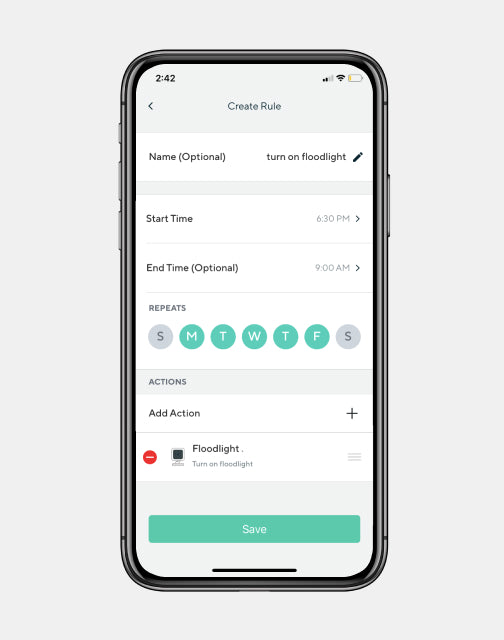
Yes, you can schedule the floodlight to turn on/off via Rules in the Wyze app.

With normal use, the lights can be used for about 50,000 hours.

No, the floodlight kit is sold as a full package with an attached Wyze Cam v3.

No, Wyze Cam Floodlight does not support 5GHz WiFi. It only supports 2.4GHz networks.

The main camera that comes pre-assembled controls the floodlight. This includes turning it on or off manually or using automatic features like motion detection or schedules. If you add another camera using the second USB port, it works as a normal Wyze Cam v3 without controlling the floodlight.

Wyze Cam Floodlight supera a su competidor directo y además cuesta casi $100 menos.

- The Verge

¡Tu futuro (el de tu jardín) es tan brillante que tienes que usar gafas de sol!

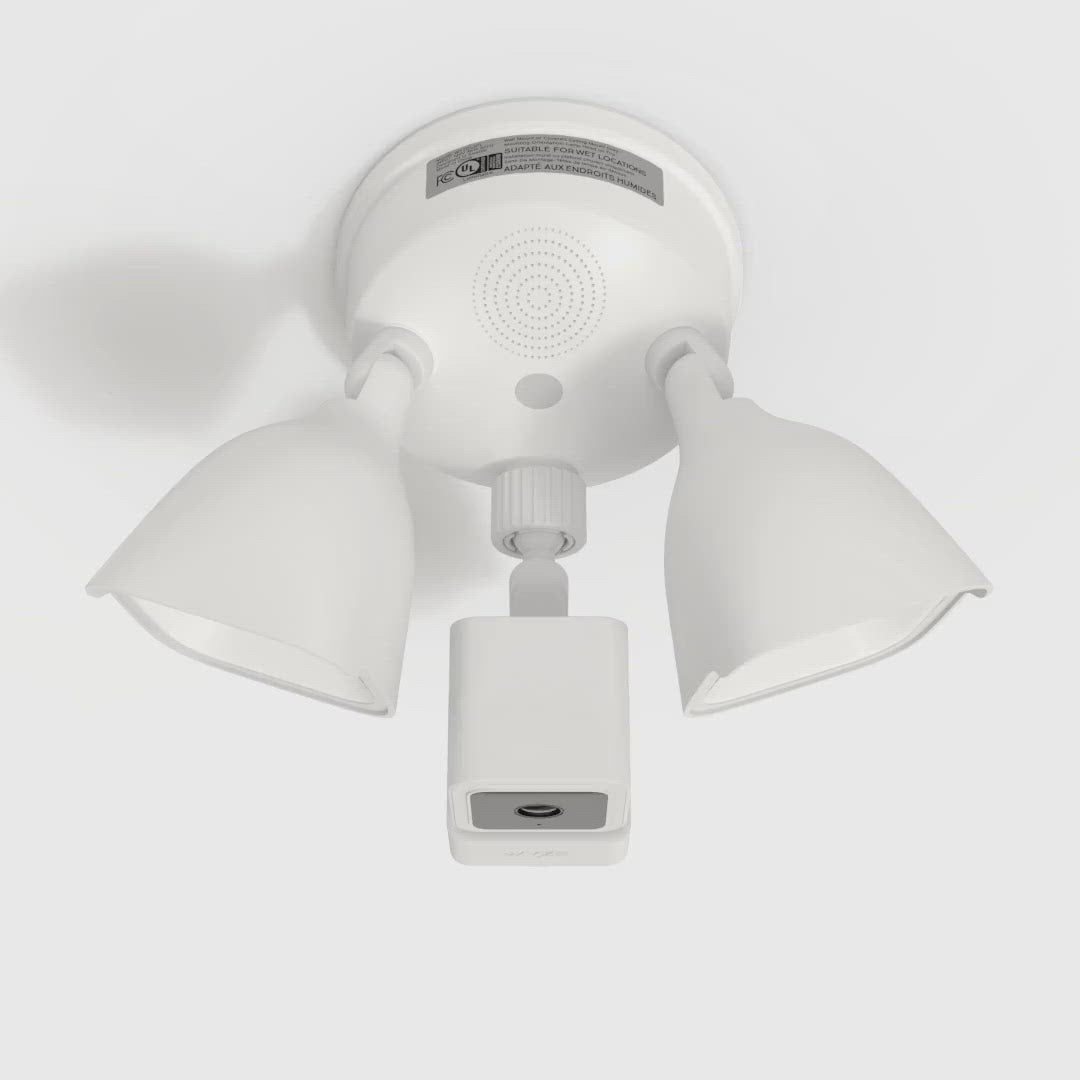
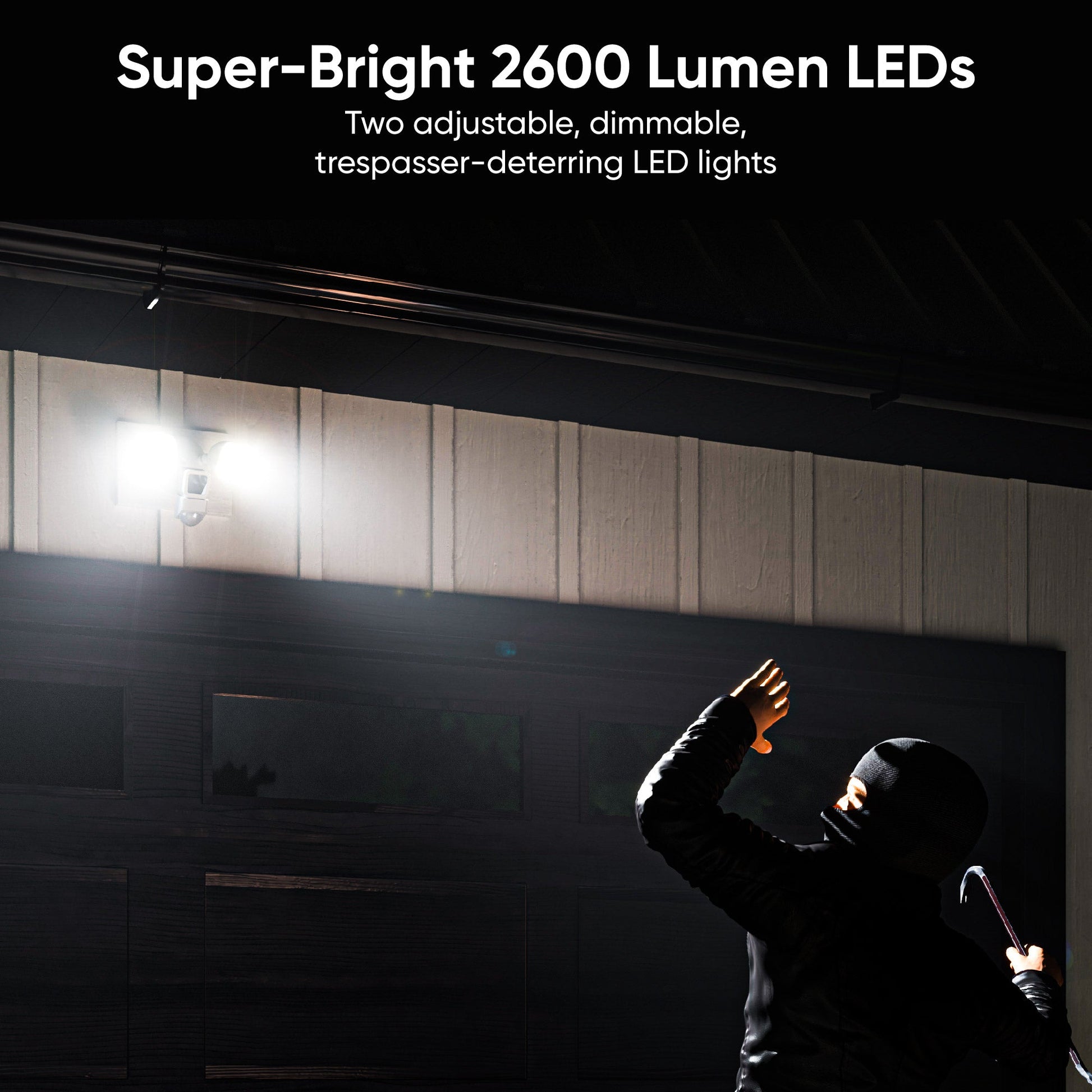
2 super-bright, adjustable LED lights with a combined 2600 lumens of baddie-deterring power for you, and a handy dimming option for your long-suffering neighbor.

A green light is shining on a white wall.

Detección personalizada de más que solo movimiento.

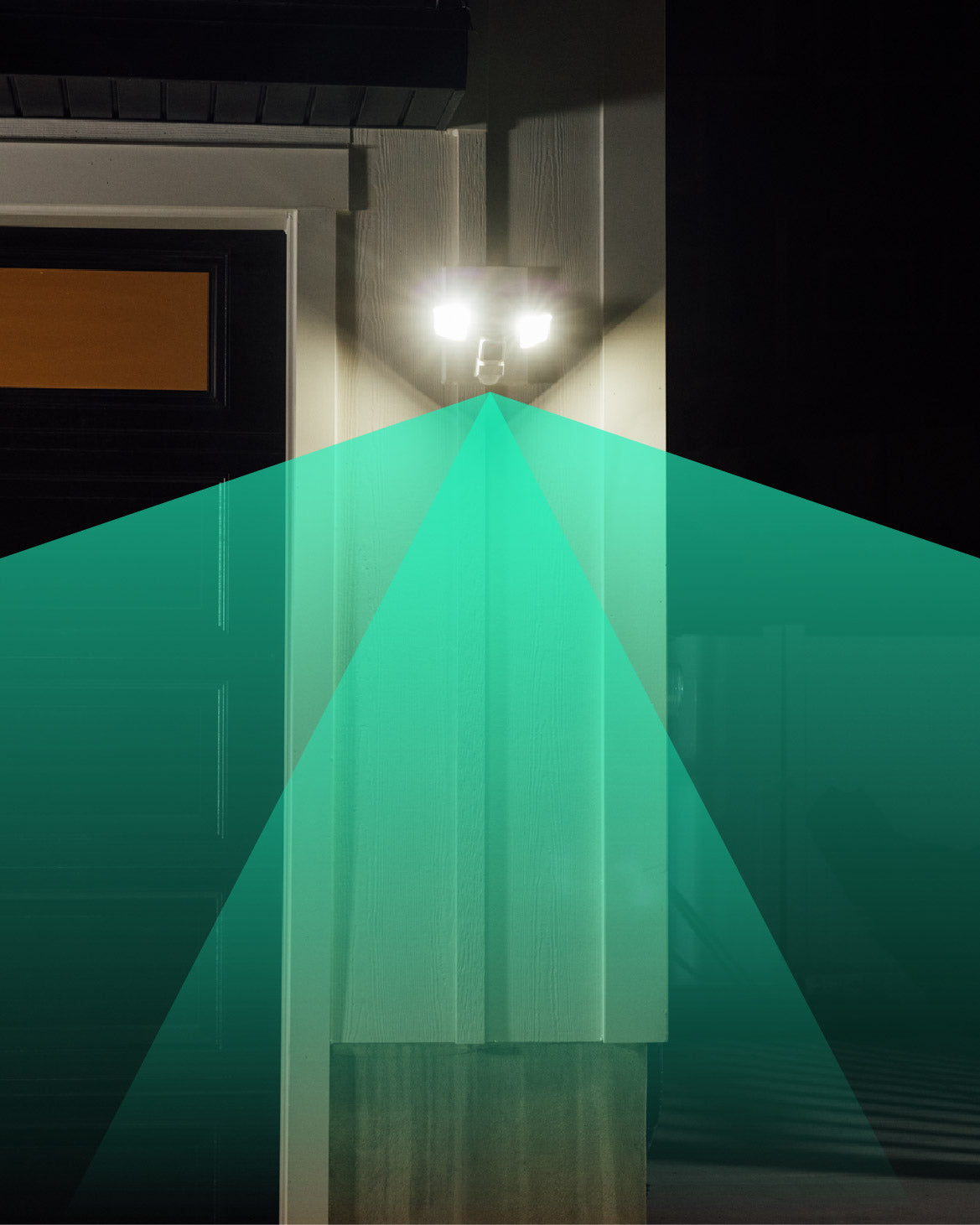
3 PIR sensors provide 270° of customizable detection. Turn them on and off individually, plus adjust range and sensitivity up to 30 feet. Throw in sound detection and advanced AI* and not even an invisibility cloak is getting past this thing.

* Cam Plus required for advanced AI features

A person holding a smartphone with a live view of a Wyze camera.

De la detección a la inspección.

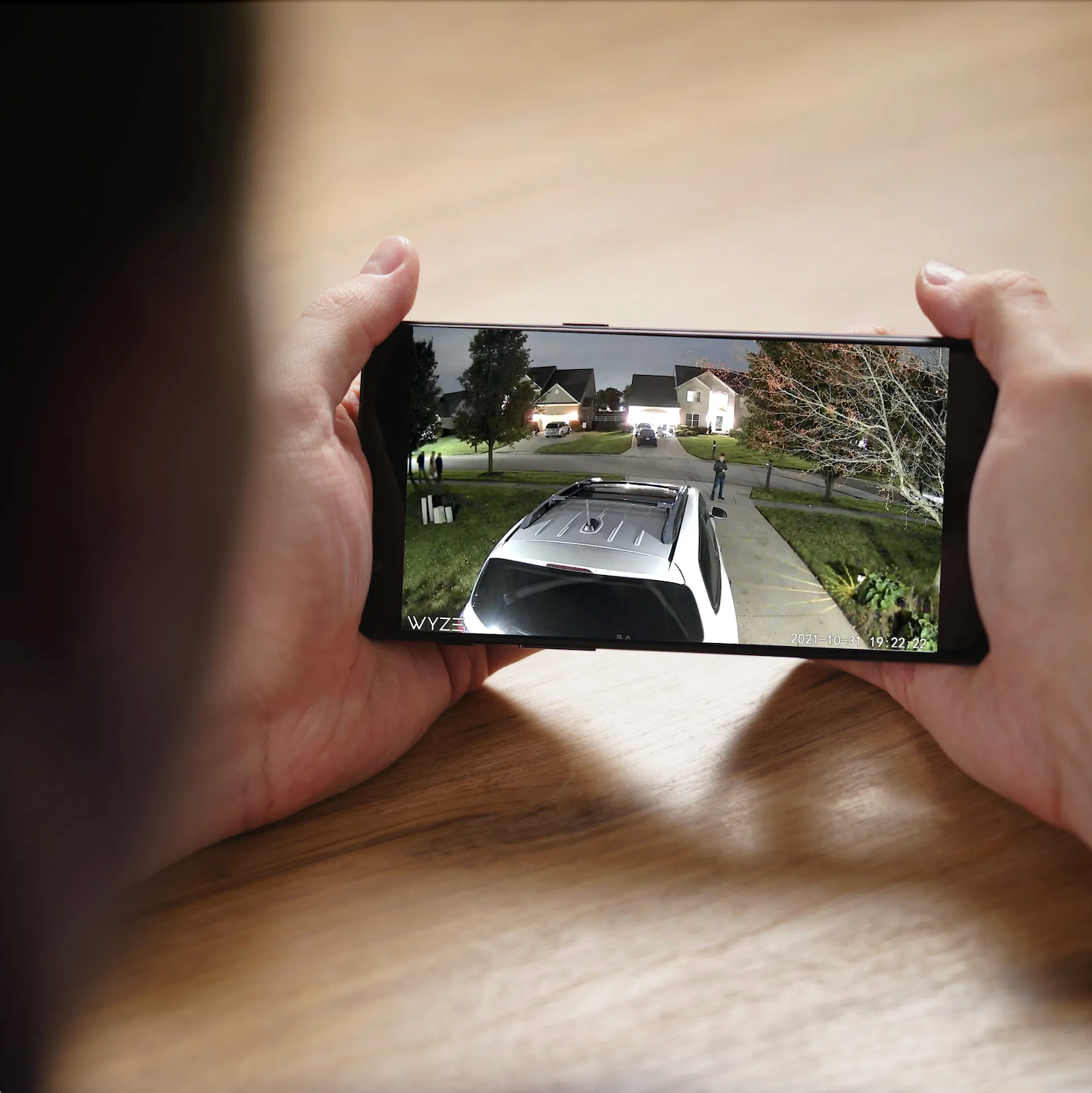
Know what your detector detected! Wyze Cam Floodlight doesn't just detect and deter motion, its built-in, award-winning Wyze Cam v3 also identifies motion and records it in 1080p Full HD with our can't-believe-it's-not-daytime Starlight Sensor Color Night Vision.

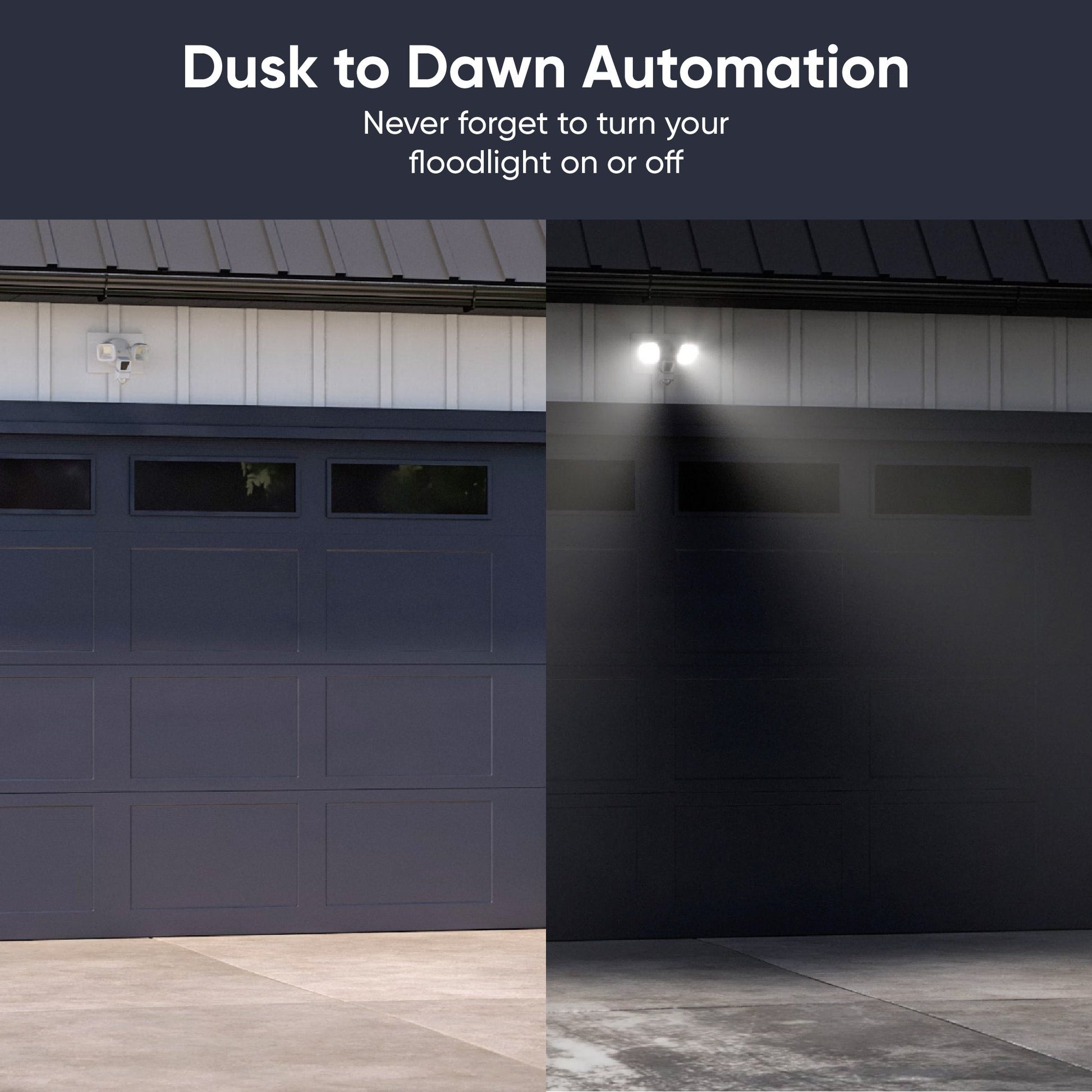
¡La automatización del anochecer al amanecer!

Henceforth, the correct answer to, “Did you remember the lights?” is, “Why would I need to?” Wyze Cam Floodlight knows when the sun is down and when it’s up. Just hook it up and never think about your light switch again.

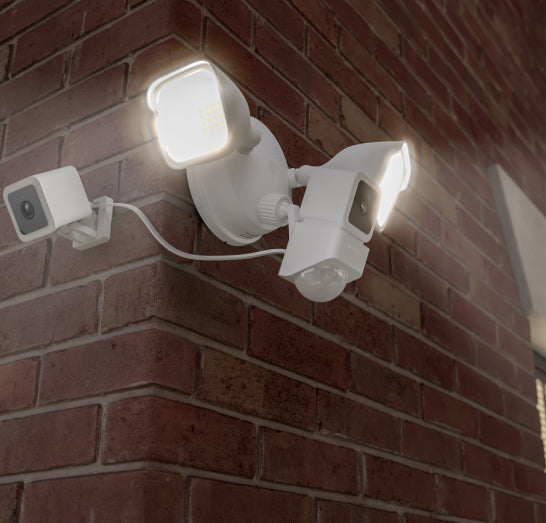
A WyzeCam Floodlight mounted to a brick house.

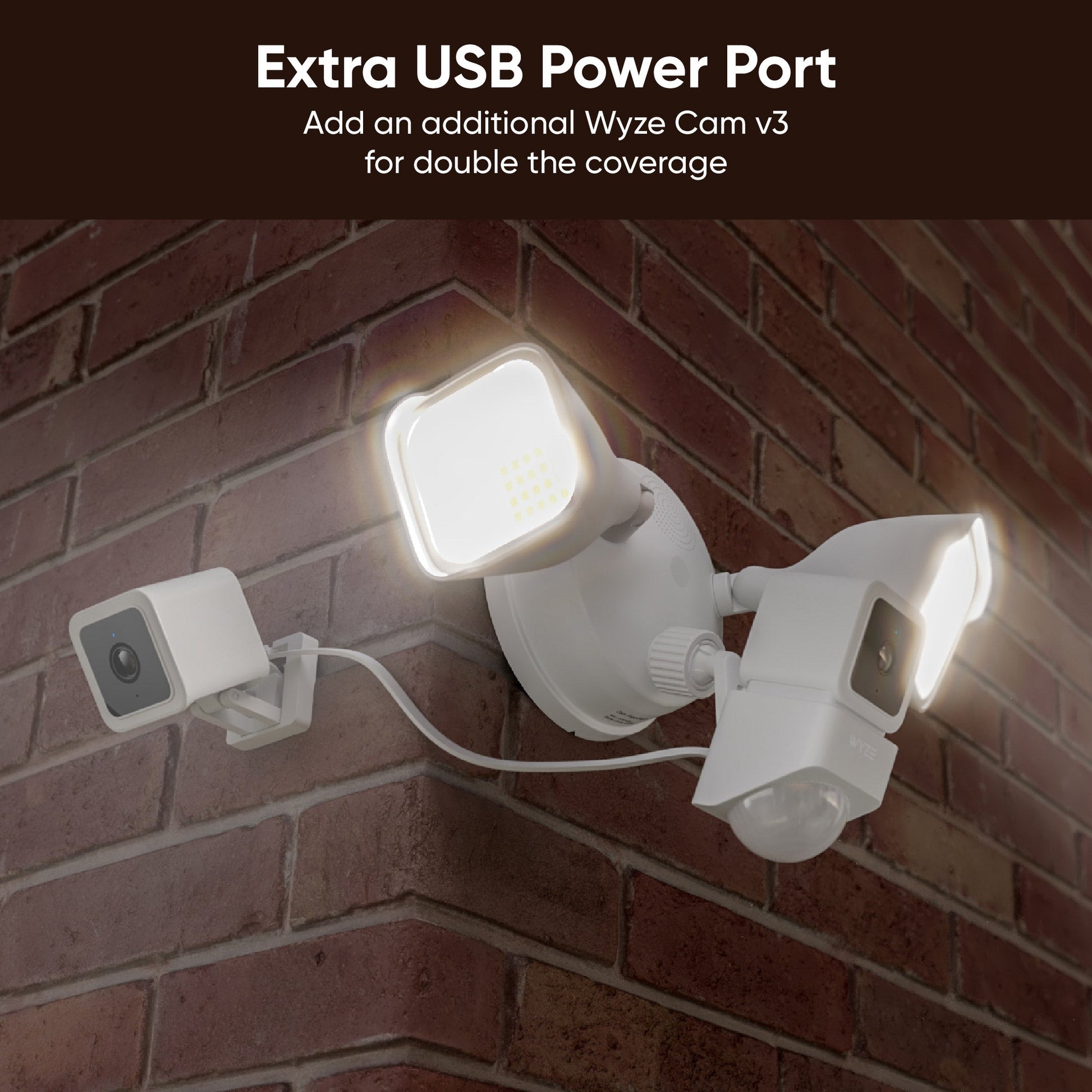
Duplica las cámaras para duplicar la cobertura con un puerto de alimentación USB adicional.

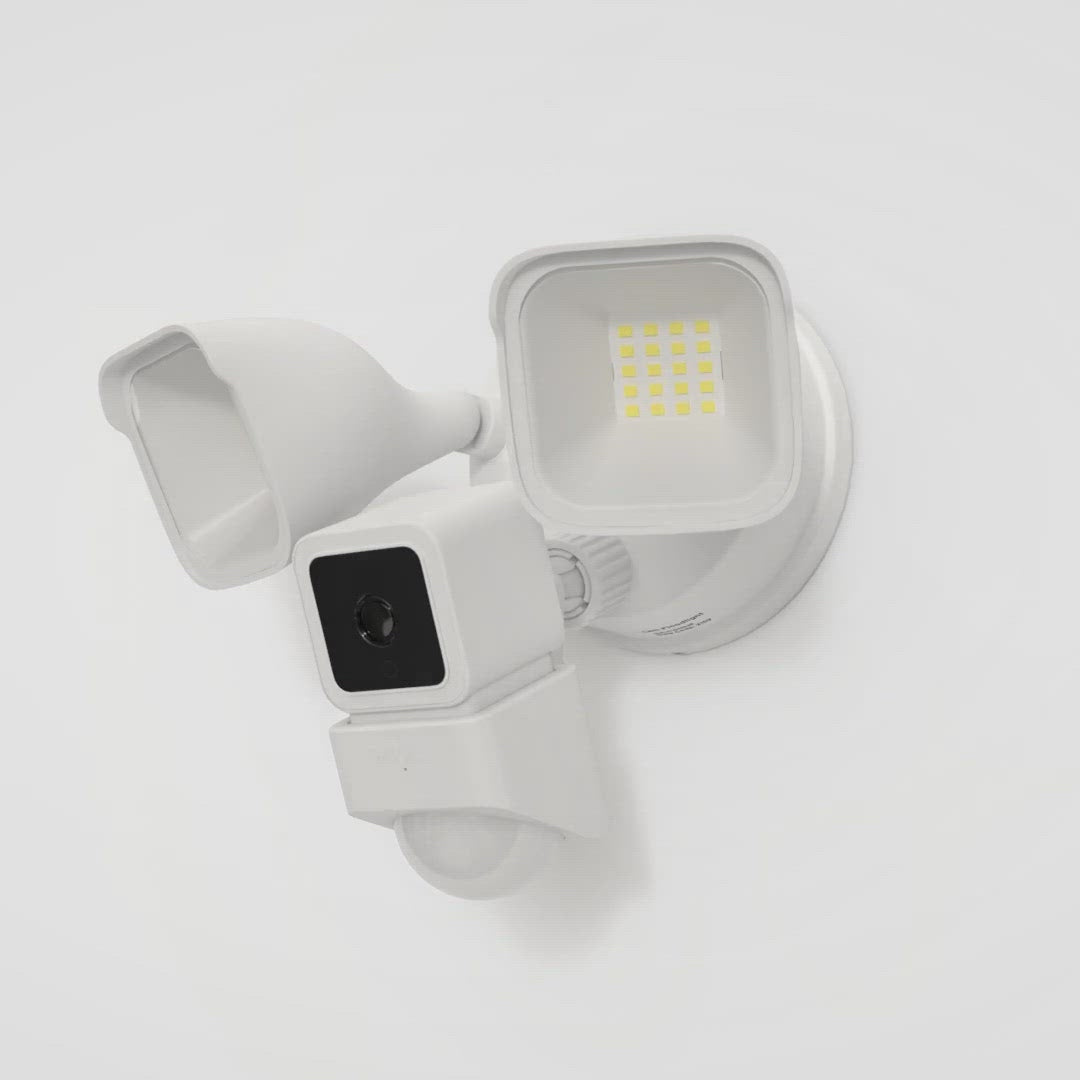
What’s better than one Wyze Cam v3? Two. The answer is two. Double your camera coverage and look both ways with an extra port for a second Wyze Cam v3 (sold separately).

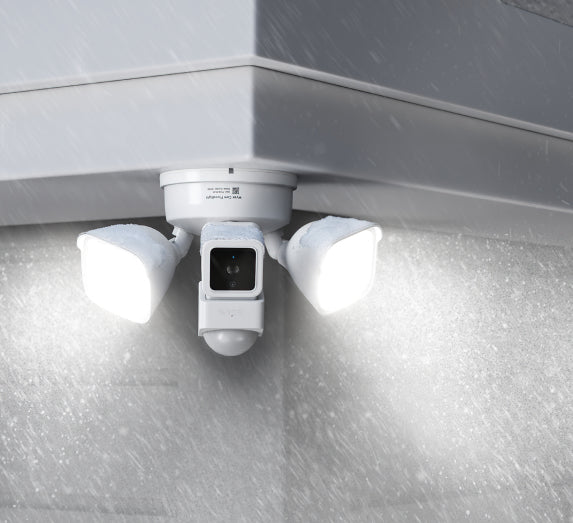
A WyzeCam Floodlight with a spotlight on in rainy weather.

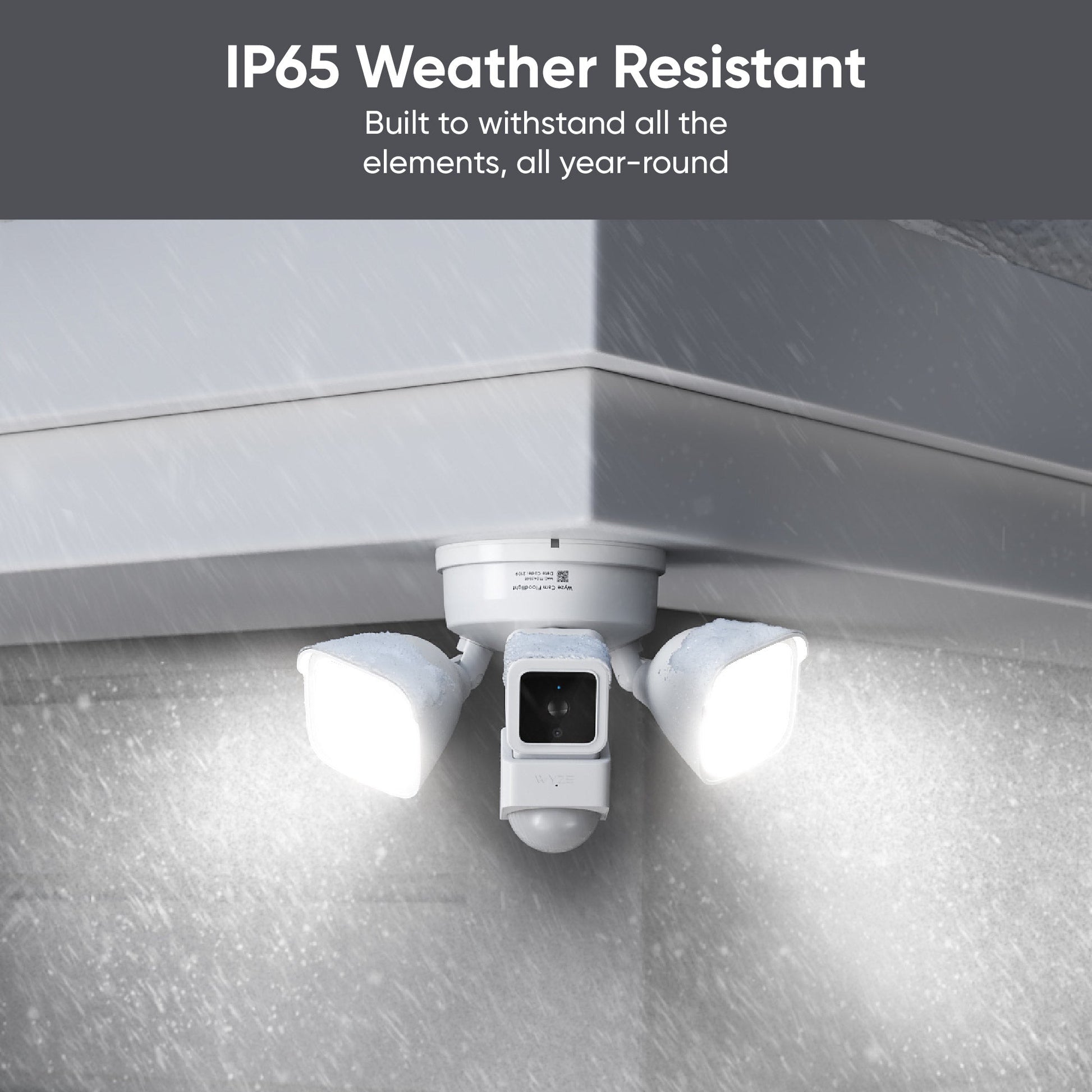
Protéjase del polvo, la lluvia y la nieve con resistencia a la intemperie IP65.

Built for a beating! Wyze Cam Floodlight keeps doing its job in brutal conditions from dust clouds to downpours.

A white camera with a black circle in the middle.
Floodlight rules in app
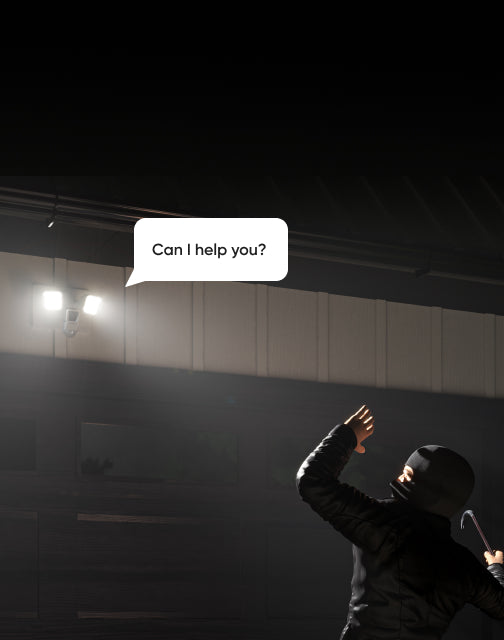
Can help you?
Can help you?

Además, todos los beneficios habituales de una Wyze Cam v3 (o dos).

Disuada a los malos con algo más que luces brillantes.

Wyze Cam Floodlight is fully integrated into your smart home ecosystem. Use a variety of automations and advanced settings from Vacation Mode to Rules to make it fit your needs.

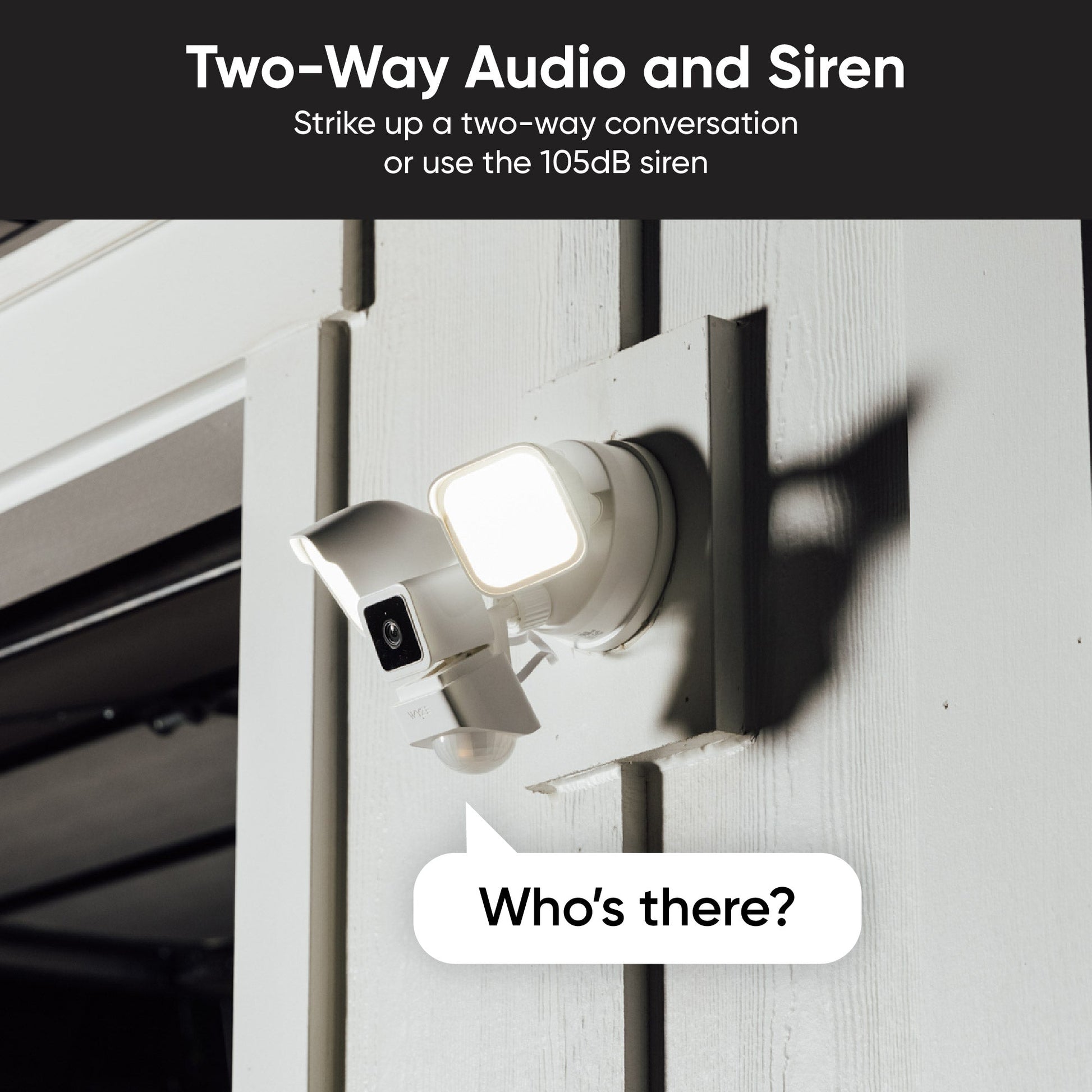
Don’t just imply intruders are unwelcome with your bright floodlights. Make it explicit with two-way audio! Or strike up a conversation! There are stranger ways to make new friends.

Mira el video de instalación.

The Home Depot logo is orange and white.

Lanzamiento y desarrollo con orgullo en asociación con The Home Depot.

Comparar focos

Swipe to compare more products →
Comparar focos
Wyze Cam Floodlight Pro is a 2.5K QHD camera with a 180 wide-angle lens and 3000-lumen light.
Proyector Wyze Cam Pro
from $124.98 $149.98
Wyze Cam Floodlight v2: A white security camera with 2800 Lumens LEDs, 2K video with Color Night Vision.
Foco Wyze Cam v2
from $99.98
Wyze Cam Floodlight v1 - A powerful outdoor security solution with a built-in floodlight for increased visibility and.
Reflector de cámara Wyze
from $79.99 $93.99
Resolución de la cámara
2.5K
2 mil
1080p
Campo de visión
180°
160°
130°
Lúmenes
3000 lm
2800 lm
2600 lm
Cabezales de Proyector
3
2
2
Temperatura de color
5000K
5000K
5000K
Conectividad Wi-Fi
Doble banda 2.4/5 GHz
2,4 GHz
2,4 GHz
Control de iluminación por visión con IA
With Cam Plus Subscription
Motion Detection
IA de visión
PIR
PIR
Sirenas
105 dB
105 dB
105 dB
Modo de luz ambiental
Advertencia de movimiento
Modo de configuración del dispositivo
Bluetooth®
Wi-Fi
Código QR
IR Lights
12 x 850 nm
6 x 850nm
4 x 850 nm, 4 x 940 nm
Compatibilidad de tarjetas MicroSD
Hasta 256 GB
Hasta 256 GB
Hasta 256 GB
Fuente de alimentación
Cableado de 110-120 V
Integraciones inteligentes
Amazon Alexa, Asistente de Google, IFTTT
Certificaciones
FCC, UL, CE, IC, IP65
View
View
View

Support Articles

Download the Quick Start Guide for Wyze Cam Floodlight in this article.

Below is the Quick Start Guide for Wyze Cam Floodlight v1, a short manual for how to get started.

This guide is a short user manual with the basics about Wyze Cam Floodlight, including:

  • How to download the Wyze app.
  • How to set up the floodlight.
  • Where to install the floodlight.
  • How to do an overhang mount.
  • How to do a wall mount.
  • How to read the status lights.

Installing your Wyze Cam Floodlight is as simple as replacing your existing floodlight by connecting it to a junction box. As long as you have a junction box and neutral wiring, and self-installation is legal in your area, this process should take about 30 minutes.

-> You must have an existing junction box and a neutral wire to use Wyze Cam Floodlight.
-> At the electrical panel, shut off power to your junction box before proceeding.

Before you begin installation:

Check your local laws and building codes before doing any performing any electrical work. Your may live in an area that requires a permit and professional installation.

What’s in the box?

  • 1x Wyze Cam Floodlight (Assembled)
  • 1x Mounting Accessory Kit 6x Bracket Screws 2x #62x #82x #10 1x Ground Wire Screw1x Floodlight Screw1x Rubber Stopper1x Mounting Bracket2x Wire Nuts1x Hook
  • 1x Quick Start Guide

Required tools:

  • Phillips Screwdriver
  • Ladder

To install your Wyze Cam Floodlight:

  1. In the Wyze app, tap the +plus sign then Device > Cameras > Floodlight Camera > Wyze Cam Floodlight.
  2. Read the High Voltage warning before tapping Got it!
  3. Select your mounting location, Wall Mount or Ceiling Mount.
  4. Are you replacing an existing floodlight? If yes, tap I'm replacing an existing floodlight. At your electrical panel, turn off power to your floodlight. Tap Next.Carefully remove your existing floodlight. Tap Next. If no, I don't have a floodlight to replace. Do you have an existing junction box? If yes, tap Next. Check that your junction box is at least 10 feet off the ground. Tap Next. If no, your wiring is not compatible with Wyze Cam Floodlight. Stop the installation process and contact a licensed electrician for assistance. Tap Check Your WiFi Signal Strength in the Wyze app. If your signal is Out of Range or Poor Connection, contact your ISP for options.Tap Continue Setup. Tap Start Installation.

Continue below, following along in the Wyze app to wire your floodlight.

  1. For the device you'd like to install first, tap Wyze Cam Floodlight.
  2. IMPORTANT: At your electrical panel, shut off power to your floodlight. Tap Next.
  3. Confirm that you have the required tools and the In the Box items. Tap Next.
  4. Follow along in the Wyze app, and use the installation video below for reference.
Added to your cart
Envío GRATIS en pedidos de $59+
Subtotal
$0.00
View cart