Ir directamente a la información del producto
1 de 8

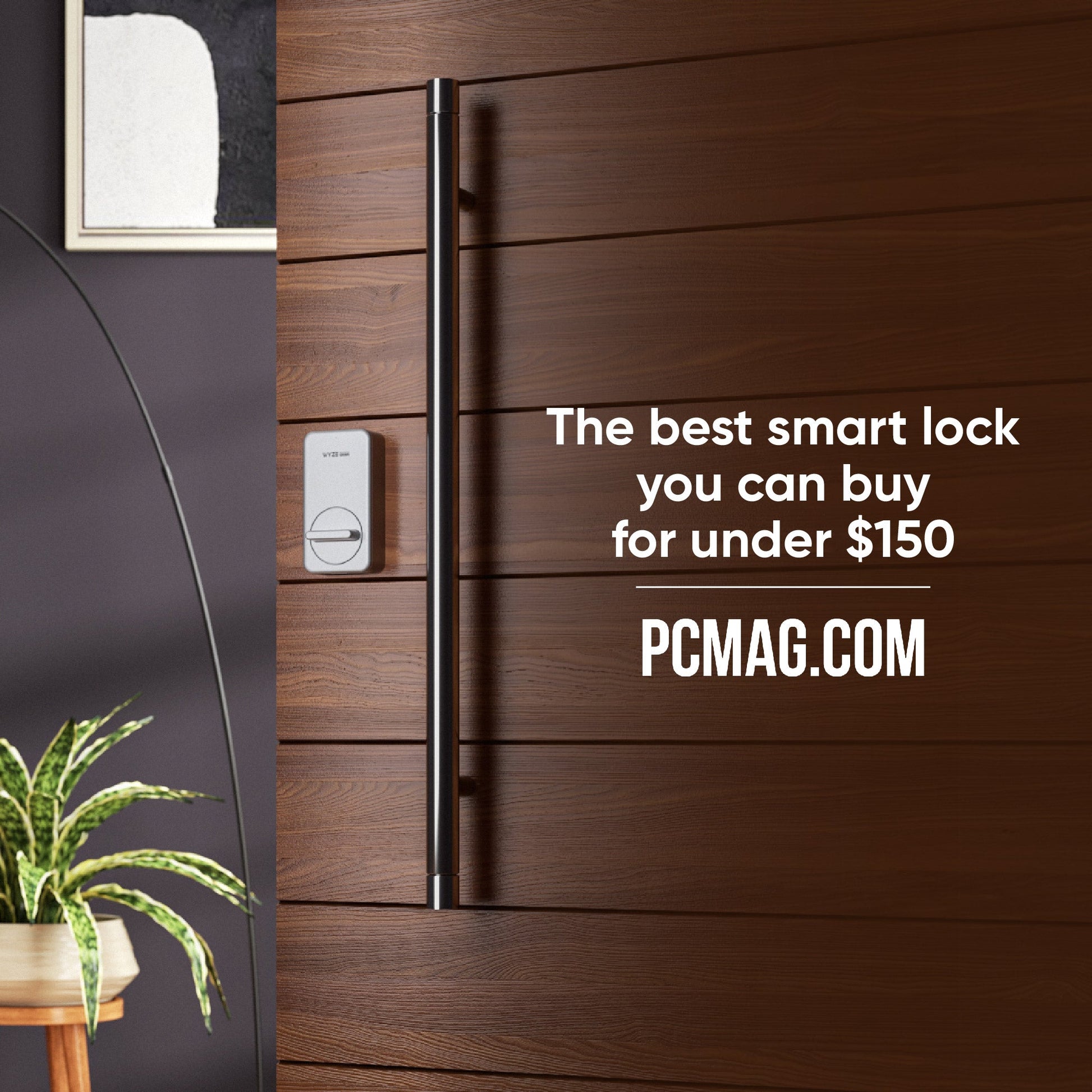
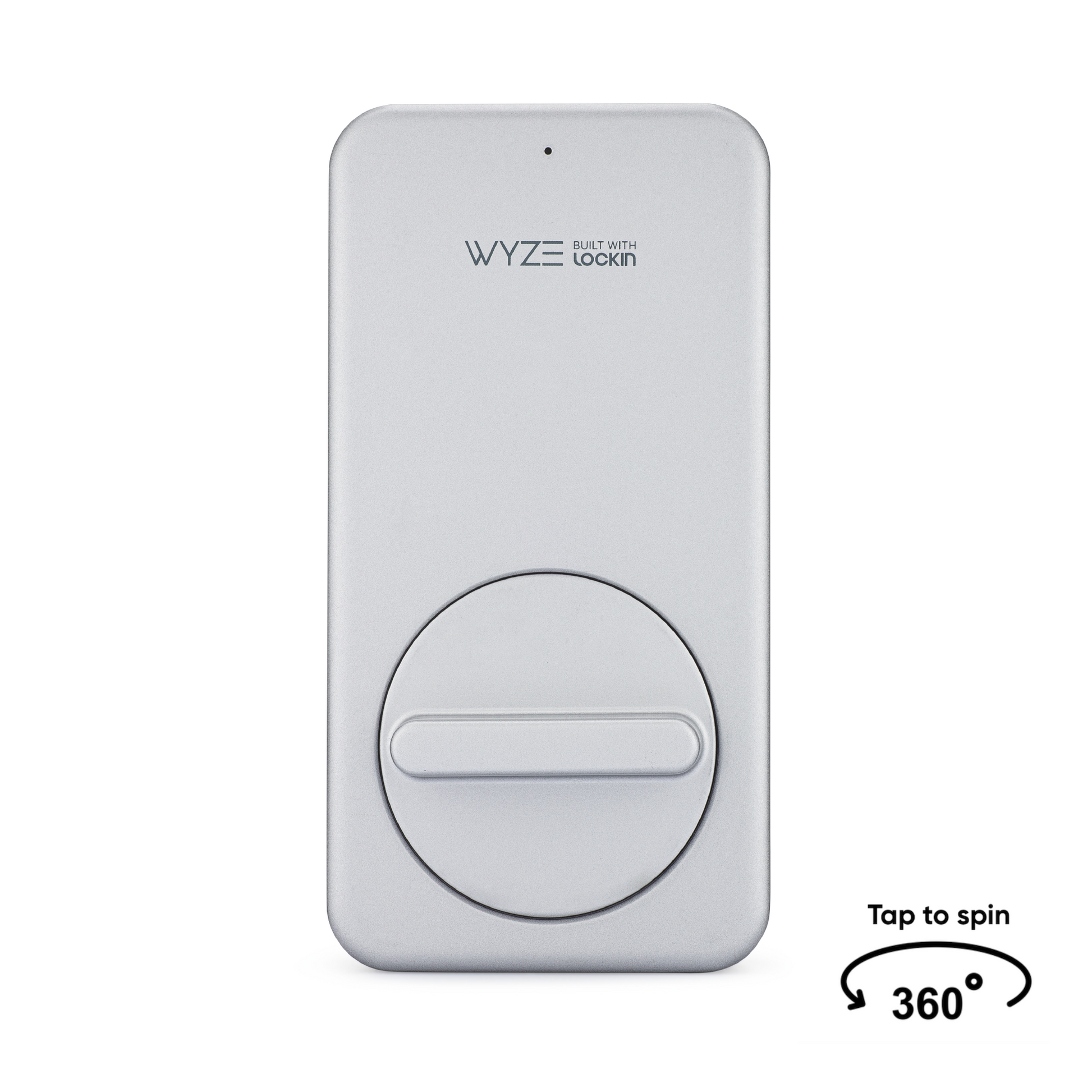
Bloqueo Wyze

Bloqueo Wyze

Cerradura de puerta con control por teclado y aplicación

Configuración de bloqueo
$123.99
Agotado
Devoluciones sin problemas de 30 días.
Agotado
A blue and white logo for Wyze.
VENTAJAS Exclusivas de Wyze.com
Garantía extendida de 18 meses

Obtenga una garantía extendida de 18 meses al comprar este producto en wyze.com. También obtenga paquetes especiales, promociones únicas y recompensas con cada pedido

Mantenga el cerrojo de su puerta. Solo agrega los sesos.
Ver todos los detalles
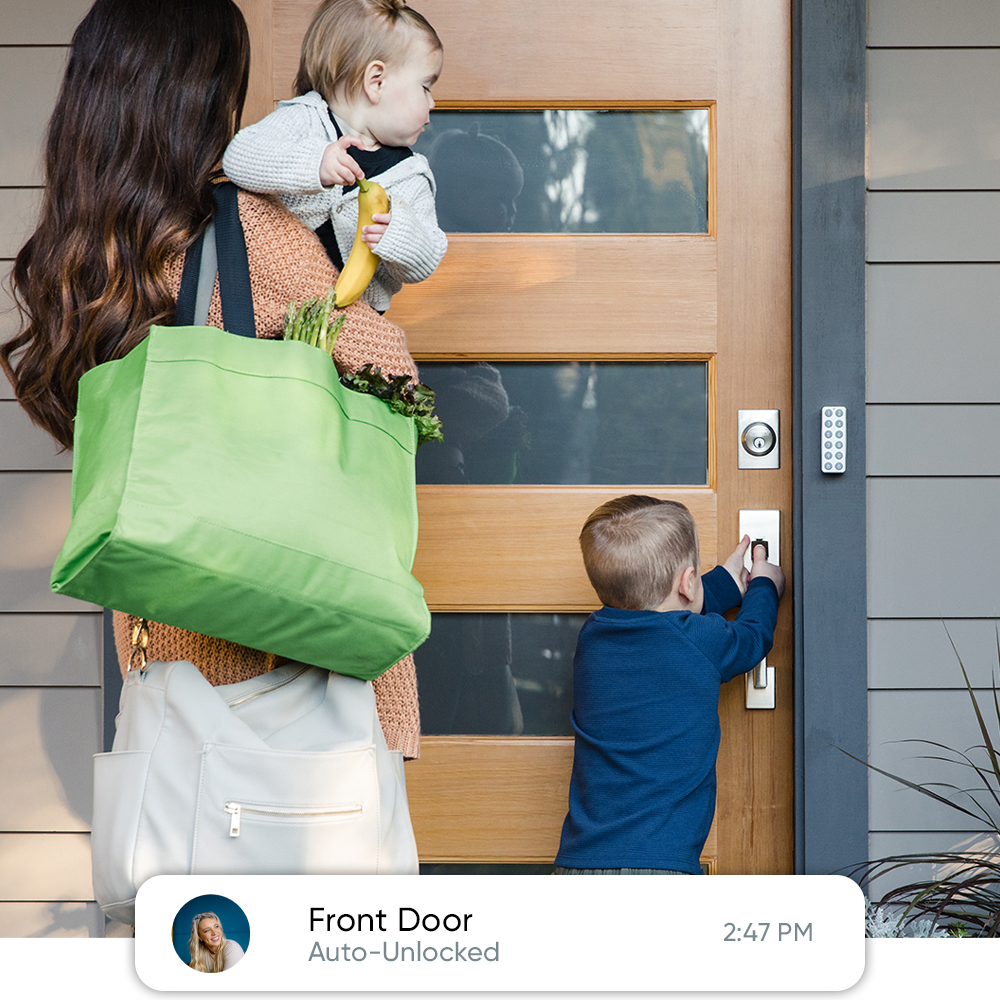
A woman holding a green bag and a child holding a banana while opening a door.

Se desbloquea al acercarte. Se bloquea al salir.

¿Tienes las manos ocupadas? Wyze Lock sabe cuándo llegas a casa y se desbloquea automáticamente al acercarte. Cuando detecta que la puerta está cerrada, se bloquea automáticamente tras de ti.

Detalles de Wyze Lock

  • Color: Plata
  • Dimensiones: 4,9" de largo x 2,5" de ancho x 1,3" de profundidad (2" incluyendo la perilla)
  • Peso: 0,67 libras
  • Fuente de alimentación: 4 pilas AA (incluidas)
  • Duración de la batería: 5-6 meses (dependiendo del uso)
  • Método de comunicación: Bluetooth, Zigbee
  • Alcance: Al teclado: 9', A la puerta de enlace: 50', BLE al teléfono: 16'
  • Compatibilidad: Android 5.0+, iOS 9.0+
  • Resistencia a la intemperie: solo para uso en interiores
  • Temperatura de funcionamiento: 14 °F - 131 °F / -10 °C - 55 °C
  • Temperatura de almacenamiento: -22 °F - 158 °F / -30 °C - 70 °C

Teclado (se vende por separado)

  • Color: Plata
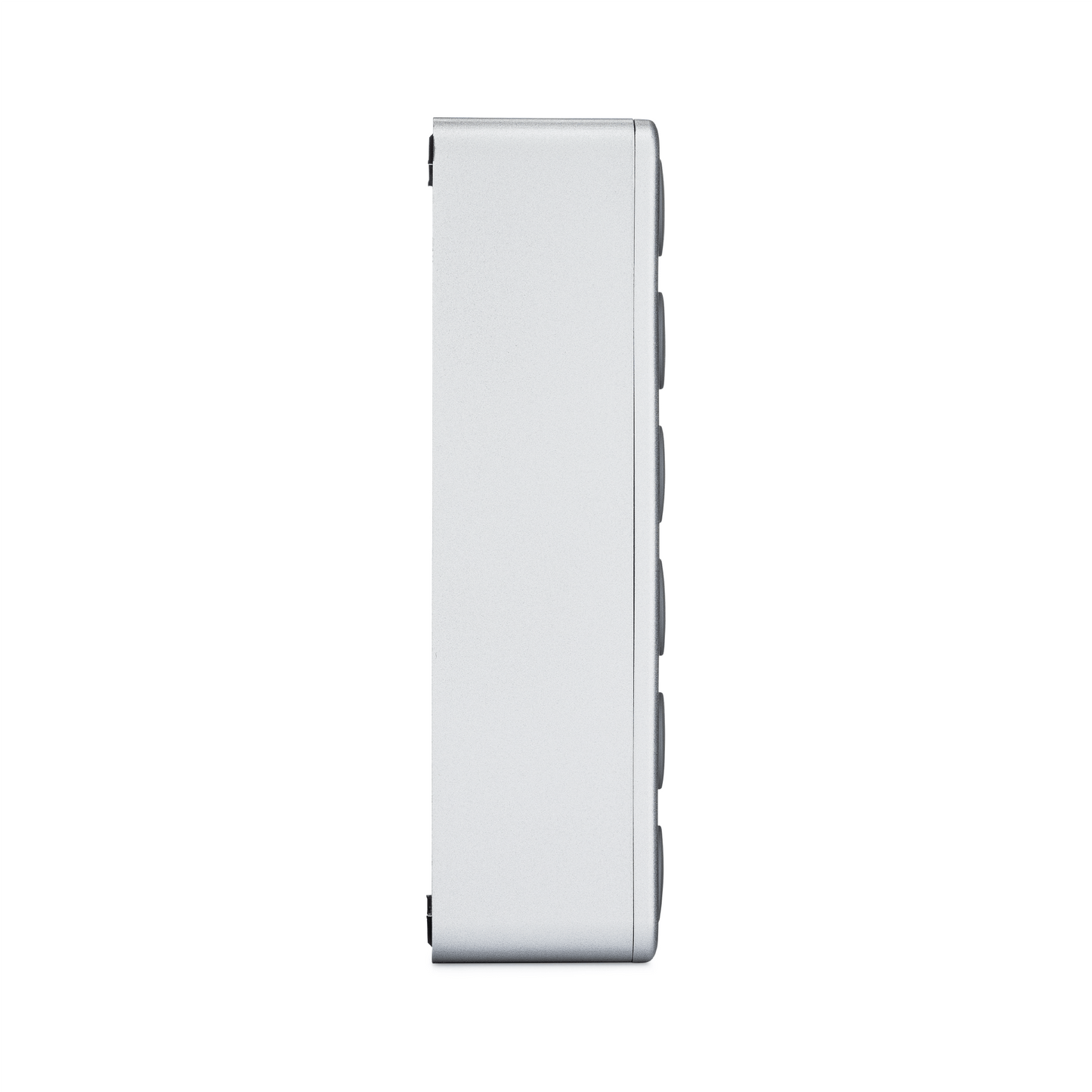
  • Dimensiones: 3,7" de largo x 1,3" de ancho x 1,0" de profundidad
  • Peso: 0,1 lb
  • Fuente de alimentación: 2 pilas AA (incluidas)
  • Duración de la batería: 4-6 meses (dependiendo de la temperatura)
  • Método de comunicación: Bluetooth
  • Alcance: Para bloquear: 9'
  • Compatibilidad: Android 5.0+, iOS 9.0+
  • Resistencia a la intemperie: IPX5
  • Temperatura de funcionamiento: -4 °F - 140 °F / -20 °C - 60 °C
  • Temperatura de almacenamiento: -22 °F - 158 °F / -30 °C - 70 °C

Puerta

  • Color: Blanco
  • Dimensiones: 2,1" de largo x 2,1" de ancho x 1,2" de profundidad (1,9" incluyendo pines)
  • Peso: 0,12 libras
  • Fuente de alimentación: 110-240 V, ~60 Hz
  • Duración de la batería: NA
  • Método de comunicación: Bluetooth, Zigbee, Wifi
  • Alcance: Para bloquear: 50', Al enrutador: 50
  • Compatibilidad: Android 5.0+, iOS 9.0+
  • Resistencia a la intemperie: solo para uso en interiores
  • Temperatura de funcionamiento: 14 °F - 131 °F / -10 °C - 55 °C
  • Temperatura de almacenamiento: -22 °F - 158 °F / -30 °C - 70 °C
  • Cerradura Wyze x1
  • Puerta de enlace Wyze Lock x1
  • Pilas AA x4
  • Tira adhesiva x1
  • Placa de montaje x1
  • Adaptador x3
  • Guía de inicio rápido x1

Please check the help center and see if we’ve got what you need. Alternatively, you may also find the list of related parts here.

If your home WiFi goes out you won’t be able to remotely lock or unlock Wyze Lock, but you won’t be locked out! Wyze Lock uses Bluetooth when you’re near the door so you can always get in… even if your home’s WiFi or power are out.

With Auto-Unlock your door automatically unlocks when you come home. This works by using your phone’s location to detect when you’re coming back and unlocking when your phone is close enough to connect to Wyze Lock via Bluetooth.

Wyze Lock has built-in technology that detects the position of the door. That means no extra sensors to setup, install, or look at.

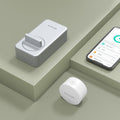
Wyze Lock comes with the Wyze Lock Gateway—a Zigbee hub that connects Wyze Lock to your 2.4GHz WiFi network. Simply plug the Wyze Lock Gateway into an outlet near your door, pair it with Wyze Lock, and you’re good to go.

Wyze Lock will let you know when the batteries are running low, but if you forget to replace them there is backup power so you can still get in. And because Wyze Lock doesn’t change the exterior of your deadbolt, your keys will always work.

Share through the Wyze app to make sure everyone can get in. You can share Wyze Lock with up to 50 people and revoke access at any time.

Wyze Lock has a built in alarm that will alert you if your door has been left open. You can toggle this on or off and adjust how long the door has to be open before triggering the alarm.

Misma llave. Mismo cerrojo. Infinitamente más inteligente.

Wyze Lock utiliza el hardware existente de su puerta para que pueda conservar su llave y aún así obtener todos los beneficios de una cerradura inteligente.

Keep your key graphic.
A wooden door with a lock on it.
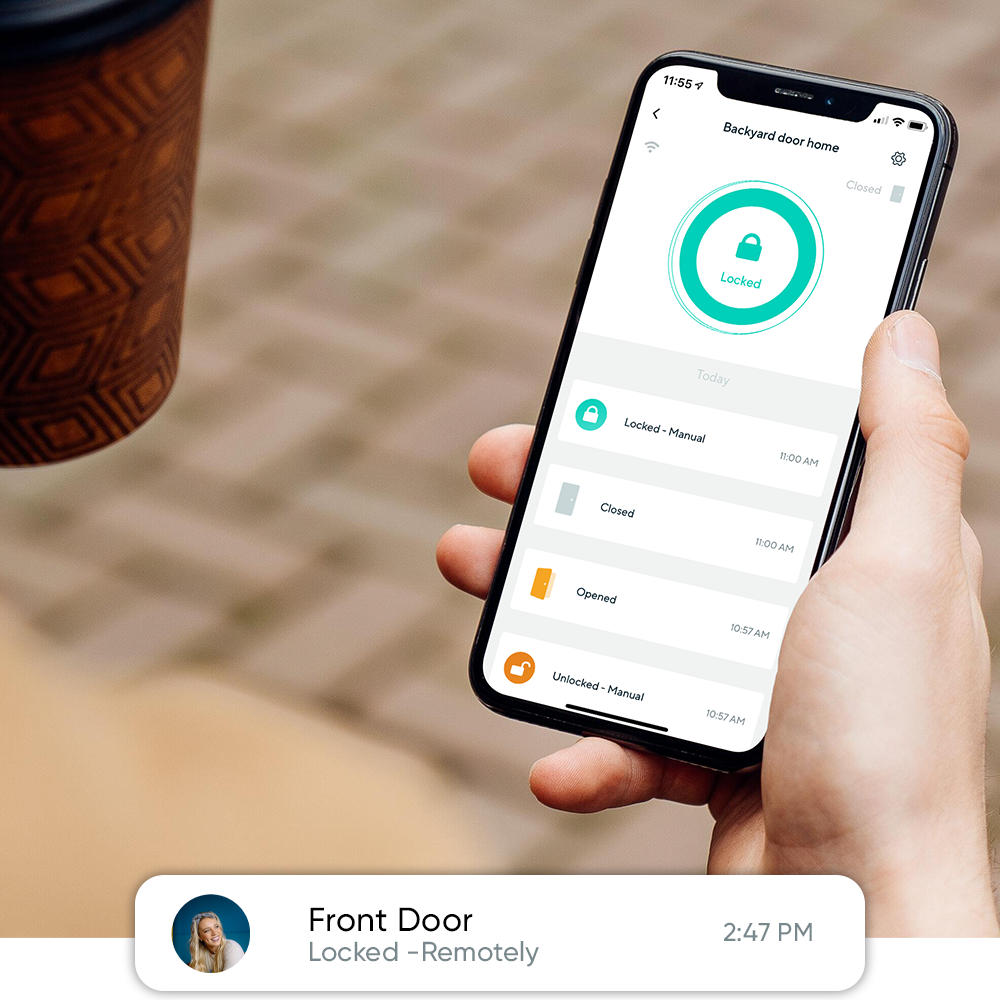
A person holding a smartphone with the Wyze app open, showing the status of their backyard door being locked.

Acceso remoto y visualización del historial.

Abre la puerta a tus amigos y familiares, incluso si no estás en casa, con solo un toque en la app Wyze. Ve quién ha entrado a tu casa desde cualquier lugar y recibe notificaciones cuando la puerta quede sin llave.

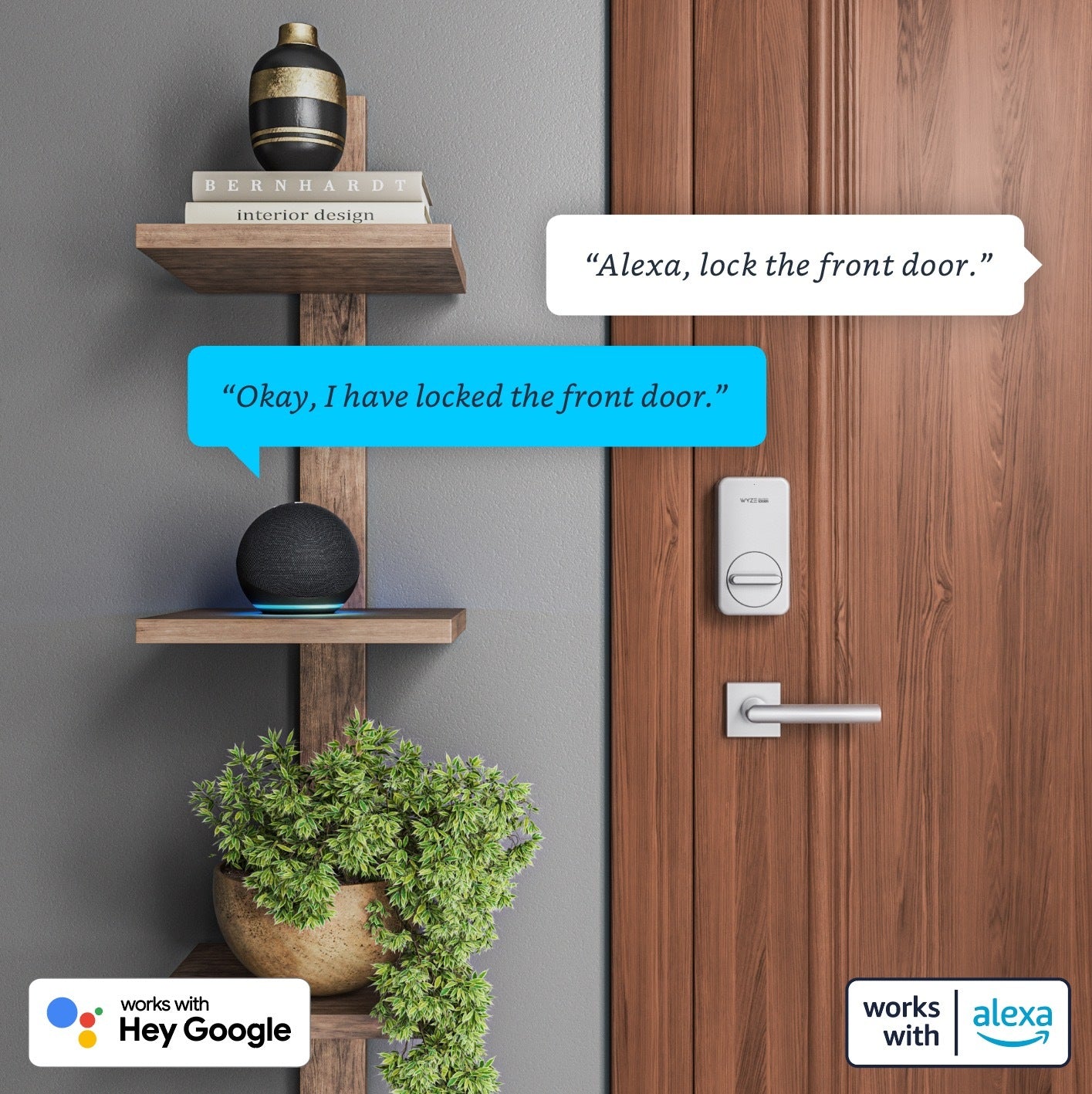
A smart lock that works with Alexa and Google.

Control con Alexa, Google y Wyze Switch.

Wyze Lock funciona con Alexa y Google Assistant para que puedas cerrar tu puerta simplemente diciendo: "Hola Alexa, cierra la puerta de entrada".

Wyze Lock también funciona con Wyze Switch , por lo que puedes bloquear o desbloquear tu puerta con un toque.

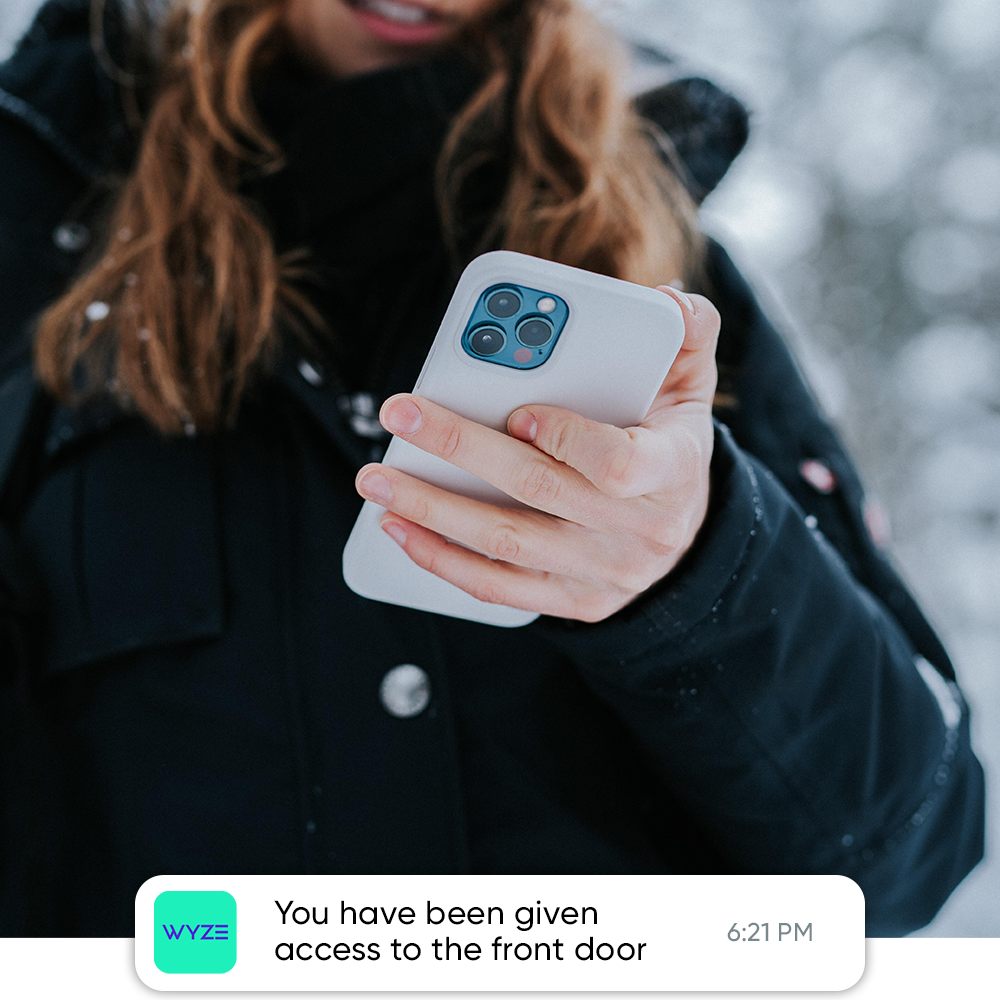
You have been given access to the front door.

Envía llaves virtuales a familiares y amigos.

Wyze Lock simplifica el acceso compartido a tu hogar y te da control total. Concede o revoca fácilmente el acceso a tu hogar a través de la app Wyze. Solo tú puedes ver el historial de uso de cada llave.

Compatible con la mayoría de cerrojos de un solo cilindro.

Diseñamos Wyze Lock para que funcione con la mayoría de los cerrojos de un solo cilindro (cerrojos con cerradura en un solo lado). Descubra si su cerrojo es compatible con Wyze Lock aquí .

¿Prefieres que tus invitados accedan con un código?

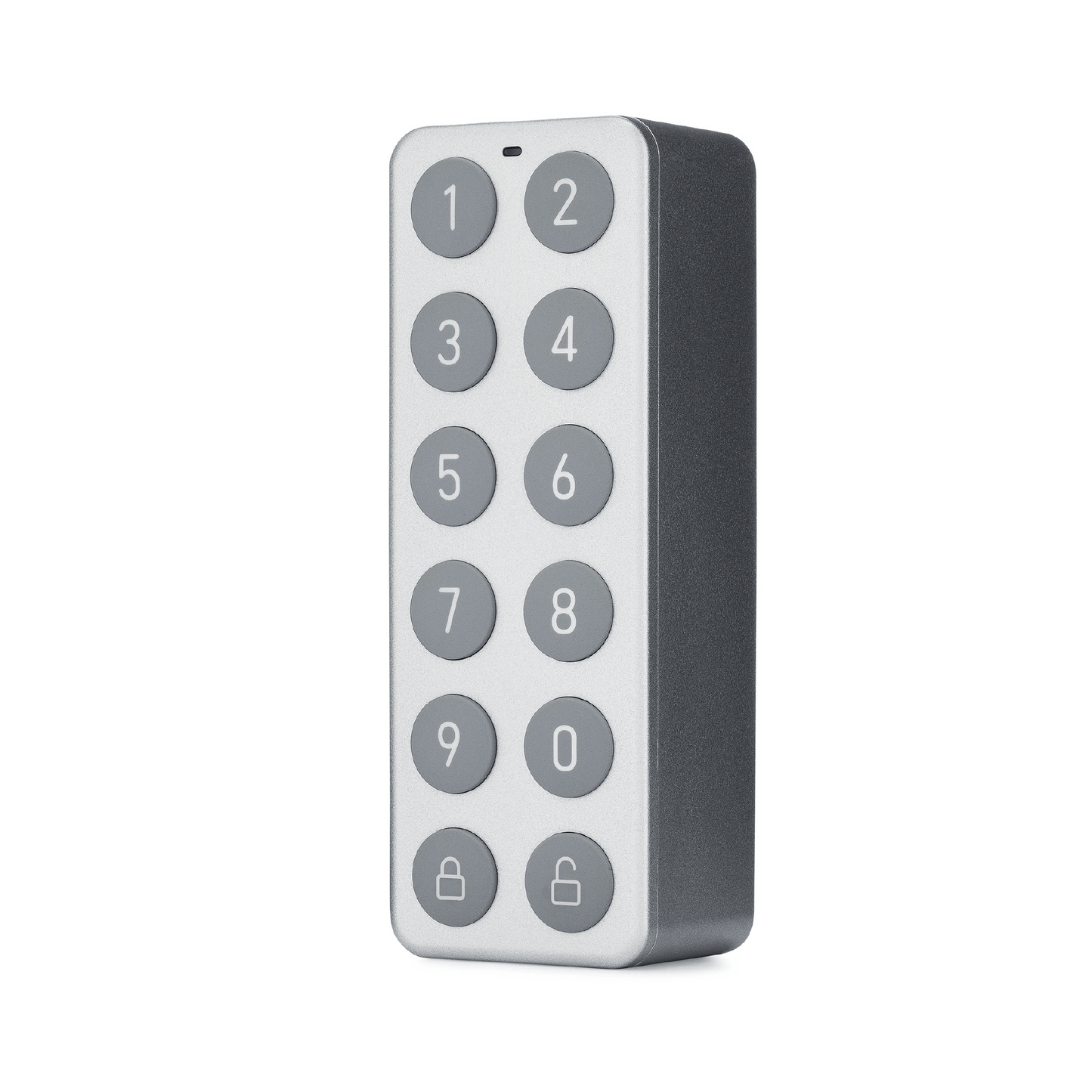
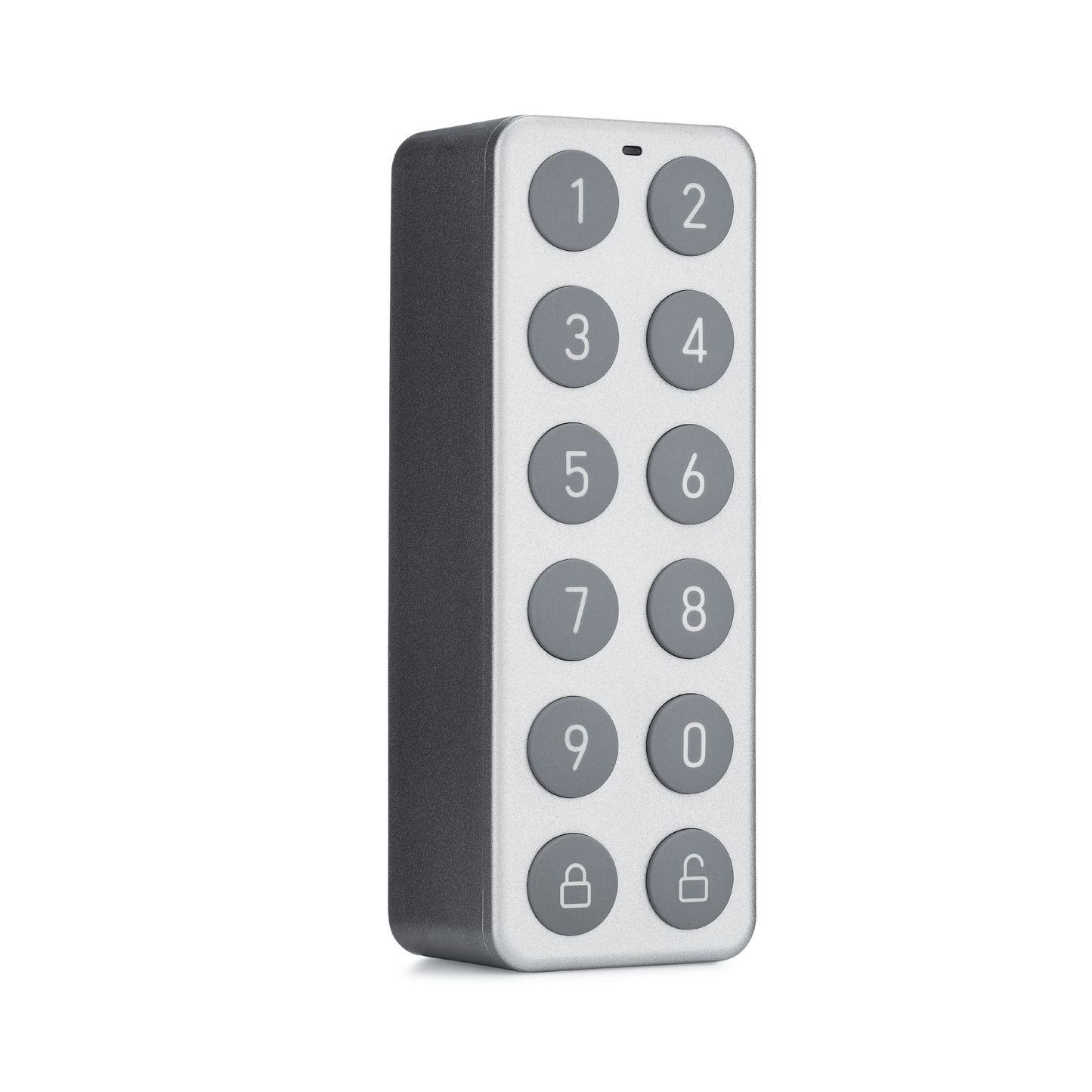
Conozca Wyze Lock Keypad, un teclado inalámbrico y montable que se comunica con Wyze Lock para desbloquear o bloquear su cerrojo con un código.

A cell phone with a picture of a doorbell on it.

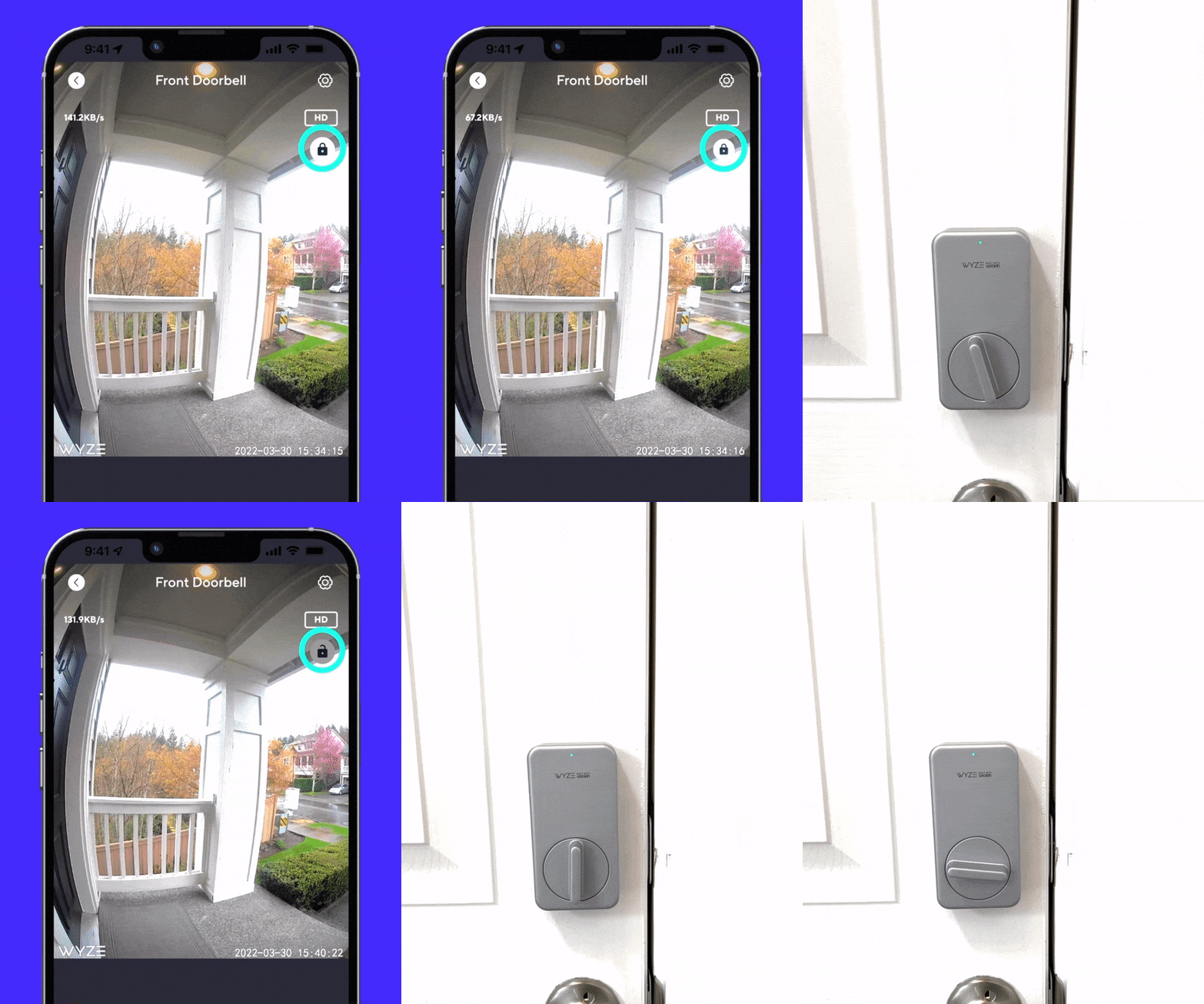
Desbloquea con tu Wyze Video Doorbell.

Puedes controlar tu Wyze Lock directamente desde el visor de Wyze Video Doorbell (o Video Doorbell Pro ), por lo que no tendrás que cambiar entre aplicaciones solo para abrir la puerta.

Comprar timbre con video Wyze

Se instala en menos de 15 minutos.

Wyze Lock solo reemplaza el lado interior de su cerrojo existente, por lo que es mucho más rápido (y más fácil) de instalar que un reemplazo de cerrojo completo.

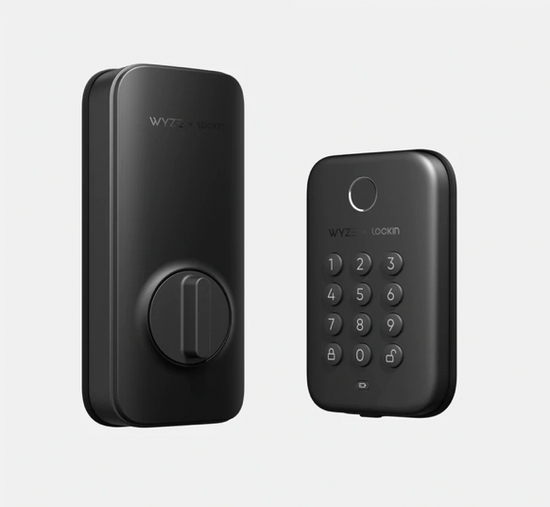
  • A black lock with a keypad and a button.

    Perno de bloqueo Wyze

    Diseñado para la comodidad: desbloquea la puerta rápidamente con tu huella digital

    • Desbloqueo por huella dactilar
    • Solo acceso a la aplicación local
    • Sin automatizaciones Wyze ni compatibilidad con Alexa/Google

    • Reemplaza el cerrojo existente

    • Bloqueo automático básico
    • Sin desbloqueo automático

    • Teclado incorporado

    Comprar Wyze Lock Bolt 
  • A white button with a lock on it.

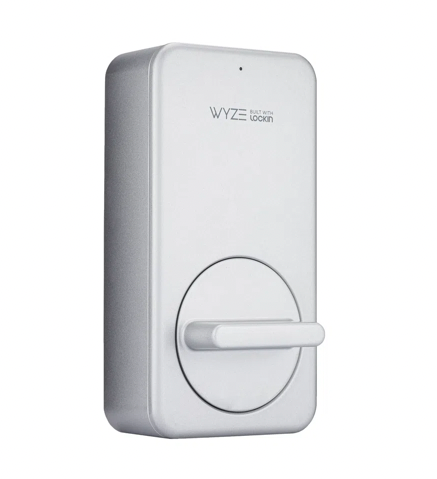
    Wyze Lock

    Diseñado para hogares inteligentes: monitoree y acceda a su puerta desde cualquier lugar
    • Sin desbloqueo por huella dactilar

    • Accede a la aplicación desde cualquier lugar

    • Automatizaciones Wyze y compatibilidad con Alexa/Google

    • Se fija al cerrojo existente

    • Bloqueo automático de posición de puerta avanzado

    • Desbloqueo automático

    • Teclado opcional que se vende por separado

Support Articles

Installing your new Wyze Lock is meant to be as straightforward as possible. If you do run into any trouble with the process outlined on this page though, check out our Troubleshooting section for tips on getting things installed properly.

If you're unsure of whether Wyze Lock will work with your current deadbolt, we've got you covered with our Wyze Lock Compatibility Guide.

What’s in the box?

  • 1x Wyze Lock
  • 1x Mounting Plate
  • 4x Lock Adapters
  • 4x AA Batteries
  • 1x Adhesive Strip

Required Tools

  • 1x Philips Screwdriver

To install your Wyze Lock:

  1. Use the supplied adhesive strip to hold the outside of the lock in place
  2. Unlock your installed deadbolt
  3. Use your screwdriver to remove the screws from your existing deadbolt’s thumb-latch
  4. Insert the screws from Step 3 into the Wyze Lock Mounting Plate
  5. Attach the Wyze Lock Mounting Plate in place of the old thumb-latch. Making sure the plate is level, tighten the screws until snug
  6. Find and install the included adapter which fits the tailpiece of your lock. Reference the chart in the Wyze app to determine which works with your deadbolt
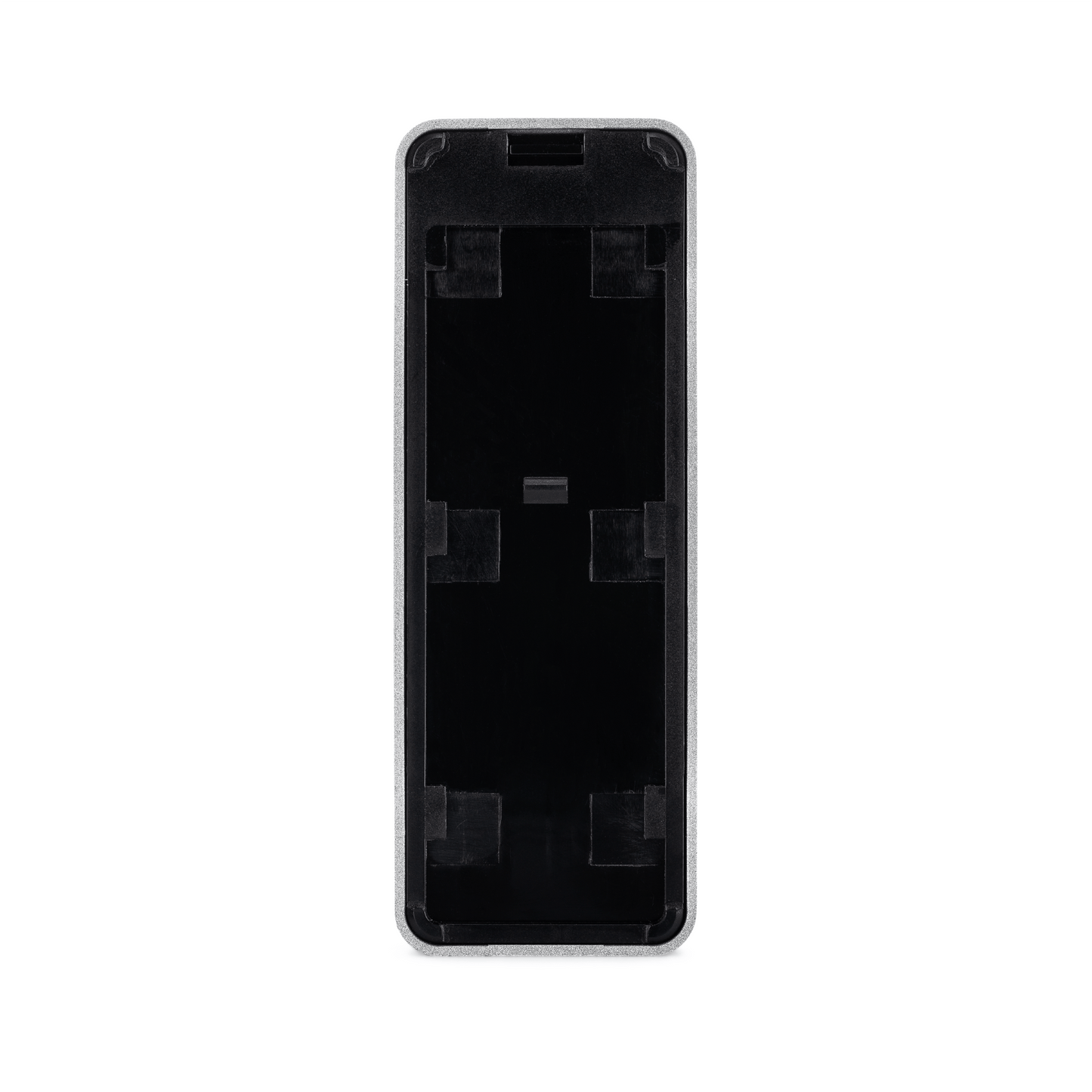
  7. Remove the front plate by pulling from the notch on the bottom of the Lock
  8. Place the Wyze Lock on the Mounting Plate, adjusting the knob as necessary to get it to align with the adapter
  9. Check to make sure that the lock is flush with the door, and can be both locked and unlocked with the thumb-latch If the lock can't be turned at this point, remove it and rotate the thumb 90-degrees and try again
  10. Once you’re confident that everything is aligned, tighten the 2 pre-installed screws inside the battery compartment until snug, taking care not to over-tighten them
  11. Install the included 4x AA batteries taking note of orientation, then fold the battery latches down

Once your lock is successfully installed, the next step is to move on to setting it up. Check out our Wyze Lock Setup Guide here.

Download the Quick Start Guide for Wyze Lock in this article.

Below is the Quick Start Guide for Wyze Lock, a short manual for how to get started.

This guide is a short user manual with the basics about Wyze Lock including:

  • What's in the box for Wyze Lock.
  • How to download the Wyze app.
  • The components of Wyze Lock and Wyze Lock Gateway
  • How to set up your Wyze Lock.
  • Troubleshooting your Wyze Lock.
  • How to read the status lights for Wyze Lock.

If you haven't already, please check out our Wyze Lock Keypad Installation Guide to get it mounted.

An alternative to start the setup process is to continue in the Wyze app immediately after setting up your Wyze Lock.

To set up your Wyze Lock Keypad:

  1. In the Wyze app, tap the Wyze Lock you're setting up a Keypad for.
  2. Go to Settings by tapping the gear icon in the top right.
  3. Tap Wyze Lock Keypad Settings > Add Keypad.
  4. Press and hold the Lock button on the keypad until the status light is flashing green.
  5. Tap Next in the Wyze app.
  6. The keypad will automatically proceed through setup until it connection is complete.
  7. Once the keypad is connected, enter a 4-8 digit code in the Wyze app.*

You're all set! Be sure to choose a code that you'll remember, or record it somewhere safe so you don't forget it.

Added to your cart
Envío GRATIS en pedidos de $59+
Subtotal
$0.00
View cart