Ir directamente a la información del producto
1 de 7

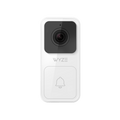
Timbre con video Wyze (con cable)

Timbre con video Wyze (con cable)

Estilo
$29.99
Agotado
El artículo ya no está disponible.
Agotado
A blue and white logo for Wyze.
VENTAJAS Exclusivas de Wyze.com
Garantía extendida de 18 meses

Obtenga una garantía extendida de 18 meses al comprar este producto en wyze.com. También obtenga paquetes especiales, promociones únicas y recompensas con cada pedido

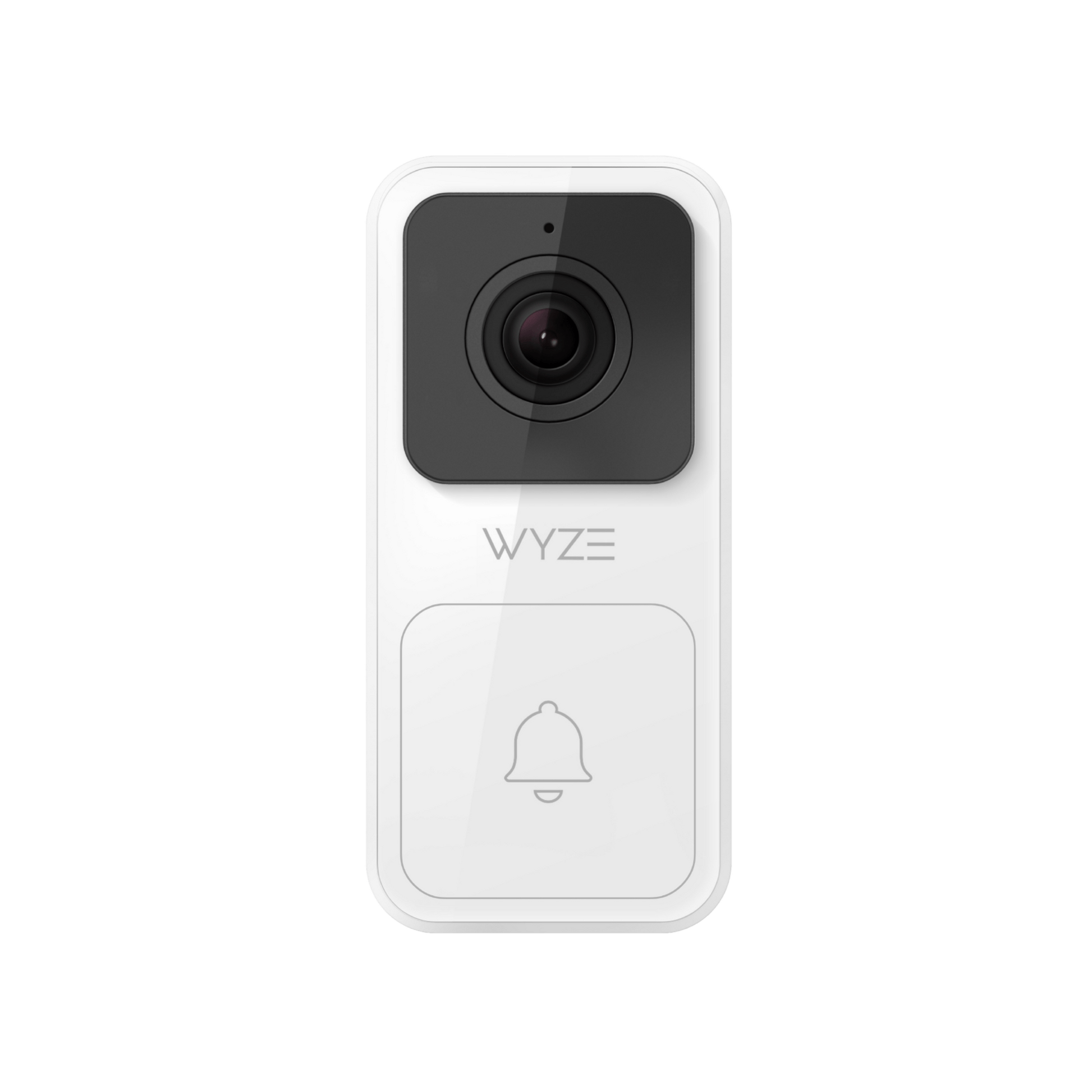
Lo pequeño nunca fue tan poderoso. Visualización Full HD de 1080p de pies a cabeza con esta cámara de timbre con cable.
Ver todos los detalles
  • A black screen with no visible content.

    1080p de alta definición completa

    Transmisión en vivo y grabación.

  • A black and white image of a phone being held.

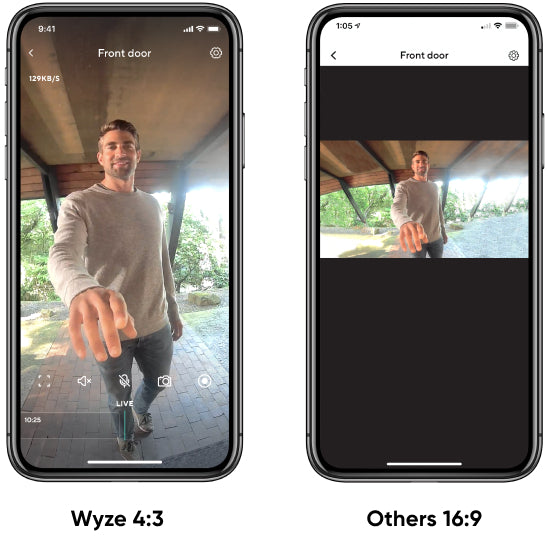
    Relación de aspecto 4:3

    Obtén una visión completa. Observa a la gente de pies a cabeza.

  • Wyze switchicon.

    Audio bidireccional

    Cuando alguien se acerque a tu puerta, simplemente abre la aplicación para comenzar a hablar.

  • A blue and purple circle with a white cross in the middle.

    Ver más con Cam Plus

    Almacenamiento de video en la nube y detecciones de IA avanzadas (con suscripción).

Especificaciones del timbre con vídeo Wyze

Color y materiales

  • Blanco
  • Plástico

Dimensiones

  • 1,5'' x 3,25'' x 0,625''

Vídeo e imagen

  • Sensor de imagen: 2K (2048 x 1536)
  • Cámara: apertura F2.0, distancia focal de 2,7 mm, CMOS de 1/2,8"
  • Calidad de imagen: 1080p y 480p con zoom digital de 8x
  • Fotogramas por segundo: 20 durante el día, 15 durante la noche
Audio
  • Audio: Altavoz y micrófono integrados (con audio bidireccional y cancelación de ruido/eco)

Detalles adicionales

  • LED blanco (luz de relleno): 6 x 5000 K (temperatura de color de luz diurna)
  • Luz nocturna infrarroja: 4 LED infrarrojos de 940 nm
  • Conectividad: Directo a WiFi 802.11 b/g/n, 2,4 GHz (WiFi de 5 GHz no compatible)
  • Sub1G: 906,8 MHz, utilizado para la conexión local entre el timbre y el timbre.
  • Resistente a la intemperie IP65
  • Temperatura de almacenamiento: -40 a 176 °F (-40 a 80 °C)
  • Temperatura de funcionamiento: -4 a 122 °F (-20 a 50 °C)
  • Campo de visión: 120° Vertical x 88° Horizontal

Conectividad y compatibilidad

  • Wi-Fi de 2,4 GHz
  • Compatibilidad del teléfono: Android 9.0+, iOS 15.0+
  • Integraciones: Alexa, Asistente de Google, IFTTT

Seguridad de datos

  • Cifrado de extremo a extremo, protocolo de transferencia segura HTTPS, cifrado AES de 128 bits

Timbre Wyze

  • Alimentación del timbre: toma de corriente estándar de EE. UU.: 100 V-240 V, 0,1 A, 50/60 Hz
  • Peso: 2,0 oz / 56 g
  • Tamaño: 2'' x 2'' x 1,4''
  • Timbres: 5 modernos, 4 timbres clásicos, 3 sonidos de animales, 6 sonidos de automatización, 1 alarma anti-intrusión

Timbre con vídeo Wyze

  • Timbre con vídeo Wyze x1
  • Placa de pared x1
  • Cuña (horizontal, 30°) x1
  • Tapas de alambre x4
  • Tornillos de soporte x2
  • Tornillos y tubos de expansión x2
  • Cables de extensión x2
  • Cable de salto x1
  • Guía de inicio rápido x1

Timbre con vídeo y timbre Wyze

Todo lo que se incluye en Wyze Video Doorbell, más:

  • Cuña (horizontal, 30°) x1

Please check the help center and see if we’ve got what you need. Alternatively, you may also find the list of related camera parts here.

No, it is a hardwired doorbell. 

Wyze Video Doorbell does not use batteries. It is hardwired, connecting directly with your existing mechanical chime power source.

No, your existing chime won't work. 

The existing chime will be bypassed so that the power can be used for your Wyze Video Doorbell.

No, it only detects motion. 

Your Wyze Video Doorbell can detect motion and people and has been optimized with a white LED light to ensure you see a clear face in the live stream. It does not detect sound.

Yes, in your doorbell settings. 

To change your Wyze Chime volume: 

  1. In the Wyze app, tap on your Wyze Video Doorbell. 
  2. Tap on the Settings icon on the top right. 
  3. Tap Extended Devices > Chime > Tunes.

Yes, Wyze Video Doorbell is IP65 rated as weather-resistant. This means that it is "dust-tight" and protected against water sprays from any angle.

No. Wyze Video Doorbell connects directly to WiFi. It does not connect to the Bridge or the Wyze Base Station.

Yes, absolutely.

Yes! We've integrated with the most popular smart home systems. Use your Amazon Echo smart speakers as doorbell chimes hear the bell ring from anywhere in your house. With Wyze Video Doorbell, you can also view live video feeds of people at the door from your Echo Show and Google Home devices. 

Cam Plus allows you to see a live feed of anyone at the door, whether they're knocking or just standing around outside. This makes it easy for you to track who's coming and going without ever having to leave your comfort zone or worry while being away from home.

Yes, but not all functions will work.

Once your Wyze Video Doorbell is paired with Wyze Chime, it will chime when the doorbell is pressed, even if the doorbell is not connected to WiFi.

However, the doorbell will not record event videos to the cloud or send push notifications to your phone if it is offline.

No. Wyze Video Doorbell does not support a microSD card. All recorded events will be stored in the cloud.

Wyze 4.3.

Las personas son más altas que anchas. Así es nuestra transmisión en vivo.

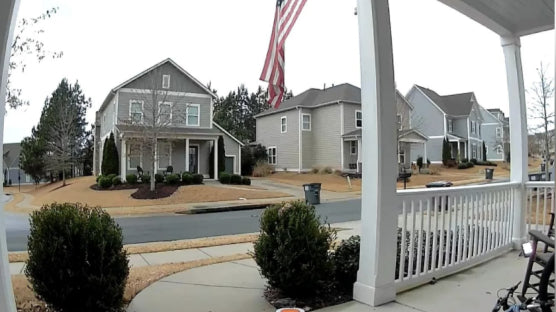
El timbre con video Wyze graba y transmite video en vivo en Full HD 1080p con una relación de aspecto de 4:3 para que puedas ver a cada visitante de pies a cabeza. También podrás ver los paquetes que se dejan en el suelo debajo del timbre.

Verlo en acción

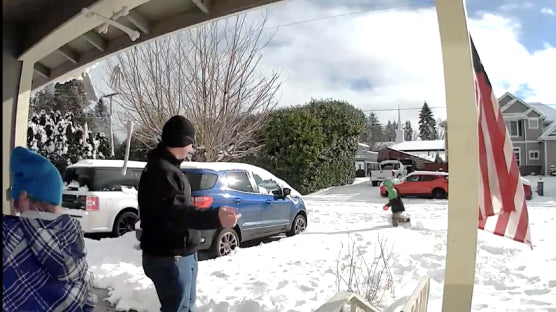
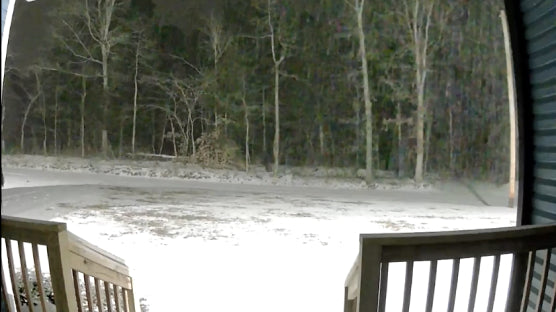
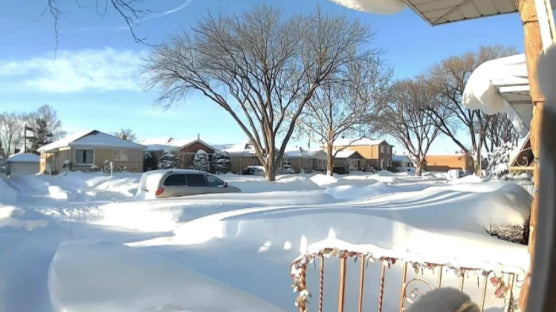
Creamos un dispositivo que le permite estar en la puerta de su casa sin importar dónde se encuentre. Vea cómo los usuarios de Wyze están usando los suyos para capturar todo, desde entregas importantes hasta nevadas épicas.

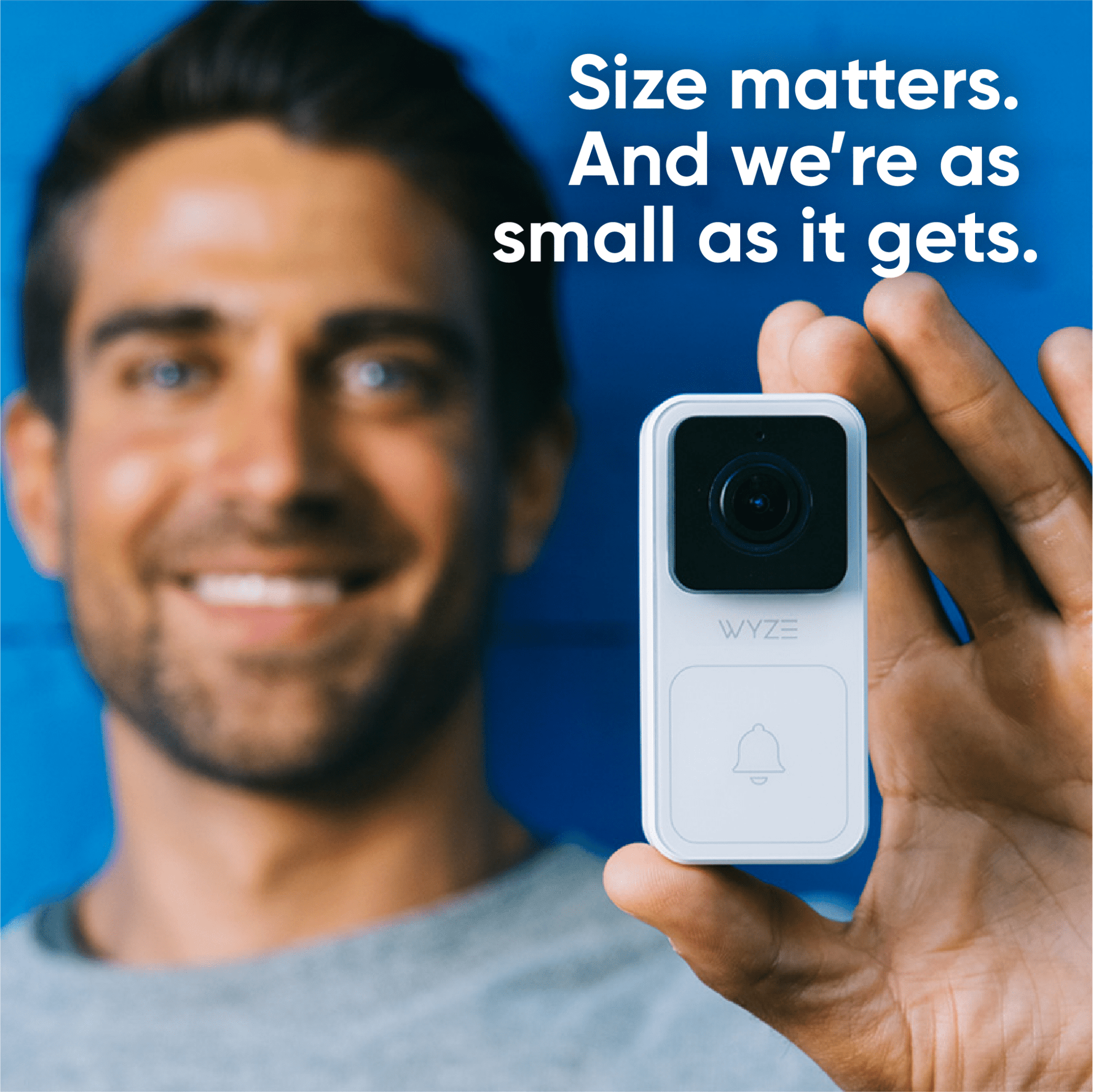
doorbell image size illustration

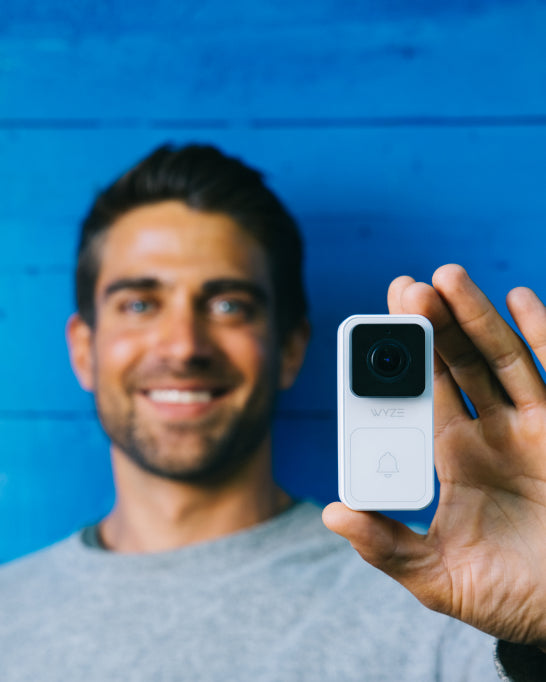
El tamaño importa. Y somos tan pequeños como se pone.

Perfil delgado

Mantén tu atractivo exterior y deja que tu puerta siga siendo el centro de atención con nuestro diseño elegante y compacto.

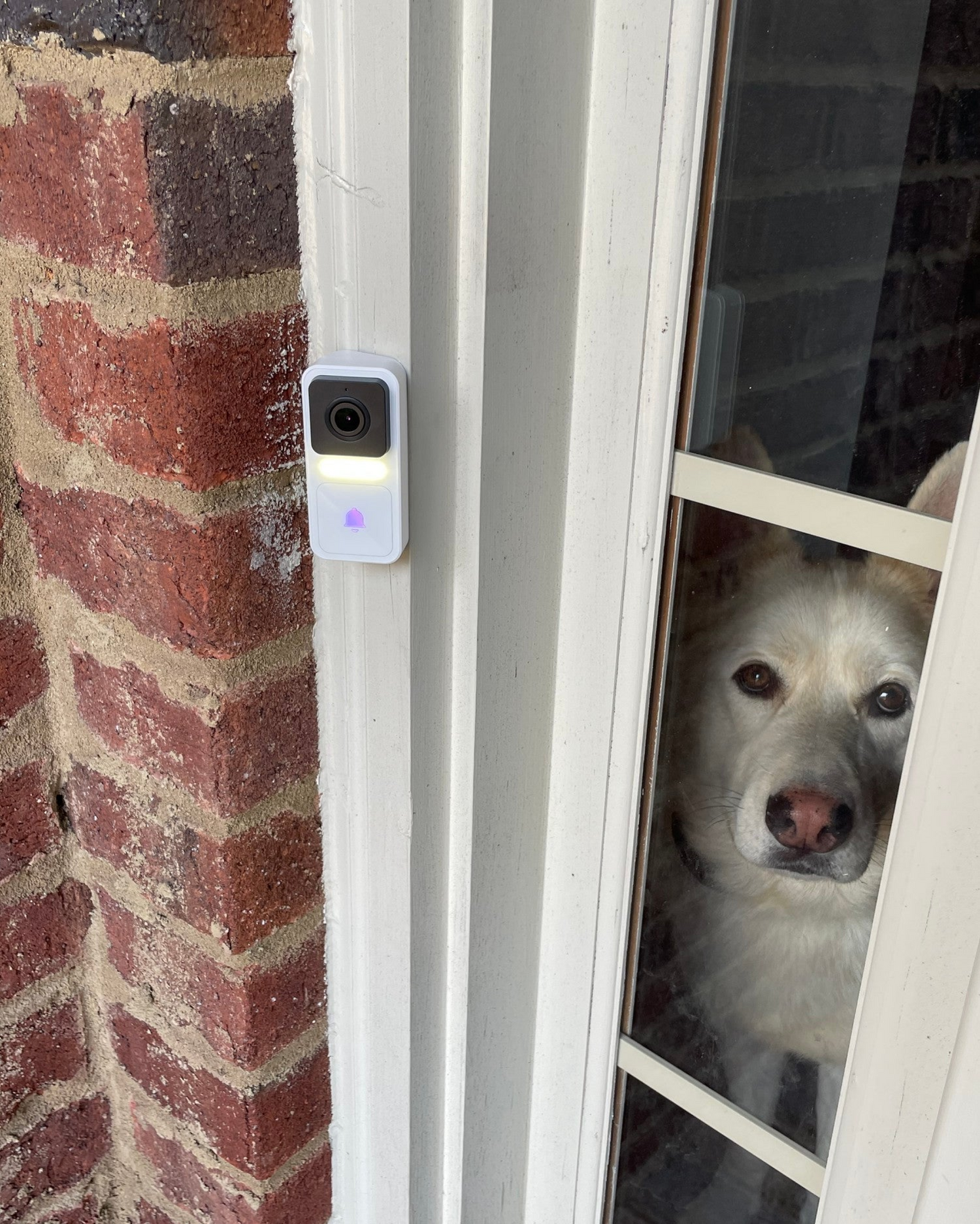
A dog looking through a window.

No te preocupes por si los visitantes se lo pierden.

Un LED activado por movimiento captará su atención tan pronto como se acerquen.

*Foto de un usuario de Wyze

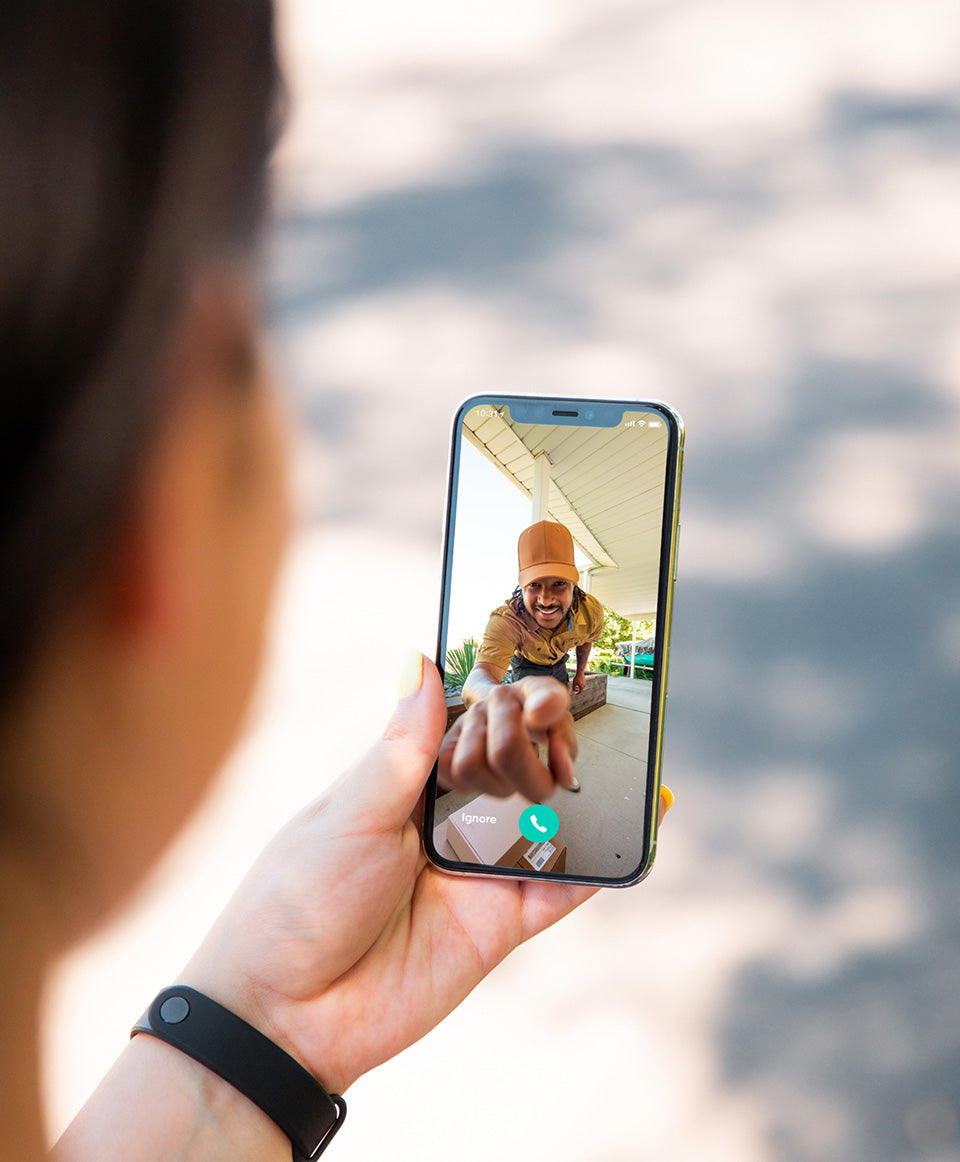
A person holding a cell phone with a picture of a man wearing a yellow hat.

No te pierdas ni una sola visita. A menos que quieras.

Notificaciones instantáneas


Reciba notificaciones push instantáneas cuando se presione Wyze Video Doorbell para que sepa en qué momento hay alguien en su puerta.

Vea una transmisión en vivo de su visitante antes de responder para decidir si desea ignorar al solicitante o responder al conductor de entrega.

Hola, Bonjour o Hola. Estés donde estés, responde a tu puerta a kilómetros de distancia.

Audio bidireccional. No te sientas fuera de casa nunca más con el audio bidireccional. Cuando alguien se acerque a tu puerta, simplemente abre la app para empezar a hablar.

A man is holding a box with a smile on his face.
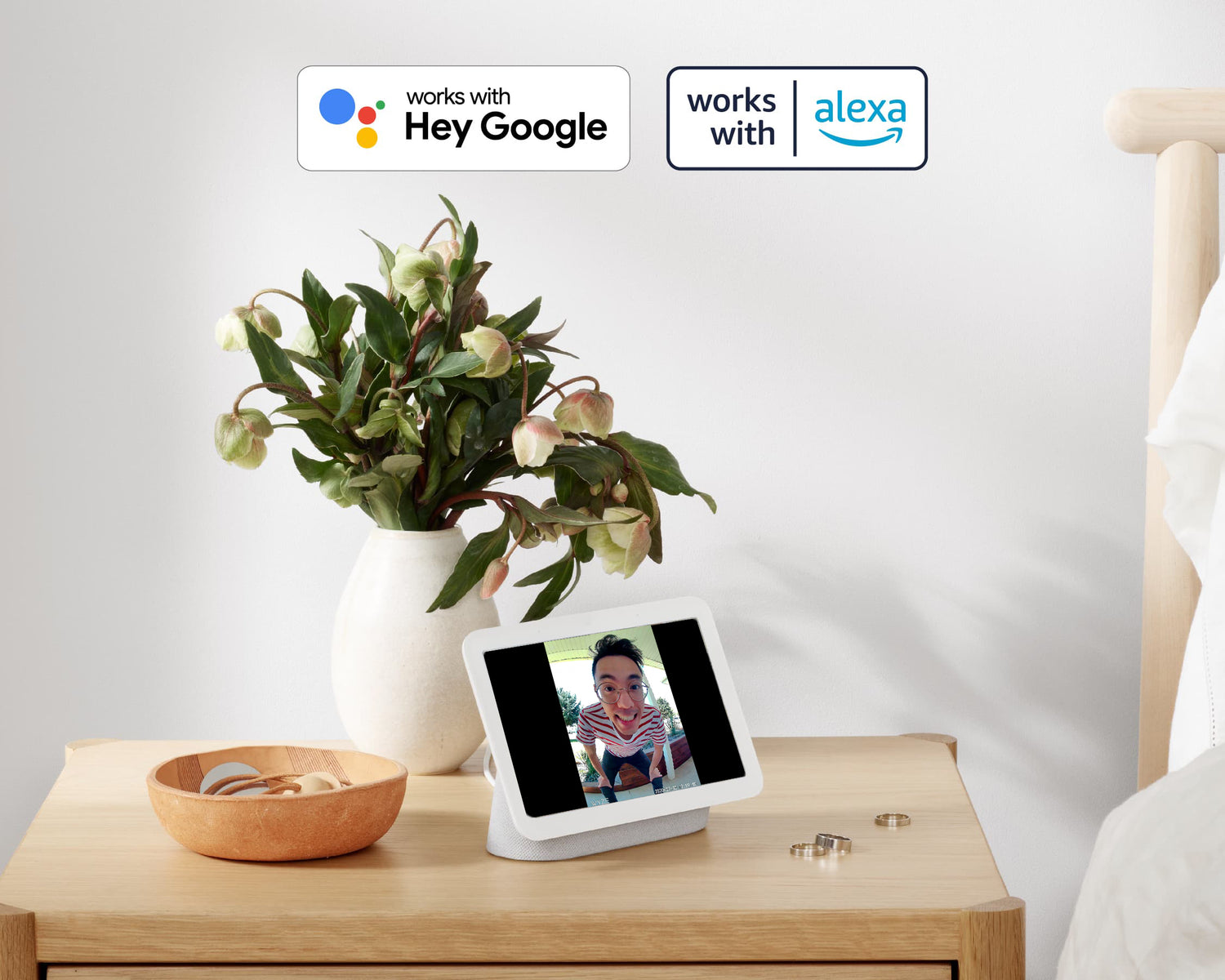
Google screen device on night stand.

Integrado con Alexa y Google.

Use sus parlantes inteligentes Amazon Echo como timbres adicionales en toda su casa. Ordene transmisiones de video en vivo para que aparezcan en sus dispositivos Echo Show y Google Home, incluso reciba una alerta de Alexa si se detecta una persona en su puerta, con Cam Plus.

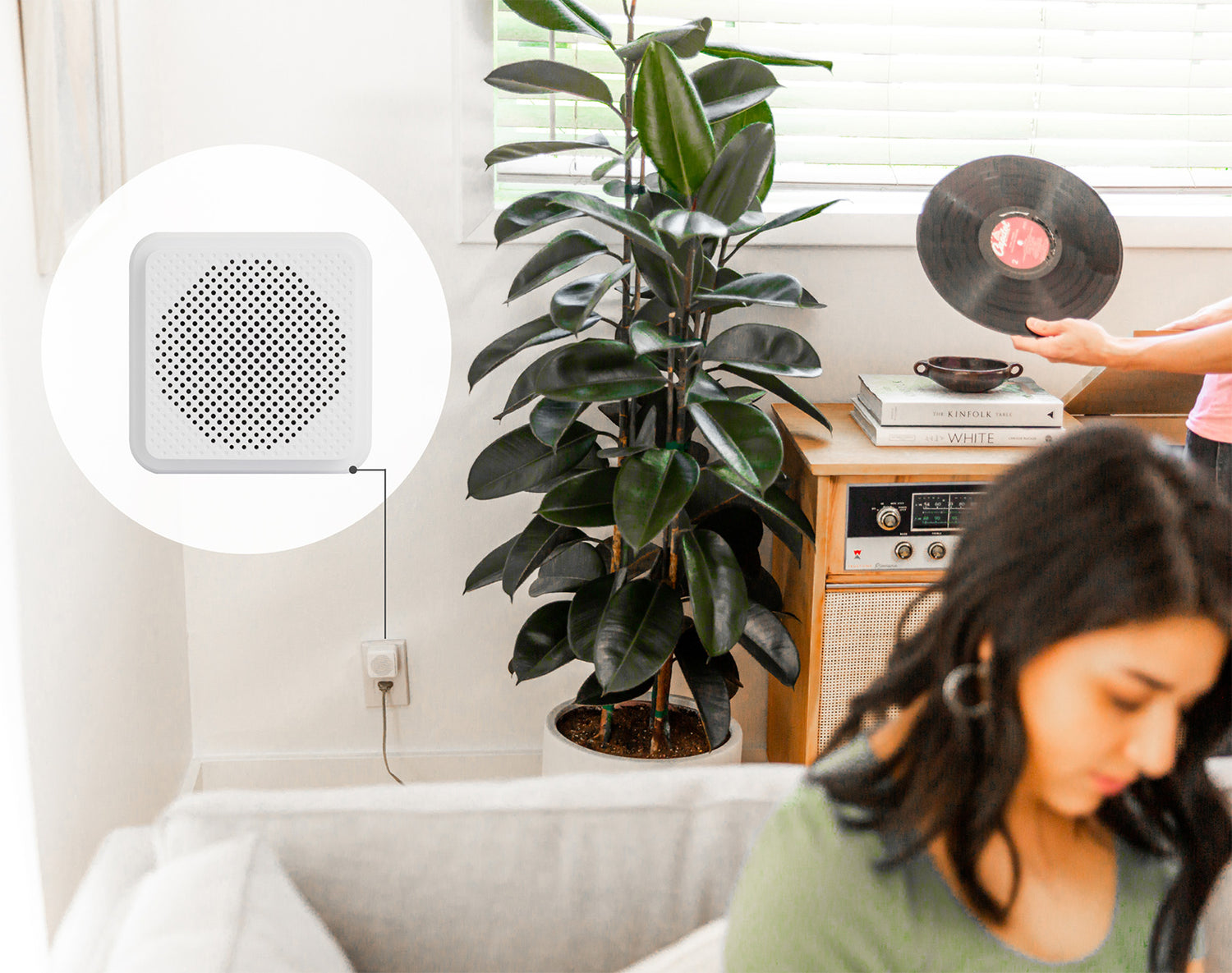
A white speaker with a green top.

Escuche el timbre, el chirrido o el ladrido de su puerta desde cualquier habitación.

Empareje cualquier cantidad de Wyze Chimes inalámbricos con su timbre para que todas las habitaciones de su casa estén listas para avisarle cuando alguien esté en la puerta.

El timbre se vende por separado.

Elija entre 19 sonidos de timbre diferentes, que incluyen desde campanas tradicionales hasta el canto de los pájaros.

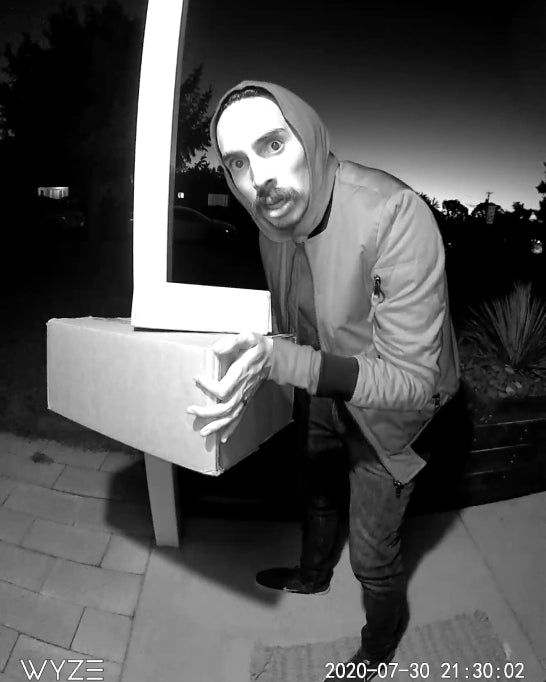
A man wearing a hoodie is holding a box with a doorbell in it.

Cuidado con el timbre

Alertas inteligentes y grabación de video

El timbre con video Wyze se ilumina intensamente cuando se detecta movimiento cerca, alertando a los visitantes y a los posibles piratas del porche sobre su timbre con video.

Además, puedes activar las notificaciones push para recibir una alerta en tu teléfono cada vez que alguien o algo se acerque a tu puerta, incluso si no toca el timbre.

Camplus logo with a purple background.

Y creamos formas de hacer que su cámara sea aún más inteligente

El plan se vende por separado

  • Detección de personas
  • Grabación de movimiento de larga duración
  • Detección de vehículos, mascotas y paquetes
  • Mira todo lo que pasa en tu puerta
A white doorbell with a blue button on it.

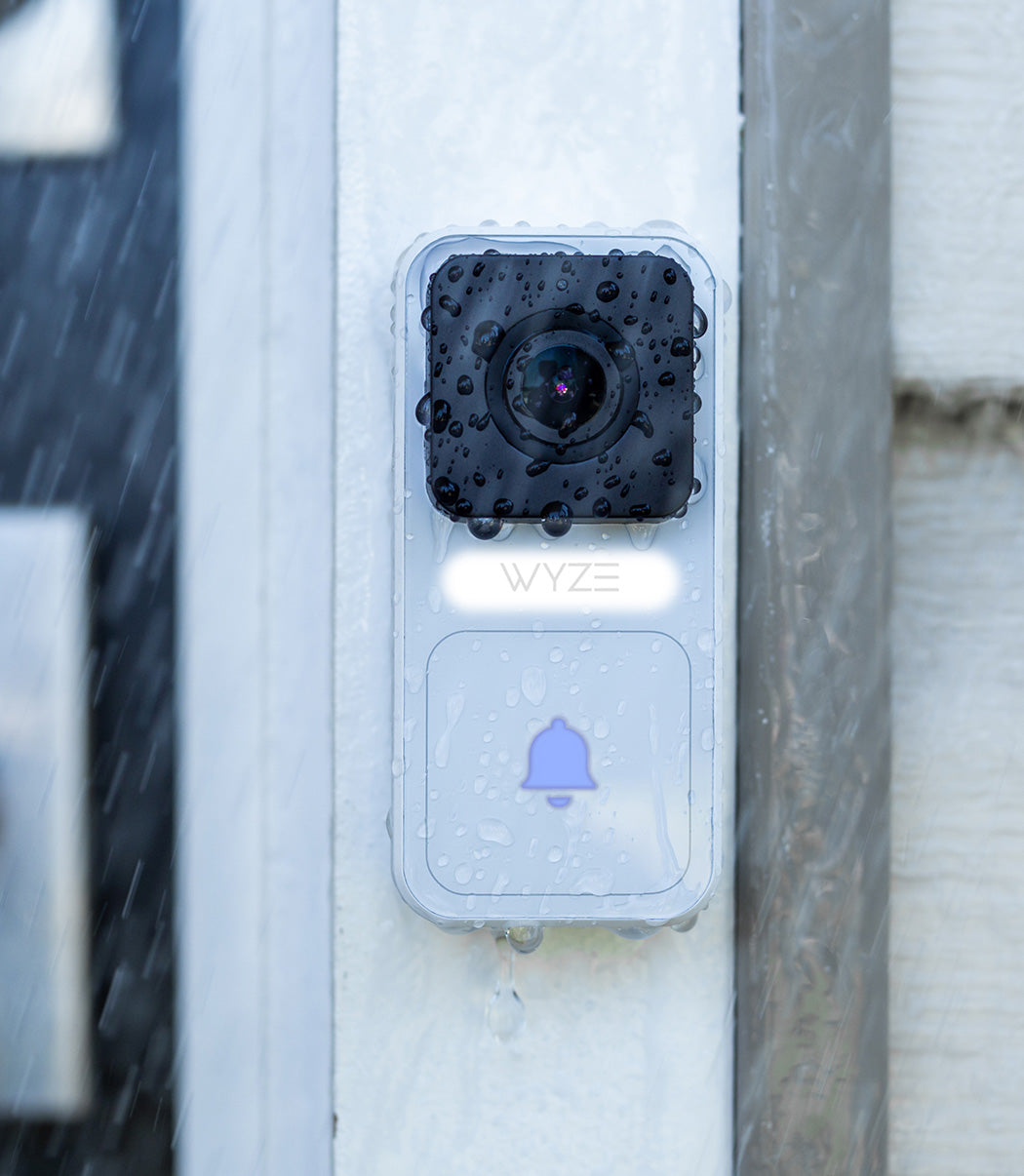
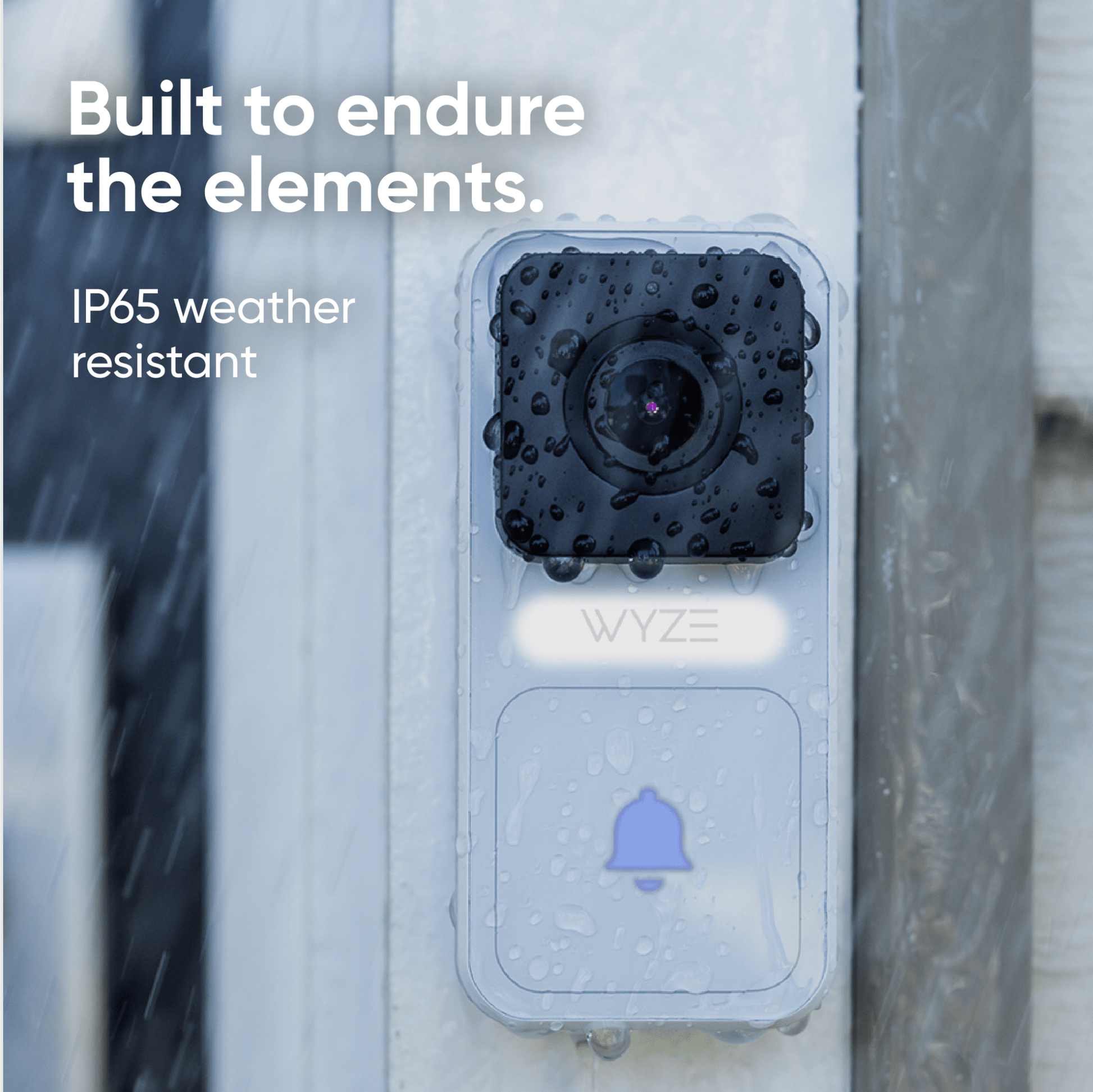
Construido para soportar los elementos.

Resistente a la intemperie IP65

Instala el timbre con video Wyze en tu puerta sin preocuparte por las inclemencias del tiempo. Su resistencia a la intemperie IP65 lo protege de la lluvia, la nieve y el sol.

A blue cell phone with a picture of a porch on it.

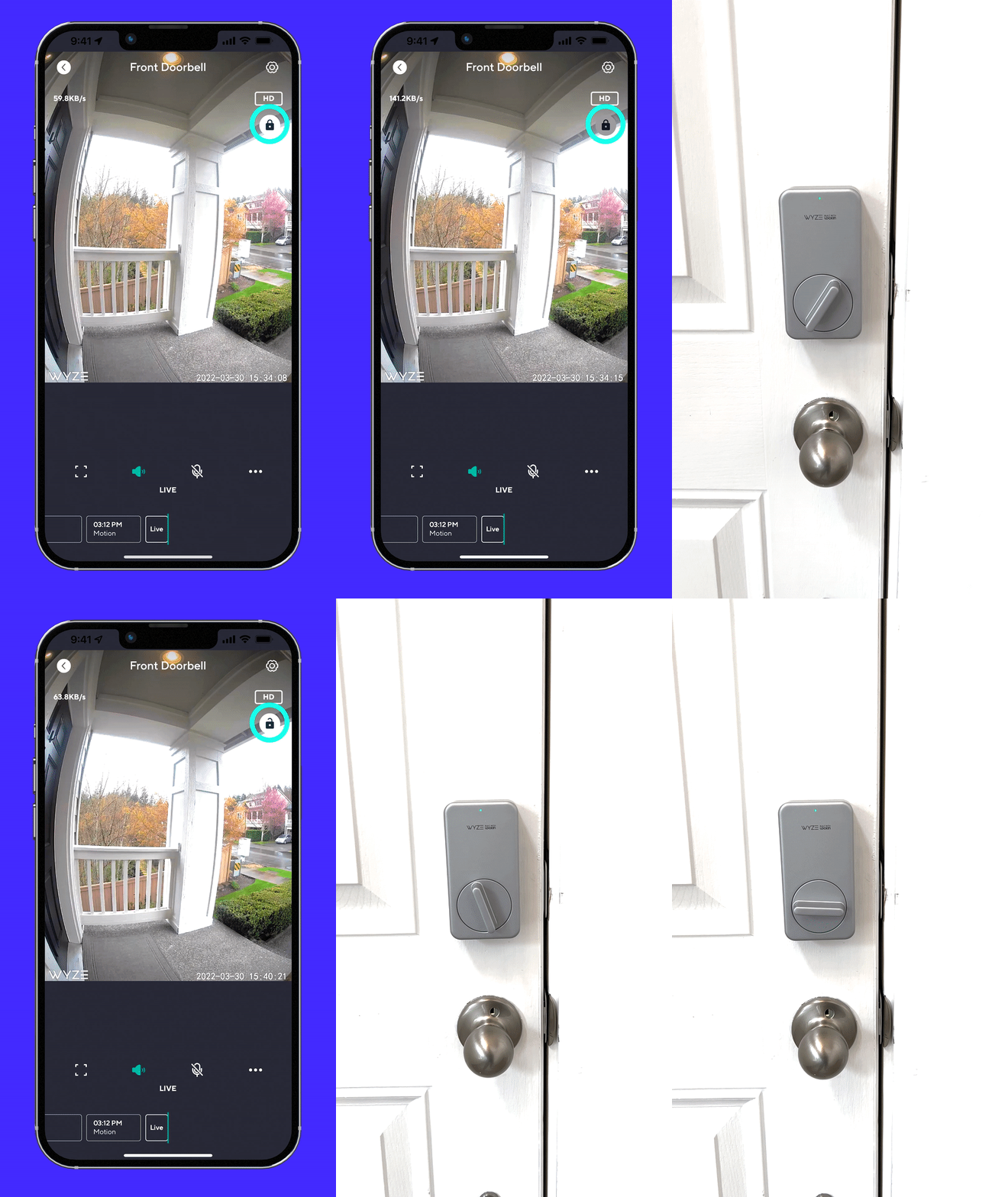
Permita que los invitados entren de forma remota con Wyze Lock.

Mejor con Wyze Lock. No te preocupes si la cena llega antes que tú. Deja entrar a tus amigos cuando estés en el tráfico desbloqueando la puerta a distancia con Wyze Lock. Requiere: Wyze Lock.

Aprende más

Autoinstalación sorprendentemente súper simple. En serio.

Fácil instalación. Reemplace su timbre cableado existente en menos de 20 minutos con nuestra sencilla guía de instalación. Mira el video a continuación para verlo por ti mismo.

Support Articles

This article details how to set up your Wyze Battery Video Doorbell. Let's get started!

To set up your Wyze Battery Video Doorbell:

  1. In the Wyze app, tap Home, then tap + plus sign on the top right.
  2. On the Add menu, tap Device.
  3. Tap Cameras > Video Doorbells > Wyze Battery Video Doorbell.
  4. Press and hold the SETUP button on the back of the doorbell for 5 seconds until the status light flashes red and it says "ready to connect."
  5. In the app, tap "I heard “Ready to connect," then Begin Setup.
  6. If you haven’t already enabled Bluetooth® and location access for the Wyze app, there will be a screen prompting you to do so. Once enabled, tap Next.If Bluetooth® and location access have already been enabled, it will skip to the next step.
  7. The app will automatically begin searching for and pairing with your Wyze Battery Video Doorbell.If you have multiple Wyze Battery Video Doorbells, select the correct camera by tapping the MAC address that matches the address on the back of the doorbell.
  8. Select your 2.4 GHz network and enter your network password. Tap Connect.Tap the icon in the password field to display the password to ensure it was entered correctly.
  9. Your device will continue pairing. Once paired, tap Next.
  10. Follow the in-app instructions to mount Wyze Battery Video Doorbell.Also handy: Wyze Battery Video Doorbell Installation Guide.
  11. Choose your chime option, then tap Next. By Itself. The doorbell will ring when it's pressed. With an existing house chime. Your doorbell will ring on your house chime, using Wyze Chime Controller (sold separately) when pressed. You'll be prompted to set up Wyze Chime Controller after doorbell setup is complete. With a Wyze Wi-Fi Chime. Your doorbell will ring on a Wyze Wi-Fi Chime (sold separately) when it is pressed. You'll be prompted to set up Wyze Wi-Fi Chime after doorbell setup is complete.
  12. You've successfully set up your Wyze Battery Video Doorbell. Now it's time to customize it. Tap Next.
  13. Name your Wyze Battery Video Doorbell using the text field, or by choosing a suggestion. Tap Finish when done.
  14. You may have a prompt to enable Cam Plus. Tap Continue.
  15. Set up some automations on the Things to Try* page, or tap Skip.
  16. You’re all set! Your doorbell is set up and ready to go.

Now that your Wyze Video Doorbell is all set up, it's time to add a Wyze Chime. Your chime will sound whenever someone rings the doorbell.

To set up your Wyze Chime:

Immediately after setting up your Wyze Video Doorbell, you'll be prompted to mount it, then continue to set up your Wyze Chime.

  1. Tap Add a Wyze Chime, then tap Next to continue.
    Don't want / need to add a Wyze Chime right now? Tap Not Now.
  2. Plug your chime into a standard power outlet close to the doorbell.
  3. Press and hold the reset button on the bottom of the Wyze Chime until the blue light flashes quickly three times. Set up should complete automatically.
  4. Tap Finish. You're all set!

Follow the steps in the Wyze Battery Video Doorbell Setup Guide to get your doorbell ready for installation.

What's in the Box:

To install your Wyze Battery Video Doorbell (Battery):

After initial setup in the Wyze app, you can choose how you will mount your Wyze Battery Video Doorbell.

  • ⭐️ Battery Mode: For more flexibility when installing.
  • Wired Installation: To replace your existing AC-wired doorbell. Requires a Wyze Chime Controller (sold separately).
  1. To install your doorbell without wiring, tap Battery Mode then Next.
  2. Make sure you have the required tools for mounting. Tap Next.You will need a Phillips screwdriver
  3. Select where your doorbell will be mounted, relative to the door. Tap Next.
    PerpendicularParallel.
  4. Select how you want to position or angle your doorbell. Tap Next.Straight aheadFollow the steps to mount the Back Plate.
    At an angleFollow the steps to mount the Corner Kit, then Back Plate.
  5. Attach your doorbell to the Back Plate starting from the bottom, as shown in the app. Tap Next.
  6. Choose how you want your doorbell to ring. Tap Next. By itself. Only the doorbell will ring when it's pressed. With a Wyze Wi-Fi Chime. Your doorbell will ring with a Wyze Wi-Fi Chime (sold separately) when it is pressed.
  7. Installation complete! Continue along in the app to complete setup.

To install your Wyze Battery Video Doorbell (Wired):

After initial setup in the Wyze app, you can choose how you will mount your Wyze Battery Video Doorbell. For wired installation, you must have a Wyze Chime Controller (sold separately) and follow the instructions to install it: Wyze Doorbell Chime Controller Installation Guide

  • Battery Mode: For more flexibility when installing.
  • ⭐️ Wired Installation: To replace your existing AC-wired doorbell.Requires a Wyze Chime Controller (sold separately).
  1. To install your doorbell using AC wiring, tap Wired Installation then Next.
  2. Make sure you have the required tools for mounting. Tap Next.You will need a Phillips screwdriver.
  3. Turn off power to your current mechanical doorbell at your electrical panel. Tap Next.Related article: Which switch in the electrical panel controls my doorbell? Press your doorbell button to confirm the power is shut off.
  4. Gently remove your existing doorbell and disconnect the wires. Tap Next.
  5. Select where your doorbell will be mounted, relative to the door. Tap Next.PerpendicularParallel.
  6. Select how you want to position or angle your doorbell. Tap Next.Straight aheadFollow the steps to mount the Back Plate.
    At an angleFollow the steps to mount the Corner Kit, then Back Plate.
  7. Attach the extension wires to your new doorbell, following along in the app. Tap Next.
  8. Pair and cap the loose extension wire ends with the wires from the wall. Tap Next.
  9. Attach your doorbell to the backplate starting from the bottom, as shown in the app. Tap Next.
  10. Installation complete! Continue along in the app to complete setup.
Added to your cart
Envío GRATIS en pedidos de $59+
Subtotal
$0.00
View cart