Ir directamente a la información del producto
1 de 14

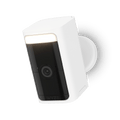
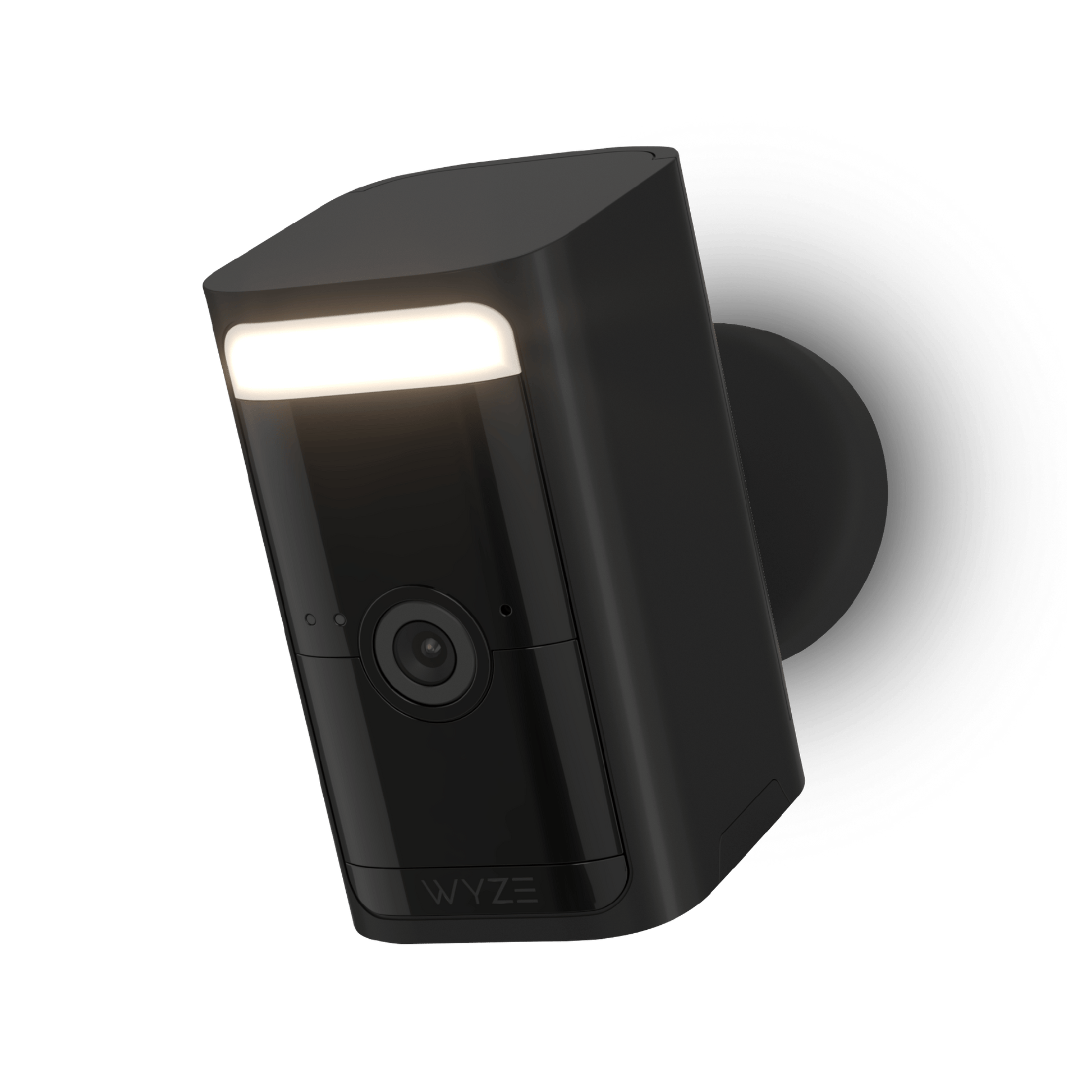
Cámara de batería Wyze Pro

Cámara de batería Wyze Pro

La cámara de seguridad inalámbrica para ir a cualquier parte y verlo todo con video 2K HDR.

No necesita enchufe ni electricista. Convierta esta cámara inalámbrica en una cámara de seguridad solar añadiendo un panel solar Wyze.

Color
Embalar
Accesorio
$89.98
En existencias
Get it as soon as
Devoluciones sin problemas de 30 días.
En existencias
NEW Bird Detection
Great news for Wyze Battery Cam Pro owners. Bird Detection is now available with Wyze Security Plans. Test it with a Cam Plus trial.
A blue and white logo for Wyze.
VENTAJAS Exclusivas de Wyze.com
Garantía extendida de 18 meses

Obtenga una garantía extendida de 18 meses al comprar este producto en wyze.com. También obtenga paquetes especiales, promociones únicas y recompensas con cada pedido

  • Resolución de video HDR de 2.5K
  • Sin cables, no requiere concentrador
  • Foco y sirena integrados
  • Detección de movimiento por radar y PIR
  • Paquetes de baterías extraíbles y recargables
  • Resistente a la intemperie IP65
  • Compatibilidad con WiFi de 2,4 y 5 GHz
Ver todos los detalles
  • Wireless page.

    Exterior/Interior. Sin cables. Sin concentrador.

    Colóquelo en cualquier lugar con una instalación sin complicaciones.

  • A colorful logo of a person holding a shield.

    Vídeo HDR 2K con visión nocturna en color

    Captura más detalles con vídeo mejorado.

  • A black screen with no visible text or objects.

    Detección de movimiento por radar y PIR

    Duplica los sensores para obtener detecciones más precisas.

  • Battery

    Paquetes de baterías extraíbles

    Intercambie y recargue para eliminar el tiempo de inactividad por seguridad.

Color y materiales

  • Color: Blanco
  • Acabado: Acabado mate
  • Estructura mecánica: plástico PC
  • Lente de la cámara: vidrio óptico
  • Peso de la cámara (libras): 0,94
  • Dimensiones (pulgadas): 2,5 x 1,8 x 3,5

Detalles adicionales

  • Velocidad de la CPU: 500 MHz
  • Memoria: 128 MB de RAM
  • Integraciones: Alexa, Asistente de Google, IFTTT
  • Métodos de montaje: 1/4” - 20 estándar
  • Soporte de pared: Incluido (montaje corto)
  • Dimensiones del montaje en pared: 2 pulgadas x 2 pulgadas x 2,2 pulgadas
    Peso del soporte de pared: 1,5 oz (44 g)

Certificaciones:FCC, IC

Anclajes para paneles de yeso

  • Anclajes de pared
  • Longitud: 28,7 mm
  • Ancho: 5,5 mm
  • Tamaño de la broca: 7/32

Conjunto de tornillos

Tornillos Philips
  • Longitud: 29,5 +- 1 mm
  • Ancho: 2,9 mm
  • Tamaño de la broca: 3/64

Fuerza

  • Longitud del cable de alimentación
  • Cable USB-A a USB-C, 0,5 m
  • Adaptador de corriente: 5 V, 2 A (NO INCLUIDO)

Paquete de batería

  • Capacidad: 6200 mAh
  • Tiempo de carga: Aproximadamente 9 horas
  • Duración de la batería: hasta 6 meses
  • Tecnología: Li-Ion
  • Conector: USB-C

Imagen

  • Sensor de imagen: Sensor CMOS-Starlight (2560 x 1440)
  • Lente: F1.6
  • Zoom digital: 8x
  • Campo de visión: 134° (DFOV), 108° (HFOV), 56° (VFOV)
  • Visión nocturna: 2 LED IR (850 nm), 2 LED blancos (5500 K, 187 lúmenes)

Video

  • Durante el día: 15 FPS
  • Noche: 15 FPS
  • Resolución de vídeo: 2560 x 1440 (2,5K)
  • Codificación de vídeo: H.264

Conectividad y compatibilidad

  • Bluetooth: BLE 5.1
  • Wi-Fi: 2,4 GHz y 5 GHz, 802.11a/n/g/b
  • Compatibilidad del teléfono: Android 9.0+, iOS 15.0+

Audio

  • Micrófono: Micrófono digital MEMS
  • Audio bidireccional
  • Altavoz y micrófono incorporados
  • Cancelación de ruido y eco
  • 2 vías simultáneas
    Sirena, 100 dB SPL a 0,1 m

Clima y temperatura

  • Resistencia a la intemperie: Interior y exterior (IP65)
  • Temperatura de funcionamiento: -20 °C a +50 °C (-4 °F a +122 °F), humedad < 90 %
  • Temperatura de almacenamiento: -40 °C a +50 °C (-40 °F a +122 °F), Humedad < 90 %

Almacenamiento

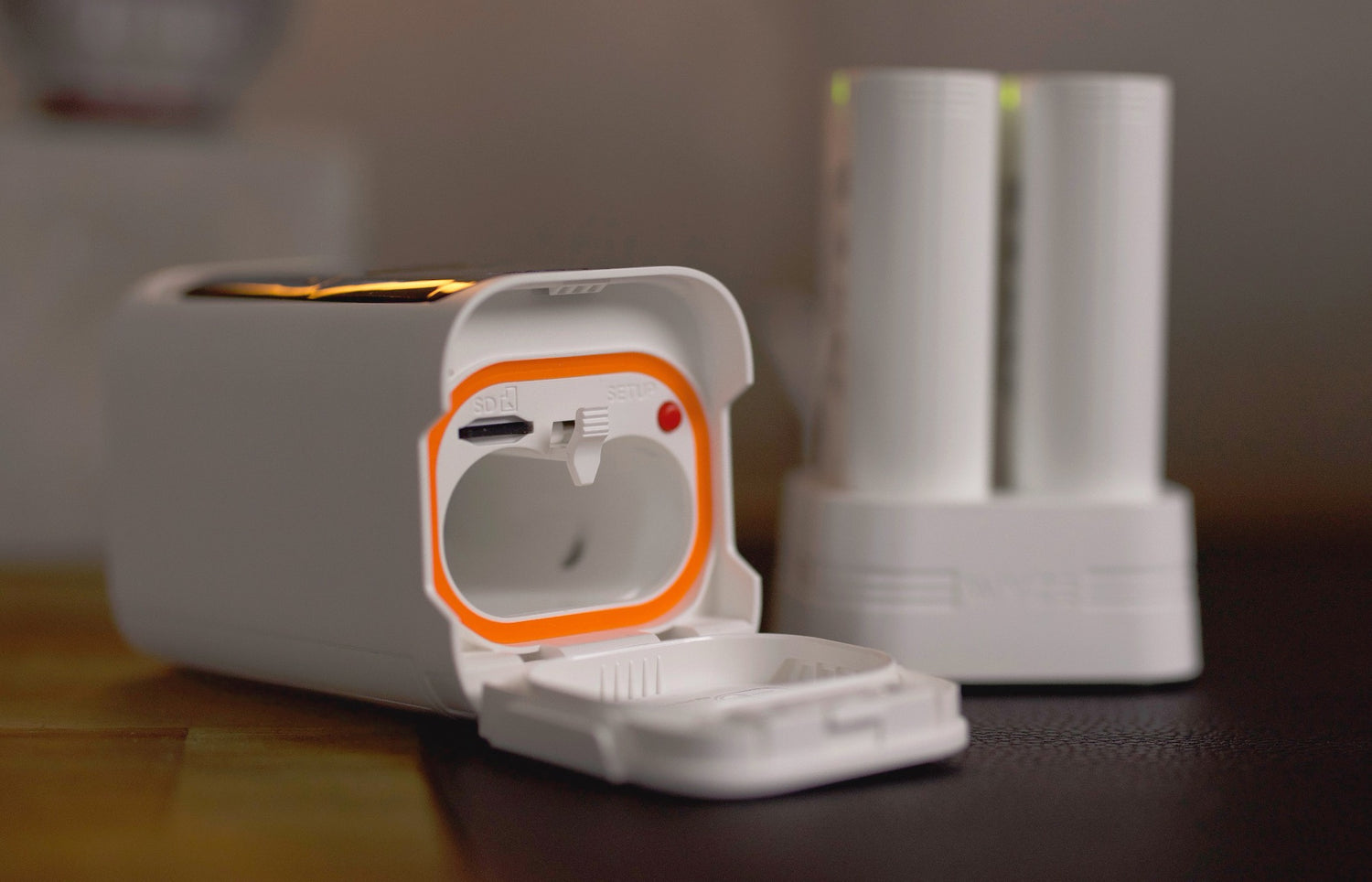
  • Almacenamiento local: admite tarjetas microSD de hasta 256 GB
  • Almacenamiento en la nube: graba en la nube con Cam Plus
  • x1 - Cámara de batería Wyze Pro
  • x1 - Soporte de pared
  • x1 - Cable USB-C
  • x1 - Paquete de batería
  • x3 - Conjunto de tornillos
  • x1 - Guía de inicio rápido

Nota:El adaptador de corriente no está incluido.

No, you can set up your camera directly on your 2.4 Ghz or 5 GHz home Wi-Fi network and start using your camera in minutes.

No, it’s not compatible with Wyze Base Station.

With normal use, a battery pack should last up to 6 months before recharging. Alternatively, you can purchase additional battery packs to swap as needed.

You can use the included standard 1/4" - 20 metal wall mount or purchase our Wyze Universal Metal Mount accessory for ceiling mounting. It's not compatible with the magnetic base mount on Wyze Cam Outdoor.

Yes! Continuous or motion-only local recording is available. Keep in mind that these features may greatly shorten battery life. 

Learn more on how to use a MicroSD card with your Battery Cam Pro.

The fusion of radar and PIR eliminates false alarms caused by extreme weather conditions like heavy rain, snow, or intense heat. The radar sensor detects the distance of objects in front of the camera, providing precise information about detected motion to reduce unwanted alerts.

It takes approximately 9 hours to fully charge the battery.

Yes, you can use the camera normally while it's charging.

Yes, you can purchase the Wyze Solar Panel with an included USB-C adapter cable. Alternatively, you can purchase a USB-C cable if you bought the original solar panel on or before May 2023. 

Yes it is.

Yes it is the same battery pack with 6200 mAh capacity.

Característica destacada: La grabación local (con una tarjeta MicroSD) está disponible para Battery Cam Pro

Libertad de cables a prueba de intemperie para todos.

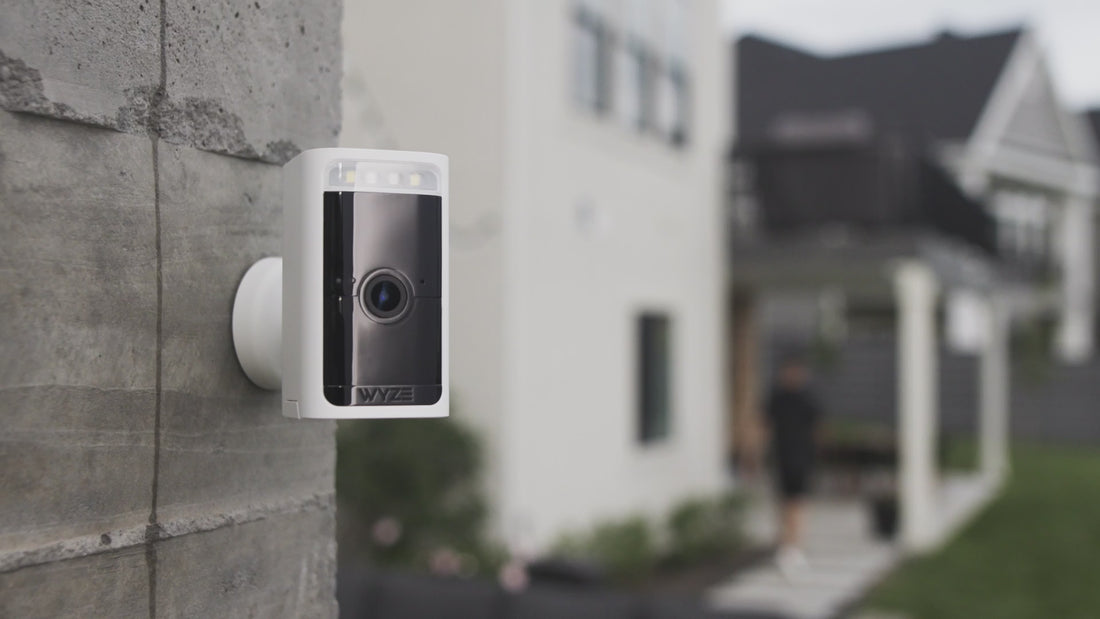
Sin cables. Sin concentradores. Es la cámara de seguridad para el hogar definitiva, con batería, para llevar a cualquier parte y verlo todo. Obtén protección profesional justo donde más la necesitas.

1 de 5

Comprar accesorios para Wyze Battery Cam Pro

  • Paquete de batería extraíble Wyze
    Precio habitual $22.99
    Precio habitual $22.99 Precio de oferta $22.99
    Funciona con Wyze Battery Cam Pro, Wyze Duo Cam Doorbell y Wyze Palm Lock. Learn More
  • Base de carga de batería Wyze
    Precio habitual $23.98
    Precio habitual $23.98 Precio de oferta $23.98
    Cargue hasta dos baterías a la vez. Learn More
  • Panel solar Wyze Battery Cam
    Precio habitual A partir de $5.99
    Precio habitual $28.98 Precio de oferta A partir de $5.99
    Cargador solar de 12 W para cámaras de exterior Learn More
    Choose your option
    View Options
  • Tarjetas MicroSD
    Precio habitual A partir de $18.98
    Precio habitual $18.98 Precio de oferta A partir de $18.98
    Grabación continua y lapsos de tiempo para Wyze Cams. Learn More
    Choose your option
    View Options
  • Soporte universal para cámaras Wyze
    Precio habitual $9.99
    Precio habitual Precio de oferta $9.99
    Un soporte resistente con un vástago más largo. Necesario para instalar la Wyze Battery Cam Pro en el techo. Learn More

Captura más detalles con 2K HDR y Color Night Vision.

De día o de noche, cada detalle importa. Wyze Battery Cam Pro utiliza un alto rango dinámico para lograr imágenes equilibradas con colores más intensos.

Luz integrada. Vuelo intruso.

Ilumina a posibles intrusos con 150 lúmenes de luz LED activada por movimiento. También puedes controlar manualmente el foco en la app Wyze para mayor seguridad mientras paseas a tu perro por la noche.

Radar + PIR = Una superestrella de la detección de movimiento.

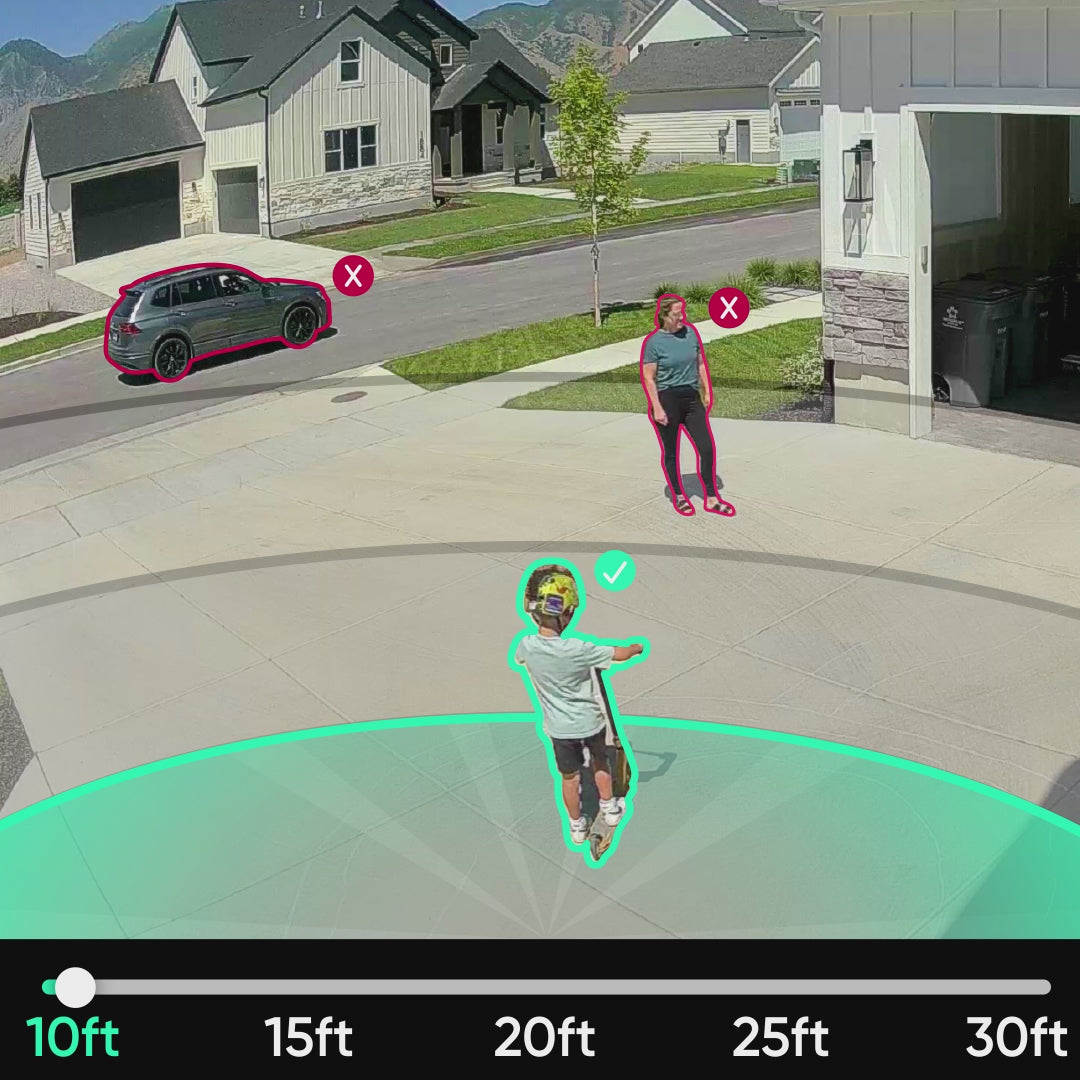
El doble de sensores de movimiento significa el doble de alertas. El radar y el PIR se combinan para ofrecer detecciones más tempranas y precisas. Configura zonas de detección personalizadas en la app Wyze para recibir notificaciones específicas de la ubicación.

Obtenga detecciones aún más inteligentes con Cam Plus.

El poder de proteger.

Wyze Battery Cam Pro tiene opciones de montaje y alimentación flexibles.

A white toothbrush with a red button on the side.

Paquetes de baterías extraíbles.

Quitar la cámara para cargarla es tan tedioso y agotador como limpiar un urinario de aeropuerto. Intercambia fácilmente las baterías en caliente y elimina el tiempo de inactividad por seguridad.

añadir a la cesta
A person is pressing a button on a black box.

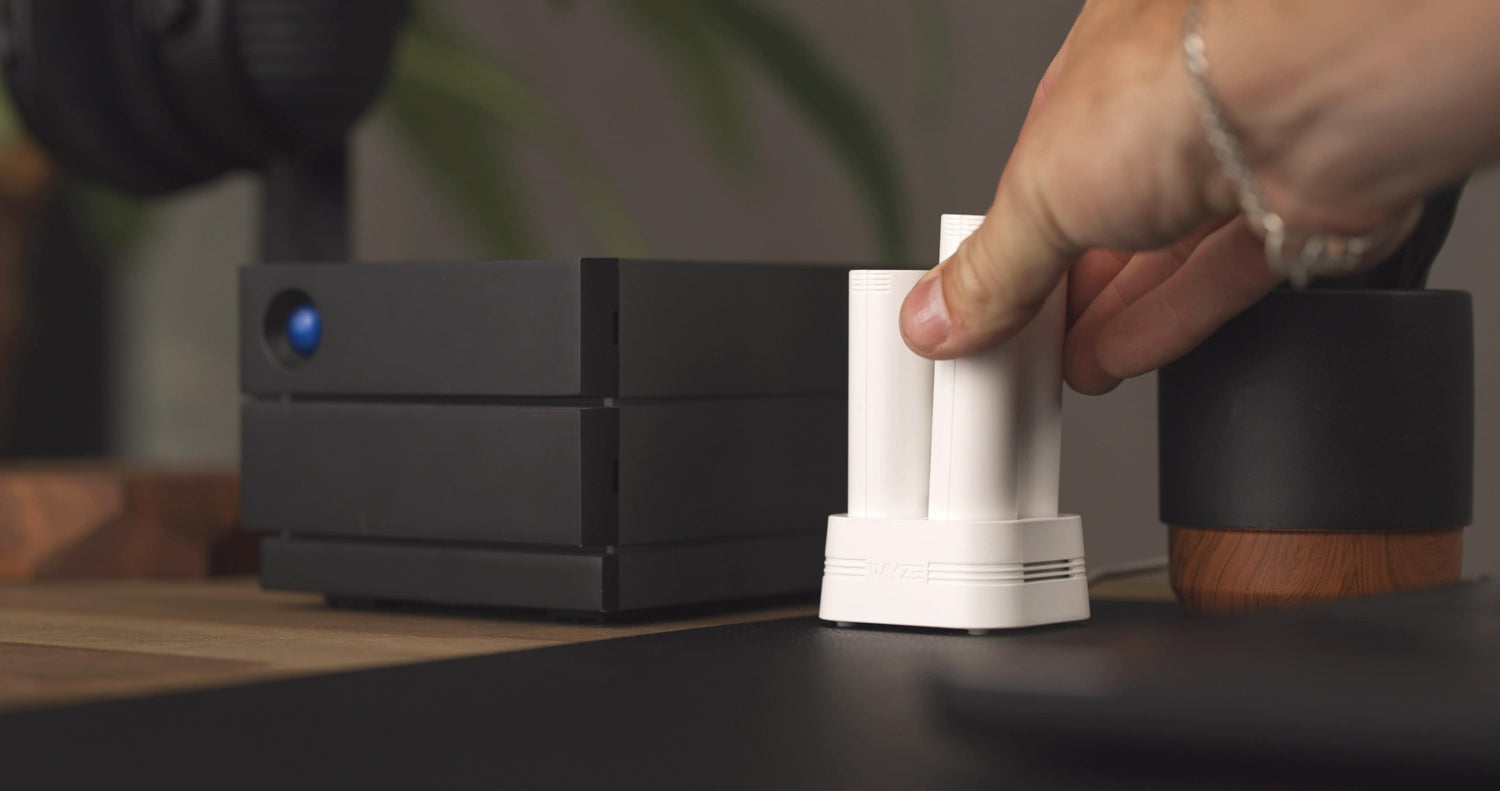
Energía lista con la base de carga de batería Wyze.

Carga hasta dos baterías a la vez con la base de carga Wyze. Se vende por separado.

añadir a la cesta
A solar panel is attached to a house.

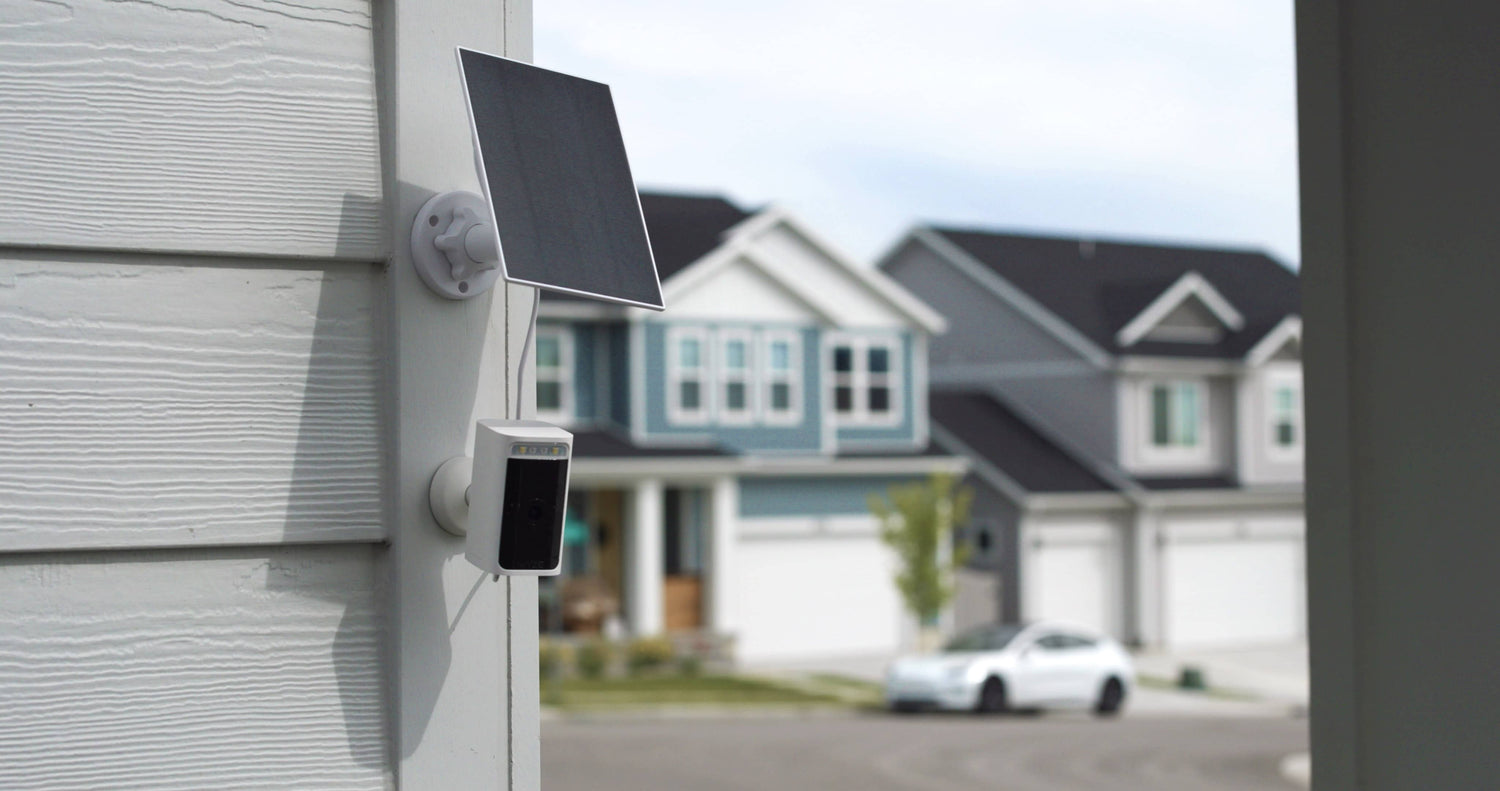
Convierte tu cámara en una cámara de seguridad con energía solar en segundos.

Nada dice "Me gustaría seguir viviendo en el planeta Tierra" como un panel solar. Convierte los rayos del sol en energía para que puedas usar tu cámara durante más tiempo con menos carga.

añadir a la cesta
A white camera with a black background.

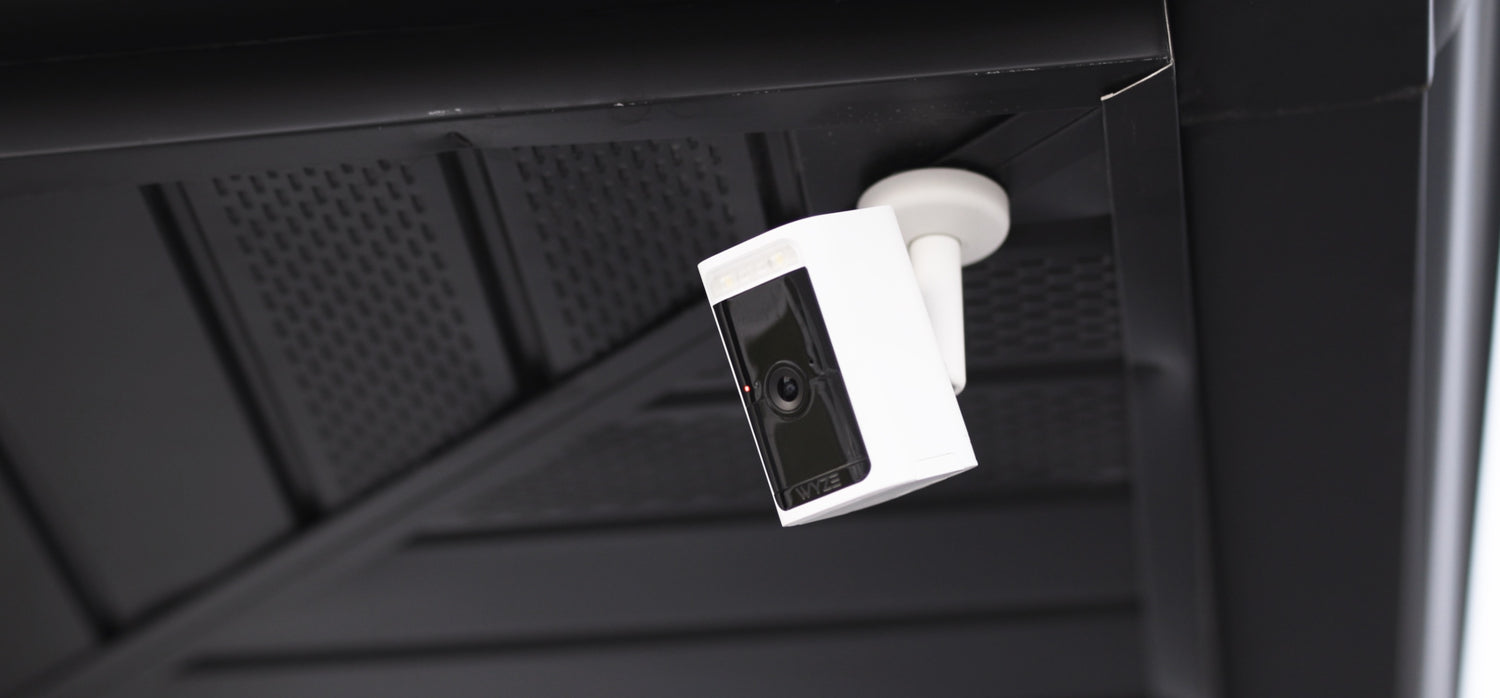
Configuración de techo con Wyze Universal Mount.

¿Necesitas vigilar el cielo? El soporte universal Wyze tiene un vástago más largo para una instalación flexible en el techo. Es necesario para instalar la Wyze Battery Cam Pro en el techo o bajo un alero.

añadir a la cesta

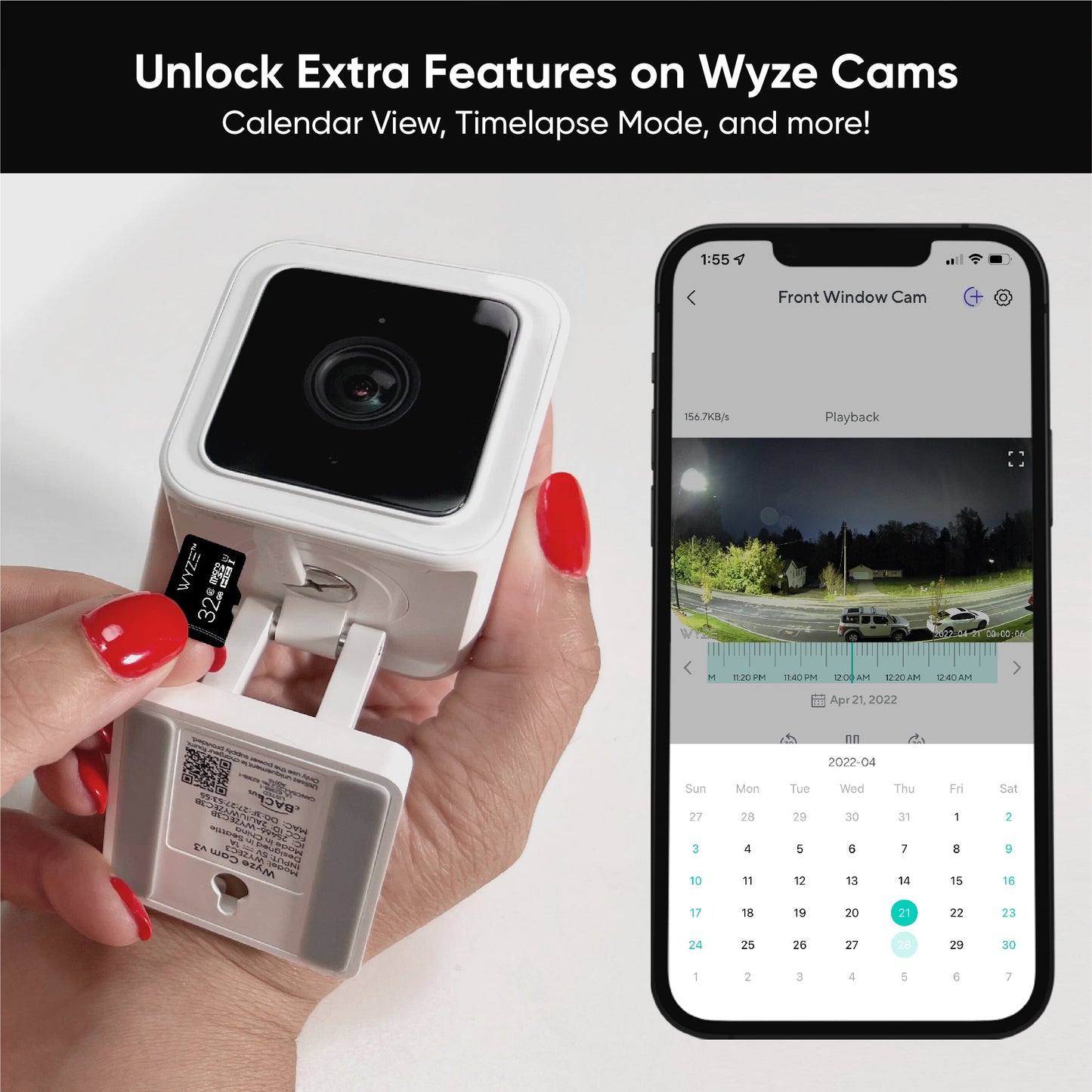
Battery Cam Pro puede grabar localmente en una tarjeta microSD.

No te pierdas ni un instante y graba eventos de movimiento localmente en una tarjeta microSD. No requiere suscripción. Activar esta función afecta la duración de la batería.

A white camera with a blue light on it.
A white and blue box with a 5GHz label on it.
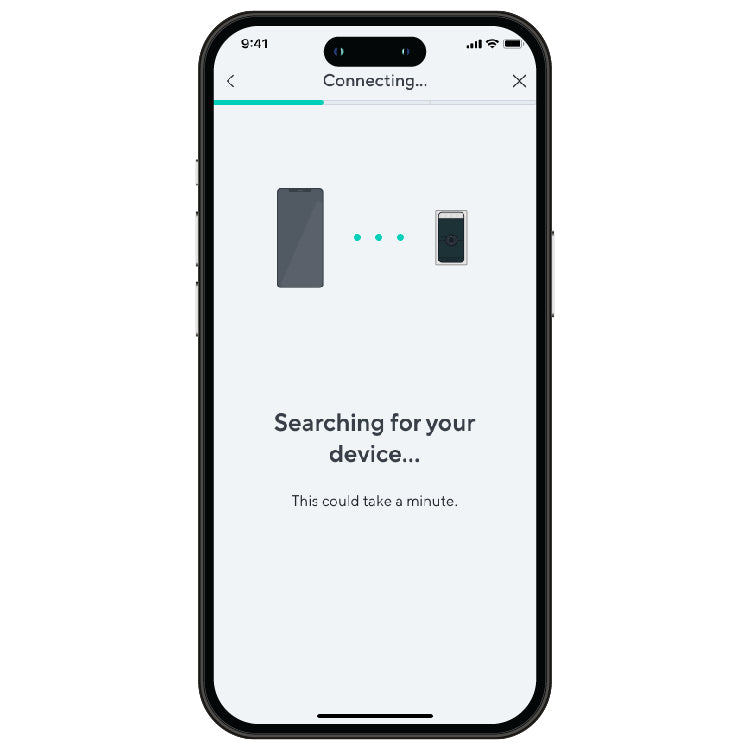
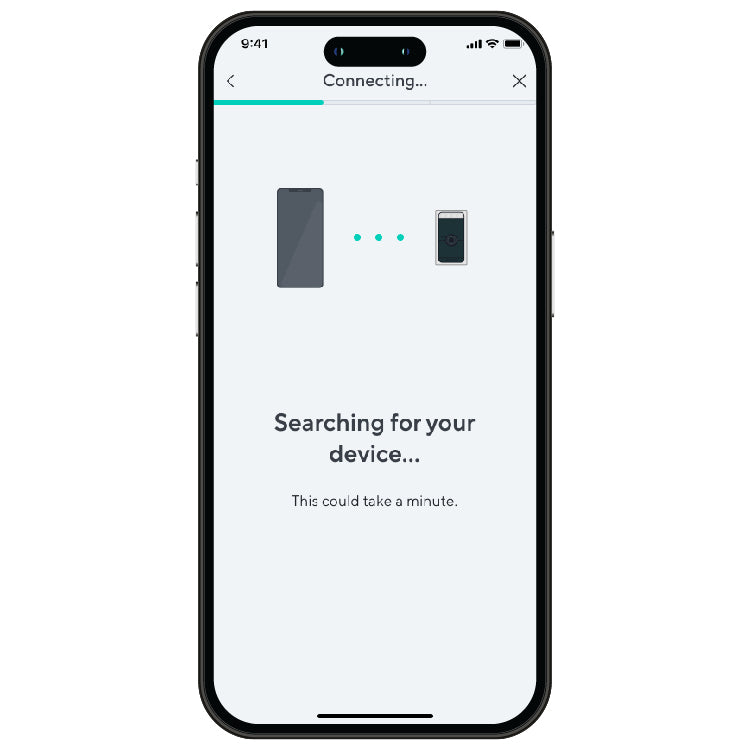
Connecting device
A smartphone screen with a search bar for a device.
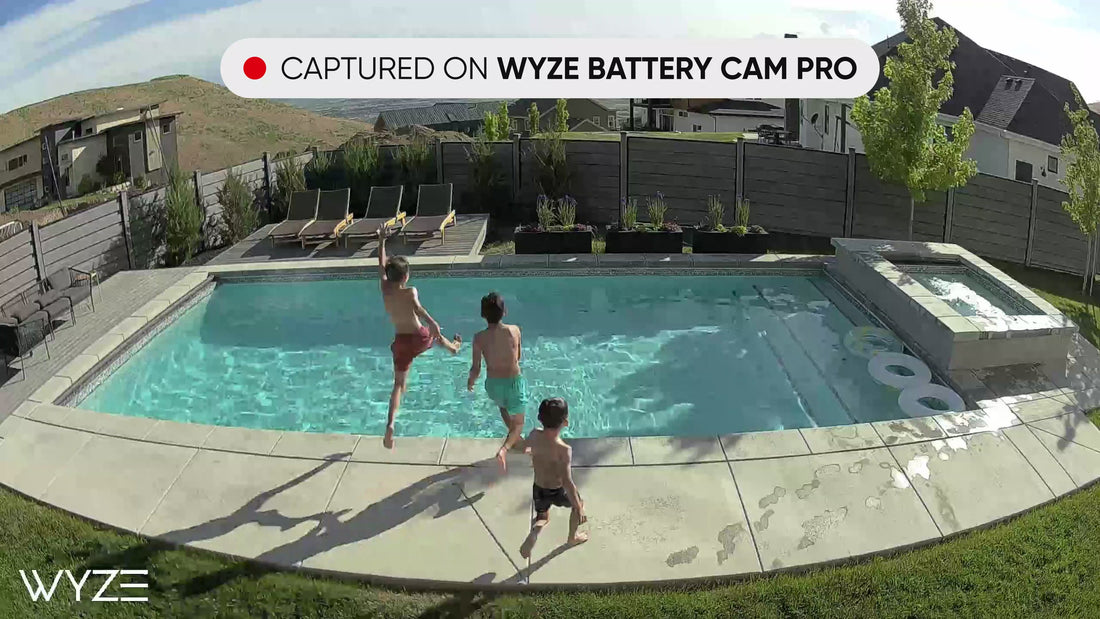
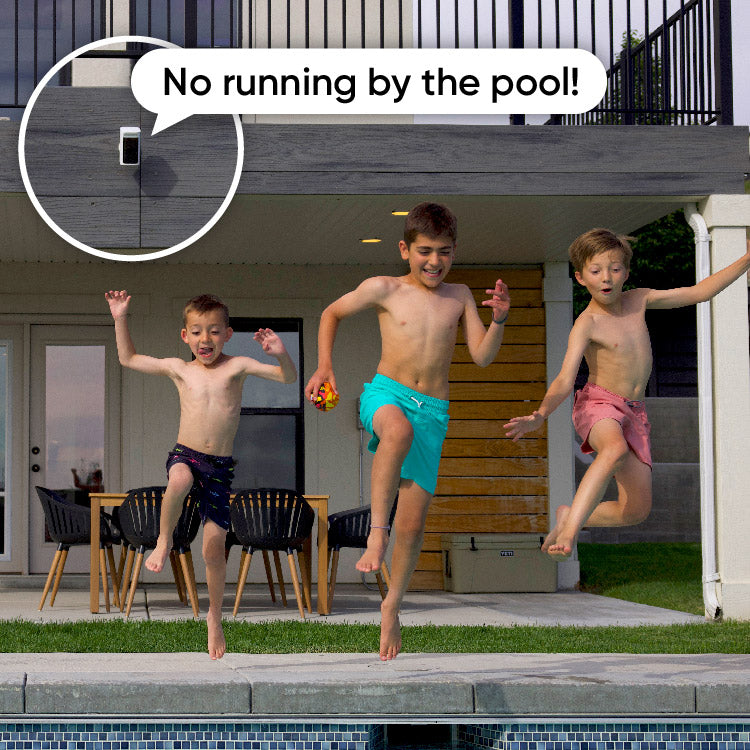
No running by the pool!

Más funciones Pro que te encantarán.

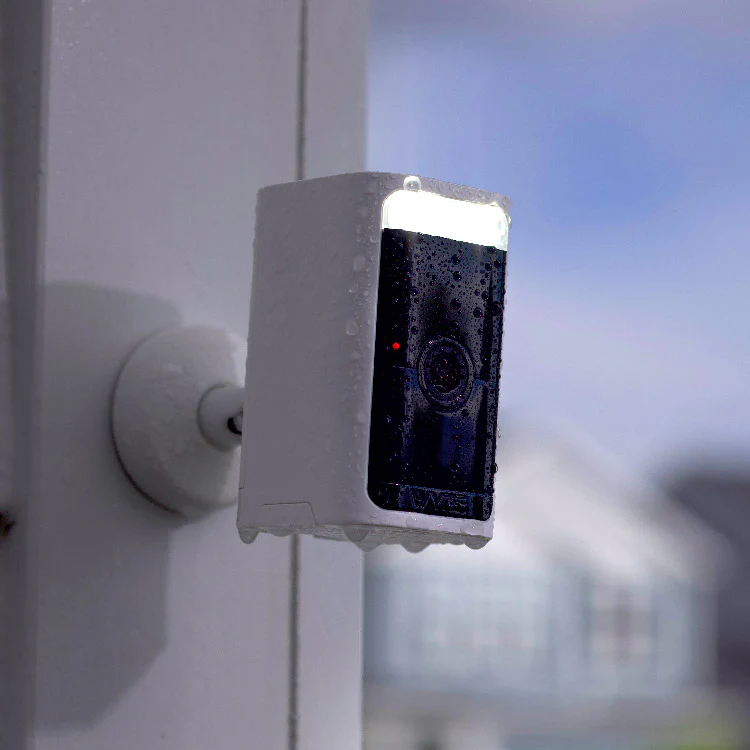
Goteo. Salpica. Plop. No importa el clima, esta cámara no se puede detener.

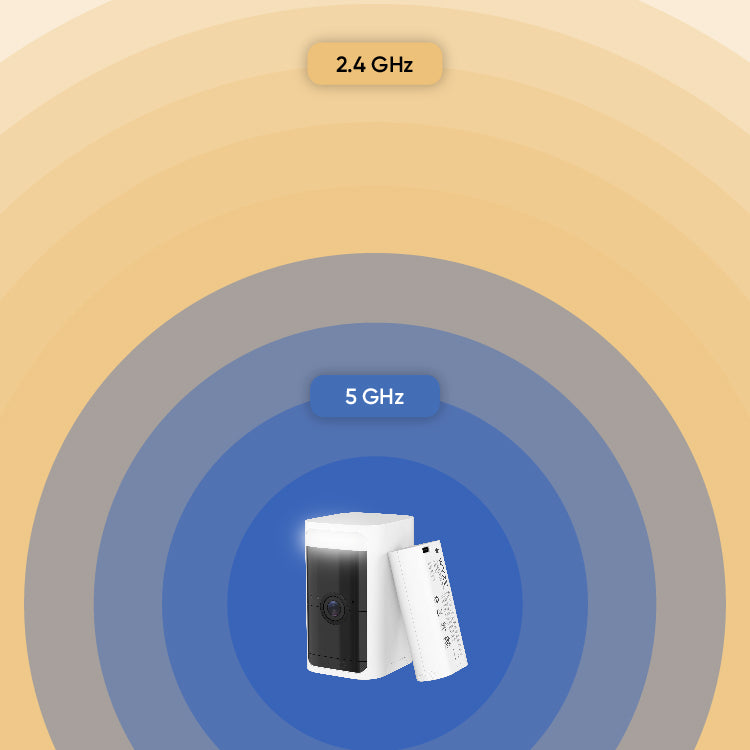
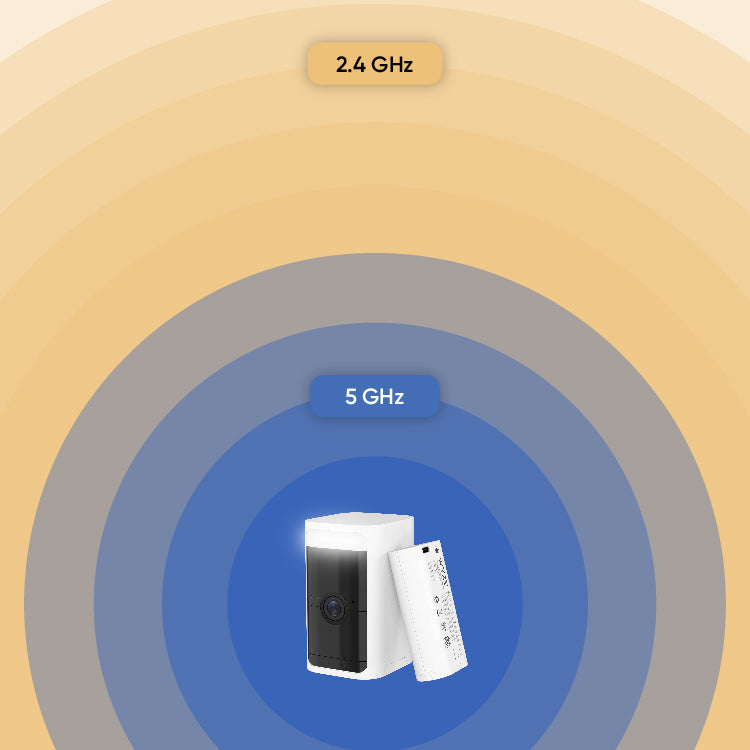
Conectar su cámara es fácil y rápido que nunca con Wi-Fi de doble banda que admite redes de 2,4 y 5 GHz.

No más escaneo de códigos QR. La configuración es rápida y sencilla con BluetoothⓇ.

Hable (o grite) con cualquier persona fácilmente con un micrófono y un altavoz integrados.

Listo y listo para monitorear en minutos. ¡Mira cómo! 👇

Support Articles

Before you begin setup:

  1. Download the Wyze app on your smartphone or tablet.
  2. Connect your smartphone or tablet to a 2.4 GHz or 5 GHz Wi-Fi network.
  3. Unpack your Wyze Battery Cam Pro, removing all plastic and packing materials.Be sure to remove the plastic film from the lens.
  4. Charge the battery pack using the included charging cable.It takes 9 hours to fully charge the battery from 0 to 100%.If the battery pack is charging, there should be one green status light.If the battery pack is fully charged, both status lights should be solid green.

To set up your Wyze Battery Cam Pro:

  1. In the Wyze app, tap Home, then tap + plus sign on the top right.
  2. On the Add menu, tap Device.
  3. Tap Cameras > Battery Camera > Wyze Battery Cam Pro.
  4. Insert the battery pack into the camera.Open the battery compartment on the bottom of the camera, locate the arrow on the battery pack and point it down into the compartment, then push the battery in until it clicks.The camera’s status light will turn solid yellow when powered. When flashing blue and yellow, it’s ready for setup.
  5. Tap Begin Setup.
  6. Under the battery door, press and hold the SETUP button. It will say “ready to connect”. The camera may say “ready to connect” without pressing the SETUP button. If so, continue.
  7. In the app, check the box next to It said, “Ready to connect”. Then tap Next.
  8. If BluetoothⓇ hasn’t already been enabled, you’ll be prompted to allow BluetoothⓇ access. Tap Okay.If BluetoothⓇ has already been enabled, it will skip to the next step.
  9. The Wyze app will begin searching and pairing to your camera.
  10. Select your 2.4 GHz or 5 GHz Wi-Fi network and enter your network password. Tap Next.
    Tap the icon in the password field to display the password to ensure it was entered correctly.
  11. After the camera is set up and connected, it will say "setup completed".
  12. Success! Your camera is set up and ready to go. Tap Mounting Tips for placement recommendations. Or check out our Wyze Battery Cam Pro Mounting Guide. Or tap Skip if you already have your camera mounted.
  13. Tap Next. You’re set up! It’s time to name your device.
  14. Name your Wyze Battery Cam Pro using the text field, or by choosing a suggestion.
  15. Tap Finish when done.
  16. Choose between the Basic plan (no subscription) or Cam Plus. Tap Continue.
  17. Set up some automations on the Things to Try* page, or tap Skip.
  18. You’re all set. Enjoy your new Wyze device!

Things to Try: Tap Create or edit a device group, Share this device, Automate your device, or Skip. These are quick ways to set up a few automations before you finish setup. When you complete a task, it'll display a green checkmark ✅. You can move on from this page by tapping Skip.

Mount your Wyze Battery Cam Pro anywhere using the included wall mount or Wyze Universal Metal Mount.

Depending on the location of where you plan to mount your camera, a ladder may be required.

What’s in the box?
  • 1x Wyze Battery Cam Pro
  • 1x Wall Mount
  • 1x USB-A to USB-C Cable
  • 1x Battery Pack
  • 3x Screws (29.5 mm x 2.9 mm)Note: Use a 3/64 drill bit
  • 3x Drywall Anchors (28.7 mm x 5.5 mm)Note: Use a 7/32 drill bit
  • 1x Quick Start Guide
To mount your Wyze Battery Cam Pro from the wall:
  1. Remove the wall mount base from the camera mount by rotating the base counterclockwise.
  2. Use the base and position the holes where you plan to mount the camera.
  3. Use a pencil to mark the holes.
  4. For drywall or a surface too soft for screws, drill pilot holes then insert the drywall anchors into the holes.For harder surfaces like wood posts, trim, etc., skip to the next step.
  5. Screw the wall mount base into the wall using the provided screws.
  6. Screw (twist) the wall mount onto the back of your Wyze Battery Cam Pro and tighten the disk.Be sure not to over-screw or screw it too tightly.
  7. Connect the entire assembly to the wall mount base by rotating the wall mount clockwise until snug.
  8. Need to adjust the camera angle? Simply loosen the mount by rotating it counterclockwise and adjust the post angle to the desired position then tighten the mount.
To mount your Wyze Battery Cam Pro from a ceiling, simply follow the above steps, but with Wyze Universal Metal Mount.
Tips:
  • Mount your camera 7 feet above the ground, titled 20° downwards for the best detection distance.
  • You can customize the detection distance up to 30ft in the camera’s Detection Settings.
  • Mount your camera away from direct sunlight to avoid glare, overheating, and poor battery life.
  • Point your camera away from areas with a lot of movement, like busy roads or blowing trees, which can trigger false Event notifications.
  • Avoid placing your camera behind glass, looking out of a window, or installed in a third-party case. Wyze Battery Cam Pro uses a mixture of PIR (temperature changes) and radar (movement) to detect motion. Motion detection will not trigger if the camera is behind glass, looking out of a window, or inside a third-party case.

Your Wyze Battery Cam Pro is compatible with a microSD card, which gives you the ability to record motion events or continuous footage directly to your local microSD card.

Important: Continuous recording will drastically drain the battery.

To use a microSD card with Wyze Battery Cam Pro:

  1. Get a microSD card. * We have tested with cards up to 256 GB when formatted as exFAT. Even larger cards may work, but this has not been tested on our end.
  2. Format the microSD cardIf the microSD card has been used before, we recommend formatting the card when you install it in your Wyze Cam.To do this, tap into your camera’s live stream from the Home tab and tap Settings > Advanced Settings > Manage MicroSD Card > Format. ⚡️Heads up! Formatting the card will erase all of the existing content, so be sure to back up your files if there are any you want to save.
  3. Record to the microSD card
  4. View local recordings from the Live stream:In the Wyze app, tap into your camera's Live stream.Tap the SD Card button next to Take Photo.Tap and drag the timeline to view the recorded video for a specific point in time.Available footage will be highlighted in the timeline.Pinch and zoom on the timeline to select a specific point in time.
  5. View local recordings on your computer:In the Wyze app, tap into your camera's Live stream.Tap Settings > Advanced Settings > Manage MicroSD Card > Eject MicroSD Card.Remove the microSD card from your Wyze Cam.Insert it into a computer with a microSD card slot to view the raw video files (mp4 format).

More about Continuous and Events Only Recording

Recording Resolution

The recording resolution of Cam Plus cloud events and local recordings is controlled by the Recording Resolution setting in Advanced Settings.

  1. In the Wyze app, tap into your camera's Live stream.
  2. Tap Settings > Advanced Settings.
  3. Tap Recording Resolution.
  4. Choose 2K or HD.
Continuous Recording
  1. The camera will stop entering Sleep/Power Saving Mode when set to continuous local recording.
  2. We strongly recommend connecting Wyze Battery Cam Pro to a 5V 2A AC power source for continuous recording. We do not recommend to use it with battery only or battery + solar panel power options because it will drain the battery quickly.
  3. A fully charged battery can last for up to 10 hours of continuous recording. Your camera will continuously record video to the microSD card, giving you the option to have your recording available for playback later - no subscription required.If you have a microSD card inserted and Local recording to microSD card turned on in your settings, the camera will continuously record to that microSD card, even if offline.The cam can still create alert videos that are captured and stored on the cloud based on the camera’s other recording settings.The video length depends on the size of your microSD card and your recording settings. When the microSD card is full, it will overwrite the oldest footage and roll forward.

To view your recorded footage, you can either bring your Wyze Cam back to an area that is covered by the Wi-Fi network it was set up in and use the SD Card Playback feature in the Wyze app, OR remove the microSD card from your Wyze Cam to view the raw video files (mp4 format) on a computer.

When you return the microSD card to your Wyze Battery Cam Pro, it will resume continuous recording. The camera supports up to a 256 GB microSD card, which holds roughly 2-3 days of playback recording.

Events Only Recording

💡Tip: Only recording Events is an excellent way to preserve battery life and space on your microSD card.

  • Your camera will only record video if motion is detected.
  • This feature backs up Cam Plus event videos to local microSD card with customized Recording Cooldown and Max Video Length settings in Event Recording settings. With a Cam Plus license, you can set the camera to record motion events with no cooldown period and up to 5 mins video length. For cameras without a Cam Plus license, the length of the local video will be around 12 seconds with the same recording cooldown period.

Additional Note:

  • Time lapse videos are not supported on Wyze Battery Cam Pro.
Added to your cart
Envío GRATIS en pedidos de $59+
Subtotal
$0.00
View cart