Ir directamente a la información del producto
1 de 8

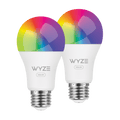
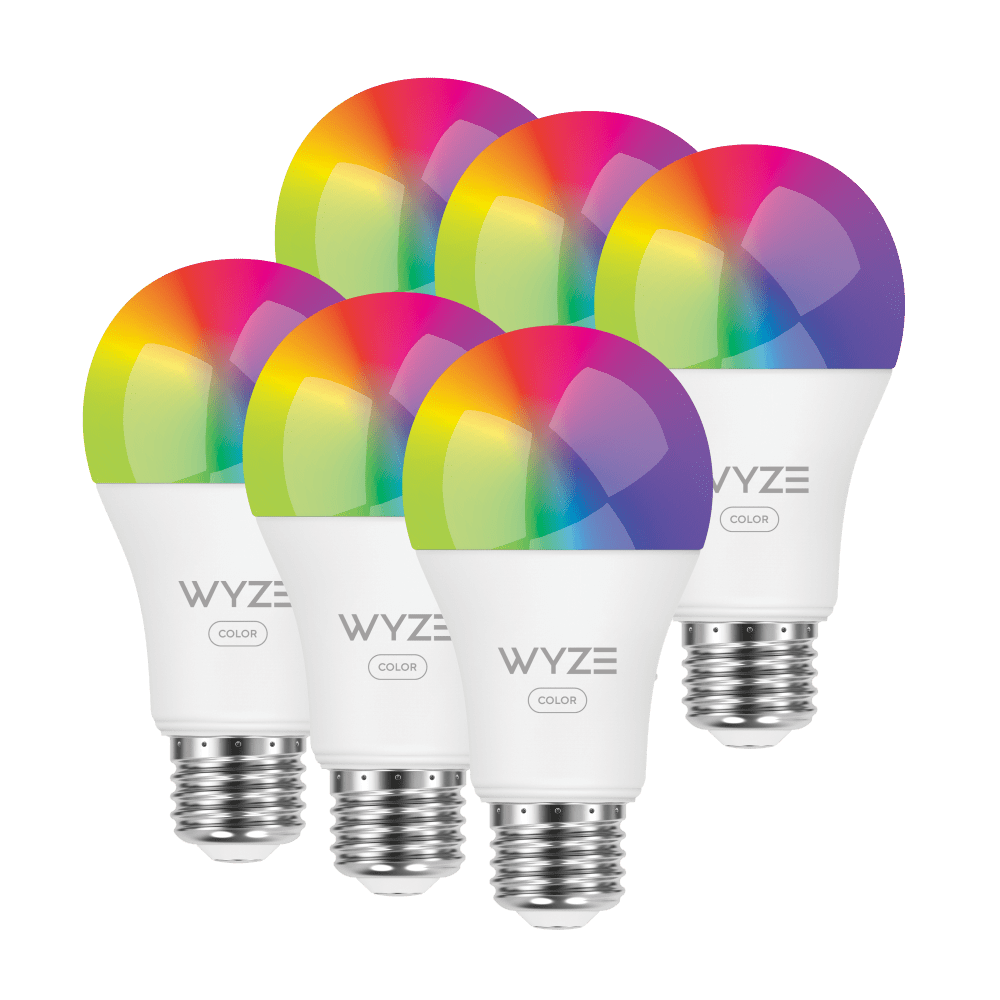
Color de la bombilla Wyze (reacondicionada)

Color de la bombilla Wyze (reacondicionada)

Vive tu vida en color con nuestra bombilla inteligente más brillante.

Estilo
SALE
$9.99 $14.99SAVE 35%
Agotado
Get it as soon as
Este producto no es elegible para devoluciones.
Agotado
A blue and white logo for Wyze.
VENTAJAS Exclusivas de Wyze.com
Garantía extendida de 12 meses

Obtenga una garantía extendida de 12 meses al comprar productos reacondicionados en wyze.com. También obtenga paquetes especiales, promociones únicas y recompensas con cada pedido

Logotipo de Wyze Refurbished

Este es un producto Wyze reacondicionado. ¿Qué significa eso? Es un producto Wyze como nuevo , completamente probado y con garantía de funcionamiento, ahora a un precio aún mejor. Venta final, pero decisión de Wyze.

Wyze Bulb Color fue al Carnaval y le pareció monótona. Bostezó en el Festival Holi de India. Se durmió en los fuegos artificiales del 4 de julio. Wyze Bulb Color es una esnob insoportable, pero es difícil entusiasmarse cuando eres la mejor bombilla inteligente de 16 millones de colores del mundo. Tiene una opción de atenuación, sí, pero se ofende si la usas.

Ver todos los detalles
  • A black background with a single light bulb shining in the center.

    Extra Bright 1100 Lumens

  • A black screen with no visible content.

    16 Million Colors & Tunable White

  • A black screen with no visible content.

    Accurate Colors 90+ CRI

  • A black image of a bed.

    Automate Sleep Routines

Especificaciones de color de las bombillas Wyze

Dimensiones y peso

  • 2,5” x 2,5” x 5”
  • 0,31 libras

Lúmenes

  • 30-1100

Temperatura de color

  • 1800K - 6500K

Índice de reproducción cromática

  • 90+

Fuerza

  • 12 vatios

Voltaje de trabajo

  • CA 120 V ~ 60 Hz

Forma del bulbo

  • A19

Tipo de base

  • E26

Esperanza de vida

  • 25.000 horas

Conectividad y compatibilidad

  • 802.11 b/g/n, 2,4 GHz, Bluetooth
  • Compatibilidad del teléfono: Android 9.0+, iOS 15.0+
  • Integraciones: Alexa, Asistente de Google, IFTTT

Clima y temperatura

  • Adecuado para lugares húmedos.
  • No apto para uso en luminarias totalmente cerradas.
  • Temperatura de funcionamiento: -4 °F - 104 °F

Humedad de funcionamiento

  • 0-85%

Normativa y cumplimiento

  • Estrella de energía
  • Cul
  • UL
  • Comisión Federal de Comunicaciones (FCC)
  • CI
  • Título 20 de California
  • Proposición 65
  • ES

Paquete de 2 bombillas Wyze de color

  • 2 bombillas Wyze de color
  • Guía de inicio rápido x 1

Paquete de 4 bombillas Wyze de color

  • Bombilla Wyze de color x 4
  • Guía de inicio rápido x 1
Wyze Bulb Color should only be dimmed from the Wyze app or via a voice assistant. We do not recommend installing Wyze Bulbs on a dimmer switch, but if you must, make sure the switch is at full power.

Wyze Bulb Color is rated for use in damp locations, but shouldn’t be directly exposed to the elements or used in a fully enclosed luminary. It can operate in -4°F - 104°F.

You can locally control your lights via the Wyze app as long as your phone and Wyze Bulb Color are on the same network, even if that network is not connected to the internet.

Yes, Wyze Bulb Color can be grouped with Wyze Bulb White and Wyze Light Strips.

Nope! Just a 2.4GHz WiFi connection.

Music Mode syncs your lights to the beat of the music using the microphone in the Wyze Light Strip controller (sold separately). To enable Music Mode simply add Wyze Bulb Color to a Light Strip Group in the Wyze app.

Brighter. Dimmer. Better.

Most color bulbs max out at 800lm. Tune ours brighter (1100lm/75W), dimmer (30lm/2W), or anywhere between with a wide-ranging lumen output that’s as intense or as subtle as you need.

A purple and pink couch with a lamp on a table in front of it.

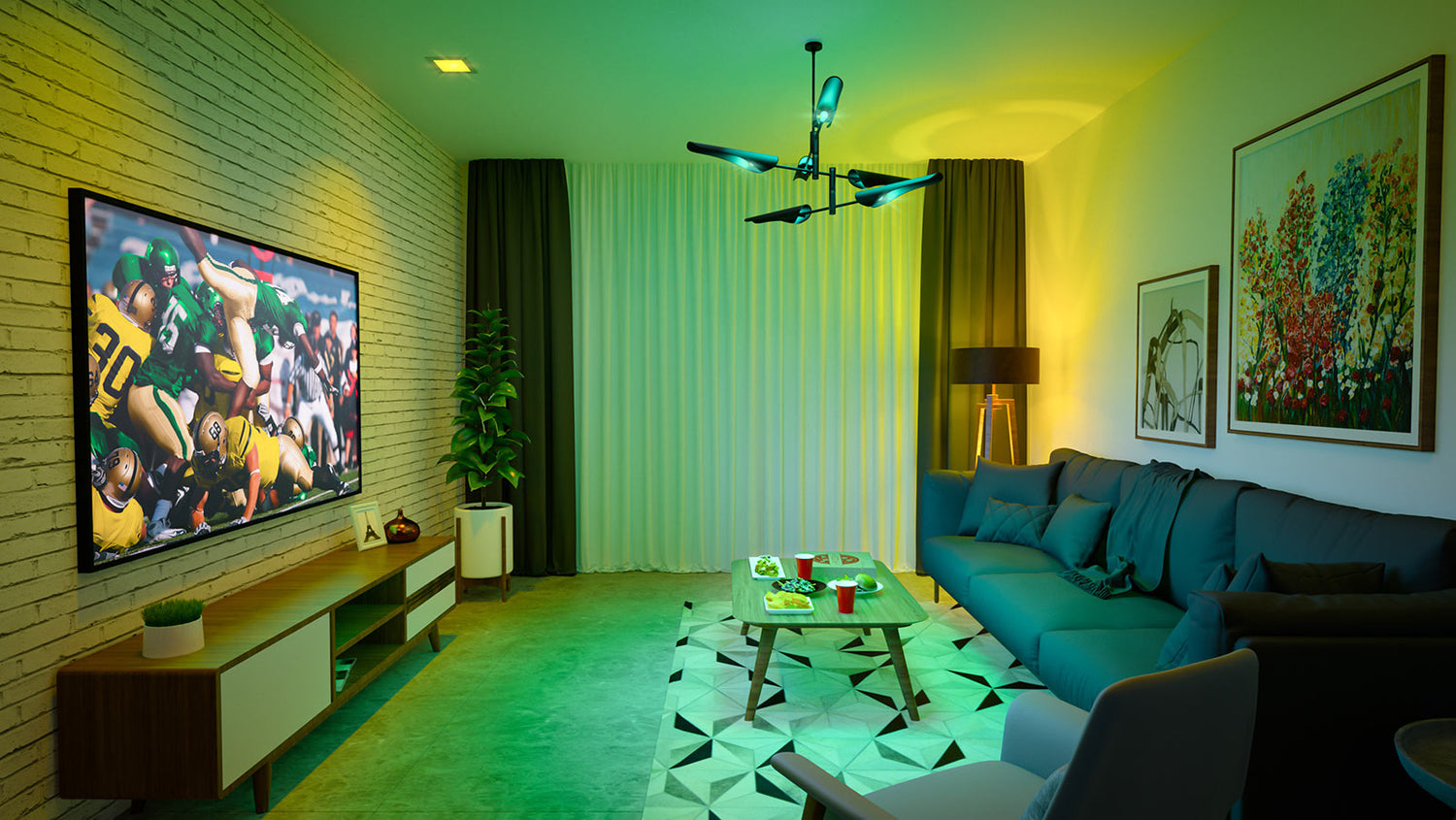
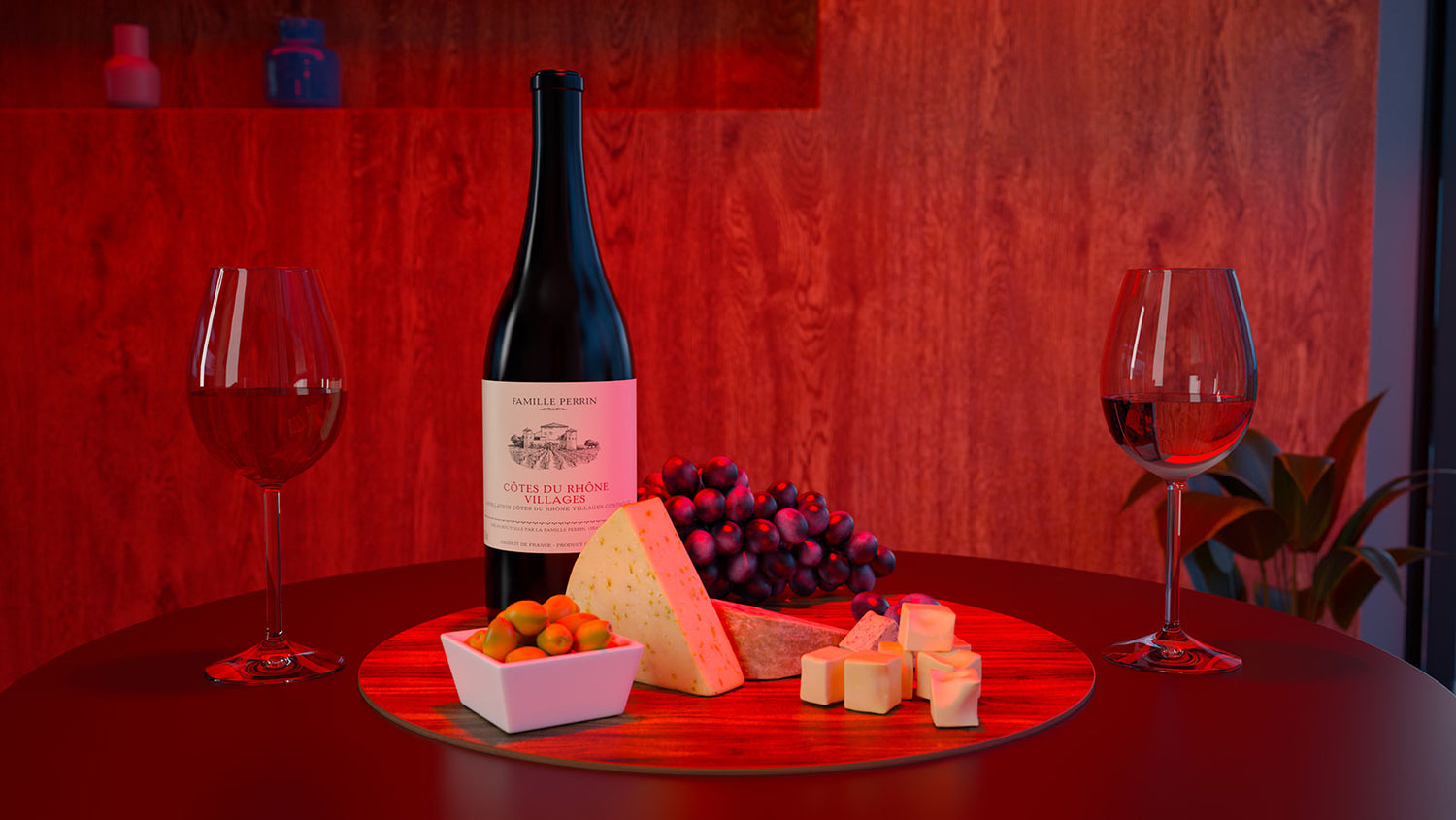
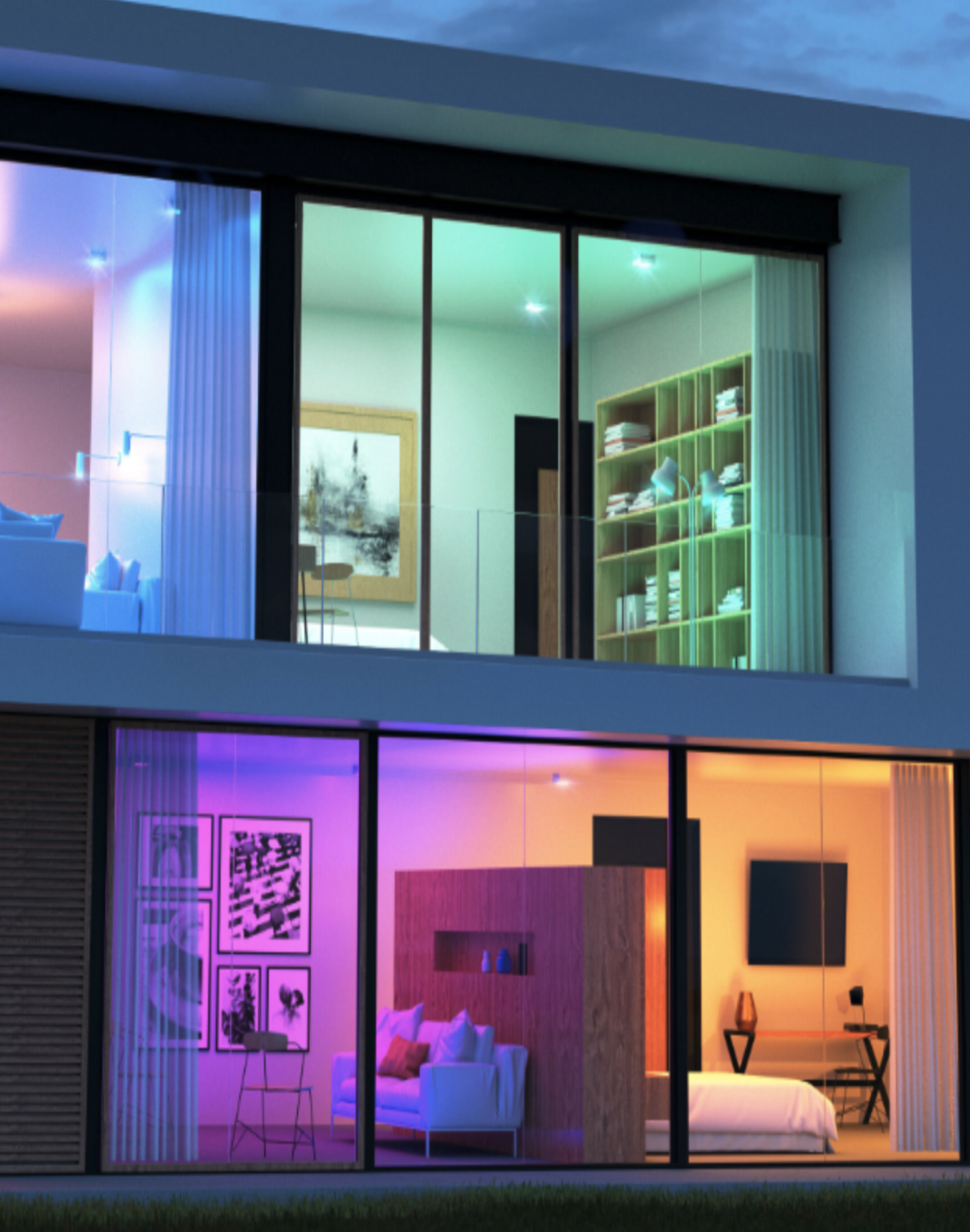
16 millones de colores

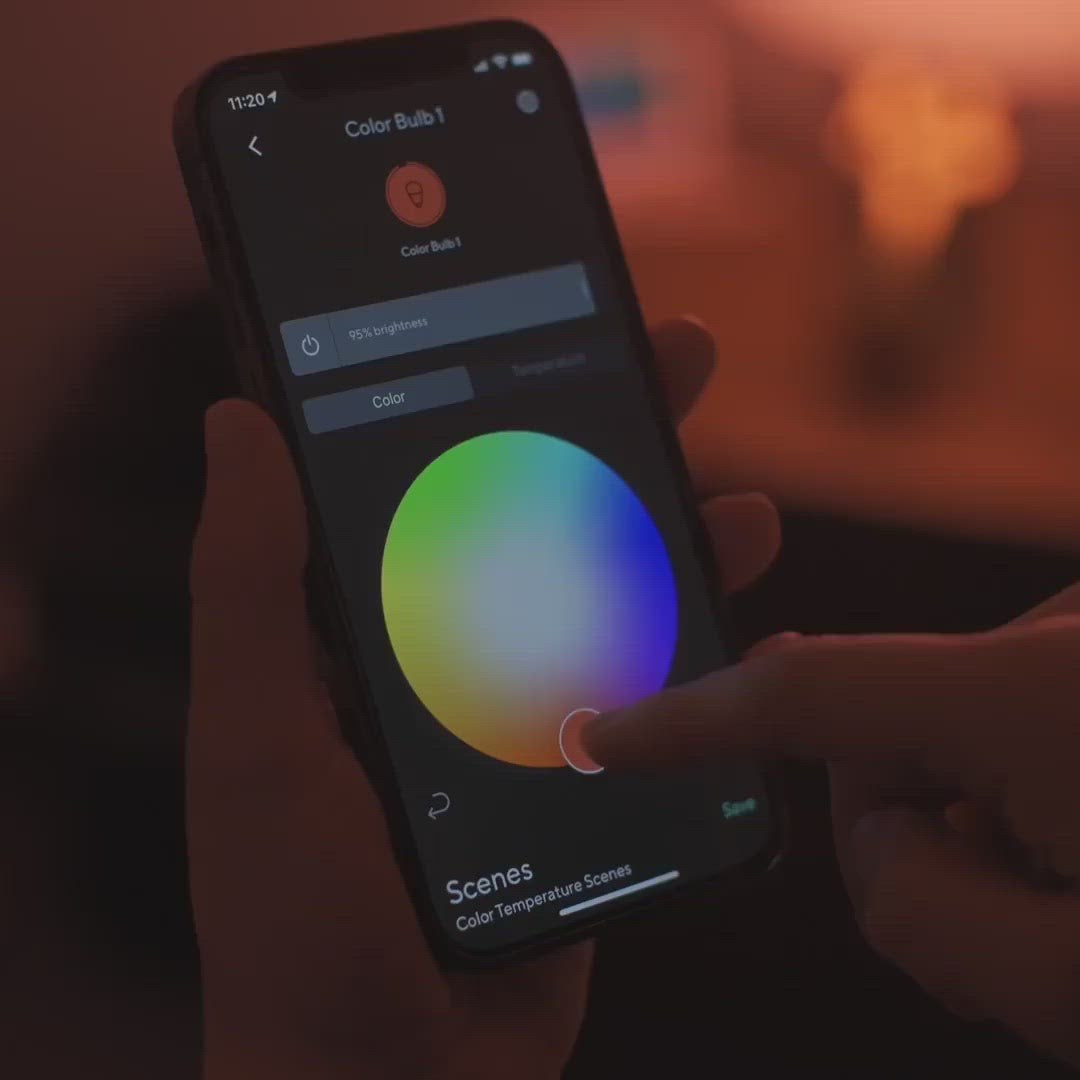
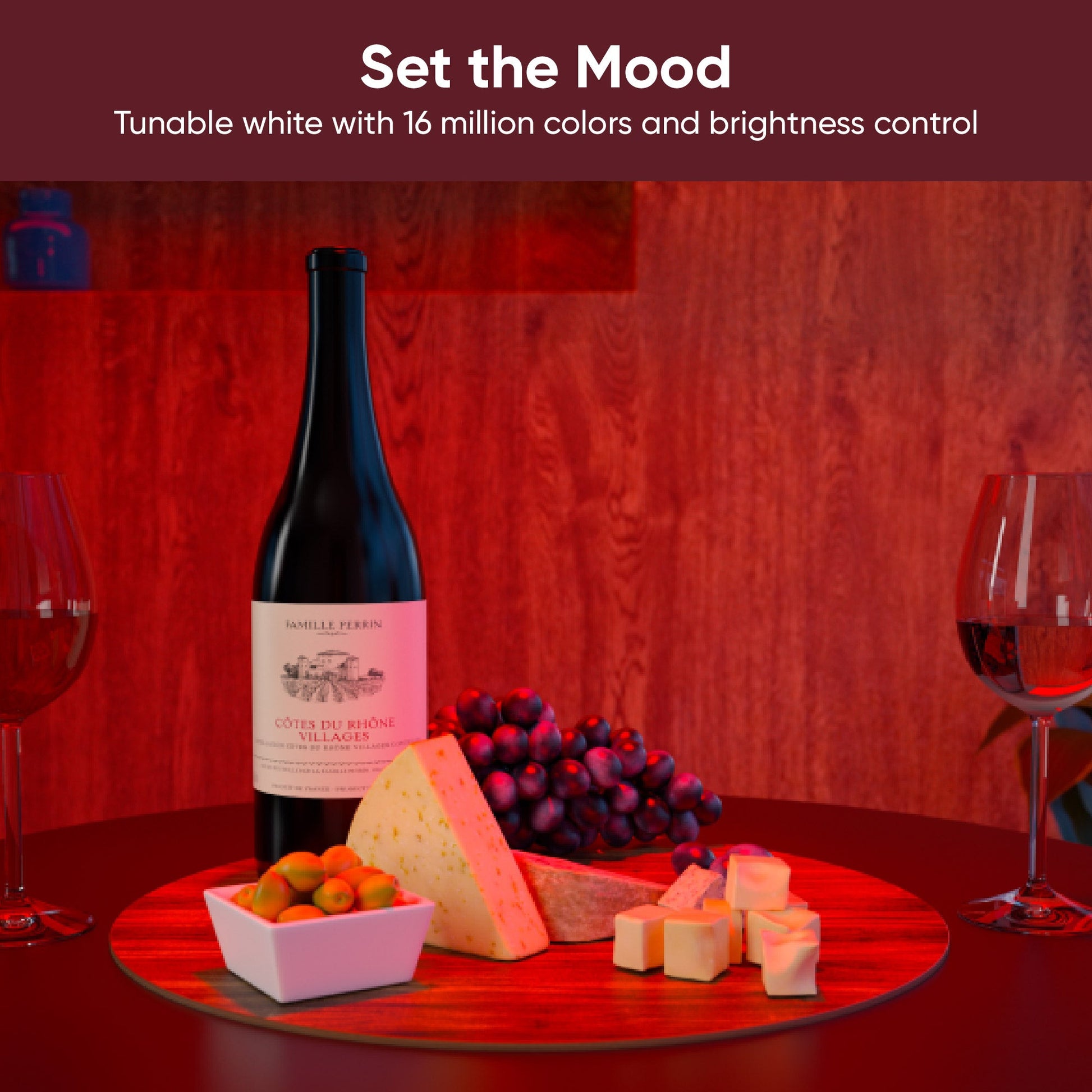
Whether it’s game day or wine night, precise color control in the Wyze app lets you turn moments into memories.

A living room with a blue couch, a table with a red cup on it, and a green and yellow lighting system. A bottle of wine is displayed on a table with a plate of cheese and grapes.

Día de juego

Noche de vino

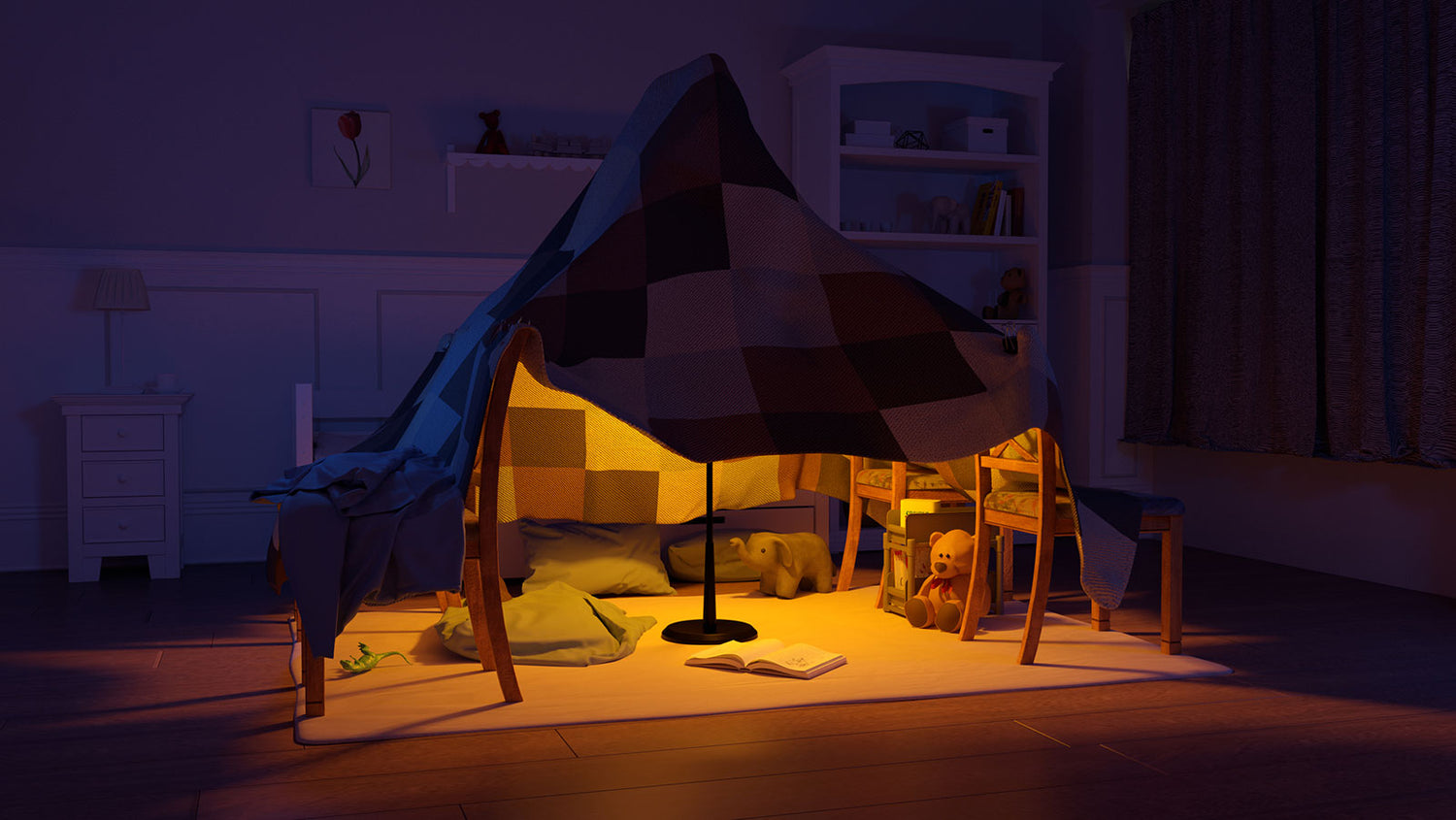
Cree ajustes preestablecidos personalizados para cambiar instantáneamente las escenas con solo un toque.

Fort Night, Blue Light, Extra Bright o Warmer Light

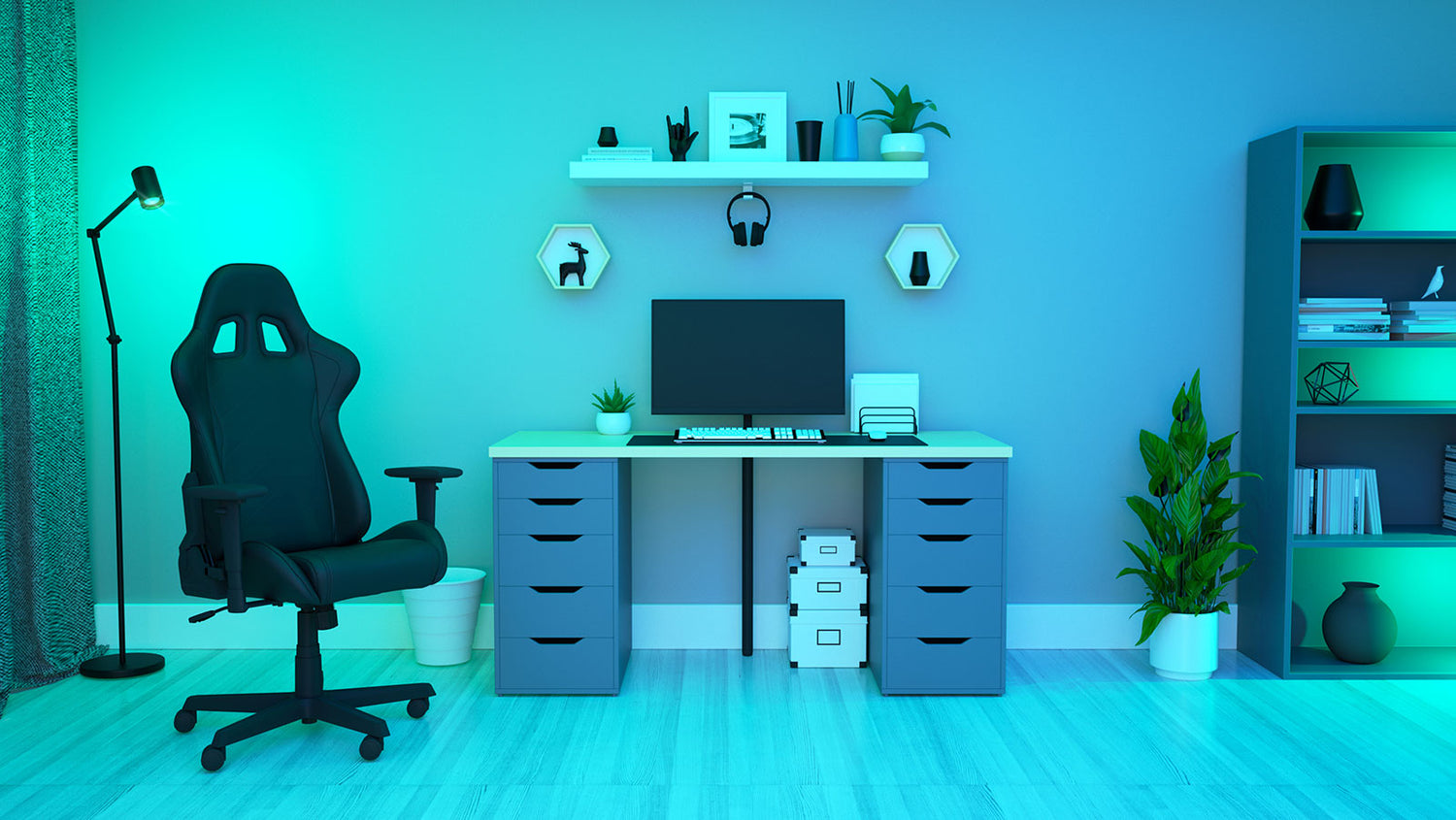
A cozy fort made of blankets and pillows with a yellow light inside. A computer desk with a monitor, keyboard, and mouse.

noche fuerte

Luz azul

A light bulb is turned on in a bathroom.

Control de temperatura de luz blanca

Cool it down and focus or warm it up and relax. Dedicated white light controls let you choose the perfect setting for your activity.

90+ Clasificación CRI

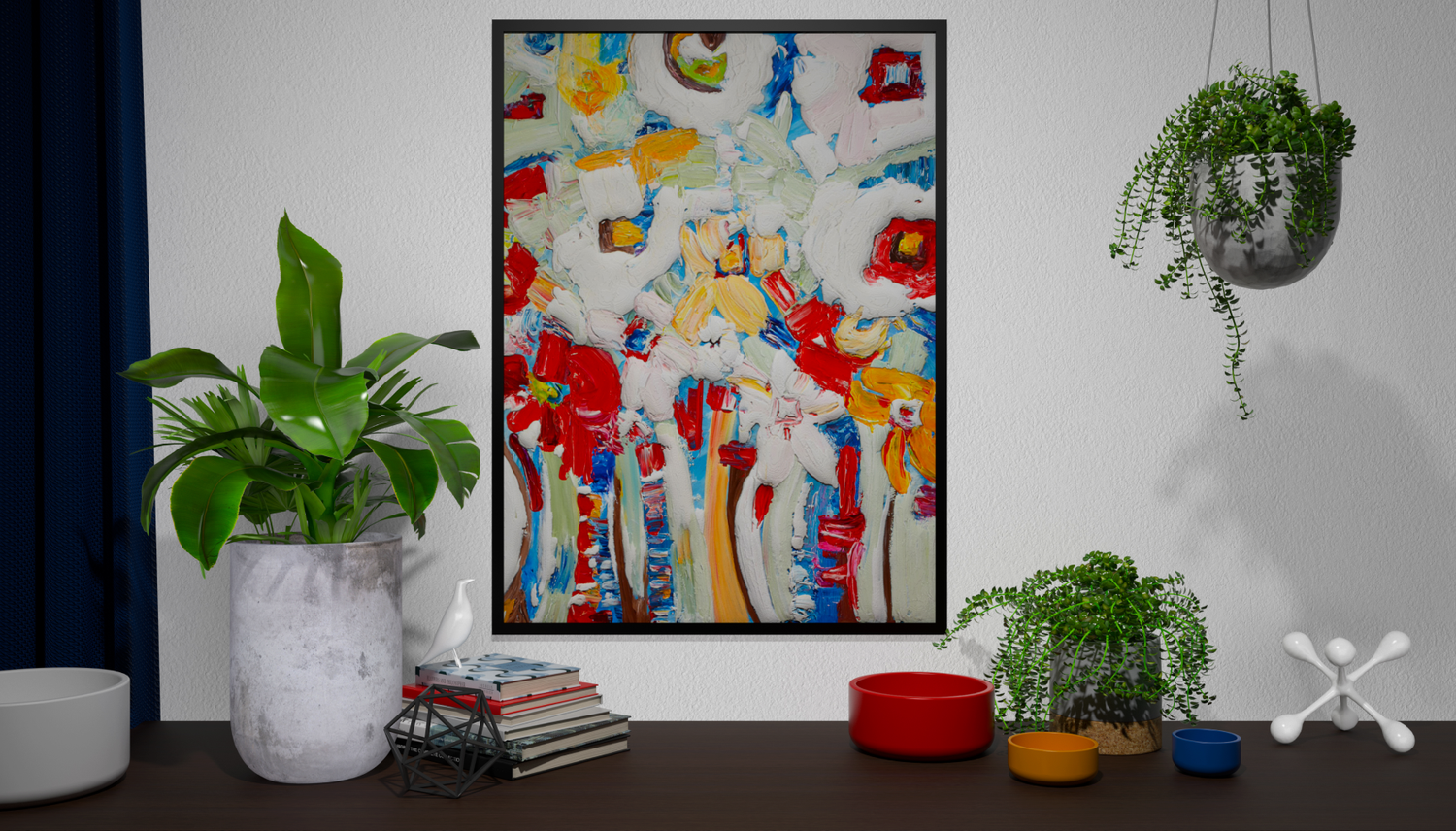
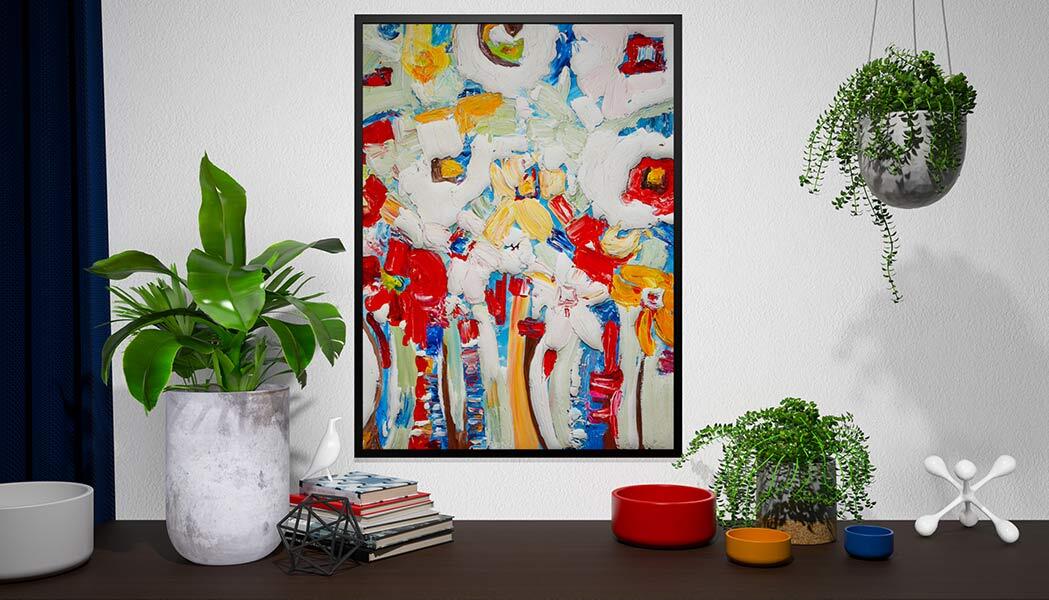
See truer and more brilliant colors in your home with an advanced Color Rendering Index (CRI) rating. Never mistake navy or black in your closet again.

A painting of a tree with red flowers on a white background. A painting of flowers in a vase.

Dull, washed out colors

Vibrant, true colors with increased CRI

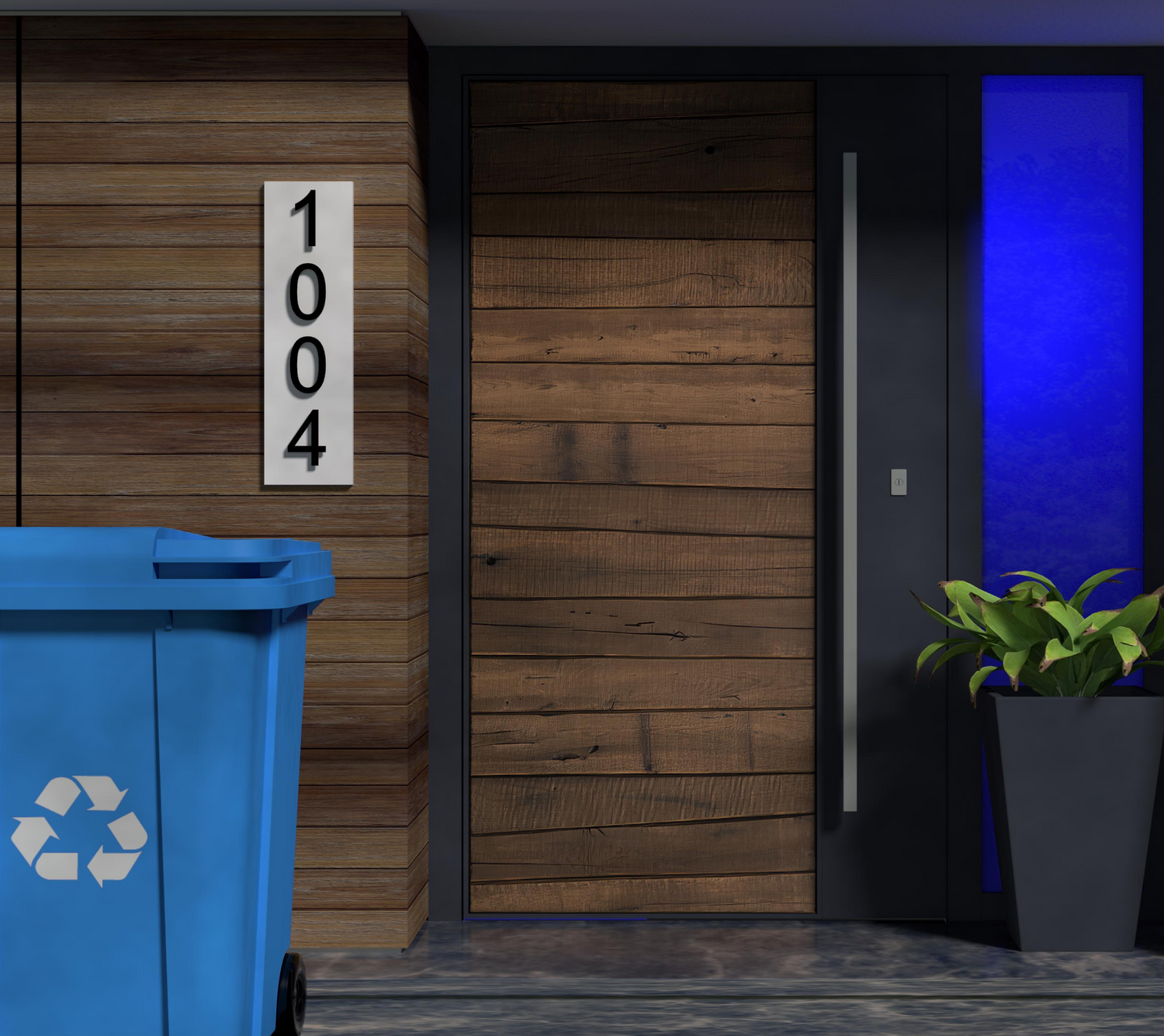
Blue light recycling bin.

Notificaciones brillantes

Shine a brighter light on important reminders. Create time-based color events or automate using other Wyze devices to create powerful visual notifications all in the Wyze app. Never forget to take the bins curbside again.

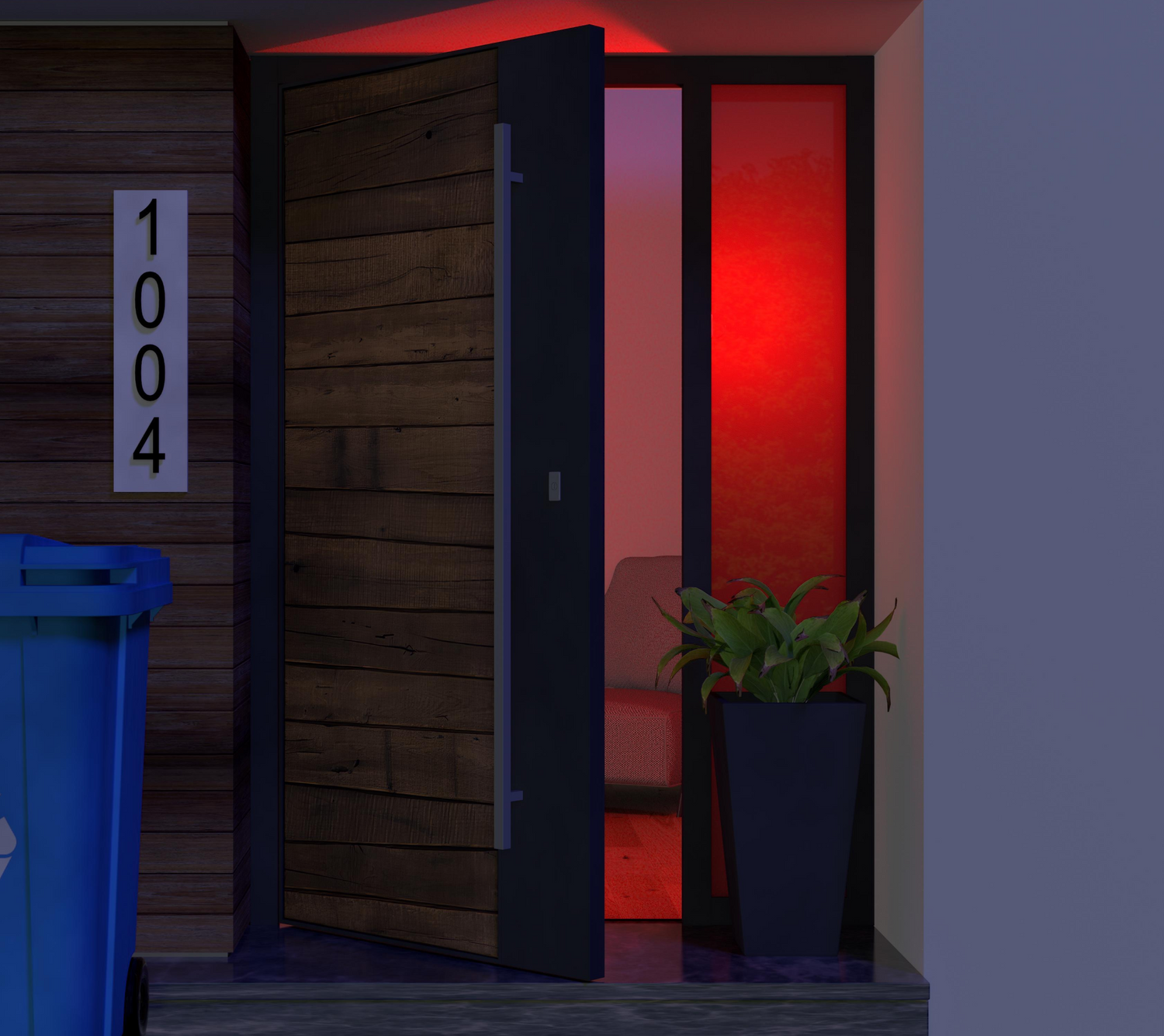
A door with a red light on it.

¿Se te olvidó cerrar la puerta?

Active una advertencia con la bombilla de color Wyze y los sensores de movimiento osensores de entrada Wyze Sense.

Rutinas de sueño

Wake up or fall asleep to custom lighting routines that gradually illuminate or darken with time. It’s like having your own personal sunrise and sunset.

A smartphone app showing a color bulb setting.

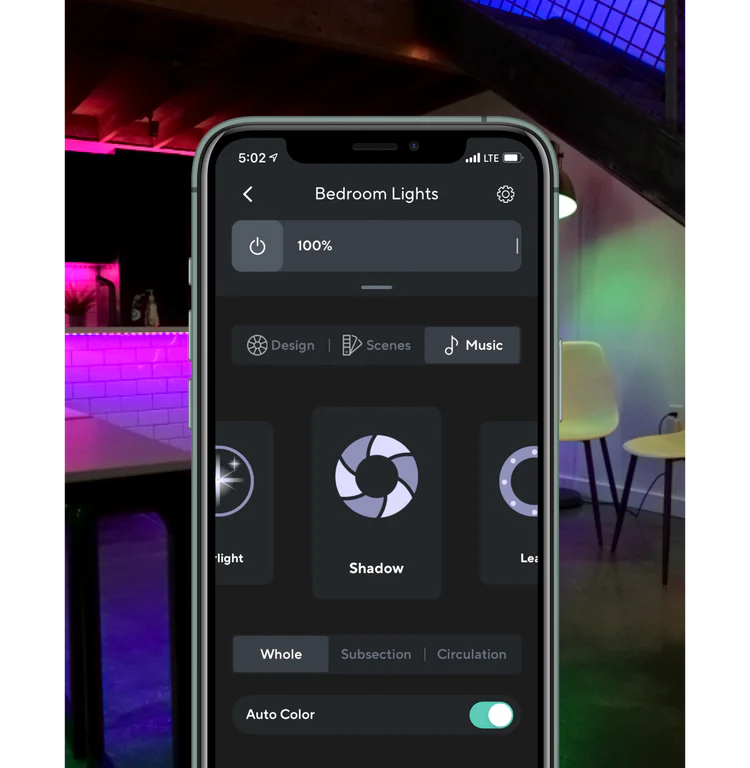
Baila al ritmo de la música

Agrupe con Wyze Light Strip o Wyze Light Strip Pro para sincronizar sus luces al ritmo de sus pistas favoritas con el modo de música. Tus videos de baile (y fiestas de baile) acaban de brillar intensamente.

*Requiere Wyze Bulb Color para agruparse con Wyze Light Strip o Wyze Light Strip Pro

A screen shot of a room with different colored lights on.

Smart controls you'd expect

Your voice is now your light switch. Command your lights with your voice by asking Alexa or Google Assistant to turn them on/off, adjust brightness, or change color.

Make it look like someone's home whenever you are away. Just enable "Vacation Mode" in the Wyze app and our bulb does the rest.

Group Wyze Bulb Color together and with Wyze Light Strips for greater and more efficient control.

Support Articles

Setting up your new Wyze Bulb Color is as easy as screwing it in, and connecting to Wi-Fi in the Wyze app. You can even set up multiple color bulbs at once!

To set up your Wyze Bulb Color:

  1. In the Wyze app, tap Home, then tap the plus sign + on the top right.
  2. On the Add menu, tap Device.
  3. Tap Power & Lighting > Wyze Bulb Color or Wyze Bulb Color BR30.
  4. Install your color bulb into the lamp or light socket that will be powering it, and turn on the power. Want to set up several color bulbs? Install all of them into light sockets now. You can set up a lot of bulbs at once. We've tested up to 25! The color bulb(s) will automatically begin to pulse. Not pulsing? Turn the light off and on 3 times to enter pairing mode. You must toggle power to the light off and on 3 times within 6 seconds, with less than 2 seconds between each toggle.
  5. If prompted by the Wyze app, allow access to your location and BluetoothⓇ. Tap OK.
  6. Select your 2.4 GHz Wi-Fi network and enter your network password. Tap Connect.
  7. On the next screen, you'll see your bulb(s) connecting to the network.
  8. Once connected, name your light(s) and edit the icon(s). Tap on your Wyze Bulb Color name, then type in the pop-up to edit. Tap Next. If you're setting up multiple bulbs, they will each glow a specific color during setup. Name each one accordingly.
    Tap an icon, then choose an icon from the list. Tap Done.
  9. Tap Finish Naming to complete the setup.
  10. Enjoy your new Wyze device!

Download the Quick Start Guide for Wyze Bulb Color in this article.

Below is the Quick Start Guide for Wyze Bulb Color, a short manual for how to get started.

This guide is a short user manual with the basics about Wyze Bulb Color including:

  • What's in the box for Wyze Bulb Color.
  • How to download the Wyze app.
  • How to set up your Wyze Bulb Color.
  • Tips for using your Wyze Bulb Color.

Sharing lets other people access and use your Wyze Bulb Color in the Wyze app. Have a family member or other close friend who wants to turn on / off your lights? Learn how below.

Important: Only share your Wyze devices with people you know and trust.

To share your Wyze Bulb Color:

  1. In the Wyze app, tap on your Wyze Bulb Color.
  2. Tap on the Settings gear, then Share Device.
  3. Either select someone from your Recent Shares or enter their email address.
  4. Tap Share.

What can a shared user do?

Shared users can:

  • View the Wyze Bulb Color main screen.
  • View the current brightness, color, and temperature.
  • Change the brightness, color, and temperature.
  • Turn the bulb on and off.
  • Create and save Scenes.
  • View and change the bulb Settings. Create Shortcuts, Schedules, and Device Triggers.Set up Sleep Routines.Turn on and off Vacation Mode.Change the Power Loss Recovery settings.
  • View the Device Info.
  • Submit a log when troubleshooting Wyze Bulb Color.
  • Remove the device from their Wyze app. This will not remove the device from the primary user's Wyze app.

Shared users cannot:

  • Change the Wyze Bulb Color's Device Icon.
  • Share a device shared with them.
  • Rename a device shared with them.

Keep in mind

  • There is no limit to the number of users you can share your Wyze devices with.
  • There is no limit to he number of Wyze devices you can share.
  • The sharing feature is set per device. To share multiple devices, you'll have to invite users to each manually.
Added to your cart
Envío GRATIS en pedidos de $59+
Subtotal
$0.00
View cart