Skip to product information
1 of 7

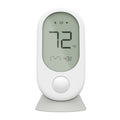
Wyze Room Sensor

Wyze Room Sensor

Comfort in every room.

Style
$24.99
Out of stock
30-day hassle-free returns.
A blue and white logo for Wyze.
Wyze.com Exclusive BENEFITS
18-month extended warranty

Get an 18-mo extended warranty when you buy this product on wyze.com. Also get special bundles, unique promos, + rewards with each order

Wyze Room Sensor works with Wyze Thermostat to balance your home's climate through eliminating hot and cold spots in your home. Remotely view room temperatures, humidity, and motion.
View full details

Hot and cold spots have no room to hide.

Rid your home of hot and cold spots by placing Wyze Room Sensors in important rooms and letting Wyze Thermostat balance your home's climate.

See how it works.

Wyze Room Sensors continuously communicate with Wyze Thermostat to balance your home's temperature.

Motion-Sensing Comfort

When Motion-Sensing Comfort Mode is enabled, Wyze Room Sensor uses motion detection to prioritize only the rooms you're actually using. Save energy and stay comfortable without ever thinking about it.

A white sensor on a wall.
A woman standing in a kitchen with a white countertop.
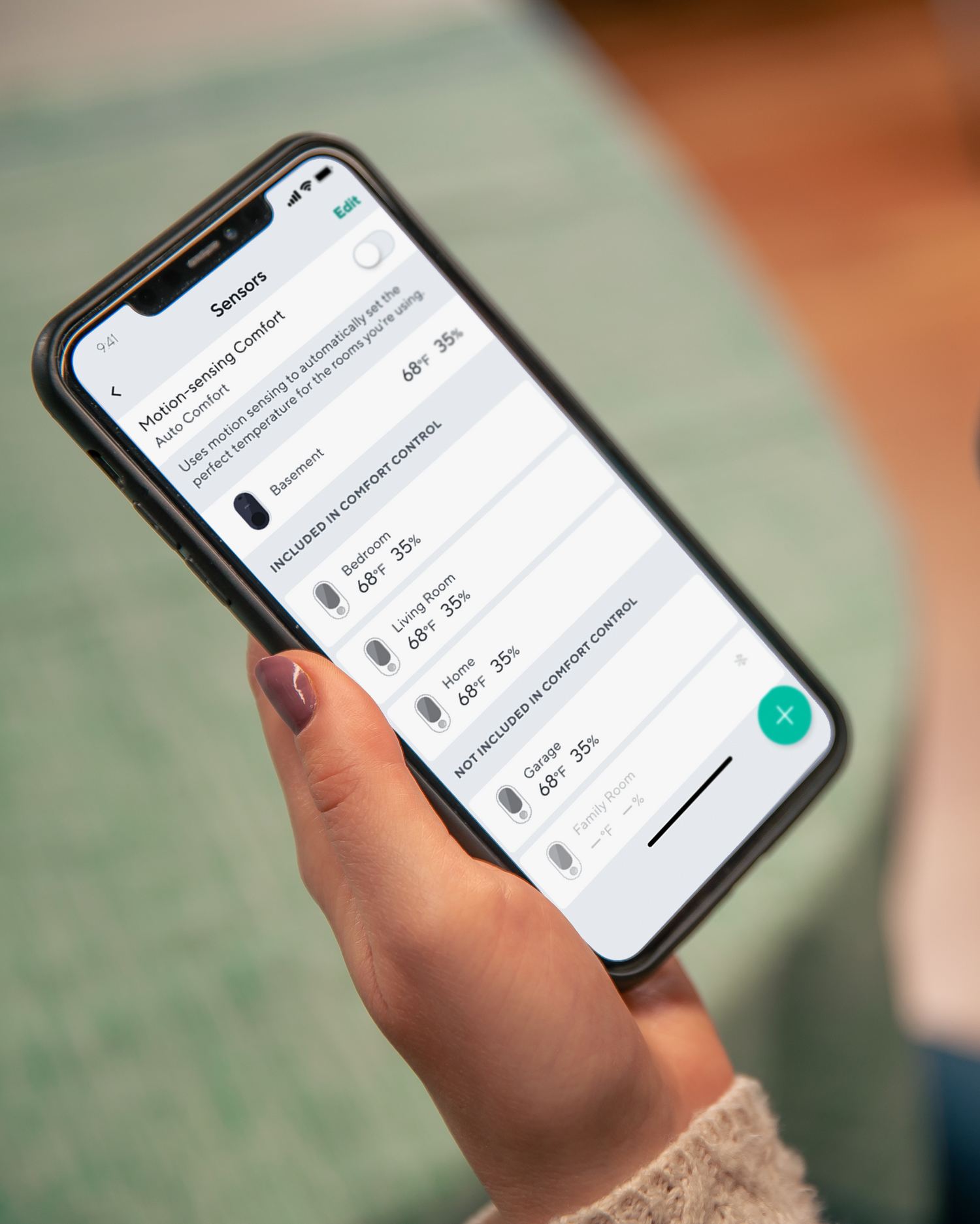
Person holding a smartphone with Wyze app opened to Sensors Settings.

Remotely view the temperature of any room.

Monitor the temperature of your baby's room upstairs or your furry friends down the hall. Quickly adjust the climate with just a few taps in the Wyze app.

A woman is holding a smartphone in front of a table with a bowl and a cup on it.

Place or mount anywhere.

Easily pair and place up to 6 Wyze Room Sensors throughout your home in minutes. Wall mount for easy viewing or use the included magnetic table stand.

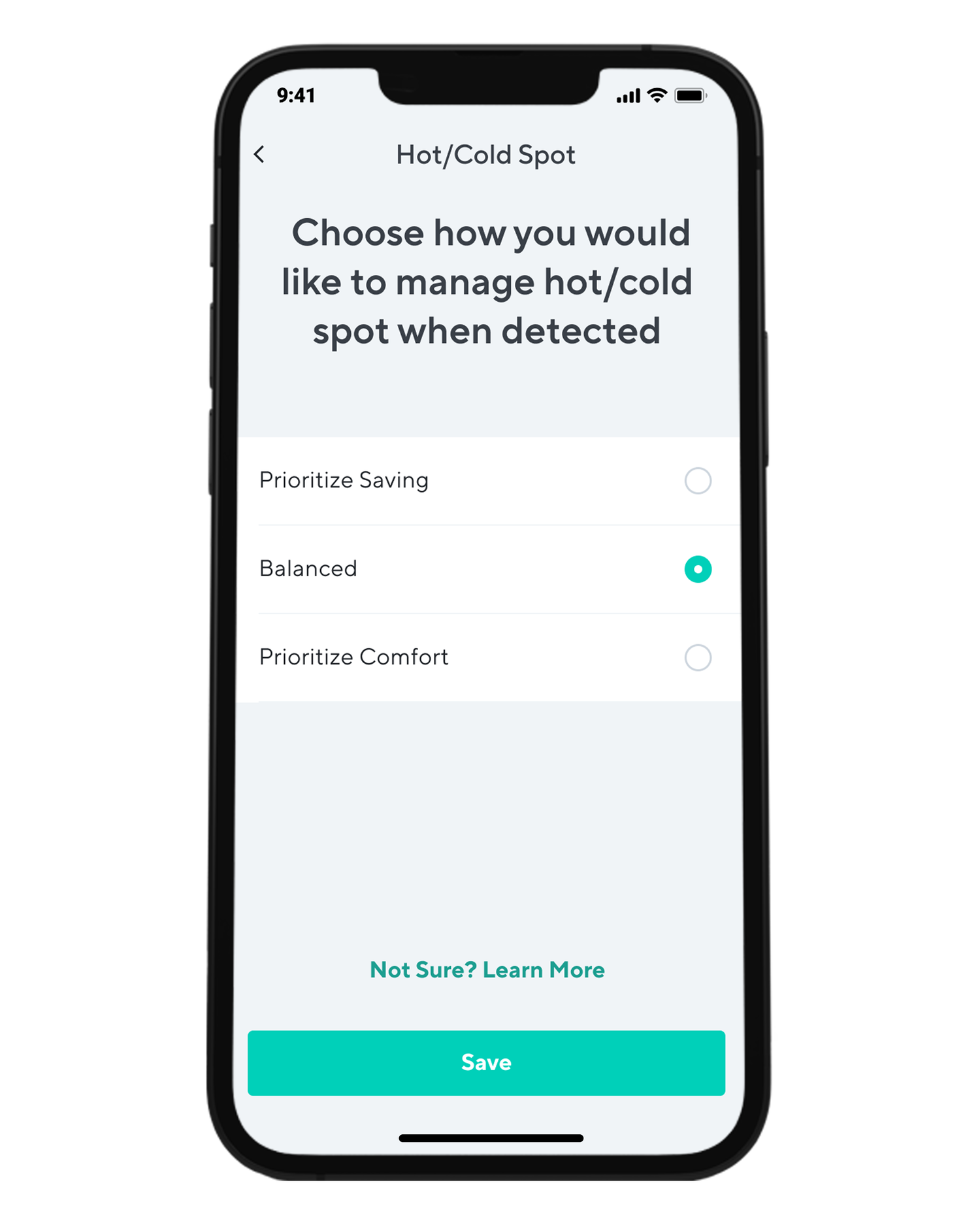
A smartphone app with a screen that says "Hot/Cold Spot" and has a button to choose how to manage hot/cold spots when.
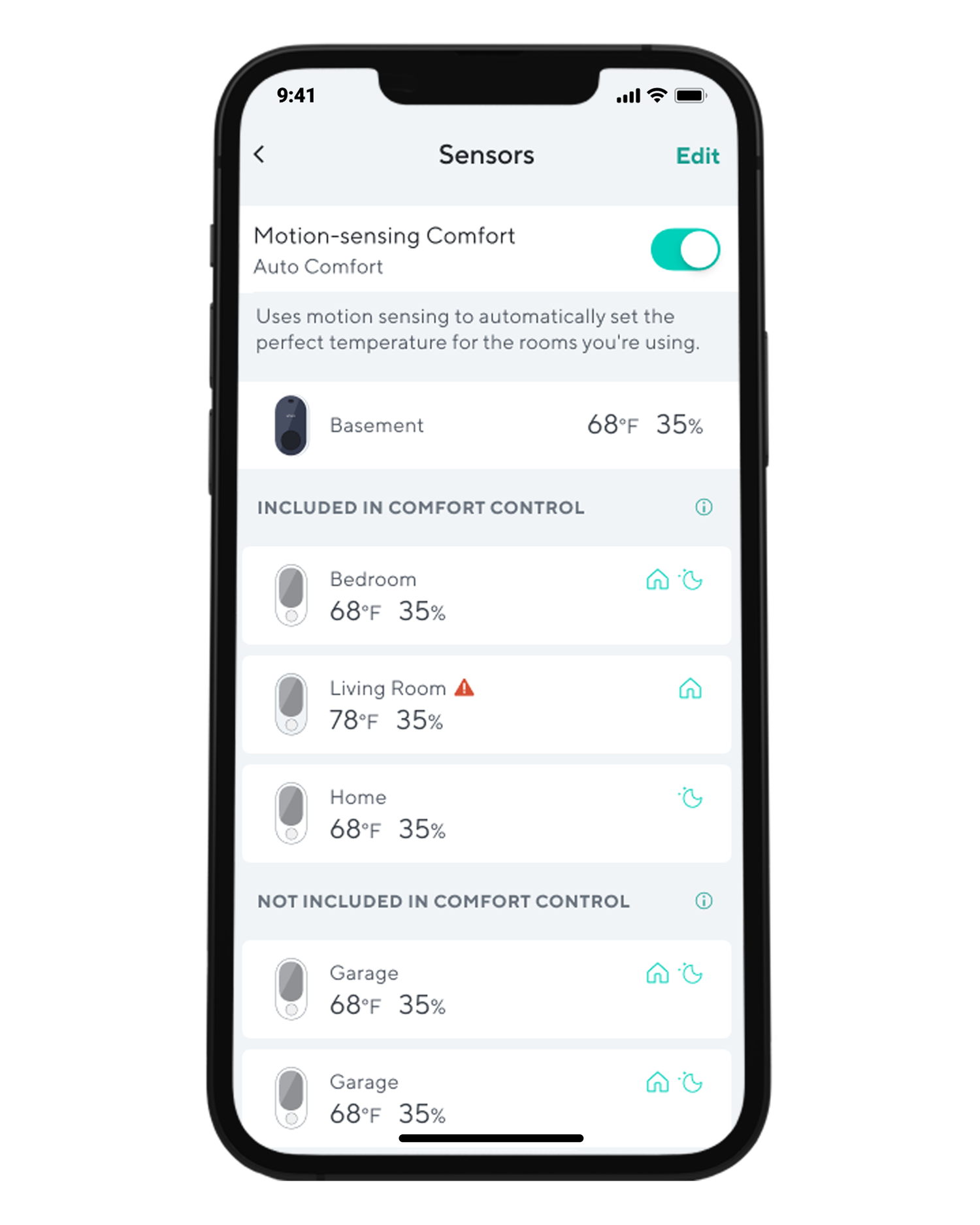
A smartphone screen displaying a list of sensors, including motion sensing comfort and temperature control.

Granular comfort control.

Choose how to manage your home's hot or cold spots and which modes to prioritize.

With Motion-Sensing Comfort Mode enabled, you can choose which rooms you'd like to participate in Auto Comfort. You can also choose to only have those rooms participate during the day or night depending on your schedule.

Support Articles

Wyze Room Sensor sets up in just a few minutes. As long as your Wyze Thermostat is already set up, adding Wyze Room Sensor to the Wyze app is only a few taps away.

To set up your Wyze Room Sensor:

  1. In the Wyze app, go to your Devices list on the Home page.
  2. Tap on your Wyze Thermostat.
  3. Tap the sensor icon in the upper right corner.
  4. Tap on the plus icon in the lower-right corner.
  5. Press and hold the connectivity button on the top of the sensor until the Bluetooth icon flashes. Check that your Wyze Thermostat is connected to Wi-Fi and that the BluetoothⓇ icon is flashing. If the BluetoothⓇ icon is not flashing, check that there are 2 AAA batteries in your sensor.Keep your room sensor near your thermostat. Tap Begin.
  6. Wait for your Wyze Thermostat to search, pair, and connect to your Wyze Room Sensor. Keep your sensor near your thermostat.
  7. Name your Wyze Room Sensor.
  8. Tap Save. That's it!
When placing your Wyze Room Sensor:
  • Do place the sensor indoors.
  • Do place about 5 feet above the floor.
  • DO NOT place behind furniture or doors.
  • DO NOT place in direct sunlight.
  • DO NOT place near the heat sources, like TVs, cooktops, fireplaces.
  • DO NOT place the sensor near windows, doors.
  • DO NOT place above the air vents or fans.
  • DO NOT place the sensor on or near metallic surfaces.

Download the Quick Start Guide for Wyze Room Sensor in this article.

Below is the Quick Start Guide for Wyze Room Sensor, a short manual for how to get started.

This guide is a short user manual with the basics about Wyze Room Sensor including:

  • What's in the box for Wyze Room Sensor.
  • A diagram of Wyze Room Sensor.
  • How to set up Wyze Room Sensor.
  • Where to mount Wyze Room Sensor.
  • How to read the Comfort Level.
Added to your cart
FREE shipping on orders $59+
Subtotal
$0.00
View cart