Skip to product information
1 of 7

Wyze Plug Outdoor

Wyze Plug Outdoor

Weatherproof Smart Outlet with WiFi Controls

Wyze Plug Outdoor (Quantity)
$29.98
In stock
Get it as soon as
30-day hassle-free returns.
A black background with a white icon of a weather forecast.

Weather-Resistant Polycarbonate

Control Anywhere

with Wi-Fi

A blue and white logo for Wyze.
Wyze.com Exclusive BENEFITS
18-month extended warranty

Get an 18-mo extended warranty when you buy this product on wyze.com. Also get special bundles, unique promos, + rewards with each order

Power up the outdoors, rain or shine, with an outdoor smart plug – because even your garden lights deserve a tech-savvy friend. From festive holiday inflatables to backyard soirées, take full control with the ease of an app. Monitor usage, set schedules – and just like that, your outdoor space just got a whole lot easier to manage, all thanks to you.


View full details

Wyze Plug Outdoor Details

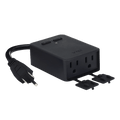
  • Color: Black
  • Weight: 7.2 Ounces
  • Dimensions (L x W x D): 4.0” x 2.8” x 1.4”
  • 1/2 HP Max Motor
  • Weather Rating: IP64

Additional Details

  • Operating Environment: Indoor and Outdoor
  • Operating Temperature: -4°F to 120°F
  • Input: 120V~, 60Hz
  • Output: 15A Max with Overload Protection
  • Compatibility: Android 5.0+ and iOS 9.0+
  • Certifications: FCC, IC, ETL
  • Warranty: 1 Year
  • Connectivity: 2.4GHz WiFi
  • Bluetooth V4.2 (for simple setup)
  • Wyze Plug Outdoor x 1
  • Quick Start Guide x 1
  • Mounting Accessories x 1
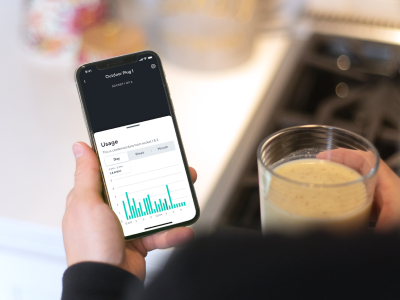
A smartphone displaying a screen with a Wyze outdoor plug in app.

Monitor USAGE

Consume less energy and more cold brew

Energy Monitoring. Set energy consumption alerts and see historical energy usage in the Wyze app.

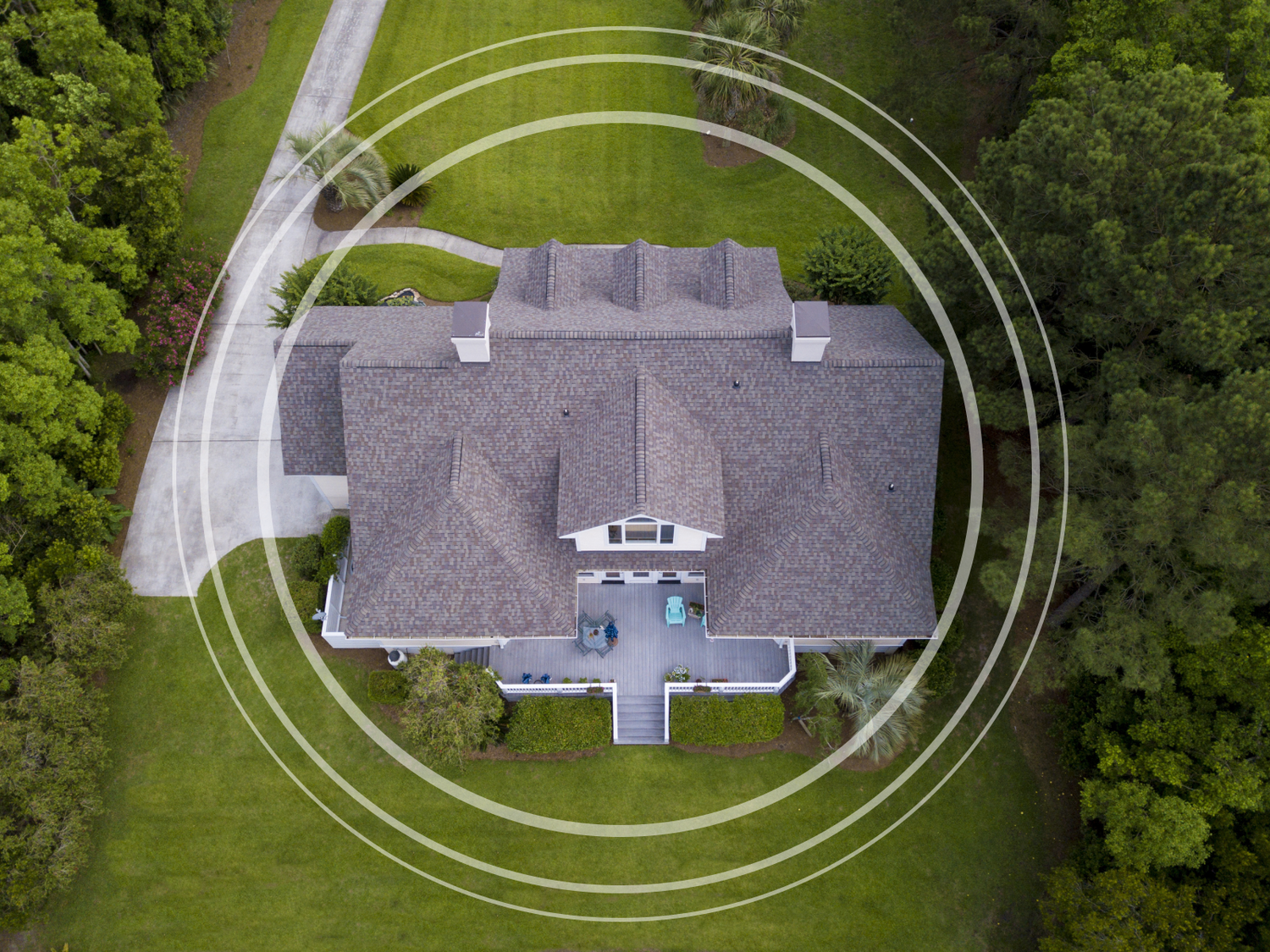
A large home with a circle overlaid on it.

Large WiFI Range

Long-range WiFi lets you plug in nearly anywhere

Up to 300’ WiFi Range. Confidently control outlets around your home with Wyze Plug Outdoor’s extended WiFi range (300 ft. in open space).

IP64 Weather Resistant. Made for the outdoors.

Safely plug into areas that are exposed to rain, dust, dirt, and snow.

A black device with a blue cord plugged into a wall.
A close up of an outdoor plug with both outlets being used.

2 Outlets, 2 Separate Controls

Independent control of both outlets at any given time

Two Outlets in One. Turn off your outdoor lights but leave your inflatable snowman standing strong.

A person holding a smartphone with the Wyze app open.

VOICE COMMANDS WITH ALEXA

Turn your lights off without putting your boots on.

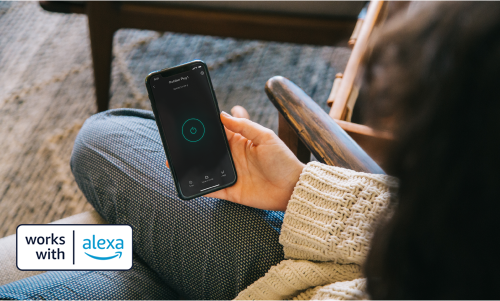
App & Voice Control. Light up your block in seconds by asking your voice assistant or pulling up the Wyze app on your phone.

  • Streamline icon Christmas lights 40x40 1.

    Outdoor Lighting

  • A black background with a white snowflake icon.

    Roof De-icers

  • A black square with a faucet in the center.

    Pond Pump

1 of 3

Safely power melters, and more this winter

15 AMP Output with Overload Protection. Wyze Plug Outdoor offers one of the highest output ratings available for a smart plug, allowing for more ways to use it.

A black box with a blue plug hanging from a tree.

Support Articles

To set up your Wyze Plug Outdoor:

  1. In the Wyze app, tap Home, then tap the plus sign + on the top right.
  2. On the Add menu, tap Device.
  3. Tap Power & Lighting > Wyze Plug Outdoor.
  4. Insert your plug into a power outlet.
  5. Select your 2.4 GHz Wi-Fi network and enter your network password. Tap Connect.
  6. On the next screen, you'll see your plug(s) connecting to the network.
  7. Once connected, name your plug's outlets. Tap on the first outlet's name, then type in the pop-up to edit. Tap on the second outlet's name, then type in the pop-up to edit. Tap Save.
  8. You’re all set. Enjoy your new Wyze device!

Important: Wyze Plug Outdoor should be plugged directly into your power outlet. We do not recommend connecting the outdoor plug to an extension cord as this could result in damage to your Wyze device and void your device's warranty.

Download the Quick Start Guide for Wyze Plug Outdoor in this article.

Attached is the Quick Start Guide for Wyze Plug Outdoor, a short manual for how to get started.

This guide is a short user manual with the basics about Wyze Plug Outdoor including:

  • What's in the box for Wyze Plug Outdoor.
  • How to download the Wyze app.
  • How to set up your Wyze Plug Outdoor.
  • How to read the status lights for Wyze Plug Outdoor.
  • How to use Wyze Plug Outdoor.

Wyze Plug Outdoor is waterproof, but there are a few steps you can take to make the most of it.

To optimize the outdoor plug's waterproofing:

  1. Plug the Wyze Plug Outdoor into an outlet with the sockets pointing downwards to the ground. This keeps water from running directly into the sockets.
  2. Make sure the sockets are at least 6 inches above the ground. This protects the plug from being submerged by heavy rain.
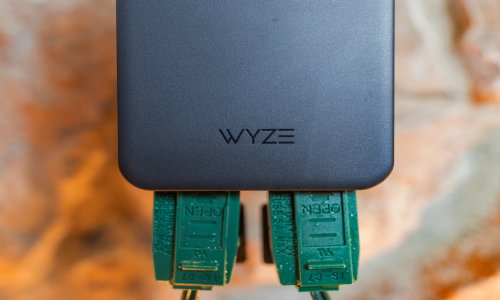
  3. Cover the socket(s) with the waterproof covers when not in use.

Important: Wyze Plug Outdoor should be plugged directly into your power outlet. We do not recommend connecting the outdoor plug to an extension cord as this could result in damage to your Wyze device and void your device's warranty.

Added to your cart
FREE shipping on orders $59+
Subtotal
$0.00
View cart