Skip to product information
1 of 7

Wyze Cam Floodlight Plug-In Mount

Wyze Cam Floodlight Plug-In Mount

Highly Recommended
By Trusted Reviewers

Color
$19.98
In stock
Get it as soon as
30-day hassle-free returns.
In stock

No Junction Box Required

Easy Install

Place it anywhere

A blue and white logo for Wyze.
Wyze.com Exclusive BENEFITS
18-month extended warranty

Get an 18-mo extended warranty when you buy this product on wyze.com. Also get special bundles, unique promos, + rewards with each order

Say goodbye to the complexity and cost of installing a junction box. Go with an easy, plug-n-play floodlight solution instead.

View full details
  • A black screen with no visible content.

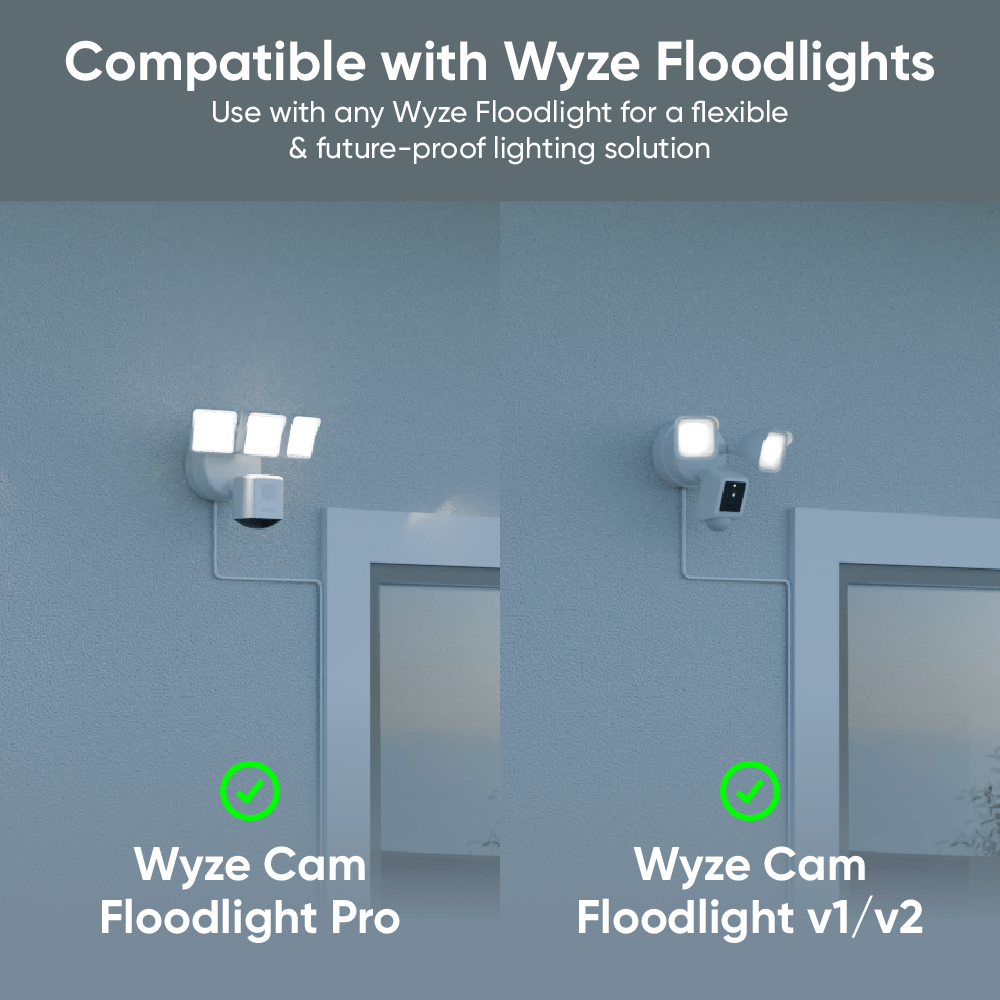
    Compatible with Wyze Floodlights

    Works with Wyze Cam Floodlight v1/v2 and Pro.

  • A black screen with a 20ft icon.

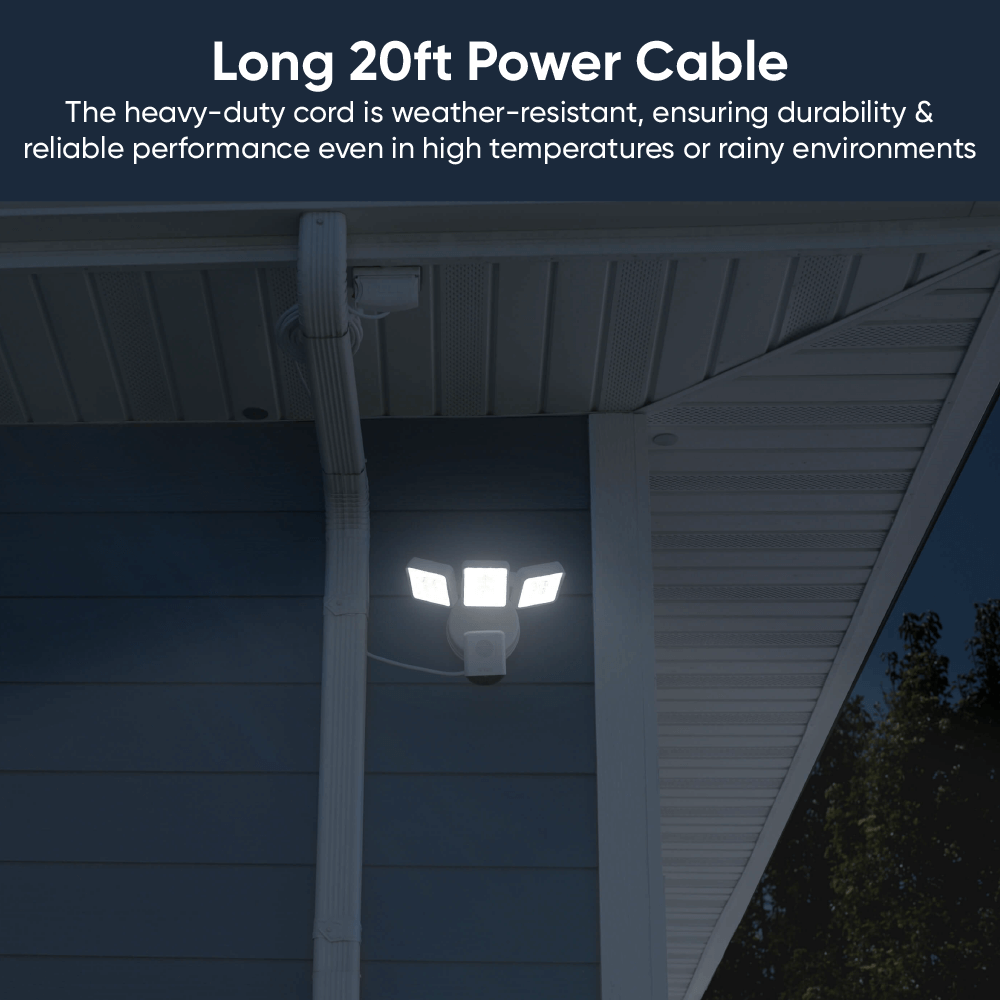
    20 ft (6m) Power Cord

    Reach a outdoor-rated outlet with ease. Velcro cable strap included.

  • Install icon on a black screen.

    Easy to Install

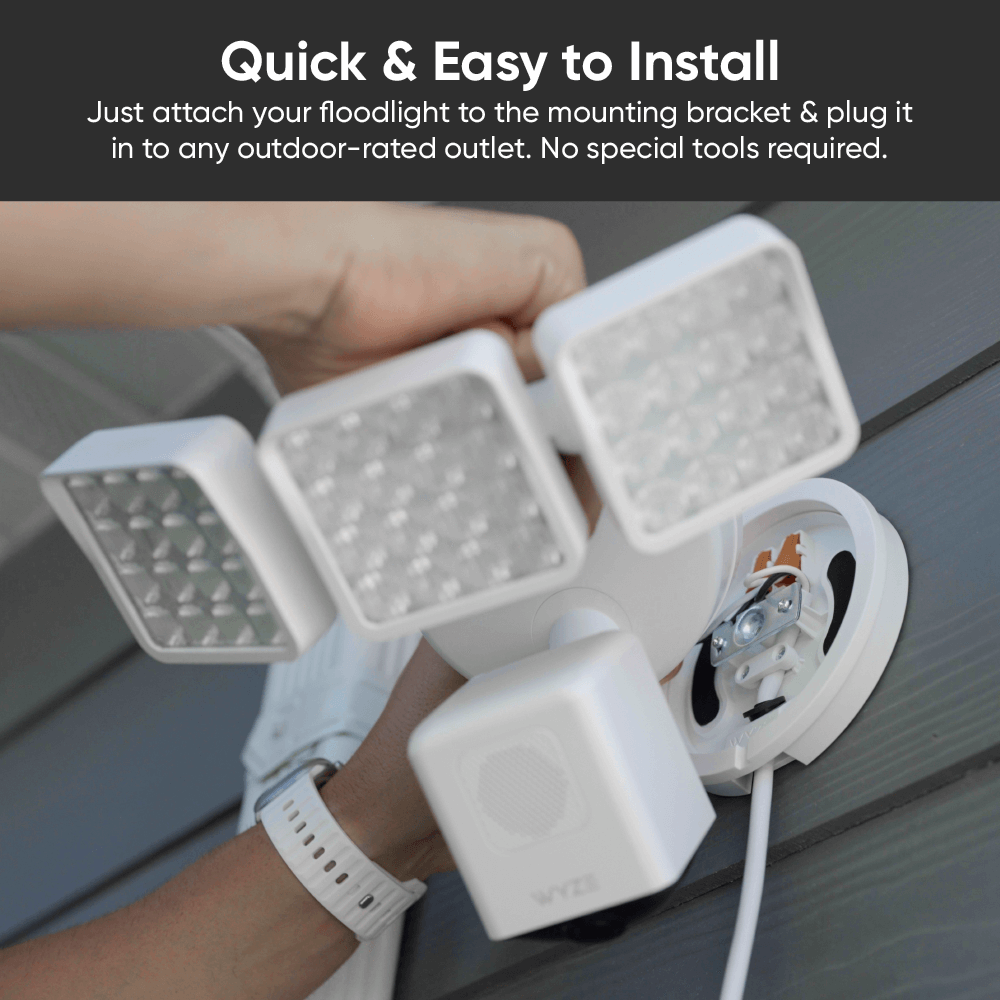
    It's fast and easy. Just plug it in, and mount your floodlight.

  • A black screen with no visible text or objects.

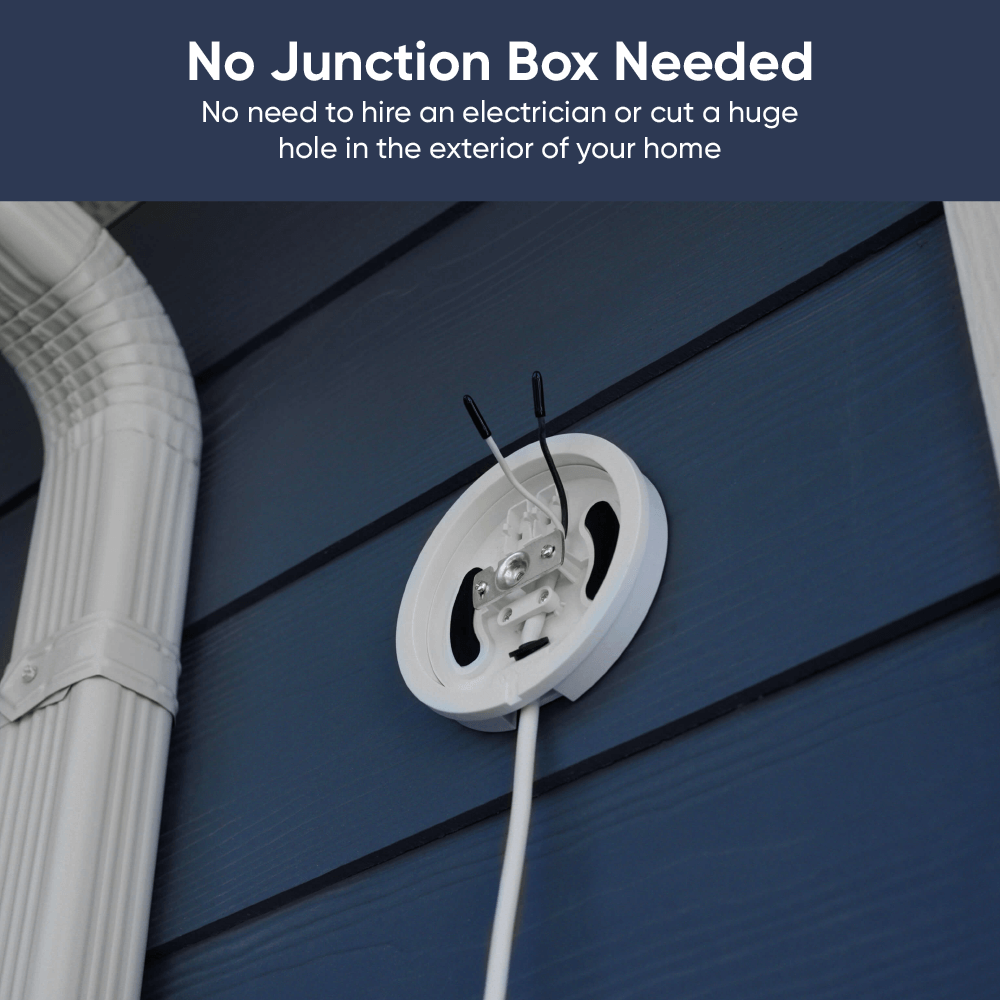
    No Junction Box Required

    Skip the electrician and the construction. Plug-n-play in minutes.

  • Colors: White and Black
  • Outdoor safe: Yes
  • Operating Temperature: -22°F to 122°F
  • Input: 110 - 120V AC
  • Power Cord Rating: SJTW (Hard service, thermoplastic cable, S: service, J: junior, T: thermoplastic, W: weather-approved)
  • Cable Wire: 18 AWG
  • Power Cord Length: 20 feet (6m)
  • Package Dimension: 153mm x 155mm x 79mm
  • Package Weight: 1.39 lbs
  • Complete product: UL153, RoHS, REACH SVHC 240, CP65
  • Mount: UL94, UL 746A,B, ASTM D495
  • Power cord: UL62, UL817, UL2556, UL1581, 48h salt spray, 105°C temp rating
  • 1x Wyze Cam Floodlight Plug-in Mount
  • 1x Floodlight Pro mounting kit (silicone ring, long screw)
  • 1x Mounting screw kit
  • 1x Foam tape
  • 1x Quick Start Guide

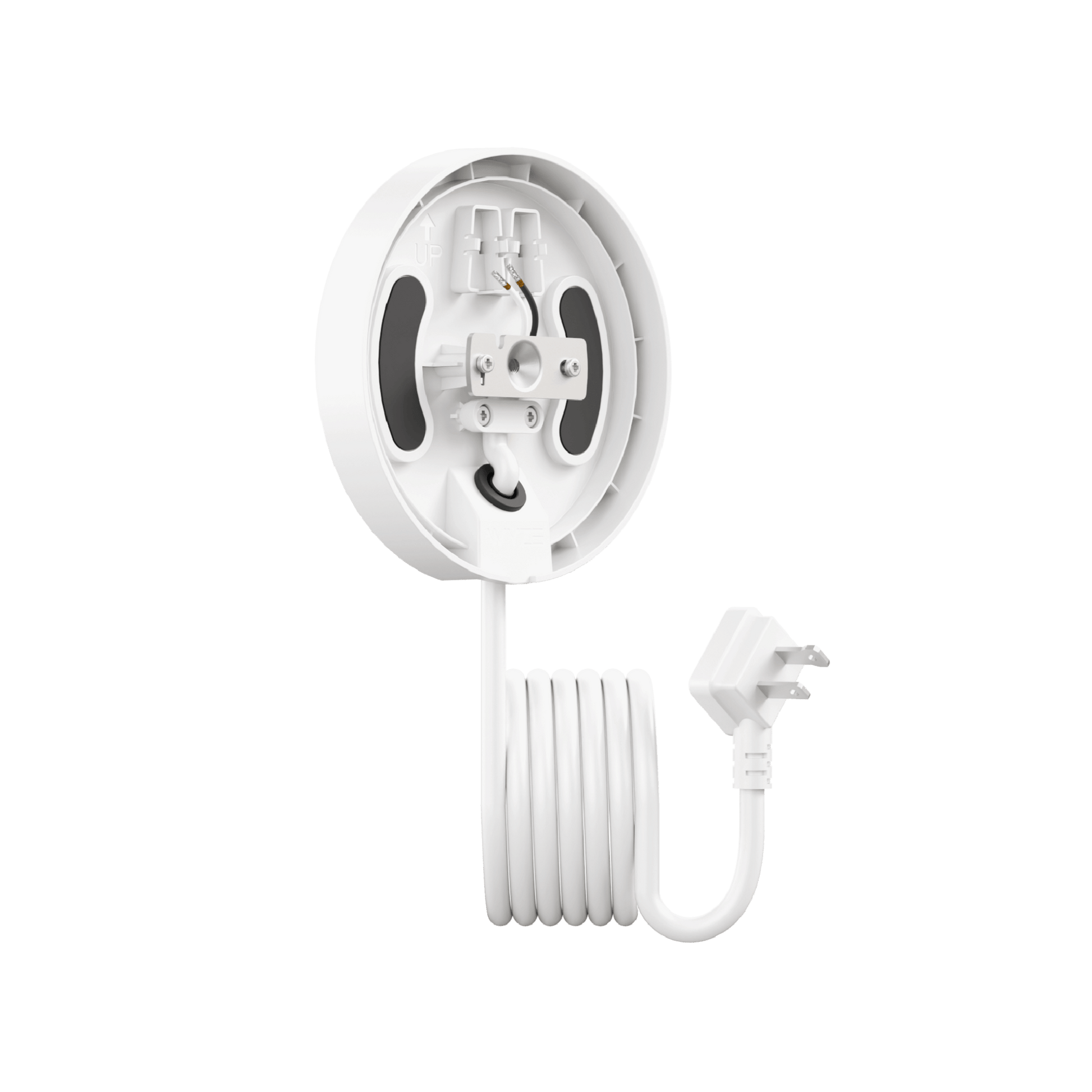
Wyze Floodlight Cam Plug-in Mount is an accessory that offers a simple installation solution for all Wyze floodlight models–no junction box required. Use it to install any Wyze Cam to an outdoor GFCI power outlet.

Our Wyze Cam Floodlights require an outdoor junction box for installation. But many homes today lack multiple exterior junction boxes, and hiring a licensed electrician to install one can average ~$650.

With a Wyze Floodlight Cam Plug-In Mount, you don't need a junction box at all. You can install your Wyze Cam Floodlight near any outdoor-rated GFCI power outlet, simplifying installation and reducing the cost.

All Wyze Cam Floodlight models are compatible with this mount, including Wyze Cam Floodlight v1, v2, and Pro. The mount is not compatible with any non-Wyze floodlight camera.

The mount is available in matte white and matte black to seamlessly match our existing Wyze Cam Floodlight devices.

The included outdoor power cord is 20 feet long.

Yes, the plug-in mount and it's attached power cord are both outdoor-rated. It is suitable for outdoor environments when properly installed.

Yes, Wyze Floodlight Cam Plug-In Mount is safe for outdoor use as long as it is connected to a GFCI outdoor power outlet with a power output of 110-120V AC.

Wyze Floodlight Cam Plug-in Mount requires a power input of 110-120V AC. This is standard for most residential homes in the US.

No, DO NOT power the plug-in mount until the floodlight camera is completely wired and properly installed on the mount.

A flexible power solution for all Wyze Cam Floodlights.

Ditch the shock and zap (unless you're into that sort of thing). If you can plug in a cable, then you can enjoy the security of a Wyze Floodlight. No more scary junction boxes and expensive electricians.

A white table with a green plant on it.
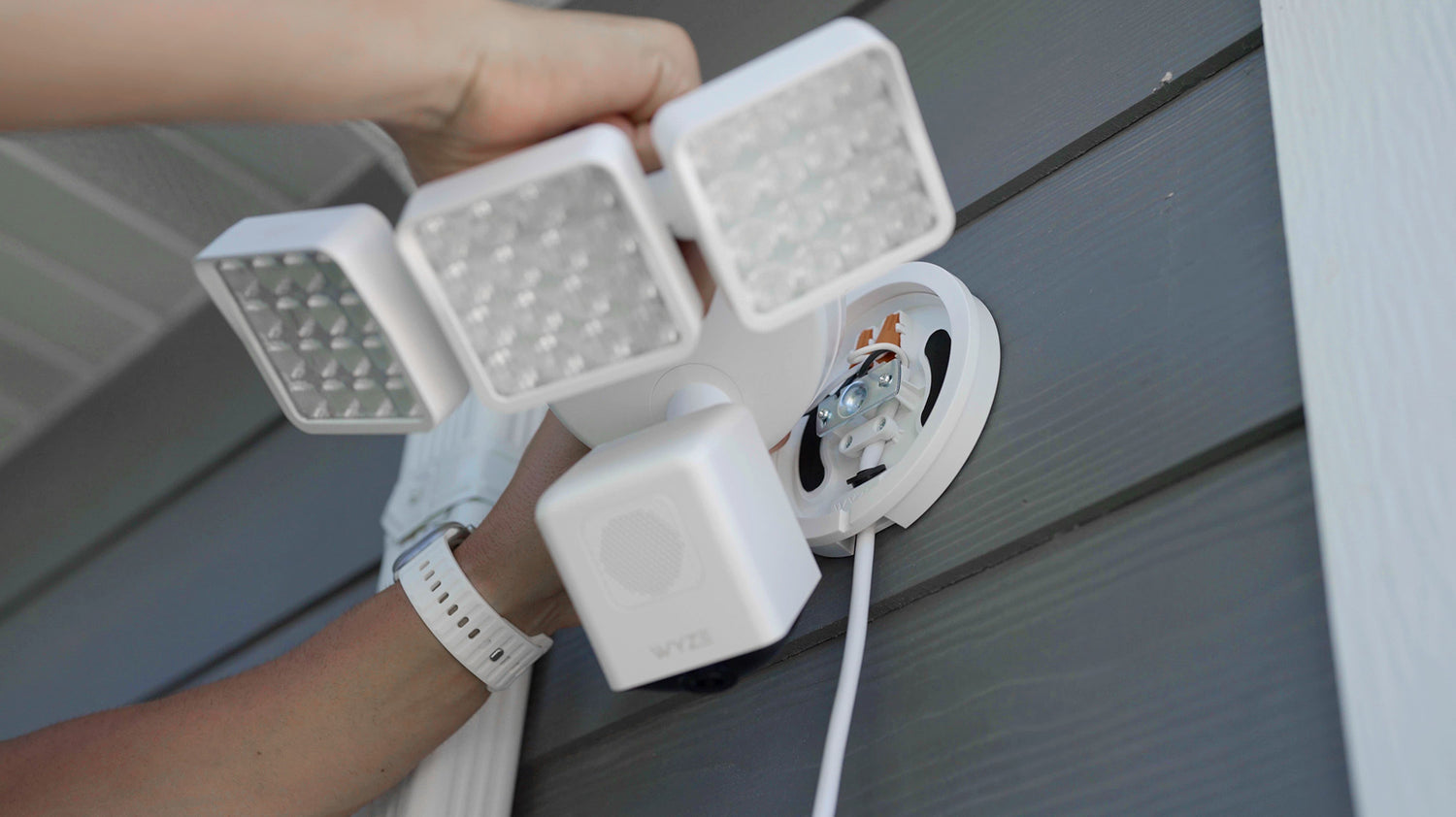
A person holding a white light fixture with a camera on it.

Easy to install. No junction box needed.

Say goodbye to the complexity and cost of a junction box. No need to hire electricians and handy people, or cut giant holes into the exterior of your home.

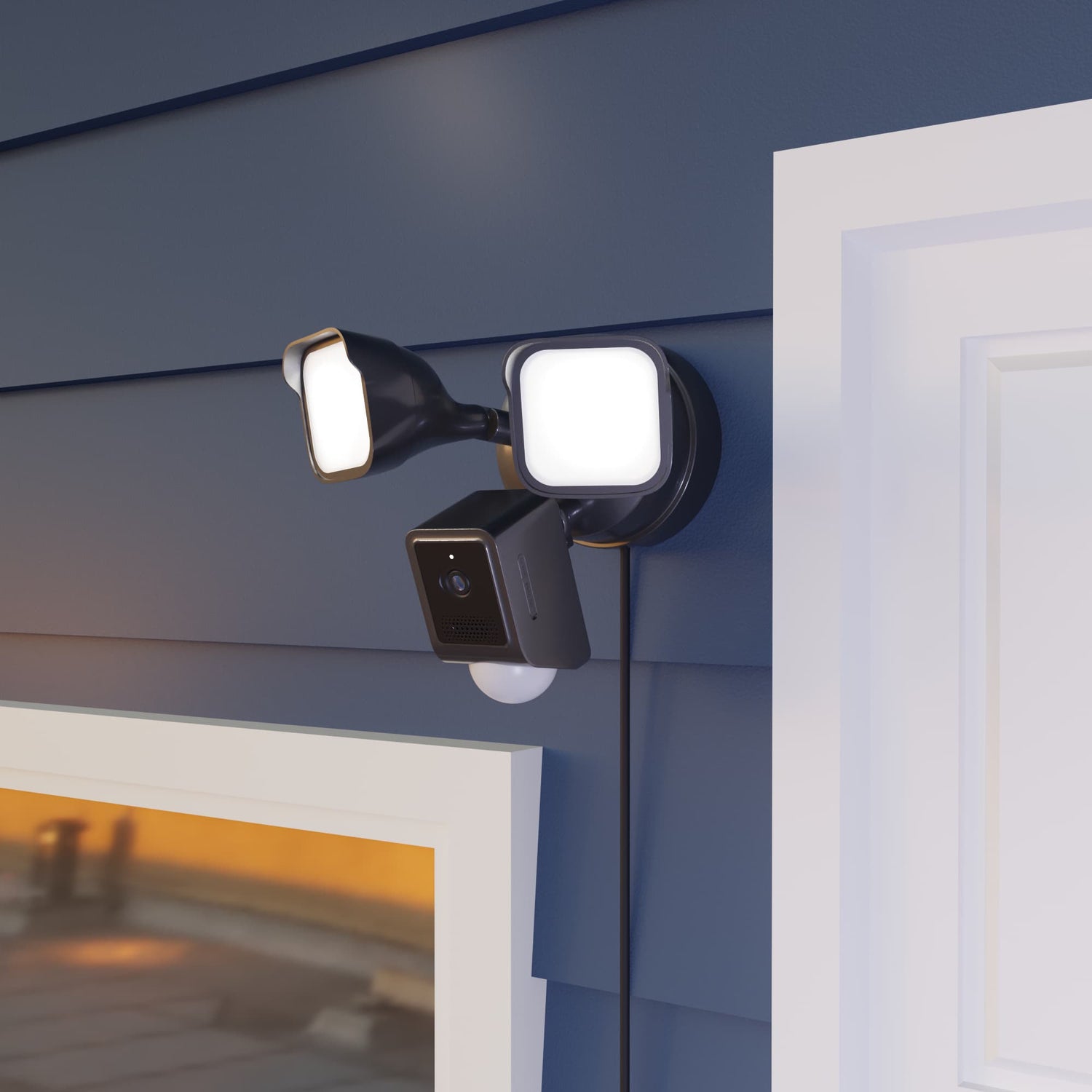
Two lights attached to a wall.

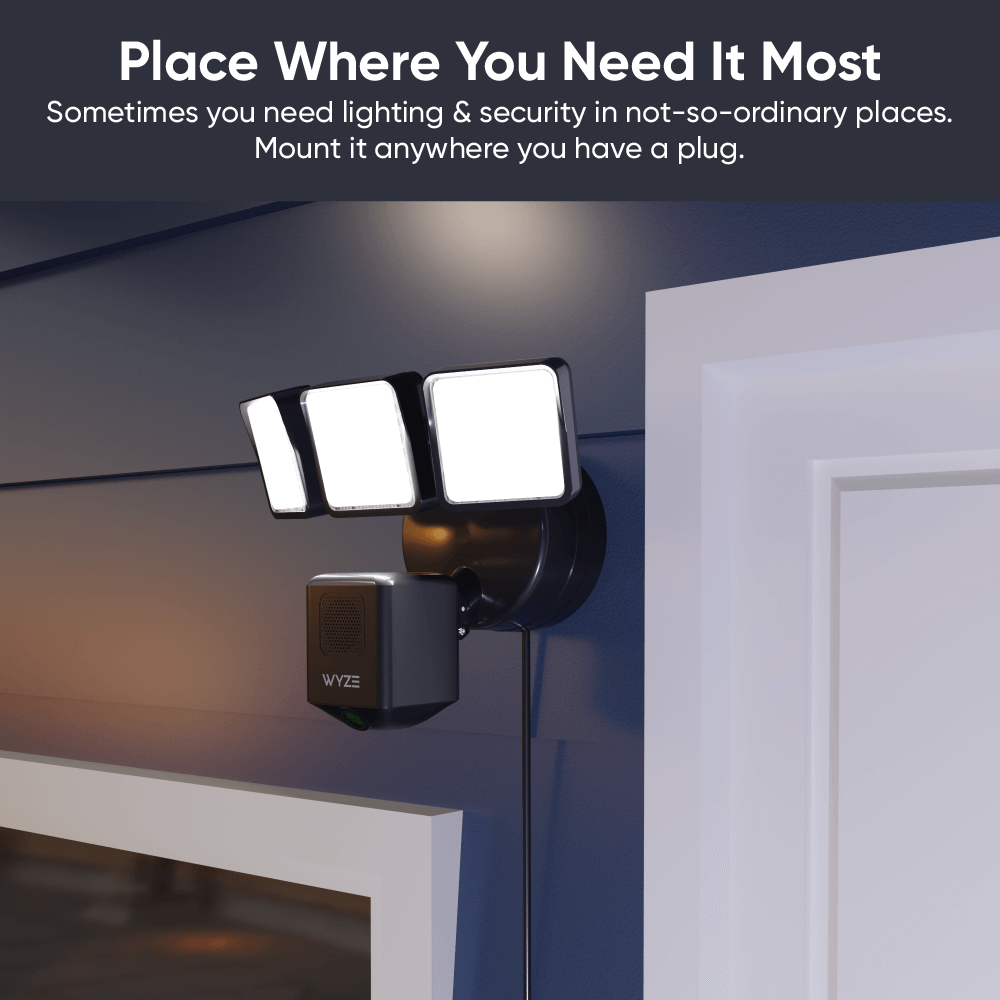
Put it right where you need it.

Free thyself from the shackles of non-ideally-located junction boxes! The durable 20ft. cable reaches outdoor-rated outlets with ease. A velcro strap is included for clean cable management.

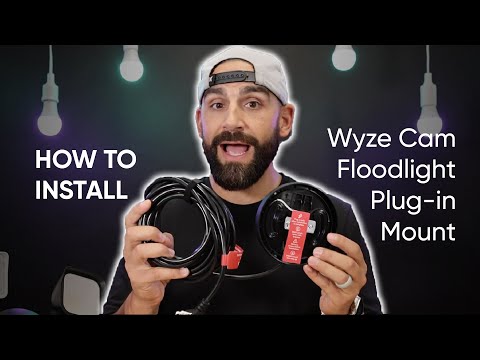
Seriously, watch how easy it is to install.

Compare Floodlights

Swipe to compare more products →
Compare Floodlights
Wyze Cam Floodlight Pro is a 2.5K QHD camera with a 180 wide-angle lens and 3000-lumen light.
Wyze Cam Floodlight Pro
from $124.98 $149.98
Wyze Cam Floodlight v1 - A powerful outdoor security solution with a built-in floodlight for increased visibility and.
Wyze Cam Floodlight v1
from $79.99 $93.99
Camera Resolution
2.5K
2K
1080p
Field-of-View
180°
160°
130°
Lumens
3000 lm
2800 lm
2600 lm
Floodlight Heads
3
2
2
Color Temperature
5000K
5000K
5000K
Wi-Fi Connectivity
2.4/5 GHz Dual-Band
2.4 GHz
2.4 GHz
Vision AI Light Control
With Cam Plus Subscription
Motion Detection
Vision AI
PIR
PIR
Sirens
105dB
105dB
105dB
Ambient Light Mode
Motion Warning
Device Setup Mode
Bluetooth®
Wi-Fi
QR Code
IR Lights
12 x 850nm
6 x 850nm
4 x 850nm, 4 x 940 nm
MicroSD Card Compatibility
Up to 256 GB
Up to 256 GB
Up to 256 GB
Power Supply
Hardwired 110-120V
Hardwired 110-120V
Hardwired 110-120V
Smart Integrations
Amazon Alexa, Google Assistant, IFTTT
Certifications
FCC, UL, CE, IC, IP65
View
View
View

Support Articles

Installing your Floodlight Cam Plug-In Mount is as simple as securing in the mounting plate to the wall, wiring your Wyze Cam Floodlight to it, then plugging it into power*.

* Only plug it into power AFTER installation is complete.

Before you begin installation

Turn off power at the circuit breaker before installation. The plug-in mount works with a GFCI outlet for power. Make sure, for the outlet you plan to use for your floodlight, that the power is turned OFF before installation.

WARNING. Risk of electrical shock! Do not plug the plug-in mount into power until AFTER installation is complete as indicated by the guide below.

What's in the box?

  • Wyze Floodlight Cam Plug-In Mount x1
  • Mounting Kit x2
  • Foam Tape x2
  • Long Screw x1
  • Silicone Ring x1
  • Quick Start Guide x1

To install your Wyze Floodlight Cam Plug-In Mount:

  1. Remove the floodlight plug-in mount from the packaging.
  2. Carefully read the instructions on the red sticker labels before removing it for mounting.
  3. Position your plug-in mount at the area you want your floodlight to be, near your GFCI outlet. The cord from the plug-in mount is 20 feet long.
  4. Secure the mounting plate to the wall using the screws included in the mounting kit.
  5. Remove the paper backing from each piece of foam tape and place it over the curved screw holes on the mounting plate.
  6. Next, follow along in the Quick Start Guide and/or the video below to mount your Wyze Cam Floodlight v1, Wyze Cam Floodlight v2, Wyze Cam Floodlight Pro.

Here's a handy video for how to install Wyze Floodlight Cam Plug-In Mount and any Wyze Cam Floodlight model:

Download the Quick Start Guide for Wyze Floodlight Cam Plug-n Mount in this article.

Below is the Quick Start Guide for Wyze Floodlight Cam Plug-In Mount, a manual for how to install the device and secure a Wyze Cam Floodlight the mount.

This guide is a user manual with the basics about Wyze Floodlight Cam Plug-In Mount including:

  • What's in the box for Wyze Floodlight Cam Plug-In Mount.
  • How to install your plug-in mount.
  • How to install your Wyze Cam Floodlight device onto the plug-in mount.

Power Issues

Problem

Your Wyze Floodlight Cam Plug-in Mount won’t power on your Wyze Cam Floodlight.

Troubleshooting

  1. Remove the device from power.
  2. If possible, verify if the power outlet has a normal power supply of 110-120V AC.
  3. Ensure the devices are not visibly damaged.
  4. Try a different outlet.
  5. Ensure that Wyze Floodlight Cam Plug-in Mount was installed properly by following the steps in our Wyze Floodlight Cam Plug-in Mount Installation Guide. If you’re ever unsure when dealing with wiring or power, we recommend reaching out to a licensed electrician at your discretion.
  6. If possible, try a different Wyze Floodlight Cam Plug-in Mount.
  7. If possible, try a different Wyze Cam Floodlight.
  8. If possible, try wiring Wyze Cam Floodlight to a junction box.

Other Issues

For all other troubleshooting, please follow the troubleshooting provided for the attached Wyze Cam Floodlight.

  • Wyze Cam Floodlight v1 Help Center
  • Wyze Cam Floodlight v2 Help Center
  • Wyze Cam Floodlight Pro Help Center
Added to your cart
FREE shipping on orders $59+
Subtotal
$0.00
View cart