Skip to product information
1 of 7

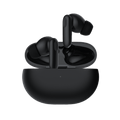
Wyze Buds Pro

Wyze Buds Pro

Upgrade to professional-quality quiet.

This product is no longer available and won't be coming back.
A blue and white logo for Wyze.
Wyze.com Exclusive BENEFITS
18-month extended warranty

Get an 18-mo extended warranty when you buy this product on wyze.com. Also get special bundles, unique promos, + rewards with each order
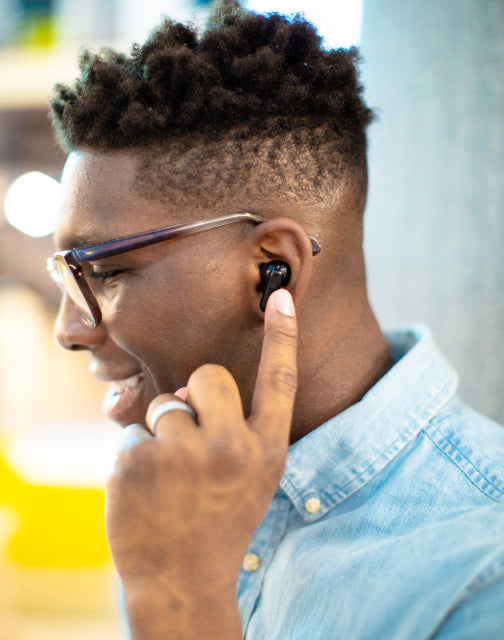
Wyze Buds Pro is more than just a bud; it's a professional bud. It gets paid to bud. It takes its budship to a level that the casual buds, the weekender and hobbyist buds, can't understand. Active noise-cancelling. Three voice-isolating microphones. An 18 hour battery life. Wireless charging. Cheap. Yeah, that's right. Cheap. Wyze Buds Pro has elevated its professional budship to a level that does not require financial validation. It buds for the love budding! The way budding was meant to be.

View full details
  • 40 dB Active Noise Cancellation

    With wind noise reduction

  • 6 Microphone Voice System

    3 mics per bud isolate and amplify your voice

  • 3 silicone tips for proper sizing

    Charging case + buds with ANC enabled

  • Up to 27 hours of total battery life

    Works with Qi-certified Chargers

Earbuds Weight and Materials

Earbud dimensions
  • 1.19" x 1.00" x 0.87"
Case dimensions
  • 2.57" x 1.85" x 0.98"
Earbud weight
  • 0.19 oz each
Case weight
  • 1.47 oz
Earbud materials
  • Silicone
Case materials
  • Plastic

Bluetooth Specification

  • Bluetooth version: Bluetooth 5.0
  • Bluetooth codec: SBC, AAC
  • Device connection: Single device connection

Battery Life

Earbuds

  • ANC On: Up to 4.5 hours
  • ANC Off: Up to 6 hours

Case

  • ANC On: Up to 13.5 hours
  • ANC Off: Up to 18 hours

15-minute quick charge

  • Up to 1 hour of playback time.

Wired and wireless charging

  • Wyze Buds Pro allows you to charge with either a USB Type-C cable or a Qi-certified wireless charger.

Charging Time

  • Earbuds: Around 1.5 hours of charging time
  • Case: Wired Around 3 hours
  • Case: Wireless Depends on the charger

Speaker

  • Driver dimensions: 0 mm dynamic driver
  • Frequency range: 20 - 20,000 Hz
  • Total harmonic distortion: <0.7% 1 mW/1kHz
  • Sweat and weather resistance: IPX4 sweat and weather resistant

Operating and Storing Environment

Operating Temperature: 5°F - 122°F with 90% Relative Humidity

Storage Temperature: -13°F - 131°F

  • Wyze Buds Pro x1
  • Charging Case x1
  • USB Type-C Cable x1
  • Silicone Ear Tips x3
  • Quick Start Guide x1

Wyze Buds Pro is a pro model with premium features like Active Noise Cancellation (ANC) and wireless charging. Wyze Buds, planned for preorder in June, will meet your everyday needs with longer battery life and a more compact case.


Yes, you can use a single earbud for your music and calls. You will need both earbuds to update your Wyze Buds Pro settings in the Wyze app.


The earbuds provide up to 4.5 hours of playback time in a single charge with Active Noise Cancellation turned on, and provide up to 6 hours of playback time in a single charge with Active Noise Cancellation off. The charging case provides up to 13.5 hours of music playback time.


Yes, you only need a Bluetooth connection to use the earbuds. If you want to use more advanced features, like customizing the touch controls and setting up your voice assistant, you'll need the Wyze app.

No, Wyze Buds Pro can only connect to one device at the same time.


Download the Wyze app, and click the + plus signAdd DeviceLifestyleWyze Buds Pro. Follow along in the app to set up your new earbuds.


No, Wyze Buds Pro uses Adaptive EQ to automatically adjust the sound.


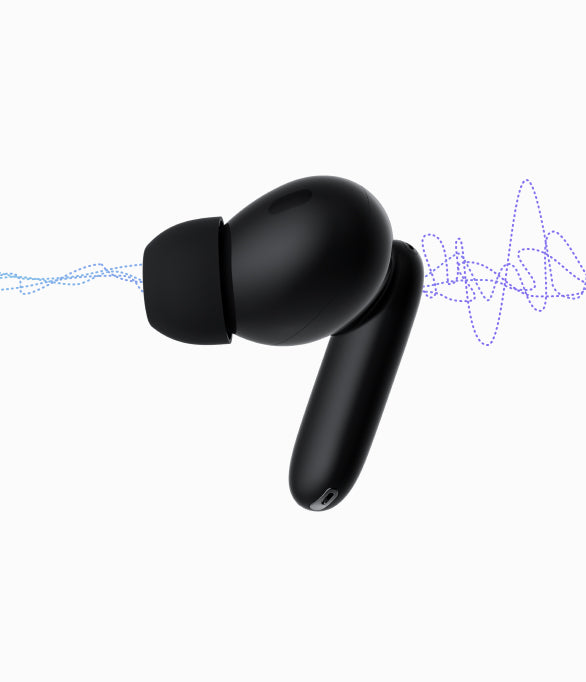
Wyze Buds Pro uses hybrid active noise canceling through 2 feedback microphones and 2 feed-forward microphones, with max 40dB noise reduction depth.


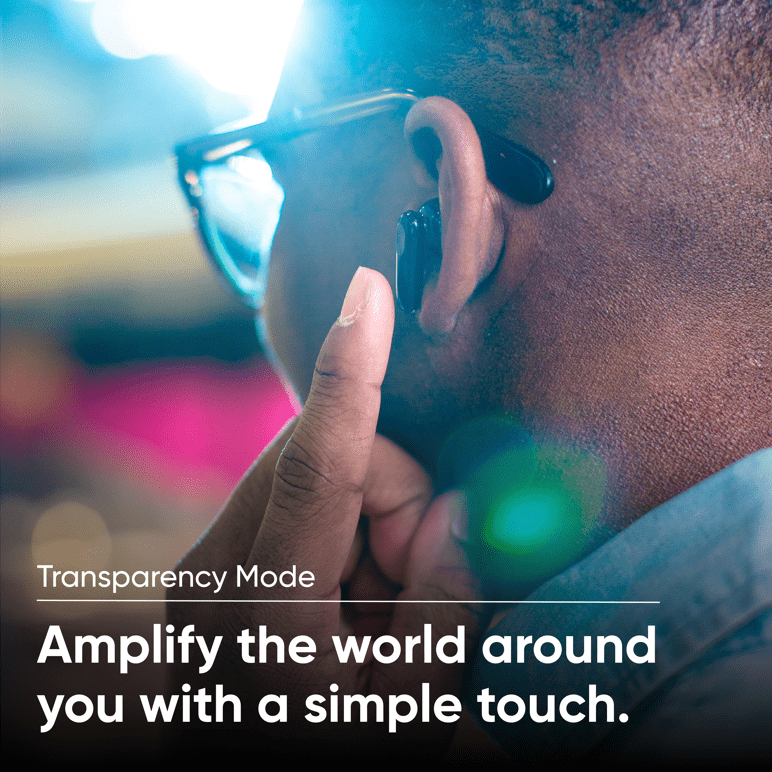
Yes, you can switch between ANC On, ANC Off, and Transparency Mode in the Wyze app and on the earbuds themselves.


Wyze Buds Pro produce stereo sound.


Lithium ion battery.


Yes, Wyze Buds Pro can connect to Bluetooth-capable devices like gaming consoles and computers.

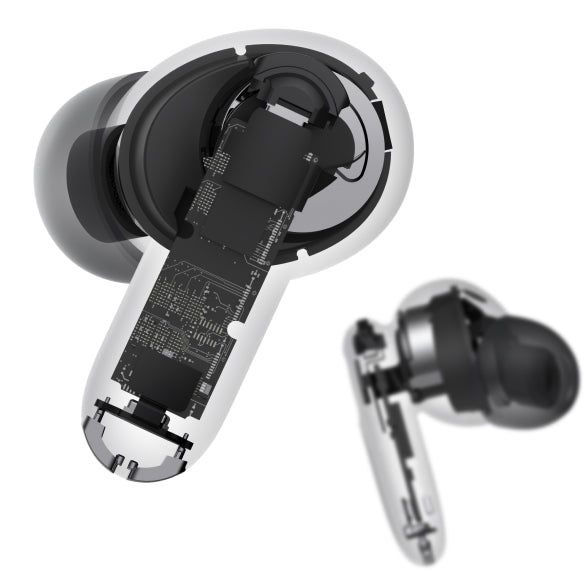
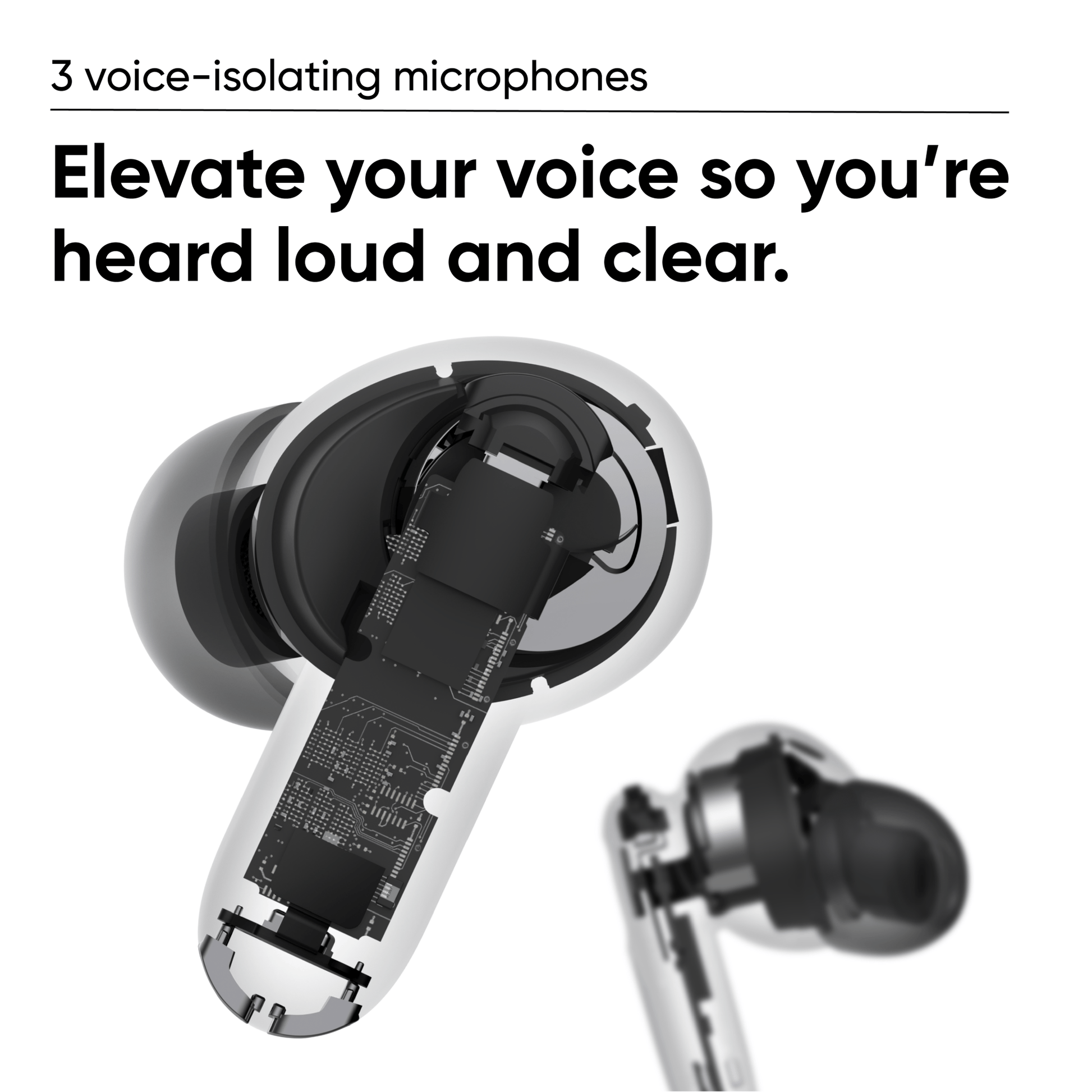
A close up of a device with a black and white image of the inside of the device.

3 Voice-Isolating Microphones

Three microphones per bud work together to elevate your voice and cut the noise so you are heard loud and clear.

Feedback Mic

Works with the feedforward mic to cancel ambient noise.
Voice Mic

Isolates and amplifies voices for clearer calls.

Feedforward Mic

Works with the feedback mic to cancel ambient noise.

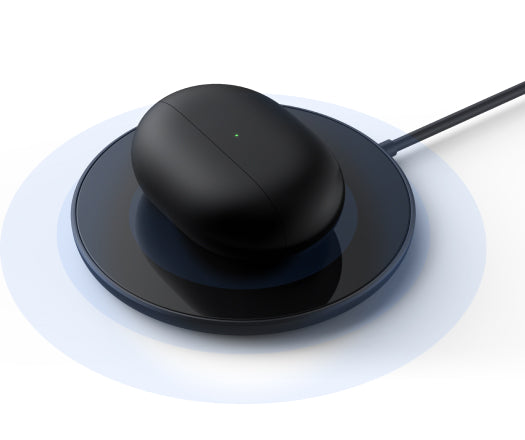
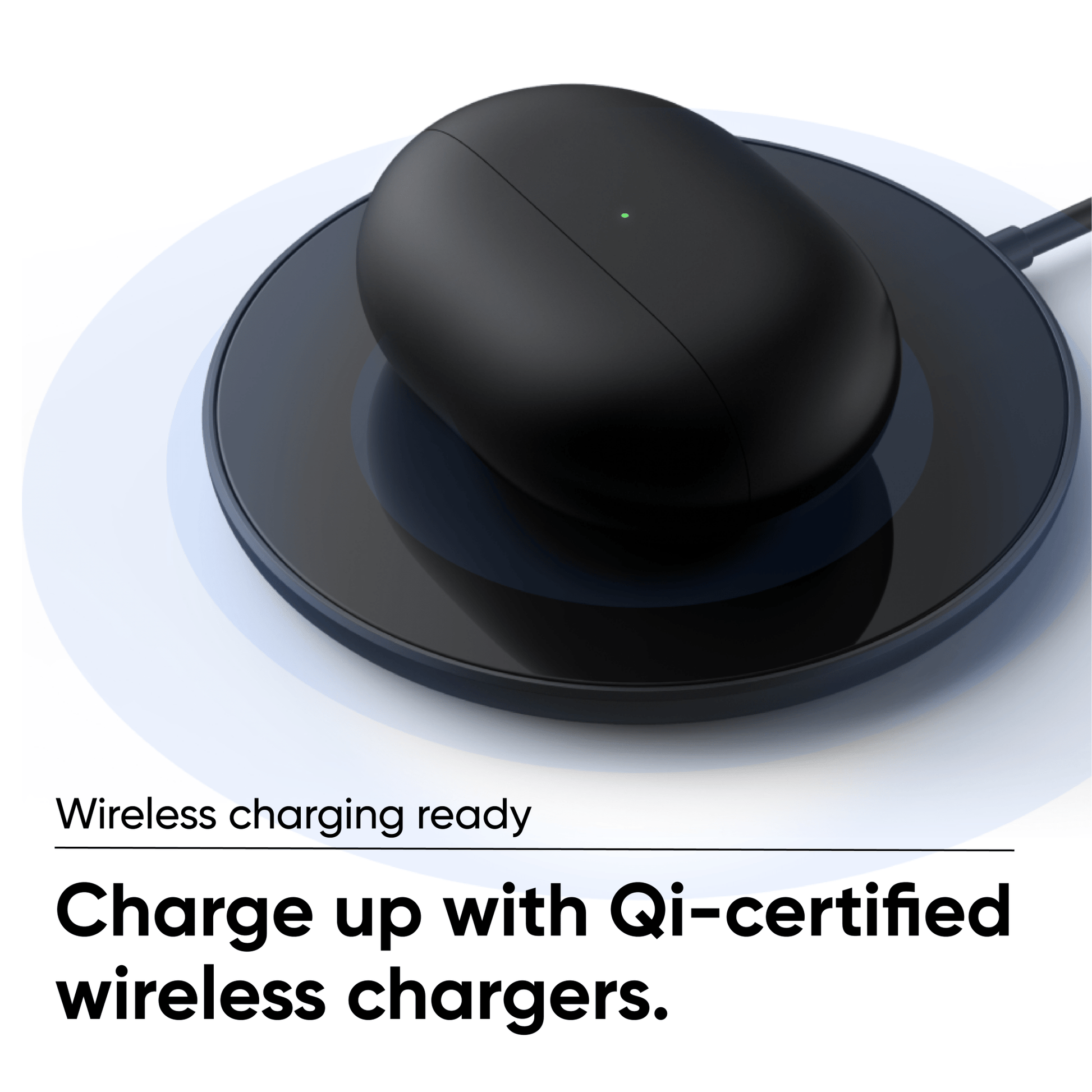
A black device on a white background.

Wireless Charging Ready

Charge up with Qi-certified wireless chargers, or plug in directly with the included USB-C cable.

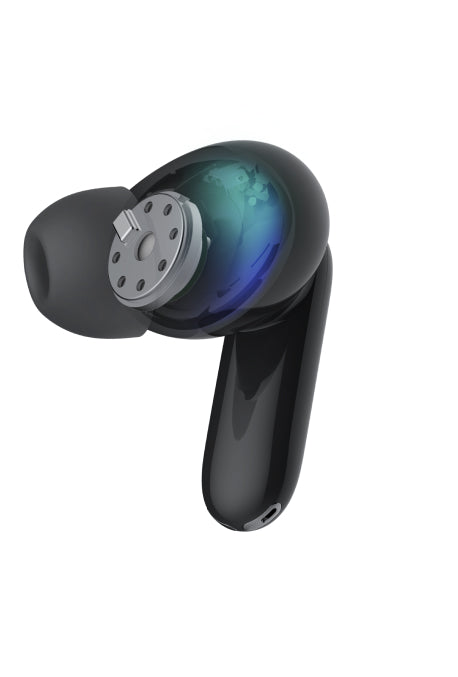
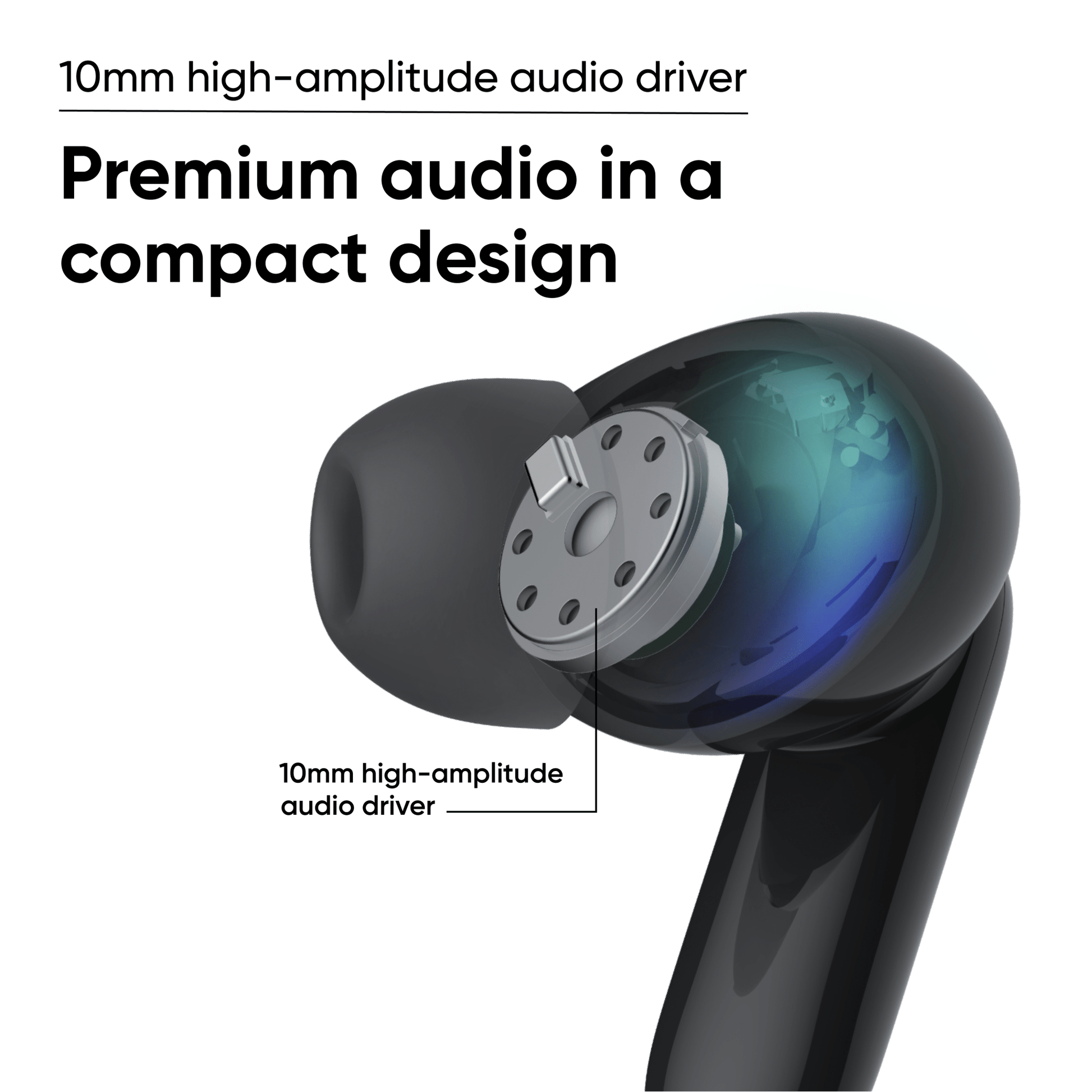
A black and blue image of a headphone with a blue light inside.

10 mm high-amplitude audio driver delivers rich treble and strong bass

Call it magic. Call it a masterful feat of engineering. Either way you get premium audio in a compact design. So,yeah.Magic.

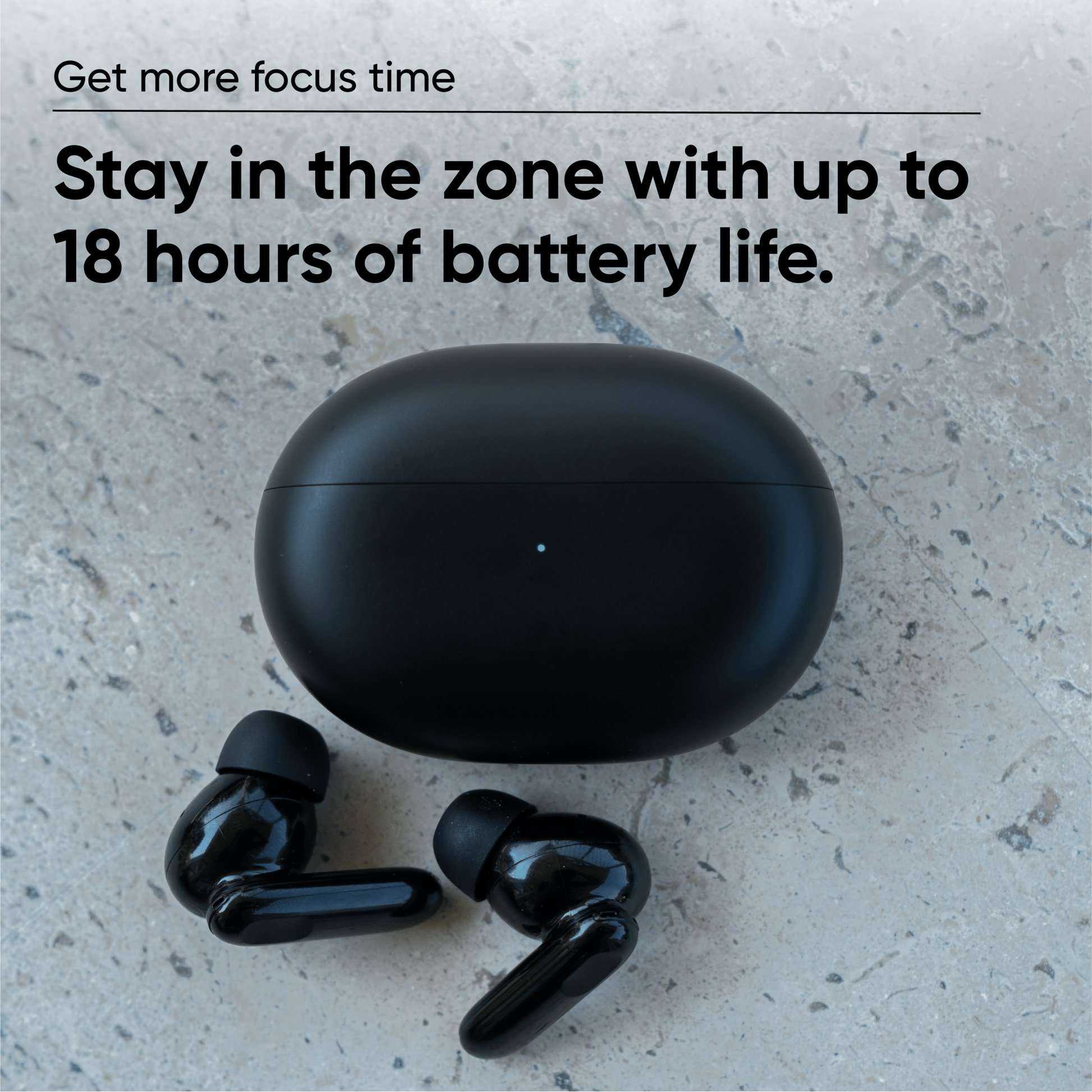
18 hours of battery life.

Get more focus time

Keep your pro status uninterrupted with up to 18 hours of battery life that helps you stay in the zone.

Quick Charge: 15 minutes in the case provides up to 1 hour of playback.

Buds: Up to 4.5 hours on a single charge with ANC on, 6 hours with ANC off.

Buds + Case: Up to 18 hours of total charge with ANC on, 24 hours with ANC off.

* Battery life varies by use.

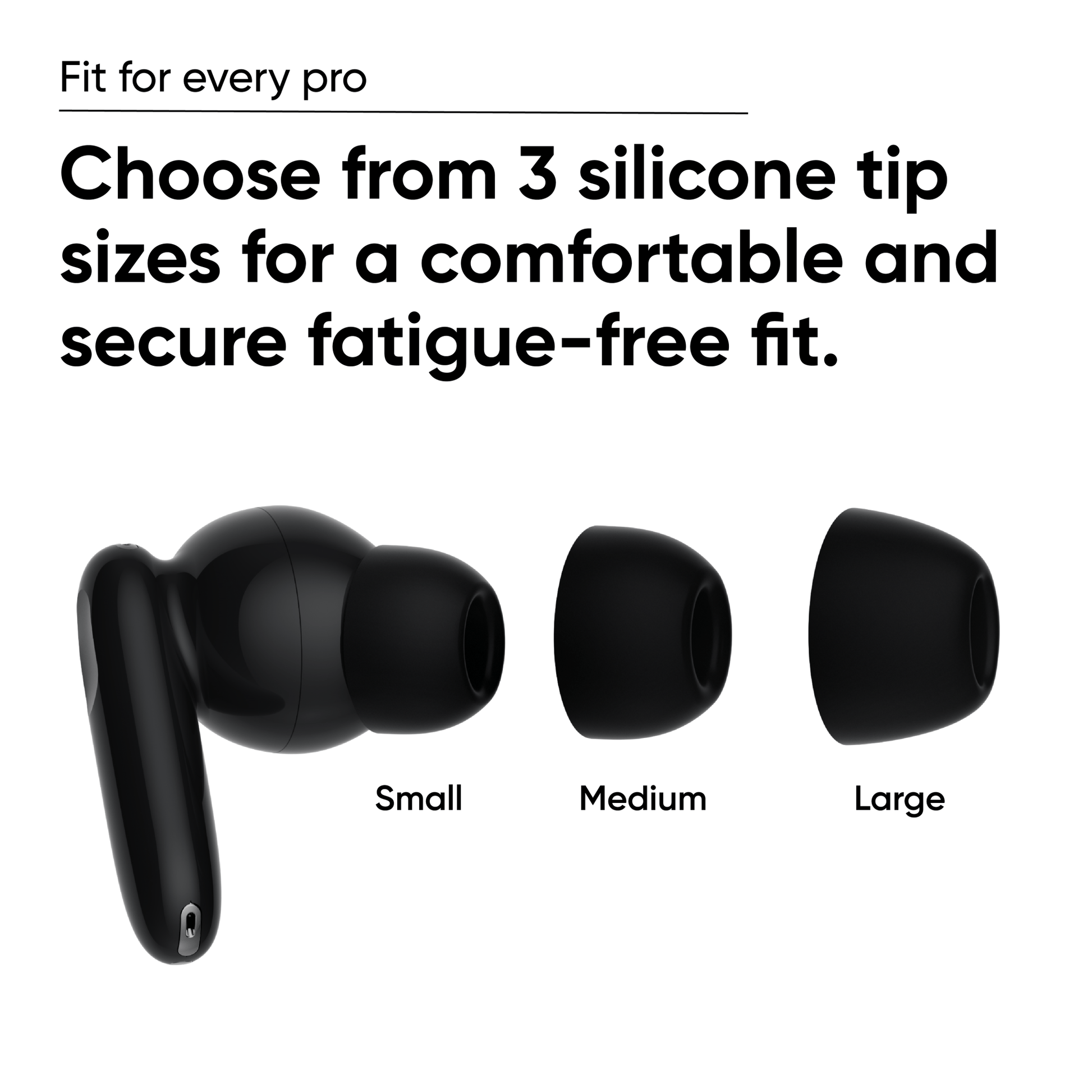
Fit for Every Pro

Choose from 3 silicone tip sizes for a comfortable and secure fatigue-free fit.

Wyze Buds Pro interchangeable silicone tips in size small, medium and large.
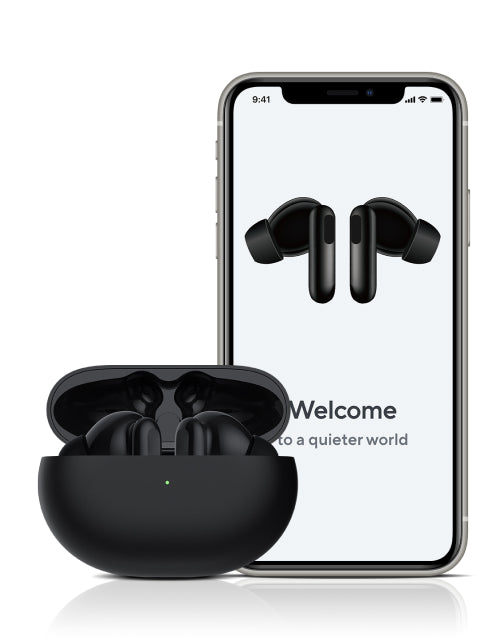
Welcome to a quieter world.
A black and purple headphone with a purple lightning bolt on the side.
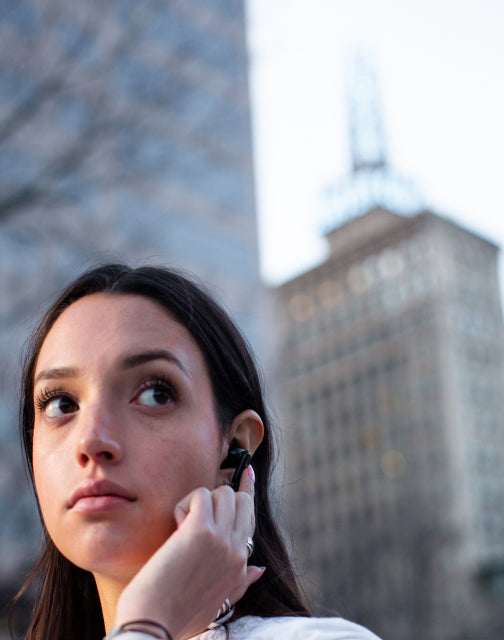
A woman wearing a Wyze Buds Pro is holding it to her ear.
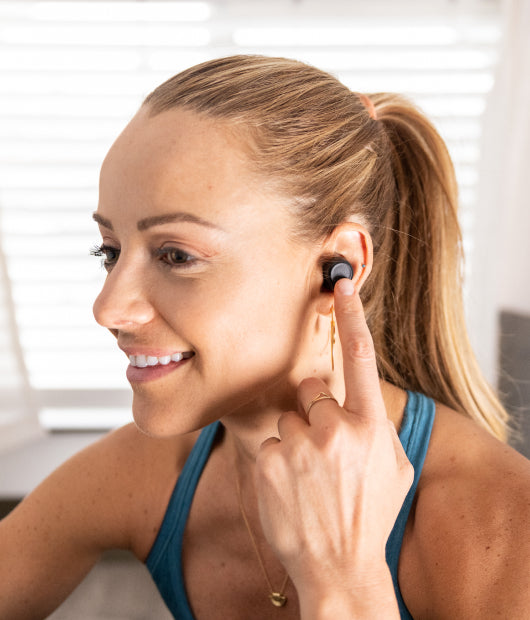
A woman wearing a blue tank top and holding a WyzeBuds Pro in her hand.
Man holding a phone to his ear.

Smart controls that don’t skip a beat

Easy to connect. Hard to lose connection.

Bluetooth pairing is quick and easy. Supports Google Fast Pair.

Wyze Buds Pro uses an algorithm to automatically adjust frequency levels depending on what you're listening to.

Instantly connect to Amazon Alexa to play your favorite music, check the weather, get the news, and more.

* Optimized for Android. iOS requires the Alexa app to be running in the background.

Tap to pause, play and skip tracks without digging out your phone. Tap and hold to toggle ANC and Transparency Mode.

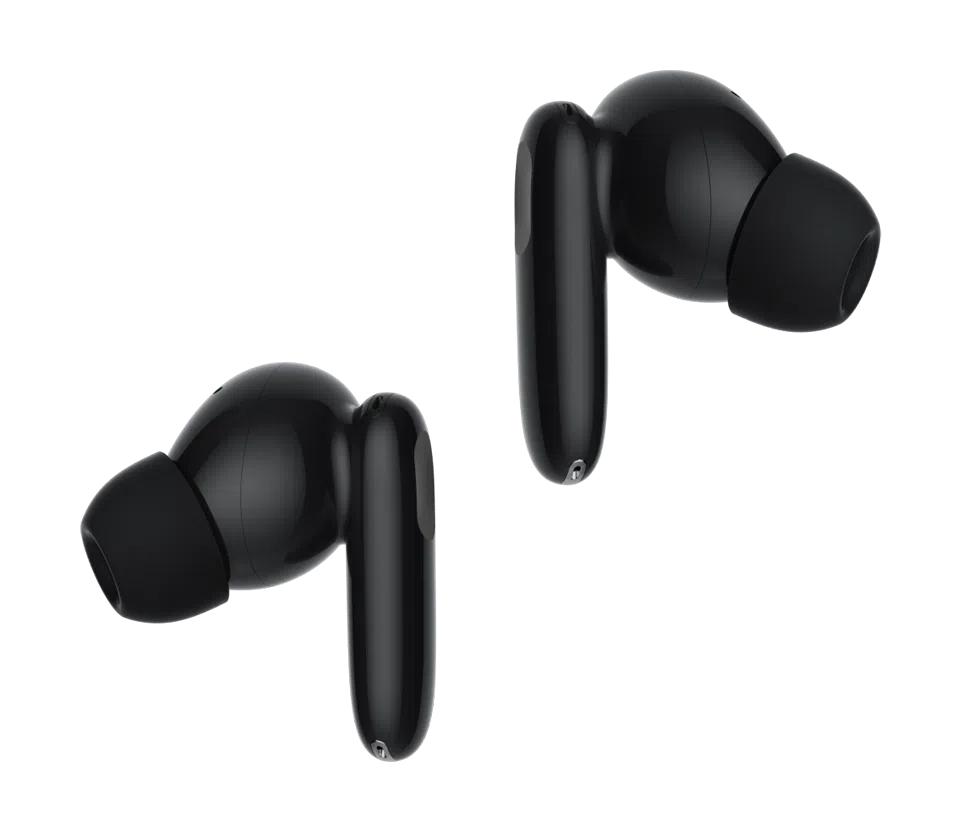
  • A pair of black earbuds with a touch of gray.

    Wyze Buds Pro

    -40 dB active noise cancellation
    -6 microphone system
    -Wireless charging

  • A pair of black earbuds with a green accent.

    Wyze Buds

    -30 dB passive noise reduction

    -Up to 27 hrs of battery life

    -4-microphone system

    Learn More 

Support Articles

Wyze Buds Pro are extremely easy to set up. Once you're connected to Bluetooth, you're only a few taps away from being set up in the app.

Related article: Does Wyze Buds Pro work without the Wyze app?

To set up your Wyze Buds Pro:

  1. In the Wyze app, tap Home, then tap the plus sign + on the top right.
  2. On the Add menu, tap Device.
  3. Tap Lifestyle > Wyze Buds Pro.
  4. With the buds in the charging case, open the case to initiate Bluetooth pairing.
  5. Once paired, the Wyze app will bring you to the Wyze Buds Pro product page.

Note: You can set up as many Wyze Buds Pro devices as you want on a single Wyze account.

Download the Quick Start Guide for Wyze Buds Pro in this article.

Below is the Quick Start Guide for Wyze Buds Pro, a short manual for how to get started.

This guide is a short user manual with the basics about Wyze Buds Pro including:

  • How to download the Wyze app.
  • How to pair Wyze Buds Pro via Bluetooth.
  • How to use the voice controls on Wyze Buds Pro.
  • How to factory reset your Wyze Buds Pro.

Problem

Your Wyze Buds Pro show offline in the Wyze app, have trouble connecting, or disconnect frequently.

Troubleshooting

  1. Confirm that your Wyze app is up to date. In your Wyze app, navigate to the Account tab > tap About. Your current app version will be listed beneath the Wyze logo. Compare your app version to the latest app version listed on our Release Notes & Firmware page. If you find that your Wyze app is out of date, head over to your mobile device’s app store and update the Wyze app.
  2. Make sure the earbuds are fully charged. We recommend charging them inside their case for at least 2 hours. Once fully charged, the status light on the case will be solid green.
  3. Check the Bluetooth® connection. In your phone’s settings, toggle Bluetooth® off and then back on. Ensure your earbuds are within the Bluetooth® range of your phone. This distance varies by device but is generally about 30 feet. If the earbuds were previously connected, forget the device in the Bluetooth® settings and then pair it again. Note: If your Wyze Buds Pro were previously connected to other phones/tablets, you’ll need to unpair them from those devices as well. If there are other devices connected to your phone via Bluetooth® or other apps currently using Bluetooth® that may be causing interference, unpair the devices or close the apps.
  4. Verify that Location Permissions are enabled for the Wyze app in your phone/tablet settings. Make sure that it is set to Always or While Using the App. For iOS users, make sure that Precise Location is turned on.
  5. If possible, check that your Wyze Buds Pro firmware is up to date. You can check this by going to the Account tab > Firmware Update. If there is an update available for the earbuds, please move forward with updating them.
  6. Force close the Wyze app.
  7. Restart your phone.
  8. Factory reset Wyze Buds Pro. Place your Wyze Buds Pro into the charging case. Press and hold the pairing button on the side of the case for 20 seconds. Walk through setting up your earbuds like new in the Wyze app.
  9. Try a different phone/tablet, if possible.
Added to your cart
FREE shipping on orders $59+
Subtotal
$0.00
View cart