Skip to content
View our Accessibility Statement
Skip to product information
1 of 19

Wyze Palm Lock

Wyze Palm Lock

The key is the palm of your hand.

Touchless Palm Scan Unlock

No Downtime With

Dual Battery System

Open your lock with a key

Control Anywhere

with Wi-Fi

Color
$129.98
Quantity: 1
1
2
3
4
5
6
7
8
9
10
In stock
Get it as soon as
30-day hassle-free returns.
In stock
Wyze.com Exclusive BENEFITS
18-month extended warranty

Get an 18-mo extended warranty when you buy this product on wyze.com. Also get special bundles, unique promos, + rewards with each order

  • Contactless entry with palm vein recognition.
  • Numbered keypad with access codes.
  • Control from anywhere with Wi-Fi.
  • Up to 6 months of battery life.
  • Manual lock and key option.
  • Peace of mind with auto lock.
View full details
  • Touchless Palm Scan Unlock

    Just hover your palm near the reader and the door unlocks using highly secure, contactless biometric tech.

  • 6 Entry Methods + Wi-Fi Control

    Unlock with your palm, code, keys, app, voice-assistant or latch. Control from anywhere with Wi-Fi.

  • No Down Time with Dual Battery System

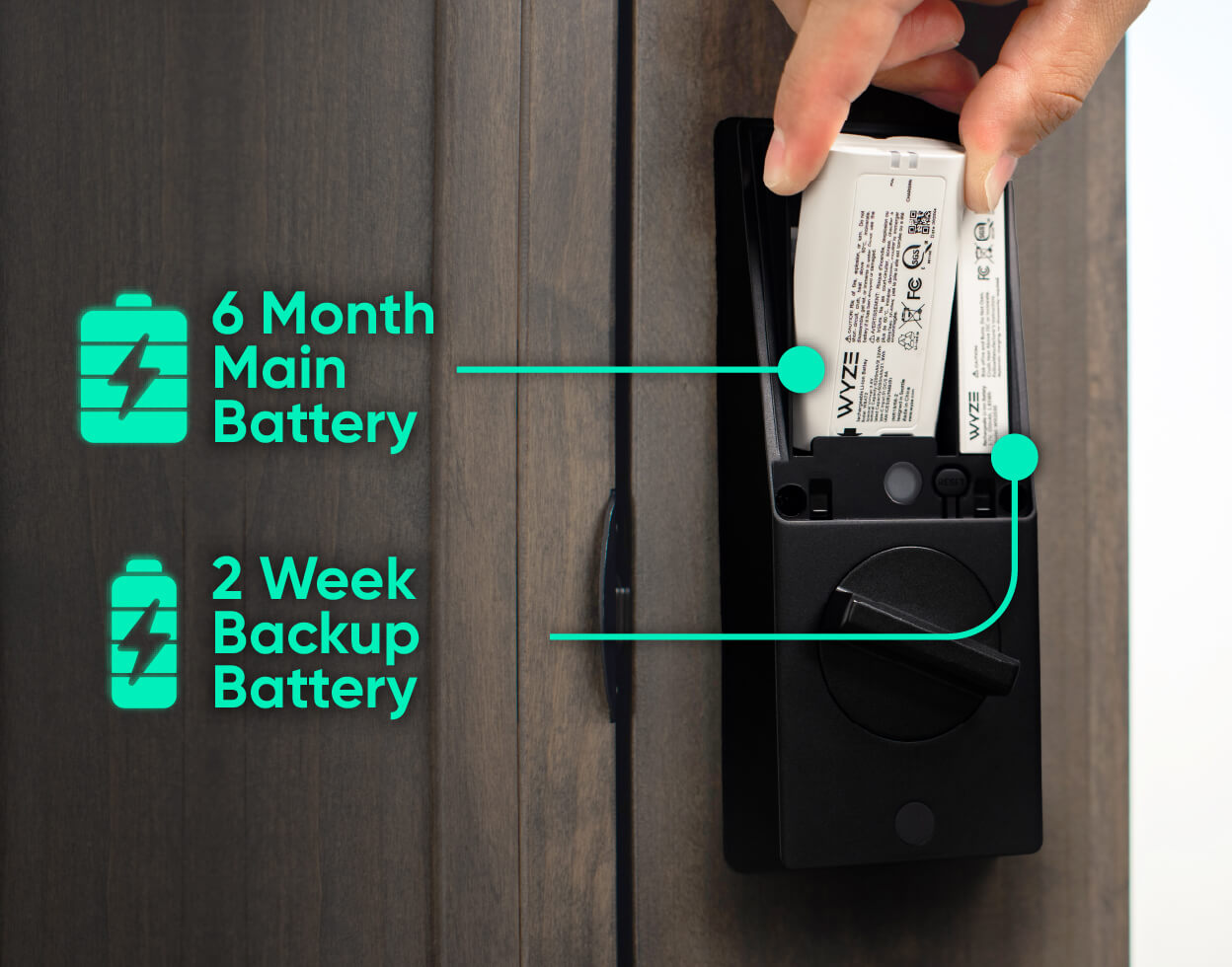
    The main battery provides 6-months of charge. The backup keeps things running while you recharge.

  • Replaces Existing Deadbolt

    Includes a manual lock and key option (set of keys included).

Wyze Palm Lock Specs

Colors & Materials
  • Model: WPLCK1
  • Finish: Matte
  • Color: Black
  • Frame Material: Aluminum Alloy & Steel
  • Panel Material: Tempered Glass
Dimensions
  • External Assembly: 6.14 x 2.89 x 1.28 in (156 x 73.5 x 32.5 mm)
  • Internal Assembly: 7.16in x 2.93in x 1.18in (182mm x 74.5mm x 30mm)
Weight
  • 4 lbs (64 oz)

Power
  • Power Source: Wyze Removable Battery Pack, backup battery
  • Battery Life: Up to 6 months with normal use (10-20 lock/unlock per day)
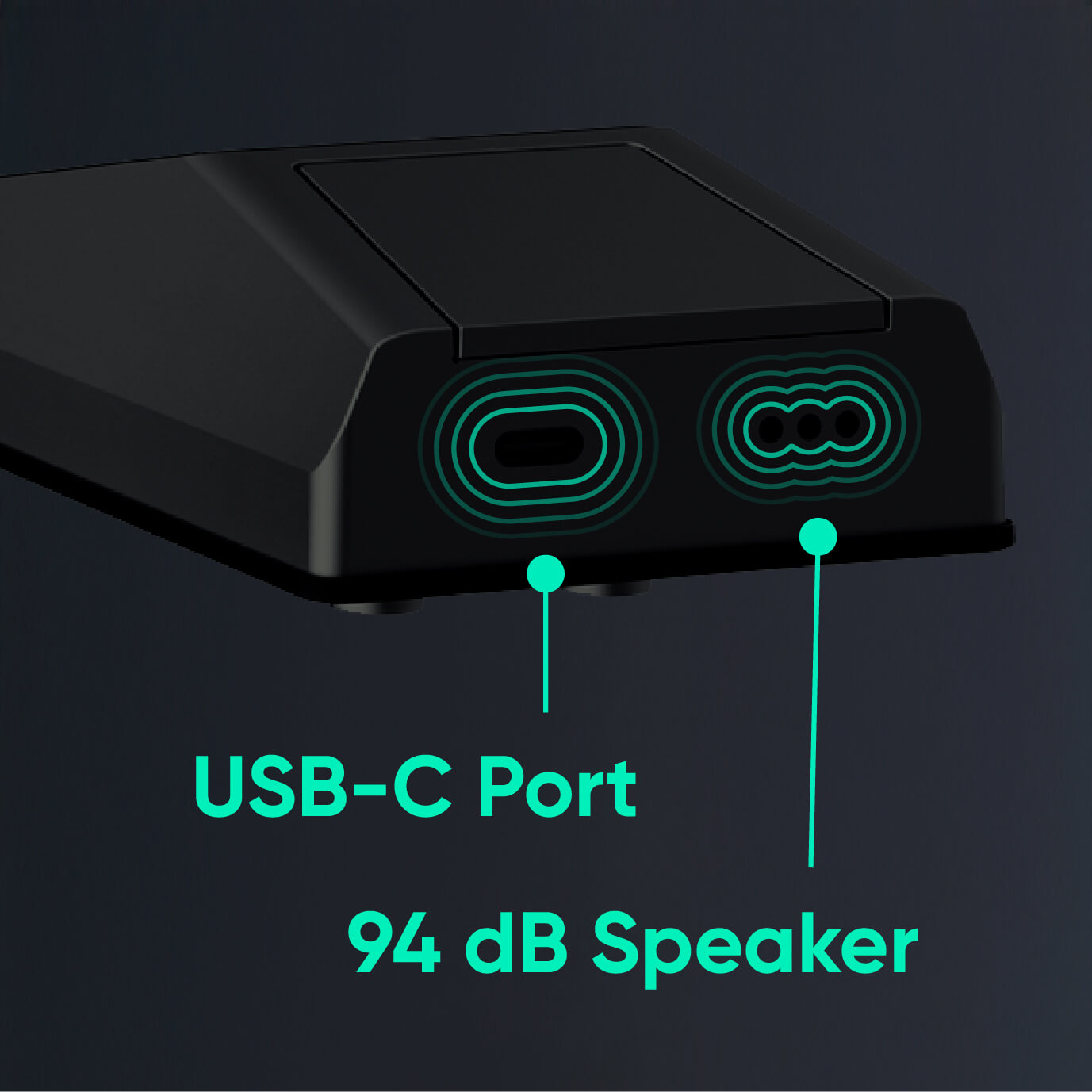
  • Emergency Power: USB-C port (USB-C cable not included)
Weather & Operating Temps
  • Weather Resistance: IP53

Operating Temperature

  • Exterior assembly: -4℉-122℉ (-20℃-50℃)
  • Interior assembly: 32℉-122℉ (0℃-50℃)
  • Storage Temperature: -22℉-158℉ (-30℃-70℃)

Certifications
  • Certifications: FCC ID+IC, TSCA+CA65, ANSI-BHMA, ROHS, REACH, SVHC, PFAS, IEC62133
Connectivity & Compatibility
  • Communication Method: Bluetooth® 5.0, 2.4 GHz Wi-Fi, Wi-Fi 6
  • Compatibility: Wyze app 3.7+, Android 10.0+ or iOS 16.0+
Door Compatibility

Compatible with most standard US doors. Replaces existing single-cylinder deadbolt.

Warranty

1-Year

  • 1x Wyze Palm Lock
  • 1x Exterior Assembly
  • 1x Interior Assembly
  • 1x Mounting Plate
  • 1x Deadbolt
  • 1x Strike Plate
  • 1x Dust Box
  • 1x Main Battery
  • 1x Backup Battery
  • 1x Silicone Plug
  • 1x Drilling Template
  • 1x Quick Start Guide
  • 2x Mechanical Keys
  • 4x Wood Screws
  • 3x Interior Panel Screws
  • 4x Mounting Screws

Wyze Palm Lock stands out in virtually every way imaginable, with a sleek new form-factor unlike any other. Wyze Palm Lock uses palm vein recognition for contact-free access, a person-detecting radar for optimized battery life, and it connects to Wi-Fi so you can control it from anywhere using the Wyze app or Alexa/Google Assistant. Yes - you can control the lock with your voice! Wyze Palm Lock also has 2 batteries to ensure your lock is always up and running.

Wyze Palm Lock uses palm vein recognition to securely and touchlessly unlock your door. Simply hold your hand up to the lock screen, and it will unlock automatically.

Palm vein recognition is widely used biometric technology in the security industry. It provides secure authentication and unlocking by identifying the unique features of the user’s palm vein pattern. Palm vein scanning smart locks are highly secure, convenient, and completely contactless.

Wyze Palm Lock scans your vein pattern using infrared light and saves it locally to the device. When unlocking, the lock compares the scan result with your pre-saved vein patterns. If there’s a successful match, the lock will automatically open.

Hold your hand between 3-7 inches from the lock screen, pointed directly at the screen.

Extremely secure. Your palm vein pattern is a unique characteristic of the human body and cannot be copied or forged. Compared to traditional fingerprint recognition or a PIN code, palm vein recognition has a lower false acceptance and rejection rate. Additionally, palm vein features are not affected by growth and aging, or physical damage to the skin. No matter how your palm changes over time, your palm vein pattern remains the same. Finally, your palm scans are stored and encrypted locally on the lock - never exported or uploaded to the cloud.

No, installing your Wyze Palm Lock is the same as any other smart lock, with a standard deadbolt and latch assembly. Contactless palm recognition simply replaces your fingerprint, PIN, or key-based entry, making it convenient and user-friendly.

Even if your palm is slightly injured or scarred, Wyze Palm Lock can still recognize your vein pattern and unlock. If your hand is covered or you’re wearing gloves, simply remove the gloves to use the lock normally. You can also unlock using the Wyze app, PIN, and the included physical keys.

The main battery within the lock has a battery life of up to 6 months, when you average 10 unlocks per day.

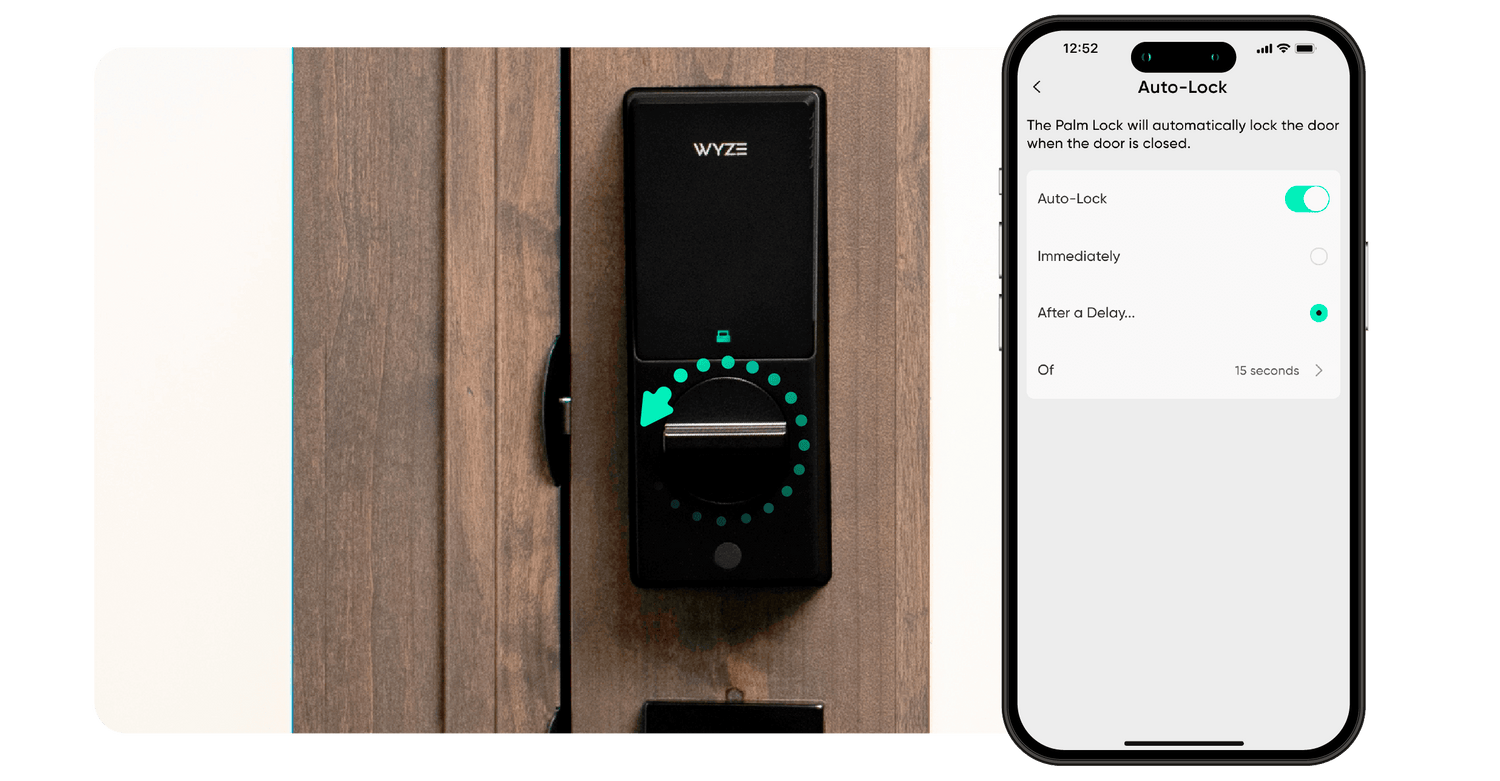
Wyze Palm Lock is equipped with a new generation gyroscope, which detects the position of the door and automatically locks the door when it’s closed. The gyroscope ensures that the deadbolt is only extended when the door is completely closed, avoiding door jams and false locks.

With Wyze Palm Lock, you can unlock the door using 5 different methods: Palm scan, with a PIN code using the touchscreen, Wyze app, Alexa & Google Assistant, or by using an included physical key.

There are 5 ways to lock Wyze Palm Lock: Use Auto-Lock to lock the door automatically, tap the lock icon on the touchscreen, tap to lock in the Wyze app, command Alexa & Google Assistant to lock the door, or use the physical key.

This ensures that when the main battery is removed and being charged, the backup battery keeps your Wyze Palm Lock working normally. If the main battery is removed and not reinstalled within 24 hours, you’ll receive a push notification to do so. Once the main battery is reinstalled, it will automatically re-charge the backup battery.

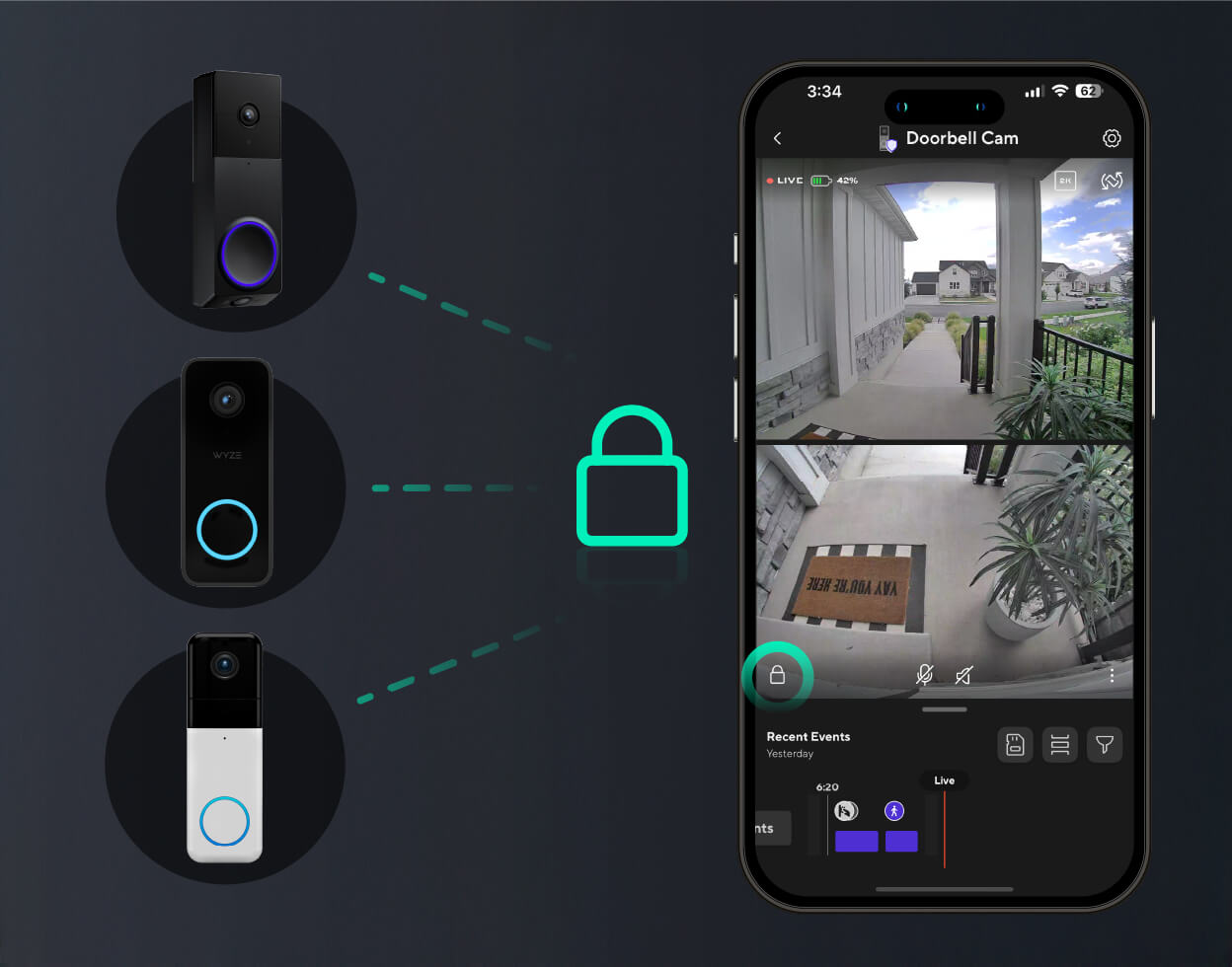
Wyze Palm Lock is compatible with Wyze Video Doorbell v2, Wyze Video Doorbell Pro, and Wyze Duo Cam Doorbell. This lets you lock and unlock the door from your doorbell’s live stream.

The key is the palm of your hand.

Highly secure, contactless biometric tech identifies you based on the unique pattern of veins beneath the surface of your palm. Just hover your palm near the reader, and voilà, the door unlocks. It’s like a secret handshake with your front door.

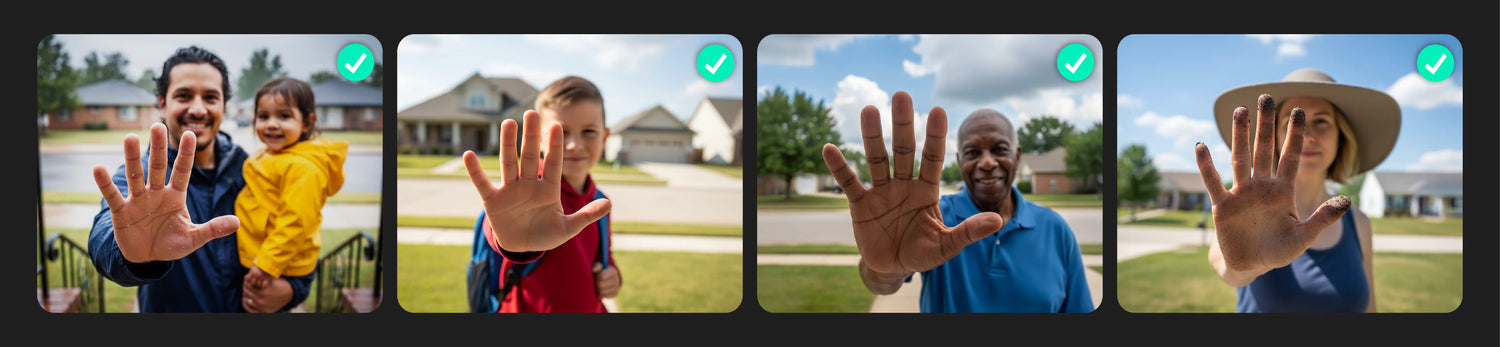
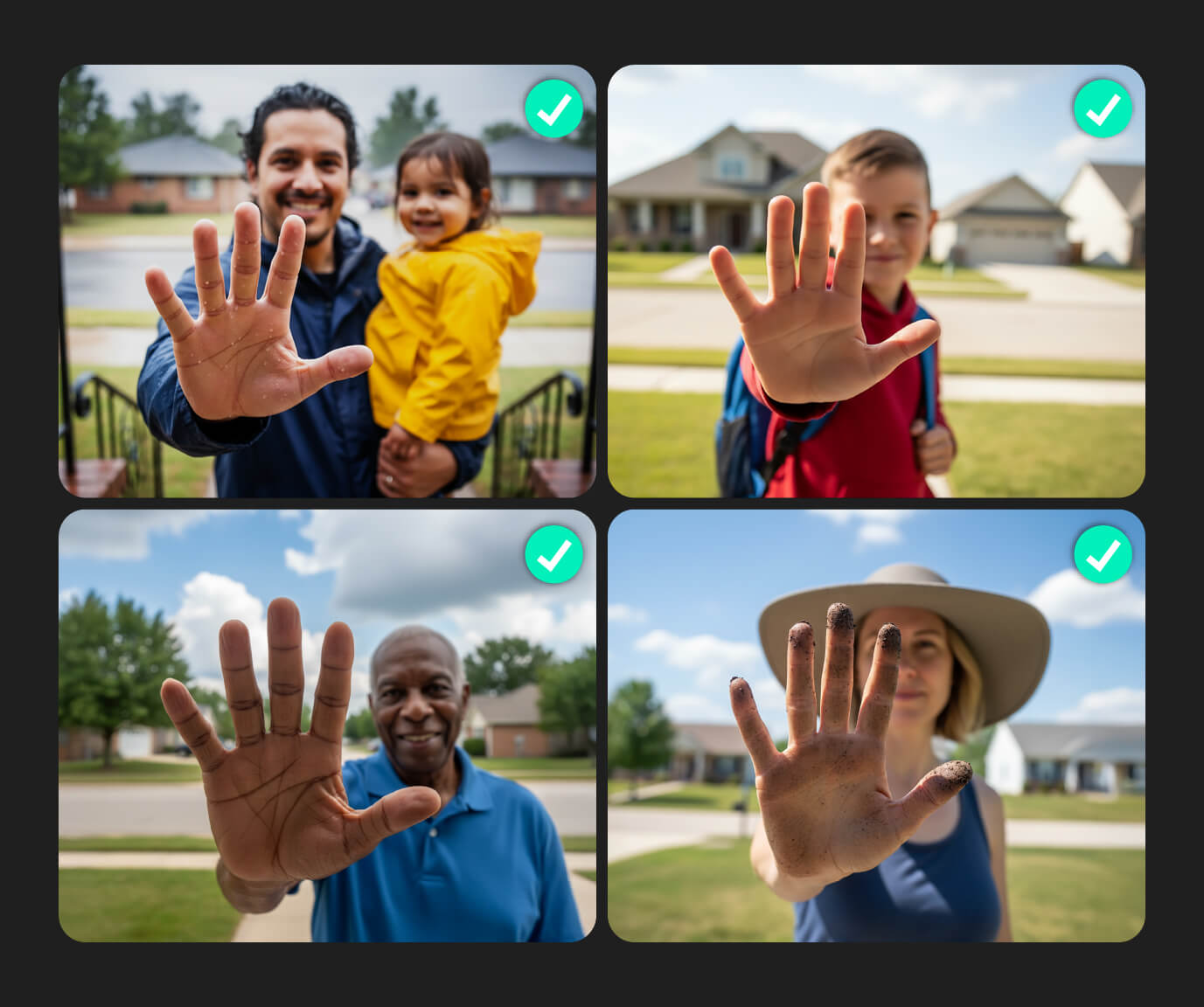
Unlocks for all types of hands.

Young, weathered, wet, or dirty, palm vein recognition is more accurate than fingerprints because it looks beneath the skin, so surface conditions don’t get in the way.

  • Palm Scan

  • Access Codes

  • App Control

  • Manual Key

  • Voice Control

  • Manual Latch

1 of 6

Check for door compatibility.

The Wyze Palm Lock replaces your existing lock bolt and will work on most standard residential doors sized between SPECS. Click to see more details.

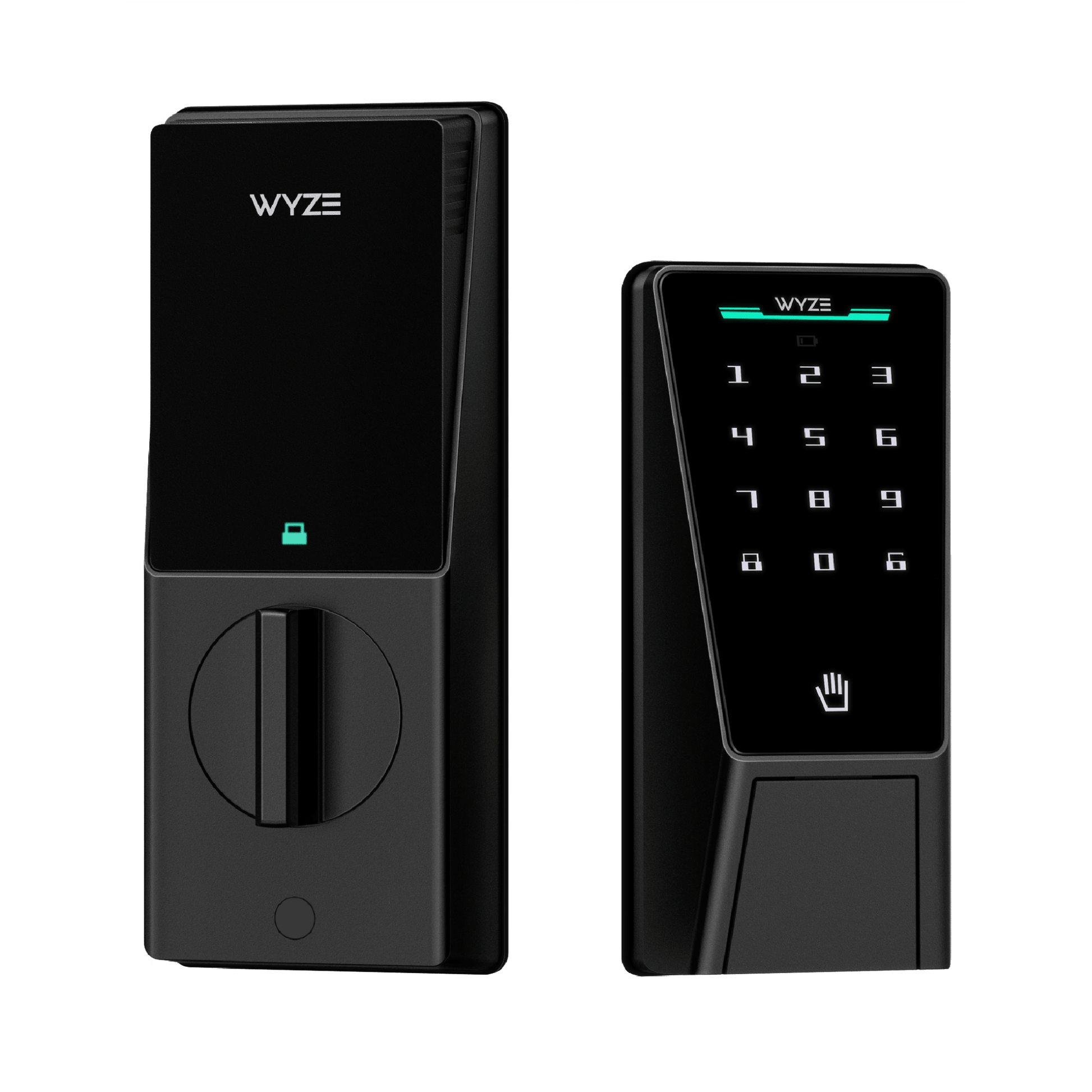
Numbered keypad with access codes.

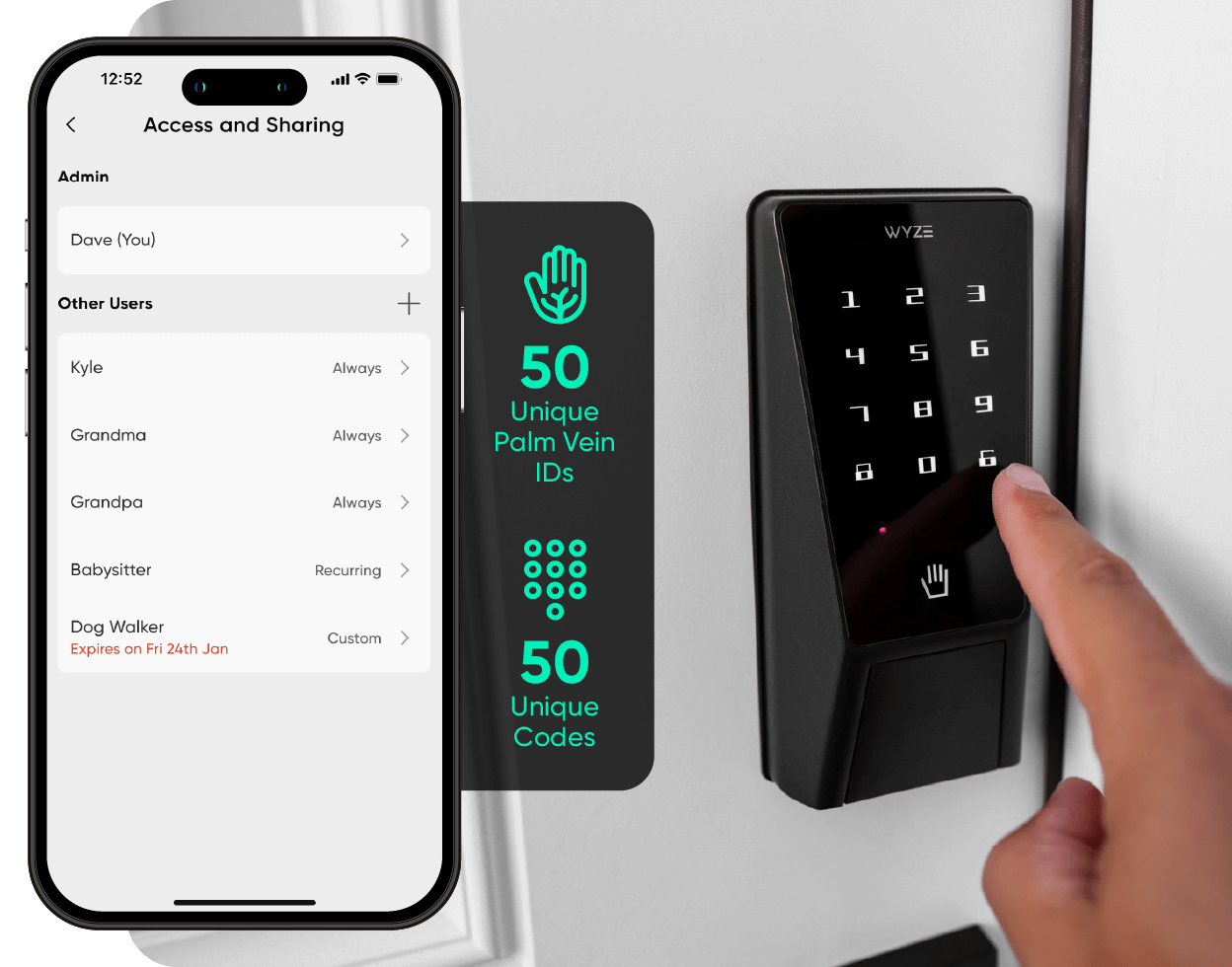
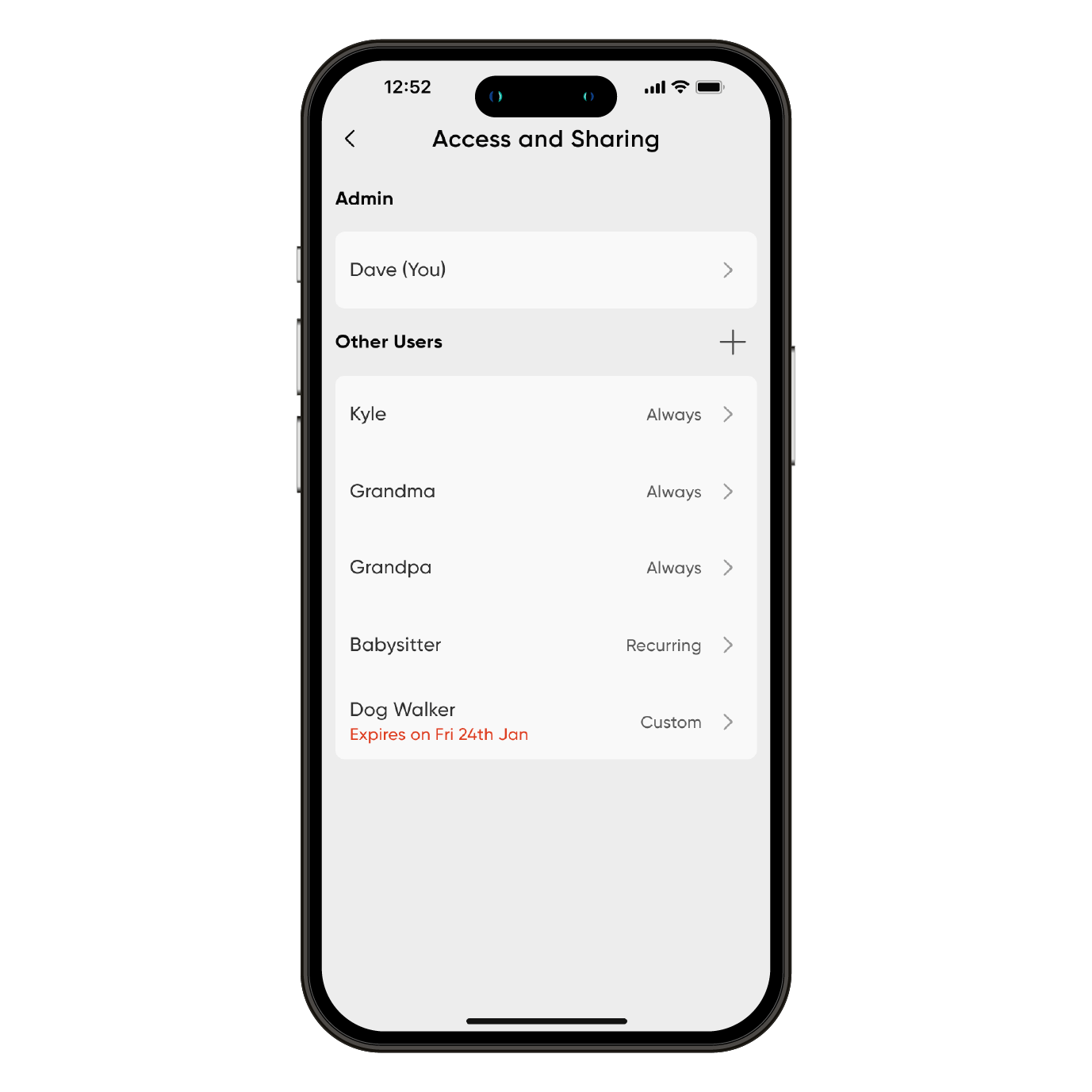
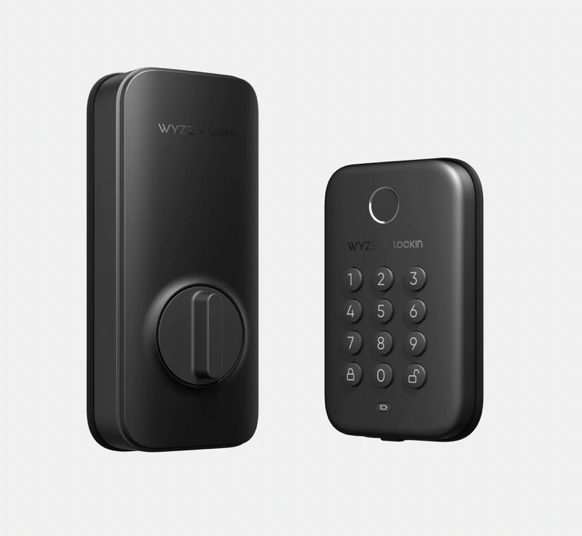
A bright, numbered keypad illuminates with a simple tap. Set and store up to 50 unique access codes, or create one-time guest passcodes that expire on a schedule.

No down time.

Wyze Palm Lock uses a dual-battery system, so there isn't any down time. The main battery provides up to 6 months of battery life, and the backup battery keeps things running for up to two weeks while you charge the main.

Peace of mind with auto lock.

A built-in gyroscope detects the angle and movement of the door in real time. Once it senses the door has closed then it automatically locks, preventing false or jammed locks.

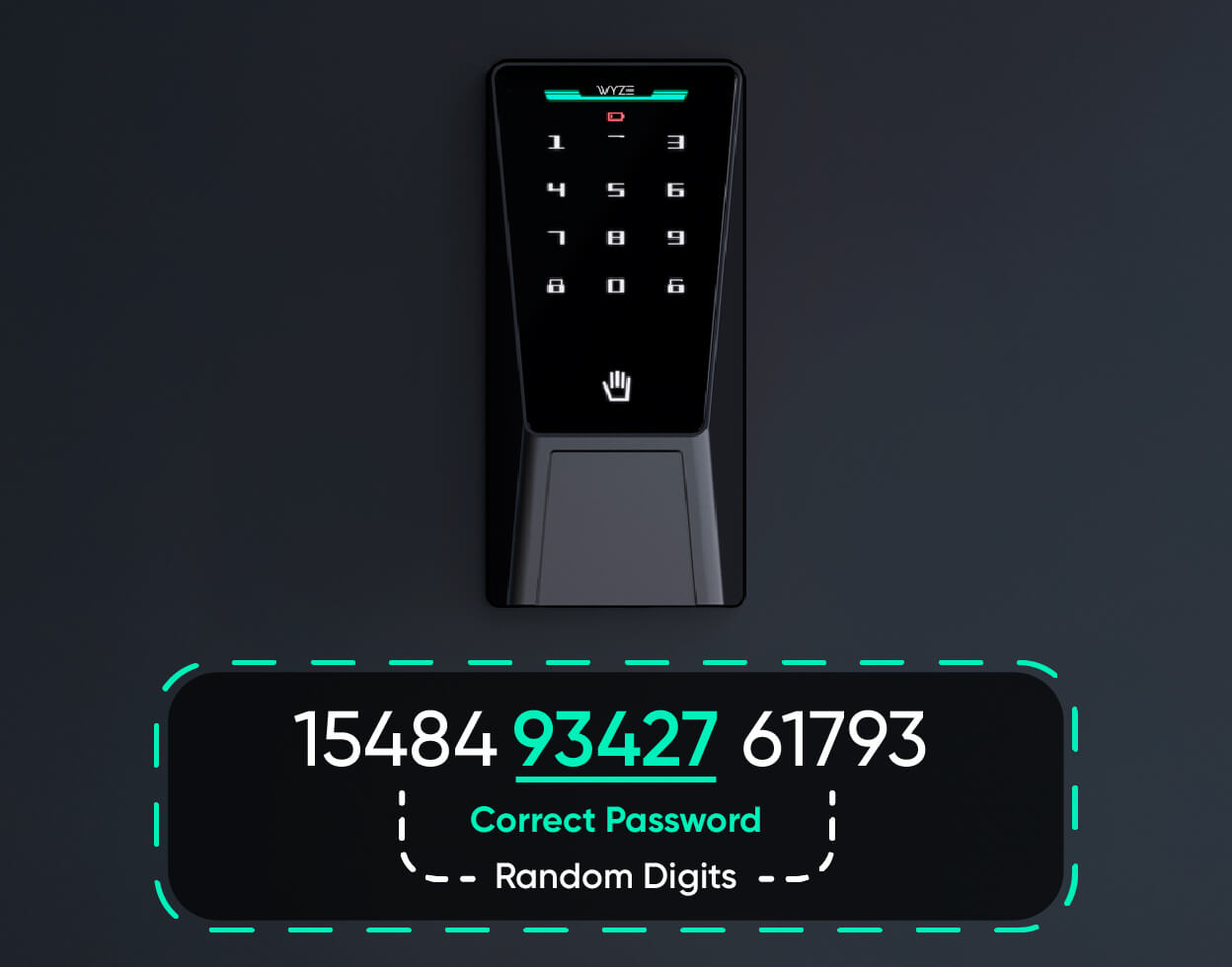
Featuring anti-peep technology.

With anti-peep technology, you don't have to worry if someone watches you enter your code.

Simply add extra digits before or after your code and Wyze Palm Lock will still unlock.

Discreet manual lock and key option.

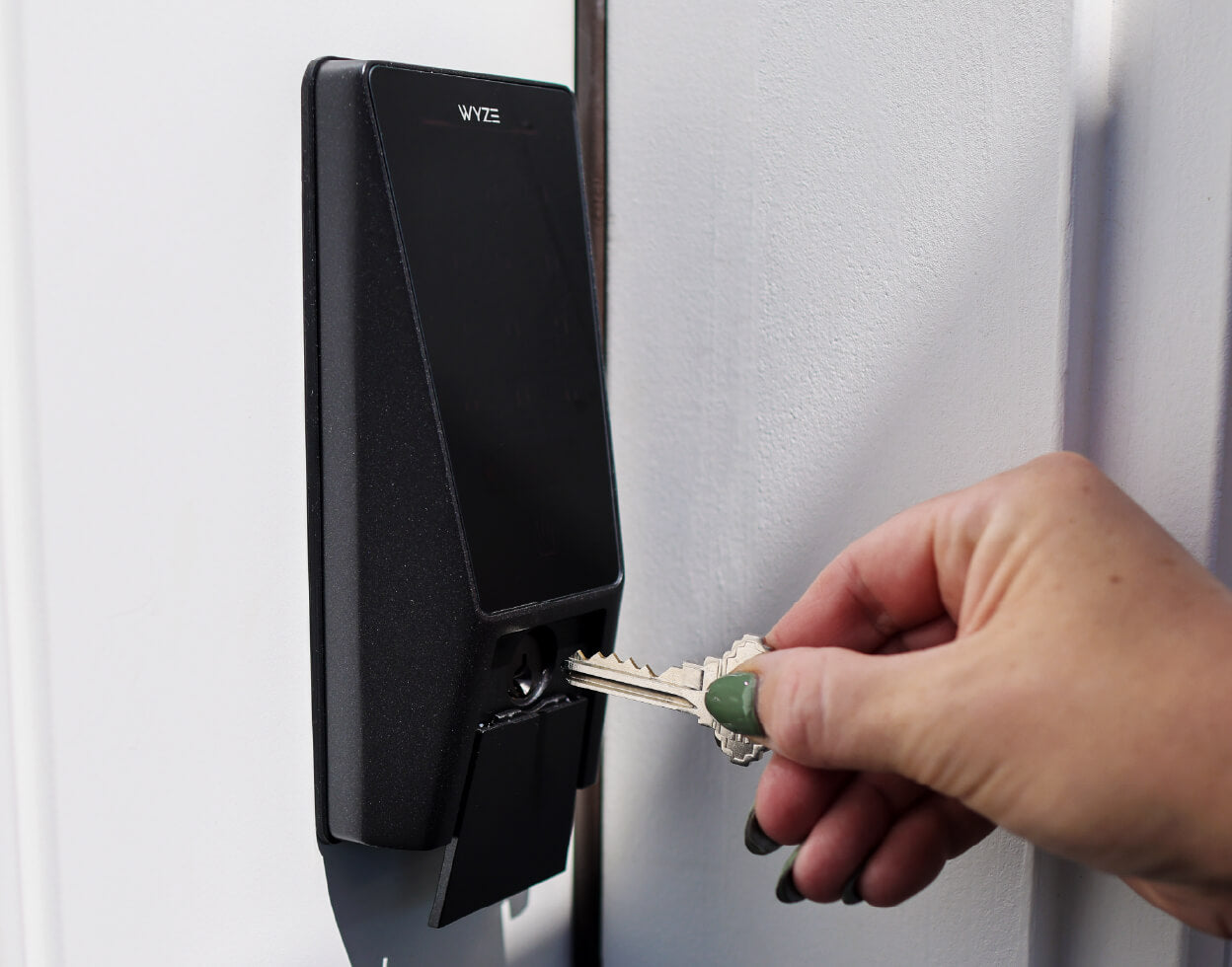
Still yearning for the comfort of a traditional key? We got you covered. Simply slide down the damping cover and manually unlock the old-fashioned way (set of keys included).

Hey Luke, who's your deadbolt daddy?

OK, maybe don't ask him that. Instead, see what this modern day Skywalker had to say when we asked him about Wyze Palm Lock.

Works with Wyze video doorbells.

Lock and unlock directly from the live view of your Wyze video doorbell without switching between screens to open the door for family and friends.

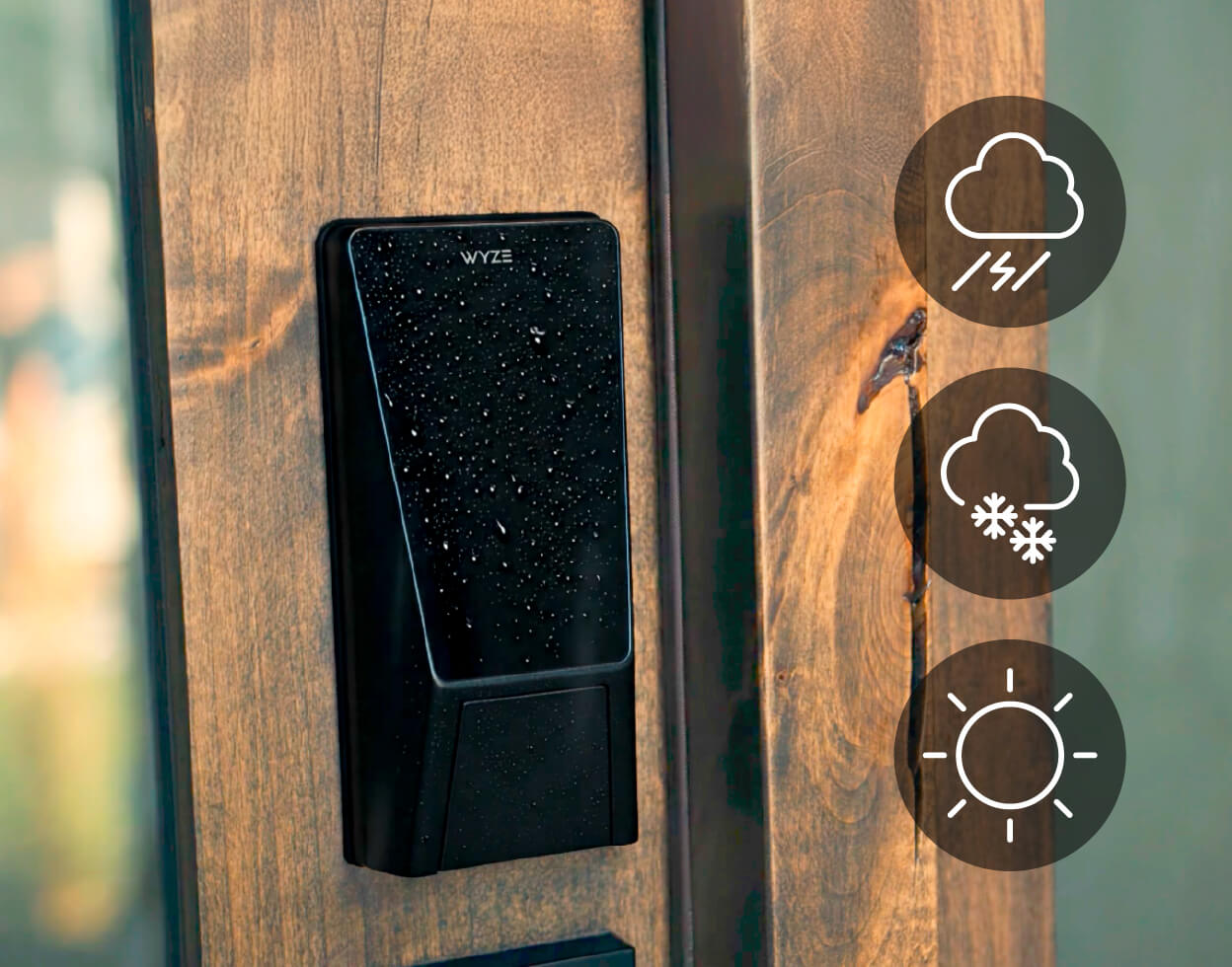
IP53 weather-resistant & BHMA3 certified.

Backed by the Builders Hardware Manufacturers Association, this lock has been tested, slammed, twisted, and splashed thousands of times to make sure it can handle real life. It meets rigorous standards for security, durability, and performance. It’s not just smart, it’s strong.

BHMA Logo

Backed by industry-best security features.

  • Palm Vein Recognition

    Unlike fingerprints, palm vein pattern is an internal characteristic of the human body and cannot be copied or forged.

  • Hardware Encryption

    Your palms and passcodes are encrypted and stored locally on the lock so no one can access your data.

  • Security Siren & Alerts

    An alarm sounds from excessive incorrect unlock attempts, and if you leave the door open (customizable in the Wyze app).

1 of 3

Unlock even more goodness

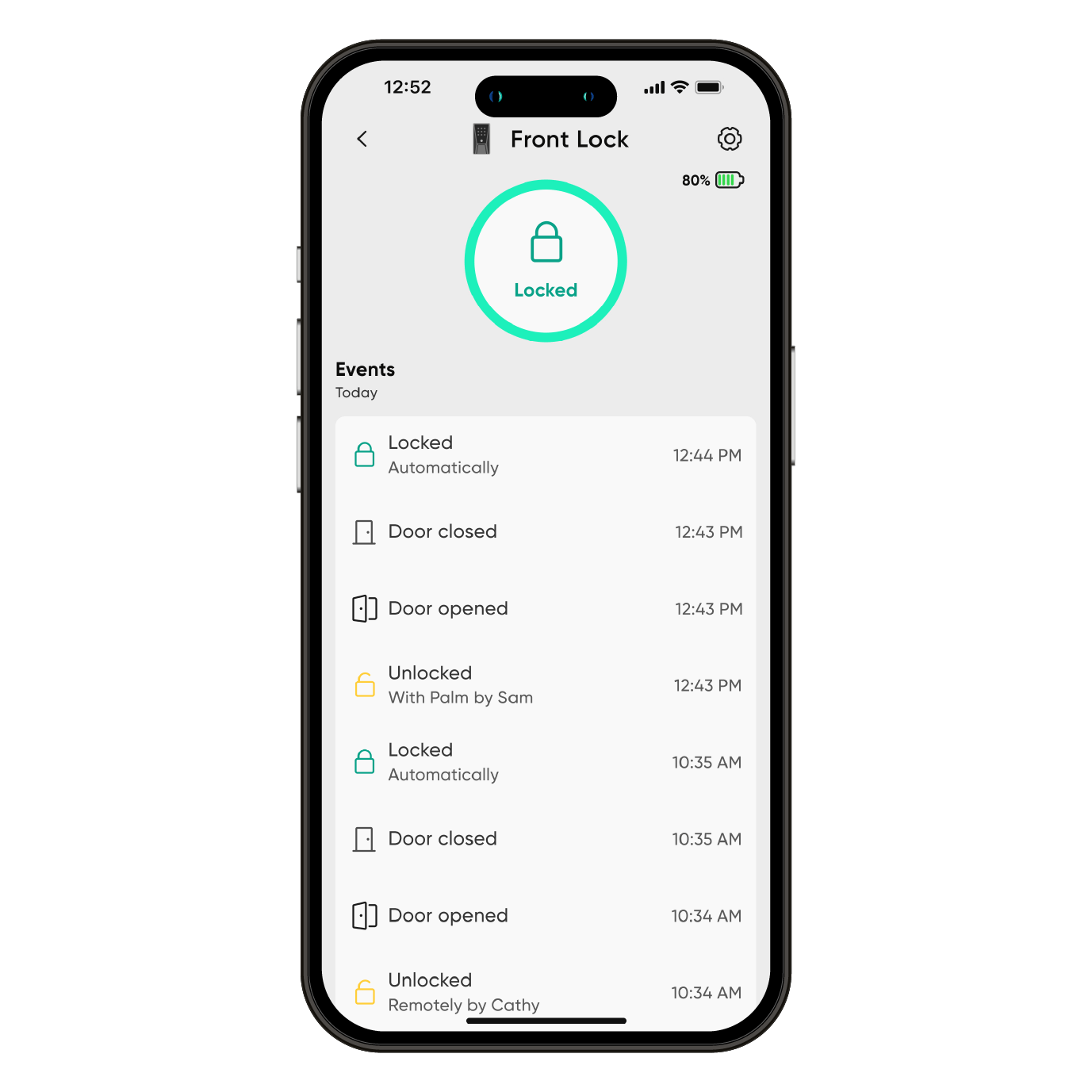
Control and monitor the lock status from anywhere, anytime with Wi-Fi. See the full access history in the Wyze app. View how it was unlocked, the exact time, and if there were any failed passcode attempts.

A bright, numbered keypad illuminates with a simple tap. Set and store up to 50 unique access codes, or create one-time guest passcodes that expire on a schedule.

If the batteries die while you're away, the USB-C port allows for a charge from a power bank so you can enter your access code for entry.

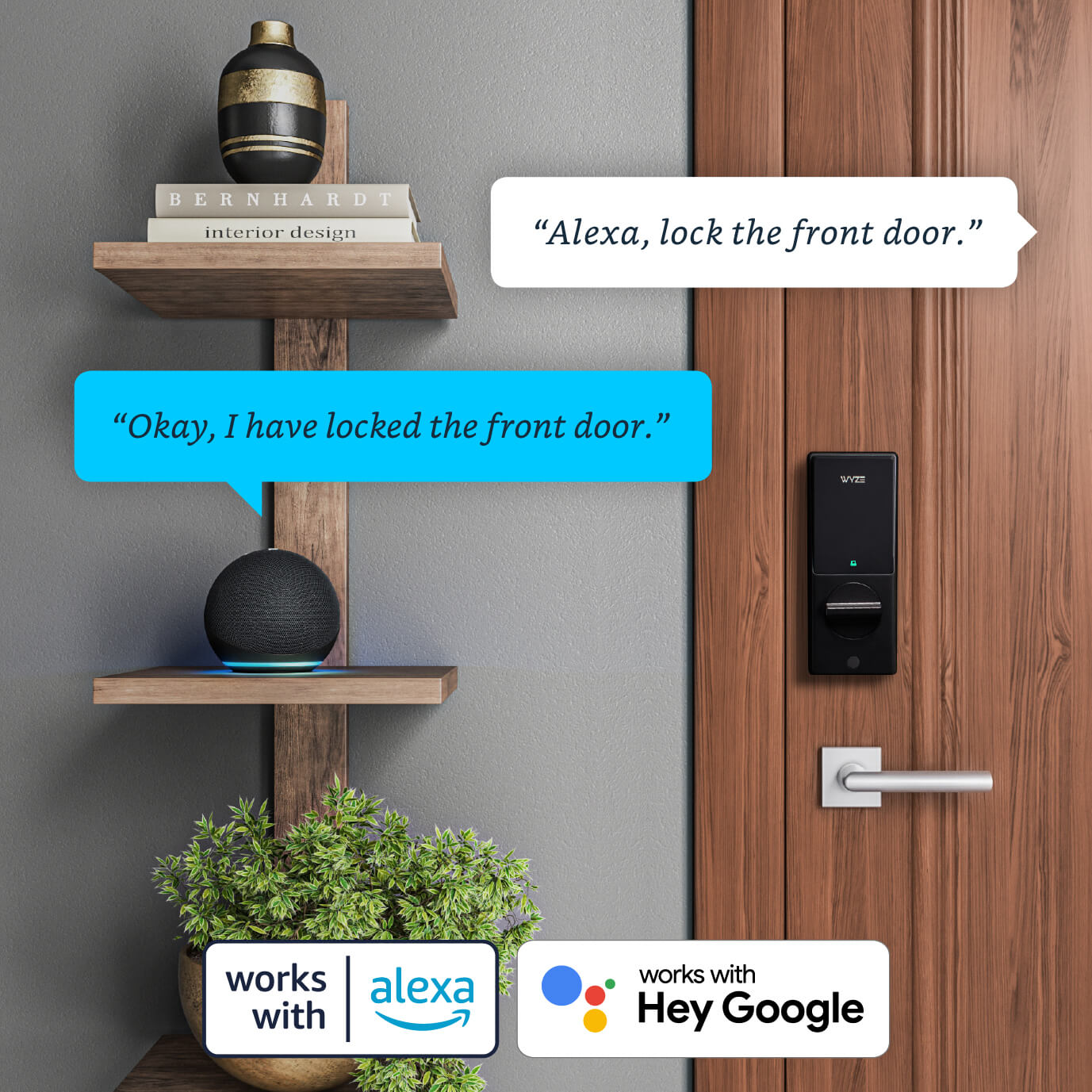
Works with smart assistants like Amazon Alexa and Google Assistant. Use your voice commands to lock, unlock, and check the status of their door. For security, unlocking via voice command requires a PIN which authorizes the action. 

  • Try saying "Alexa, unlock the front door."
  • Try saying "Google, lock the side door."
  • Try asking "Alexa, is my front door open?"
  • Wyze Palm Lock NEW

    Release date: September 2025

    Unlock the door with your palm

    Secure Palm ID unlock

    6 total ways to unlock, including the app

    Wyze automations or Alexa/Google support

    Replaces existing deadbolt

    Smart Auto-Lock

    Manual key option

    Keypad built-in

    Status: Available

    Buy it now 
  • wyze lock bolt

    Wyze Lock Bolt

    Release date: 2022

    Unlock the door with your fingerprint

    Fingerprint unlock

    Local app access only

    No Wyze automations or Alexa/Google support

    Replaces existing deadbolt

    Basic Auto-Lock

    No Auto-Unlock

    Keypad built-in

    Status: Available, limited stock

    Learn more 
  • wyze lock

    Wyze Lock

    Release date: 2020

    Monitor and access your door from anywhere

    No fingerprint unlock

    Access the app from anywhere

    Wyze automations & Alexa/Google support

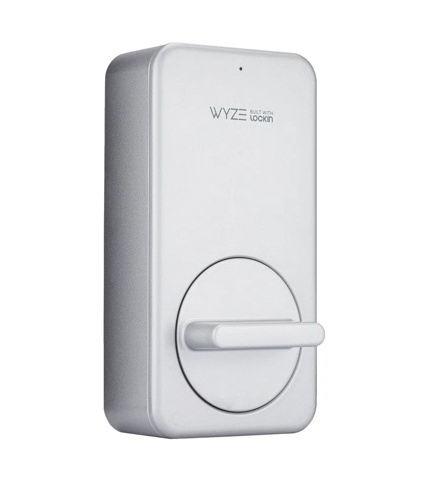
    Attaches to existing deadbolt

    Advanced door position Auto-Lock

    Auto-Unlock

    Optional keypad sold separately

    Status: No longer available

1 of 3

Watch and learn. It's super easy to install.

Wyze Palm Lock is compatible with almost all exterior doors and replaces your existing deadbolt lock in about 20 minutes. Watch our unboxing and install demo below.


Important notice: Before purchasing your Wyze Palm Lock, please take a few minutes to look at our support article on door compatibility.

Added to your cart
FREE shipping on orders $59+
Subtotal
$0.00
View cart