Skip to product information
1 of 8

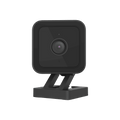
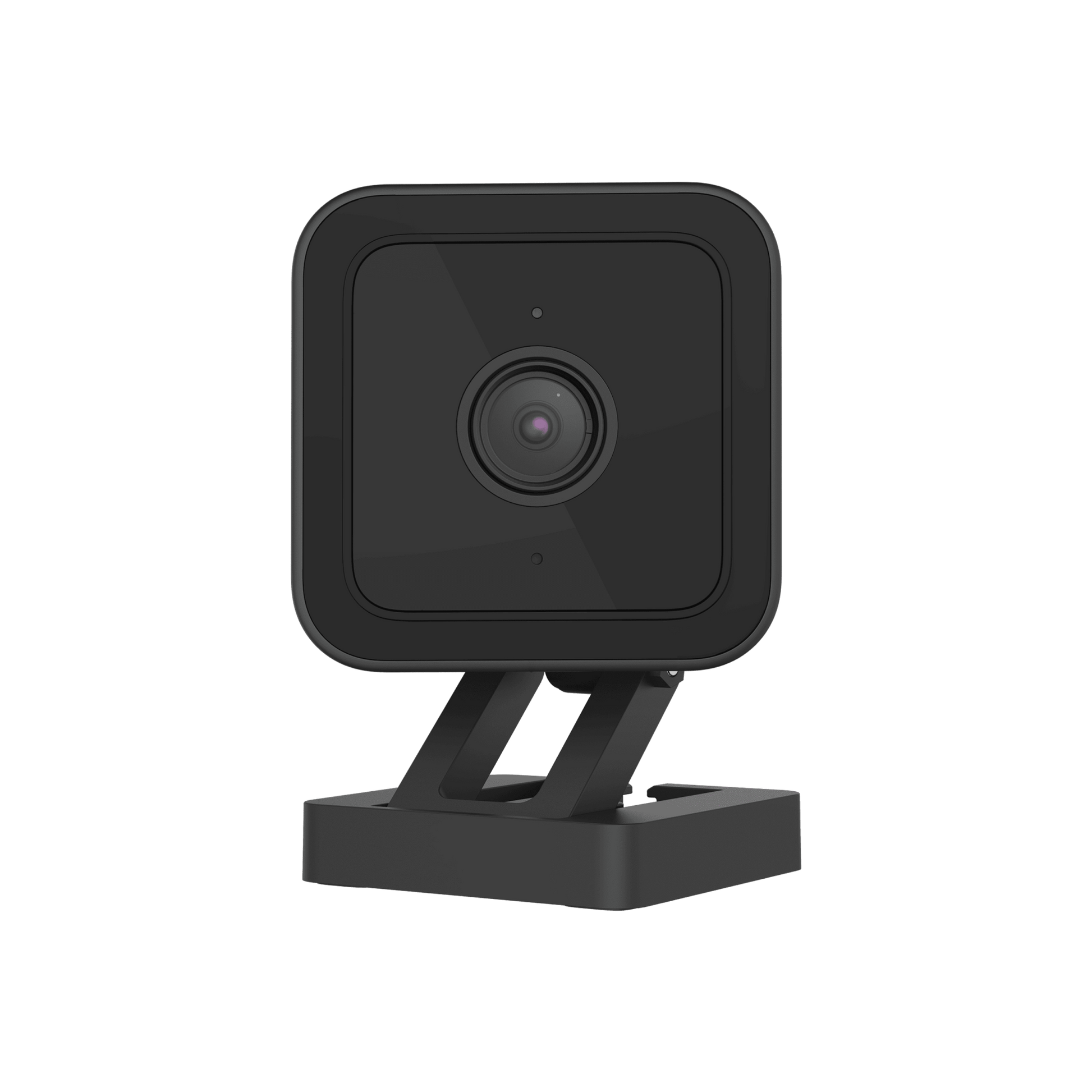
Wyze Cam v3

Wyze Cam v3

1080p Weatherproof Camera with Audio

Check out the newer model:
  • 2.5K QHD w/Color Night Vision.
  • Built-in spotlight.
  • Indoor/Outdoor friendly.
  • More processing power. It's faster!
  • Enhanced two-way audio.
  • You'll also continue to get the amazing features of Cam v3: Built-in MicroSD slot, control through the same Wyze app, and traditional night vision.

Get Cam v4

This product is no longer available and won't be coming back.
A blue and white logo for Wyze.
Wyze.com Exclusive BENEFITS
18-month extended warranty

Get an 18-mo extended warranty when you buy this product on wyze.com. Also get special bundles, unique promos, + rewards with each order
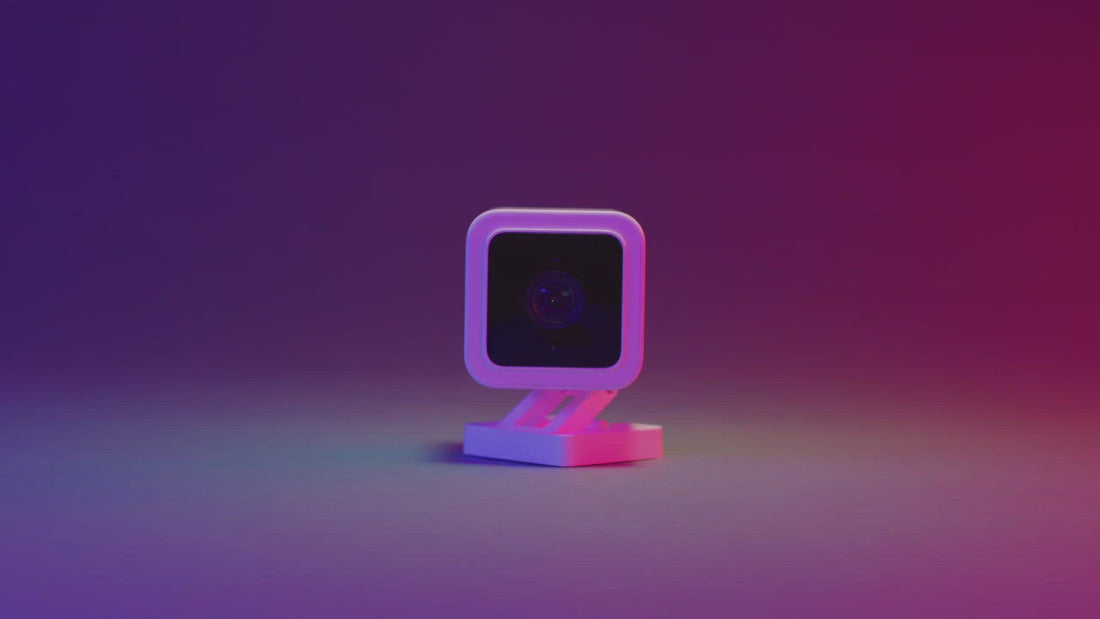
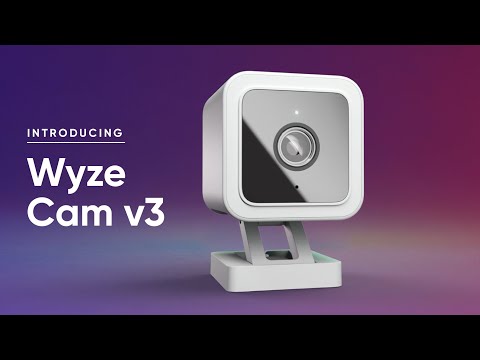
Our award-winning wired smart camera is back with illuminating Color Night Vision and new outdoor-friendly IP65 weatherproofing. Keep an eye on what matters most - indoor or out, rain or shine, light or dark.

View full details
  • A colorful circle with a white owl in the middle.

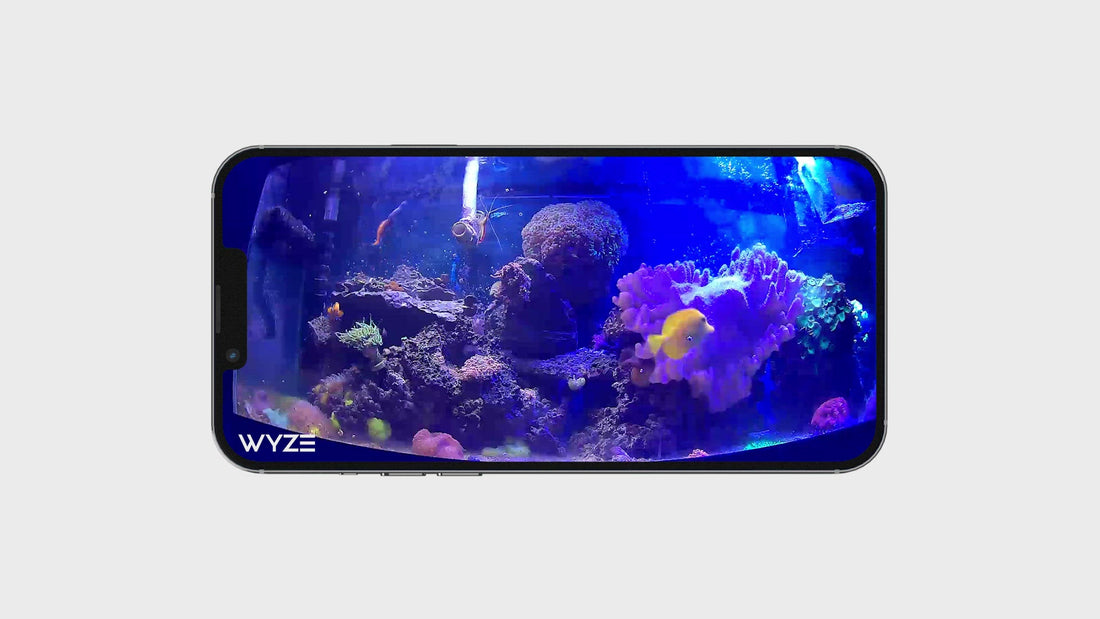
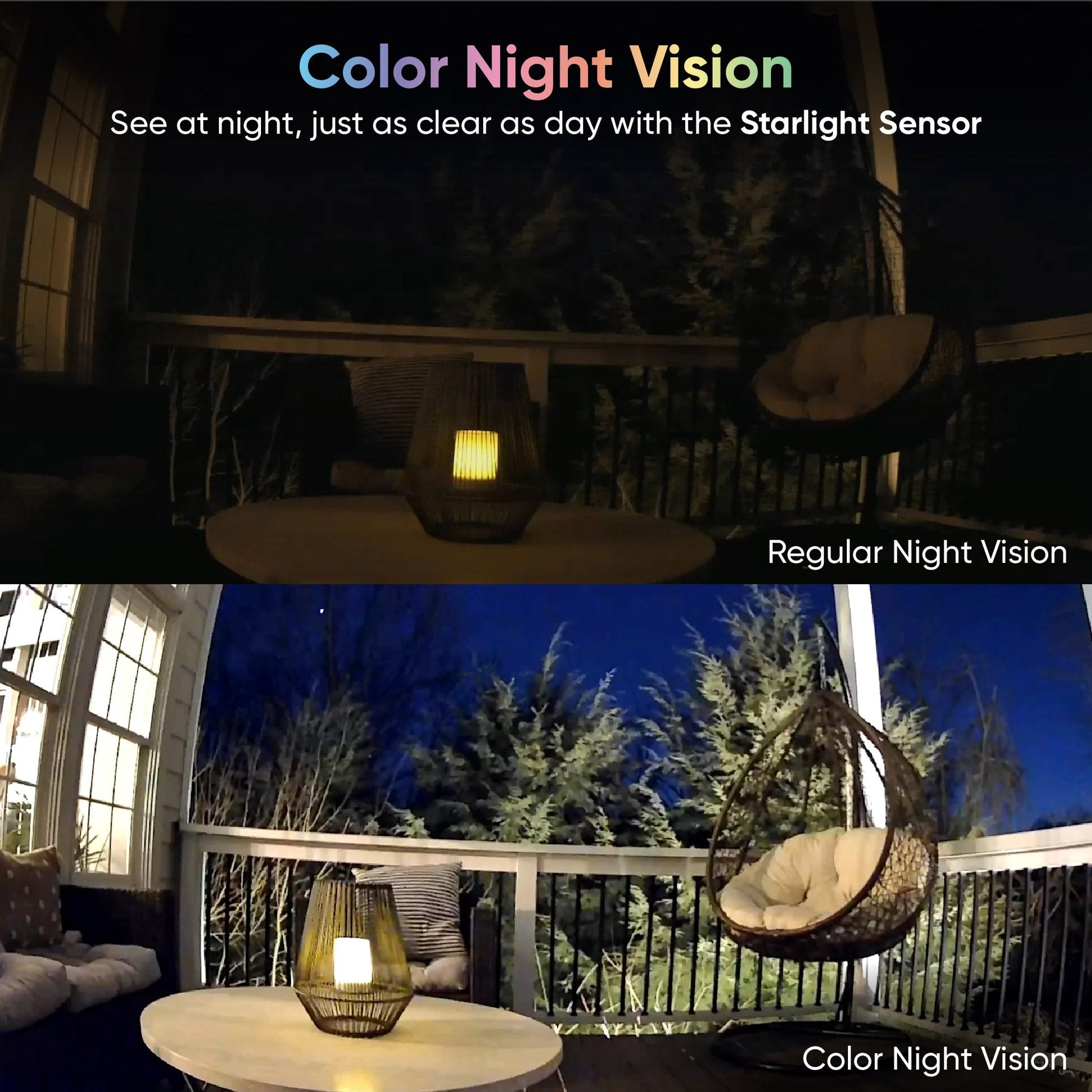
    1080p Color Night Vision

    See more clearly at night in full color.

  • Weather icon with sun and clouds.

    Indoor/Outdoor

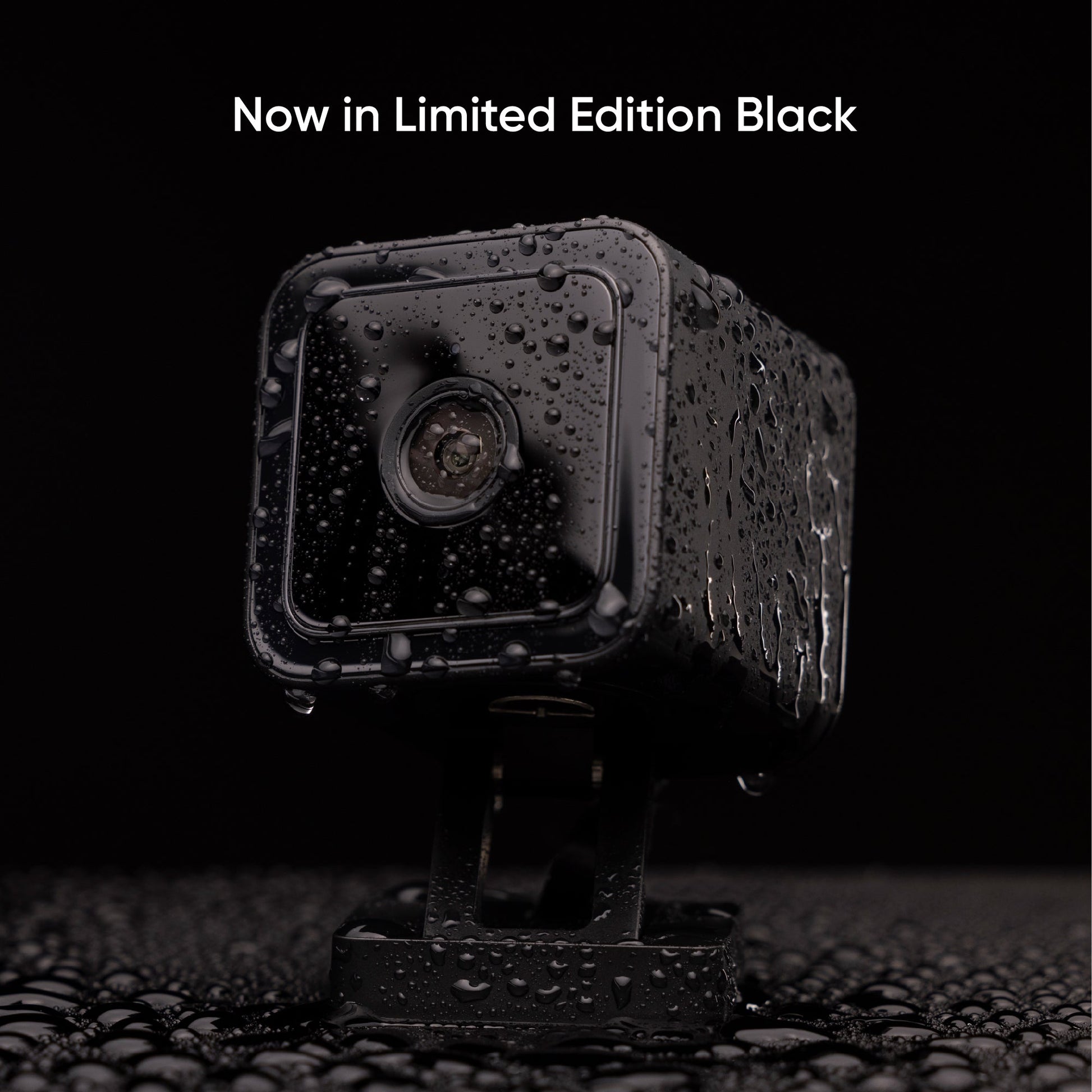
    Capture moments indoors and outdoors with IP65 weather resistance.

  • A drawing of a wand with a star on it.

    Fully upgraded

    More processing power. More mounting options. More frames per second.

  • Person Detection and more

    Person Detection and more

    With Cam Plus, you get unlimited video length storage and advanced AI detection.

Wyze Cam v3 Specs

Color & Materials

  • Color: White
  • Body: Polycarbonate
  • Lens: Glass + Plastic
  • View angle: 121° diagonal
  • Lens FOV: 180° vertical range
  • Sensor: CMOS Starlight Sensor
  • LED Indicator: Front. Red + Blue

Dimensions & Weight

  • 52 mm (L) x 51 mm (W) x 58.5 mm (D)
  • <98.8g

Power

  • Power Adapter: Indoor 5v/1A
  • Outdoor Power Adapter (sold separately)
  • Cable: 6 Feet Flat USB Cable

Wyze Cam v3 Specs

Color & Materials

  • Color: White
  • Body: Polycarbonate
  • Lens: Glass + Plastic
  • View angle: 121° diagonal
  • Lens FOV: 180° vertical range
  • Sensor: CMOS Starlight Sensor
  • LED Indicator: Front. Red + Blue

Dimensions & Weight

  • 52 mm (L) x 51 mm (W) x 58.5 mm (D)
  • <98.8g

Power

  • Power Adapter: Indoor 5v/1A
  • Outdoor Power Adapter (sold separately)
  • Cable: 6 Feet Flat USB Cable

Storage

  • Local Storage (microSD card required)
  • Cloud (with subscription plan)

Weather & Temperature

  • Operating temp: -5°F - 113°F (-20°C - 45°C)
  • IP65 Weather Resistant
  • Made for Indoor/Outdoor

Certifications

  • FCC, IC, UL, and IP65 Certified

Languages

  • English

Warranty
  • 1-Year
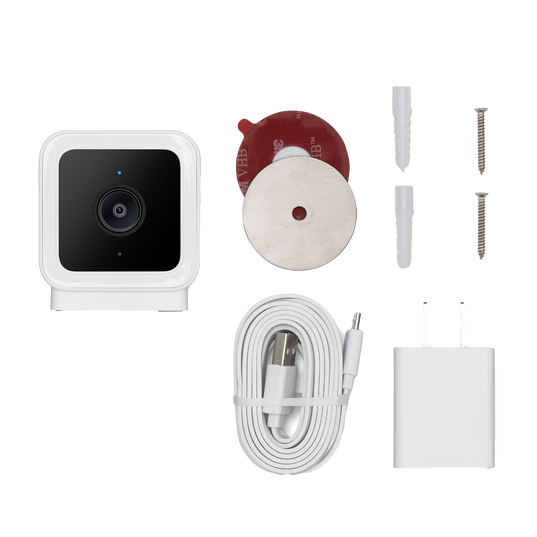
A box of a camera with a white cord and a white plug.
Cam v3 - 1 Pack
  • Wyze Cam v3 x1
  • Quick Start Guide x1
  • Wall Mount Plate x1
  • Wall Mount Plate Tape x1
  • Screw Kit x1
  • Indoor USB Power Adapter x1
  • 6 Feet Outdoor Rated USB Cable x1
Cam v3 - 2 Pack
  • Wyze Cam v3 x2
  • Quick Start Guide x1
  • Wall Mount Plate x2
  • Wall Mount Plate Tape x2
  • Screw Kit x2
  • Indoor USB Power Adapter x2
  • 6 Feet Outdoor Rated USB Cable x2

Bold design with the outdoors in mind.

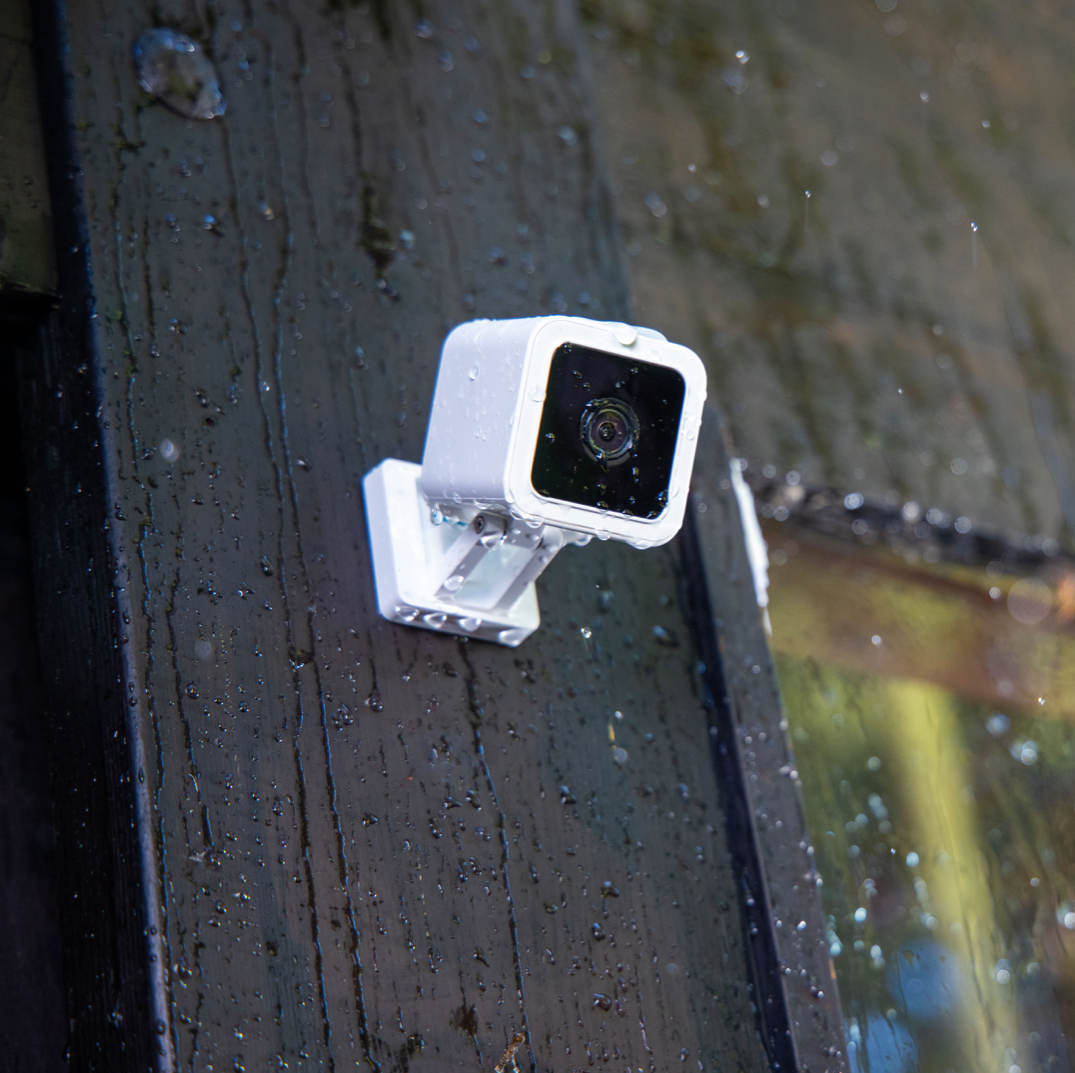
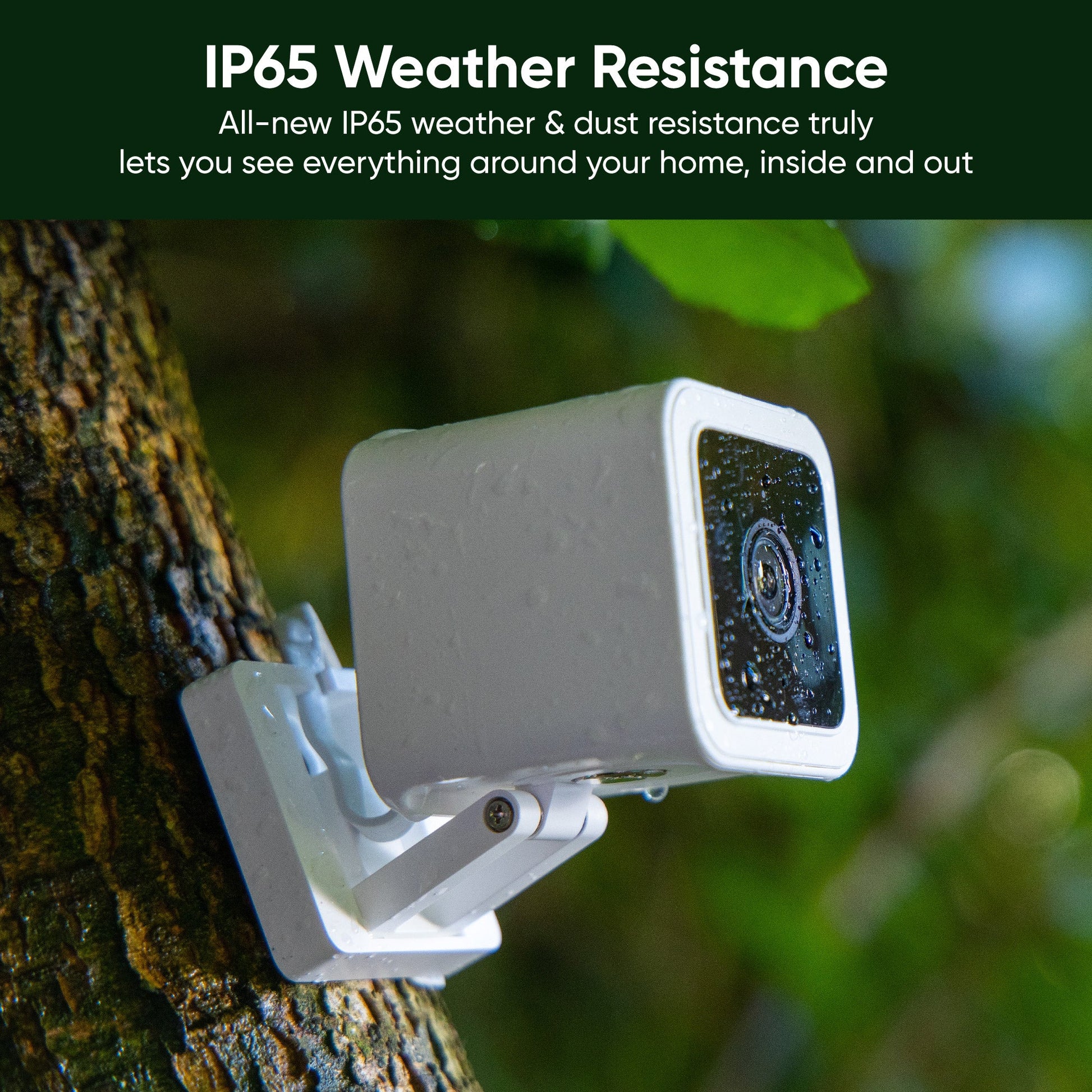
It’s time to take Wyze Cam outside. All-new IP65 weather & dust resistance truly lets you see everything around your home, inside and out

A white camera mounted on a wall.

Indoor/Outdoor Home Security.

IP65 weather & dust resistance truly lets you see everything around your home, inside and out.

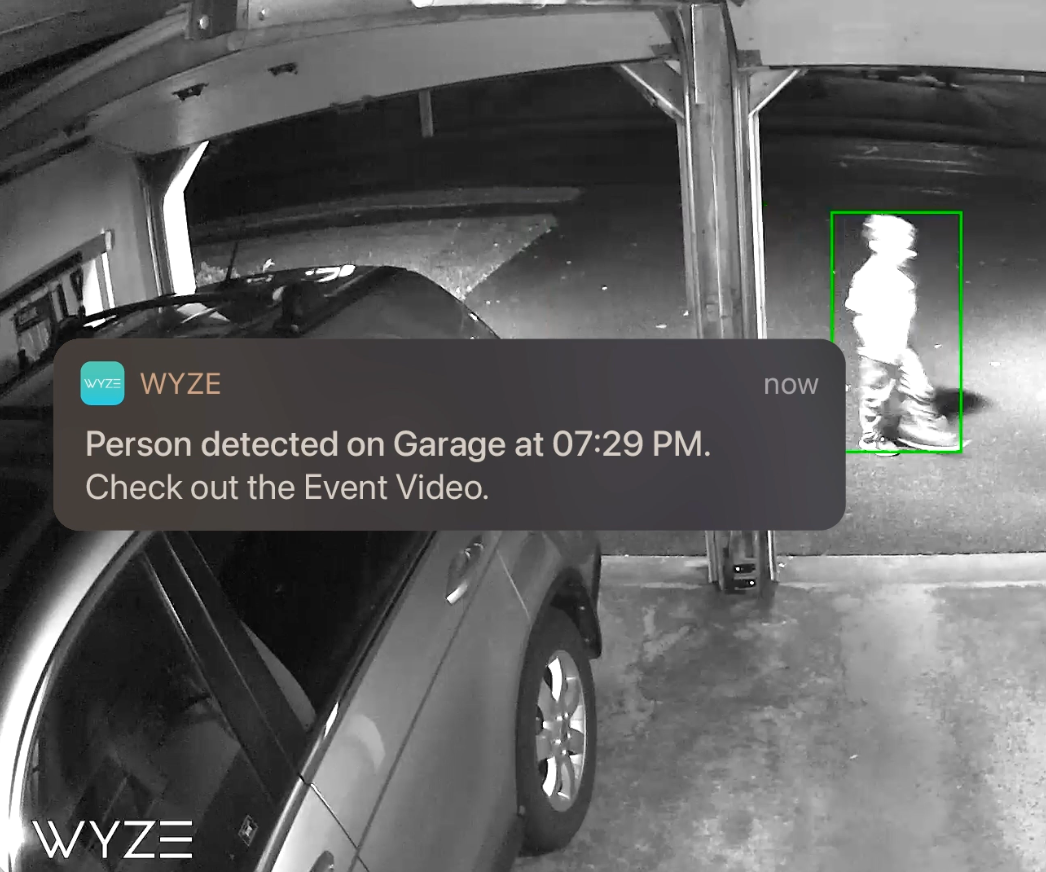
A person is walking past a garage with a motion detection alert from the Wyze app on the screen.

Person Detection and more with Cam Plus.

• Person Detection

• Unlimited Cloud Storage

• Vehicle, pet, and package detection


* with Cam Plus subscription 

Learn More

Choose from an amazing line-up of accessories.

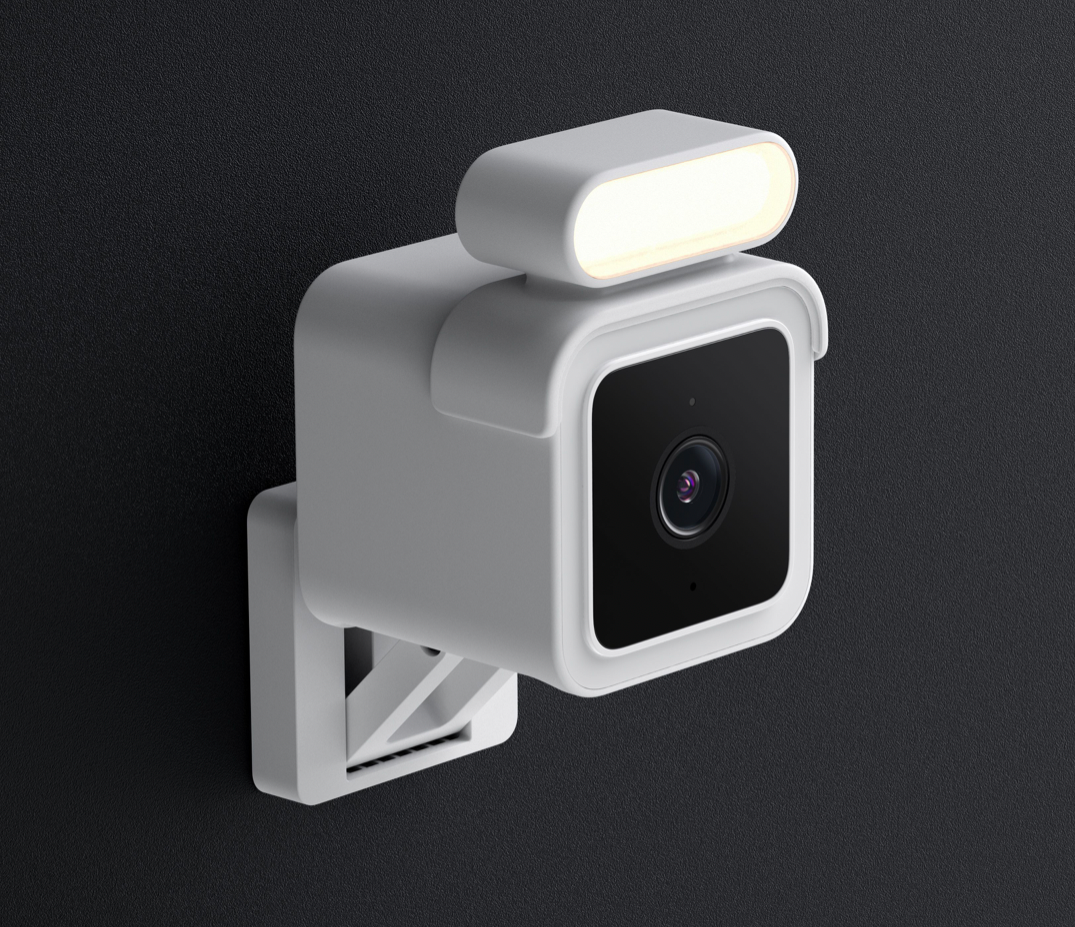
A white camera with a light on it.

Spotlight Kit

Light your way for extra security in darker areas. See color images in the Wyze app regardless of ambient lighting conditions.

Shop Spotlight Kit
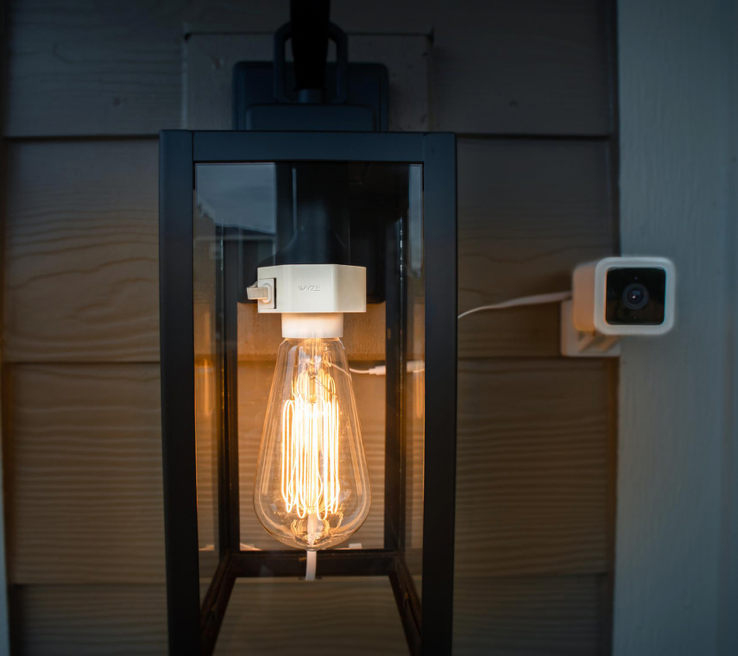
A black lamp with a white bulb.

Wyze Lamp Socket

Harness the electricity from your outdoor light fixture to continuously power your Wyze Cam v3.
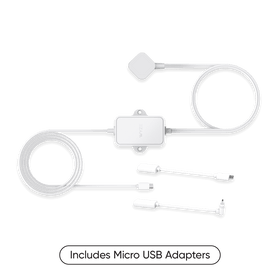
They also work together make your existing outdoor lighting, smart. So you can turn the light on and off from your phone.

Shop Wyze Lamp Socket

Easily mountable. Anywhere.

With an included magnetic mounting kit, screw kit, and built-in adjustable table stand, Wyze Cam v3 is mountable anywhere you need it.

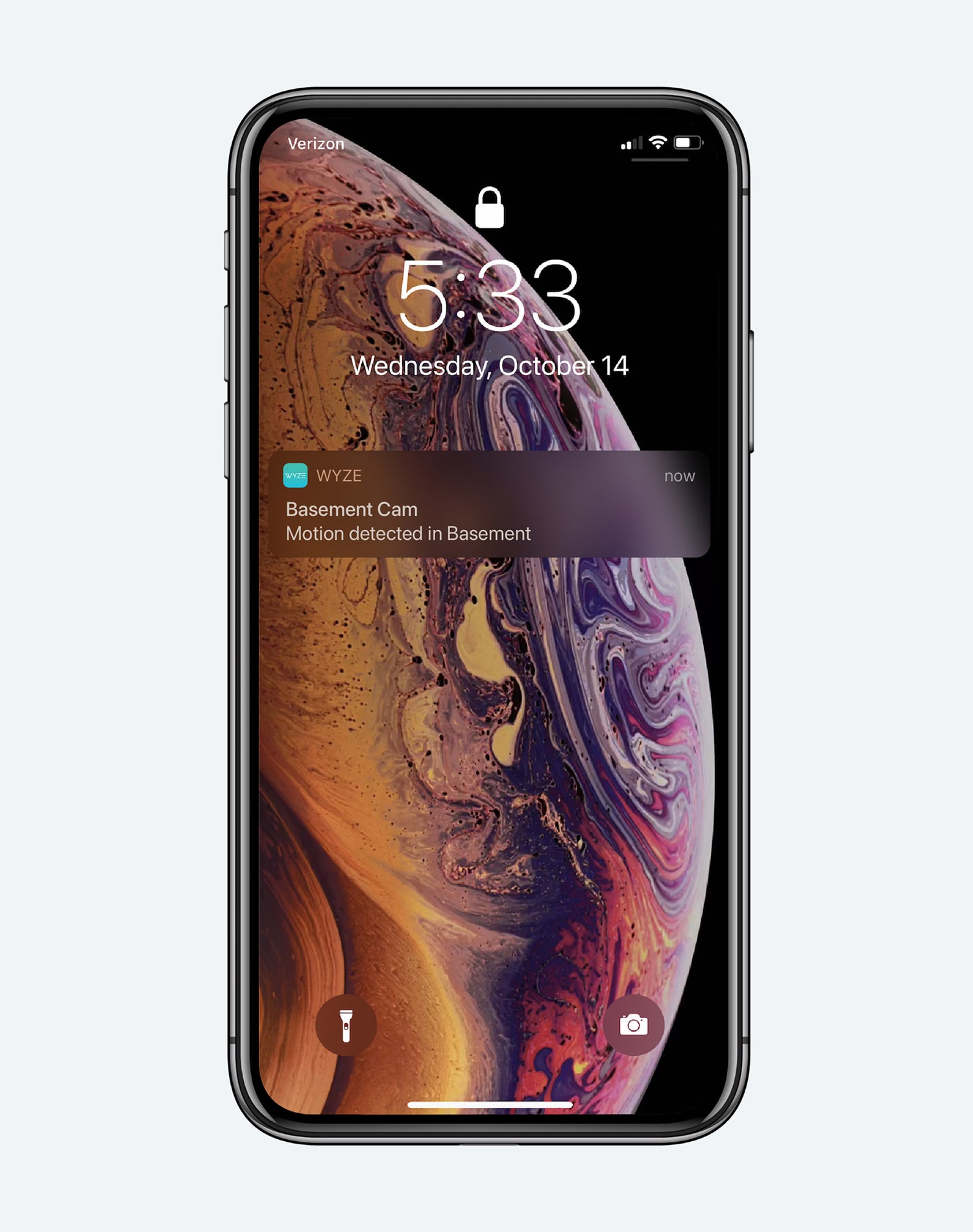
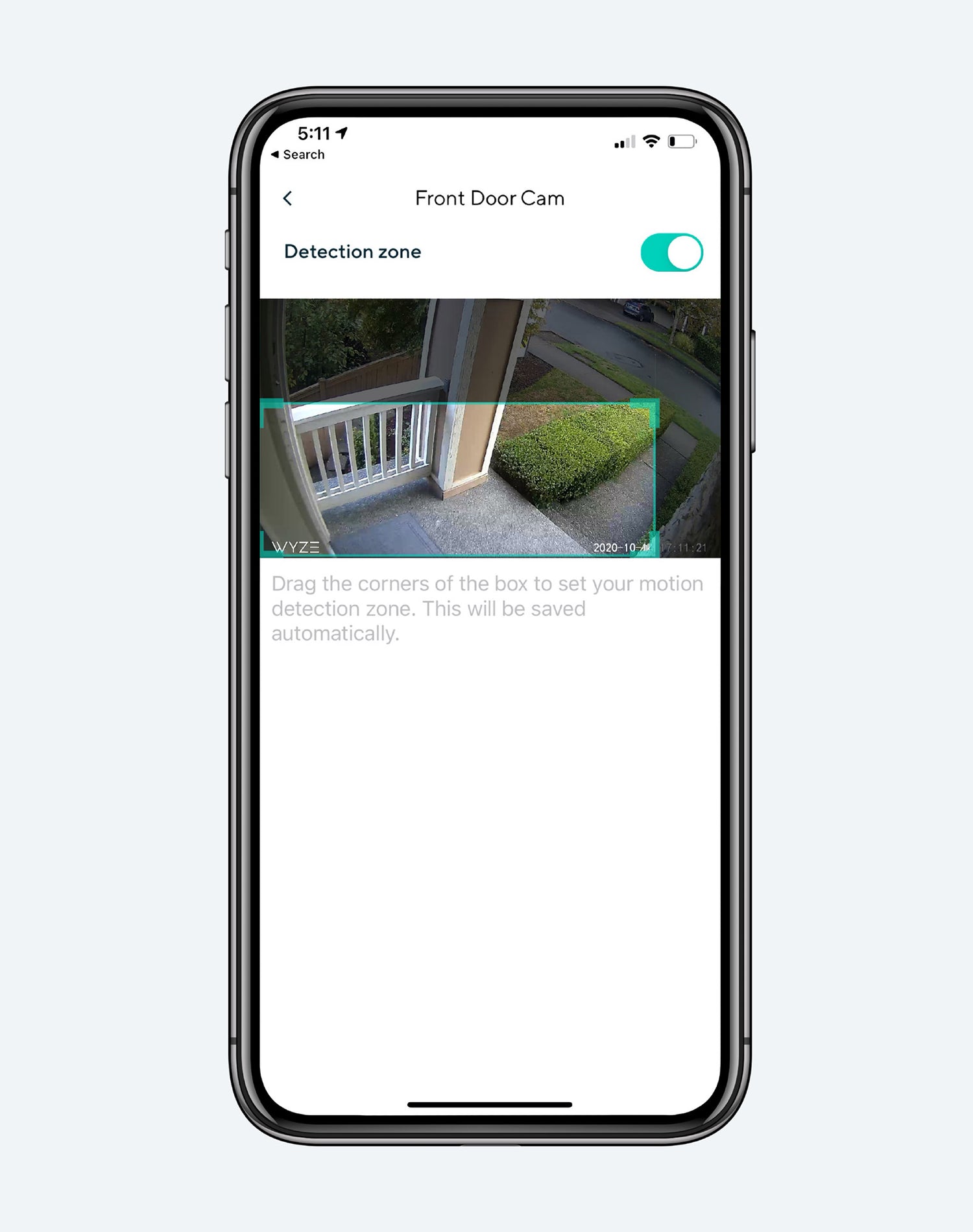
Wyze BaseCam motion detection app on a smartphone.
Motion detection in a smartphone app.
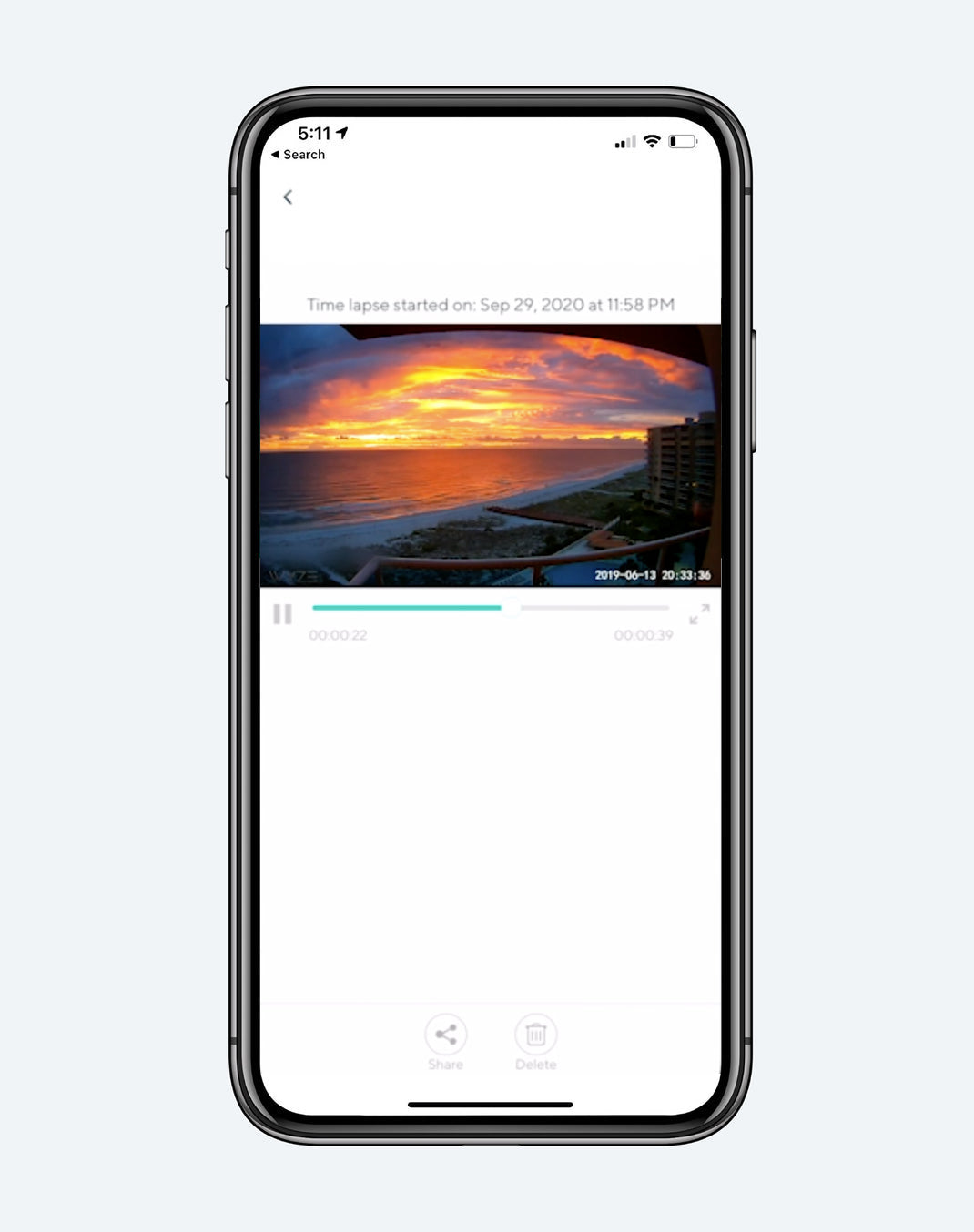
A video of a sunset on a beach.
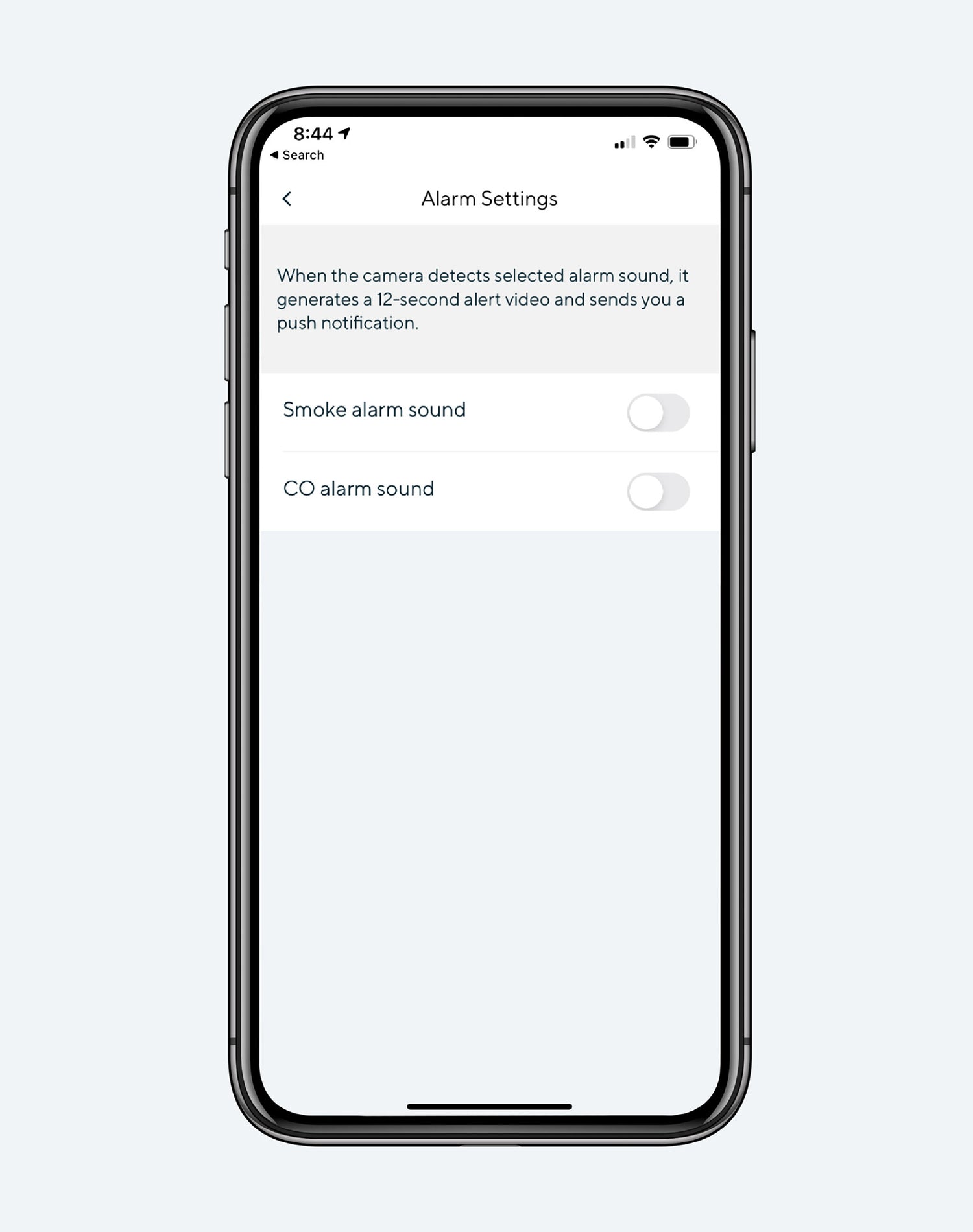
Alarm settings on a smartphone.

Even more features to love.

Look & listen for motion & sound. Wyze Cam sends your phone an alert and begins recording when either is detected.

Monitor specific areas for motion so you only receive notifications when it matters.

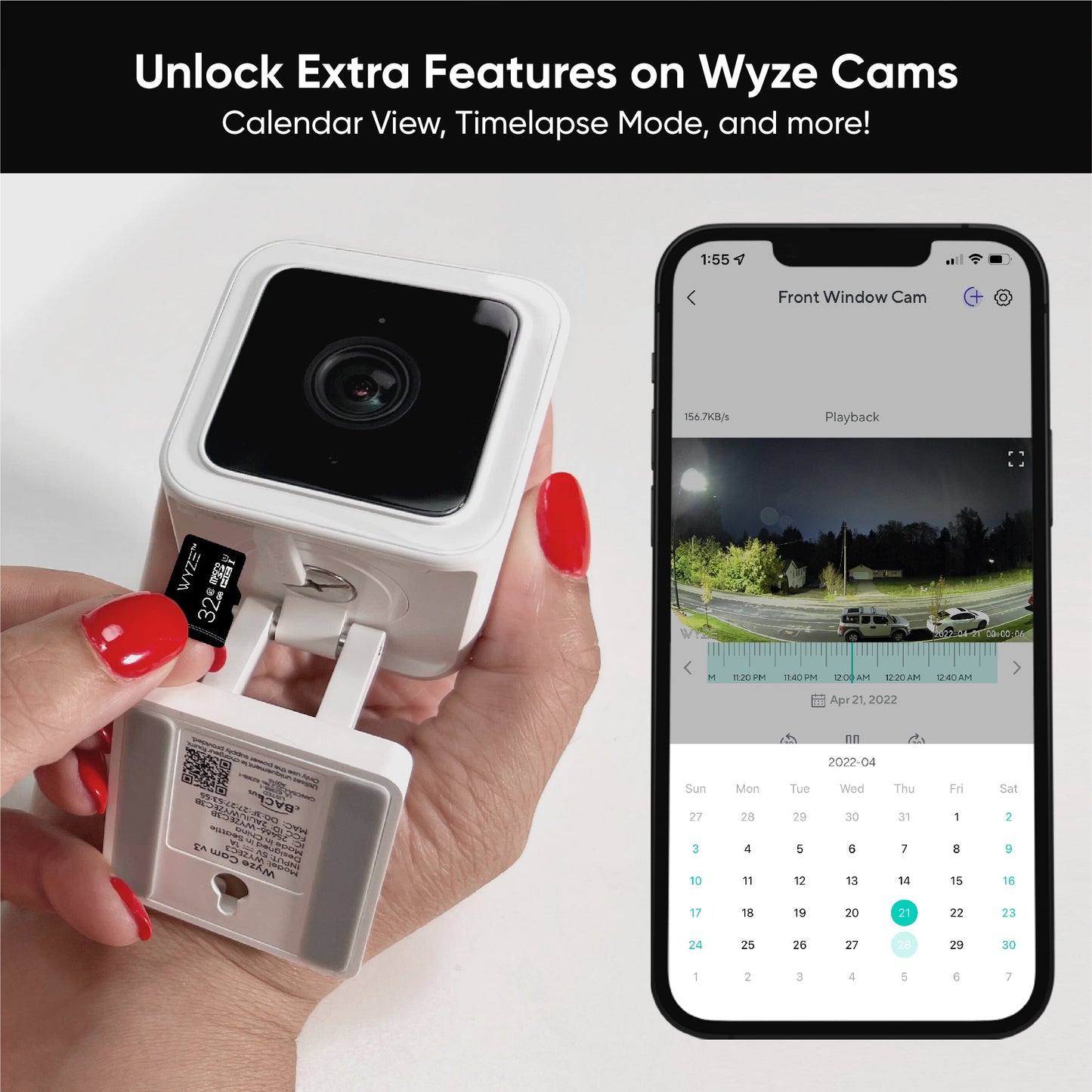
Capture and view up to 28 days with a 128GB microSD card (sold separately).

Receive an alert the moment Wyze Cam hears a Smoke or CO alarm go off. Wyze Cam records a video during this time.

1 of 4

Popular Wyze Cam Accessories

  • MicroSD Card
    Regular price From $18.98
    Regular price $18.98 Deal From $18.98
    Continuous recording and time lapses for Wyze Cams. Learn More
    Choose your option
    View Options
  • Wyze Cam v3 Spotlight Kit
    Regular price $7.98
    Regular price $16.98 Deal $7.98
    Bring light to the extra dark. For Wyze Cam v3. Learn More
  • Wyze Window Mount
    Regular price From $9.99
    Regular price Deal From $9.99
    Mount for Wyze Cam Outdoor Learn More
    Choose your option
    View Options
  • Wyze Outdoor Power Adapter
    Regular price From $18.98
    Regular price Deal From $18.98
    Ready for rain, snow, or shine. IP67 weather resistant so you can safely use your Wyze Camera outdoors. Learn More
    Choose your option
    View Options

* Wyze Cam v3 is wired allowing for continuous recording

**Requires Wyze Outdoor Power Adapter (sold separately) for outdoor use.

**Requires microSD card (sold separately)

Support Articles

Before you setup your Wyze Cam v3:

  1. Download the Wyze app on your smartphone or tablet.
  2. Connect your device to a 2.4 GHz Wi-Fi network.
  3. Unpack your Wyze Cam v3 box, removing all plastic and packing materials.
  4. Plug the camera into power using the included USB cable and power adapter.The camera’s status light will turn solid red when powered. When flashing, it’s ready for setup.

To set up your Wyze Cam v3:

  1. In the Wyze app, tap Home, then tap + plus sign on the top right.
  2. On the Add menu, tap Device.
  3. Tap Cameras > Wired Camera > Wyze Cam v3.
  4. With your camera plugged into an outlet, tap Next in the app.
  5. Pull the base from your camera and single-press SETUP under the camera until it says “ready to connect”.
  6. In the app, check the box next to I heard, “Ready to connect”.
  7. Tap Next.
  8. Select your 2.4 GHz Wi-Fi network and enter your network password. Tap Next.Tap the icon in the password field to display the password to ensure it was entered correctly.
  9. Scan the QR code on the Wyze app.Hold your camera up to your phone screen with the QR code displaying. It will say “QR code scanned, please wait” then “setup completed”.
  10. In the app, check the box next to I heard, “QR code scanned”.
  11. Tap Next. You’re set up, it’s time to name your device.
  12. Name your Wyze Cam v3 using the text field, or by choosing a suggestion.
  13. Tap Finish when done.
  14. You may have a prompt for a free trial of Cam Plus. Tap Continue.
  15. Set up some automations on the Things to Try* page, or tap Skip.
  16. You’re all set. Enjoy your new Wyze device!

Things to Try: Tap Create or edit a device group, Share this device, Automate your device, or Skip. These are quick ways to set up a few automations before you finish setup. When you complete a task, it'll display a green checkmark ✅. You can move on from this page by tapping Skip.

Additional Notes:

  • Most Wyze devices only work on 2.4 GHz Wi-Fi networks. If you are connected to a 5 GHz network, switch to a 2.4 GHz network before setting up your device.

Having trouble scanning your QR code? A few tips to help:

  • Hold your camera 6-10 inches away from your phone screen.Slowly move the QR code on the screen away from the camera, then closer.Tilt your phone screen slightly in case there's a glare.Turn your phone upside down. If you're on iOS, turn off "Invert Colors".Make sure the QR code isn't distorted. If you have an older device, the screen may be too small. Try a different device.If your screen is cracked or scratched, the code may be distorted. Try a different device.If you're using a beta version of the Wyze app, make sure the cursor is not on the QR code.

Mounting your Wyze Cam v3

Wyze Cam v3 comes with a number of different mounting options, so you can mount it anywhere!

Here's Wyze Cam v3 mounted outside, using the screw method.

Mounting your Wyze Cam v3 with the magnetic base:

Wyze Cam v3 includes a magnet in its base that allows it to be mounted to steel or iron surfaces, so you can use the included metal plate for mounting.

To use the included magnetic metal plate:

  1. Remove the backing from one side of the included adhesive pad and stick it to the back of the metal plate.
  2. Go to where you'd like to mount the camera, checking the viewing angle in the Wyze app.
  3. Remove the remaining backing from the adhesive pad, and stick it to your mounting location.
  4. Stick the base of the cam to the metal plate and adjust its viewing angle as needed.

Mounting your Wyze Cam v3 with the screw kit:

For a more secure mount, use the included screw kit to mount your Wyze Cam v3.

To use the included screw kit:

  1. Go to where you'd like to mount the camera, checking the viewing angle in the Wyze app.
  2. Use a pencil to mark the wall through the hole in the camera's base.
  3. Drill a pilot hole, inserting the included drywall anchor if needed.
  4. Screw in the included screw, leaving a small (3 mm) gap between the head of the screw and the wall.
  5. Mount Wyze Cam v3 by passing the screw-head through the larger section of the hole in the base, then sliding the cam down to secure it to the screw.
  6. If desired, you can snug the screw to create a more snug connection. Not too tight, or you risk damaging the camera's base.

Using 1/4"-20 Mounting with your Wyze Cam v3:

Wyze Cam v3 has a 1/4"-20 threaded connection that you can use to mount the cam to any standard 1/4"-20 mount.

Out of the box, the 1/4"-20 threads are actually used to hold on the base of the cam, but the screw used to attach the base can be removed with a standard Philipps or flat head screwdriver.

To factory reset your Wyze Cam v3:

  1. If you have a microSD card in your Wyze Cam v3, remove it.
  2. With your Wyze Cam v3 plugged into power, press and hold the setup button on the bottom of the camera for 10 seconds. This will reset the camera.
  3. Wait at least 30 seconds for the unit to initiate. This process can take up to 5 minutes. It's rare, but it's possible.
  4. The LED status light on the device will change from Solid Red to Flashing Red.
  5. The device is now ready to be set up again. Check out the Wyze Cam Setup Guide to set up your Wyze Cam v3 again.

A factory reset deletes the settings file on the camera and rolls it back to the default settings. It can also be performed as a troubleshooting step for restoring a device to a previous working status.

Added to your cart
FREE shipping on orders $59+
Subtotal
$0.00
View cart