Passer aux informations produit
1 de 7

Thermostat Wyze

Thermostat Wyze

Thermostat Wi-Fi programmable avec rapports énergétiques

Style
$79.98
En rupture de stock
Get it as soon as
Retours sans tracas sous 30 jours.
A blue and white logo for Wyze.
AVANTAGES exclusifs de Wyze.com
Garantie prolongée de 18 mois

Bénéficiez d'une garantie prolongée de 18 mois à l'achat de ce produit sur wyze.com. Profitez également de lots spéciaux, de promotions uniques et de récompenses à chaque commande

Chauffage et climatisation intelligents – simplifiés.
Voir les détails complets
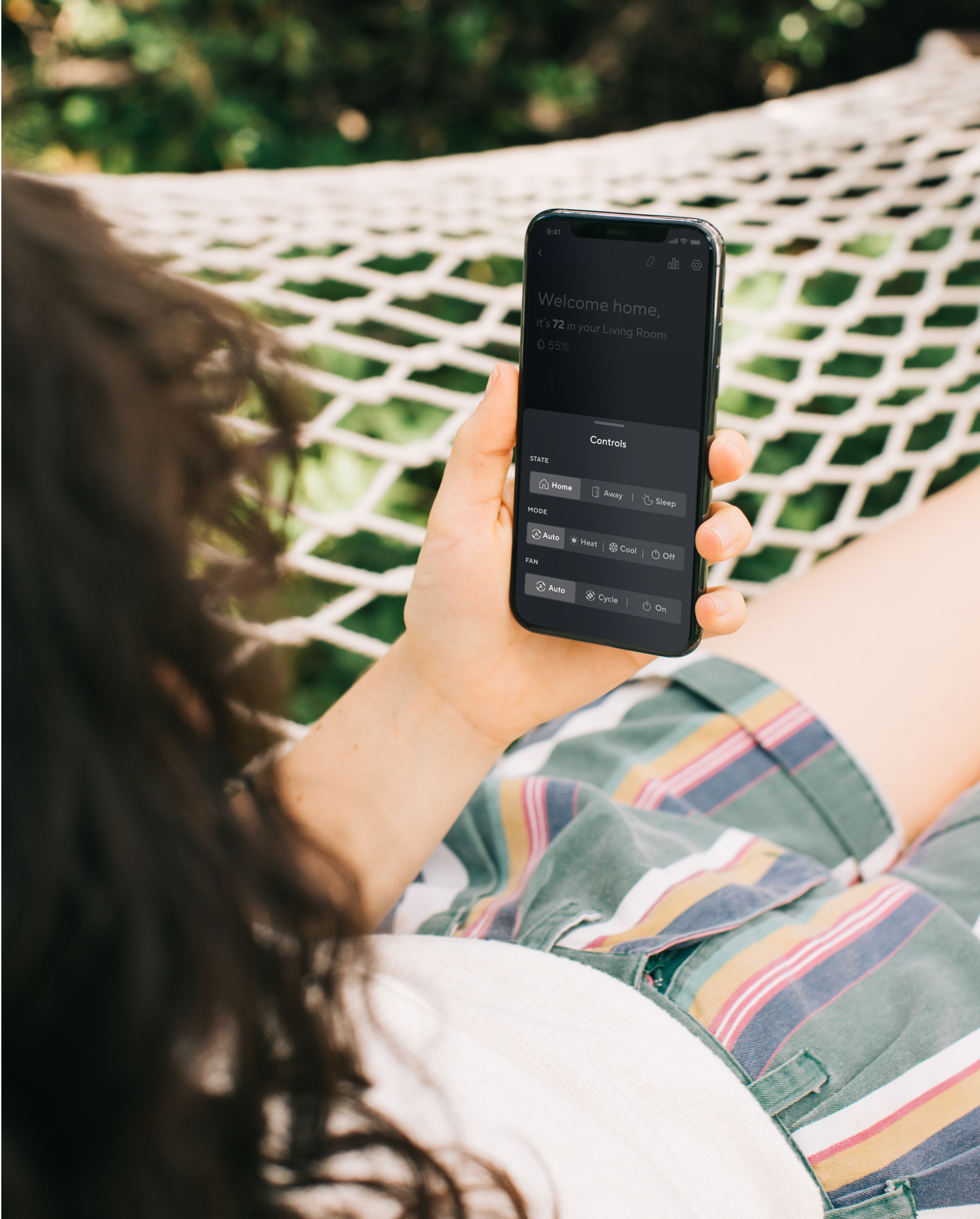
  • Contrôle depuis l'application

    Contrôle depuis l'application

    Gérez votre thermostat où que vous soyez grâce à l'application Wyze

  • A black background with a white microphone icon.

    Compatible avec les assistants vocaux

    Réglez votre thermostat à la voix grâce à Alexa et Google.

  • A black background with a white clock icon.

    Planification quotidienne simple

    Établissez des horaires quotidiens pour le réveil, le coucher, et plus encore.

  • Wyze Sprinkler Icon 3

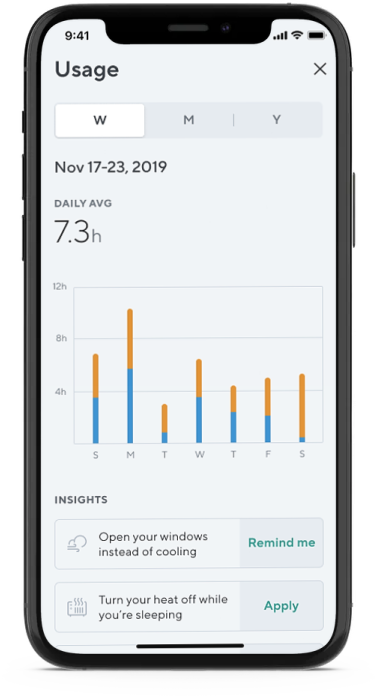
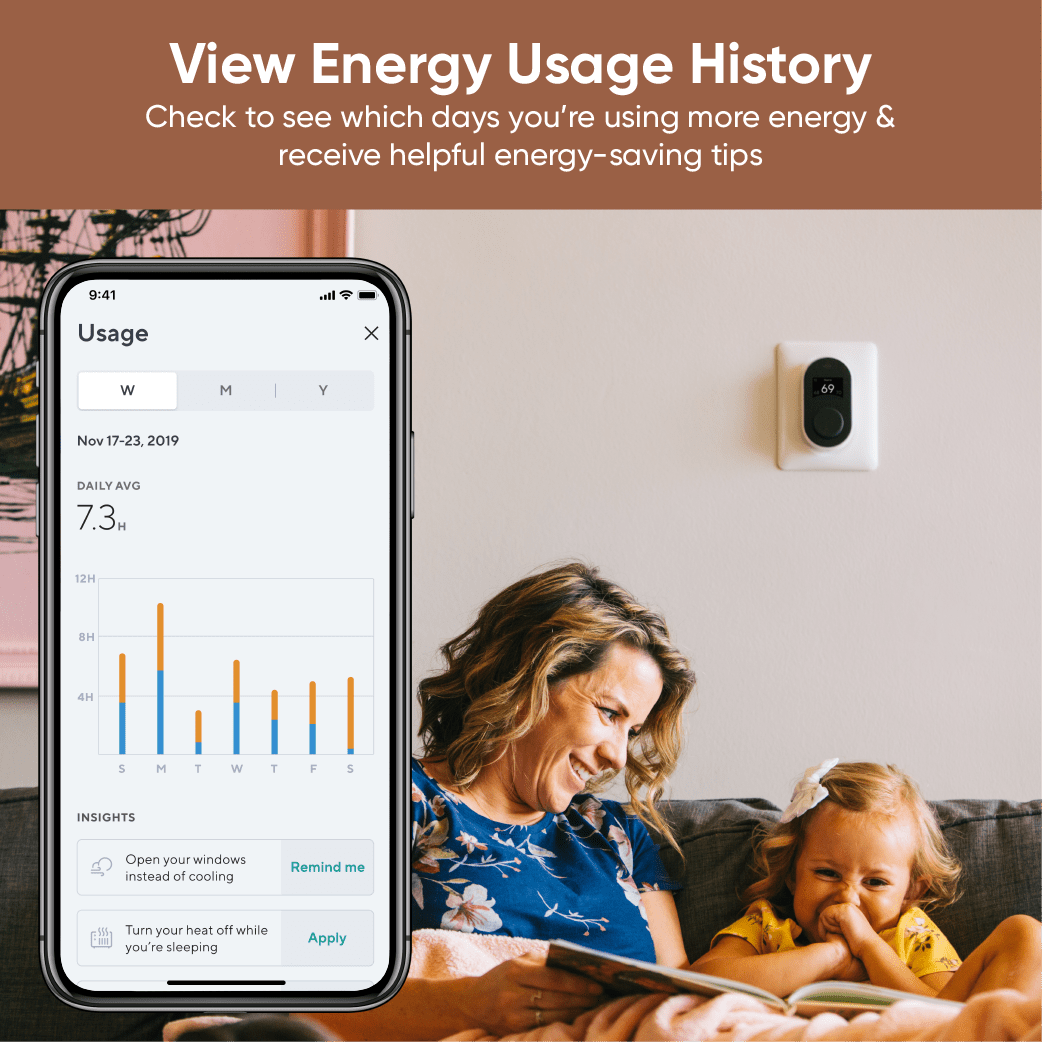
    Suivi de la consommation d'énergie

    Recevez des conseils d'économie d'énergie basés sur votre historique de consommation.

Caractéristiques du thermostat Wyze

Vérifier la compatibilitéici.

Couleurs et matériaux

  • Couleur : Noir et blanc
  • Boîtier et panneau arrière : PC+ABS
  • Plaque frontale : PMMA

Dimensions et poids

  • Thermostat : 120 mm (L) x 65 mm (l) x 33 mm (P)
  • Revêtement mural : 165 mm (L) x 140 mm (l)
  • Poids : < 1 lb

Afficher

  • Écran IPS
  • Angle de vision de 180º

Pouvoir

  • Alimentation : 24 V CA via la borne C
  • Adaptateur pour fil C inclus
  • Consommation électrique : < 3,5 VA

Météo et température

  • Résistance aux intempéries : Usage intérieur uniquement.

Opération

  • 32°F - 130°F (0°C - 55°C)
  • 5 % - 95 % HR (sans condensation)

Stockage

  • -31°F - 113°F (-35°C - 45°C)
  • 5 % - 95 % HR (sans condensation)

Connectivité et compatibilité

  • Bluetooth
  • Wi-Fi 2,4 GHz
  • Compatibilité téléphonique : Android 9.0+, iOS 15.0+
  • Intégrations : Alexa et Google Assistant

Informations environnementales

  • Certifications : FCC, IC et Proposition 65 de Californie
  • Écologique : Emballage recyclable
  • Sans mercure
  • Sans arsenic
  • sans PVC

Langues

  • Anglais

Garantie

  • 1 an
  • Thermostat Wyze x1
  • Adaptateur pour fil C x1
  • Panneau arrière x1
  • Plaque de montage x1
  • Revêtement mural x1
  • 2 vis murales
  • 2 chevilles murales
  • Vis de fixation avec chevilles x2
  • Feuille d'étiquettes pour câbles x2
  • Tournevis x2
  • Guide de démarrage rapide x1

Please check the help center and see if we’ve got what you need. Alternatively, you may also find the list of related parts here

Yes, Wyze Thermostat will continue operating based on the last updated schedule. You can also control your temperature or change the status from the thermostat itself.

No, not at this time. We're working towards qualifying for ENERGY STAR approval for Wyze Thermostat.

About 30 minutes! And all the tools you need are included in the box, though a power drill might be helpful.

Wyze Thermostat works with Alexa, but it does not have an internal speaker and Alexa is not built-in. You'll need to own an Echo speaker (or another device with Alexa) to control your thermostat with your voice.

No, the thermostat does not work with electric baseboard heating, which is a high voltage (120V or 240V) heating system. Wyze Thermostat was made to control low voltage (24V) heating systems only.

Yes, the C-wire powers Wyze Thermostat. Don’t have a C-wire? We’ve included a C-wire adapter in the box.

Check your voltage! Wyze Thermostat is compatible with low voltage (24V) systems such as forced air, hydronic, heat pump (including dual fuel), oil, gas and electric. It is compatible with most single-stage and multi-stage conventional and heat pump heating and cooling systems.

No, the thermostat will not work if the electricity goes out. It will automatically reconnect and resume its schedule once power returns.

Yes, using the Rules feature in the Wyze app.

If your 2 thermostats are controlling 2 different HVAC systems, then yes. You can use 2 Wyze Thermostats to control each system.

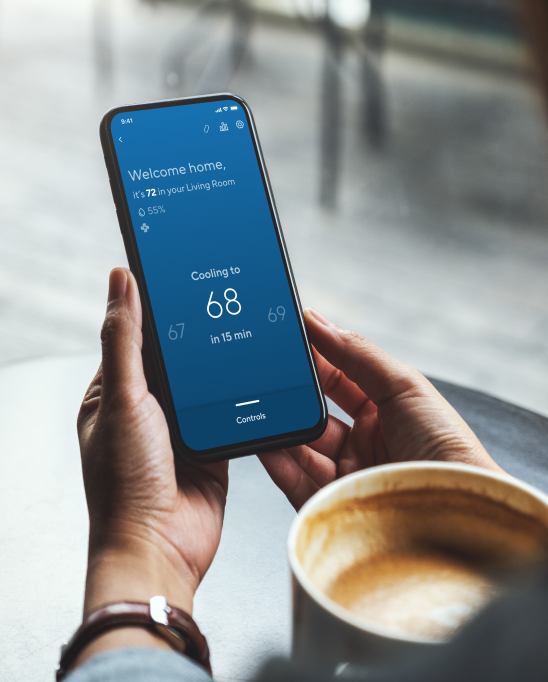
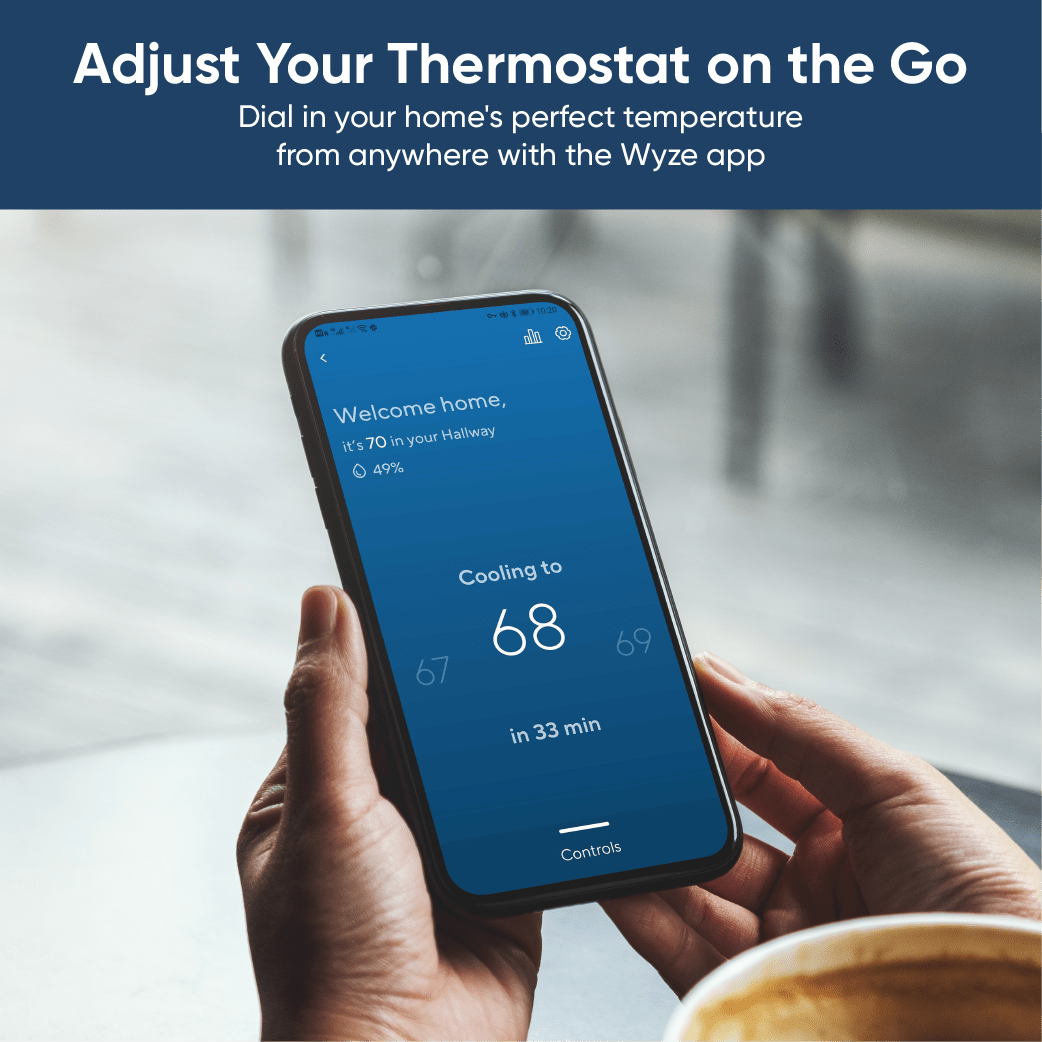
A person holding a phone with a temperature reading of 68 degrees.

Réglez votre thermostat en déplacement...

Où que vous soyez dans le monde, quelques clics suffisent pour régler la température idéale.

• Rentrer chez soi et trouver la température idéale

• Économiser l'énergie

• Assurez le confort des animaux de compagnie

• Prévenir le gel des canalisations

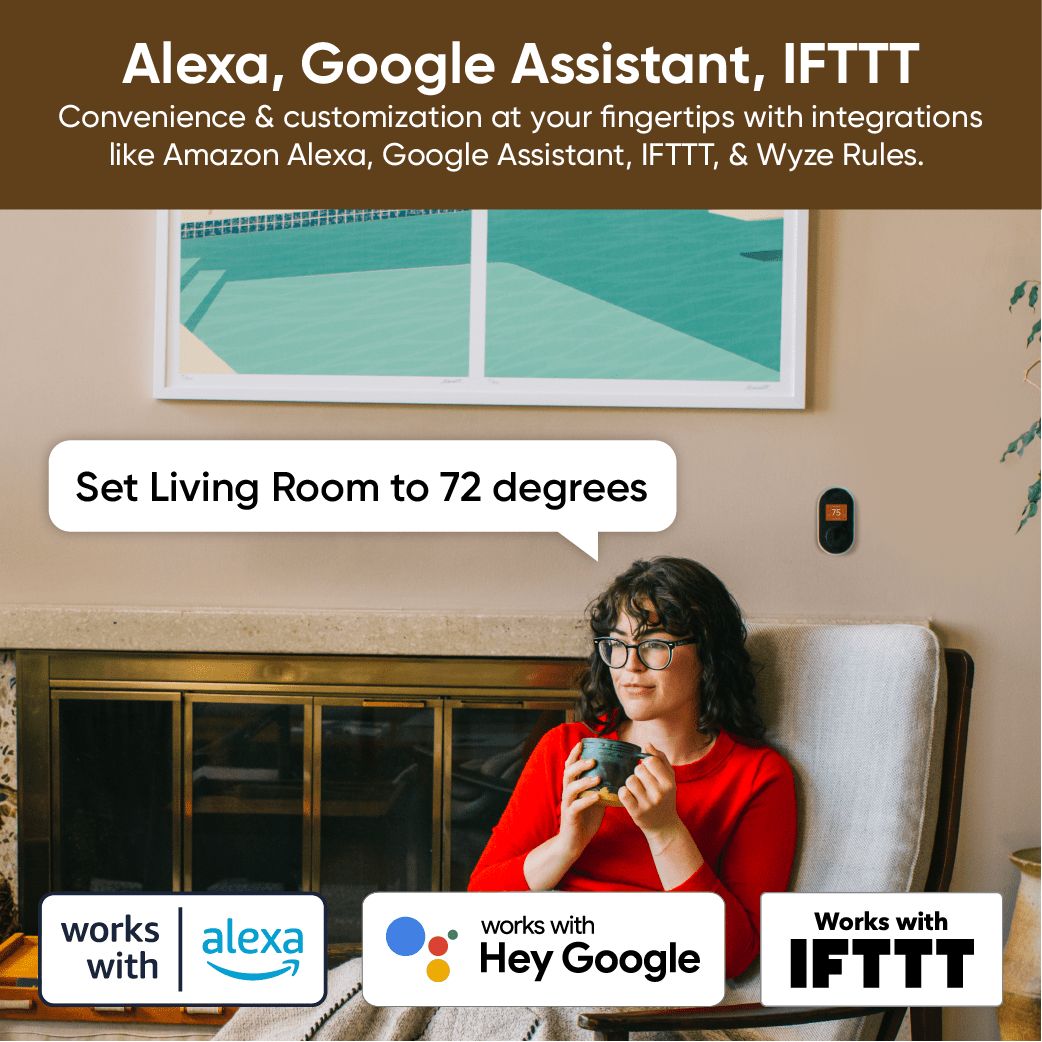
…ou confortablement installé sur votre canapé

Compatible avec les assistants vocaux. Si votre café du matin et votre couverture ne suffisent pas, réglez le thermostat par la voix en demandant à Alexa ou à l'Assistant Google.

A woman sitting in a chair with a cup in her hand.
A woman in a red sweater is sitting in a chair, holding a cup.
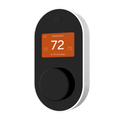
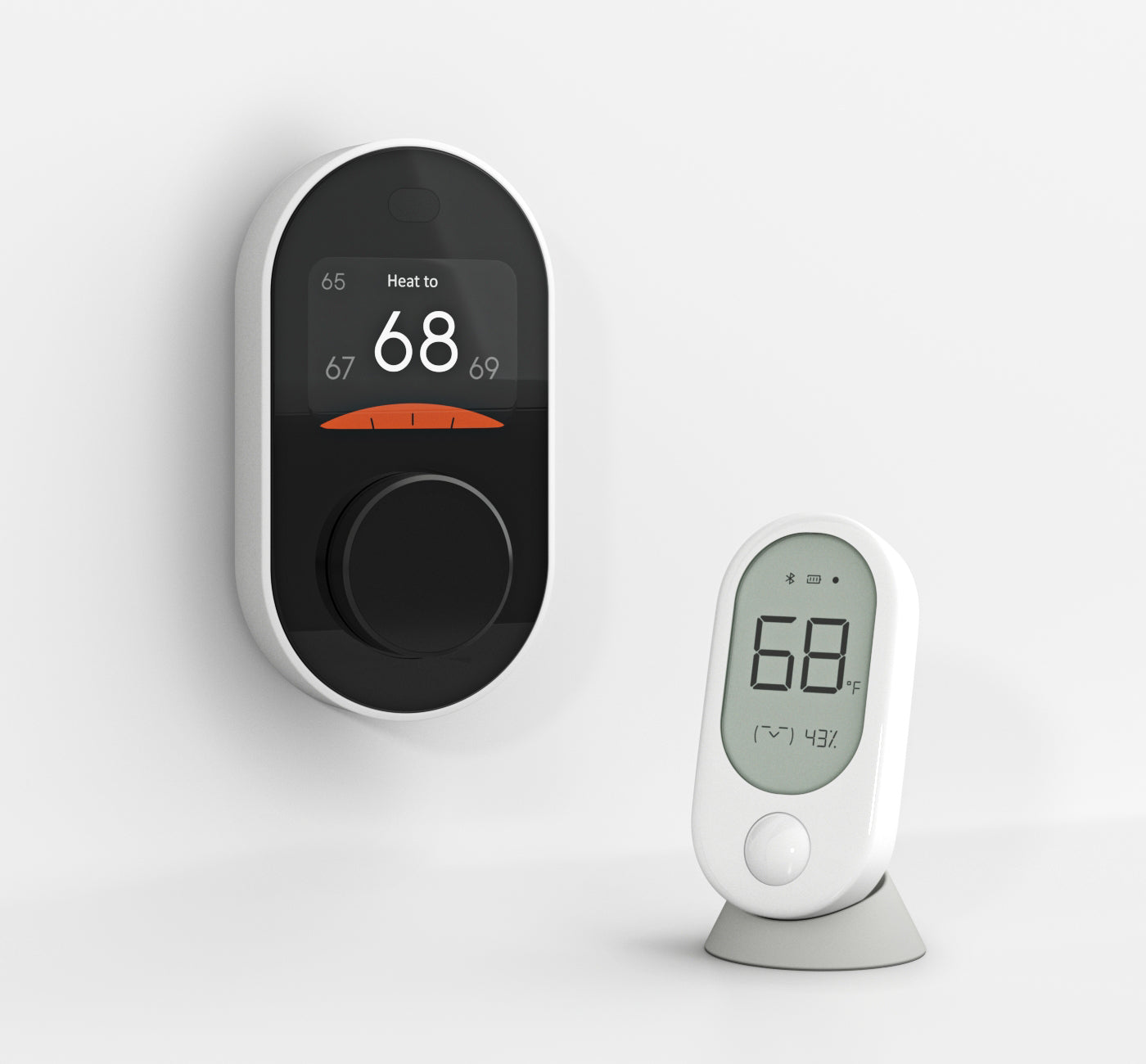
A white thermostat with a black face and a black button.
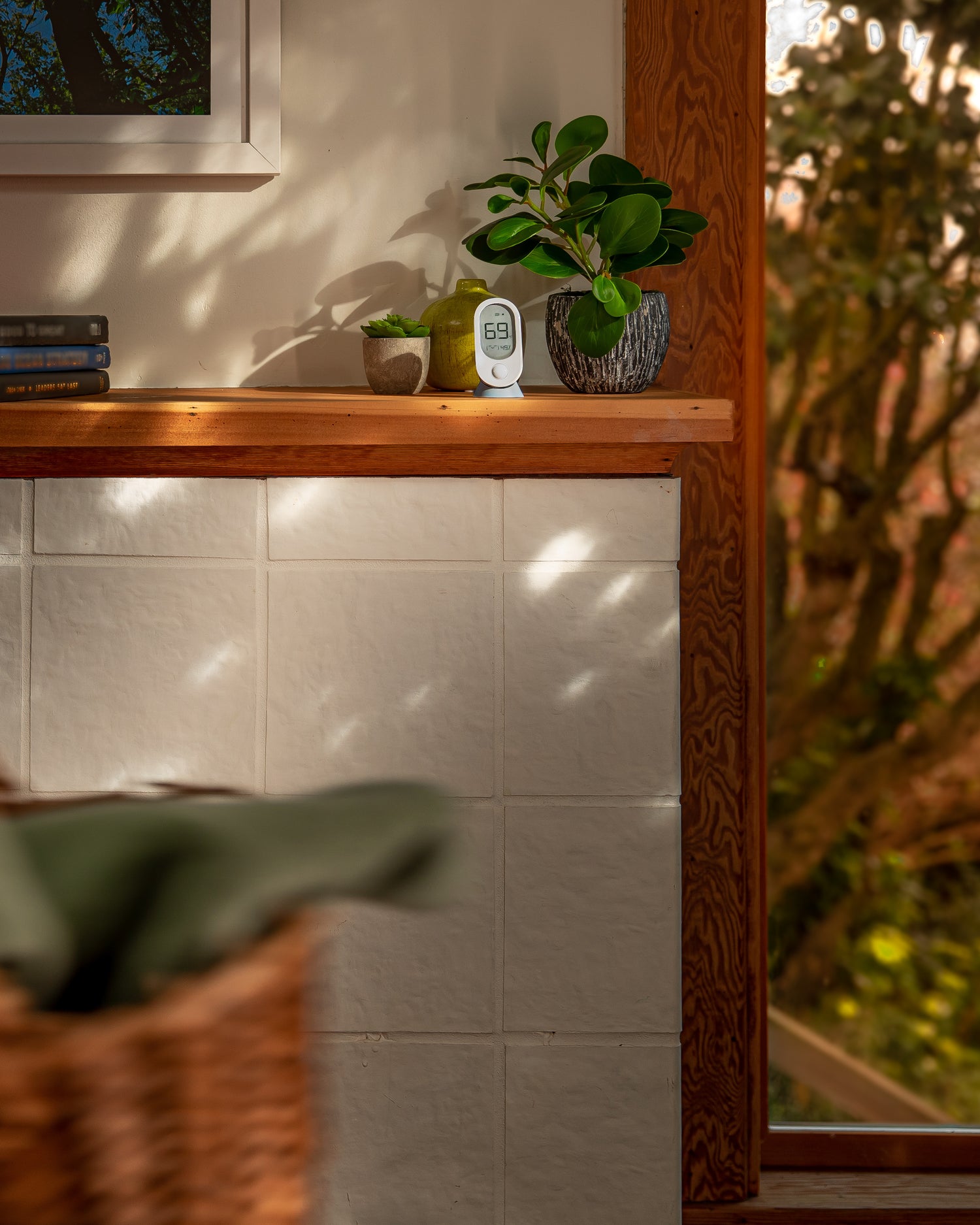
A Wyze room sensor is sitting on a shelf.
Person holding phone with wyze open to sensor settings.
Person placing room sensor on dining room table.

Du confort dans chaque pièce grâce au capteur de pièce Wyze.

Économisez de l'énergie. Profitez d'un confort optimal. Consultez à distance le climat de chaque pièce.

Éliminez les zones chaudes et froides de votre maison en plaçant des capteurs d'ambiance Wyze dans les pièces importantes et en laissant le thermostat Wyze réguler le climat de votre maison.

Lorsque le mode Confort avec détection de mouvement est activé, le capteur de pièce Wyze utilise la détection de mouvement pour ne couvrir que les pièces que vous utilisez. Économisez de l'énergie et profitez d'un confort optimal sans même y penser.

Surveillez la température de la chambre de votre bébé à l'étage ou celle de vos animaux de compagnie dans le couloir. Ajustez rapidement le climat en quelques clics dans l'application Wyze.

Appairez et installez facilement jusqu'à 6 capteurs Wyze dans votre maison en quelques minutes. Fixez-les au mur pour une visualisation optimale ou utilisez le support magnétique inclus.

Planifiez votre journée avec le thermostat Wyze

Une programmation simple et quotidienne. Créez des programmes pour chaque jour de la semaine et du week-end afin de ne plus avoir à constamment régler votre thermostat.

A man sleeping in bed with a blue blanket.

6h59

Vous êtes à quelques instants du début de votre journée.

Réveillez-vous et profitez d'un accueil chaleureux : votre maison est en train de chauffer depuis 15 minutes.

A person walking out their front door.

7h30

Vous avez terminé votre course folle vers la sortie.

Évitez de chauffer une maison vide : votre maison coupe automatiquement le chauffage, ce qui vous permet de faire des économies sur vos factures d'énergie.

A woman wearing a green shirt is hanging up her coat.

18h00

Vous rentrez chez vous après une longue journée à sauver le monde.

Rentrez chez vous et trouvez une température idéale : votre maison a commencé à se réchauffer pendant que vous quittiez le travail.

A woman is reading a book in bed.

22h30

Vous êtes au dernier chapitre et prêt(e) à aller au lit.

Profitez du sommeil le plus réparateur de votre vie : votre maison se rafraîchit lorsque vous vous glissez sous la couette.

A blue screen with a thermostat on it.

Des moments imprévus ?

Le thermostat Wyze couvre également ces cas-là.

Interrompez temporairement votre programme en ouvrant l'application et en ajustant votre température instantanément. Votre programme reprendra à sa prochaine heure de démarrage.

A thermostat with a blue and orange display.

Recevez des conseils pour économiser l'énergie en fonction de votre historique de consommation.

Nous nous chargeons du reste. Tel un lutin économe en énergie intégré à votre téléphone, l'application Wyze vous fournira des conseils pratiques basés sur votre consommation afin de réduire le gaspillage d'énergie.

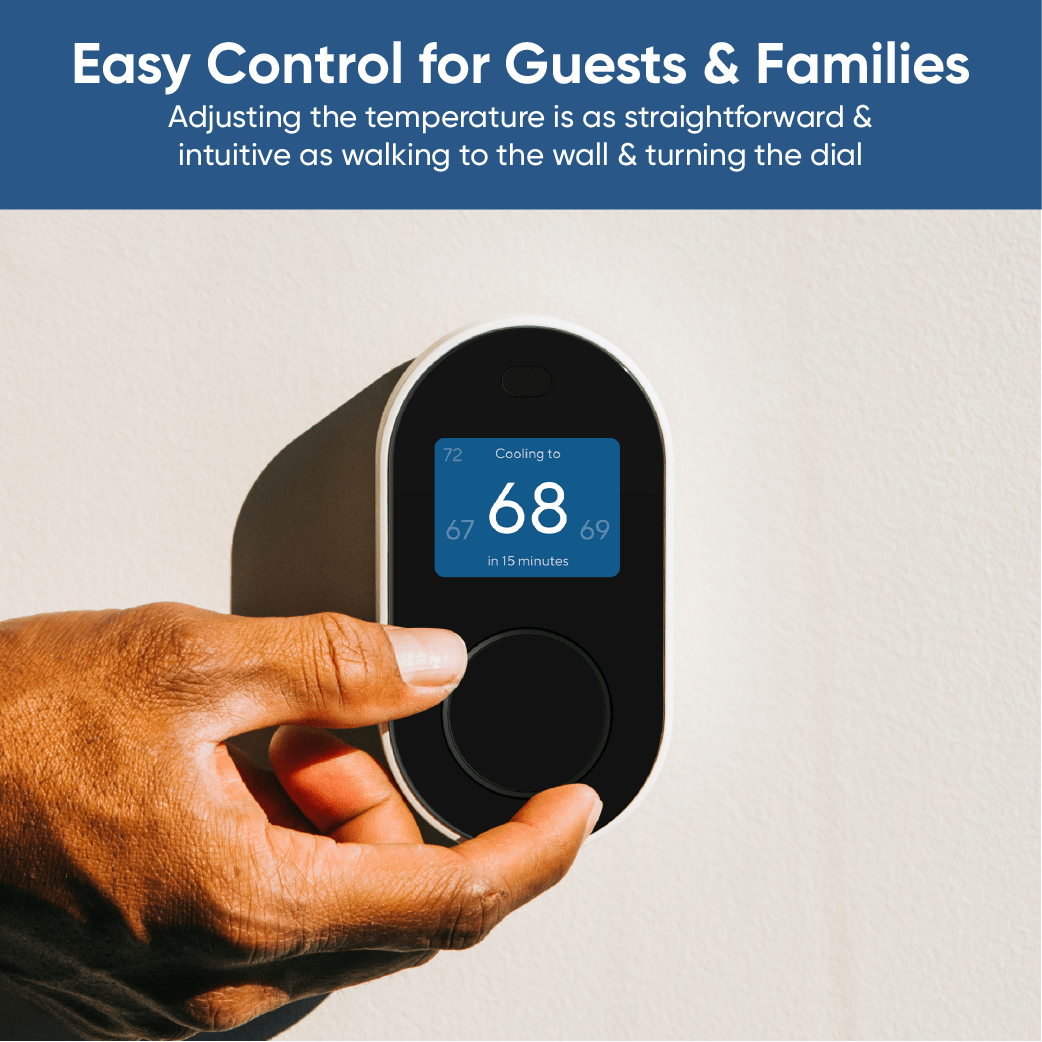
Aucune courbe d'apprentissage pour le contrôle de la température

Un contrôle facile pour les invités et la famille. Régler la température est aussi simple et intuitif que de se diriger vers le mur et de tourner le bouton.

Hand holding a thermostat.

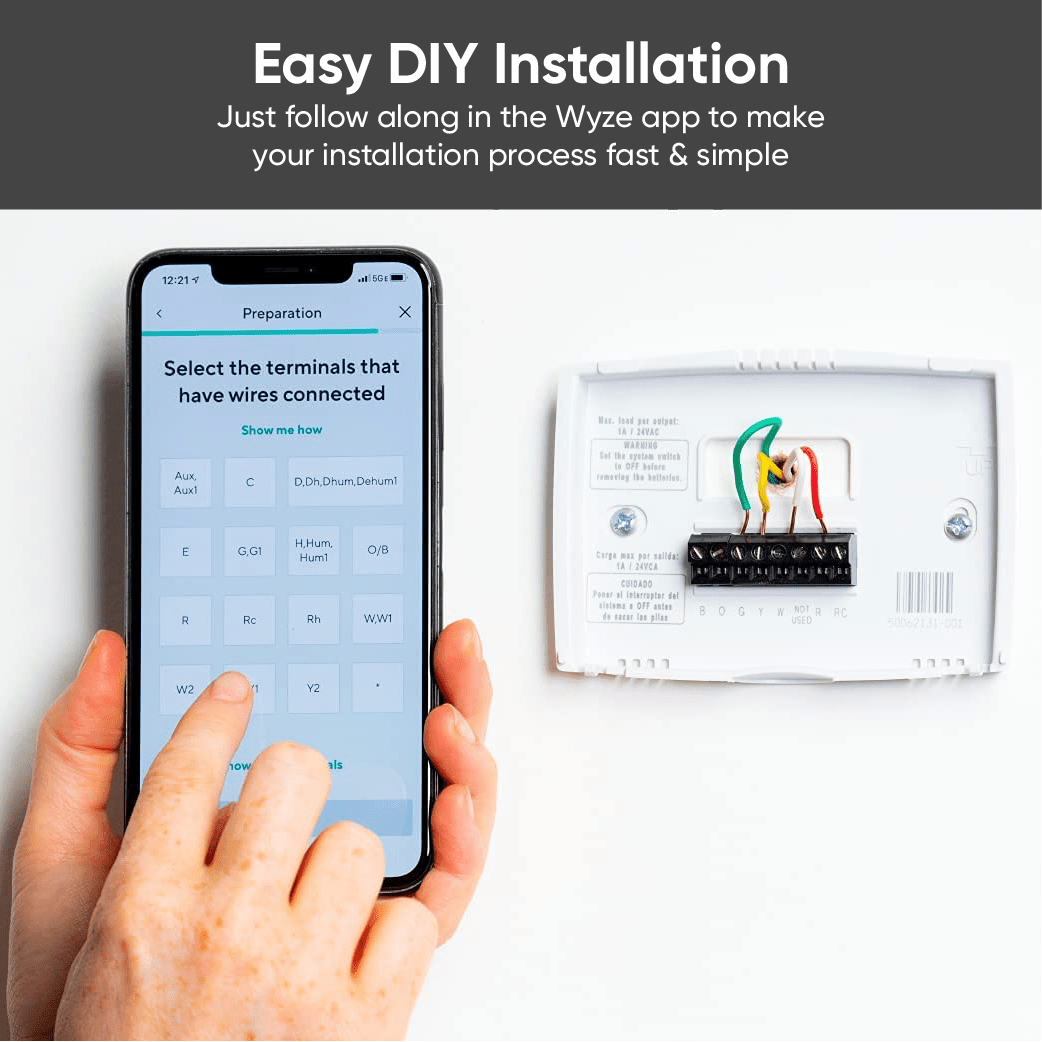
Une installation à faire soi-même en 20 minutes, à la portée de tous.

Installer un nouveau thermostat est plus simple qu'il n'y paraît. L'application Wyze vous guide pas à pas tout au long du processus d'installation.

Support Articles

Installing your Wyze Thermostat should be a quick, 30-minute process. If you've confirmed that your HVAC system is compatible using the Compatibility Checker, follow the steps below and in the video to get started. Important: Don't feel prepared or safe to install your own thermostat? We've designed Wyze Thermostat to be easy to install, but use your own judgment. If you're in doubt, stop. Call your local HVAC technician for assistance.

To set up your Wyze Thermostat:

  1. In the Wyze app, tap Home, then tap the plus sign + on the top right.
  2. On the Add menu, tap Device.
  3. Tap Home > Wyze Thermostat.
  4. Tap Begin Preparation.
  5. Follow along in the app, and with the video below.
    With your Wyze Thermostat installed and powered on, it's time to finish setting it up in the Wyze app!
  6. Make sure your phone/tablet’s Bluetooth is enabled.
  7. The Wyze app will automatically begin searching for and pairing with your Wyze Thermostat. Be sure to keep your phone near the thermostat.
  8. Once paired, you will be prompted to enter your Wi-Fi name and password.
  9. You’re connected! To finish up, name your new thermostat and begin customizing your settings.
Additional Notes:
  • You may have to enable Location Services on your device to use Bluetooth.
  • Wyze Thermostat is only compatible with 2.4 GHz Wi-Fi networks.

Download the Quick Start Guide for Wyze Thermostat here.

Below is the Quick Start Guide for Wyze Thermostat, a short manual on how to get started.

This guide is a short user manual with the basics about Wyze Thermostat, including:

  • What's in the box for Wyze Thermostat.
  • A diagram of WyzeThermostat.
  • How to download the Wyze app.
  • How to install Wyze Thermostat.
  • A diagram of Wyze Thermostat.
  • How to set up Wyze Thermostat.

Hands off the thermostat!

With Schedules, you can program your thermostat settings for one week, each individual day of the week, any group of days, or a few hours at a time. You can go even further to customize the temperature of a specific time period without changing any other time slots.

To create a schedule for Wyze Thermostat:

  1. In the Wyze app, tap on your Wyze Thermostat.
  2. Tap on the Settings gear on the top right.
  3. On the Settings screen, tap Schedule > Create schedule.
  4. On the Edit Schedule screen: Tap the day(s) you want your schedule active under Repeats.
    Create schedules for Home, Away, and Sleep under Blocks > Add block.
    If you add a Home block, that schedule will only apply when your thermostat is in Home mode.Tap Save to save your new block.
  5. Tap Save to create your schedule.

To delete a schedule for Wyze Thermostat:

  1. In your Wyze Thermostat Settings, tap Schedule.
  2. Swipe left on the schedule you want to delete, then tap the trashcan icon.
Added to your cart
Livraison GRATUITE pour les commandes de 59 $ et plus
Subtotal
$0.00
View cart