Passer aux informations produit
1 de 8

Wyze Cam Floodlight v1

Wyze Cam Floodlight v1

Solution de sécurité extérieure performante - PCMAG

Check out the newer model:
  • 2K HD Resolution & Color Night Vision.
  • 160° View + 270° PIR Motion Detection.
  • 2800 Super-Bright LEDs.
  • 2 Bright Spotlight Design.
  • 24/7 Recording with MicroSD Card.
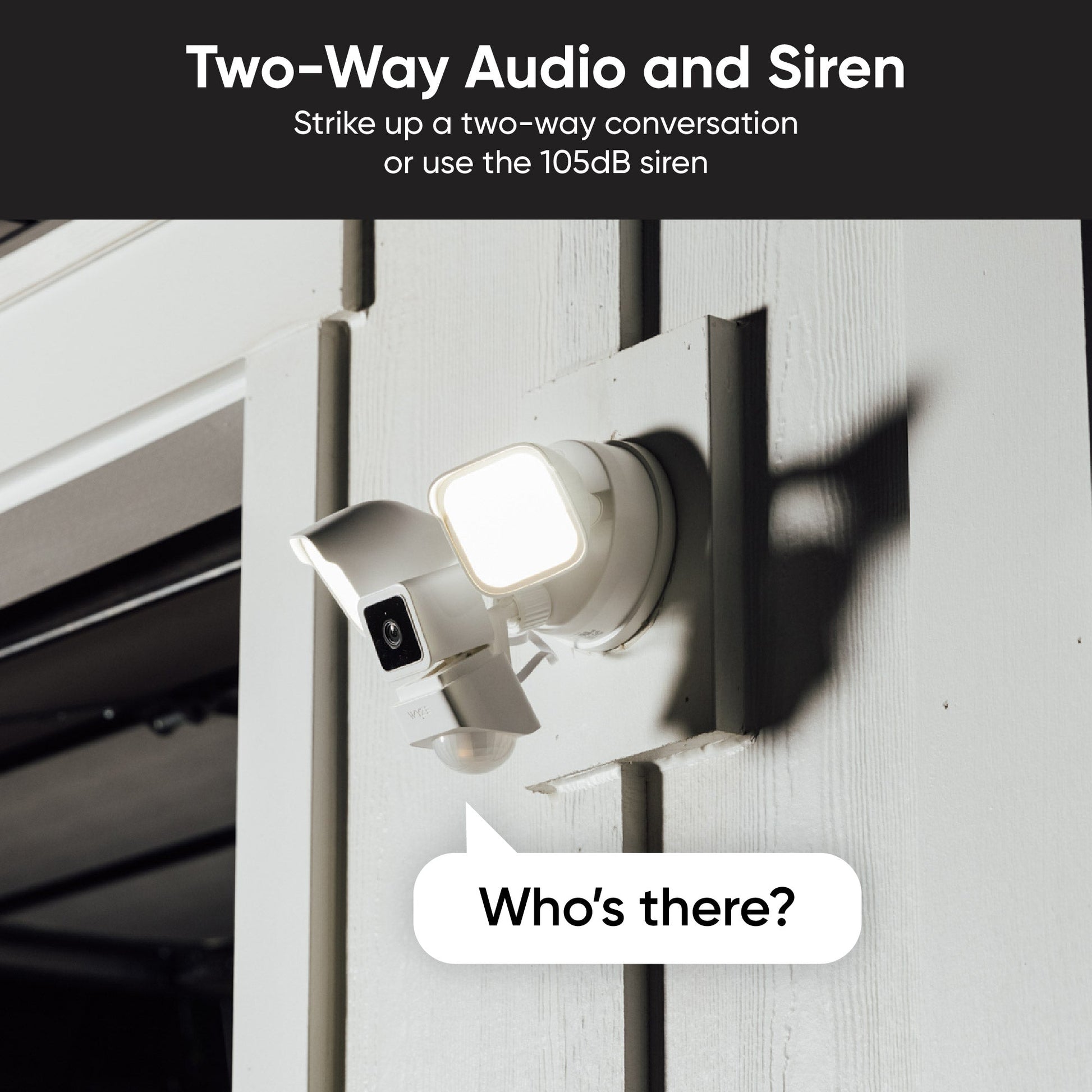
  • Two-way talk + loud siren.

Get Floodlight v2

Stock faible : 2 restant
Get it as soon as
Ce produit n'est plus disponible et ne le sera plus.
A blue and white logo for Wyze.
AVANTAGES exclusifs de Wyze.com
Garantie prolongée de 18 mois

Bénéficiez d'une garantie prolongée de 18 mois à l'achat de ce produit sur wyze.com. Profitez également de lots spéciaux, de promotions uniques et de récompenses à chaque commande

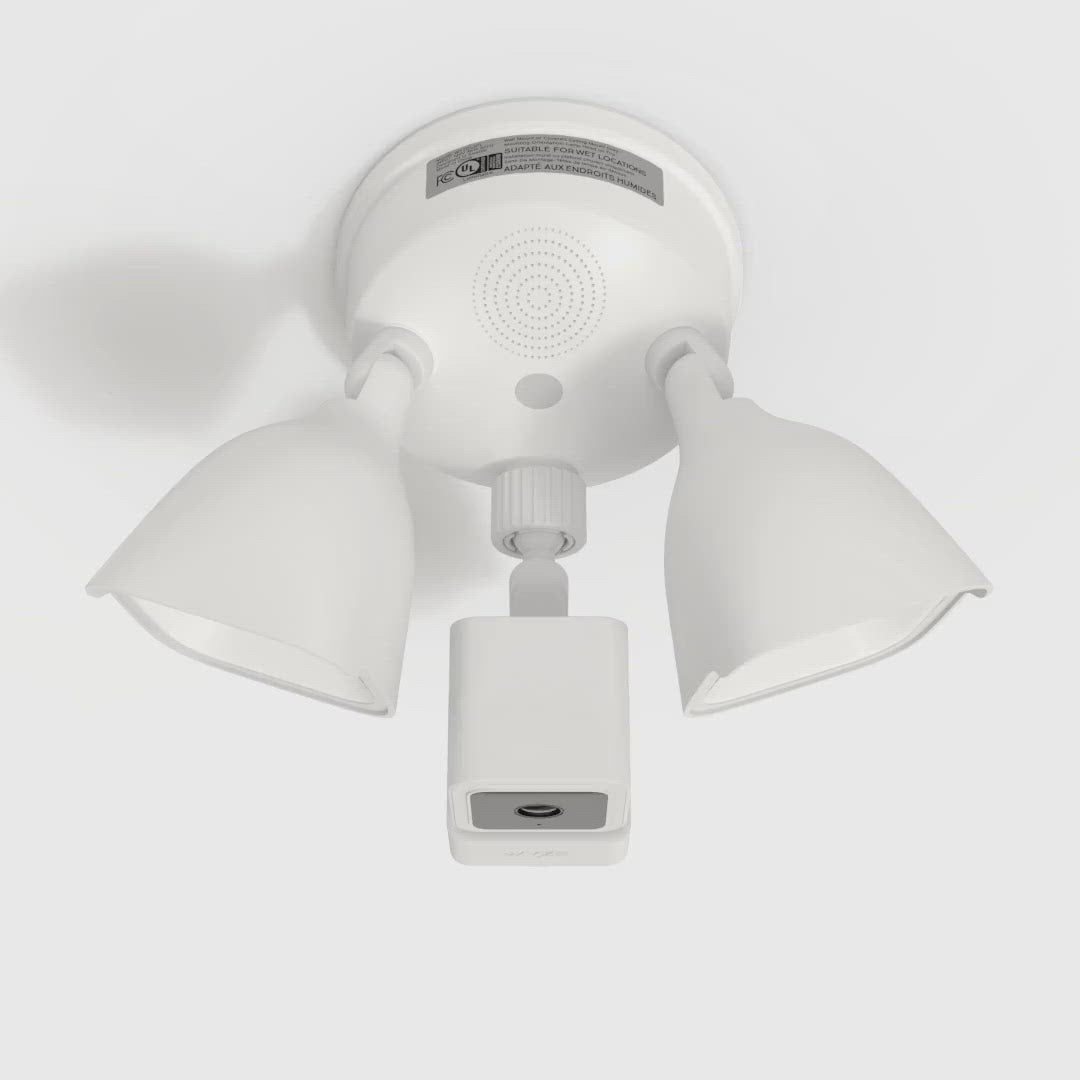
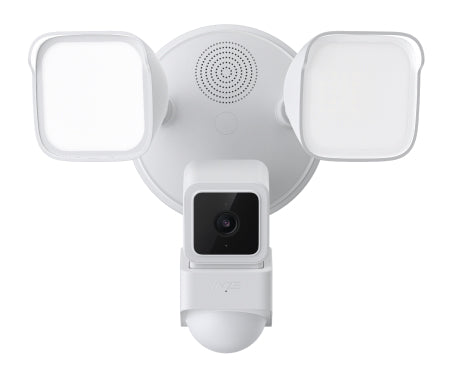
Le projecteur qui vous donne l'impression d'être vu. Et filmé. Et enregistré. Vous et tout autre malheureux passant devant son champ de vision de 270 degrés grâce à sa détection de mouvement personnalisable et ses 2 600 lumens de lumière dissuasive. Audio bidirectionnel. Vision nocturne couleur. Port USB supplémentaire. Et assez de lumière pour faire bronzer vos intrus tout en les dissuadant. Bon, d'accord, pas vraiment. Mais sérieusement, éblouissons quelqu'un ! S'ils tenaient à leurs rétines, ils ne seraient pas venus dans votre jardin.
Voir les détails complets
  • 2000 Lumens

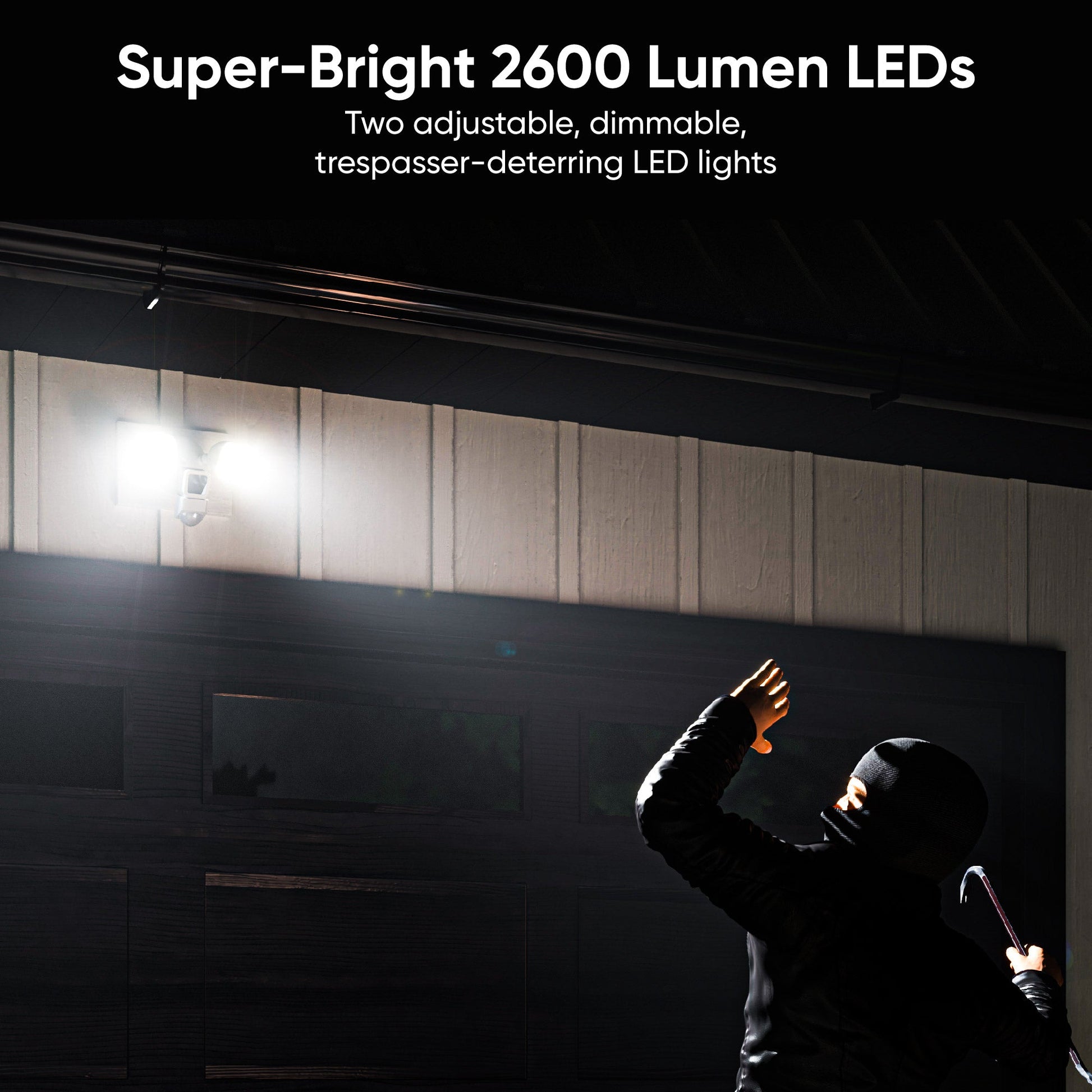
    LED ultra-lumineuses de 2600 lumens

  • A black background with no visible content.

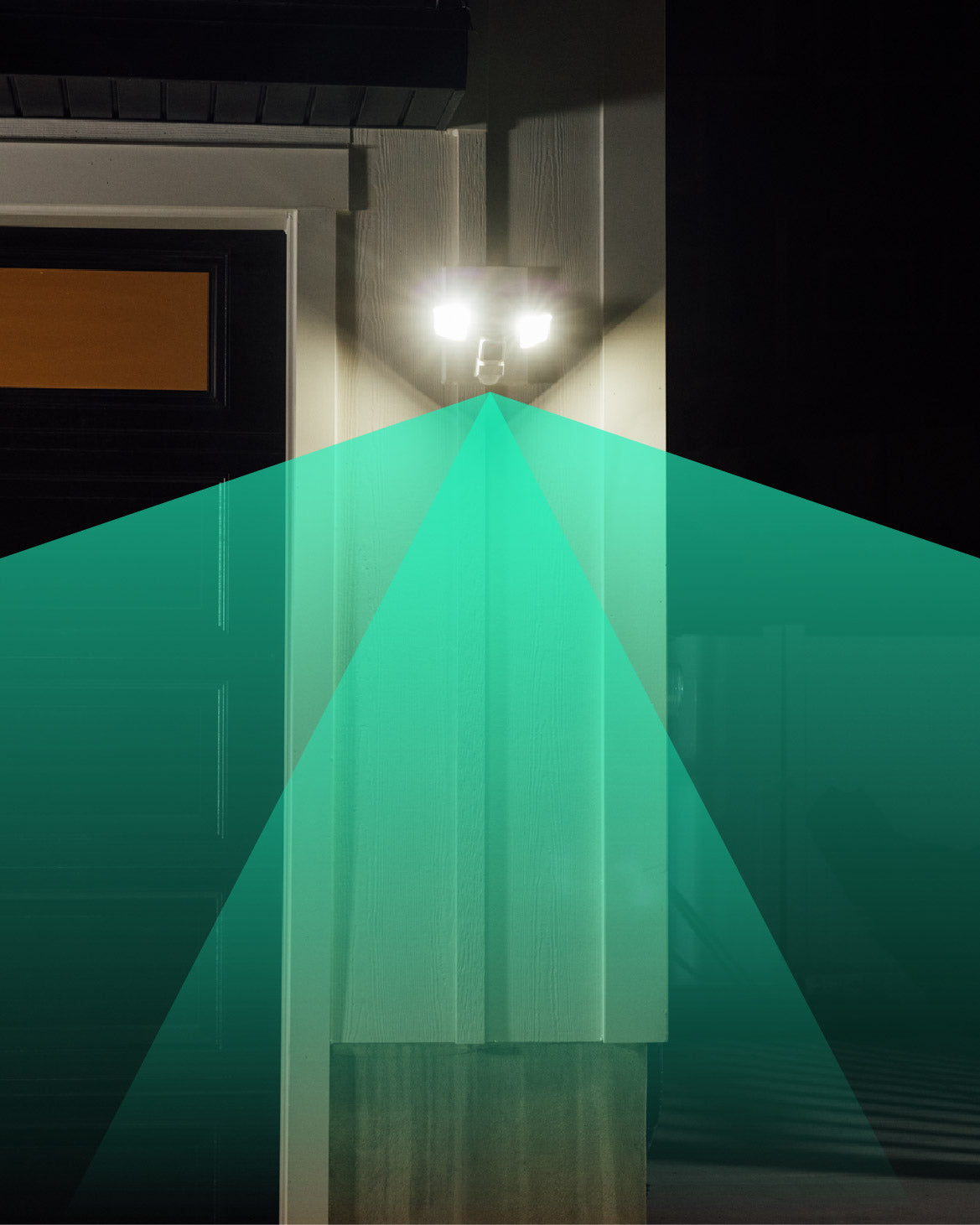
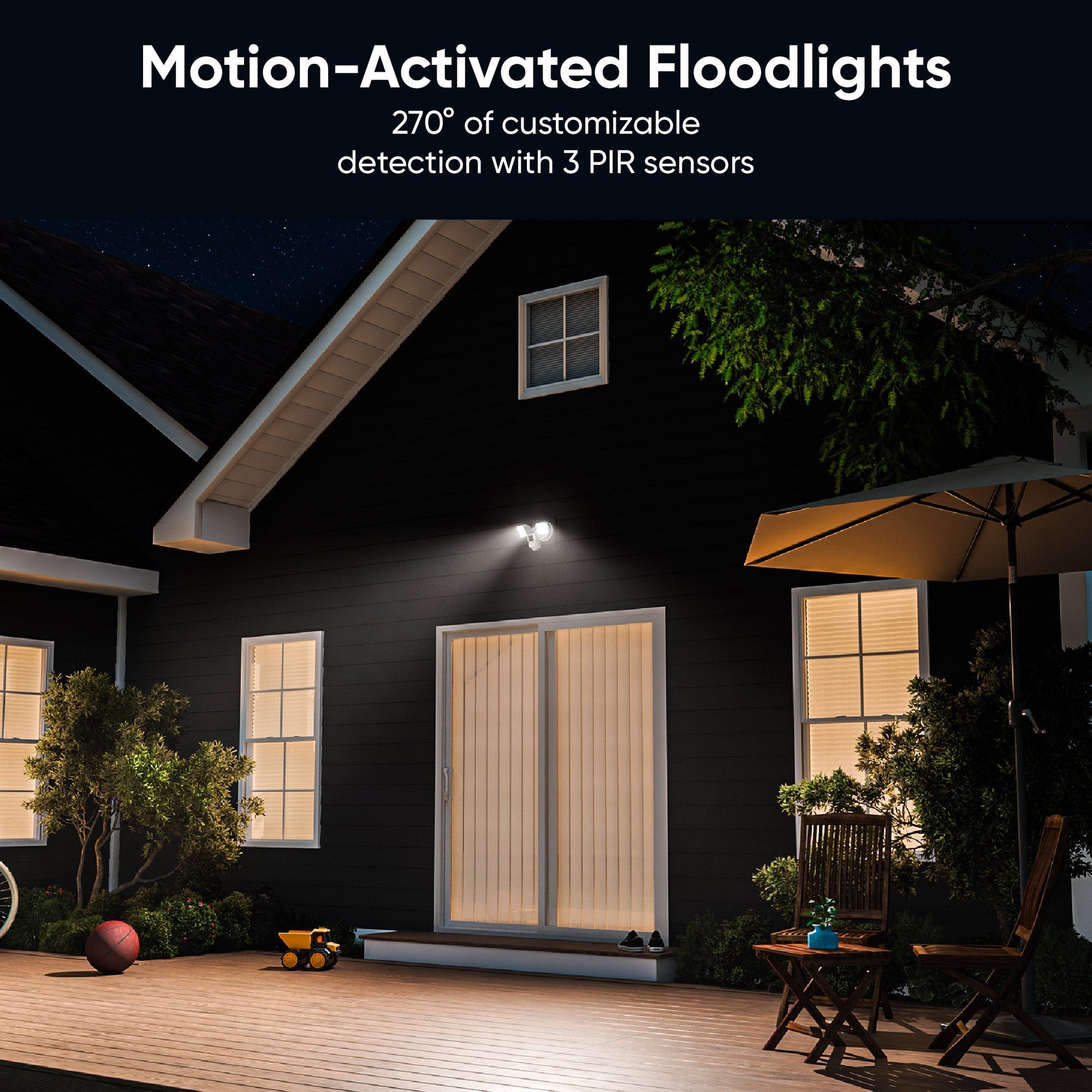
    Détection de mouvement à 270°

  • Color night vision camera.

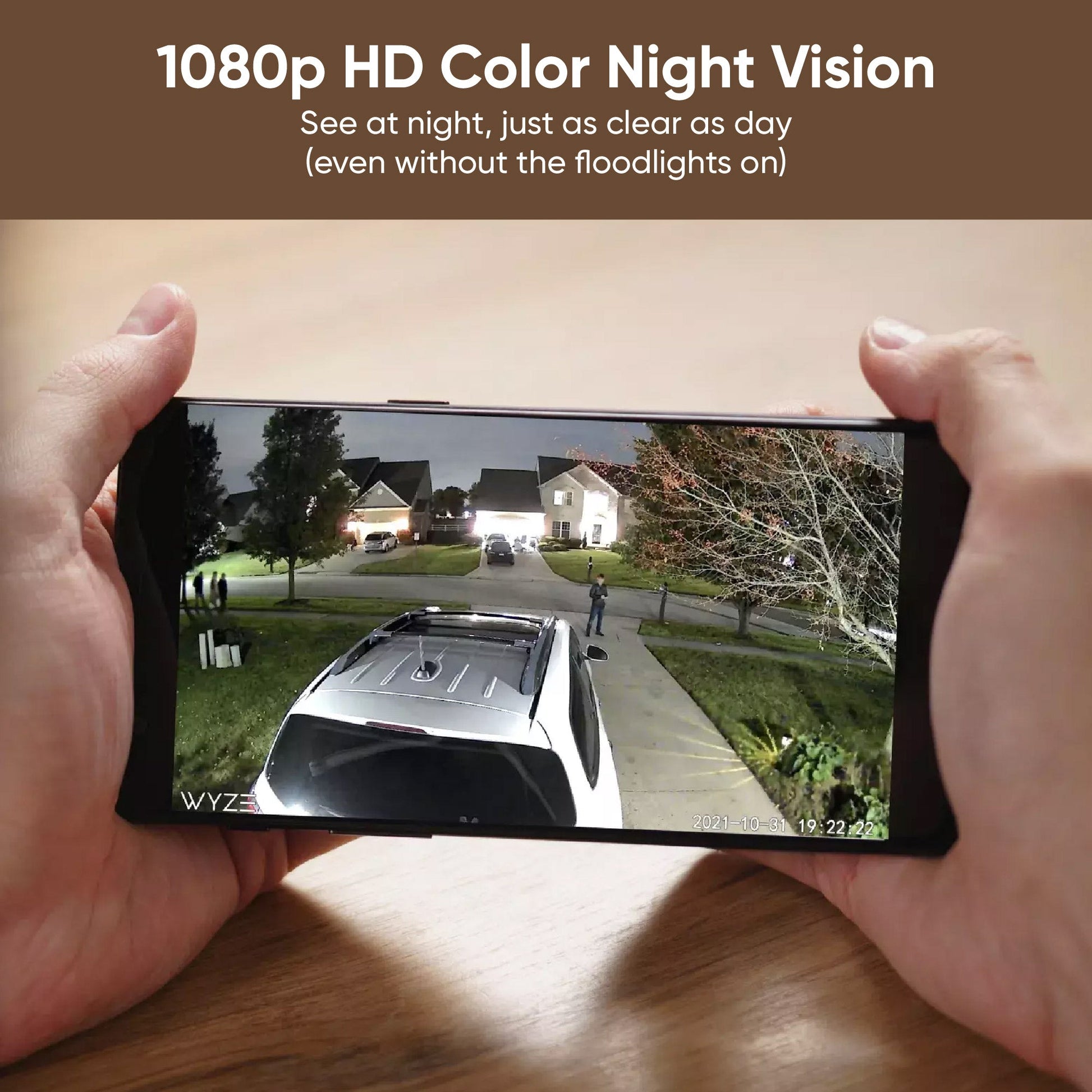
    Vision nocturne couleur Full HD 1080p et couleur

  • A black image of a computer with an extra USB port.

    Connectez une deuxième Wyze Cam v3

Détails du projecteur Wyze Cam

Couleurs et matériaux
  • Couleur : Blanc
  • Wyze Cam v3 : Boîtier (polycarbonate), lentille (verre + plastique)
  • Projecteur : Corps (Polycarbonate, Verre + Plastique)
  • Poids : 1,25 kg (assemblé)
Ports USB
  • 1 port pour Wyze Cam v3
  • 1 port pour une caméra Wyze Cam v3 supplémentaire
Détails de l'appareil photo
  • Résolution : 1920 x 1080 (1080p)
  • Champ de vision : objectif 121°
  • Vision nocturne
  • Capteur de lumière des étoiles Vision nocturne couleur
  • vision nocturne infrarouge
  • Audio - Haut-parleur : 90 dB
  • Microphone : intégré, numérique
  • Sirène : 105 dB à 1,2 m
Capteur
  • Détecteur de mouvement PIR 270°
Lumière
  • LED : 2600 lumens
  • Intensité variable : Oui
  • Commandes : Programmation, Déclencheur de mouvement
Dimensions
  • 9,5 po x 7,0 po x 7,7 po (Longueur x Profondeur x Largeur)
Pouvoir
  • Câblé 110V~120V
  • Utilise environ 46 W de puissance
Connectivité
  • Wi-Fi 2,4 GHz
Stockage
  • Stockage local (carte microSD requise)
  • Nuage
Compatibilité
  • Téléphone : Android 9.0+ et iOS 15.0+
  • Intégrations : Alexa, Google Assistant, IFTTT
  • Caméra : Wyze Cam v3
Services de soutien
  • Cam Plus, surveillance domestique Wyze
Résistance aux intempéries
  • Indice de protection IP65
Certifications
  • FCC, UL, CE, IC
Garantie
  • 1 an

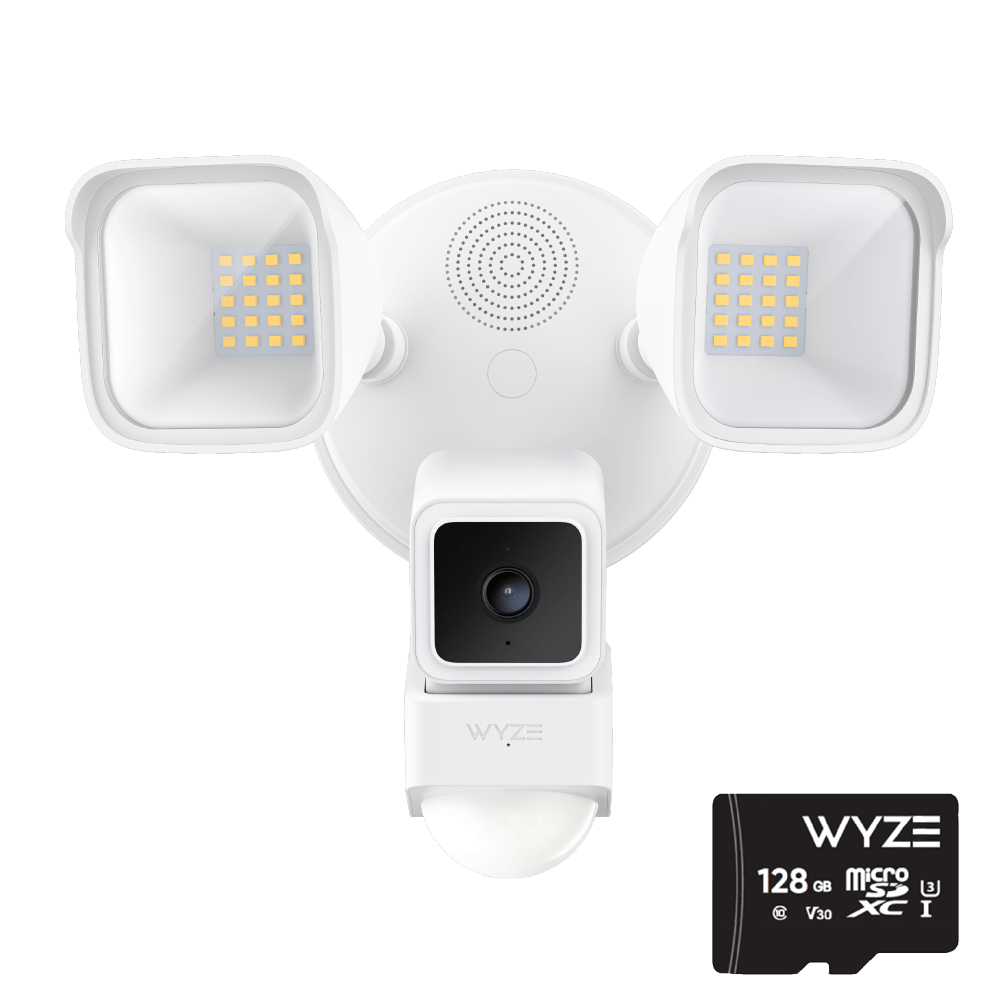
Wyze Cam Floodlight (assemblée) x1

Guide de démarrage rapide x1

Kit d'accessoires de montage x1

  • Vis de fixation (n° 6, n° 8 et n° 10) x2
  • Vis de mise à la terre x1
  • Vis pour projecteur x1
  • Bouchon en caoutchouc x1
  • Support de montage x1
  • 2 connecteurs à vis
  • Crochet x


Yes, it comes with a Wyze Cam v3. It also has an additional USB port that can connect to an additional Wyze Cam to provide wider visual coverage.

Yes, it can be mounted on a wall or under an overhang. Both mounting kits are included.

Yes, you can adjust the camera angle. You can also use the extra USB port so you can add another camera for more coverage.

By default, Wyze Cam Floodlight will automatically turn on when motion is detected. While viewing the live stream, turn off night vision. Only a little light is needed for a clear image and a street light or night light outside would work. If you need more light, you can manually turn on the floodlight in the Wyze app for better illumination.

It's a special CMOS sensor that is very sensitive to light. This allows Wyze Cam v3 to create an astonishingly clear image - even in extremely dark conditions.

1080p FHD (1920x1080 Full HD).

No, Wyze Cam Floodlight must be hard-wired either in place of an older floodlight or using a junction box. Please contact a licensed electrician for help if you do not have one set up yet.

Yes, the LED lights are dimmable.

No, the color is not customizable. It is 5000k white LED.

Yes, it is IP65 rated.

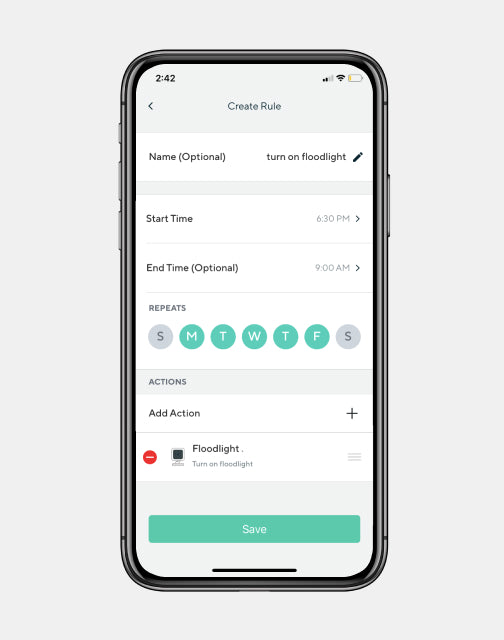
Yes, you can schedule the floodlight to turn on/off via Rules in the Wyze app.

With normal use, the lights can be used for about 50,000 hours.

No, the floodlight kit is sold as a full package with an attached Wyze Cam v3.

No, Wyze Cam Floodlight does not support 5GHz WiFi. It only supports 2.4GHz networks.

The main camera that comes pre-assembled controls the floodlight. This includes turning it on or off manually or using automatic features like motion detection or schedules. If you add another camera using the second USB port, it works as a normal Wyze Cam v3 without controlling the floodlight.

La caméra Wyze Cam Floodlight surpasse son concurrent direct, et elle coûte près de 100 $ de moins.

- The Verge

L'avenir de ton jardin est tellement prometteur que tu dois porter des lunettes de soleil !

Deux lampes LED ultra-lumineuses et réglables d'une puissance combinée de 2600 lumens pour dissuader les méchants, et une option de gradation pratique pour votre pauvre voisin.

A green light is shining on a white wall.

Détection personnalisée qui va au-delà du simple mouvement.

Trois capteurs PIR offrent une détection personnalisable à 270°. Activez-les et désactivez-les individuellement, et ajustez la portée et la sensibilité jusqu'à 9 mètres. Ajoutez à cela la détection sonore et une IA avancée*, et même une cape d'invisibilité ne pourra pas lui échapper.

* L'application Cam Plus est requise pour les fonctionnalités d'IA avancées.

A person holding a smartphone with a live view of a Wyze camera.

De la détection à l'inspection.

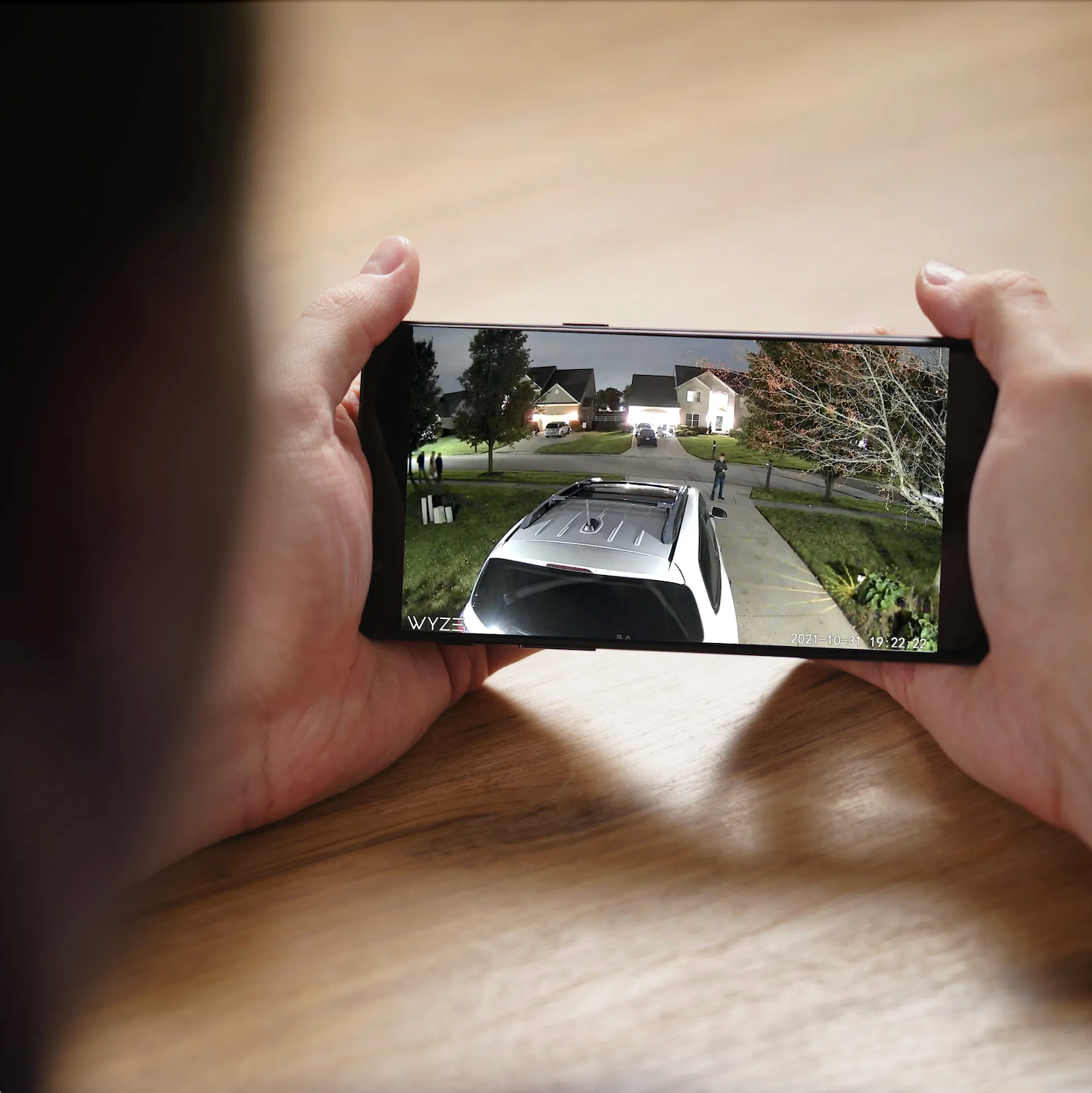
Sachez ce que votre détecteur a détecté ! La Wyze Cam Floodlight ne se contente pas de détecter et de dissuader les mouvements ; sa caméra Wyze Cam v3 intégrée et primée identifie également les mouvements et les enregistre en Full HD 1080p grâce à notre vision nocturne couleur Starlight Sensor, d'une clarté incroyable même en plein jour.

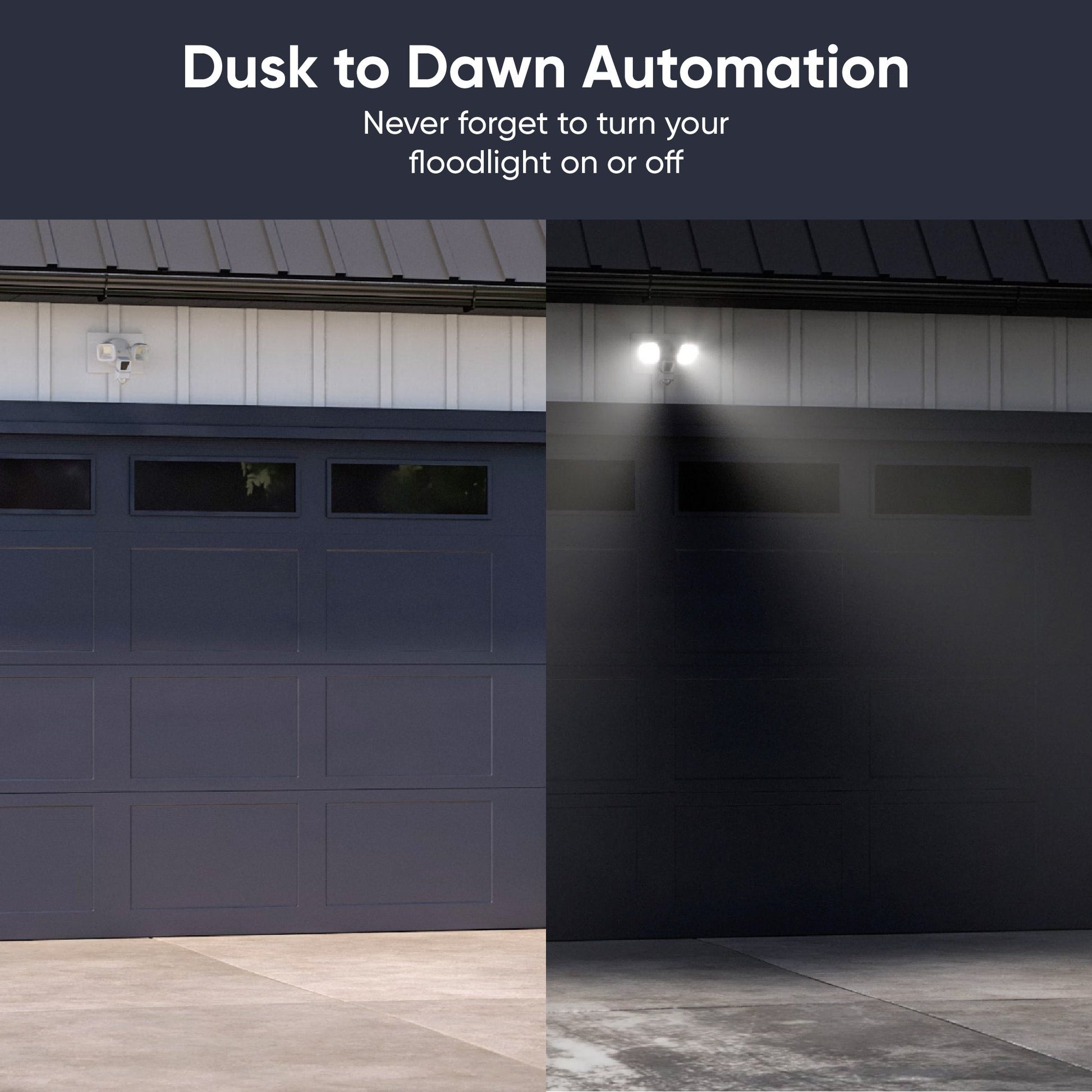
L'automatisation du crépuscule à l'aube !

Désormais, à la question « Tu as pensé à allumer la lumière ? », la réponse est : « Pourquoi devrais-je m'en soucier ? » La caméra Wyze Cam Floodlight détecte le lever et le coucher du soleil. Branchez-la et n'y pensez plus !

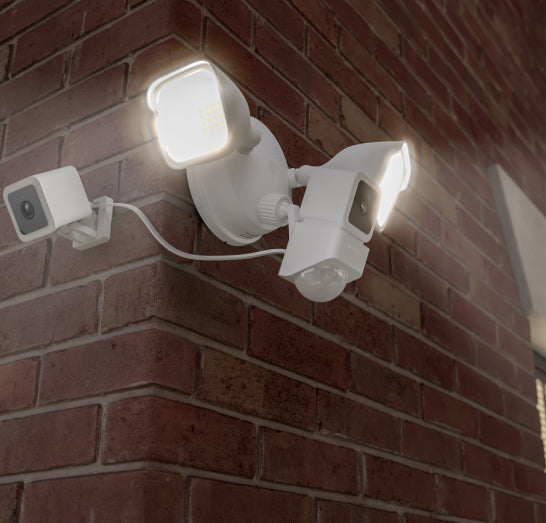
A WyzeCam Floodlight mounted to a brick house.

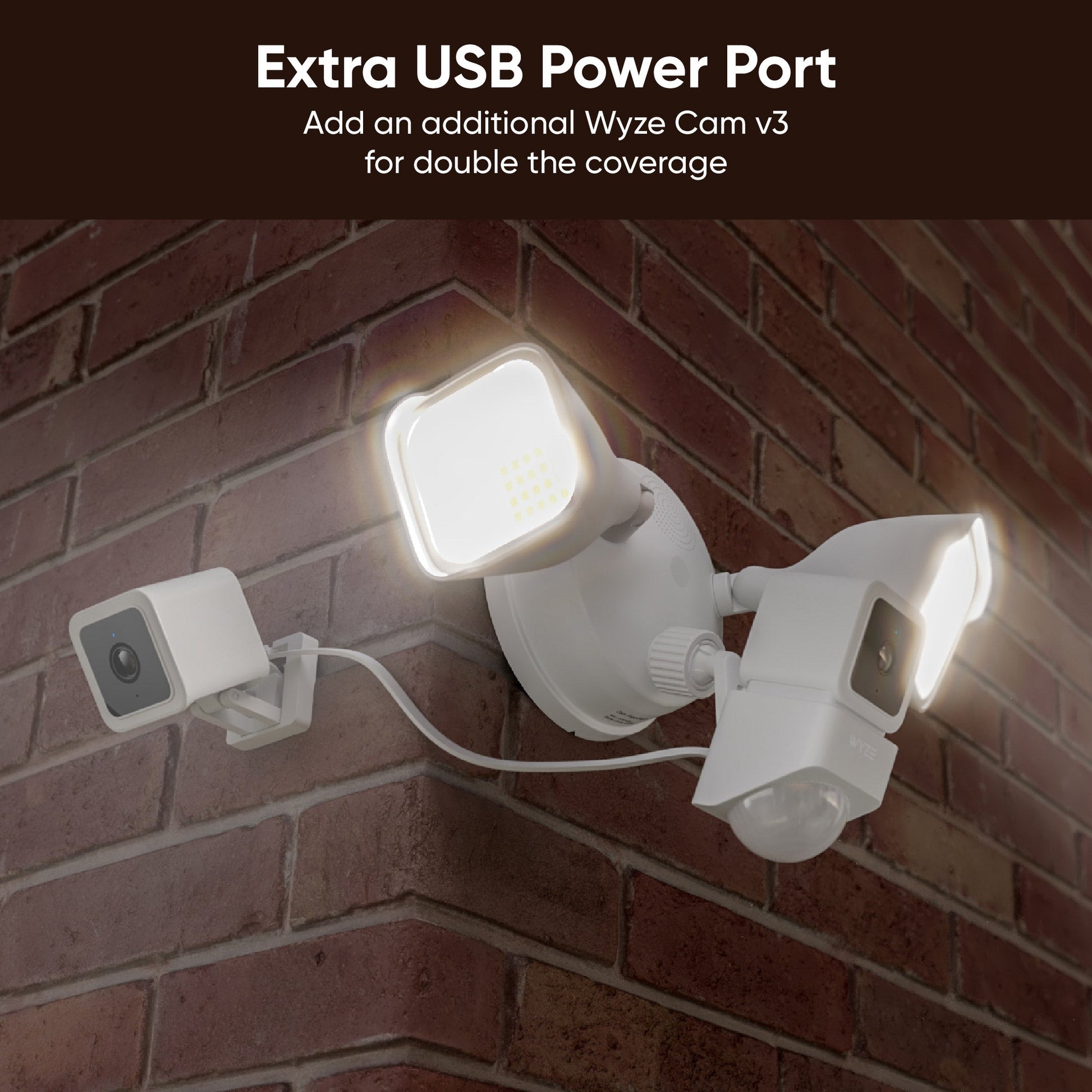
Doublez la couverture grâce à deux caméras et à un port d'alimentation USB supplémentaire.

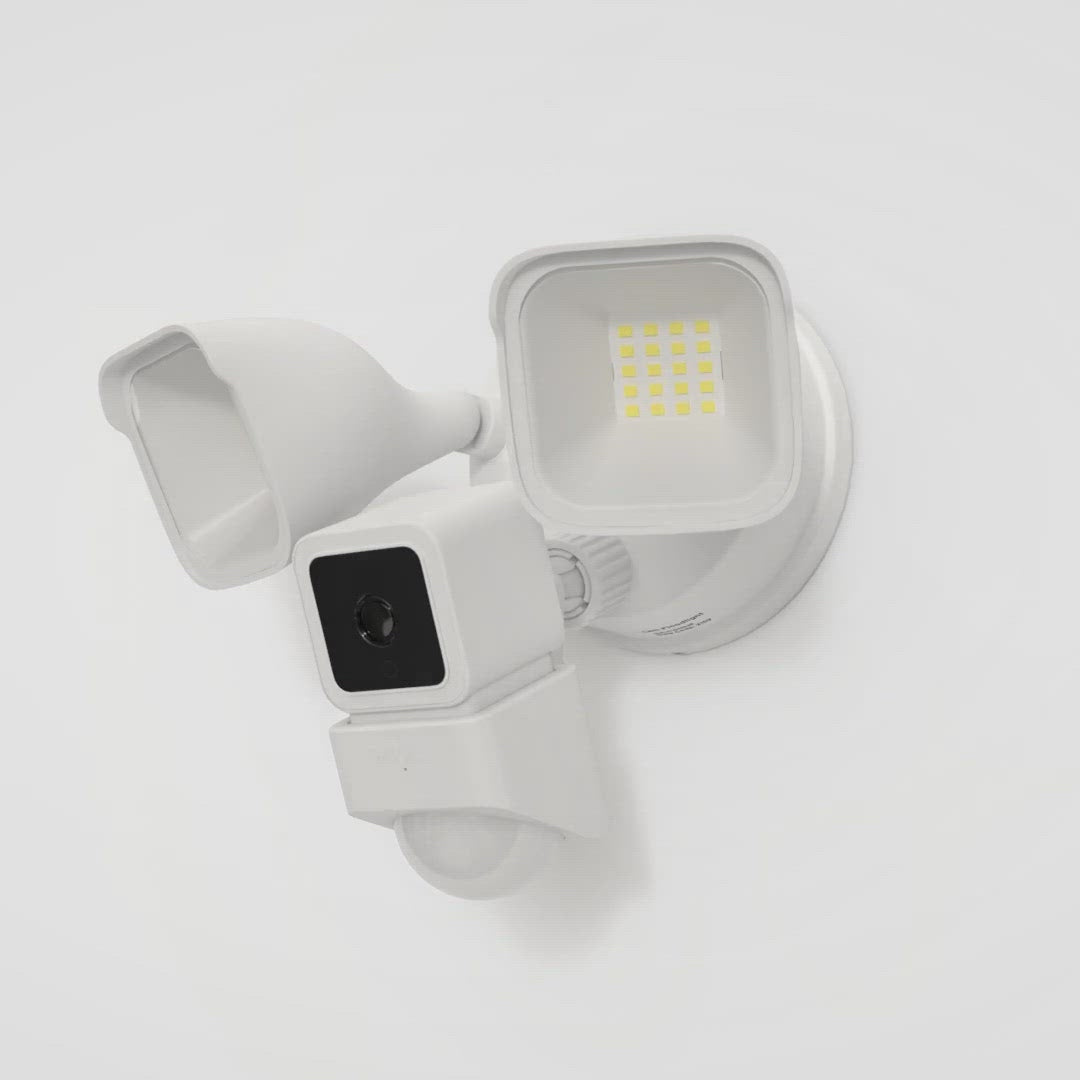
Quoi de mieux qu'une Wyze Cam v3 ? Deux. La réponse est : deux. Doublez votre couverture vidéo et regardez à 2 voies grâce à un port supplémentaire pour une deuxième Wyze Cam v3 (vendue séparément).

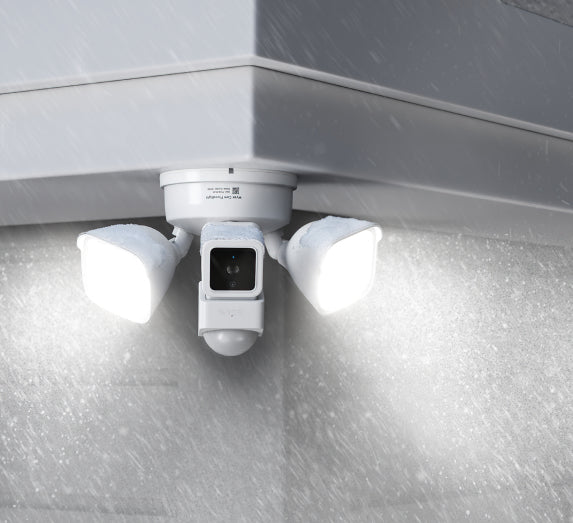
A WyzeCam Floodlight with a spotlight on in rainy weather.

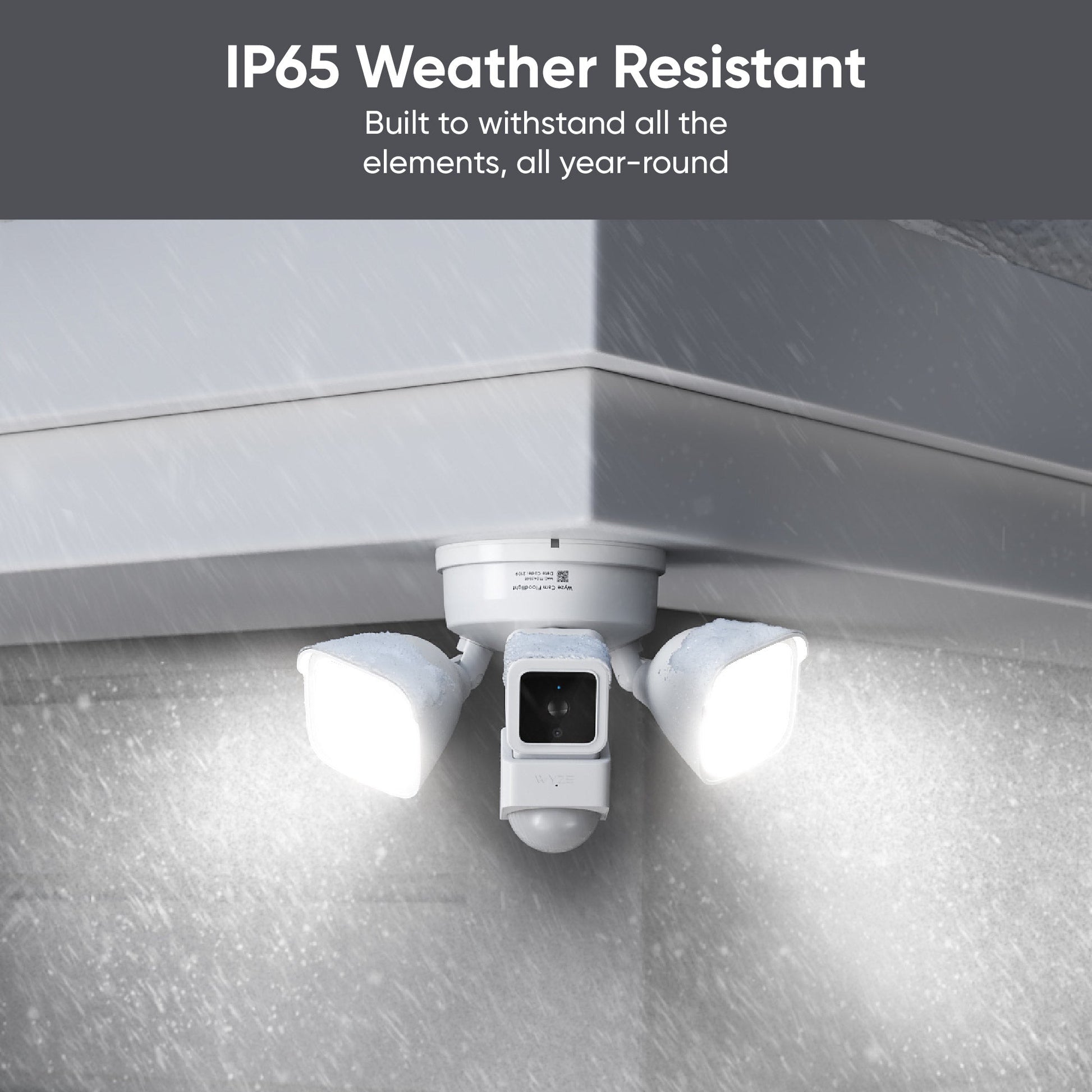
Protégez-vous de la poussière, de la pluie et de la neige grâce à la résistance aux intempéries IP65.

Conçue pour résister aux conditions les plus extrêmes ! La caméra Wyze Cam Floodlight continue de remplir sa fonction même dans des conditions difficiles, des nuages ​​de poussière aux averses torrentielles.

A white camera with a black circle in the middle.
Floodlight rules in app
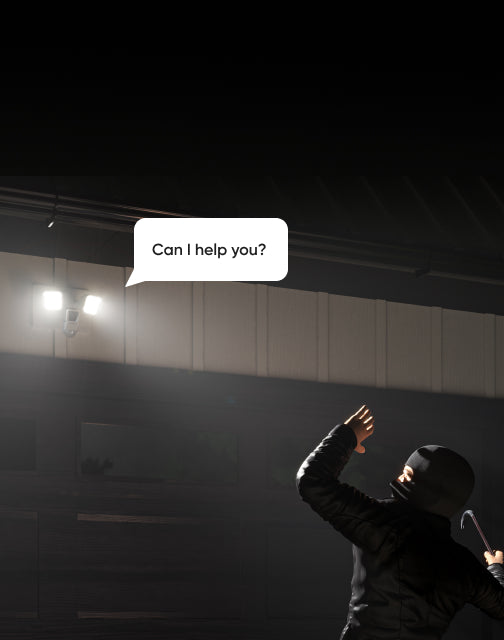
Can help you?
Can help you?

De plus, tous les avantages habituels d'une Wyze Cam v3 (ou deux).

Dissuader les méchants ne se limite pas à de simples lumières vives.

La caméra Wyze Cam Floodlight s'intègre parfaitement à votre écosystème domotique. Utilisez diverses automatisations et paramètres avancés, du mode vacances aux règles, pour la personnaliser selon vos besoins.

N'utilisez pas vos projecteurs pour faire comprendre aux intrus que vous n'êtes pas les bienvenus. Soyez clair : utilisez un système audio bidirectionnel ! Ou engagez la conversation ! Il existe des façons plus originales de se faire des amis.

Regardez la vidéo d'installation.

The Home Depot logo is orange and white.

Fièrement lancé et développé en partenariat avec The Home Depot.

Comparer les projecteurs

Swipe to compare more products →
Comparer les projecteurs
Wyze Cam Floodlight Pro est une caméra 2.5K QHD avec un objectif à large angle 180 et une lumière de 3000 lumens.
Wyze Cam Floodlight Pro
from $124.98 $149.98
Wyze Cam Floodlight v1 - Une puissante solution de sécurité extérieure avec une ampoule intégrée pour une visibilité accrue.
Wyze Cam Floodlight v1
from $79.99 $93.99
Résolution de la caméra
2,5K
2K
1080p
Champ de vision
180°
160°
130°
Lumens
3 000 lm
2800 lm
2 600 lm
Têtes de projecteur
3
2
2
Température de couleur
5000K
5000K
5000K
Connectivité Wi-Fi
Bandes de fréquence doubles 2,4/5 GHz
2,4 GHz
2,4 GHz
Commande d'éclairage Vision IA
Avec l'abonnement Cam Plus
Détection de mouvement
IA visuelle
PIR
PIR
Sirènes
105 dB
105 dB
105 dB
Mode lumière ambiante
Alerte mouvement
Mode de configuration de l'appareil
Bluetooth®
Wi-Fi
Code QR
Lumières infrarouges
12 x 850 nm
6 x 850 nm
4 x 850 nm, 4 x 940 nm
Compatibilité des cartes MicroSD
Jusqu'à 256 Go
Jusqu'à 256 Go
Jusqu'à 256 Go
Alimentation électrique
Câblé 110-120V
Câblé 110-120V
Câblé 110-120V
Intégrations intelligentes
Amazon Alexa, Google Assistant, IFTTT
Certifications
FCC, UL, CE, IC, IP65
View
View
View

Support Articles

Download the Quick Start Guide for Wyze Cam Floodlight in this article.

Below is the Quick Start Guide for Wyze Cam Floodlight v1, a short manual for how to get started.

This guide is a short user manual with the basics about Wyze Cam Floodlight, including:

  • How to download the Wyze app.
  • How to set up the floodlight.
  • Where to install the floodlight.
  • How to do an overhang mount.
  • How to do a wall mount.
  • How to read the status lights.

Installing your Wyze Cam Floodlight is as simple as replacing your existing floodlight by connecting it to a junction box. As long as you have a junction box and neutral wiring, and self-installation is legal in your area, this process should take about 30 minutes.

-> You must have an existing junction box and a neutral wire to use Wyze Cam Floodlight.
-> At the electrical panel, shut off power to your junction box before proceeding.

Before you begin installation:

Check your local laws and building codes before doing any performing any electrical work. Your may live in an area that requires a permit and professional installation.

What’s in the box?

  • 1x Wyze Cam Floodlight (Assembled)
  • 1x Mounting Accessory Kit 6x Bracket Screws 2x #62x #82x #10 1x Ground Wire Screw1x Floodlight Screw1x Rubber Stopper1x Mounting Bracket2x Wire Nuts1x Hook
  • 1x Quick Start Guide

Required tools:

  • Phillips Screwdriver
  • Ladder

To install your Wyze Cam Floodlight:

  1. In the Wyze app, tap the +plus sign then Device > Cameras > Floodlight Camera > Wyze Cam Floodlight.
  2. Read the High Voltage warning before tapping Got it!
  3. Select your mounting location, Wall Mount or Ceiling Mount.
  4. Are you replacing an existing floodlight? If yes, tap I'm replacing an existing floodlight. At your electrical panel, turn off power to your floodlight. Tap Next.Carefully remove your existing floodlight. Tap Next. If no, I don't have a floodlight to replace. Do you have an existing junction box? If yes, tap Next. Check that your junction box is at least 10 feet off the ground. Tap Next. If no, your wiring is not compatible with Wyze Cam Floodlight. Stop the installation process and contact a licensed electrician for assistance. Tap Check Your WiFi Signal Strength in the Wyze app. If your signal is Out of Range or Poor Connection, contact your ISP for options.Tap Continue Setup. Tap Start Installation.

Continue below, following along in the Wyze app to wire your floodlight.

  1. For the device you'd like to install first, tap Wyze Cam Floodlight.
  2. IMPORTANT: At your electrical panel, shut off power to your floodlight. Tap Next.
  3. Confirm that you have the required tools and the In the Box items. Tap Next.
  4. Follow along in the Wyze app, and use the installation video below for reference.
Added to your cart
Livraison GRATUITE pour les commandes de 59 $ et plus
Subtotal
$0.00
View cart