Passer aux informations produit
1 de 11

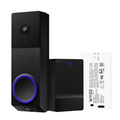
Sonnette vidéo Duo + batterie supplémentaire

Sonnette vidéo Duo + batterie supplémentaire

Sonnette à batterie 2K avec double caméra

Add ons
SALE
$121.98 $142.97SAVE 14%
En stock
Get it as soon as
Retours sans tracas sous 30 jours.
En stock
A blue and white logo for Wyze.
AVANTAGES exclusifs de Wyze.com
Garantie prolongée de 18 mois

Bénéficiez d'une garantie prolongée de 18 mois à l'achat de ce produit sur wyze.com. Profitez également de lots spéciaux, de promotions uniques et de récompenses à chaque commande

Voir les détails complets
  • A black background with no visible text or objects.

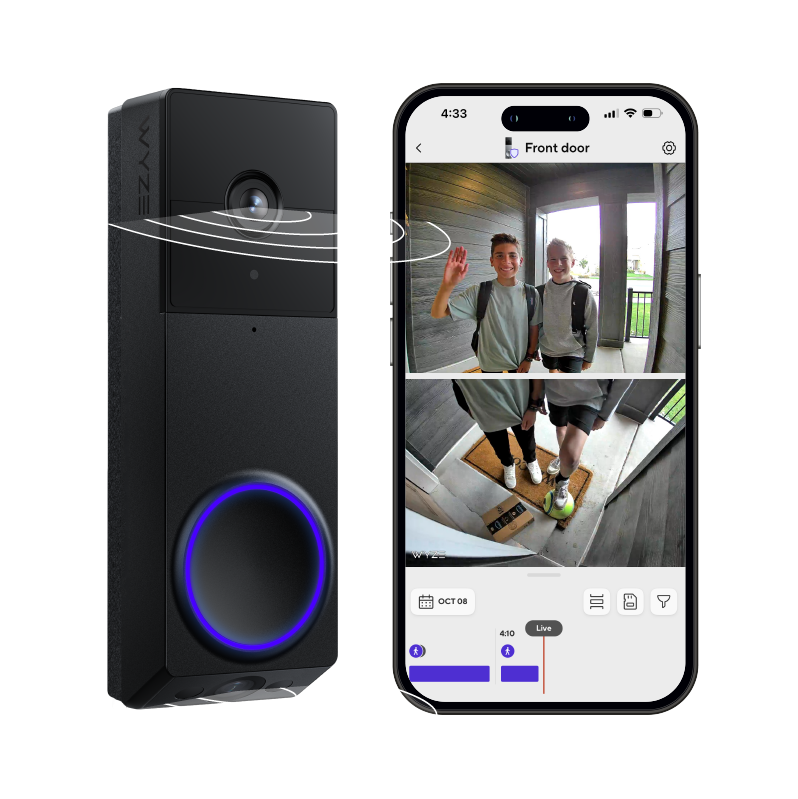
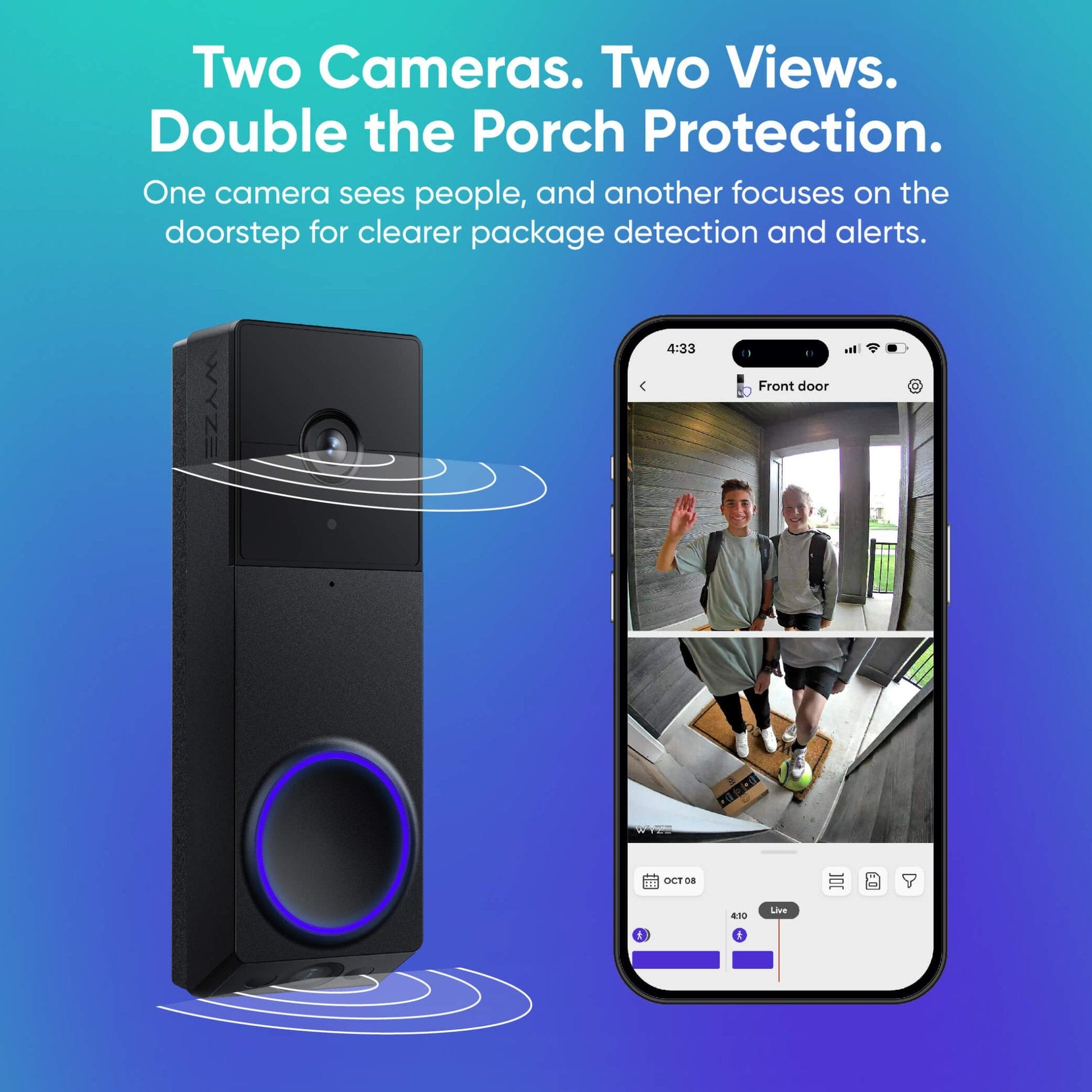
    Deux caméras. Deux points de vue.

    Une caméra filme les personnes, et une autre se concentre sur le seuil de la porte pour une détection plus précise des colis.

  • A colorful logo for a company.

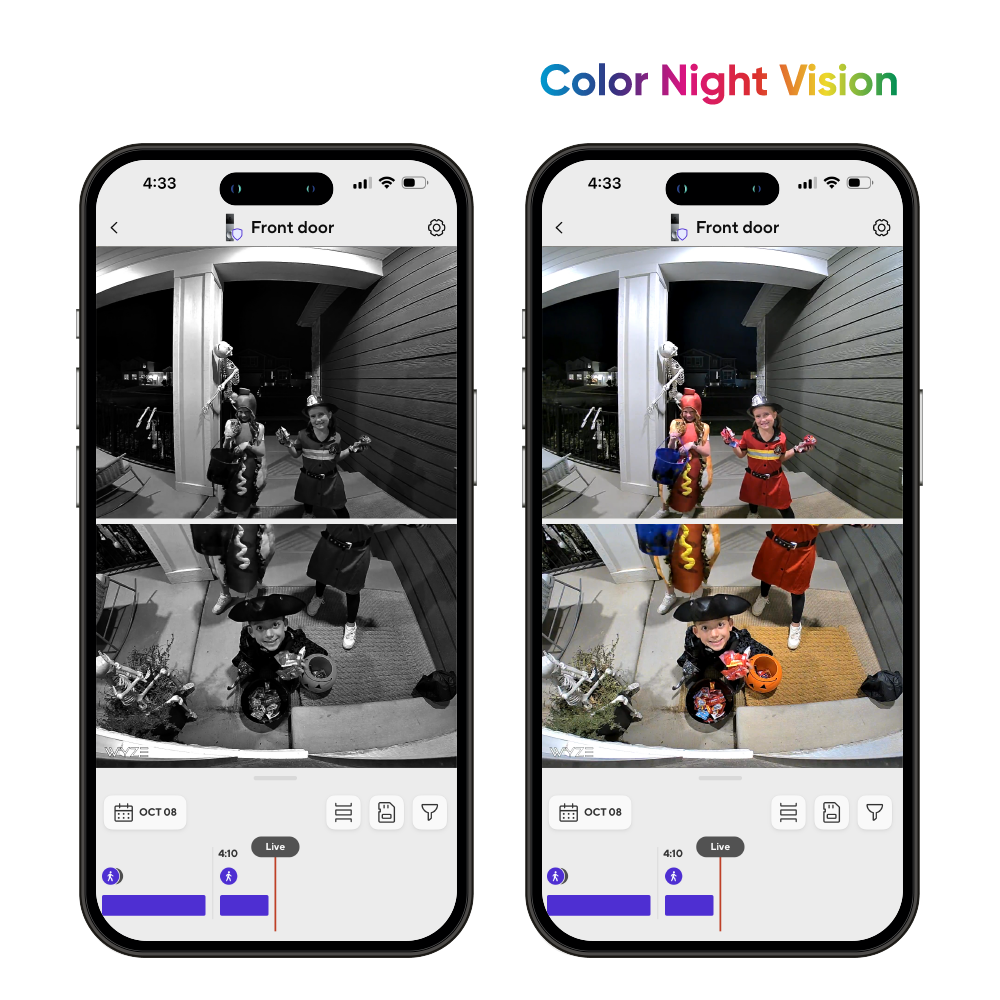
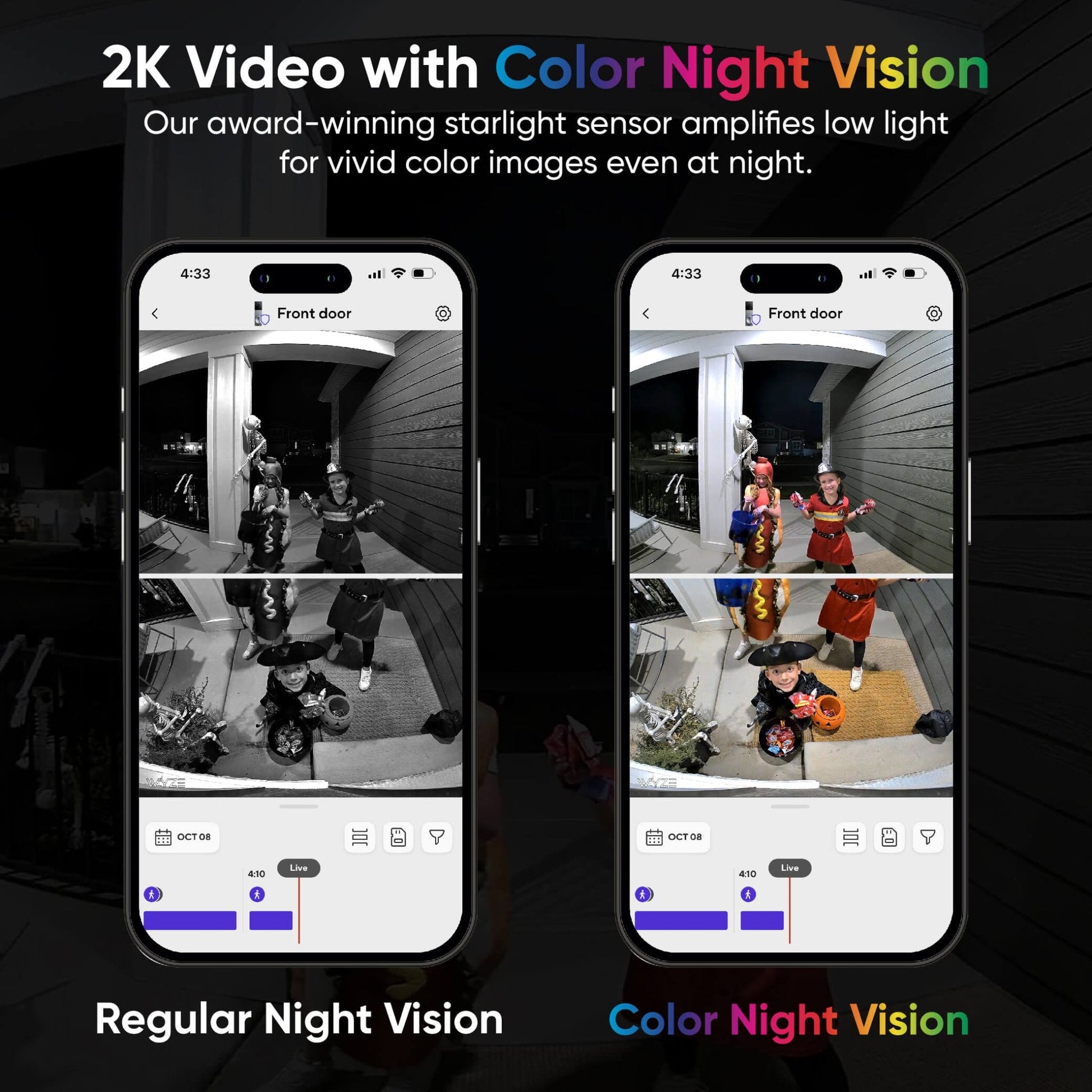
    Résolution 2K HD + Vision nocturne couleur

    Notre capteur de lumière stellaire primé amplifie la faible luminosité pour des images en couleur même la nuit.

  • A black and white image of a bell.

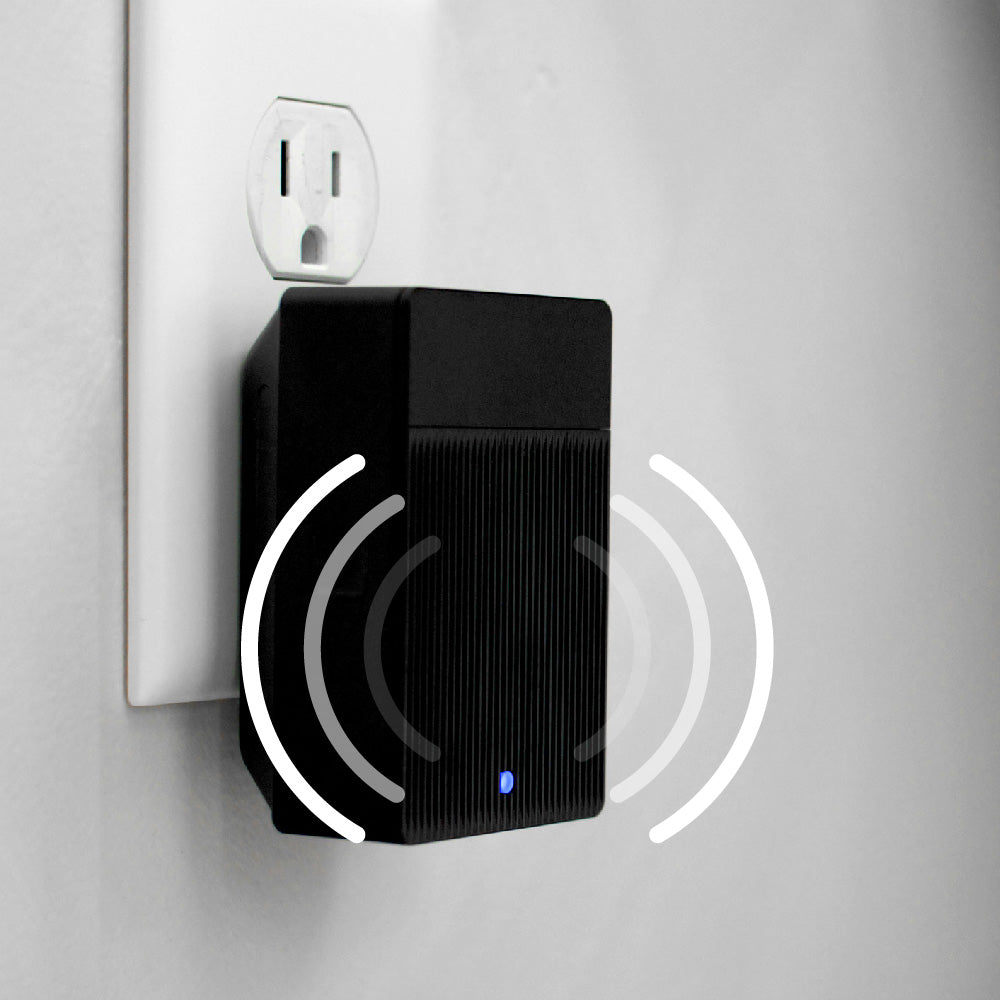
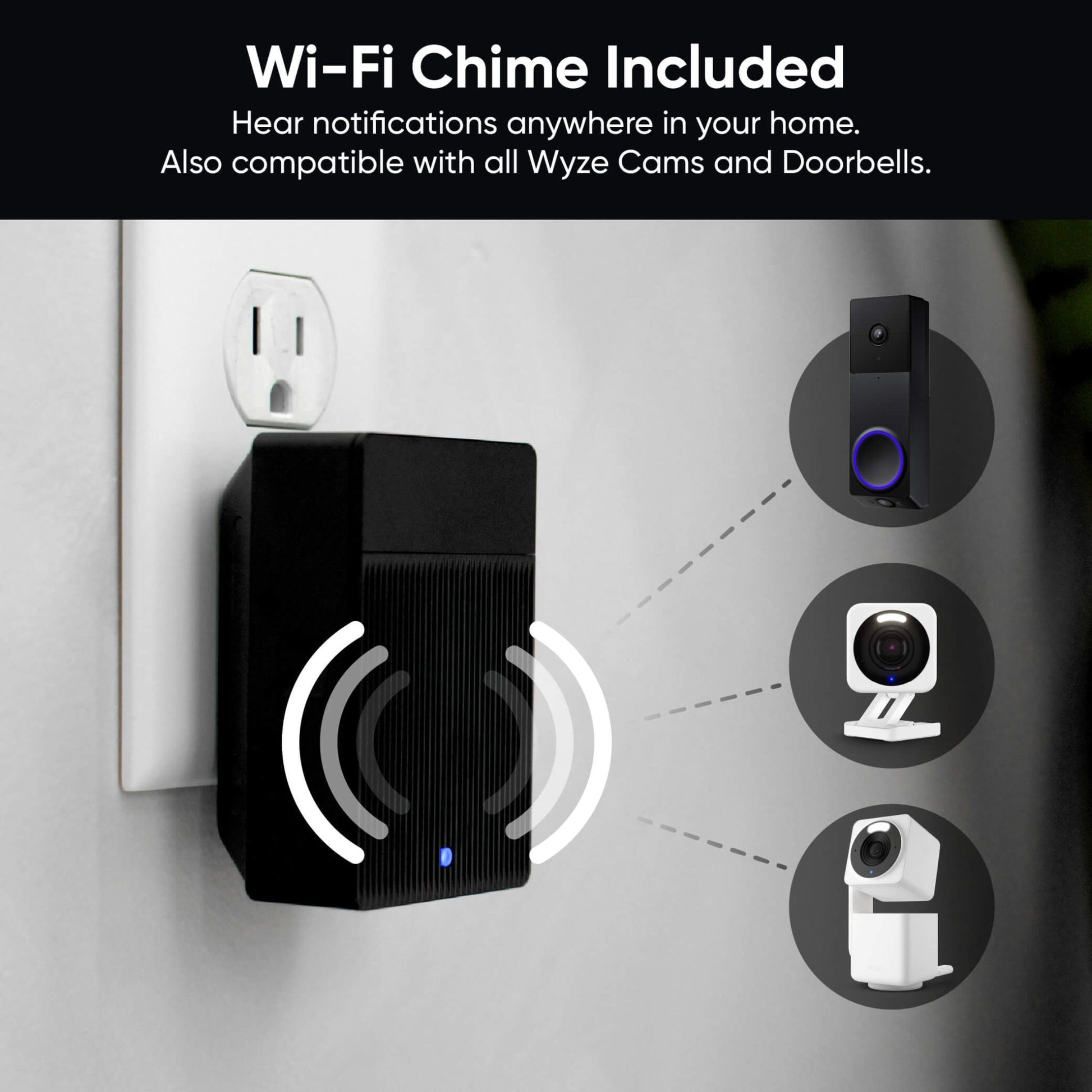
    Carillon Wi-Fi inclus

    Recevez des notifications partout dans votre maison. Compatible avec toutes les caméras et sonnettes Wyze.

  • Battery

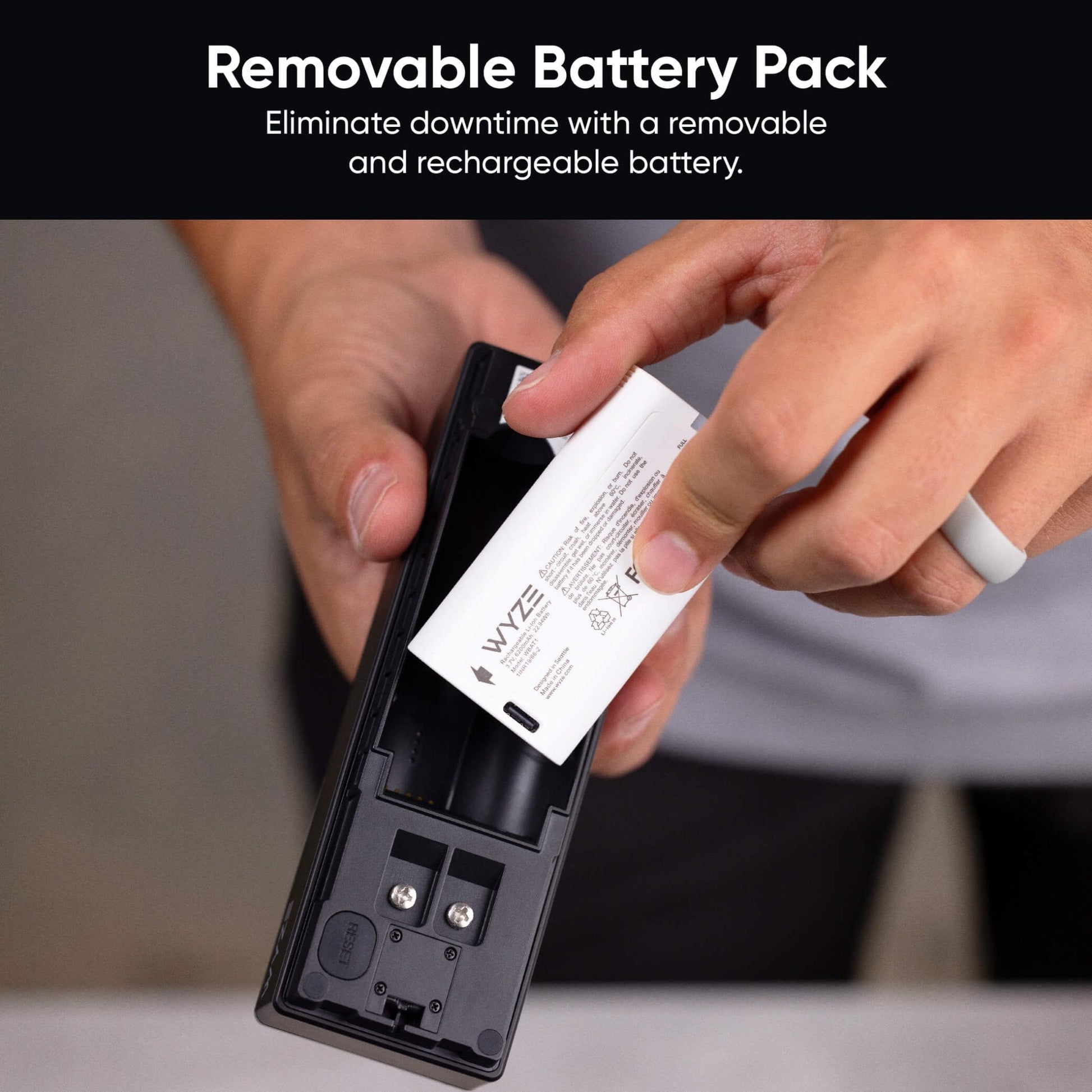
    Alimenté par batterie ou câblé

    Éliminez les temps d'arrêt grâce à une batterie amovible et rechargeable d'une autonomie allant jusqu'à 6 mois.

Caractéristiques de la sonnette vidéo Wyze Duo

Couleurs et matériaux
  • Couleurs : Noir/Argent
  • Matériaux : Boîtier en plastique, lentille en résine
Dimensions
  • 5,90 po x 1,88 po x 1,18 po (150 mm x 48 mm x 30 mm)
Poids
  • 0,92 lb (416 g)

Vidéo

Résolution vidéo
  • Face avant : 2K (2048 x 1536)
  • Bas : 1920 x 1080
  • Fréquence d'images : Jour : 20 images/s / Nuit : 15 images/s
  • Zoom numérique : x8
Champ de vision de la caméra
  • Caméra frontale - Horizontal : 132°, Vertical : 100°
  • Caméra inférieure - Horizontal : 121°, Vertical : 60°

Audio

  • Sirène : 90 dB
  • Audio : Communication bidirectionnelle, simultanée
  • Sensibilité du microphone : -42 ± 3 dB
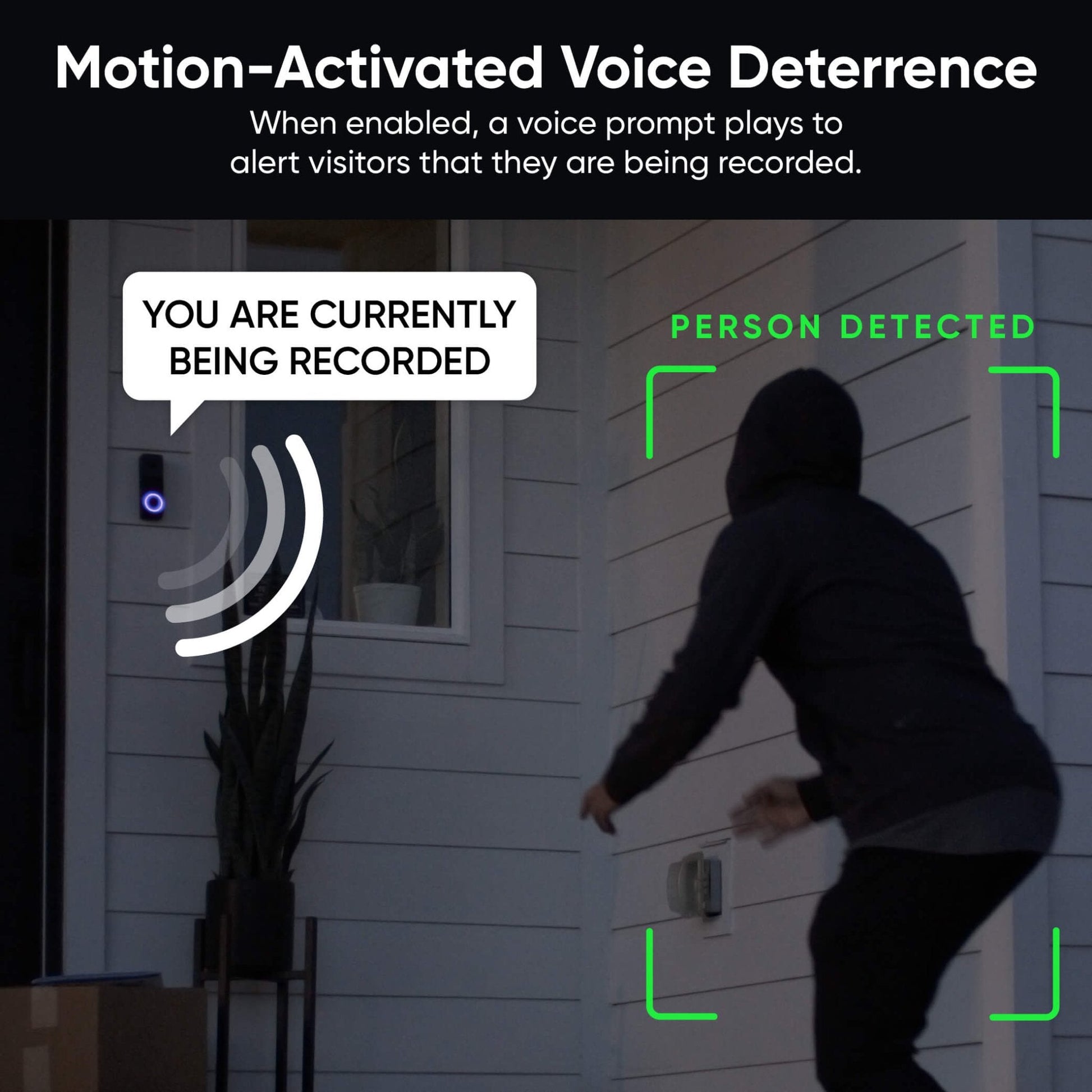
  • Avertissement relatif aux mouvements : « Bonjour, vous êtes actuellement enregistré(e). »

Détails de la batterie amovible Wyze

  • Numéro de modèle :WBAT2
  • Couleur:Blanc
  • Poids:3,9 oz (110 g)
  • Dimensions:2,9 po x 1,6 po x 0,9 po (75 mm x
    40 mm x 22 mm)
  • Capacité de la batterie :6200 mhA
  • Tension de sortie :3,6 V
  • Tension d'entrée :5 V CC
  • Courant de charge :800 mA
  • Type de batterie :Lithium-ion
  • Connecteur :USB-C
  • Température de fonctionnement :-4℉ à 122℉ (-20 °C à 50 °C); Humidité
    < 90%
  • Température de charge :32℉ à 122℉ (0 °C à 50 °C); Humidité
    < 90%
  • Temps de charge complet :Environ 9 h à 25 °C/77 °F

Connectivité et compatibilité

  • Wi-Fi : IEEE 802.11 a/b/g/n 2,4 GHz et 5 GHz
  • Bluetooth® 5.0
  • Compatibilité téléphonique : Android 9.0+, iOS 15.0+
  • Intégrations : Alexa, Google Assistant, IFTTT

Météo et température

  • Température de fonctionnement : -4 °F à 122 °F (-20 °C à 50 °C)
  • Température de stockage : -40 °F à 158 °F (-40 °C à 70 °C)
  • Résistance aux intempéries : Intérieur et extérieur (IP65)

Certifications

  • FCC, IC, UL, IP65

Garantie

  • 1 an

Sonnette vidéo à piles Wyze Duo Cam

  • 1 sonnette vidéo Wyze Duo
  • 1 carillon Wi-Fi Wyze
  • 1 plaque arrière
  • 1x Kit d'angle
  • 1 câble de chargement USB-C
  • 3x Connecteurs de fils
  • 1 câble de démarrage
  • 2 rallonges électriques
  • 3 vis longues
  • 3 vis courtes
  • 3 tubes d'expansion
  • 1 rouleau de ruban adhésif
  • 1x goupille de détachement de sonnette
  • 1 bloc-batterie amovible
  • 1x Guide de démarrage rapide

Bloc-batterie amovible Wyze :

  • Batterie Wyze 6200 mAh x1

Deux caméras. Deux vues. Double protection du porche.

Un peu, c'est bien. Plus, c'est mieux. Et la sonnette Wyze Duo Cam avec DEUX caméras et une couverture complète du porche est le coup de grâce qui fera fuir les voleurs de colis !

Color Night Vision

Résolution vidéo 2K avec vision nocturne couleur

Capturez tous les mouvements sur le perron avec une précision accrue. Notre capteur de luminosité primé amplifie la faible luminosité pour des images aux couleurs éclatantes, même la nuit.

A black and white image of a doorbell camera.

Carillon Wi-Fi inclus

Recevez des alertes sonores où que vous soyez. Grâce au Wi-Fi intégré, vous pouvez déclencher des alertes audio avec toutes les caméras et sonnettes Wyze.

Si vous souhaitez utiliser la sonnette Duo Cam avec votre carillon mécanique ou numérique existant, consultez le contrôleur de carillon Wyze pour vérifier sa compatibilité.

Passez à la vitesse supérieure avec Cam Unlimited pour votre sonnette.

Une sonnette vidéo conçue pour l'IA ✨

A black and blue doorbell camera with a picture of a man on the screen.

Détection de personnes + Reconnaissance faciale 🧑

Une seule caméra filme chaque visiteur pour une image nette. Recevez des notifications améliorées grâce à la reconnaissance faciale : vous saurez ainsi s’il s’agit de votre meilleur ami ou de votre mère.

Apprendre encore plus

Détection de colis 📦

Une autre caméra surveille directement votre seuil. Nous vous préviendrons dès l'arrivée de votre dernier colis [CENSURÉ], mais nous ne pourrons pas effacer la honte de votre abonnement.

Apprendre encore plus

Détection d'animaux domestiques 🐶

À moins que votre animal ne soit un lama, vous savez bien qu'il ne sera pas toujours visible sur votre sonnette vidéo. Désormais, vous pouvez repérer votre boule de poils dès qu'elle s'approche de votre porte d'entrée. Visualisez tout, de votre porte au paillasson, en passant par votre toutou.

Apprendre encore plus

Détection de véhicules 🚗

Utilisez la caméra supérieure pour enregistrer chaque véhicule qui s'arrête à votre domicile. Vous pouvez ainsi suivre le livreur depuis son stationnement jusqu'à la livraison du colis.

Apprendre encore plus

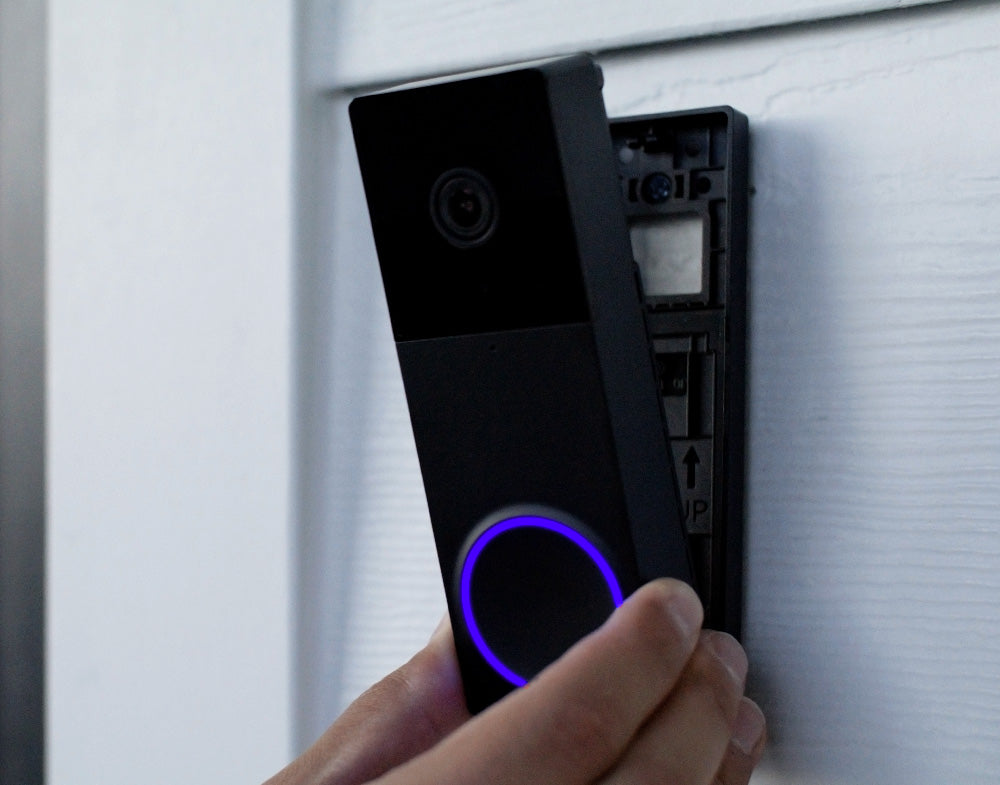
A person is holding a Wyze Duo Cam Doorbell.

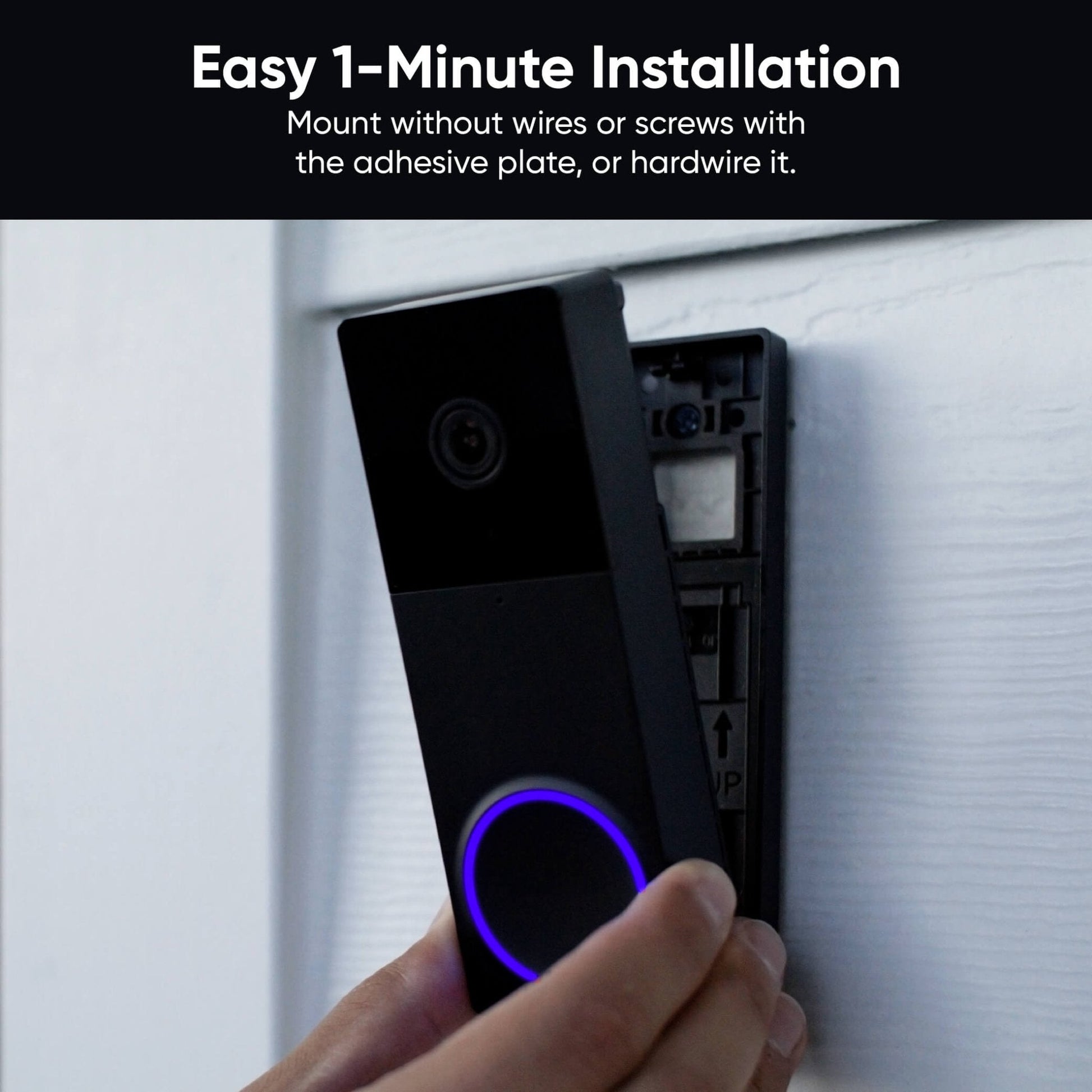
Installation facile en 1 minute

Installez-le en un clin d'œil grâce aux bandes adhésives fournies. Sans fil ni vis. Je suis absolument certain que vous l'aurez installé en un rien de temps. Vous pouvez aussi le raccorder au réseau électrique si vous le souhaitez.

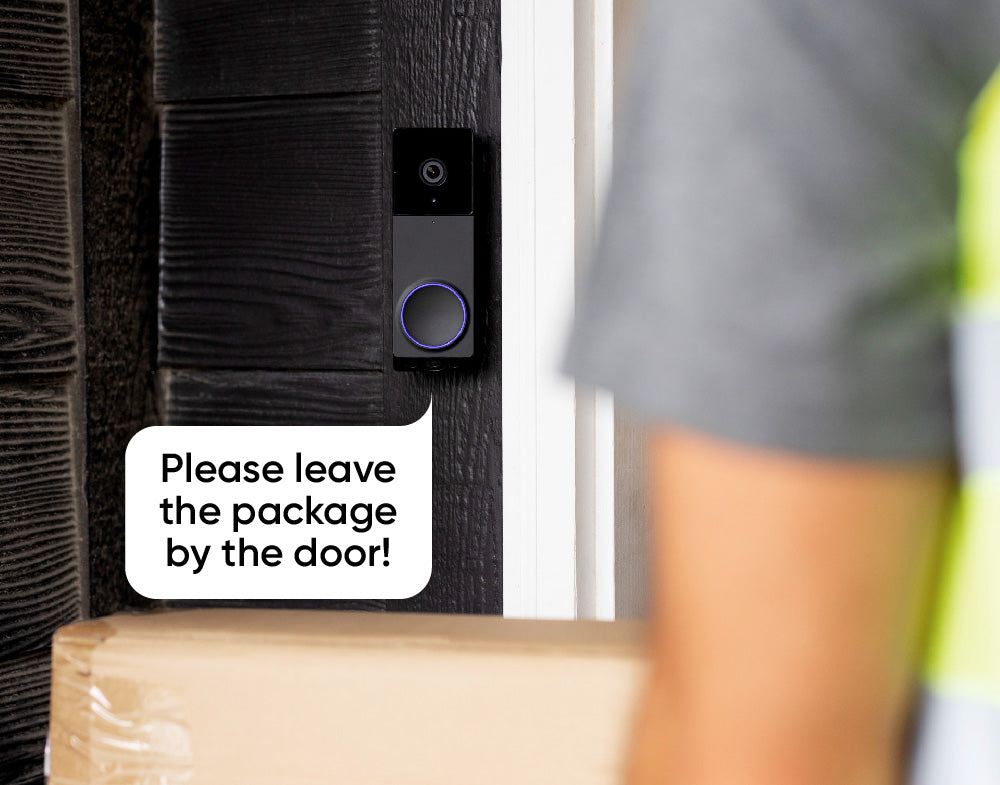
A sign on a door that says "Please leave the package by the door!

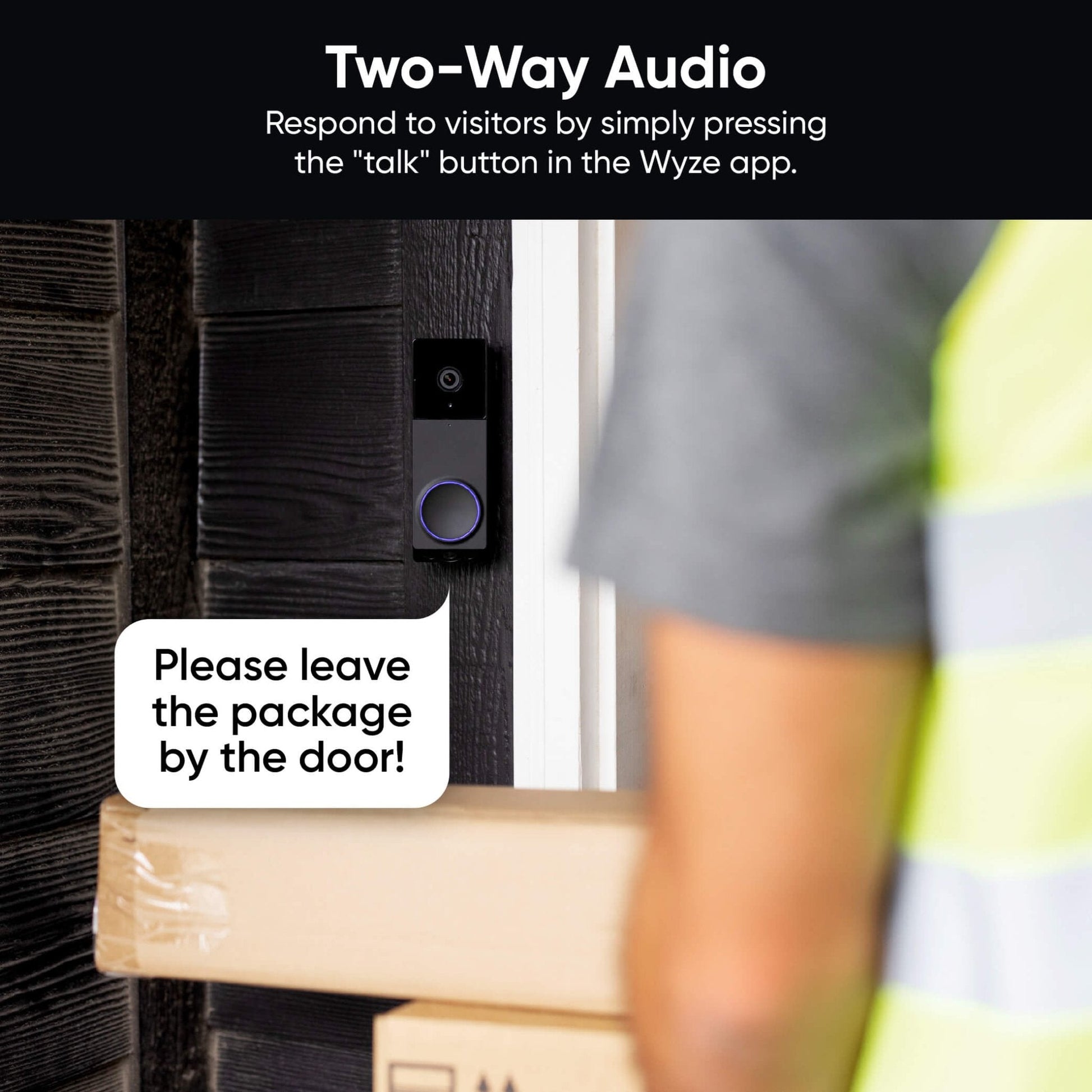
Audio bidirectionnel

Agissez comme un messager céleste, hors du temps et de l'espace, et ouvrez votre porte où que vous soyez. Étonnamment, répondre à un simple « Laissez mes frites bouclées là, s'il vous plaît » semble bien plus distingué via l'application Wyze.

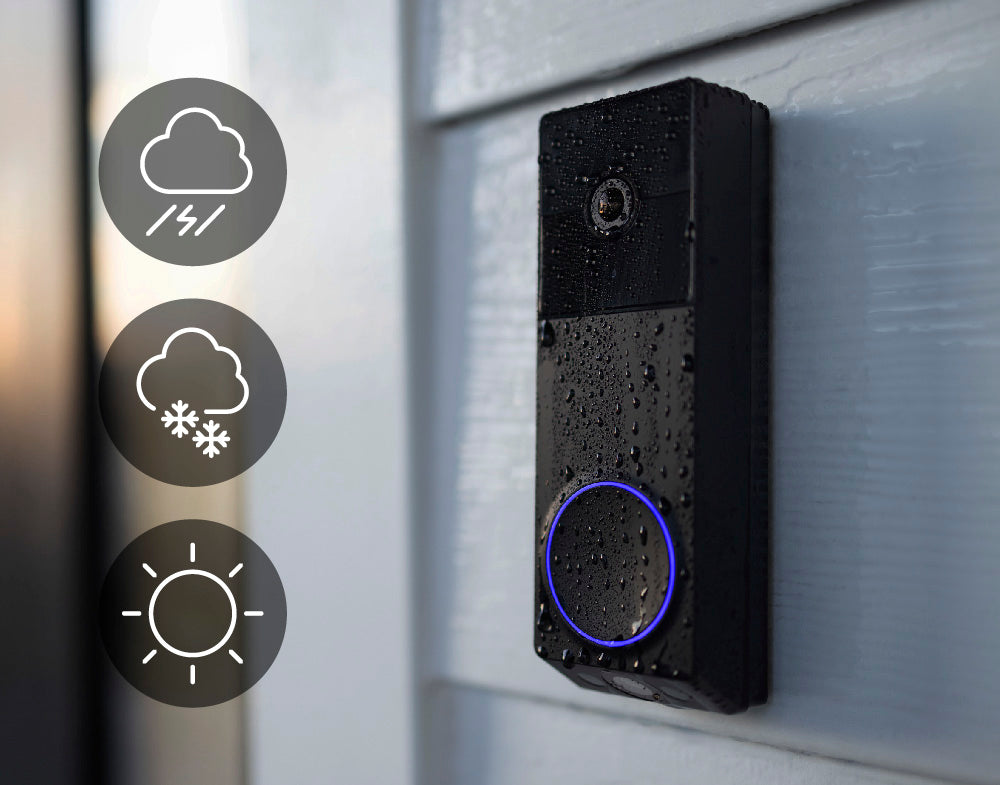
A Wyze Duo Cam Doorbell is shown on a white wall.

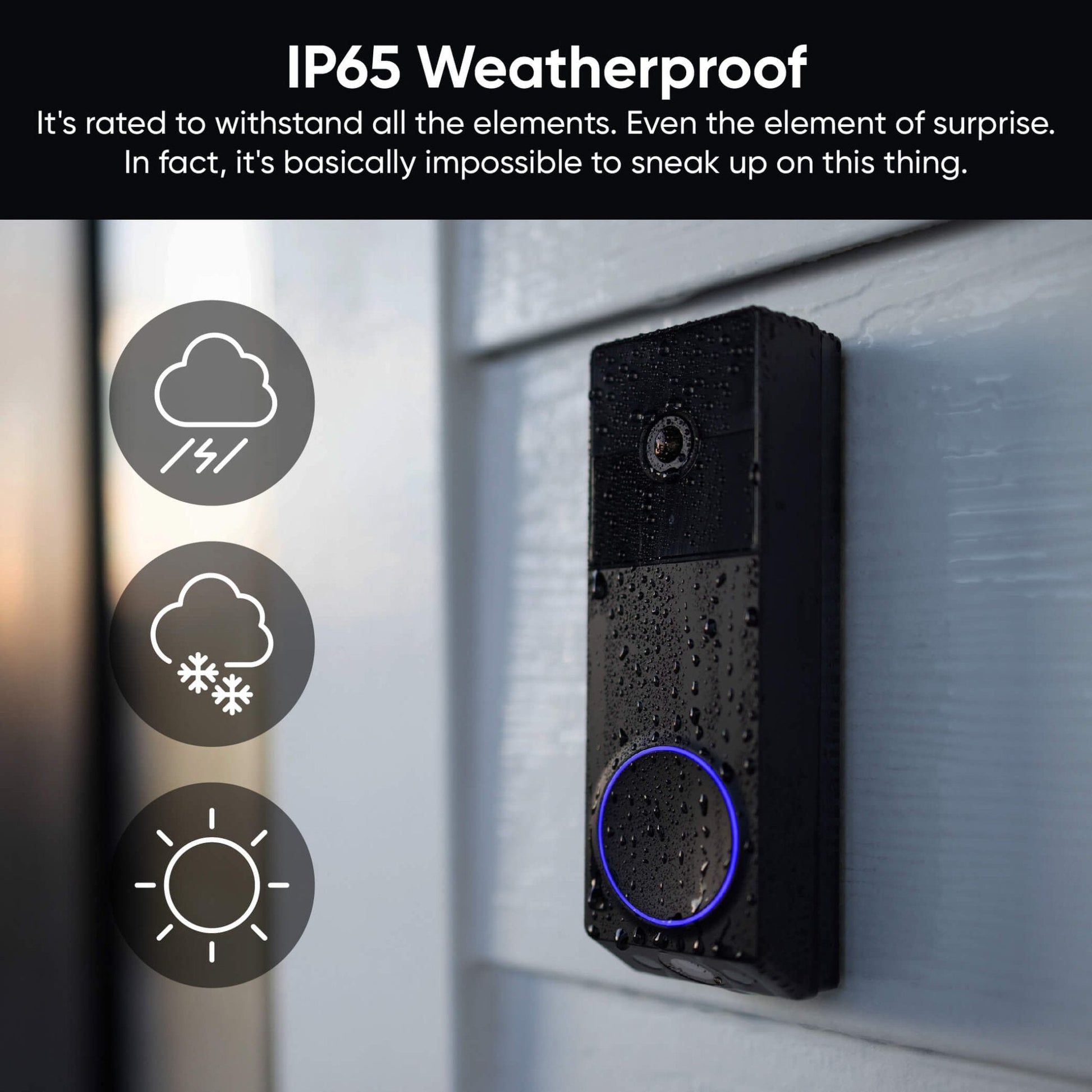
Résistance aux intempéries IP65

Il est conçu pour résister à toutes les intempéries, même à l'effet de surprise. En fait, il est quasiment impossible de le surprendre. Et on vous a dit qu'il possède DEUX caméras ?

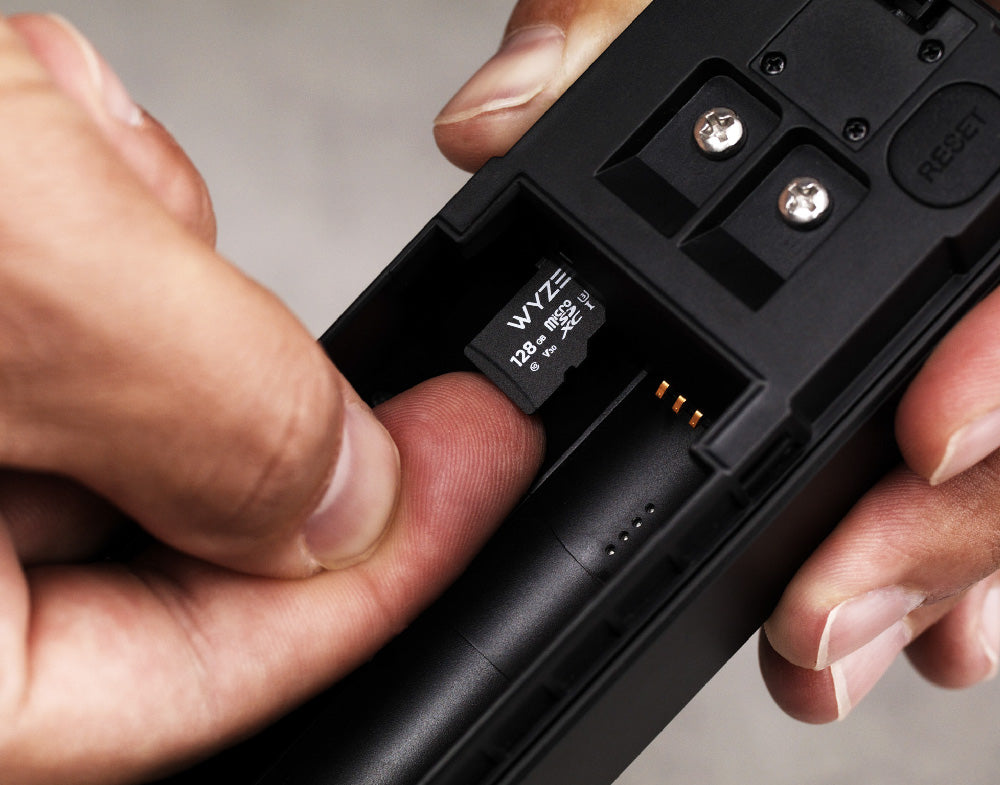
A person holding a Wyze Duo Cam Doorbell.

Enregistrement local sur carte microSD

Visualisez le déroulement des événements du début à la fin grâce à l'enregistrement local. Carte microSD vendue séparément.

⚠️ Pour activer l'enregistrement local 24h/24 et 7j/7, vous devez ajouter une carte microSD et connecter la sonnette vidéo par câble.

  • 5.5 GHz WiFi

    Wi-Fi double bande

    Se connecte aux réseaux Wi-Fi 2,4 GHz ou 5 GHz.

  • A person in motion.

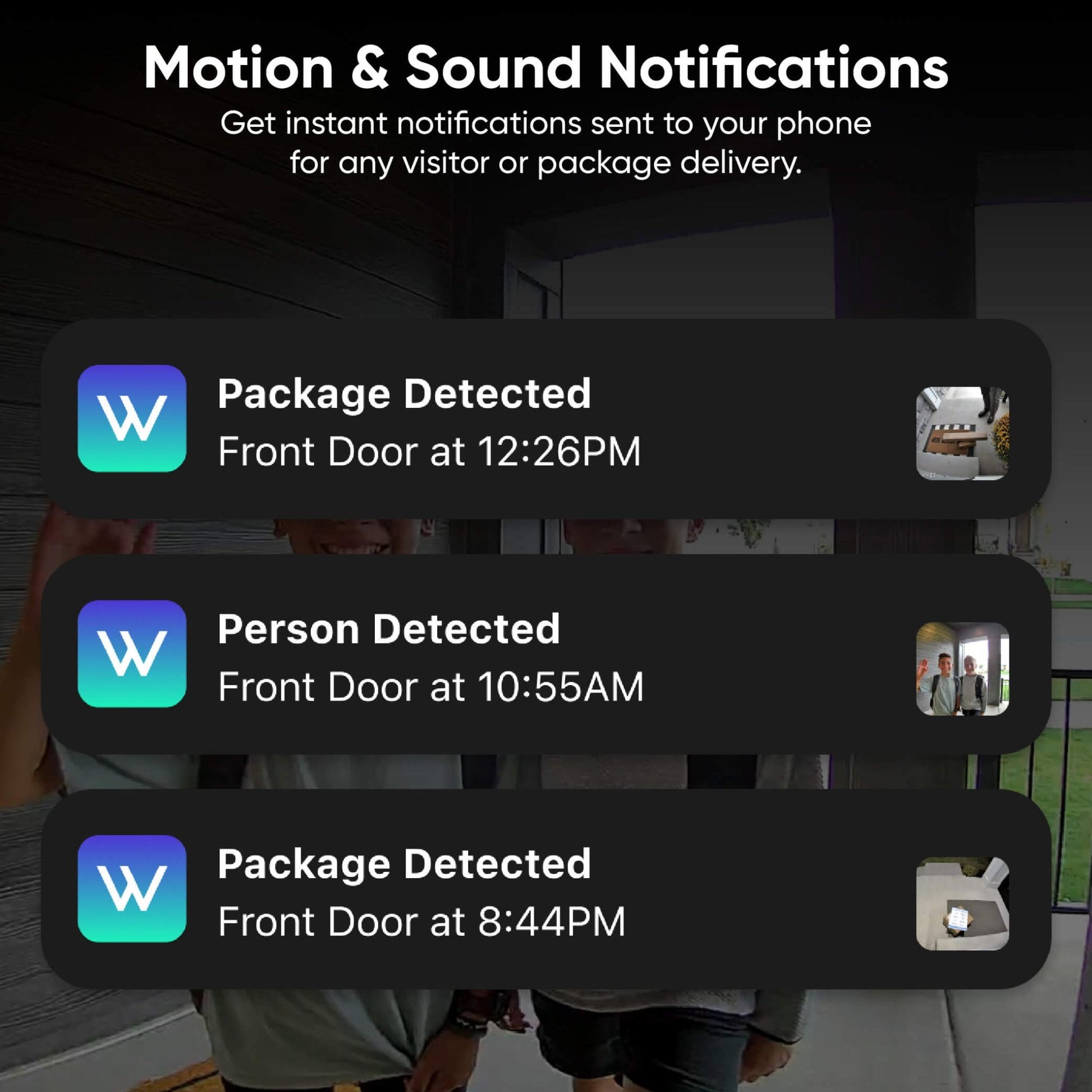
    Notifications de mouvement et de son

    Recevez des notifications instantanées sur votre téléphone pour toute visite ou livraison de colis.

  • A black and white image of a 30 degree angle.

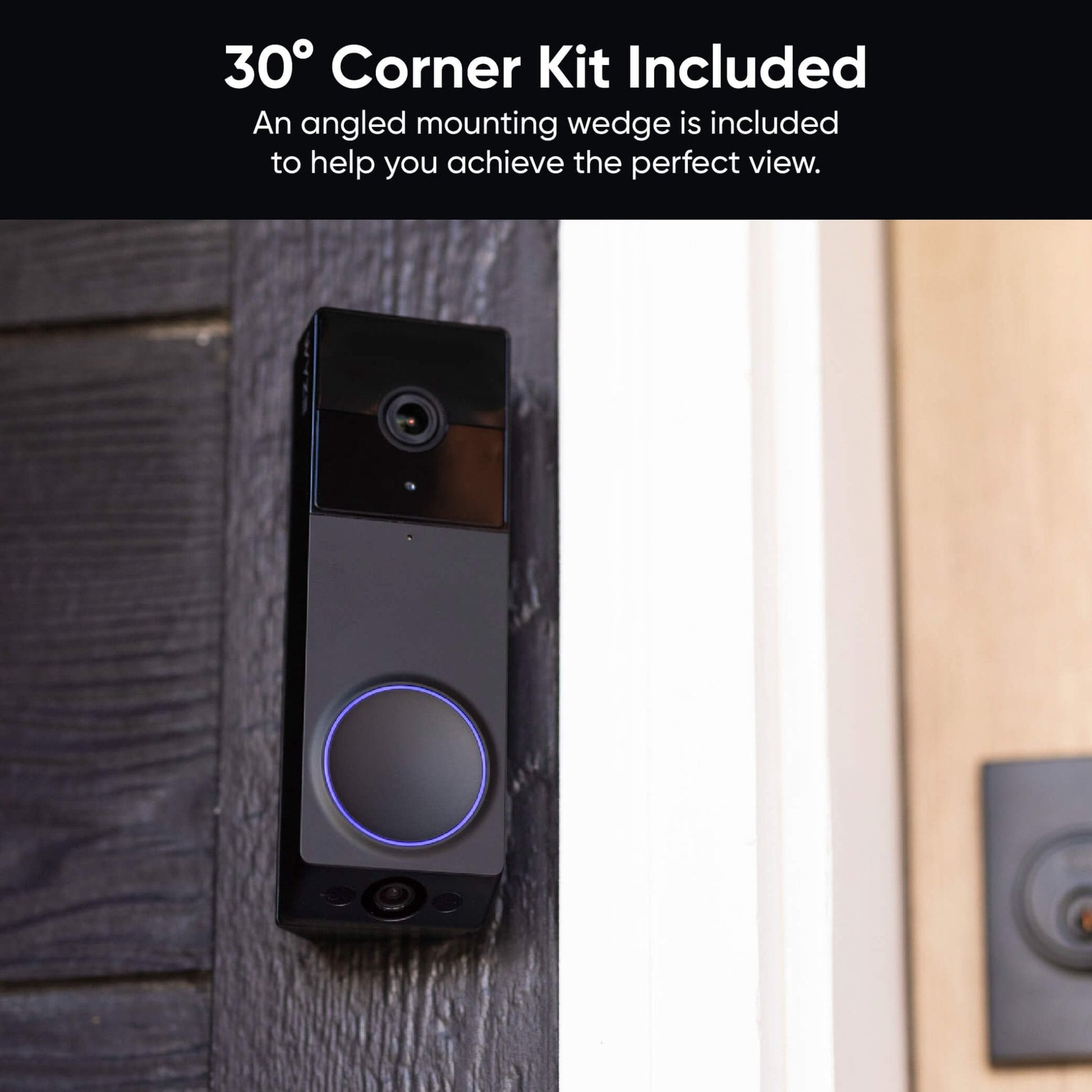
    Kit d'angle à 30° inclus

    Un support de montage incliné est inclus avec chaque sonnette pour vous aider à obtenir une vue parfaite.

  • Show me the front door.

    Compatibilité avec Alexa, Google Assistant et IFTTT

    Compatible avec votre assistant vocal préféré. Utilisez Wyze Automations pour un contrôle accru.

1 de 4

Comparer les sonnettes

Swipe to compare more products →
Comparer les sonnettes
Une caméra blanche à côté d'un téléphone
Sonnette vidéo Wyze Pro
from $99.98 $173.98
Résolution
1563 x 1563 (HD+)
Face avant : 2048 x 1536 (2K) / Face inférieure : 1920 x 1080
1440 x 1440
2048 x 1536 (2K)
Champ de vision
H : 150°, V : 150°
Avant H : 132°, V : 100° / Bas H : 121°, V : 60°
H : 150°, V : 150°
H : 135°, V : 103°
Carillon
Existant + Auxiliaire
Existant
Auxiliaire
Existant
Option d'alimentation
Batterie + Filaire
Batterie + Filaire
Batterie + Filaire
Filaire uniquement
Intégration 3P
Amazon Alexa, Google Home
Rangement
Local et cloud
Local et cloud
Cloud uniquement
Local et cloud
View
View
View
View

Support Articles

Follow the steps in the Wyze Duo Cam Doorbell Setup Guide to get your doorbell ready for installation.

Make sure you have these in the box:

Required Tools

  • 1x Phillips Screwdriver
  • 1x Doorbell Detaching Pin (in the box)

Voltage Requirement

  • Your existing circuit must have a minimum voltage of 16V and power output of 10VA.

To install your Wyze Duo Cam Doorbell:

  1. Using the Wyze app, complete steps 1-11 in the Wyze Duo Cam Doorbell Setup Guide.
  2. Tap Next for Step 11 so you do not skip the installation tutorial.
  3. In the Wyze app, the screen will say "Do you already have a doorbell that uses AC wiring" Tap No,... if you don't have AC wiring and/or you don't want to hardwire it.Tap Yes,... if you want to use your AC wiring to hardwire your doorbell.

Wireless Installation:

If you selected No above, follow along in the app to mount your doorbell:

  1. Choose how you want to position your doorbell. Straight ahead to mount your doorbell flat against the wall. At an angle to mount your doorbell with the Corner Kit, or wedge.
  2. Decide how you want to mount your doorbell. Use 3M Tape if positioning straight ahead and you don't want to use screws.Use Screws if you want to use screws with either position.
  3. Tap Next.

Use 3M if you don't want to drill any holes.

  1. Remove the adhesive backing from the back plate, then stick the back plate to the wall.
  2. With the battery installed, mount it to the back plate. Start from the bottom up!
    If you place it from the top first, use the Doorbell Detaching Pin to remove it and try again.
  3. You're all set!

Use Screws if you want to use a screw mount for your doorbell:

  1. Follow along in the app to screw in your Corner Kit and/or Back Plate. Your combination may vary, depending on if you're mounting the doorbell directly to the wall (Back Plate only) or adding a Corner Kit first to change the viewing angle.
  2. Attach your doorbell to the Back Plate.
  3. With the battery installed, mount it to the back plate. Start from the bottom up! (See above) If you place it from the top first, use the Doorbell Detaching Pin to remove it and try again.

Wired Installation:

If you selected Yes above, follow these steps to hardwire and mount your doorbell:

  1. Turn off power to your current mechanical doorbell at your electrical panel. Related article: Which switch in the electrical panel controls my doorbell? If you are not comfortable testing your electrical panel, stop. Call your local electrician for help.
  2. Open your chime box and take a photo of the current configuration. Don't know where the chime box is? Ring your existing doorbell and listen for the chime.
  3. Follow the in-app instructions to use the jump wire to bypass your existing chime*. You can use the same wiring instructions from Wyze Video Doorbell v1.
  4. Please follow the in-app instructions to locate the Front and Trans terminals.
  5. Remove your current doorbell and disconnect the wires.
  6. Install the wall plate or corner kit to the wall.
  7. Install the battery into your doorbell. Even if you're not using the battery for power, you must install the battery.
  8. Attach the extension wires included in the box to your new doorbell. Use your screwdriver to loosen the screws on the back of your doorbell.Attach the forked part of the first wire to the first screw.Do the same with the second wire and second screw.Tighten the screws again.
  9. Connect the wires from your new doorbell to the wires in the wall. Pair each end, twist them together, then cover and twist with the wire caps.
  10. Return to your electrical panel and switch on the breaker to your doorbell.
  11. Check that the status light right on the front of your doorbell is flashing blue.
  12. Mount your doorbell to the back plate. Start from the bottom up!
    If you place it from the top first, use the Doorbell Detaching Pin to remove it and try again.

Additional Note:

* Though using your in-house chime is an option (requires a Wyze Chime Controller), using Wyze Wi-Fi Chime with Wyze Duo Cam Doorbell is recommended. These instructions detail how to write your doorbell without using your in-house chime.

This article details how to set up your new Wyze Duo Cam Doorbell. Let's get started!

Heads up! 👋 You need to update your Wyze app to version 3.2 to set up your new Wyze Duo Cam Doorbell.

What's in the Box:

To set up your Wyze Duo Cam Doorbell:

  1. In the Wyze app, tap Home, then tap + plus sign on the top right.
  2. On the Add menu, tap Device.
  3. Tap Cameras > Video Doorbells > Wyze Duo Cam Doorbell.
  4. Insert the battery into the doorbell. The status light ring will flash red. Tap Next in the app.
  5. On the back of the doorbell, press and hold the RESET button until it says “ready to connect” and the status light continues flashing red.The doorbell may say “ready to connect” without pressing the RESET button. If so, continue.
  6. In the app, tap "I heard “ready to connect," then Begin Setup.
  7. If you haven’t already enabled Bluetooth® for the Wyze app, there will be a screen prompting you to do so. Once enabled, tap Next then tap OK.
  8. If you haven’t already enabled Location Permissions for the Wyze app, there will be a screen prompting you to do so. Once enabled, tap Next.
  9. Your doorbell will pair to the Wyze app. Stay nearby.It will say "Networking is connected" when pairing is complete.
  10. Select your 2.4 GHz or 5 GHz Wi-Fi network and enter your network password. Tap Connect.Tap the icon in the password field to display the password to ensure it was entered correctly.
  11. Your doorbell will now connect to Wi-Fi. It will say "Wi-Fi connected."
  12. Now it’s time to install your doorbell. Follow along in the app to complete your battery-powered or hardwired installation. Tap Next. Or, tap Skip the installation tutorial to do it later.
  13. Select if you plan to install/mount your device Straight ahead or At an angle. Tap Next.Note: You will only need to install the corner kit if you selected At an angle.
  14. Install the back plate to the wall using the included 3M tape or the included screws. Tap Next.
  15. If using battery-power, double-check that the doorbell is powered on before attaching it doorbell to the back plate. Tap Next. Important: Note the graphic in the app for how to install the doorbell to the back plate, first securing the bottom, then the top. If you secure the top first, you will not be able to secure the bottom or mount the doorbell at all. You will need to use the Doorbell Detaching Pin and try again.
  16. Ensure the doorbell is securely fastened to the back plate. Tug to check. Then tap Next.
  17. Name your Wyze Duo Cam Doorbell using the text field, or by choosing a suggestion. Tap Finish when done.
  18. You may have a prompt to enable Cam Plus. Tap Continue.
  19. Set up some automations on the Things to Try* page, or tap Skip.
  20. You’re all set! Your doorbell is set up and ready to go.

Things to Try: Tap Create or edit a device group, Share this device, Automate your device, or Skip. These are quick ways to set up a few automations before you finish setup. When you complete a task, it'll display a green checkmark ✅. You can move on from this page by tapping Skip.

Download the Quick Start Guide for Wyze Duo Cam Doorbell in this article.

Below is the Quick Start Guide for Wyze Duo Cam Doorbell, a short manual for how to get started.

This guide is a short user manual with the basics about Wyze Duo Cam Doorbell, including:

  • What's in the box for Wyze Duo Cam Doorbell.
  • How to download the Wyze app.
  • A diagram of Wyze Duo Cam Doorbell and Wyze Wi-Fi Chime..
  • How to set up Wyze Duo Cam Doorbell and Wyze Wi-Fi Chime.
  • How to install Wyze Duo Cam Doorbell and Wyze Wi-Fi Chime.
  • How to read the status lights.
Added to your cart
Livraison GRATUITE pour les commandes de 59 $ et plus
Subtotal
$0.00
View cart