Ir directamente a la información del producto
1 de 4

Timbre universal con Wi-Fi Wyze

Timbre universal con Wi-Fi Wyze

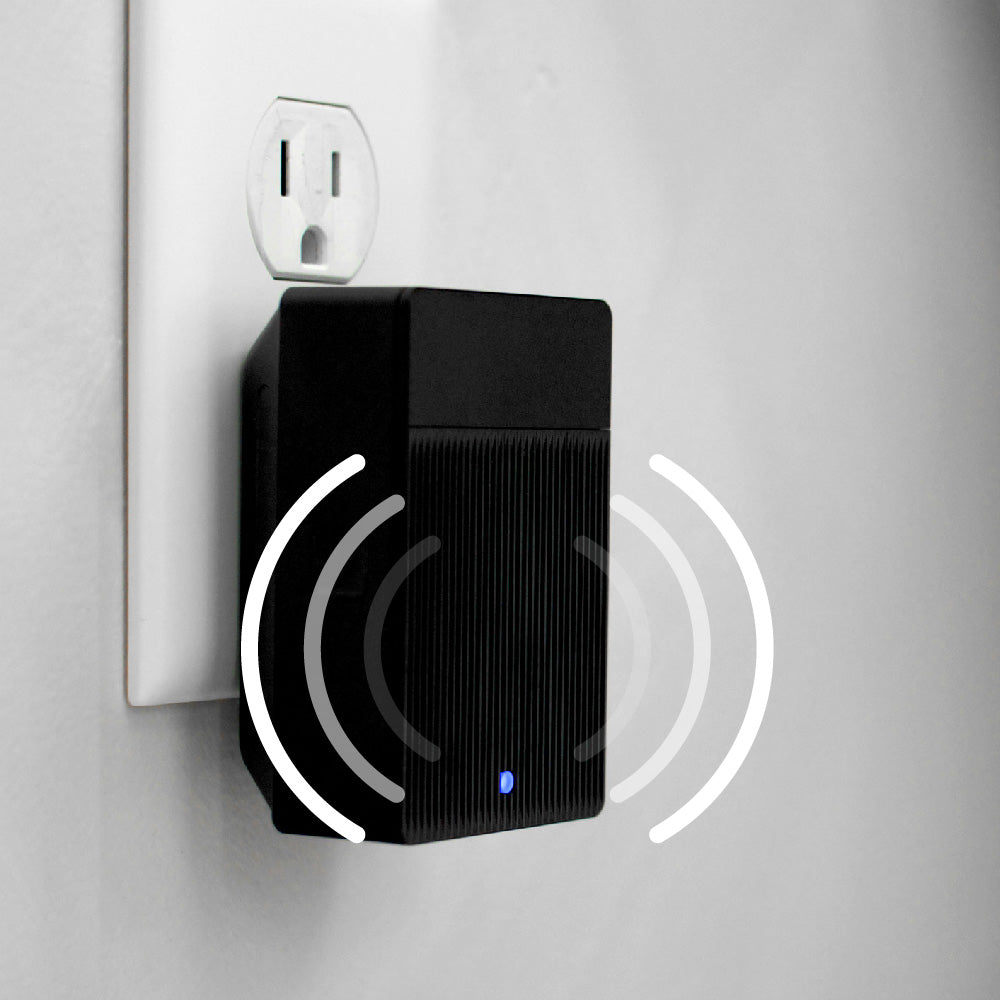
No se necesita cableado complicado, solo enchufarlo y listo.

Top Accessory
Commonly Bundled Item
Add ons
$19.98
En existencias
Get it as soon as
Envío gratuito y devoluciones sin complicaciones durante 30 días.
En existencias

Configura fácilmente el timbre de tu casa con el Wyze Universal Wi-Fi Chime. No requiere cableado complejo: solo conéctalo y mantente informado. Entérate exactamente cuándo alguien llama al timbre (o intenta escapar).

Con las Automatizaciones inteligentes, incluso puedes configurarlo para que suene cuando tu cámara detecte a alguien en la cámara de galletas de tu cocina. No te pierdas ni un solo detalle con este práctico y sencillo timbre.

Ver todos los detalles
  • Funciona con todas las cámaras Wyze

    Compatible con todas las cámaras y timbres Wyze.

  • 17 tonos diferentes

    Elija un tono o cámbielo según la situación.

  • Fácil instalación

    Compatible con tu enchufe habitual. Olvídate de las pilas y el cableado.

  • Conectar varios dispositivos

    ¿Por qué conformarte con un solo timbre cuando puedes tener varios? Combínalos con levas para una cobertura completa.

Color: Negro

Materiales: Plástico

Dimensiones: 81 x 53 x 38 mm

Altavoz: φ40mm

Wi-Fi: IEEE802.11 b/g/n 2,4 GHz

Entrada de energía: 10-24 V CA, 10 VA 60 Hz

Temperatura de funcionamiento: -4 °F ~ 122 °F (-20 °C ~ 50 °C)

Nota: Solo para uso en interiores.

Bluetooth BLE 5.0

Funciona con IFTTT, Hey Google y Alexa

Certificaciones: FCC, IC, UL, CP65

  • 1 timbre Wyze Wi-Fi
  • 1x Guía de inicio rápido

Yes, you can adjust the volume or change ringtone in the Wyze app, in your Chime settings.

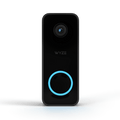
A black and white image of a doorbell camera.

Timbre universal con wifi

¡Ding dong! Escucha alertas donde quieras. El wifi integrado te permite activar alertas de audio con todas las cámaras y timbres Wyze.

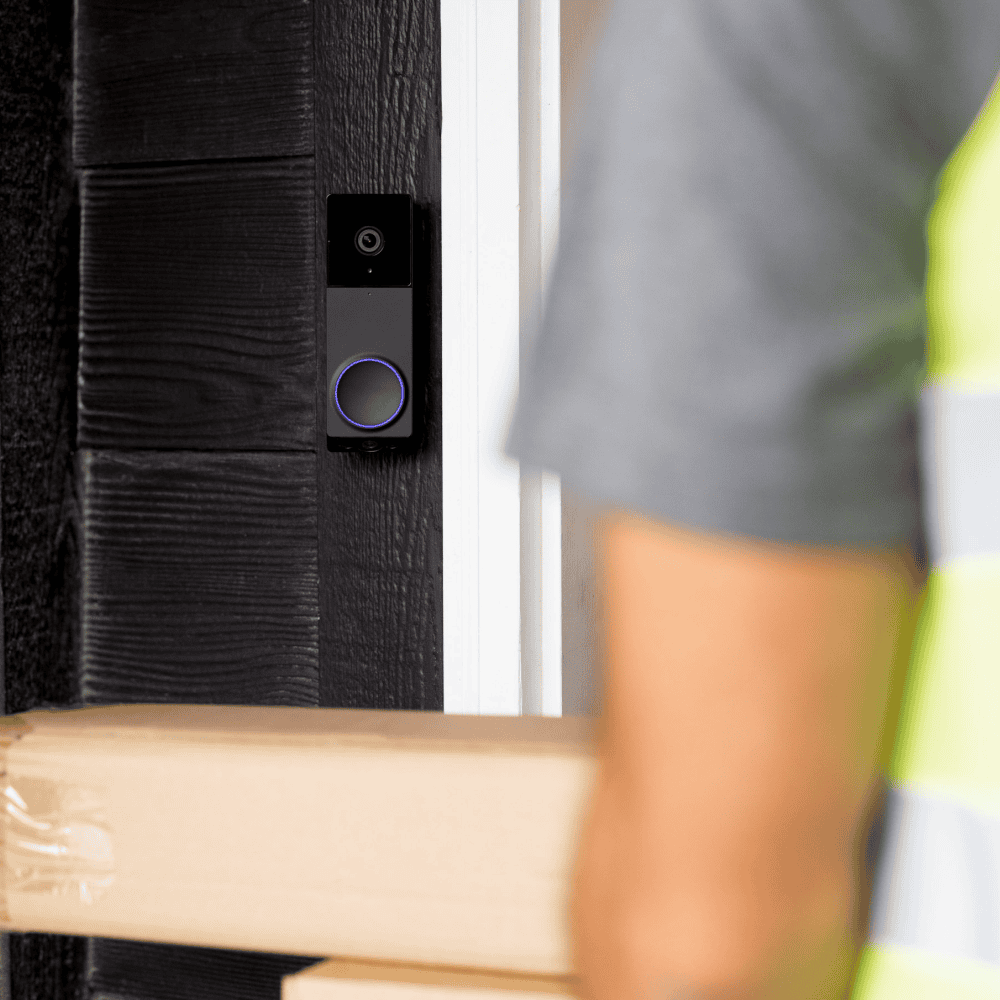
A man is holding a box with a camera on it.

Recibe alertas de timbre cuando se detecta a una persona, incluso si no suena.

Todos esperamos que el timbre suene al activar la cámara del timbre. ¡Pero puedes hacer mucho más! Configura una automatización dentro de la app Wyze que suene cuando la cámara detecte a una persona.

Funciona con todas las cámaras Wyze, pero se empareja perfectamente con los timbres

Swipe to compare more products →
Funciona con todas las cámaras Wyze, pero se empareja perfectamente con los timbres
A white camera next to a phone.
Timbre con video Wyze Pro
from $99.98 $173.98
Resolución
1563 x 1563 (HD+)
Frontal: 2048 x 1536 (2K) / Inferior: 1920 x 1080
1440 x 1440
2048 x 1536 (2K)
Campo de visión
Alto: 150°, Alto: 150°
Delantero H: 132°, V: 100° / Inferior H: 121°, V: 60°
Alto: 150°, Alto: 150°
Alto: 135°, Vertical: 103°
Repicar
Existente + Auxiliar
Existente
Auxiliar
Existente
Opción de energía
Batería + Cableado
Batería + Cableado
Batería + Cableado
Solo con cable
Integración 3P
Amazon Alexa, Google Home
Almacenamiento
Local y en la nube
Local y en la nube
Solo nube
Local y en la nube
View
View
View
View

Support Articles

Your Wyze doorbell has several chime options, including using a Wyze Cam as Chime, Wyze Automations, and Wyze Wi-Fi Chime. Here's how to use a Wyze Wi-Fi Chime.

To set up Wyze Wi-Fi Chime:

  1. In the Wyze app, tap Home, then tap + plus sign on the top right.
  2. On the Add menu, tap Device.
  3. Tap Home > Wyze Wi-Fi Chime. Then, tap Next.
  4. Plug your Wyze Wi-Fi Chime into a standard power outlet. The chime should be plugged into an outlet within 30 ft of your router.
  5. Press the reset button on the side of the chime for 5 seconds or until it says “ready to connect”. The status light will flash red.
  6. In the app, check the box next to I heard, “Ready to connect”. Then tap Next.
  7. If BluetoothⓇ hasn’t already been enabled, you’ll be prompted to allow BluetoothⓇ access. Tap OK. If BluetoothⓇ has already been enabled, it will skip to the next step.
  8. Select your 2.4 GHz Wi-Fi network and enter your network password. Tap Next. Tap the icon in the password field to display the password to ensure it was entered correctly.
  9. Your chime is set up. Now it’s time to name your device! Name your Wyze Wi-Fi Chime using the text field, or choose a suggestion. Tap Next.
  10. You'll have the option to share your chime. Tap Continue.
  11. Now it’s time to connect your Wyze Wi-Fi Chime to your Wyze doorbell. Tap Next in the app.
  12. From the Connect to Device list, select your Wyze doorbell.
    To connect the chime at a later time, tap Save and Continue.
  13. Select your desired triggers then tap Next. Tap Is pressed to have the chime sound when the doorbell is pressed, for example.
  14. Adjust your Automation settings, give it a name, then tap Save.
  15. Tap Continue and you'll be able to connect the chime to more devices. Then tap Save and Continue.
  16. You’re all set! Your chime is now set up. Tap Finish.

Additional Note

Wyze Wi-Fi Chime is compatible with Wyze Duo Cam Doorbell, Wyze Video Doorbell v1/v2, and Wyze Video Doorbell Pro.

Yes, Wyze Wi-Fi Chime works with all Wyze Cams and doorbells!

Using Automations, you can set up any Wyze cameras or doorbells to work with Wyze Wi-Fi Chime.

💡 Scenario: Your Wyze Cam Floodlight v2 detects a person in your driveway. You can set up an automation to play a notification on your Wi-Fi Chime.

Added to your cart
Envío GRATIS en pedidos de $59+
Subtotal
$0.00
View cart