Ir directamente a la información del producto
1 de 7

Termostato Wyze

Termostato Wyze

Termostato Wi-Fi programable con informes de energía

Estilo
$79.98
Agotado
Get it as soon as
30-day hassle-free returns.
Agotado
A blue and white logo for Wyze.
VENTAJAS Exclusivas de Wyze.com
Garantía extendida de 18 meses

Obtenga una garantía extendida de 18 meses al comprar este producto en wyze.com. También obtenga paquetes especiales, promociones únicas y recompensas con cada pedido

Calefacción y refrigeración inteligentes, simplificadas.
Ver todos los detalles
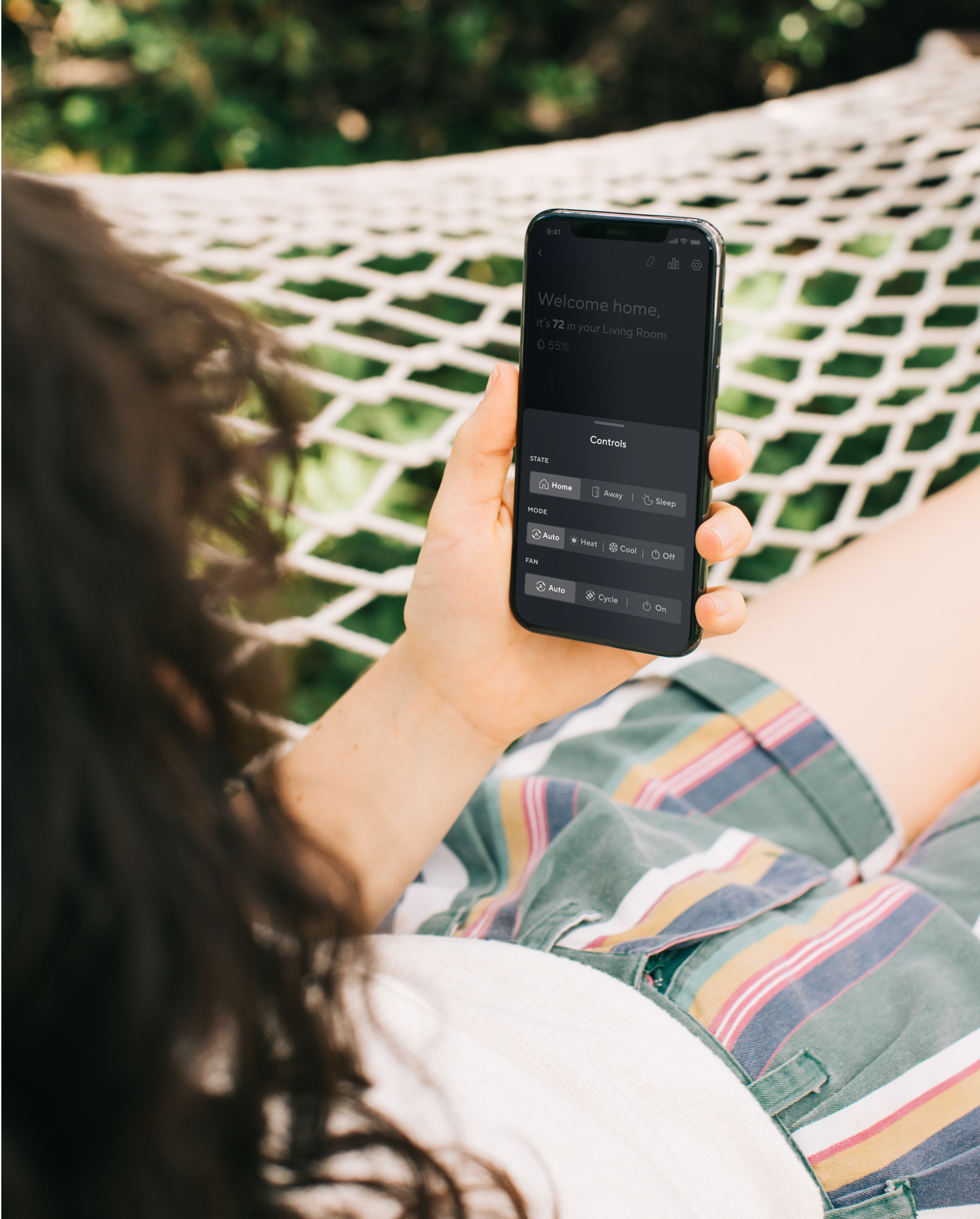
  • Controla desde la aplicación

    Controla desde la aplicación

    Administre su termostato desde cualquier lugar con la aplicación Wyze

  • A black background with a white microphone icon.

    Works with voice assistants

    Ajusta tu termostato con tu voz usando Alexa y Google

  • A black background with a white clock icon.

    Simple, daily scheduling

    Establezca horarios diarios para despertarse, dormir y más.

  • Wyze Sprinkler Icon 3

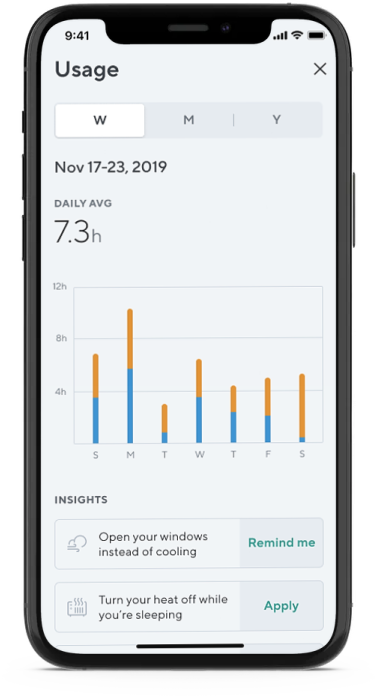
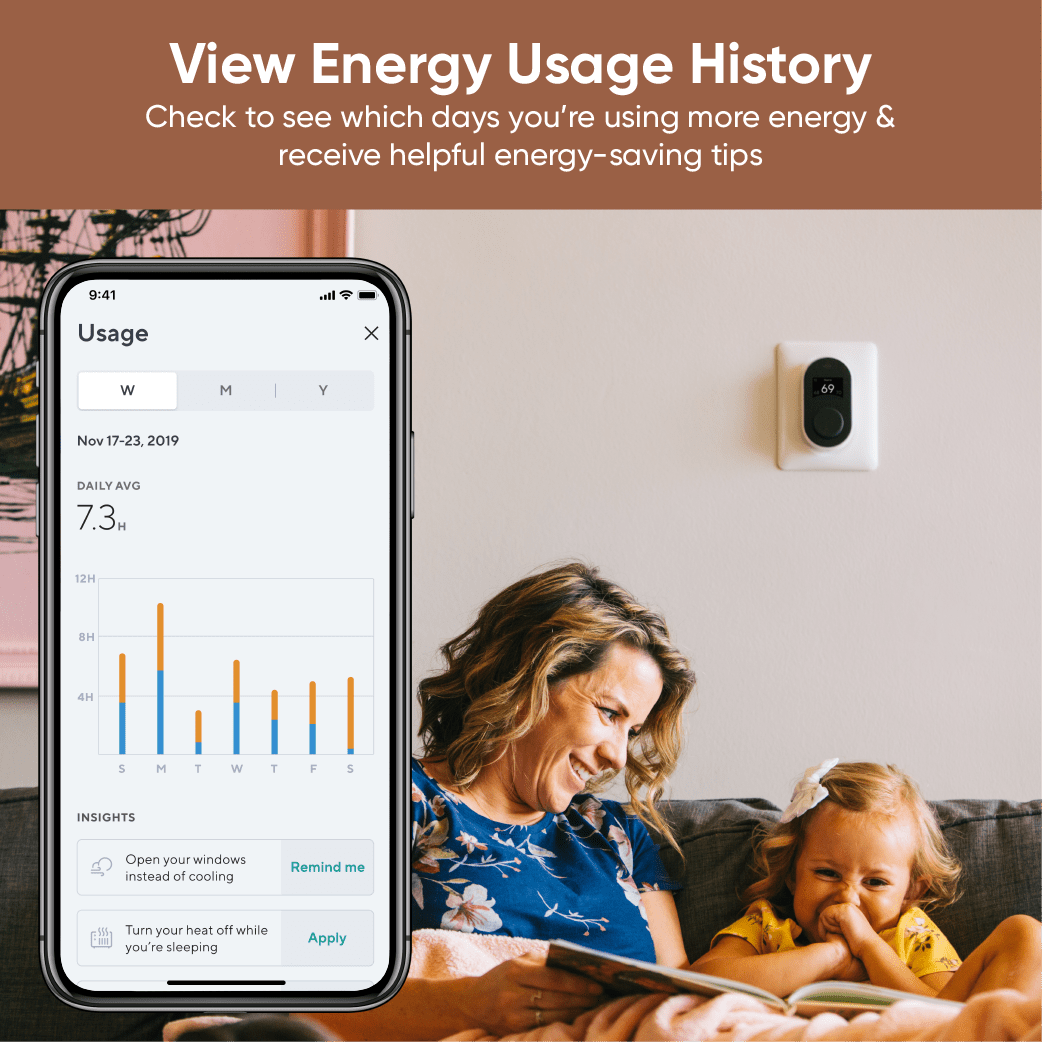
    Seguimiento del uso de energía

    Reciba consejos para ahorrar energía según el historial de uso

Especificaciones del termostato Wyze

Comprobar compatibilidadaquí.

Color y materiales

  • Color: Blanco y negro
  • Cuerpo y panel trasero: PC+ABS
  • Placa frontal: PMMA

Dimensiones y peso

  • Termostato: 120 mm (largo) x 65 mm (ancho) x 33 mm (profundidad)
  • Cubierta de pared: 165 mm (largo) x 140 mm (ancho)
  • Peso: <1 libra

Mostrar

  • Pantalla IPS
  • Ángulo de visión de 180º

Fuerza

  • Fuente de alimentación: 24 V CA a través del terminal C
  • Adaptador de cable C incluido
  • Consumo de energía: <3,5 VA

Clima y temperatura

  • Resistencia a la intemperie: uso en interiores únicamente.

Operante

  • 32 °F - 130 °F (0 °C - 55 °C)
  • 5% - 95% HR (sin condensación)

Almacenamiento

  • -31 °F - 113 °F (-35 °C - 45 °C)
  • 5% - 95% HR (sin condensación)

Conectividad y compatibilidad

  • Bluetooth
  • Wi-Fi de 2,4 GHz
  • Compatibilidad del teléfono: Android 9.0+, iOS 15.0+
  • Integraciones: Alexa y Google Assistant

Información ambiental

  • Certificaciones: FCC, IC y Proposición 65 de California
  • Ecológico: embalaje reciclable
  • Sin mercurio
  • Sin arsénico
  • Libre de PVC

Idiomas

  • Inglés

Garantía

  • 1 año
  • Termostato Wyze x1
  • Adaptador de cable C x1
  • Panel trasero x1
  • Placa de montaje x1
  • Cubierta de pared x1
  • Tornillos de pared x2
  • Anclajes de pared x2
  • Tornillos de montaje con anclajes x2
  • Hoja de etiquetas para cables x2
  • Destornillador x2
  • Guía de inicio rápido x1

Please check the help center and see if we’ve got what you need. Alternatively, you may also find the list of related parts here

Yes, Wyze Thermostat will continue operating based on the last updated schedule. You can also control your temperature or change the status from the thermostat itself.

No, not at this time. We're working towards qualifying for ENERGY STAR approval for Wyze Thermostat.

About 30 minutes! And all the tools you need are included in the box, though a power drill might be helpful.

Wyze Thermostat works with Alexa, but it does not have an internal speaker and Alexa is not built-in. You'll need to own an Echo speaker (or another device with Alexa) to control your thermostat with your voice.

No, the thermostat does not work with electric baseboard heating, which is a high voltage (120V or 240V) heating system. Wyze Thermostat was made to control low voltage (24V) heating systems only.

Yes, the C-wire powers Wyze Thermostat. Don’t have a C-wire? We’ve included a C-wire adapter in the box.

Check your voltage! Wyze Thermostat is compatible with low voltage (24V) systems such as forced air, hydronic, heat pump (including dual fuel), oil, gas and electric. It is compatible with most single-stage and multi-stage conventional and heat pump heating and cooling systems.

No, the thermostat will not work if the electricity goes out. It will automatically reconnect and resume its schedule once power returns.

Yes, using the Rules feature in the Wyze app.

If your 2 thermostats are controlling 2 different HVAC systems, then yes. You can use 2 Wyze Thermostats to control each system.

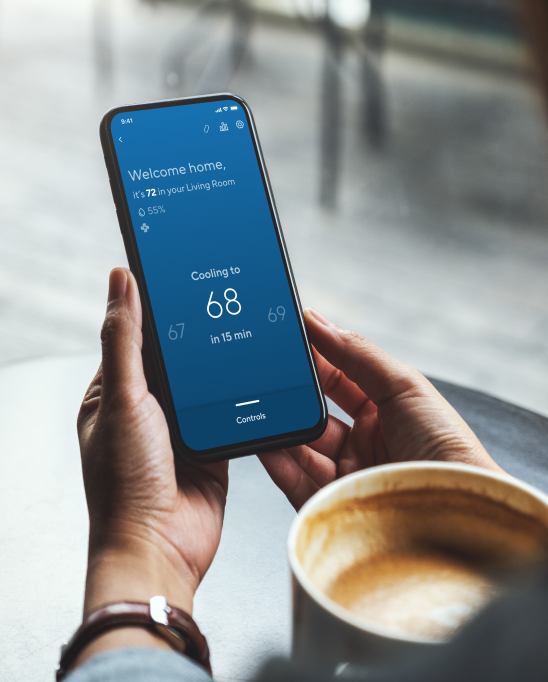
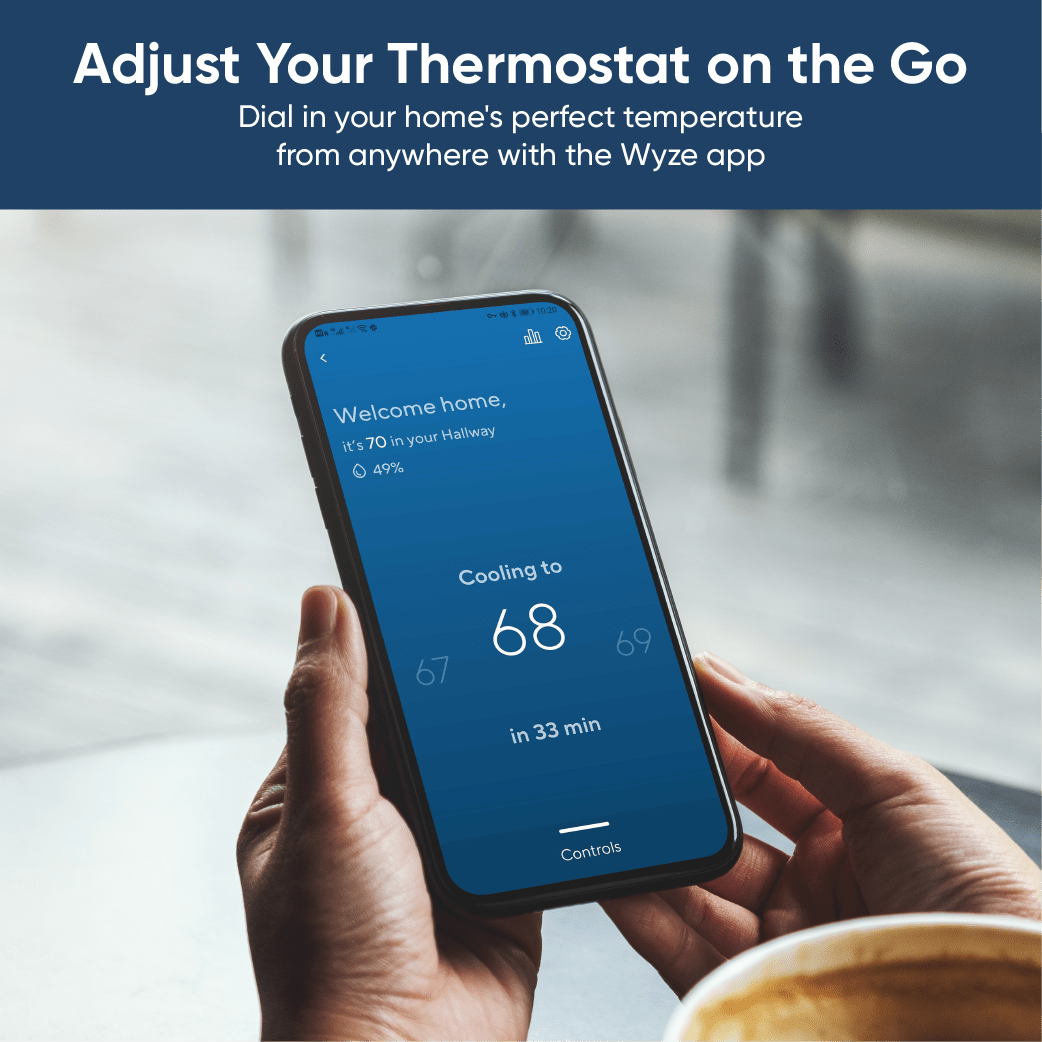
A person holding a phone with a temperature reading of 68 degrees.

Ajuste su termostato sobre la marcha...

No importa dónde estés en el mundo, siempre estás a unos pocos toques de lograr la temperatura perfecta.

• Llegar a casa con la temperatura perfecta

• Ahorrar energía

• Mantenga a las mascotas cómodas

• Evitar que las tuberías se congelen

...or from the comfort of your couch

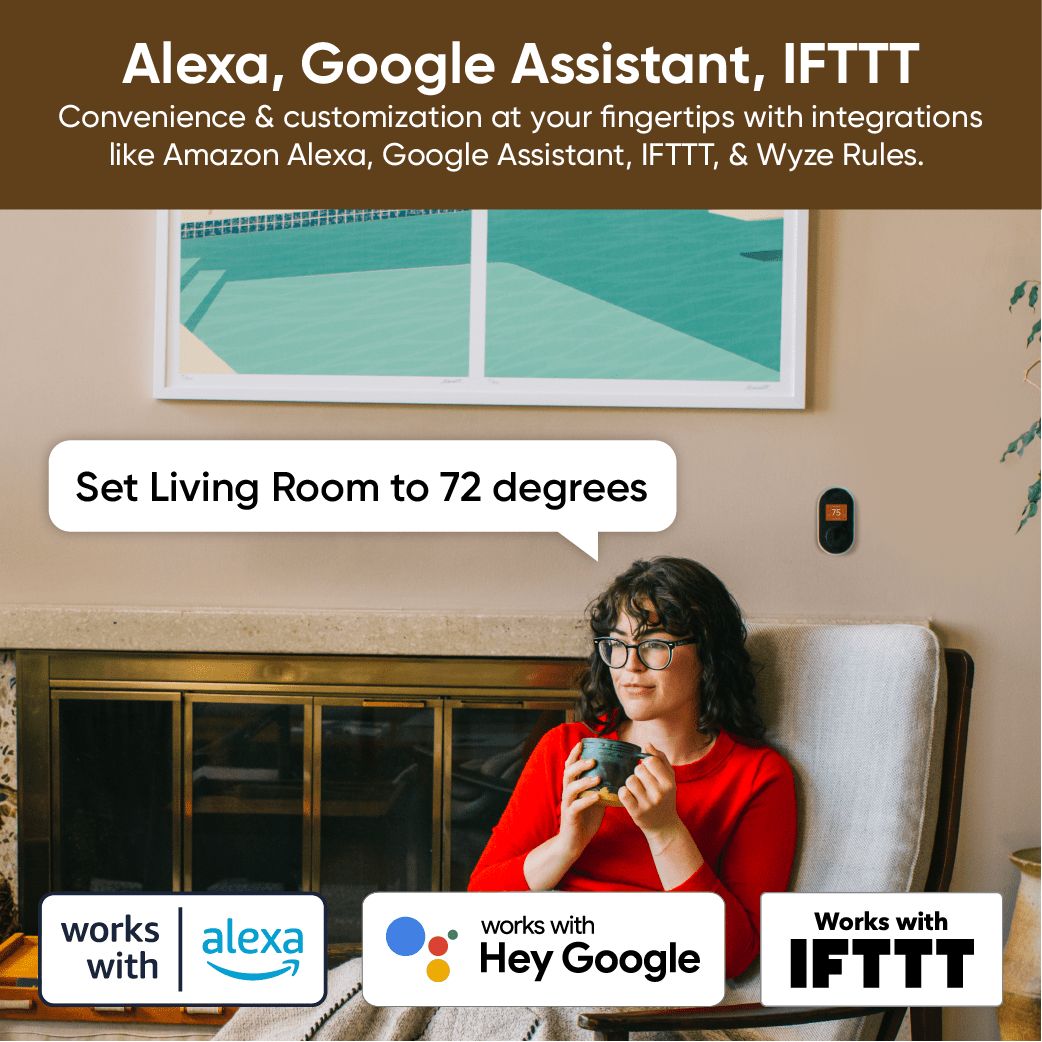
Works with voice assistants. When your morning coffee and blanket aren’t cutting it, adjust the thermostat with your voice by asking Alexa or Google Assistant.

A woman sitting in a chair with a cup in her hand.
A woman sitting in a chair with a red sweater on, holding a cup.
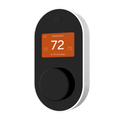
A white thermostat with a black face and a black button.
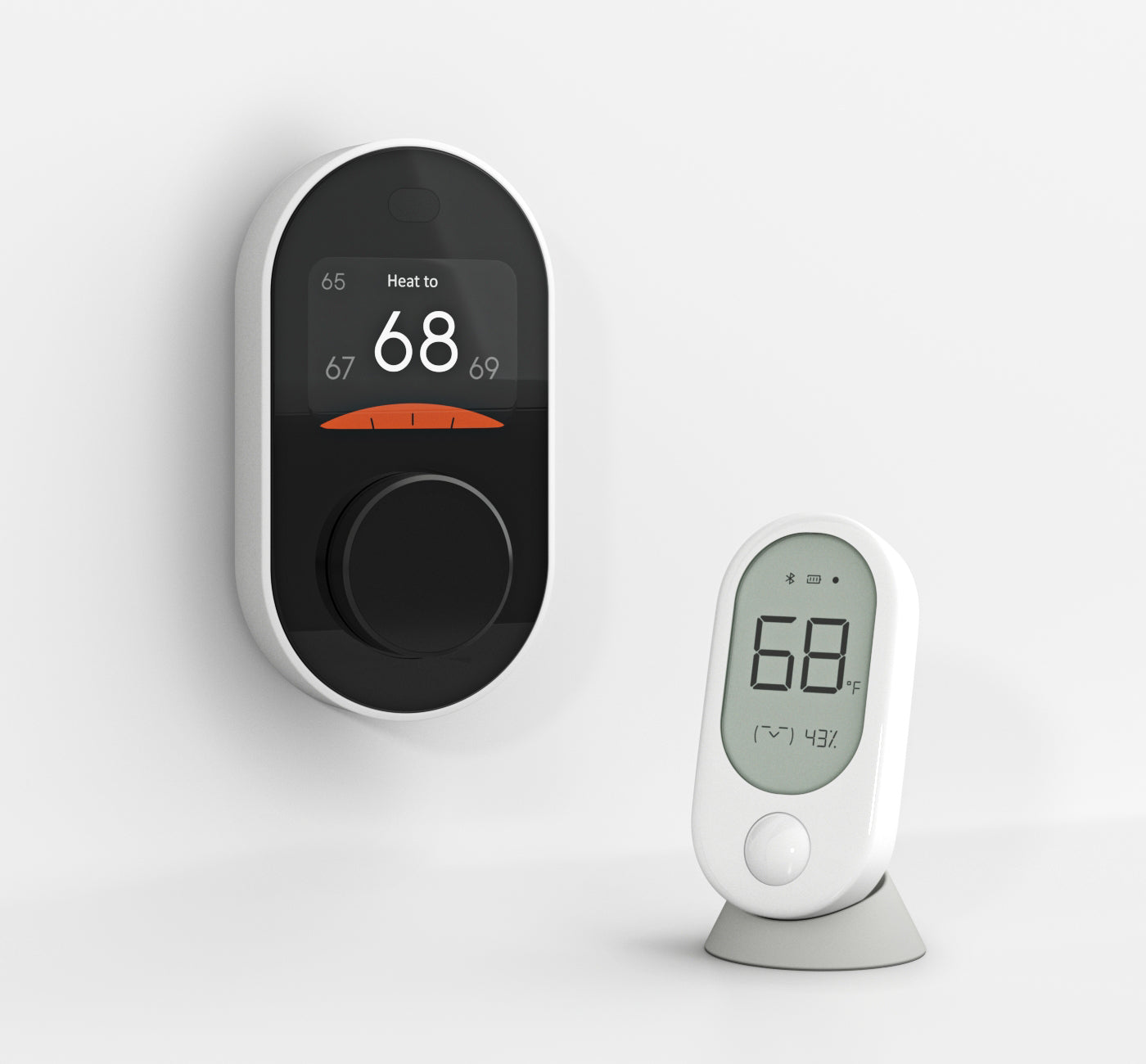
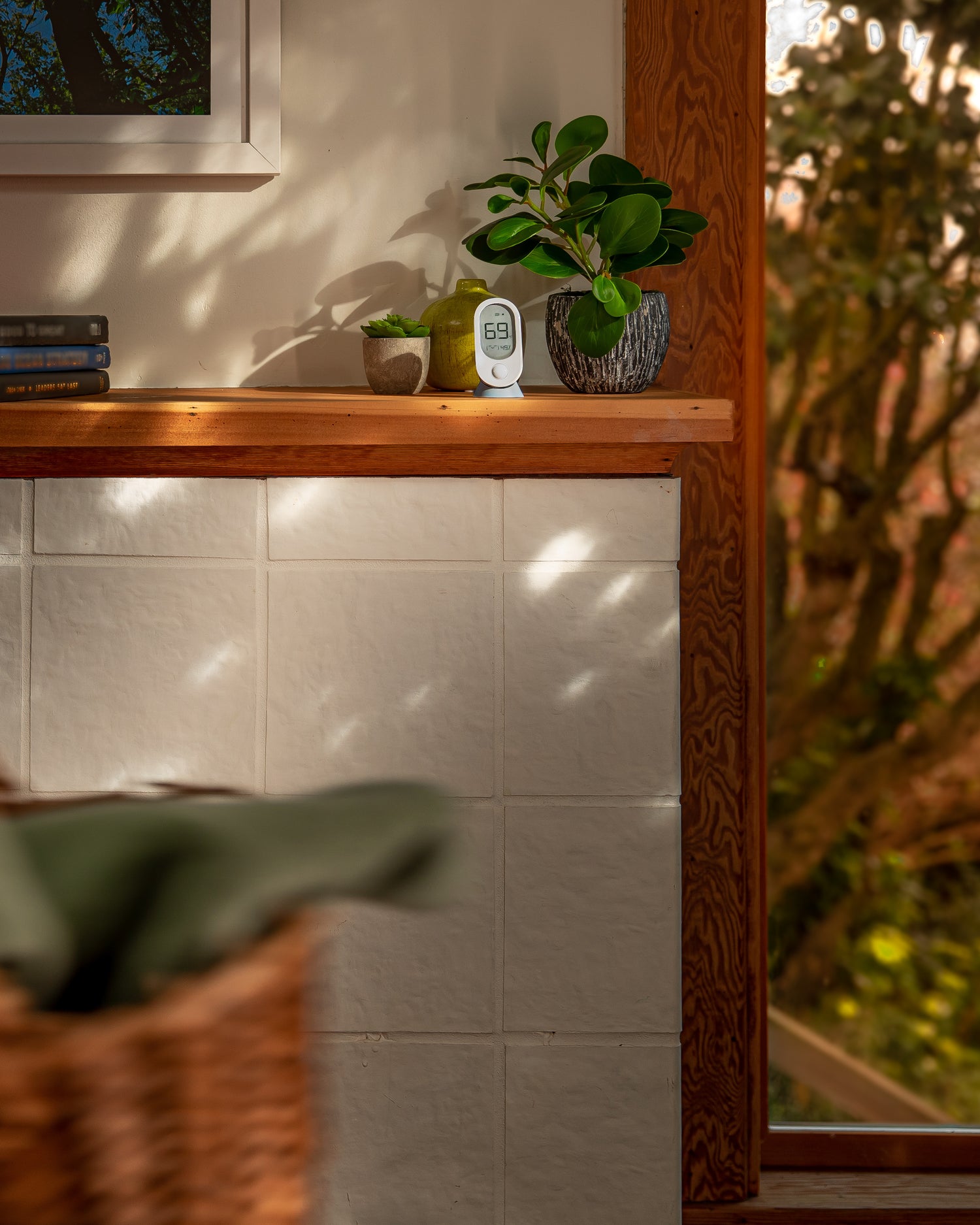
A Wyze room sensor is sitting on a shelf.
Person holding phone with wyze open to sensor settings.
Person placing room sensor on dining room table.

Comodidad en cada habitación con Wyze Room Sensor.

Ahorra energía. Mantente cómodo. Ver de forma remota el clima de cualquier habitación.

Rid your home of hot and cold spots by placing Wyze Room Sensors in important rooms and letting Wyze Thermostat balance your home's climate.

When Motion-Sensing Comfort Mode is enabled, Wyze Room Sensor uses motion detection to prioritize only the rooms you're actually using. Save energy and stay comfortable without ever thinking about it.

Monitorea la temperatura de la habitación de tu bebé en el piso de arriba o de tus amigos peludos al final del pasillo. Ajusta la temperatura rápidamente con solo unos toques en la app Wyze.

Easily pair and place up to 6 Wyze Room Sensors throughout your home in minutes. Wall mount for easy viewing or use the included magnetic table stand.

Programa tu día con Wyze Thermostat

Simple, daily scheduling. Create schedules for every weekday and weekend so you don’t have to keep going back and forth to your thermostat.

A man sleeping in bed with a blue blanket.

6:59 a. m.

You’re moments away from starting the day.

Wake up to a warm welcome - your home has been heating for the last 15 minutes.

A person walking out their front door.

7:30 AM

You’ve completed your mad dash out the door.

Avoid warming an empty house - your home automatically turns heating off, saving you money on energy bills.

A woman wearing a green shirt is hanging up her coat.

6:00 p. m.

You’re home after a long day of saving the world.

Arrive home to the perfect temperature - your house began warming up as you left work.

A woman is reading a book in bed.

22:30 horas

You’re on the last chapter and ready for bed.

Enjoy the most comfortable sleep of your life - Your home cools down as you slip under the comforter.

A blue screen with a thermostat on it.

¿Momentos no programados?

Wyze Thermostat covers those, too.

Temporarily interrupt any schedule by opening the app and adjusting your temperature on the fly. Your schedule will resume upon its next start time.

A thermostat with a blue and orange display.

Reciba consejos para ahorrar energía según el historial de uso

We’ll do the thinking for you. Like an energy-saving gnome inside your phone, the Wyze app will recommend actionable insights based on your usage to help reduce wasted energy.

Sin curva de aprendizaje para el control de temperatura

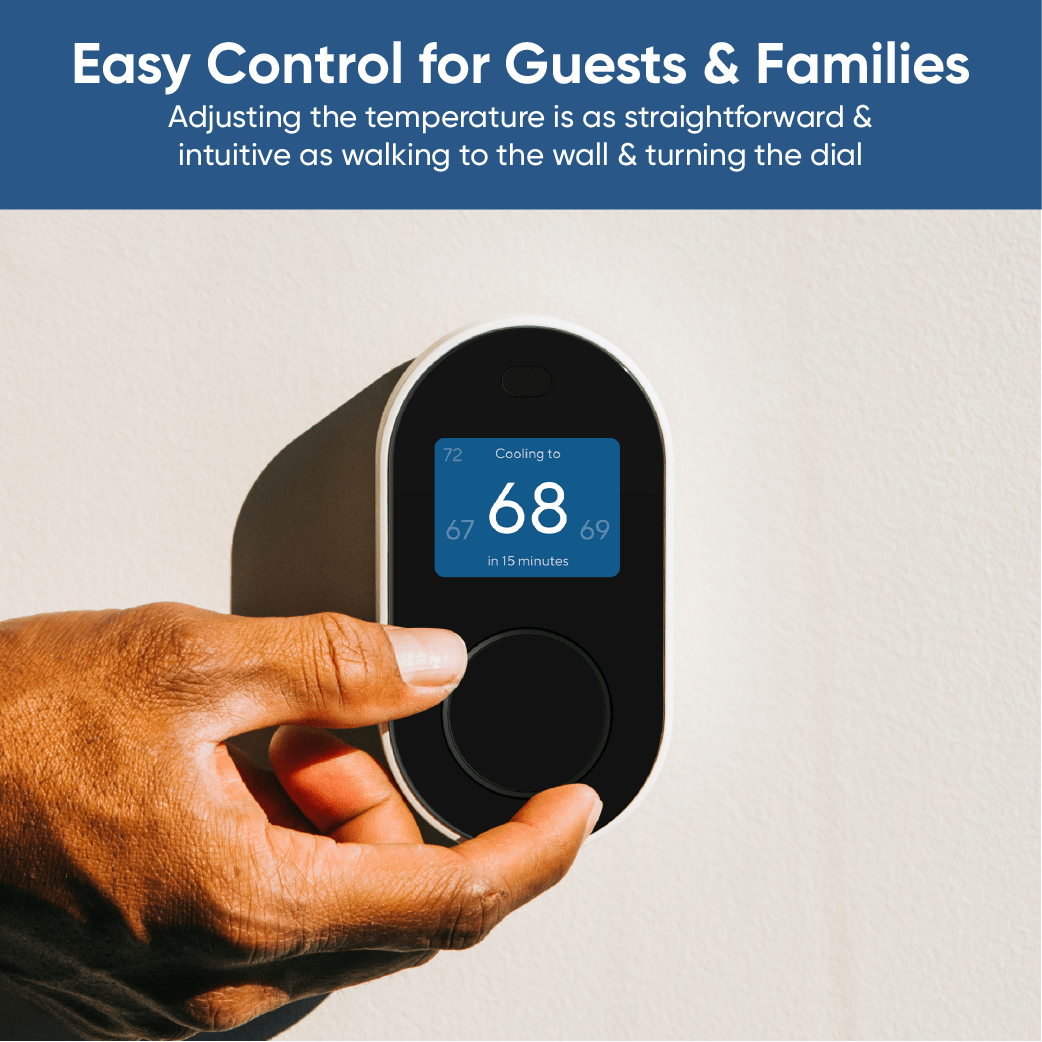
Control fácil para invitados y familiares. Ajustar la temperatura es tan sencillo e intuitivo como acercarse a la pared y girar el dial.

Hand holding a thermostat.

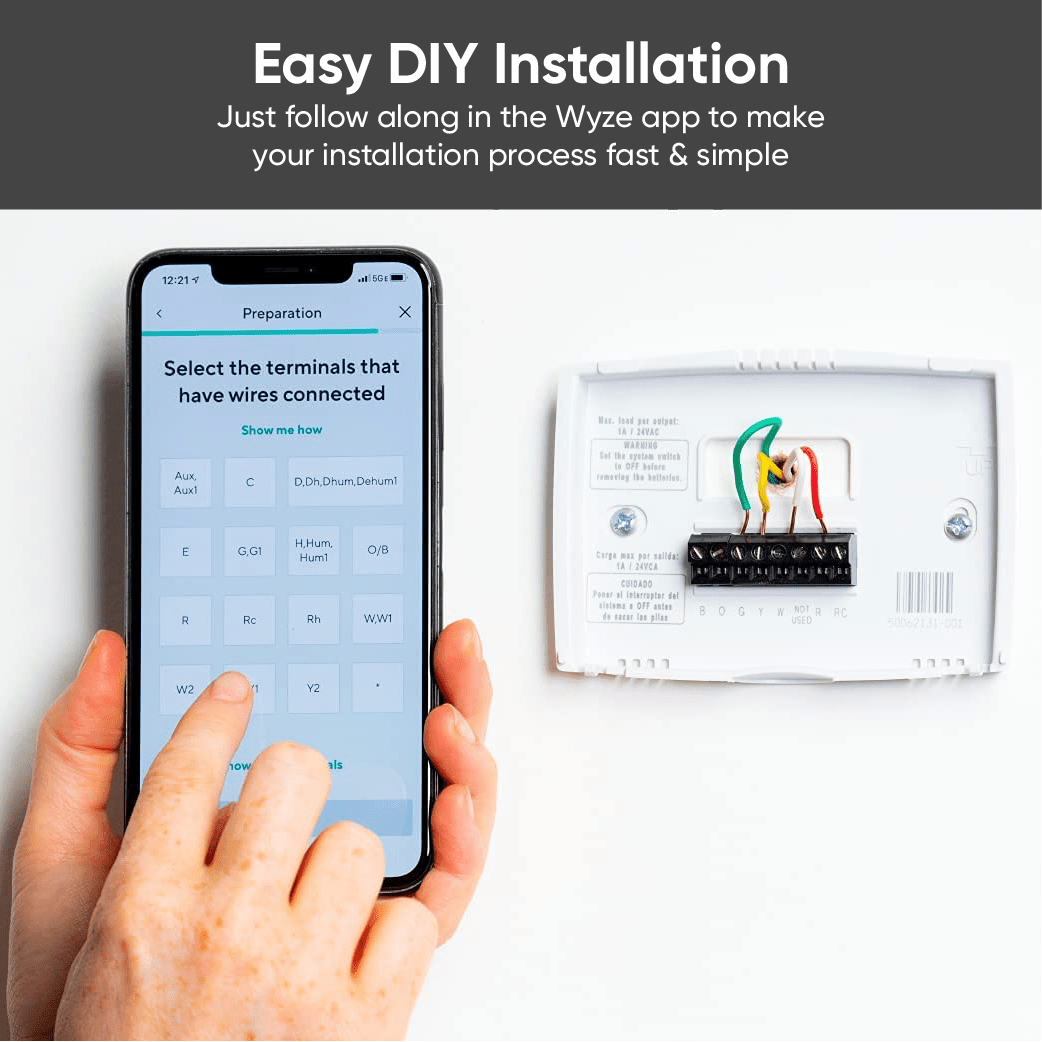
Una instalación de bricolaje de 20 minutos que cualquiera puede hacer

Installing a new thermostat is easier than you might think. The Wyze app guides you through the installation process, step-by-step.

Support Articles

Installing your Wyze Thermostat should be a quick, 30-minute process. If you've confirmed that your HVAC system is compatible using the Compatibility Checker, follow the steps below and in the video to get started. Important: Don't feel prepared or safe to install your own thermostat? We've designed Wyze Thermostat to be easy to install, but use your own judgment. If you're in doubt, stop. Call your local HVAC technician for assistance.

To set up your Wyze Thermostat:

  1. In the Wyze app, tap Home, then tap the plus sign + on the top right.
  2. On the Add menu, tap Device.
  3. Tap Home > Wyze Thermostat.
  4. Tap Begin Preparation.
  5. Follow along in the app, and with the video below.
    With your Wyze Thermostat installed and powered on, it's time to finish setting it up in the Wyze app!
  6. Make sure your phone/tablet’s Bluetooth is enabled.
  7. The Wyze app will automatically begin searching for and pairing with your Wyze Thermostat. Be sure to keep your phone near the thermostat.
  8. Once paired, you will be prompted to enter your Wi-Fi name and password.
  9. You’re connected! To finish up, name your new thermostat and begin customizing your settings.
Additional Notes:
  • You may have to enable Location Services on your device to use Bluetooth.
  • Wyze Thermostat is only compatible with 2.4 GHz Wi-Fi networks.

Download the Quick Start Guide for Wyze Thermostat here.

Below is the Quick Start Guide for Wyze Thermostat, a short manual on how to get started.

This guide is a short user manual with the basics about Wyze Thermostat, including:

  • What's in the box for Wyze Thermostat.
  • A diagram of WyzeThermostat.
  • How to download the Wyze app.
  • How to install Wyze Thermostat.
  • A diagram of Wyze Thermostat.
  • How to set up Wyze Thermostat.

Hands off the thermostat!

With Schedules, you can program your thermostat settings for one week, each individual day of the week, any group of days, or a few hours at a time. You can go even further to customize the temperature of a specific time period without changing any other time slots.

To create a schedule for Wyze Thermostat:

  1. In the Wyze app, tap on your Wyze Thermostat.
  2. Tap on the Settings gear on the top right.
  3. On the Settings screen, tap Schedule > Create schedule.
  4. On the Edit Schedule screen: Tap the day(s) you want your schedule active under Repeats.
    Create schedules for Home, Away, and Sleep under Blocks > Add block.
    If you add a Home block, that schedule will only apply when your thermostat is in Home mode.Tap Save to save your new block.
  5. Tap Save to create your schedule.

To delete a schedule for Wyze Thermostat:

  1. In your Wyze Thermostat Settings, tap Schedule.
  2. Swipe left on the schedule you want to delete, then tap the trashcan icon.
Added to your cart
Envío GRATIS en pedidos de $59+
Subtotal
$0.00
View cart