Ir directamente a la información del producto
1 de 7

Sensor de habitación Wyze

Sensor de habitación Wyze

Comodidad en cada habitación.

Estilo
$24.99
Agotado
Devoluciones sin problemas de 30 días.
A blue and white logo for Wyze.
VENTAJAS Exclusivas de Wyze.com
Garantía extendida de 18 meses

Obtenga una garantía extendida de 18 meses al comprar este producto en wyze.com. También obtenga paquetes especiales, promociones únicas y recompensas con cada pedido

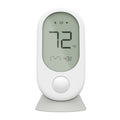
Wyze Room Sensor funciona con Wyze Thermostat para equilibrar el clima de su hogar mediante la eliminación de puntos calientes y fríos en su hogar. Vea de forma remota la temperatura ambiente, la humedad y el movimiento.
Ver todos los detalles

Los puntos calientes y fríos no tienen espacio para esconderse.

Deshazte de los puntos calientes y fríos de tu hogar colocando sensores de habitación Wyze en habitaciones importantes y dejando que el termostato Wyze equilibre el clima de tu hogar.

Vea cómo funciona.

Los sensores de habitación Wyze se comunican continuamente con el termostato Wyze para equilibrar la temperatura de su hogar.

Comodidad con detección de movimiento

Cuando el modo de comodidad con detección de movimiento está habilitado, el sensor de habitación Wyze usa la detección de movimiento para priorizar solo las habitaciones que realmente está usando. Ahorre energía y manténgase cómodo sin siquiera pensar en ello.

A white sensor on a wall.
A woman standing in a kitchen with a white countertop.
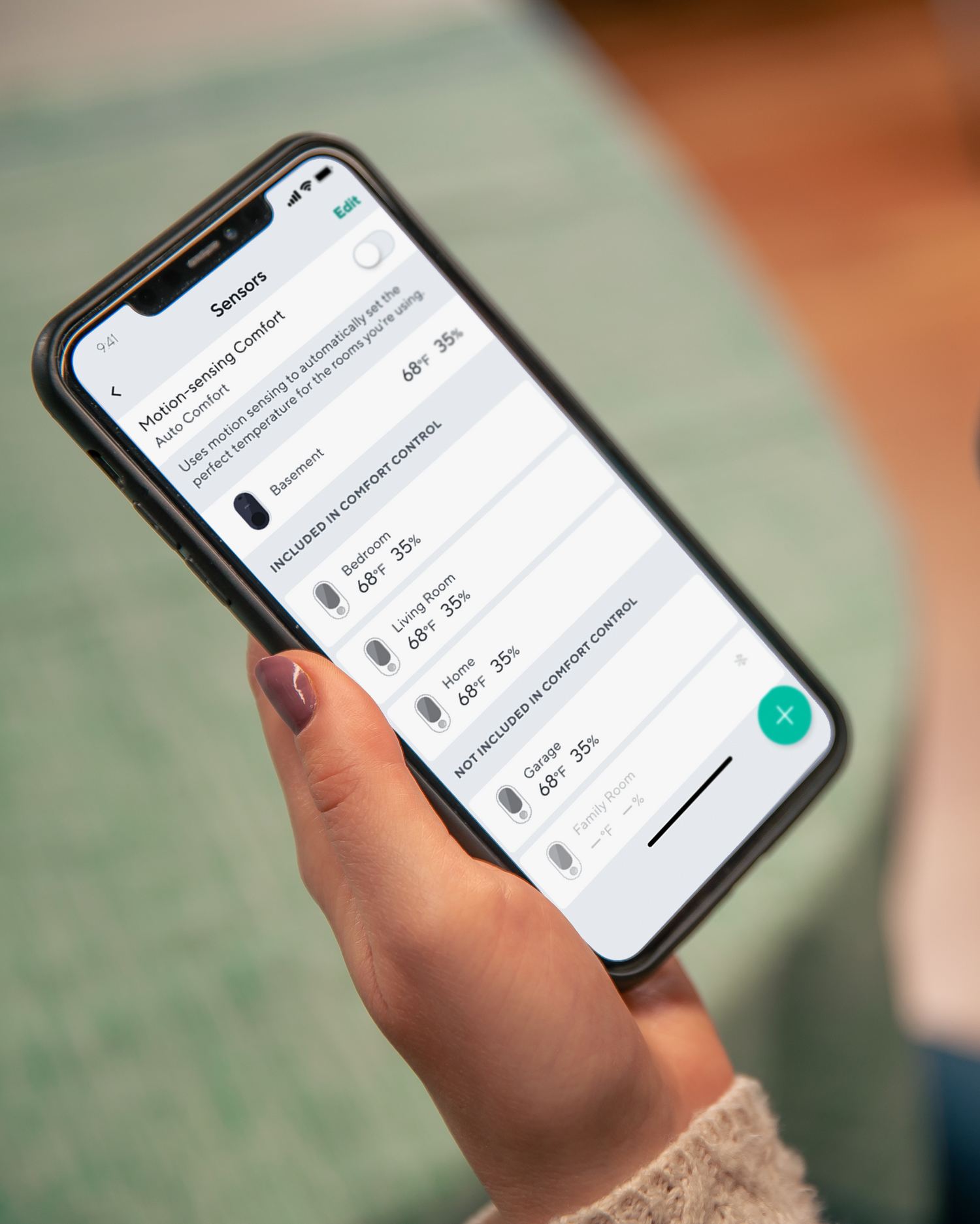
A person holding a smartphone with the Wyze app open to Sensors Settings.

Vea de forma remota la temperatura de cualquier habitación.

Monitorea la temperatura de la habitación de tu bebé en el piso de arriba o de tus amigos peludos al final del pasillo. Ajusta la temperatura rápidamente con solo unos toques en la app Wyze.

A woman is holding a smartphone in front of a table with a bowl and a cup on it.

Colocar o montar en cualquier lugar.

Empareje y coloque fácilmente hasta 6 sensores Wyze en su casa en minutos. Móntelos en la pared para una fácil visualización o use el soporte magnético de mesa incluido.

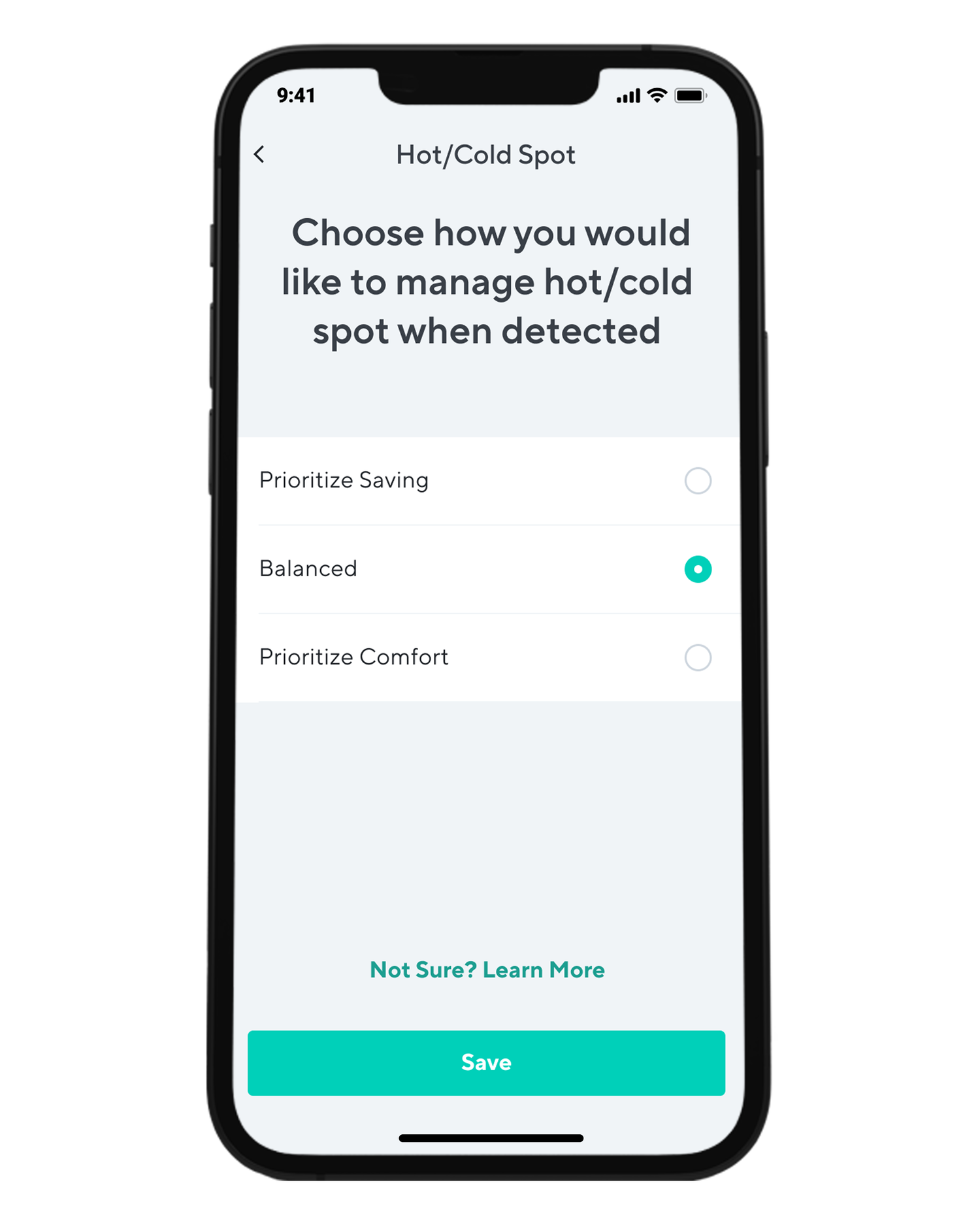
A smartphone app with a screen that says "Hot/Cold Spot" and has a button to choose how to manage hot/cold spots when.
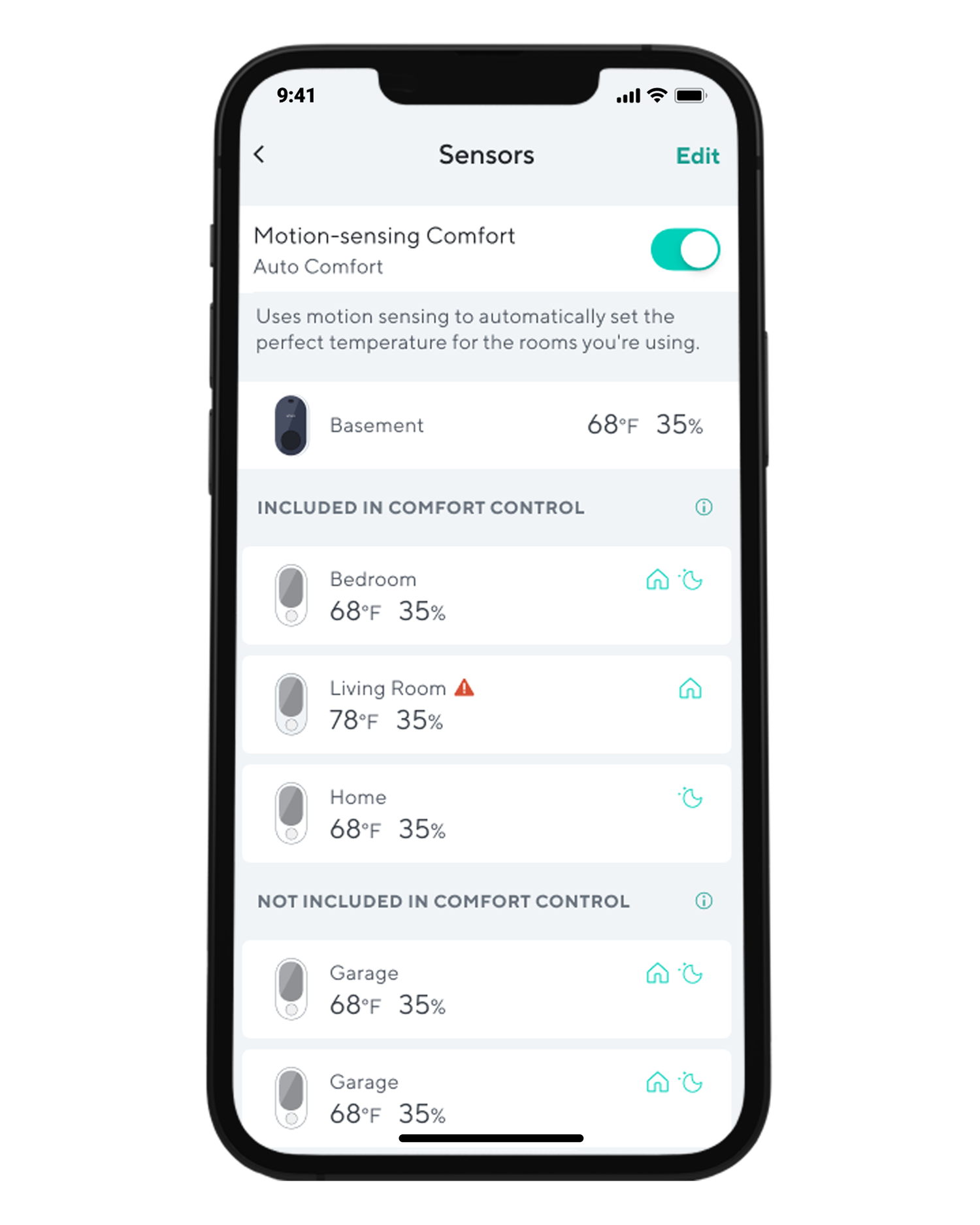
A smartphone screen displaying a list of sensors, including motion sensing comfort and temperature control.

Control de confort granular.

Elige cómo gestionar los puntos calientes o fríos de tu casa y qué modos priorizar.

Con el Modo Confort con Detección de Movimiento activado, puede elegir qué habitaciones desea que participen en el Modo Confort Automático. También puede elegir que solo participen esas habitaciones durante el día o la noche, según su horario.

Support Articles

Wyze Room Sensor sets up in just a few minutes. As long as your Wyze Thermostat is already set up, adding Wyze Room Sensor to the Wyze app is only a few taps away.

To set up your Wyze Room Sensor:

  1. In the Wyze app, go to your Devices list on the Home page.
  2. Tap on your Wyze Thermostat.
  3. Tap the sensor icon in the upper right corner.
  4. Tap on the plus icon in the lower-right corner.
  5. Press and hold the connectivity button on the top of the sensor until the Bluetooth icon flashes. Check that your Wyze Thermostat is connected to Wi-Fi and that the BluetoothⓇ icon is flashing. If the BluetoothⓇ icon is not flashing, check that there are 2 AAA batteries in your sensor.Keep your room sensor near your thermostat. Tap Begin.
  6. Wait for your Wyze Thermostat to search, pair, and connect to your Wyze Room Sensor. Keep your sensor near your thermostat.
  7. Name your Wyze Room Sensor.
  8. Tap Save. That's it!
When placing your Wyze Room Sensor:
  • Do place the sensor indoors.
  • Do place about 5 feet above the floor.
  • DO NOT place behind furniture or doors.
  • DO NOT place in direct sunlight.
  • DO NOT place near the heat sources, like TVs, cooktops, fireplaces.
  • DO NOT place the sensor near windows, doors.
  • DO NOT place above the air vents or fans.
  • DO NOT place the sensor on or near metallic surfaces.

Download the Quick Start Guide for Wyze Room Sensor in this article.

Below is the Quick Start Guide for Wyze Room Sensor, a short manual for how to get started.

This guide is a short user manual with the basics about Wyze Room Sensor including:

  • What's in the box for Wyze Room Sensor.
  • A diagram of Wyze Room Sensor.
  • How to set up Wyze Room Sensor.
  • Where to mount Wyze Room Sensor.
  • How to read the Comfort Level.
Added to your cart
Envío GRATIS en pedidos de $59+
Subtotal
$0.00
View cart