Ir directamente a la información del producto
1 de 7

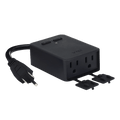
Enchufe Wyze para exteriores

Enchufe Wyze para exteriores

Enchufe inteligente resistente a la intemperie con control WiFi

Enchufe Wyze para exteriores (cantidad)
$29.98
En existencias
Get it as soon as
Devoluciones sin problemas de 30 días.
En existencias
A black background with a white icon of a weather forecast.

Weather-Resistant Polycarbonate

Control Anywhere

with Wi-Fi

A blue and white logo for Wyze.
VENTAJAS Exclusivas de Wyze.com
Garantía extendida de 18 meses

Obtenga una garantía extendida de 18 meses al comprar este producto en wyze.com. También obtenga paquetes especiales, promociones únicas y recompensas con cada pedido

Dale energía a tu exterior, llueva o truene, con un enchufe inteligente para exteriores , porque incluso las luces de tu jardín merecen un amigo tecnológico. Desde inflables navideños hasta veladas en el jardín, toma el control total con la facilidad de una app. Monitorea el uso, establece horarios y, así de fácil, tu espacio exterior será mucho más fácil de gestionar, todo gracias a ti.

Ver todos los detalles

Detalles del enchufe Wyze para exteriores

  • Color: Negro
  • Peso: 7,2 onzas
  • Dimensiones (largo x ancho x profundidad): 4,0” x 2,8” x 1,4”
  • Motor de 1/2 HP máx.
  • Clasificación climática: IP64

Detalles adicionales

  • Entorno operativo: Interior y exterior
  • Temperatura de funcionamiento: -4 °F a 120 °F
  • Entrada: 120 V~, 60 Hz
  • Salida: 15 A máx. con protección contra sobrecarga
  • Compatibilidad: Android 5.0+ y iOS 9.0+
  • Certificaciones: FCC, IC, ETL
  • Garantía: 1 año
  • Conectividad: WiFi de 2,4 GHz
  • Bluetooth V4.2 (para una configuración sencilla)
  • Enchufe Wyze para exteriores x 1
  • Guía de inicio rápido x 1
  • Accesorios de montaje x 1
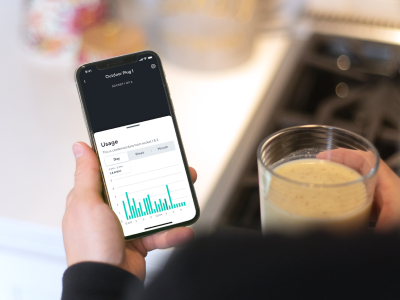
A smartphone displaying a screen with a Wyze outdoor plug in app.

Monitorizar el USO

Consume menos energía y más café frío

Monitoreo de energía. Configura alertas de consumo energético y consulta tu historial de consumo en la app Wyze.

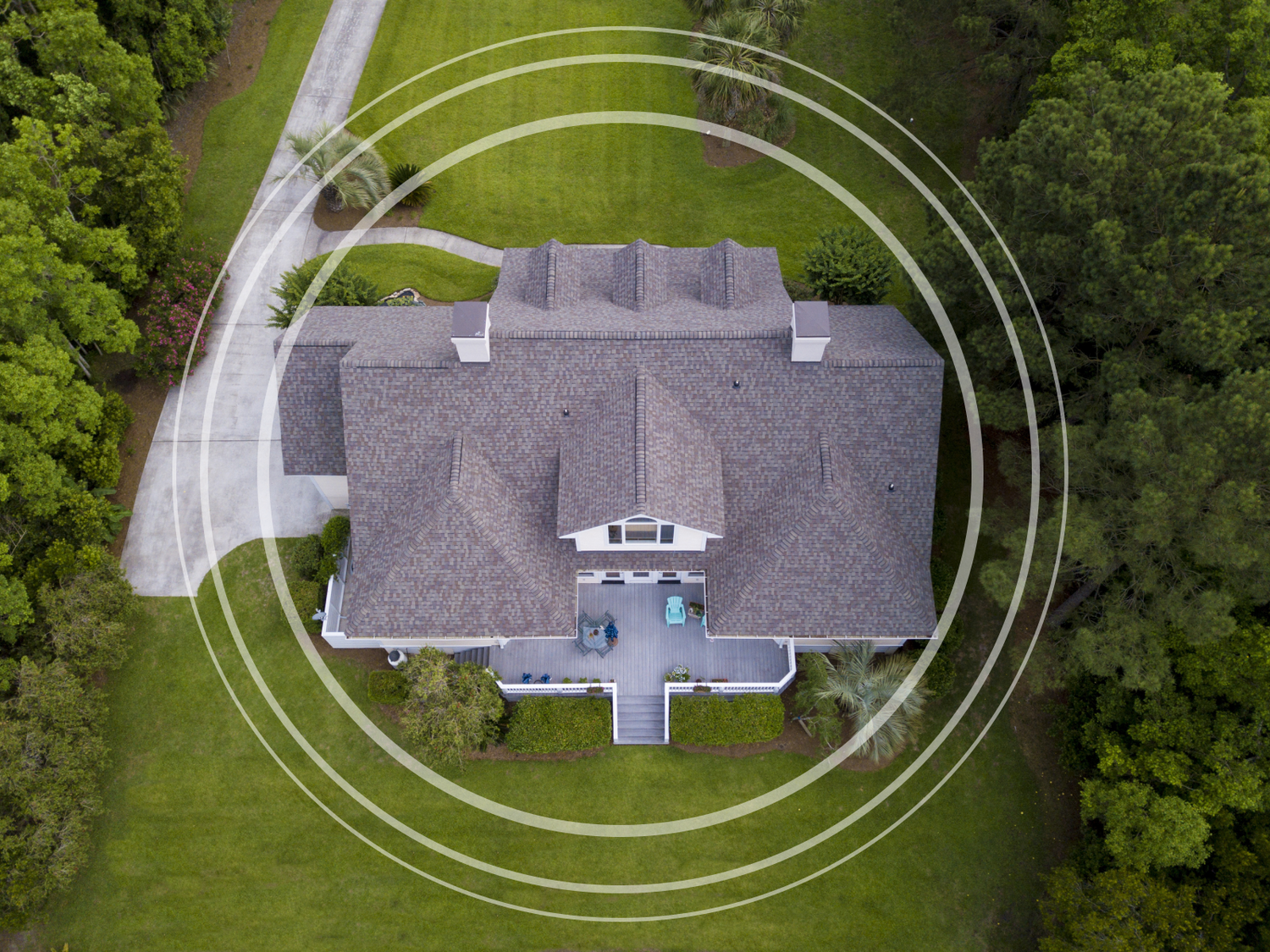
A large home with a circle overlaid on it.

Gran alcance WiFi

El WiFi de largo alcance te permite conectarte prácticamente en cualquier lugar

Alcance WiFi de hasta 91 m. Controla con seguridad los enchufes de tu casa con el alcance WiFi extendido de Wyze Plug Outdoor (91 m en espacios abiertos).

Resistente a la intemperie IP64. Diseñado para exteriores.

Conéctelo de forma segura en áreas expuestas a la lluvia, el polvo, la suciedad y la nieve.

A black device with a blue cord plugged into a wall.
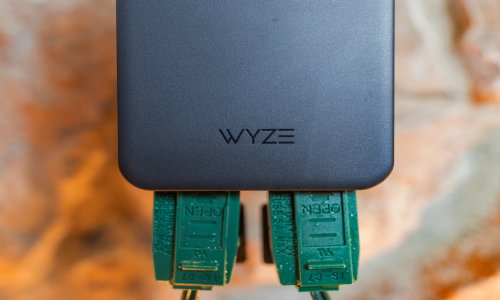
A close up of an outdoor plug with both outlets being used.

2 salidas, 2 controles separados

Control independiente de ambas salidas en cualquier momento

Dos enchufes en uno. Apaga las luces exteriores pero deja tu muñeco de nieve inflable en pie.

A person holding a smartphone with the Wyze app open.

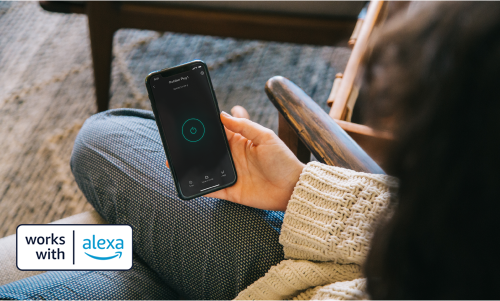
COMANDOS DE VOZ CON ALEXA

Apaga las luces sin ponerte las botas.

Control por voz y aplicación. Ilumina tu vecindario en segundos pidiéndole a tu asistente de voz o abriendo la aplicación Wyze en tu teléfono.

  • Streamline icon Christmas lights 40x40 1.

    Iluminación exterior

  • A black background with a white snowflake icon.

    Descongeladores de techo

  • A black square with a faucet in the center.

    Bomba de estanque

1 de 3

Cómo alimentar de forma segura los hornos de fusión y mucho más este invierno

Salida de 15 amperios con protección contra sobrecarga. Wyze Plug Outdoor ofrece una de las potencias de salida más altas disponibles para un enchufe inteligente, lo que permite más opciones de uso.

A black box with a blue plug hanging from a tree.

Support Articles

To set up your Wyze Plug Outdoor:

  1. In the Wyze app, tap Home, then tap the plus sign + on the top right.
  2. On the Add menu, tap Device.
  3. Tap Power & Lighting > Wyze Plug Outdoor.
  4. Insert your plug into a power outlet.
  5. Select your 2.4 GHz Wi-Fi network and enter your network password. Tap Connect.
  6. On the next screen, you'll see your plug(s) connecting to the network.
  7. Once connected, name your plug's outlets. Tap on the first outlet's name, then type in the pop-up to edit. Tap on the second outlet's name, then type in the pop-up to edit. Tap Save.
  8. You’re all set. Enjoy your new Wyze device!

Important: Wyze Plug Outdoor should be plugged directly into your power outlet. We do not recommend connecting the outdoor plug to an extension cord as this could result in damage to your Wyze device and void your device's warranty.

Download the Quick Start Guide for Wyze Plug Outdoor in this article.

Attached is the Quick Start Guide for Wyze Plug Outdoor, a short manual for how to get started.

This guide is a short user manual with the basics about Wyze Plug Outdoor including:

  • What's in the box for Wyze Plug Outdoor.
  • How to download the Wyze app.
  • How to set up your Wyze Plug Outdoor.
  • How to read the status lights for Wyze Plug Outdoor.
  • How to use Wyze Plug Outdoor.

Wyze Plug Outdoor is waterproof, but there are a few steps you can take to make the most of it.

To optimize the outdoor plug's waterproofing:

  1. Plug the Wyze Plug Outdoor into an outlet with the sockets pointing downwards to the ground. This keeps water from running directly into the sockets.
  2. Make sure the sockets are at least 6 inches above the ground. This protects the plug from being submerged by heavy rain.
  3. Cover the socket(s) with the waterproof covers when not in use.

Important: Wyze Plug Outdoor should be plugged directly into your power outlet. We do not recommend connecting the outdoor plug to an extension cord as this could result in damage to your Wyze device and void your device's warranty.

Added to your cart
Envío GRATIS en pedidos de $59+
Subtotal
$0.00
View cart