Ir directamente a la información del producto
1 de 6

Interruptor Wyze

Interruptor Wyze

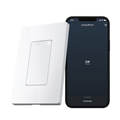
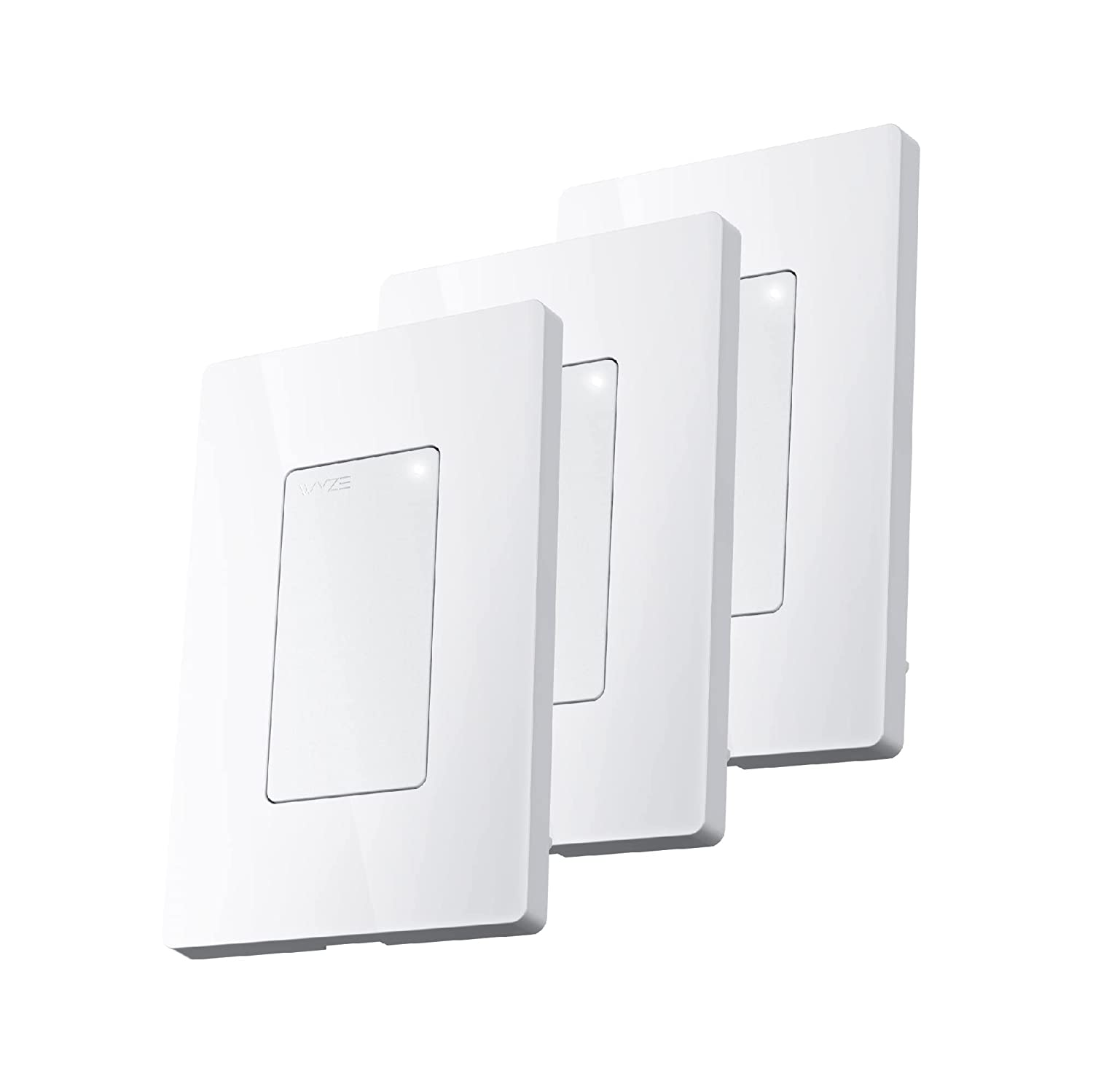
Interruptor de luz inteligente con Wi-Fi para empotrar en la pared

Tamaño
$14.99
Agotado
Devoluciones sin problemas de 30 días.
A blue and white logo for Wyze.
VENTAJAS Exclusivas de Wyze.com
Garantía extendida de 18 meses

Obtenga una garantía extendida de 18 meses al comprar este producto en wyze.com. También obtenga paquetes especiales, promociones únicas y recompensas con cada pedido

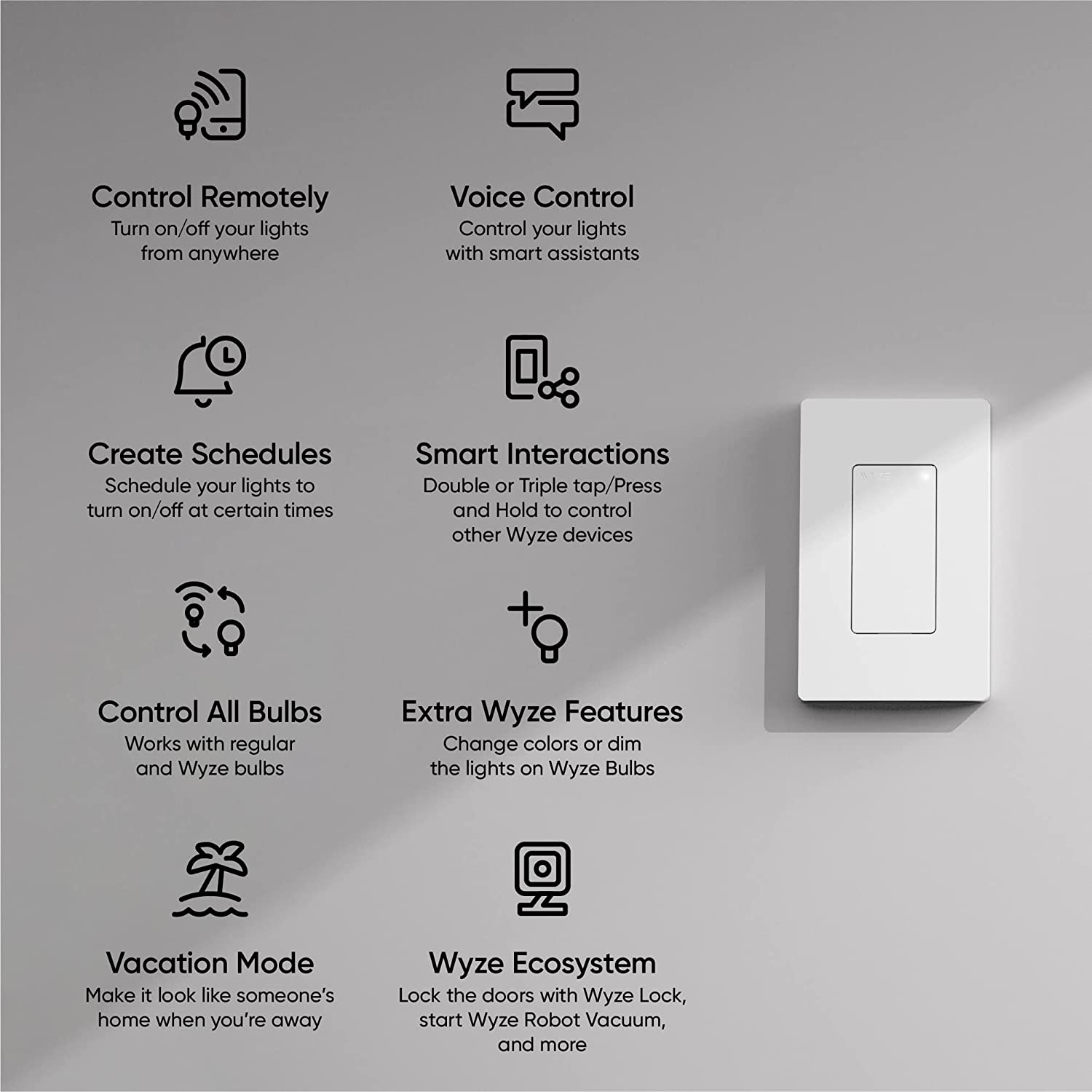
Convierte las luces normales en luces inteligentes y contrólalas desde cualquier lugar. Pulsa varias veces para controlar otros dispositivos Wyze como Wyze Cams, Wyze Lock y Wyze Robot Vacuum.
Ver todos los detalles
  • A black screen with a white light bulb icon.

    Funciona con bombillas normales y bombillas Wyze

  • A hand holding a phone.

    Controla otros dispositivos Wyze

  • A black background with a white microphone icon.

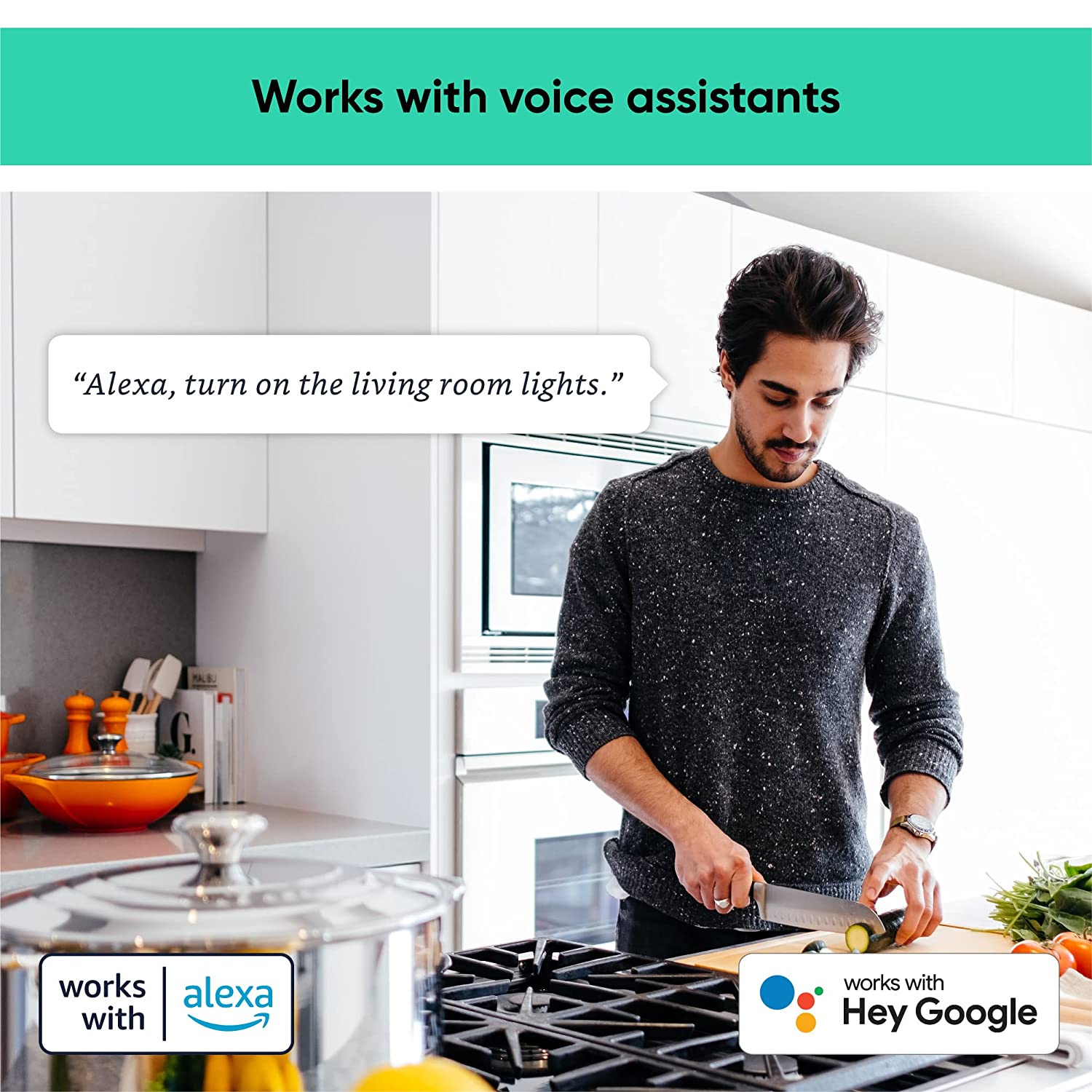
    Funciona con Alexa y el Asistente de Google

  • A black background with a white icon of a switch.

    Establecer temporizadores, programaciones y automatizaciones

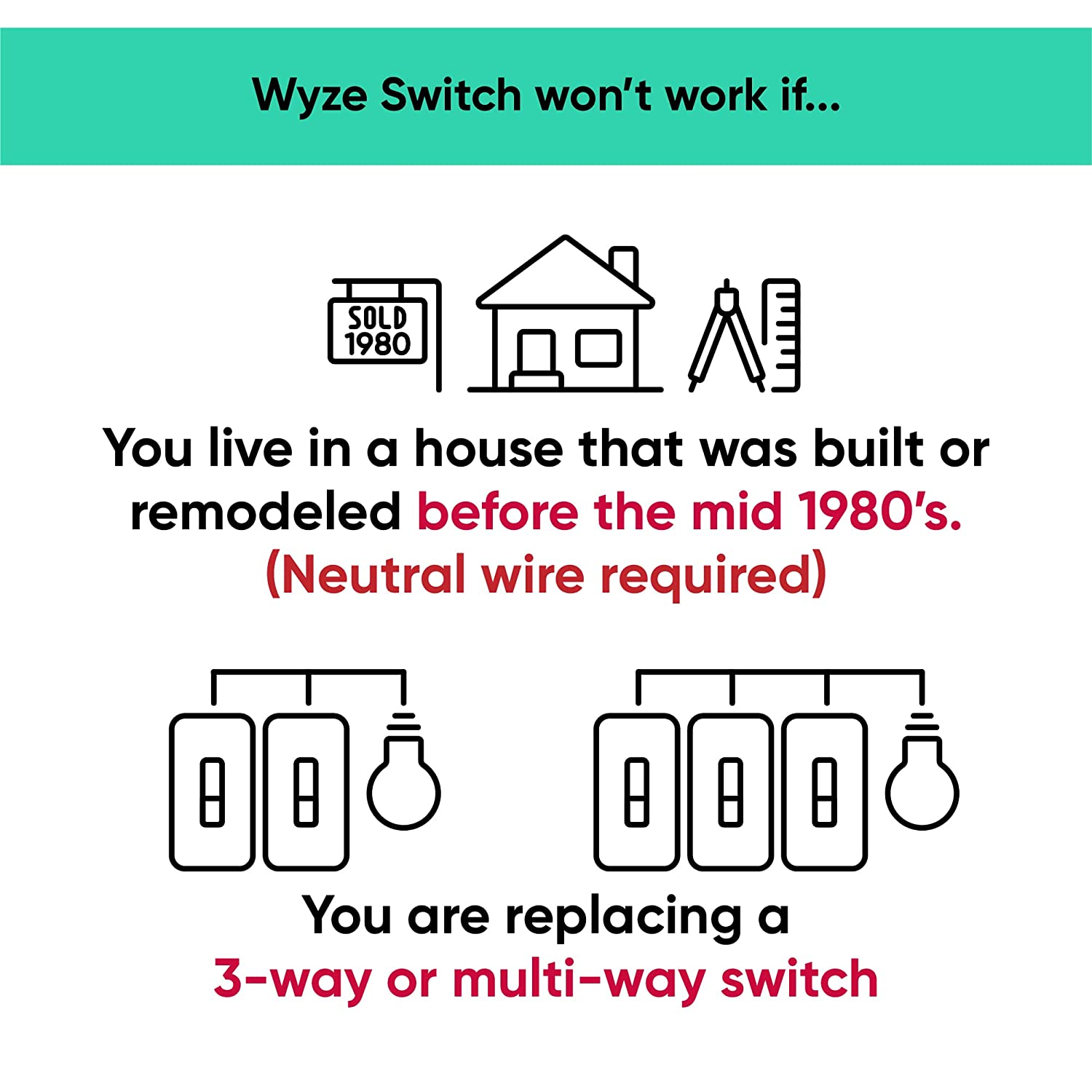
Yes, this switch does require neutral wiring, which is common in homes built after 1980. If you do not have a neutral wire, your wiring is not compatible with Wyze Switch.

About 20 minutes, following the step by step installation process in the Wyze app.

No, this is a single pole switch only. It cannot be used as a multi-way switch.

The response when you press the switch is instant, similar to the response time of a regular switch when smart controls are disabled. With smart controls enabled, there’s a delay of .3s with a single-press.

No, Wyze Switch only comes in white at this time.

Yes, Wyze Switch can be used to interact with the entire Wyze ecosystem of smart products. You can even setup triggers and actions using Rules.

Yes, the switch works with Alexa and Google Assistant.

Yes, Wyze Switch can interact with smart devices outside the Wyze ecosystem by integrating it with IFTTT.

No, Wyze Switch is not a dimmer switch.

Yes, Wyze Switch can be used for multi-gang setup, but be aware of the maximum loads per switch: 1 gang= 600W, 2 gang= 500W, 3 gang = 500W.

Todas tus luces ahora son más inteligentes.

Mejora la iluminación inteligente en cualquier habitación con Wyze Switch, un interruptor de luz inteligente con wifi. Controla tus luces desde cualquier lugar con la app Wyze y crea automatizaciones que iluminan tu vida.

A person holding a phone with a blue screen.

Tome el control de su ecosistema de hogar inteligente.

Wyze Switch se integra a la perfección con tu ecosistema Wyze con cuatro acciones personalizadas. Personaliza cada acción para que se adapte a tu estilo de vida: pulsa una vez para encender las luces, pulsa dos veces para cerrar las puertas, pulsa tres veces para encender el robot aspirador y mantén pulsado para rociar a los huéspedes no deseados con el controlador de aspersores Wyze.

A woman sleeping in a bed with a white comforter.
A large house with a pool in the backyard.
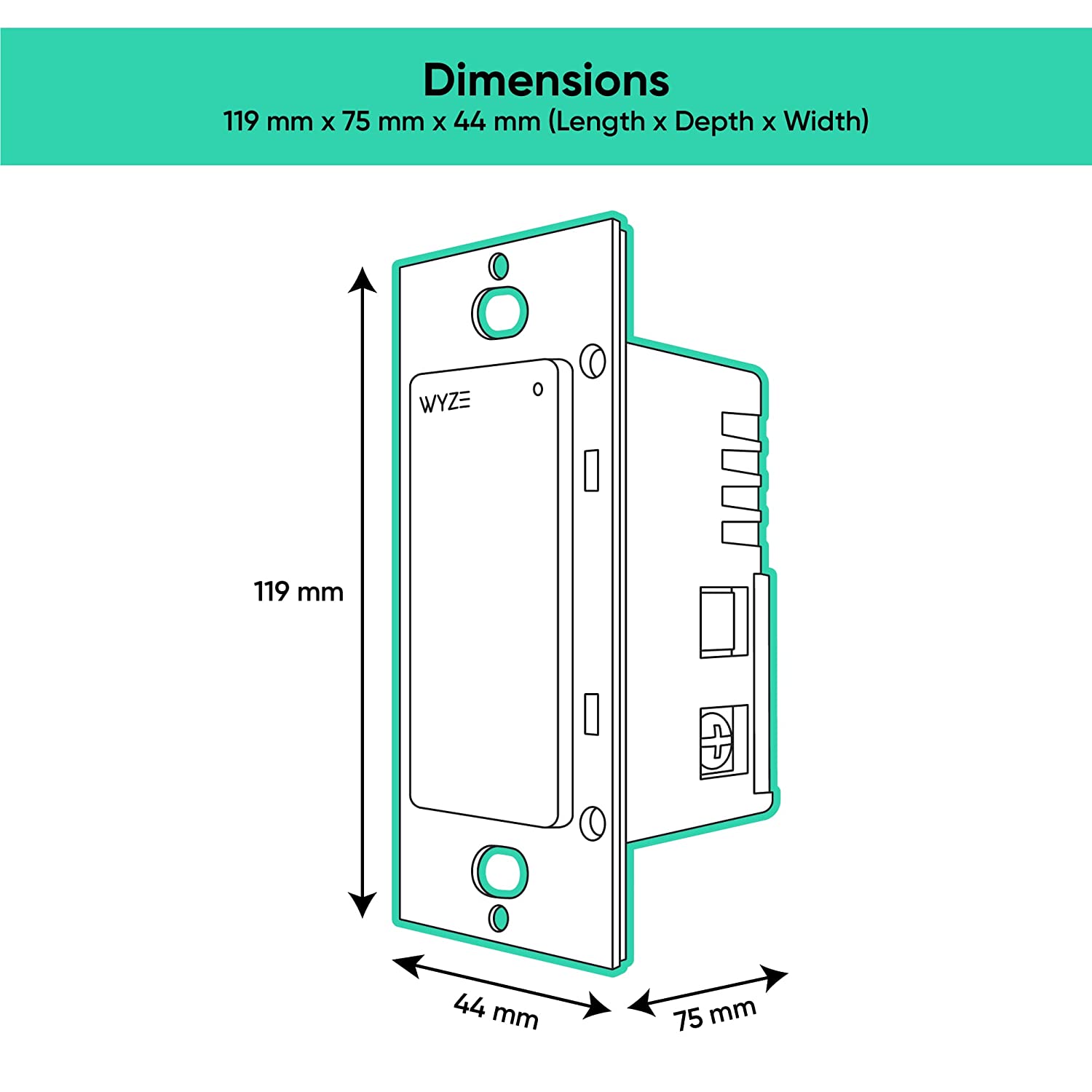
A wall-mounted switch for a bedroom light.

Controles inteligentes como usted esperaría.

Cree automatizaciones potentes en la aplicación Wyze o configure un temporizador para que las luces se enciendan o apaguen.

Haz que parezca que hay alguien en casa cuando no estás. Simplemente activa el Modo Vacaciones en la app Wyze y nuestro interruptor se encarga del resto.

Si hay una pérdida de energía, Wyze Switch se volverá a conectar automáticamente al Wi-Fi y volverá a su estado anterior, una vez que se restablezca la energía.

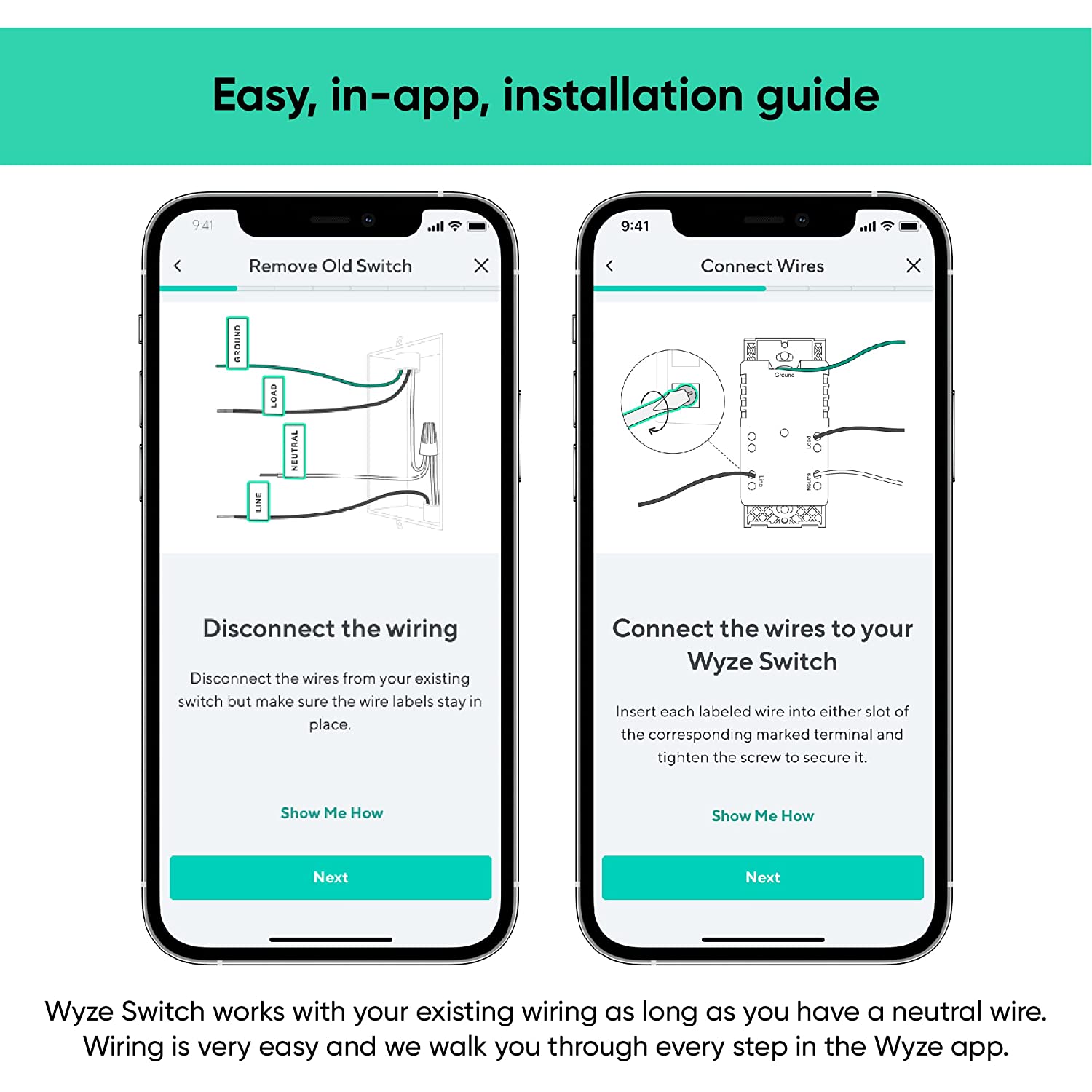
Es fácil instalar Wyze Light Switch.

Support Articles

Check for these two things:

Additional Note:

For more details about Wyze Switch compatibility, check out: Is my wiring compatible with Wyze Switch?

Wyze Switch is a smart switch that you can control manually with the button itself, or using the Wyze app. We recommend setting it up in the Wyze app to get access to smart features like automations!

Before your switch can be set up in the Wyze app, it must be installed and connected to power. We recommend following along in the app and referencing our Wyze Switch Installation Guide before proceeding.

To set up your Wyze Switch:

  1. In the Wyze app, tap Home, then tap the plus sign + on the top right.
  2. On the Add menu, tap Device.
  3. Tap Power & Lighting > Wyze Switch.
  4. Read the High-Voltage Wiring warning. Tap Next.
  5. Confirm that you are replacing a single pole switch with neutral wiring. Tap Next.
  6. Follow along in the app to install Wyze Switch if you haven't already. If already installed, tap Skip Installation Guide.
  7. If prompted to give BluetoothⓇ and location permissions, please enable those in your phone's settings.
  8. In the Wyze app, select your 2.4 GHz Wi-Fi network and enter your network password. Tap Connect.
  9. The app will search for your Wyze Switch. It should connect automatically.
  10. Name the device in the Wyze app. Tap Finish.
  11. You’re all set. Enjoy your new Wyze device!

Download the Quick Start Guide for Wyze Switch in this article.

Below is the Quick Start Guide for Wyze Switch, a short manual for how to get started.

This guide is a short user manual with the basics about Wyze Switch including:

  • What's in the box for Wyze Switch.
  • How to set up your Wyze Switch.
  • How to download the Wyze app.
  • How to use your Wyze Switch
  • How to read the status lights on your Wyze Switch.
Added to your cart
Envío GRATIS en pedidos de $59+
Subtotal
$0.00
View cart