Ir directamente a la información del producto
1 de 8

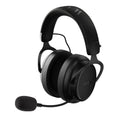
Auriculares inalámbricos para juegos Wyze

Auriculares inalámbricos para juegos Wyze

Juegos inalámbricos de baja latencia. Comodidad digna de un podio.

Check out this TikTok favorite:
  • Hybrid Active Noise Cancellation.
  • Fatigue-Free Fit with memory foam earpads.
  • Voice-Isolating Microphones.
  • Wireless with 20-Hour Battery Life.
  • Setup the perfect listening experience in the Wyze app.
  • Answer calls without touching your phone.
  • Access music, and more with voice assistants

Get Noise-Cancelling Headphones

Estilo
This product is no longer available.
A blue and white logo for Wyze.
VENTAJAS Exclusivas de Wyze.com
Garantía extendida de 18 meses

Obtenga una garantía extendida de 18 meses al comprar este producto en wyze.com. También obtenga paquetes especiales, promociones únicas y recompensas con cada pedido

Un auricular para jugadores que usan auriculares. Pero es más que eso. Obtenga una latencia inalámbrica ultrabaja de 20 ms con el dongle de 2,4 GHz incluido. Comodidad digna de un podio con almohadillas de espuma viscoelástica y un marco liviano y extra ancho. Agregue hasta 20 horas de duración de la batería y 2 opciones de micrófono, y podrá jugar mientras permanezca en el juego.

Ver todos los detalles
  • A black background with no visible text or objects.

    Controladores de 50 mm para un sonido de alta fidelidad

  • A black background with no visible text or objects.

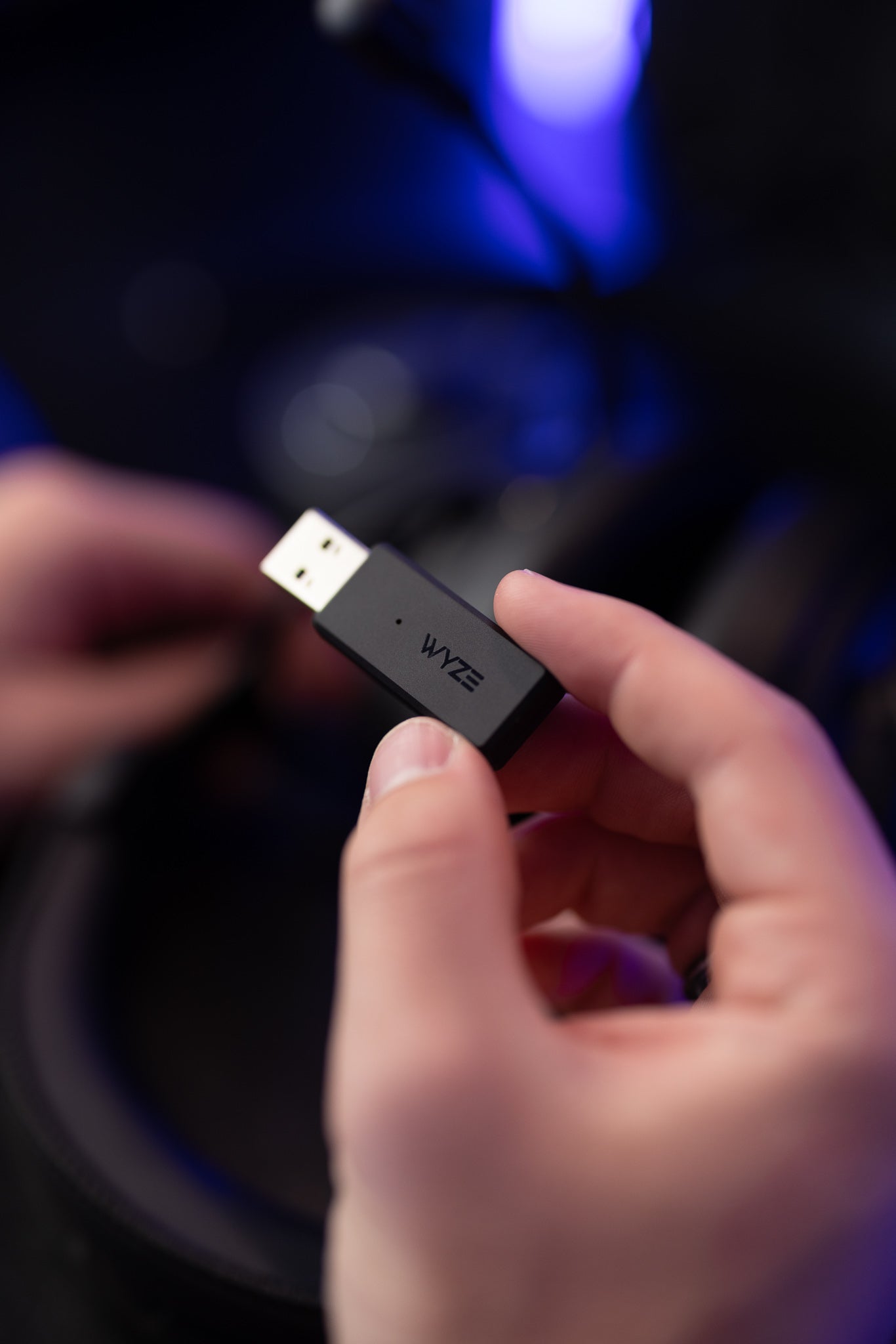
    Dongle inalámbrico de 2,4 GHz de baja latencia

  • A black background with a white logo.

    Ajuste cómodo sin fatiga

  • A black background with a single white letter "W" on it.

    Conexión de múltiples fuentes

Please check the help center and see if we’ve got what you need. Alternatively, you may also find the list of related parts here.

Wyze Wireless Headphones have noise cancellation, Bluetooth® 5.0, app integration, voice assistant integration, and 40 mm drivers.

Wyze Wireless Gaming Headsets have ultra-low latency via the included 2.4 GHz dongle and Bluetooth® 5.2, a detachable boom mic, a USB dongle for plug-and-play pairing, 50 mm drivers, and a wide comfort fit for long gaming sessions.

PC/Mac: Wireless Dongle/Bluetooth®
PlayStation: Wireless Dongle/Bluetooth®
Nintendo Switch: Wireless Dongle/Bluetooth®
Steam Deck: Bluetooth®
Android/iOS: Bluetooth®
Xbox: No compatibility

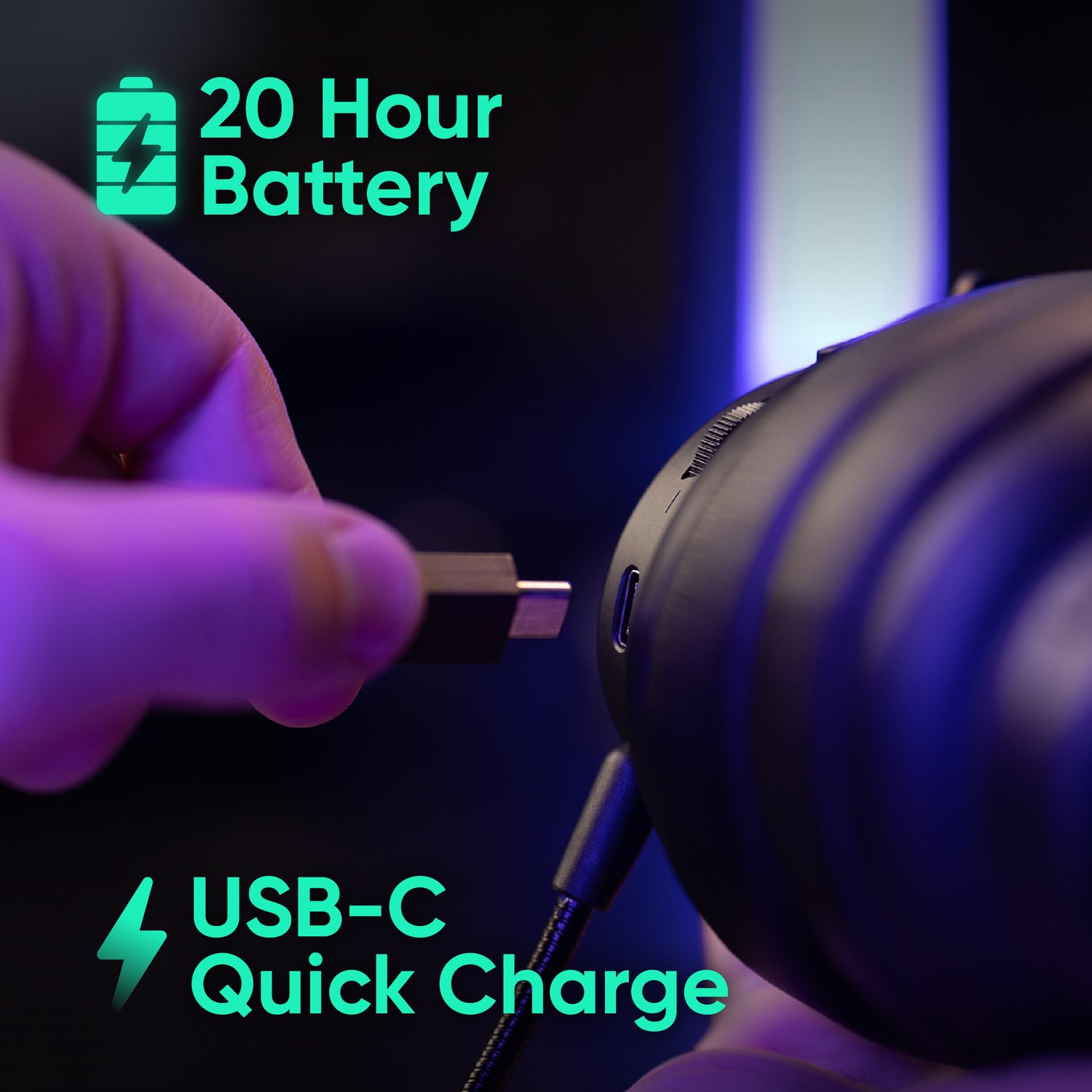
Wyze Wireless Gaming Headset is battery powered and charges using USB-C (cable included).

The headset will last up to 20 hours on a single, full charge.

A 10-minute quick charge provides up to 2 hours of battery life. A full charge requires 3 hours.

Yes, it comes with a USB-A Wireless Dongle, USB-C Charging Cable (A2C cable), Detachable Boom Mic, and Quick Start Guide.

Low latency is critical when you want to avoid audio lag as a gamer. Our wireless gaming headset gives you amazing performance:

  • With the dongle: 20ms
  • Bluetooth® 5.2
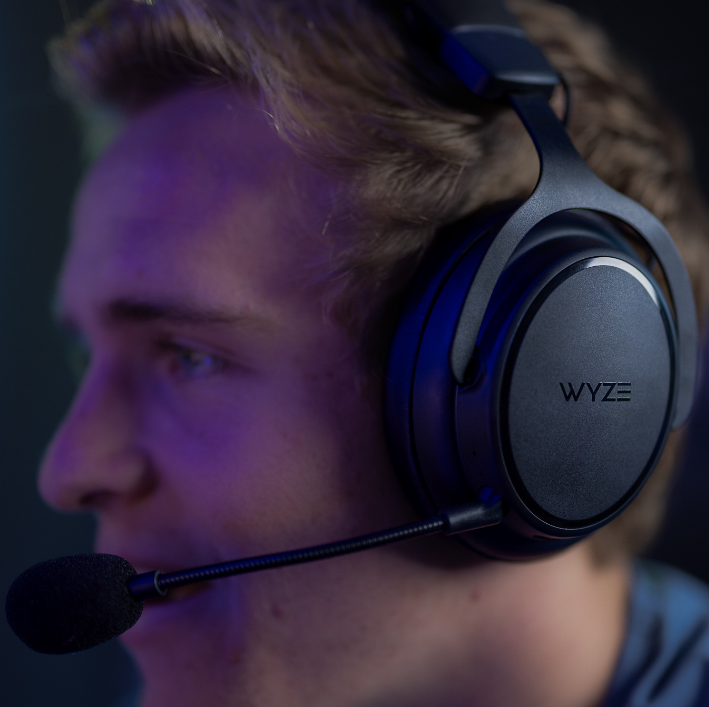
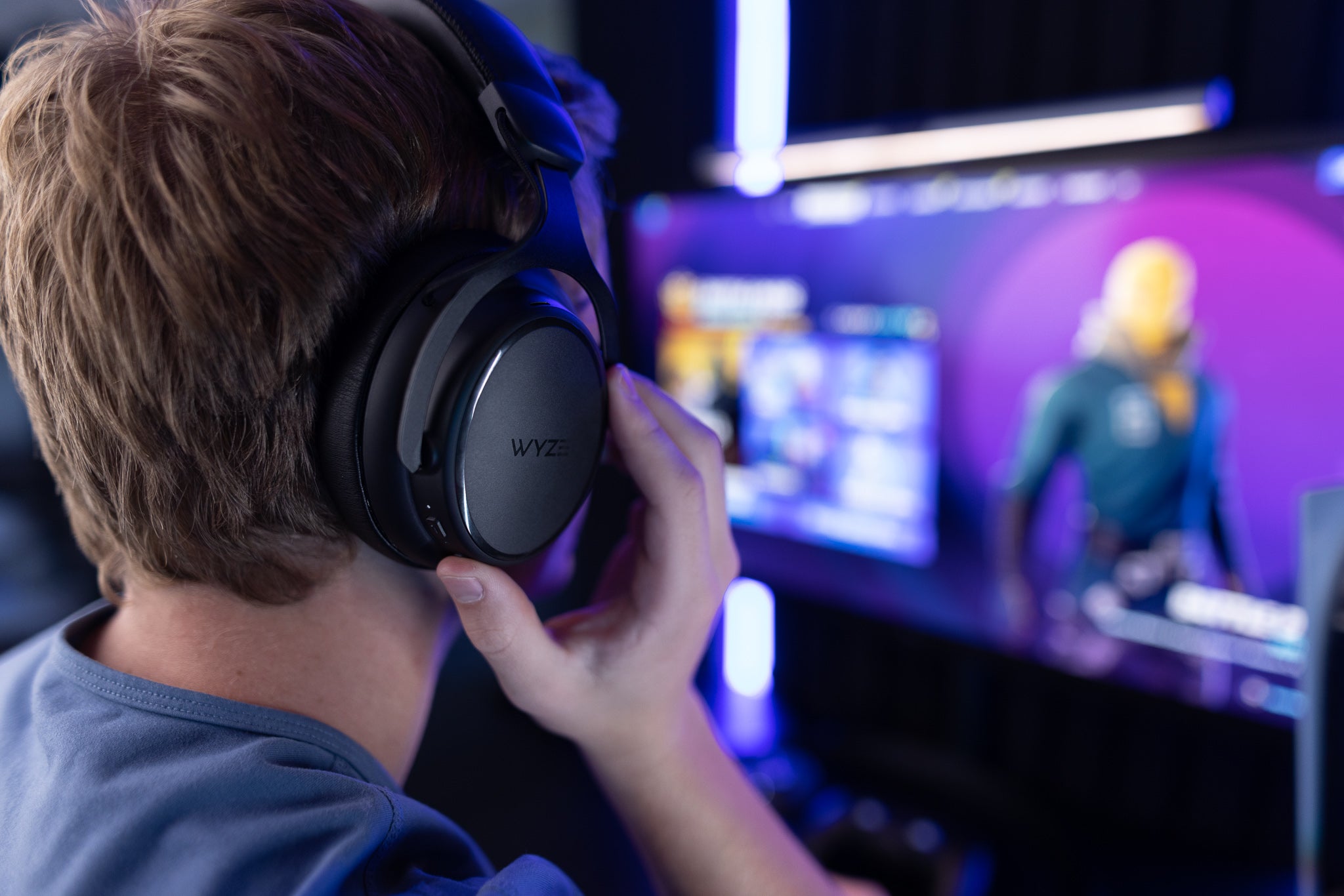
A man wearing a gaming headset.

Escúchalos acercarse con audio de alta fidelidad.

Los controladores de audio de 50 mm brindan un audio potente y equilibrado para que pueda escuchar cada detalle, desde pasos hasta phasers.

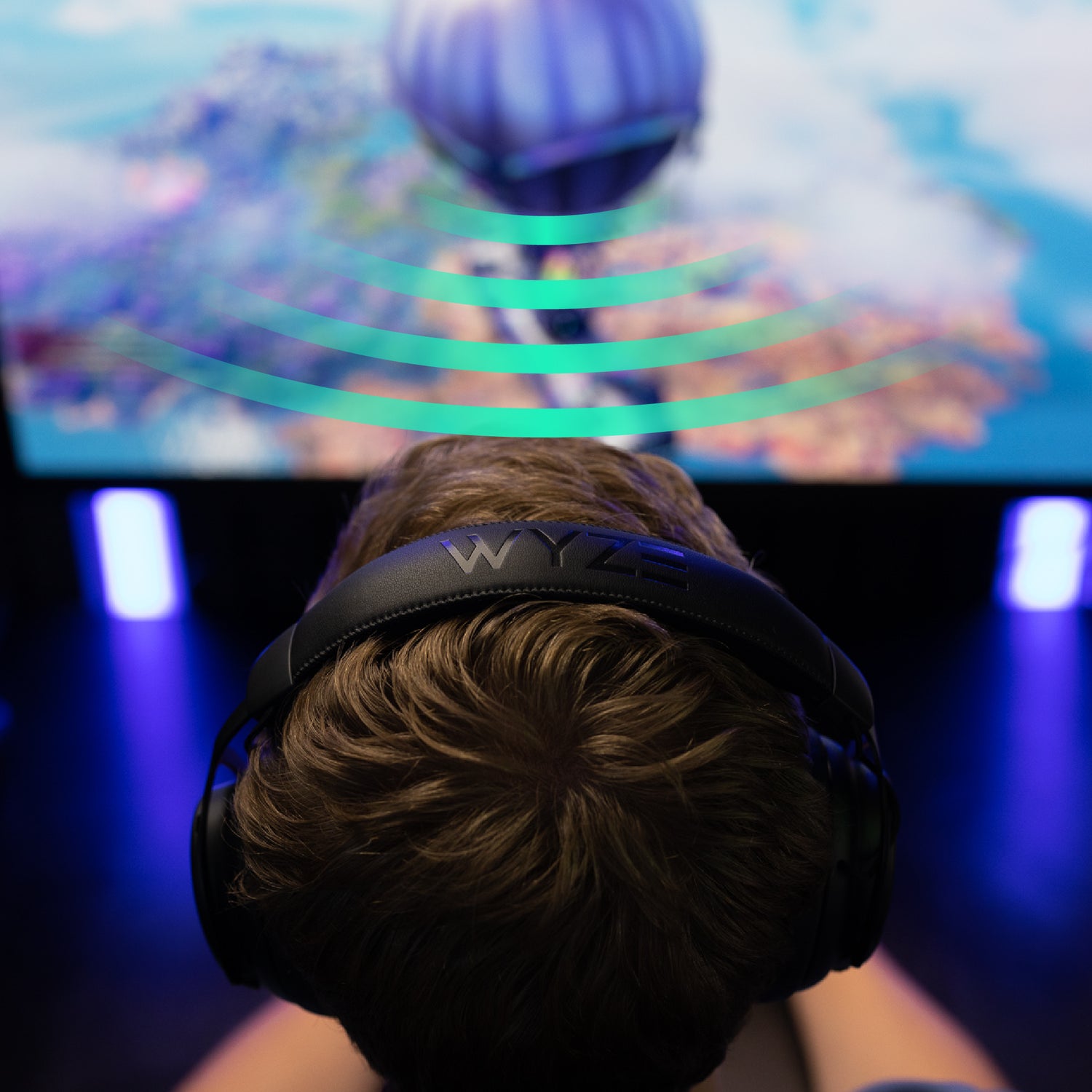
A person wearing a gaming headset while playing video games.

Sayonara, ¡retraso en el audio!

La latencia inalámbrica ultrabaja de 20 ms a través del adaptador de 2,4 GHz incluido es 5 veces más rápida que un abrir y cerrar de ojos, por lo que siempre podrá escuchar lo que viene antes de que sea demasiado tarde.

Diseño y construcción libres de N00b.

Wyze Wireless Gaming Headset features, durable aluminum frame, extra wide cushioned headband, soft microphone.

Funciona con tus plataformas favoritas.

¡Elige a tu luchador! Los auriculares Wyze Gaming son compatibles con PC, Mac, PlayStation, Nintendo Switch, Steam Deck, Android e iOS. No son compatibles con Xbox.

A black gaming headset with a microphone on a table next to a gaming controller.
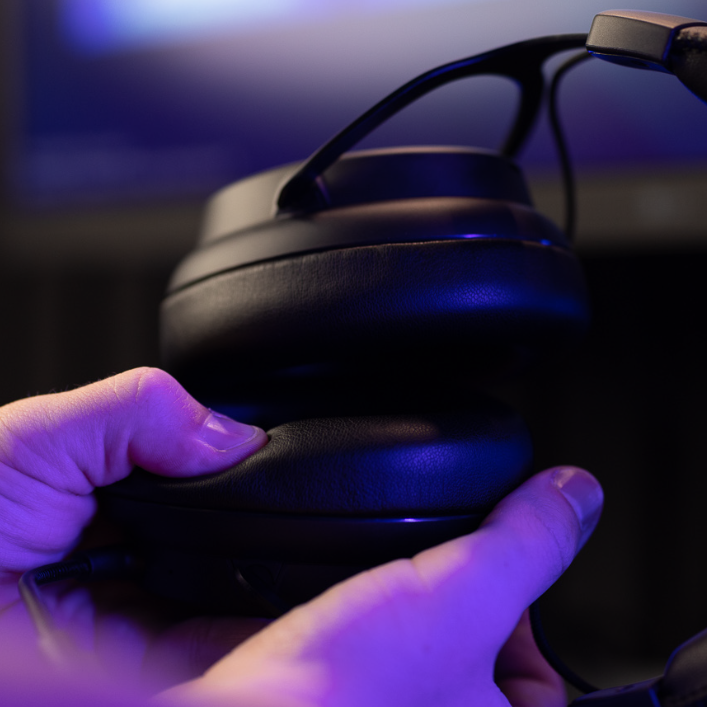
Person holding a gaming headset with purple lighting.

Comodidad sin fatiga con espuma viscoelástica.

No te dejes engañar por auriculares incómodos que arruinen tu campaña antes de comenzar.

Los auriculares Wyze Gaming son ligeros y extra anchos. Su piel sintética de primera calidad es supersuave, y eso no es nada despreciable, ¿verdad?

A person's hand plugging in a charging cable to charge a gaming headset.

Sigue jugando (y sigue jugando), jugador.

Hasta 2 horas de duración de batería con una carga rápida de 10 minutos te permitirán volver al juego más rápido de lo que tardas en decir: "¡No, no puedo pausar un juego en línea!".

Obtenga hasta 20 horas con una carga completa de 3 horas.

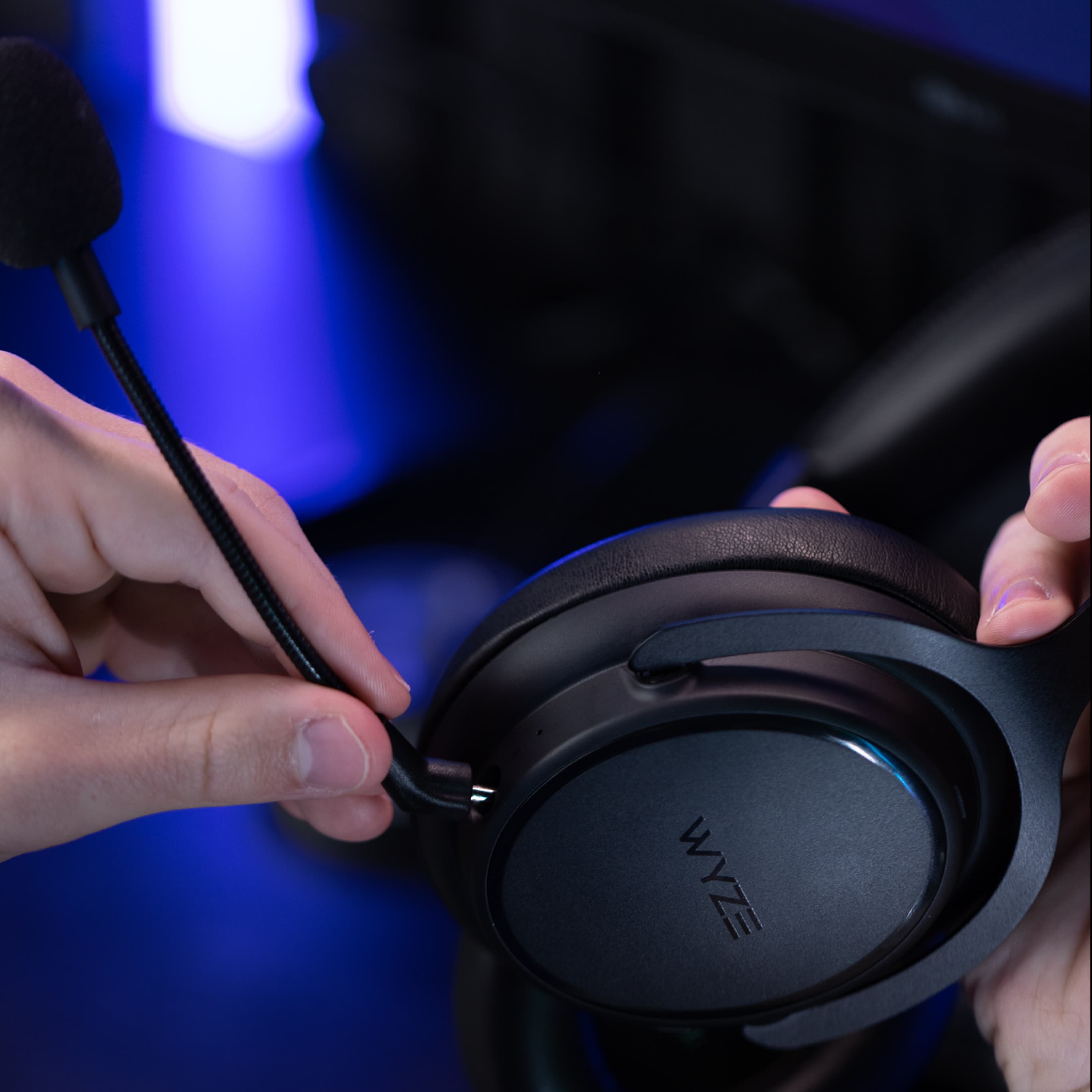
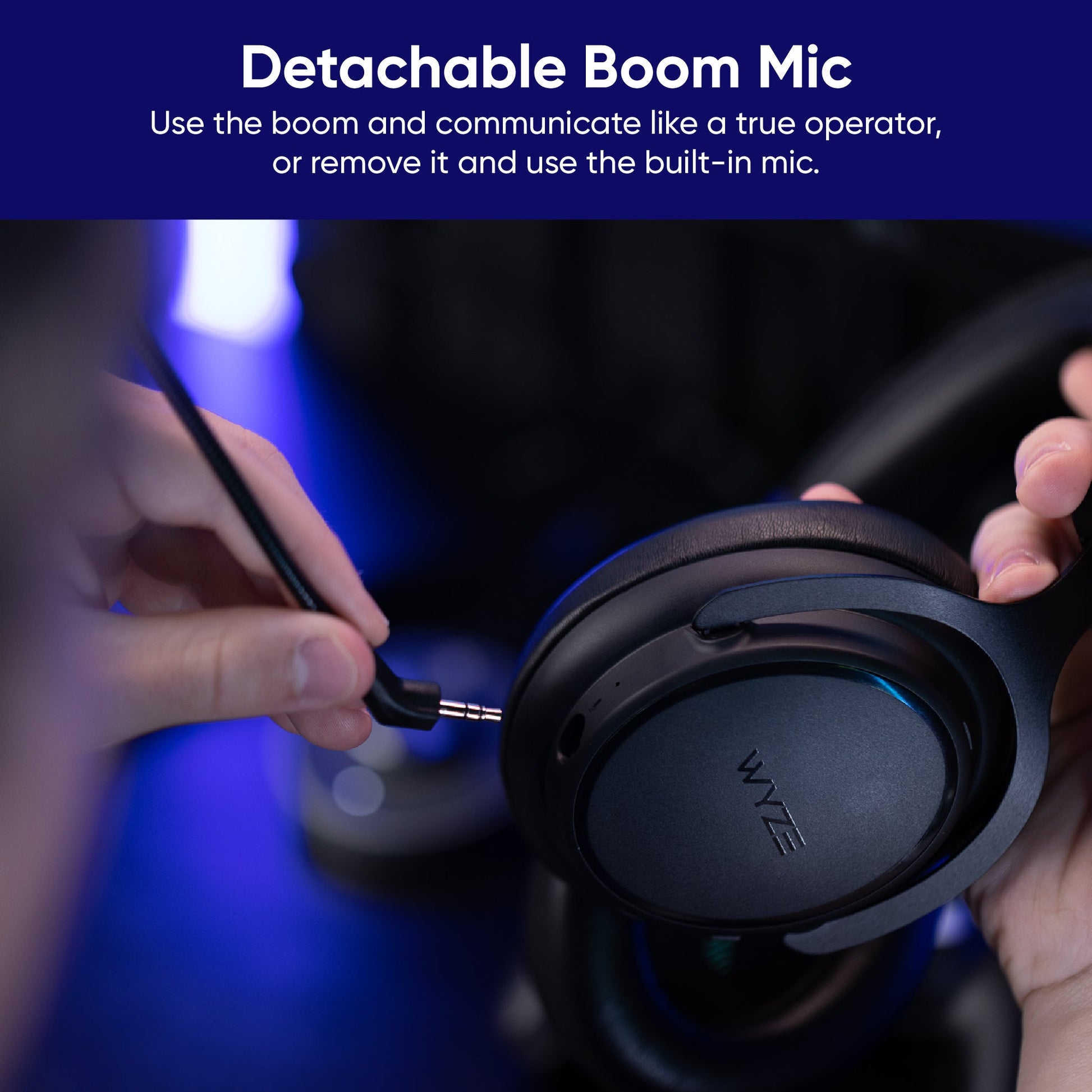
  • A person is plugging a boom microphone into a gaming headset.

    Micrófono de brazo desmontable

    Forme un equipo y comuníquese como un verdadero operador.

  • A black gaming headset with a built-in microphone.

    Micrófono incorporado

    Retire el brazo y atienda las llamadas como un ciudadano común.

Conexión multifuente.

Establezca conexiones mediante Bluetooth® y el adaptador inalámbrico incluido. Cambie fácilmente entre dos dispositivos pulsando el botón multifunción integrado.

  • Person wearing headset is pressing bluetooth button.

    Bluetooth® 5.2

  • A person's hand holding a wireless dongle.

    Dongle inalámbrico de 2,4 GHz

1 de 2

Únete a nuestro canal #gaming en Discord.

Ven a pasar el rato y a divertirte con nosotros: visita nuestro servidor de Discord.

Construye el entorno de juego definitivo.

Cosas que te podrían interesar...

1 de 6

Support Articles

To set up Bluetooth® pairing:

  1. Press the power button on the headset for 5 seconds.The status light will turn solid red.
  2. Press the Multi-Function Button for 5 seconds to enter pairing mode.The status light will flash blue.
  3. On the device you're pairing with, turn on Bluetooth. Find Wyze Wireless Gaming Headset and connect.
  4. Once pairing is successful, the headset will beep.The status light will turn solid blue.

To set up your Wyze Gaming Headset dongle:

  1. Plug the dongle into the USB port of the device you want to connect to.The headset will beep when the dongle is inserted.
  2. The status light will turn solid white when connected.
  3. To set up your headset with a new replacement dongle, press the power button 5 times to enter USB dongle pairing mode.

To switch between Bluetooth and dongle mode:

Press the Multi-Function Button twice. The status light will turn blue for Bluetooth mode, and turn white in dongle mode.

Note: Dongle mode will not activate if the dongle is not plugged in.

Download the Quick Start Guide for Wyze Wireless Gaming Headset here.

This guide is a short user manual with the basics about the gaming headset, including:

  • What's in the box.
  • How to use the gaming headset.
  • How to pair and charge the headset.
  • How to read the status lights.
  • Basic troubleshooting.
  • Important Safety Warnings.
Added to your cart
Envío GRATIS en pedidos de $59+
Subtotal
$0.00
View cart