Ir directamente a la información del producto
1 de 10

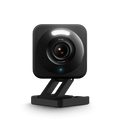
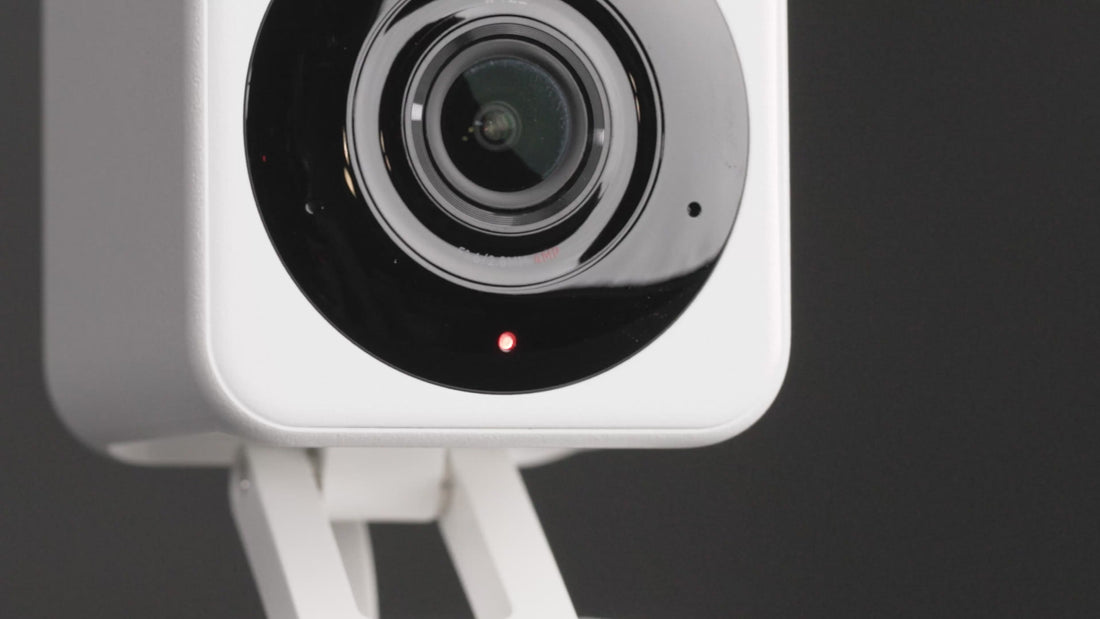
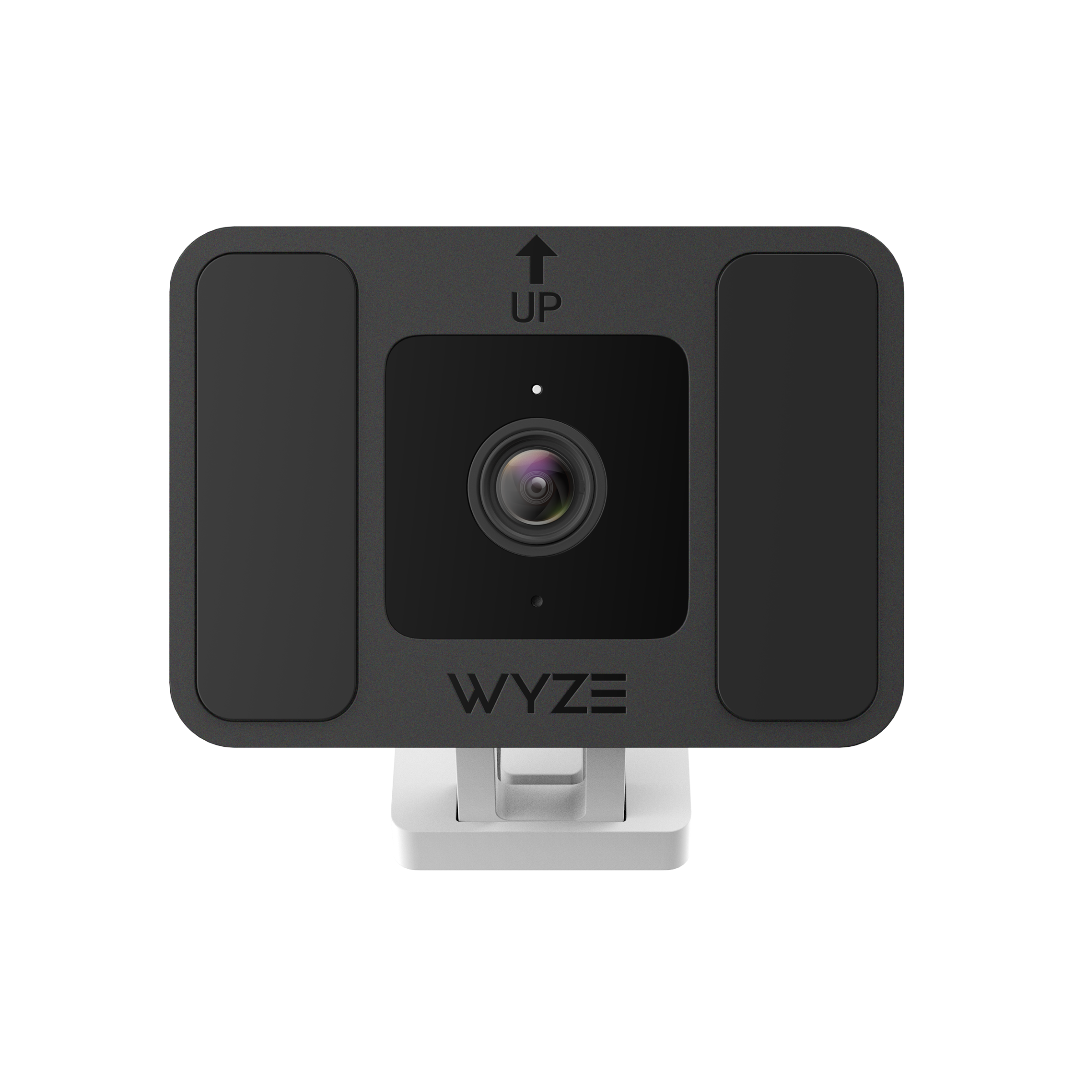
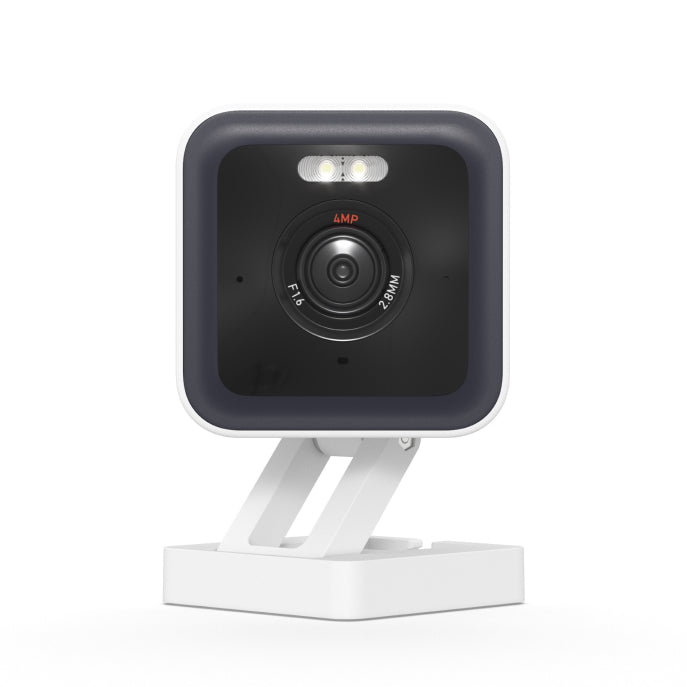
Cámara Wyze v4

Cámara Wyze v4

Cámara 2.5K con visión nocturna y foco

2025 Bestseller
Trusted in Millions of Homes
Color
Embalar
Add ons
$44.98
En existencias
Get it as soon as
Devoluciones sin problemas de 30 días.
En existencias

2.5K QHD Color Night Vision

IP65 Weather Resistant

24/7 Local Recording

Integrated Spotlight & Siren

Ver todos los detalles
  • A colorful logo of a wheel with a red arrow pointing to the bottom.

    Resolución QHD de 2.5K + Visión nocturna en color

    Vea cada detalle claramente en colores vibrantes, de día o de noche.

  • A black and white image of a weather icon.

    Seguridad interior/exterior

    Colóquelo en cualquier lugar con resistencia a la intemperie IP65.

  • A black background with a white spotlight icon.

    Foco activado por movimiento

    Activa automáticamente la luz LED y la indicación de voz para mayor seguridad.

  • A purple and white shield with a white background.

    Detección de personas y más

    Con Cam Plus, obtienes almacenamiento de duración de video ilimitada y detección de IA avanzada.

Especificaciones de la Wyze Cam v4

Colores y materiales

  • Colores: Blanco y Gris
  • Cuerpo: policarbonato
  • Lente: Vidrio + Plástico
  • Campo de visión (FOV) del objetivo: DFOV 115,8°, HFOV 98,5°, VFOV 53,1°
  • Sensor: Sensor CMOS Starlight
  • Indicador LED: Frontal. Rojo + Azul.

Dimensiones y peso

  • 2 pulgadas x 2 pulgadas x 2 3/8 pulgadas
  • 0,49 libras (222 g)

Montaje

  • Soporte, montaje en pared, montaje en techo o montaje en pared magnético (adhesivo)

Fuerza

  • Adaptador de corriente: Entrada 110-240 V (CA/CC), Salida Interior 5 V/1 A
  • Adaptador de corriente para exteriores (se vende por separado)
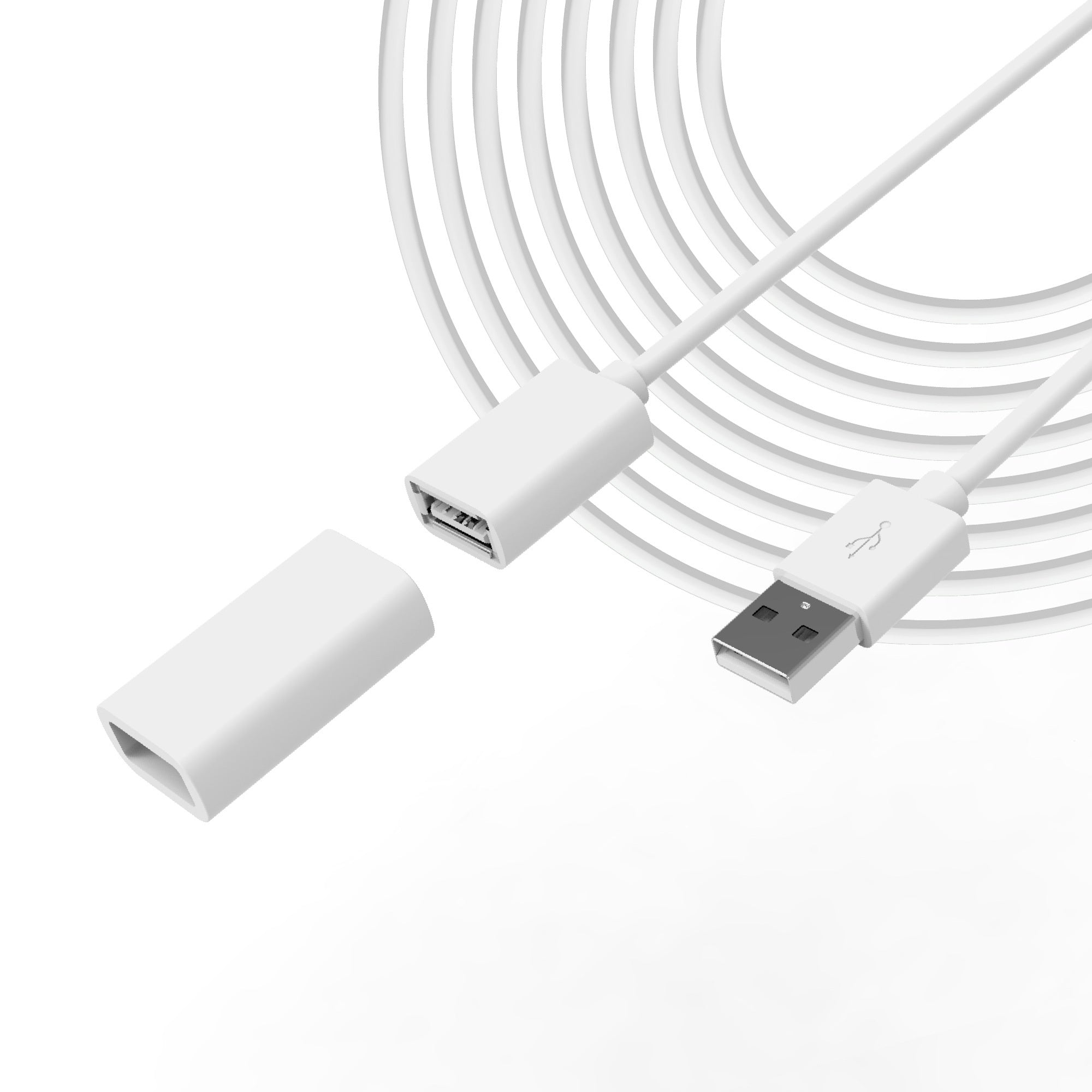
  • Cable: micro USB plano de 6 pies a USB-A

Video

  • Resolución: 2.5K QHD (2560x1440)
  • Zoom digital: 8x
  • Amplio rango dinámico (WDR): Sí
  • Luces infrarrojas: 4x850 nm
  • Visión diurna/nocturna: Sí
  • Visión nocturna: 4 LED IR (850 nm) + 2 LED de foco blanco (72 lúmenes)
  • Visión nocturna en color: Sí
  • Codificación de vídeo: H.264
  • Vídeo FPS: Diurno 20 FPS / Nocturno 15 FPS

Audio

  • Altavoz: 99dB, resistente al agua
  • Conversación bidireccional simultánea: Sí
  • Sirena incorporada: Sí
  • Cancelación de ruido y eco: Sí

Conectividad y compatibilidad

  • Bluetooth® 5.2
  • Wi-Fi: Wi-Fi de 2,4 GHz, Wi-Fi 6
  • Compatibilidad del teléfono: Android 9.0+, iOS 15.0+
  • Integraciones: Alexa, Asistente de Google, IFTTT

Almacenamiento

  • Local (se requiere tarjeta microSD)
  • Tarjeta MicroSD hasta 256 GB
  • Nube (con plan de suscripción)

Clima y temperatura

  • Resistente a la intemperie IP65
  • Temperatura de funcionamiento: -4ºF - 122ºF (-20ºC - 50ºC)
  • Temperatura de almacenamiento: -40 °F - 158 °F (-40 °C - 70 °C)

Garantía

  • 1 año

Incluido en un paquete de 1:

  • Cámara Wyze v4 x1
  • Guía de inicio rápido x1
  • Placa de montaje en pared x1
  • Cinta para placa de montaje en pared x1
  • Kit de tornillos x1
  • Adaptador de corriente USB para interiores x1
  • Cable plano micro USB a USB-A de 6 pies x1
  • NotaLa cámara y el cable USB serán de color blanco o gris, según el color elegido.

Wyze Cam v4 is our best camera yet, with super-clear, 2.5K QHD resolution and enhanced Color Night Vision. Our new audio technology now removes harsh and static sounds better than ever before. You can use Wyze Cam v4 indoors and outdoors, and use its built-in spotlight and Motion Warning feature to deter intruders. With Wi-Fi 6 capabilities, you can get better connectivity, and with Smart Focus on the Live stream, you can catch important details in motion while still viewing the bigger picture.

Wyze Cam v4 is a wired camera. It is not wireless or battery powered. It is powered via the included 6 ft USB cable.

Yes, Wyze Cam v4 is IP65-rated and can be used both indoors and outdoors.

2.5K QHD (2560x1440).

No, Wyze Cam v4 only supports 2.4 GHz networks.

Wyze Cam v4 is equipped with a starlight sensor that allows the camera to see color in extremely low light conditions, allowing you to see full color at night.

Yes, Wyze Cam v4 is compatible with Wyze Web View.

Wi-Fi 6 offers better range, handling of congestion, and higher connection speed. For example, the max capacity of Wi-Fi 5 is ~80 feet vs WiFi 6 at ~150 ft, and the number of streams for Wi-Fi 5 is 8 streams vs Wi-Fi 6 at 12 streams. If you are interested in a Wi-Fi 6 router, check out our Wyze Mesh Router and Wyze Mesh Router Pro.

Yes, Wi-Fi 6 is backwards compatible.

No, Wyze Cam v4 is powered via a USB cable.

Day: 20 frames per second (fps)
Night: 15 fps

Yes. While it's not waterproof, it is weather resistant and safe to use outside. Indoor and Outdoor IP65 rated.

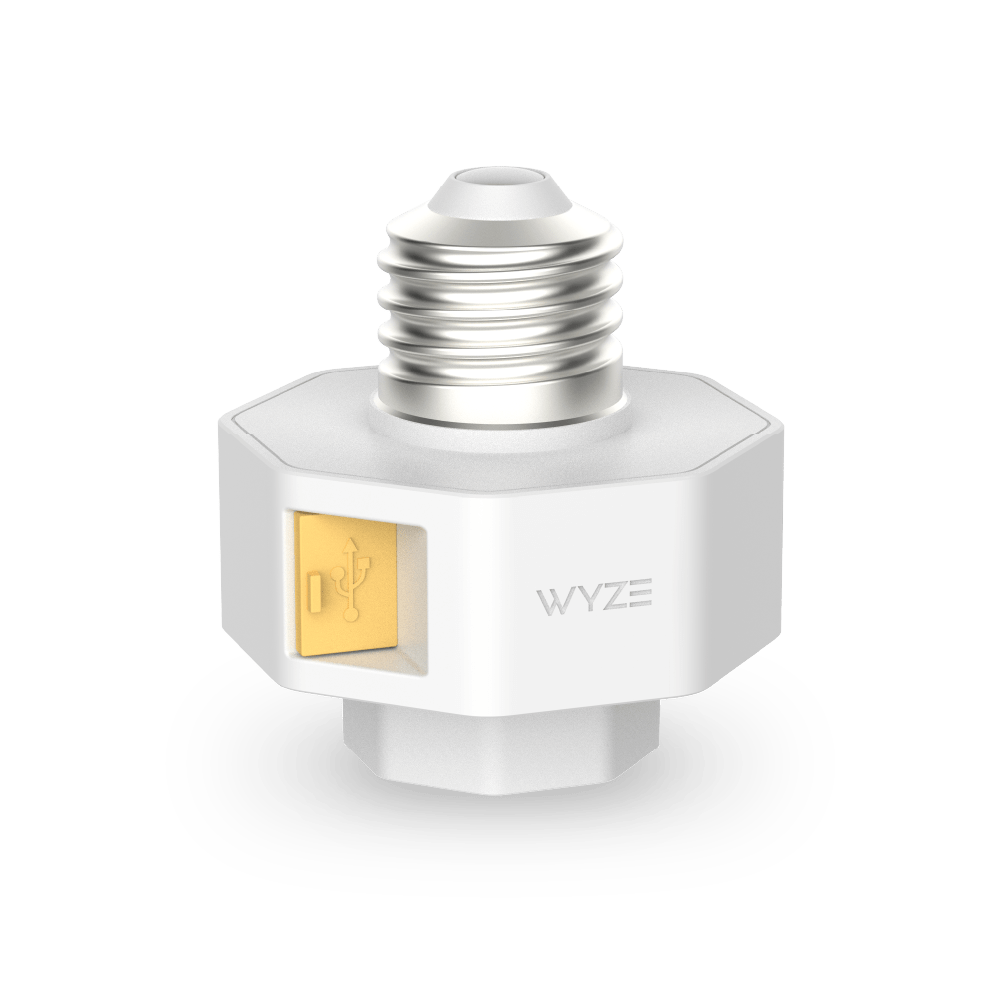
Wyze Cam v4 works with the following accessories: Wyze Lamp Socket, Wyze Cam Window Mount, Wyze Cam Outdoor Adapter v1 and v2, and microSD cards up to 512 GB.

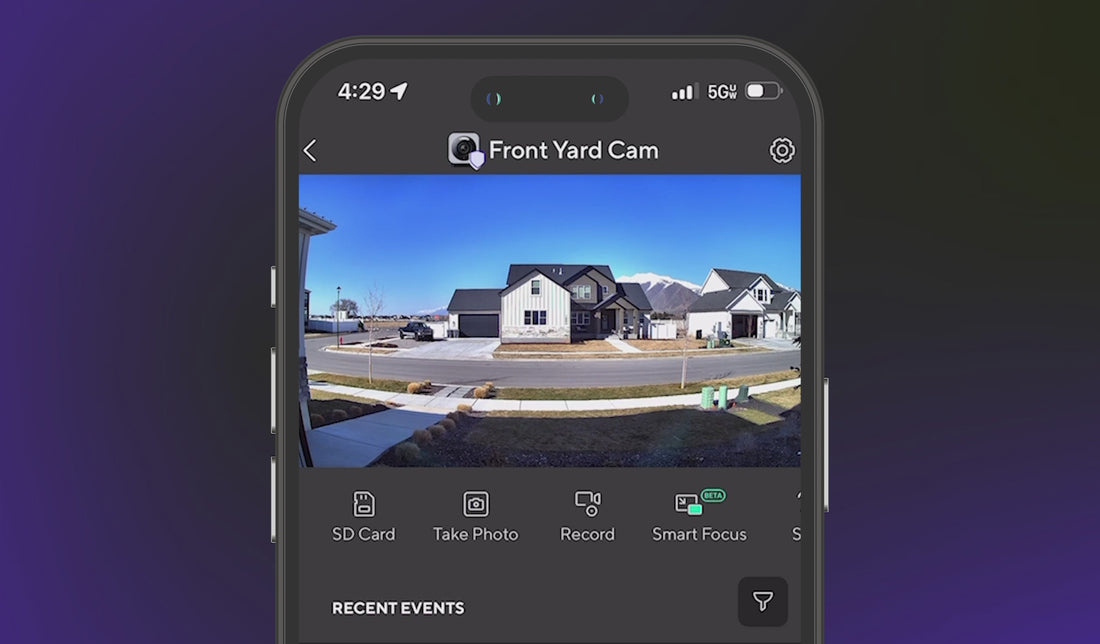
Smart Focus is a new feature that adds a smaller view of the Live stream, while the camera focuses on what matters - motion. When motion is detected, you will have two views of the Live stream at the same time.

No. Wyze Cam v4 is not compatible with our home monitoring service, but it's on the wish list!

Yes, the Wyze Cam v4 indoor/outdoor security camera requires an internet connection in order to view the live stream of the video via the Wyze App. We recommend leveraging Wi-Fi 6 for the best performance.

Libra por libra, la Wyze Cam más nítida hasta la fecha.

Capture imágenes y videos con mayor detalle con la claridad de alta definición cuádruple de 2.5K.

A young boy is flexing his arm in front of a map of the world.

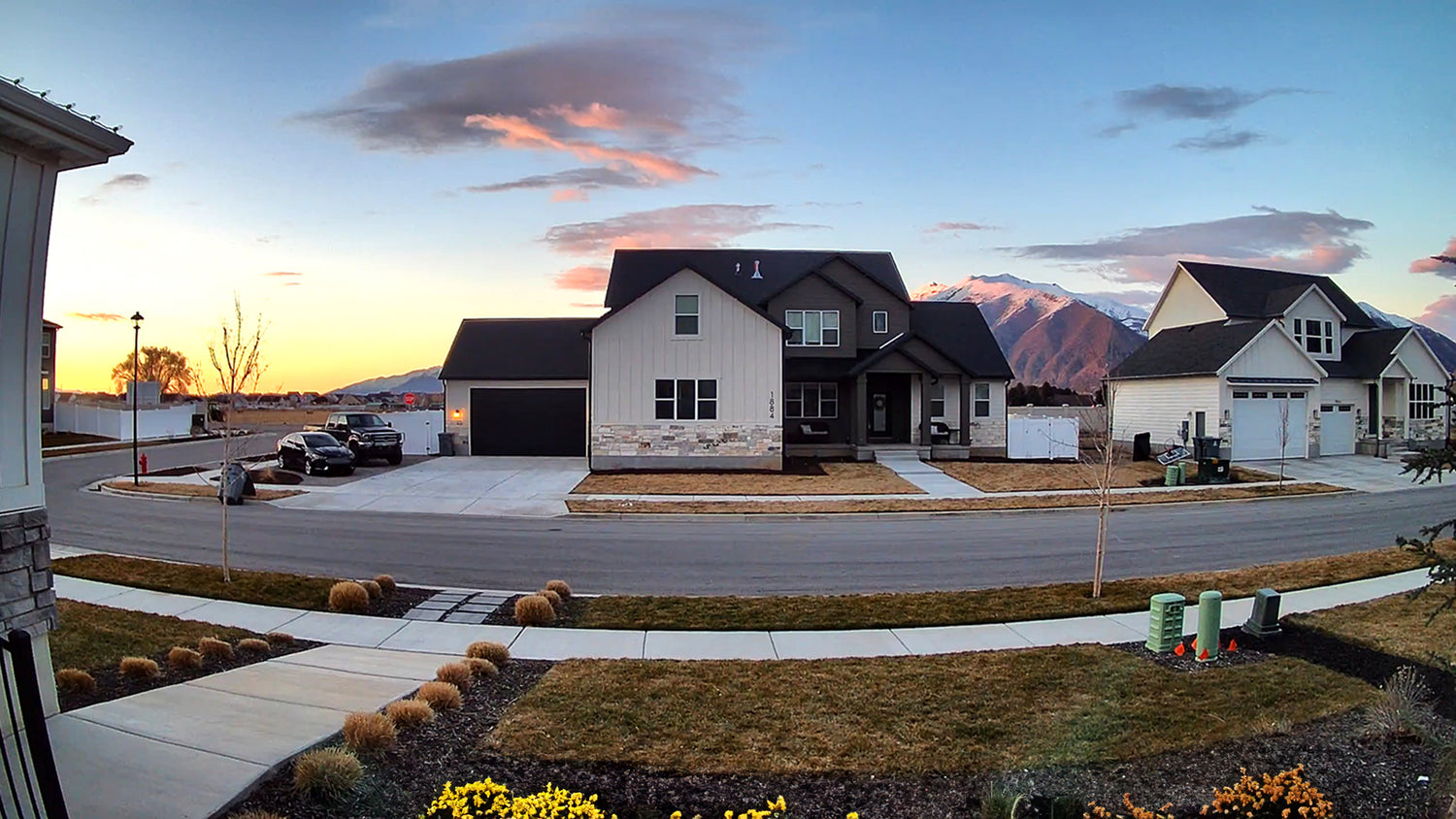
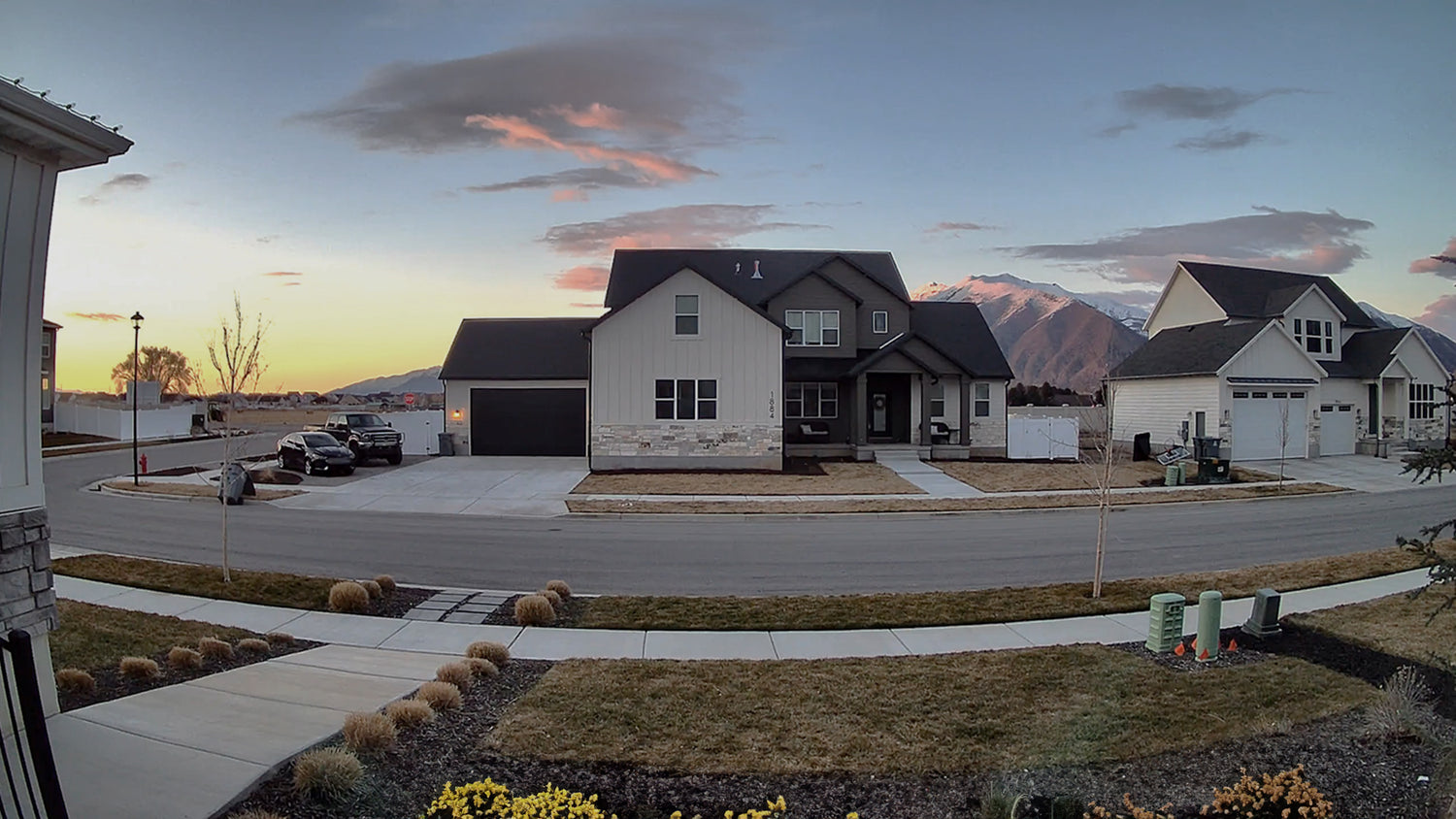
Colores más vibrantes con nuestro mejor rango dinámico.

Un procesador de imagen mejorado permite un amplio rango dinámico (WDR) para obtener colores ricos y vibrantes y una mejor calidad de imagen.

A house with a black roof and white siding. A large house with a black roof and white siding.

Wyze Cam v4 con WDR

Sin WDR

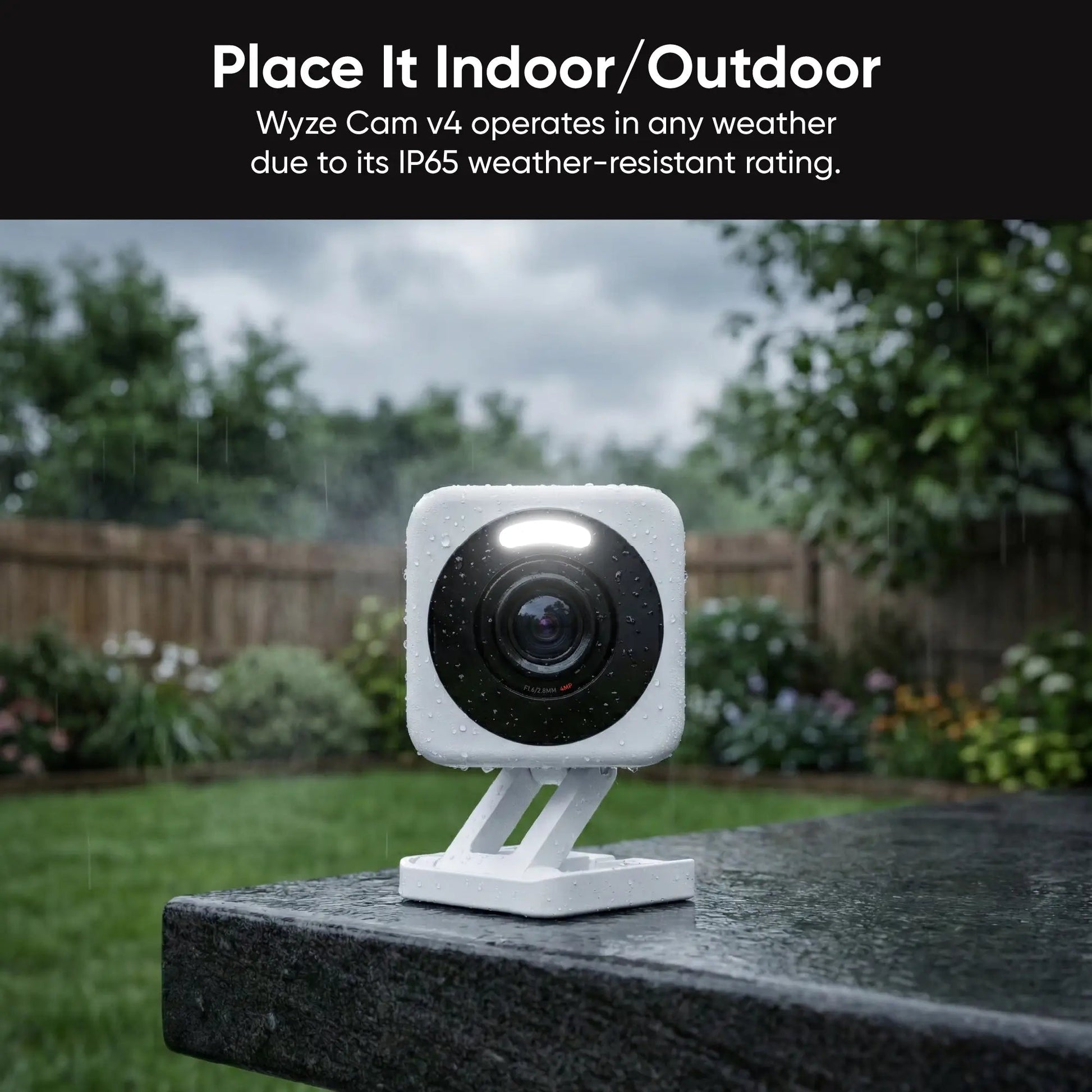
resistencia a la intemperie ip65

Colóquelo en cualquier lugar.

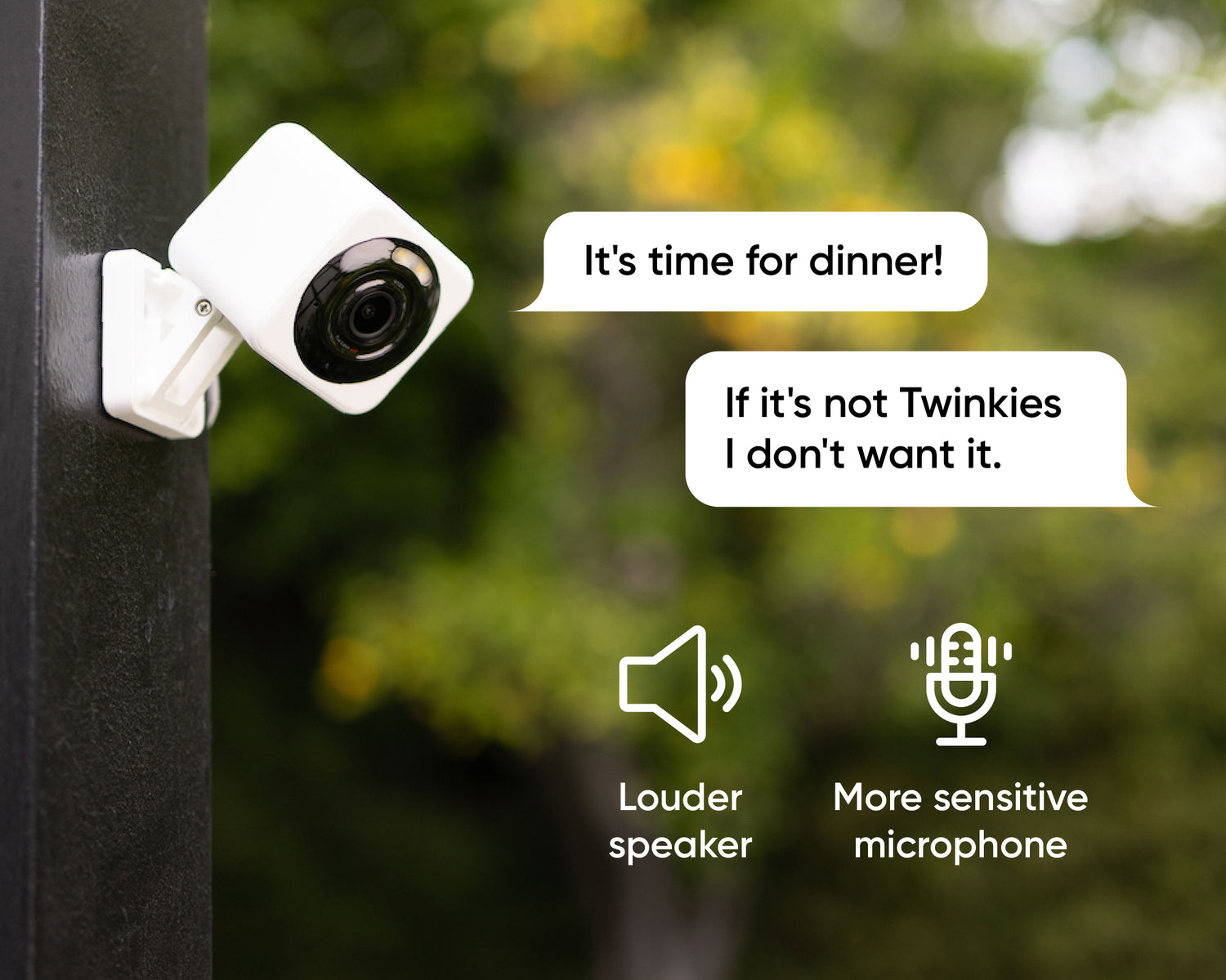
Wyze Cam v4 funciona en cualquier clima gracias a su clasificación de resistencia a la intemperie IP65.

A Wyze Cam v4 is attached to a pole.

Comunicación bidireccional mejorada

Conversación más clara.

La codificación de audio avanzada (AAC), un amplificador más potente y un micrófono actualizado se combinan para brindar el mejor audio jamás visto en una Wyze Cam.

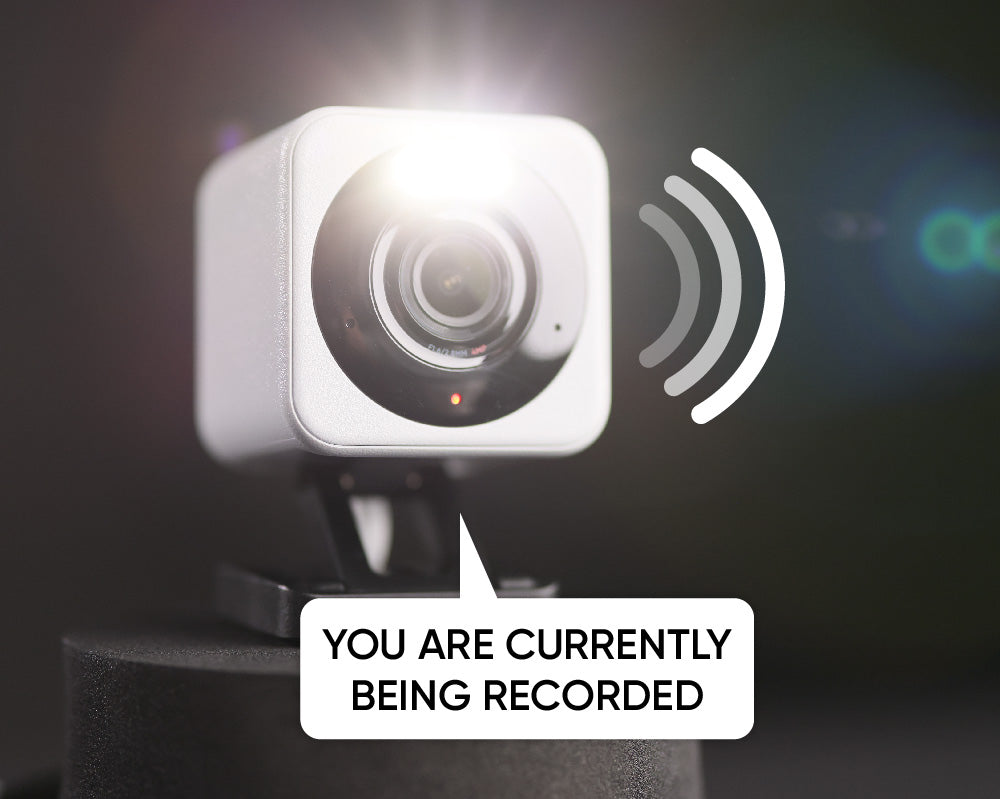
A white Wyze Cam v4 is currently being recorded.

Foco integrado + sirena

Más seguridad durante la noche.

Disuade a los intrusos o ilumina tu camino a casa con un foco activado por movimiento. Activa la sirena para un sonido potente y un aviso de "¡Sal de aquí!".

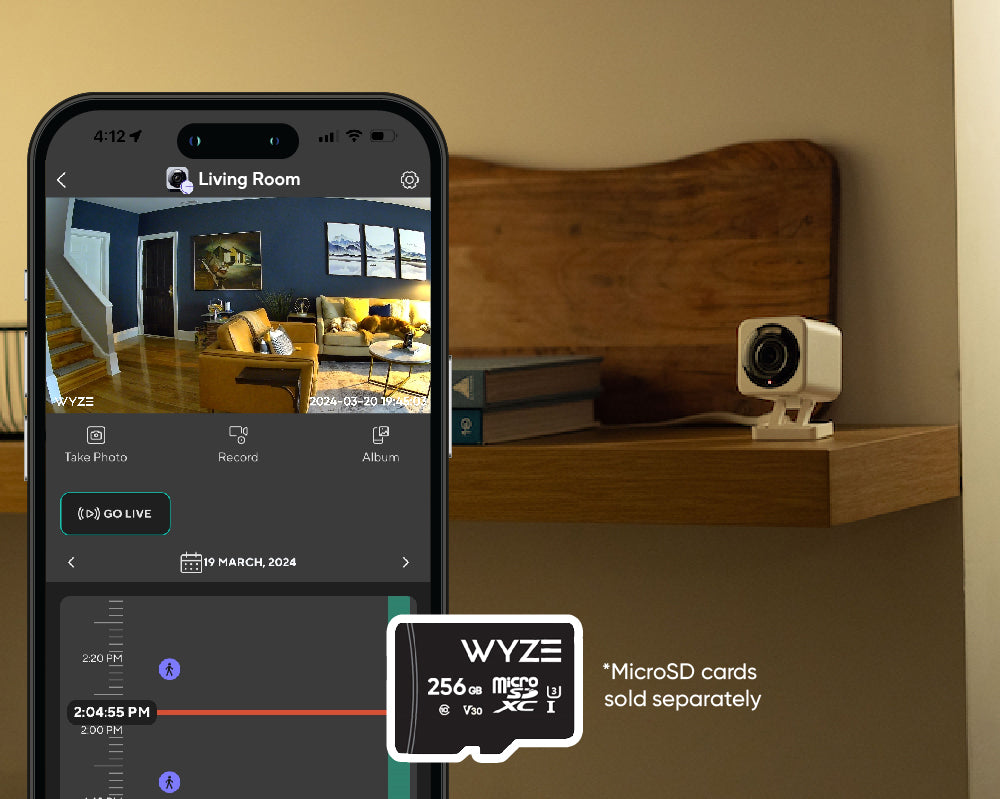
A Wyze Cam v4 microSD card.

Graba cada segundo

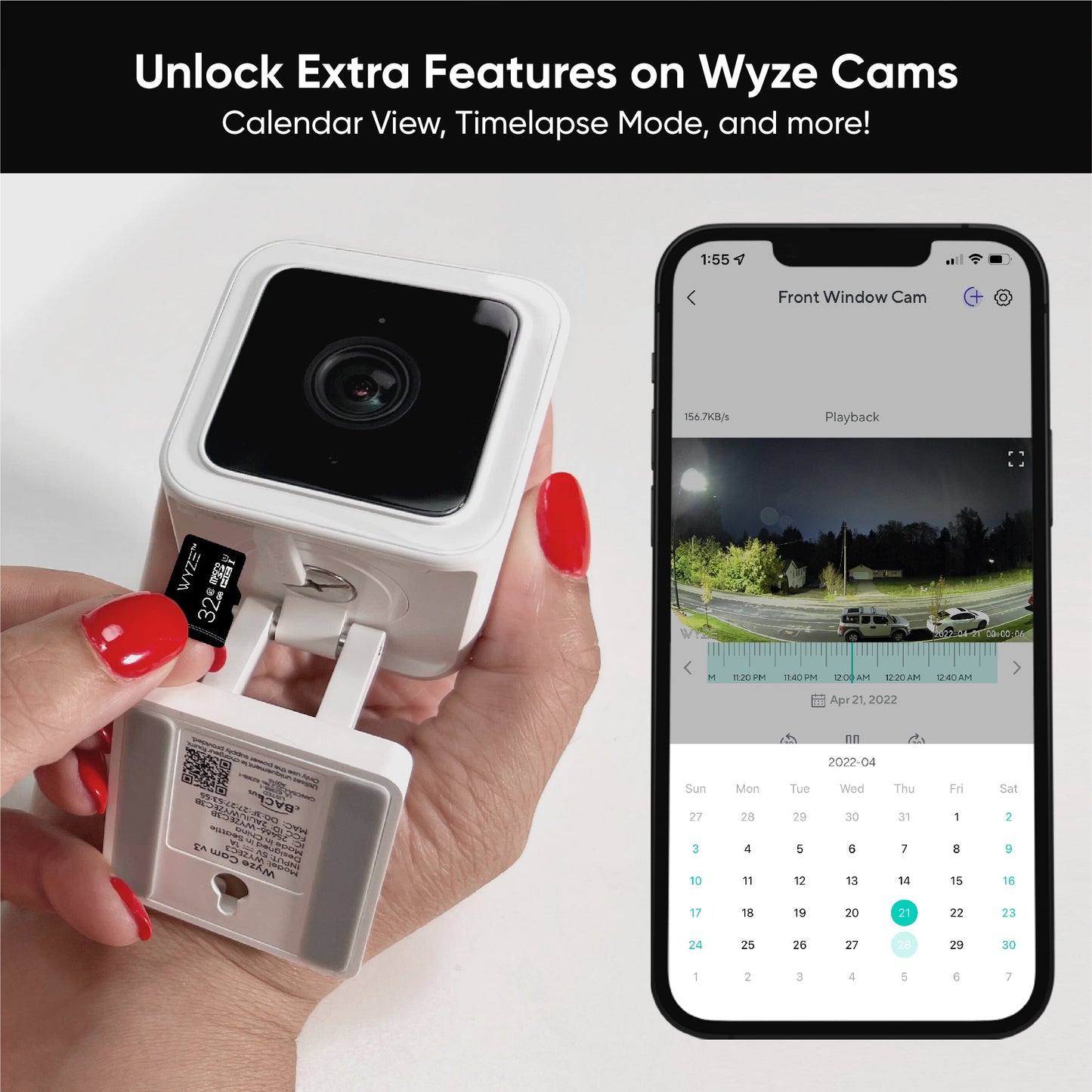
Grabación 24/7 con tarjeta MicroSD.*

No te pierdas nada con la grabación local continua en una tarjeta microSD de hasta 256 GB. Sin suscripción.

1 de 4

Lo mejor sigue mejorando.

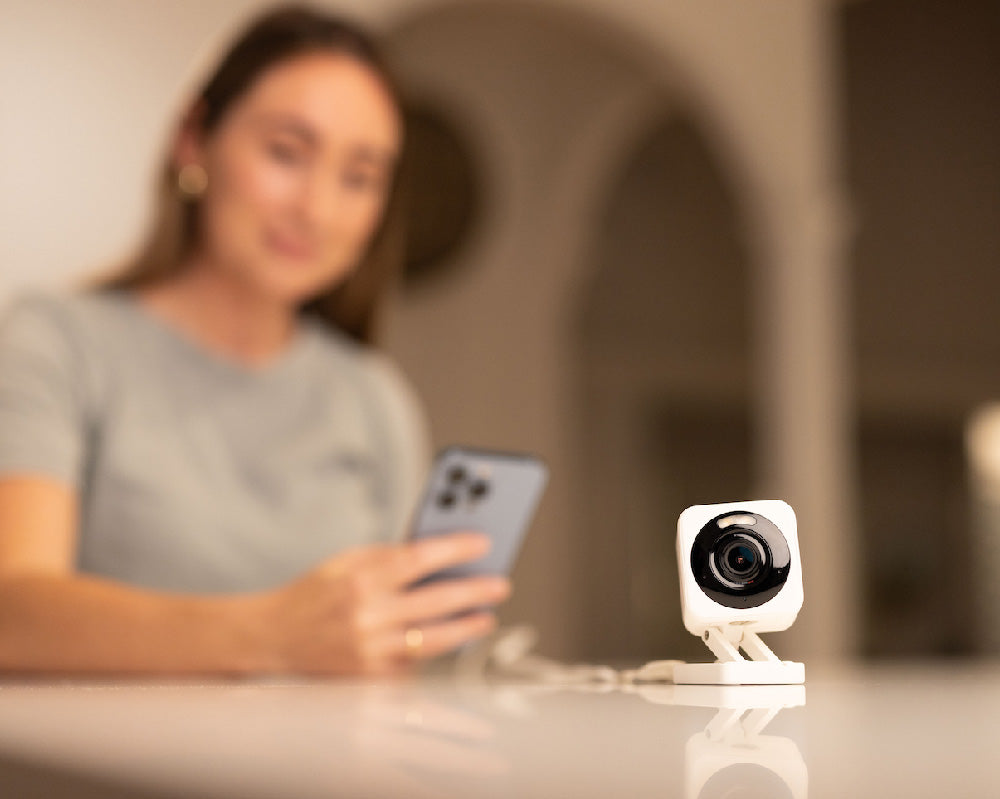
A woman holding a cell phone with a Wyze Cam v4 on a table.

Conectar con bluetooth®

Fácil de configurar.

No es necesario escanear códigos QR. Disfrute de una configuración sencilla con Bluetooth®, que también ofrece la posibilidad de funcionar con otros dispositivos inteligentes del hogar.

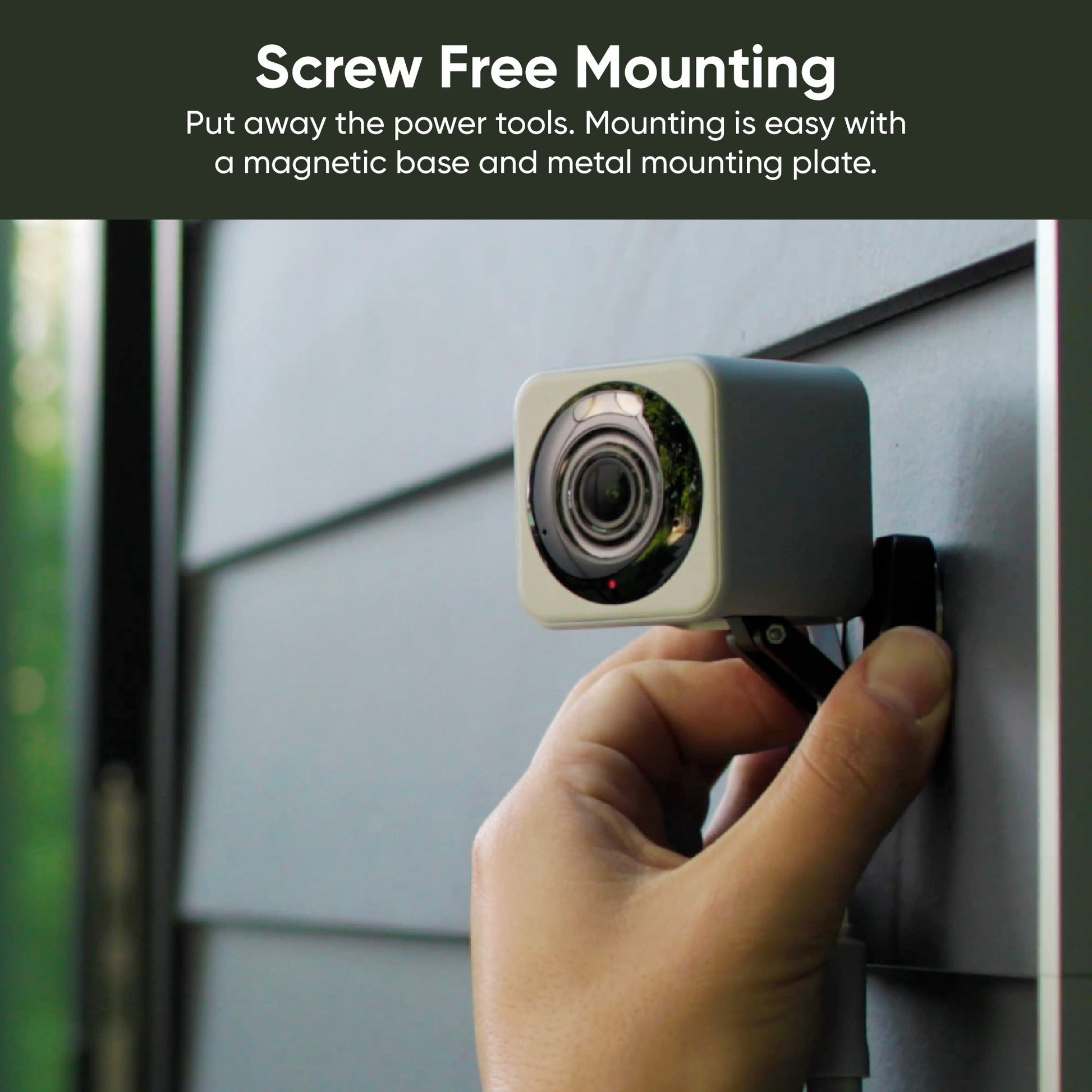
A small square magnet on a gray door.

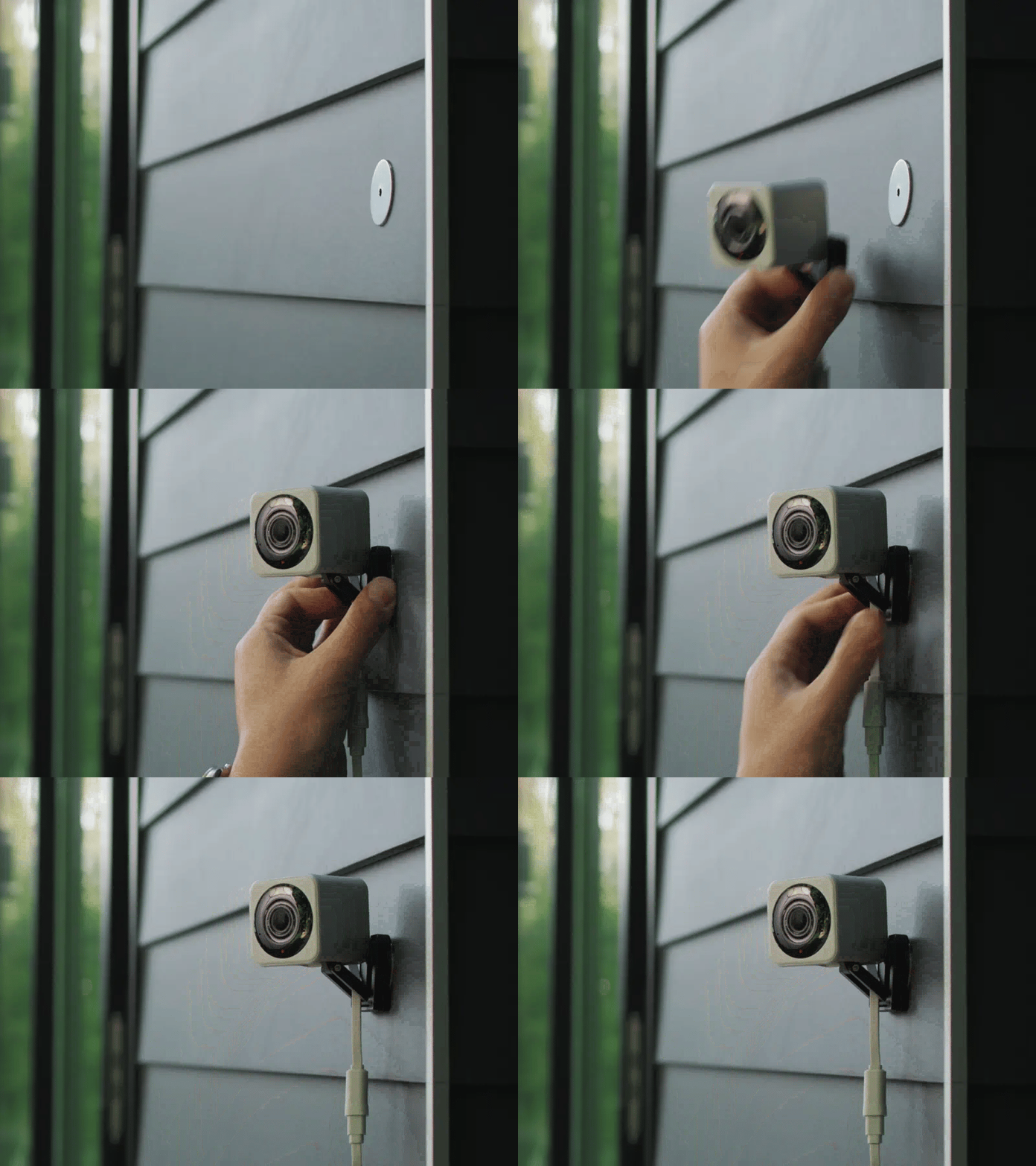
Soporte magnético sin tornillos

Fácil de montar.

Guarde las herramientas eléctricas. El montaje es fácil gracias a su base magnética y placa metálica.

A Wyze Cam v4 is displayed on a wooden table.

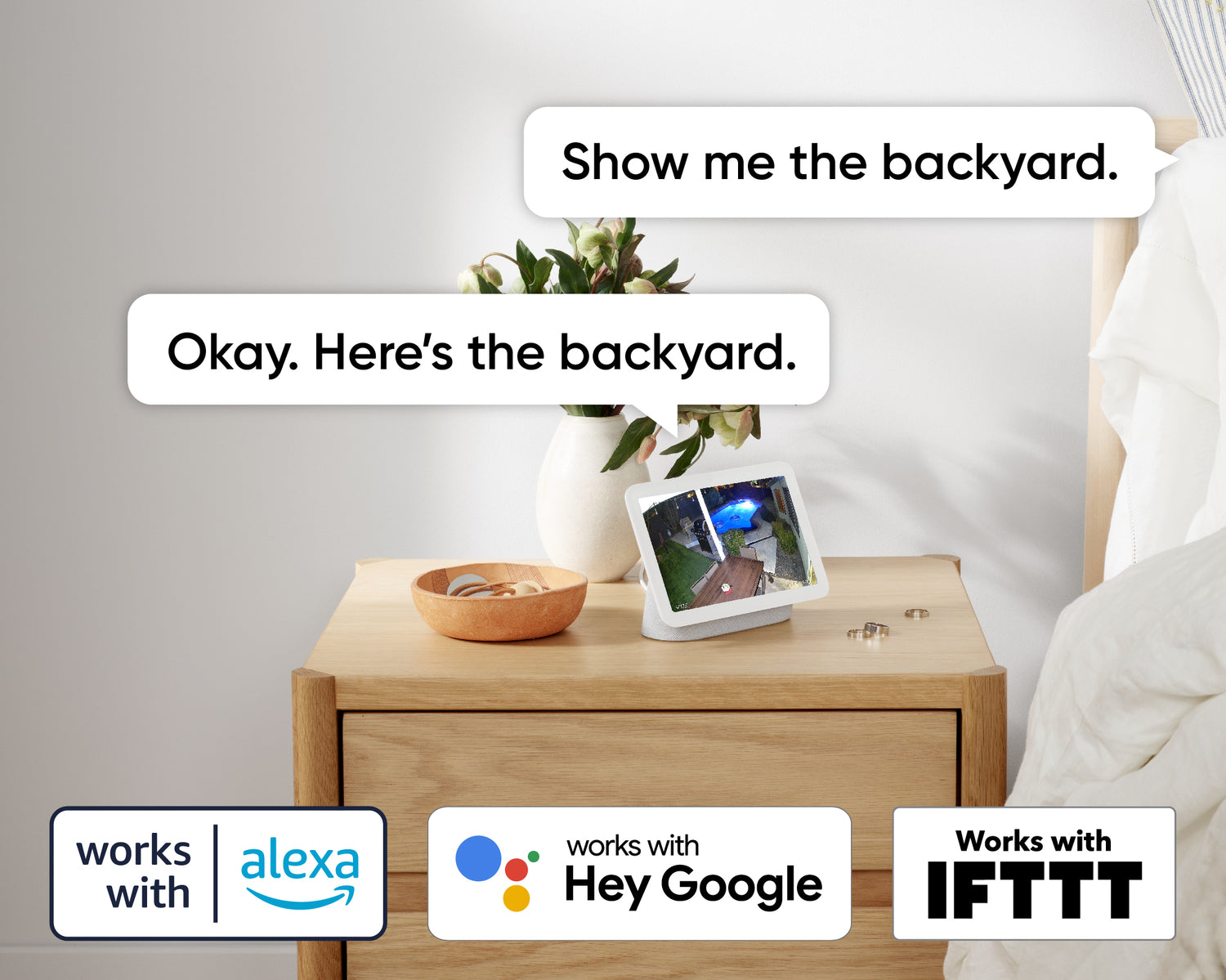
Funciona con asistentes inteligentes

Compatible con Alexa, Asistente de Google y IFTTT.

Comodidad y personalización a tu alcance con integraciones como Amazon Alexa, Google Assistant, IFTTT y Wyze Rules.

ZOOM AUTOMÁTICO CON IA

Seguimiento con enfoque inteligente.

Concéntrese en lo que importa, sin perder de vista el panorama general.

Descubra por qué la v4 es la mejor Wyze Cam hasta el momento.

A green circle with a Wyze Cam v4 inside.
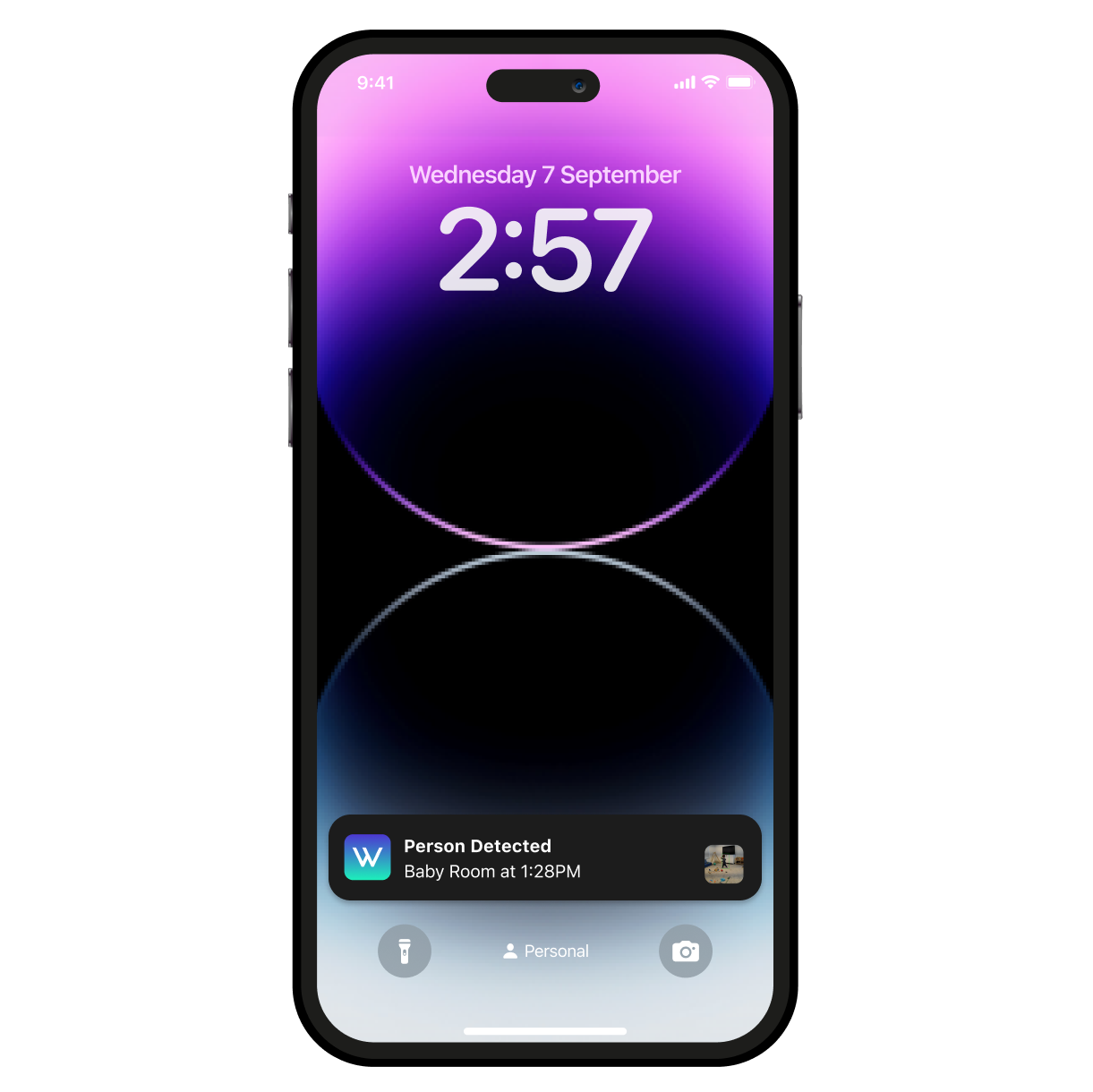
A smartphone with a purple screen displaying a time of 2:57.
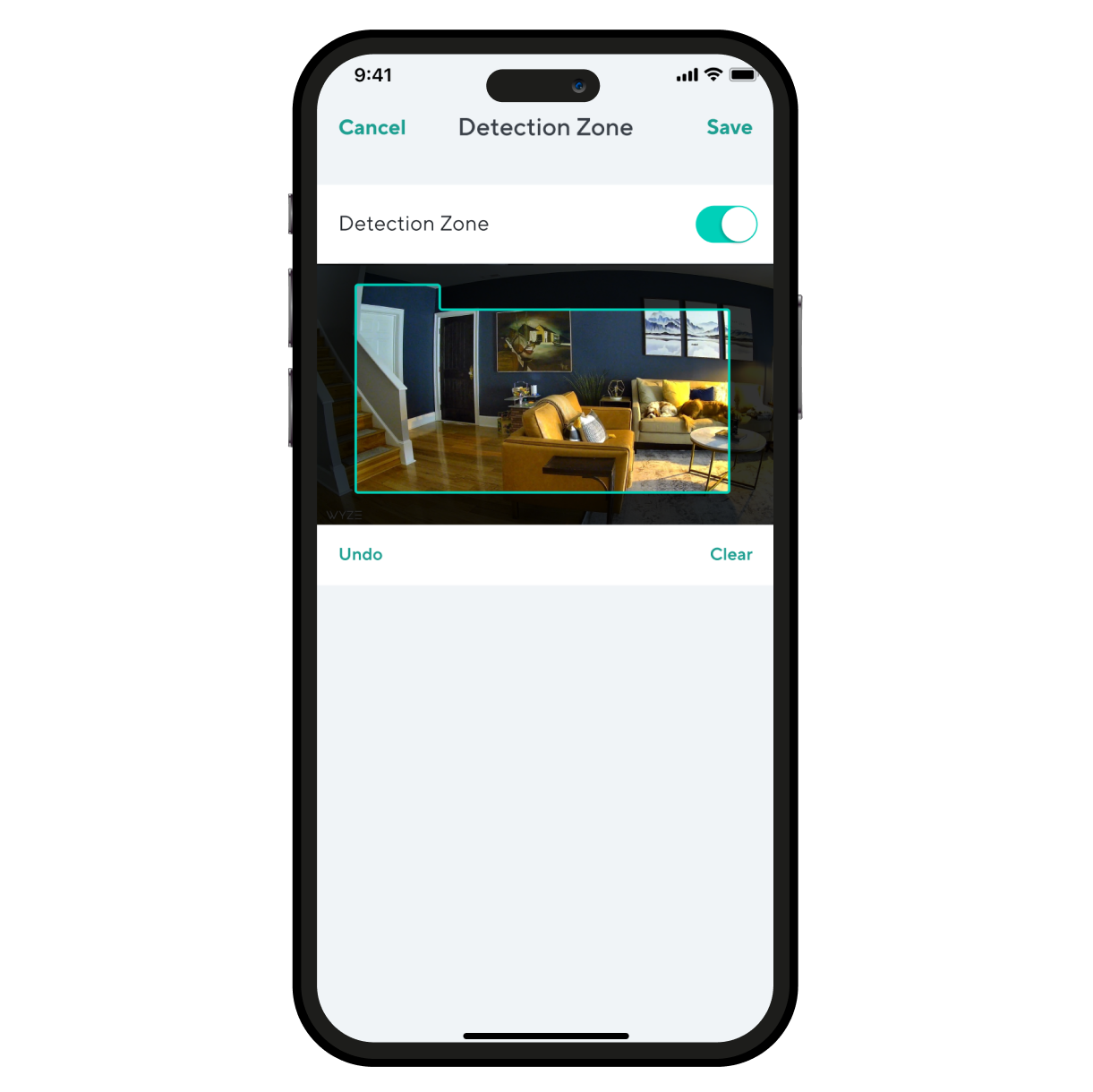
A smartphone screen displaying a room with a couch and a chair.
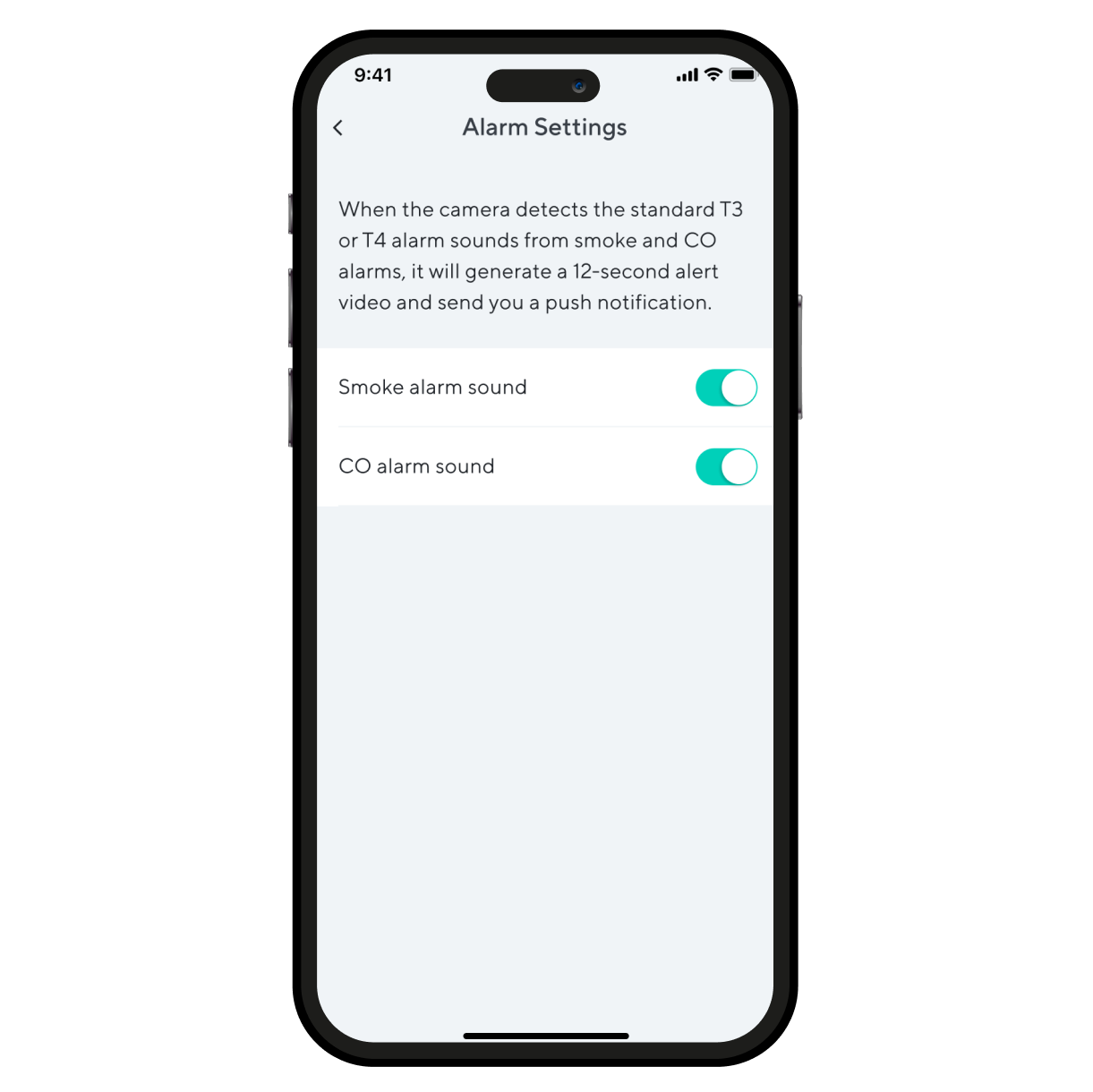
Alarm settings on a smartphone.

Aún más características para amar.

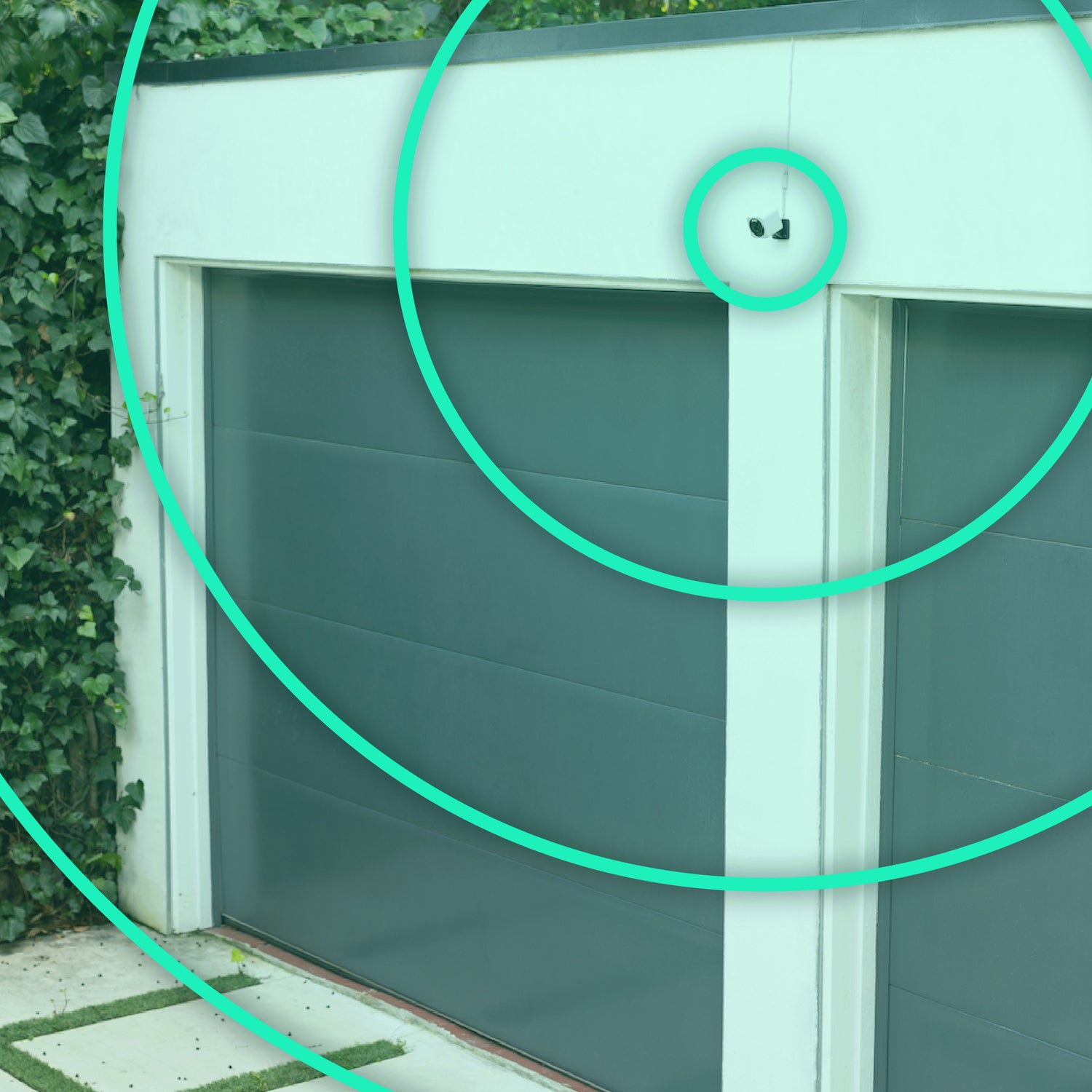
Mantenga una conexión más fuerte y confiable a mayores distancias. Requiere enrutador Wi-Fi 6.

Observa y escucha el movimiento y el sonido. Wyze Cam v4 envía una alerta a tu teléfono y comienza a grabar cuando detecta alguno.

Supervise áreas específicas en busca de movimiento para que solo reciba notificaciones cuando sea importante.

Recibe una alerta en el momento en que Wyze Cam v4 detecta una alarma de humo o CO. Wyze Cam graba un video durante ese tiempo.

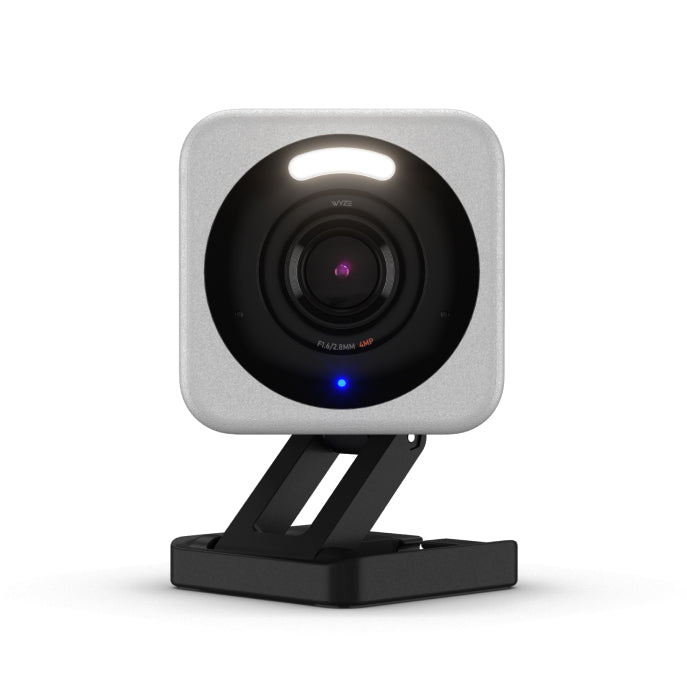
  • A small camera with a blue light on it.

    Wyze Cam v4 NUEVA

    Colores: Blanco o Gris

    Acabado: Mate texturizado

    Resolución: 2.5K QHD con nuestra mejor gama de colores (WDR)

    Campo de visión: 115,9° (D) x 98,5° (H) x 53,1° (V)

    Visión nocturna: B&N + Visión nocturna en color mejorada

    Sonido: conversación bidireccional mejorada

    Sirena: 99 dB

    Foco:

    Velocidad de notificación: Avanzada

    Compatibilidad con tarjetas MicroSD: hasta 256 GB

    Lanzamiento: 2024

    ¿Listo para comprar? 
  • A small camera with a white base.

    Cámara Wyze v3 Pro

    Colores: Blanco

    Acabado: Mate

    Resolución: 2.5K

    Campo de visión: 115,9° (D) x 98,5° (H) x 53,1° (V)

    Visión nocturna: Visión nocturna en blanco y negro + color

    Sonido: conversación bidireccional

    Sirena: 89 dB

    Foco:

    Velocidad de notificación: Avanzada

    Compatibilidad con tarjetas MicroSD: hasta 256 GB

    Lanzamiento: 2022

    Aprende más 
  • A white camera with a black lens.

    Cámara Wyze v3

    Colores: Blanco, Negro o Azul Edición Limitada

    Acabado: Mate

    Resolución: 1080p

    Campo de visión: 121° (D) x 102° (H) x 54° (V)

    Visión nocturna: Visión nocturna en blanco y negro + color

    Sonido: conversación bidireccional

    Sirena: 80 dB

    Foco: No (el kit de foco se vende por separado)

    Velocidad de notificación: Estándar

    Compatibilidad con tarjetas MicroSD: hasta 256 GB

    Lanzamiento: 2020

    Aprende más 
1 de 3

* La Detección Inteligente está incluida en nuestros planes de suscripción (o planes de servicio). Si bien todas las Wyze Cam incluyen detección de movimiento, nuestros planes te ofrecen más detecciones, como detección de personas, mascotas, paquetes y vehículos. Incluso tienes acceso a la detección de sonido basada en IA.


* Wyze Cam v4 está cableada, lo que permite alimentación y grabación continuas .

** Requiere el adaptador de corriente para exteriores Wyze (se vende por separado) para uso en exteriores.

** Requiere tarjeta microSD (se vende por separado).

Support Articles

Before you begin setup:

  1. Download the Wyze app on your smartphone or tablet.
  2. Connect your device to a 2.4 GHz Wi-Fi network.
  3. Unpack your Wyze Cam v4 removing all plastic and packing materials.Be sure to remove the plastic film from the lens.
  4. Plug the camera into power using the included USB cable and power adapter.The camera’s status light will turn solid red when powered. When flashing, it’s ready for setup.

To set up your Wyze Cam v4:

  1. In the Wyze app, tap Home, then tap the + plus sign on the top right.
  2. On the Add menu, tap Device.
  3. Tap Cameras > Wired Camera > Wyze Cam v4.
  4. With your camera plugged into an outlet, tap Next in the app.
  5. Behind the camera lens, single-press the SETUP button. It will say “ready to connect”.The camera may say “ready to connect” without pressing the SETUP button. If so, continue with setup. Note: Single-pressing the SETUP button does not factory reset, clear data or unbind your Wyze Cam v4.
  6. In the app, check the box next to I heard, “Ready to connect”.
  7. Tap Begin Setup.
  8. If BluetoothⓇ hasn’t already been enabled, you’ll be prompted to allow BluetoothⓇ access. Tap OK.If BluetoothⓇ has already been enabled, it will skip to the next step.
  9. Select your 2.4 GHz Wi-Fi network and enter your network password. Tap Next.Tap the icon in the password field to display the password to ensure it was entered correctly.
  10. After the camera is set up and connected, it will say "setup completed”.
  11. Tap Next. You’re set up, it’s time to name your device.
  12. Name your Wyze Cam v4 using the text field, or by choosing a suggestion.
  13. Tap Finish when done.
  14. You may have a prompt for a free trial of Cam Plus. Tap Continue.
  15. Set up some automations on the Things to Try* page, or tap Skip.
  16. You’re all set. Enjoy your new Wyze device!

Things to Try: Tap Create or edit a device group, Share this device, Automate your device, or Skip. These are quick ways to set up a few automations before you finish setup. When you complete a task, it'll display a green checkmark ✅. You can move on from this page by tapping Skip.

Download the Quick Start Guide for Wyze Cam Pan v4 in this article.

Below is the Quick Start Guide for Wyze Cam Pan v4, a short manual on how to get started.

This guide is a short user manual with the basics about Wyze Cam Pan v4, including:

  • What's in the box for Wyze Cam Pan v4.
  • How to download the Wyze app.
  • A diagram of Wyze Cam Pan v4.
  • How to set up Wyze Cam Pan v4.
  • How to mount Wyze Cam Pan v4.
  • How to read the status lights.

Problem

Your Wyze Cam v4 is unable to be set up in the Wyze app. The setup process fails.

Troubleshooting

  1. Confirm that your Wyze app is up to date. In your Wyze app, navigate to the Account tab > tap About.Your current app version will be listed beneath the Wyze logo.Compare your app version to the latest app version listed on our Release Notes & Firmware page.If you find that your Wyze app is out of date, head over to your mobile device’s app store and update the Wyze app.
  2. Check that BluetoothⓇ is enabled for the Wyze app in your phone/tablet settings. Unpair any unused BluetoothⓇ devices from your phone, since this can take up phone resources.Toggle BluetoothⓇ off/on.
  3. Verify that Location Permissions are enabled for the Wyze app in your phone/tablet settings. Make sure that it is set to Always or While Using the App.For iOS users, make sure that Precise Location is turned on.
  4. Verify that the camera’s status light is flashing red and that you hear a “ready to connect” voice prompt after pressing the setup button. The status light for Wyze Cam v4 is on the front of the camera.If the camera status light shows as solid red, follow the steps listed in My Wyze Cam v4's status light is solid red.If the camera does not show a status light, follow the steps listed in My Wyze Cam v4 won't power on.If the user does not hear the “ready to connect” voice prompt, follow the steps listed in There are no voice prompts while setting up my Wyze Cam v4.
  5. Ensure your phone/tablet is connected to the same 2.4 GHz Wi-Fi network that you are entering at the Select your network step and you are entering the SSID (Wi-Fi name) correctly. Wyze Cam v4 is not compatible with 5 GHz Wi-Fi networks.The SSID is case-sensitive and there should be no space before or after the SSID.The SSID should automatically populate if the user is connected to Wi-Fi. If it does not auto-populate, it can indicate that the phone/tablet that is being used for setup is not connected to Wi-Fi.
  6. Check that you are entering the Wi-Fi password correctly. Tap the eye icon to view the password you are entering.
  7. Make sure the camera and phone/tablet are close to the router during setup (within 6-10 feet).
  8. Forget the Wi-Fi network on your phone/tablet and then rejoin the network. Then try setting up the camera again.
  9. Power cycle the camera by unplugging it from its power source for 5 seconds and then plugging it back in.
  10. Factory reset the camera and then set it up as new. Remove any microSD card that is inserted into the camera. If you have one installed, you must remove the microSD card before resetting your Wyze Cam v4. Ensure the camera is plugged into power and powered on.Pull the base away from the bottom of the camera. The next step will reset your device. With the camera powered on, press and hold the SETUP button on the bottom of the camera for 10 seconds. Single-pressing the SETUP button will not reset your Wyze Cam v4. You must press and hold the SETUP button for 10 seconds, until the status light turns red, to reset the device. Once the status light starts flashing red, the camera is fully reset.
  11. Reboot your router.

What happens when you reset your Wyze Cam v4:

  • The camera is unbound from the current Wyze account.
  • The device settings and previous Wi-Fi/setup state are cleared.
  • The current firmware version remains intact.
  • The camera must be set up as a new device before it can be used again.
Added to your cart
Envío GRATIS en pedidos de $59+
Subtotal
$0.00
View cart