Ir directamente a la información del producto
1 de 7

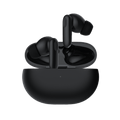
Wyze Buds Pro

Wyze Buds Pro

Actualice a un silencio de calidad profesional.

This product is no longer available and won't be coming back.
A blue and white logo for Wyze.
VENTAJAS Exclusivas de Wyze.com
Garantía extendida de 18 meses

Obtenga una garantía extendida de 18 meses al comprar este producto en wyze.com. También obtenga paquetes especiales, promociones únicas y recompensas con cada pedido

Wyze Buds Pro es más que un simple botón; es un brote profesional. Se paga por brotar. Lleva su budismo a un nivel que los amigos casuales, los amantes del fin de semana y los aficionados, no pueden entender. Cancelación de ruido activa. Tres micrófonos con aislamiento de voz. Una batería de 18 horas de duración. Carga inalambrica. Barato. Sí es cierto. Barato. Wyze Buds Pro ha elevado su patrocinio profesional a un nivel que no requiere validación financiera. Brota para el amor en ciernes! La forma en que se suponía que debía ser la incipiente.

Ver todos los detalles
  • Cancelación activa de ruido de 40 dB

    Con reducción de ruido del viento

  • Sistema de voz de 6 micrófonos

    3 micrófonos por auricular aíslan y amplifican tu voz

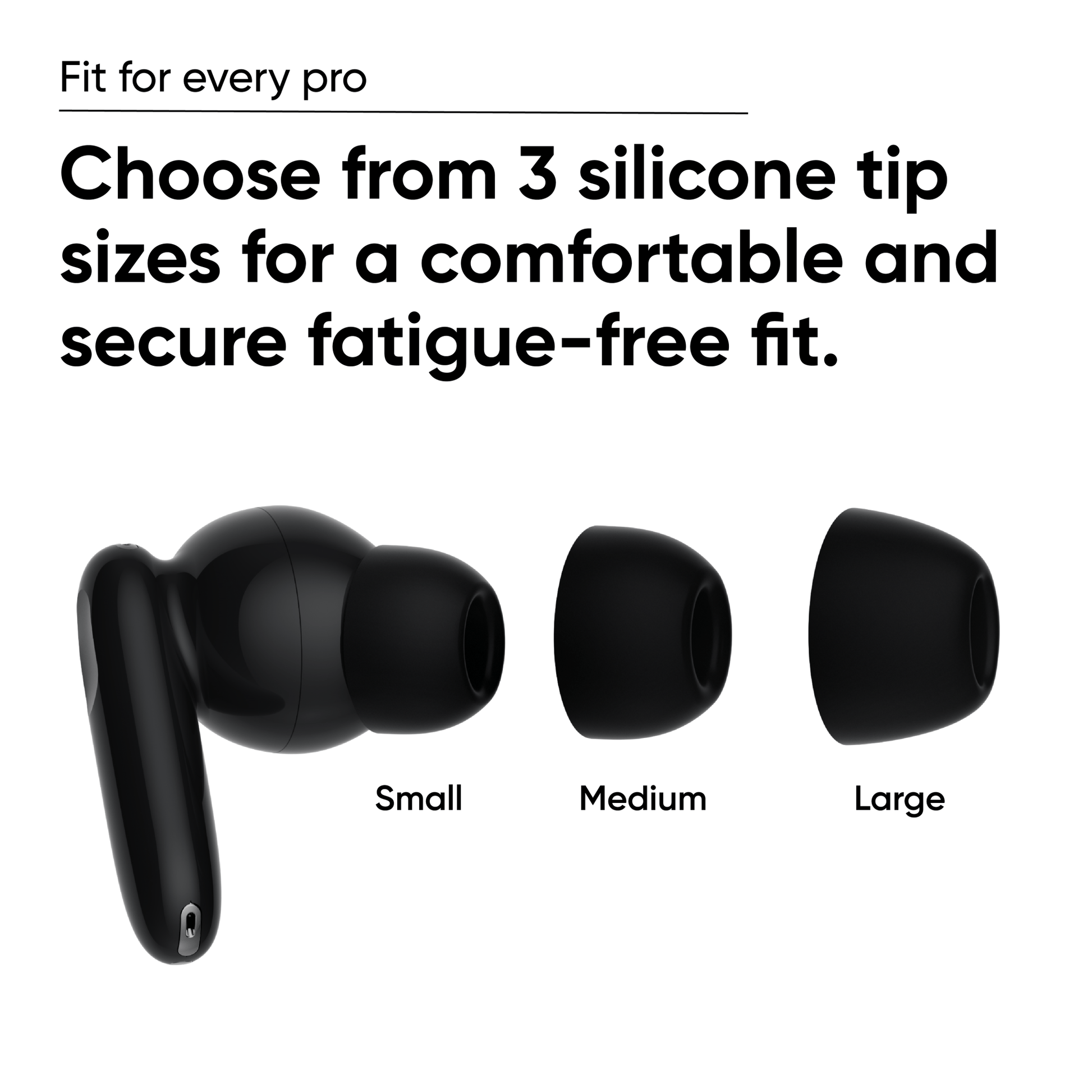
  • 3 puntas de silicona para un tamaño adecuado

    Estuche de carga + auriculares con ANC habilitado

  • Hasta 27 horas de duración total de la batería

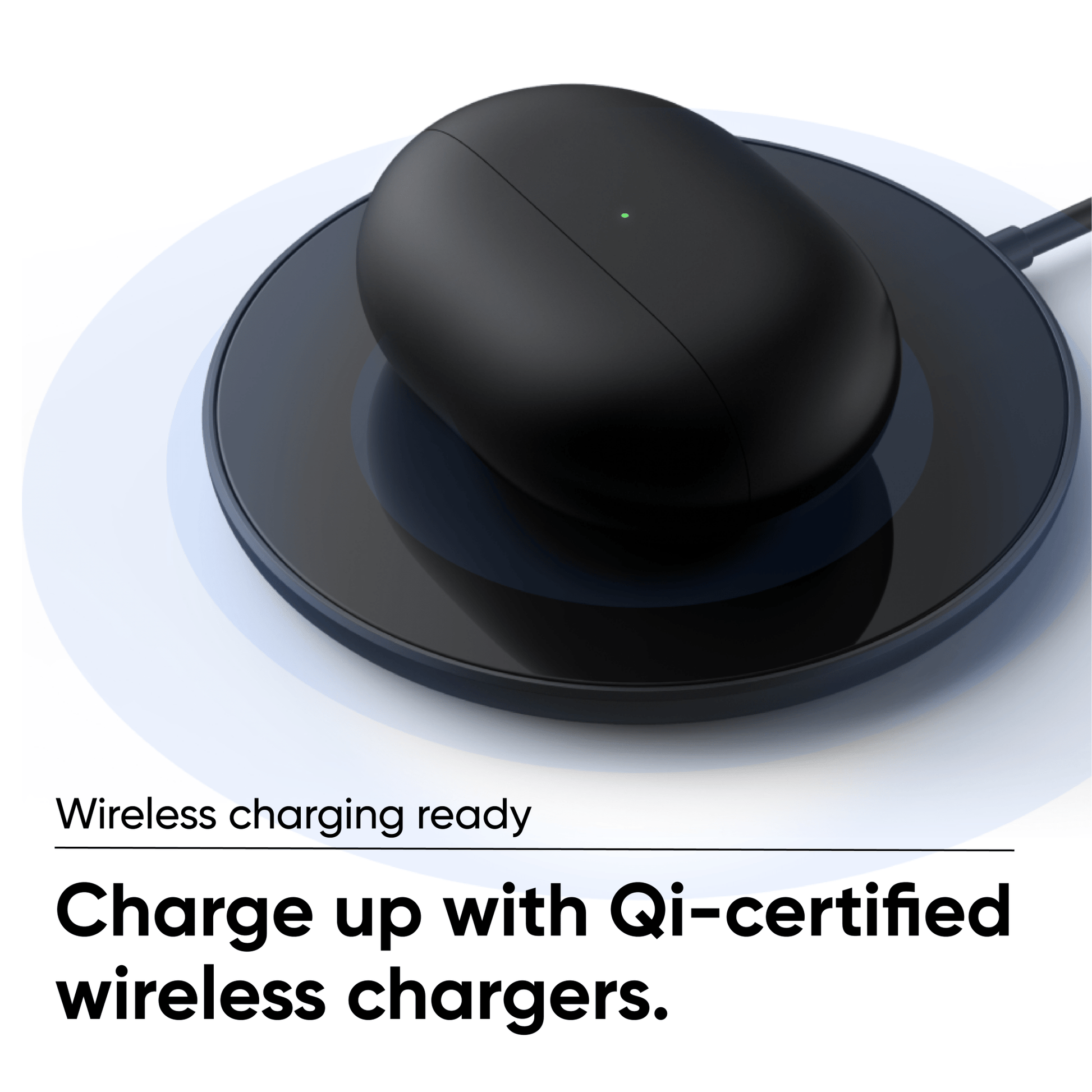
    Funciona con cargadores con certificación Qi

Peso y materiales de los auriculares

Dimensiones de los auriculares
  • 1,19" x 1,00" x 0,87"
Dimensiones de la caja
  • 2,57" x 1,85" x 0,98"
Peso de los auriculares
  • 0,19 oz cada uno
Peso de la caja
  • 1,47 onzas
Materiales de los auriculares
  • Silicona
Materiales del caso
  • Plástico

Especificación de Bluetooth

  • Versión de Bluetooth: Bluetooth 5.0
  • Códec Bluetooth: SBC, AAC
  • Conexión del dispositivo: Conexión de un solo dispositivo

Duración de la batería

Auriculares

  • ANC activado: hasta 4,5 horas
  • ANC desactivado: hasta 6 horas

Caso

  • ANC activado: hasta 13,5 horas
  • ANC desactivado: hasta 18 horas

Carga rápida de 15 minutos

  • Hasta 1 hora de tiempo de reproducción.

Carga con cable e inalámbrica

  • Wyze Buds Pro te permite cargarlos con un cable USB tipo C o con un cargador inalámbrico con certificación Qi.

Tiempo de carga

  • Auriculares: alrededor de 1,5 horas de tiempo de carga
  • Caso: Cableado Alrededor de 3 horas
  • Estuche: Inalámbrico Depende del cargador

Vocero

  • Dimensiones del controlador: controlador dinámico de 0 mm
  • Rango de frecuencia: 20 - 20.000 Hz
  • Distorsión armónica total: <0,7 % 1 mW/1 kHz
  • Resistencia al sudor y a la intemperie: IPX4 resistente al sudor y a la intemperie

Entorno de funcionamiento y almacenamiento

Temperatura de funcionamiento: 5 °F - 122 °F con 90 % de humedad relativa

Temperatura de almacenamiento: -13°F - 131°F

  • Auriculares Wyze Pro x1
  • Estuche de carga x1
  • Cable USB tipo C x1
  • Puntas de silicona para los oídos x3
  • Guía de inicio rápido x1

Wyze Buds Pro is a pro model with premium features like Active Noise Cancellation (ANC) and wireless charging. Wyze Buds, planned for preorder in June, will meet your everyday needs with longer battery life and a more compact case.


Yes, you can use a single earbud for your music and calls. You will need both earbuds to update your Wyze Buds Pro settings in the Wyze app.


The earbuds provide up to 4.5 hours of playback time in a single charge with Active Noise Cancellation turned on, and provide up to 6 hours of playback time in a single charge with Active Noise Cancellation off. The charging case provides up to 13.5 hours of music playback time.


Yes, you only need a Bluetooth connection to use the earbuds. If you want to use more advanced features, like customizing the touch controls and setting up your voice assistant, you'll need the Wyze app.

No, Wyze Buds Pro can only connect to one device at the same time.


Download the Wyze app, and click the + plus signAdd DeviceLifestyleWyze Buds Pro. Follow along in the app to set up your new earbuds.


No, Wyze Buds Pro uses Adaptive EQ to automatically adjust the sound.


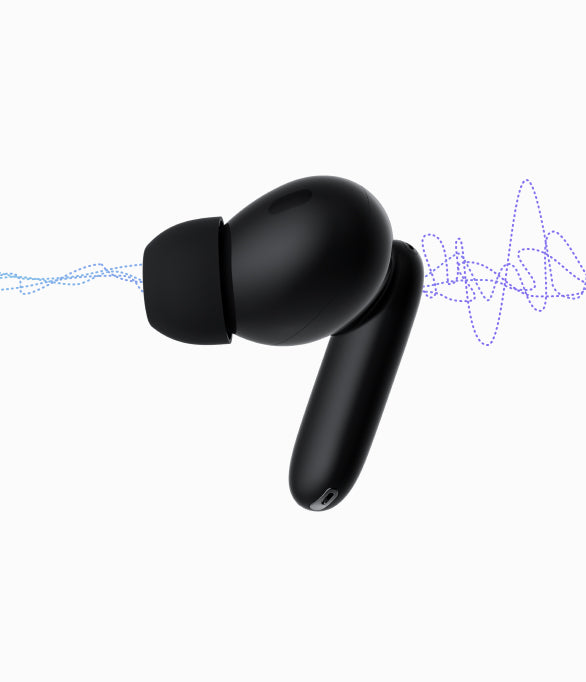
Wyze Buds Pro uses hybrid active noise canceling through 2 feedback microphones and 2 feed-forward microphones, with max 40dB noise reduction depth.


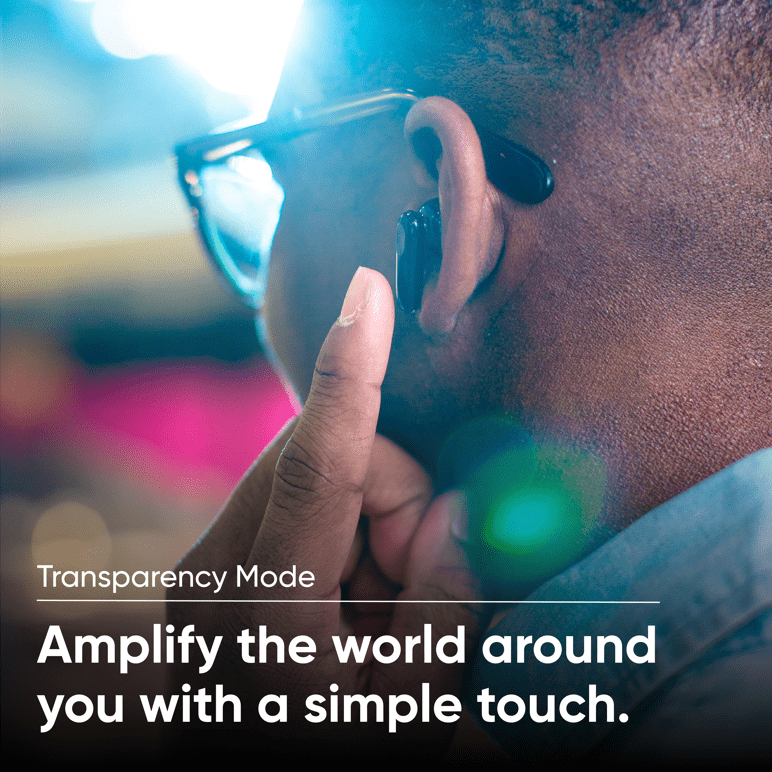
Yes, you can switch between ANC On, ANC Off, and Transparency Mode in the Wyze app and on the earbuds themselves.


Wyze Buds Pro produce stereo sound.


Lithium ion battery.


Yes, Wyze Buds Pro can connect to Bluetooth-capable devices like gaming consoles and computers.

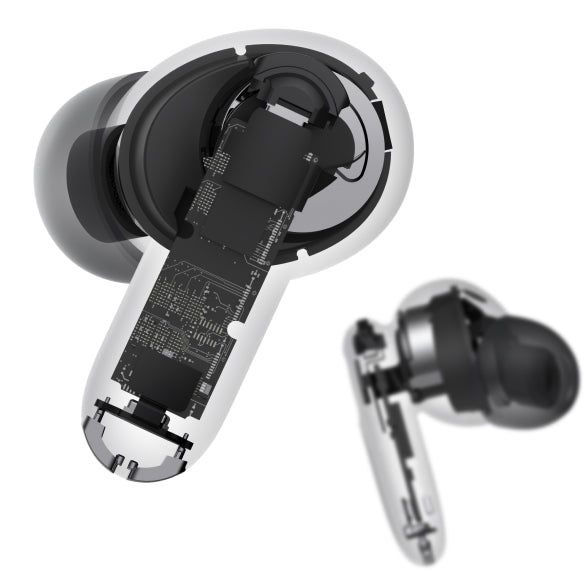
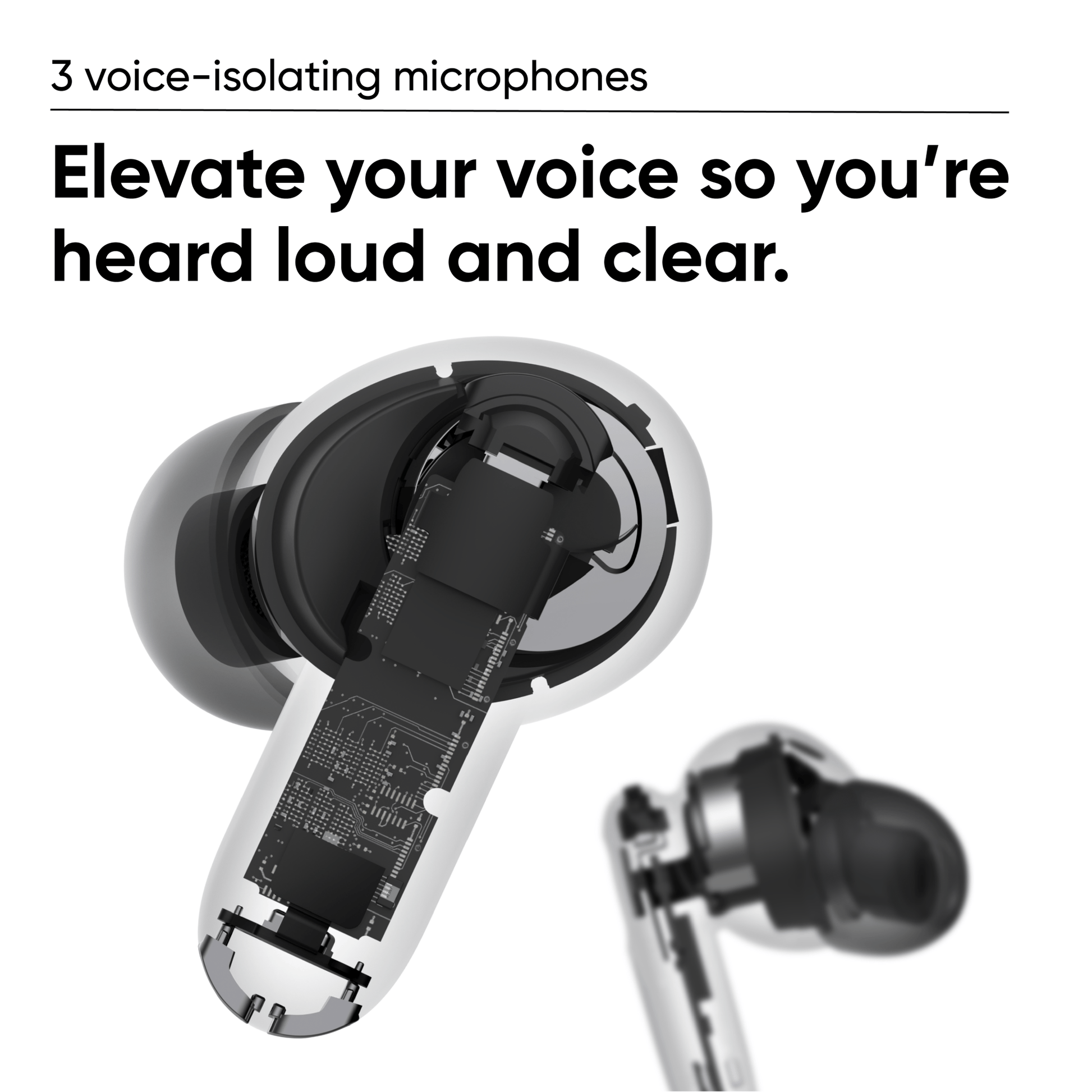
A close up of a device with a black and white image of the inside of the device.

3 micrófonos con aislamiento de voz

Tres micrófonos por auricular trabajan juntos para elevar tu voz y reducir el ruido para que te escuchen alto y claro.

Micrófono de retroalimentación

Funciona con el micrófono de avance para cancelar el ruido ambiental.
Micrófono de voz

Aísla y amplifica las voces para llamadas más claras.

Micrófono de avance

Funciona con el micrófono de retroalimentación para cancelar el ruido ambiental.

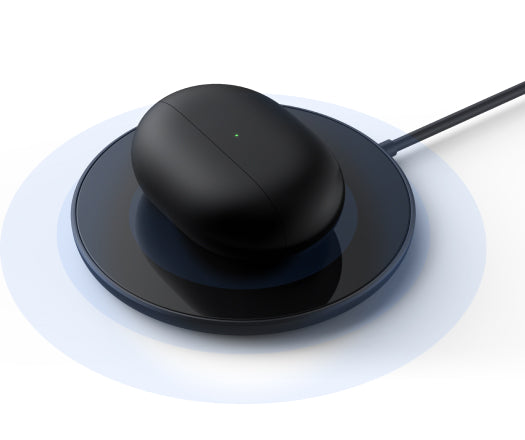
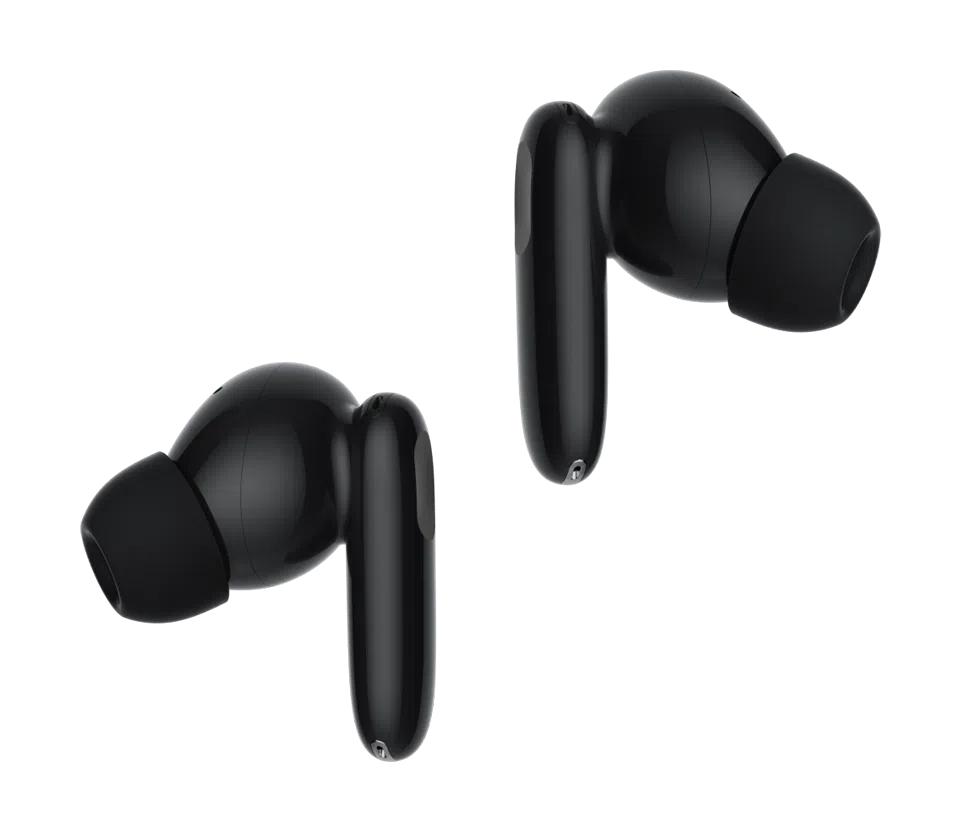
A black device on a white background.

Preparado para carga inalámbrica

Cargue con cargadores inalámbricos con certificación Qi o conéctelo directamente con el cable USB-C incluido.

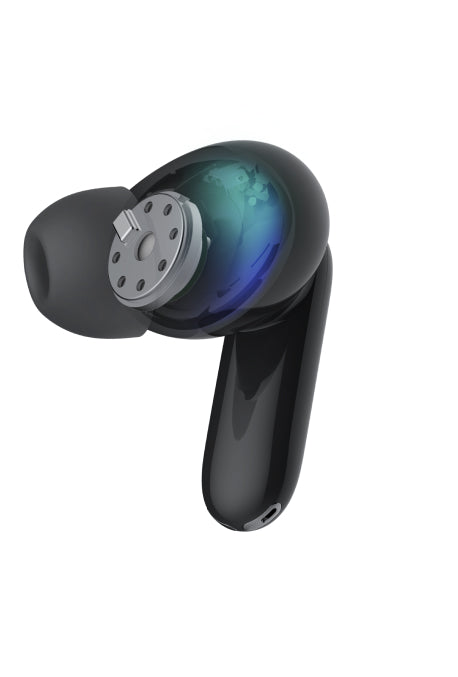
A black and blue image of a headphone with a blue light inside.

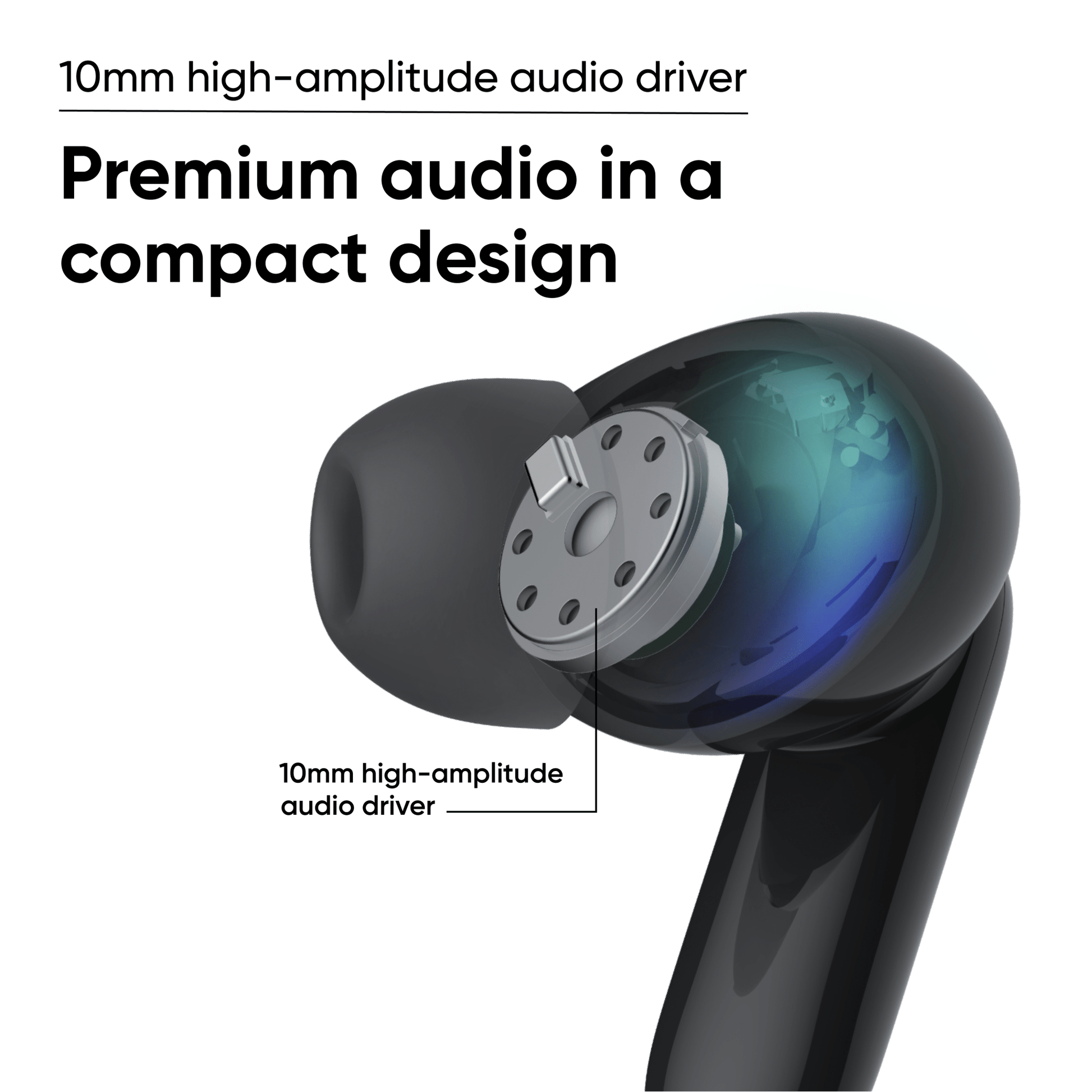
El controlador de audio de alta amplitud de 10 mm ofrece agudos intensos y graves potentes.

Llámalo magia. Llámalo una obra maestra de ingeniería. De cualquier manera, obtienes audio premium en un diseño compacto. Así que, sí, magia.

18 hours of battery life.

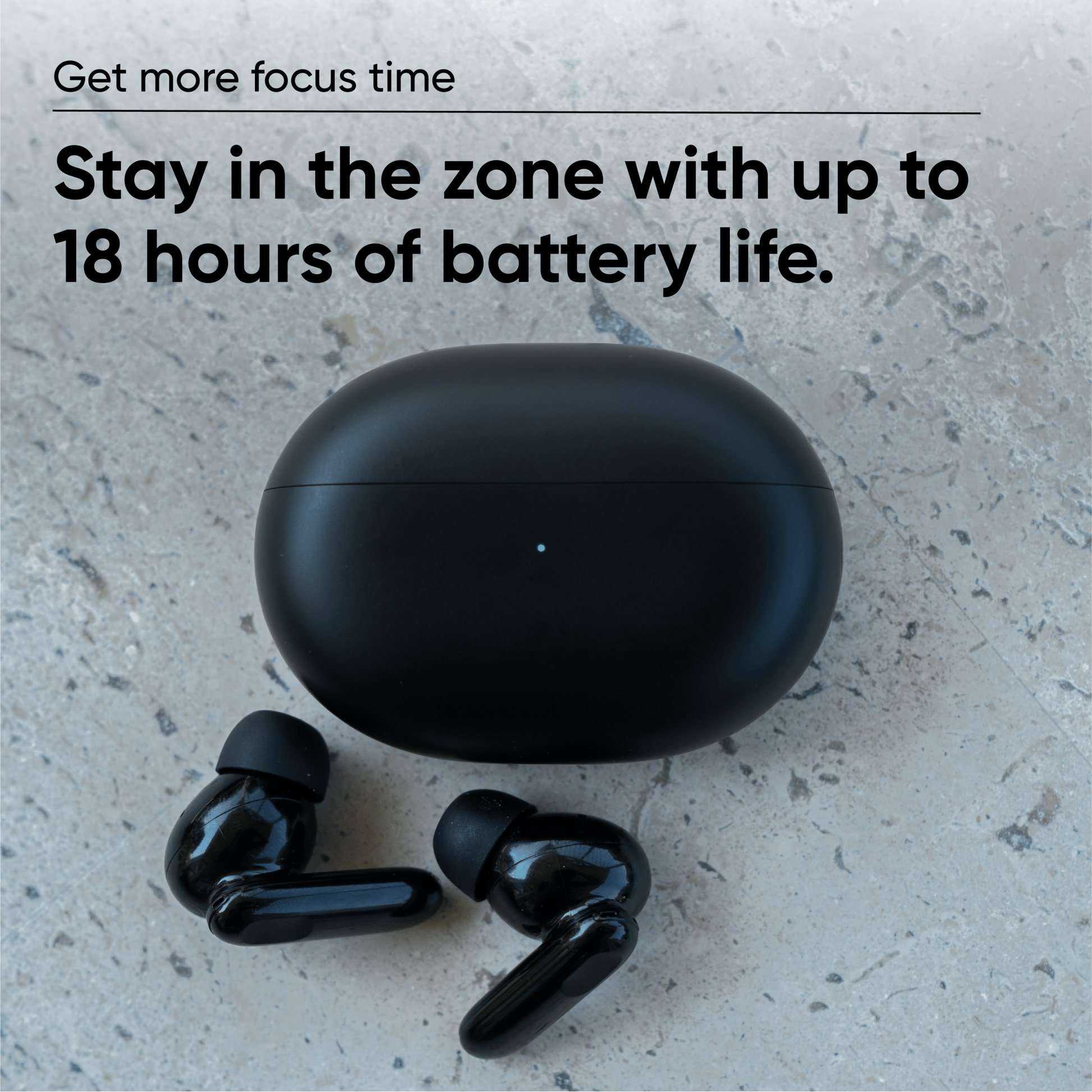
Consiga más tiempo de concentración

Mantén tu estado profesional ininterrumpido con hasta 18 horas de duración de batería que te ayudan a permanecer concentrado.

Carga rápida: 15 minutos en el estuche proporcionan hasta 1 hora de reproducción.

Auriculares: hasta 4,5 horas con una sola carga con ANC activado, 6 horas con ANC desactivado.

Buds + Estuche: Hasta 18 horas de carga total con ANC activado, 24 horas con ANC desactivado.

*La duración de la batería varía según el uso.

Apto para todos los profesionales

Elija entre 3 tamaños de punta de silicona para un ajuste cómodo y seguro sin fatiga.

Wyze Buds Pro interchangeable silicone tips in size small, medium and large.
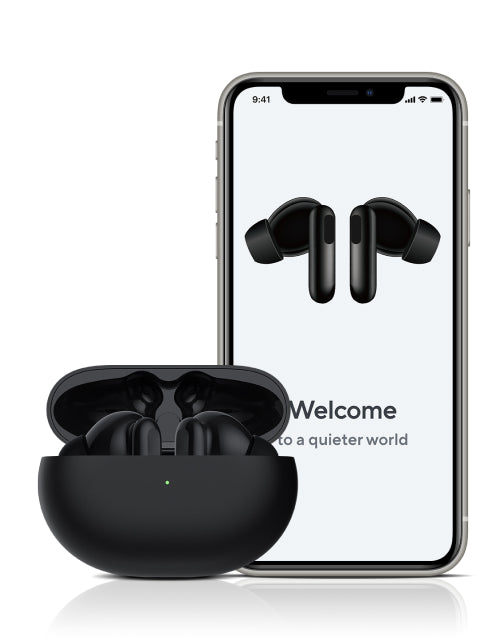
Welcome to a quieter world.
A black and purple headphone with a purple lightning bolt on the side.
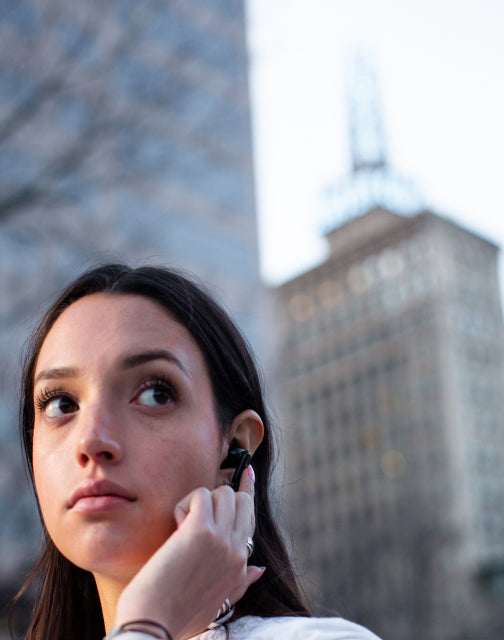
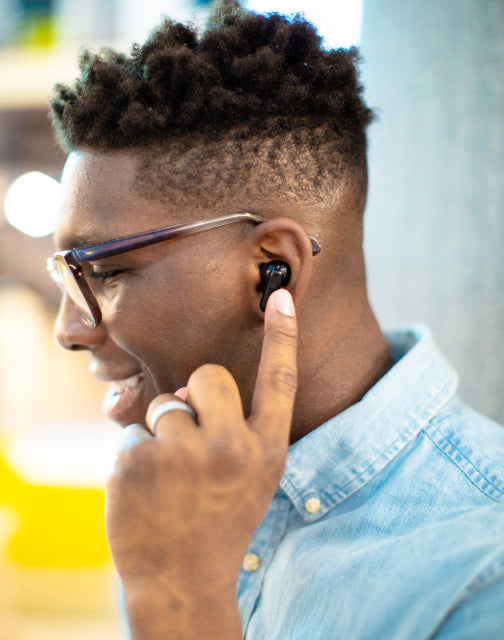
A woman wearing a Wyze Buds Pro is holding it to her ear.
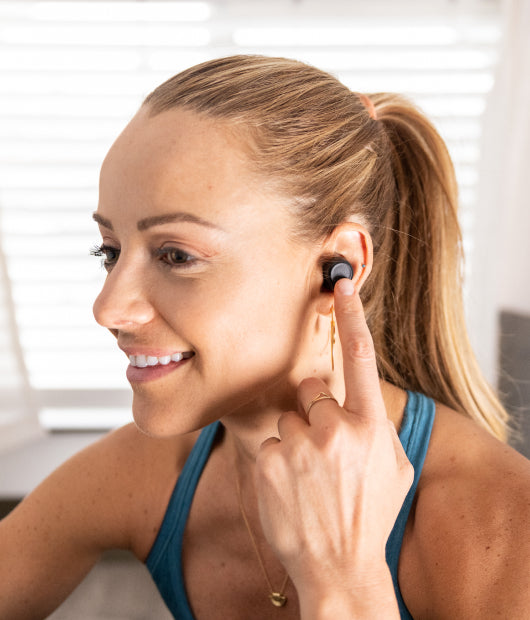
A woman wearing a blue tank top and holding a WyzeBuds Pro in her hand.
Man holding a phone to his ear.

Controles inteligentes que no se saltan ningún detalle

Fácil de conectar. Difícil perder la conexión.

El emparejamiento por Bluetooth es rápido y sencillo. Compatible con Google Fast Pair.

Wyze Buds Pro utiliza un algoritmo para ajustar automáticamente los niveles de frecuencia según lo que estés escuchando.

Conéctese instantáneamente a Amazon Alexa para reproducir su música favorita, consultar el clima, obtener noticias y más.

* Optimizado para Android. iOS requiere que la aplicación Alexa se ejecute en segundo plano.

Toca para pausar, reproducir y saltar pistas sin tener que sacar el teléfono. Mantén pulsado para alternar entre el modo ANC y el modo Transparencia.

  • A pair of black earbuds with a touch of gray.

    Wyze Buds Pro

    Cancelación activa de ruido de -40 dB
    -Sistema de 6 micrófonos
    -Carga inalámbrica

  • A pair of black earbuds with a green accent.

    Brotes Wyze

    Reducción pasiva de ruido de -30 dB

    -Hasta 27 horas de duración de la batería

    -Sistema de 4 micrófonos

    Aprende más 

Support Articles

Wyze Buds Pro are extremely easy to set up. Once you're connected to Bluetooth, you're only a few taps away from being set up in the app.

Related article: Does Wyze Buds Pro work without the Wyze app?

To set up your Wyze Buds Pro:

  1. In the Wyze app, tap Home, then tap the plus sign + on the top right.
  2. On the Add menu, tap Device.
  3. Tap Lifestyle > Wyze Buds Pro.
  4. With the buds in the charging case, open the case to initiate Bluetooth pairing.
  5. Once paired, the Wyze app will bring you to the Wyze Buds Pro product page.

Note: You can set up as many Wyze Buds Pro devices as you want on a single Wyze account.

Download the Quick Start Guide for Wyze Buds Pro in this article.

Below is the Quick Start Guide for Wyze Buds Pro, a short manual for how to get started.

This guide is a short user manual with the basics about Wyze Buds Pro including:

  • How to download the Wyze app.
  • How to pair Wyze Buds Pro via Bluetooth.
  • How to use the voice controls on Wyze Buds Pro.
  • How to factory reset your Wyze Buds Pro.

Problem

Your Wyze Buds Pro show offline in the Wyze app, have trouble connecting, or disconnect frequently.

Troubleshooting

  1. Confirm that your Wyze app is up to date. In your Wyze app, navigate to the Account tab > tap About. Your current app version will be listed beneath the Wyze logo. Compare your app version to the latest app version listed on our Release Notes & Firmware page. If you find that your Wyze app is out of date, head over to your mobile device’s app store and update the Wyze app.
  2. Make sure the earbuds are fully charged. We recommend charging them inside their case for at least 2 hours. Once fully charged, the status light on the case will be solid green.
  3. Check the Bluetooth® connection. In your phone’s settings, toggle Bluetooth® off and then back on. Ensure your earbuds are within the Bluetooth® range of your phone. This distance varies by device but is generally about 30 feet. If the earbuds were previously connected, forget the device in the Bluetooth® settings and then pair it again. Note: If your Wyze Buds Pro were previously connected to other phones/tablets, you’ll need to unpair them from those devices as well. If there are other devices connected to your phone via Bluetooth® or other apps currently using Bluetooth® that may be causing interference, unpair the devices or close the apps.
  4. Verify that Location Permissions are enabled for the Wyze app in your phone/tablet settings. Make sure that it is set to Always or While Using the App. For iOS users, make sure that Precise Location is turned on.
  5. If possible, check that your Wyze Buds Pro firmware is up to date. You can check this by going to the Account tab > Firmware Update. If there is an update available for the earbuds, please move forward with updating them.
  6. Force close the Wyze app.
  7. Restart your phone.
  8. Factory reset Wyze Buds Pro. Place your Wyze Buds Pro into the charging case. Press and hold the pairing button on the side of the case for 20 seconds. Walk through setting up your earbuds like new in the Wyze app.
  9. Try a different phone/tablet, if possible.
Added to your cart
Envío GRATIS en pedidos de $59+
Subtotal
$0.00
View cart