Skip to product information
1 of 5

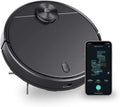
Wyze Robot Vacuum

Wyze Robot Vacuum

2500 Pa Smart Vacuum

Model
This product is no longer available.
A blue and white logo for Wyze.
Wyze.com Exclusive BENEFITS
18-month extended warranty

Get an 18-mo extended warranty when you buy this product on wyze.com. Also get special bundles, unique promos, + rewards with each order

Room mapping. Path planning. Efficient cleaning.

View full details
  • Room Mapping

    7 sensor groups includingLaser Distance Sensor (LIDAR)

  • Path Planning

    Path calculation using 4-core Cortex-A7 processor

  • Efficient Cleaning

    Straight-line movements with 2100 Pa suction

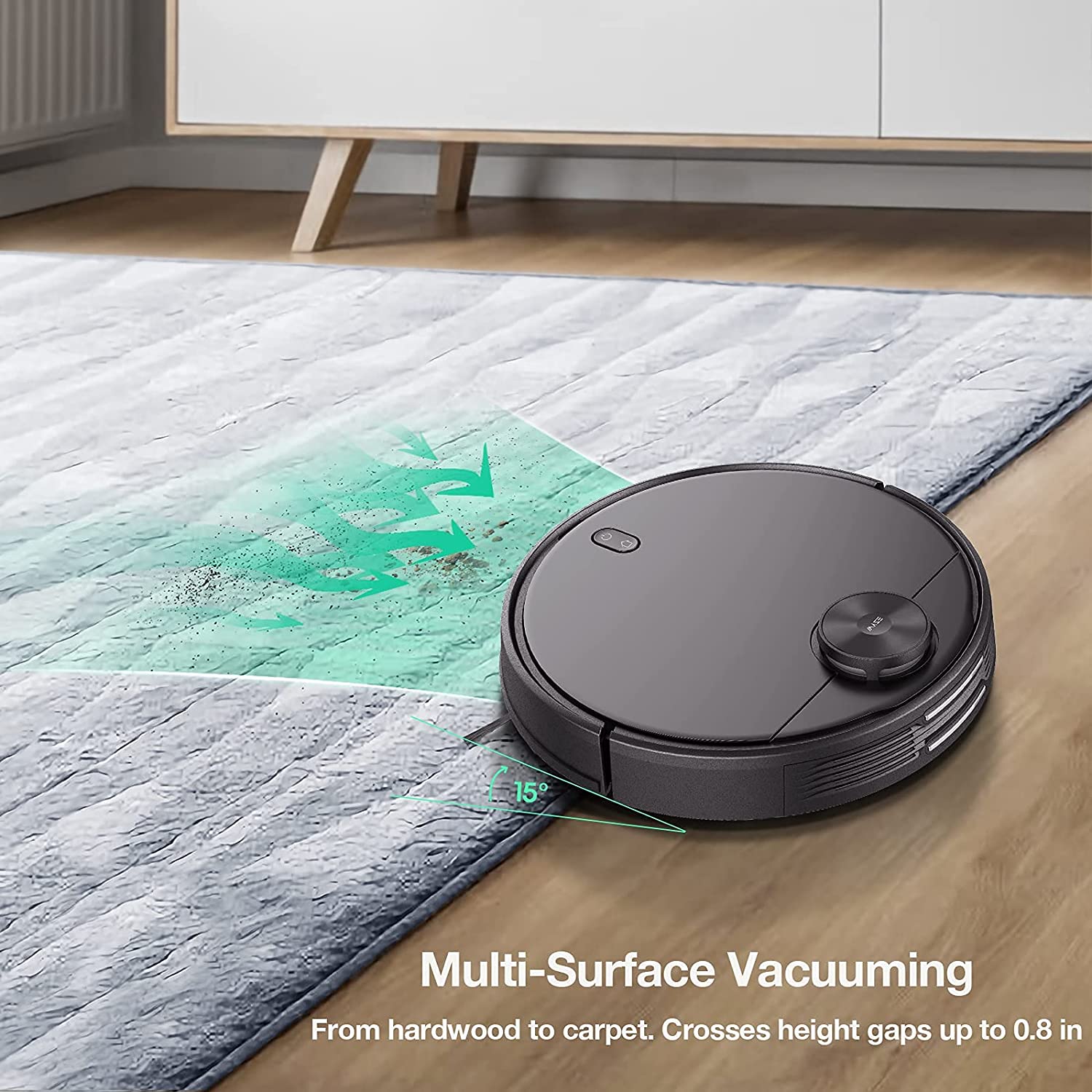
  • Multi-Surface

    Crosses over uneven surfaces to clean hardwood and carpets

Wyze Robot Vacuum Device Details

Color
  • Black
Weight
  • 7.2 pounds
Dimensions
  • Vacuum size (length*depth*height): 13.8in * 13.8in * 3.7in
  • Charging Station (length*depth*height): 6.06in * 2.95in * 3.90in

Power

Vacuum
  • Rated Voltage: 14.8
  • Rated Power: 33W
  • Battery Capacity: 3200mAh
Charging Station
  • Rated Power: 24W
  • Rated Input: 20V⎓1.2A
  • Rated Output: 20V⎓1.2A
  • Rated Frequency: 50/60Hz
Phone Compatibility
  • Android 9.0+, iOS 15.0+
Communication
  • 2.4GHz WiFi
Operating Temperature
  • 32°F - 130°F (0°C - 55°C)
Weather Resistance
  • None. Indoor use only.
Languages
  • English
Warranty
  • 1-year
  • Wyze Robot Vacuum x1
  • Charging station x1
  • Power adapter x1
  • Spare HEPA filter x1
  • Edge brush x2

Please check the help center and see if we’ve got what you need. Alternatively, you may also find the list of related parts here

Yes, it works in all lighting conditions.

Wyze Robot Vacuum takes about 3.5 hours to charge from 0% battery to fully charged.

Yes, it can stay connected to the charger.

After your Wyze Robot Vacuum is completely charged, it will switch to a low current complementary charging mode. This will prevent overcharging.

Won't use your vacuum for a while? We suggest you turn off the vacuum and store it for safety.

No, the vacuum should only be used on dry surfaces.

Wyze Robot Vacuum is not a wet/dry vacuum, and is not meant to be used on wet surfaces. Using the Wyze Robot Vacuum on wet surfaces could damage the device.

No, the electrodes' voltage is low and safe.

No, bright lights do not impact performance.

No, your furniture is safe!

No need for vacuum-vs-couch insurance. Wyze Robot Vacuum has several features to prevent collisions: dual collision-preventive protection functions combined with infrared anti-collision technology, and a mechanical anti-collision plate.

Your robot vacuum can and will clean underneath any piece of furniture that it can fit under, the underside of the furniture must be tall enough so that the vacuum has enough clearance.

Your Wyze Robot Vacuum can clean hard flooring including hardwood, tile, and vinyl, as well as carpeting.

"I wouldn't be surprised if it becomes one of the best-selling robot vacuums around."

Vacuum Wars is the undisputed leader of vacuum reviews on YouTube. We didn’t ask them to do this, but here’s their in-depth review of the Wyze Robot Vacuum.

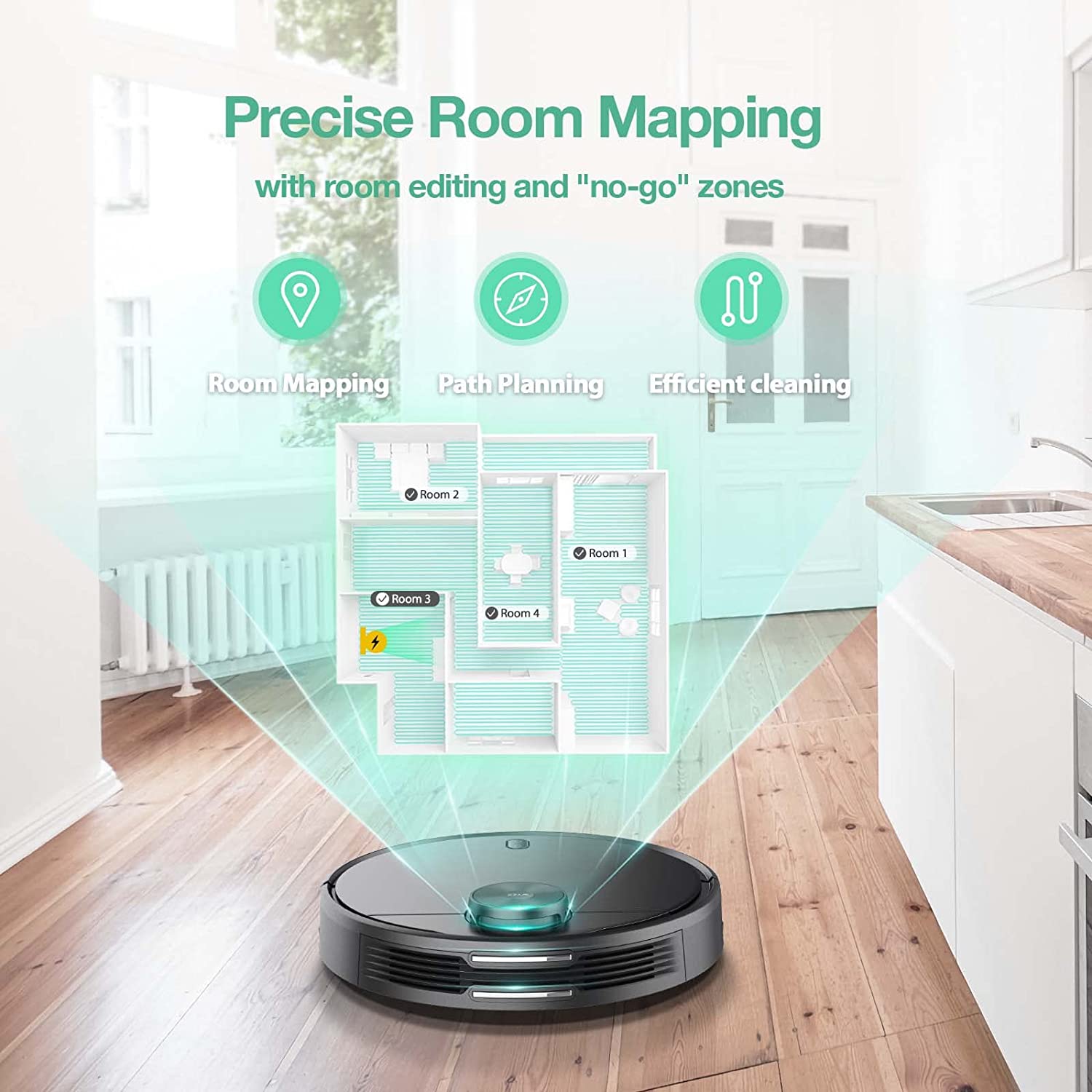
A robot vacuum is mapping out a house.

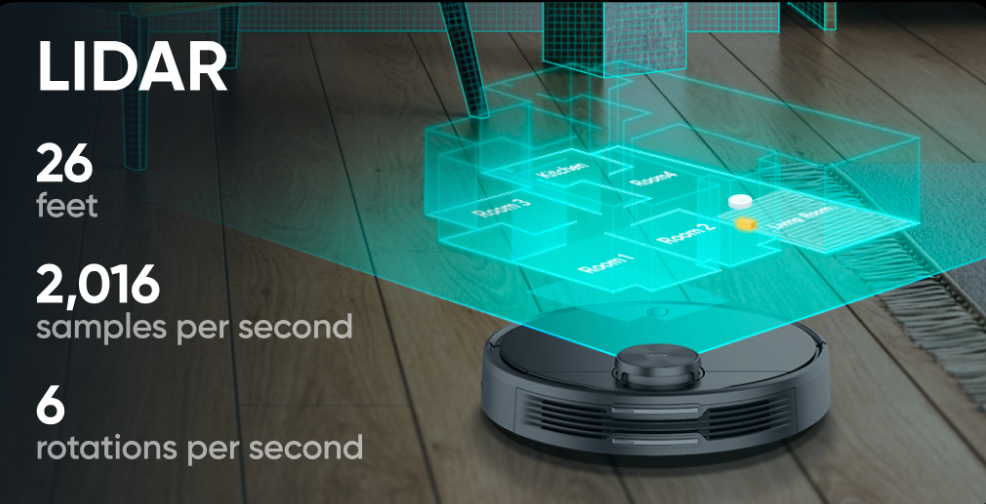
Precise Room Mapping with LIDAR.

Unlike other vacuums that smash head first into furniture and crash into walls, Wyze Robot Vacuum uses an invisible spinning laser (LIDAR) to build an exact map of your home. You can see, edit, and save the map in the Wyze app.

A blueprint of a building with a robot vacuum in it.

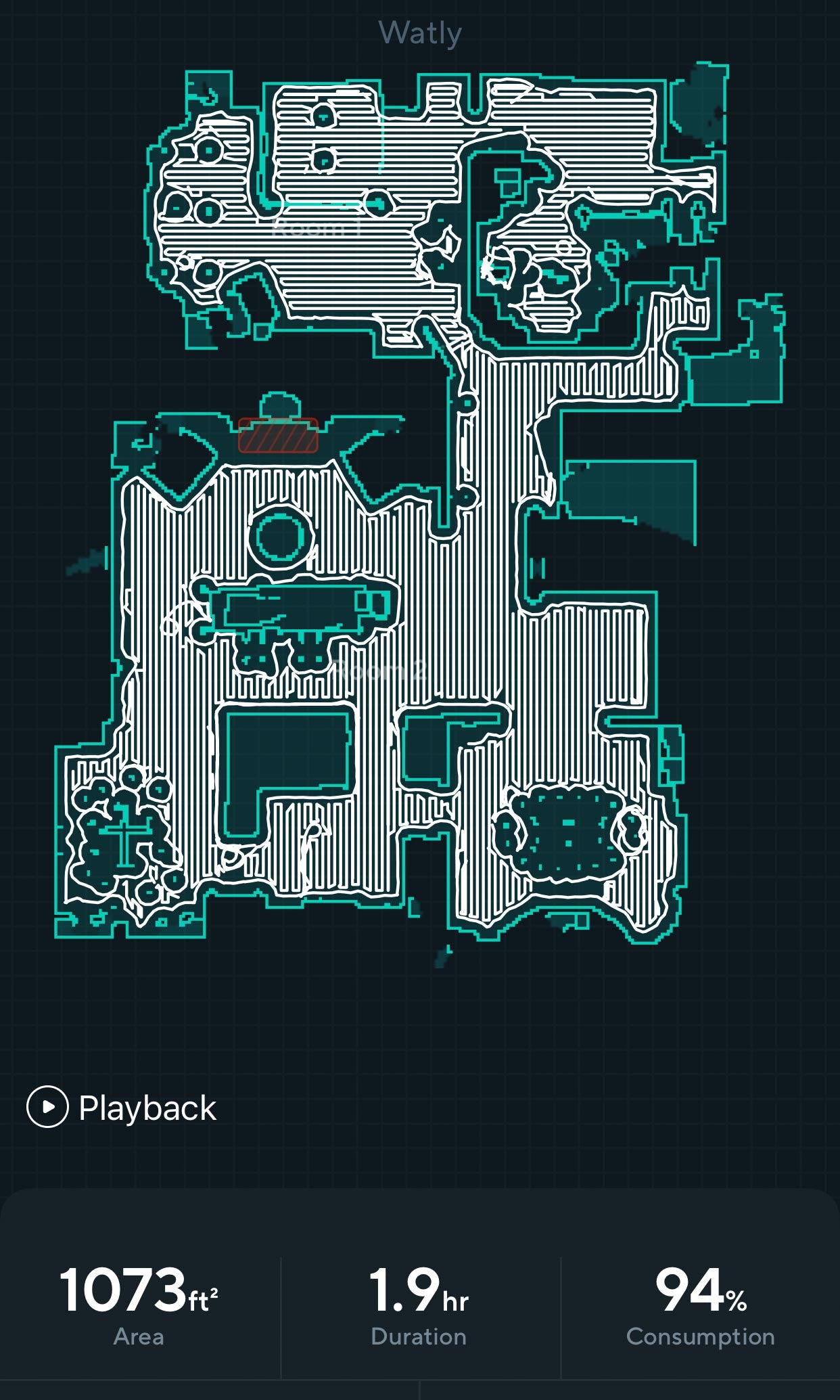
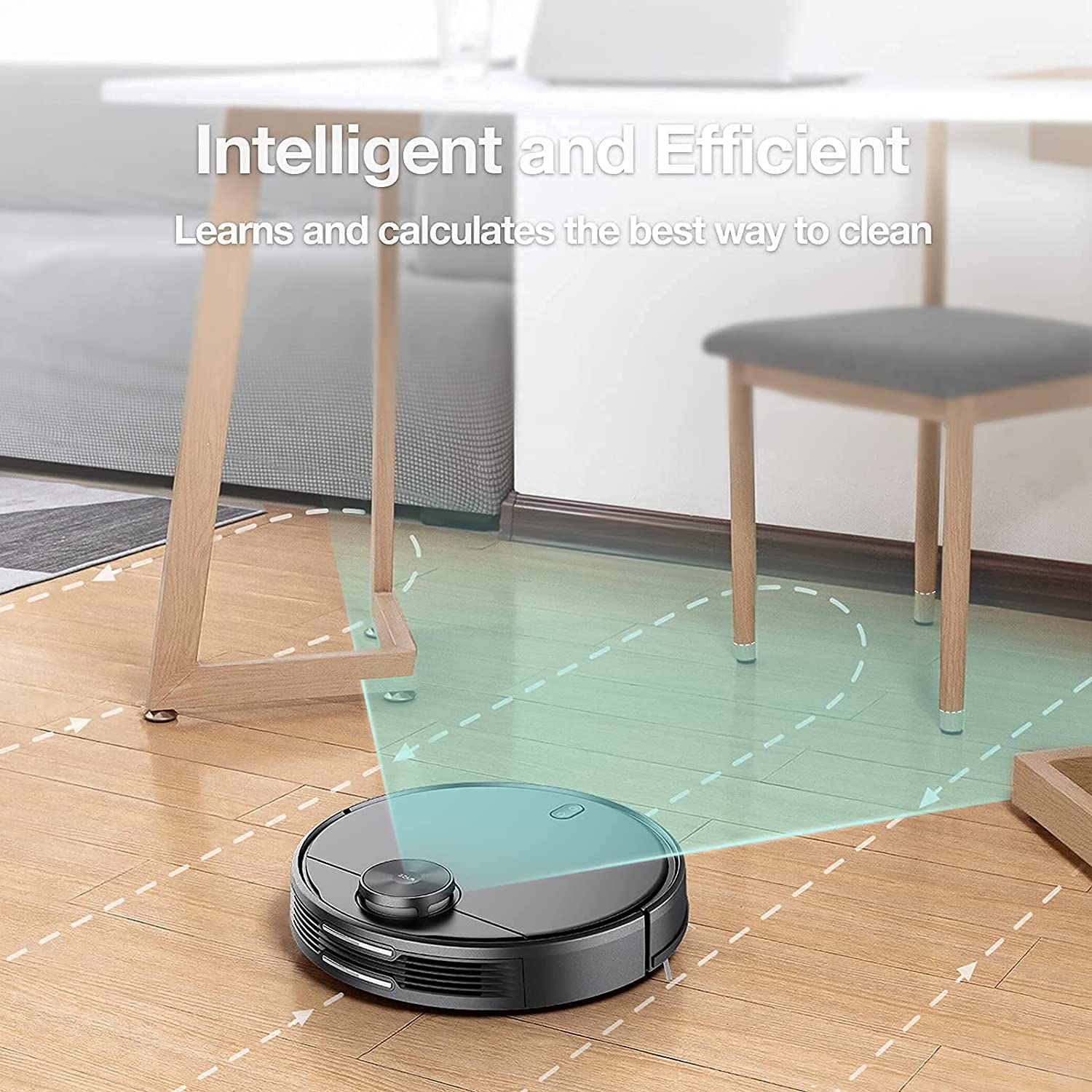
Straight-line cleaning path.

Using the map built by the LIDAR sensor, the Wyze Robot Vacuum divides each room into sections and cleans in the most efficient path possible.

7 Sensor Groups to See All Directions at Once

Specialized sensor groups help the vacuum move around obstacles and detect stairs and walls.

A diagram of a robot vacuum with various parts labeled.
A close up of a robot vacuum with a light on the front.

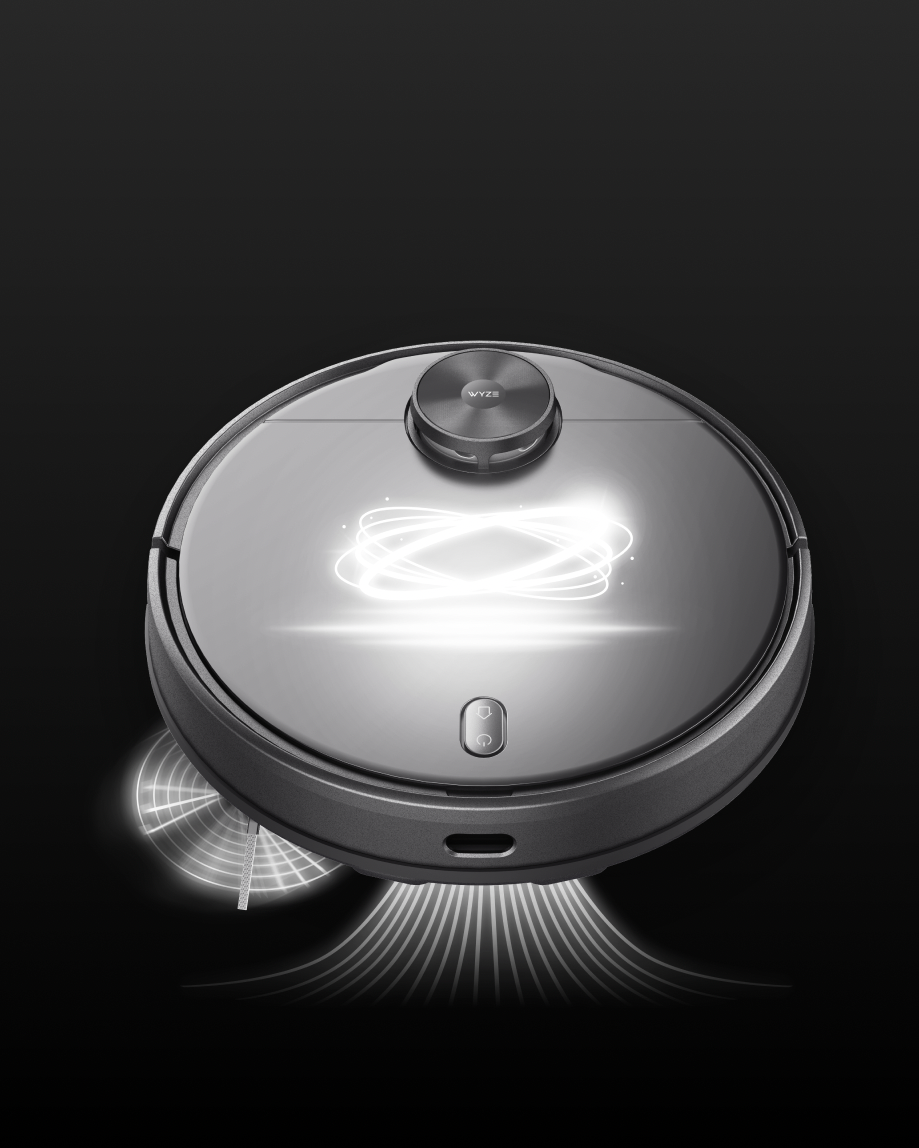
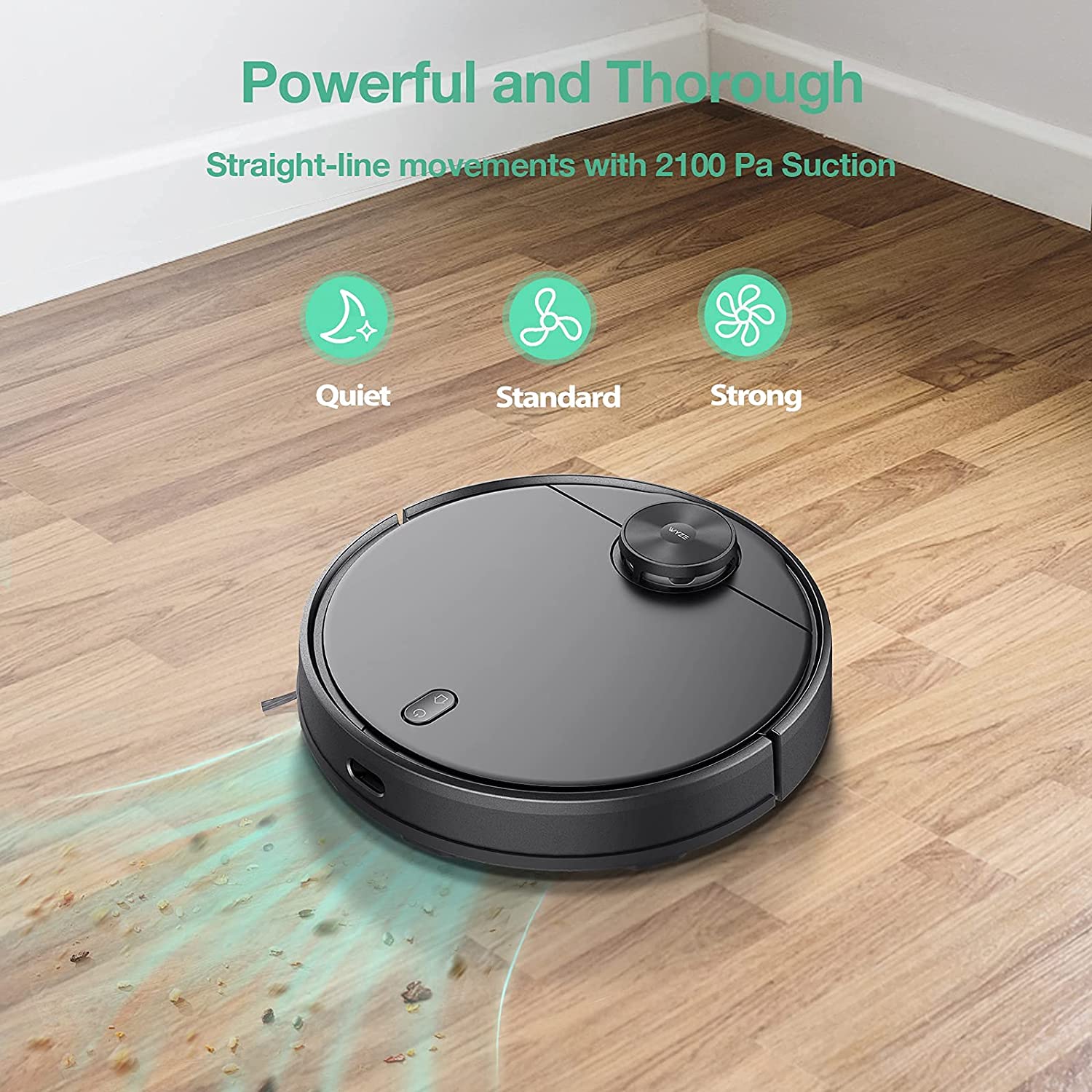
Superior design. No dirt left behind.

The edge-brush sweeps debris towards the center of the vacuum. A high-torque center brush works in tandem with 2100 Pa of suction power to pull up every bit of dust and dirt off your floor.

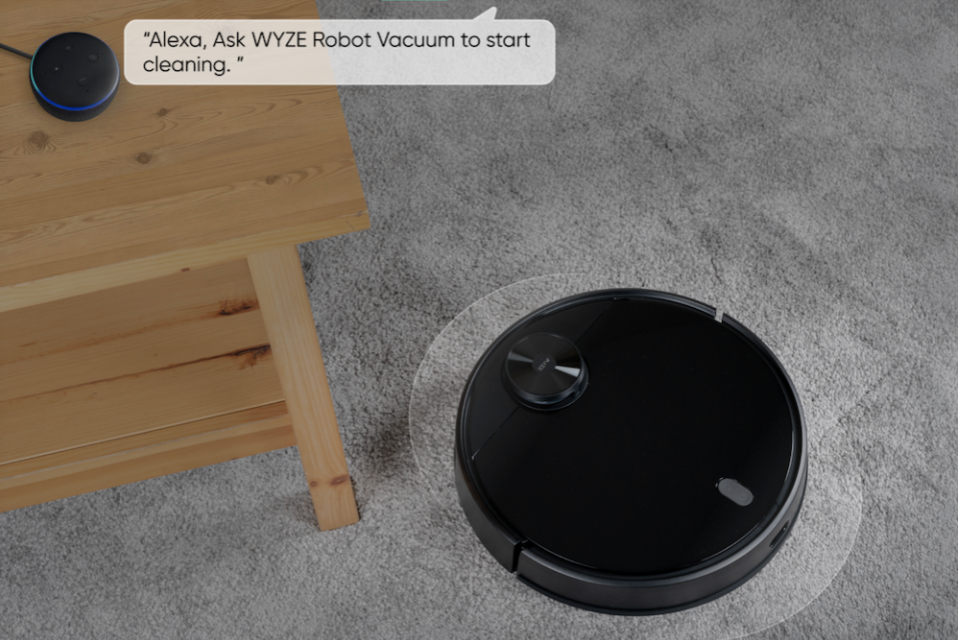
A person is asking Alexa to ask Wyze Robot Vacuum to start cleaning.

Works with Alexa.

Don't want to move a finger? Just say "Hey Alexa, tell Wyze Robot Vacuum to clean the kitchen."

All Wheel Drive for Uneven Surfaces.

Wyze Robot Vacuum cleans all types of surfaces—hard flooring or soft carpet. It can cross heights up to 0.8 in (20mm) to clean across any bumps in the road.

Wyze Robot Vacuum moving from a carpet to tile floor.

Automatically Returns to Recharge.

Wyze Robot Vacuum drives itself back to the charging station after it's finished cleaning. If battery runs low during a longer cleaning, it returns right back to where it left off after auto-recharging.

Wyze Robot Vacuum charging station.
A black device with a blue light on it.
Average Battery Time (110 Minutes Standard Mode)

Support Articles

To set up Wyze Robot Vacuum:

  1. On your mobile device, turn your cellular data OFF. Some devices may try to automatically connect to cellular data while not connected to Wi-Fi. This can prevent successful setup.
  2. In the Wyze app, tap Home, then tap the plus sign + on the top right.
  3. On the Add menu, tap Device.
  4. Tap Home > Wyze Robot Vacuum.
  5. Press and hold the Home and Power buttons on the vacuum. It will say “Wi-Fi connection has been reset.” Tap Next in the app, and follow the onscreen instructions to connect to Wi-Fi.
  6. Once connected, you’ll be prompted to name the device.
  7. You're all set! Now you can use the app to start a Clean.

To install the Wyze Robot Vacuum:

  1. Unpack the vacuum and accessories. In the box, you should have the following:
    Wyze Robot Vacuum x1Charging Station x1Power adapter x1Dustbin x1Hepa Filter x2Edge Brush x2Quick Start Guide x1Manual x1
  2. Install the Edge brush over the square mounting peg on the bottom of the vacuum, then place the vacuum brushes-down on the floor.
  3. Connect the charging station to power.
  4. Tuck in any extra power cord length into the bottom of the charging station so the vacuum doesn’t try to eat it.
  5. Connect the vacuum to the charging station - the metal slices simply need to touch.
  6. Fully charge the vacuum. The lights will pulse yellow while charging, and turn to solid white when fully charged.

Once it's fully charged, you're ready to move on to setup in the Wyze app. Continue to the Wyze Robot Vacuum Setup Guide.

Tell your vacuum when to clean.

You can use the Wyze app to put your cleaning on a schedule. Wyze Robot Vacuum will start cleaning when you according to the schedule you set, and automatically return to the charging station once complete.

Added to your cart
FREE shipping on orders $59+
Subtotal
$0.00
View cart