
-
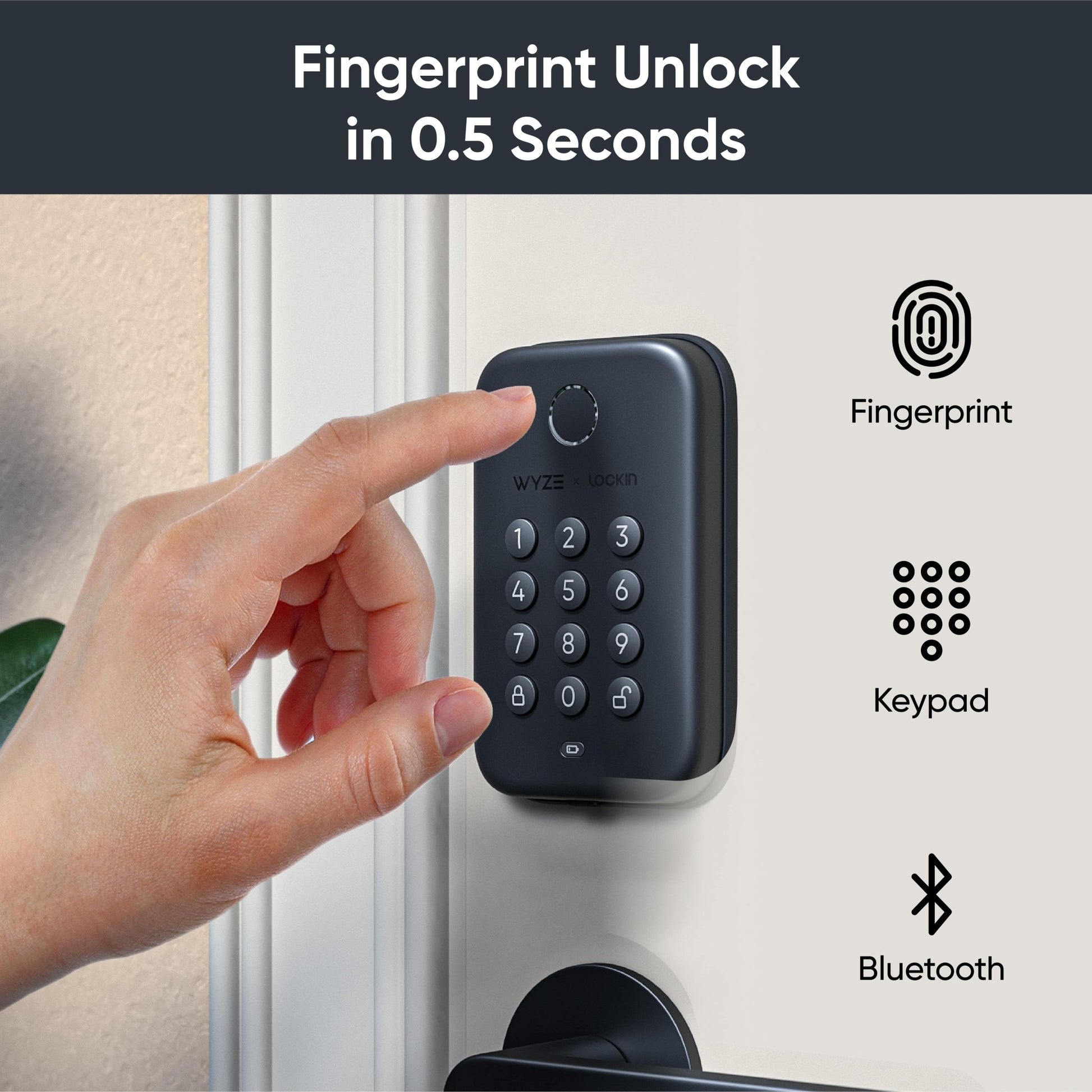
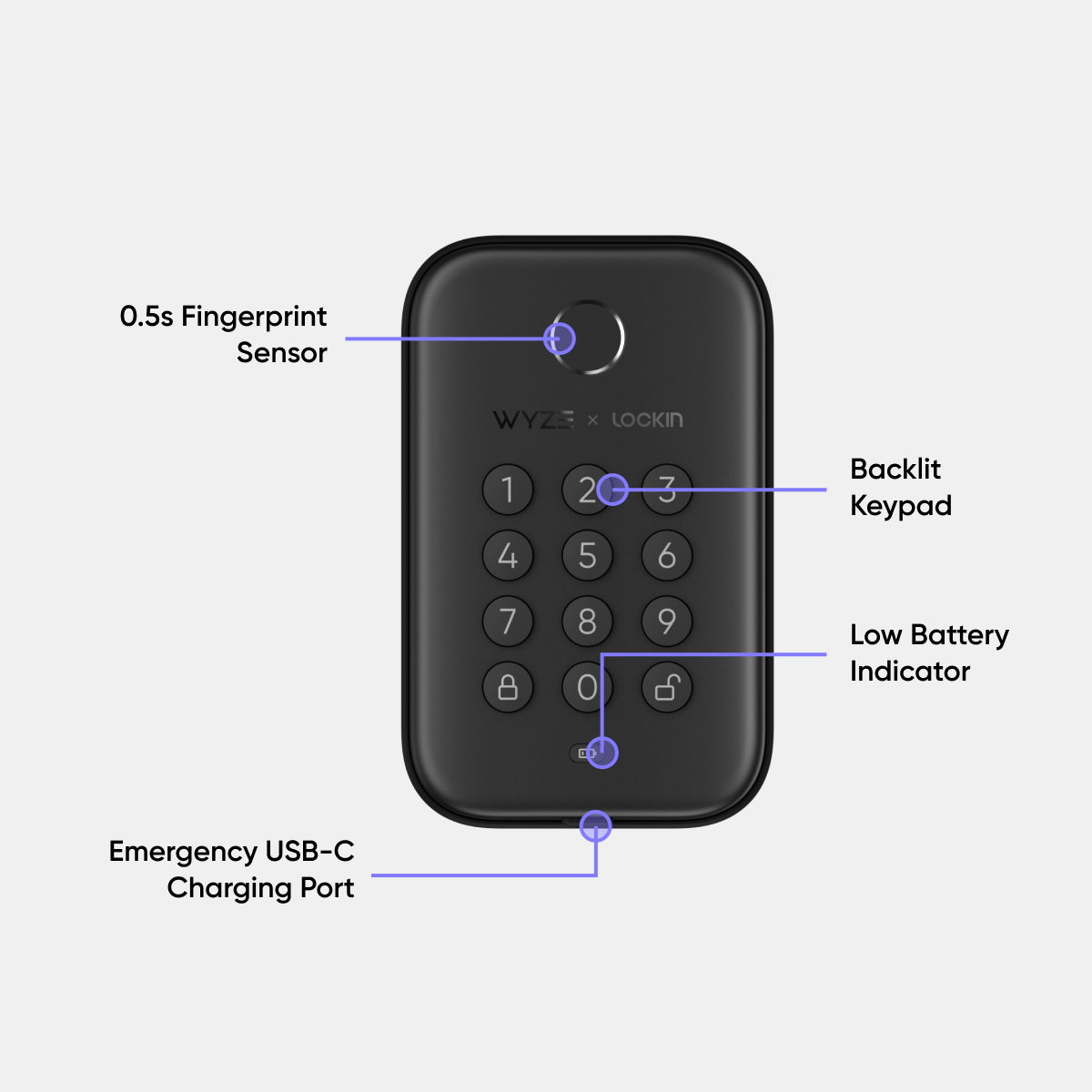
Ultra-Fast Fingerprint Sensor
-
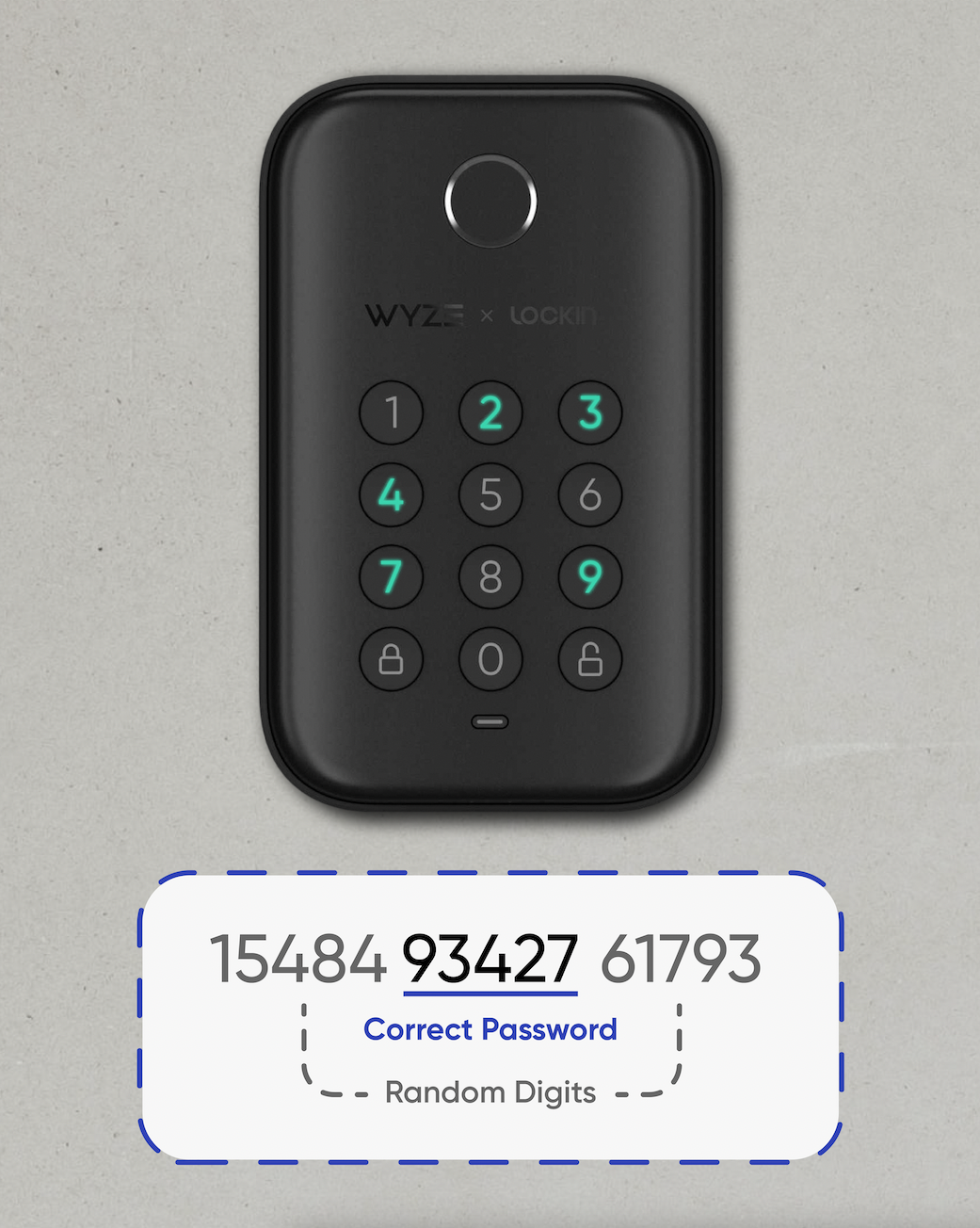
Backlit Keypad with Anti-Peep
-
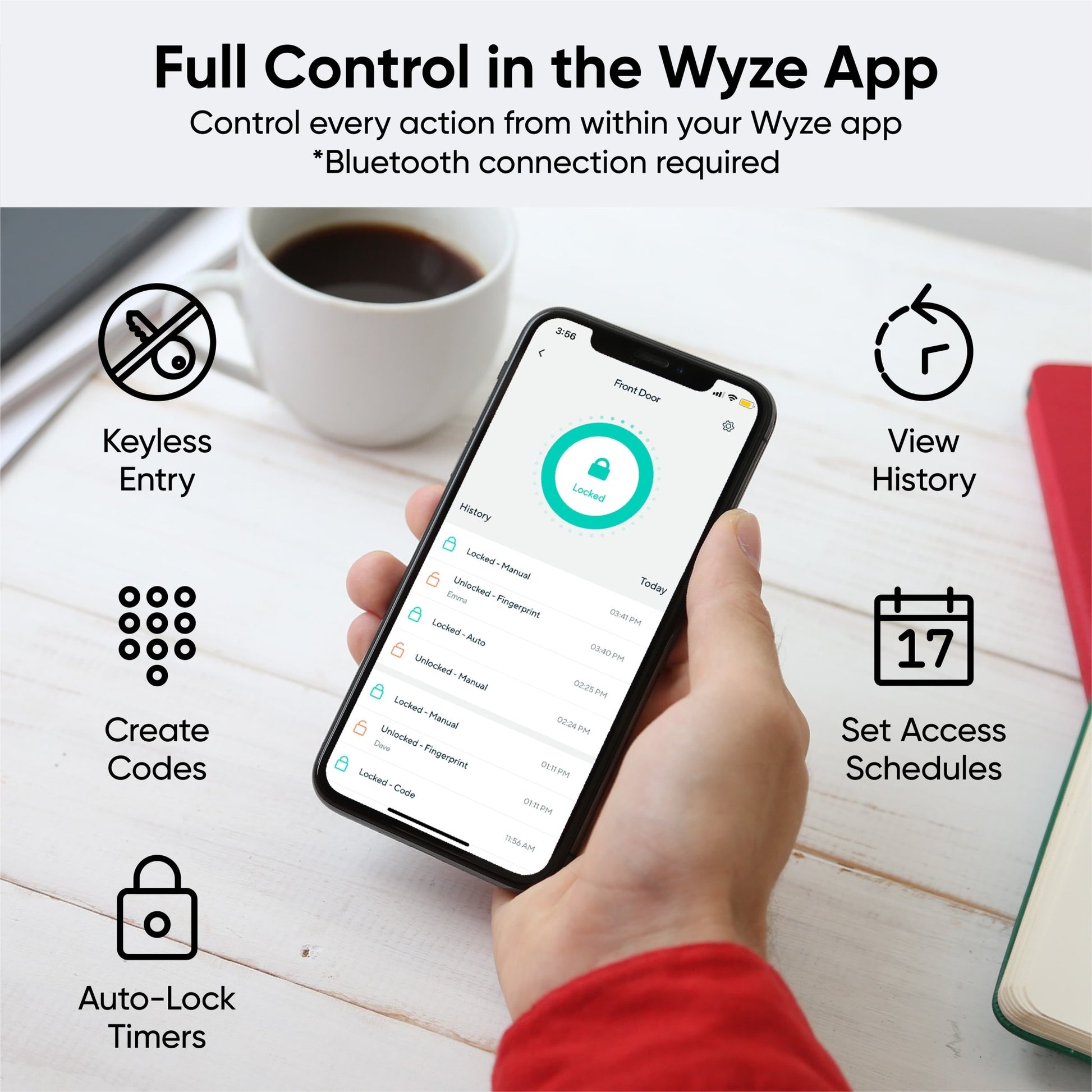
View Lock and Unlock History in the Wyze App
-
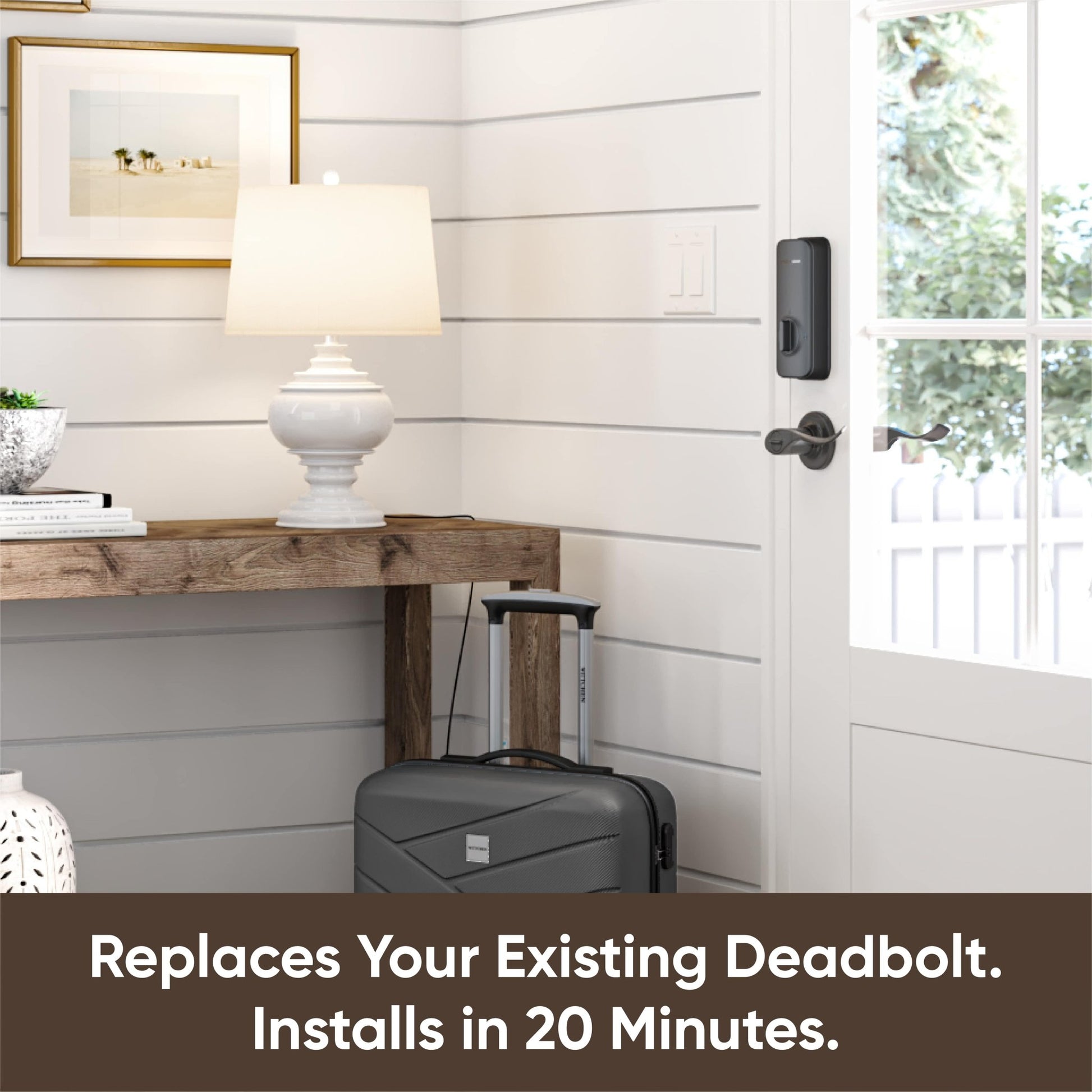
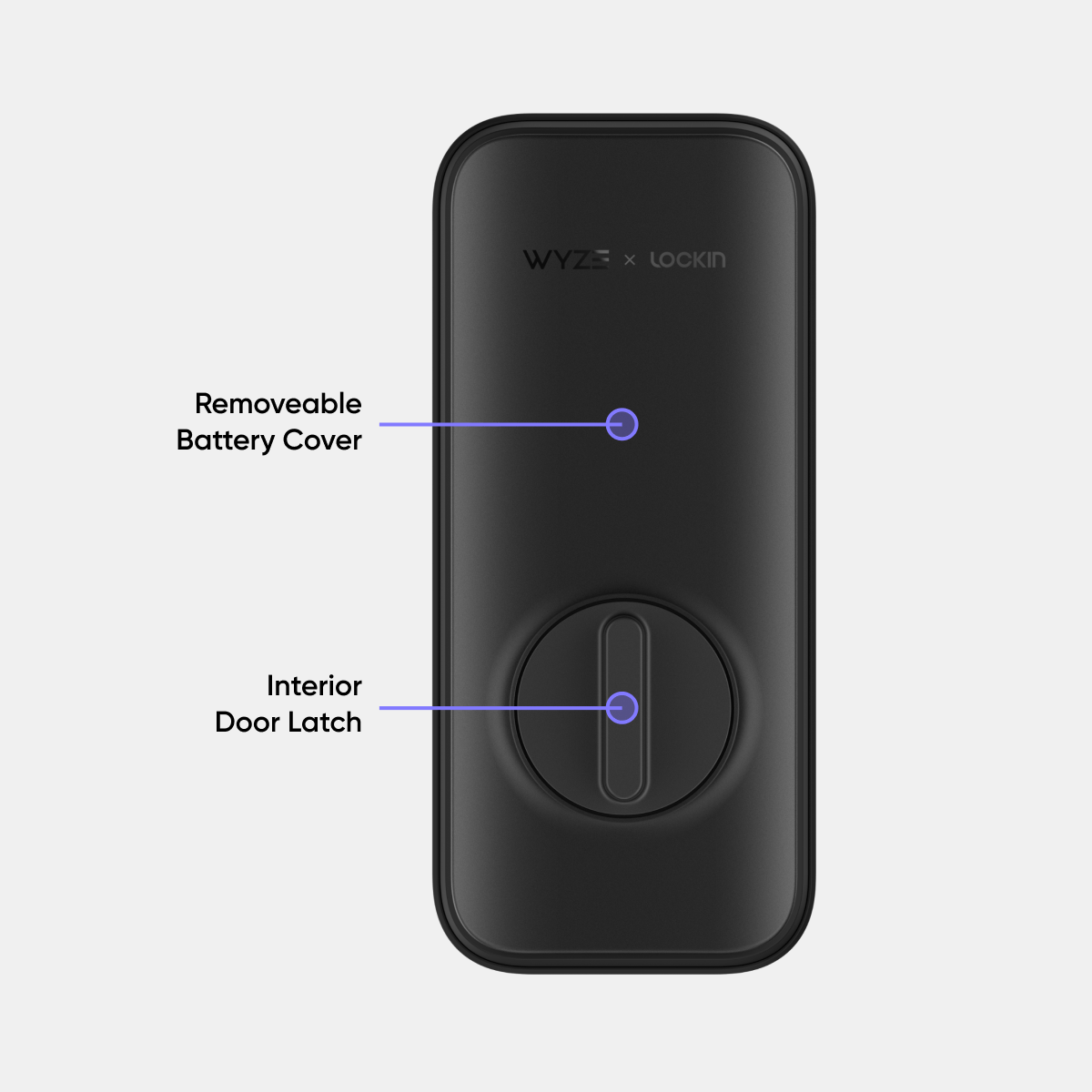
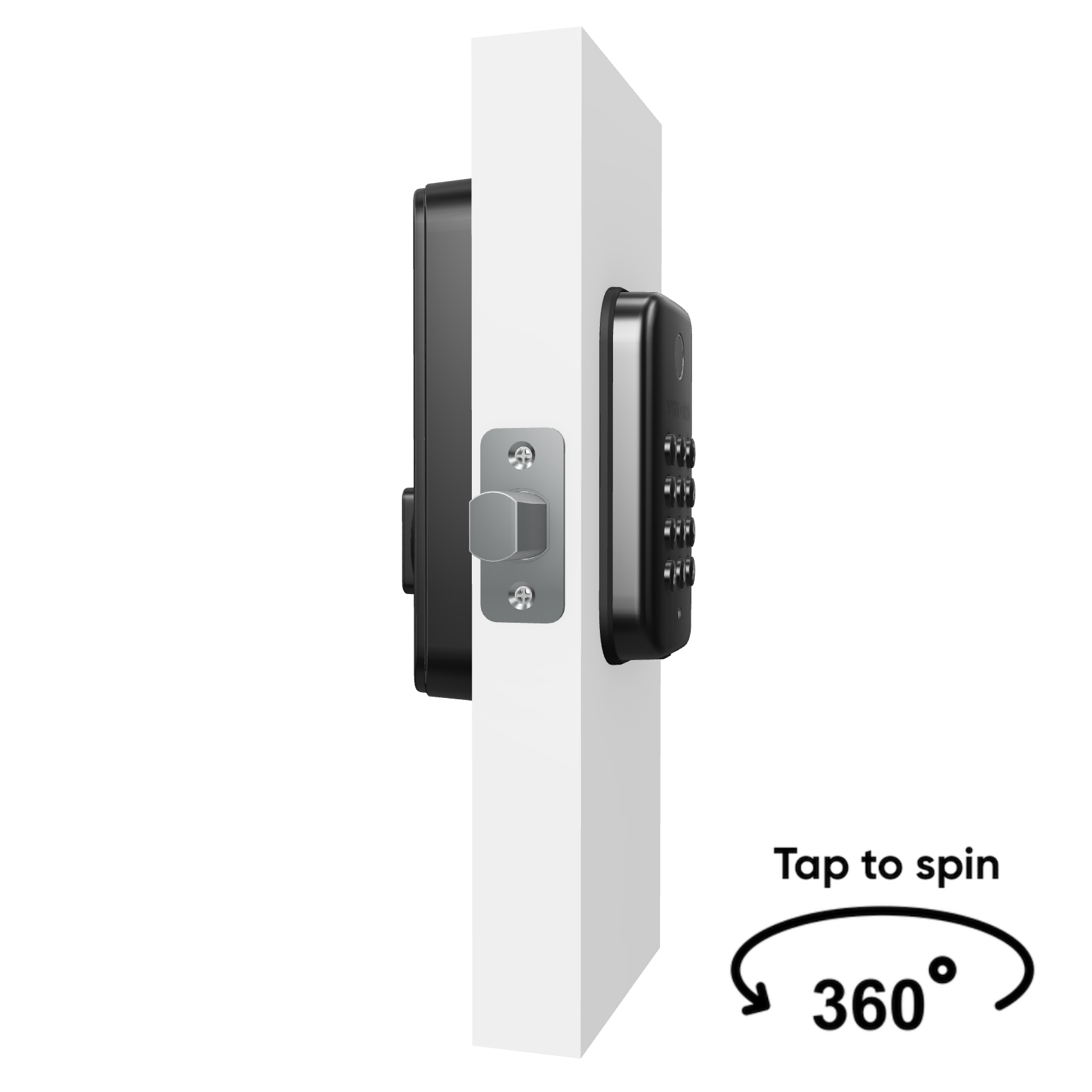
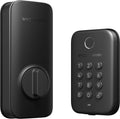
Replaces Existing Deadbolt
Please check the help center and see if we’ve got what you need. Alternatively, you may also find the list of related parts here.
Wyze Lock Bolt by itself is a Bluetooth-only device. This gives users the same app convenience of setting up their lock once and never having to use keys or memorize codes again.
If your phone’s Bluetooth goes out you won’t be able to lock, unlock, or change access settings in the app, but you won’t be locked out. Wyze Lock Bolt remembers the fingerprints and access codes already set up. And as an emergency, you can always generate a One-Time Code from the app.
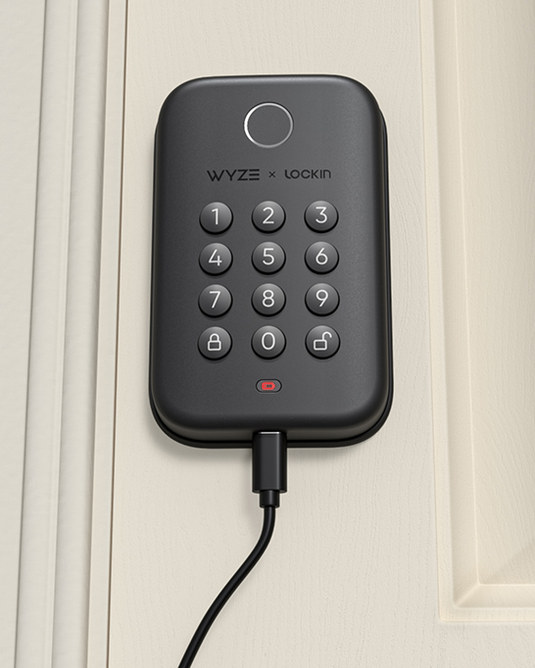
Wyze Lock Bolt will let you know when the batteries are running low. The low-battery indicator on the keypad will flash red. However, if you forget to replace them there is a USB-C port on the bottom of the keypad that can give you a brief, instant charge so you can enter your code and get in.
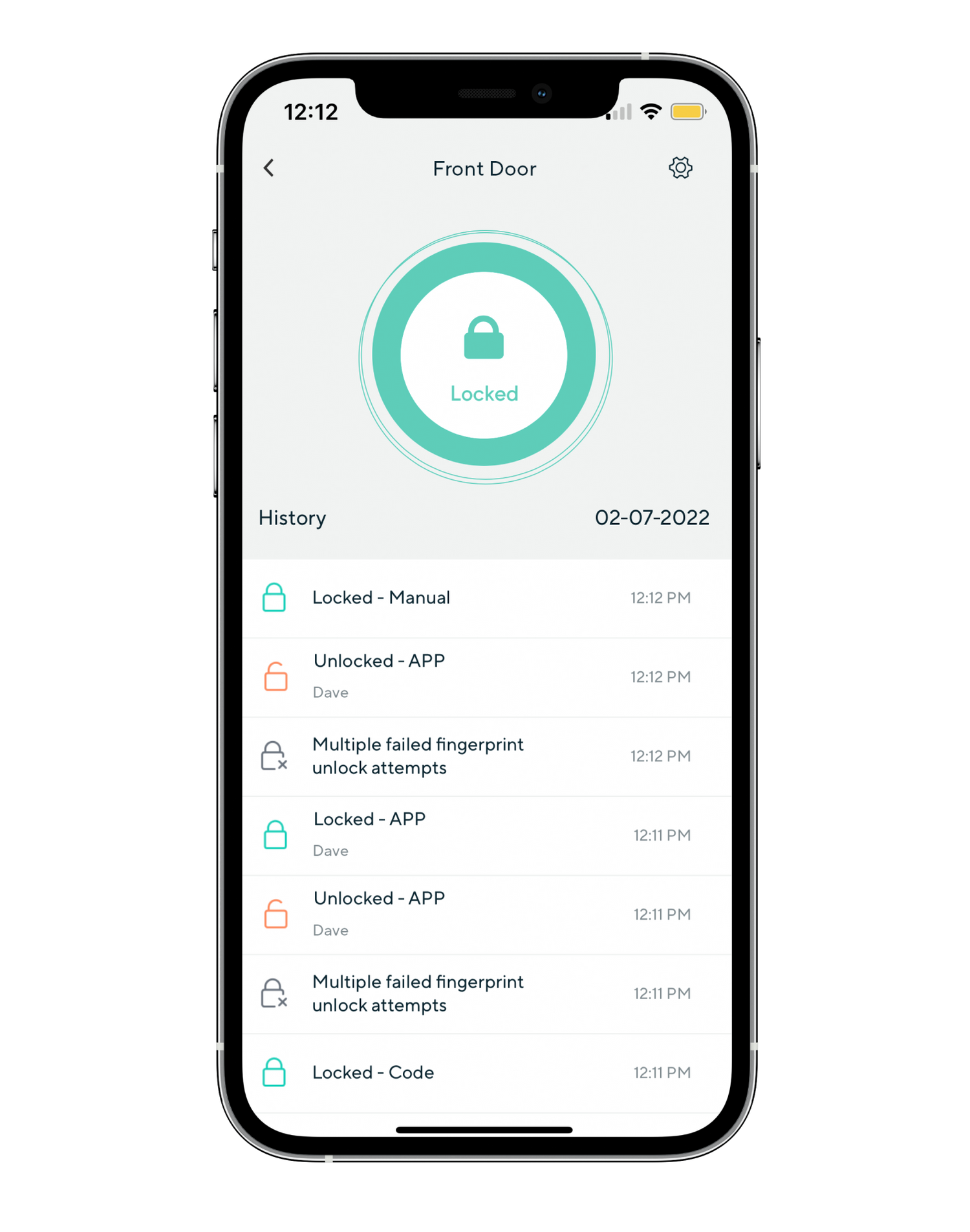
When you enter the app and you are within Bluetooth range, Wyze Lock Bolt will update your history log to show past events that occurred since your last connection. You can see who locked or unlocked your Wyze Lock Bolt, when they did so, and which method they used (app, fingerprint, code). You can also see records of the door jamming and 5 consecutive failed access attempts.
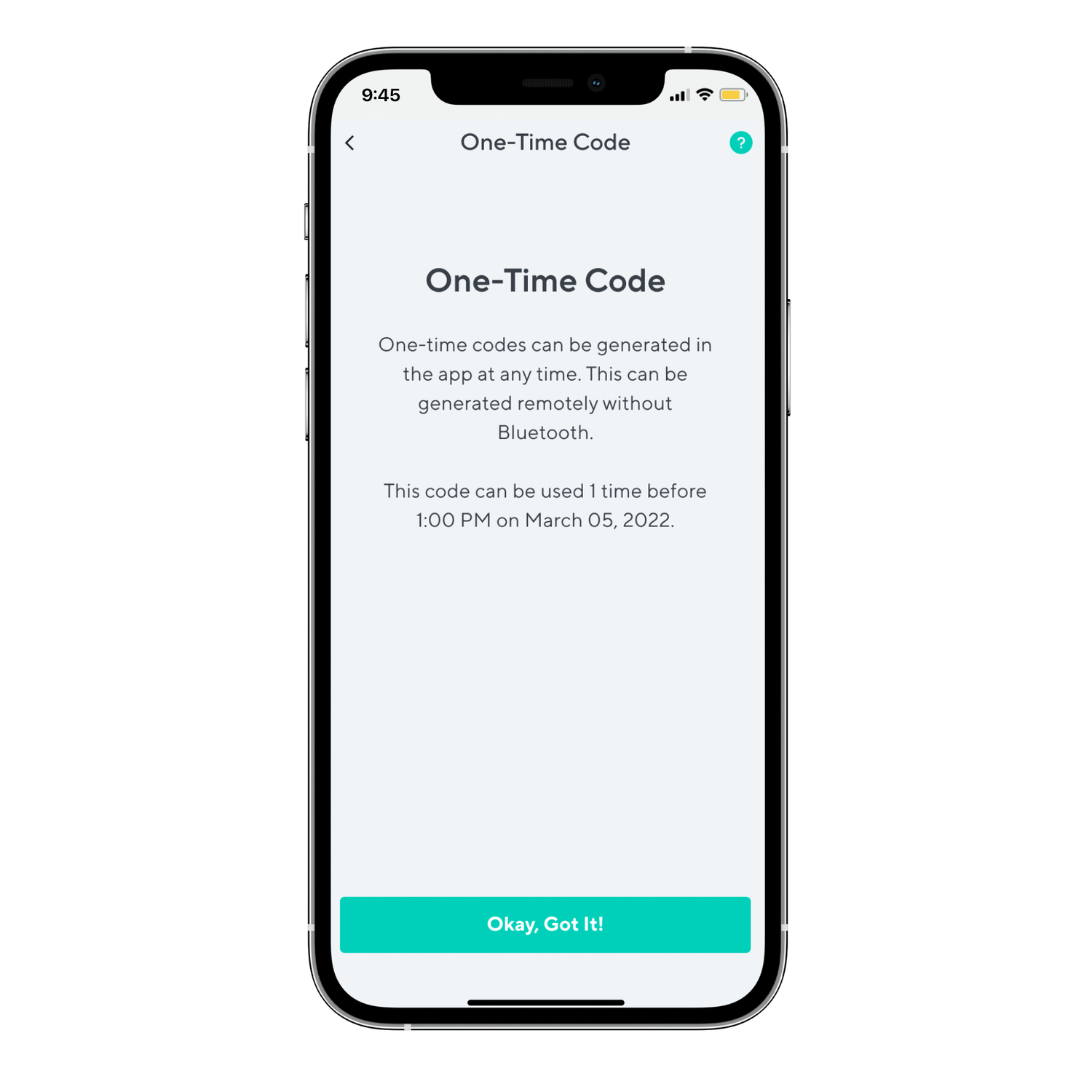
Every 4 hours, Wyze Lock Bolt generates a couple of randomized access codes that can each be used once. You don’t need WiFi or Bluetooth to generate the code. Simply go to the app > Wyze Lock Bolt > Settings > One-Time Code, and enter the 8 digit code on the keypad.
Wyze Lock Bolt can detect the position of the motor to know if a deadbolt is jammed or not.
All you need to do is press and hold the Pairing button on the lock for 3 seconds. With Bluetooth enabled, your phone should then detect and connect to your Wyze Lock Bolt if you are within 16 feet of range.
Share through the Wyze app to make sure everyone can get in. You can share Wyze Lock Bolt with up to 50 people and revoke access at any time.
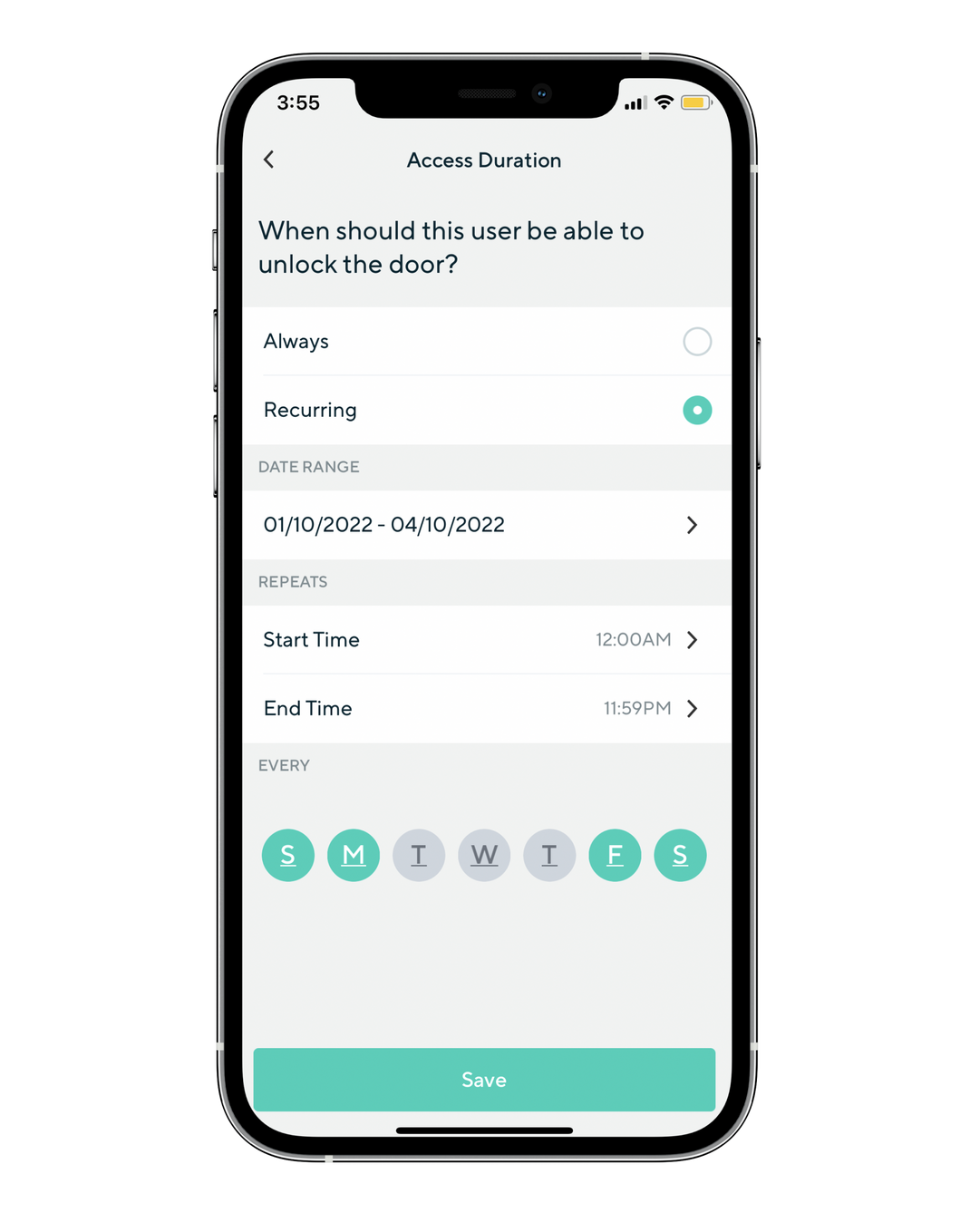
Wyze Lock Bolt has a built-in alarm that will alert you if your door is jammed or if there are more than 5 consecutive attempts to unlock the device. It also has an auto-lock function that will automatically lock the door after a selected amount of time. Lastly, you can fine-tune your users’ access by access type (fingerprint, code, app) and schedule (hours, dates)!
Keyless entry. A fingerprint away.
Gone are the days of fumbling for keys. Enter your home quickly and securely with just a tap on the ultra-fast fingerprint sensor.


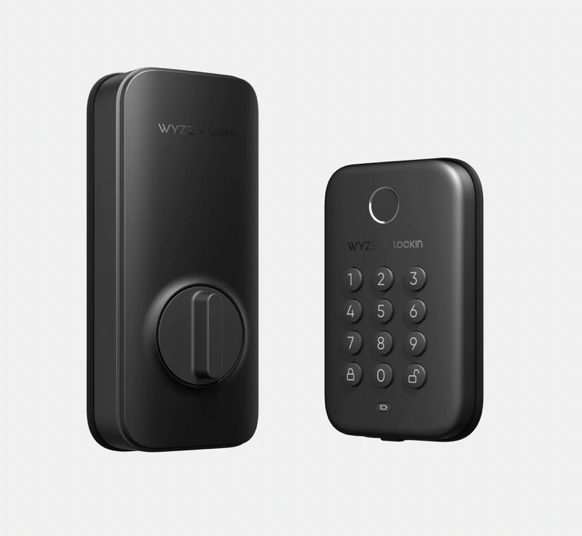
Luxurious backlit keypad.
Wyze Lock Bolt's exterior is crafted from solid metal for maximum security. Each button on the keypad is backlit for easy viewing at night.


-
"Wyze Lock Bolt is a solid, no frills smart lock with perfect fingerprint scans."
Featuring anti-peep technology.
With anti-peep technology. you don't have to worry if someone watches you enter your code.
Simply add extra digits before or after your code and Wyze Lock Bolt will still unlock.
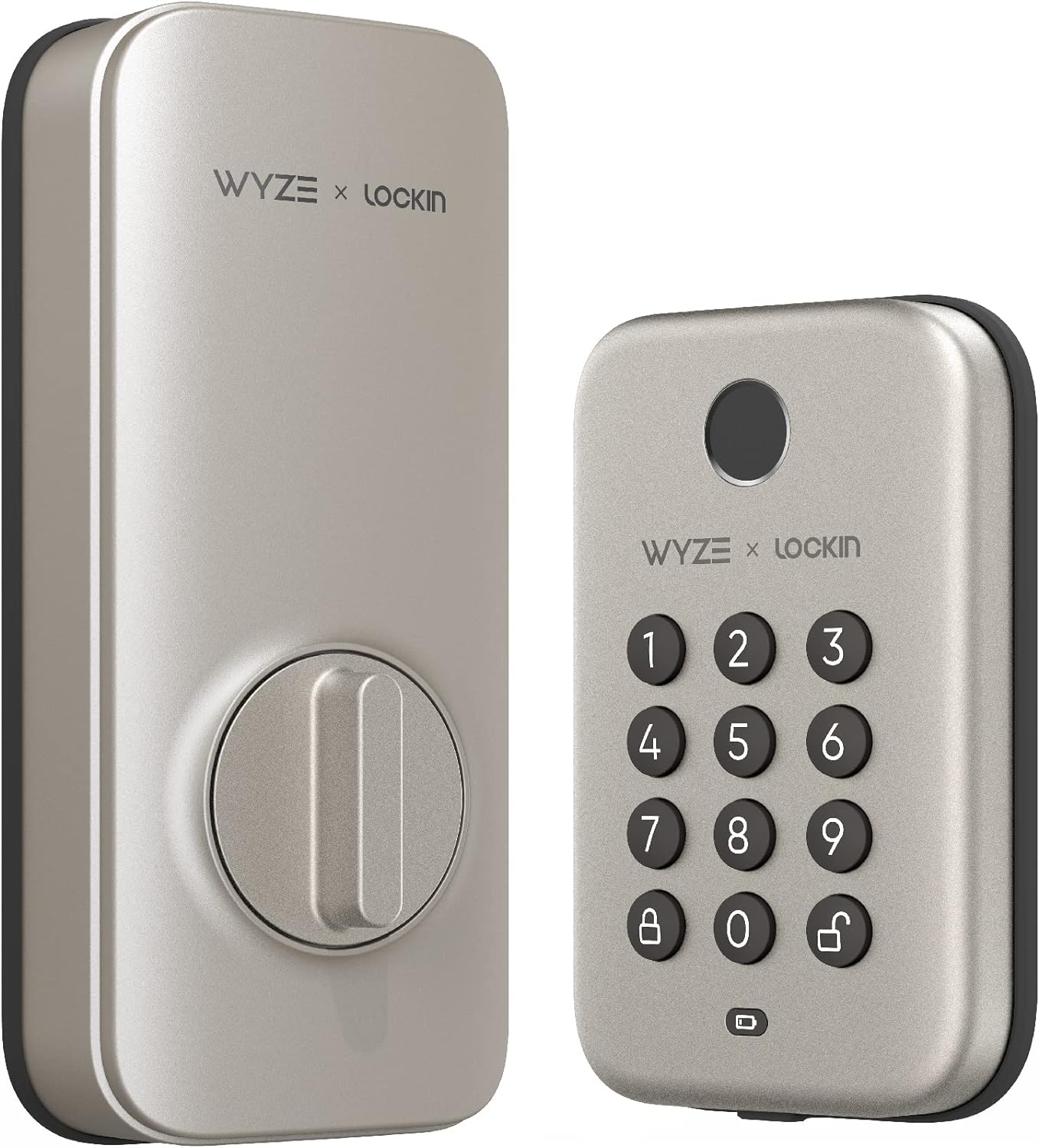
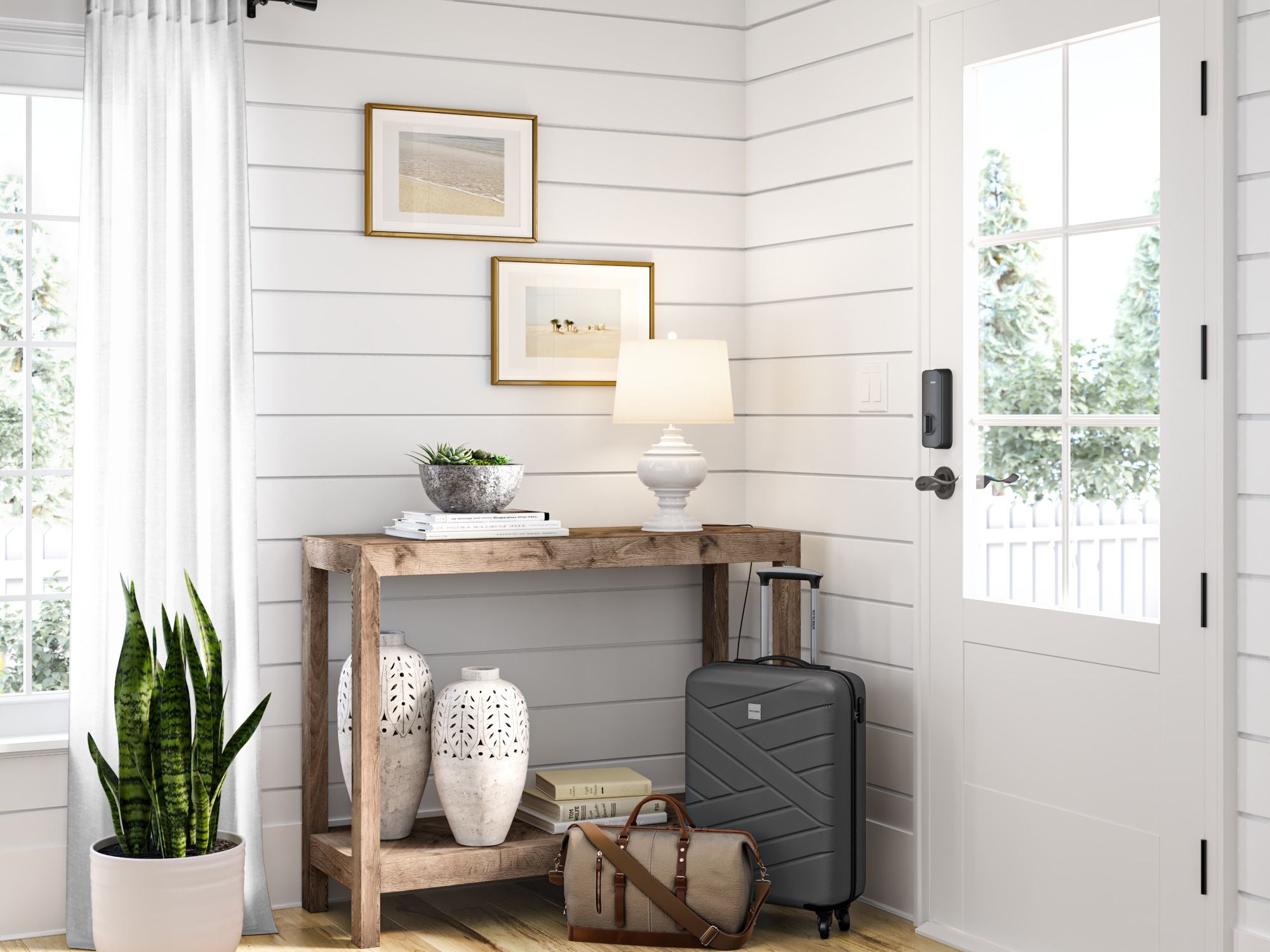
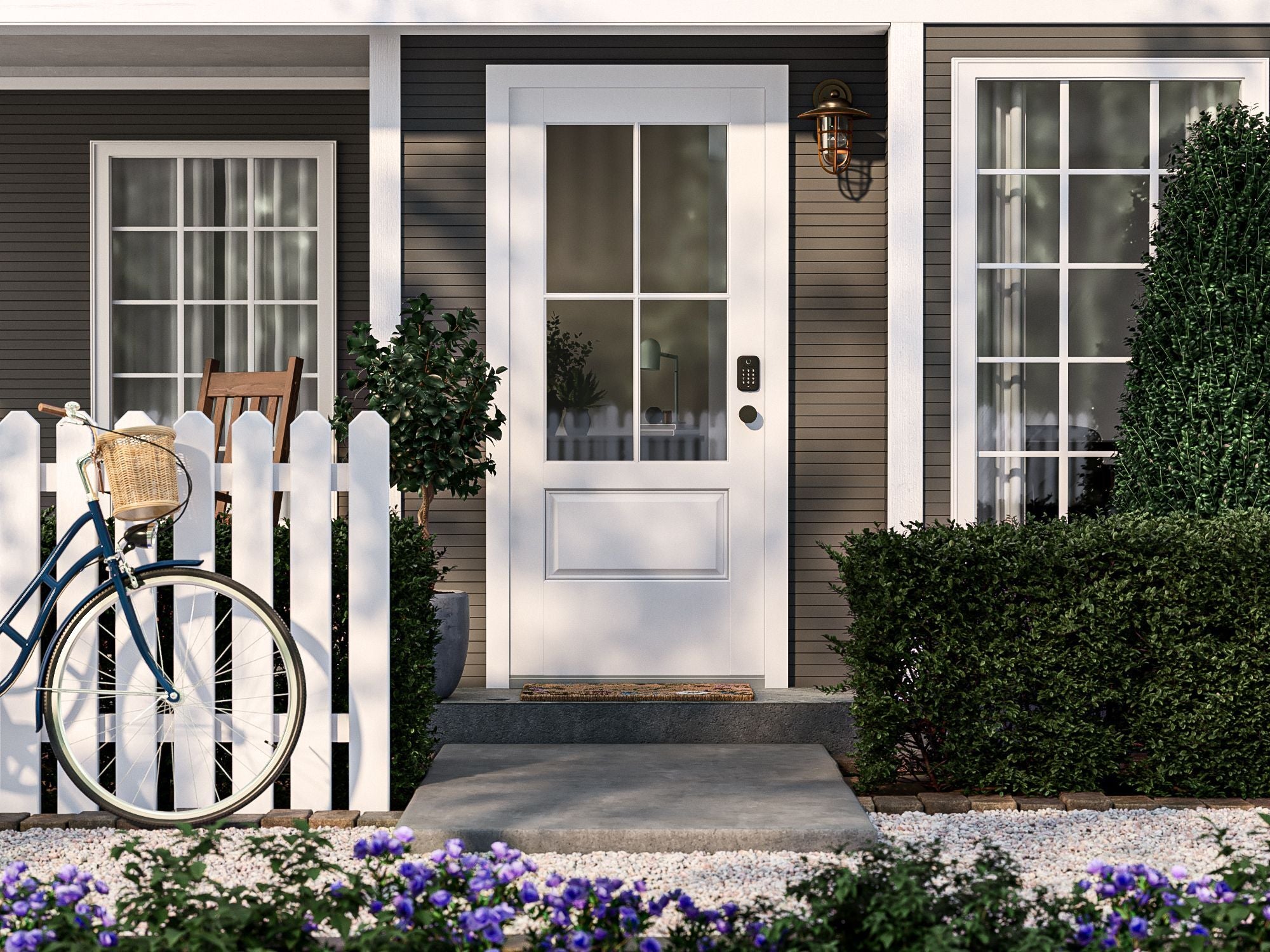
Designed to blend in beautifully.
-
Crafted to compliment your interior design.
-
Luxurious metal design to match any exterior.
Auto-locks if you forget.
Never worry again about having left your door unlocked. We included an auto-lock timer to take the stress away. Simply set how long you want to delay auto-locking in the Wyze app, and after that time has passed, Wyze Lock Bolt will lock the door for you.
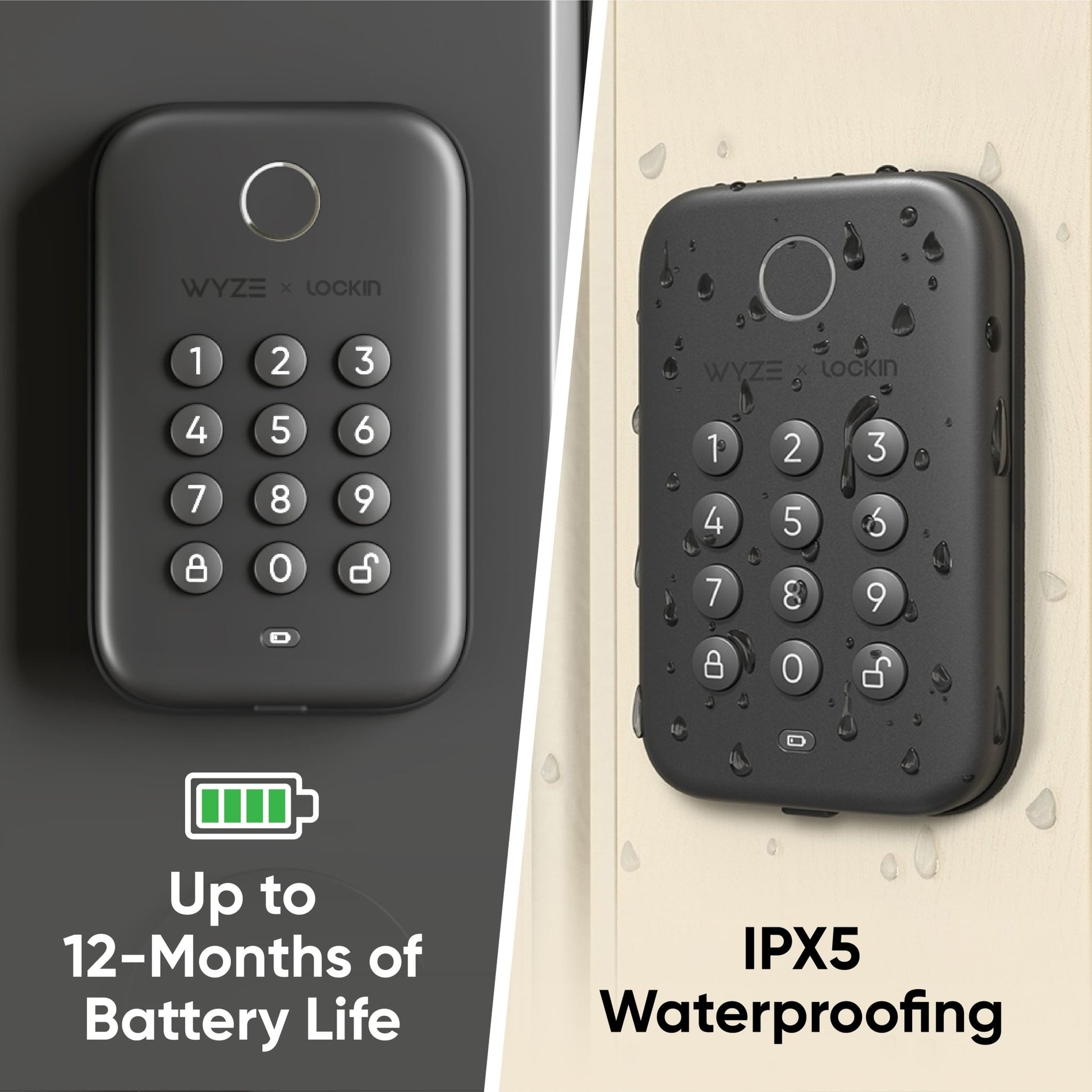
Fully pick-proof and weatherproof.
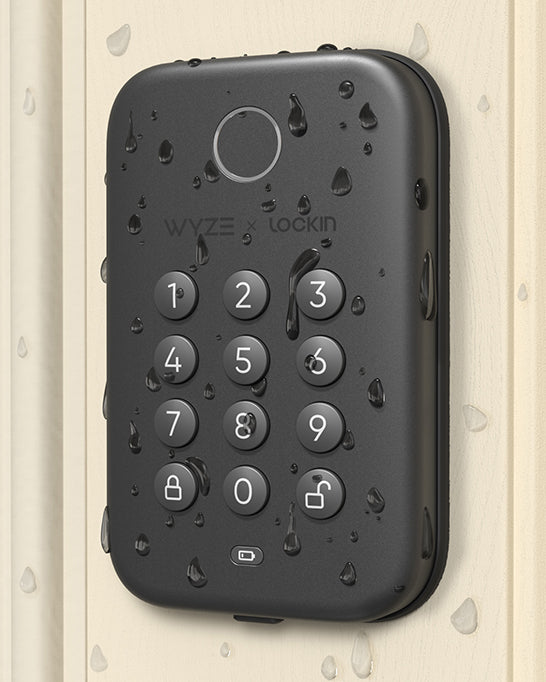
Wyze Lock Bolt is completely pick-proof by removing the need for keys. It’s also built tough enough to withstand the elements with IPX5 weatherproofing.
Up to 12 months of battery life.
Wyze Lock Bolt's 4 AA batteries last up to a year and are easily replaceable. If the battery life is low, the indicator will flash red reminding you to replace them.
If the batteries die while you're away, the USB-C port allows for an instant, brief charge for you to enter your access code for entry.
One-touch to lock.
Locking the door behind you is easier than ever. Just press the lock button on the keypad. If you're within Bluetooth range, you can also lock via the Wyze app.
The Wyze app is your command center.
*Bluetooth connection required for app features.
See who stopped by in the Wyze app. You can even view how it was unlocked, the exact time, and if there were any failed passcode attempts.
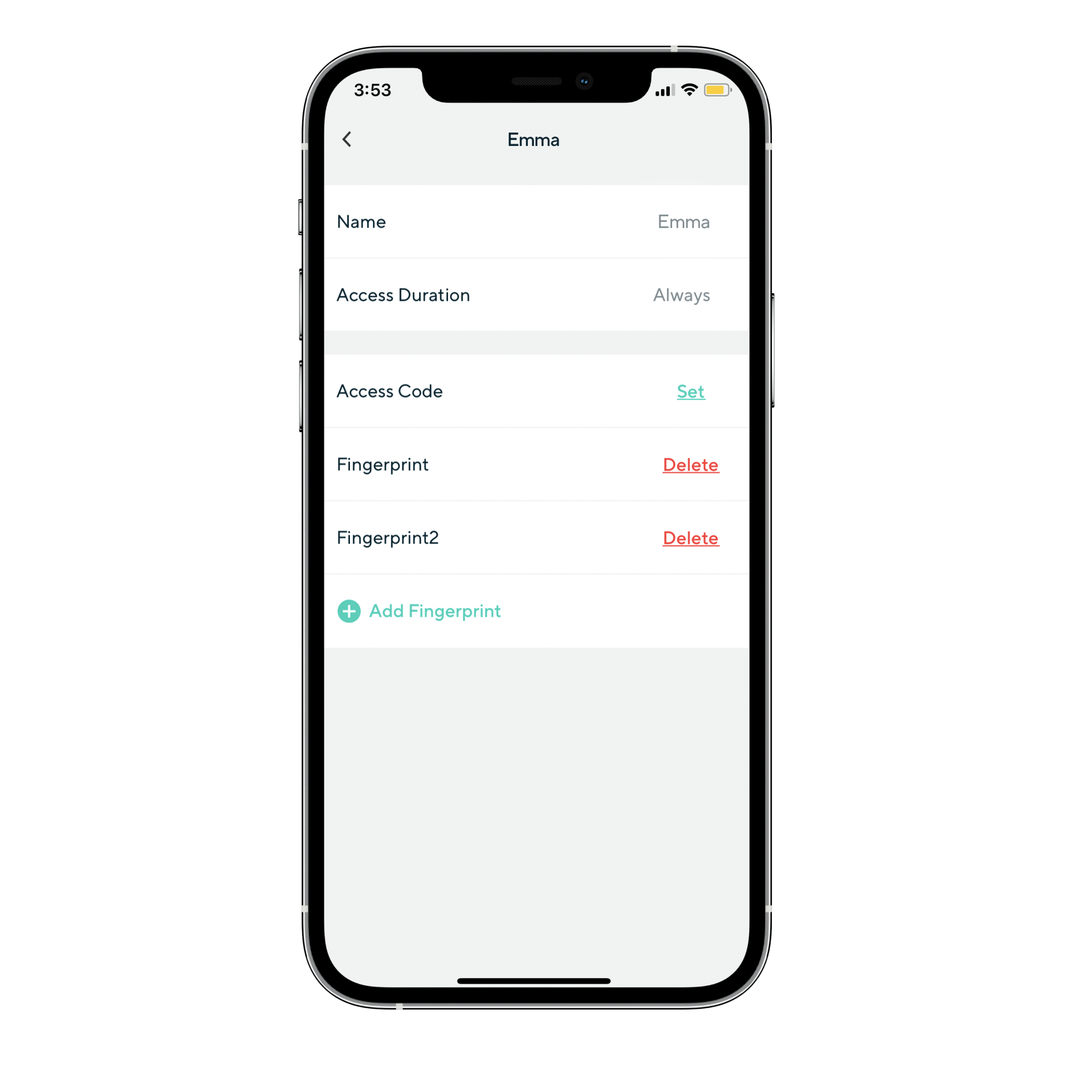
Create and store up to 20 access codes for family and guests, without manually programming each one into the lock. You can also store up to 50 total fingerprints for frequent users.
If your guest cannot unlock the door for any reason, you can remotely generate an emergency access code for them in the Wyze app even without a Bluetooth connection.
This single-use code grants access to your lock and expires within 4 hours. You can generate up to 16 codes every 4 hours.
Worried about giving out access codes to your home? Use auto-expiring codes so you never have to worry about temporary guests entering without permission. Set the day/time the code expires and never think about it again.
Top-notch security features, standard.
Can't decide? See which smart lock is best for you.
-
Wyze Lock Bolt
Built for Convenience: Quickly unlock the door with your fingerprint
• Fingerprint unlock
• Local app access only
• No Wyze automations or Alexa/Google support• Replaces existing deadbolt
• Basic Auto-Lock
• No Auto-Unlock• Keypad built-in
-
Wyze Lock
Shop Wyze LockBuilt for Smart Homes: Monitor and access your door from anywhere
• No fingerprint unlock• Access the app from anywhere
• Wyze automations & Alexa/Google support
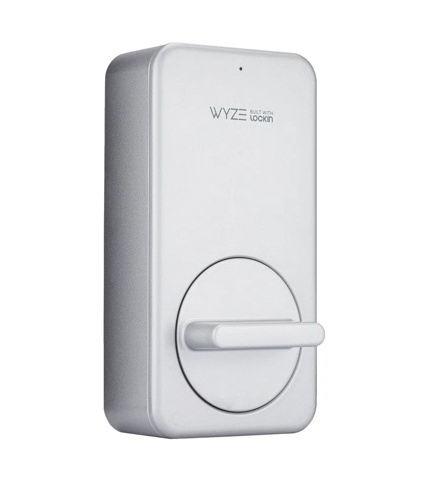
• Attaches to existing deadbolt
• Advanced door position Auto-Lock
• Auto-Unlock
• Optional keypad sold separately
Replaces your existing deadbolt. Installs in just 20 minutes.
Wyze Lock Bolt is compatible with almost all exterior doors and replaces your existing deadbolt lock in about 20 minutes. Feel free to watch our installation video below to see how easy the process is.