Skip to product information
1 of 11

Wyze Duo Cam Pan

Wyze Duo Cam Pan

Two cams. Two views. Zero blind spots.

Most Popular
Best-Selling Model
Pack
Add ons
$69.98
In stock
Get it as soon as
30-day hassle-free returns.
In stock
$0.00 FREE / 1 month
14-Day Cloud Storage
Smart Detections & Notifications
Subscriber Discount

*Cam Plus subscription auto renews at $2.99/month/cam after the first month. No commitment, cancel anytime. Plan is not compatible with existing Cam Plus Unlimited plans.

Two Cameras. Two Views.

2K Color Night Vision

Built-in Spotlight

More Safety at Night

AI-Powered

Motion Tracking

A blue and white logo for Wyze.
Wyze.com Exclusive BENEFITS
18-month extended warranty

Get an 18-mo extended warranty when you buy this product on wyze.com. Also get special bundles, unique promos, + rewards with each order

Wyze Duo Cam Pan delivers two 2K cameras in one device for complete coverage. One stays fixed on your priority view while the other pans and tilts to track motion, with color night vision, spotlights, siren, and indoor/outdoor versatility. 

Outdoor use requires Wyze Universal Outdoor Power Adapter.

View full details
  • A black background with no visible text or objects.

    Two Cameras. Two Views.

    One fixed + one pan and tilt cam eliminate blind spots.

  • A colorful logo for a company.

    2K HD Resolution + Color Night Vision

    See every detail clearly in vibrant color, day or night.

  • An icon for the IP65 page.

    Indoor/Outdoor Security

    Place it anywhere with IP65 weather resistance.

  • A black background with a white spotlight icon.

    Two Motion-Activated Spotlights

    Automatically trigger the LED light and voice prompt for extra security.

Wyze Duo Cam Pan Tech Spec

Colors & Materials
  • Colors: White
  • Finish: Textured Matte
  • Body: Polycarbonate
  • Lens: Glass + Plastic
  • Lens FOV: DFOV 127.5°, HFOV 106°, VFOV 56.5° (Fixed), DFOV 127.5°, HFOV 106°, VFOV 56.5° (PT)
  • Image Sensor: 1/2.8'' CMOS (Fixed)
  • 1/2.8'' CMOS (PT)
  • LED Indicator: Front. Red + Blue.
Dimensions & Weight
  • 2.36in x 2.16in x 5.26in (64mm x 54.9mm x 133.5mm)
  • 0.66lb (300g)
Mounting
  • Stand, wall mount, ceiling mount.
View Range
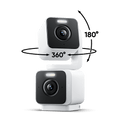
  • 360° horizontal, 180° vertical
Power
  • Power Adapter: Input 110-240 V (AC/DC), Output 5V/1.5A
  • Compatible Outdoor Power Adapter (sold separately and coming soon)
  • Cable: 6-Foot Flat Type-C to USB-A
Video
  • Resolution: 2K (2304*1296)+ 2K (2304*1296)
  • Wide Dynamic Range (WDR): Yes
  • IR Lights: 4x850 nm
  • Day/Night Vision: Yes
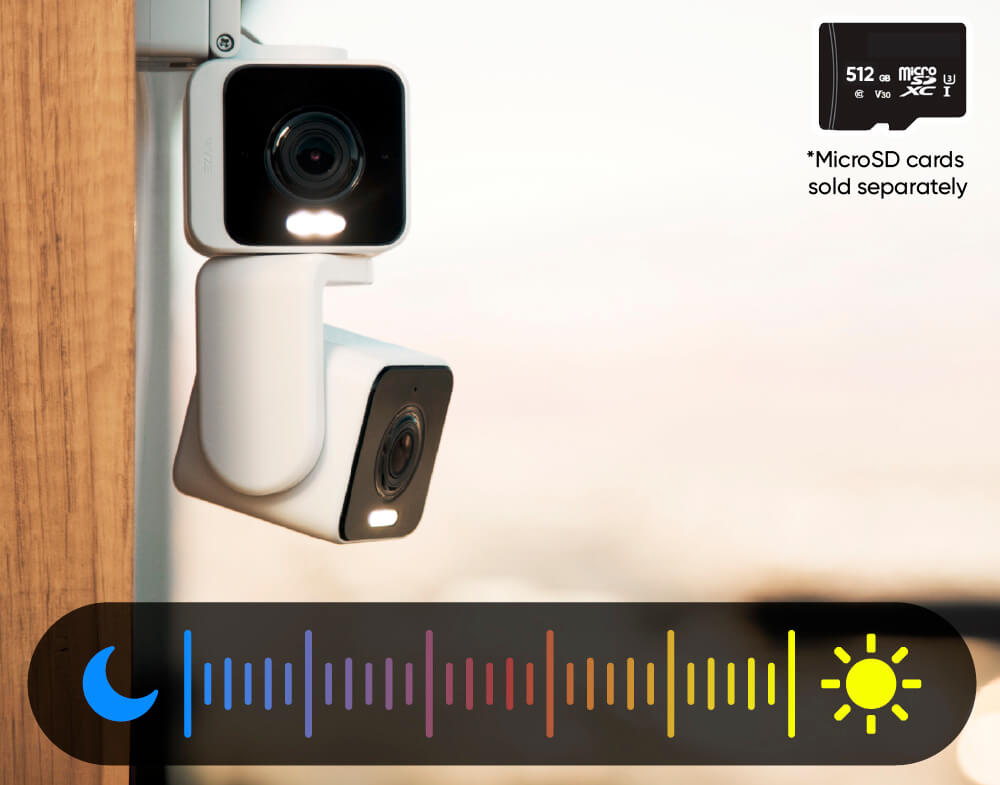
  • Night Vision: 4 IR LEDs (850 nm) + 4 white spotlight LEDs ( 80 lumens)
  • Color Night Vision: Yes
  • Video Encoding: H.264
  • Video FPS: Daytime 20 FPS / Nighttime 15 FPS
Audio
  • Speaker: 100dB, waterproof
  • Simultaneous 2-way Talk: Yes
  • Built-in Siren: Yes
  • Noise & Echo Cancellation: Yes
Connectivity & Compatibility
  • Bluetooth® 5.0
  • Wi-Fi: 2.4 GHz Wi-Fi, Wi-Fi 6
  • Phone Compatibility: Android 10+ and iOS 16+
  • Integrations: Alexa, Google Assistant, IFTTT
Storage
  • Local (microSD card required)
  • MicroSD card up to 512 GB
  • Cloud (with subscription plan)
Weather & Temperature
  • IP65 weather-resistant
  • Operating temp: -4ºF - 113ºF (-20ºC - 45ºC)
  • Storage temp: -22°F - 158°F (-30°C - 70°C)
Language
  • English
Warranty
  • 1-Year
  • Wyze Duo Cam Pan x1
  • Quick Start Guide x1
  • Mounting Kit x1
  • USB-C to USB-A Cable (6-foot, flat) x1
  • Indoor Power Adapter (5V, 1.5A.) x1

Yes! It's compatible. Check out Wyze Lamp Socket v2.

Two cameras combined as one camera. One of the cameras is stationary. The other camera is a pan and tilt camera.

No, Wyze Duo Cam Pan is powered via a 1.8m USB cable.

Yes, Wyze Duo Cam Pan is IP65-rated and can be used both indoors and outdoors. Just be sure to cover the SD card slot to avoid water damage. Wyze Universal Outdoor Power Adapter is required for outdoor use. Sold separately. Click to learn more.

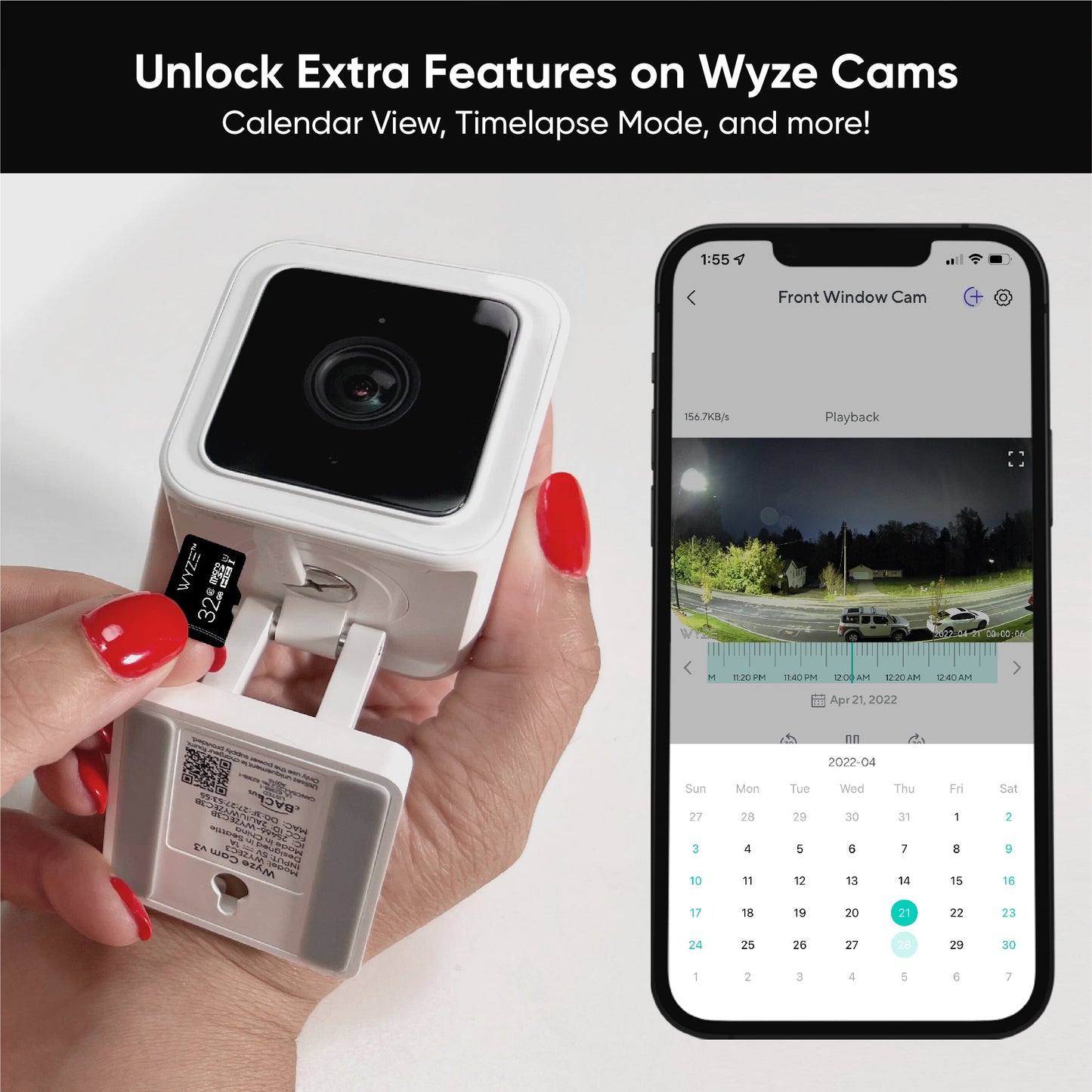
Yes! Wyze Duo Cam Pan has a microSD card slot for local storage, and you can record 24/7 and store videos locally.

No, Wyze Duo Cam Pan is compatible with Wi-Fi 6, but it is not required.

No, Wyze Duo Cam Pan only supports 2.4 GHz networks.

Yes, Wyze Duo Cam Pan is supported in Wyze Web View (requires an active security plan).

No, Privacy Mode is not a feature on Wyze Duo Cam Pan. Because the camera has two lenses and one is stationary, a truly physical Privacy Mode is not an option.

The top and bottom cameras are nearly identical, sharing most of the same features, like field-of-view and a spotlight. However, the bottom camera is fixed and has a speaker and mic, while the top camera moves and has the status light. Can I use Wyze Duo Cam Pan outdoors? Yes, Wyze Duo Cam Pan is IP65-rated and can be used both indoors and outdoors. Just be sure to cover the SD card slot to avoid water damage.

Two cameras. Two views.

One stays steady while the other one moves. Cover two areas with a single device for maximum coverage.

Keep your head on a swivel with 360° pan and 180° tilt.

Never miss the action with auto motion tracking. Crystal-clear 2K clarity on both cams capture every detail.

A black door with a light switch on it.

Integrated Spotlights + Siren

More safety at night.

Deter intruders or light your way home with a motion-activated spotlight. Activate the loud siren for extra "get outta here" power.

ip65 weather resistance

Place it anywhere.

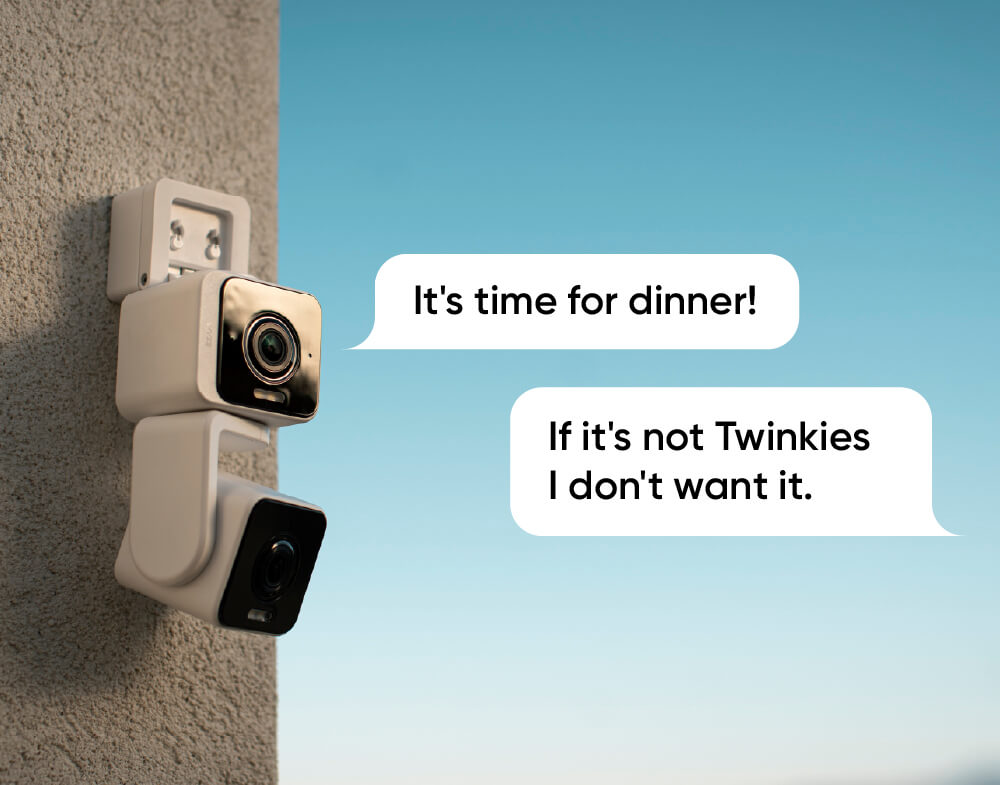
Wyze Duo Cam Pan is IP65 weather-resistant, so it can operate in any weather.

Note: Outdoor use requires Wyze Cam Universal Outdoor Power Adapter (sold separately, learn more).
A Wyze Duo Cam is mounted on a wall.

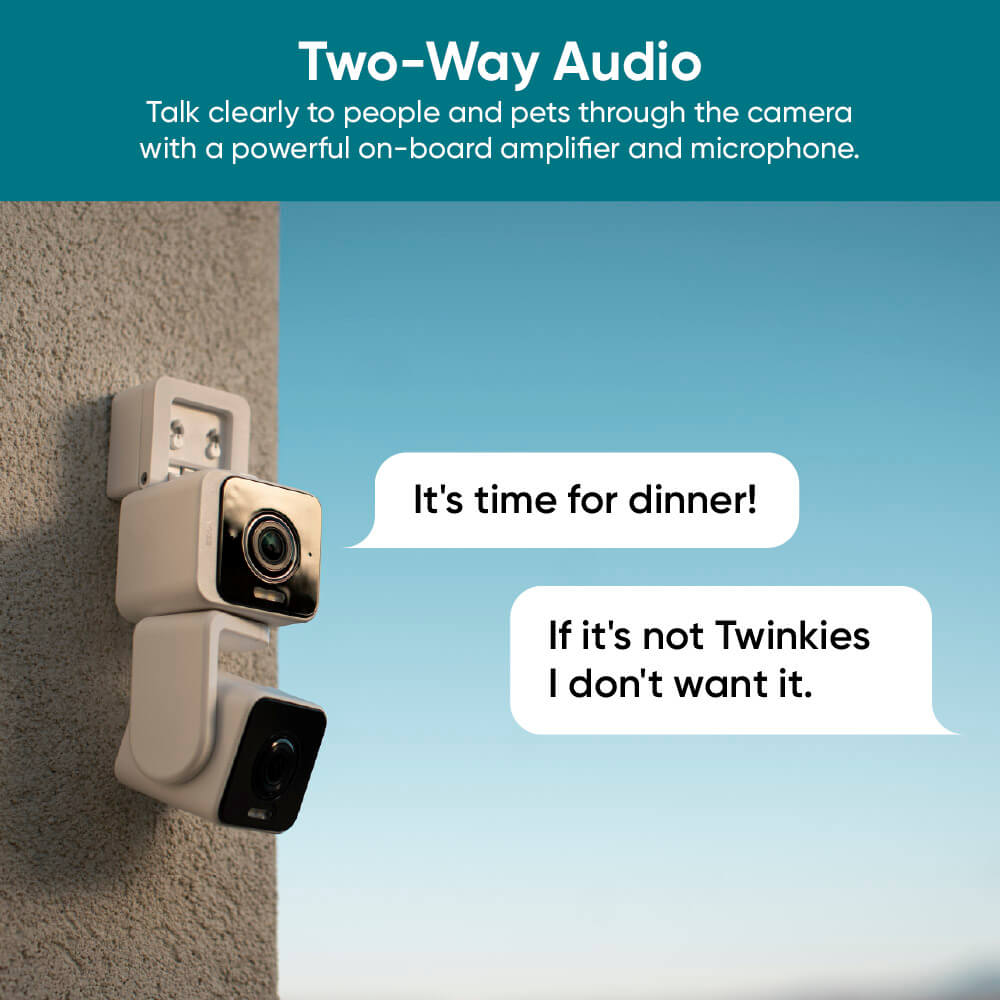
Enhanced two-way talk

Clearer conversation.

Forget the days of sounding like you’re talking through tin cans. Advanced Audio Coding (AAC) and a revamped mic give our best audio experience yet.

A white and black camera with a sun in the background.

Record every second

24/7 Recording with MicroSD Card.

Don’t miss a thing with continuous local recording to a microSD card up to 512 GB. No subscription required. Sold separately.

See it in action.

And check out the unboxing video to see more magic.

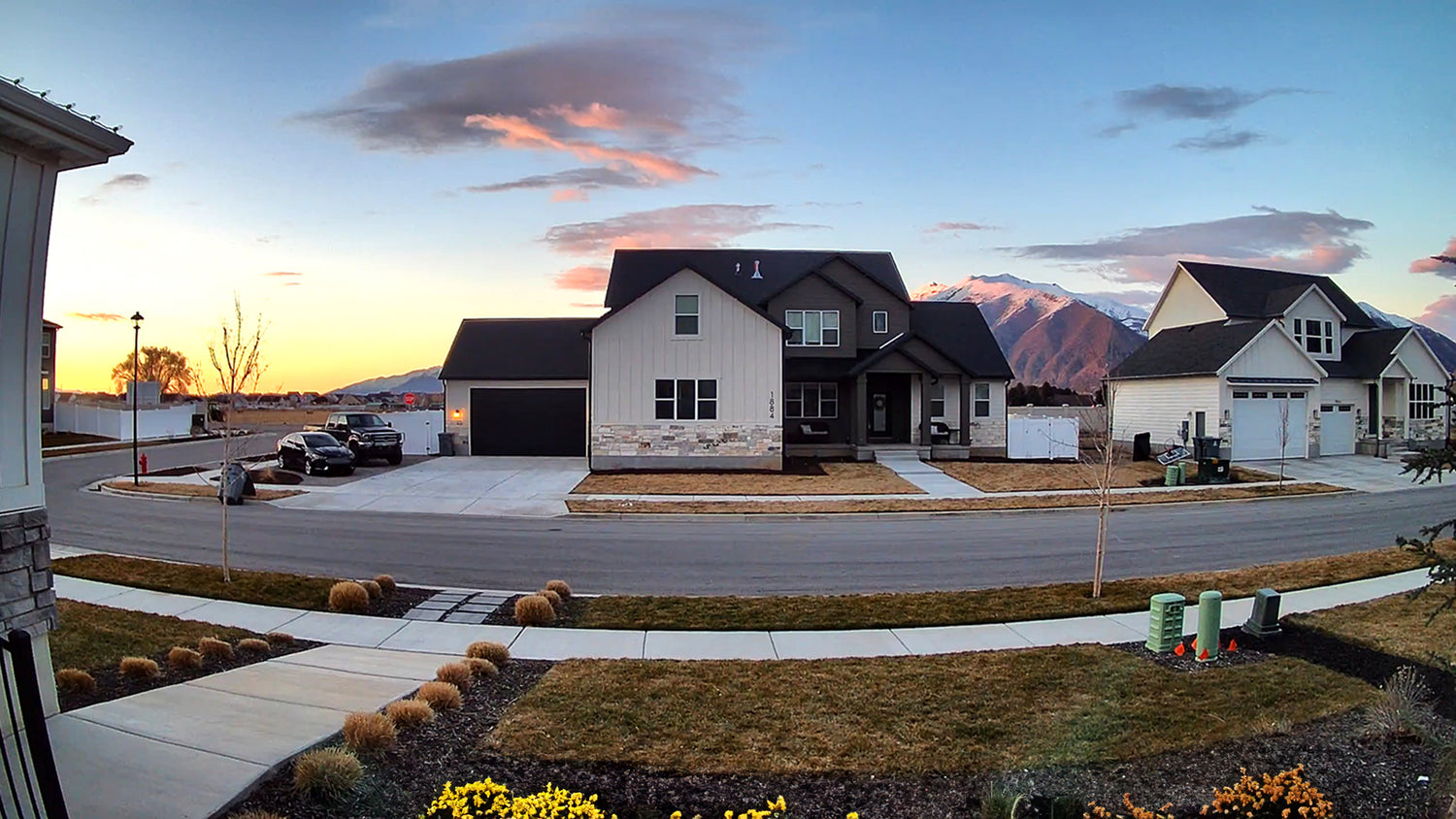
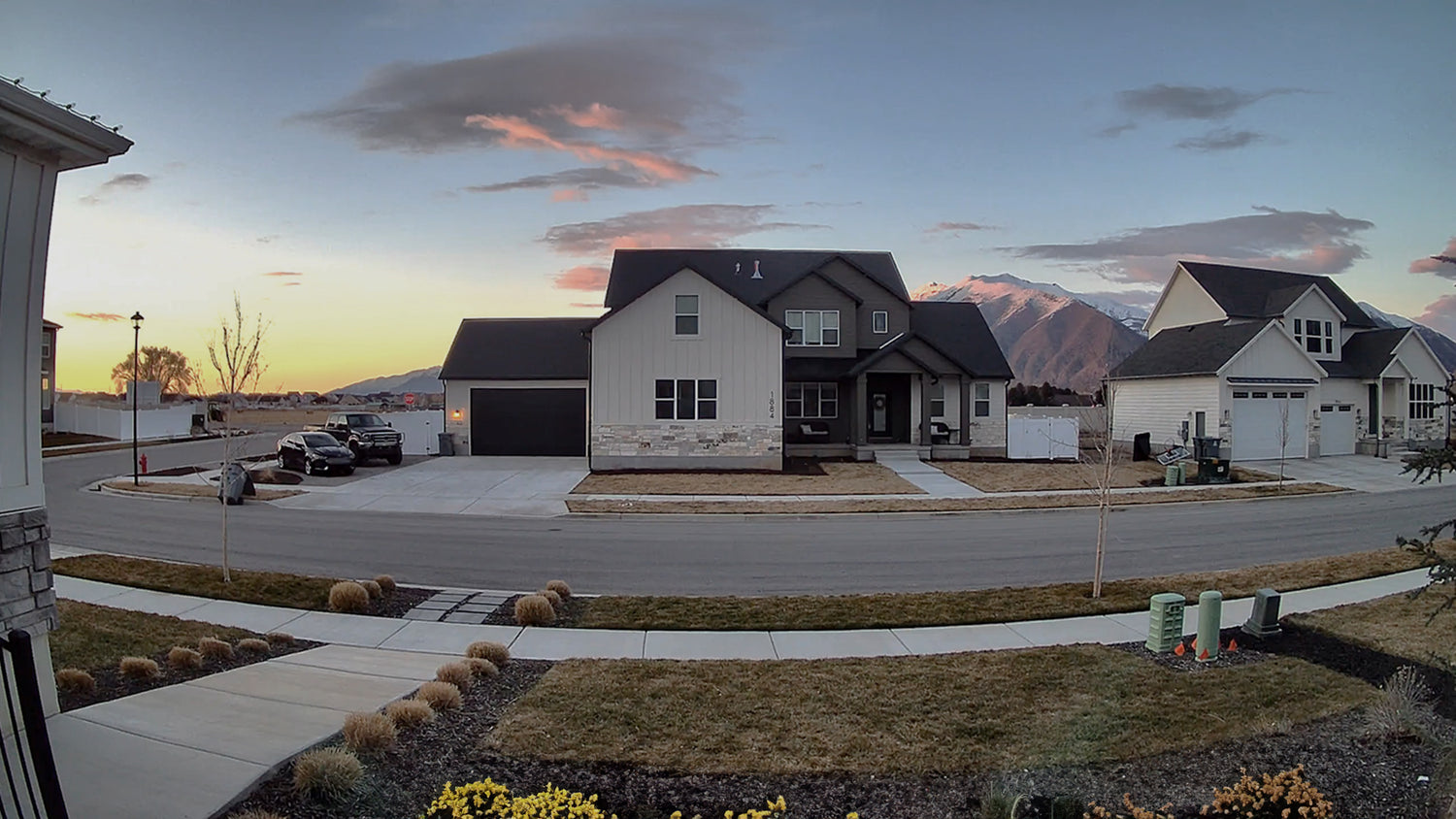
More vibrant colors with our best dynamic range.

An upgraded image processor enables Wide Dynamic Range (WDR) for rich, vibrant colors and better image quality.

A house with a black roof and white siding. A large house with a black roof and white siding.

Wyze Duo Cam Pan with WDR

No WDR

A panoramic camera is mounted on a house.

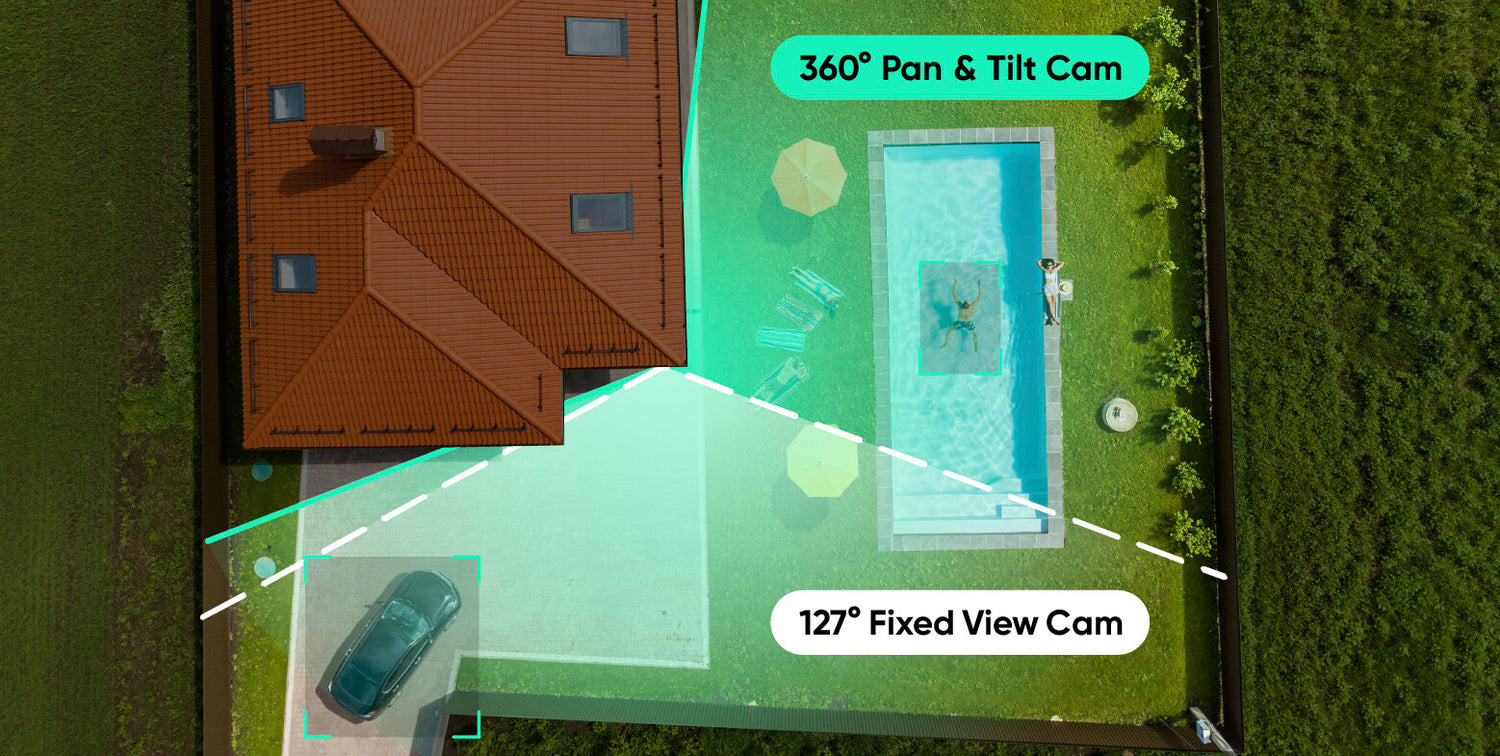
Full coverage

Double the coverage. No blind spots.

It's especially effective when placed near a corner. Keep a fixed watch on the driveway, and at the same time follow the action if it moves to the backyard.

A woman is holding a smartphone with a home monitoring app on the screen.

Connect with bluetooth®

Easy to set up.

No need to scan QR codes. Enjoy hassle-free setup with Bluetooth®. We'll get you up and running within minutes.

Wyze Duo Cam Pan Shopify 07

Plug it in and go

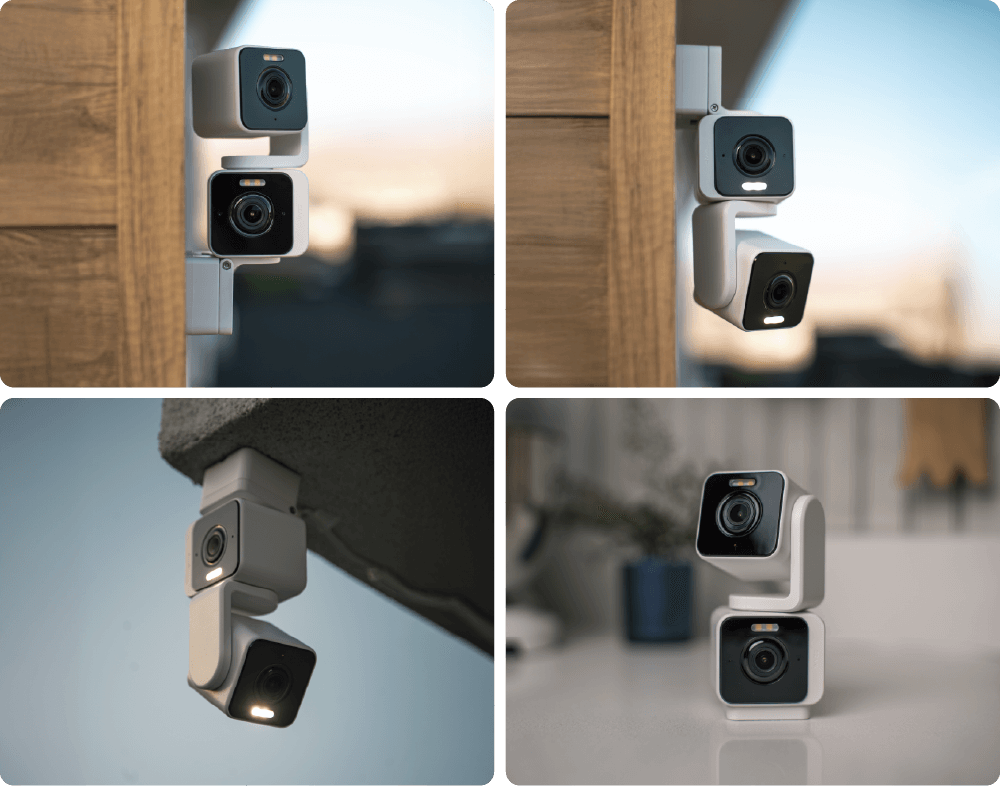
Versatile mounting.

Four unique mounting options gives you the flexibility to secure your space exactly how you need to.

A Wyze Duo Cam Pan is displayed on a table.

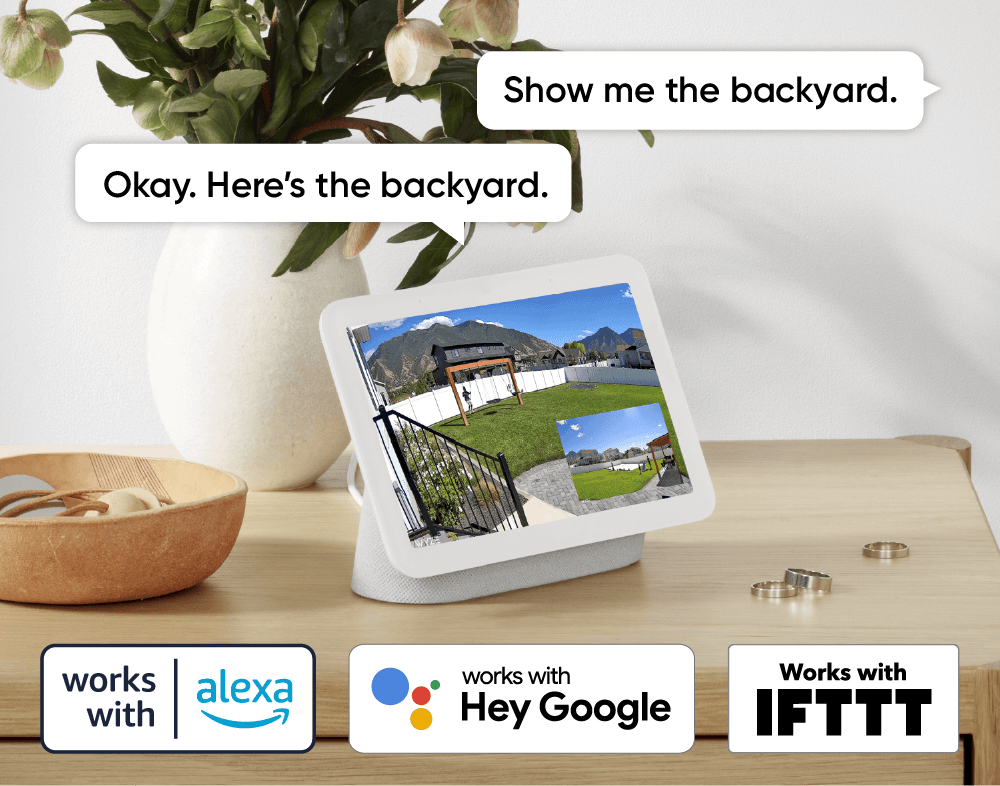
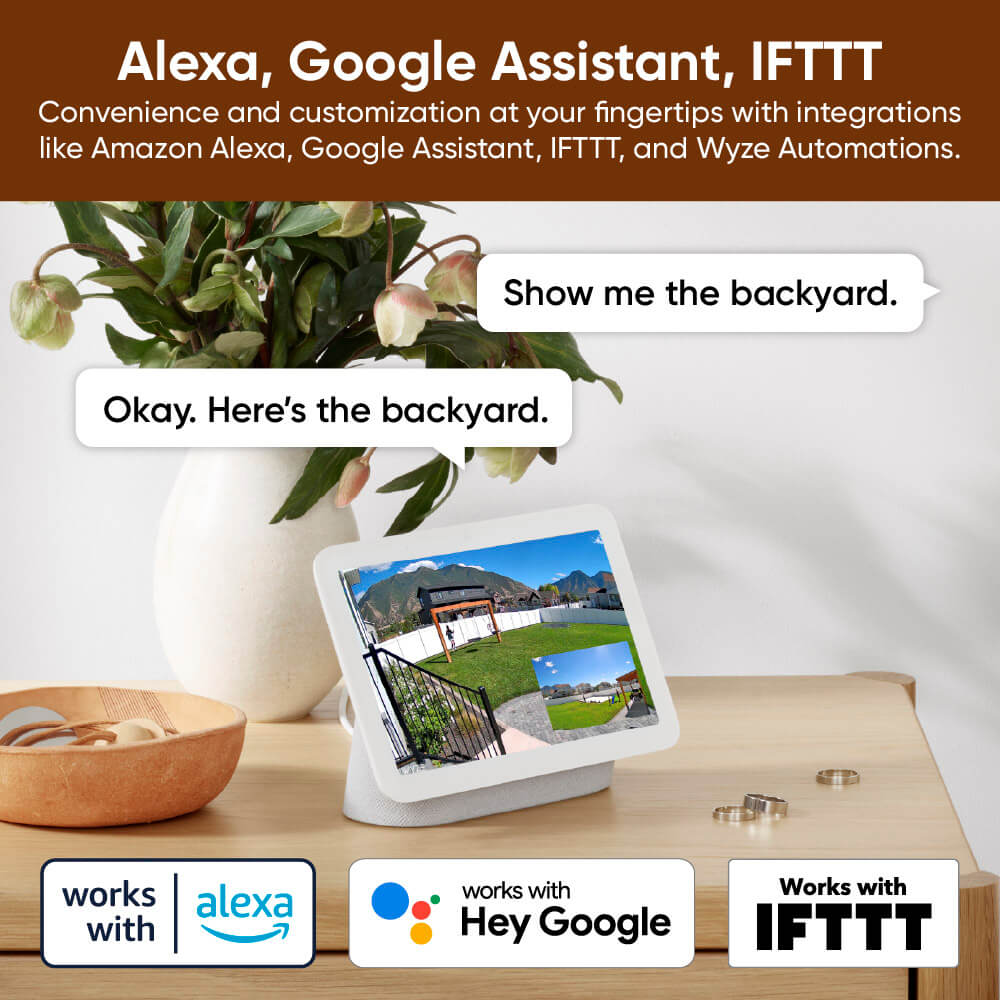
Works with smart assistants

Alexa, Google Assistant, IFTTT support.

Convenience and customization at your fingertips with integrations like Amazon Alexa, Google Assistant, IFTTT, and Wyze Automation.

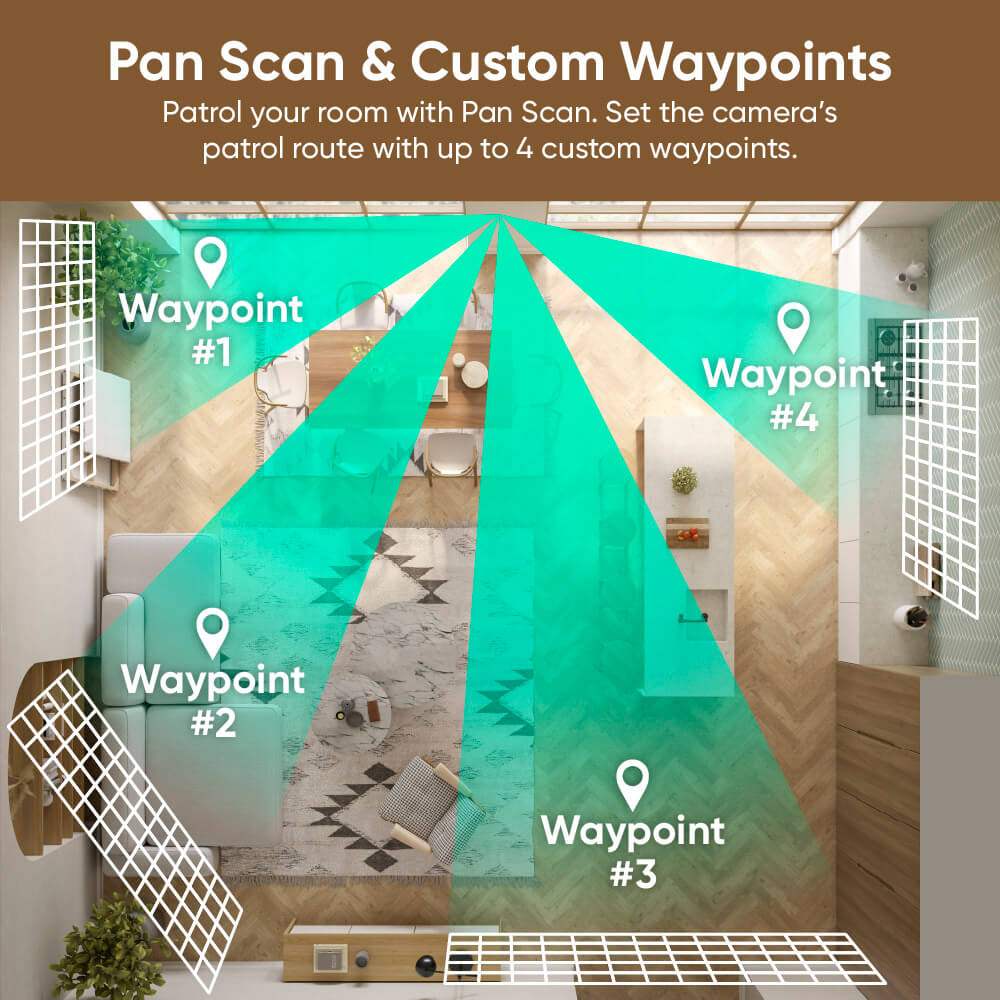
Patrol your room with Pan Scan.

Set the camera’s patrol route with up to 4 custom waypoints.

A map of a bathroom with a green arrow pointing to the Waypoint.
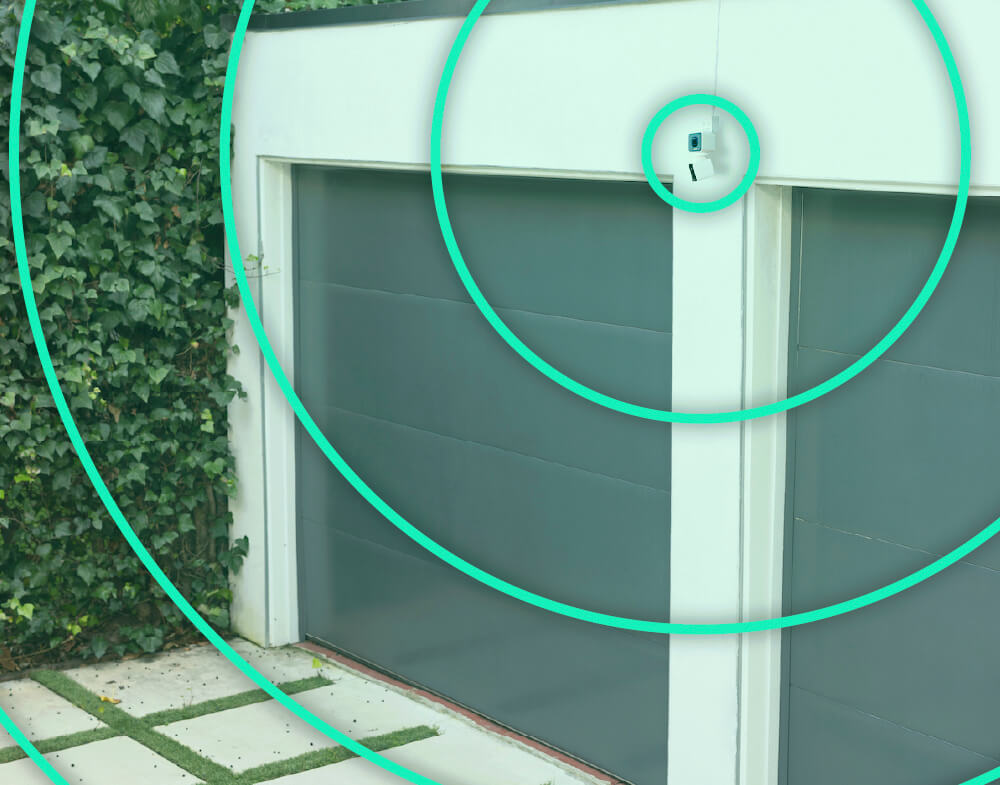
A garage door with a green circle around it.
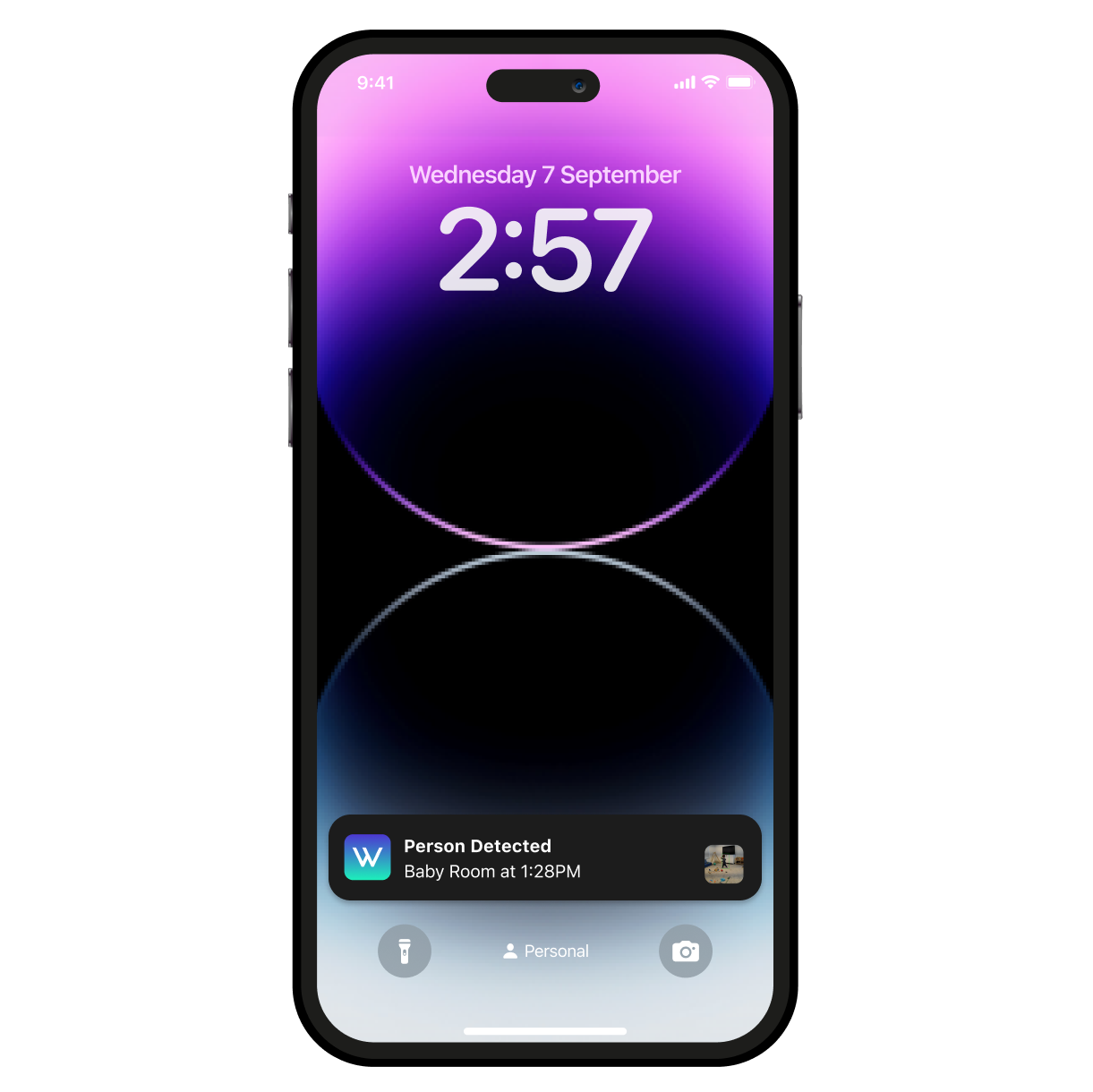
A smartphone with a purple screen displaying a time of 2:57.
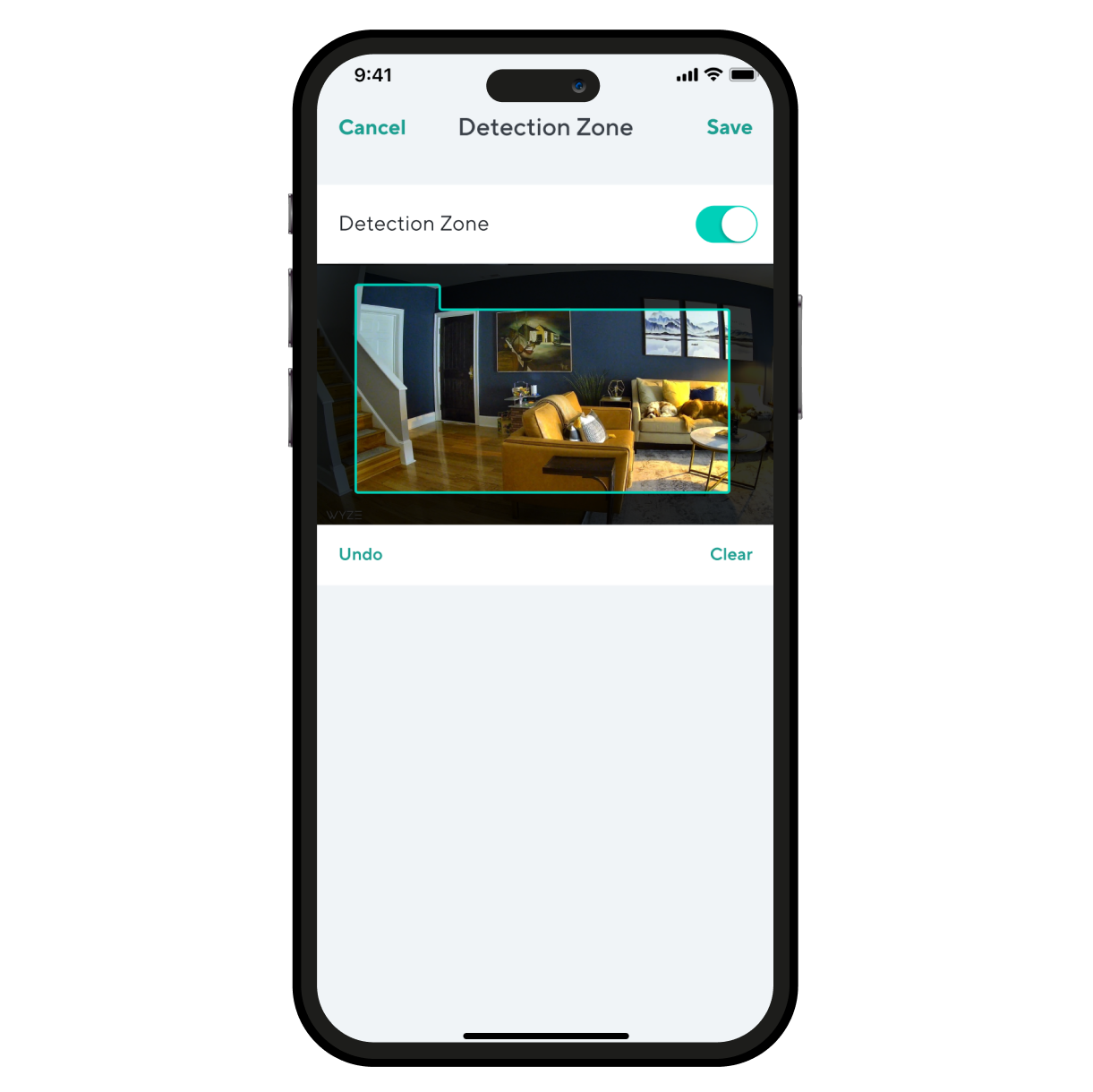
A smartphone screen displaying a room with a couch and a chair.
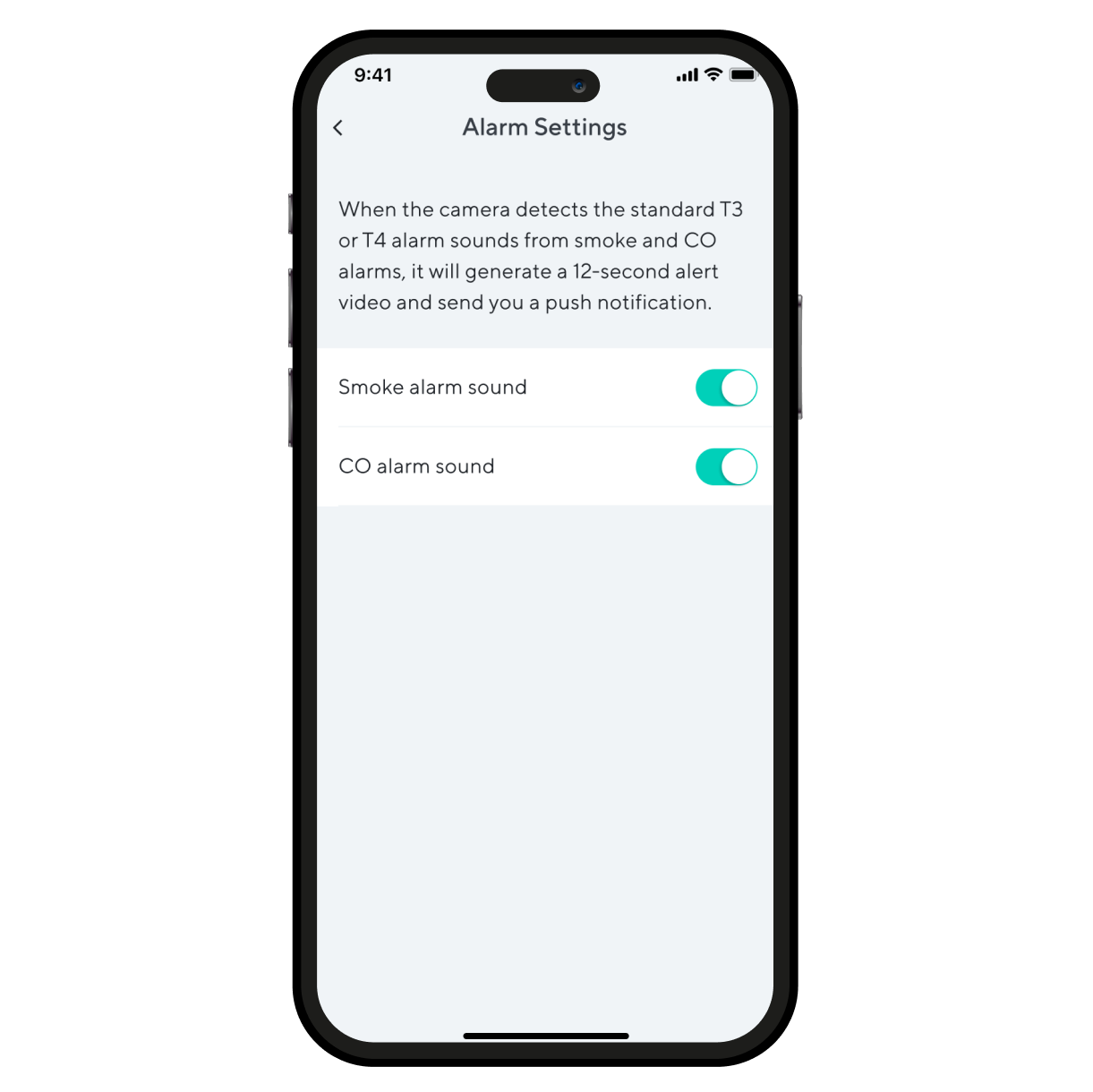
Alarm settings on a smartphone.

Even more features to love.

Maintain a stronger and more reliable connection at greater distances. Wi-Fi 6 router required.

Look & listen for motion & sound. Wyze Duo Cam Pan sends your phone an alert and begins recording when either is detected.

Monitor specific areas for motion so you only receive notifications when it matters.

Receive an alert the moment Wyze Duo Cam Pan hears a Smoke or CO alarm go off. Wyze Cam records a video during this time.

Support Articles

Before you begin setup:

  1. Download the Wyze app on your smartphone or tablet.
  2. Connect your device to a 2.4 GHz Wi-Fi network, and enable BluetoothⓇ.
  3. Unpack your Wyze Duo Cam Pan box, removing all plastic and packing materials.Be sure to remove the plastic film from each lens.
  4. Plug the camera into power using the included USB cable and power adapter.The camera’s status light will turn solid red when powered. When flashing, it’s ready for setup.

To set up your Wyze Duo Cam Pan:

  1. In the Wyze app, tap Home, then tap + plus sign on the top right.
  2. On the Add menu, tap Device.
  3. Tap Cameras > Pan and Tilt Camera > Wyze Duo Cam Pan.
  4. With your camera plugged into an outlet, tap Next in the app.
  5. Underneath the camera, single-press the SETUP button. It will say “ready to connect”.
  6. In the app, check the box next to I heard, “Ready to connect”.
  7. Tap Begin Setup.
  8. If BluetoothⓇ hasn't been enabled, you will be prompted to allow BluetoothⓇ access. Tap Okay.If BluetoothⓇ has already been enabled, it will skip to the next step.
  9. Select your 2.4 GHz Wi-Fi network and enter your network password. Tap Next.Tap the icon in the password field to display the password to ensure it was entered correctly.
  10. Your device will begin connecting.
  11. Once connected, you will be prompted to begin mounting.If you want to mount your camera now, tap Begin Mounting and follow along in the app.If not, tap Skip.
  12. Name your camera using the text field, or by choosing a suggestion.
  13. Tap Finish when done.
  14. Choose between the Basic plan (no subscription) or Cam Plus. Tap Continue.
  15. Set up some automations on the Things to Try* page, or tap Skip.
  16. Enjoy your new Wyze device!

👉 Haven't set up your Wyze Duo Cam Pan yet? Check out Wyze Duo Cam Pan Setup Guide before installing.

There are 4 ways to mount your Wyze Duo Cam Pan:

  • On a tabletop or flat surface.
  • On a wall, right-side up.
  • On a wall, upside down.
  • On a ceiling, upside down.

To mount your camera on a flat surface:

  1. Set your camera on a flat surface.The fixed camera must be down, camera right-side up.We recommend mounting it on a horizontal surface, not angled.We recommend mounting it at the edge of the surfaceYou do not need to use the mounting kit.

To mount your camera on a wall:

  1. Place the Mounting Sticker from the Mounting Kit where you want to install your camera.
  2. Mark your drill holes with a pencil.
  3. Use a 6mm drill to drill holes at the pencil marks.The holes must be 1/4 inches and 1 and 3/6 inches deep.
  4. Insert the included expansion tubes into the holes.
  5. Place the Wall Plate over the expansion tubes*, then screw into the expansion tubes to mount the wall plate. To mount right-side up, place the Wall Plate on the tubes with the tab pointing up. To mount upside down, place Wall Plate on the tubes with the tab pointing down. To use the camera, you will have to toggle on Rotate Image 180° in your Advanced Settings.
  6. On the camera, pull the bracket away from the base. If the screws on the camera's bracket are loose, tighten them before continuing. To mount right-side up, place the base onto the wall plate and firmly press down. To mount upside down, place the base onto the wall plate and firmly press up.
  7. Insert the power cable into the camera, then plug the USB end into the adapter.When powered, the status light on the camera will light up.

To mount your camera on the ceiling:

  1. Place the Mounting Sticker from the Mounting Kit where you want to install your camera.
  2. Mark your drill holes with a pencil.
  3. Use a 6mm drill to drill holes at the pencil marks.The holes must be 1/4 inches and 1 and 3/6 inches deep.
  4. Insert the included expansion tubes into the holes.
  5. Place the Wall Plate over the expansion tubes* on the ceiling, then screw into the expansion tubes to mount the wall plate.
  6. Mount the camera base onto the Wall Plate, cameras facing outward.
  7. Because your camera is upside down, you will have to rotate the image in your settings.In the Wyze app, tap on the Settings gear > Advanced Settings > toggle on Rotate Image 180°.
  8. Insert the power cable into the camera, then plug the USB end into the adapter.When powered, the status light on the camera will light up.

Additional Note: We recommend mounting your camera vertically upright or upside down. We do not recommend mounting your camera at an angle or side ways.

You'll find the status light on the top front of your Wyze Duo Cam Pan. No light? Make sure it's properly connected to power.

⚡️ All Wyze devices have a handy status light that helps determine what state the device is in.

Wyze Duo Cam Pan Status Light Guide

  • Solid red - The camera is powered on and initializing, recording an event, or you are watching the live stream.
  • Flashing red - The camera is ready to connect.
  • Flashing red and blue light - Connection is in progress.
  • Flashing blue light - The camera is connected and finishing setup, or updating its firmware.
  • Solid blue light - The camera is powered and fully connected.
Added to your cart
FREE shipping on orders $59+
Subtotal
$0.00
View cart