Passer aux informations produit
1 de 6

Wyze Switch

Wyze Switch

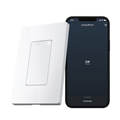
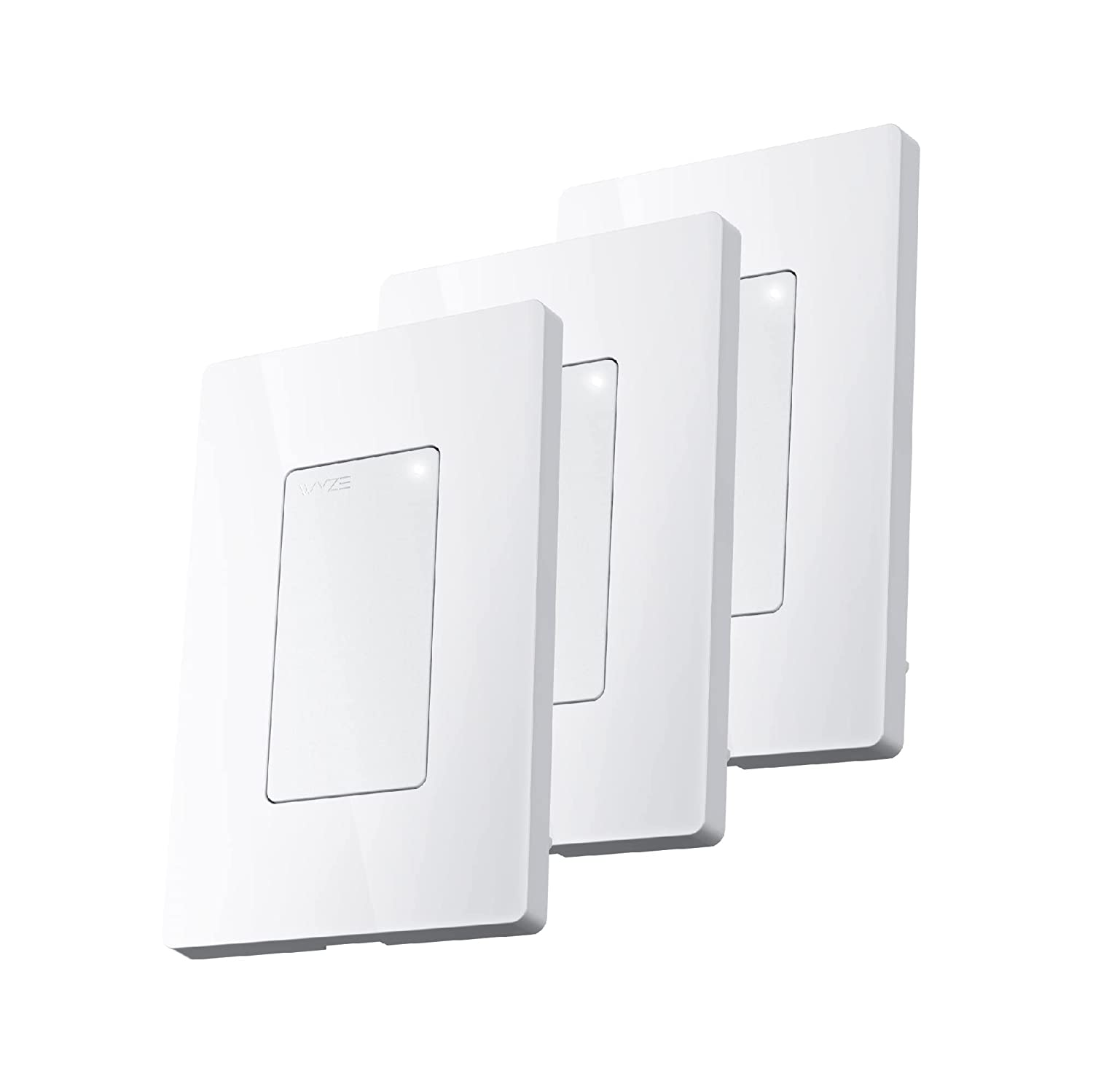
Interrupteur mural intelligent Wi-Fi

Taille
$14.99
En rupture de stock
Retours sans tracas sous 30 jours.
En rupture de stock
A blue and white logo for Wyze.
AVANTAGES exclusifs de Wyze.com
Garantie prolongée de 18 mois

Bénéficiez d'une garantie prolongée de 18 mois à l'achat de ce produit sur wyze.com. Profitez également de lots spéciaux, de promotions uniques et de récompenses à chaque commande

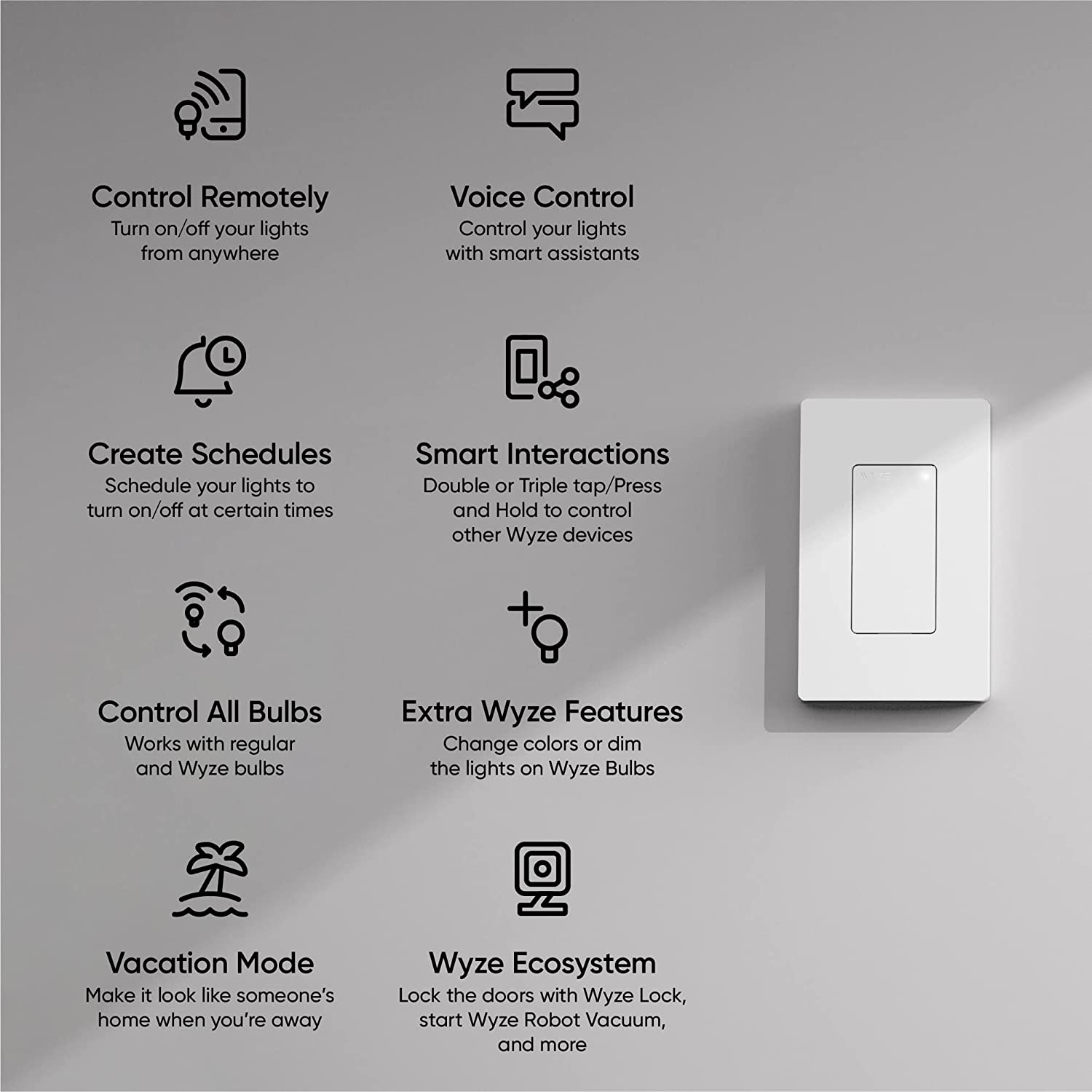
Transformez vos ampoules classiques en ampoules connectées et contrôlez-les à distance. Utilisez plusieurs boutons pour piloter d'autres appareils Wyze, comme les caméras Wyze, la serrure connectée Wyze et l'aspirateur robot Wyze.
Voir les détails complets
  • A black screen with a white light bulb icon.

    Compatible avec les ampoules classiques et les ampoules Wyze

  • A hand holding a phone.

    Contrôle les autres appareils Wyze

  • A black background with a white microphone icon.

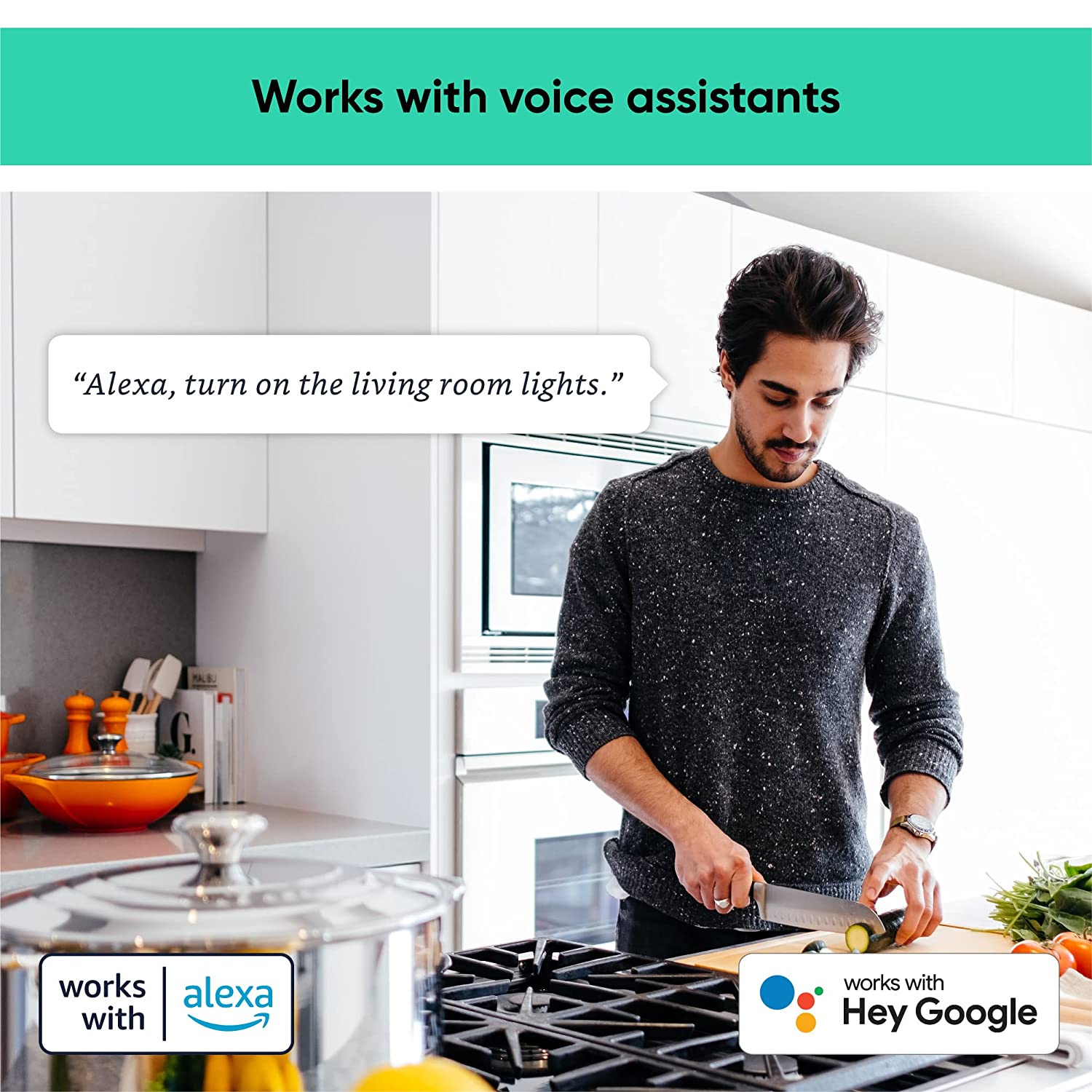
    Compatible avec Alexa et Google Assistant

  • A black background with a white icon of a switch.

    Configurer des minuteurs, des horaires et des automatisations

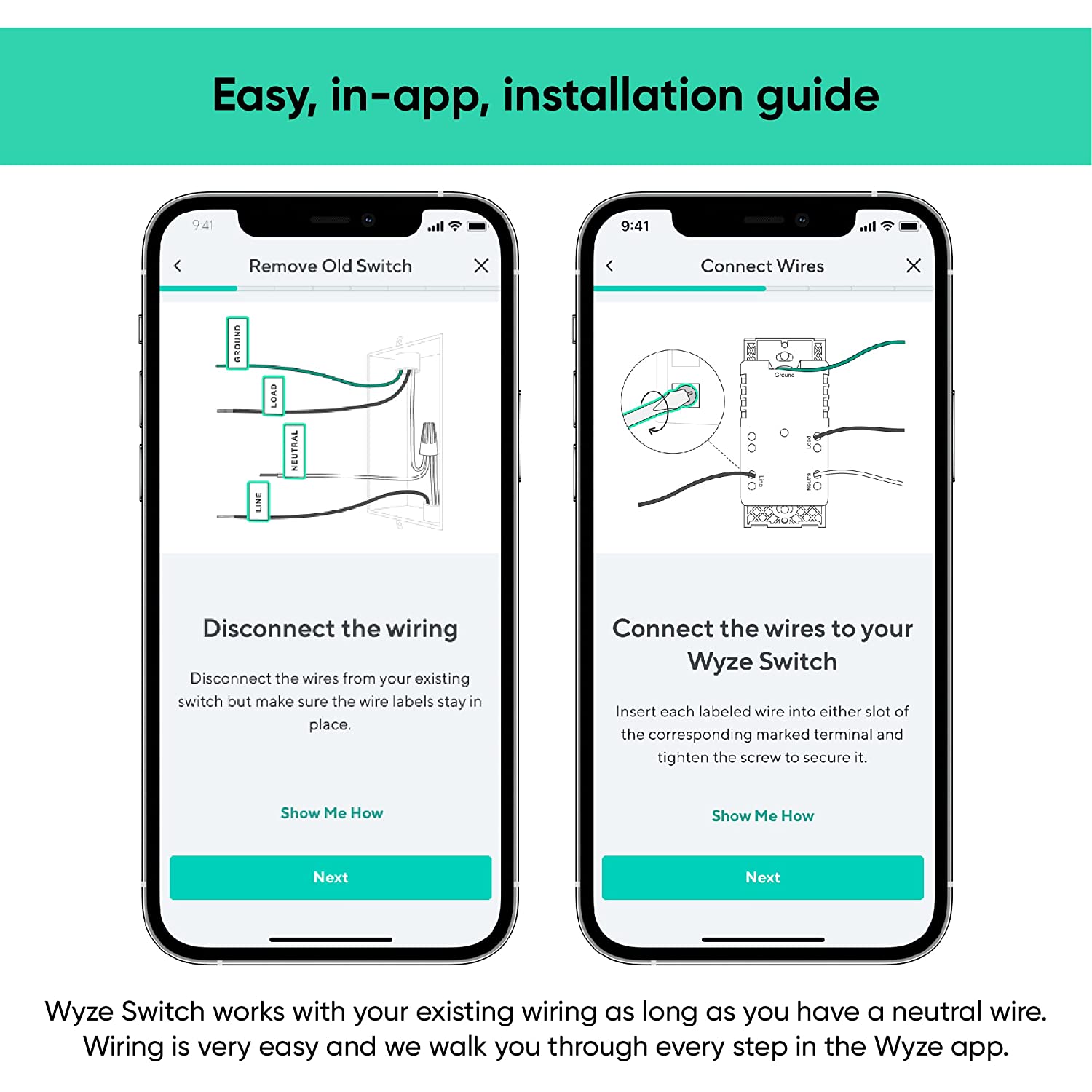
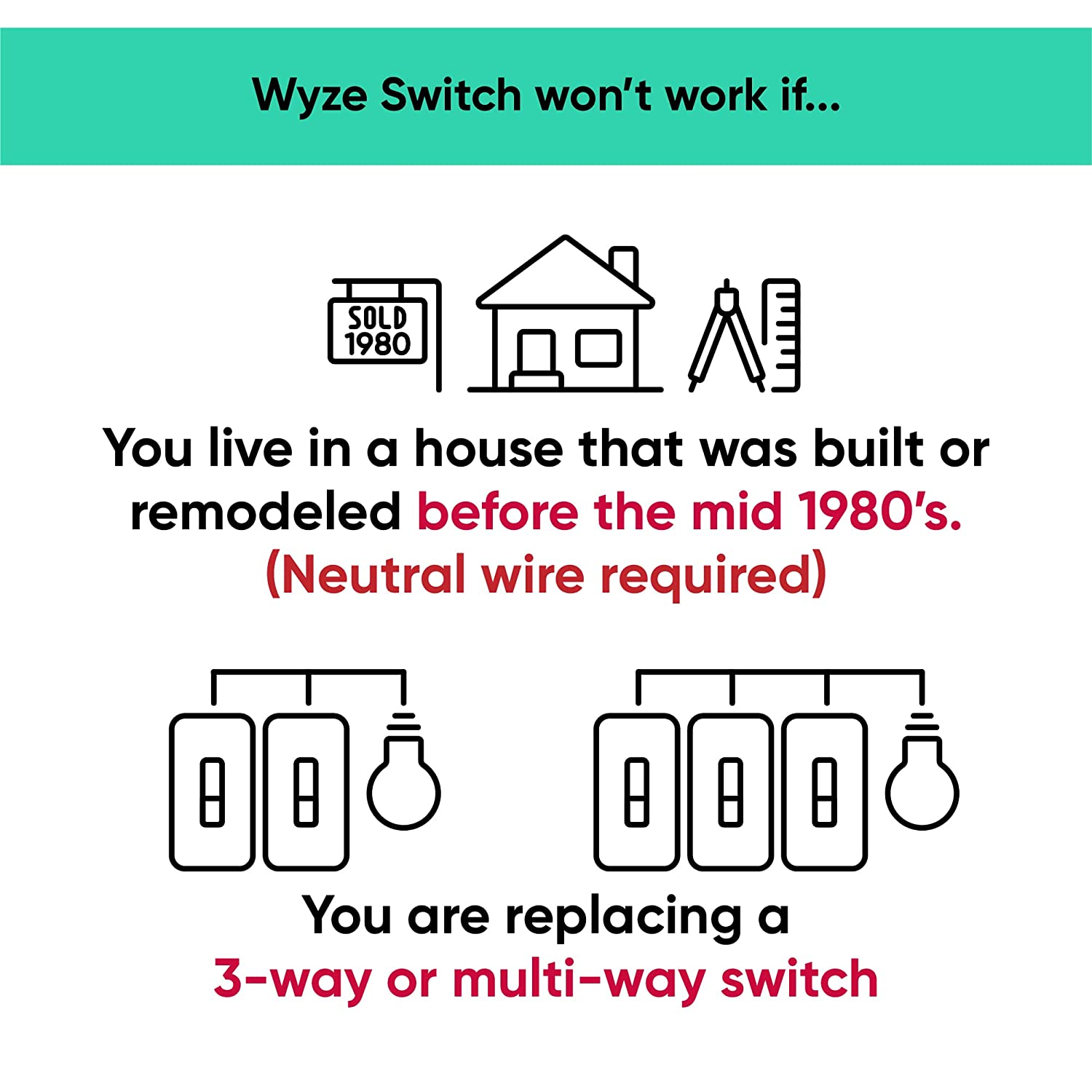
Yes, this switch does require neutral wiring, which is common in homes built after 1980. If you do not have a neutral wire, your wiring is not compatible with Wyze Switch.

About 20 minutes, following the step by step installation process in the Wyze app.

No, this is a single pole switch only. It cannot be used as a multi-way switch.

The response when you press the switch is instant, similar to the response time of a regular switch when smart controls are disabled. With smart controls enabled, there’s a delay of .3s with a single-press.

No, Wyze Switch only comes in white at this time.

Yes, Wyze Switch can be used to interact with the entire Wyze ecosystem of smart products. You can even setup triggers and actions using Rules.

Yes, the switch works with Alexa and Google Assistant.

Yes, Wyze Switch can interact with smart devices outside the Wyze ecosystem by integrating it with IFTTT.

No, Wyze Switch is not a dimmer switch.

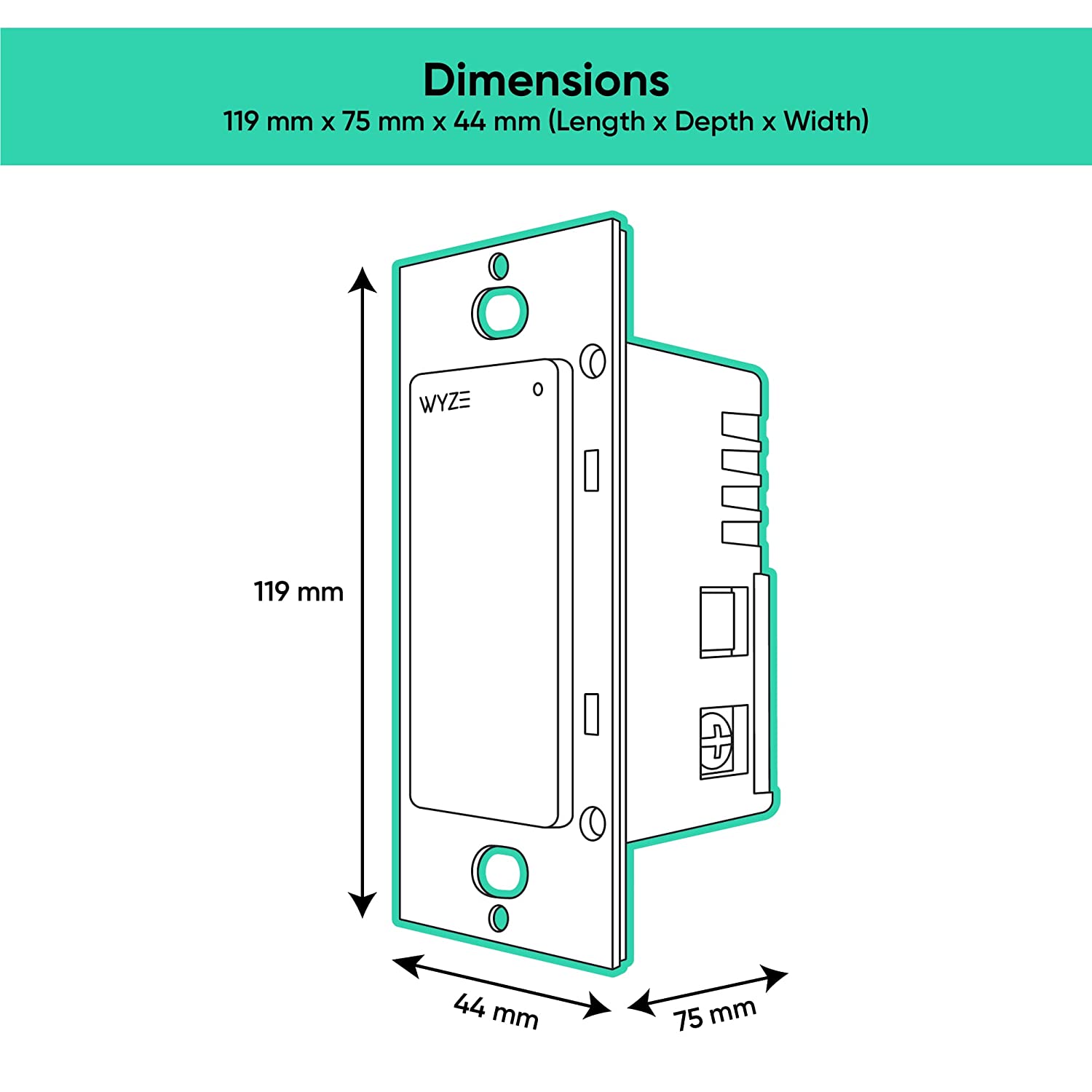
Yes, Wyze Switch can be used for multi-gang setup, but be aware of the maximum loads per switch: 1 gang= 600W, 2 gang= 500W, 3 gang = 500W.

Vos lumières sont désormais plus intelligentes.

Passez à un éclairage intelligent dans n'importe quelle pièce grâce à Wyze Switch, un interrupteur connecté Wi-Fi. Contrôlez vos lumières où que vous soyez avec l'application Wyze et créez des automatisations qui illumineront votre quotidien.

A person holding a phone with a blue screen.

Prenez le contrôle de votre écosystème domotique.

L'interrupteur Wyze s'intègre parfaitement à votre écosystème Wyze grâce à quatre actions personnalisables. Adaptez chaque action à votre mode de vie : une simple pression pour allumer les lumières, une double pression pour verrouiller les portes, une triple pression pour mettre en marche l'aspirateur robot et une pression prolongée pour arroser les intrus avec le contrôleur d'arrosage Wyze.

A woman sleeping in a bed with a white comforter.
A large house with a pool in the backyard.
A wall-mounted switch for a bedroom light.

Des commandes intelligentes, comme on peut s'y attendre.

Créez des automatisations puissantes dans l'application Wyze ou programmez une minuterie pour que vos lumières s'allument ou s'éteignent.

Faites croire que quelqu'un est à la maison pendant votre absence. Activez simplement le mode vacances dans l'application Wyze et notre interrupteur s'occupe du reste.

En cas de coupure de courant, le Wyze Switch se reconnectera automatiquement au Wi-Fi et reviendra à son état précédent une fois le courant rétabli.

L'installation de l'interrupteur Wyze est simple.

Support Articles

Check for these two things:

Additional Note:

For more details about Wyze Switch compatibility, check out: Is my wiring compatible with Wyze Switch?

Wyze Switch is a smart switch that you can control manually with the button itself, or using the Wyze app. We recommend setting it up in the Wyze app to get access to smart features like automations!

Before your switch can be set up in the Wyze app, it must be installed and connected to power. We recommend following along in the app and referencing our Wyze Switch Installation Guide before proceeding.

To set up your Wyze Switch:

  1. In the Wyze app, tap Home, then tap the plus sign + on the top right.
  2. On the Add menu, tap Device.
  3. Tap Power & Lighting > Wyze Switch.
  4. Read the High-Voltage Wiring warning. Tap Next.
  5. Confirm that you are replacing a single pole switch with neutral wiring. Tap Next.
  6. Follow along in the app to install Wyze Switch if you haven't already. If already installed, tap Skip Installation Guide.
  7. If prompted to give BluetoothⓇ and location permissions, please enable those in your phone's settings.
  8. In the Wyze app, select your 2.4 GHz Wi-Fi network and enter your network password. Tap Connect.
  9. The app will search for your Wyze Switch. It should connect automatically.
  10. Name the device in the Wyze app. Tap Finish.
  11. You’re all set. Enjoy your new Wyze device!

Download the Quick Start Guide for Wyze Switch in this article.

Below is the Quick Start Guide for Wyze Switch, a short manual for how to get started.

This guide is a short user manual with the basics about Wyze Switch including:

  • What's in the box for Wyze Switch.
  • How to set up your Wyze Switch.
  • How to download the Wyze app.
  • How to use your Wyze Switch
  • How to read the status lights on your Wyze Switch.
Added to your cart
Livraison GRATUITE pour les commandes de 59 $ et plus
Subtotal
$0.00
View cart