Passer aux informations produit
1 de 11

Caméra panoramique Wyze Duo

Caméra panoramique Wyze Duo

Deux caméras. Deux points de vue. Aucun angle mort.

Most Popular
Best-Selling Model
Paquet
Add ons
$69.98
En stock
Get it as soon as
Retours sans tracas sous 30 jours.

Two Cameras. Two Views.

2K Color Night Vision

Built-in Spotlight

More Safety at Night

AI-Powered

Motion Tracking

A blue and white logo for Wyze.
AVANTAGES exclusifs de Wyze.com
Garantie prolongée de 18 mois

Bénéficiez d'une garantie prolongée de 18 mois à l'achat de ce produit sur wyze.com. Profitez également de lots spéciaux, de promotions uniques et de récompenses à chaque commande

La Wyze Duo Cam Pan combine deux caméras 2K en un seul appareil pour une couverture complète. L'une reste fixe sur votre zone prioritaire tandis que l'autre pivote et s'incline pour suivre les mouvements, avec vision nocturne couleur, projecteurs, sirène et une utilisation intérieure/extérieure.

L'utilisation en extérieur nécessite l'adaptateur secteur universel Wyze pour extérieur .

Voir les détails complets
  • A black background with no visible text or objects.

    Deux caméras. Deux points de vue.

    Une caméra fixe et une caméra panoramique/inclinable éliminent les angles morts.

  • A colorful logo for a company.

    Résolution 2K HD + Vision nocturne couleur

    Chaque détail est visible clairement en couleurs éclatantes, de jour comme de nuit.

  • An icon for the IP65 page.

    Sécurité intérieure/extérieure

    Placez-le n'importe où grâce à sa résistance aux intempéries IP65.

  • A black background with a white spotlight icon.

    Deux projecteurs à détecteur de mouvement

    Déclenchement automatique du voyant LED et de l'annonce vocale pour une sécurité renforcée.

Spécifications techniques de la caméra panoramique Wyze Duo

Couleurs et matériaux
  • Couleurs : Blanc
  • Finition : mate texturée
  • Corps : Polycarbonate
  • Lentille : Verre + Plastique
  • Champ de vision de l'objectif : DFOV 127,5°, HFOV 106°, VFOV 56,5° (fixe), DFOV 127,5°, HFOV 106°, VFOV 56,5° (PT)
  • Capteur d'image : CMOS 1/2,8'' (fixe)
  • Capteur CMOS 1/2,8'' (PT)
  • Indicateur LED : Avant. Rouge + Bleu.
Dimensions et poids
  • 2,36 po x 2,16 po x 5,26 po (64 mm x 54,9 mm x 133,5 mm)
  • 0,66 lb (300 g)
Montage
  • Sur pied, fixation murale, fixation au plafond.
Champ de vision
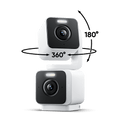
  • 360° horizontal, 180° vertical
Pouvoir
  • Adaptateur secteur : Entrée 110-240 V (CA/CC), Sortie 5 V/1,5 A
  • Adaptateur secteur extérieur compatible (vendu séparément et bientôt disponible)
  • Câble : câble plat de 1,8 m (6 pieds) de type C vers USB-A
Vidéo
  • Résolution : 2K (2304*1296) + 2K (2304*1296)
  • Plage dynamique étendue (WDR) : Oui
  • Lumières infrarouges : 4 x 850 nm
  • Vision jour/nuit : Oui
  • Vision nocturne : 4 LED infrarouges (850 nm) + 4 LED blanches à faisceau concentré (80 lumens)
  • Vision nocturne couleur : Oui
  • Encodage vidéo : H.264
  • Fréquence d'images vidéo : 20 images/s le jour / 15 images/s la nuit
Audio
  • Haut-parleur : 100 dB, étanche
  • Communication bidirectionnelle simultanée : Oui
  • Sirène intégrée : Oui
  • Réduction du bruit et de l'écho : Oui
Connectivité et compatibilité
  • Bluetooth® 5.0
  • Wi-Fi : Wi-Fi 2,4 GHz, Wi-Fi 6
  • Compatibilité avec les téléphones : Android 10+ et iOS 16+
  • Intégrations : Alexa, Google Assistant, IFTTT
Stockage
  • Local (carte microSD requise)
  • Carte microSD jusqu'à 512 Go
  • Cloud (avec abonnement)
Météo et température
  • Indice de protection IP65 contre les intempéries
  • Température de fonctionnement : -4ºF - 113ºF (-20ºC - 45ºC)
  • Température de stockage : -22°F - 158°F (-30°C - 70°C)
Langue
  • Anglais
Garantie
  • 1 an
  • Caméra panoramique Wyze Duo x1
  • Guide de démarrage rapide x1
  • Kit de montage x1
  • Câble USB-C vers USB-A (1,8 m, plat) x1
  • Adaptateur secteur intérieur (5 V, 1,5 A) x1

Yes! It's compatible. Check out Wyze Lamp Socket v2.

Two cameras combined as one camera. One of the cameras is stationary. The other camera is a pan and tilt camera.

No, Wyze Duo Cam Pan is powered via a 1.8m USB cable.

Yes, Wyze Duo Cam Pan is IP65-rated and can be used both indoors and outdoors. Just be sure to cover the SD card slot to avoid water damage. Wyze Universal Outdoor Power Adapter is required for outdoor use. Sold separately. Click to learn more.

Yes! Wyze Duo Cam Pan has a microSD card slot for local storage, and you can record 24/7 and store videos locally.

No, Wyze Duo Cam Pan is compatible with Wi-Fi 6, but it is not required.

No, Wyze Duo Cam Pan only supports 2.4 GHz networks.

Yes, Wyze Duo Cam Pan is supported in Wyze Web View (requires an active security plan).

No, Privacy Mode is not a feature on Wyze Duo Cam Pan. Because the camera has two lenses and one is stationary, a truly physical Privacy Mode is not an option.

The top and bottom cameras are nearly identical, sharing most of the same features, like field-of-view and a spotlight. However, the bottom camera is fixed and has a speaker and mic, while the top camera moves and has the status light. Can I use Wyze Duo Cam Pan outdoors? Yes, Wyze Duo Cam Pan is IP65-rated and can be used both indoors and outdoors. Just be sure to cover the SD card slot to avoid water damage.

Deux caméras. Deux points de vue.

L'un reste fixe tandis que l'autre se déplace. Couvrez deux zones avec un seul appareil pour une couverture maximale.

Gardez la tête sur vos gardes Rotation panoramique à 360° et inclinaison à 180°.

Ne ratez plus rien grâce au suivi automatique des mouvements. La netteté 2K exceptionnelle des deux caméras capture chaque détail.

A black door with a light switch on it.

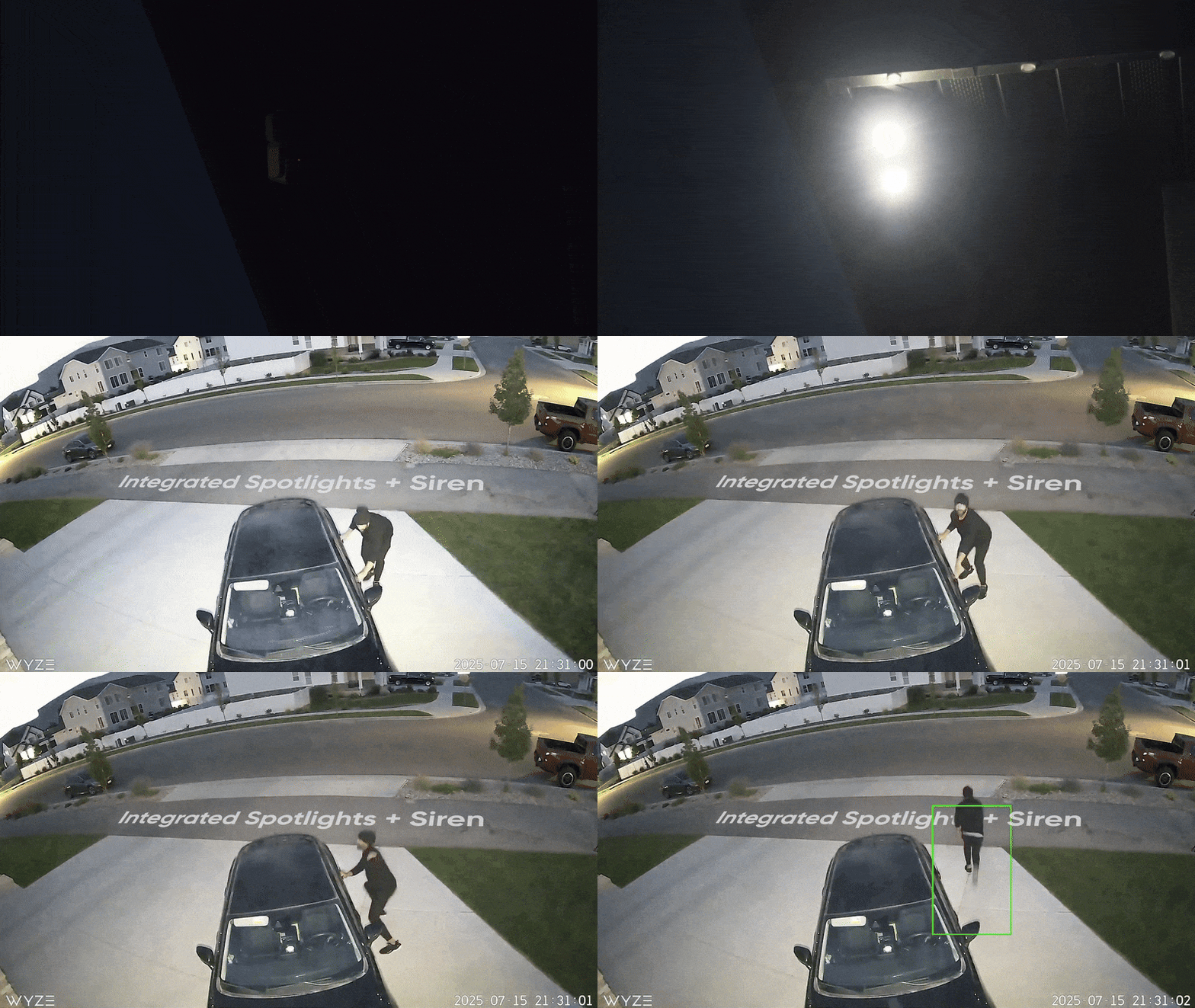
Projecteurs intégrés + sirène

Plus de sécurité la nuit.

Dissuadez les intrus ou éclairez votre chemin grâce à un projecteur à détecteur de mouvement. Activez la sirène puissante pour dissuader les intrus de s'enfuir.

résistance aux intempéries IP65

Placez-le n'importe où.

La caméra Wyze Duo Cam Pan est résistante aux intempéries (IP65), elle peut donc fonctionner par tous les temps.

Remarque : L'utilisation en extérieur nécessite l'adaptateur secteur universel extérieur Wyze Cam (vendu séparément, en savoir plus ).
A Wyze Duo Cam is mounted on a wall.

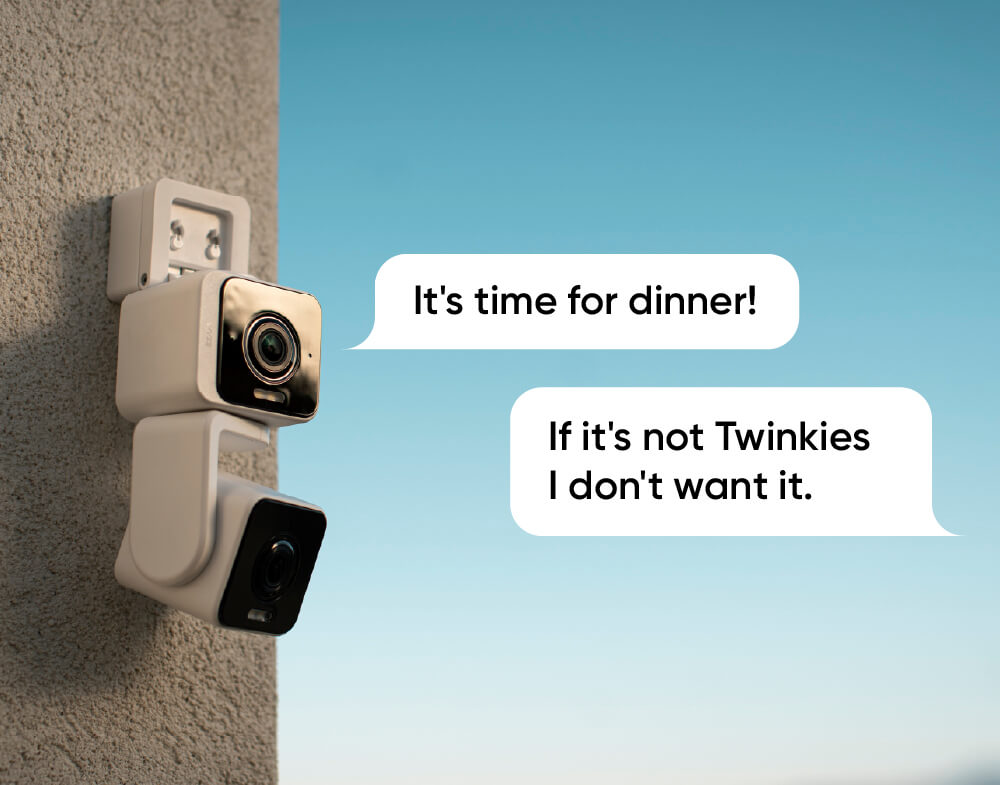
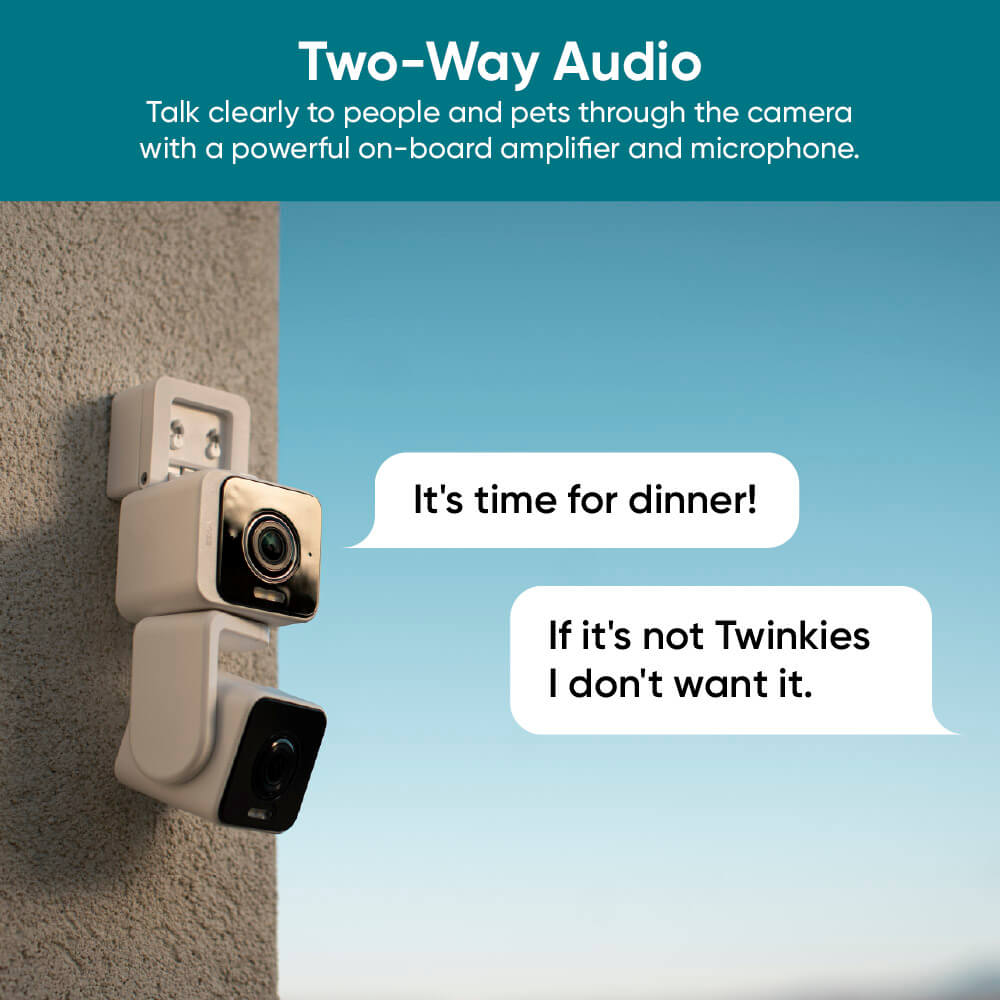
Communication bidirectionnelle améliorée

Conversation plus claire.

Oubliez les voix étouffées. Le codage audio avancé (AAC) et un microphone repensé offrent une expérience audio inégalée.

A white and black camera with a sun in the background.

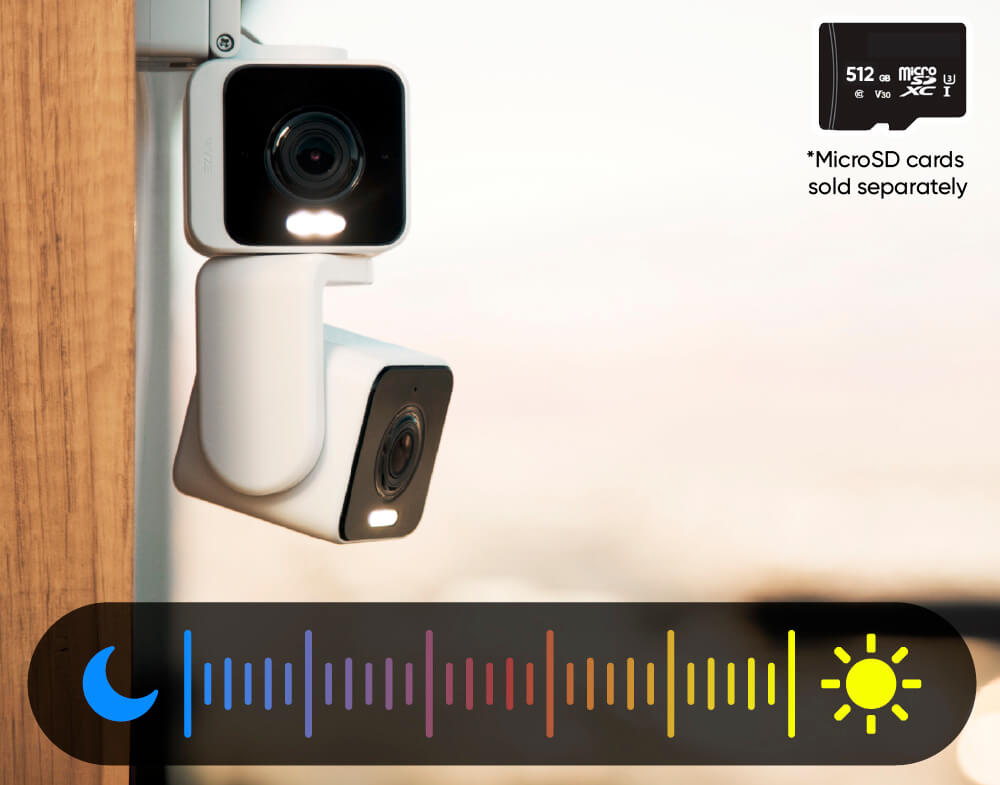
Enregistrez chaque seconde

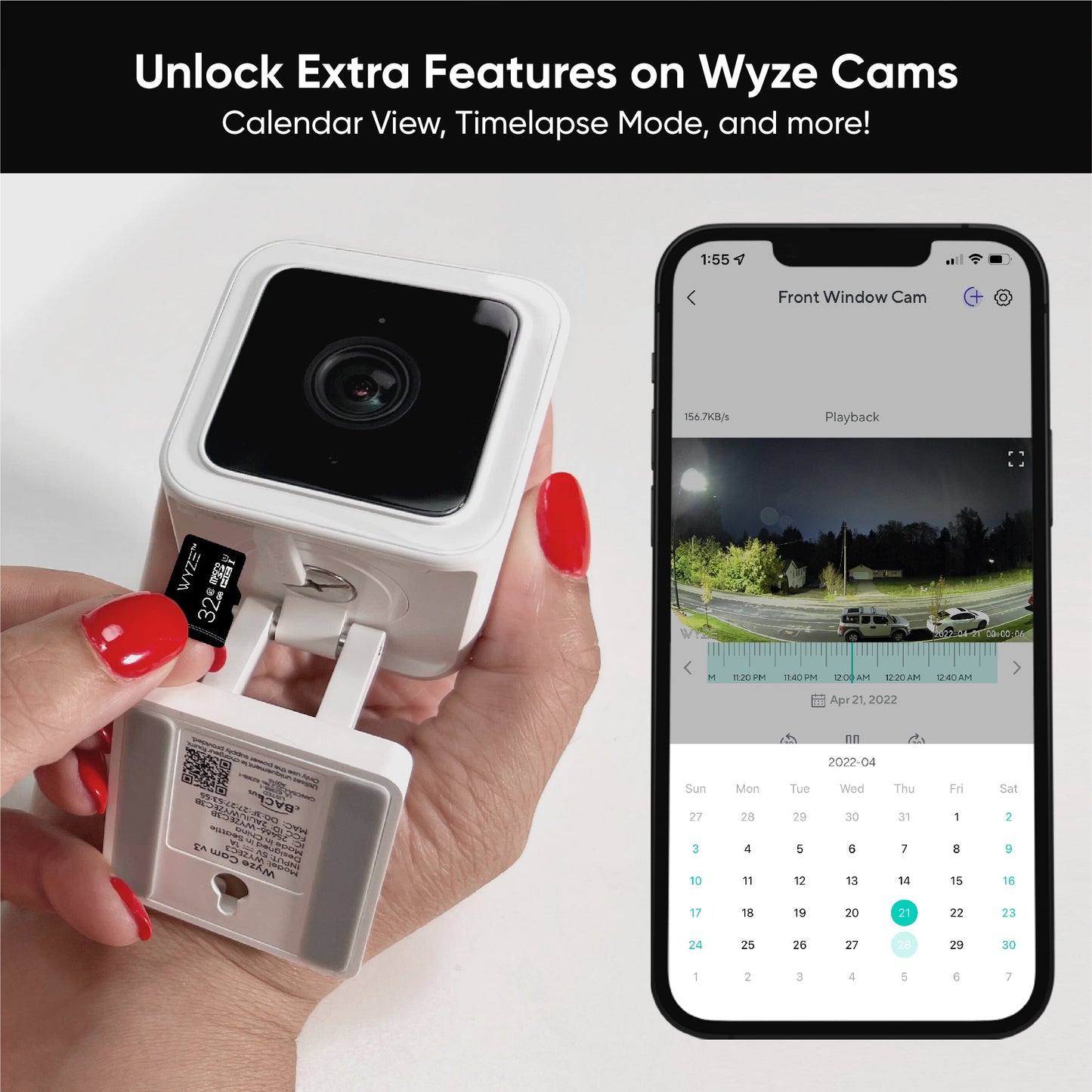
Enregistrement 24h/24 et 7j/7 avec carte microSD.

Ne manquez rien grâce à l'enregistrement local continu sur carte microSD jusqu'à 512 Go. Aucun abonnement requis. Vendue séparément.

Voir dans action.

Et regardez la vidéo de déballage pour découvrir encore plus de magie.

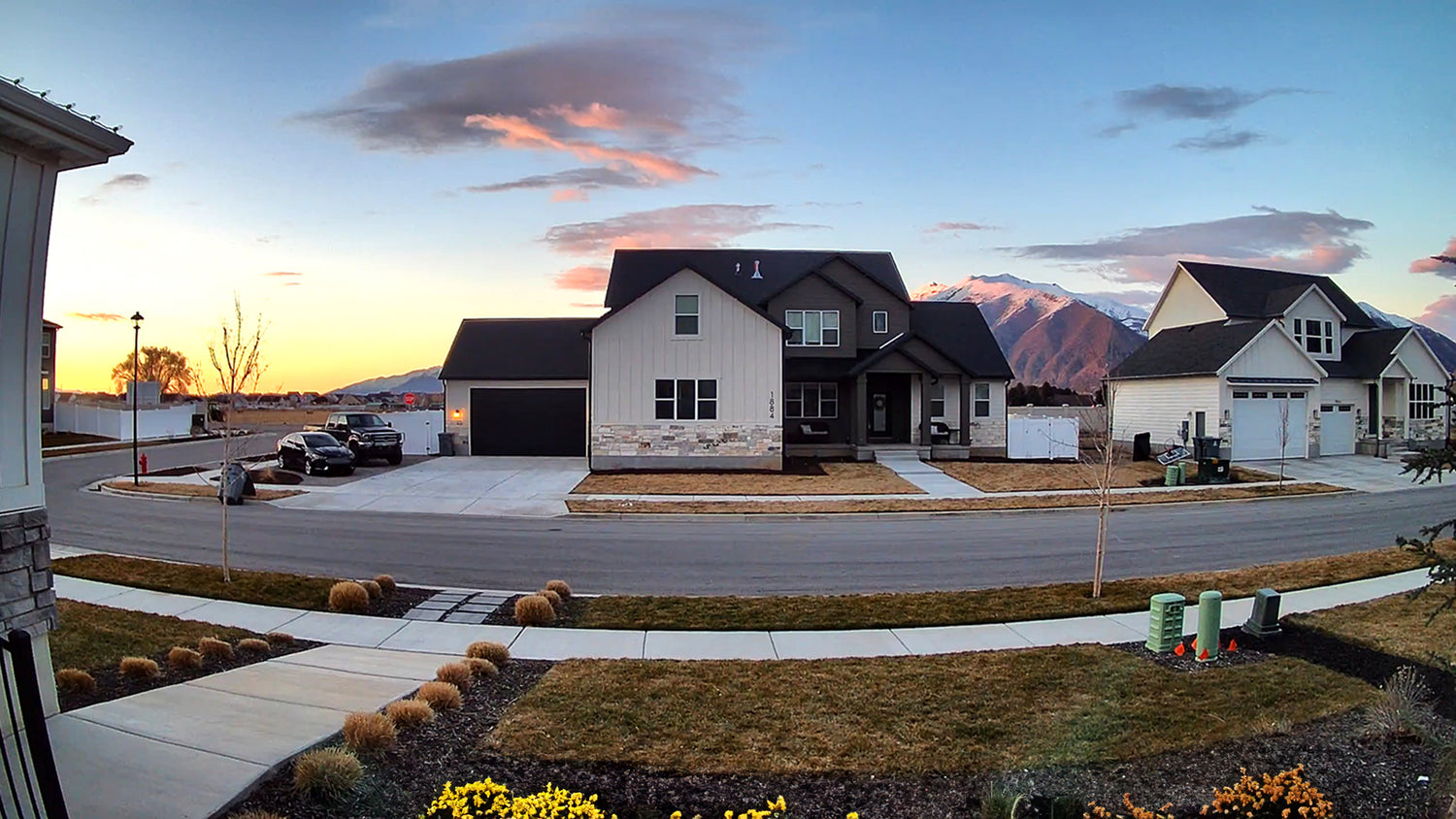
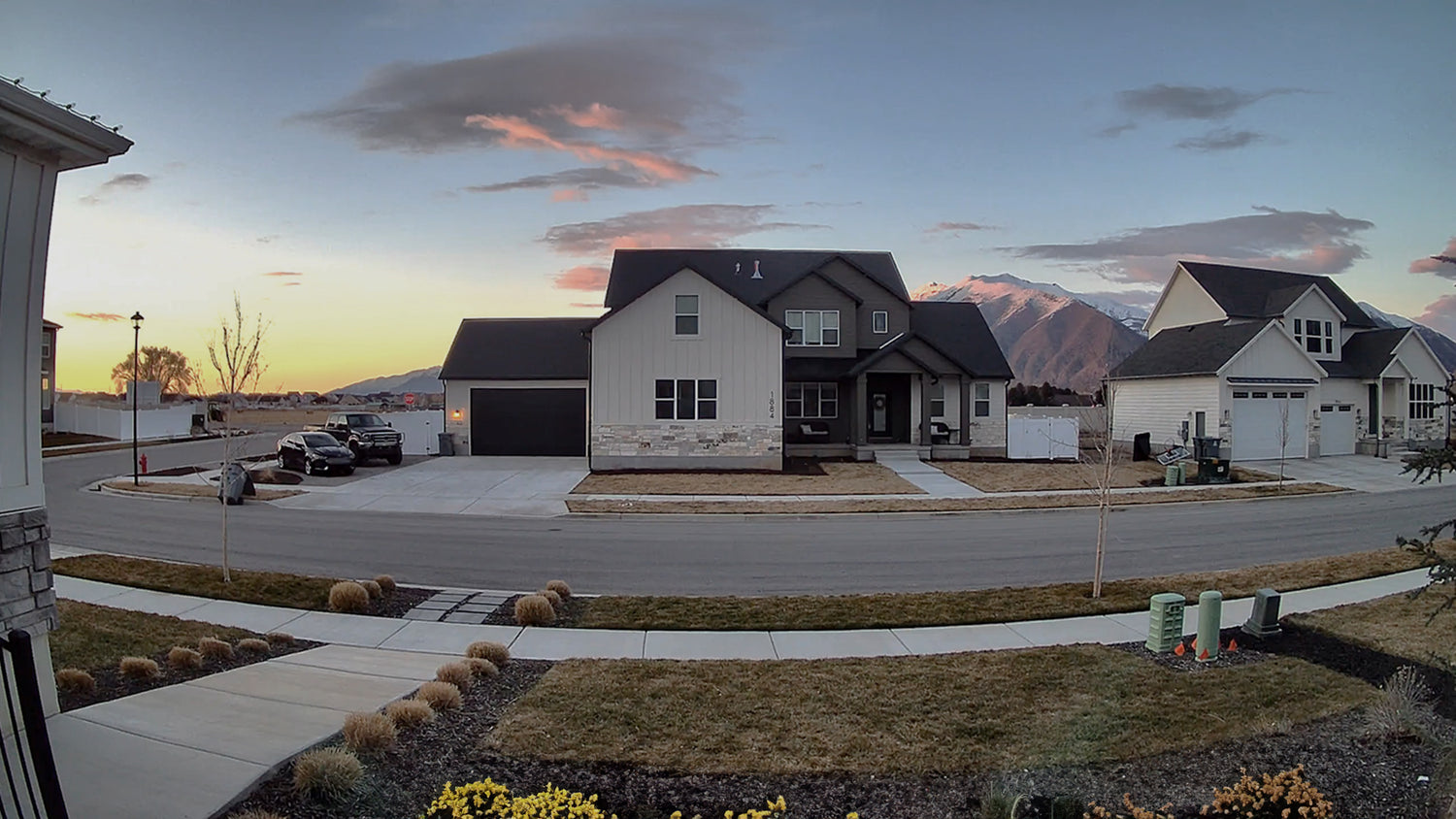
Des couleurs plus éclatantes grâce à notre gamme dynamique optimale.

Un processeur d'image amélioré permet une plage dynamique étendue (WDR) pour des couleurs riches et éclatantes et une meilleure qualité d'image.

A house with a black roof and white siding. A large house with a black roof and white siding.

Caméra panoramique Wyze Duo avec WDR

Pas de WDR

A panoramic camera is mounted on a house.

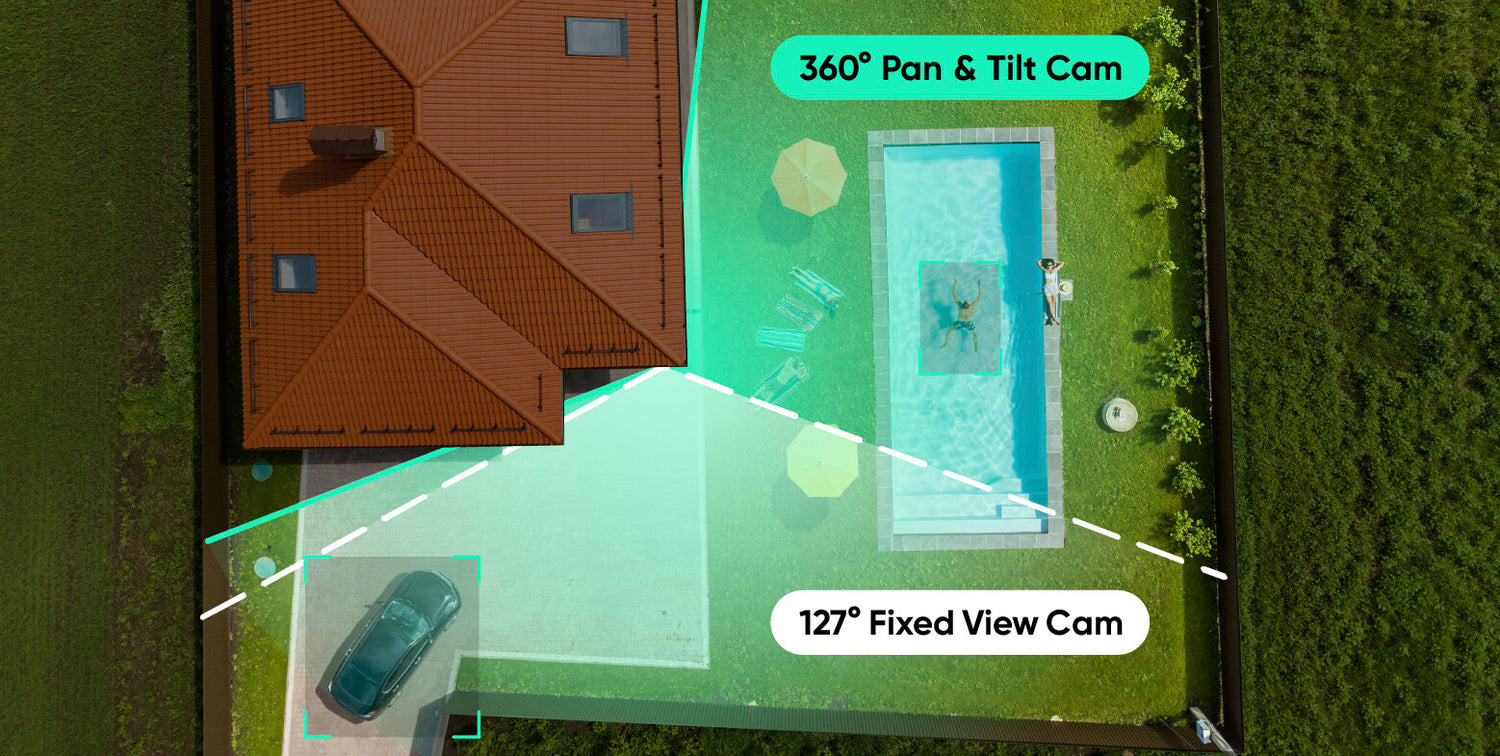
Couverture complète

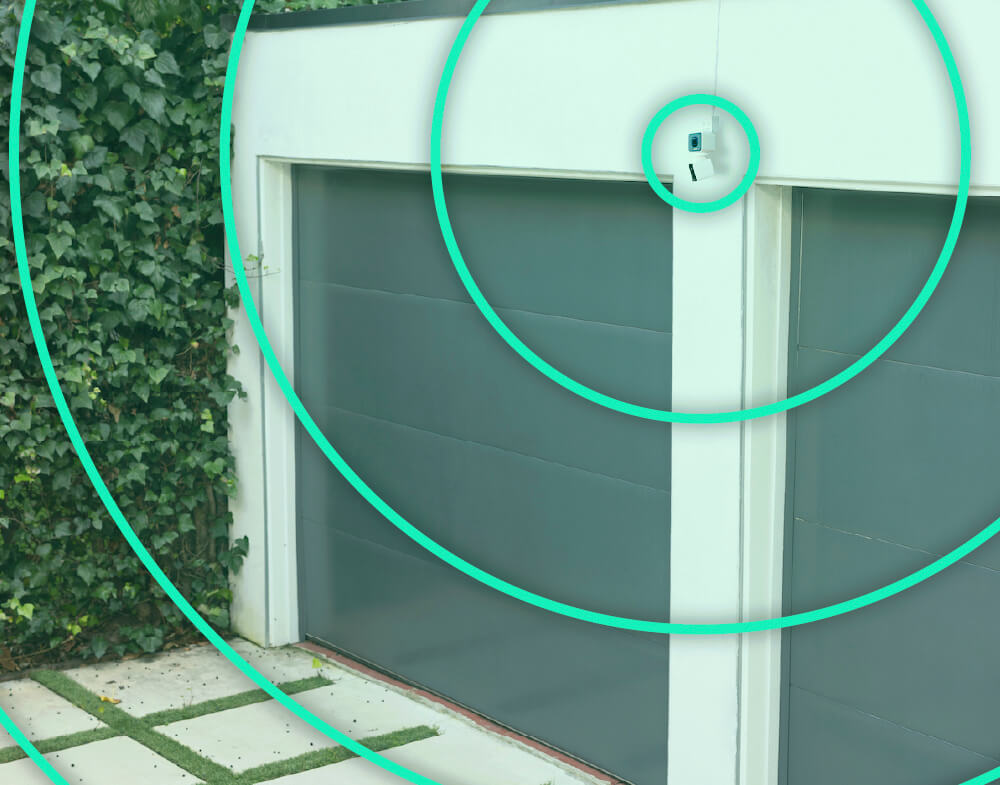
Couverture doublée. Aucun angle mort.

C'est particulièrement efficace lorsqu'il est placé près d'un angle. Surveillez attentivement l'allée et, simultanément, suivez l'activité si elle se déplace vers le jardin.

A woman is holding a smartphone with a home monitoring app on the screen.

Connectez-vous via Bluetooth®

Facile à installer.

Plus besoin de scanner de code QR. Profitez d'une installation simplifiée grâce au Bluetooth®. Nous vous installerons et vous serez opérationnel en quelques minutes.

Wyze Duo Cam Pan Shopify 07

Branchez-le et c'est parti !

Montage polyvalent.

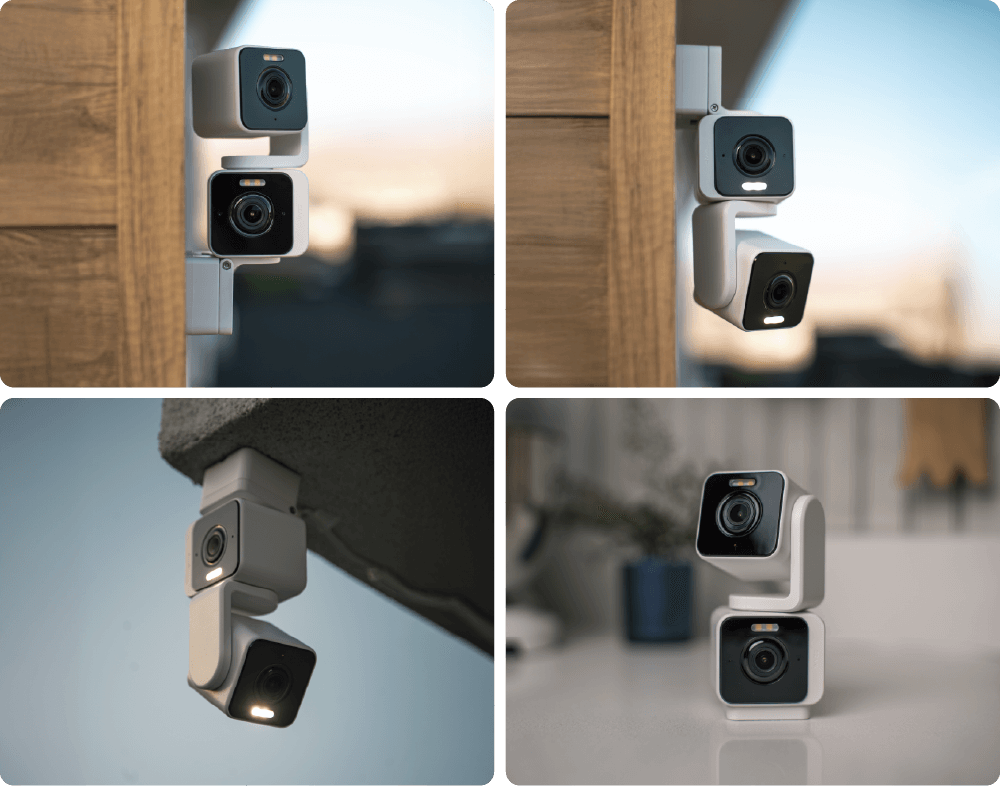
Quatre options de montage uniques vous offrent la flexibilité nécessaire pour sécuriser votre espace exactement comme vous le souhaitez.

A Wyze Duo Cam Pan is displayed on a table.

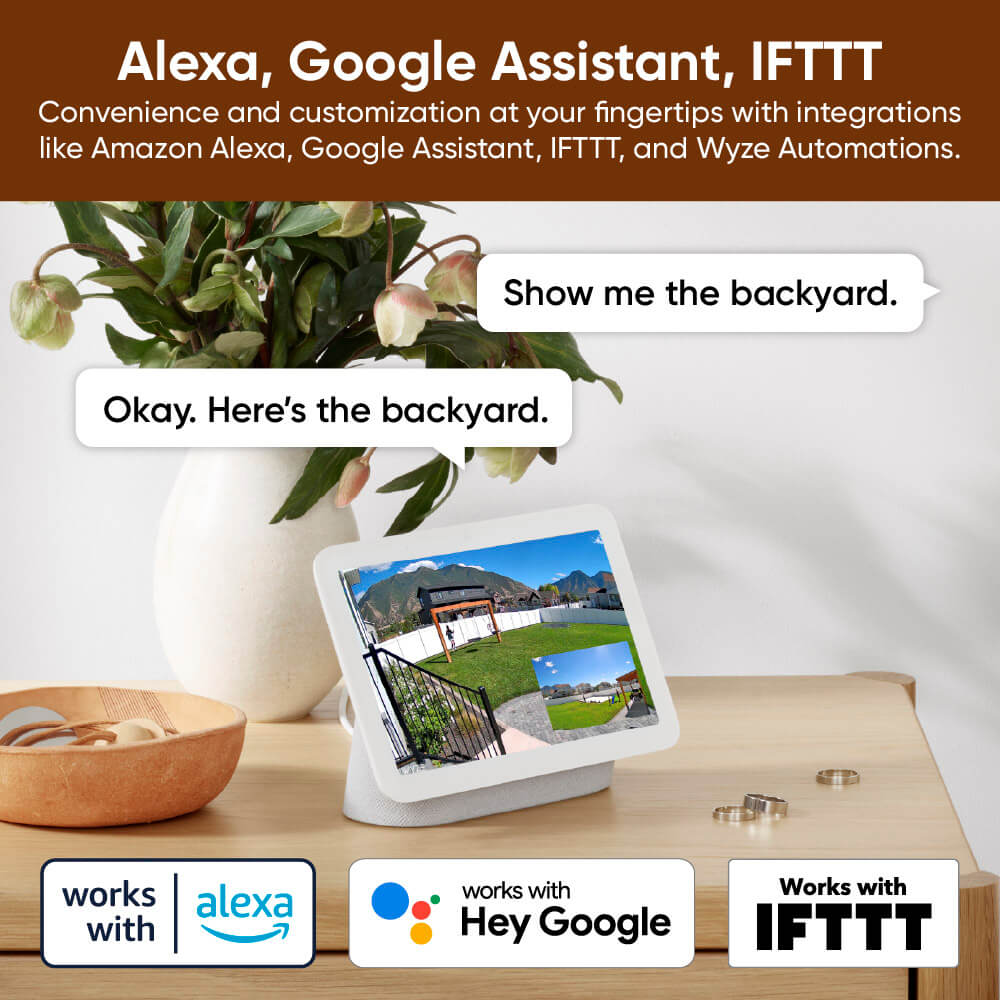
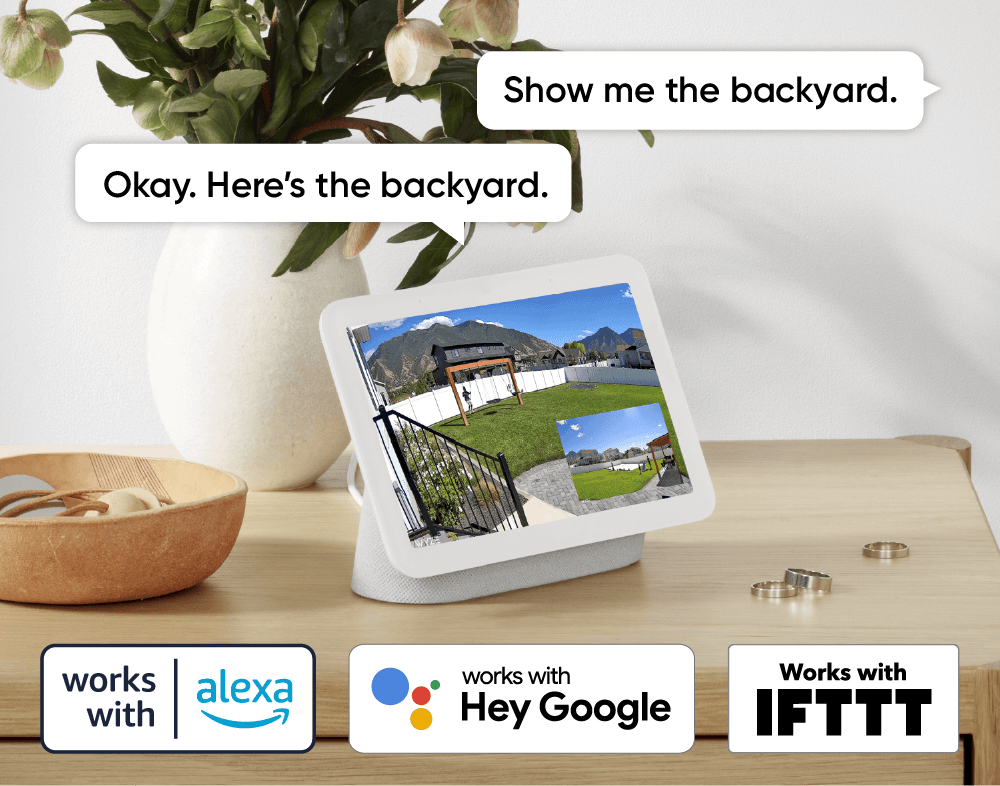
Compatible avec les assistants intelligents

Compatibilité avec Alexa, Google Assistant et IFTTT.

Un confort et une personnalisation à portée de main grâce à des intégrations comme Amazon Alexa, Google Assistant, IFTTT et Wyze Automation.

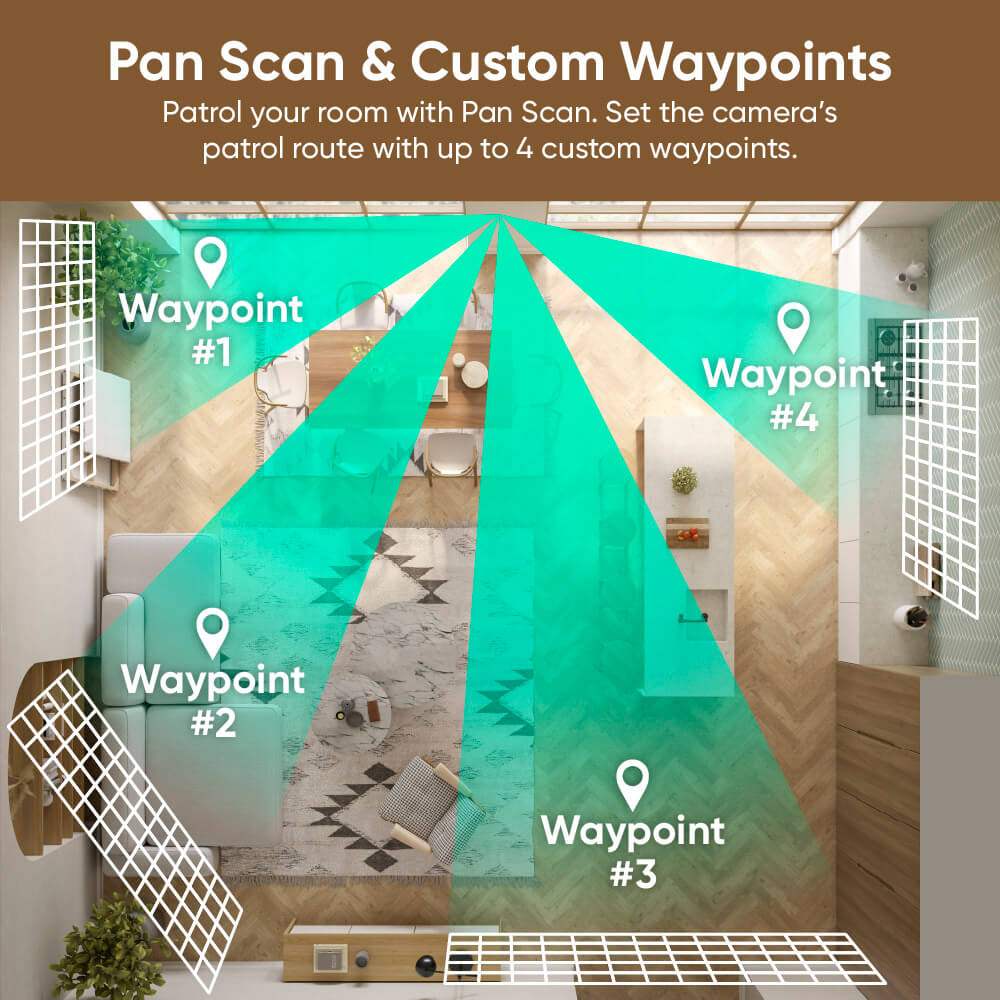
Patrouillez votre chambre avec Panoramique.

Définissez le parcours de patrouille de la caméra avec jusqu'à 4 points de passage personnalisés.

A map of a bathroom with a green arrow pointing to the Waypoint.
A garage door with a green circle around it.
A smartphone with a purple screen displaying a time of 2:57.
A smartphone screen displaying a room with a couch and a chair.
Alarm settings on a smartphone.

Encore plus de fonctionnalités à apprécier.

Bénéficiez d'une connexion plus stable et plus fiable, même à grande distance. Routeur Wi-Fi 6 requis.

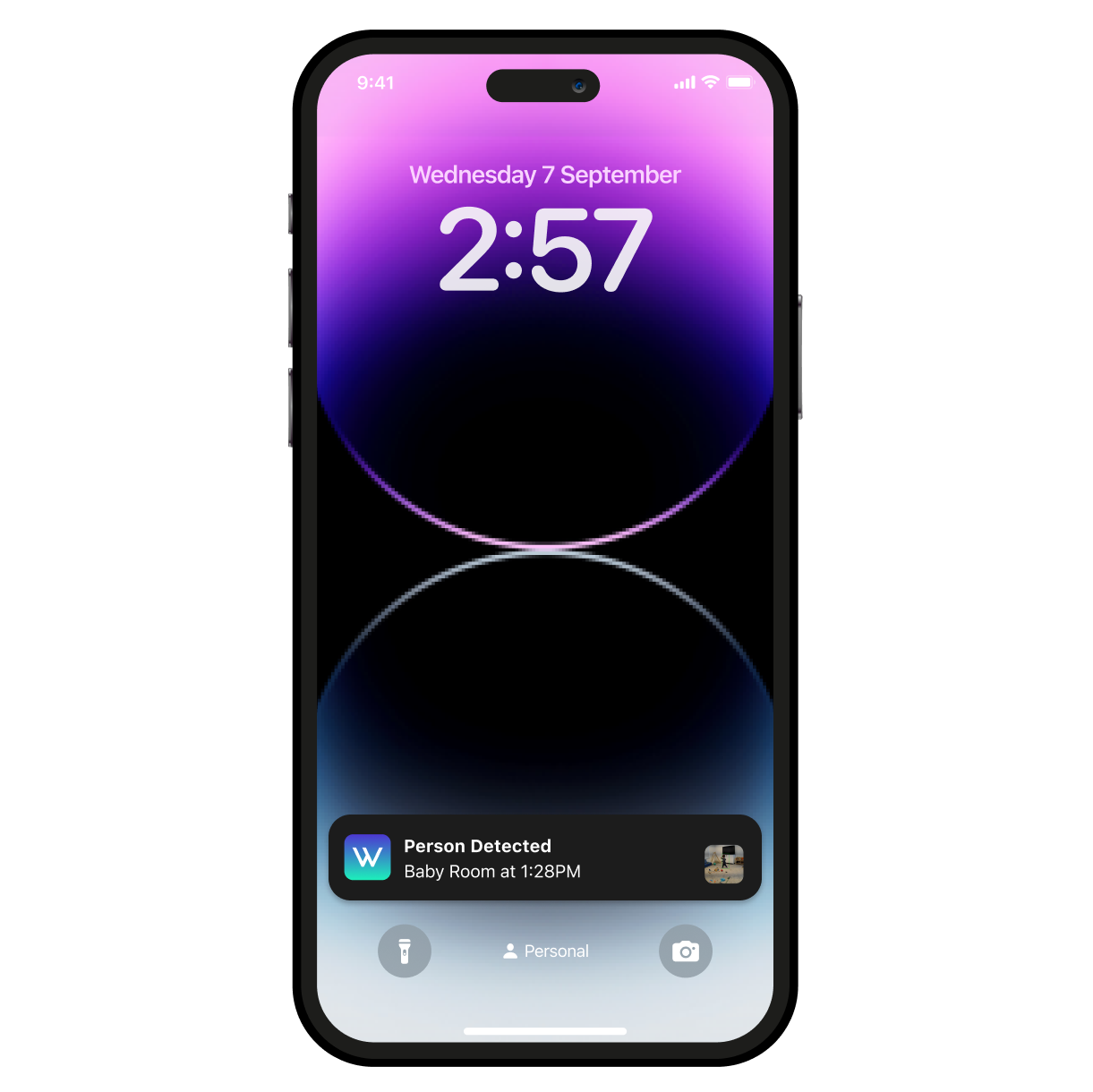
Détectez les mouvements et les sons. La caméra Wyze Duo Cam Pan envoie une alerte à votre téléphone et commence à enregistrer dès qu'un mouvement ou un son est détecté.

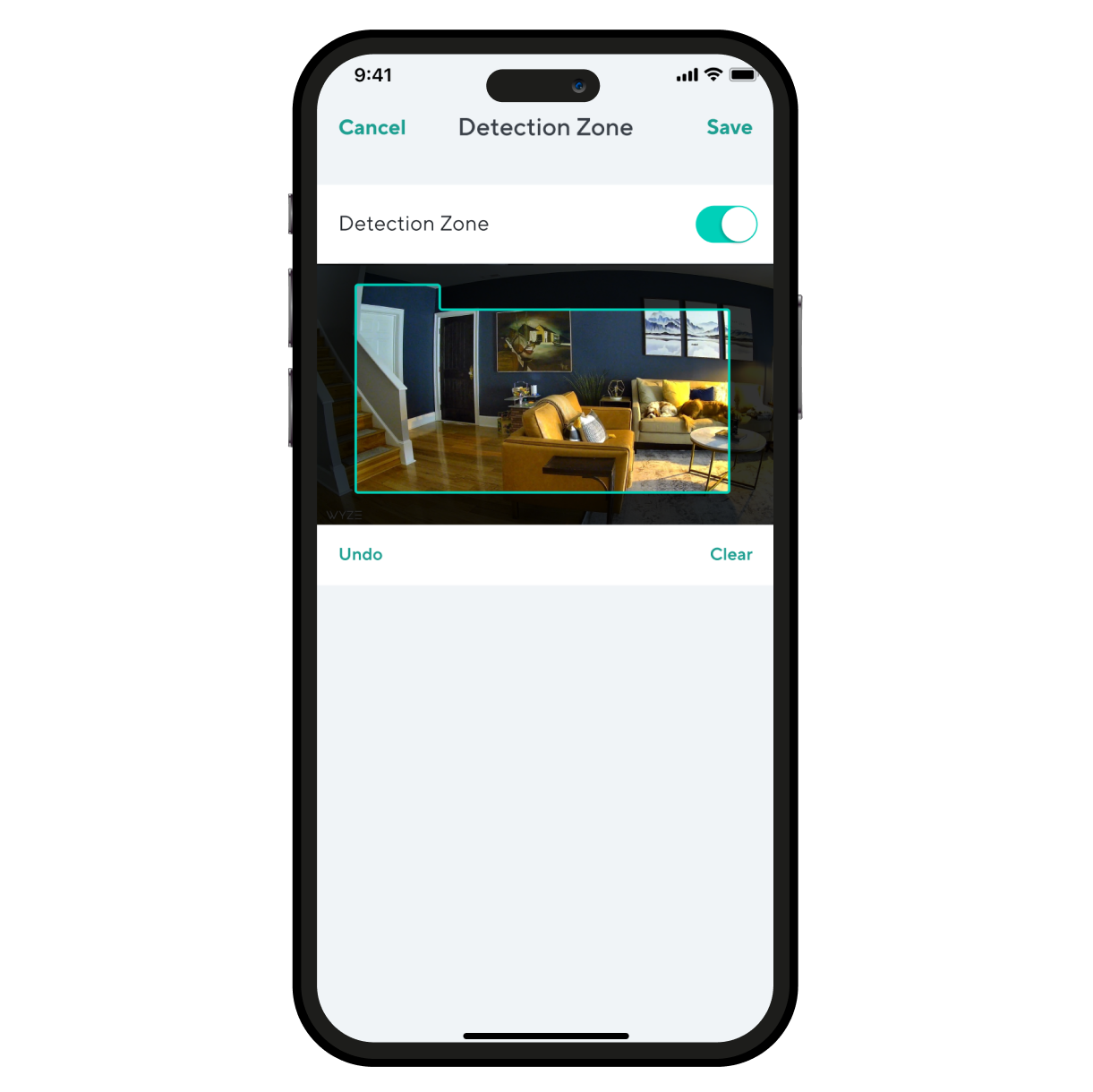
Surveillez des zones spécifiques pour détecter les mouvements et ne recevez de notifications que lorsque c'est important.

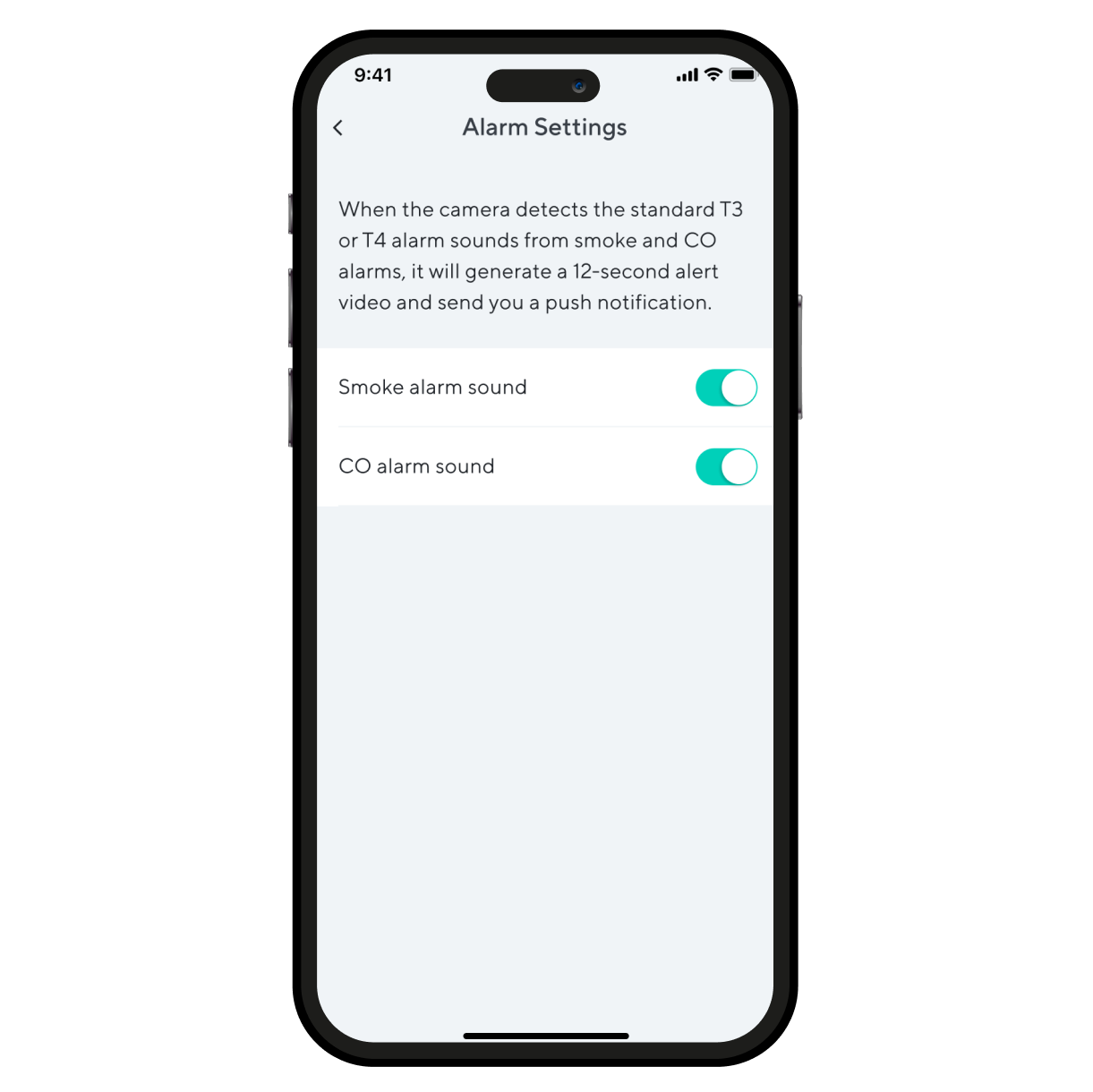
Recevez une alerte dès que la caméra Wyze Duo Cam Pan détecte le déclenchement d'un détecteur de fumée ou de monoxyde de carbone. La caméra enregistre une vidéo pendant ce temps.

Support Articles

Before you begin setup:

  1. Download the Wyze app on your smartphone or tablet.
  2. Connect your device to a 2.4 GHz Wi-Fi network, and enable BluetoothⓇ.
  3. Unpack your Wyze Duo Cam Pan box, removing all plastic and packing materials.Be sure to remove the plastic film from each lens.
  4. Plug the camera into power using the included USB cable and power adapter.The camera’s status light will turn solid red when powered. When flashing, it’s ready for setup.

To set up your Wyze Duo Cam Pan:

  1. In the Wyze app, tap Home, then tap + plus sign on the top right.
  2. On the Add menu, tap Device.
  3. Tap Cameras > Pan and Tilt Camera > Wyze Duo Cam Pan.
  4. With your camera plugged into an outlet, tap Next in the app.
  5. Underneath the camera, single-press the SETUP button. It will say “ready to connect”.
  6. In the app, check the box next to I heard, “Ready to connect”.
  7. Tap Begin Setup.
  8. If BluetoothⓇ hasn't been enabled, you will be prompted to allow BluetoothⓇ access. Tap Okay.If BluetoothⓇ has already been enabled, it will skip to the next step.
  9. Select your 2.4 GHz Wi-Fi network and enter your network password. Tap Next.Tap the icon in the password field to display the password to ensure it was entered correctly.
  10. Your device will begin connecting.
  11. Once connected, you will be prompted to begin mounting.If you want to mount your camera now, tap Begin Mounting and follow along in the app.If not, tap Skip.
  12. Name your camera using the text field, or by choosing a suggestion.
  13. Tap Finish when done.
  14. Choose between the Basic plan (no subscription) or Cam Plus. Tap Continue.
  15. Set up some automations on the Things to Try* page, or tap Skip.
  16. Enjoy your new Wyze device!

👉 Haven't set up your Wyze Duo Cam Pan yet? Check out Wyze Duo Cam Pan Setup Guide before installing.

There are 4 ways to mount your Wyze Duo Cam Pan:

  • On a tabletop or flat surface.
  • On a wall, right-side up.
  • On a wall, upside down.
  • On a ceiling, upside down.

To mount your camera on a flat surface:

  1. Set your camera on a flat surface.The fixed camera must be down, camera right-side up.We recommend mounting it on a horizontal surface, not angled.We recommend mounting it at the edge of the surfaceYou do not need to use the mounting kit.

To mount your camera on a wall:

  1. Place the Mounting Sticker from the Mounting Kit where you want to install your camera.
  2. Mark your drill holes with a pencil.
  3. Use a 6mm drill to drill holes at the pencil marks.The holes must be 1/4 inches and 1 and 3/6 inches deep.
  4. Insert the included expansion tubes into the holes.
  5. Place the Wall Plate over the expansion tubes*, then screw into the expansion tubes to mount the wall plate. To mount right-side up, place the Wall Plate on the tubes with the tab pointing up. To mount upside down, place Wall Plate on the tubes with the tab pointing down. To use the camera, you will have to toggle on Rotate Image 180° in your Advanced Settings.
  6. On the camera, pull the bracket away from the base. If the screws on the camera's bracket are loose, tighten them before continuing. To mount right-side up, place the base onto the wall plate and firmly press down. To mount upside down, place the base onto the wall plate and firmly press up.
  7. Insert the power cable into the camera, then plug the USB end into the adapter.When powered, the status light on the camera will light up.

To mount your camera on the ceiling:

  1. Place the Mounting Sticker from the Mounting Kit where you want to install your camera.
  2. Mark your drill holes with a pencil.
  3. Use a 6mm drill to drill holes at the pencil marks.The holes must be 1/4 inches and 1 and 3/6 inches deep.
  4. Insert the included expansion tubes into the holes.
  5. Place the Wall Plate over the expansion tubes* on the ceiling, then screw into the expansion tubes to mount the wall plate.
  6. Mount the camera base onto the Wall Plate, cameras facing outward.
  7. Because your camera is upside down, you will have to rotate the image in your settings.In the Wyze app, tap on the Settings gear > Advanced Settings > toggle on Rotate Image 180°.
  8. Insert the power cable into the camera, then plug the USB end into the adapter.When powered, the status light on the camera will light up.

Additional Note: We recommend mounting your camera vertically upright or upside down. We do not recommend mounting your camera at an angle or side ways.

You'll find the status light on the top front of your Wyze Duo Cam Pan. No light? Make sure it's properly connected to power.

⚡️ All Wyze devices have a handy status light that helps determine what state the device is in.

Wyze Duo Cam Pan Status Light Guide

  • Solid red - The camera is powered on and initializing, recording an event, or you are watching the live stream.
  • Flashing red - The camera is ready to connect.
  • Flashing red and blue light - Connection is in progress.
  • Flashing blue light - The camera is connected and finishing setup, or updating its firmware.
  • Solid blue light - The camera is powered and fully connected.
Added to your cart
Livraison GRATUITE pour les commandes de 59 $ et plus
Subtotal
$0.00
View cart