Passer aux informations produit
1 de 8

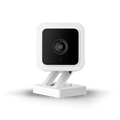
Wyze Cam v3

Wyze Cam v3

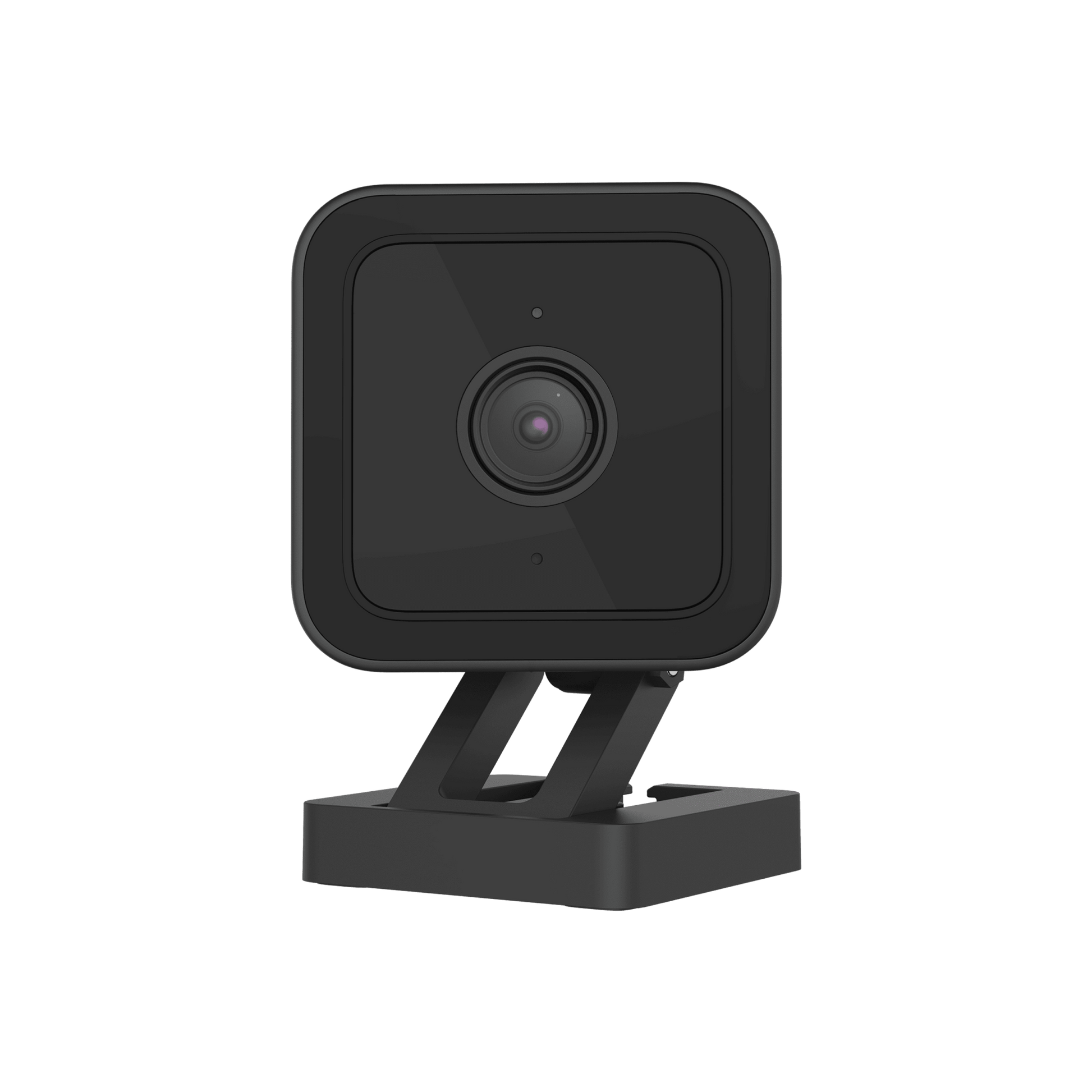
Caméra 1080p résistante aux intempéries avec audio

Check out the newer model:
  • 2.5K QHD w/Color Night Vision.
  • Built-in spotlight.
  • Indoor/Outdoor friendly.
  • More processing power. It's faster!
  • Enhanced two-way audio.
  • You'll also continue to get the amazing features of Cam v3: Built-in MicroSD slot, control through the same Wyze app, and traditional night vision.

Get Cam v4

This product is no longer available and won't be coming back.
A blue and white logo for Wyze.
AVANTAGES exclusifs de Wyze.com
Garantie prolongée de 18 mois

Bénéficiez d'une garantie prolongée de 18 mois à l'achat de ce produit sur wyze.com. Profitez également de lots spéciaux, de promotions uniques et de récompenses à chaque commande

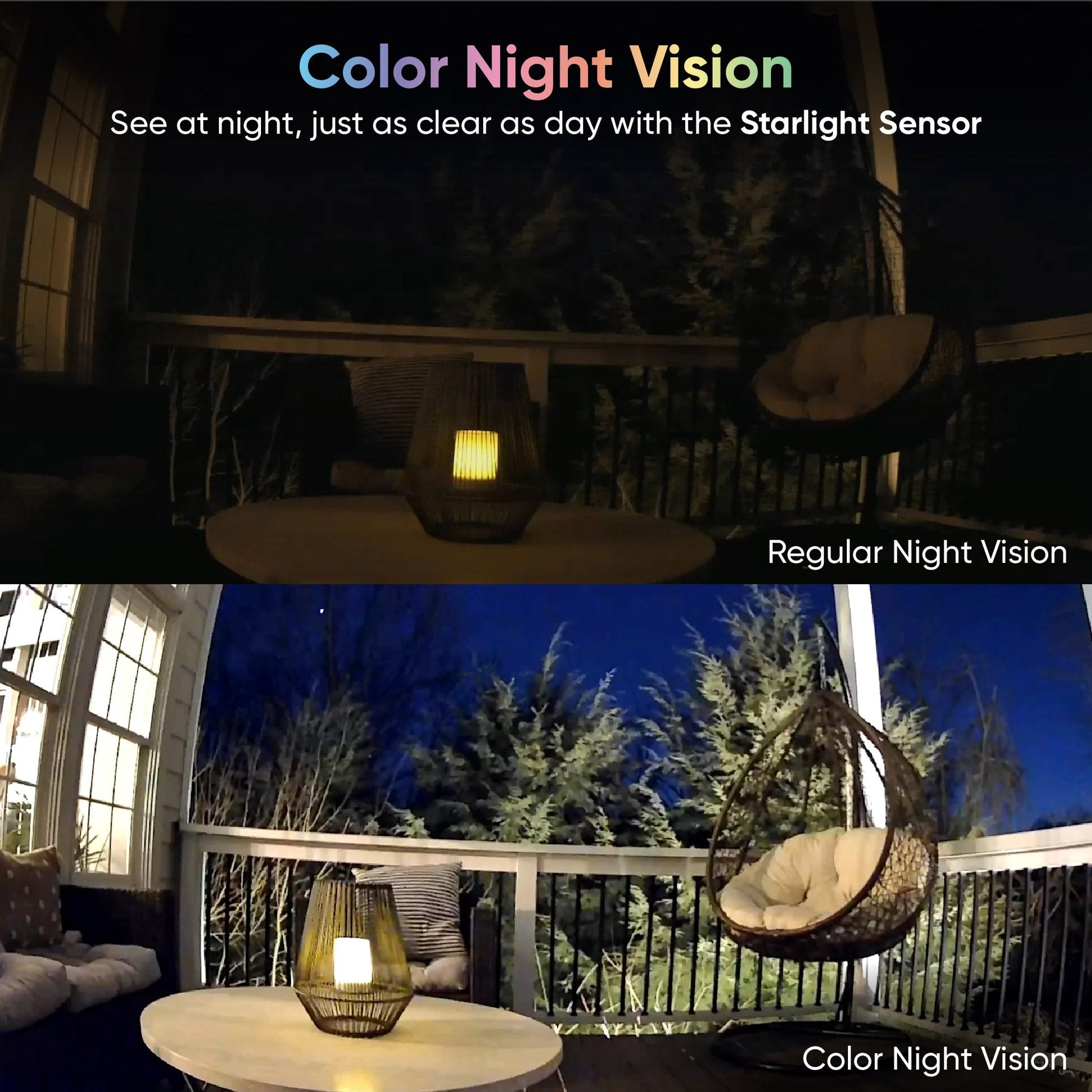
Notre caméra intelligente filaire primée est de retour avec une vision nocturne couleur performante et une nouvelle protection IP65 contre les intempéries, idéale pour une utilisation en extérieur. Gardez un œil sur ce qui compte le plus, à l'intérieur comme à l'extérieur, par tous les temps, de jour comme de nuit.

Voir les détails complets
  • A colorful circle with a white owl in the middle.

    Vision nocturne couleur 1080p

    Voyez plus clairement la nuit en couleurs.

  • Weather icon with sun and clouds.

    Intérieur/Extérieur

    Capturez des moments en intérieur et en extérieur grâce à la résistance aux intempéries IP65.

  • A drawing of a wand with a star on it.

    Entièrement mis à niveau

    Plus de puissance de traitement. Plus d'options de montage. Plus d'images par seconde.
  • Détection de personnes et plus encore

    Détection de personnes et plus encore

    Avec Cam Plus, vous bénéficiez d'un stockage vidéo illimité et d'une détection IA avancée.

Caractéristiques de la Wyze Cam v3

Couleurs et matériaux

  • Couleur : Blanc
  • Corps : Polycarbonate
  • Lentille : Verre + Plastique
  • Angle de vue : 121° en diagonale
  • Champ de vision de l'objectif : plage verticale de 180°
  • Capteur : Capteur CMOS Starlight
  • Voyant LED : avant. Rouge + bleu

Dimensions et poids

  • 52 mm (L) x 51 mm (l) x 58,5 mm (P)
  • <98,8 g

Pouvoir

  • Adaptateur secteur : Usage intérieur 5 V/1 A
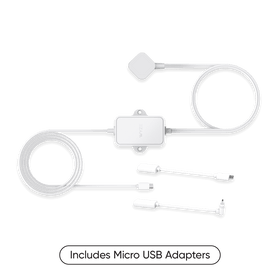
  • Adaptateur secteur extérieur (vendu séparément)
  • Câble : câble USB plat de 1,8 m

Caractéristiques de la Wyze Cam v3

Couleurs et matériaux

  • Couleur : Blanc
  • Corps : Polycarbonate
  • Lentille : Verre + Plastique
  • Angle de vue : 121° en diagonale
  • Champ de vision de l'objectif : plage verticale de 180°
  • Capteur : Capteur CMOS Starlight
  • Voyant LED : avant. Rouge + bleu

Dimensions et poids

  • 52 mm (L) x 51 mm (l) x 58,5 mm (P)
  • <98,8 g

Pouvoir

  • Adaptateur secteur : Usage intérieur 5 V/1 A
  • Adaptateur secteur extérieur (vendu séparément)
  • Câble : câble USB plat de 1,8 m

Stockage

  • Stockage local (carte microSD requise)
  • Cloud (avec abonnement)

Météo et température

  • Température de fonctionnement : -5°F à 113°F (-20°C à 45°C)
  • Résistance aux intempéries IP65
  • Conçu pour une utilisation intérieure/extérieure

Certifications

  • Certifié FCC, IC, UL et IP65

Langues

  • Anglais

Garantie

  • 1 an
A box of a camera with a white cord and a white plug.
Cam v3 - Pack de 1
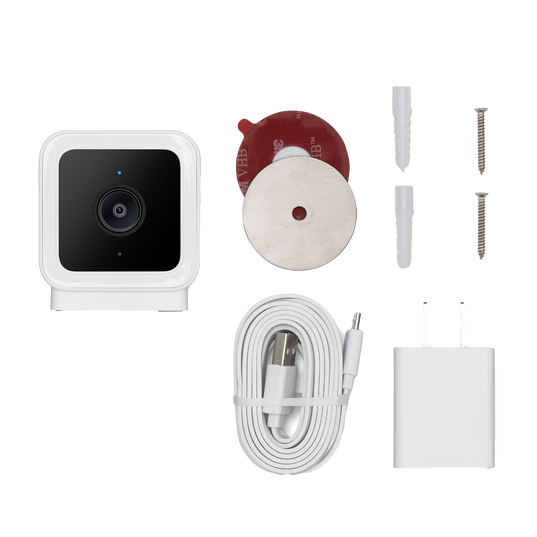
  • Wyze Cam v3 x1
  • Guide de démarrage rapide x1
  • Plaque de fixation murale x1
  • Ruban adhésif pour plaque de fixation murale x1
  • Kit de vis x1
  • Adaptateur secteur USB intérieur x1
  • Câble USB extérieur de 1,8 m (6 pieds) x1
Cam v3 - Pack de 2
  • Wyze Cam v3 x2
  • Guide de démarrage rapide x1
  • Plaque de fixation murale x2
  • Ruban adhésif pour plaque de fixation murale x2
  • Kit de vis x2
  • Adaptateur secteur USB intérieur x2
  • Câble USB extérieur de 1,8 m (x2)

Un design audacieux pensé pour le plein air.

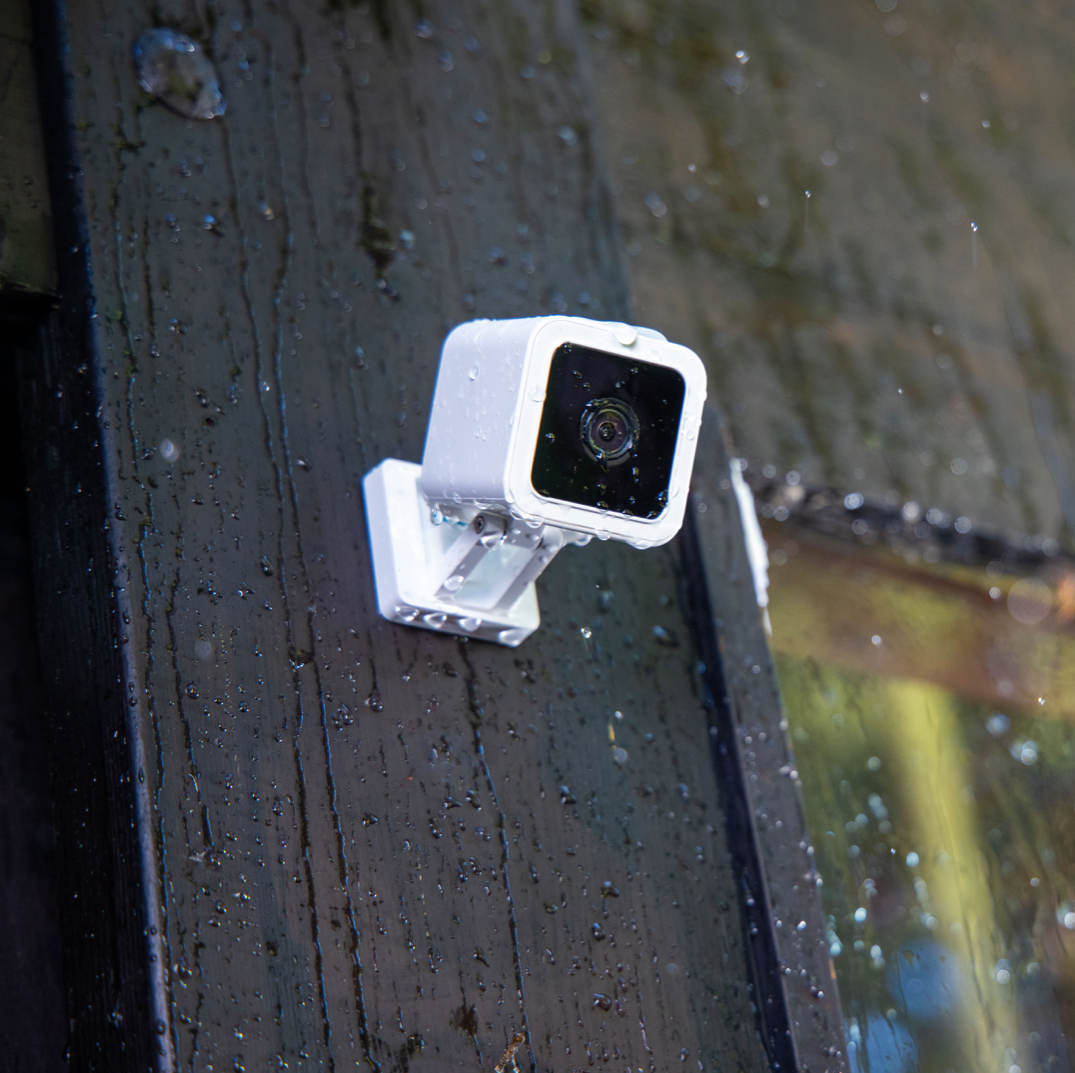
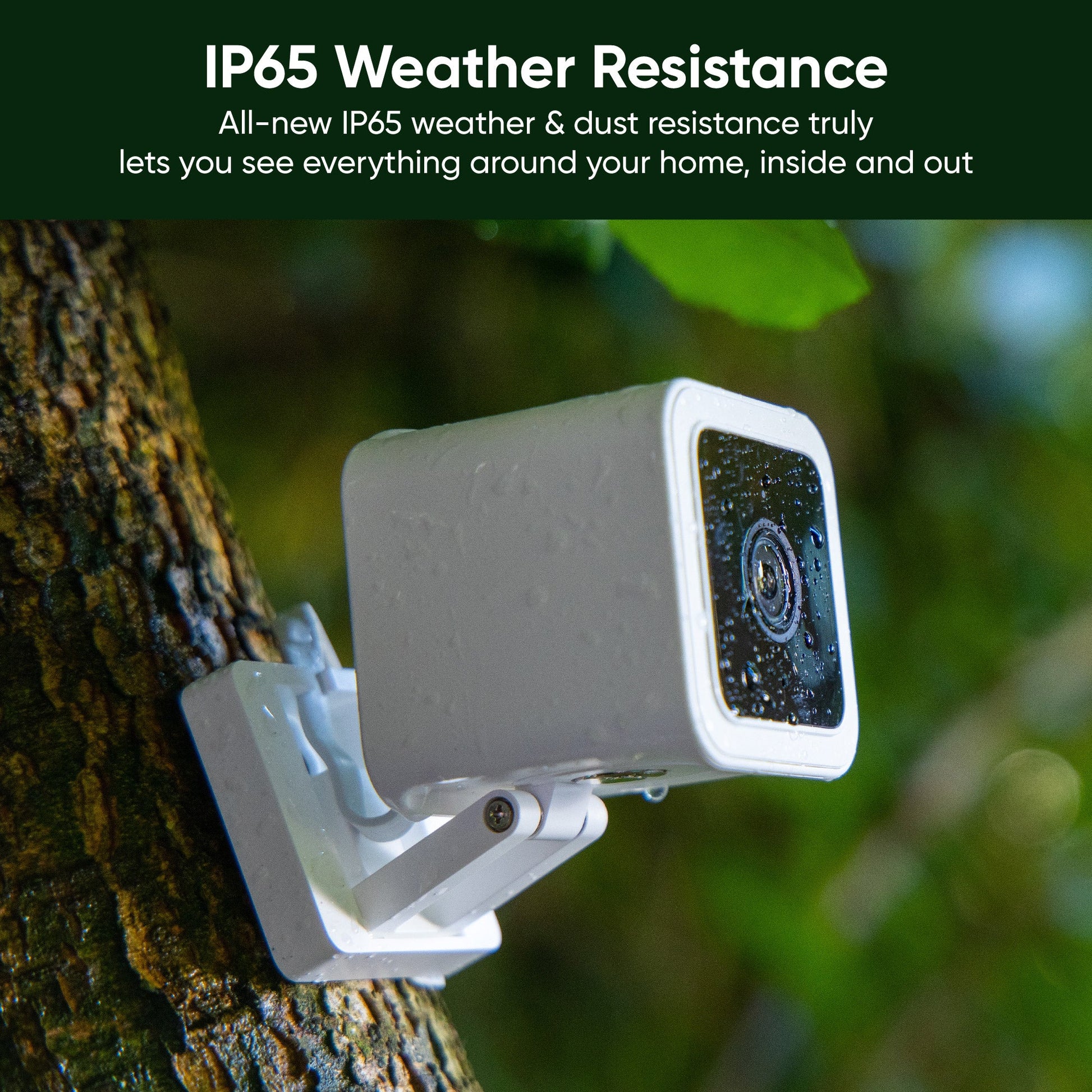
Il est temps d'utiliser votre Wyze Cam à l'extérieur. Grâce à sa nouvelle résistance aux intempéries et à la poussière (IP65), vous pouvez désormais tout voir autour de votre maison, à l'intérieur comme à l'extérieur.

A white camera mounted on a wall.

Sécurité intérieure/extérieure de la maison.

La résistance aux intempéries et à la poussière IP65 vous permet de voir véritablement tout ce qui se trouve autour de votre maison, à l'intérieur comme à l'extérieur.

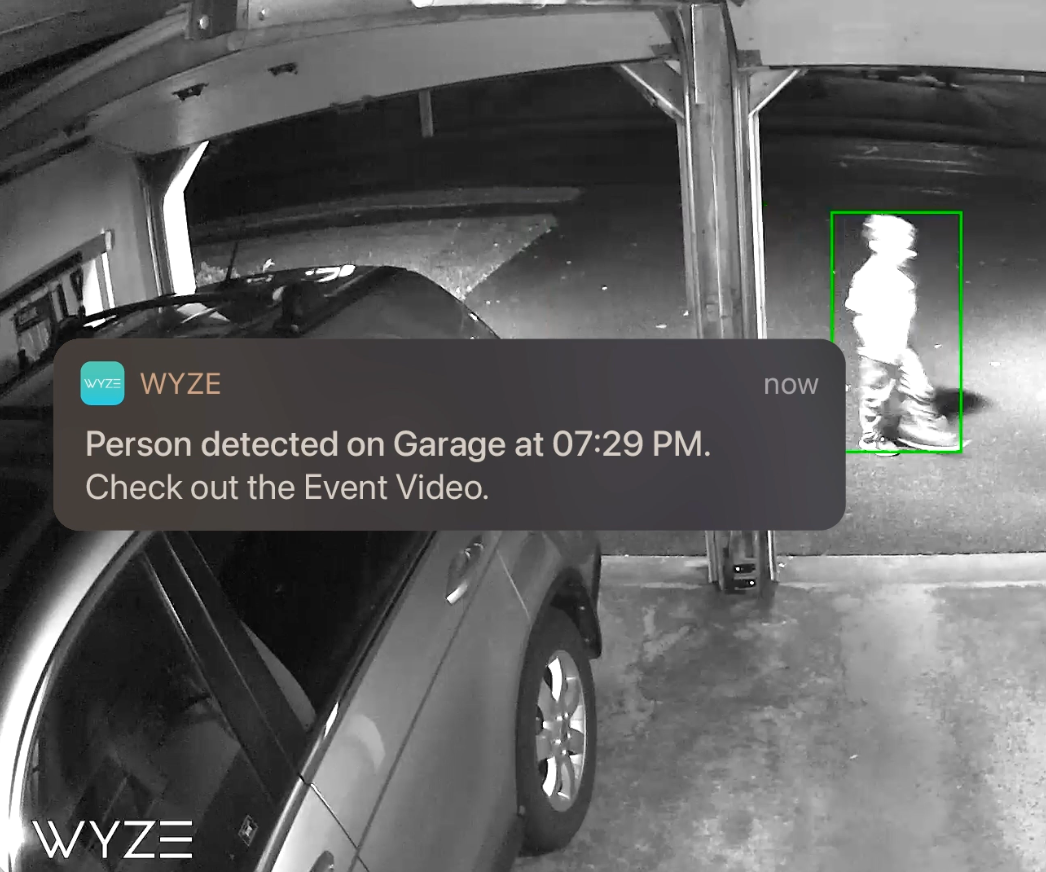
A person is walking past a garage with a motion detection alert from the Wyze app on the screen.

Détection de personnes et bien plus encore avec Cam Plus.

• Détection de personnes

• Stockage cloud illimité

• Détection de véhicules, d'animaux et de colis


* avec abonnement Cam Plus

En savoir plus

Faites votre choix parmi une gamme exceptionnelle d'accessoires.

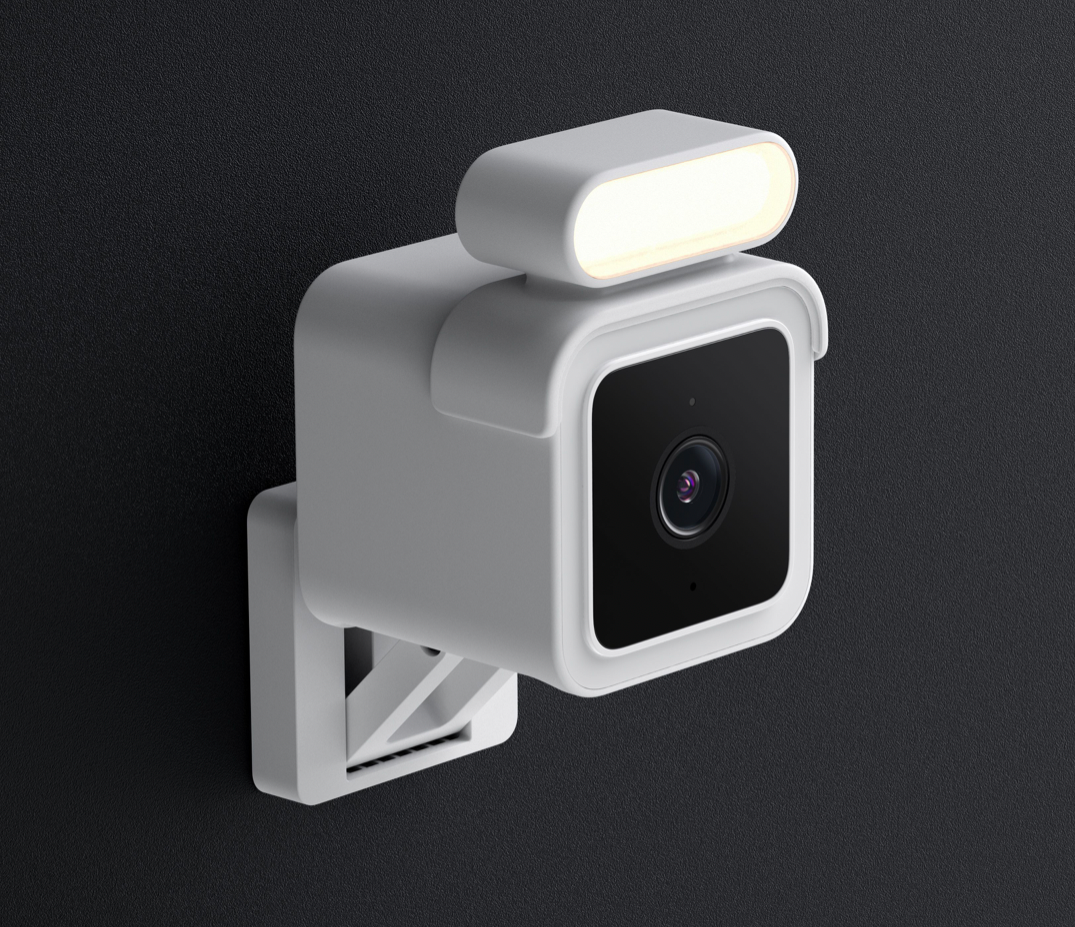
A white camera with a light on it.

Kit projecteur

Éclairez votre chemin pour une sécurité accrue dans les zones sombres. Visualisez des images en couleur dans l'application Wyze, quelles que soient les conditions d'éclairage ambiant.

Kit de mise en valeur de la boutique
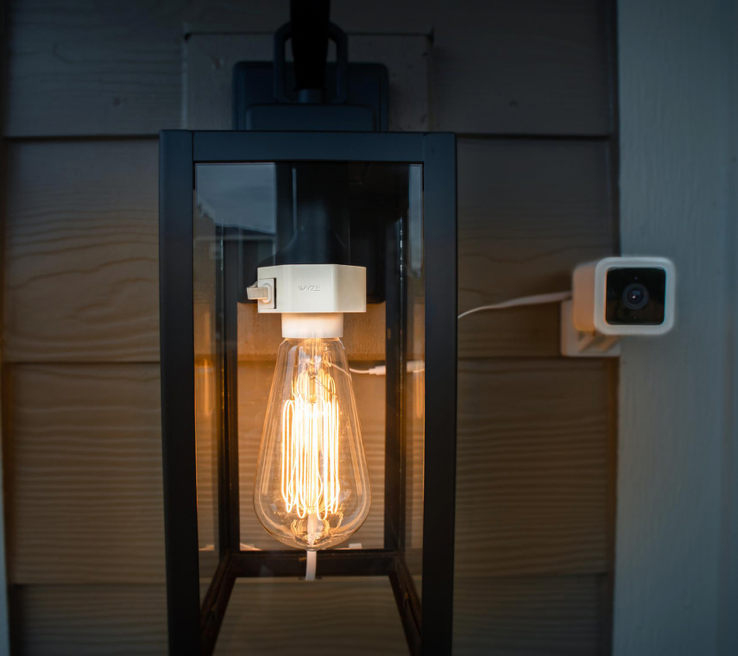
A black lamp with a white bulb.

Douille de lampe Wyze

Utilisez l'électricité de votre luminaire extérieur pour alimenter en continu votre Wyze Cam v3.

Ils fonctionnent également ensemble pour rendre votre éclairage extérieur existant intelligent. Vous pouvez ainsi allumer et éteindre la lumière depuis votre téléphone.

Achetez une douille de lampe Wyze

Facile à installer. Partout.

Grâce à son kit de fixation magnétique inclus, son kit de vis et son support de table réglable intégré, la Wyze Cam v3 peut être installée partout où vous en avez besoin.

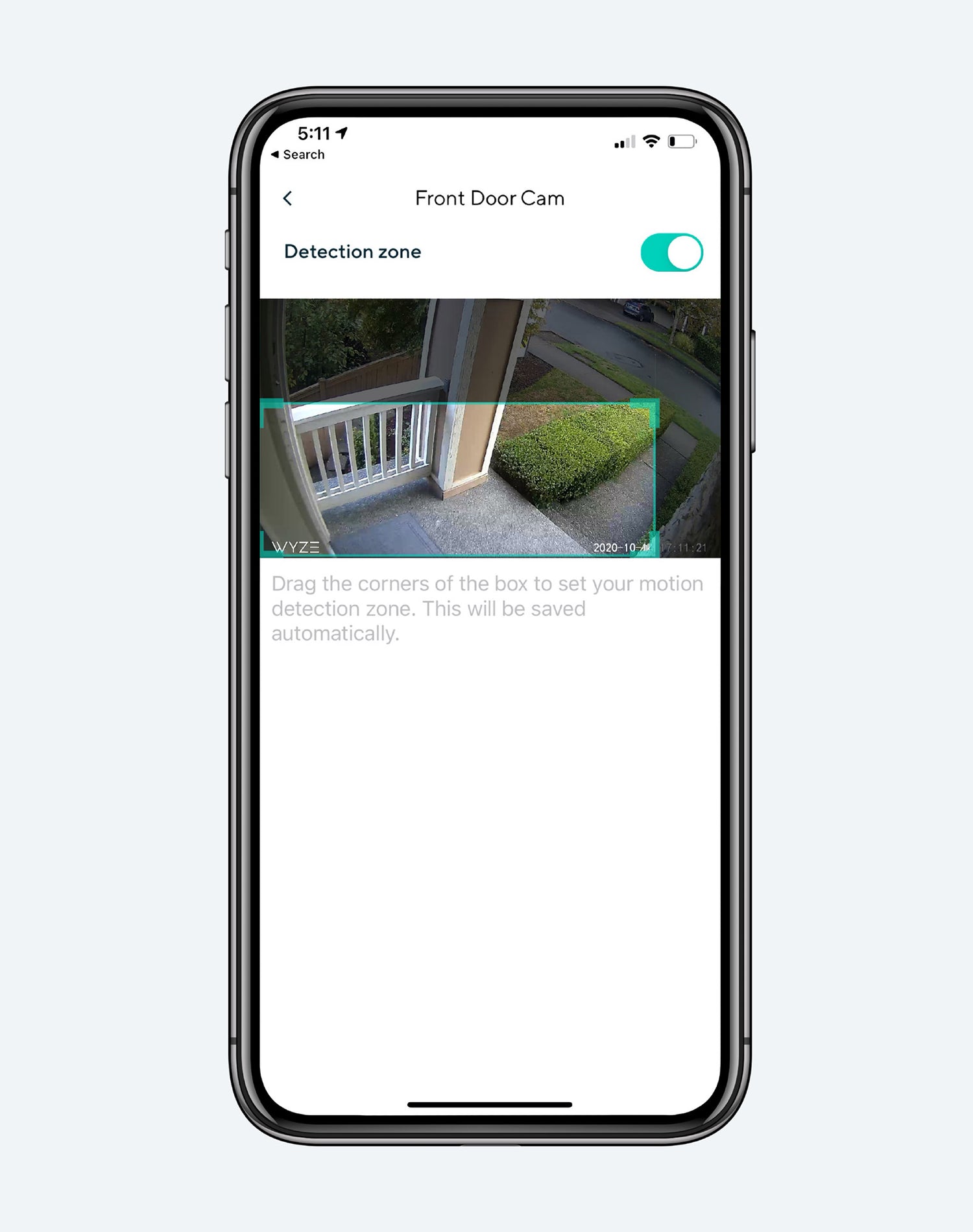
Wyze BaseCam motion detection app on a smartphone.
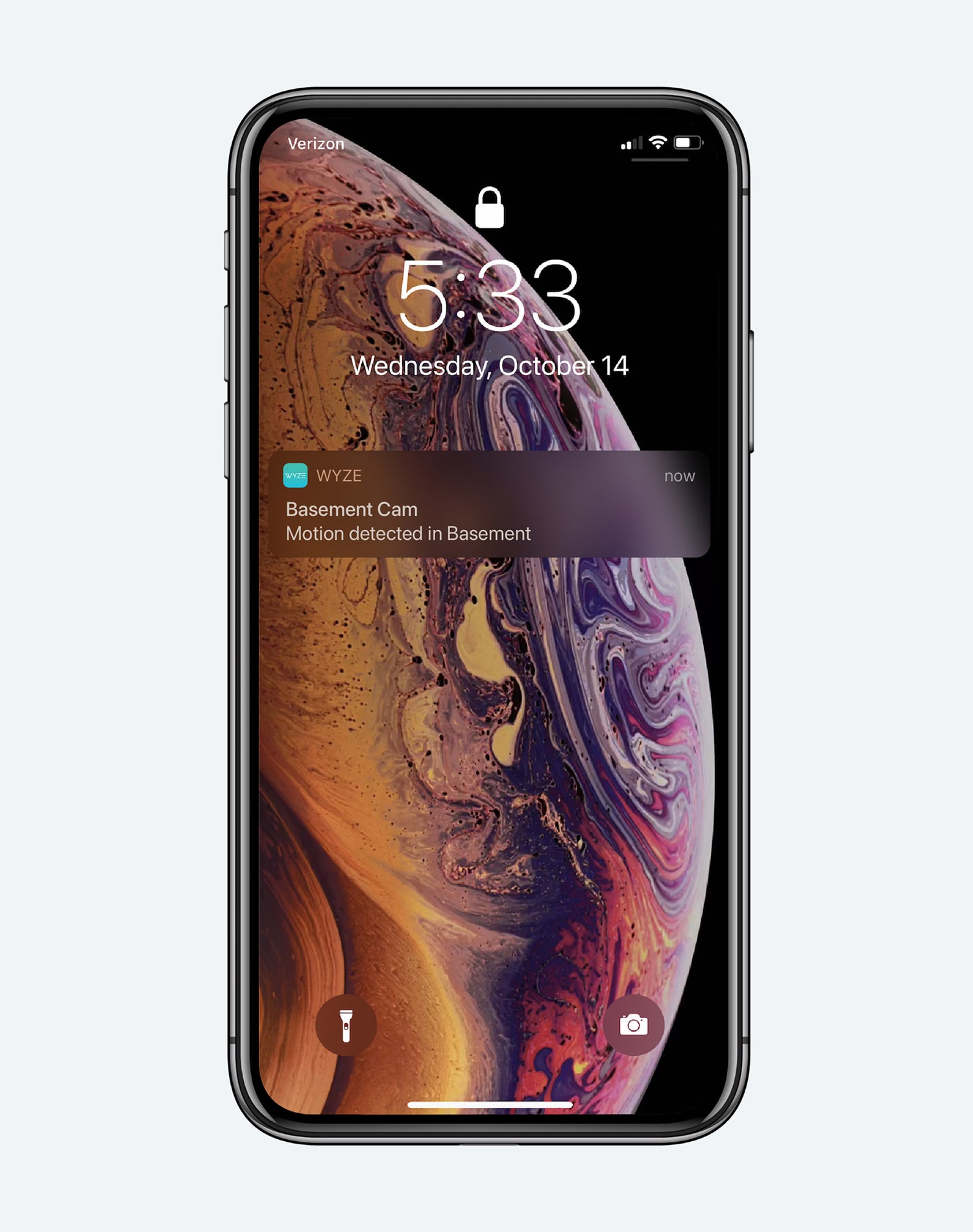
Motion detection in a smartphone app.
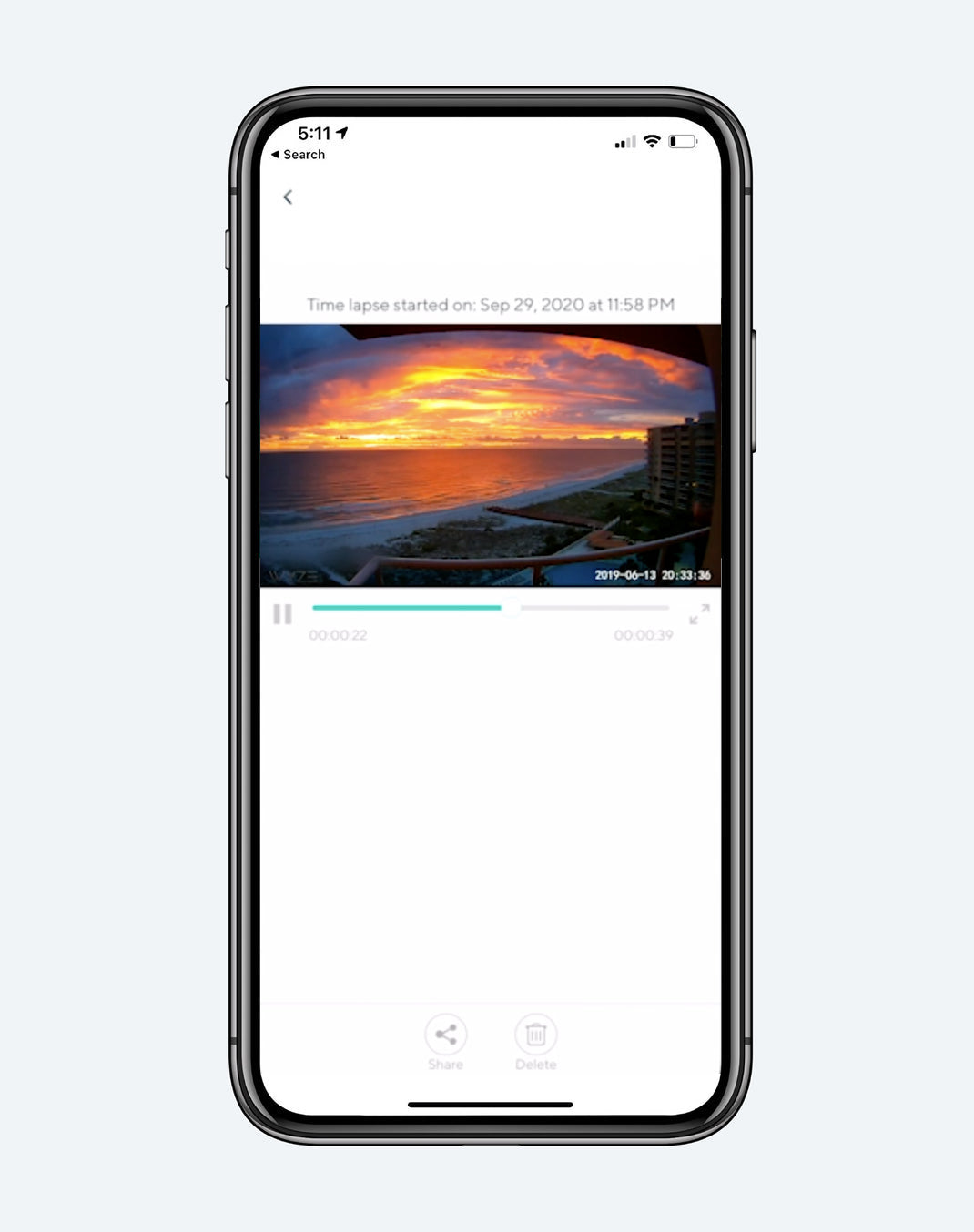
A video of a sunset on a beach.
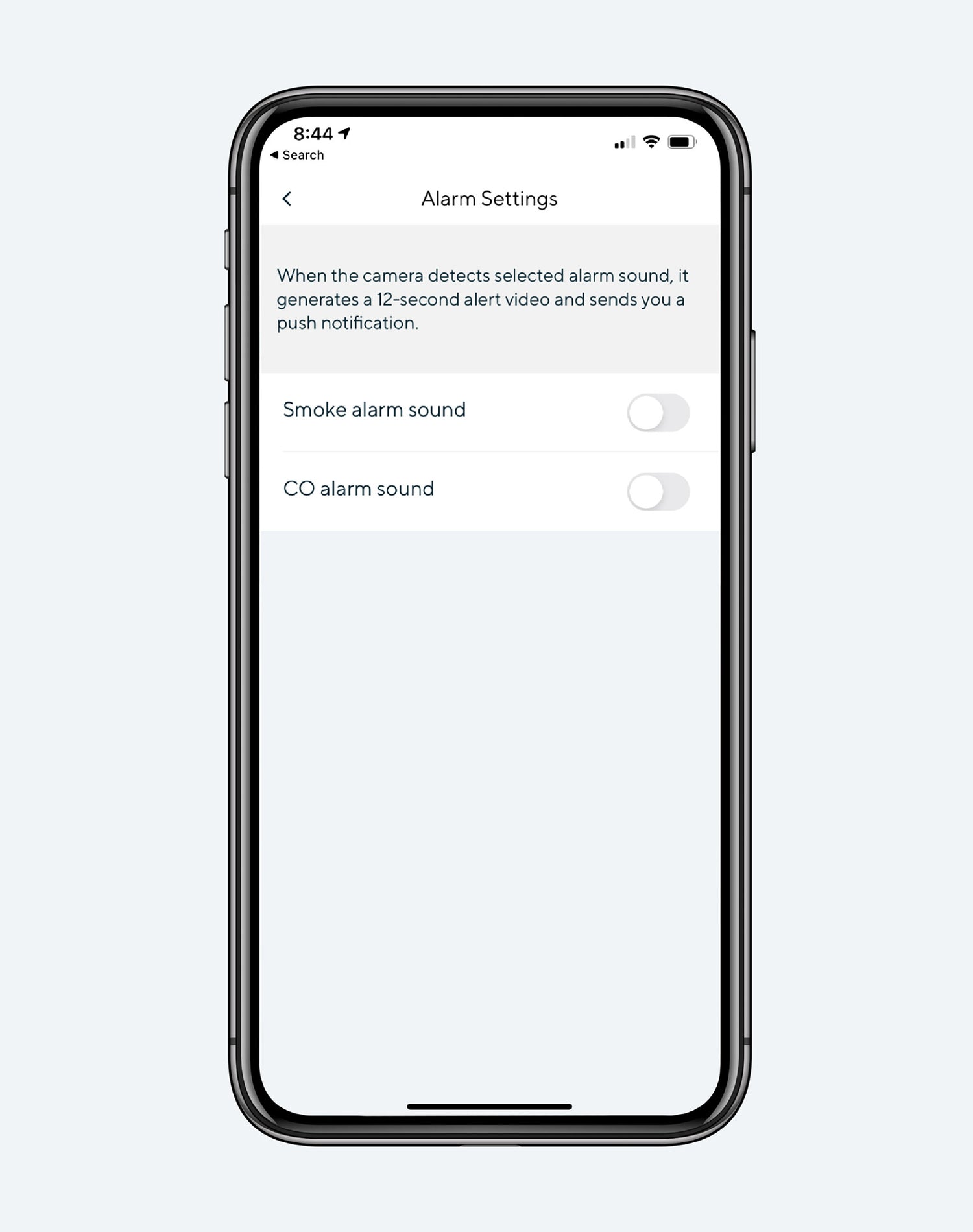
Alarm settings on a smartphone.

Encore plus de fonctionnalités à apprécier.

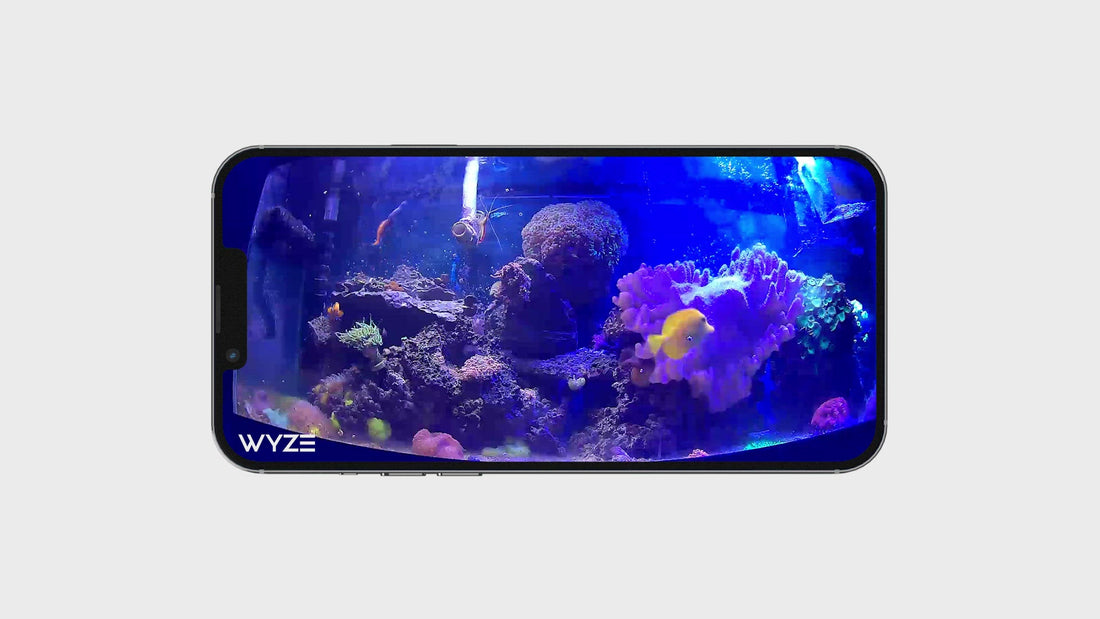
Observez et écoutez les mouvements et les sons. La caméra Wyze envoie une alerte à votre téléphone et commence à enregistrer dès qu'un mouvement ou un son est détecté.

Surveillez des zones spécifiques pour détecter les mouvements et ne recevez de notifications que lorsque c'est important.

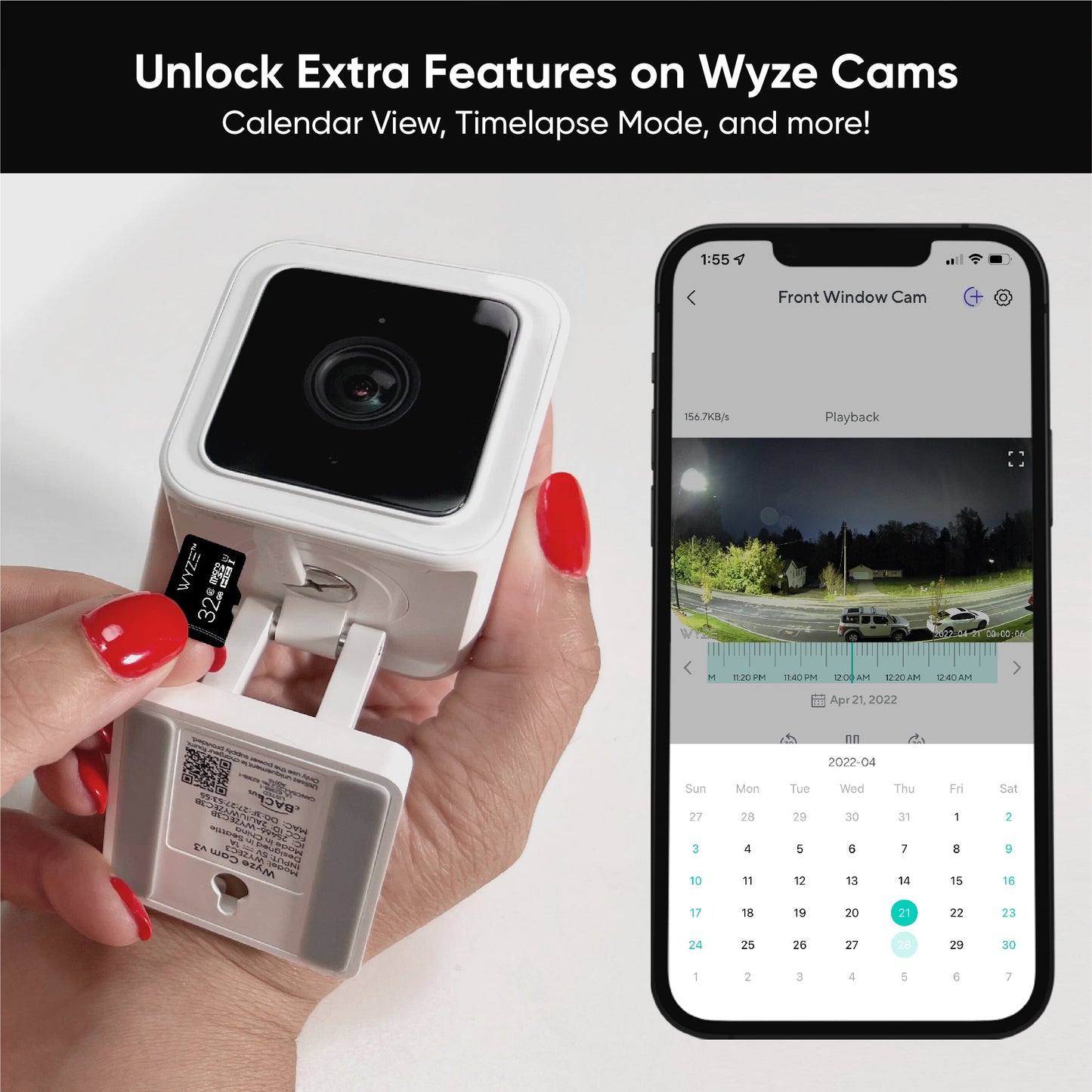
Capturez et visualisez jusqu'à 28 jours avec une carte microSD de 128 Go ( vendue séparément ).

Recevez une alerte dès que votre caméra Wyze Cam détecte le déclenchement d'un détecteur de fumée ou de monoxyde de carbone. Elle enregistre une vidéo pendant ce temps.

1 de 4

Accessoires populaires pour caméras Wyze

  • Cartes MicroSD
    Prix ​​régulier À partir de $18.98
    Prix ​​régulier $18.98 Accord À partir de $18.98
    Enregistrement continu et vidéos en accéléré pour les caméras Wyze. Learn More
    Choose your option
    View Options
  • Kit projecteur Wyze Cam v3
    Prix ​​régulier $7.98
    Prix ​​régulier $16.98 Accord $7.98
    Illuminez les zones les plus sombres. Pour Wyze Cam v3. Learn More
  • Support de fenêtre Wyze
    Prix ​​régulier À partir de $9.99
    Prix ​​régulier Accord À partir de $9.99
    Support pour caméra extérieure Wyze Cam Learn More
    Choose your option
    View Options
  • Adaptateur secteur extérieur Wyze
    Prix ​​régulier À partir de $18.98
    Prix ​​régulier Accord À partir de $18.98
    Conçue pour résister à la pluie, à la neige ou au soleil. Grâce à sa certification IP67, votre caméra Wyze est étanche et peut être utilisée en toute sécurité à l'extérieur. Learn More
    Choose your option
    View Options

* La Wyze Cam v3 est filaire, ce qui permet un enregistrement continu.

**Nécessite un adaptateur secteur extérieur Wyze (vendu séparément) pour une utilisation en extérieur.

**Nécessite une carte microSD (vendue séparément)

Support Articles

Before you setup your Wyze Cam v3:

  1. Download the Wyze app on your smartphone or tablet.
  2. Connect your device to a 2.4 GHz Wi-Fi network.
  3. Unpack your Wyze Cam v3 box, removing all plastic and packing materials.
  4. Plug the camera into power using the included USB cable and power adapter.The camera’s status light will turn solid red when powered. When flashing, it’s ready for setup.

To set up your Wyze Cam v3:

  1. In the Wyze app, tap Home, then tap + plus sign on the top right.
  2. On the Add menu, tap Device.
  3. Tap Cameras > Wired Camera > Wyze Cam v3.
  4. With your camera plugged into an outlet, tap Next in the app.
  5. Pull the base from your camera and single-press SETUP under the camera until it says “ready to connect”.
  6. In the app, check the box next to I heard, “Ready to connect”.
  7. Tap Next.
  8. Select your 2.4 GHz Wi-Fi network and enter your network password. Tap Next.Tap the icon in the password field to display the password to ensure it was entered correctly.
  9. Scan the QR code on the Wyze app.Hold your camera up to your phone screen with the QR code displaying. It will say “QR code scanned, please wait” then “setup completed”.
  10. In the app, check the box next to I heard, “QR code scanned”.
  11. Tap Next. You’re set up, it’s time to name your device.
  12. Name your Wyze Cam v3 using the text field, or by choosing a suggestion.
  13. Tap Finish when done.
  14. You may have a prompt for a free trial of Cam Plus. Tap Continue.
  15. Set up some automations on the Things to Try* page, or tap Skip.
  16. You’re all set. Enjoy your new Wyze device!

Things to Try: Tap Create or edit a device group, Share this device, Automate your device, or Skip. These are quick ways to set up a few automations before you finish setup. When you complete a task, it'll display a green checkmark ✅. You can move on from this page by tapping Skip.

Additional Notes:

  • Most Wyze devices only work on 2.4 GHz Wi-Fi networks. If you are connected to a 5 GHz network, switch to a 2.4 GHz network before setting up your device.

Having trouble scanning your QR code? A few tips to help:

  • Hold your camera 6-10 inches away from your phone screen.Slowly move the QR code on the screen away from the camera, then closer.Tilt your phone screen slightly in case there's a glare.Turn your phone upside down. If you're on iOS, turn off "Invert Colors".Make sure the QR code isn't distorted. If you have an older device, the screen may be too small. Try a different device.If your screen is cracked or scratched, the code may be distorted. Try a different device.If you're using a beta version of the Wyze app, make sure the cursor is not on the QR code.

Mounting your Wyze Cam v3

Wyze Cam v3 comes with a number of different mounting options, so you can mount it anywhere!

Here's Wyze Cam v3 mounted outside, using the screw method.

Mounting your Wyze Cam v3 with the magnetic base:

Wyze Cam v3 includes a magnet in its base that allows it to be mounted to steel or iron surfaces, so you can use the included metal plate for mounting.

To use the included magnetic metal plate:

  1. Remove the backing from one side of the included adhesive pad and stick it to the back of the metal plate.
  2. Go to where you'd like to mount the camera, checking the viewing angle in the Wyze app.
  3. Remove the remaining backing from the adhesive pad, and stick it to your mounting location.
  4. Stick the base of the cam to the metal plate and adjust its viewing angle as needed.

Mounting your Wyze Cam v3 with the screw kit:

For a more secure mount, use the included screw kit to mount your Wyze Cam v3.

To use the included screw kit:

  1. Go to where you'd like to mount the camera, checking the viewing angle in the Wyze app.
  2. Use a pencil to mark the wall through the hole in the camera's base.
  3. Drill a pilot hole, inserting the included drywall anchor if needed.
  4. Screw in the included screw, leaving a small (3 mm) gap between the head of the screw and the wall.
  5. Mount Wyze Cam v3 by passing the screw-head through the larger section of the hole in the base, then sliding the cam down to secure it to the screw.
  6. If desired, you can snug the screw to create a more snug connection. Not too tight, or you risk damaging the camera's base.

Using 1/4"-20 Mounting with your Wyze Cam v3:

Wyze Cam v3 has a 1/4"-20 threaded connection that you can use to mount the cam to any standard 1/4"-20 mount.

Out of the box, the 1/4"-20 threads are actually used to hold on the base of the cam, but the screw used to attach the base can be removed with a standard Philipps or flat head screwdriver.

To factory reset your Wyze Cam v3:

  1. If you have a microSD card in your Wyze Cam v3, remove it.
  2. With your Wyze Cam v3 plugged into power, press and hold the setup button on the bottom of the camera for 10 seconds. This will reset the camera.
  3. Wait at least 30 seconds for the unit to initiate. This process can take up to 5 minutes. It's rare, but it's possible.
  4. The LED status light on the device will change from Solid Red to Flashing Red.
  5. The device is now ready to be set up again. Check out the Wyze Cam Setup Guide to set up your Wyze Cam v3 again.

A factory reset deletes the settings file on the camera and rolls it back to the default settings. It can also be performed as a troubleshooting step for restoring a device to a previous working status.

Added to your cart
Livraison GRATUITE pour les commandes de 59 $ et plus
Subtotal
$0.00
View cart