Passer aux informations produit
1 de 11

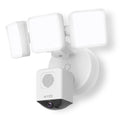
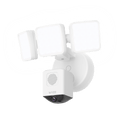
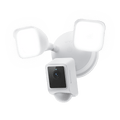
(Remis à neuf) Wyze Cam Floodlight Pro

(Remis à neuf) Wyze Cam Floodlight Pro

Une caméra projecteur à intelligence artificielle évolutive avec un champ de vision de 180°.

Couleur
Add ons
SALE
$89.98 $149.98SAVE 40%
En rupture de stock
Get it as soon as
Ce produit n'est pas admissible aux retours.
En rupture de stock
A blue and white logo for Wyze.
AVANTAGES exclusifs de Wyze.com
Garantie prolongée de 12 mois

Bénéficiez d'une garantie prolongée de 12 mois lorsque vous achetez des produits reconditionnés sur wyze.com. Bénéficiez également d'offres spéciales groupées, de promotions uniques et de récompenses avec chaque commande

Logo Wyze remis à neuf

Il s'agit d'un produit Wyze reconditionné. Qu'est-ce que cela signifie ? C'est un produit Wyze comme neuf , entièrement testé et garanti fonctionnel, et maintenant à un prix encore plus avantageux. Vente finale, mais décision Wyze.

La Wyze Cam Floodlight Pro combine un objectif grand angle de 180° et une vidéo QHD 2,5K pour vous offrir une vue panoramique de votre jardin d'un niveau de détail inégalé. Grâce à son intelligence artificielle embarquée de pointe, elle détecte les mouvements et active son éclairage LED réglable de 3 000 lumens uniquement à partir des objets que vous sélectionnez, comme les personnes et les véhicules. En d'autres termes, nous avons créé une caméra de sécurité performante et lumineuse qui agit comme un véritable gardien personnel à domicile – sans avoir besoin de faire appel à un agent de sécurité. Prise en charge du Wi-Fi 2,4 et 5 GHz.

Voir les détails complets
  • A black background with no visible text or objects.

    Champ de vision ultra-large de 180°

    Couverture complète. Aucun angle mort.

  • A colorful logo of a wheel with a red arrow pointing to the bottom.

    Résolution QHD 2,5K et vision nocturne couleur

    Capturez plus de détails.

  • A black screen with no visible content.

    Contrôle de la lumière par intelligence artificielle

    Plus précis que le détecteur PIR.

  • A black image of a product that is used for lighting.

    LED ultra-lumineuses de 3000 lumens

    Intensité variable et réglable.

Caractéristiques techniques de la Wyze Cam Floodlight Pro

Couleurs et matériaux

  • Couleur : Blanc ou Noir
  • Finition : mate
  • Montage : Mural/Plafond

Dimensions

  • 10,2 po x 9,1 po x 7,8 po (25,91 cm x 23,11 cm x 19,81 cm)

Poids

  • 2,9 lbs (1,32 kg)

Éclairage

  • 3 panneaux lumineux à intensité variable offrant une luminosité totale de 3000 lumens et une température de couleur de 5000 K

Alimentation

  • Alimentation câblée 110-120 V CA

Qualité d'image

  • Résolution 2,5K QHD (2560 x 1440) avec vision nocturne couleur

Champ de vision

  • 180° en diagonale, 170° à l'horizontale, 95° à la verticale

Fréquence d'images

  • En journée : 20 FPS
  • Nuit : 15 FPS

Stockage

  • Carte microSD jusqu'à 256 Go (Format : exFAT, FAT32)

Sirène sonore

  • 105 dB (mesuré à une distance de 10 cm)

Connectivité et compatibilité

  • Wi-Fi double bande 802.11 b/g/n, 2,4 GHz et 5 GHz
  • Compatibilité téléphonique : Android 9.0+, iOS 15.0+
  • Intégrations : Alexa, Google Assistant, IFTTT

Météo et température

  • -4°F - 140°F (-20°C - 60°C)
  • Résistance à l'eau IP65

Garantie

  • 1 an
  • Wyze Cam Floodlight Pro
  • Vis de fixation
  • Support de montage
  • Vis de mise à la terre
  • Vis pour projecteur
  • Bouchon en caoutchouc
  • Connecteurs de fils
  • Crochet
  • Tournevis

With a 180-degree view, you can set up Wyze Cam Floodlight Pro on a wall or under an eave and get full coverage of the entire front side. That essentially means you can eliminate blind spots.

Traditional motion sensors will sense any movement with heat as motion. Most time we only care about meaningful motions, such as humans or vehicles, not raindrops or falling leaves. Onboard AI motion sensing is more state-of-the-art technology to detect motions. It naturally works well with other AI features to reduce false alarms.

BLE means a fast and easy initial device setup, powered by Bluetooth®. That will save you the hustle of climbing up the ladder and scanning the QR code.

Wyze Cam Floodlight Pro can detect motion up to 30 feet away. Refine the range further with customized detection zones for motion-activated light and event recording.

No, the color temperature is not customizable.

Yes, the floodlight LED is dimmable. The maximum brightness is 3000 lumens.

The image resolution is 2560 x 1440.

Yes, it should connect to a junction box.

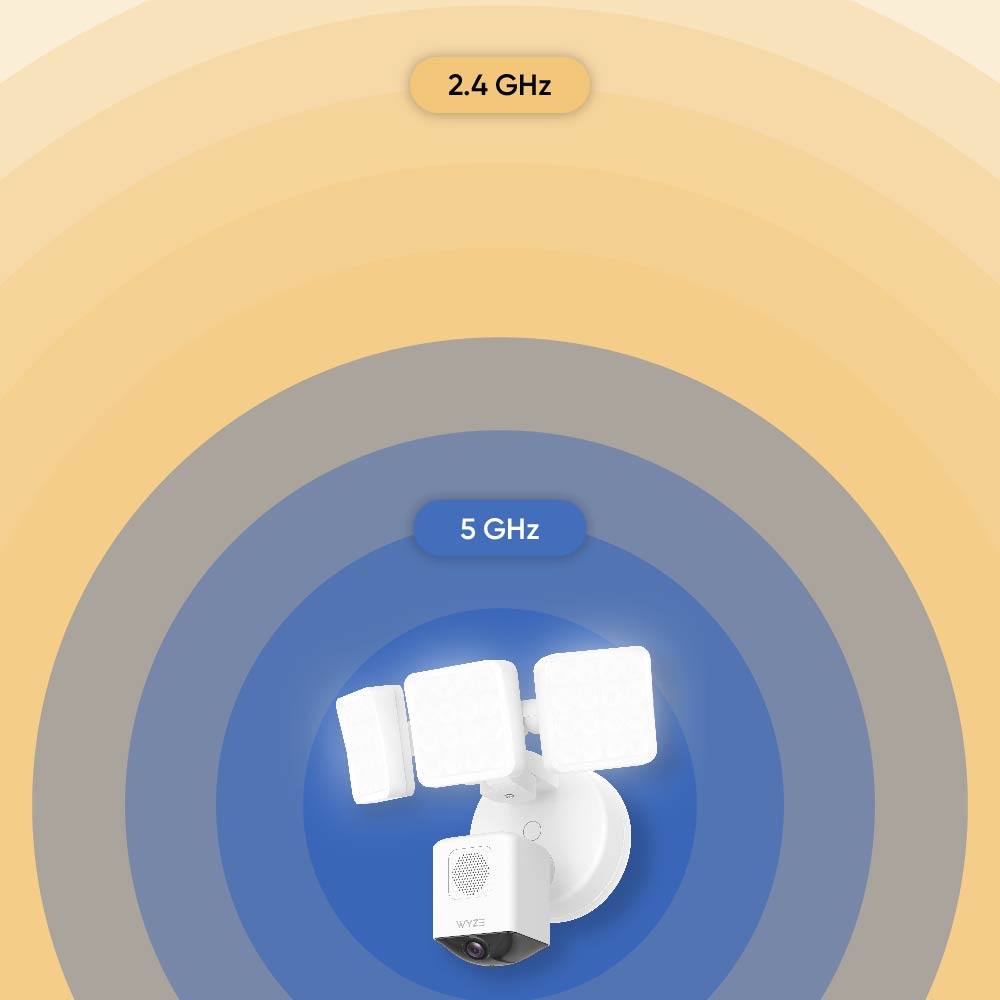
Yes, both 2.4 GHz and 5 GHz are supported. Users can select one to connect to meet their needs.

No, Wyze Cam Floodlight Pro requires hard-wired power.

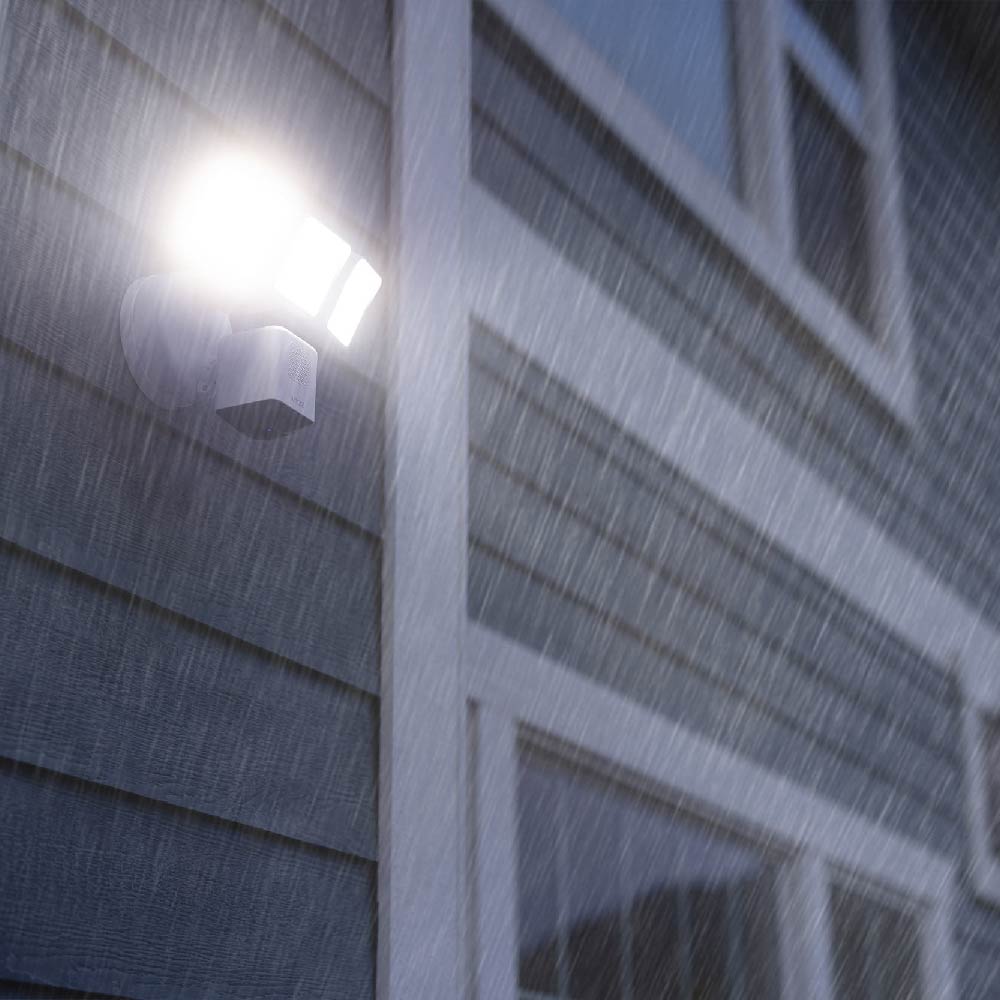
Yes, Wyze Cam Floodlight Pro is IP65-rated.

Yes, Wyze Cam Floodlight Pro has a microSD card slot that allows you to record 24/7 and store videos locally. The microSD card slot supports up to 256GB, formatted as exFAT or FAT32. 

Note: A MicroSD card is not included. To purchase one, consider checking out Wyze's MicroSD cards.

When motion is detected during the scheduled time of the day, the floodlight turns on for a customized period of time and turns off. The motion type and schedule are customizable. Users can enable/disable this motion-activated light in the Floodlight Setting in the Wyze app. Note that the motion-activated light is enabled by default with a schedule from sunset to sunrise. Detection zones can be customized in the Wyze app as well.

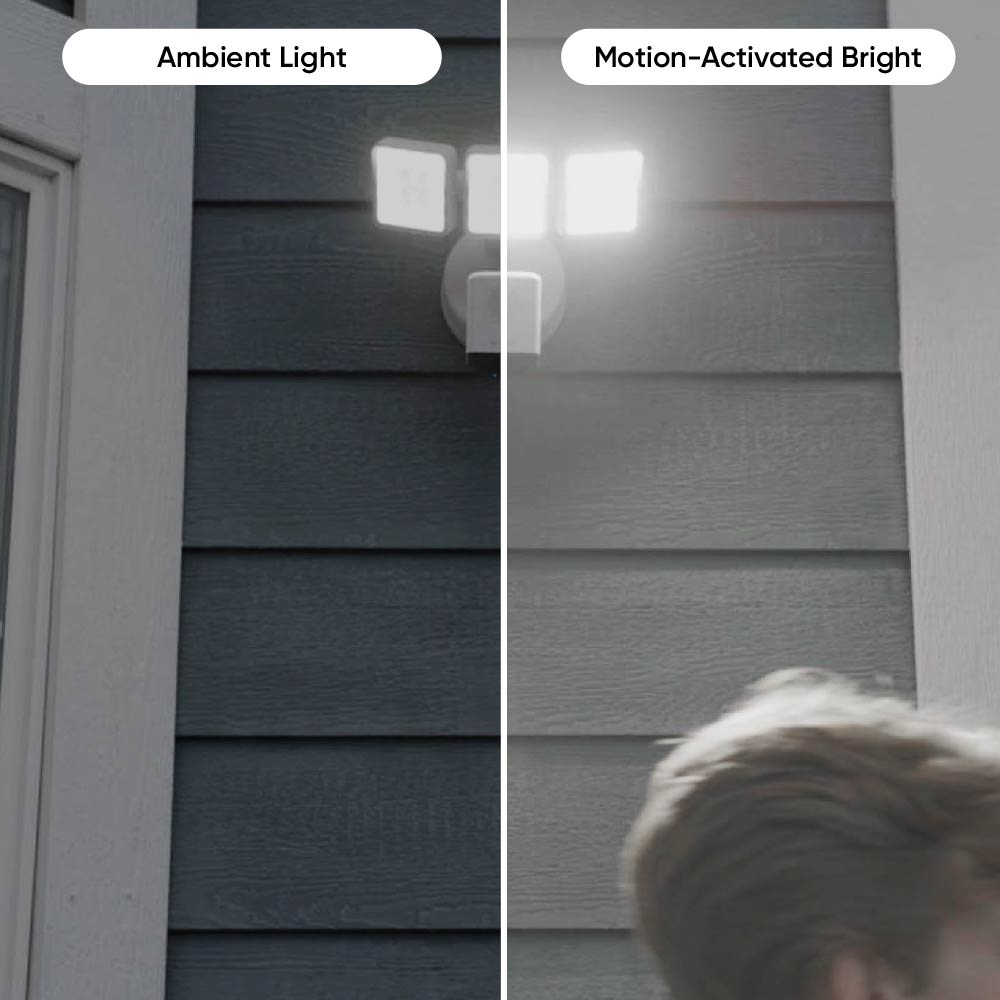
Ambient light mode keeps the Wyze Cam Floodlight Pro's LEDs illuminated softly between motion detections during the scheduled time of day. Users can enable this in settings within the Wyze app, and then customize the brightness and schedule for this mode—the default is 10% brightness from sunset to sunrise.

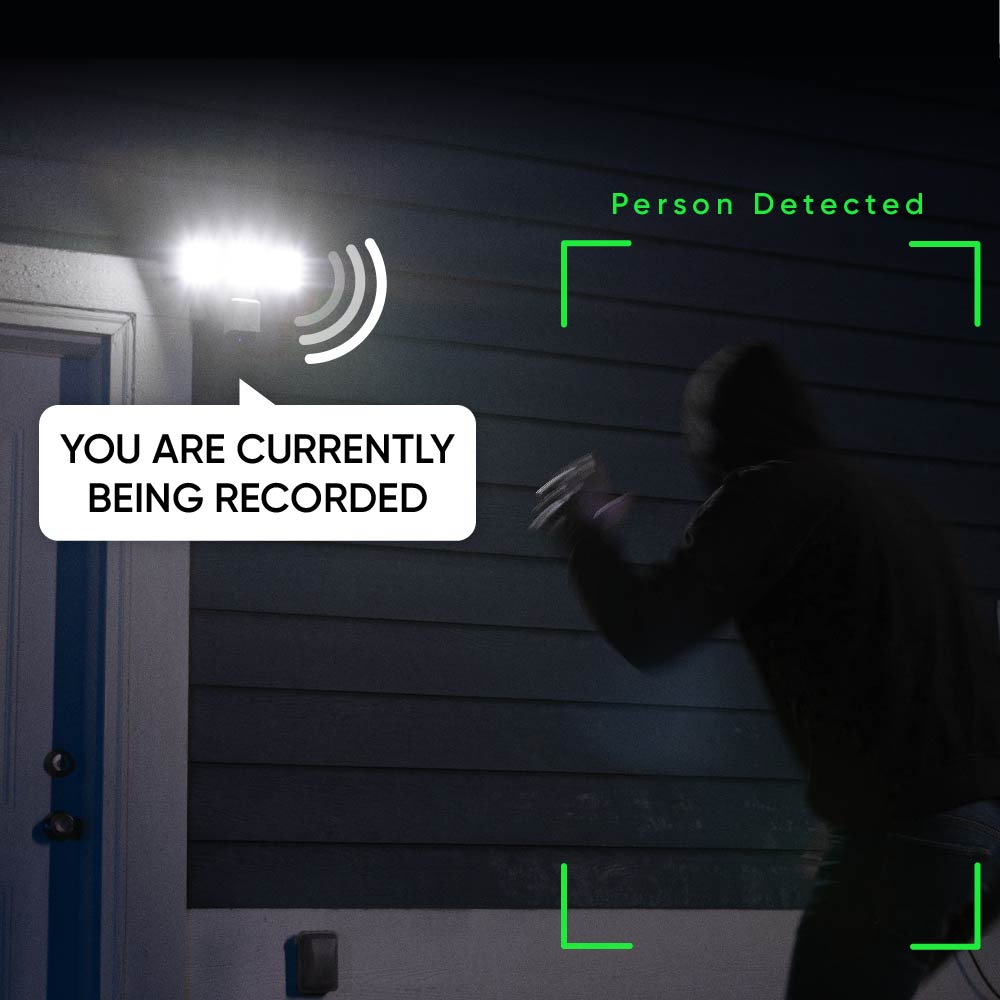
Motion Warning is a security feature to warn and deter intruders. With this feature enabled, when a Person is detected, the camera speaker will play a voice clip every 10 seconds, announcing that the intruder is currently being recorded.

No, you cannot.

Wyze Cam Floodlight Pro does not offer the ability to add/power additional cameras. Its increased 180° field-of-view and 2.5K resolution offers more coverage in greater detail. Gone are the days of needing to check multiple live streams or getting duplicate notifications from the same motion. If you need an additional port, to power a second camera, please consider checking out our Wyze Cam Floodlight

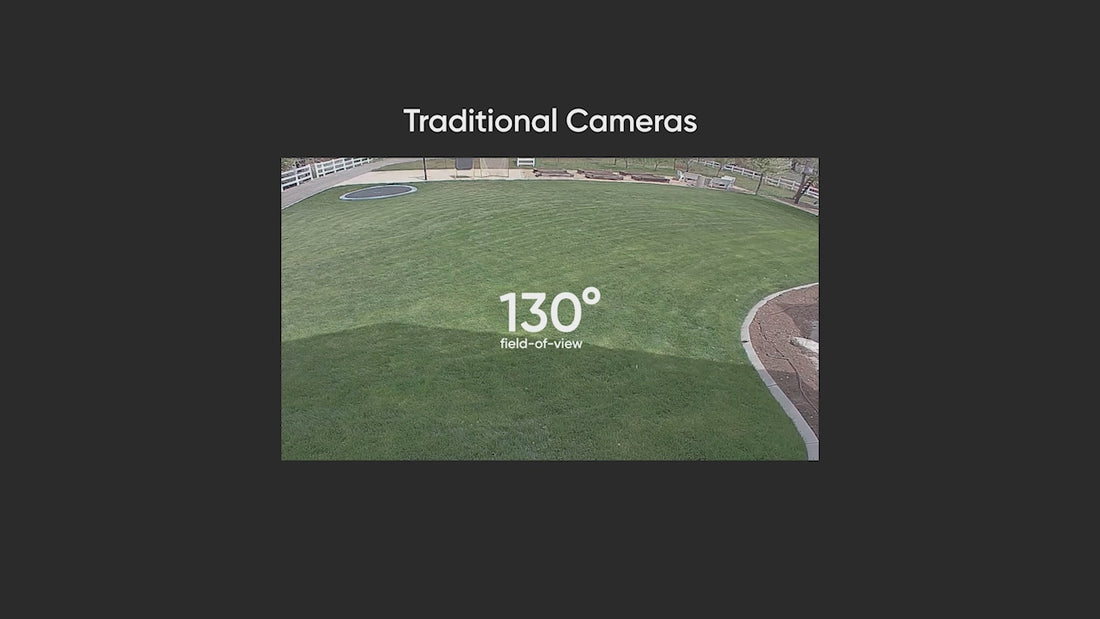
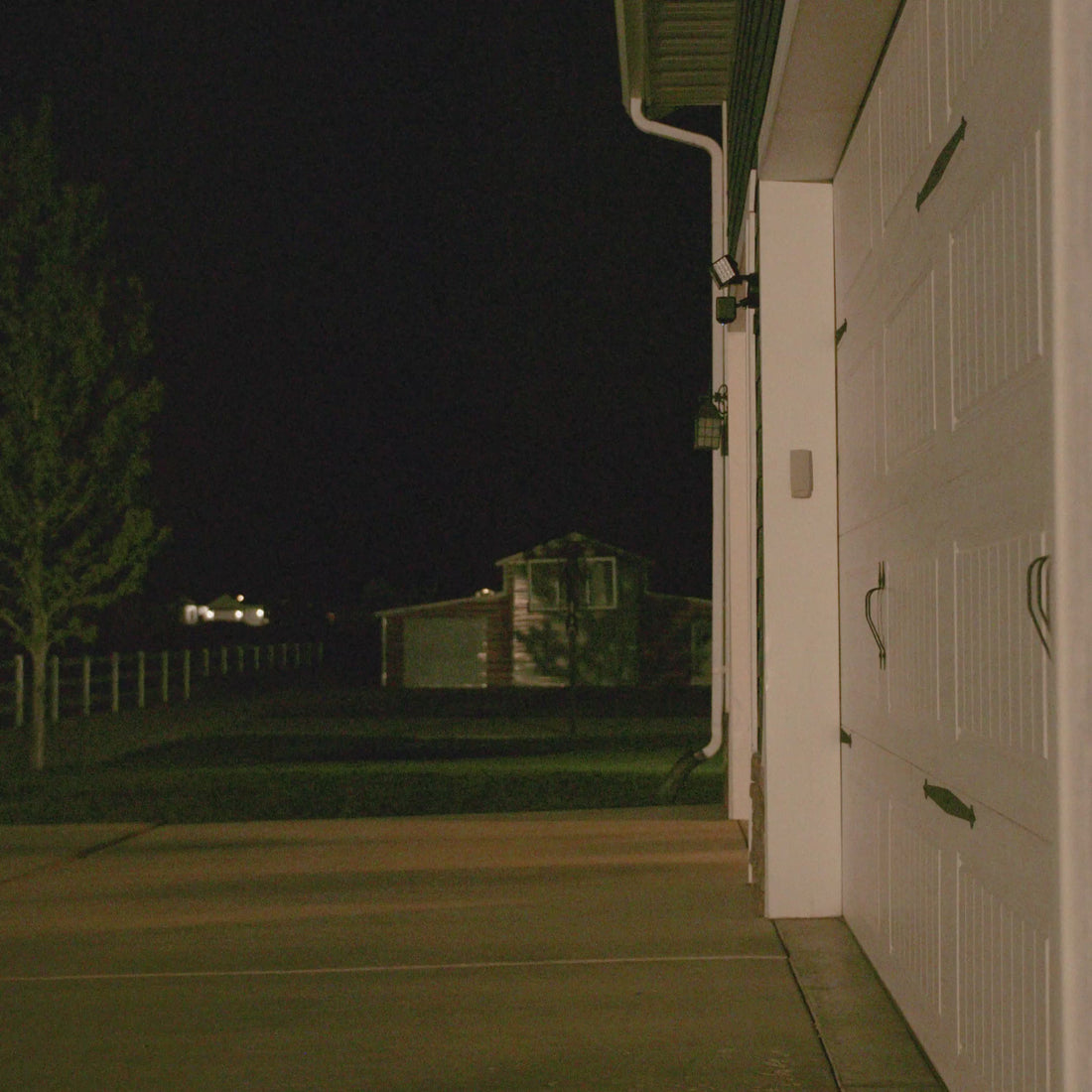
Admirez l'ensemble du paysage grâce à la vue la plus large du jeu.

Un projecteur professionnel offrant un champ de vision de 180°, le meilleur de sa catégorie, vous permet de protéger votre propriété d'un bout à l'autre avec moins d'angles morts.

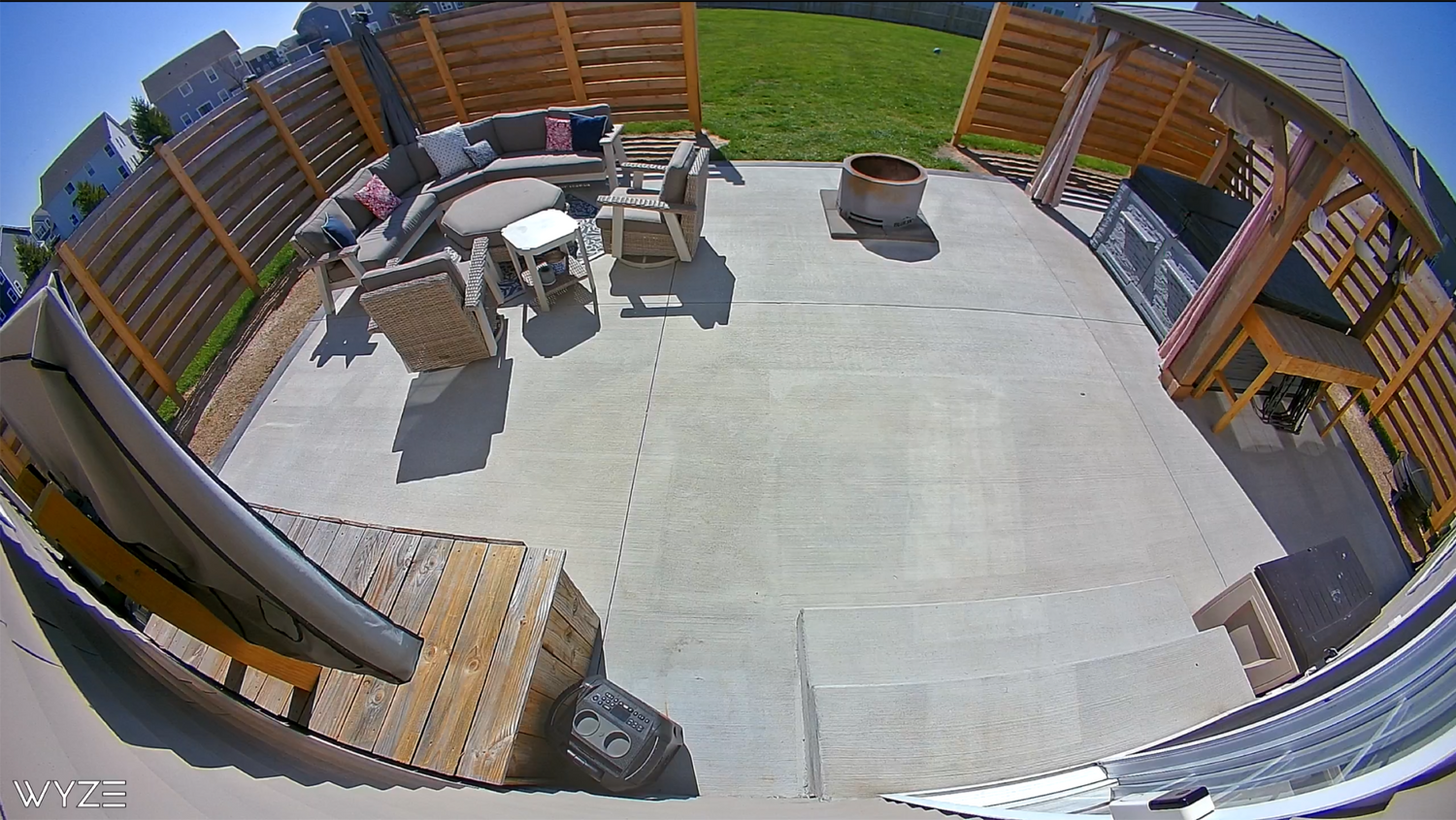
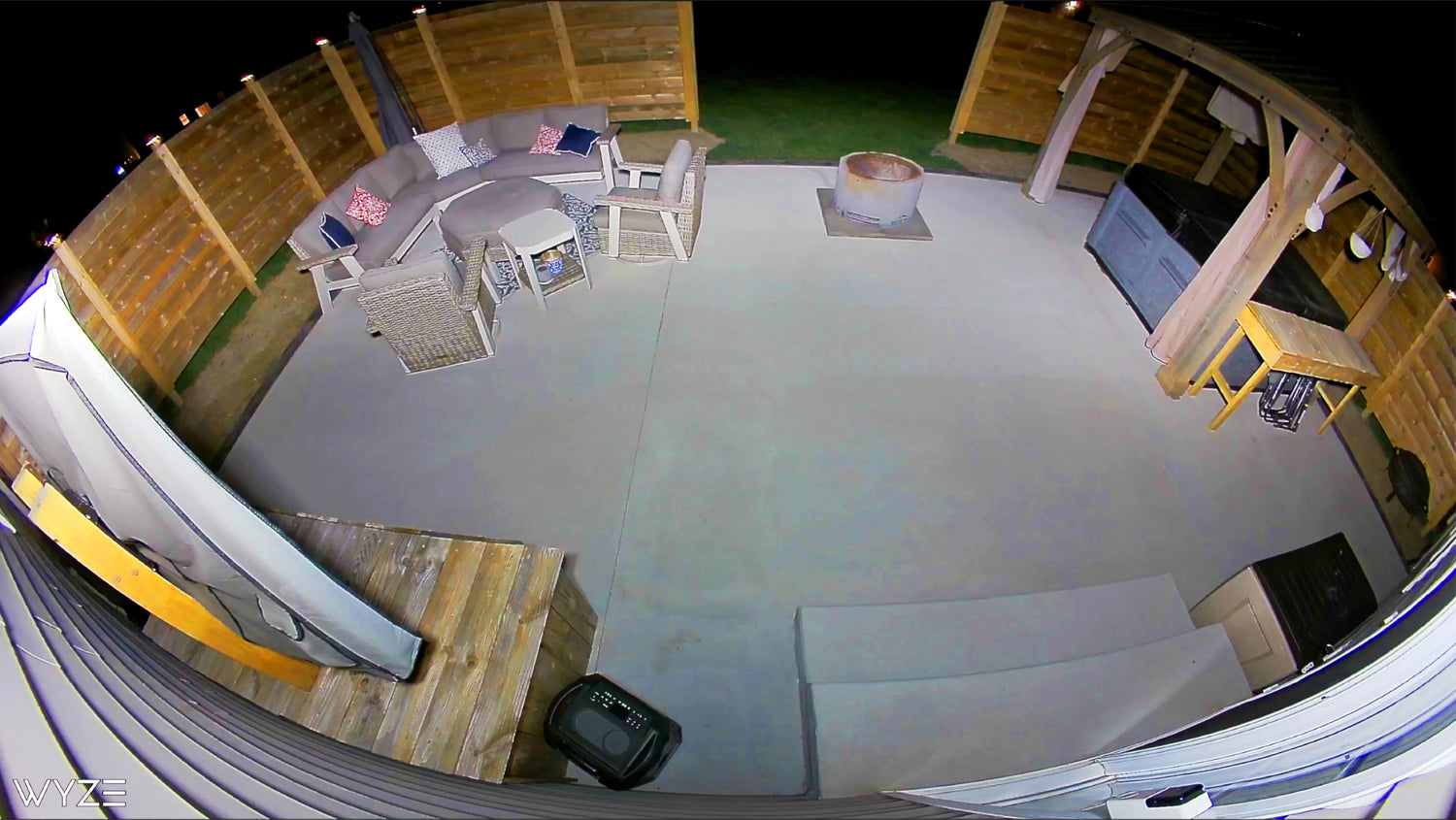
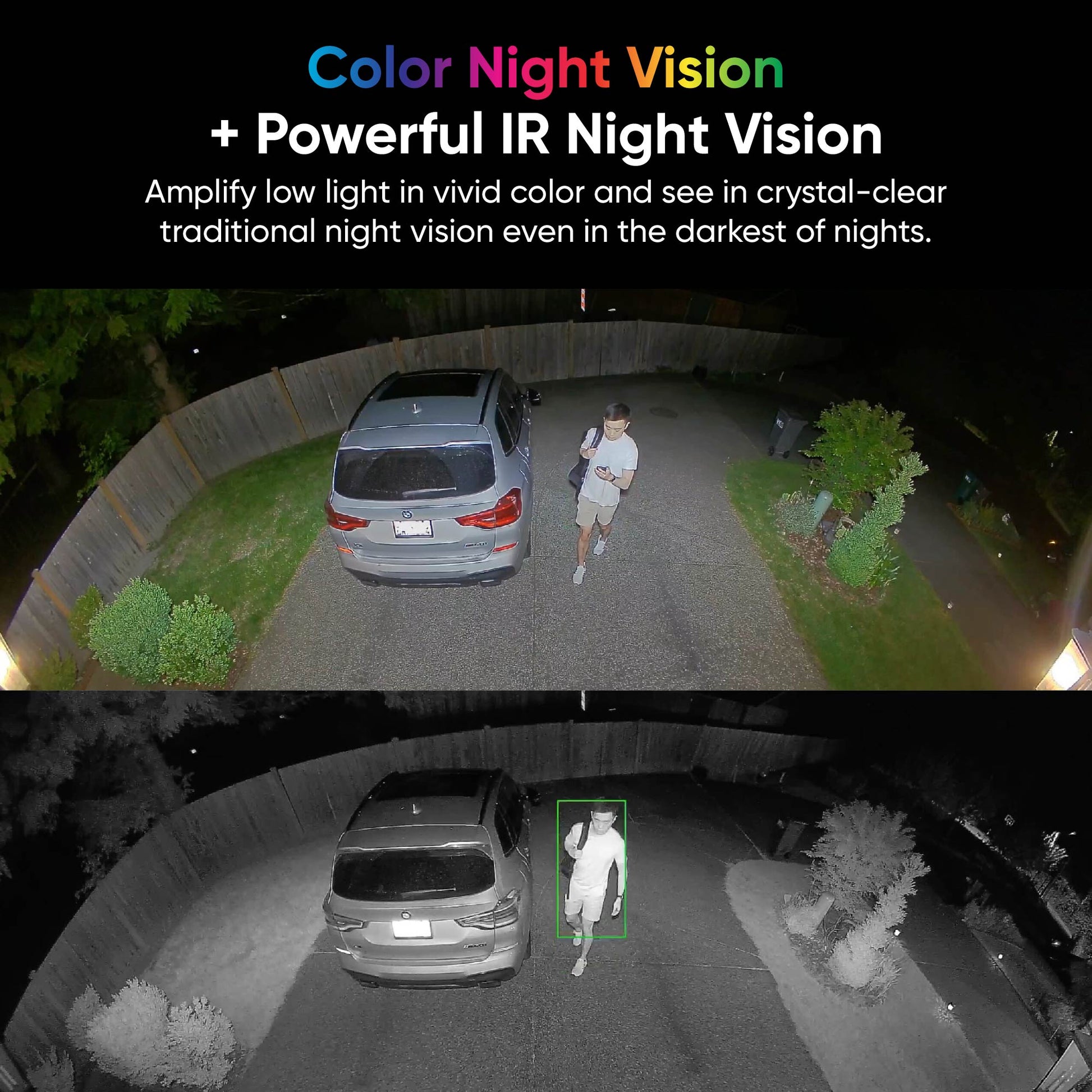
Capturez plus de détails grâce à la résolution QHD 2,5K et à la vision nocturne couleur.

Découvrez des images et des vidéos d'une netteté exceptionnelle grâce à la clarté Quad HD. De jour comme de nuit, profitez d'une vidéo d'une netteté à faire pâlir d'envie le bacon. Miam, du bacon !

A patio with a fire pit and a wooden deck. A backyard at night with a fire pit and a patio set.

Jour

Nuit

Des éclairages à détection de mouvement plus précis, alimentés par une intelligence artificielle de vision.

Dites adieu à la technologie PIR encombrante. Grâce à l'intelligence artificielle intégrée, la vision par ordinateur détecte les mouvements et allume les lumières uniquement autour des objets que vous sélectionnez, comme les personnes et les véhicules. De plus, recevez des notifications sur votre téléphone. Aucun abonnement requis.

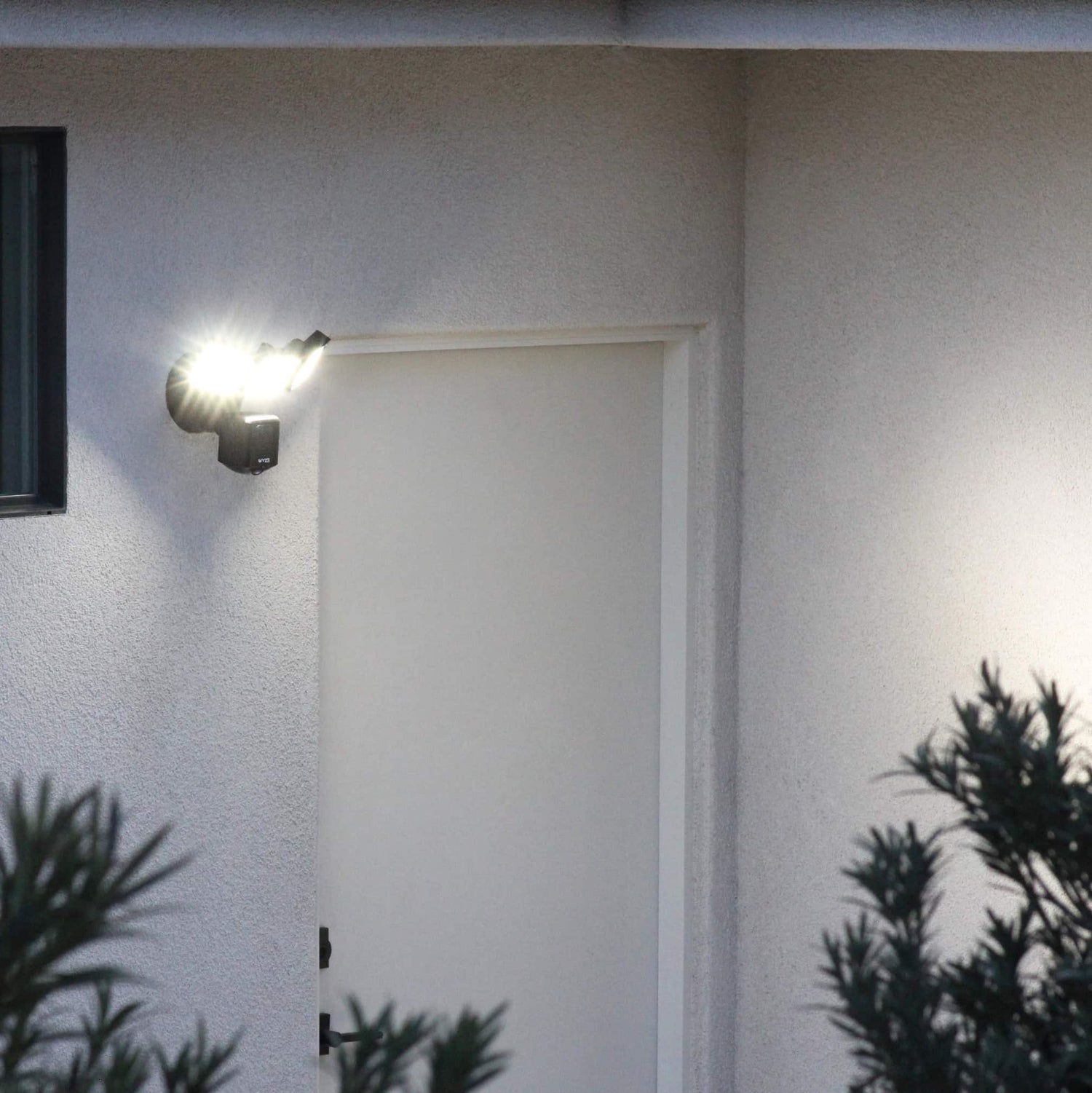
A light is shining on a door.

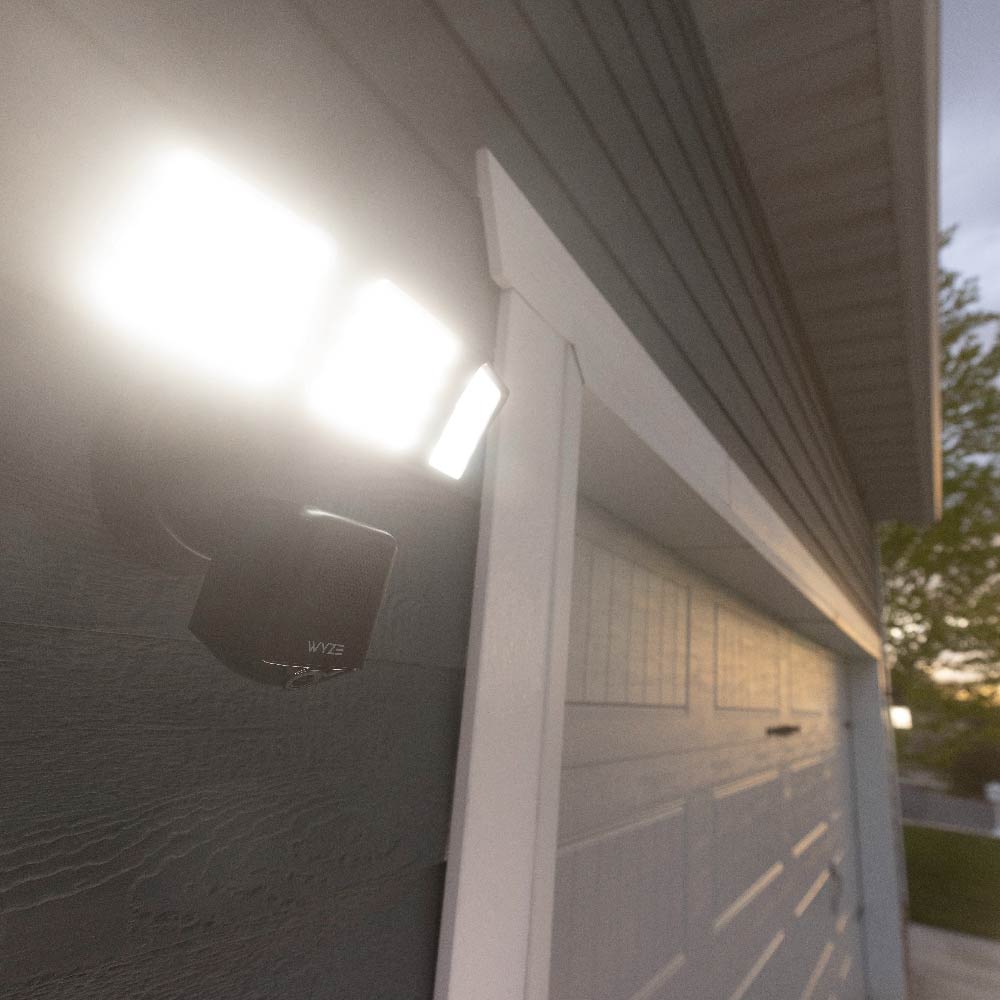
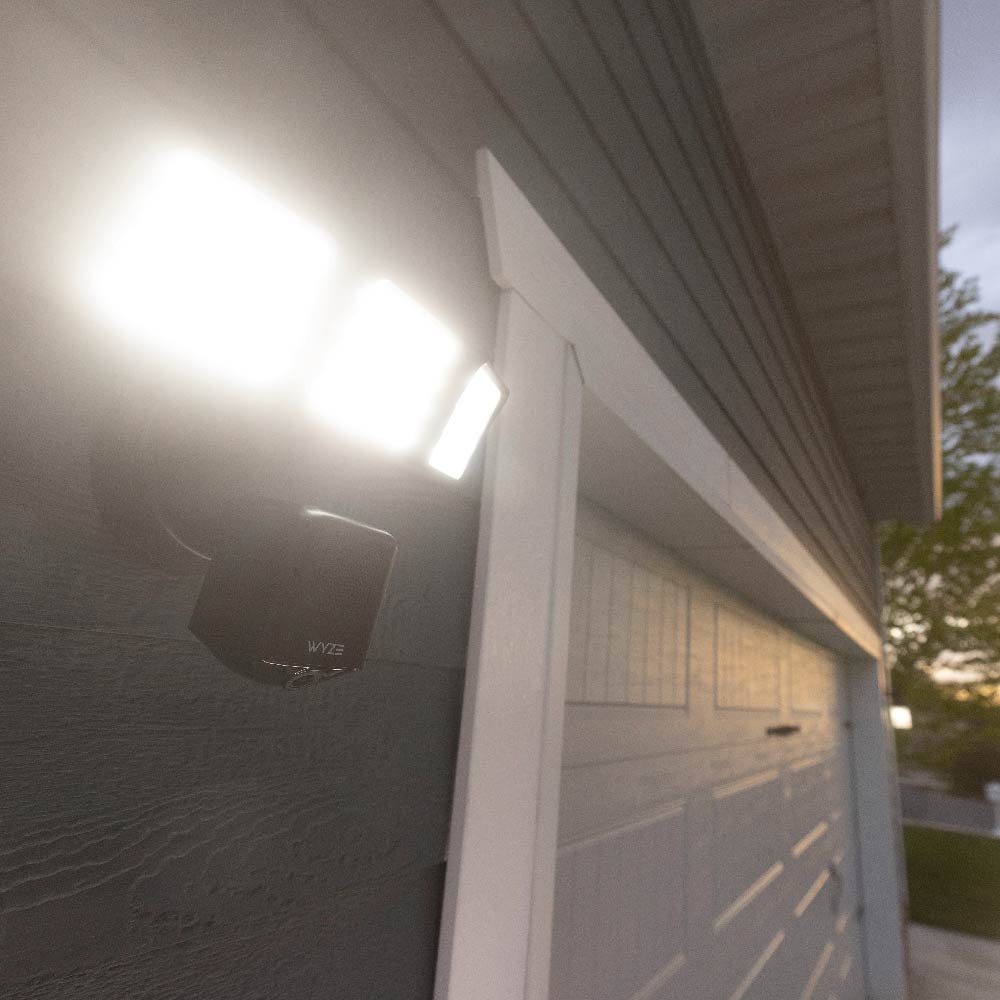
Des rayons ultra-brillants pour chasser les méchants.

Des LED réglables et à intensité variable projettent jusqu'à 3 000 lumens pour un éclairage de guidage ou de sécurité efficace. Trois panneaux articulés indépendants permettent de personnaliser l'éclairage selon vos besoins.


Plus lumineux à plus d'un titre.

La Wyze Cam Floodlight Pro cache quelques nouvelles fonctionnalités dans sa manche.

A comparison of two lighting options, one being motion-activated brightness.

Mode lumière ambiante.

Une fois activée, elle diffuse un éclairage d'ambiance constant et augmente automatiquement sa luminosité en cas de détection de mouvement. C'est comme une veilleuse inversée pour les cambrioleurs et les rôdeurs.

A person is being recorded.

Dissuasion vocale activée par le mouvement.

Des beaux-parents aux hors-la-loi, le message vocal qui ne se déclenche que lorsqu'une personne est détectée et la sirène intégrée de 105 dB dissuaderont à coup sûr tous types de visiteurs indésirables.

A white camera with a blue background.

Restez connecté grâce au Wi-Fi double bande.

Connecter votre projecteur est plus facile et plus rapide que jamais grâce au Wi-Fi double bande qui prend en charge les réseaux 2,4 et 5 GHz.

A bright light is shining on the side of a house.
A bright light on the side of a house.
A light on the side of a house.
A bright light on a house.
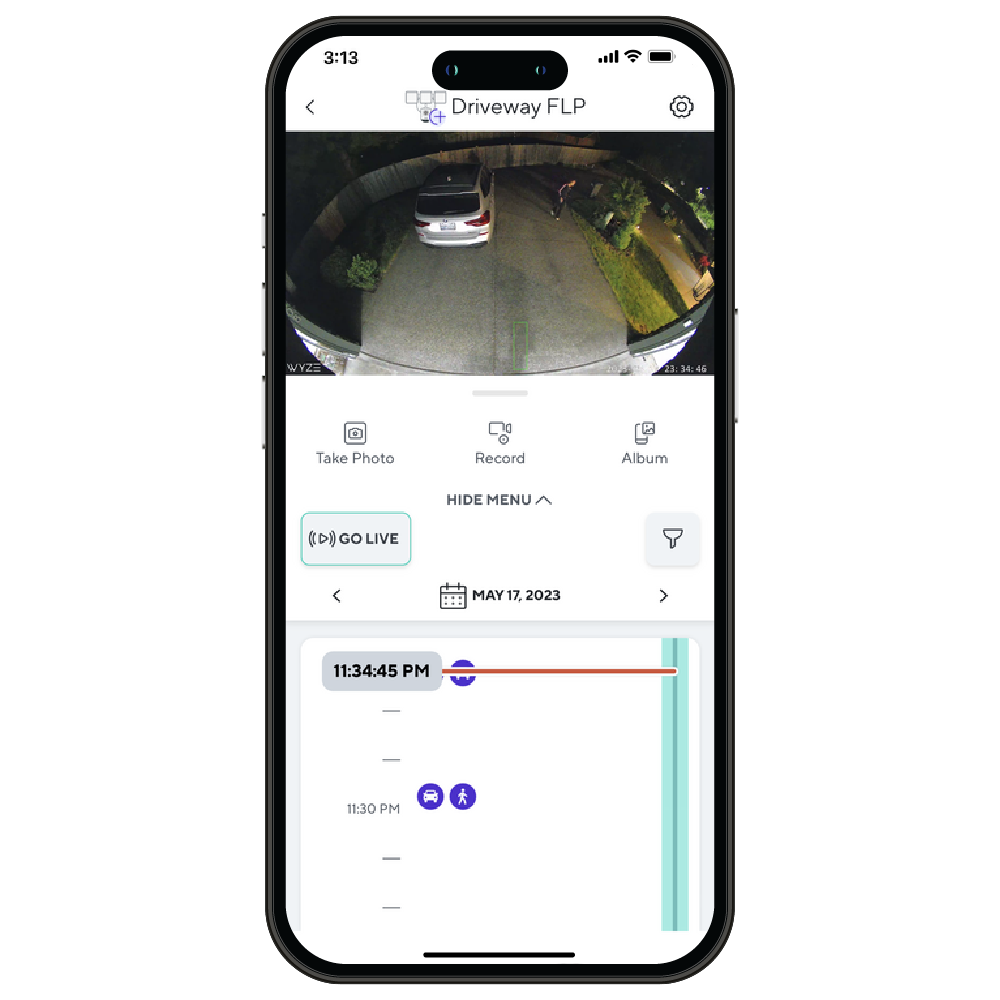
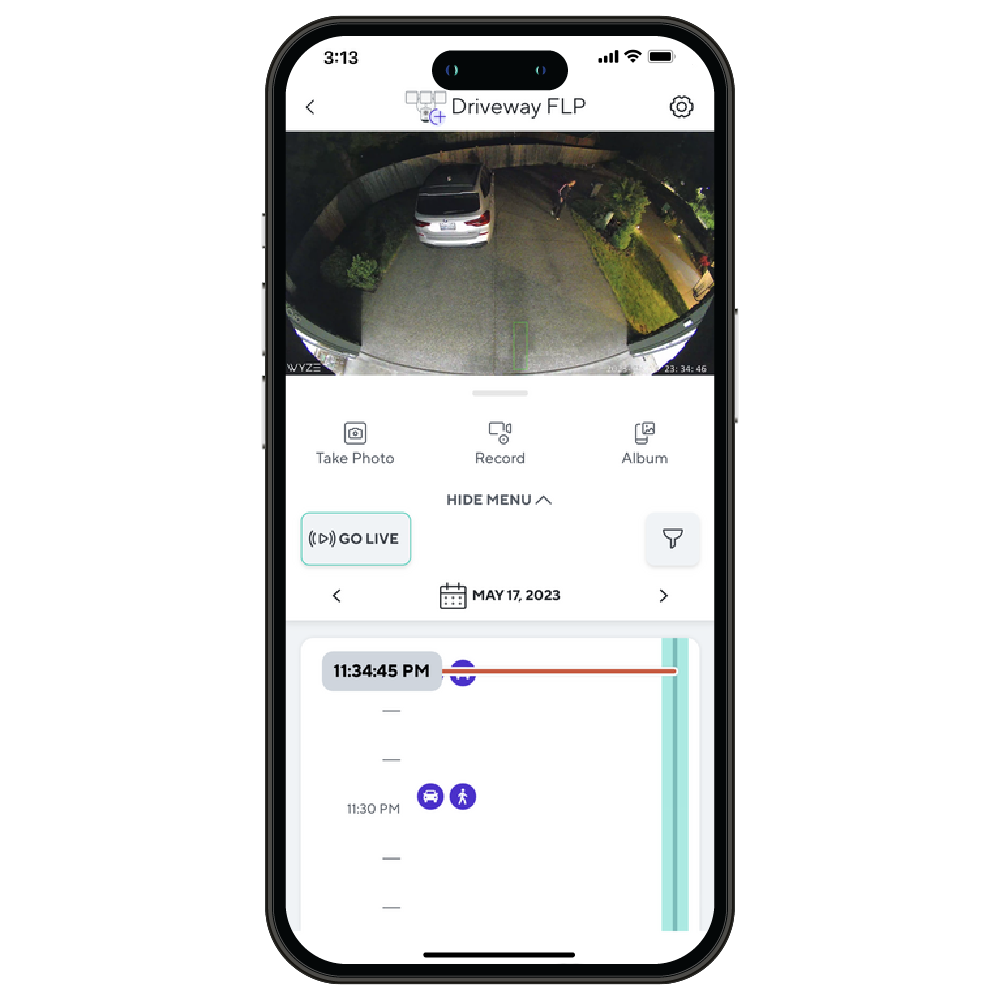
A smartphone displaying a live feed of a driveway.
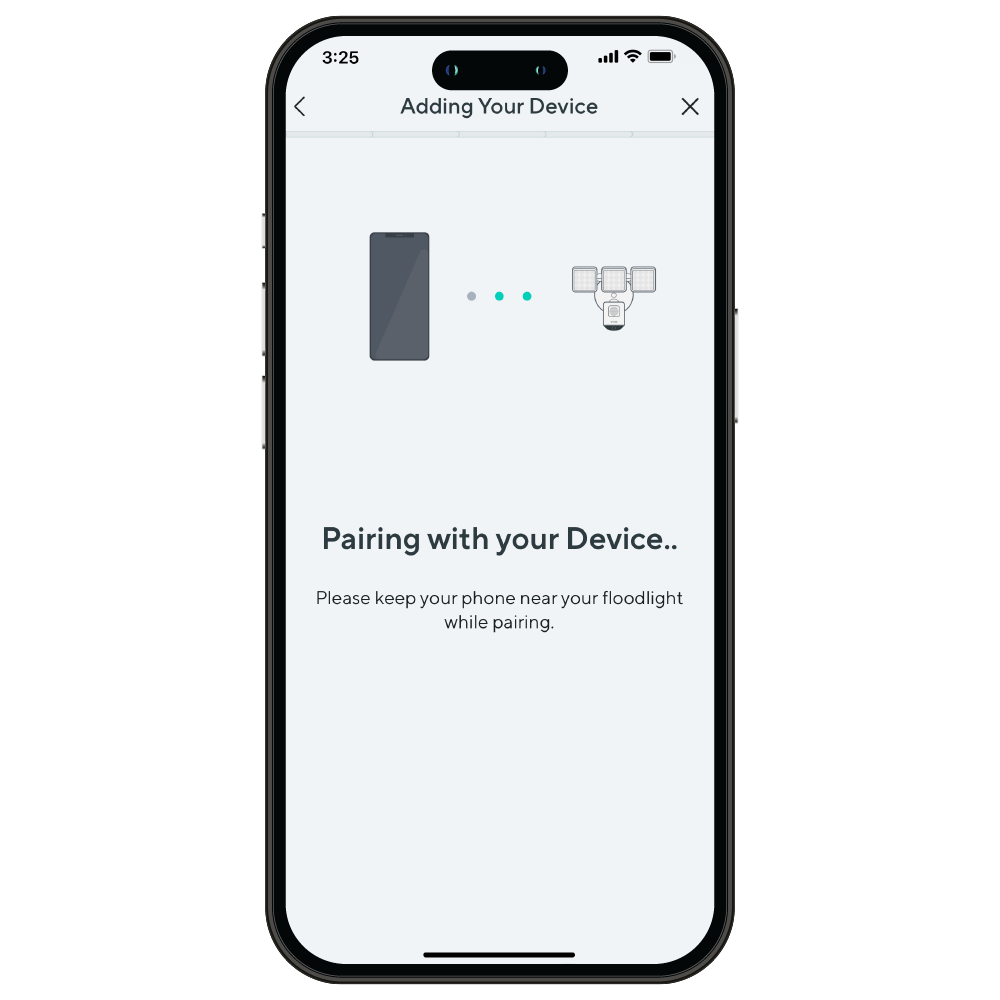
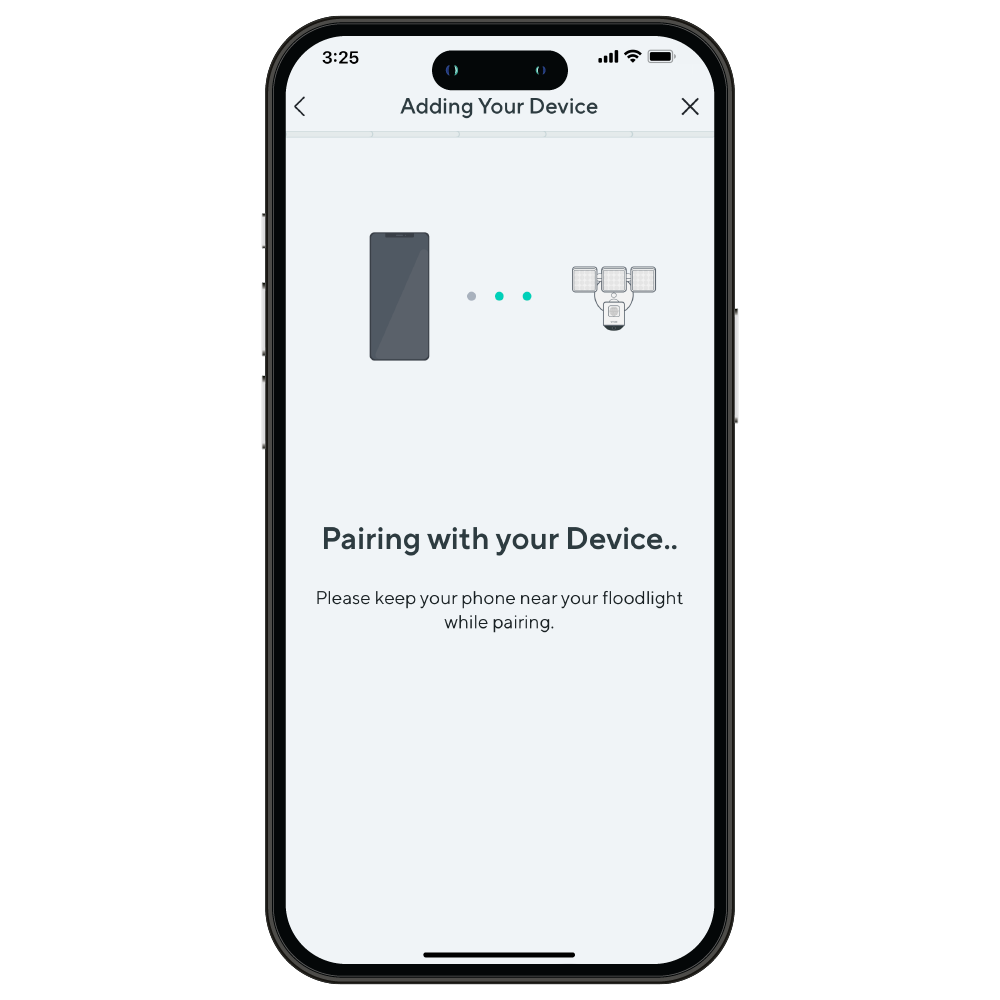
A smartphone screen with a message about pairing with a device.
A smartphone with a message on the screen.

Encore plus de puissance Floodlight Pro

La caméra Wyze Cam Floodlight Pro détecte le lever et le coucher du soleil. Branchez-la et n'ayez plus jamais à vous soucier de votre interrupteur.

Saviez-vous que la loutre de rivière est l'animal le plus résistant aux intempéries ? Et saviez-vous que la Wyze Cam Floodlight Pro est elle aussi extrêmement résistante aux éléments ? De plus, elle est tout aussi mignonne avec ses trois têtes.

Capturez et visualisez jusqu'à 30 jours avec une carte microSD de 256 Go (vendue séparément).

Plus besoin de scanner de code QR. L'installation est rapide et facile grâce à Bluetooth®.

Installation ultra-simple, vraiment !

Installation facile. Remplacez votre projecteur existant en moins de 20 minutes grâce à notre guide d'installation facile à réaliser soi-même. Regardez la vidéo ci-dessous pour vous en convaincre.

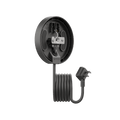
A white camera with a floodlight plugged into it.

Ajoutez un support de projecteur à brancher si vous préférez une prise de courant.

Plus besoin de faire appel à un électricien ! En suivant quelques instructions simples, vous pouvez désormais installer vous-même une caméra avec projecteur. Ni boîte de jonction, ni câbles électriques encombrants ne sont nécessaires. En savoir plus .

Idéal pour ceux qui ont une prise extérieure pratique et pour les locataires.

Achetez maintenant

Comparer les projecteurs

Swipe to compare more products →
Comparer les projecteurs
Wyze Cam Floodlight Pro est une caméra 2.5K QHD avec un objectif à large angle 180 et une lumière de 3000 lumens.
Wyze Cam Floodlight Pro
from $124.98 $149.98
Wyze Cam Floodlight v1 - Une puissante solution de sécurité extérieure avec une ampoule intégrée pour une visibilité accrue.
Wyze Cam Floodlight v1
from $79.99 $93.99
Résolution de la caméra
2,5K
2K
1080p
Champ de vision
180°
160°
130°
Lumens
3 000 lm
2800 lm
2 600 lm
Têtes de projecteur
3
2
2
Température de couleur
5000K
5000K
5000K
Connectivité Wi-Fi
Bandes de fréquence doubles 2,4/5 GHz
2,4 GHz
2,4 GHz
Commande d'éclairage Vision IA
Avec l'abonnement Cam Plus
Détection de mouvement
IA visuelle
PIR
PIR
Sirènes
105 dB
105 dB
105 dB
Mode lumière ambiante
Alerte mouvement
Mode de configuration de l'appareil
Bluetooth®
Wi-Fi
Code QR
Lumières infrarouges
12 x 850 nm
6 x 850 nm
4 x 850 nm, 4 x 940 nm
Compatibilité des cartes MicroSD
Jusqu'à 256 Go
Jusqu'à 256 Go
Jusqu'à 256 Go
Alimentation électrique
Câblé 110-120V
Câblé 110-120V
Câblé 110-120V
Intégrations intelligentes
Amazon Alexa, Google Assistant, IFTTT
Certifications
FCC, UL, CE, IC, IP65
View
View
View

Support Articles

Before you begin setup, make sure you have completed the installation steps for your Wyze Cam Floodlight Pro.

👉 Depending on the location of your junction box, a ladder may be required.

To set up your Wyze Cam Floodlight Pro:

  1. After completing the installation process in the Wyze app, tap Begin Setup. Floodlight not installed? Follow the steps listed in our Wyze Cam Floodlight Pro Installation Guide before beginning setup.
  2. Make sure that the status light under the camera changes from solid red to either flashing purple or solid blue. This may take up to 2 minutes. If the light does not turn on or update, press and hold the setup button on the back of the camera for 10 seconds to reboot.
  3. Check the box next to Light turned to flashing purple or solid blue then tap Next.
  4. Wait for a voice prompt. You should hear “ready to connect”. If there is no voice prompt within 2 minutes, press and hold the setup button on the back of the camera for 10 seconds until the status light turns red to reboot.
  5. Check the box next to It said, “Ready to connect.” then tap Next.
  6. If BluetoothⓇ hasn’t already been enabled, you’ll be prompted to allow BluetoothⓇ access. Tap OK. If BluetoothⓇ has already been enabled, it will skip to the next step. Setting up multiple floodlights at once? Select the last 4 digits of the floodlights’ MAC addresses. The MAC address can be found on the side of the floodlight’s base.
  7. Select your 2.4 GHz or 5 GHz Wi-Fi network and enter your network password. Tap Next. Tap the icon in the password field to display the password to ensure it was entered correctly.If your floodlight location is far from your router or there are multiple walls between them, we recommend selecting your 2.4 GHz Wi-Fi network.
  8. Name your Wyze Cam Floodlight Pro using the text field, or by choosing a suggestion. Tap Finish when done.
  9. You are all set! Your floodlight is set up and ready to go. Tap Done.
  10. You may have a prompt for a free trial of Cam Plus. Tap Continue.
  11. Set up some automations on the Things to Try* page, or tap Skip.
  12. If you want to share your device, tap Share Device. If not, tap Maybe Later.

Things to Try: Tap Create or edit a device group, Share this device, Automate your device, or Skip. These are quick ways to set up a few automations before you finish setup. When you complete a task, it'll display a green checkmark ✅. You can move on from this page by tapping Skip.

This guide is a short user manual with the basics about Wyze Cam Floodlight Pro, including:
  • How to download the Wyze app.
  • What is included in the box.
  • How to set up the floodlight.
  • Where to install the floodlight.
  • How to do a ceiling/overhang mount.
  • How to do a wall mount.
  • How to understand the status lights.

The Sharing feature lets other people access and use your Wyze Cam Floodlight Pro. Have a family member or other close friend who wants to check on the floodlight? You can share it with them right from the Wyze app.

Important: Only share your Wyze devices with people you know and trust.

To share your Wyze Cam Floodlight Pro:

  1. In the Wyze app, tap on your Wyze Cam Floodlight Pro.
  2. Tap the settings gear to open your device settings.
  3. Tap Sharing, then Share with a new user.
  4. Enter the email address of the person you want to share your floodlight with. Or, select someone from your Recent Shares list.
  5. Tap Share.

What can a shared user do?

Shared users will be able to:
  • View the live stream and Event videos.
  • Record the live stream.
  • Turn notifications on/off.
  • Create Automations.
  • Use 2-way audio.
  • Turn the siren on/off.
  • Use the manual Take Photo and Record buttons.
  • Turn the floodlight on/off.
  • Turn Night Vision on/off.
  • View the Device Info.
  • Remove the device from their Wyze app.
Shared users will not be able to:
  • Share a device shared with them.
  • Rename a device shared with them.
  • View microSD card footage.

Keep in mind:

  • You can share your Wyze Cams with up to 250 users.
  • There is no limit to the number of Wyze devices you can share.
  • The sharing feature is set per device. To share multiple devices, you'll have to invite users to each manually.
Added to your cart
Livraison GRATUITE pour les commandes de 59 $ et plus
Subtotal
$0.00
View cart