Ir directamente al contenido
View our Accessibility Statement
Ir directamente a la información del producto
1 de 16

Cámara panorámica Wyze Cam v4

Cámara panorámica Wyze Cam v4

Captura tu vida en 4K.

2025 Bestseller
Trusted in Millions of Homes

4K Color Night Vision

Pan and Tilt

Dual Band WiFi

AI-Powered

Motion Tracking

Wyze Cam Pan v4 (Color)
Embalar
$59.98
Quantity: 1
1
2
3
4
5
6
7
8
9
10
En existencias
Get it as soon as
30-day hassle-free returns.
En existencias
$0.00 FREE / 1 month
14-Day Cloud Storage
Smart Detections & Notifications
Subscriber Discount

*Cam Plus subscription auto renews at $2.99/month/cam after the first month. No commitment, cancel anytime. Plan is not compatible with existing Cam Plus Unlimited plans.

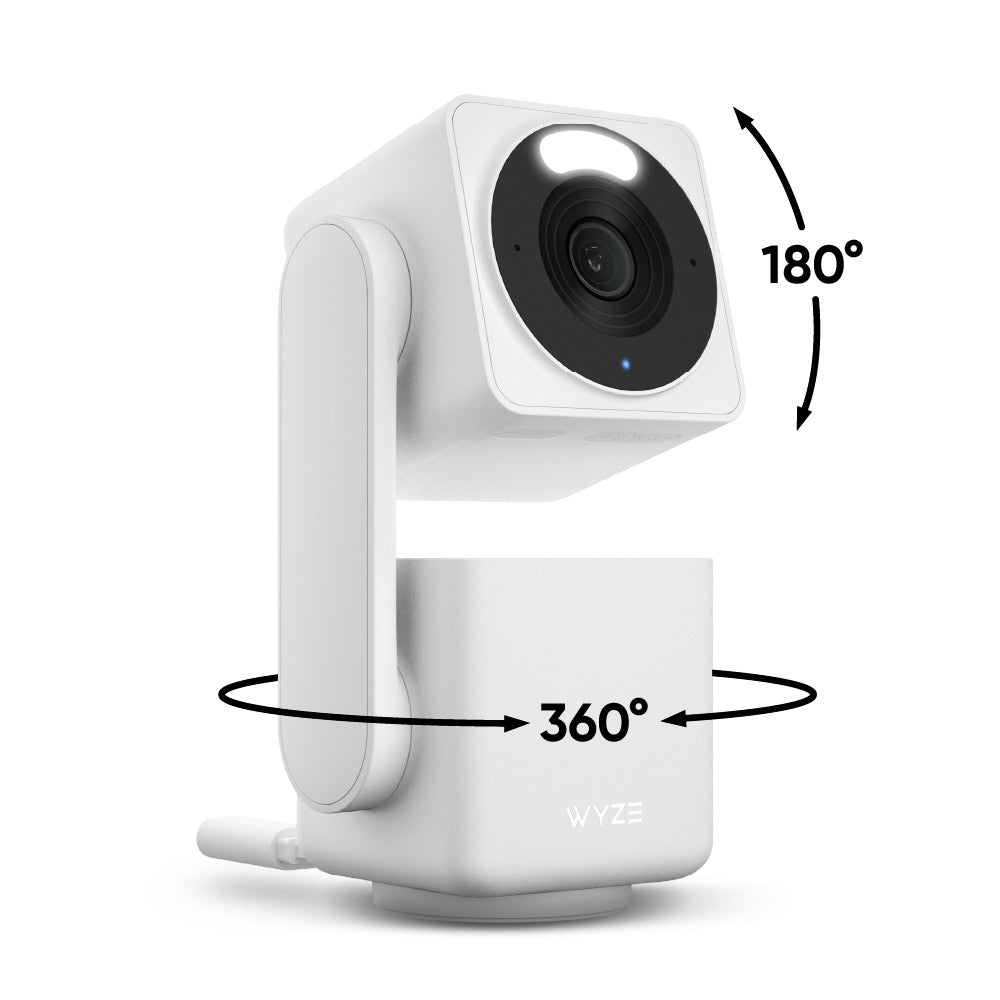
La cámara Wyze con panorámica de 360° e inclinación de 180° más vendida ahora está de vuelta con calidad 4K Ultra HD.

Requiere la versión 3.7 de la aplicación Wyze

Ver todos los detalles
  • Resolución de video 4K Ultra HD

    Captura cada detalle con una grabación nítida.

  • Cobertura panorámica de 360° y inclinación de 180°

    Control remoto a través de la aplicación Wyze para cobertura de toda la habitación.

  • Seguimiento de objetos impulsado por IA

    Seguimiento de personas, mascotas y vehículos con prioridad personalizable.

  • Wi-Fi de doble banda

    Mantenga una conexión fuerte en redes de 2,4 y 5 GHz.

Especificaciones técnicas de la Wyze Cam Pan v4

Color y materiales
  • Color: blanco
  • Acabado: Mate texturizado
  • Materiales: Cuerpo: Policarbonato, Lente: Vidrio + plástico
Dimensiones
  • Dimensiones (alto, ancho, profundidad): 124,7 mm x 63 mm x 55 mm
  • Peso: 274,8 g (0,61 libras)
Video
  • Resolución: Resolución 4K/8MP (3840 x 2160)
  • Campo de visión: 105,4° (D), 88° (H), 46° (V)
  • Rango de giro e inclinación: 360° (H) x 180° (V)
  • Vídeo FPS: Diurno - 20 fps, Nocturno - 15 fps
  • Zoom digital: 8x
Audio
  • Altavoz y micrófono integrados de 100 dB
Fuerza
  • Cable plano tipo C a USB-A de 6 pies (1,8 m)
  • Adaptador de corriente: Entrada: 110-240 V (CA), Salida: 5 V/2 A
Detalles adicionales
  • Visión nocturna: 2 LED IR (850 nm) + LED de foco blanco (60 lúmenes)
  • Visión nocturna en color
Sensor
  • Sensor de imagen: CMOS de 1/2,7'
Almacenamiento
  • Admite hasta 512 GB de almacenamiento local (se requiere tarjeta microSD, se vende por separado)
  • Nube (AWS) con plan de seguridad Wyze
Temperatura
  • Temperatura de almacenamiento: -4 °F-122 °F (-20 °C-50 °C)
  • Temperatura de funcionamiento: -40 °C-70 °C
Resistencia a la intemperie
  • Resistente a la intemperie IP65
  • Compatible con interiores y exteriores*
Nota: *Requiere el adaptador de corriente universal para exteriores Wyze (se vende por separado,Aprende más).
Conectividad y compatibilidad
  • Wi-Fi: 802.11a/b/g/n/ac/ax, 2,4/5 GHz, Wi-Fi 4/5/6
  • Compatibilidad con aplicaciones de teléfono: Android 10.0+, iOS 16.0+
  • Integraciones: Alexa, Asistente de Google, IFTTT
Idiomas
  • Inglés
Garantía
  • 1 año
Nota: Se requiere la aplicación Wyze 3.7
  • Cámara panorámica Wyze Cam v4 x1
  • Cable USB tipo C a tipo A de 6' x1
  • Adaptador de corriente x1
  • Soporte de montaje y kit x1
  • Guía de inicio rápido x1

Wyze Cam Pan v4 is not battery-powered; it runs on a 1.8 m (6 ft) USB-A to USB-C cable and connects via Wifi.

Great question! To use Wyze Cam Pan v4, you will need Wyze app version 3.7
Available in both Apple and Google Play store. 

You asked, we answered: 4K Ultra HD (3840 x 2160).

The entire camera rotates, and the top lens points down. When it turns off, the entire camera rotates back to its original position.

Day: 20 FPS + 10 FPS for low light; Night: 15 FPS.

Yes, Wyze Cam Pan v4 is IP65-rated and can be used both indoors and outdoors. Just be sure to cover the SD card slot to avoid water damage. Wyze Universal Outdoor Power Adapter (sold separately; learn more) is required for outdoor use.

No, the included power cable is not outdoor-rated or waterproof, and it is not intended for outdoor use. To use your Wyze Cam Pan v4 outdoors, you'll need a Wyze Universal Power Adapter (sold separately; learn more).

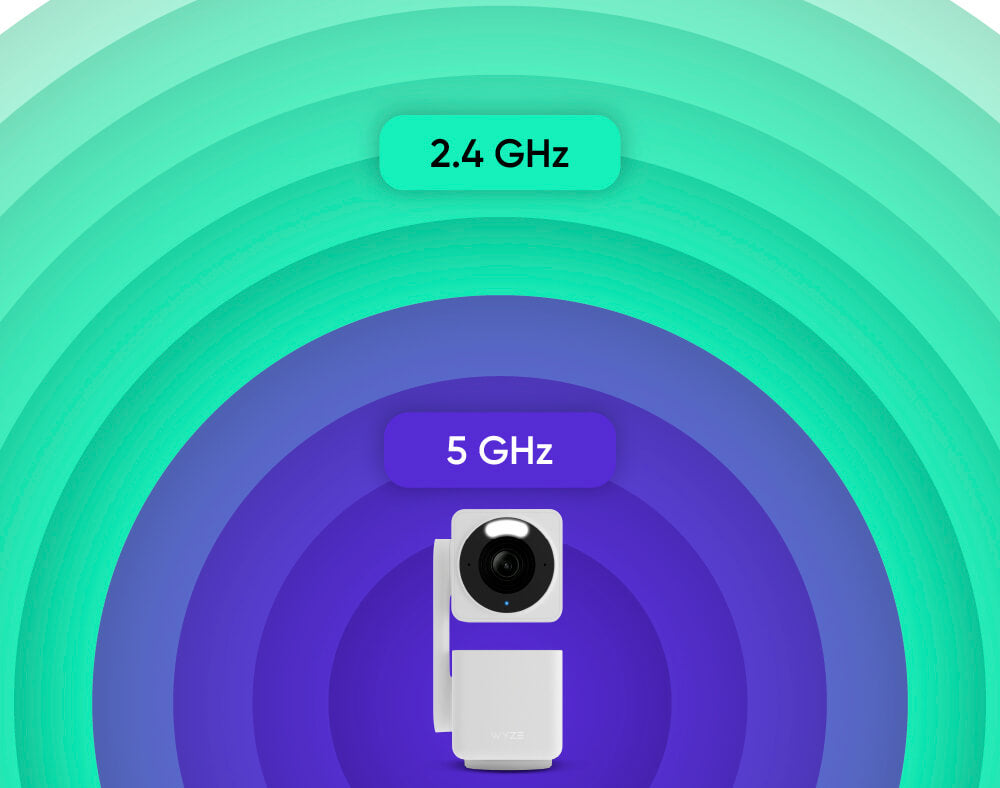
Yes, Wyze Cam Pan v4 supports both 2.4 GHz and 5 GHz networks.

Yes, Wyze Cam Pan v4 supports Wyze Web View. (Requires a subscription to Cam Plus, Cam Unlimited, or Cam Unlimited Pro)

Currently, no. However, Wyze Cam Pan v4 will be compatible with Wyze Lamp Socket v2 soon. Keep an eye out for the upcoming app release. 

Wyze Cam Pan v4 is equipped with a starlight sensor that allows the camera to see in full color at night. To use it, turn off Night Vision in the Wyze app in low light conditions.

It’s normal for the top of your Wyze Cam Pan v4 to feel warm to the touch while it’s operating. The internal components are working as intended! For safe handling, especially when moving the device, please hold it from the camera’s base.

Small camera device with water droplets on a dark surface

Now Available in Black.

Your 4k view just got a whole lot darker.

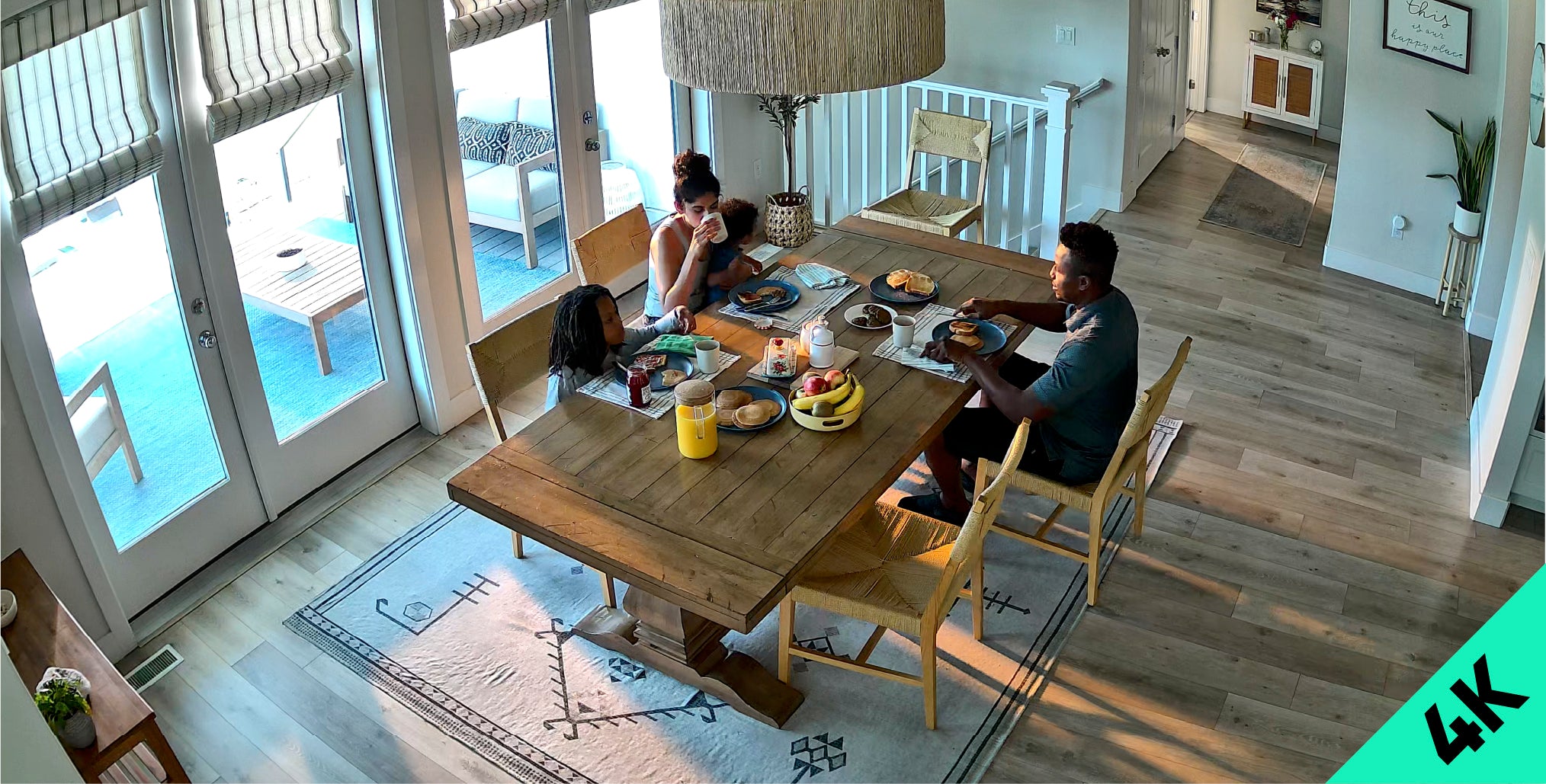
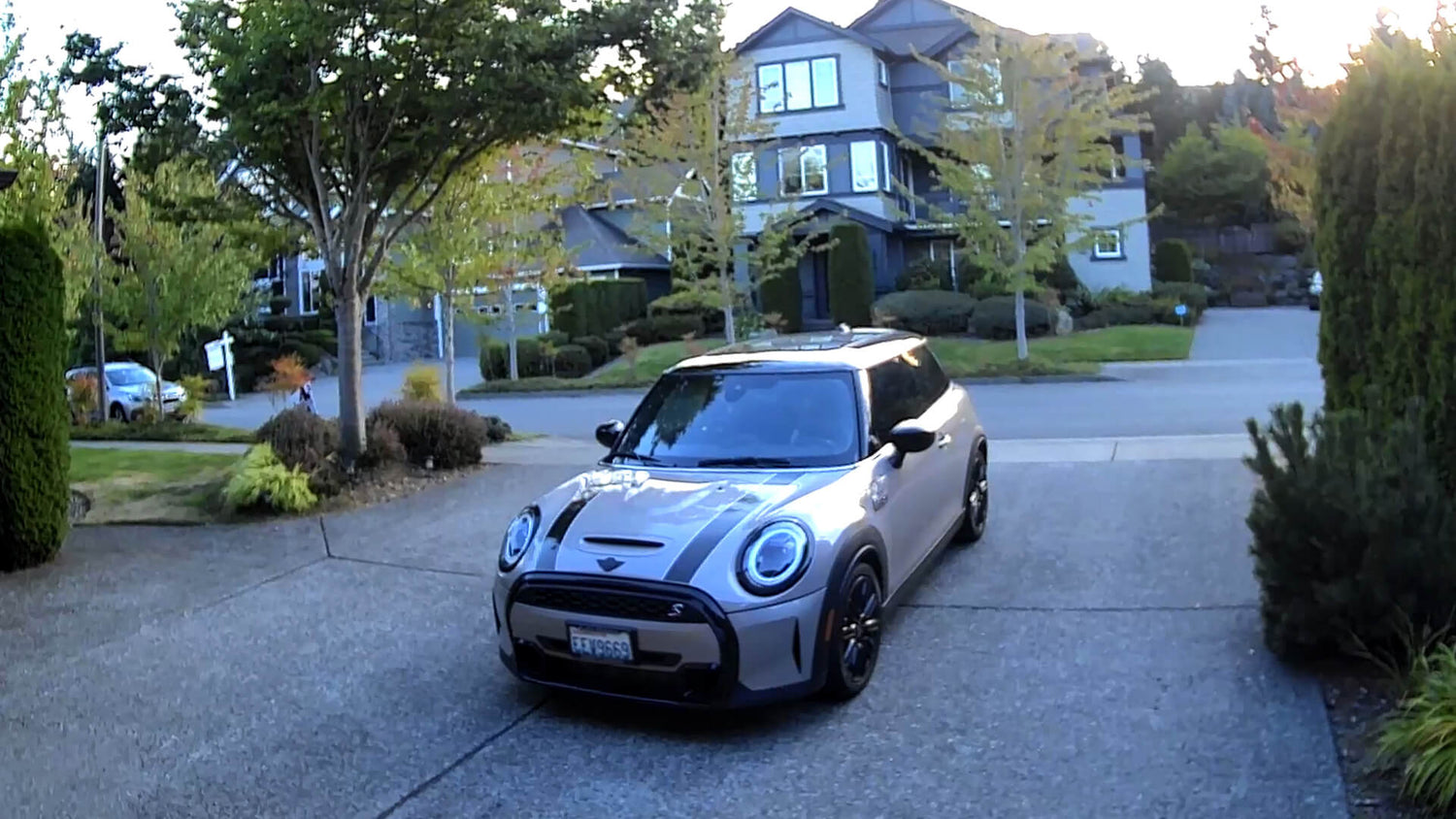
Captura la vida con una impresionante resolución Ultra HD 4K.

La grabación de video nítida con un amplio campo de visión captura cada detalle, de día o de noche.

Fotos reales de la cámara de Cam Pan v4

Más píxeles capturados que nunca. Lo importante son los detalles.

Experimente la diferencia y no se pierda nada.

1080p

Cámara panorámica v4 (4k Ultra HD)

Sigue sólo lo que importa con Seguimiento de objetos impulsado por IA.

El seguimiento de personas, mascotas y vehículos con prioridad personalizable significa que Pan v4 sigue el movimiento que es importante para usted (e ignora el resto).

Wi-Fi de doble banda

Conexiones más rápidas y fuertes.

Conectar su cámara es fácil y rápido que nunca con Wi-Fi de doble banda que admite redes de 2,4 y 5 GHz.

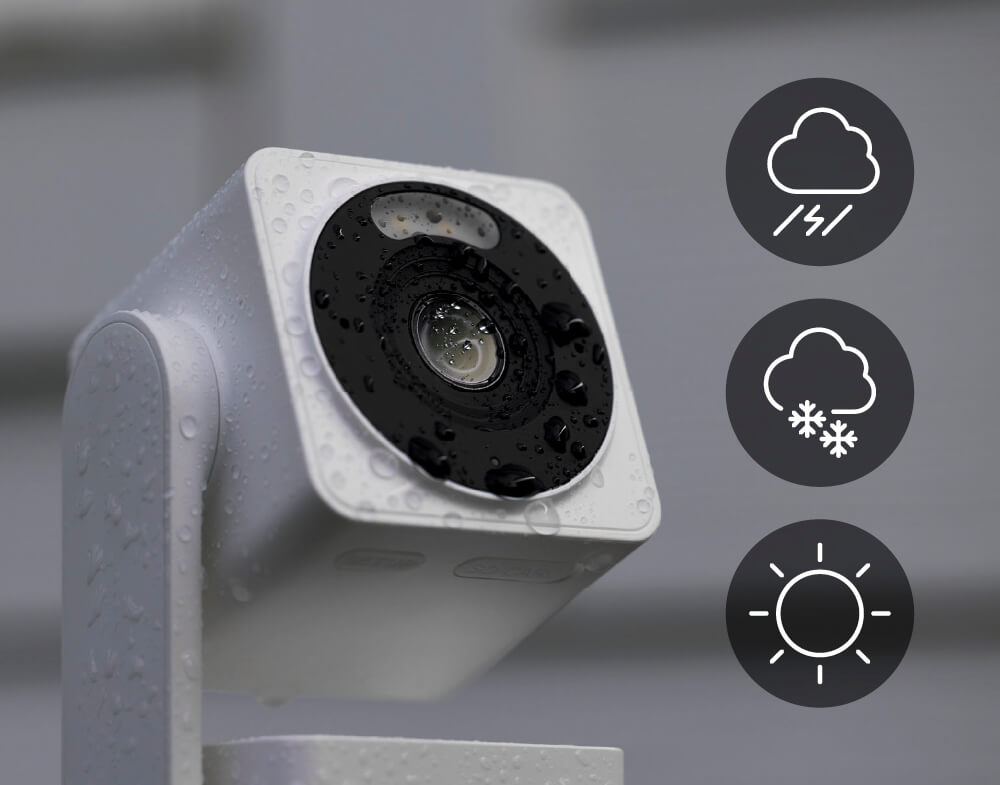
resistencia a la intemperie ip65

Colóquelo en cualquier lugar.

Wyze Cam Pan v4 es resistente a la intemperie según norma IP65*, por lo que puede funcionar en cualquier clima.

*Nota: El uso en exteriores requiere el adaptador de corriente universal para exteriores Wyze Cam (se vende por separado, obtenga más información ).

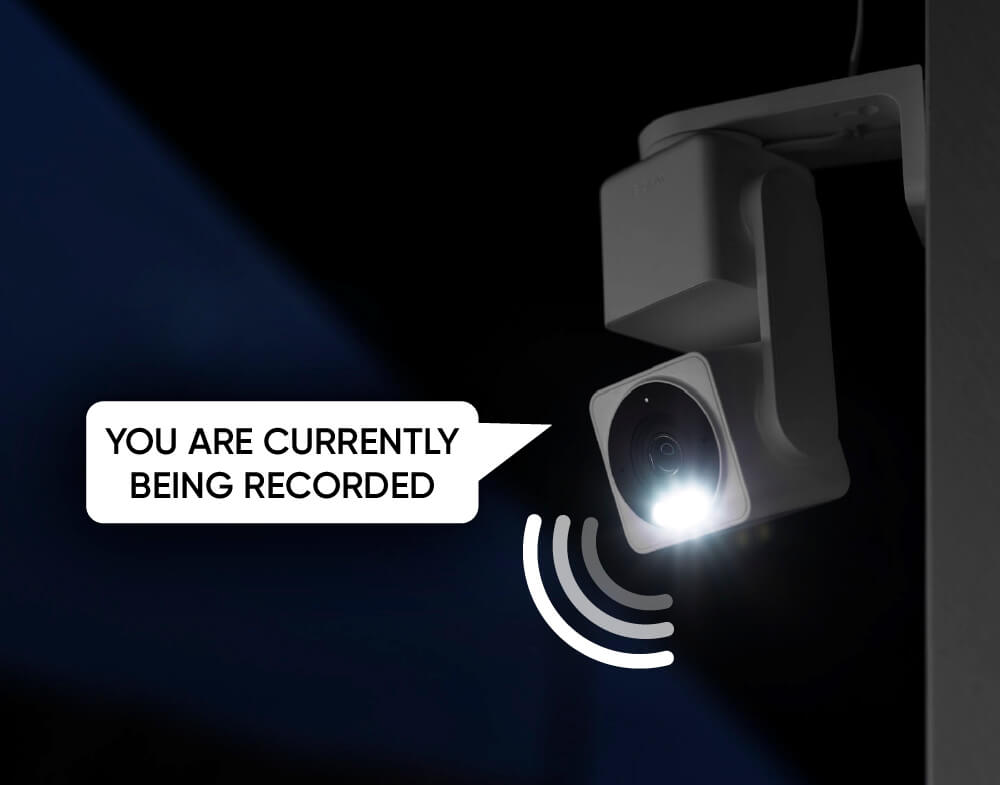
Foco integrado + Sirena

Más seguridad durante la noche.

¿Quieres ver a un ladrón orinarse en los pantalones en 4K? Activa el foco y la alerta de movimiento. O activa la sirena de 100 dB.

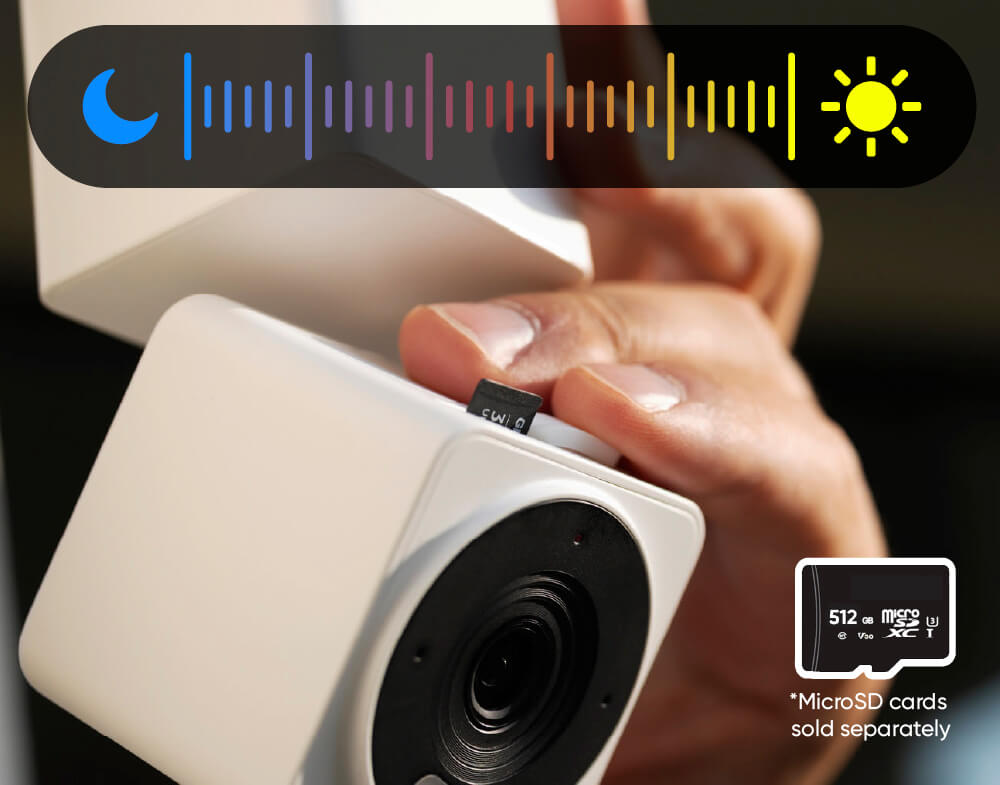
Graba cada segundo

Grabación 24/7 con una tarjeta MicroSD.

No te pierdas nada con la grabación local continua en una tarjeta microSD de hasta 512 GB. Sin suscripción.

*Nota: Las tarjetas MicroSD se venden por separado.

SUBE DE NIVEL TU CÁMARA ✨

Obtenga total tranquilidad guardando los videos de eventos en una nube segura.

Copias de seguridad de video en la nube de 60 días, búsqueda de video con IA, alertas descriptivas y más.

Nota: Wyze Cam Pan v4 funciona con Cam Plus, Cam Unlimited y Cam Unlimited Pro.

Obtenga más información sobre los planes compatibles

Modo de privacidad

Modo de privacidad física.

Habilite el modo de privacidad en la aplicación Wyze y la lente de la cámara apuntará hacia abajo para eliminar su campo de visión y se apagará.

Conectar con bluetooth®

Fácil de configurar.

No necesitas escanear códigos QR. Disfruta de una configuración sencilla con Bluetooth®. Tu cámara estará lista y funcionando en minutos.

Conéctalo y listo

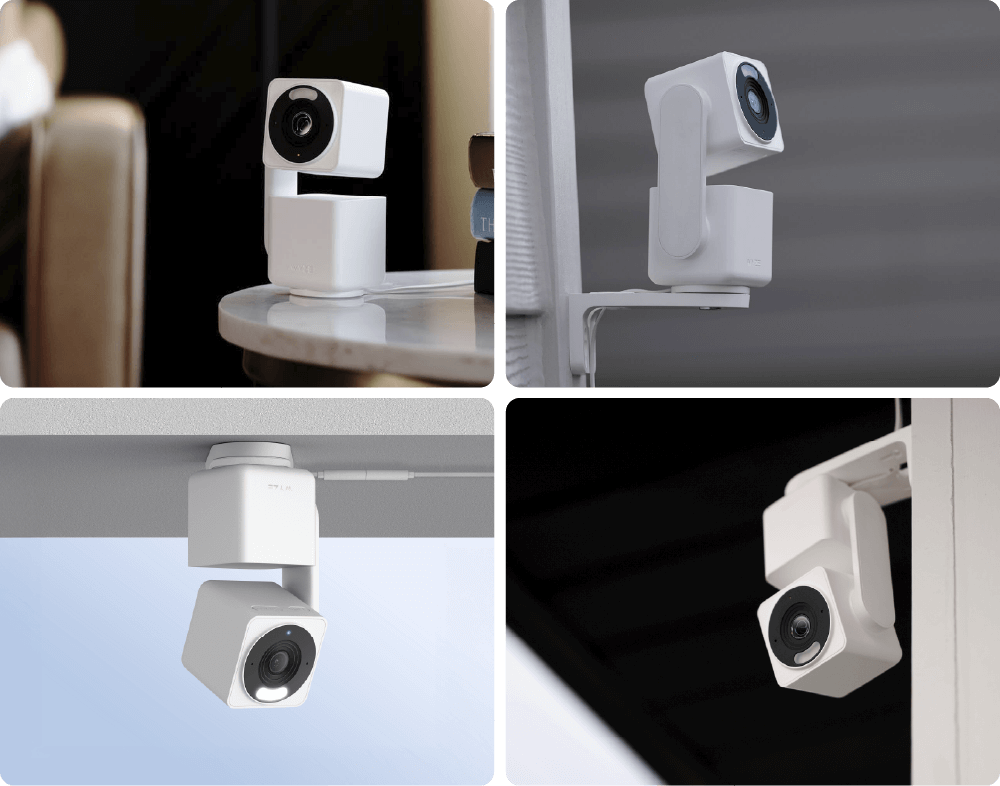
Montaje versátil.

Cuatro opciones de montaje únicas le brindan la flexibilidad de proteger su espacio exactamente como lo necesita.

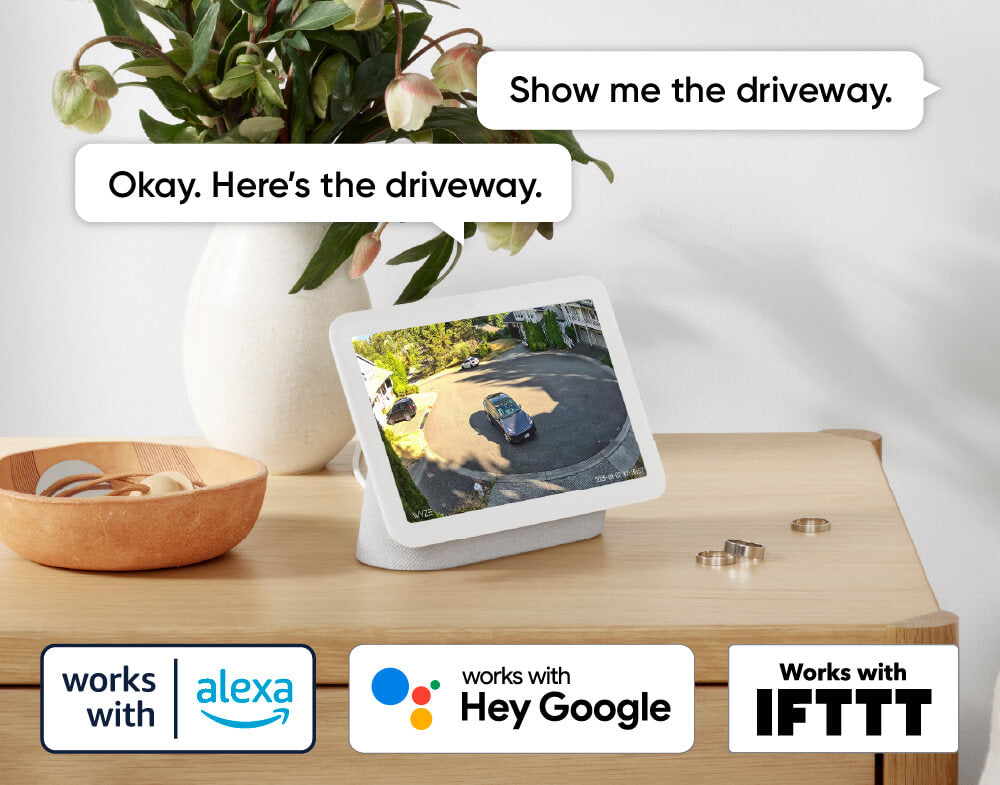
Funciona con asistentes inteligentes

Compatible con Alexa, Asistente de Google y IFTTT.

Comodidad y personalización a tu alcance con integraciones como Amazon Alexa, Google Assistant, IFTTT y Wyze Automations.

Patrulla tu habitación con Escaneo panorámico.

Establezca la ruta de patrulla de la cámara con hasta 4 puntos de referencia personalizados.

Tienes que verlo también Créelo.

Tu vida en 4K. Mira el video de desempaquetado si tienes curiosidad por el contenido de la caja o si extrañas a Kyle.

Even more features to love.

Hicimos que tu cámara panorámica favorita sea aún mejor.

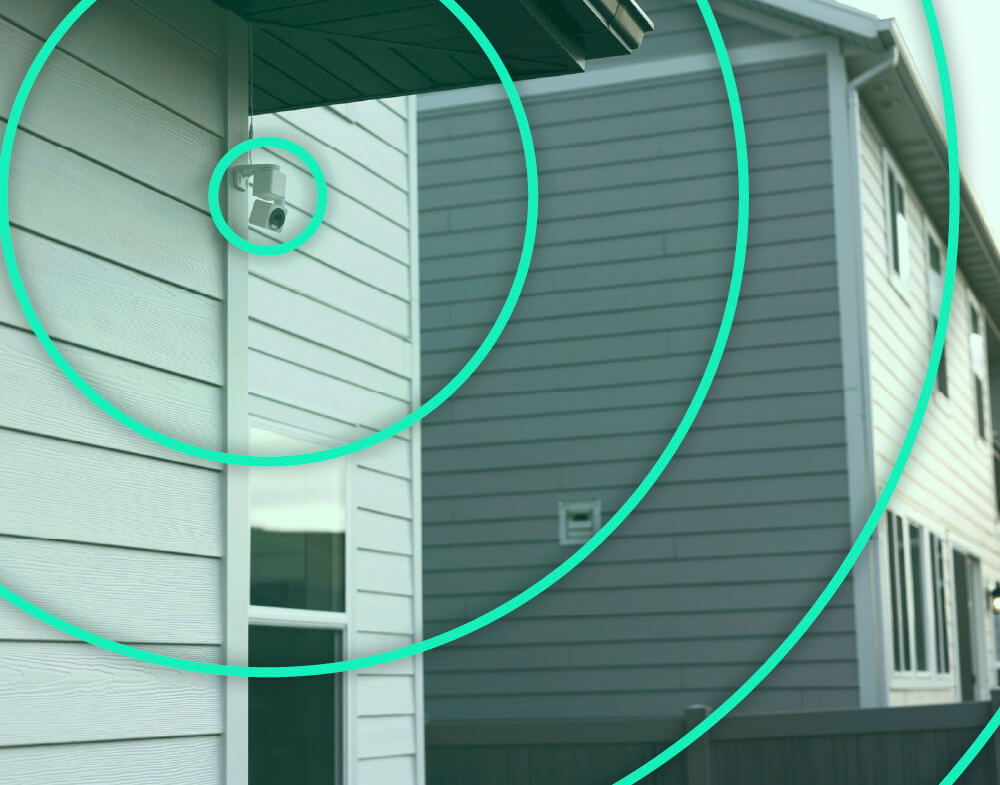
Mantenga una conexión más fuerte y confiable a mayores distancias. Requiere enrutador Wi-Fi 6.

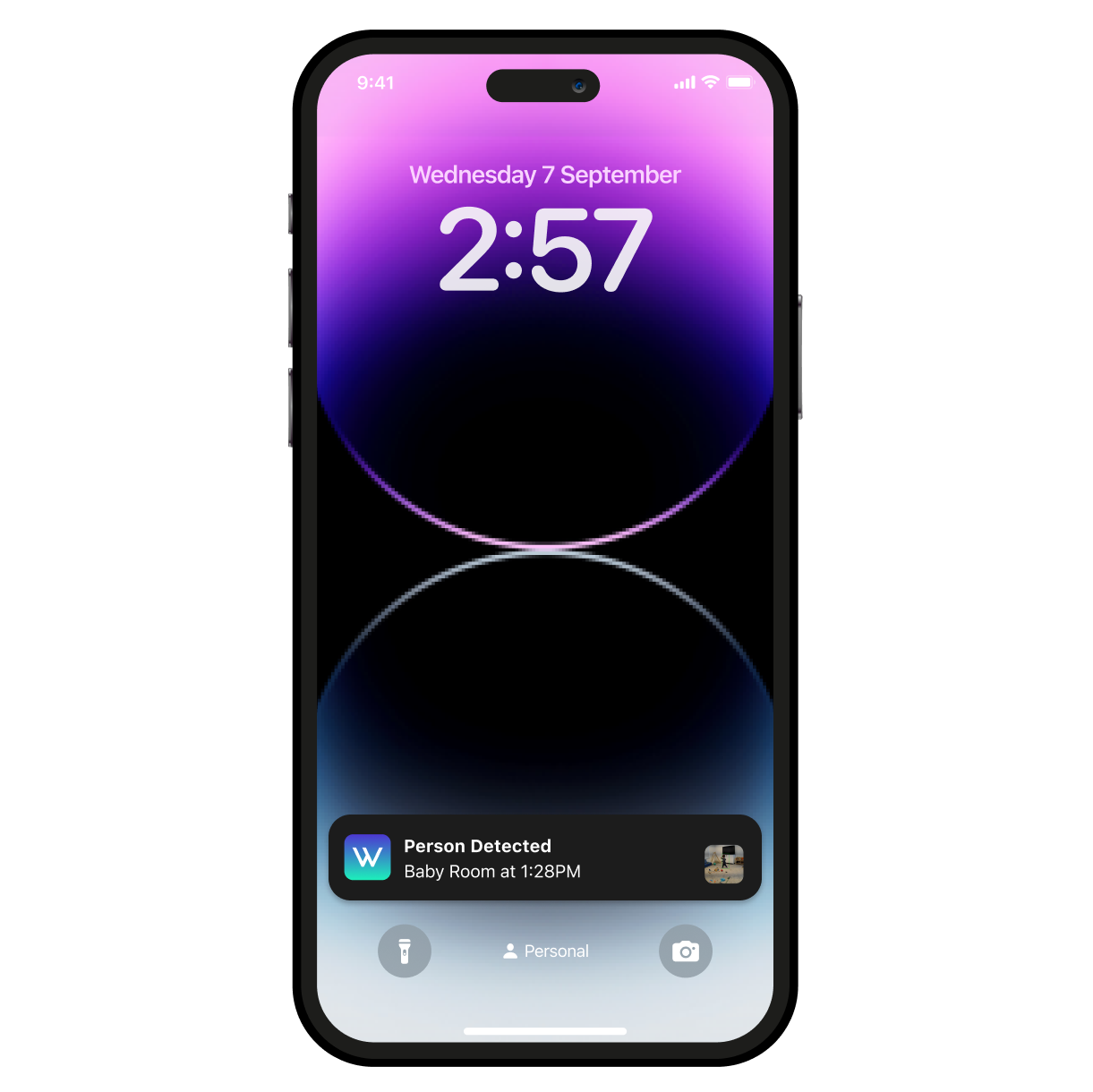
Observa y escucha el movimiento y el sonido. Wyze Cam Pan v4 envía una alerta a tu teléfono y comienza a grabar cuando detecta alguno.

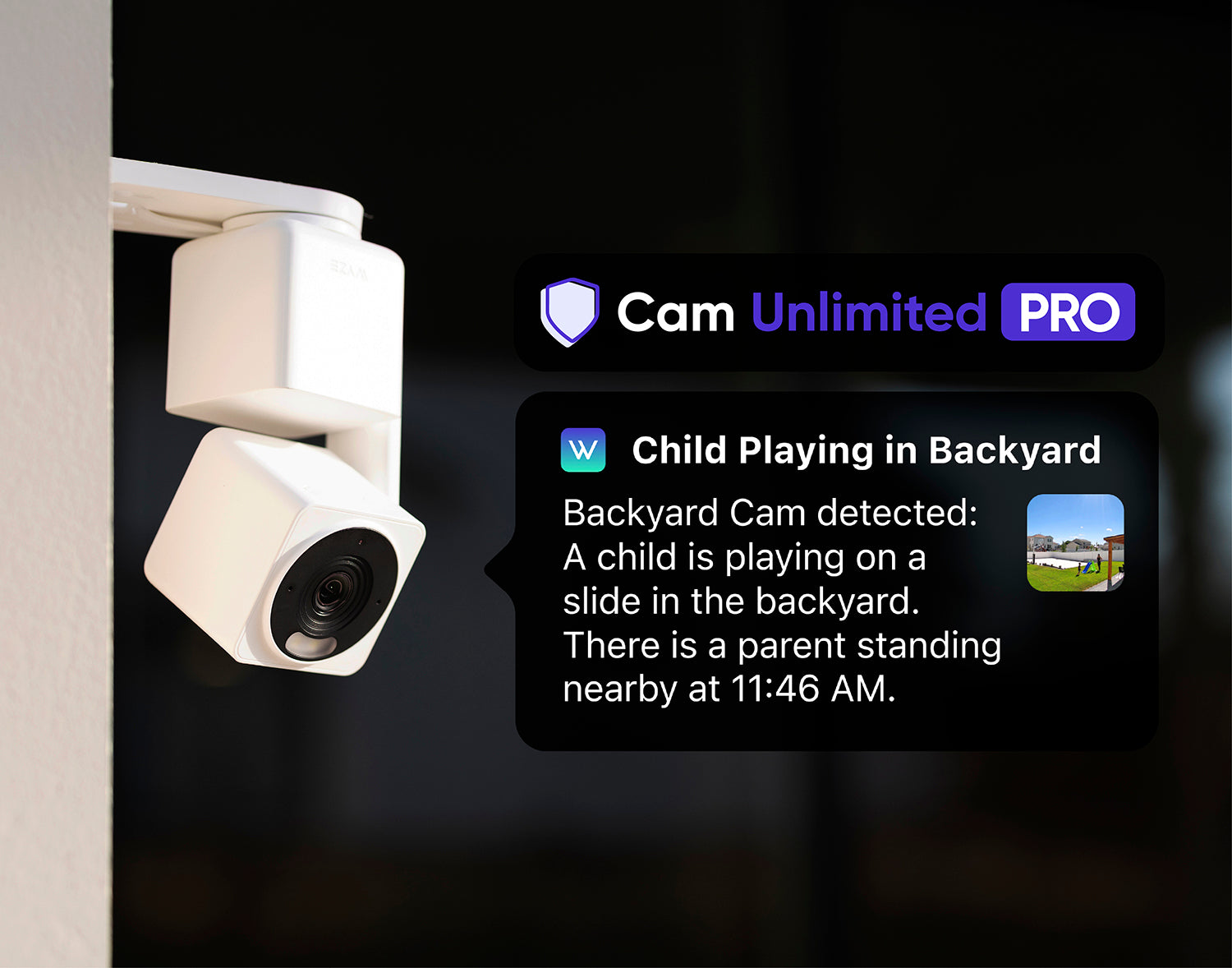
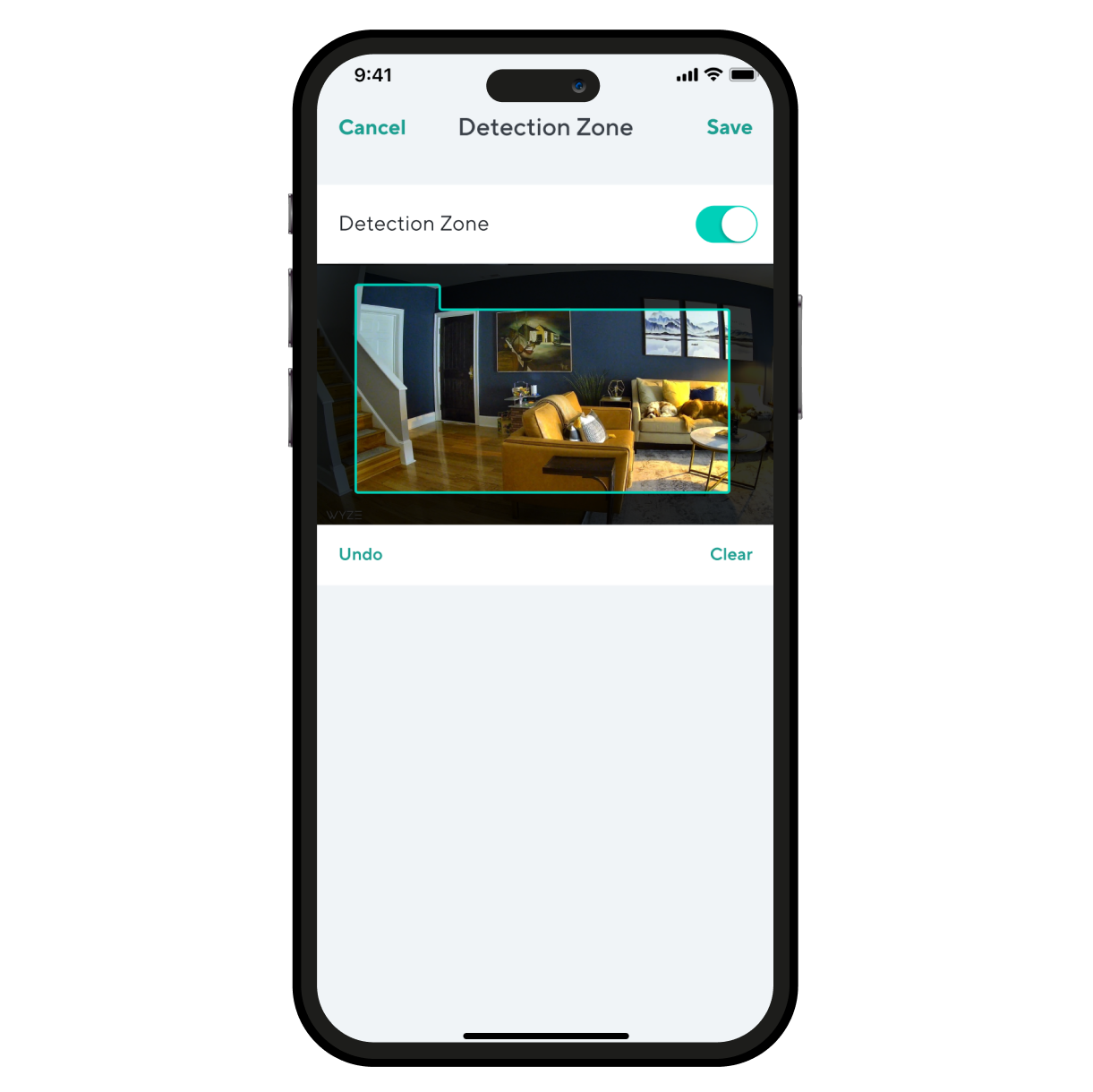
Monitor specific areas for motion so you only receive notifications when it matters.

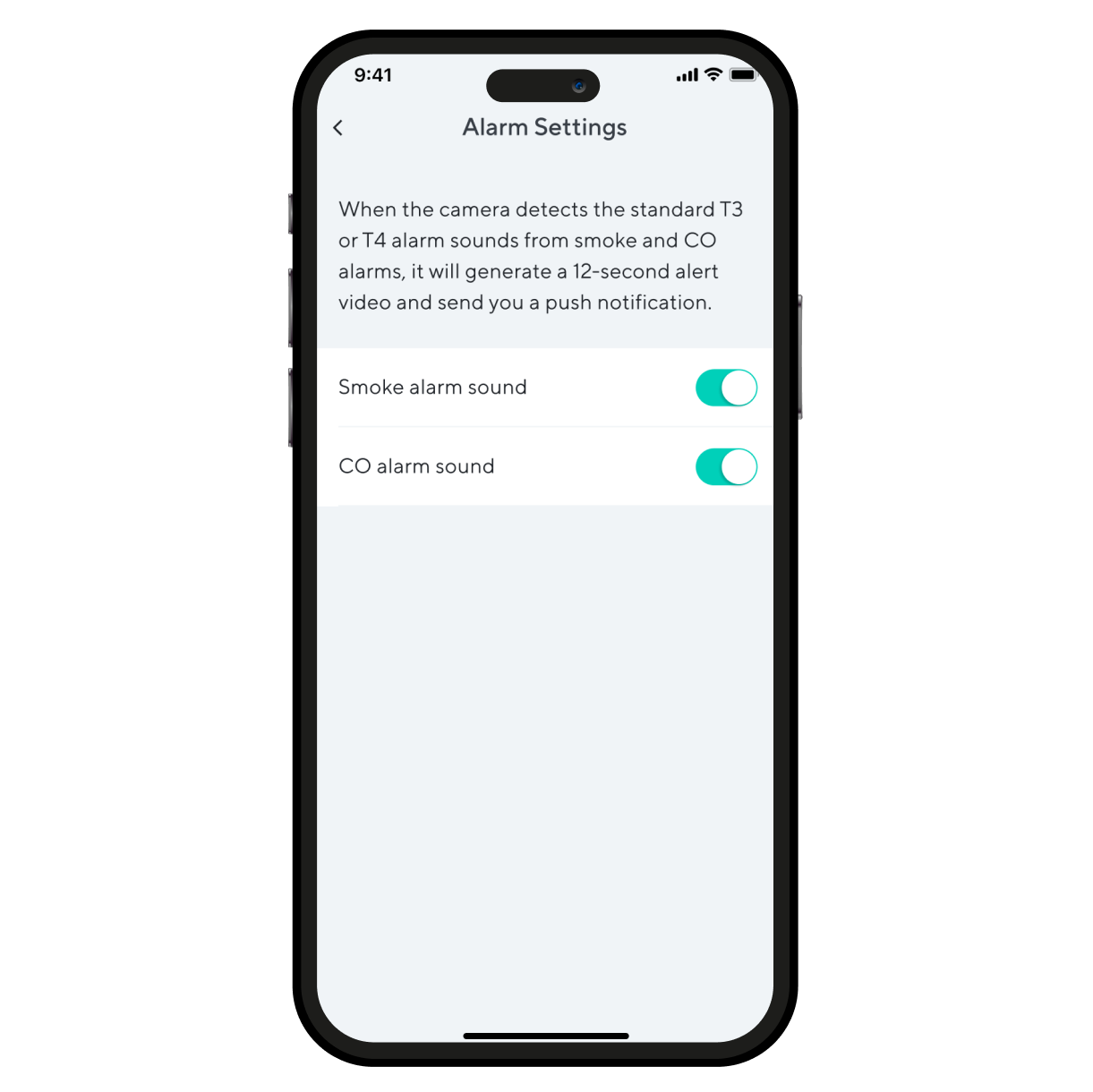
Recibe una alerta en cuanto Wyze Cam Pan v4 detecte una alarma de humo o CO. Wyze Cam graba un video durante ese tiempo.

Getting Started Guides for Wyze Cam Pan v4

Download the Quick Start Guide for Wyze Cam Pan v4 in this article.

Below is the Quick Start Guide for Wyze Cam Pan v4, a short manual on how to get started.

This guide is a short user manual with the basics about Wyze Cam Pan v4, including:

  • What's in the box for Wyze Cam Pan v4.
  • How to download the Wyze app.
  • A diagram of Wyze Cam Pan v4.
  • How to set up Wyze Cam Pan v4.
  • How to mount Wyze Cam Pan v4.
  • How to read the status lights.

Before you begin setup:

  1. Download the Wyze app on your smartphone or tablet.
  2. Connect your device to a 2.4 GHz or 5 GHz Wi-Fi network, and enable BluetoothⓇ.
  3. Unpack your Wyze Cam Pan v4 box, removing all plastic and packing materials.Be sure to remove the plastic film from the lens.
  4. Plug the camera into power using the included USB cable and power adapter.The camera’s status light will turn solid red when powered.

To set up your Wyze Cam Pan v4:

  1. In the Wyze app, tap Home, then tap + plus sign on the top right.
  2. On the Add menu, tap Device.
  3. Tap Cameras > Pan and Tilt Camera > Wyze Cam Pan v4.
  4. With your camera plugged into an outlet, tap Begin Setup in the app.
  5. The camera will say "ready to connect." In the app, check the box next to It said, “Ready to connect”.
  6. Tap Next.
  7. If BluetoothⓇ hasn't been enabled, you will be prompted to allow BluetoothⓇ access. Tap Okay.If BluetoothⓇ has already been enabled, it will skip to the next step.
  8. Select your 2.4 GHz Wi-Fi network and enter your network password. Tap Connect.Tap the icon in the password field to display the password to ensure it was entered correctly.
  9. Your device will connect automatically. Tap Next in the app.
  10. Once connected, you will be prompted select a mounting option.If you want to mount your camera now, choose a mounting option and follow along in the app.If not, tap Skip.
  11. Now it's time to set up your Home Waypoint, your cam's default view. Tap Continue.Your camera will calibrate. This should only take a few seconds.
  12. Once calibrated, tap Set to select your Home Waypoint. Then Next.
  13. Name your camera using the text field, or by choosing a suggestion.
  14. Tap Finish when done.
  15. Choose between the Basic plan (no subscription) or Cam Plus. Tap Continue.
  16. Set up some automations on the Things to Try* page, or tap Skip then Finish and Done.
  17. Enjoy your new Wyze device!

👉 Haven't set up your Wyze Cam Pan v4 yet? Check out Wyze Cam Pan v4 Setup Guide before installing.

There are 4 ways to mount your Wyze Cam Pan v4:

  • On a tabletop or flat surface.
  • On a wall, right-side up.
  • On a wall, upside down.
  • On a ceiling, upside down.

You can follow along in the Wyze app during Wyze Cam Pan v4 setup, or go to the Pan v4 Settings > Mounting Guide to get started.

To mount your camera on a flat surface:

  1. Set your camera on a flat surface.Check your Wi-Fi strength in the Wyze app.We recommend setting it on a horizontal surface, not angled.We recommend mounting it at the edge of the surfaceYou do not need to use the mounting kit.

To mount your camera on a wall:

  1. For a detailed walkthrough, follow along in the Wyze app during setup.If you skipped mounting during setup, go to your Pan v4 Settings > Mounting Guide > On a wall with the base down or On a wall with the base up.
  2. Gather your tools for mounting.Get the Mounting Kit and Wall Bracket from the box.You'll need a Phillips-head screwdriver, an electric drill, and potentially a ladder.
  3. Attach your Wyze Cam Pan v4 to the Wall Bracket.Get the Short Top Screw from the mounting kit and Wall Bracket, along with your screwdriver.Attach the Pan v4 to the grooved side of the wall bracket using the short top screw.Not the smooth side, flip it over to the textured side.
  4. Choose your installation location.Check your Wi-Fi strength at your mounting location.We recommend mounting your camera at least 1 foot from the ceiling to avoid spotlight glare.Ensure your mounting location isn't facing a busy area, like a road or moving trees.
  5. Mark the holes at your mounting location.Affix the Mounting Sticker to your mounting location.Mark the position of the holes with a pencil.
  6. Drill the holes at your mounting location.Pre-drill the holes to be 1/4 inches in diameter and 1 and 3/16 inches deep.Insert the expansion tubes into the holes.Screw in the wall screws into the expansion tubes, leaving a 3/8-inch gap between the screw head and the wall, so the wall bracket can hang from the screws.
  7. Place the Wall Bracket and camera over the screws, then screw into the expansion tubes to secure.If mounting with the base down, the smooth side of the bracket will face down. Route the camera's pigtail through the wall bracket to secure it.If mounting with the base up, the smooth side of the bracket will face up. Do not route the pigtail through the wall bracket.With your camera upside down, you will have to rotate the image in your settings.In the Wyze app, tap on the Settings gear > Advanced Settings > toggle on Rotate Image 180°.
  8. Attach power cable into the camera's pigtail, then plug the USB end into the adapter. Lastly, plug the adapter into a power outlet.When powered, the status light on the camera will light up.

To mount your camera on the ceiling:

  1. For a detailed walkthrough, follow along in the Wyze app during setup.If you skipped mounting during setup, go to your Pan v4 Settings > Mounting Guide > On a ceiling.
  2. Gather your tools for mounting.Get the Mounting Kit and Wall Bracket from the box.You'll need a Phillips-head screwdriver, an electric drill, and potentially a ladder.
  3. Attach your Wyze Cam Pan v4 to the Wall Bracket.Get the Short Top Screw from the mounting kit and Wall Bracket, along with your screwdriver.Attach the Pan v4 to the smooth side of the wall bracket using the short top screw.Not the grooved side, flip it over to the smooth side.
  4. Choose your installation location.Ensure there's at least 13/16-inch clearance around the camera.Check your Wi-Fi strength at your mounting location.Ensure your mounting location isn't facing a busy area, like a road or moving trees.
  5. Mark the holes at your mounting location.Affix the Mounting Sticker to your mounting location.Mark the position of the holes with a pencil.
  6. Drill the holes at your mounting location.Pre-drill the holes to be 1/4 inches in diameter and 1 and 3/16 inches deep.Insert the expansion tubes into the holes.Screw in the wall screws into the expansion tubes, leaving a 3/8-inch gap between the screw head and the wall, so the wall bracket can hang from the screws.
  7. Place the Wall Bracket and camera over the screws, then screw into the expansion tubes to secure.
  8. Route the camera's pigtail through the wall bracket to secure it.
  9. Attach power cable into the camera's pigtail, then plug the USB end into the adapter. Lastly, plug the adapter into a power outlet.When powered, the status light on the camera will light up.
  10. Because your camera is upside down, you will have to rotate the image in your settings.In the Wyze app, tap on the Settings gear > Advanced Settings > toggle on Rotate Image 180°.

Additional Note: We recommend mounting your camera vertically upright or upside down. We do not recommend mounting your camera at an angle or side ways.

You'll find the status light on the front of your Wyze Cam Pan v4. No light? Make sure it's properly connected to power.

⚡️ All Wyze devices have a handy status light that helps determine what state the device is in.

Wyze Cam Pan v4 Status Light Guide

  • Solid red - The camera is powered on and initializing, recording an event, or you are watching the live stream.
  • Flashing red - The camera is ready to connect.
  • Flashing red and blue light - Connection is in progress.
  • Flashing blue light - The camera is connected and finishing setup, or updating its firmware.
  • Solid blue light - The camera is powered and fully connected.
Added to your cart
Envío GRATIS en pedidos de $59+
Subtotal
$0.00
View cart