Ir directamente a la información del producto
1 de 6

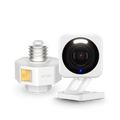
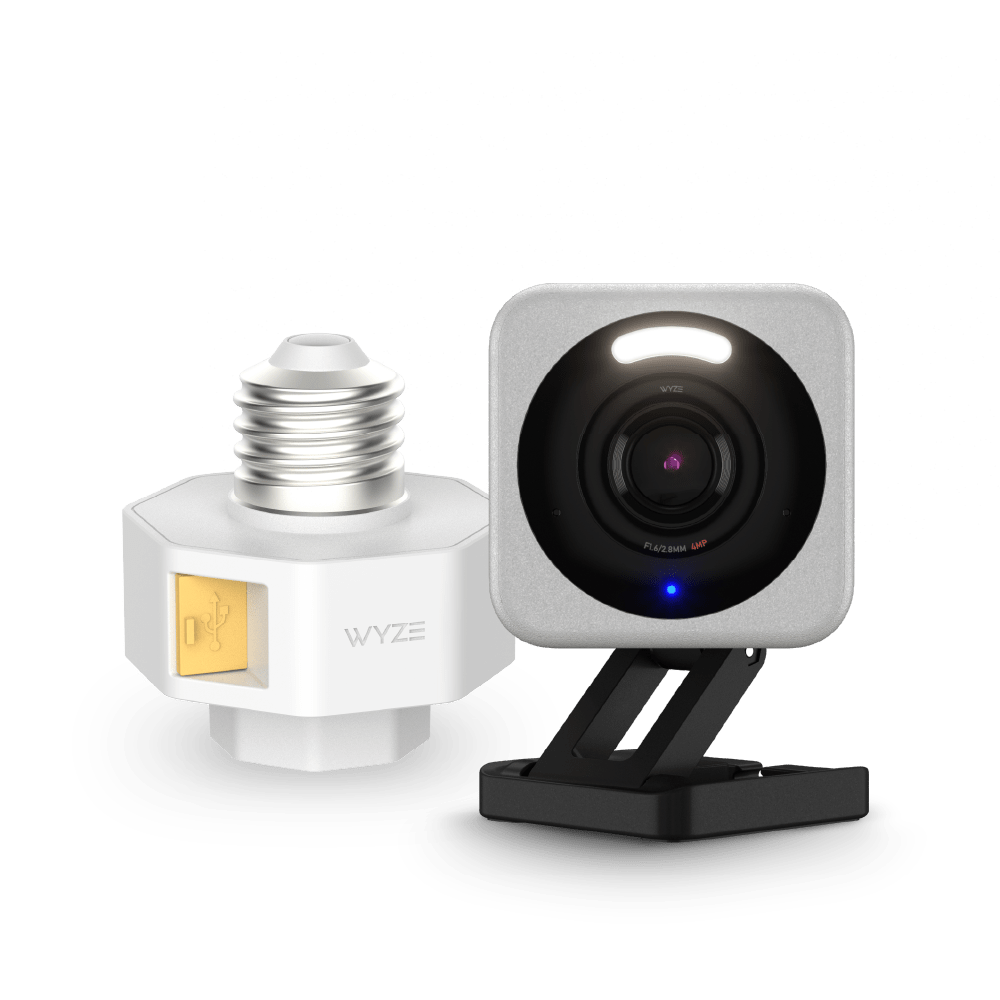
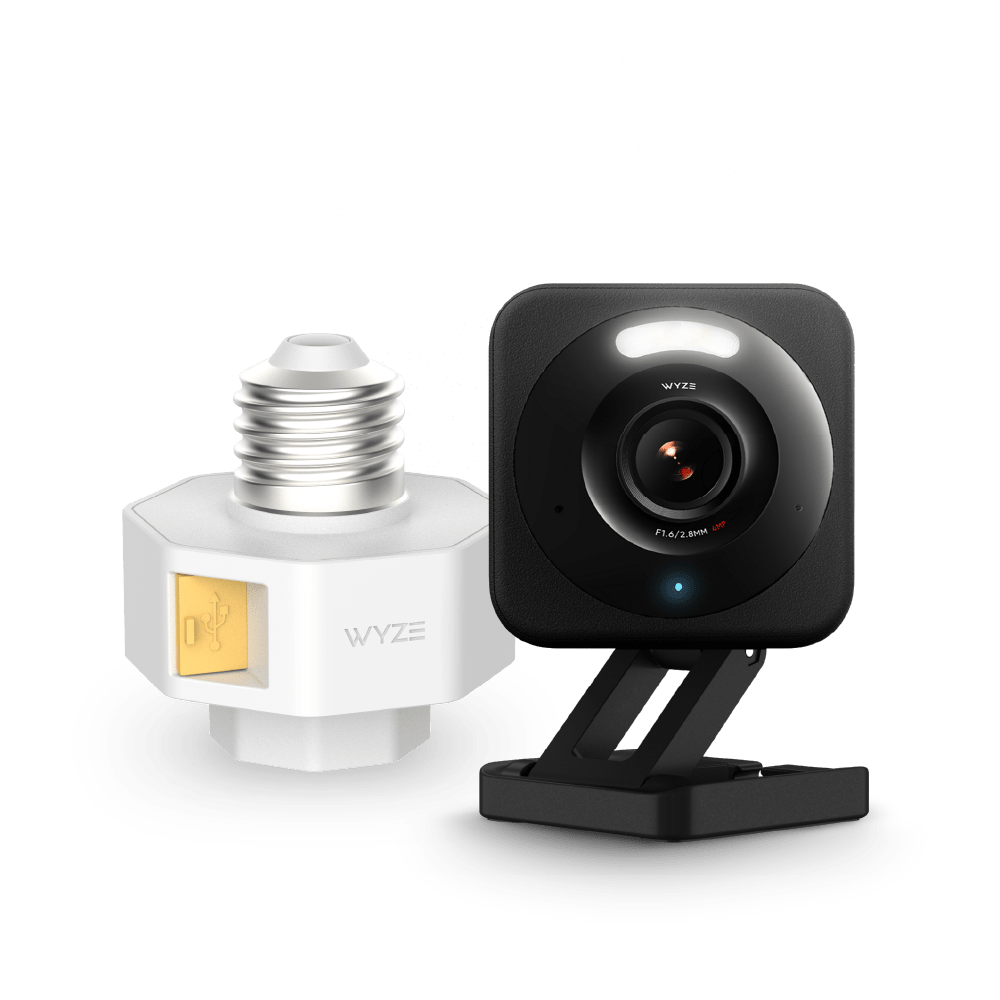
Paquete de cámara v4 + portalámparas v2

Paquete de cámara v4 + portalámparas v2

Haga que su iluminación exterior sea inteligente mientras alimenta una Cam v4.

SALE
$57.98 $61.96SAVE 6%
En existencias
Get it as soon as
Devoluciones sin problemas de 30 días.
En existencias
A blue and white logo for Wyze.
VENTAJAS Exclusivas de Wyze.com
Garantía extendida de 18 meses

Obtenga una garantía extendida de 18 meses al comprar este producto en wyze.com. También obtenga paquetes especiales, promociones únicas y recompensas con cada pedido

Haz que tu iluminación exterior sea aún más inteligente con este dúo de alimentación. Con nuestro nuevo portalámparas, ahora puedes alimentar la Cam v4 sin necesidad de una toma de corriente.
Ver todos los detalles
  • A black camera with a white lens.

    Alimenta cómodamente las cámaras Wyze

    No requiere extensiones creativas. Compatible con Cam v3/v3 Pro/Cam v4/OG/Pan v3/Pan v4.

  • A black screen with no visible content.

    Luces activadas por movimiento

    Convierte bombillas estándar en luces de seguridad activadas por movimiento.

  • A black background with no visible text or objects.

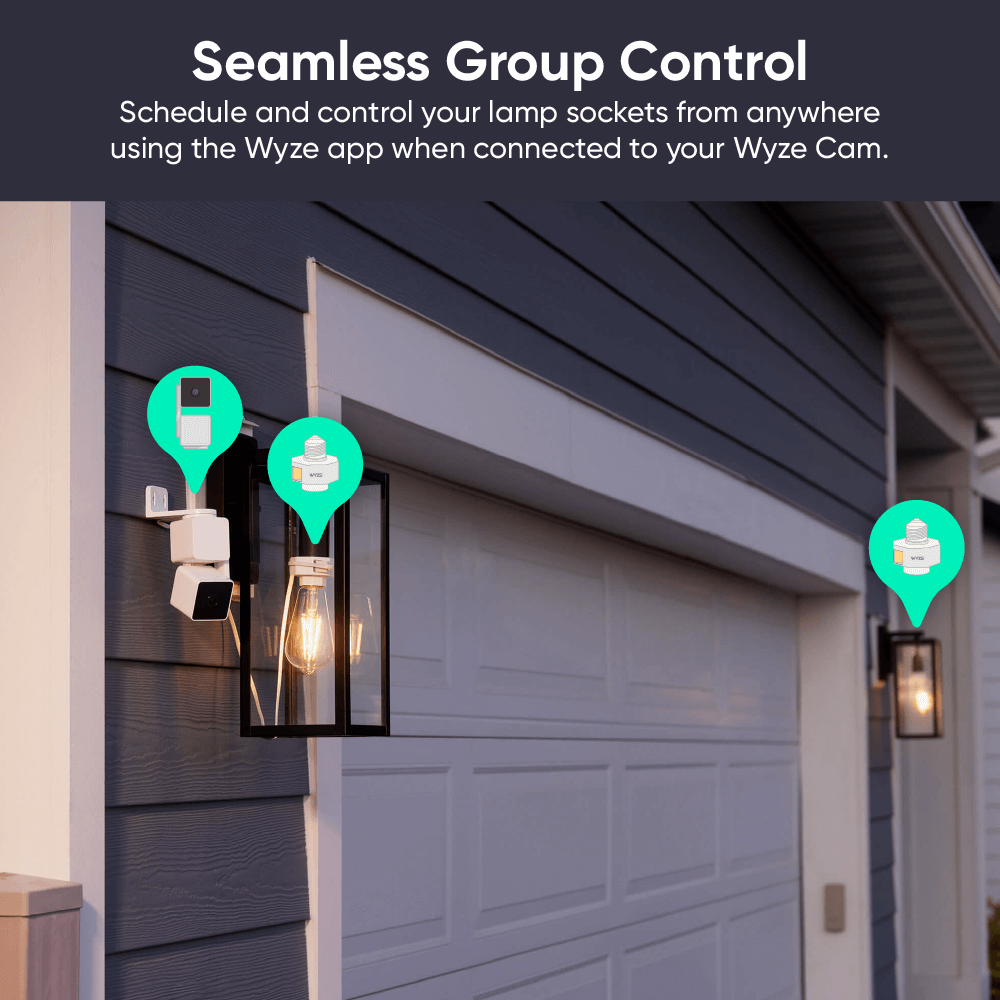
    Vinculabilidad, sin límites

    Asigne portalámparas ilimitados a su iluminación automatizada y controlada por grupo Wyze Cam.

  • A black screen with no visible content.

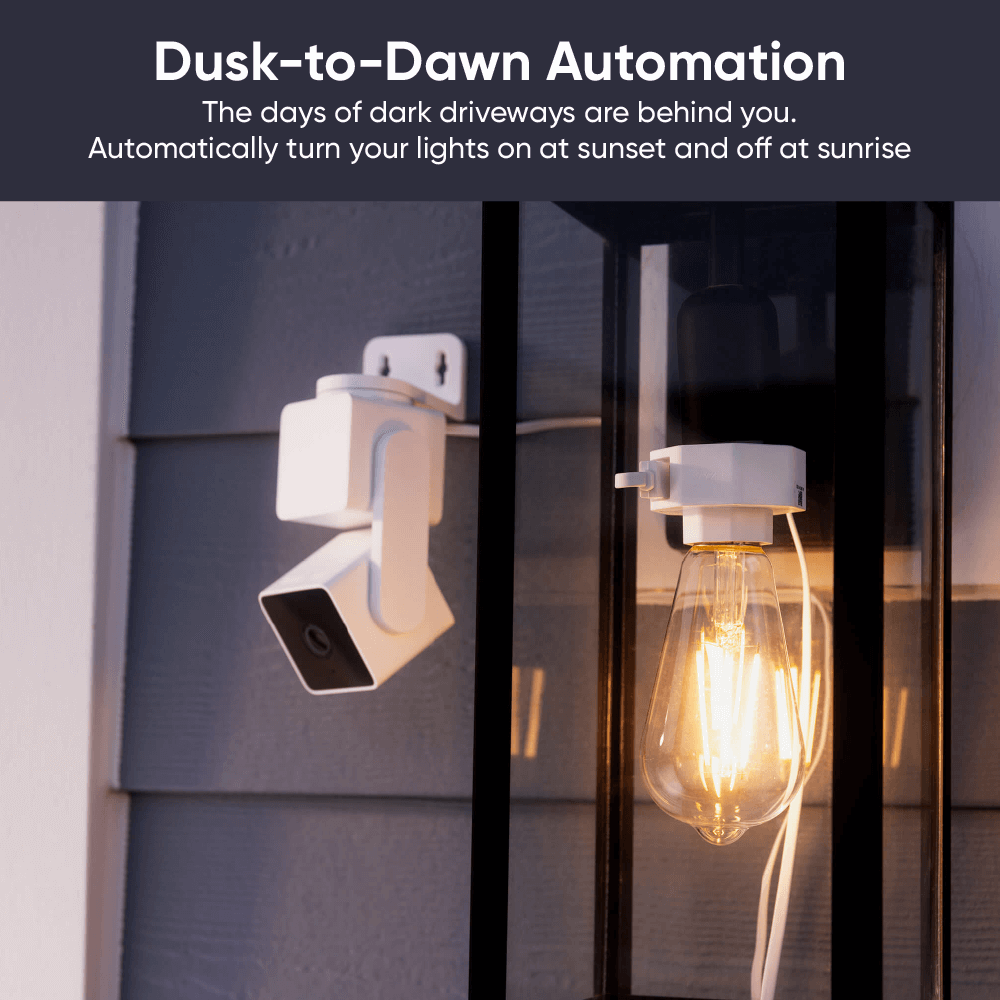
    Programación del anochecer al amanecer

    Enciende automáticamente tus luces al atardecer y apágalas al amanecer.

Especificaciones del portalámparas Wyze v2

  • Color: Blanco
  • Materiales: policarbonato, plástico
  • Dimensiones: 56,5 mm x 56,5 mm x 65 mm
  • Peso: 80 g
  • Tipo de conector de enchufe: E26
Fuerza
  • Portalámparas Entrada/Salida 120 V~, 60 Hz
  • Potencia máxima de la lámpara 20 W
Compatibilidad
  • Teléfono: Android 7.0+, iOS 12.0+
  • Cámara: Wyze Cam v3/v3 Pro/v4, Cam OG y Cam Pan v3.
Conectividad
  • 802.11 b/g/n, 2,4 GHz, Bluetooth
Temperatura de funcionamiento
  • -4 °F ~ 120 °F (-20 °C, ~ 50 °C)
Resistencia a la intemperie
  • No es impermeable ni resistente a la intemperie. Apto para lugares húmedos.
Certificaciones
  • FCC, IC UL496, CA65, TSCA, RoHS
Idiomas
  • Inglés
Garantía
  • 1 año
Cámara Wyze v4
Nota: Debido a limitaciones térmicas, no se pueden usar bombillas incandescentes con este portalámparas. Recomendamos usar una bombilla CFL o LED de menos de 20 W, como la Wyze Bulb White.
Cámara v4 + Portalámparas v2

Cámara v4

  • 1 unidad Wyze Cam v4
  • 1x Guía de inicio rápido
  • 1x placa de montaje en pared
  • 1x Cinta para placa de montaje en pared
  • 1x Kit de tornillos
  • 1x Adaptador de corriente USB para interiores
  • 1 cable plano micro USB a USB-A de 6 pies

Portalámparas v2

  • 1x Portalámparas v2 unidad
  • 1x pegatina
  • 1x Guía de inicio rápido

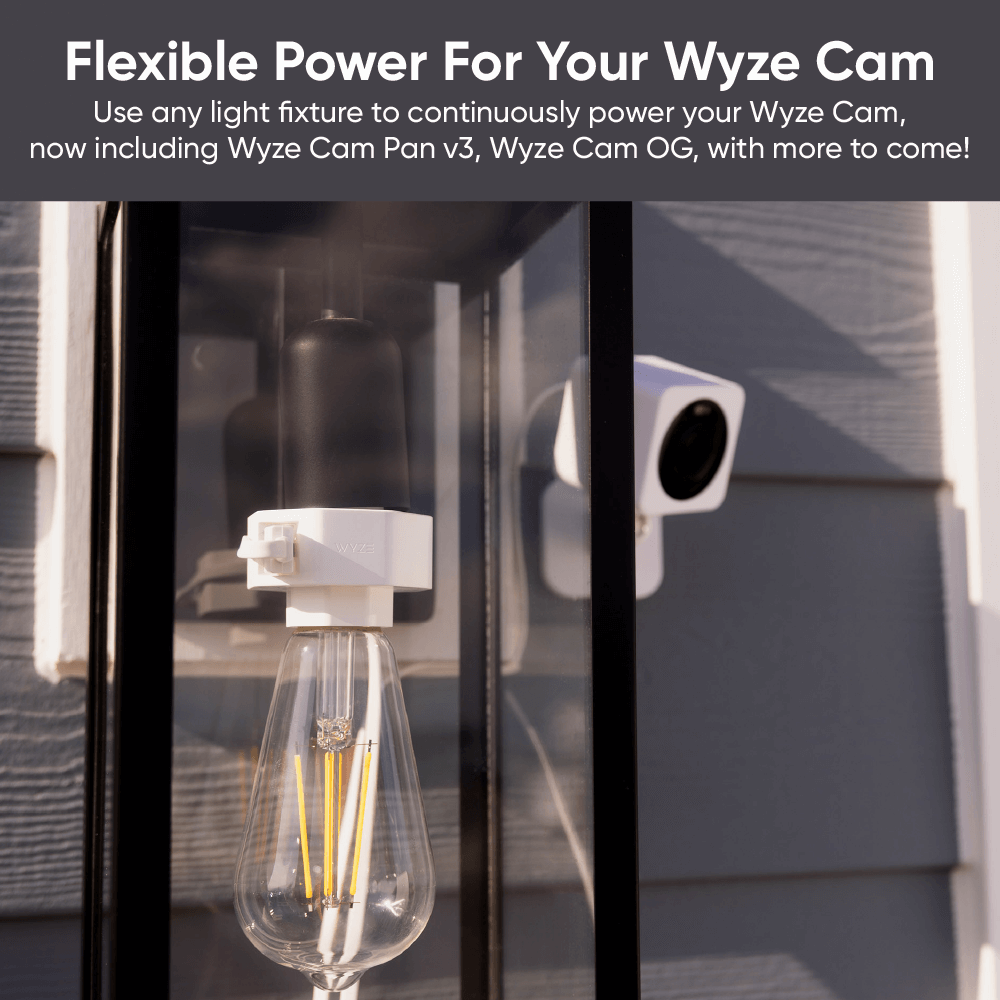
Alimentación flexible para tus Wyze Cams, ahora incluye Pan v4.

Olvídate del cableado y la electrocución (a menos que te gusten ese tipo de cosas). Aprovecha la electricidad de tu lámpara exterior para alimentar continuamente tu Wyze Cam v3/v3 Pro/v4, Wyze Cam OG, Wyze Cam Pan v3 y Wyze Cam Pan v4. Sin cables largos y feos. Sin complicaciones.

A white light bulb with a camera attached to it.
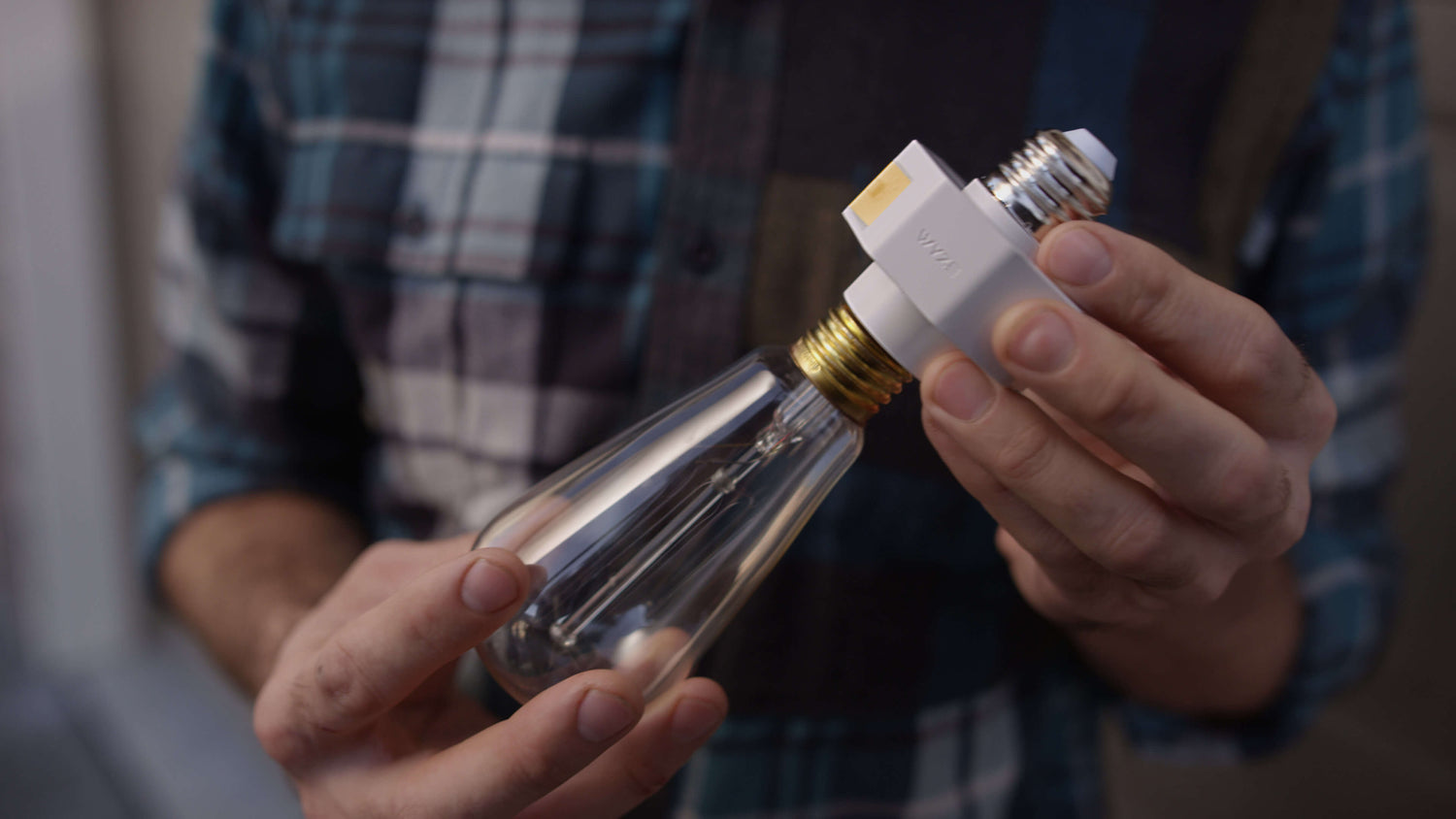
A person holding a light bulb in their hand.

Actualice a la iluminación inteligente en segundos.

El portalámparas Wyze v2 y las cámaras Wyze compatibles se combinan para que tu iluminación exterior sea inteligente. ¡El portalámparas alimenta la cámara y la cámara le da inteligencia al portalámparas! Controla tus luces desde cualquier lugar con la app Wyze.

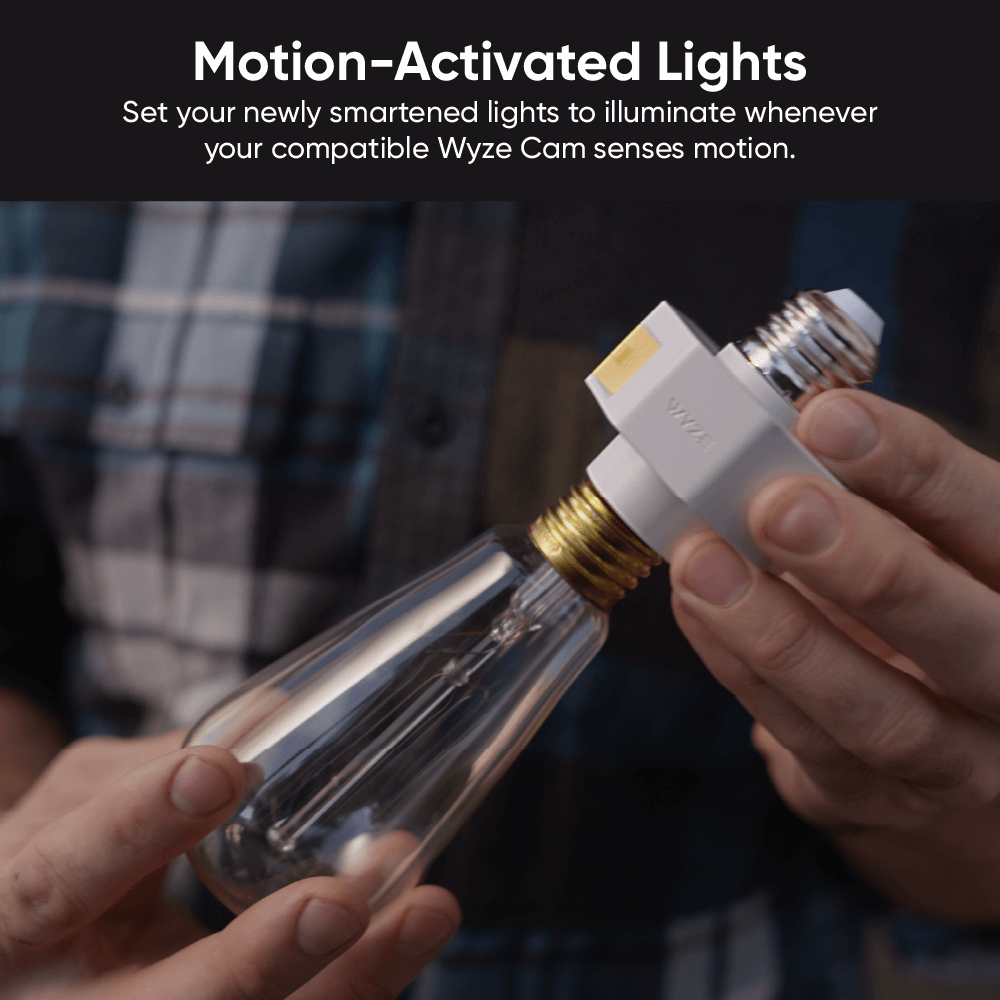
Ilumina tu camino hacia Luces activadas por movimiento.

Configura tus nuevas luces inteligentes para que se iluminen cuando tu Wyze Cam compatible detecte movimiento. ¡Ahora tu antigua lámpara es un modelo de seguridad de vanguardia y sofisticación!

A smart home security camera and light bulb in a fixture on a wall.

Conecte fácilmente múltiples enchufes para lograr una mayor cobertura y control.

Asigna un número ilimitado de portalámparas a tu Wyze Cam, una iluminación automatizada y controlada por grupos. Luego, programa y controla tu configuración inteligente desde cualquier lugar con la app Wyze.

A Wyze Lamp Socket v2 is hanging on the side of a garage.

Automatización del anochecer al amanecer.

¿Eres de los vecinos que dejan las luces del porche encendidas durante las vacaciones? Pues ahora tendrás que buscar cosas nuevas que olvidar. ¿Quizás tus chanclas?

A tiny light bulb in a black and white frame.

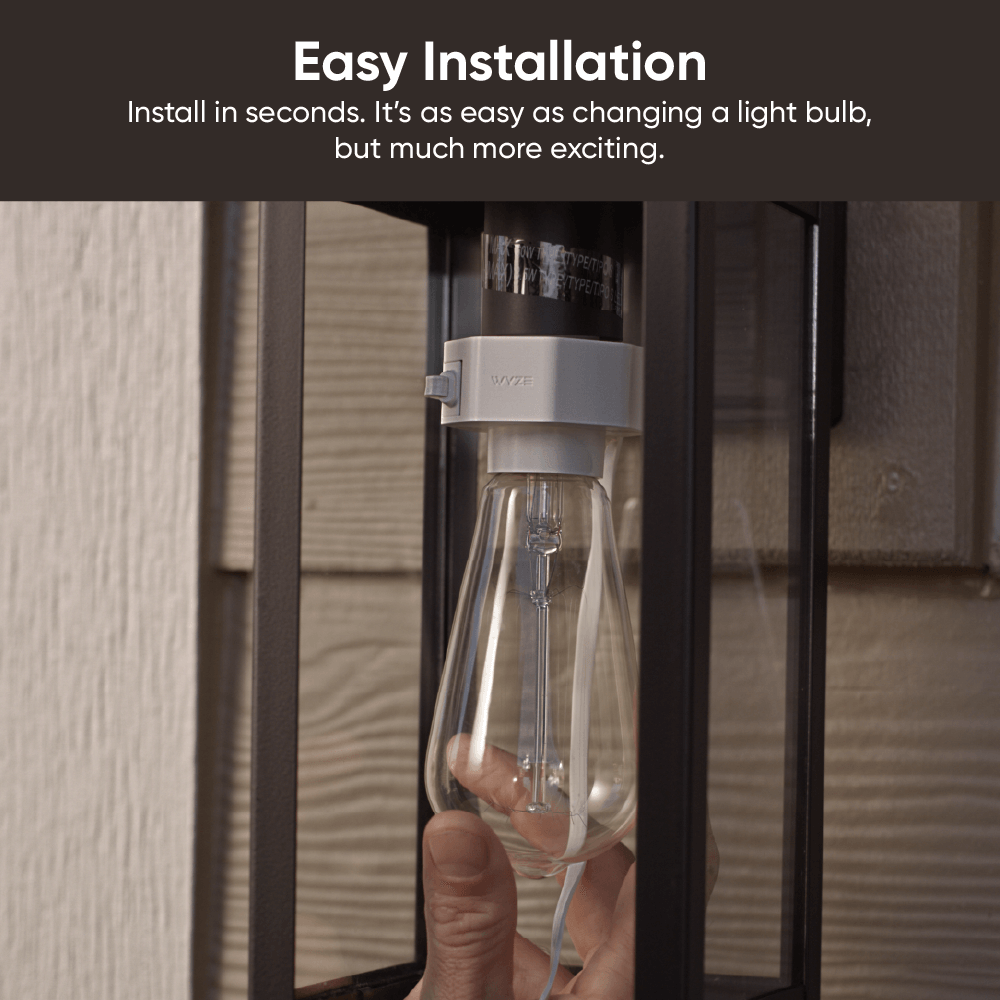
Tan fácil como enroscar una bombilla.

Algunas instalaciones son tan fáciles como enroscar una bombilla. Otras son prácticamente iguales. El portalámparas Wyze v2 se encuentra en esta última categoría.

Este video es para nuestro portalámparas v1, pero el proceso de instalación sigue siendo igual de sencillo.

Nota: Debido a limitaciones térmicas, no se pueden usar bombillas incandescentes con este portalámparas. Recomendamos usar una bombilla CFL o LED de menos de 20 W, como la Wyze Bulb White .

Support Articles

Before you begin setup:

  1. Download the Wyze app on your smartphone or tablet.
  2. Connect your device to a 2.4 GHz Wi-Fi network and enable Bluetooth.
  3. Unpack your Wyze Lamp Socket v2, removing all plastic and packing materials.
  4. Plug the camera into power using the included USB cable and power adapter.The camera’s status light will turn solid red when powered. When flashing, it’s ready for setup.
  5. Wyze Lamp Socket v2 does not link with Wyze Lamp Socket v1. See Additional Notes.

To set up Wyze Lamp Socket v2 + power existing Wyze Cam

You have a compatible Wyze Cam already set up. Follow these steps to power your camera via the lamp socket, then set up and pair the lamp socket.

  1. In the Wyze app, tap Home, then tap the plus sign + on the top right.
  2. On the Add menu, tap Device.
  3. Tap Cameras > Others > Wyze Cam Lamp Socket v2.
  4. Tap Next.
  5. Shut off power to the lamp socket at your light switch or circuit breaker, then tap Next in the app.If you're not sure how to do this, tap Show me how.
  6. Unscrew your bulb from the socket, then tap Next.
  7. If already plugged into power, unplug your camera from its current power source. Tap Next.
  8. Plug the USB end from your Wyze Cam into the USB port on your Wyze Lamp Socket. Tap Next.
  9. Install your lamp socket by screwing it in, then tap Next in the app.
  10. Tap Yes, Power a Wyze Cam.Wyze Lamp Socket v2 works with Wyze Cam v3, v3 Pro, v4, OG, Wyze Duo Cam Pan, and Wyze Cam Pan v3/v4.
  11. Tap Yes, the Camera is Set Up.
  12. Success! Your lamps socket and camera have been installed.
  13. If you want to install another lamp socket, tap Yes, Install Another.Repeat the steps to install another Wyze Lamp Socket v2.
  14. If you're done, tap No, Finish Installation.
  15. Turn power to the lamp socket on at the switch or circuit breaker. Tap Next.
  16. Now it's time to pair your lamp socket to its Wyze Cam vie Bluetooth. Tap Next.
  17. Select your compatible Wyze Cam from the list, then tap Next.
  18. Your lamp socket is now connected to your Wyze Cam. Tap No, Finish.

To set up Wyze Lamp Socket v2 to an existing Wyze Cam

You have a compatible Wyze Cam already set up. Follow these steps to set up and pair the lamp socket, without powering a Wyze Cam.

  1. In the Wyze app, tap Home, then tap the plus sign + on the top right.
  2. On the Add menu, tap Device.
  3. Tap Others > Wyze Cam Lamp Socket.
  4. Tap Next.
  5. Shut off power to the lamp socket at your light switch or circuit breaker, then tap Next in the app.If you're not sure how to do this, tap Show me how.
  6. Unscrew your bulb from the socket, then tap Next.
  7. Install your lamp socket by screwing it in, then tap Next in the app.
  8. Tap No, Skip and Continue.Wyze Lamp Socket v2 works with Wyze Cam v3, v3 Pro, v4, OG, Wyze Duo Cam Pan and Wyze Cam Pan v3/v4.
  9. Tap Yes, the Camera is Set Up.
  10. Success! Your lamps socket and camera have been installed.
  11. If you want to install another lamp socket, tap Yes, Install Another.Repeat the steps to install another Wyze Lamp Socket v2.
  12. If you're done, tap No, Finish Installation.
  13. Turn power to the lamp socket on at the switch or circuit breaker. Tap Next.
  14. Now it's time to pair your lamp socket to its Wyze Cam vie Bluetooth. Tap Next.
  15. Select your compatible Wyze Cam from the list, then tap Next.
  16. Your lamp socket is now paired to your Wyze Cam. Tap No, Finish.
Additional Notes:
  • Wyze Lamp Socket v2 is only compatible with Wyze Cam v3, Wyze Cam v3 Pro, Wyze Cam v4, Wyze Cam OG, Wyze Duo Cam Pan, and Wyze Cam Pan v3/v4.
  • Wyze Lamp Socket v2 can technically work with Wyze Lamp Socket v1, but only connected to the same the same compatible Wyze Cam v3 or Wyze Cam v4. They cannot be linked to each other, but they can both be paired to and controlled by the same Wyze Cam v3 or Wyze Cam v4.

Download the Quick Start Guide for Wyze Lamp Socket v2 in this article.

Below is the Quick Start Guide for Wyze Lamp Socket v2, a short manual for how to get started.

This guide is a short user manual with the basics about Wyze Lamp Socket v2, including:

  • What's in the box for Wyze Lamp Socket with a Wyze Cam.
  • How to download the Wyze app.
  • A diagram of Wyze Cam v3 and Wyze Lamp Socket v2.
  • How to set up Wyze Lamp Socket with a Wyze Cam.
  • How to install Wyze Lamp Socket with a Wyze Cam.
  • How to read the status lights on the lamp socket.

Problem

You are unable to get Wyze Lamp Socket v2 to set up and/or connect to Wi-Fi.

Troubleshooting

  1. Confirm that the Wyze app is up to date.In your Wyze app, navigate to the Account tab > tap About.Your current app version will be listed beneath the Wyze logo.Compare your app version to the latest app version listed on our Release Notes & Firmware page.If you find that your Wyze app is out of date, head over to your mobile device’s app store and update the Wyze app.
  2. Check that the firmware for the attached Wyze Cam is up to date.You can check this by going to the Account tab > Firmware Update.If there is an update available for the camera, please move forward with updating it.
  3. Ensure that BluetoothⓇ is enabled for the Wyze app in your phone/tablet settings.Toggle BluetoothⓇ off/on.
  4. Verify that Location Permissions are enabled for the Wyze app in your phone/tablet settings.Make sure that it is set to Always or While Using the App.For iOS users, make sure that Precise Location is turned on.
  5. Check the status light on the lamp socket to make sure that it is flashing red before beginning the setup process.If there is no status light, refer to My Wyze Lamp Socket v2 is not turning on.If the status light is something other than flashing red, factory reset Wyze Lamp Socket v2 and begin again.
  6. Make sure that you have properly completed the steps listed in our Wyze Lamp Socket v2 Setup Guide.
  7. Verify that you’re trying to connect the attached camera to a 2.4 GHz Wi-Fi network.Wyze Lamp Socket v2 is not compatible with 5 GHz Wi-Fi networks.
  8. Check that you have at least one compatible Wyze Cam that is set up and functional under your Wyze account.Wyze Lamp Socket v2 cannot be paired with shared devices.
  9. If stuck at the “adding device” page: Manually change the phone/tablet’s time zone to a US city time zone. Note: Be sure the city is in the same time zone as you are! Continue with the setup process, then change the time zone back to the correct one.
  10. Try moving the device to a different socket, closer to the Wi-Fi router.
  11. Reboot the Wi-Fi router.
  12. Power cycle Wyze Lamp Socket v2.Manually turn off the socket via the light switch for 10 seconds, then turn it back on.Note: This will power cycle both Wyze Lamp Socket v2 and any attached Wyze Cam.
  13. Factory reset Wyze Lamp Socket v2.Turn the light switch associated with the lamp socket off and on quickly 3 times.Wait for the status to start flashing red, then set up Wyze Lamp Socket v2 as new.
Added to your cart
Envío GRATIS en pedidos de $59+
Subtotal
$0.00
View cart