Passer aux informations produit
1 de 7

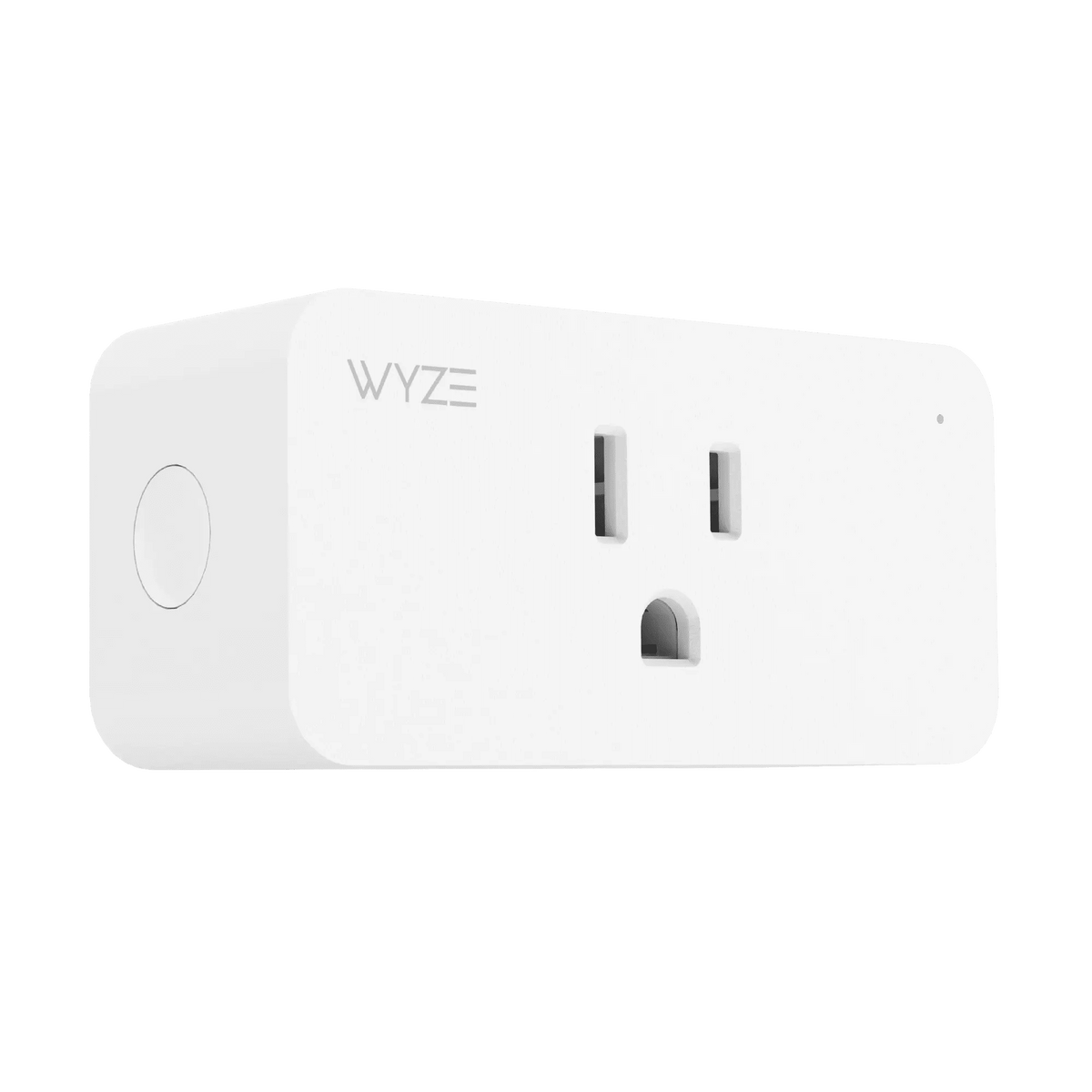
Wyze Plug

Wyze Plug

Prise murale intelligente

Best Selling
Everyone's Top Pick

Prise Wyze (Quantité)
$29.98
En stock
Get it as soon as
Retours sans tracas sous 30 jours.

Control Anywhere

with Wi-Fi

Dusk to Dawn Scheduling

A blue and white logo for Wyze.
AVANTAGES exclusifs de Wyze.com
Garantie prolongée de 18 mois

Bénéficiez d'une garantie prolongée de 18 mois à l'achat de ce produit sur wyze.com. Profitez également de lots spéciaux, de promotions uniques et de récompenses à chaque commande

Vivez dans le futur ! Transformez vos appareils habituels en appareils intelligents !

Voir les détails complets
  • A black image of a phone being held.

    Contrôle les autres appareils Wyze

  • Fonctionne avec une application

    Fonctionne avec une application

  • A black background with a white microphone icon.

    Compatible avec Alexa et Google Assistant

  • A black background with a white calendar icon.

    Créez des plannings et utilisez le mode vacances

Poids et matériaux

  • Couleur : Blanc
  • Poids : 5,3 oz.
  • Dimensions (L x l x H) :
    2,7 po x 2,0 po x 1,5 po

Résistance aux intempéries

  • Usage intérieur uniquement

Température de fonctionnement

  • -4°F - 104°F / -20°C - 40°C

Saisir

  • 100-120 V CA, 60 Hz, 15 A

Sortir

  • 15 A max.

Compatibilité

  • Android 5.0+, iOS 9.0+

Certifications
ETL

Garantie
1 an


Connectivité
Wi-Fi 2,4 GHz

Intégrations
Alexa, Google Assistant, IFTTT

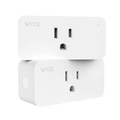
  • Wyze Plug x 2
  • Guide de démarrage rapide x 1

Contrôle à distance.

La prise Wyze Plug vous permet d'allumer et d'éteindre facilement n'importe quelle prise à distance. Contrôlez lampes, ventilateurs et autres appareils du bout des doigts. Aucun hub n'est nécessaire.

A blue coffee maker with a white cup and a black plug.
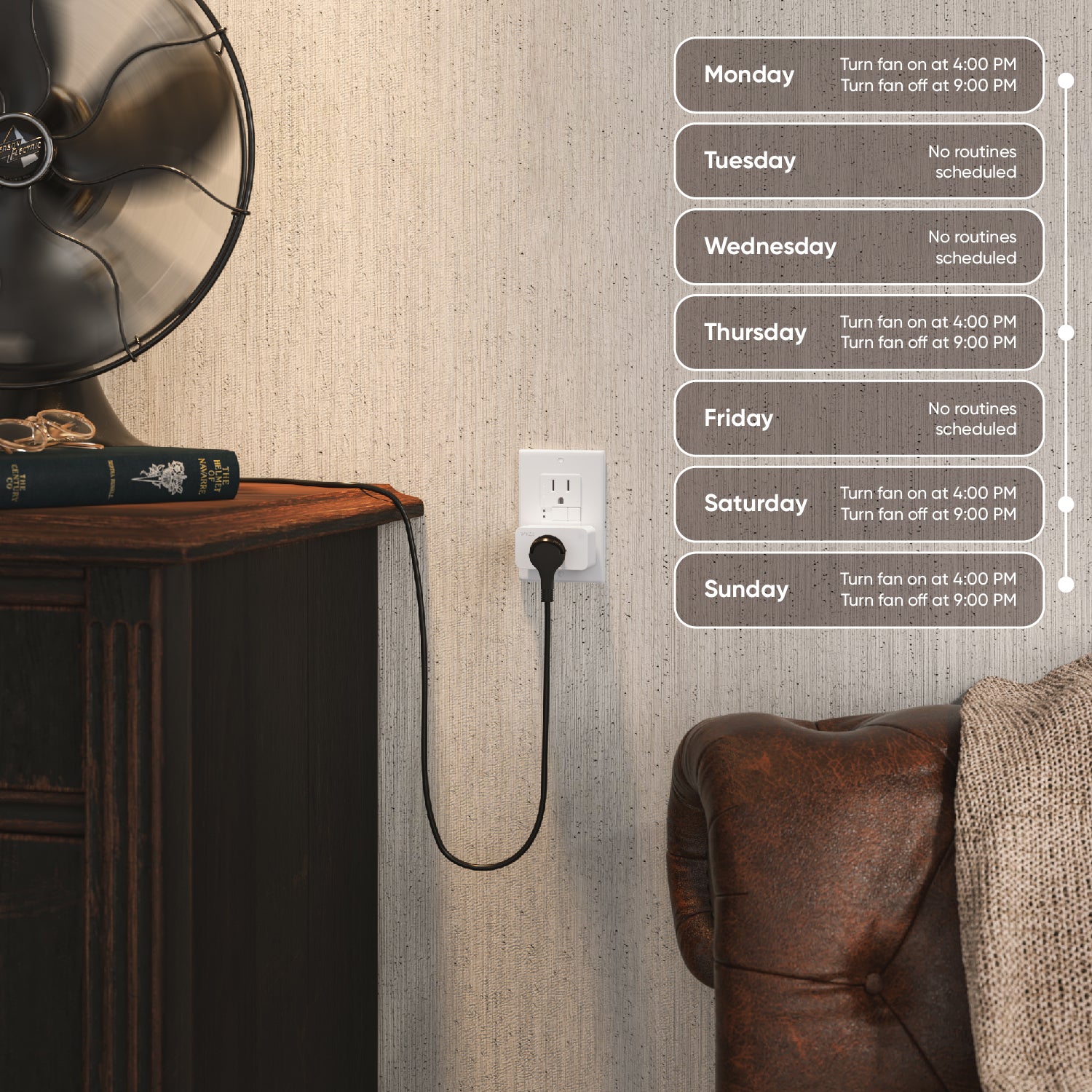
A wall outlet with a desk fan plugged into it.

Éteignez les lumières lorsque vous êtes au travail.

Économisez de l'énergie grâce à la planification.

Il est temps de se pencher sérieusement sur les économies d'énergie.

Programmez l'allumage et l'extinction automatiques de vos appareils à certaines heures de la journée ou lorsque vous quittez la maison.

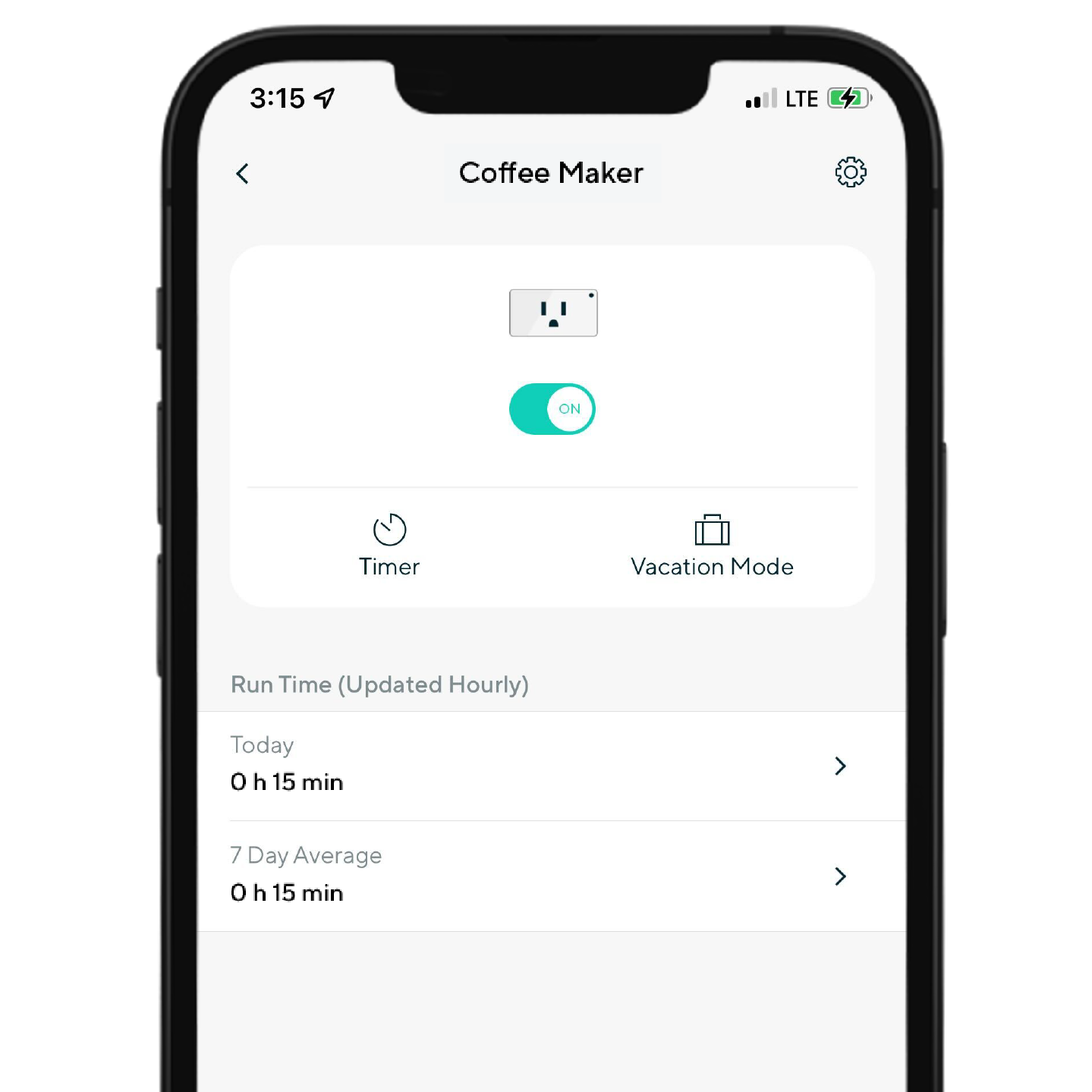
A phone screen with a coffee maker app on it.

Contrôlez avec une application Wyze gratuite et performante.

Commandes rapides dans l'application Wyze.

Vérifiez si vous avez laissé votre prise Wyze allumée et appuyez pour l'éteindre à distance, directement depuis l'application Wyze.

Consultez facilement les durées de fonctionnement quotidiennes et hebdomadaires et regroupez plusieurs prises pour les contrôler toutes d'un seul clic.

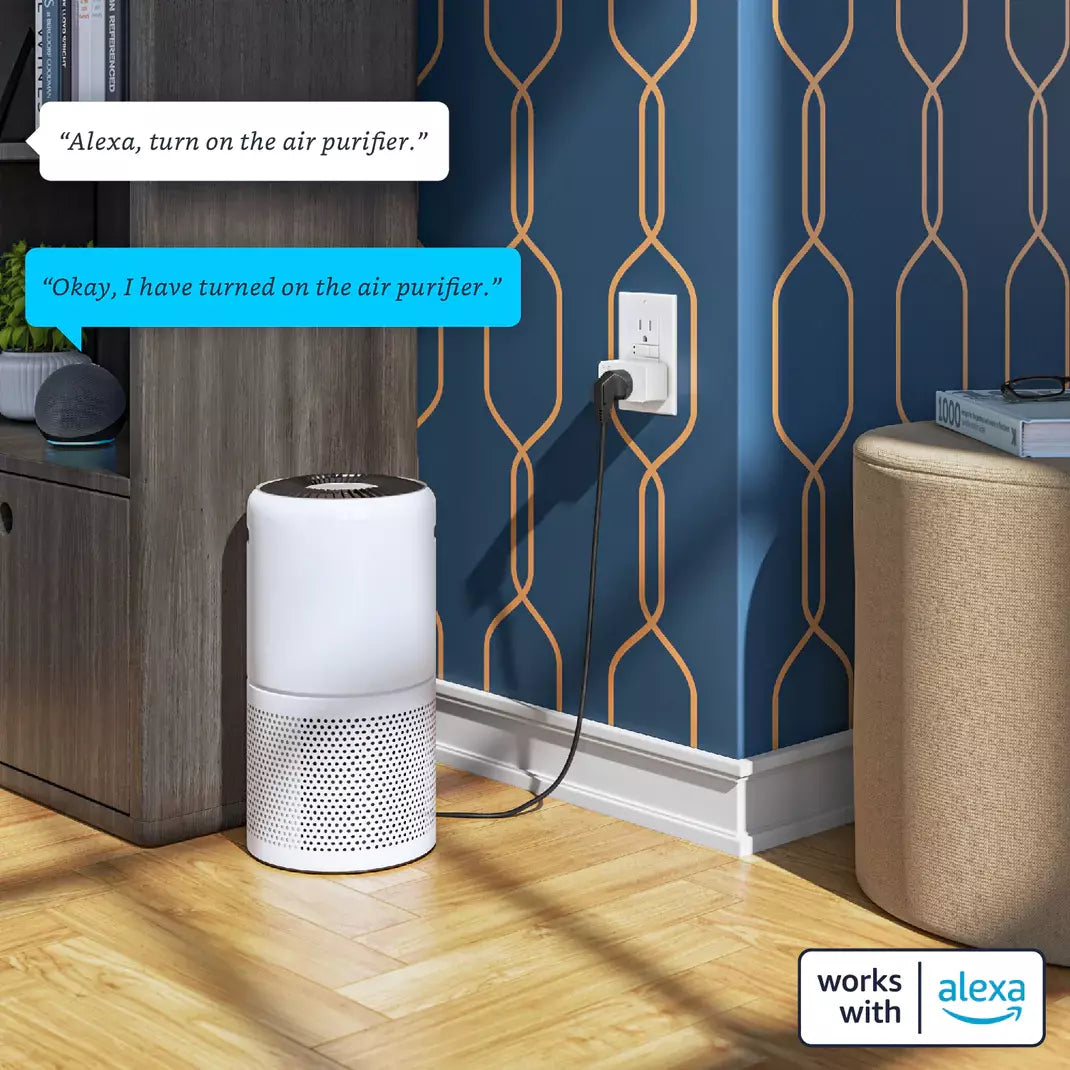
Air purifier with Alexa integration.

Utiliser les commandes vocales

Compatible avec Alexa et Google.

Vous avez les mains prises ? Commandez vos appareils simplement à la voix avec Amazon Alexa et Google Assistant.

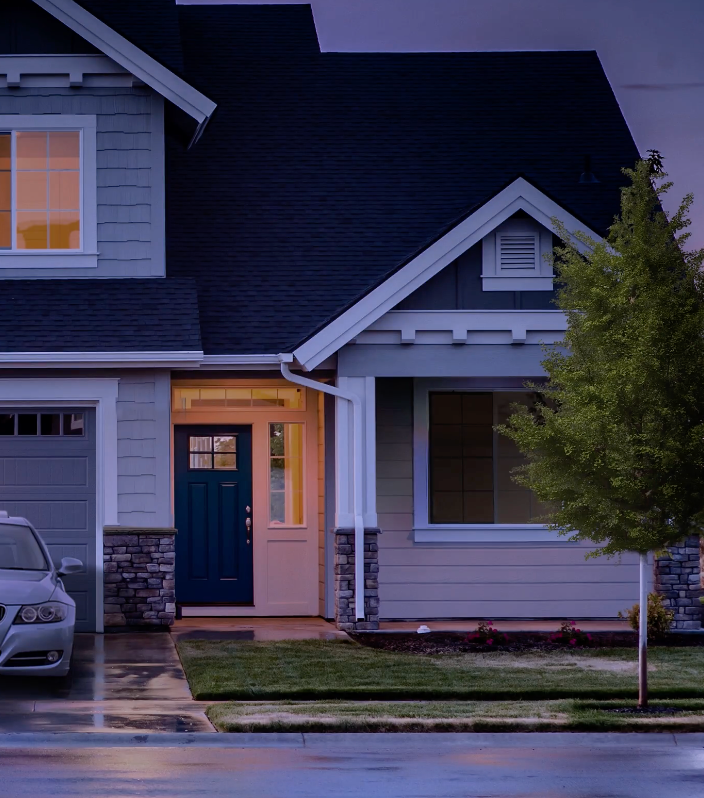
A house with a blue door and a white roof.

Faites en sorte que ça ait l'air d'être chez vous

Mode vacances.

Une fois activée, la prise Wyze peut allumer et éteindre vos appareils de manière aléatoire, donnant l'impression que vous êtes chez vous et dissuadant ainsi les gens de venir sans y être invités.

Un écosystème qui fonctionne ensemble.

Vos appareils Wyze sont formidables individuellement. Ensemble, ils offrent des possibilités infinies. Un interrupteur qui déverrouille la porte. Une serrure qui allume la lumière et met la climatisation en marche. Tous nos appareils intelligents peuvent communiquer ; à vous de choisir ce qu’ils disent.

Image wall room with Wyze Cam v3, Wyze Thermostat, Wyze Switch, Wyze Video Doorbell, Wyze Floodlight and Wyze Lock
A white camera on a wall.

Support Articles

Download the Quick Start Guide for Wyze Plug in this article.

Below is the Quick Start Guide for Wyze Plug, a short manual for how to get started.

This guide is a short user manual with the basics about Wyze Plug including:

  • What's in the box for Wyze Plug.
  • How to download the Wyze app.
  • How to set up your Wyze Plug.
  • How to read the status lights for Wyze Plug.

Wyze Plug is a smart plug you can control using Wi-Fi. Any device plugged into your Wyze Plug becomes a smart device that you can turn on and off with your smartphone.

Heads up: Check the back of your Wyze Plug for a key icon. If it has one, setting up your plug will be faster thanks to BluetoothⓇ.

To set up your Wyze Plug (2021 Version):

  1. In the Wyze app, tap Home, then tap the plus sign + on the top right.
  2. On the Add menu, tap Device.
  3. Tap Power & Lighting > Wyze Plug.
  4. Make sure BluetoothⓇ is enabled on your phone.
  5. Insert your Wyze Plug into an outlet. The status light on the plug will flash blue, indicating it’s in pairing mode.
  6. In the Wyze app, tap Next. The app will set up your plug automatically. Make sure your phone is close to the plug.
  7. Once the plug is found and set up, select your network and enter your network password. Tap Next.
  8. If you bought your plug in 2021 or later, BluetoothⓇ pairing will be completed automatically.*
  9. Enter a name for your Wyze Plug, then tap Finish.
  10. On the Things to Try page, select Create or edit a device group to organize your Wyze devices into new or existing groups, or select Share this device to give family and friends access to your new Wyze device. Tap Skip to do this later.
  11. You’re all set. Enjoy your new Wyze device!

*If you bought your plug before 2021, tap I bought my plug before 2021. on the Bluetooth setup page then follow the steps below.

  1. Insert your Wyze Plug into an outlet. The status light on the plug will flash blue, indicating it’s in pairing mode.
  2. Then select your 2.4 GHz Wi-Fi network and enter your network password. Tap Next.
  3. Select your Wyze Plug’s Wi-Fi and tap Connect.
  4. Back in the Wyze app, the plug will finish connecting automatically.
  5. Once complete, the status light will stop flashing and the app will prompt you to name the device.
  6. Enter a name for your Wyze Plug, then tap Finish.
  7. Set up some automations on the Things to Try* page, or tap Skip.
  8. You’re all set. Enjoy your new Wyze device!

Things to Try: Tap Create or edit a device group, Share this device, Automate your device, or Skip. These are quick ways to set up a few automations before you finish setup. When you complete a task, it'll display a green checkmark ✅. You can move on from this page by tapping Skip.

Additional Notes:

  • Android, Samsung users: When connecting to your Wyze Plug’s network, be sure to stay connected to the Wi-Fi network when prompted that the network doesn’t have an internet connection instead of switching to mobile data. If you switch to mobile data, the setup process will stop.
  • Android, non-Samsung users: When connecting to your Wyze Plug’s network, be sure to accept the pop-up stating the network has no internet. Dismissing or denying this message will stop the setup process.
  • iOS 13+ users: Please check to make sure the Location Services permission is allowed in your settings. Here’s how to do this: Open the Settings app on your phone. Go to Privacy Settings. Go to Location Services. Make sure that the Wyze app is granted permission to use this while it’s running.
  • Note: If you have your Wyze Plug in a wall outlet that’s controlled by an on/off switch, ensure that the switch is turned on.
Added to your cart
Livraison GRATUITE pour les commandes de 59 $ et plus
Subtotal
$0.00
View cart