Passer aux informations produit
1 de 7

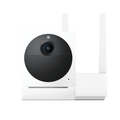
Wyze Cam Outdoor v2

Wyze Cam Outdoor v2

Caméra extérieure sans fil 1080p

Check out the newer model:
  • 2.5K HD w/Color Night Vision.
  • Built-in microSD slot & spotlight.
  • Removable battery.
  • Doesn't need a base station to work.
  • Indoor/Outdoor friendly.
  • More processing power. It's faster!
  • Works with Wyze Solar Panel.
  • You'll also continue to get the amazing features of Wyze Cam Outdoor: 2-way audio and traditional night vision.

Get Battery Cam Pro

Option
This product is no longer available and won't be coming back.
A blue and white logo for Wyze.
AVANTAGES exclusifs de Wyze.com
Garantie prolongée de 18 mois

Bénéficiez d'une garantie prolongée de 18 mois à l'achat de ce produit sur wyze.com. Profitez également de lots spéciaux, de promotions uniques et de récompenses à chaque commande

Avec son indice de protection IP65 contre les intempéries, son autonomie de six mois sans fil et sa passion pour l'écriture et les Birkenstocks, la Wyze Cam Outdoor v2 est la cousine plus sportive et aventurière de la Wyze Cam. Même sans diplôme, elle est toujours prête à partager ses connaissances : vision nocturne couleur, recette de porridge ou même un discours écolo improvisé. Elle incarne le côté écolo par excellence. Idéale pour les auberges de jeunesse, elle veille néanmoins sur vos affaires où que vous soyez grâce à son mode Voyage pratique.

Voir les détails complets
  • Color night vision icon.

    Vision nocturne couleur HD 1080p

  • A black image with no visible details.

    Champ de vision plus large (130°)

  • A black background with a white PIR motion icon.

    Détection de mouvement PIR

  • A black and white image of a weather icon.

    Étanchéité IP65

Caméra

• Dimensions : 2,3 pouces x 2,3 pouces x 2,8 pouces (5,842 cm x 5,842 cm x 7,112 cm)

• Poids de l'article : 9,8 onces

• Capteur : CMOS Starlight 1/2,9"

• Batterie : 2 batteries rechargeables de 2 600 mAh/7,4 V

• Température de fonctionnement : -4 °F à 122 °F

• Température de charge : 0 °C à 50 °C

• Indice de protection : IP65

• Résolution : 1920x1080 (1080p)

• Champ de vision : 130°

• LED de vision nocturne : 4 LED de 850 nm

• Portée de la vision nocturne : jusqu'à 7,6 mètres

• Vidéo de jour : 20 images par seconde

• Vidéo nocturne : 10 images par seconde

• Zoom : 8x numérique

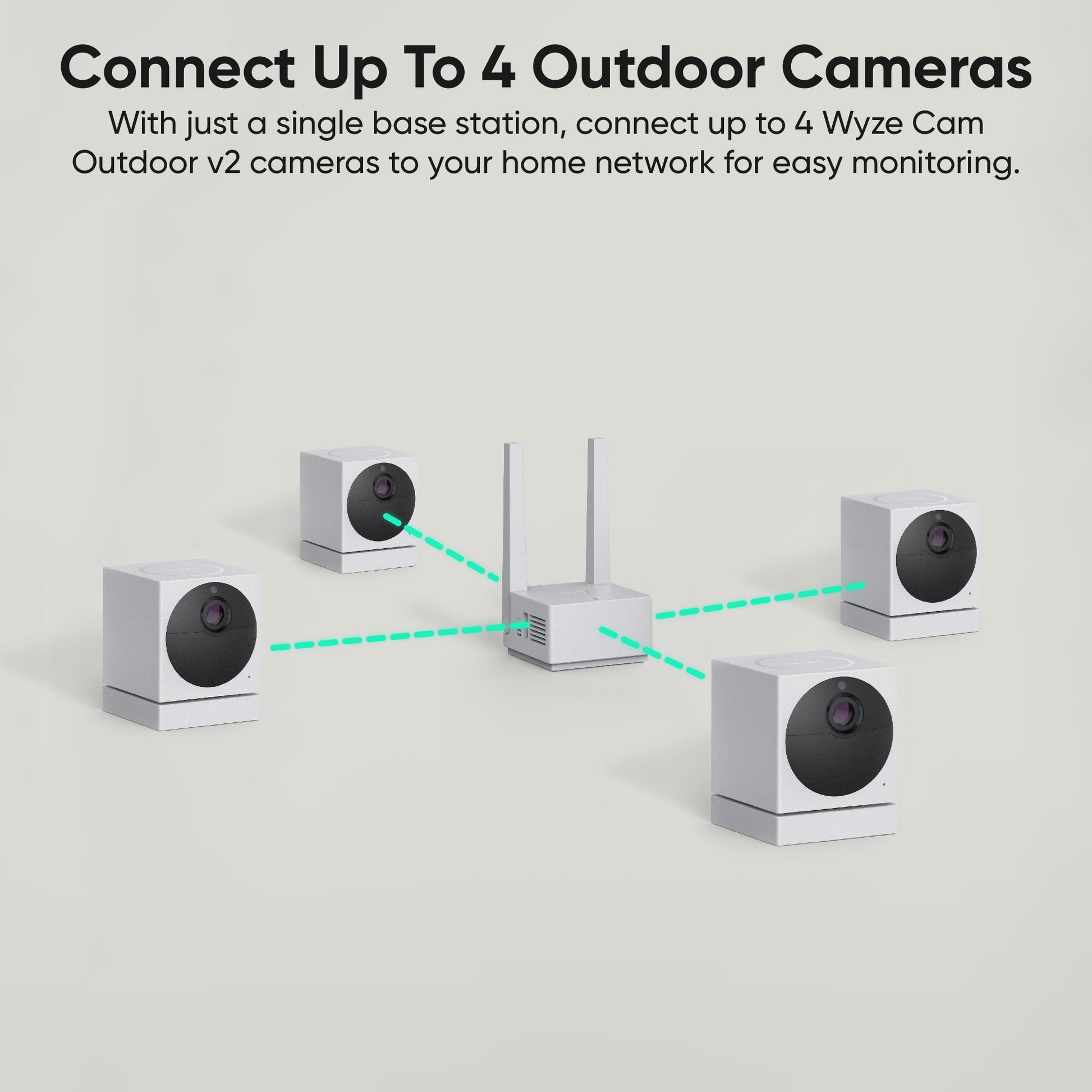
• Une station de base prend en charge jusqu'à 4 caméras

• Stockage local : emplacement pour carte microSD sur la caméra et la station de base (jusqu’à 256 Go)

• Fixation : magnétique, à vis ou support tiers 1/4" — 20

• Certifications : FCC, IC, UL et IP65


Station de base :

• Port d'interface : Ethernet rapide (10/100)

Pack de démarrage :

  • Wyze Cam Outdoor v2 x1
  • Station de base x1
  • Adaptateur secteur pour station de base x1
  • Câble Ethernet pour station de base x1
  • Câble microUSB x1
  • Ensemble de vis x1
  • Guide de démarrage rapide x1

Caméra additionnelle :

  • Wyze Cam Outdoor v2 x1
  • Câble microUSB x1
  • Ensemble de vis x1
  • Guide de démarrage rapide x1

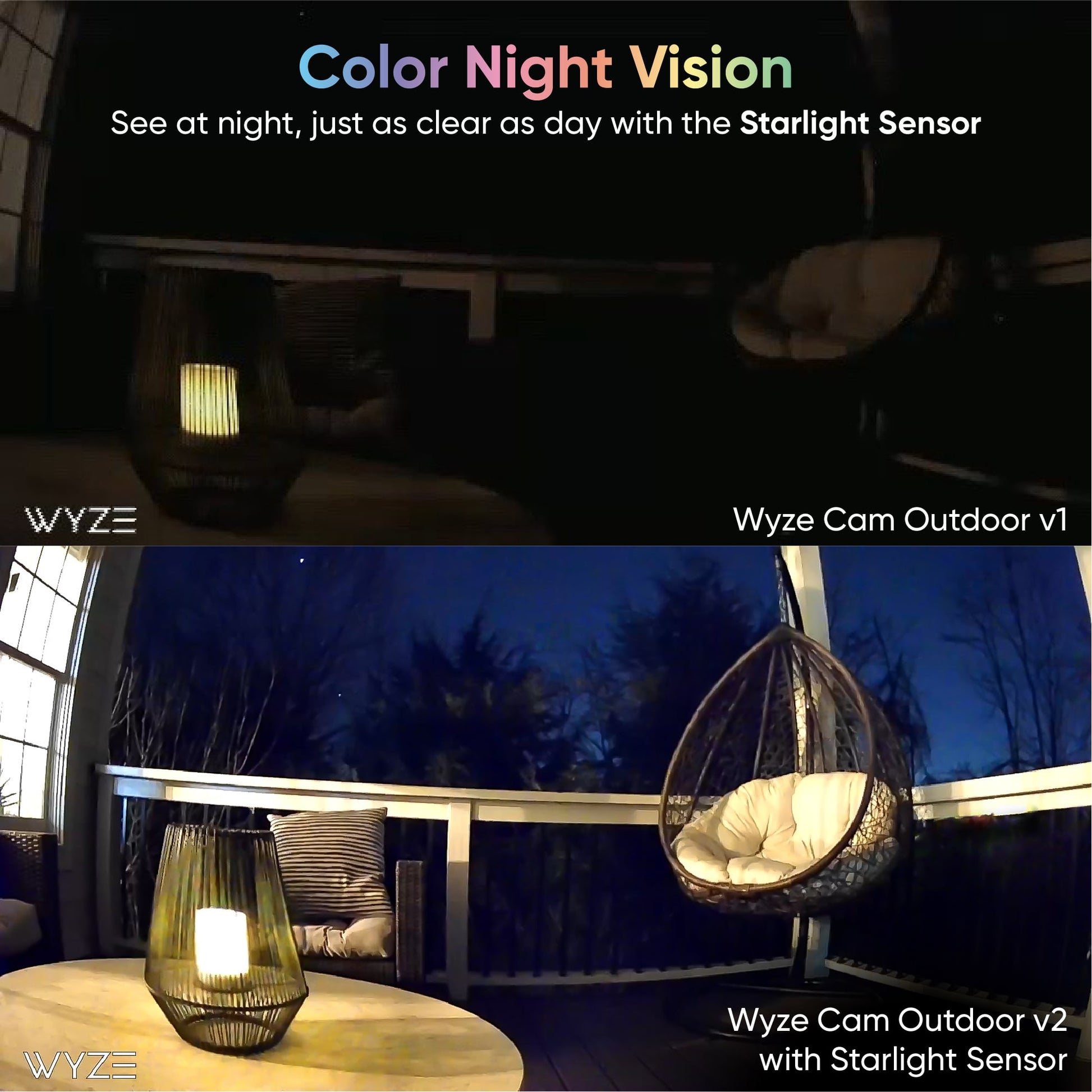
Wyze Cam Outdoor v2 includes all the features you love from the previous outdoor cam, with the addition of a Starlight sensor for Color Night Vision, a bigger Field of View of 130º, and an improved PIR lens for fewer false detections.

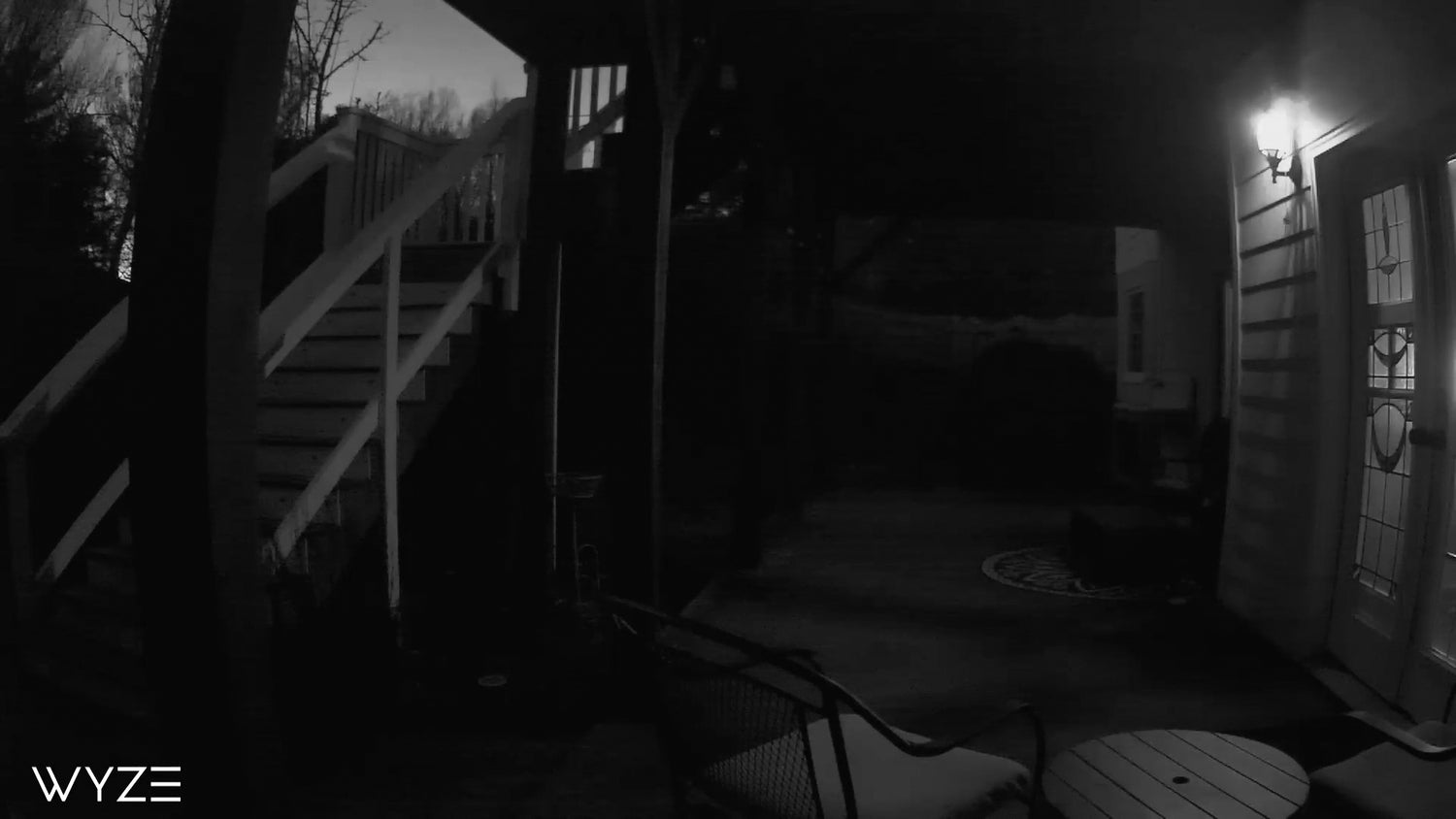
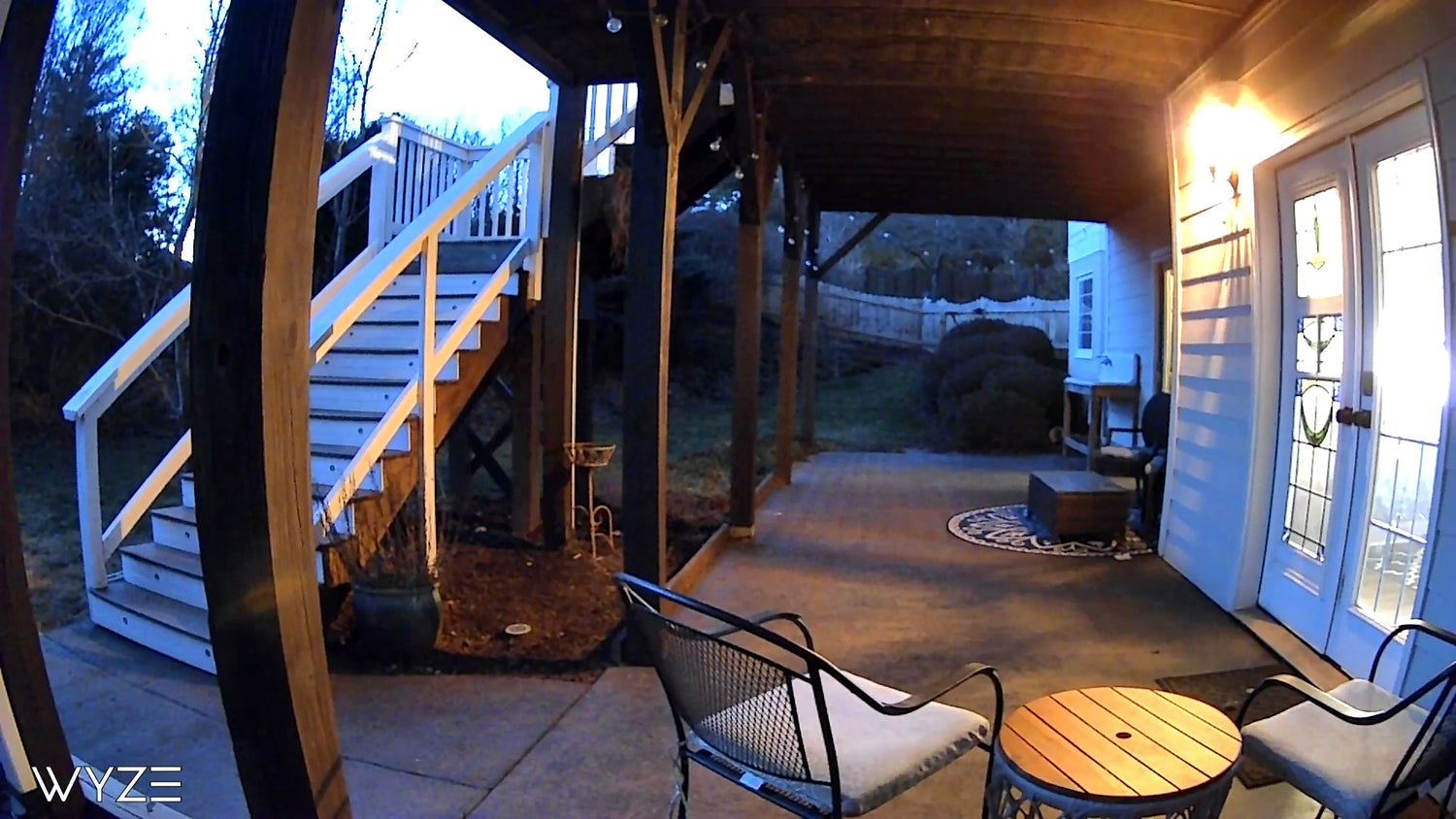
Wyze Cam Outdoor v2 is equipped with a Starlight sensor that allows the camera to see color in extremely low light conditions.

The base station in the bundle for Wyze Cam Outdoor v2 is the same as the original Wyze Base Station. This means that if you already have a base station, you’re all set!

No, you do not need a subscription to use Wyze Cam Outdoor v2. But with Cam Plus, the camera can record longer videos with no cooldown period, and use state-of-the-art AI features including Person, Pet, Package, and Vehicle Detection.

The battery can last up to 3 to 6 months with normal usage (about 10-20 Events per day). Battery life varies based on settings, usage, and the temperature of the environment.

The cooldown period can be adjusted to 1 minute, 3 minutes, or 5 minutes. With Cam Plus Lite, the Event video length is 12 seconds. With Wyze Cam Plus, you can remove cooldown entirely and record longer Event videos.

The base station helps preserve the camera’s battery life by providing the internet connection to the camera. It also removes any compatibility issues with different router brands.

Wyze Base Station supports up to 4 cameras so you get the best experience, particularly when viewing each live stream at the same time. Bandwidth limitations can cause video data to be lost if more cams are paired. If you need more than 4 outdoor cams, pick up another starter bundle here.

Wyze Base Station requires an ethernet connection on the router during setup. After setup, you can connect to the base station via Wi-Fi in the Wyze app and unplug the ethernet cable. Then, place the base station anywhere you want as long as it has a Wi-Fi signal.

No, not on either Wyze Cam Outdoor. This camera was built for maximum flexibility so that you can put it anywhere you want, even where there is no power outlet. Continuously recording to a microSD card like on Wyze Cam v3 will drastically shorten the battery life. Because of this, we did not build this feature into Wyze Cam Outdoor v2 and recommend a Wyze Cam v3 for that. 

However, there is a "Scheduled Recording" feature where you can schedule specific times for the camera to continuously record to its local microSD card or record when motion is detected, though it will reduce battery life. 

Yes, the new outdoor camera is compatible with Wyze Solar Panel.

We have added a new feature for Wyze Cam Outdoor because we understand that the risk of theft is higher with products that are mounted outdoors. We built a mechanism that prevents a new account from setting up the camera if it is already paired with a Wyze account unless the original account releases it. In short, if someone steals the camera, the camera will not be able to be used again unless the owner removes the camera from their account.

Lumière des étoiles. Couleurs vives.

Images brutes. Filmées avec une Wyze Cam Outdoor v2.

Vision nocturne d'une précision extraordinaire.

A black and white photo of a porch with a chair and a cat sitting on it. A black metal chair with a white cushion on a patio.

Wyze Cam Outdoor v1

Wyze Cam Outdoor v2

Étanchéité IP65

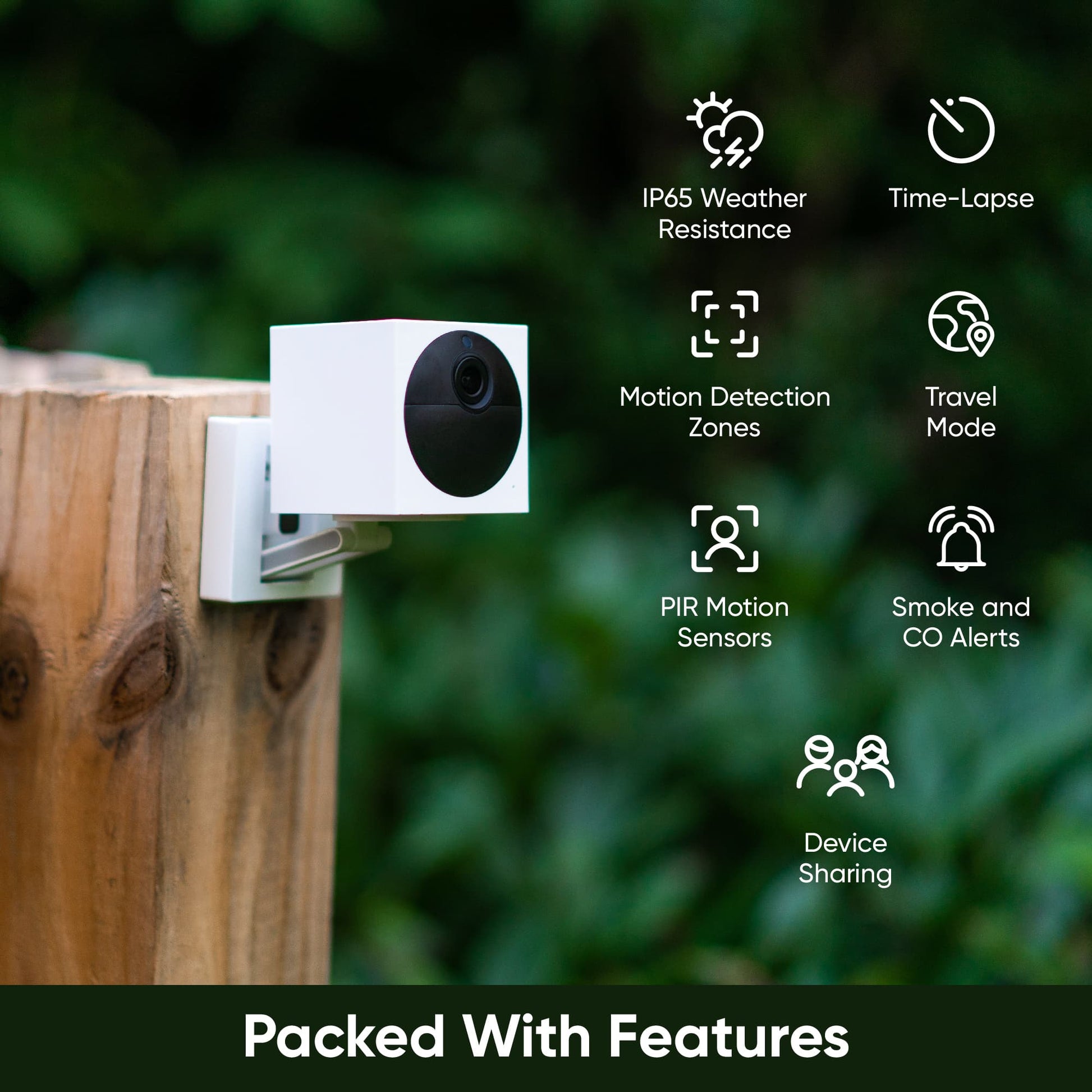
Affrontez les averses torrentielles, les blizzards et les canicules. La Wyze Cam Outdoor v2 est conçue pour être un outil de travail fiable même dans les conditions les plus extrêmes.

  • A dustproof icon on a black background.

    Étanchéité à la poussière

    Protégé contre la poussière et autres particules

  • A black background with a drop of water on it.

    Étanche

    Protection contre les jets d'eau à basse pression

  • A thermometer icon with the temperature set to 48 degrees.

    Chaleur/froid extrêmes

    Entièrement fonctionnel dans des climats allant de -4°C à 50°C

1 de 3

Maintenant avec un champ de vision encore plus large.

Notre nouvel objectif maximise les angles de vision tout en corrigeant la distorsion, vous permettant ainsi de voir davantage de votre propriété sans compromettre les détails.

A green golf course with a mountain in the background. A green field with a mountain in the background.

Wyze Cam Outdoor v1

Wyze Cam Outdoor v2

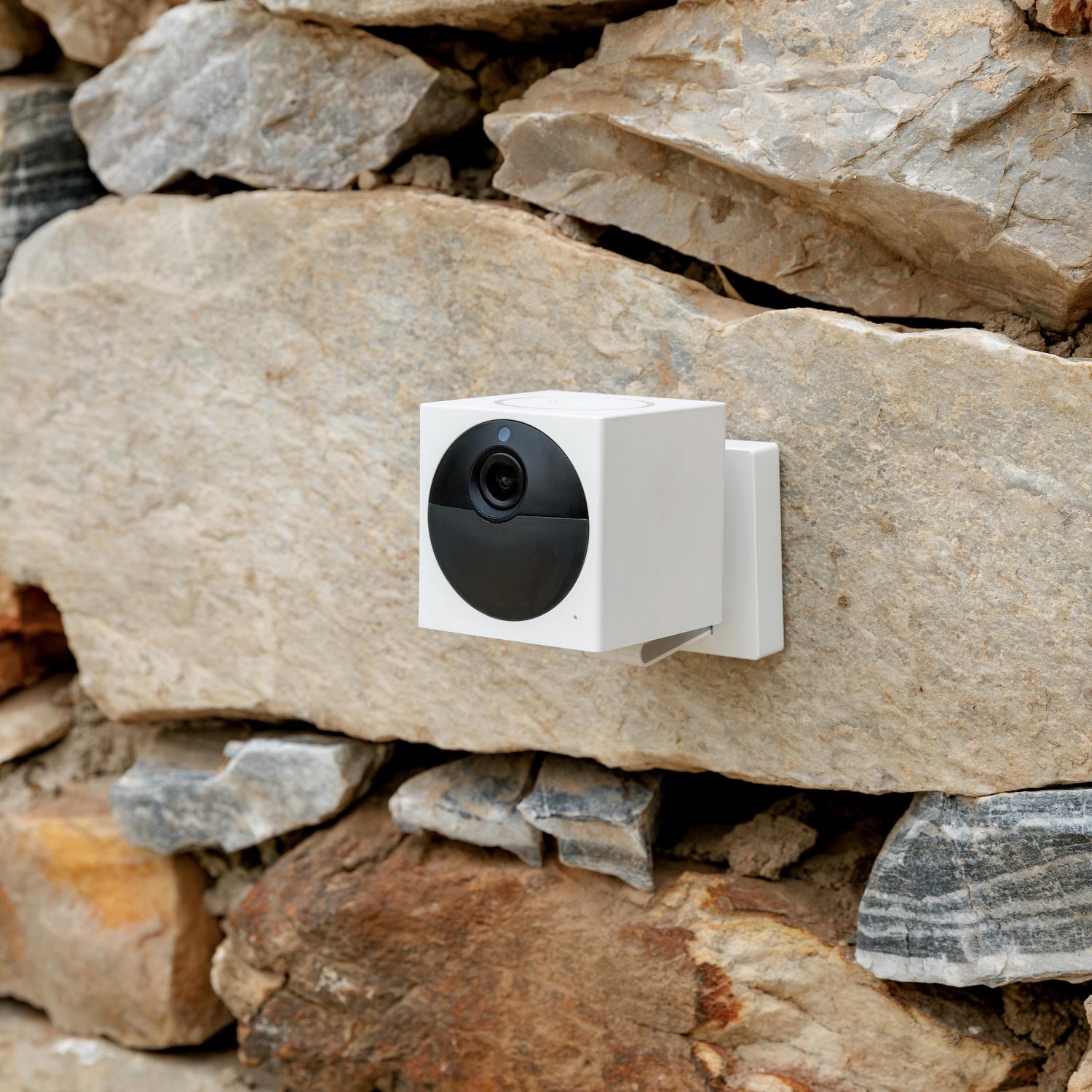
A white camera attached to a stone wall.

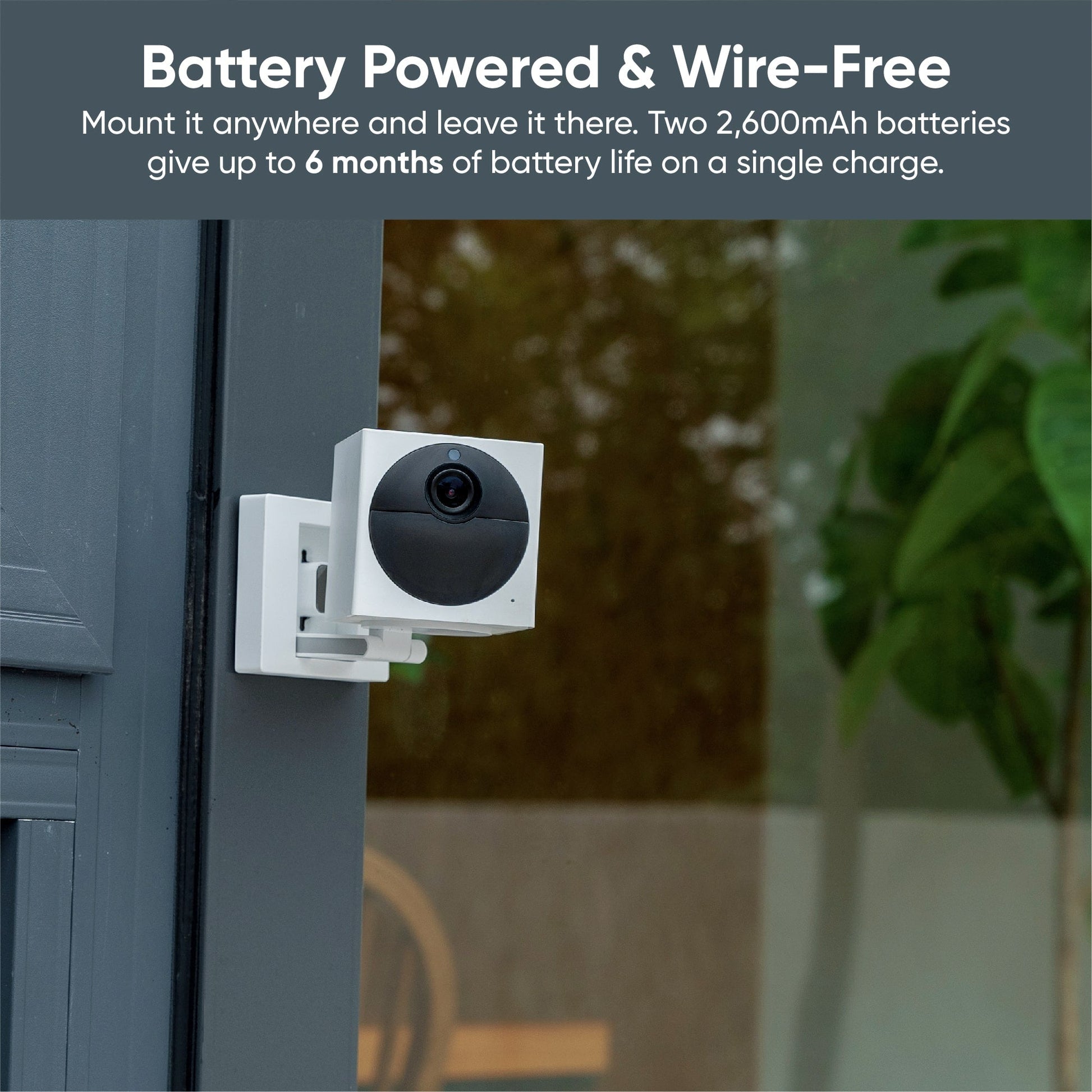
Avec une autonomie allant jusqu'à 6 mois...

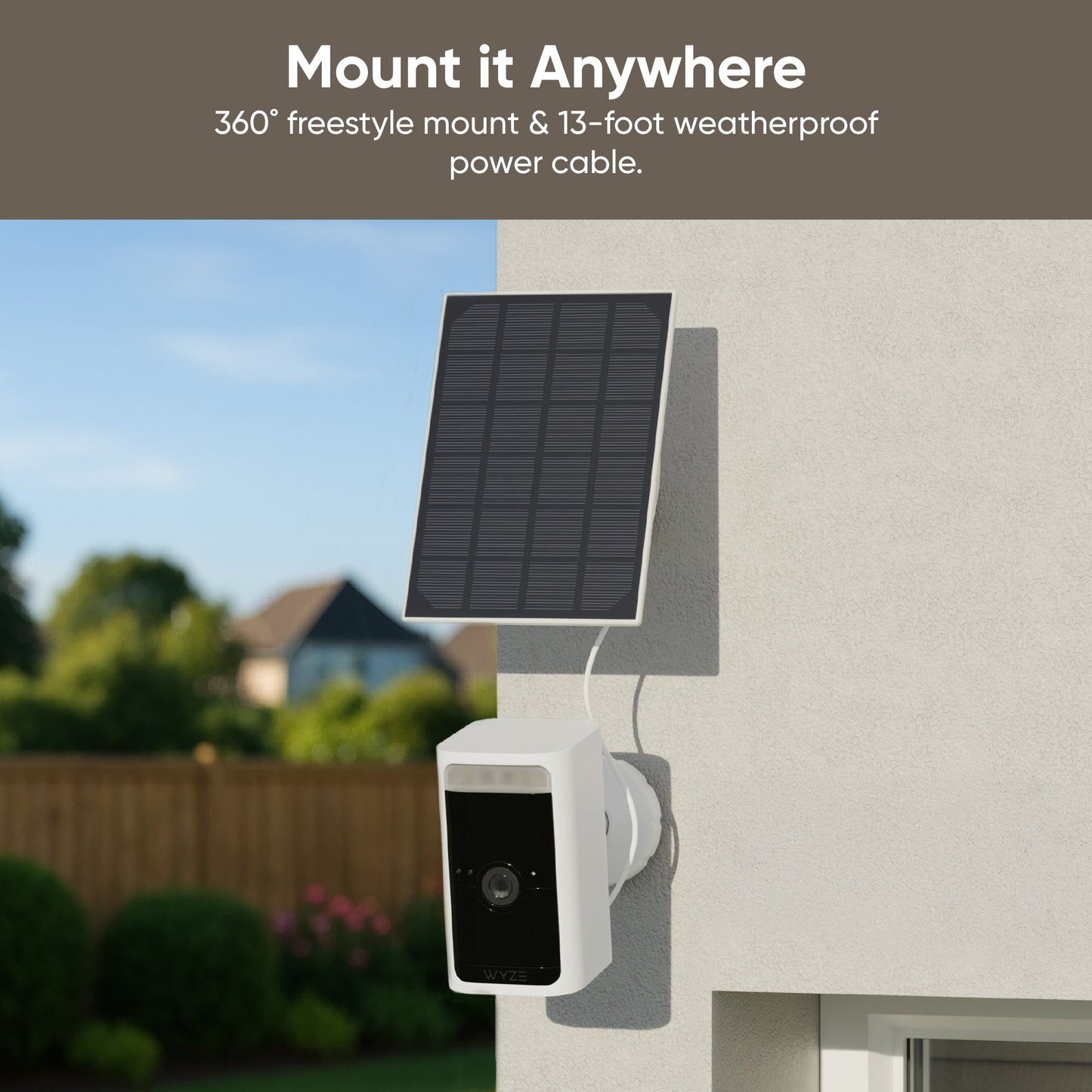
Installez-le où vous le souhaitez, sans vous soucier des câbles ni des prises électriques. Deux batteries rechargeables intégrées de 2 600 mAh offrent jusqu’à 6 mois d’autonomie sur une seule charge.

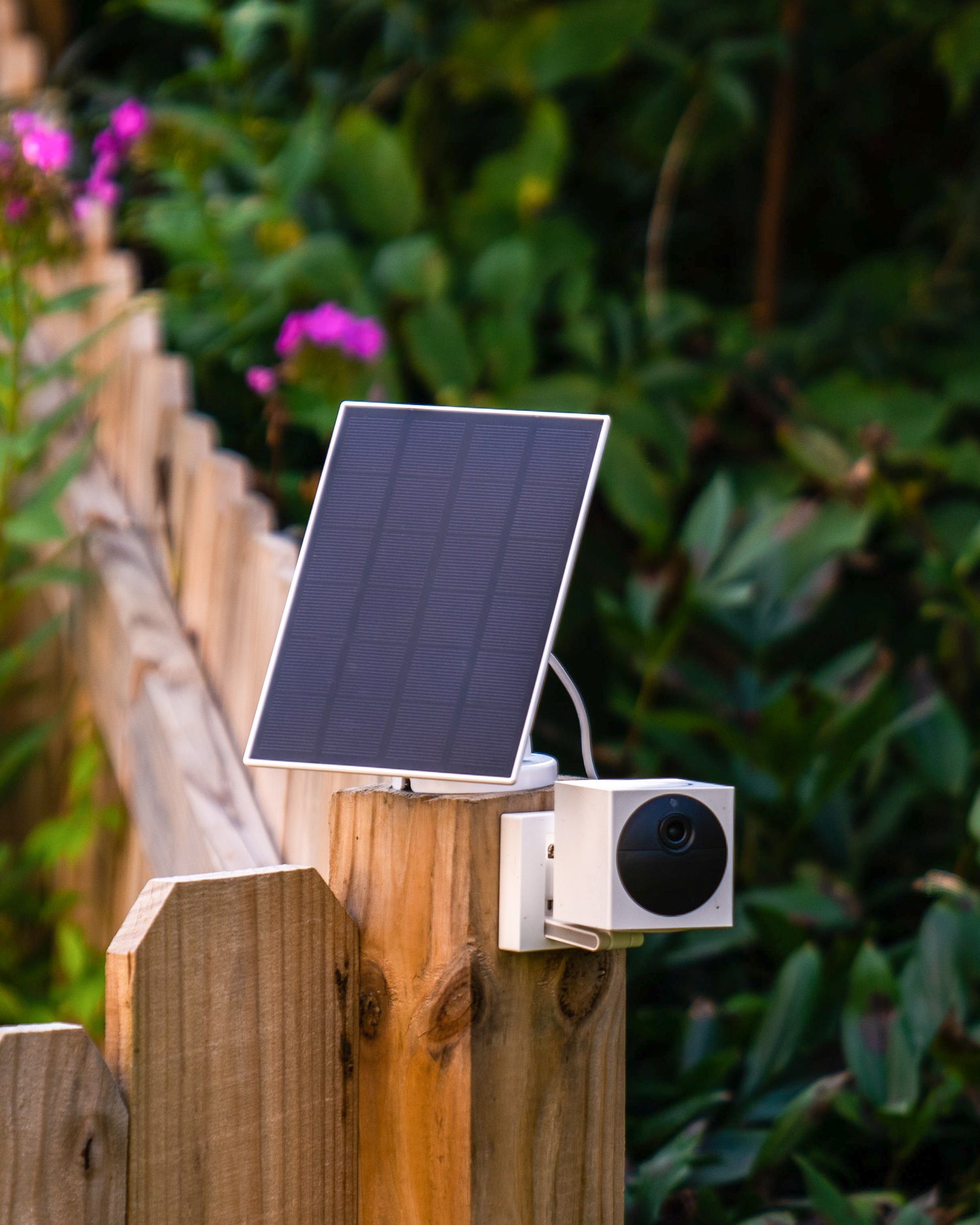
A solar panel is attached to a wooden fence post.

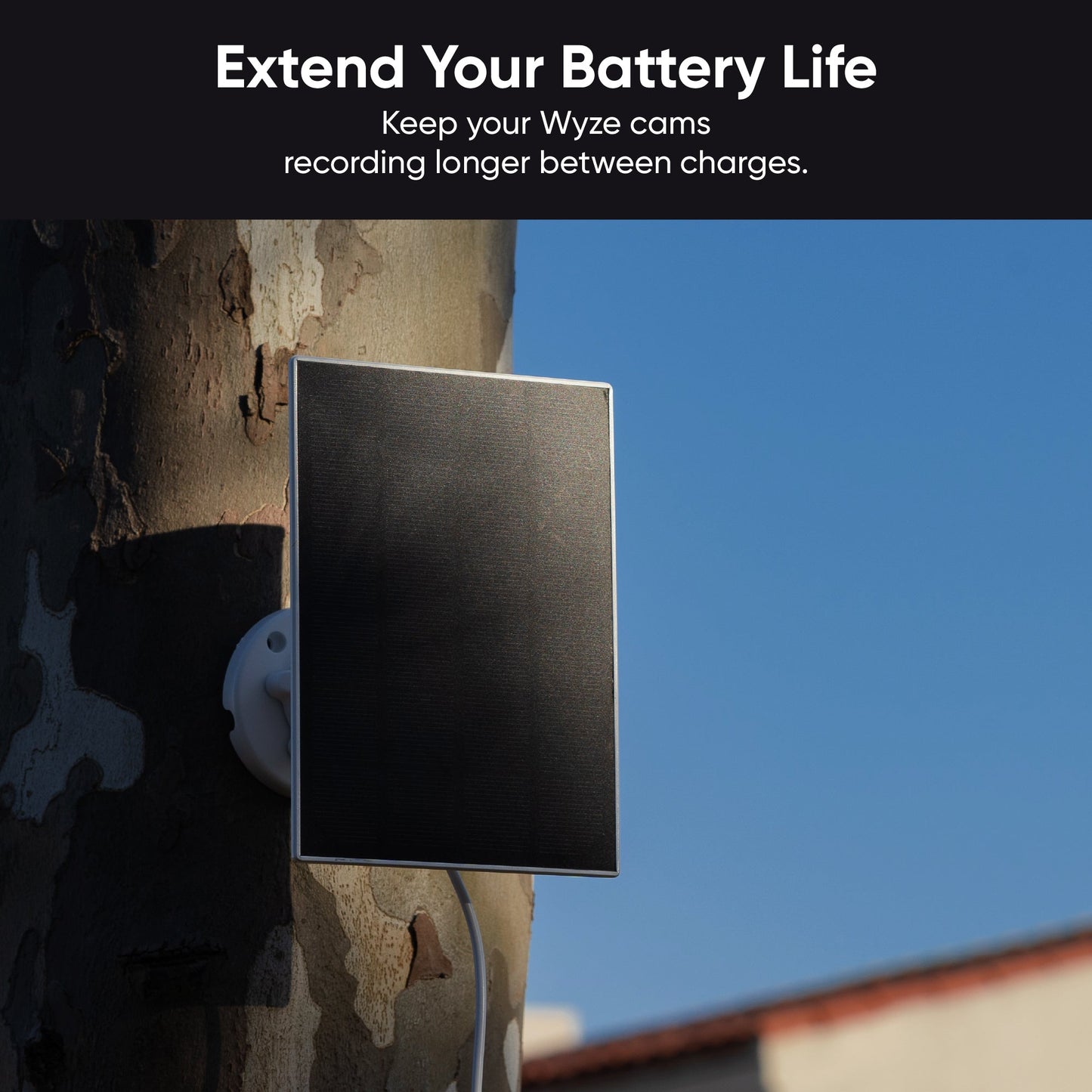
...et une recharge continue grâce au panneau solaire Wyze.

Tout super-héros a besoin d'un acolyte. Le panneau solaire Wyze convertit les rayons du soleil en énergie, vous permettant ainsi de laisser votre caméra allumée plus longtemps et de la recharger moins souvent . Avec un ensoleillement suffisant, vous n'aurez peut-être plus jamais besoin de la retirer.

Soyez averti en cas de détection de mouvement...

La caméra extérieure Wyze Cam v2 utilise des capteurs infrarouges passifs ( PIR ) pour détecter la chaleur corporelle et ainsi réduire les fausses alertes dues au mouvement des branches, par exemple. En cas de détection de mouvement, vous recevez une notification directement sur votre téléphone : vous ne ratez rien.

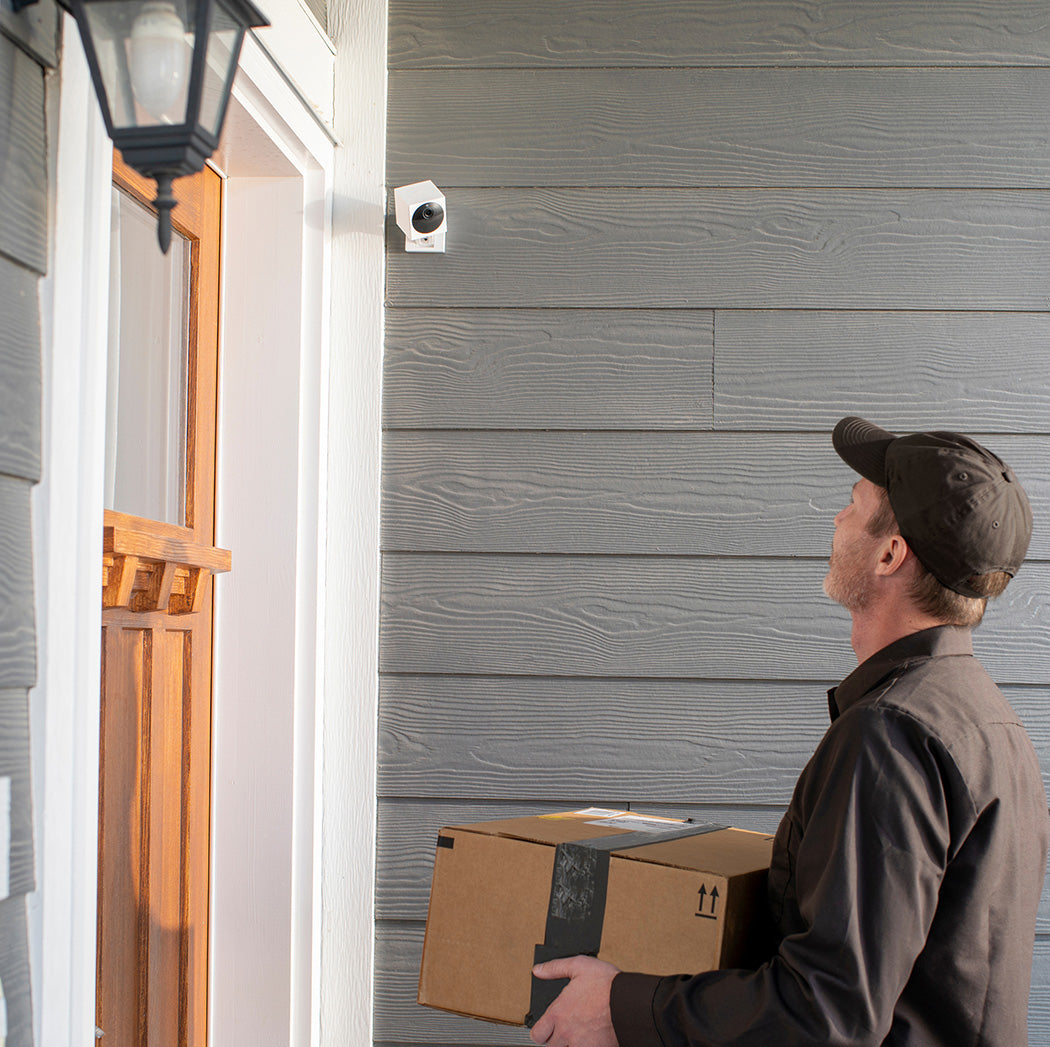
A man wearing a black shirt and black pants is standing in front of a house.
A man holding a box with a camera on it.

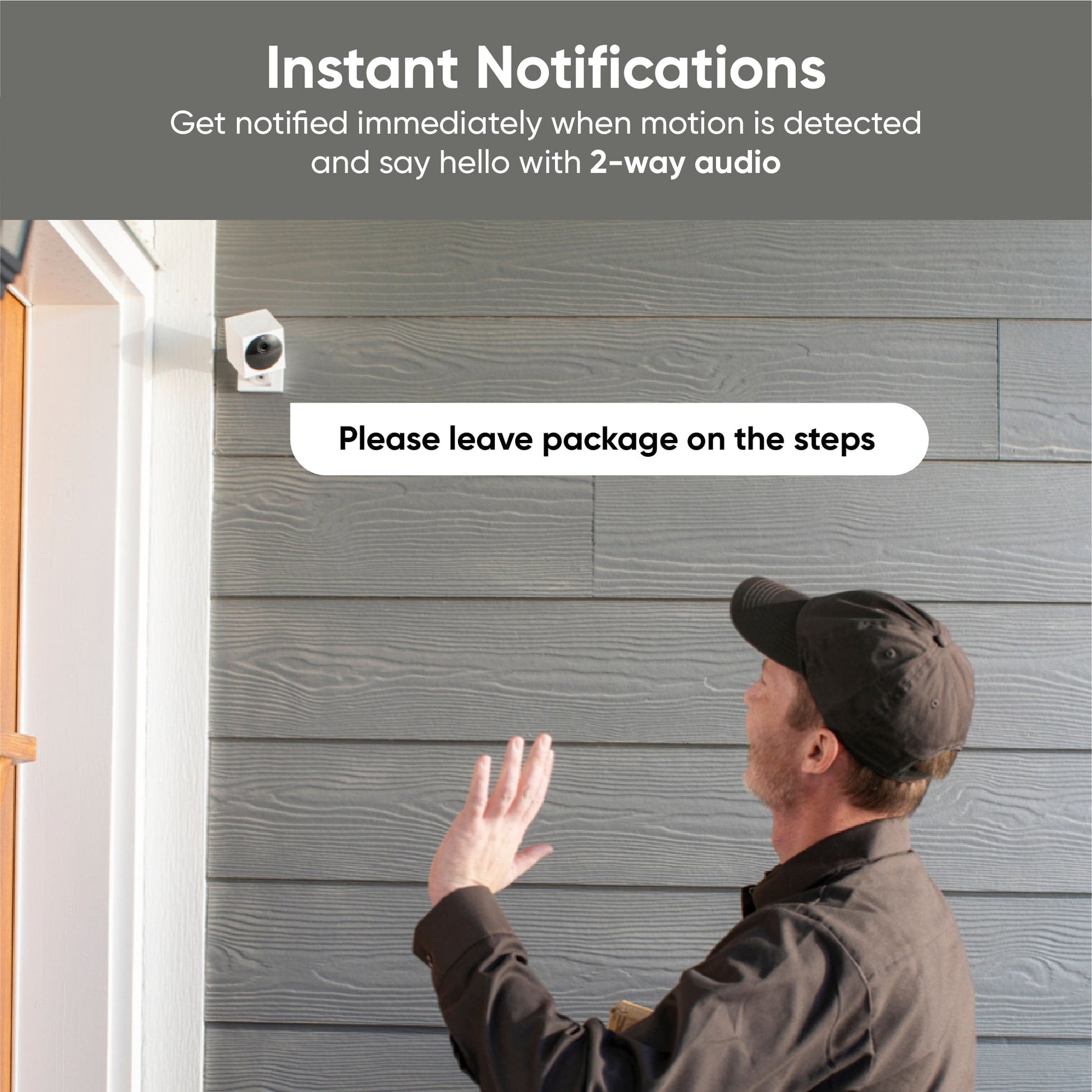
...et répondre en temps réel grâce à un système audio bidirectionnel.

Demandez au livreur de cacher un colis derrière les buissons, ou faites fuir les intrus indésirables dans votre jardin grâce à la sirène intégrée.

Enregistrez jusqu'à 56 jours de vidéo avec une carte microSD Wyze de 256 Go.

Bénéficiez d'environ 56 jours de vidéo SD et 16 jours de vidéo HD.

A man holding a camera in his hand.

Passez au niveau supérieur avec Cam Plus pour 1,66 $/mois

Débloquez des fonctionnalités premium qui rendent vos caméras Wyze, déjà excellentes, encore meilleures.

• Enregistrement vidéo intégral illimité
• Détection intelligente de personnes, d'animaux et de véhicules par IA

Vous bénéficierez même de réductions exclusives réservées aux abonnés sur les produits Wyze !

En savoir plus

Mode de voyage

Vous séjournez à l'hôtel ou partez en randonnée dans les Rocheuses ? Le mode voyage vous permet d'enregistrer des vidéos en mouvement et en accéléré sur une carte microSD (vendue séparément), même lorsque vous n'êtes pas connecté à Internet ou à la station de base.

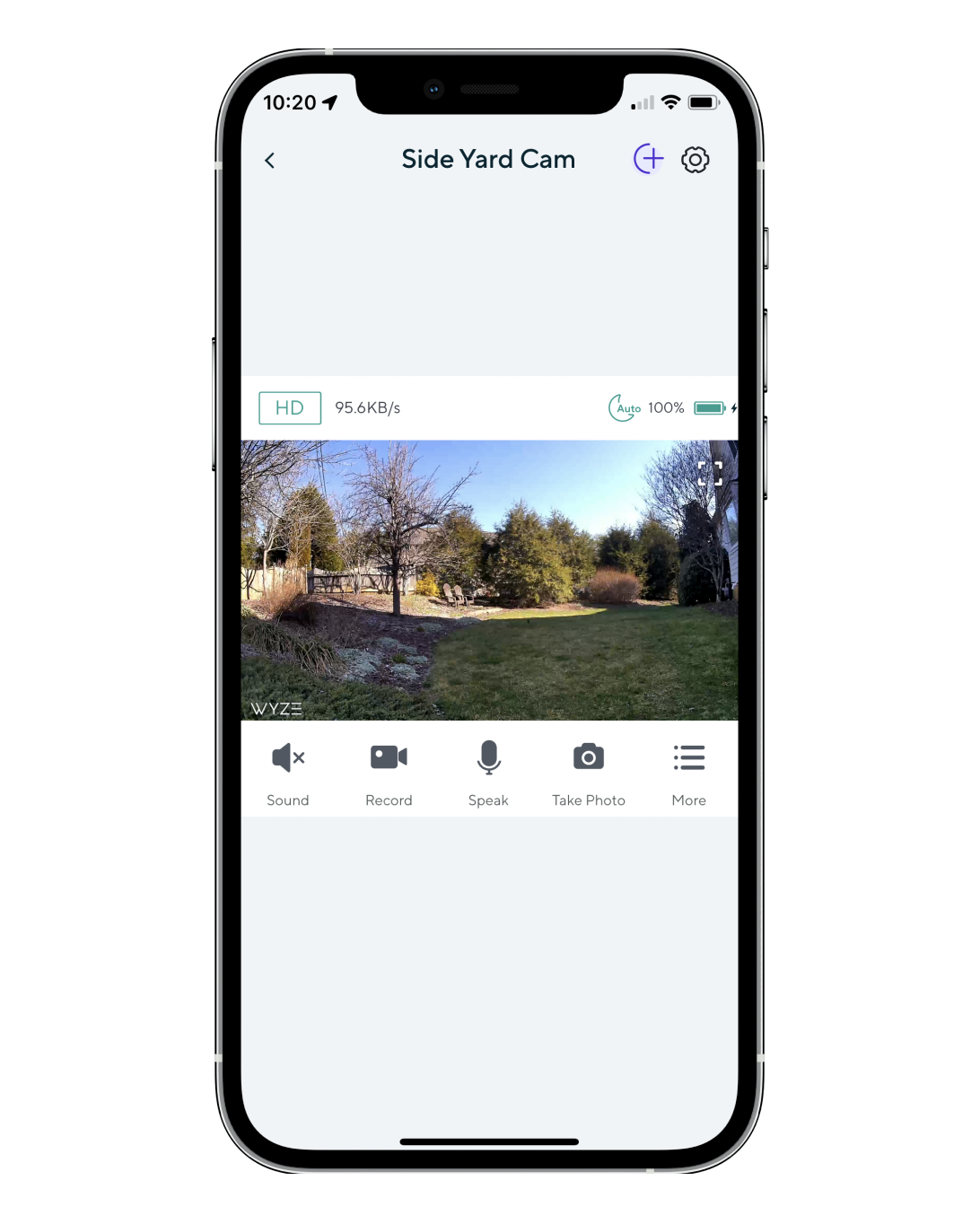
A smartphone screen displaying a side yard camera.
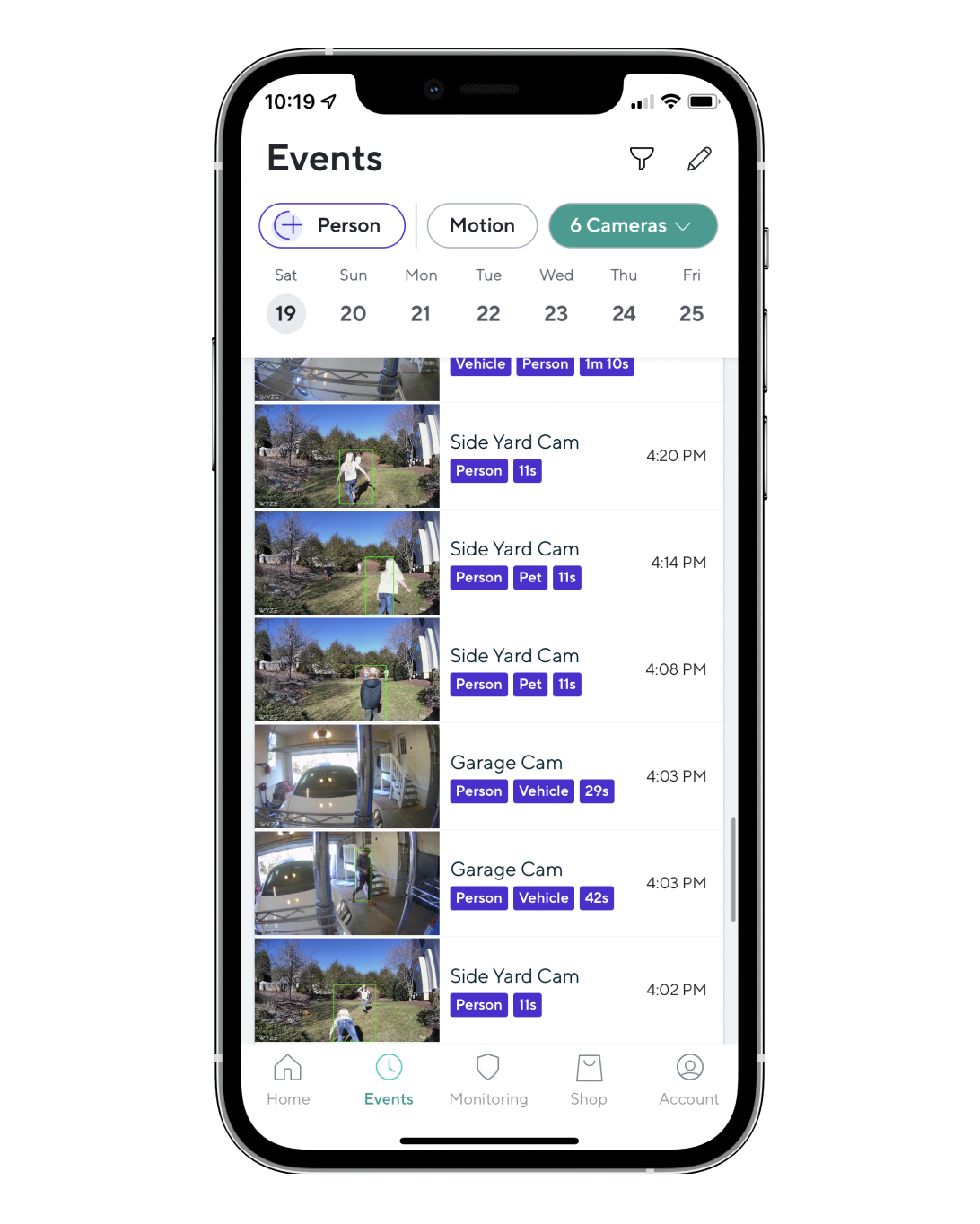
A phone screen displaying a list of event recordings.
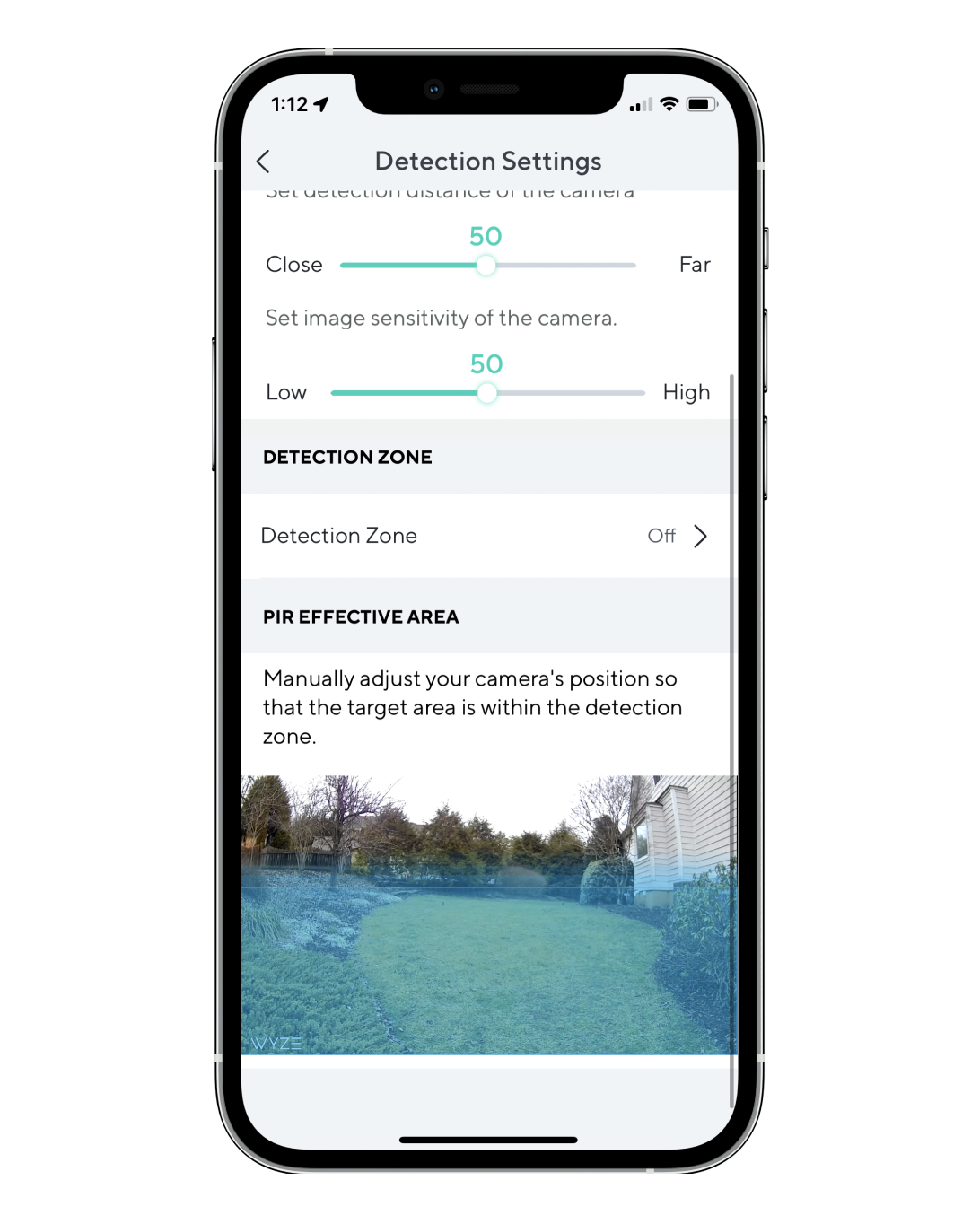
Detection Zone: A screen displaying a map with a detection zone.

L'application Wyze est votre centre de commande.

Connectez-vous à tout moment, de n'importe où, pour visionner des flux vidéo en direct.

Obtenez un aperçu rapide de ce que votre caméra filme dans l'onglet Événements. Cam Plus vous permet de visualiser rapidement qui ou quoi a déclenché l'événement.

Surveillez des zones spécifiques pour détecter les mouvements et ne recevez de notifications que lorsque c'est important.

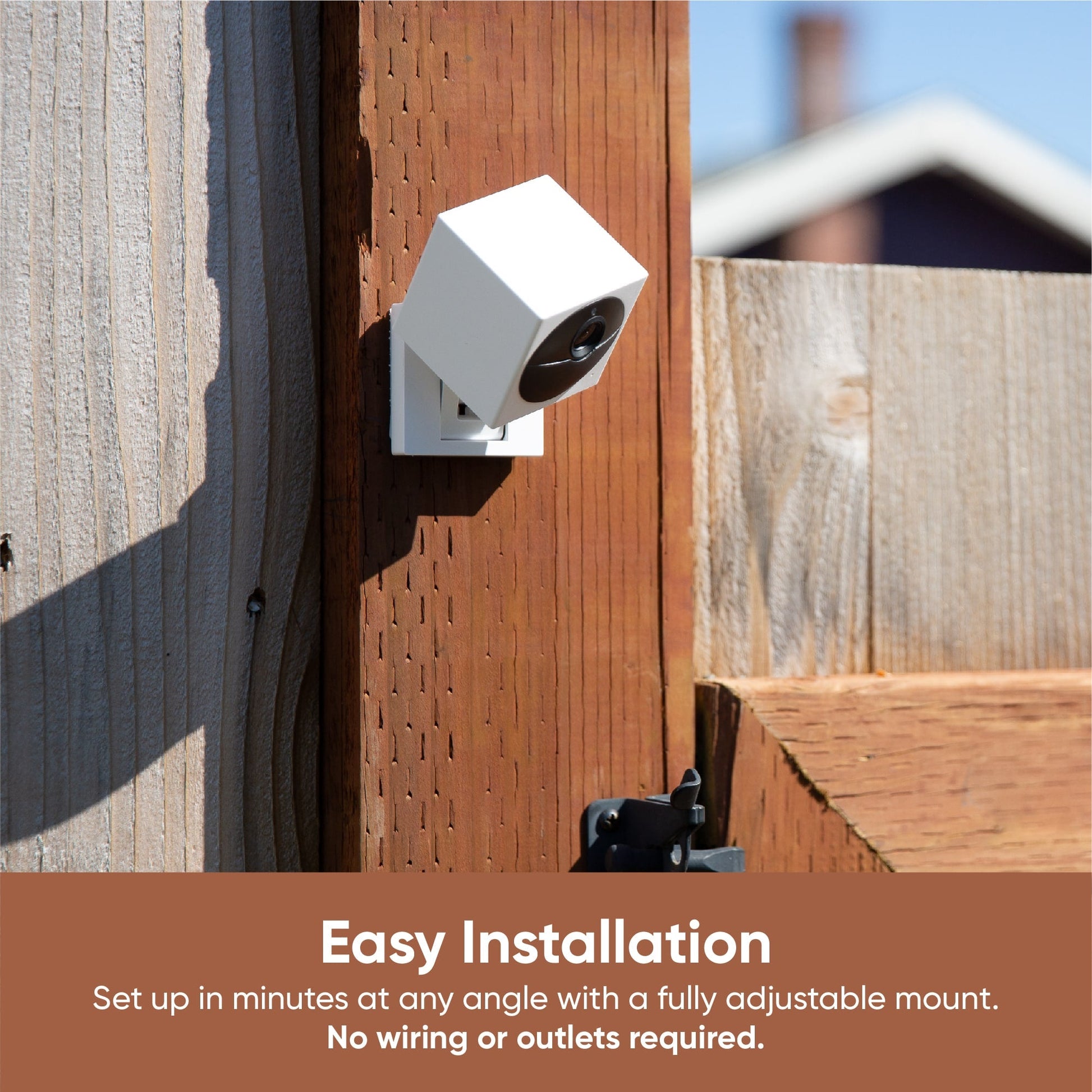
L'installation de la Wyze Cam Outdoor v2 est facile.

L'installation vous inquiète ? On vous comprend. Regardez notre vidéo d'installation étape par étape ci-dessous pour constater à quel point c'est facile.

Support Articles

Now that your Wyze Base Station is set up, it's time to add your Wyze Cam Outdoor. It's an easy process, as it relies on Wyze Base Station for network communication.
Fully charge your Wyze Cam Outdoor before setting it up the first time. This can take up to 4 hours. Once fully charged the light will switch from flashing red to solid red.

To set up your Wyze Cam Outdoor:

  1. In the Wyze app, tap Home, then tap + plus sign on the top right.
  2. On the Add menu, tap Device.
  3. Tap Cameras > Battery Camera > Wyze Cam Outdoor > Begin setup.
    If you don't have a Wyze Base Station on your account, or your Wyze Base Station already has 4 paired cameras, you'll be directed to set up a Wyze Base Station here.
  4. On the back of your camera, open the charging cover and flip the power switch to On.

    The status light will be solid yellow.
  5. Lift the camera away from its base, or separate the magnetic base from the body.
  6. In the Wyze app, tap Begin Setup. If you have more than one Wyze Base Station, or yours is already full, you'll be prompted to select the one you'd like to pair the camera with.
  7. Press the SYNC button on the bottom of the Wyze Cam Outdoor.
  8. The camera will say "Pairing is in progress. Please wait." The status light will flash yellow and blue.
  9. The camera will automatically finish pairing with Wyze Base Station. The status light will turn solid blue when complete.
  10. When prompted on the next screen, name your Wyze Cam Outdoor. You're all set!
  11. You may have a prompt for a free trial of Cam Plus. Tap Continue.
  12. Set up some automations on the Things to Try* page, or tap Skip.
  13. You’re all set. Enjoy your new Wyze device!

Once your Wyze Cam Outdoor is set up successfully, you can mount it. Continue to the Wyze Cam Outdoor Mounting Guide.

Things to Try: Tap Create or edit a device group, Share this device, Automate your device, or Skip. These are quick ways to set up a few automations before you finish setup. When you complete a task, it'll display a green checkmark ✅. You can move on from this page by tapping Skip.

Wyze Base Station is the communication hub for your Wyze Cam Outdoor and it is necessary for it to talk to your network.

New to Wyze? Before starting, download the Wyze app and connect to the Wi-Fi.

To set up your Wyze Base Station:

  1. Connect your mobile device to the same Wi-Fi network your base station will be set up to.
  2. In the Wyze app, tap Home, then tap the plus sign + on the top right.
  3. On the Add menu, tap Device.
  4. Tap Cameras > Battery Camera > Wyze Base Station > Next.
  5. Plug one end of the included power supply cable into the base station, and the other end into a power outlet.
    The status light will be solid yellow.
  6. Plug one end of the provided Ethernet cable into the base station, and the other end into the back of your router.

    The status light will flash blue, then turn solid blue when connected to your network.
  7. Check the box next to "The status light is solid blue" and then tap Next.
    Do you see a "Can't find Base Station" error screen? Tap Scan with QR code instead, then Scan QR code.Locate the QR code on the bottom of the base station.On the next screen, use your mobile device's camera to scan the code.
    Tap Go to Wi-Fi selection, then select the network that looks like:
    If the QR code will not scan, you can tap on The QR Code isn't scanning.On this page, you can enter the MAC address that is located on the bottom of the base station's device label to the left of the QR code, labeled MAC: xx:xx:xx:xx:xx:xx.
  8. The setup process will complete automatically.*
  9. When prompted on the next screen, name your Wyze Base Station.

*Your mobile device and the base station must be on the same network to complete setup.

Want to unplug your Wyze Base Station from your router?

Once it's set up, you can use Wyze Base Station on a Wi-Fi connection - no need for a router. To do this:

  1. In the Wyze app, tap on your Wyze Base Station.
  2. Tap on the Settings gear on the top right.
  3. Tap Device Info > Change Connection. You'll see one of the following screens: Select your network. Follow the onscreen steps to connect to your Wi-Fi network.Once connected, unplug the base station from your router.The status light will flash blue, then turn solid once complete. You're all set! Connect via Wi-Fi. Unplug the Base Station from your router.The status light will flash blue, then turn solid once complete. You're all set!

Want to change the Wi-Fi that your Wyze Base Station is connected to?

  1. In the Wyze app, tap on your Wyze Base Station.
  2. Tap on the Settings gear on the top right.
  3. Tap Device Info > Wi-Fi Network.
  4. Follow the on-screen steps to finish the setup.

Now that your Wyze Base Station is all set up, it's time to add your Wyze Cam Outdoor. Move on to the next article, Wyze Cam Outdoor Setup Guide.

Having issues setting up your Wyze Base Station? Check out our Base Station Setup Troubleshooting.

Mounting the Wyze Cam Outdoor is not required, but it has its perks. When mounted, your camera is more secure, protected from the elements and direct sunlight, and it gives you a better vantage point over large areas.

What’s Needed:

  • 1x Wyze Cam Outdoor
  • 1x 24mm "M3" Screw
  • 1x Screw Anchor (only required with drywall installation)

Required Tools

  • 1x Philips-Head Screwdriver and/or Electric Screwdriver

Mount your Wyze Cam Outdoor

Use the drop-downs below for instructions to mount the Wyze Cam Outdoor to the ceiling or a wall.

Ceiling Mount Instructions

To mount your Wyze Cam Outdoor to a ceiling:

  1. Position your Wyze Cam Outdoor on the ceiling where you want to mount it.
  2. Drill a 3mm hole in that spot, and insert the included Drywall Anchor.
  3. Screw the base of the Wyze Cam Outdoor into the Drywall Anchor using the hole labeled "Ceiling Mount".
  4. Attach the top of Wyze Cam Outdoor to the magnetic base. Proper orientation: SYNC button facing down.

Section Link: Link

Wall Mount Instructions

To mount your Wyze Cam Outdoor to a wall:

  1. Position your Wyze Cam Outdoor on the wall where you want to mount it.
  2. Drill a 3mm hole in that spot, and insert the included Drywall Anchor.
  3. Screw the base of the Wyze Cam Outdoor into the Drywall Anchor using the hole labeled "Wall Mount".
  4. Attach the bottom of Wyze Cam Outdoor to the magnetic base to keep it in the proper orientation. Proper orientation: SYNC button facing down.

Section Link: Link

Additional Notes

To get the most out of your Wyze Cam Outdoor, keep these in mind while positioning your camera.

  • Always mount your Wyze Cam Outdoor right-side pointing up, with the SYNC button pointed down. Person detection may not work as accurately if the sensor is upside down.
  • Avoid direct sunlight: While Wyze Cam Outdoor is designed to weather the elements, it's still a camera. This means that having it facing direct sunlight could lead to the image being washed out, and has potential to shorten the life of the camera's image sensor.
  • Avoid general traffic: If you're using the Wyze Cam Outdoor to alert you when there's activity somewhere, you want to avoid false-positives. While these should be few and far between, angling your Wyze Cam Outdoor to avoid heavy-traffic areas while using any of its recording features will help keep the battery from draining too quickly.
  • Avoid waving branches: While the PIR sensor should help prevent most false-positives, it's still possible for the camera to record passive movement (waving branches, clothesline, etc.) as movement.
  • Avoid placing your camera behind glass, looking out of a window, or installed in a third-party case: Wyze Cam Outdoor uses PIR (temperature changes) to detect motion. Motion detection will not trigger if the camera is behind glass, looking out of a window, or inside a third-party case.
Added to your cart
Livraison GRATUITE pour les commandes de 59 $ et plus
Subtotal
$0.00
View cart