Subtotal
$0.00

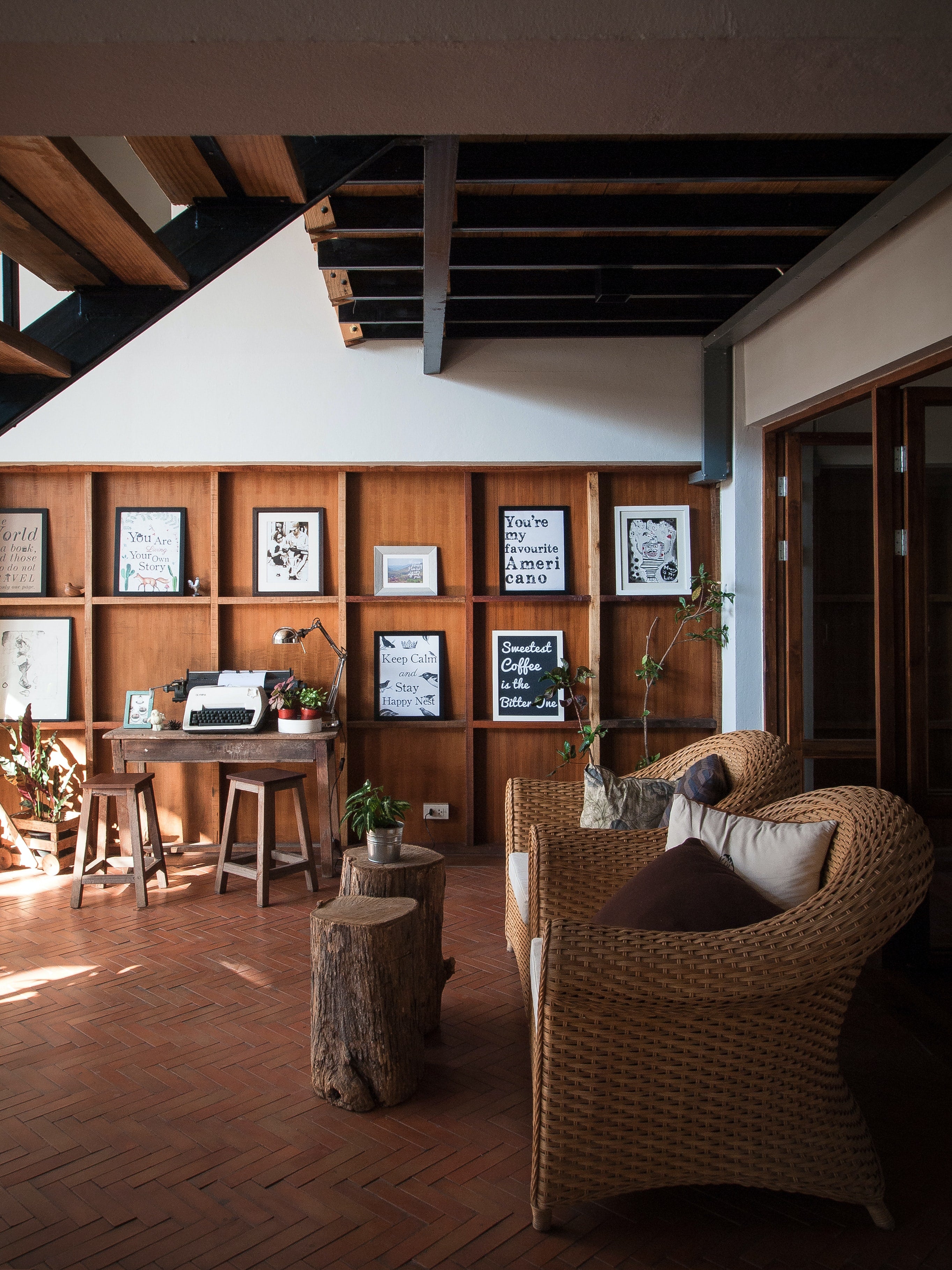

Use Google Nest Hub Displays to view livestreams of your Wyze Cams. Just say "Hey Google, show me the Front Door" to view livestreams from all your Wyze Cams.
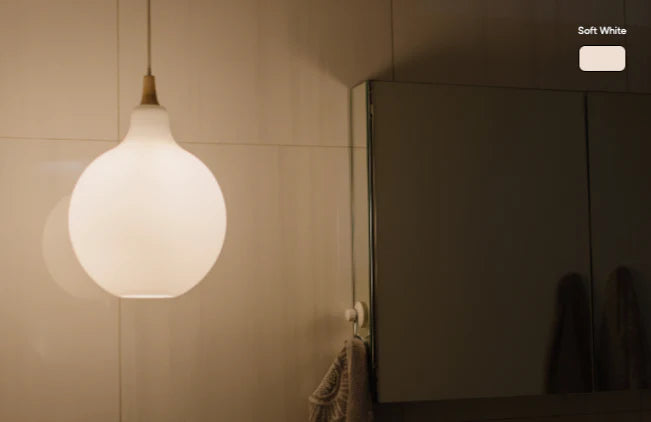
Command any internet-connected Wyze device with your voice. For example, to turn off Wyze Bulbs or Wyze Switch, just say "Hey Google, turn off the lights."
Seize the day with a custom morning routine. Just say, "Hey Google, good morning" to turn on the lights, start the coffee pot, play the morning news, and so much more.
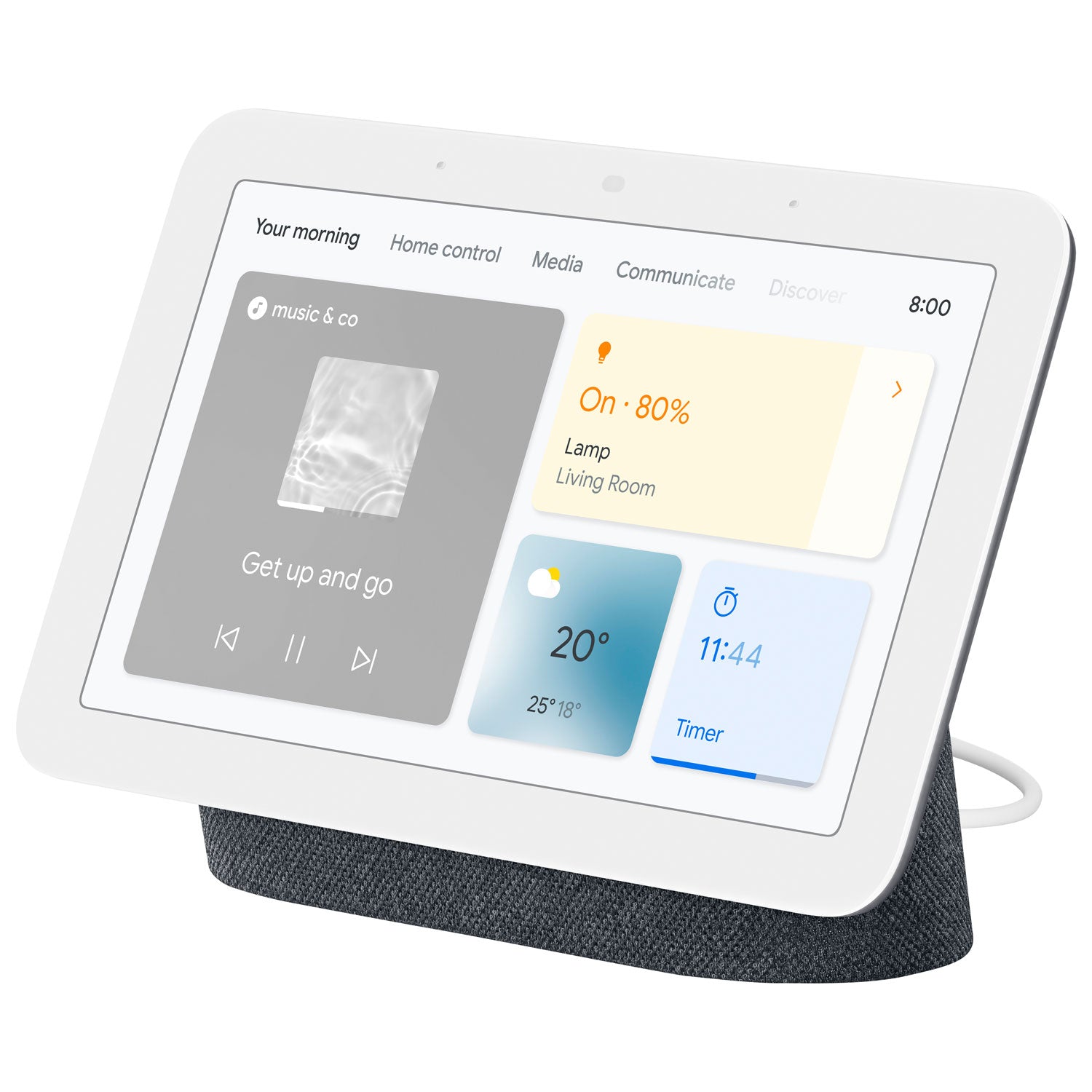
Google Nest Hub (2nd Gen) allows you to control your home with your voice and on-screen with touch gestures.
✓ Adjust the brightness of your Wyze Bulbs
✓ Crank up the heat with Wyze Thermostat
✓ Tap into all your live Wyze Cam feeds
✓ Stream music, watch YouTube, set timers, listen to bedtime stories, and so much more.
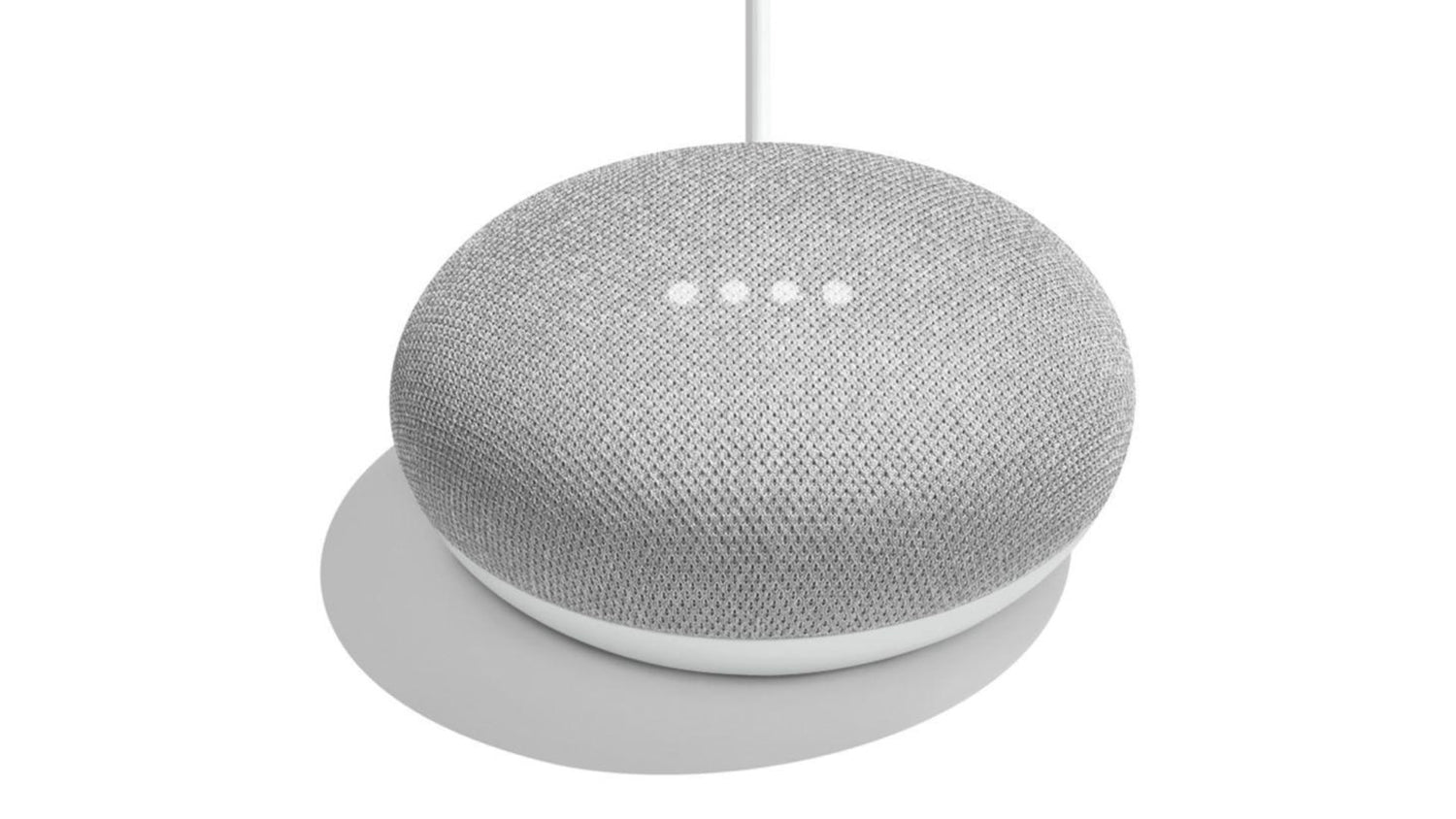
When your hands are full, you can count on Nest Hub Mini to lend a helping hand with voice control. Here's a few things to try by saying, "Hey Google..."
✓ "...turn off the lights in the nursery."
✓ "...set the thermostat to 68 degrees"
✓ "...close the garage door."
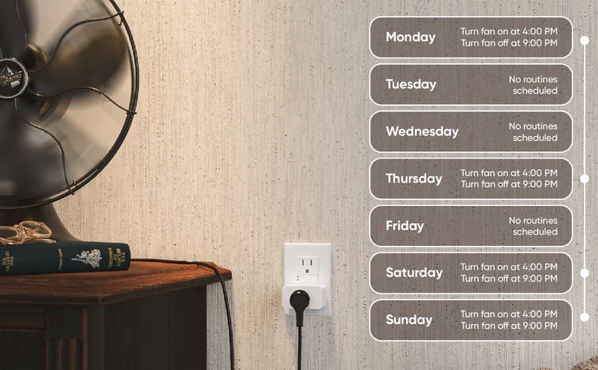
✓ "...schedule the string lights to turn on at sunset."
Follow the prompts to sign in with Google. Tap the + icon. Tap "set up device". Tap "Works with Google". Search for "Wyze Home" in the list and sign in to your Wyze account.
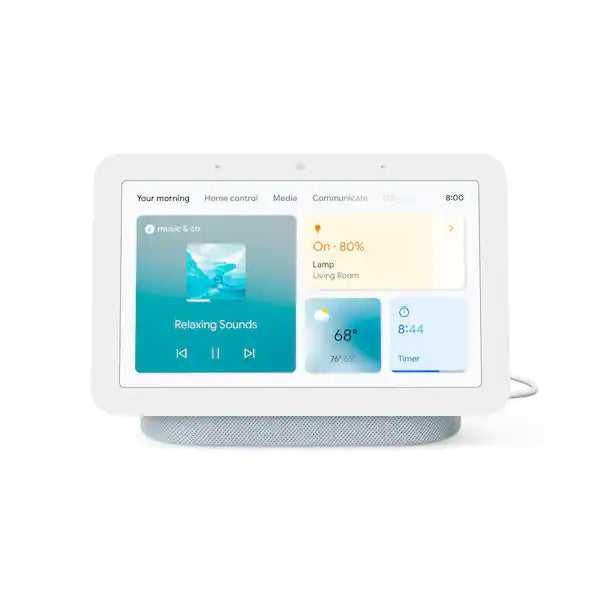
• Ok Google, show me (Wyze Cam name) on (casting device name)
• Ok Google, turn off (Wyze Bulb name)
• Ok Google, play the latest Casey Neistat video on YouTube
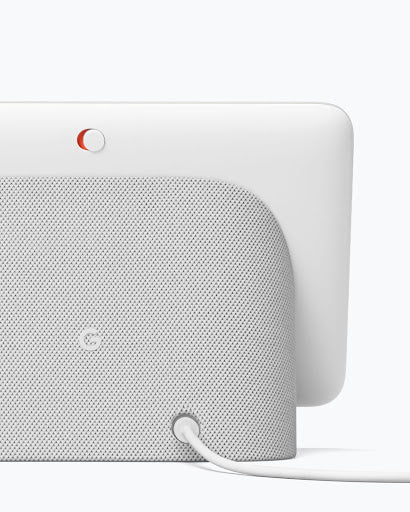
Turn off the mic of any Google Nest Hub devices with the mic switch. Easily clear your Google Assistant history whenever you want.
