Passer au contenu
View our Accessibility Statement
Passer aux informations produit
1 de 15

Wyze Cam Pan v4

Wyze Cam Pan v4

The clearest Wyze cam yet.

Couleur
$69.98CAD
Quantity: 1
1
2
3
4
5
6
7
En stock
Get it as soon as
Retours sans tracas sous 30 jours.
En stock

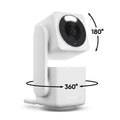
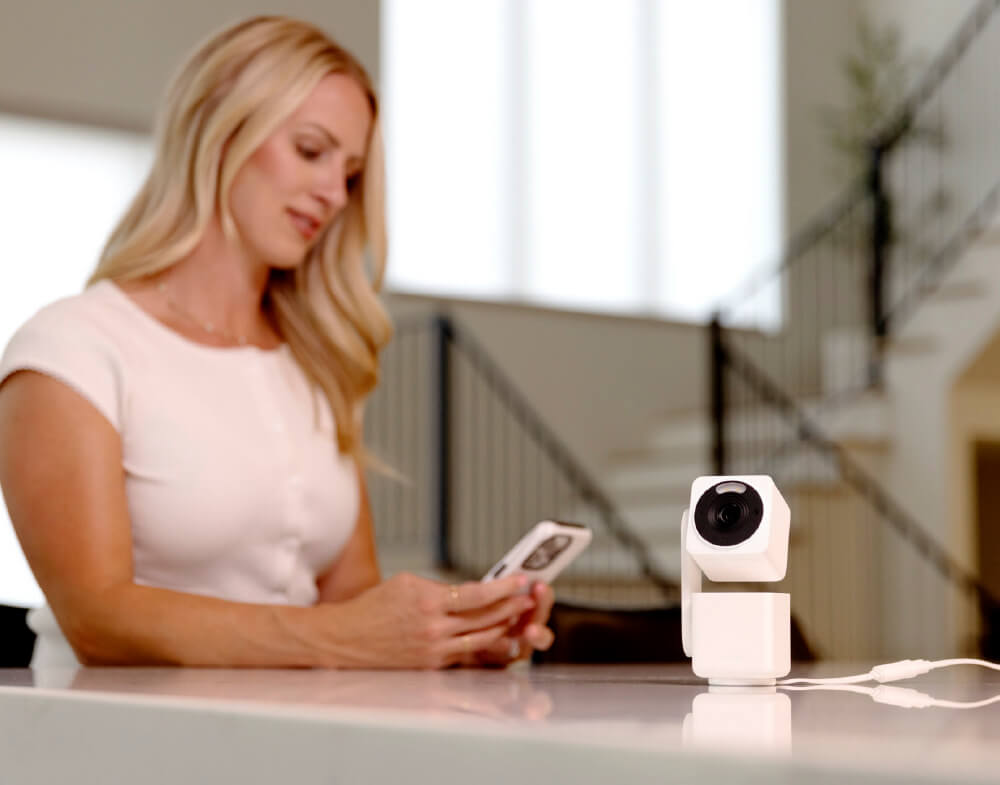
La caméra Wyze numéro 1 des ventes, avec sa rotation à 360° et son inclinaison à 180°, est de retour avec une qualité 4K Ultra HD.

Voir les détails complets
  • Résolution vidéo 4K Ultra HD

    Capturez chaque détail grâce à un enregistrement d'une clarté cristalline.

  • Couverture panoramique à 360° et inclinaison à 180°

    Contrôlez à distance via l'application Wyze pour une couverture complète de la pièce.

  • Suivi d'objets basé sur l'IA

    Suivi des personnes, des animaux et des véhicules avec priorité personnalisable.

  • Wi-Fi double bande

    Maintenez une connexion stable sur les réseaux 2,4 et 5 GHz.

Wyze Cam Pan v4 Tech Specs

Color & Materials
  • Color: White
  • Finish: Textured Matte
  • Materials: Body: Polycarbonate, Lens: Glass + plastic
Dimensions
  • Dimensions (H,W,D): 4.91in x 2.48in x 2.17in (124.7mm x 63mm x 55mm)
  • Weight: 274.8 g (0.61 lbs)
Video
  • Resolution: 4K/8MP Resolution (3840 x 2160)
  • Field of View: 105.4° (D), 88° (H), 46° (V)
  • Pan Tilt Range: 360° (H) x 180° (V)
  • Video FPS: Daytime - 20 fps, Nighttime - 15 fps
  • Digital Zoom: 8x
Audio
  • Built-in 100dB speaker & microphone
Power
  • 6 ft (1.8 m) Flat Type-C to USB-A
  • Power adapter: Input - 110-240V (AC), Output - 5V/2A
Addition Details
  • Night Vision: 2 IR LEDs (850 nm) + White Spotlight LED (60 Lumen)
  • Color Night Vision
Sensor
  • Image sensor: 1/2.7' CMOS
Storage
  • Supports up to 512GB local storage (microSD card required - sold separately)
  • Cloud (AWS) with Wyze Security Plan
Temperature
  • Storage Temperature: -4°F - 158°F (-20°C - 70°C)
  • Operating Temperature: -4°F - 122°F (-20°C - 45°C)
Weather Resistance
  • IP65 Weather Resistant
  • Indoor/Outdoor compatible
Connectivity & Compatibility
  • Wi-Fi: 802.11a/b/g/n/ac/ax, 2.4/5 GHz, Wi-Fi 4/5/6
  • Phone app support: Android 10.0+, iOS 16.0+
  • Integrations: Alexa, Google Assistant, IFTTT
Languages
  • English
Warranty
  • 1-Year
  • Wyze Cam Pan v4 x1
  • 6' microUSB Cable x1
  • Power Adapter x1
  • Mounting Kit x1
  • Quick Start Guide x1

No, Wyze Cam Pan v4 is not wireless and is powered via a 1.8 m/6ft USB-A to USB-C cable.

You asked, we answered: 4K Ultra HD (3840 x 2160).

The entire camera rotates and the top lens points down. When it turns off, the entire camera rotates back to its original position.

Day: 20 FPS + 10 FPS for low light; Night: 15 FPS.

Yes, Wyze Cam Pan v4 is IP65-rated and can be used both indoors and outdoors. Just be sure to cover the SD card slot to avoid water damage. Wyze Cam Universal Outdoor Power Adapter (sold separately; coming soon) is required for outdoor use.

No, the included power cable is not outdoor-rated or waterproof, and it is not intended for outdoor use. To use your Wyze Cam Pan v4 outdoors, you'll need a Wyze Cam Universal Power Adapter (sold separately; coming soon).

Yes, Wyze Cam Pan v4 supports both 2.4 GHz and 5 GHz networks.

Yes, Wyze Cam Pan v4 supports Wyze Web View. (Requires a subscription to Cam Plus, Cam Unlimited, or Cam Unlimited Pro)

Wyze Cam Pan v4 is compatible with Wyze Lamp Socket v2, not v1.

Wyze Cam Pan v4 is equipped with a starlight sensor that allows the camera to see in full color at night. To use it, turn off Night Vision in the Wyze app in low light conditions.

It’s normal for the top of your Wyze Cam Pan v4 to feel warm to the touch while it’s operating. The internal components are working as intended! For safe handling, especially when moving the device, please hold it from the camera’s base.

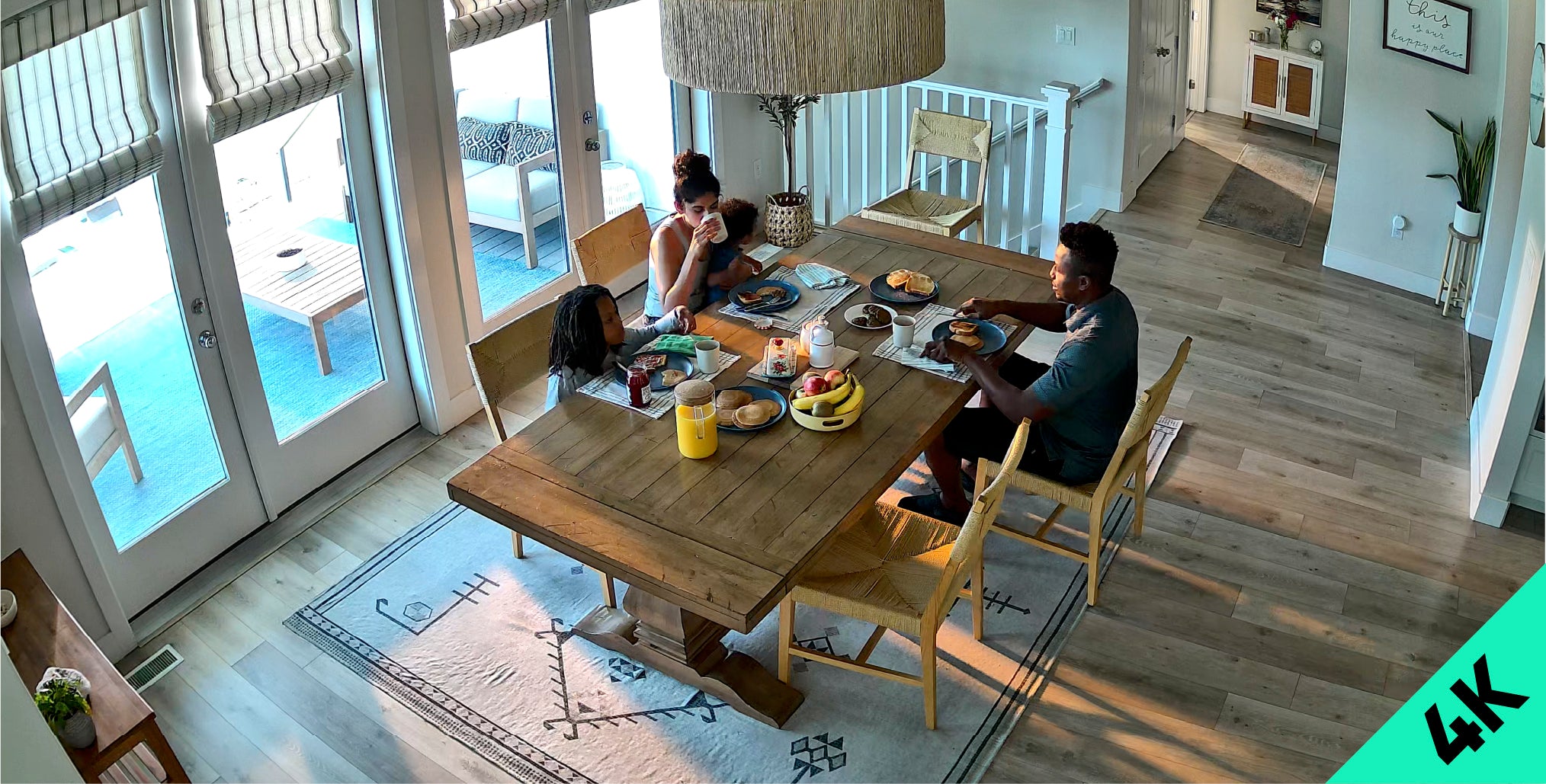
Immortalisez la vie en résolution 4K Ultra HD époustouflante.

L'enregistrement vidéo d'une netteté exceptionnelle, avec un large champ de vision, capture chaque détail, de jour comme de nuit.

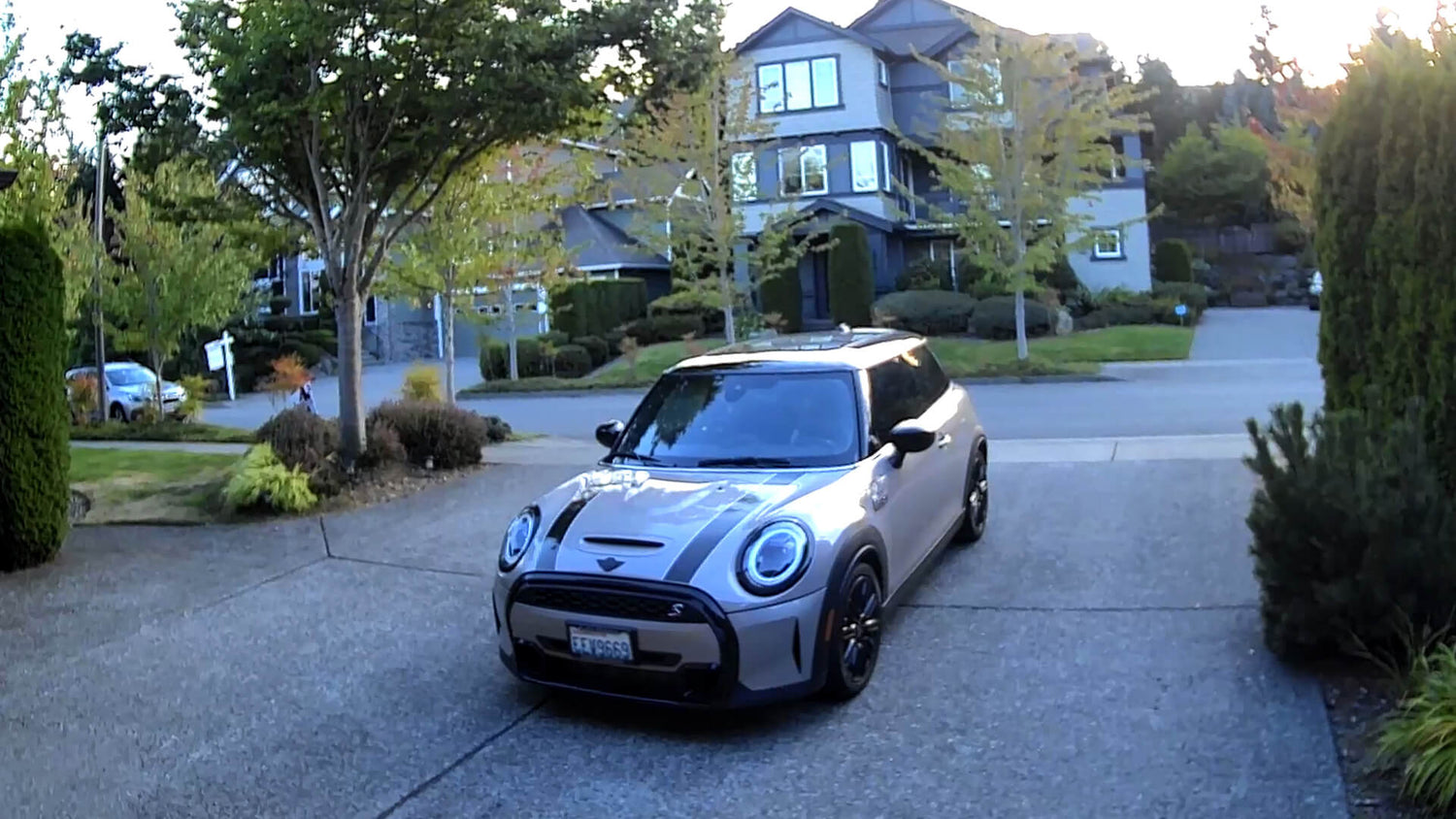
Photos prises directement depuis la caméra Cam Pan v4

Plus de pixels capturés que jamais auparavant. Tout est dans les détails.

Vivez la différence, ne manquez plus rien.

1080p

Cam Pan v4 (4k Ultra HD)

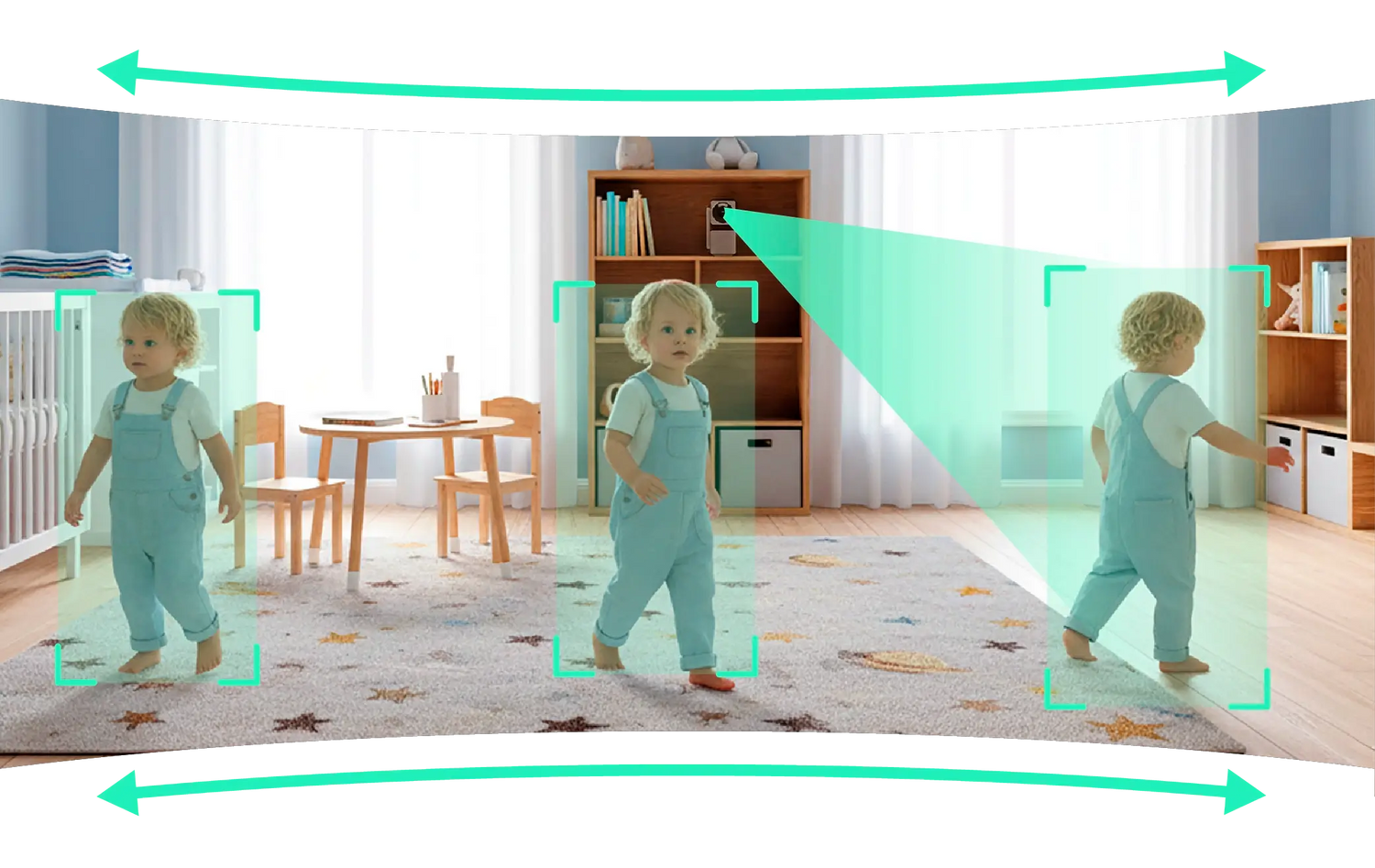
Ne suivez que ce qui compte avec Suivi d'objets basé sur l'IA.

Le suivi des personnes, des animaux et des véhicules avec priorité personnalisable signifie que Pan v4 suit les mouvements qui sont importants pour vous (et ignore le reste).

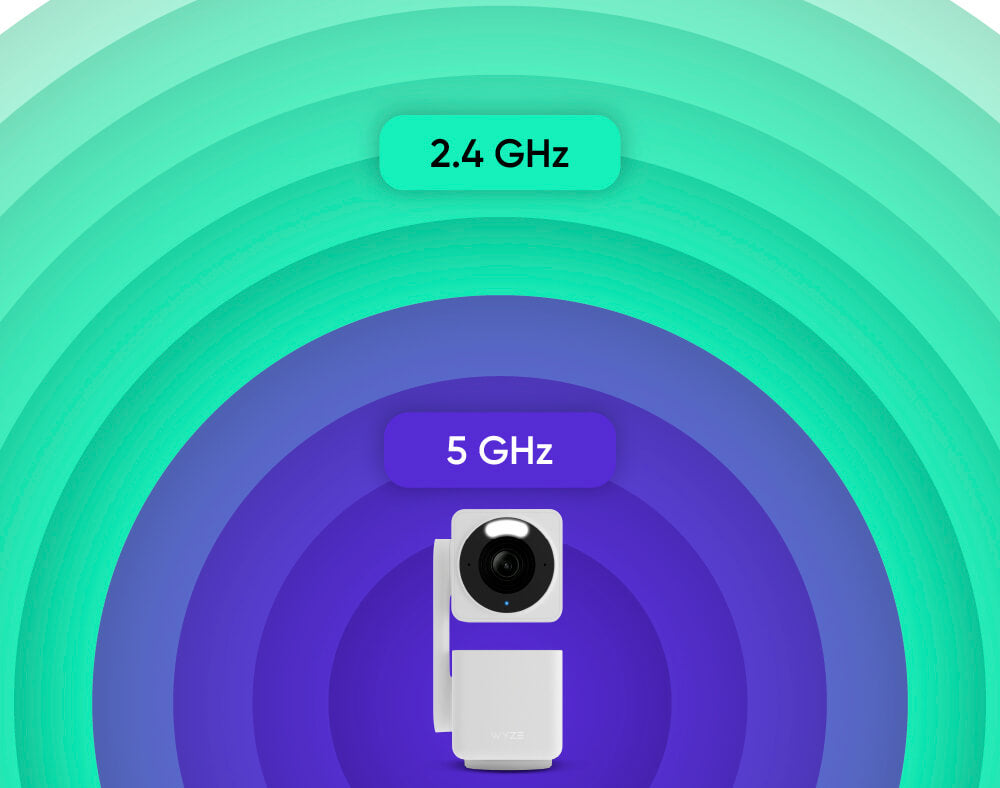
Wi-Fi double bande

Des connexions plus rapides et plus performantes.

Connecter votre caméra est plus facile et plus rapide que jamais grâce au Wi-Fi double bande qui prend en charge les réseaux 2,4 et 5 GHz.

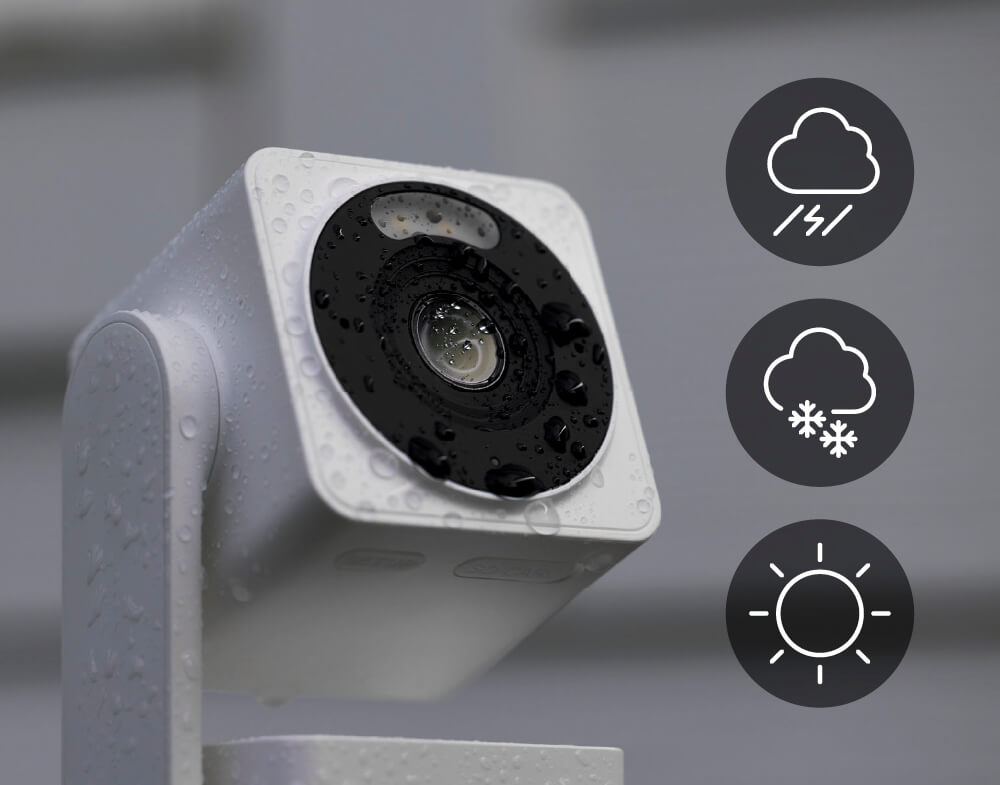
résistance aux intempéries IP65

Placez-le n'importe où.

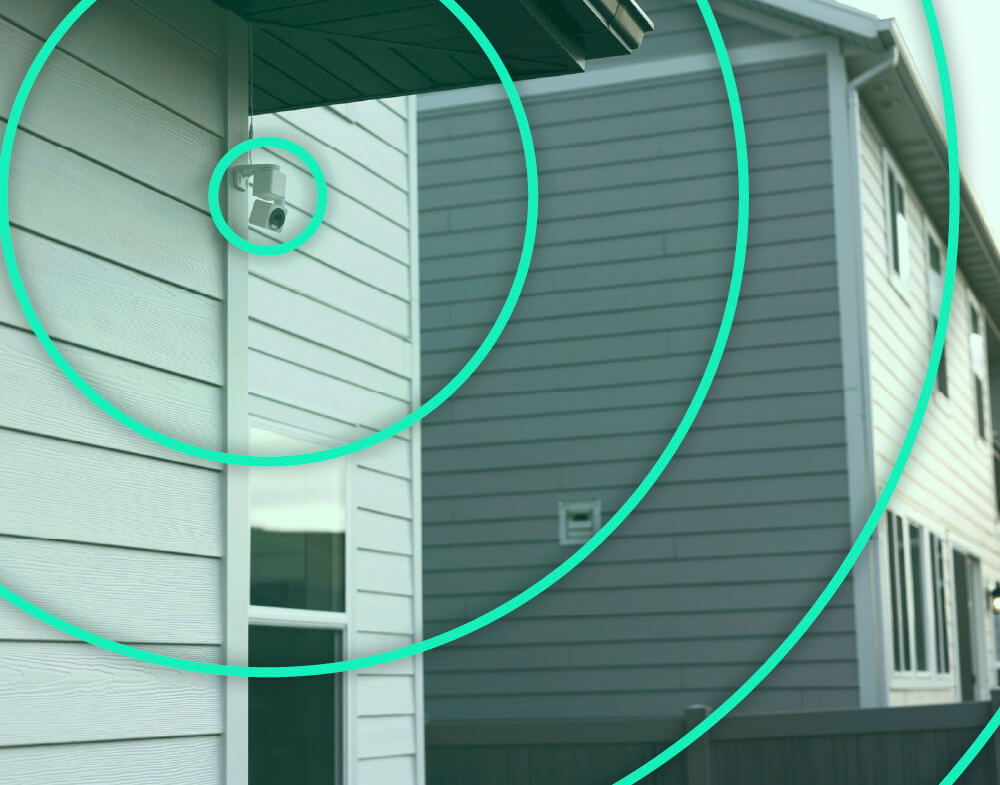
La Wyze Cam Pan v4 est résistante aux intempéries IP65*, elle peut donc fonctionner par tous les temps.

*Remarque : L’utilisation en extérieur nécessite l’adaptateur secteur universel extérieur Wyze Cam (vendu séparément, en savoir plus ).

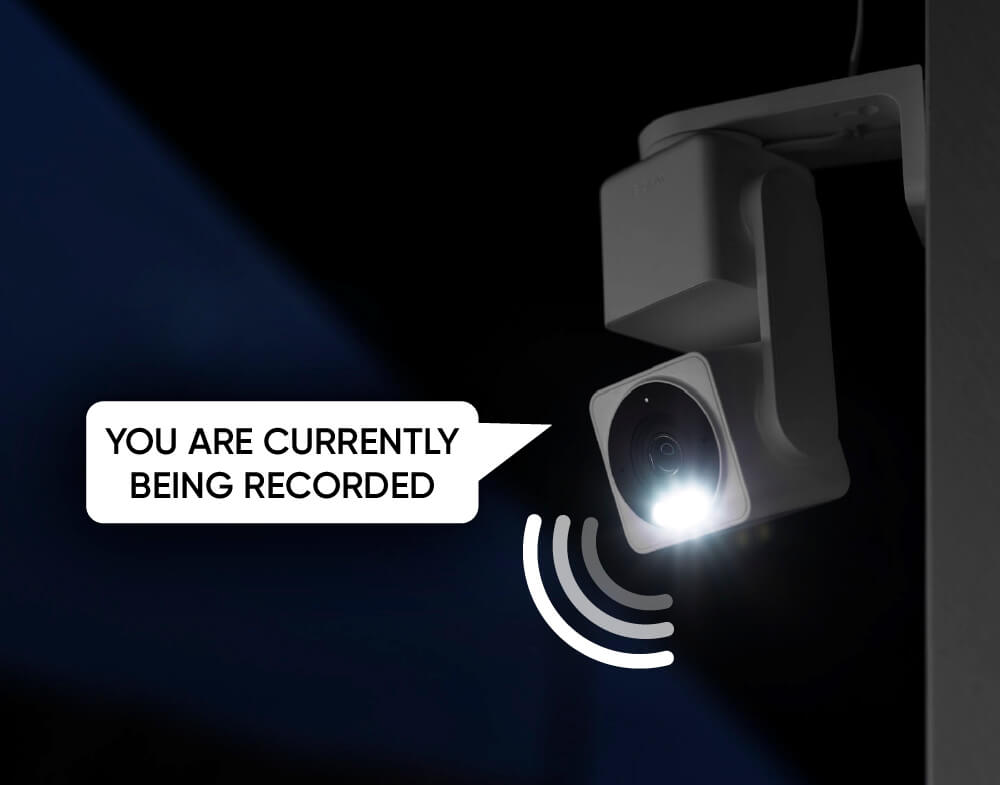
Projecteur intégré + sirène

Plus de sécurité la nuit.

Envie de voir un voleur se faire dessus en 4K ? Activez le projecteur à détection de mouvement et l’alerte de mouvement. Ou activez la sirène de 100 dB.

Enregistrez chaque seconde

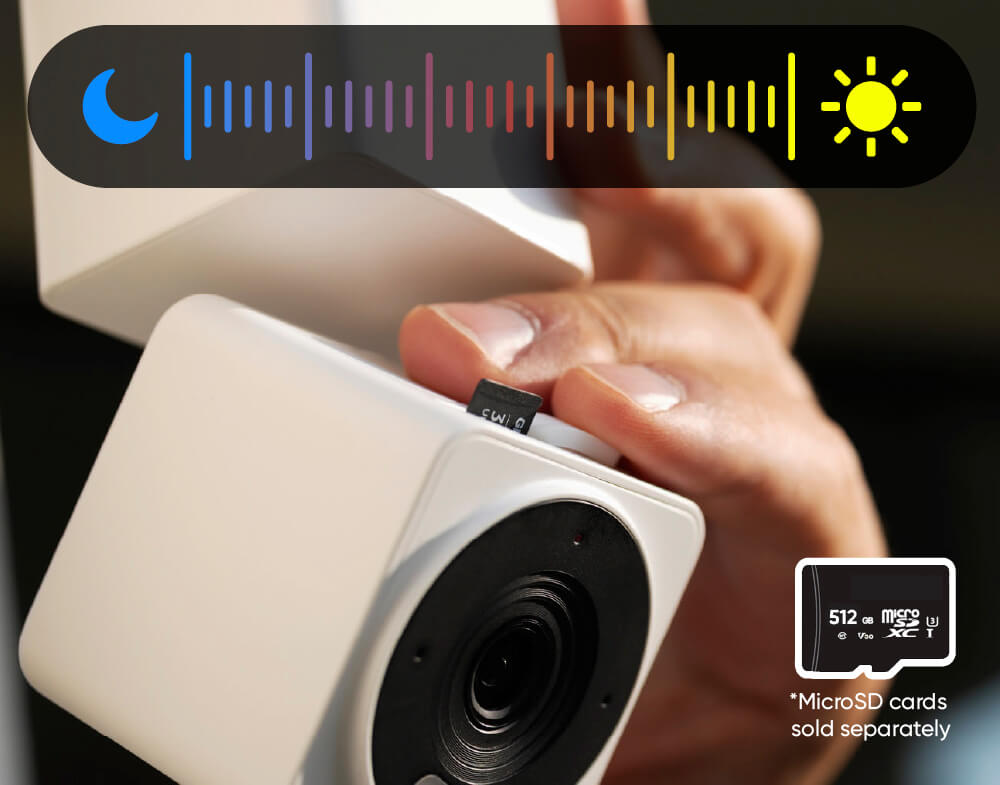
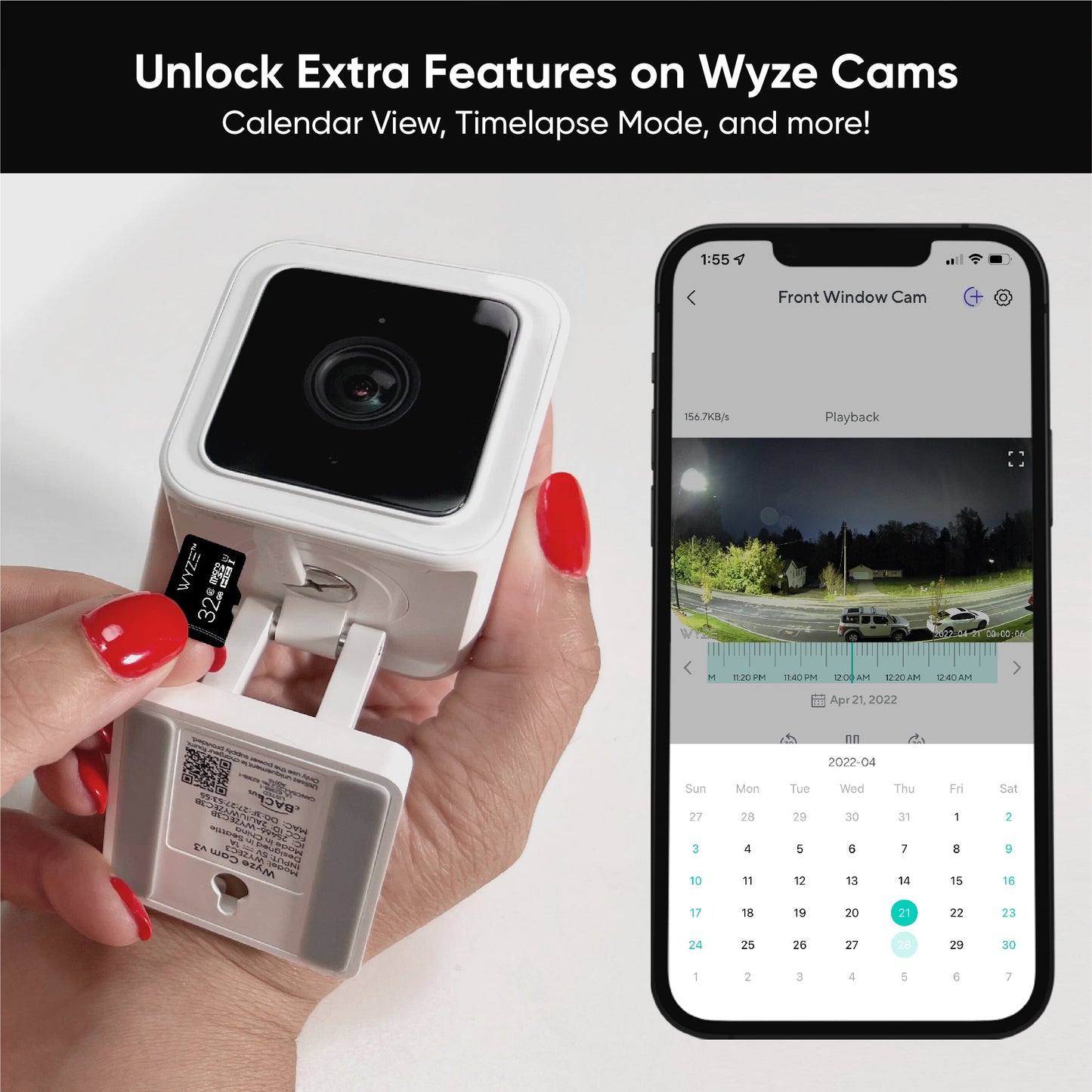
Enregistrement 24h/24 et 7j/7 avec une carte microSD.

Ne manquez rien grâce à l'enregistrement local continu sur carte microSD jusqu'à 512 Go. Aucun abonnement requis.

*Remarque : Cartes microSD vendues séparément.

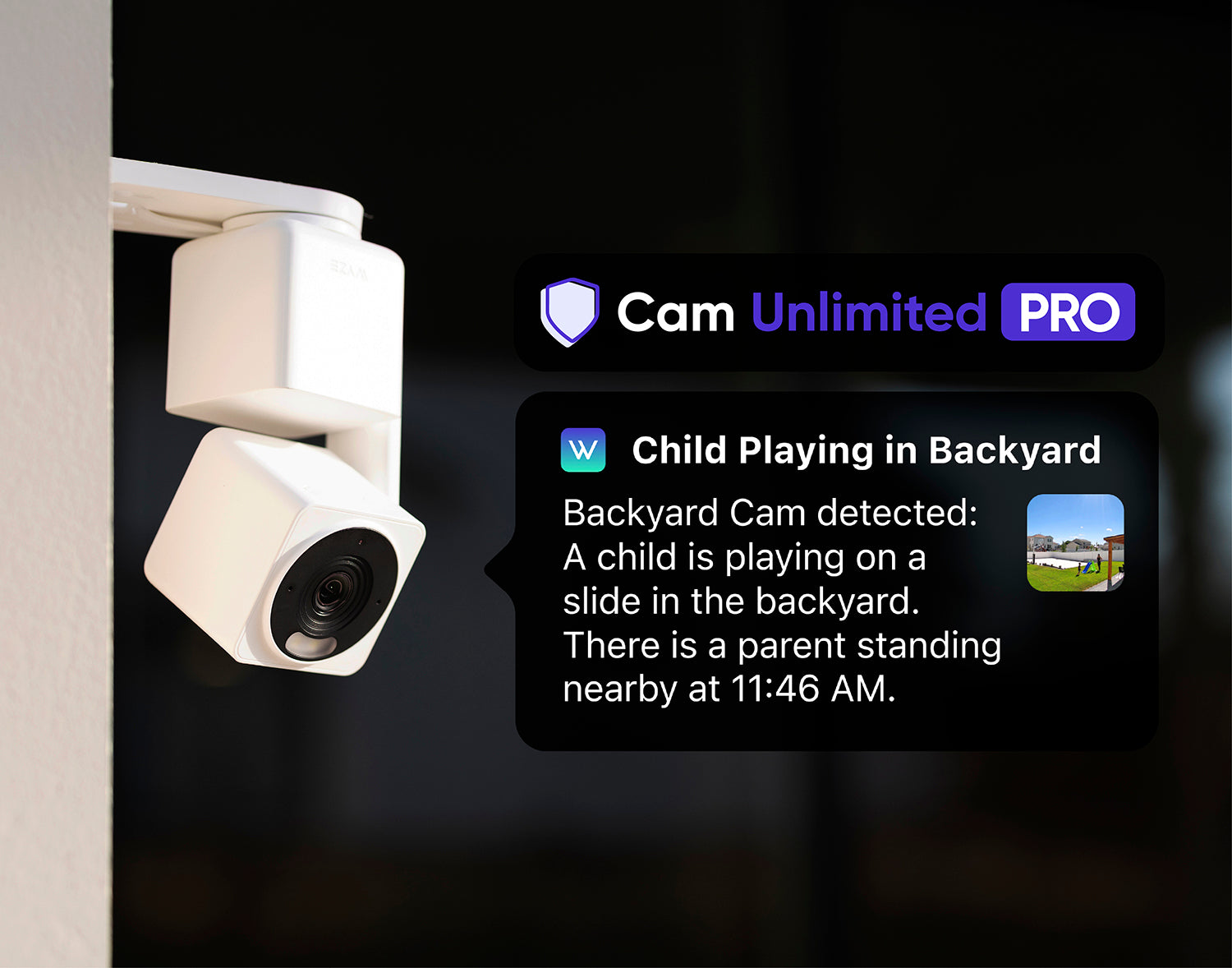
AMÉLIOREZ VOTRE CAMÉRA ✨

Ayez l'esprit tranquille en sauvegardant les vidéos de vos événements sur un cloud sécurisé.

Sauvegarde vidéo dans le cloud pendant 60 jours, recherche vidéo par IA, alertes descriptives et bien plus encore.

Remarque : La Wyze Cam Pan v4 est compatible avec les modèles Cam Plus, Cam Unlimited et Cam Unlimited Pro.

Découvrez les forfaits compatibles

Mode confidentiel

Mode de confidentialité physique.

Activez le mode Confidentialité dans l'application Wyze, et l'objectif de la caméra se pointe vers le bas pour éliminer son champ de vision, puis s'éteint.

Connectez-vous via Bluetooth®

Facile à installer.

Plus besoin de scanner de code QR. Profitez d'une installation simplifiée grâce au Bluetooth®. Votre caméra sera opérationnelle en quelques minutes.

Branchez-le et c'est parti !

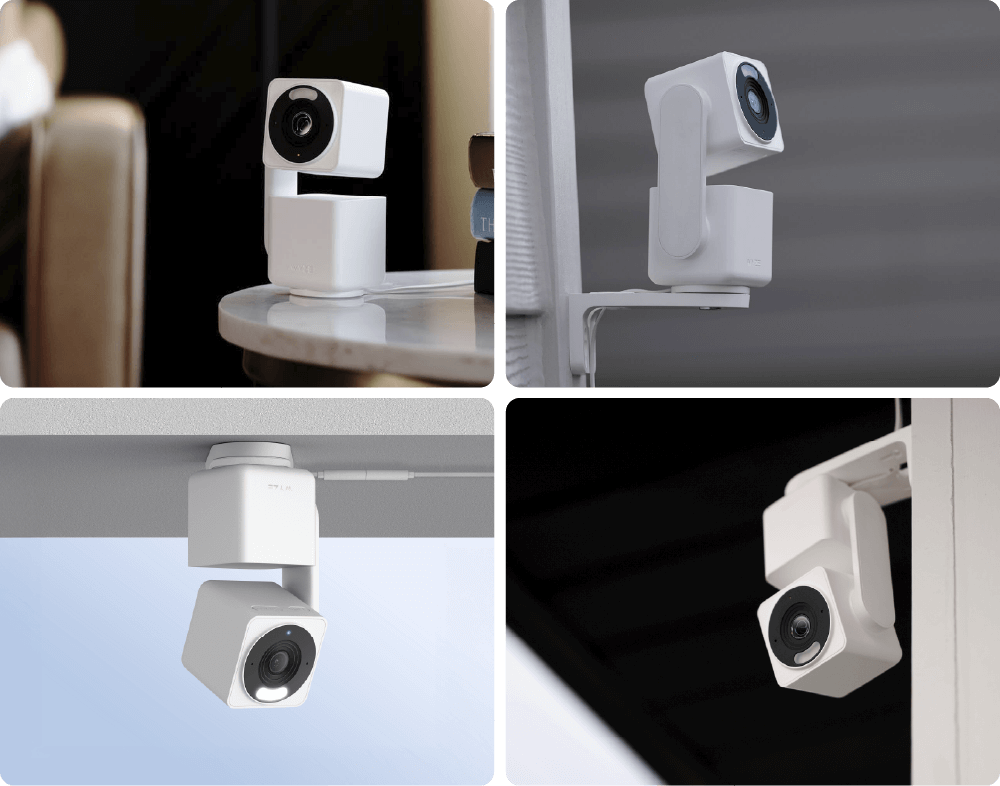
Montage polyvalent.

Quatre options de montage uniques vous offrent la flexibilité nécessaire pour sécuriser votre espace exactement comme vous le souhaitez.

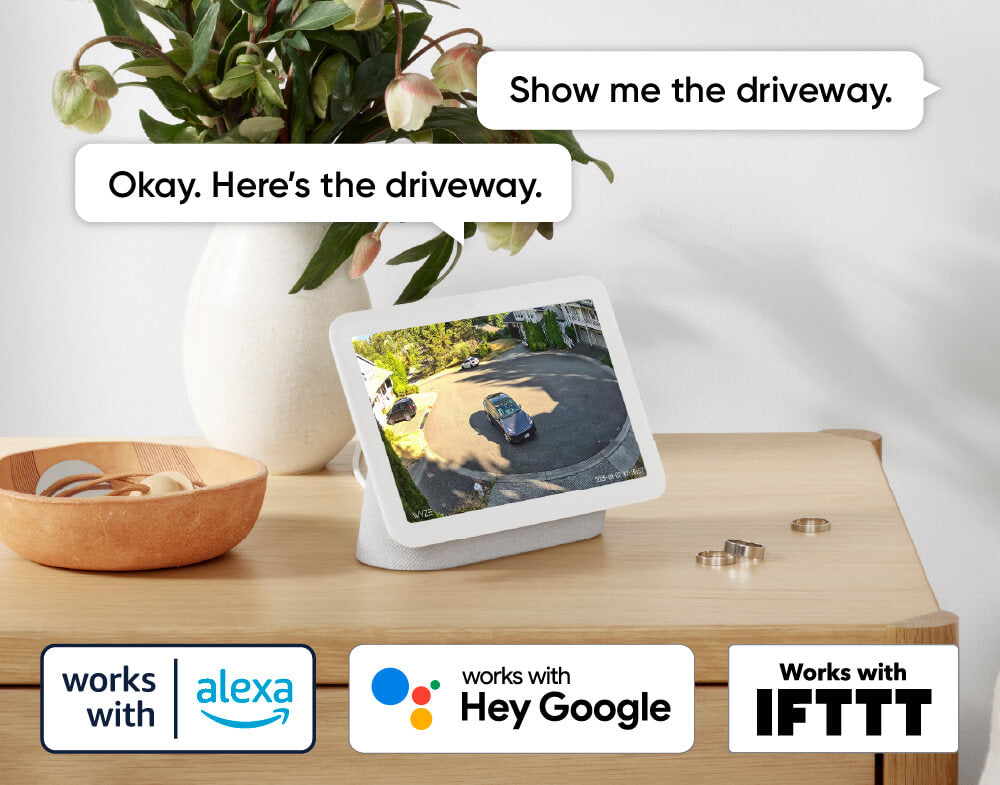
Compatible avec les assistants intelligents

Compatibilité avec Alexa, Google Assistant et IFTTT.

Un confort et une personnalisation à portée de main grâce à des intégrations comme Amazon Alexa, Google Assistant, IFTTT et Wyze Automations.

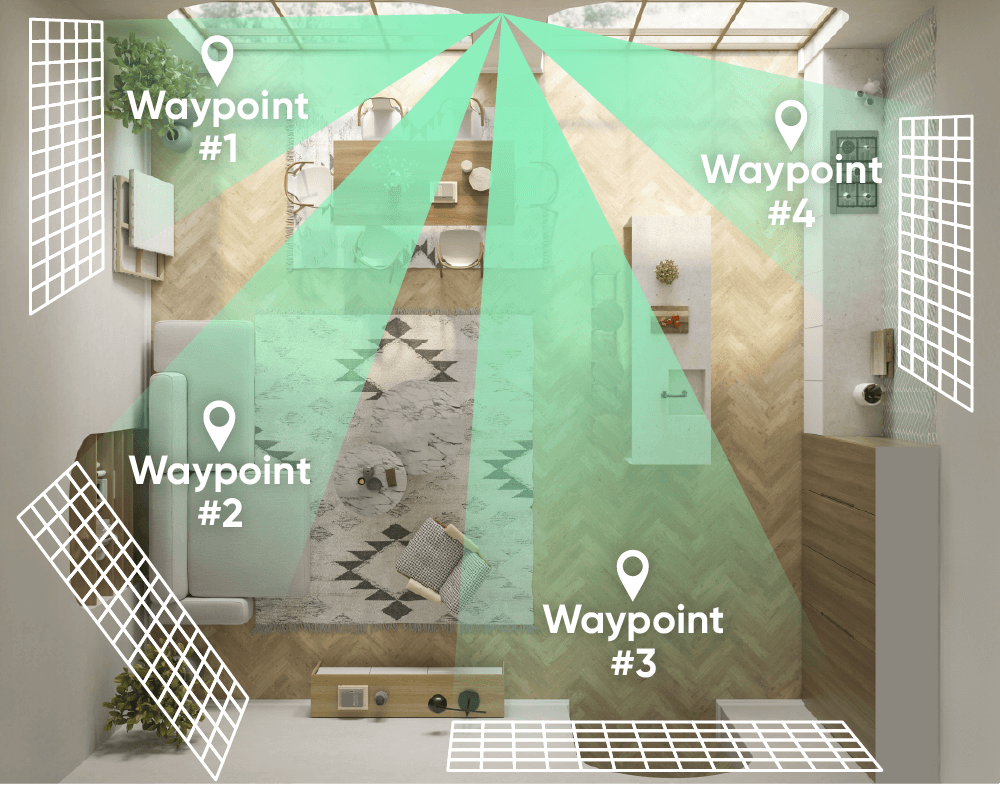
Patrouillez votre chambre avec Panoramique.

Définissez le parcours de patrouille de la caméra avec jusqu'à 4 points de passage personnalisés.

Il faut absolument que tu le voies. Croyez-le.

Votre vie en 4K. Regardez la vidéo de déballage si vous êtes curieux de savoir ce que contient la boîte ou si Kyle vous manque.

Encore plus de fonctionnalités à apprécier.

Nous avons encore amélioré votre caméra panoramique préférée.

Bénéficiez d'une connexion plus stable et plus fiable, même à grande distance. Routeur Wi-Fi 6 requis.

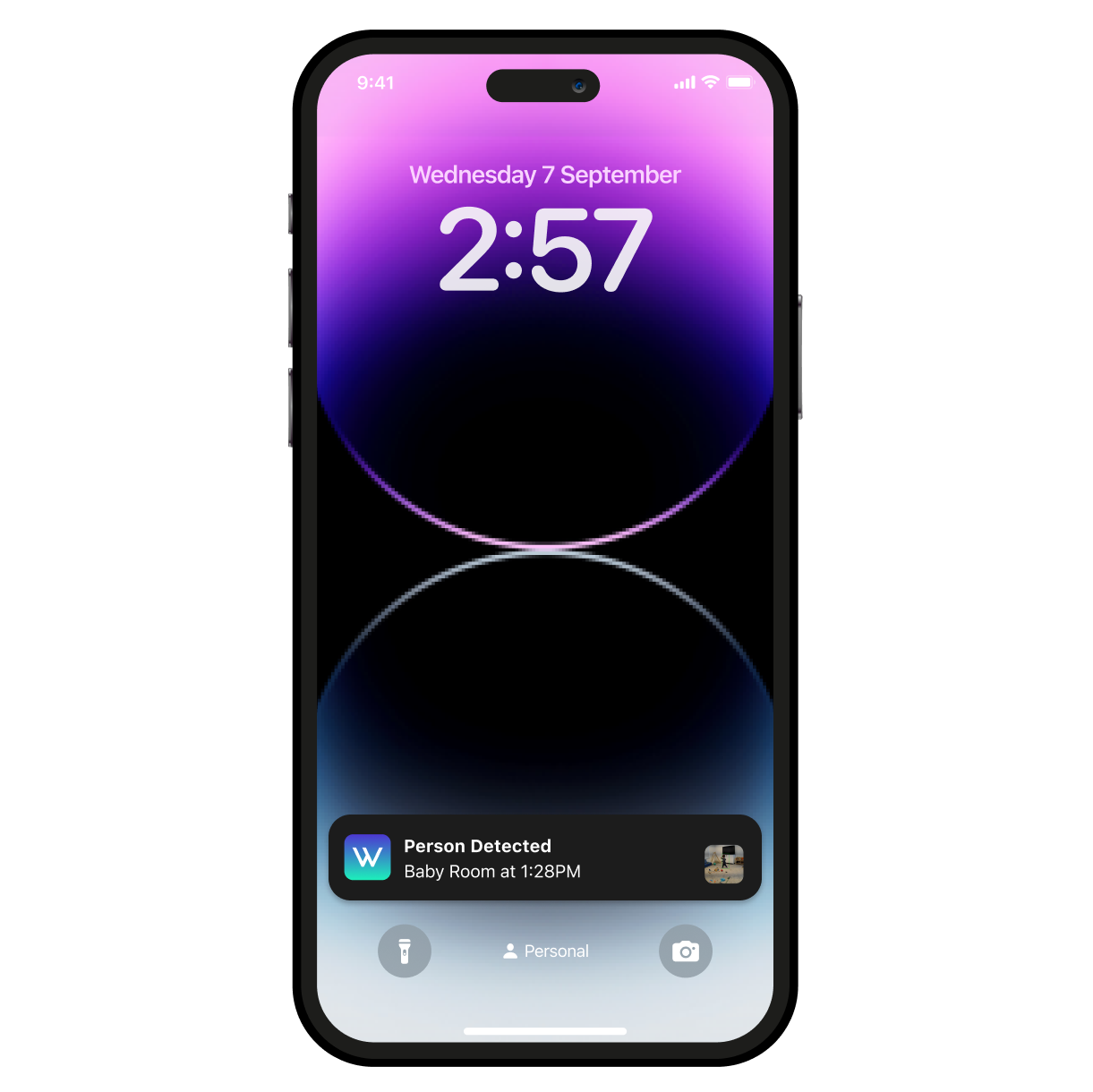
Détectez les mouvements et les sons grâce à la caméra Wyze Cam Pan v4. Elle envoie une alerte à votre téléphone et commence à enregistrer dès qu'un mouvement ou un son est détecté.

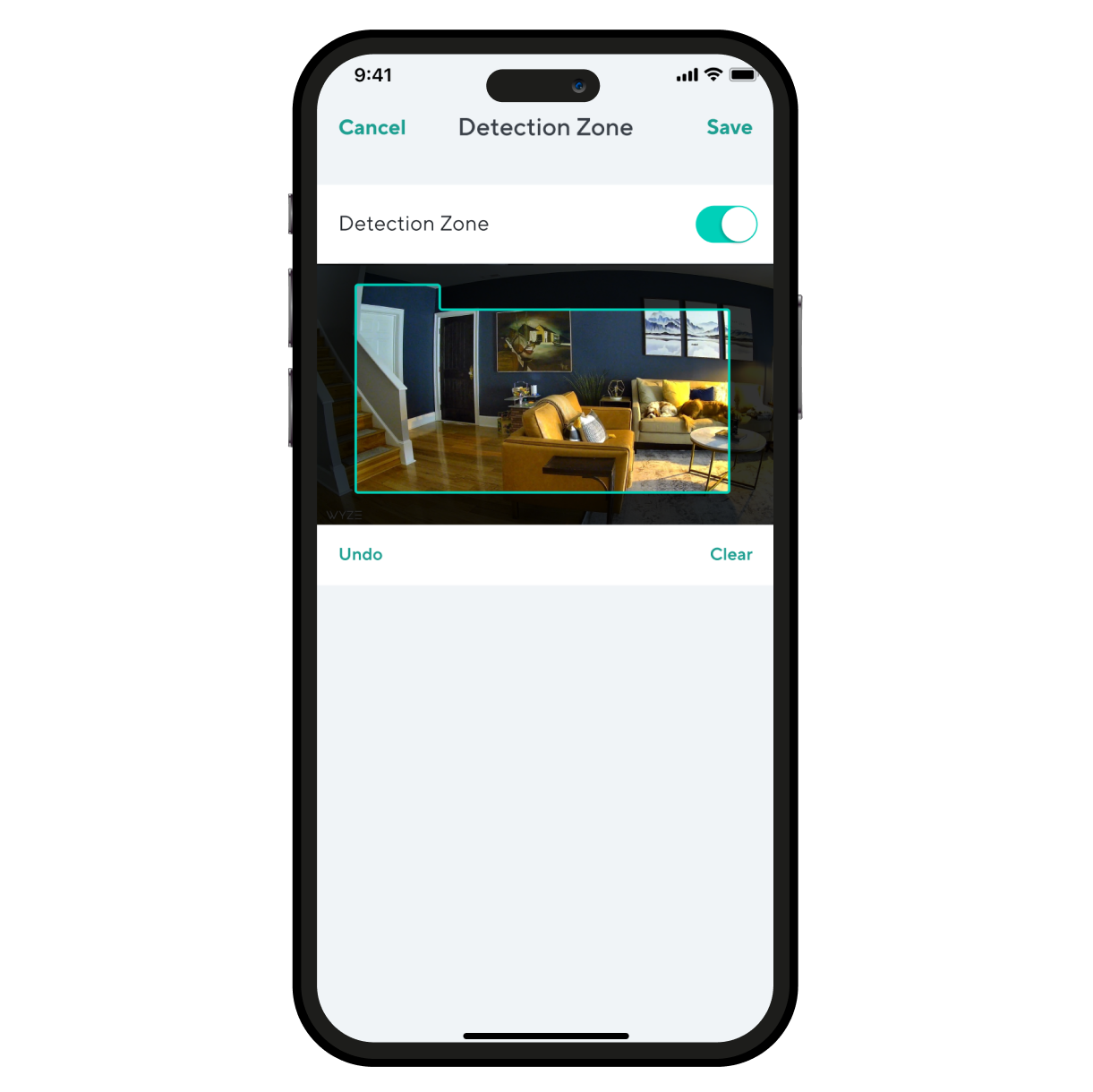
Surveillez des zones spécifiques pour détecter les mouvements et ne recevez de notifications que lorsque c'est important.

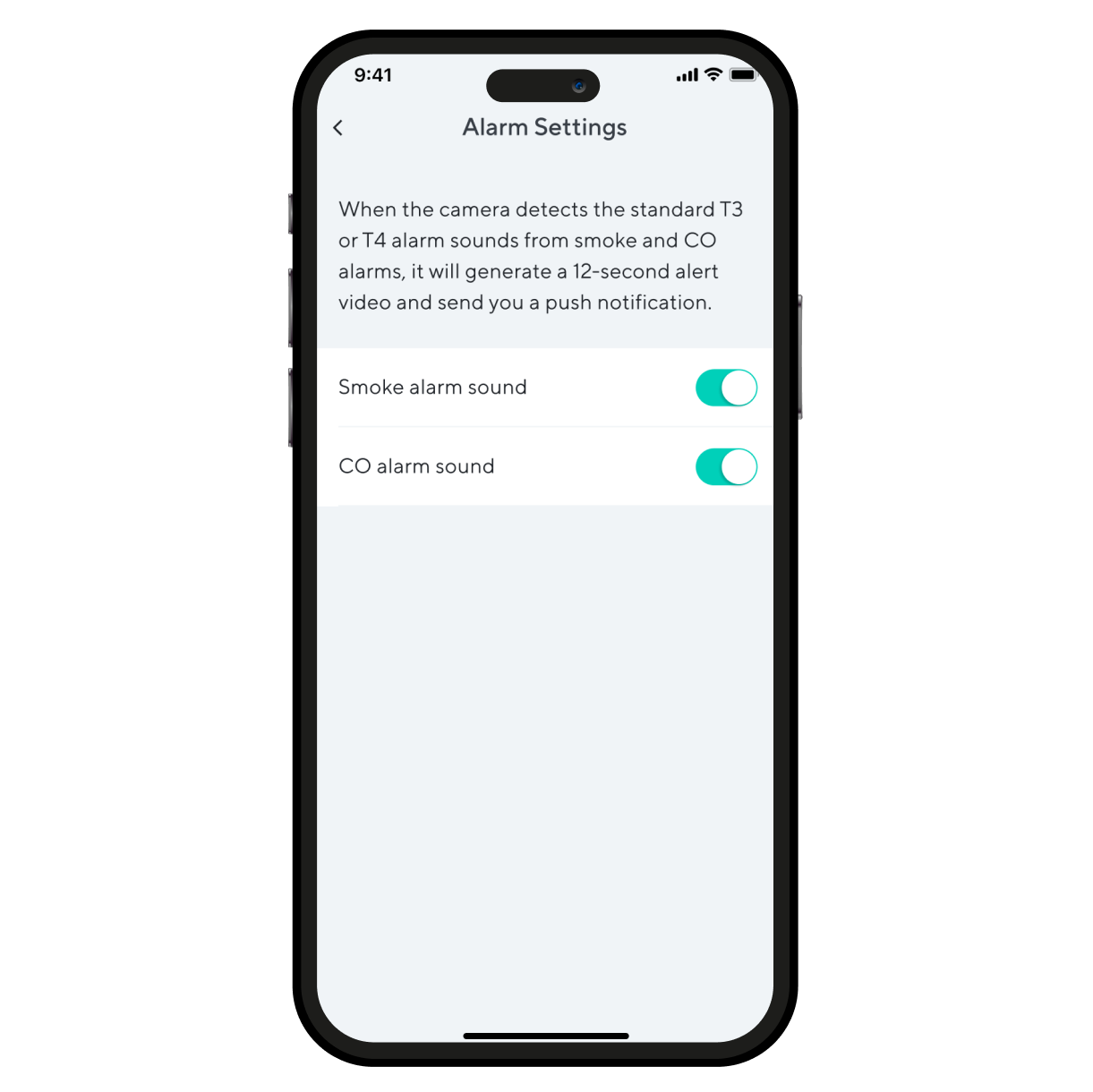
Recevez une alerte dès que votre Wyze Cam Pan v4 détecte le déclenchement d'un détecteur de fumée ou de monoxyde de carbone. La Wyze Cam enregistre une vidéo pendant ce temps.

Guides de démarrage pour Wyze Cam Pan v4

Download the Quick Start Guide for Wyze Cam Pan v4 in this article.

Below is the Quick Start Guide for Wyze Cam Pan v4, a short manual on how to get started.

This guide is a short user manual with the basics about Wyze Cam Pan v4, including:

  • What's in the box for Wyze Cam Pan v4.
  • How to download the Wyze app.
  • A diagram of Wyze Cam Pan v4.
  • How to set up Wyze Cam Pan v4.
  • How to mount Wyze Cam Pan v4.
  • How to read the status lights.

Before you begin setup:

  1. Download the Wyze app on your smartphone or tablet.
  2. Connect your device to a 2.4 GHz or 5 GHz Wi-Fi network, and enable BluetoothⓇ.
  3. Unpack your Wyze Cam Pan v4 box, removing all plastic and packing materials.Be sure to remove the plastic film from the lens.
  4. Plug the camera into power using the included USB cable and power adapter.The camera’s status light will turn solid red when powered.

To set up your Wyze Cam Pan v4:

  1. In the Wyze app, tap Home, then tap + plus sign on the top right.
  2. On the Add menu, tap Device.
  3. Tap Cameras > Pan and Tilt Camera > Wyze Cam Pan v4.
  4. With your camera plugged into an outlet, tap Begin Setup in the app.
  5. The camera will say "ready to connect." In the app, check the box next to It said, “Ready to connect”.
  6. Tap Next.
  7. If BluetoothⓇ hasn't been enabled, you will be prompted to allow BluetoothⓇ access. Tap Okay.If BluetoothⓇ has already been enabled, it will skip to the next step.
  8. Select your 2.4 GHz Wi-Fi network and enter your network password. Tap Connect.Tap the icon in the password field to display the password to ensure it was entered correctly.
  9. Your device will connect automatically. Tap Next in the app.
  10. Once connected, you will be prompted select a mounting option.If you want to mount your camera now, choose a mounting option and follow along in the app.If not, tap Skip.
  11. Now it's time to set up your Home Waypoint, your cam's default view. Tap Continue.Your camera will calibrate. This should only take a few seconds.
  12. Once calibrated, tap Set to select your Home Waypoint. Then Next.
  13. Name your camera using the text field, or by choosing a suggestion.
  14. Tap Finish when done.
  15. Choose between the Basic plan (no subscription) or Cam Plus. Tap Continue.
  16. Set up some automations on the Things to Try* page, or tap Skip then Finish and Done.
  17. Enjoy your new Wyze device!

👉 Haven't set up your Wyze Cam Pan v4 yet? Check out Wyze Cam Pan v4 Setup Guide before installing.

There are 4 ways to mount your Wyze Cam Pan v4:

  • On a tabletop or flat surface.
  • On a wall, right-side up.
  • On a wall, upside down.
  • On a ceiling, upside down.

You can follow along in the Wyze app during Wyze Cam Pan v4 setup, or go to the Pan v4 Settings > Mounting Guide to get started.

To mount your camera on a flat surface:

  1. Set your camera on a flat surface.Check your Wi-Fi strength in the Wyze app.We recommend setting it on a horizontal surface, not angled.We recommend mounting it at the edge of the surfaceYou do not need to use the mounting kit.

To mount your camera on a wall:

  1. For a detailed walkthrough, follow along in the Wyze app during setup.If you skipped mounting during setup, go to your Pan v4 Settings > Mounting Guide > On a wall with the base down or On a wall with the base up.
  2. Gather your tools for mounting.Get the Mounting Kit and Wall Bracket from the box.You'll need a Phillips-head screwdriver, an electric drill, and potentially a ladder.
  3. Attach your Wyze Cam Pan v4 to the Wall Bracket.Get the Short Top Screw from the mounting kit and Wall Bracket, along with your screwdriver.Attach the Pan v4 to the grooved side of the wall bracket using the short top screw.Not the smooth side, flip it over to the textured side.
  4. Choose your installation location.Check your Wi-Fi strength at your mounting location.We recommend mounting your camera at least 1 foot from the ceiling to avoid spotlight glare.Ensure your mounting location isn't facing a busy area, like a road or moving trees.
  5. Mark the holes at your mounting location.Affix the Mounting Sticker to your mounting location.Mark the position of the holes with a pencil.
  6. Drill the holes at your mounting location.Pre-drill the holes to be 1/4 inches in diameter and 1 and 3/16 inches deep.Insert the expansion tubes into the holes.Screw in the wall screws into the expansion tubes, leaving a 3/8-inch gap between the screw head and the wall, so the wall bracket can hang from the screws.
  7. Place the Wall Bracket and camera over the screws, then screw into the expansion tubes to secure.If mounting with the base down, the smooth side of the bracket will face down. Route the camera's pigtail through the wall bracket to secure it.If mounting with the base up, the smooth side of the bracket will face up. Do not route the pigtail through the wall bracket.With your camera upside down, you will have to rotate the image in your settings.In the Wyze app, tap on the Settings gear > Advanced Settings > toggle on Rotate Image 180°.
  8. Attach power cable into the camera's pigtail, then plug the USB end into the adapter. Lastly, plug the adapter into a power outlet.When powered, the status light on the camera will light up.

To mount your camera on the ceiling:

  1. For a detailed walkthrough, follow along in the Wyze app during setup.If you skipped mounting during setup, go to your Pan v4 Settings > Mounting Guide > On a ceiling.
  2. Gather your tools for mounting.Get the Mounting Kit and Wall Bracket from the box.You'll need a Phillips-head screwdriver, an electric drill, and potentially a ladder.
  3. Attach your Wyze Cam Pan v4 to the Wall Bracket.Get the Short Top Screw from the mounting kit and Wall Bracket, along with your screwdriver.Attach the Pan v4 to the smooth side of the wall bracket using the short top screw.Not the grooved side, flip it over to the smooth side.
  4. Choose your installation location.Ensure there's at least 13/16-inch clearance around the camera.Check your Wi-Fi strength at your mounting location.Ensure your mounting location isn't facing a busy area, like a road or moving trees.
  5. Mark the holes at your mounting location.Affix the Mounting Sticker to your mounting location.Mark the position of the holes with a pencil.
  6. Drill the holes at your mounting location.Pre-drill the holes to be 1/4 inches in diameter and 1 and 3/16 inches deep.Insert the expansion tubes into the holes.Screw in the wall screws into the expansion tubes, leaving a 3/8-inch gap between the screw head and the wall, so the wall bracket can hang from the screws.
  7. Place the Wall Bracket and camera over the screws, then screw into the expansion tubes to secure.
  8. Route the camera's pigtail through the wall bracket to secure it.
  9. Attach power cable into the camera's pigtail, then plug the USB end into the adapter. Lastly, plug the adapter into a power outlet.When powered, the status light on the camera will light up.
  10. Because your camera is upside down, you will have to rotate the image in your settings.In the Wyze app, tap on the Settings gear > Advanced Settings > toggle on Rotate Image 180°.

Additional Note: We recommend mounting your camera vertically upright or upside down. We do not recommend mounting your camera at an angle or side ways.

You'll find the status light on the front of your Wyze Cam Pan v4. No light? Make sure it's properly connected to power.

⚡️ All Wyze devices have a handy status light that helps determine what state the device is in.

Wyze Cam Pan v4 Status Light Guide

  • Solid red - The camera is powered on and initializing, recording an event, or you are watching the live stream.
  • Flashing red - The camera is ready to connect.
  • Flashing red and blue light - Connection is in progress.
  • Flashing blue light - The camera is connected and finishing setup, or updating its firmware.
  • Solid blue light - The camera is powered and fully connected.
Added to your cart
Livraison GRATUITE pour les commandes de 59 $ et plus
Subtotal
$0.00
View cart
Turn on Growave