Passer aux informations produit
1 de 7

Couleur des ampoules Wyze

Couleur des ampoules Wyze

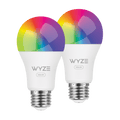
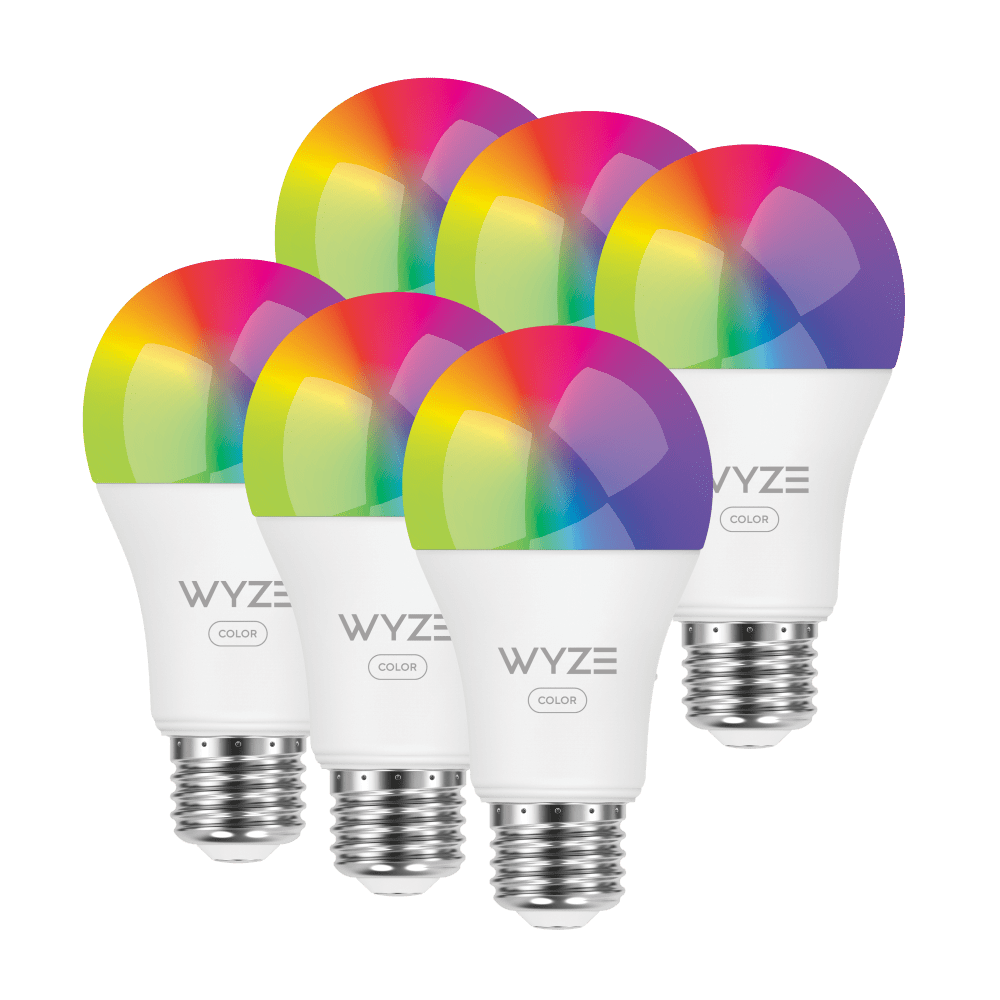
1100 Lumens, 16M Color Smart Bulb

Pack
$37.99 $39.99CAD
En stock
Get it as soon as
Retours sans tracas sous 30 jours.
A blue and white logo for Wyze.
AVANTAGES exclusifs de Wyze.com
Garantie prolongée de 18 mois

Bénéficiez d'une garantie prolongée de 18 mois à l'achat de ce produit sur wyze.com. Profitez également de lots spéciaux, de promotions uniques et de récompenses à chaque commande

L'ampoule Wyze Bulb Color est allée à Mardi Gras et l'a trouvée morne. Elle a bâillé pendant la fête de Holi en Inde. Elle s'est endormie pendant le feu d'artifice du 4 juillet. Wyze Bulb Color est une ampoule insupportable et snob, mais il est difficile de s'enthousiasmer quand on est la meilleure ampoule connectée au monde avec ses 16 millions de couleurs. Elle possède une option de variation d'intensité, certes, mais elle le prend mal si vous l'utilisez.

Voir les détails complets
  • A single light bulb shining in a black background.

    Très lumineux : 1100 lumens

  • A black screen with no visible content.

    16 millions de couleurs et blanc réglable

  • A black screen with no visible content.

    Couleurs précises IRC supérieur à 90

  • A black image of a bed.

    Automatiser les routines de sommeil

Wyze Bulb Color Specs

Dimensions & Weight

  • 2.5” x 2.5” x 5”
  • 0.31 lbs

Lumens

  • 30-1100

Color Temperature

  • 1800K - 6500K

Color Rendering Index

  • 90+

Power

  • 12 watts

Working Voltage

  • AC 120V~60 Hz

Bulb Shape

  • A19

Base Type

  • E26

Life Expectancy

  • 25,000 Hours

Connectivity & Compatibility

  • 802.11 b/g/n, 2.4GHz, Bluetooth
  • Phone Compatibility: Android 9.0+, iOS 15.0+
  • Integrations: Alexa, Google Assistant, IFTTT

Weather & Temperature

  • Suitable for damp locations
  • Not for use in totally enclosed luminaires
  • Operating temp: -4°F - 104°F

Operating Humidity

  • 0-85%

Regulatory & Compliance 

  • Energy Star
  • CUL
  • UL
  • FCC
  • IC
  • CA Title 20
  • Prop 65
  • ES

Wyze Bulb Color 2 Pack

  • Wyze Bulb Color x 2
  • Quick Start Guide x 1

Wyze Bulb Color 4 Pack

  • Wyze Bulb Color x 4
  • Quick Start Guide x 1
Wyze Bulb Color should only be dimmed from the Wyze app or via a voice assistant. We do not recommend installing Wyze Bulbs on a dimmer switch, but if you must, make sure the switch is at full power.

Wyze Bulb Color is rated for use in damp locations, but shouldn’t be directly exposed to the elements or used in a fully enclosed luminary. It can operate in -4°F - 104°F.

You can locally control your lights via the Wyze app as long as your phone and Wyze Bulb Color are on the same network, even if that network is not connected to the internet.

Yes, Wyze Bulb Color can be grouped with Wyze Bulb White and Wyze Light Strips.

Nope! Just a 2.4GHz WiFi connection.

Music Mode syncs your lights to the beat of the music using the microphone in the Wyze Light Strip controller (sold separately). To enable Music Mode simply add Wyze Bulb Color to a Light Strip Group in the Wyze app.

Plus lumineux. Plus tamisé. Meilleur.

La plupart des ampoules couleur atteignent un maximum de 800 lm. Les nôtres sont réglables : plus lumineuses (1100 lm/75 W), plus tamisées (30 lm/2 W) ou à n'importe quel niveau intermédiaire grâce à une large plage de flux lumineux, aussi intense ou subtile que vous le souhaitez.

A purple and pink couch with a lamp on a table in front of it.

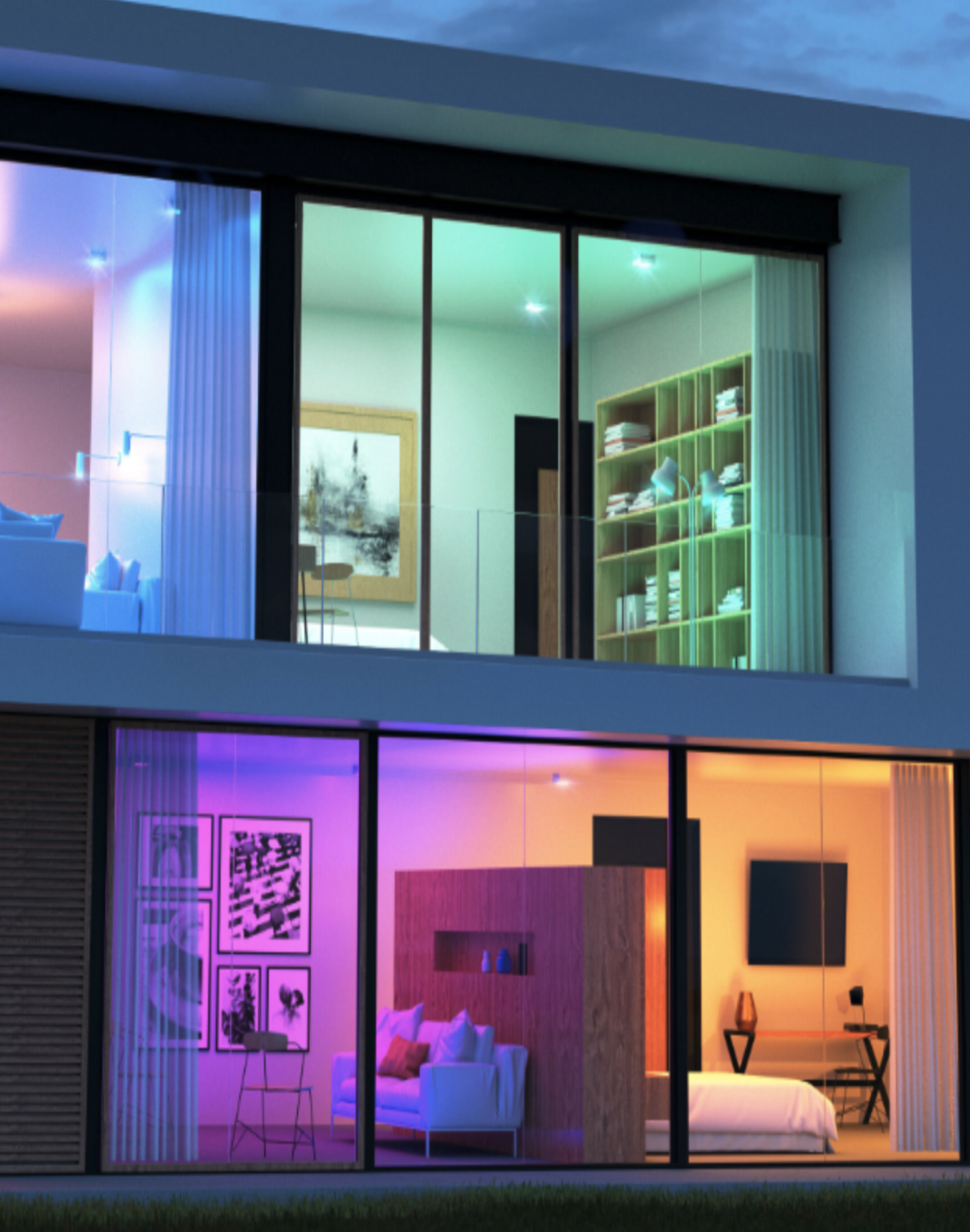
16 millions de couleurs

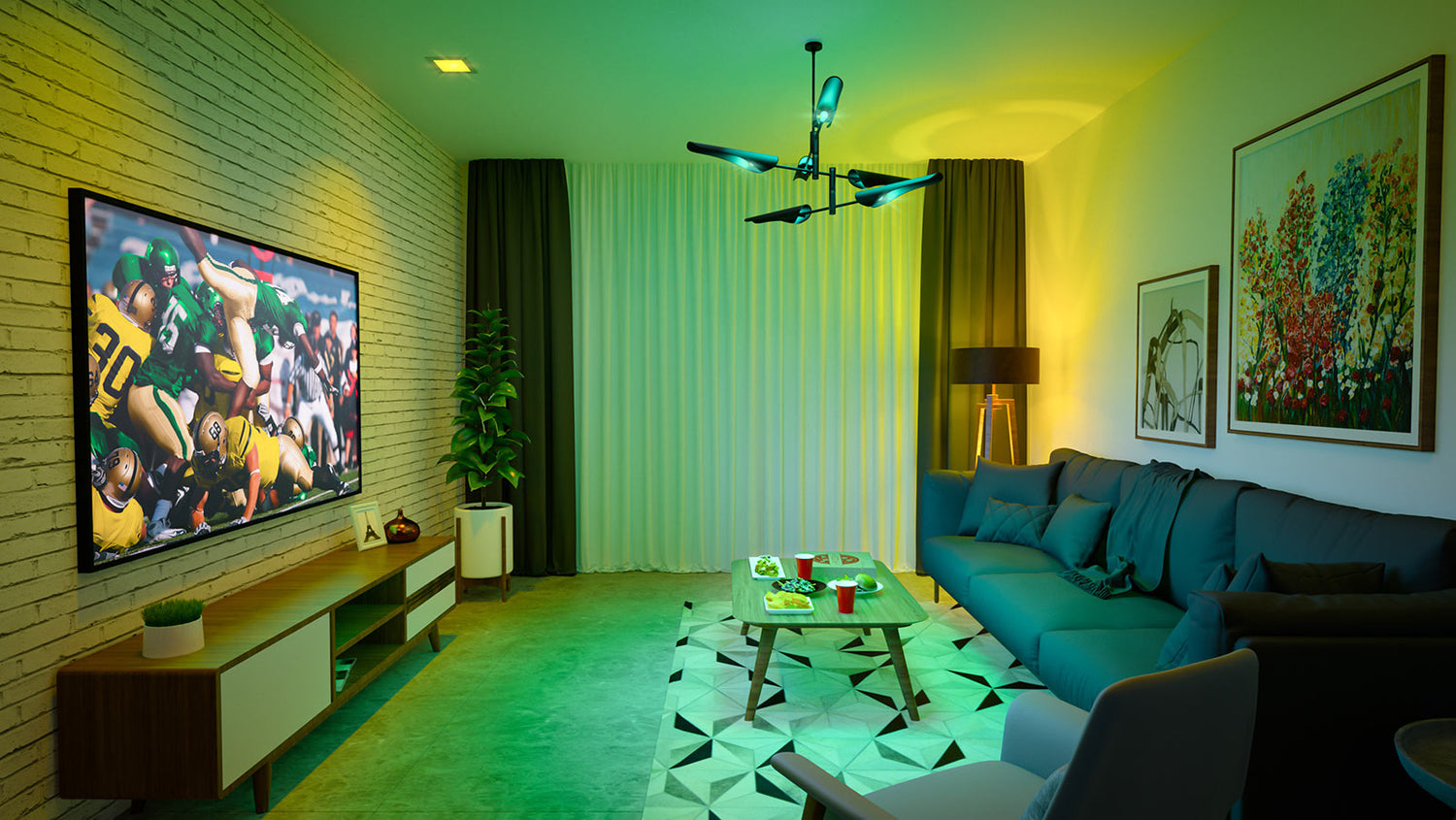
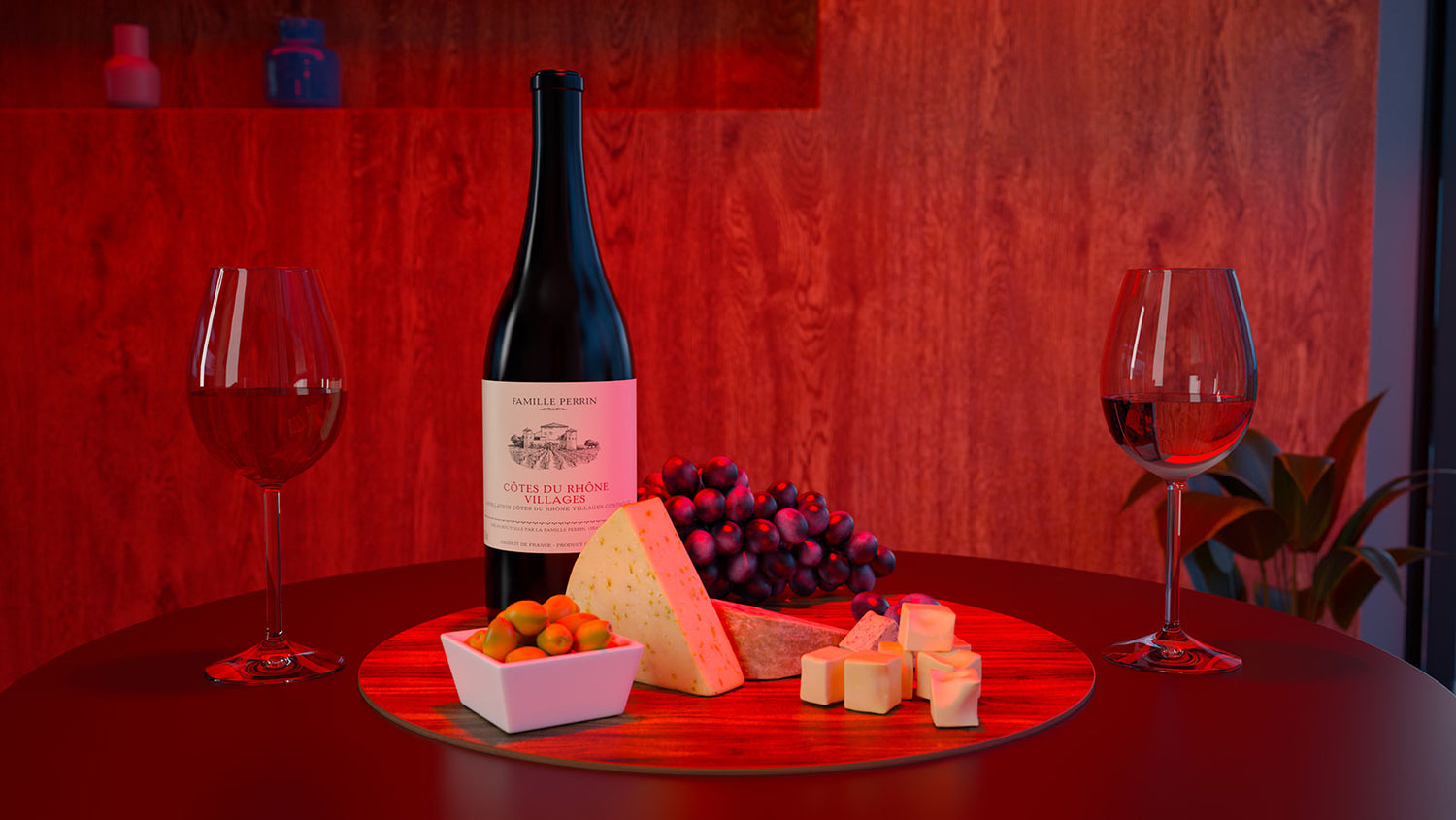
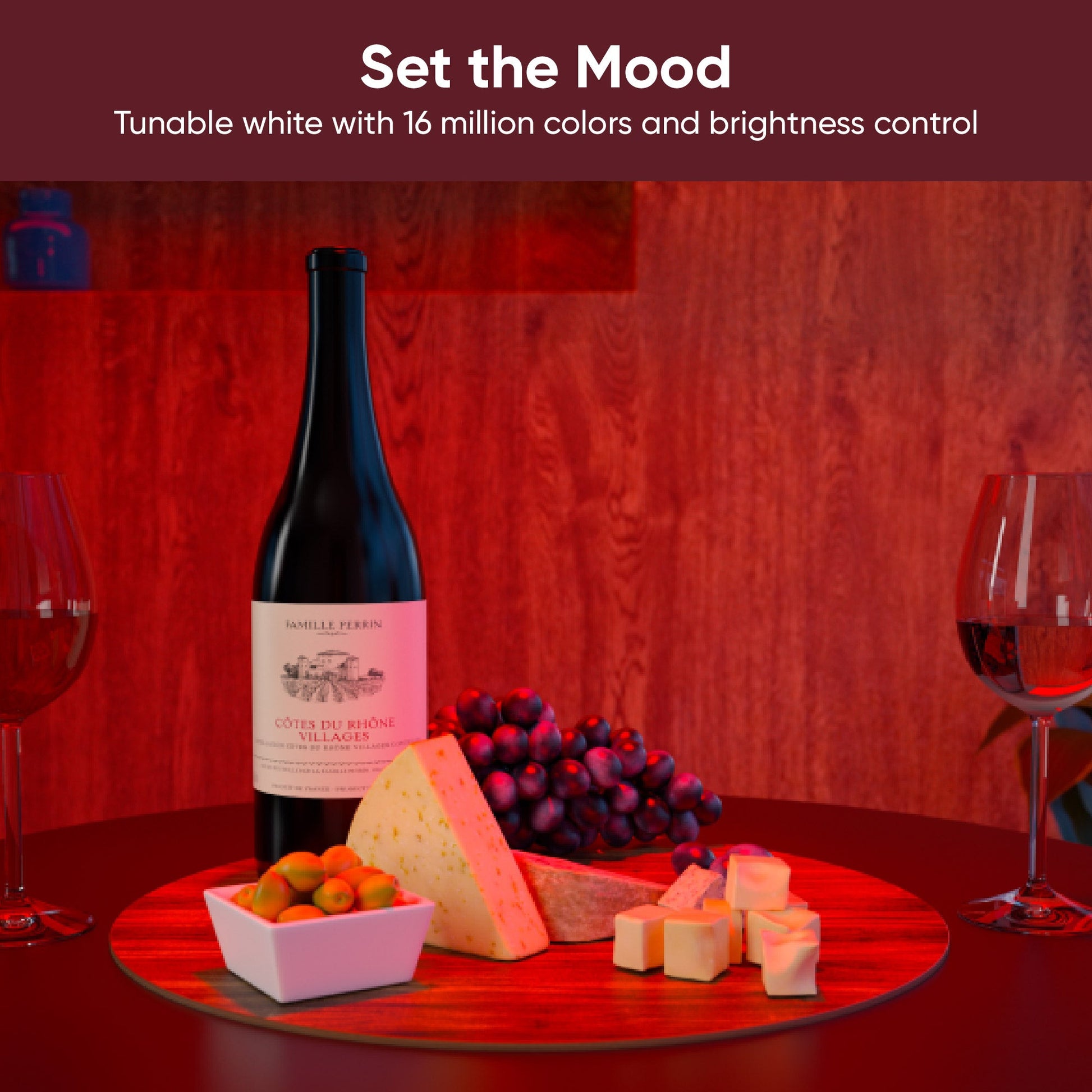
Que ce soit pour un match ou une soirée dégustation de vin, le contrôle précis des couleurs dans l'application Wyze vous permet de transformer les moments en souvenirs.

A living room with a blue couch, a table with a red cup on it, and a green and yellow lighting system. A bottle of wine is displayed on a table with a plate of cheese and grapes.

Jour de match

Soirée vin

Créez des préréglages personnalisés pour changer instantanément de scène d'un simple clic.

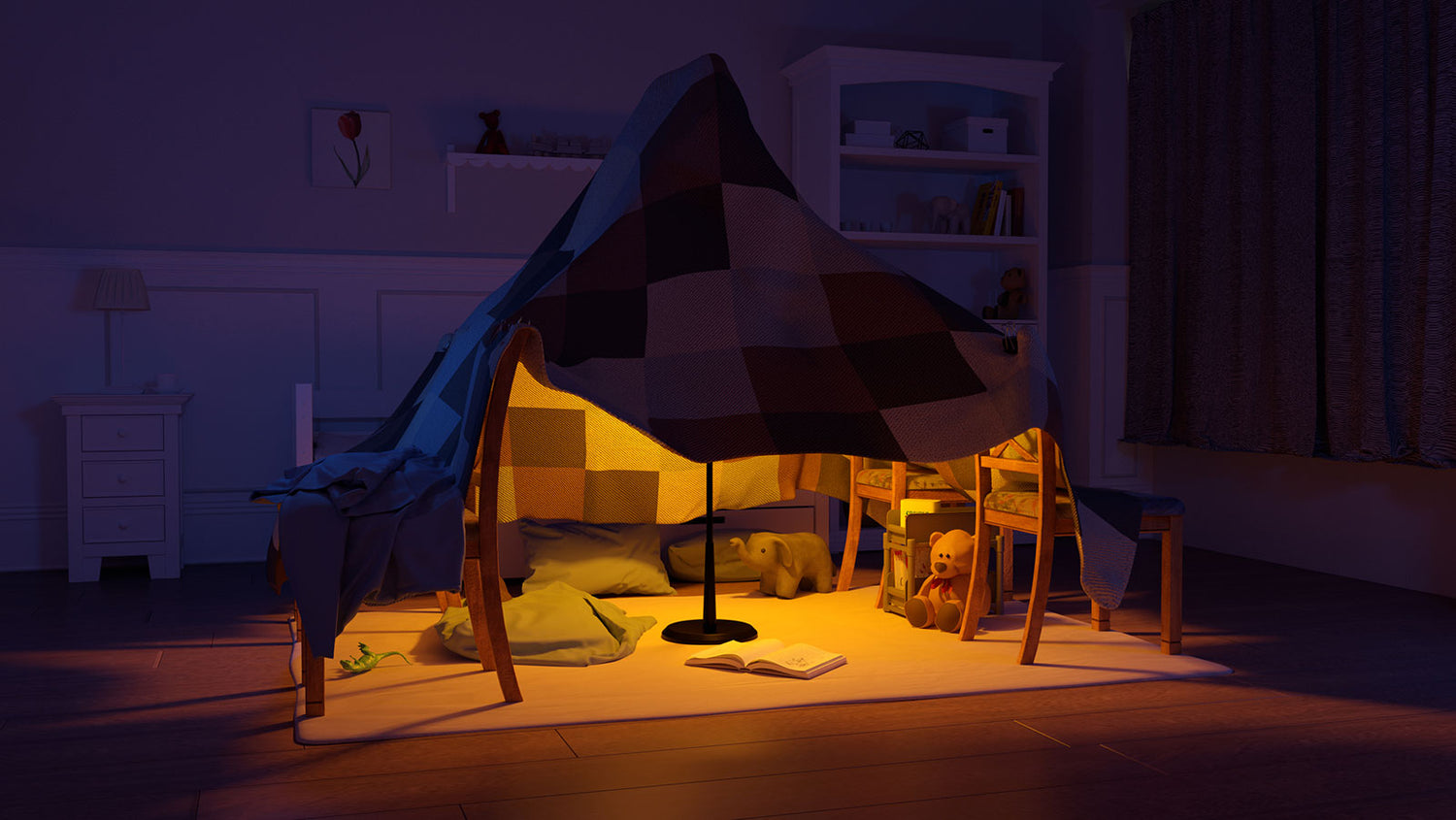
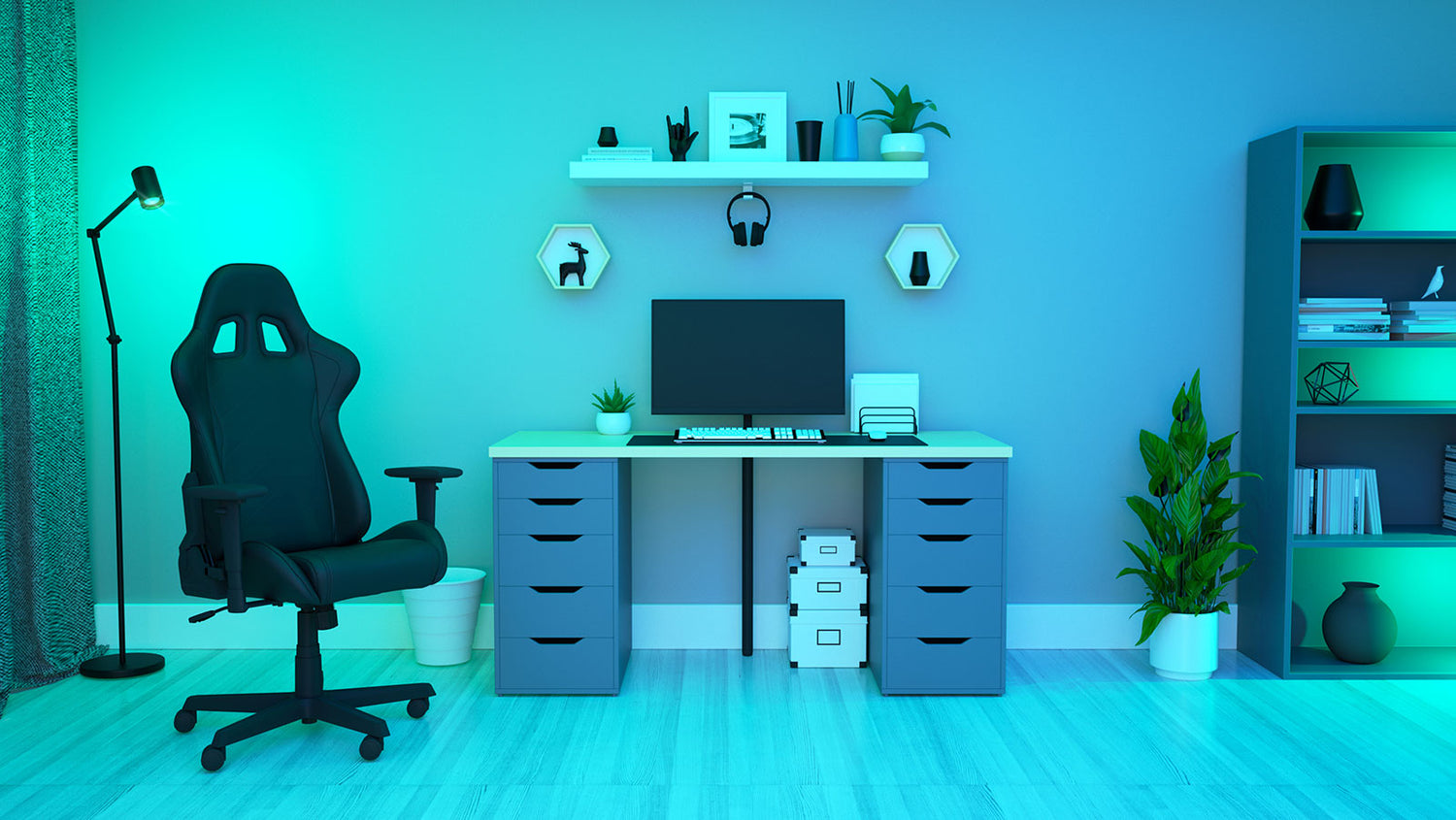
Fort Night, lumière bleue, lumière extra brillante ou plus chaude

A cozy fort made of blankets and pillows with a yellow light inside. A computer desk with a monitor, keyboard, and mouse.

Fort Night

Lumière bleue

A light bulb is turned on in a bathroom.

Contrôle de la température par lumière blanche

Réduisez la luminosité pour vous concentrer ou réchauffez-la pour vous détendre. Les commandes dédiées à la lumière blanche vous permettent de choisir le réglage idéal pour votre activité.

Indice de crédit de 90+

Découvrez des couleurs plus fidèles et éclatantes dans votre intérieur grâce à un indice de rendu des couleurs (IRC) avancé. Ne confondez plus jamais le bleu marine ou le noir dans votre garde-robe.

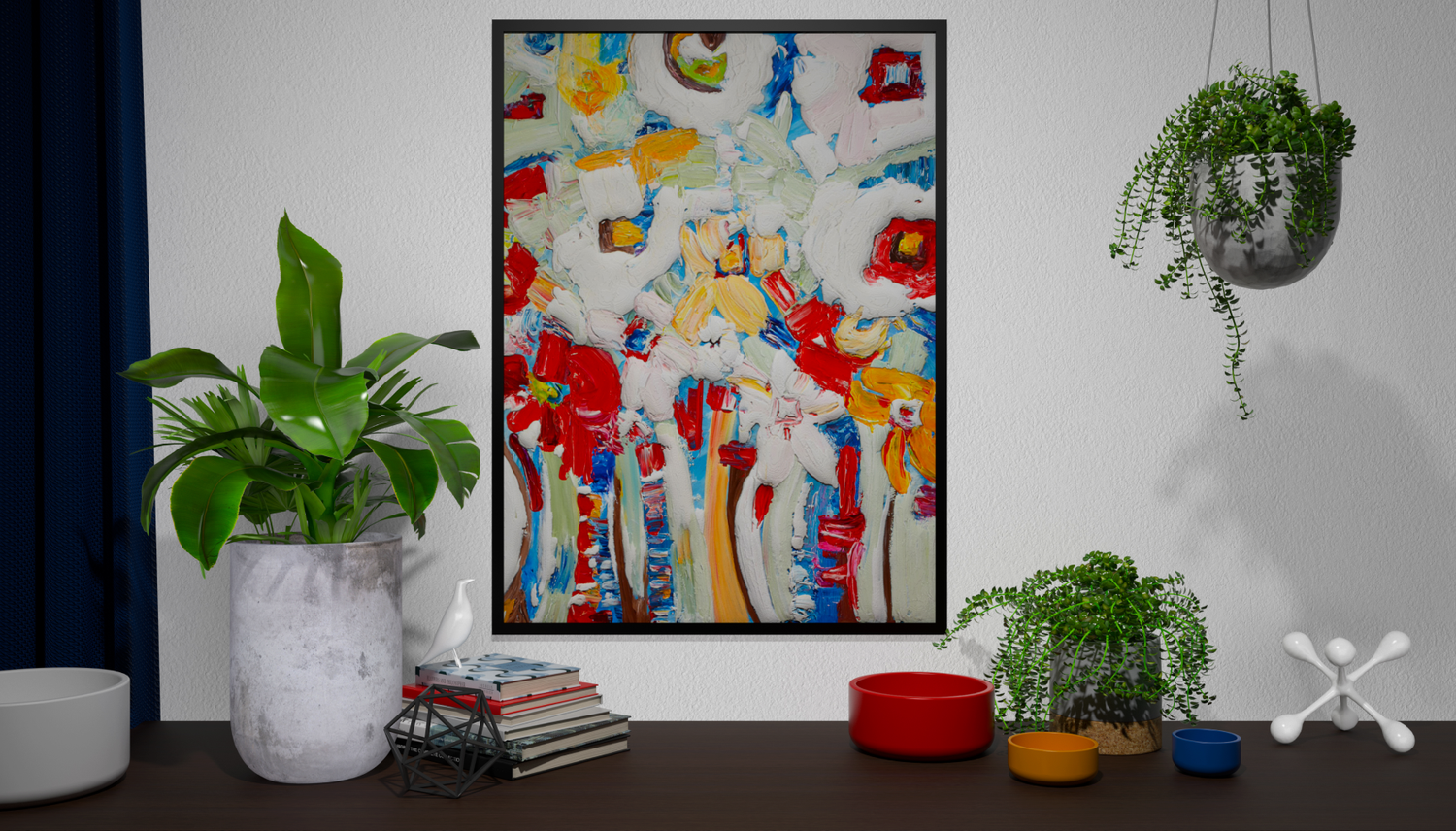
A painting of a tree with red flowers on a white background. A painting of flowers in a vase.

Couleurs ternes et délavées

Des couleurs éclatantes et fidèles grâce à un IRC accru

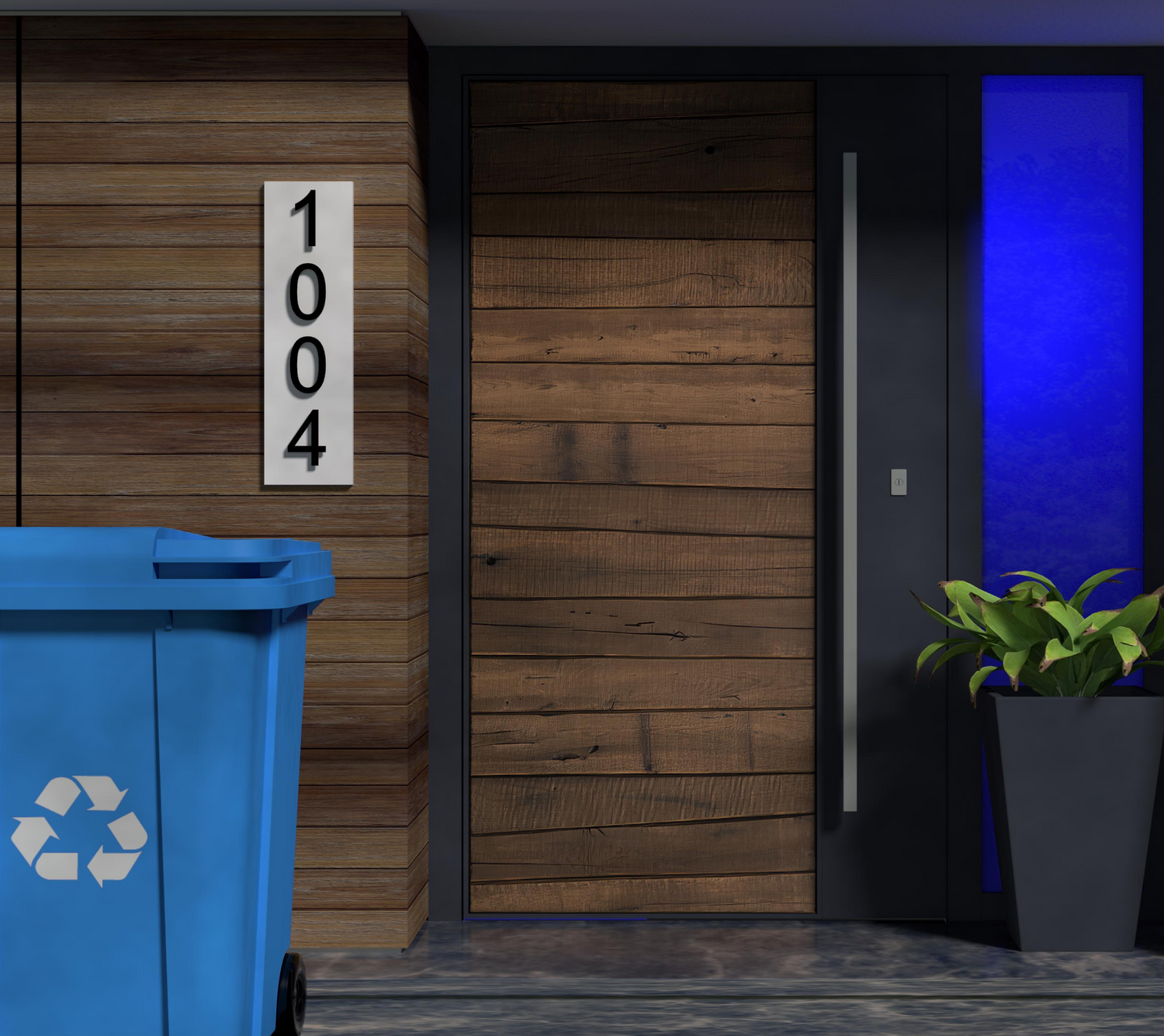
Blue light recycling bin.

Excellentes notifications

Mettez en valeur vos rappels importants. Créez des événements colorés programmés ou automatisez-les avec d'autres appareils Wyze pour générer des notifications visuelles percutantes, le tout depuis l'application Wyze. N'oubliez plus jamais de sortir vos poubelles.

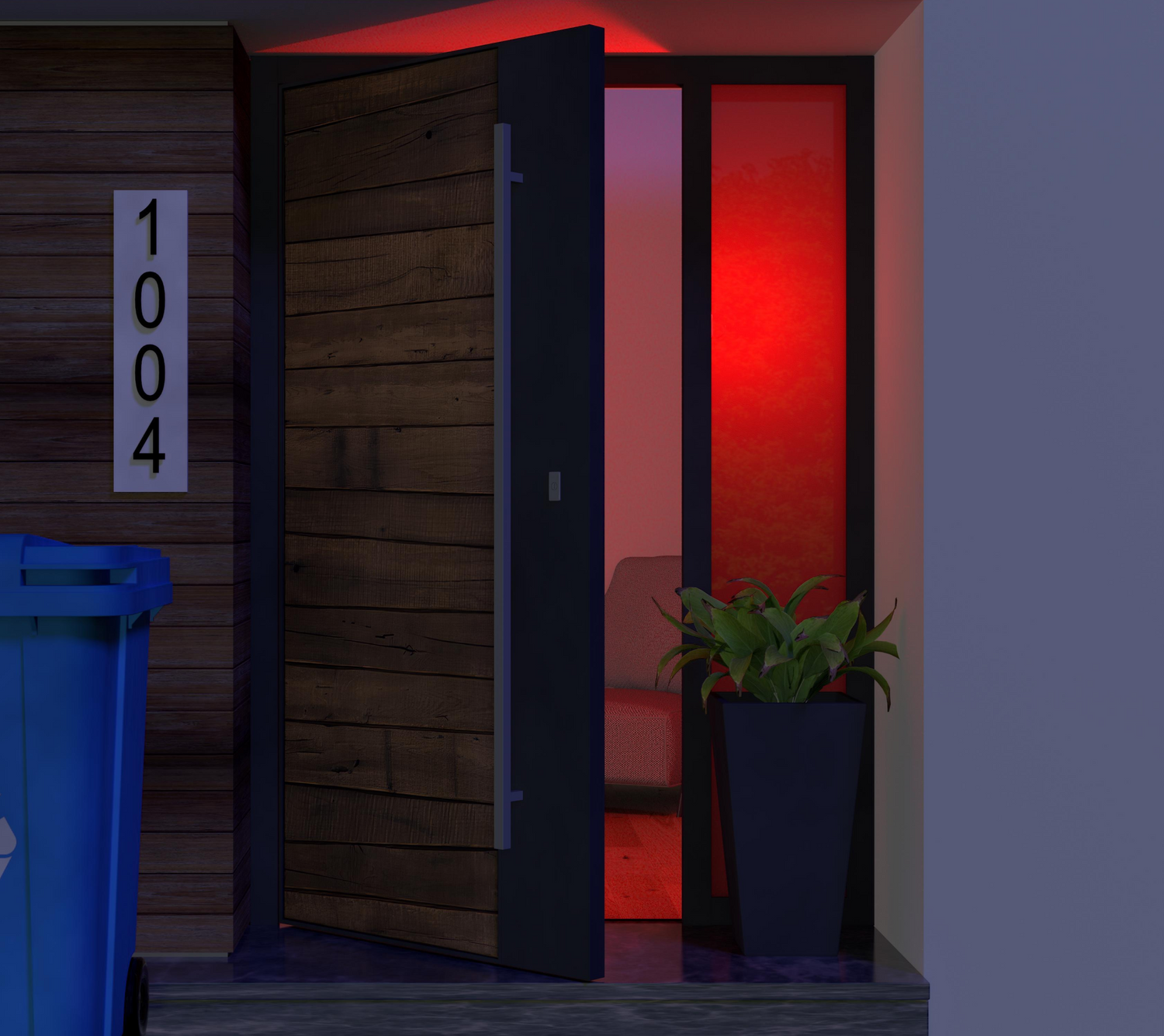
A door with a red light on it.

Avez-vous oublié de fermer votre porte ?

Déclenchez une alerte avec l'ampoule couleur Wyze et les détecteurs de mouvement ou d'entrée Wyze Sense.

Routines de sommeil

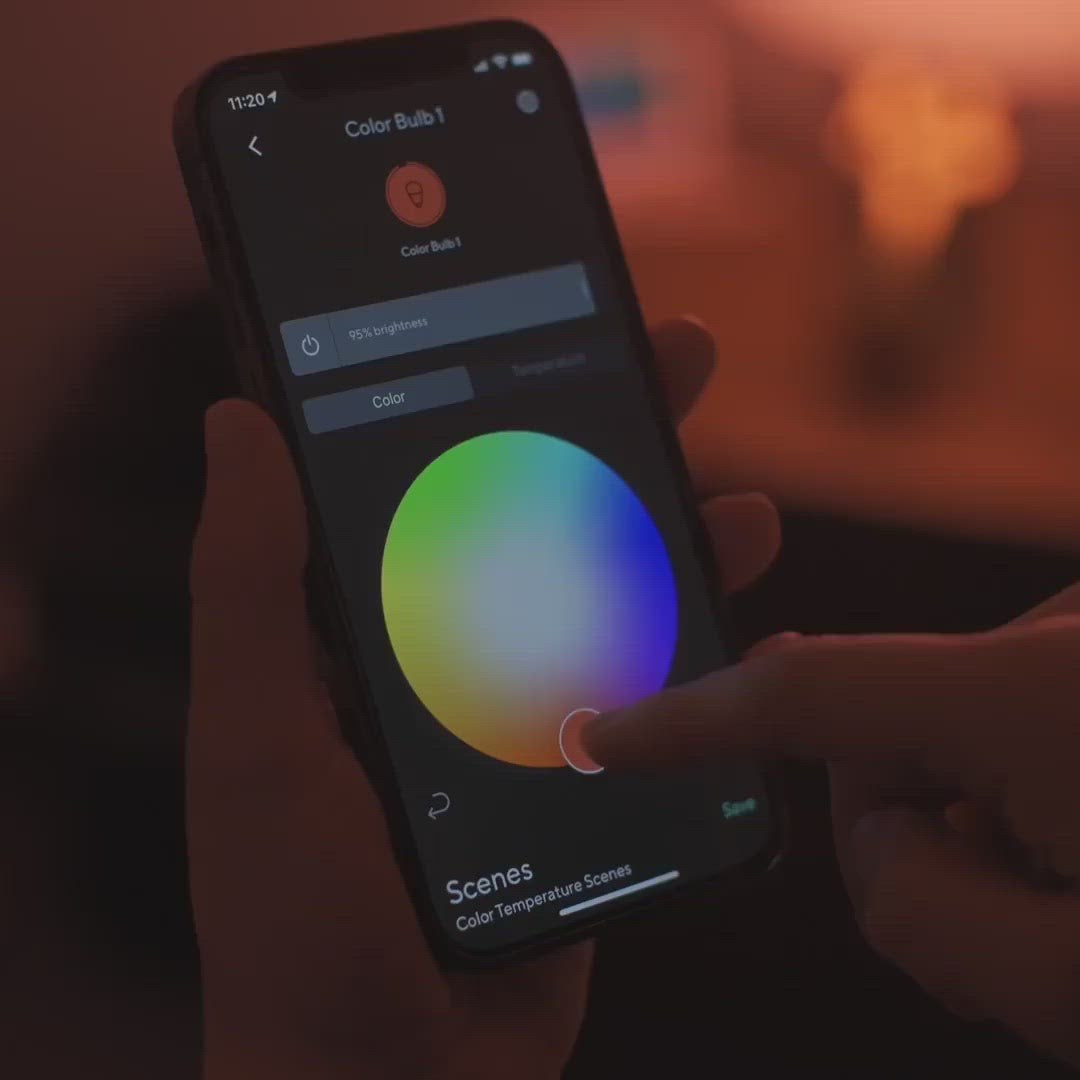
Réveillez-vous ou endormez-vous au son d'un éclairage personnalisé qui s'intensifie ou s'assombrit progressivement. C'est comme avoir son propre lever et coucher de soleil.

A smartphone app showing a color bulb setting.

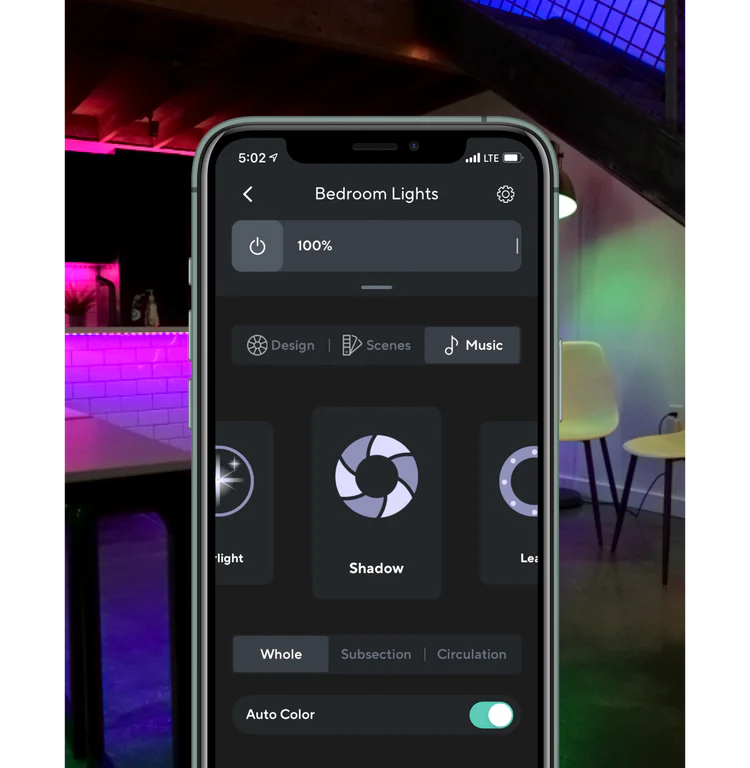
Dansez au rythme de la musique

Associez-les à une bande lumineuse Wyze Light Strip ou Wyze Light Strip Pro pour synchroniser vos lumières au rythme de vos morceaux préférés grâce au mode Musique. Vos vidéos de danse (et vos soirées dansantes) prennent une toute autre dimension.

*Nécessite que l'ampoule Wyze de couleur soit associée à une bande lumineuse Wyze ou à une bande lumineuse Wyze Pro.

A screen shot of a room with different colored lights on.

Des commandes intelligentes, comme on peut s'y attendre.

Votre voix est désormais votre interrupteur. Commandez vos lumières à la voix en demandant à Alexa ou à l'Assistant Google de les allumer/éteindre, de régler la luminosité ou de changer leur couleur.

Faites croire que quelqu'un est à la maison pendant votre absence. Activez simplement le « Mode vacances » dans l'application Wyze et notre ampoule s'occupe du reste.

Associez les ampoules Wyze Bulb Color entre elles et avec les bandes lumineuses Wyze Light Strips pour un contrôle plus étendu et plus efficace.

Support Articles

Setting up your new Wyze Bulb Color is as easy as screwing it in, and connecting to Wi-Fi in the Wyze app. You can even set up multiple color bulbs at once!

To set up your Wyze Bulb Color:

  1. In the Wyze app, tap Home, then tap the plus sign + on the top right.
  2. On the Add menu, tap Device.
  3. Tap Power & Lighting > Wyze Bulb Color or Wyze Bulb Color BR30.
  4. Install your color bulb into the lamp or light socket that will be powering it, and turn on the power. Want to set up several color bulbs? Install all of them into light sockets now. You can set up a lot of bulbs at once. We've tested up to 25! The color bulb(s) will automatically begin to pulse. Not pulsing? Turn the light off and on 3 times to enter pairing mode. You must toggle power to the light off and on 3 times within 6 seconds, with less than 2 seconds between each toggle.
  5. If prompted by the Wyze app, allow access to your location and BluetoothⓇ. Tap OK.
  6. Select your 2.4 GHz Wi-Fi network and enter your network password. Tap Connect.
  7. On the next screen, you'll see your bulb(s) connecting to the network.
  8. Once connected, name your light(s) and edit the icon(s). Tap on your Wyze Bulb Color name, then type in the pop-up to edit. Tap Next. If you're setting up multiple bulbs, they will each glow a specific color during setup. Name each one accordingly.
    Tap an icon, then choose an icon from the list. Tap Done.
  9. Tap Finish Naming to complete the setup.
  10. Enjoy your new Wyze device!

Download the Quick Start Guide for Wyze Bulb Color in this article.

Below is the Quick Start Guide for Wyze Bulb Color, a short manual for how to get started.

This guide is a short user manual with the basics about Wyze Bulb Color including:

  • What's in the box for Wyze Bulb Color.
  • How to download the Wyze app.
  • How to set up your Wyze Bulb Color.
  • Tips for using your Wyze Bulb Color.

Sharing lets other people access and use your Wyze Bulb Color in the Wyze app. Have a family member or other close friend who wants to turn on / off your lights? Learn how below.

Important: Only share your Wyze devices with people you know and trust.

To share your Wyze Bulb Color:

  1. In the Wyze app, tap on your Wyze Bulb Color.
  2. Tap on the Settings gear, then Share Device.
  3. Either select someone from your Recent Shares or enter their email address.
  4. Tap Share.

What can a shared user do?

Shared users can:

  • View the Wyze Bulb Color main screen.
  • View the current brightness, color, and temperature.
  • Change the brightness, color, and temperature.
  • Turn the bulb on and off.
  • Create and save Scenes.
  • View and change the bulb Settings. Create Shortcuts, Schedules, and Device Triggers.Set up Sleep Routines.Turn on and off Vacation Mode.Change the Power Loss Recovery settings.
  • View the Device Info.
  • Submit a log when troubleshooting Wyze Bulb Color.
  • Remove the device from their Wyze app. This will not remove the device from the primary user's Wyze app.

Shared users cannot:

  • Change the Wyze Bulb Color's Device Icon.
  • Share a device shared with them.
  • Rename a device shared with them.

Keep in mind

  • There is no limit to the number of users you can share your Wyze devices with.
  • There is no limit to he number of Wyze devices you can share.
  • The sharing feature is set per device. To share multiple devices, you'll have to invite users to each manually.
Added to your cart
Livraison GRATUITE pour les commandes de 59 $ et plus
Subtotal
$0.00
View cart