-
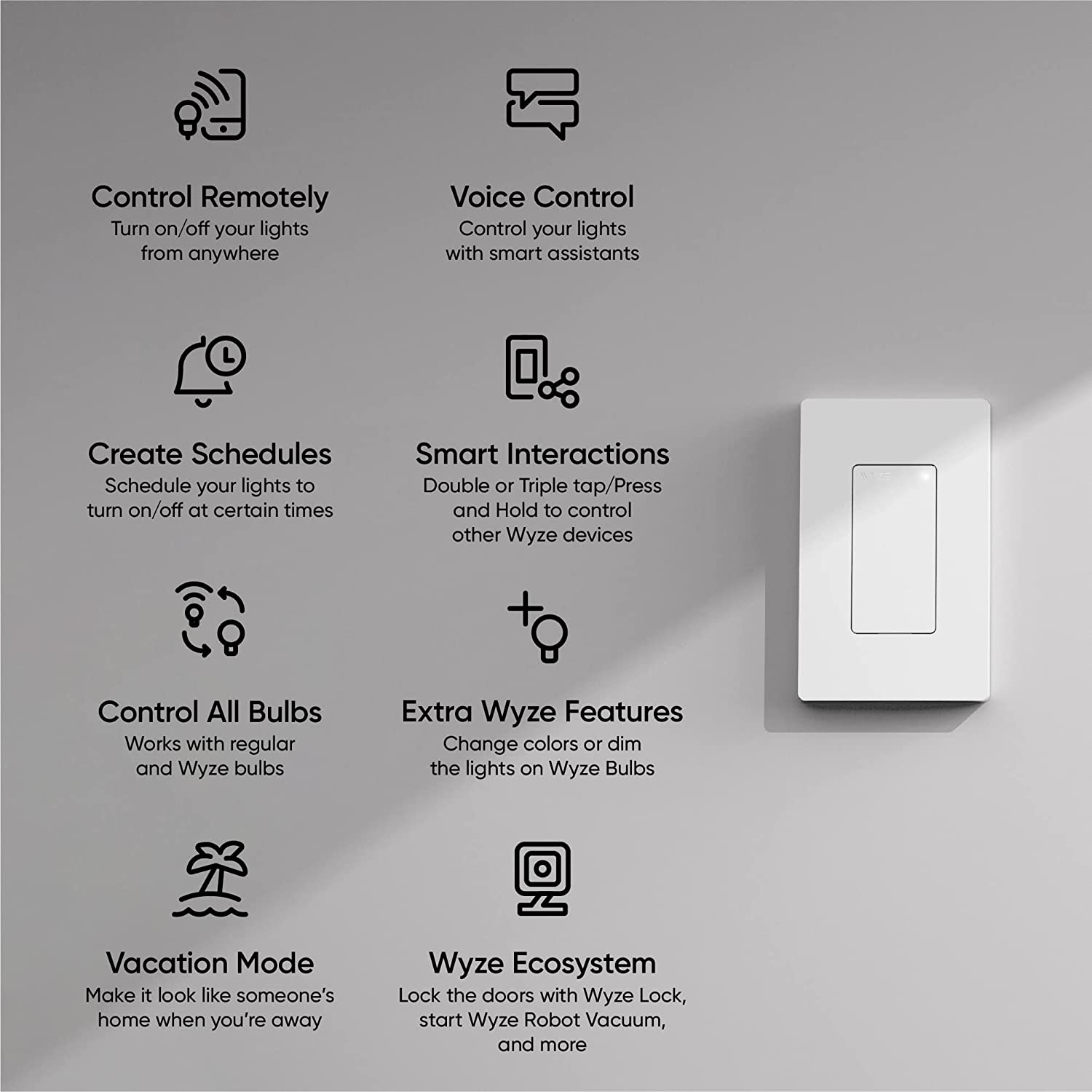
Works with Regular Bulbs & Wyze Bulbs
-
Controls Other Wyze Devices
-
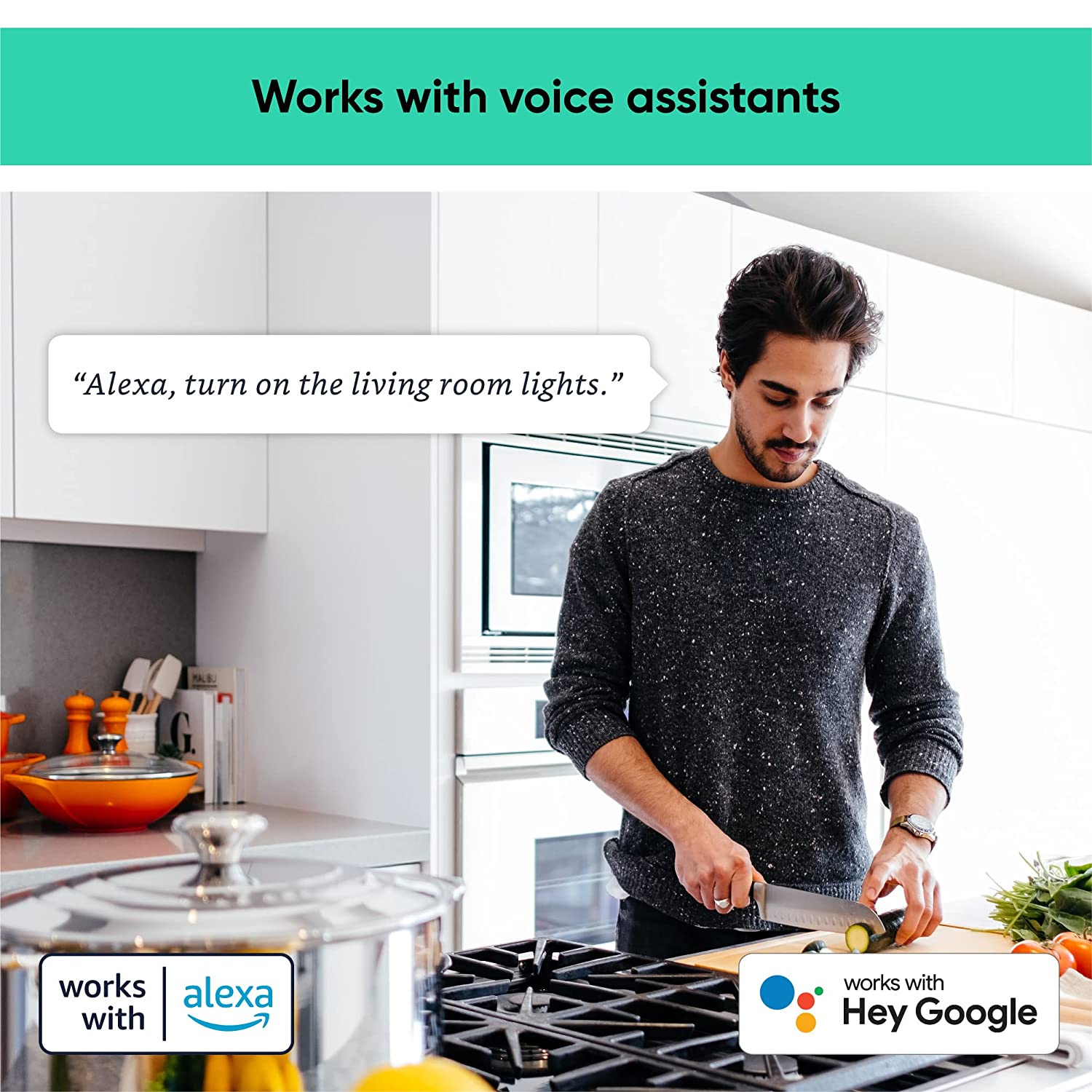
Works with Alexa and Google Assistant
-
Set Timers, Schedules, & Automations
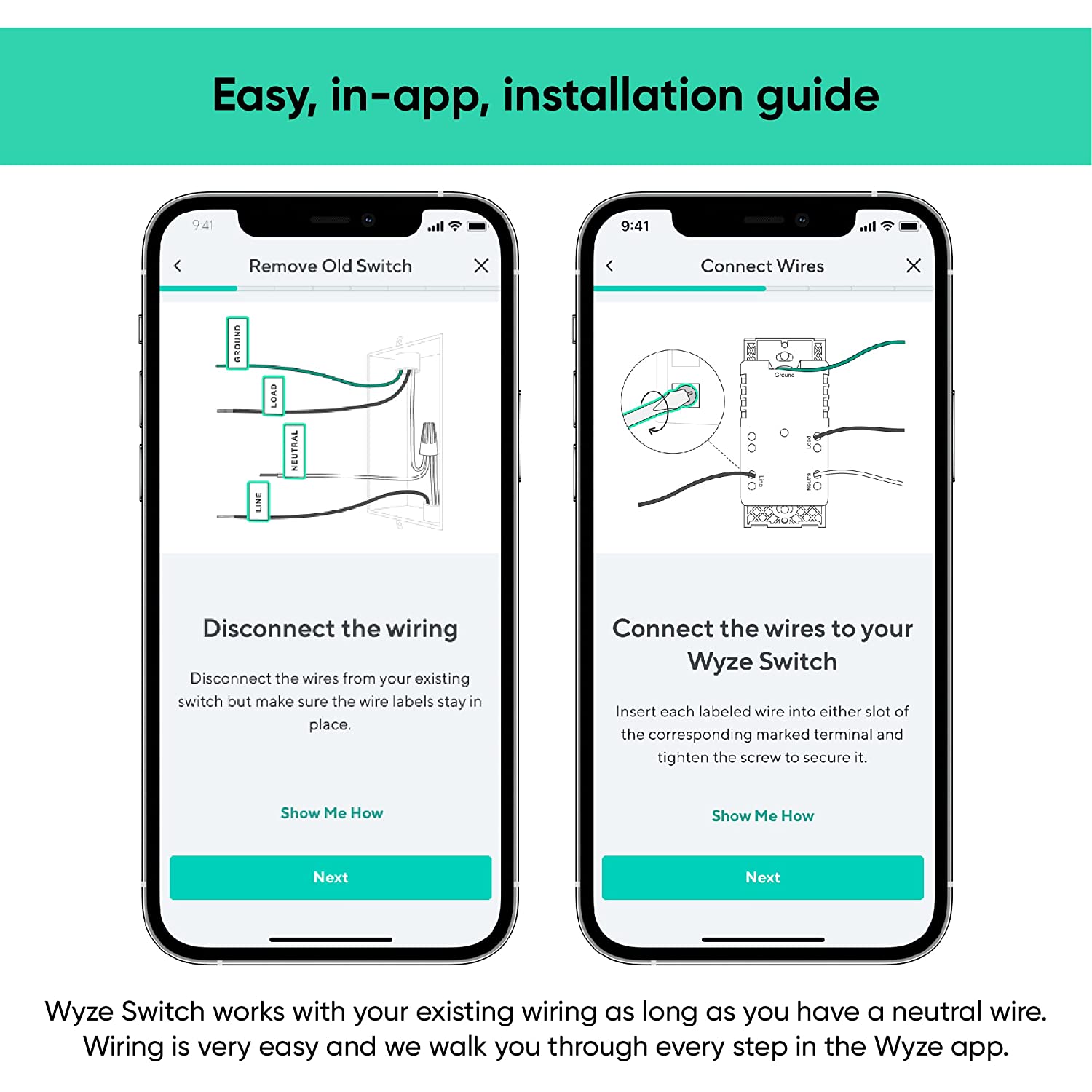
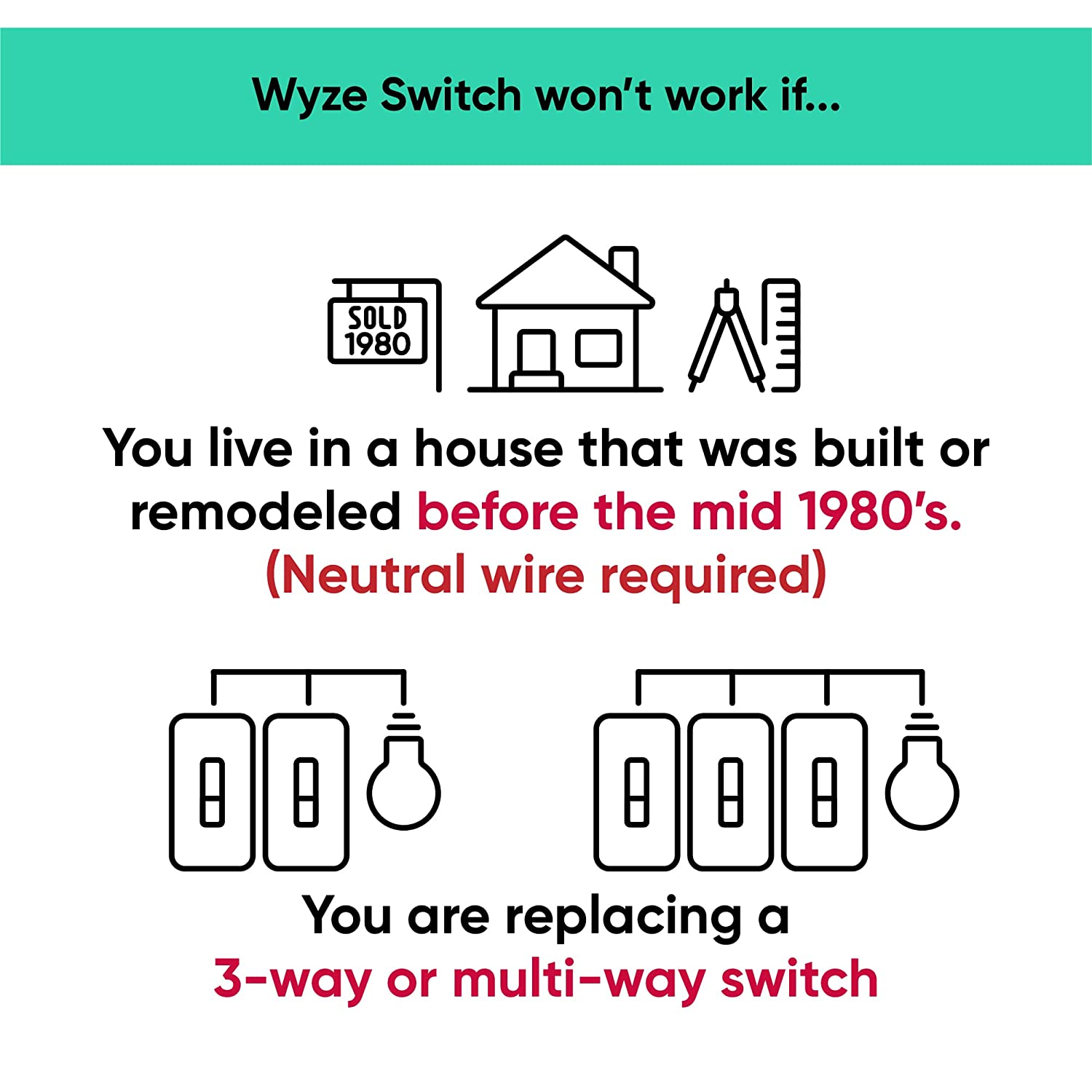
Yes, this switch does require neutral wiring, which is common in homes built after 1980. If you do not have a neutral wire, your wiring is not compatible with Wyze Switch.
About 20 minutes, following the step by step installation process in the Wyze app.
No, this is a single pole switch only. It cannot be used as a multi-way switch.
The response when you press the switch is instant, similar to the response time of a regular switch when smart controls are disabled. With smart controls enabled, there’s a delay of .3s with a single-press.
No, Wyze Switch only comes in white at this time.
Yes, Wyze Switch can be used to interact with the entire Wyze ecosystem of smart products. You can even setup triggers and actions using Rules.
Yes, the switch works with Alexa and Google Assistant.
Yes, Wyze Switch can interact with smart devices outside the Wyze ecosystem by integrating it with IFTTT.
No, Wyze Switch is not a dimmer switch.
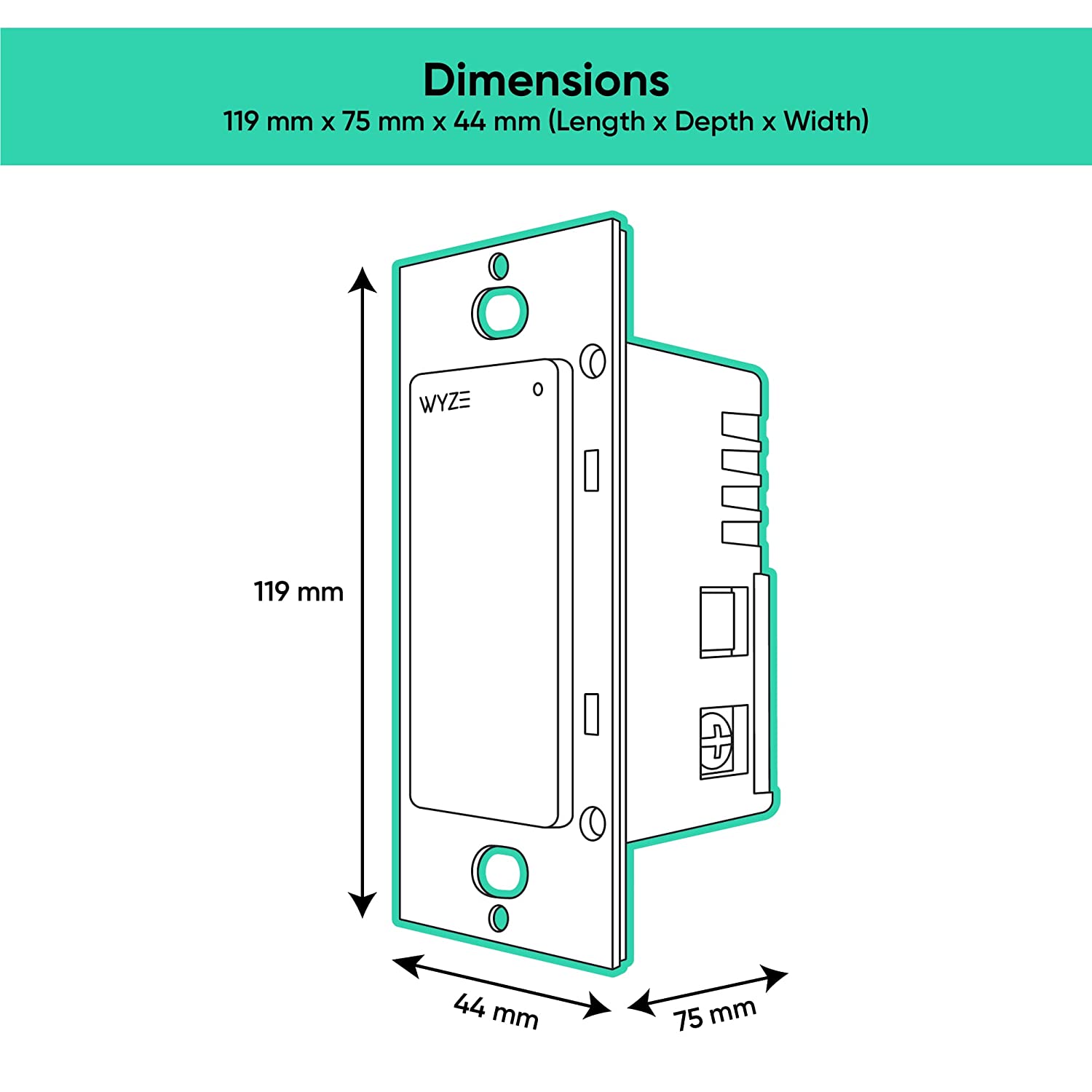
Yes, Wyze Switch can be used for multi-gang setup, but be aware of the maximum loads per switch: 1 gang= 600W, 2 gang= 500W, 3 gang = 500W.
All your lights just got smarter.
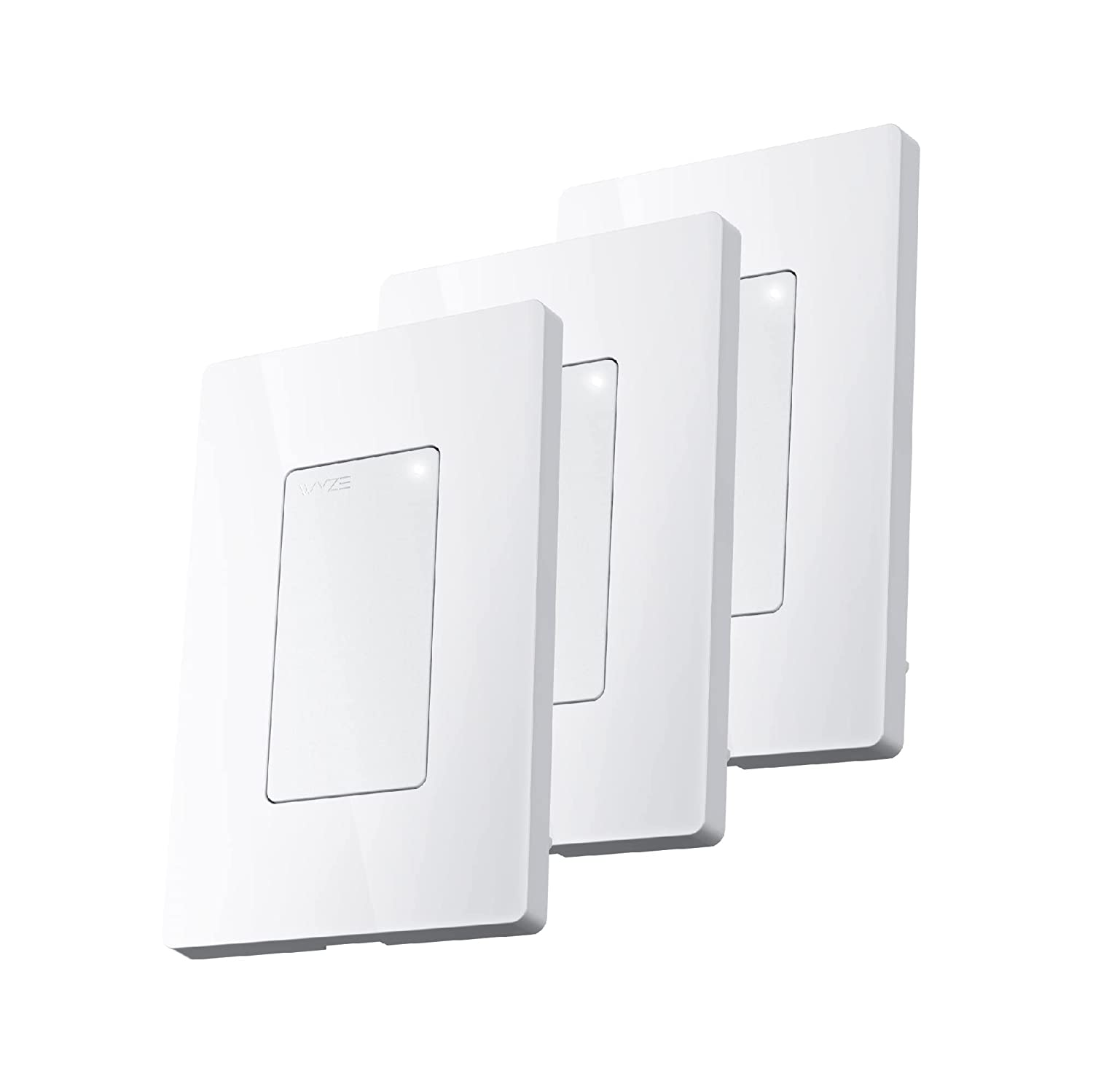
Upgrade to smart lighting in any room with Wyze Switch, a smart, WiFi light switch. Control your lights from anywhere with the Wyze app and create automations that bring light to your life.


Unlock more features with Wyze Bulbs.
Wyze Switch was made with Wyze Bulbs in mind. Normal light switches completely remove power to the bulb and that can mess up your automations. Enable Smart Control and Wyze Switch turns on or off your Wyze Bulb but leaves your power and automations intact.
Learn more about Wyze Bulb White.
Take control of your smart home ecosystem.
Wyze Switch integrates seamlessly with your Wyze ecosystem with four custom actions. Personalize each action to fit your life: Single-press to turn on the lights, double-press to lock the doors, triple-press to turn on the robot vacuum, and press-and-hold to spray unwanted guests with Wyze Sprinkler Controller.
Smart controls you would expect.
Create powerful automations in the Wyze app or set a timer to have your lights turn on or off.
Make it look like someone's home whenever you are away. Just enable Vacation Mode in the Wyze app and our switch does the rest.
If there is a power loss, Wyze Switch will automatically reconnect to Wi-Fi and return to its previous state, once power is restored.