Skip to product information
1 of 4

Wyze Universal Wi-Fi Chime

Wyze Universal Wi-Fi Chime

No complicated wiring needed, just plug-in and know.

$29.99CAD
In stock
Get it as soon as
Free Shipping & 30-day hassle-free returns.
$0.00 FREE / 1 month
14-Day Cloud Storage
Smart Detections & Notifications
Subscriber Discount

*Cam Plus subscription auto renews at $2.99/month/cam after the first month. No commitment, cancel anytime. Plan is not compatible with existing Cam Plus Unlimited plans.

Easily set up your home's doorbell with the Wyze Universal Wi-Fi Chime. No complicated wiring required—just plug it in and stay informed. Know exactly when someone rings your doorbell (or tries to ditch).

With smart Automations, you can even have it chime when your camera detects a person on your kitchen's cookie cam. Never miss a ding-dong again with this convenient, fuss-free chime.

View full details
  • Works with all Wyze Cams

    Compatible with all Wyze Cams and doorbells.

  • 17 different tones

    Choose one tone or switch it up depending on the situation.

  • Easy installation

    Compatible with your everyday wall socket. No need to stress about batteries or electrical wiring.

  • Connect multiple devices

    Why settle for one chime when you can have a bunch! Pair up those chimes with cams for full coverage.

Color: Black

Materials: Plastic

Dimensions: 81 x 53 x 38 mm

Speaker: φ40mm

Wi-Fi: IEEE802.11 b/g/n 2.4 GHz

Power Input: 10-24V AC, 10VA 60HZ

Operating Temperature: -4°F ~ 122°F (-20°C ~ 50°C)

Note: Indoor use only

Bluetooth BLE 5.0

Works with IFTTT, Hey Google, and Alexa

Certifications: FCC, IC, UL, CP65

  • 1x Wyze Wi-Fi Chime
  • 1x Quick Start Guide

Yes, you can adjust the volume or change ringtone in the Wyze app, in your Chime settings.

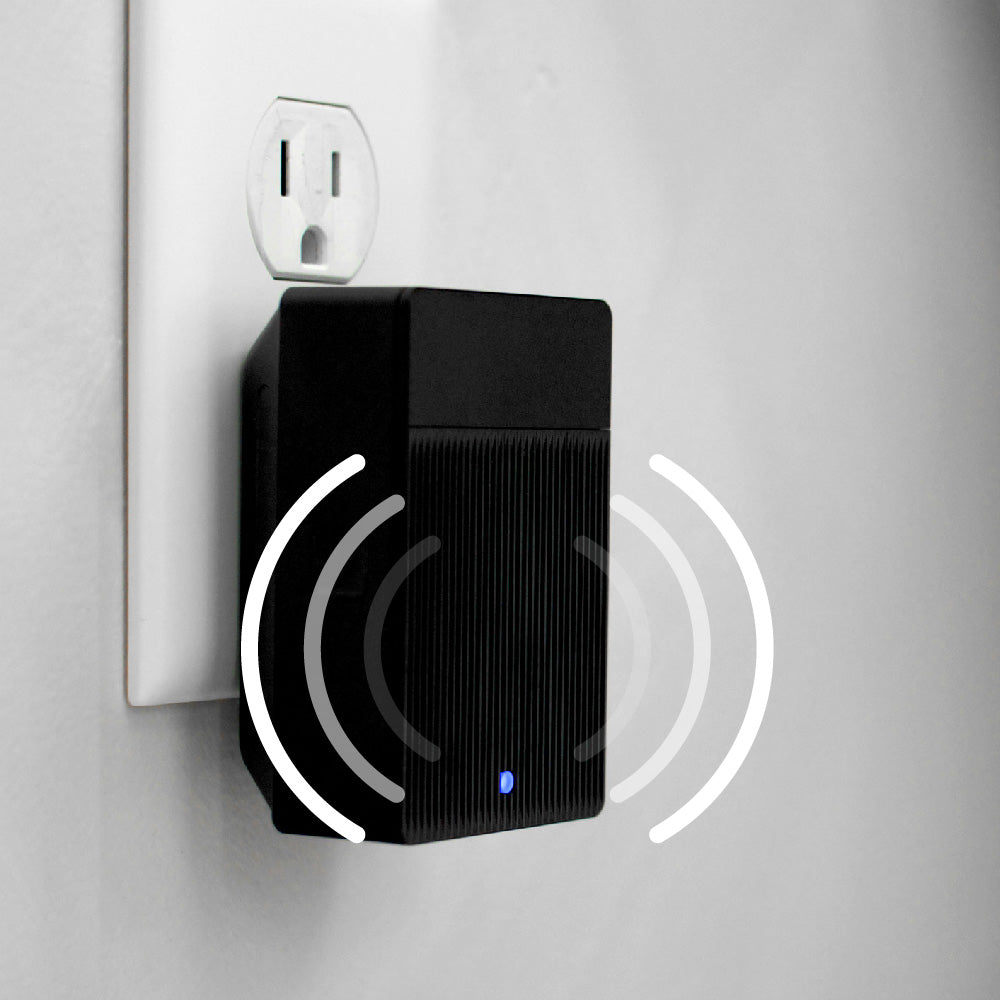
A black and white image of a doorbell camera.

Universal Wi-Fi Chime

Ding dong from anywhere. Hear alerts exactly where you want in your home. Built-in Wi-Fi enables you to trigger audio alerts with all Wyze Cams and Doorbells.

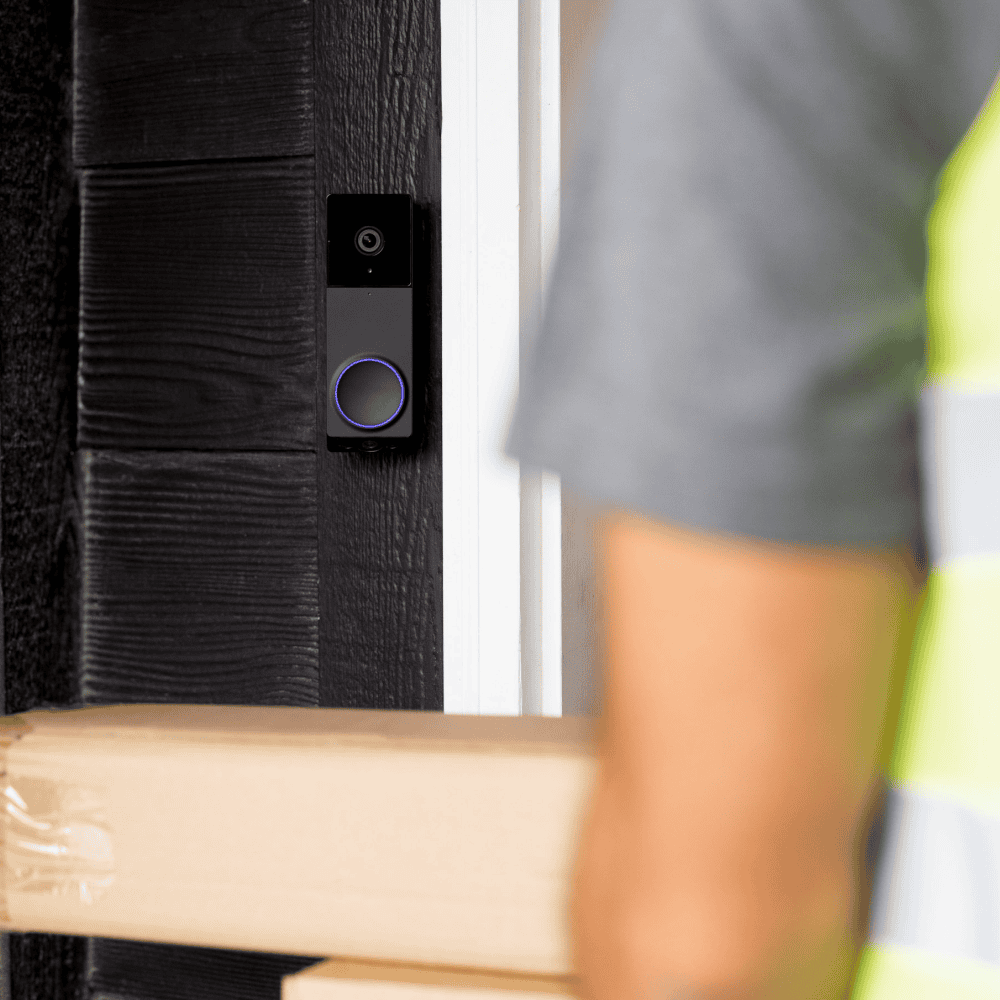
A man is holding a box with a camera on it.

Get chime alerts when a person is detected, even if they don't ring.

We all expect our chimes to ring when our doorbell cameras are pressed. But you can do so much more! Setup an Automation inside the Wyze app that chimes you when your camera detects a person.

Works with all Wyze cams but pairs perfectly with doorbells

Swipe to compare more products →
Works with all Wyze cams but pairs perfectly with doorbells
Wyze Video Doorbell v2: A smart doorbell with a chime controller, fully tested and guaranteed to work.
Wyze Video Doorbell v2
from $59.99 $84.98
Resolution
2048 x 1536 (2K)
Field-of-View
H: 135°, V: 103°
Chime
Existing
Power Option
Wired Only
3P Integration
Amazon Alexa, Google Home
Storage
Local & Cloud
View

Support Articles

Your Wyze doorbell has several chime options, including using a Wyze Cam as Chime, Wyze Automations, and Wyze Wi-Fi Chime. Here's how to use a Wyze Wi-Fi Chime.

To set up Wyze Wi-Fi Chime:

  1. In the Wyze app, tap Home, then tap + plus sign on the top right.
  2. On the Add menu, tap Device.
  3. Tap Home > Wyze Wi-Fi Chime. Then, tap Next.
  4. Plug your Wyze Wi-Fi Chime into a standard power outlet. The chime should be plugged into an outlet within 30 ft of your router.
  5. Press the reset button on the side of the chime for 5 seconds or until it says “ready to connect”. The status light will flash red.
  6. In the app, check the box next to I heard, “Ready to connect”. Then tap Next.
  7. If BluetoothⓇ hasn’t already been enabled, you’ll be prompted to allow BluetoothⓇ access. Tap OK. If BluetoothⓇ has already been enabled, it will skip to the next step.
  8. Select your 2.4 GHz Wi-Fi network and enter your network password. Tap Next. Tap the icon in the password field to display the password to ensure it was entered correctly.
  9. Your chime is set up. Now it’s time to name your device! Name your Wyze Wi-Fi Chime using the text field, or choose a suggestion. Tap Next.
  10. You'll have the option to share your chime. Tap Continue.
  11. Now it’s time to connect your Wyze Wi-Fi Chime to your Wyze doorbell. Tap Next in the app.
  12. From the Connect to Device list, select your Wyze doorbell.
    To connect the chime at a later time, tap Save and Continue.
  13. Select your desired triggers then tap Next. Tap Is pressed to have the chime sound when the doorbell is pressed, for example.
  14. Adjust your Automation settings, give it a name, then tap Save.
  15. Tap Continue and you'll be able to connect the chime to more devices. Then tap Save and Continue.
  16. You’re all set! Your chime is now set up. Tap Finish.

Additional Note

Wyze Wi-Fi Chime is compatible with Wyze Duo Cam Doorbell, Wyze Video Doorbell v1/v2, and Wyze Video Doorbell Pro.

Yes, Wyze Wi-Fi Chime works with all Wyze Cams and doorbells!

Using Automations, you can set up any Wyze cameras or doorbells to work with Wyze Wi-Fi Chime.

💡 Scenario: Your Wyze Cam Floodlight v2 detects a person in your driveway. You can set up an automation to play a notification on your Wi-Fi Chime.

Added to your cart
FREE shipping on orders $59+
Subtotal
$0.00
View cart