Passer aux informations produit
1 de 7

Support de projecteur Wyze Cam

Support de projecteur Wyze Cam

Couleur
$29.98CAD
En stock
Get it as soon as
Retours sans tracas sous 30 jours.
A blue and white logo for Wyze.
AVANTAGES exclusifs de Wyze.com
Garantie prolongée de 18 mois

Bénéficiez d'une garantie prolongée de 18 mois à l'achat de ce produit sur wyze.com. Profitez également de lots spéciaux, de promotions uniques et de récompenses à chaque commande

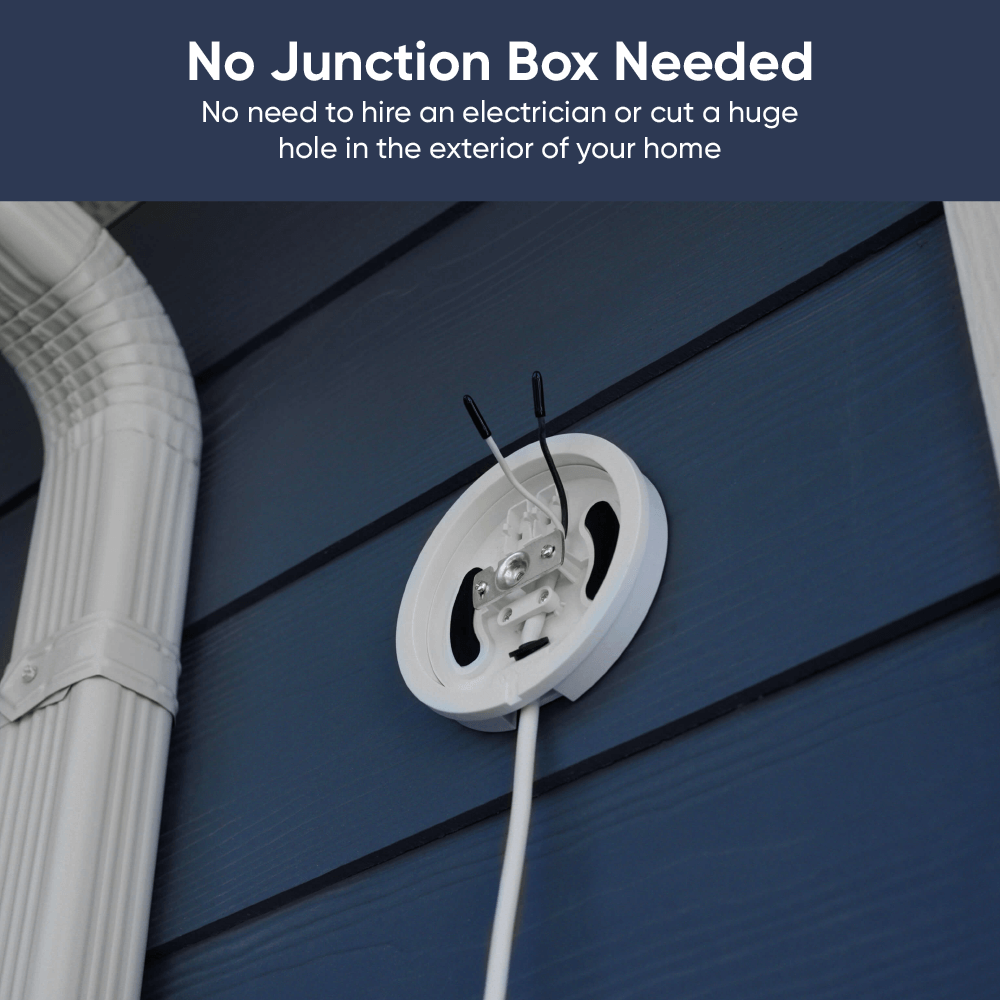
Dites adieu à la complexité et au coût d'installation d'une boîte de jonction. Optez plutôt pour une solution d'éclairage par projecteur simple et prête à l'emploi.

Voir les détails complets
  • A black screen with no visible content.

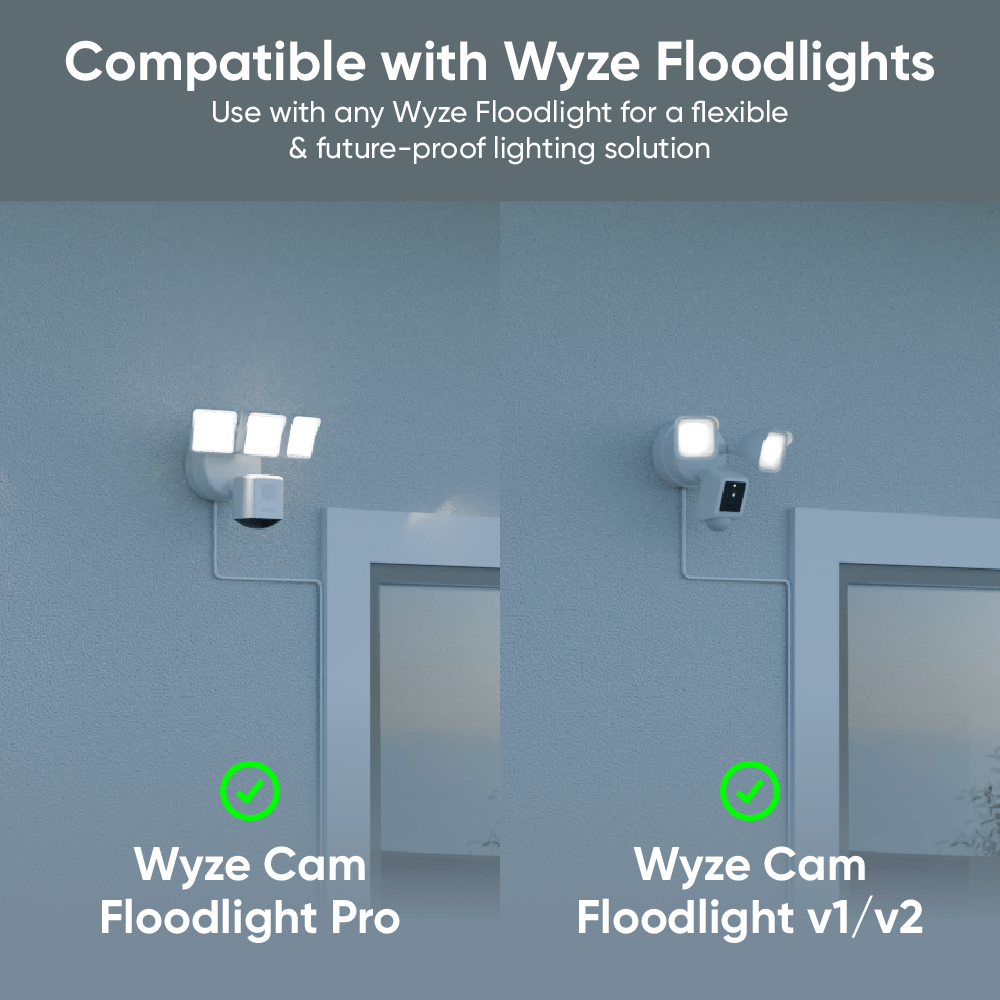
    Compatible avec les projecteurs Wyze

    Compatible avec les caméras Wyze Cam Floodlight v1/v2 et Pro.

  • A black screen with a 20ft icon.

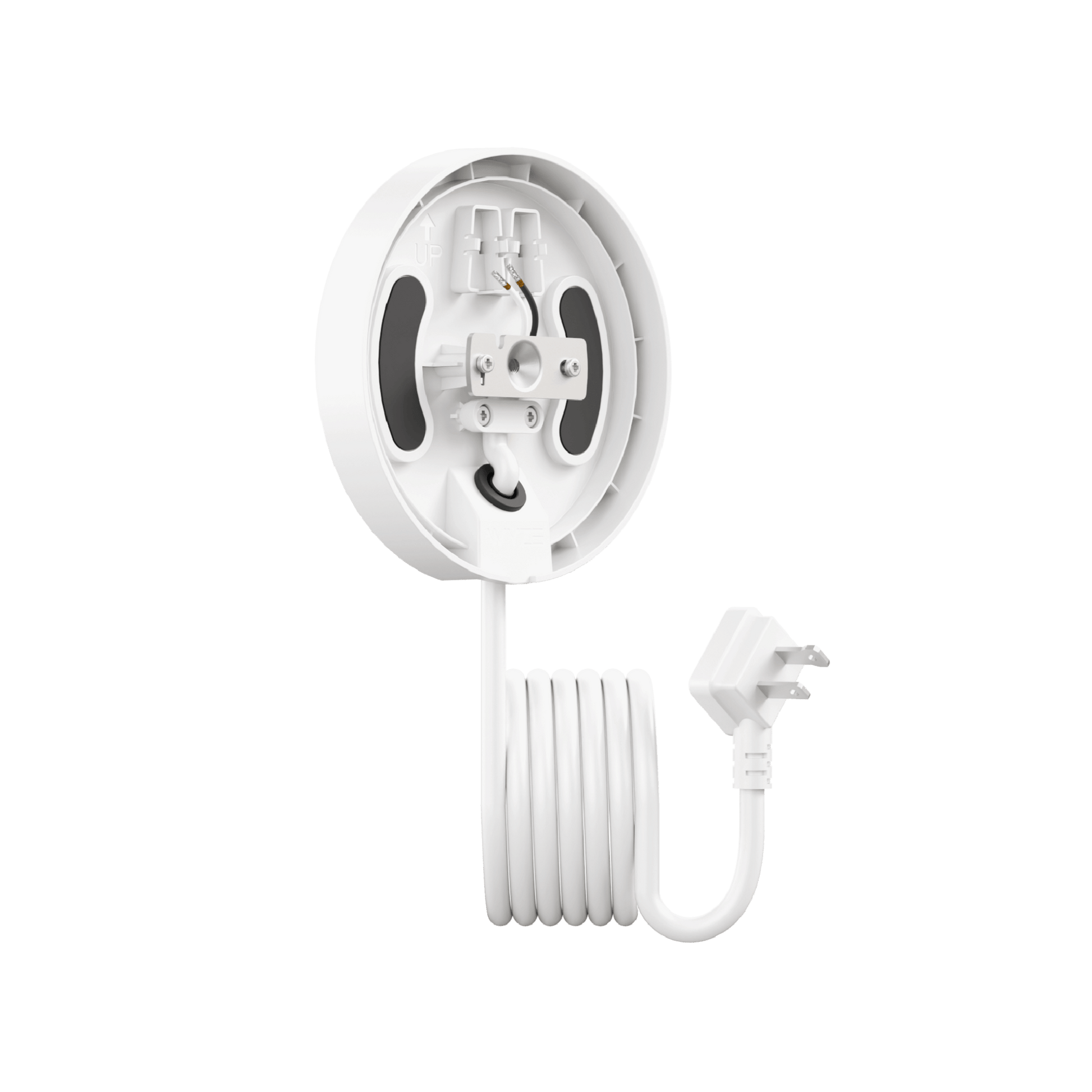
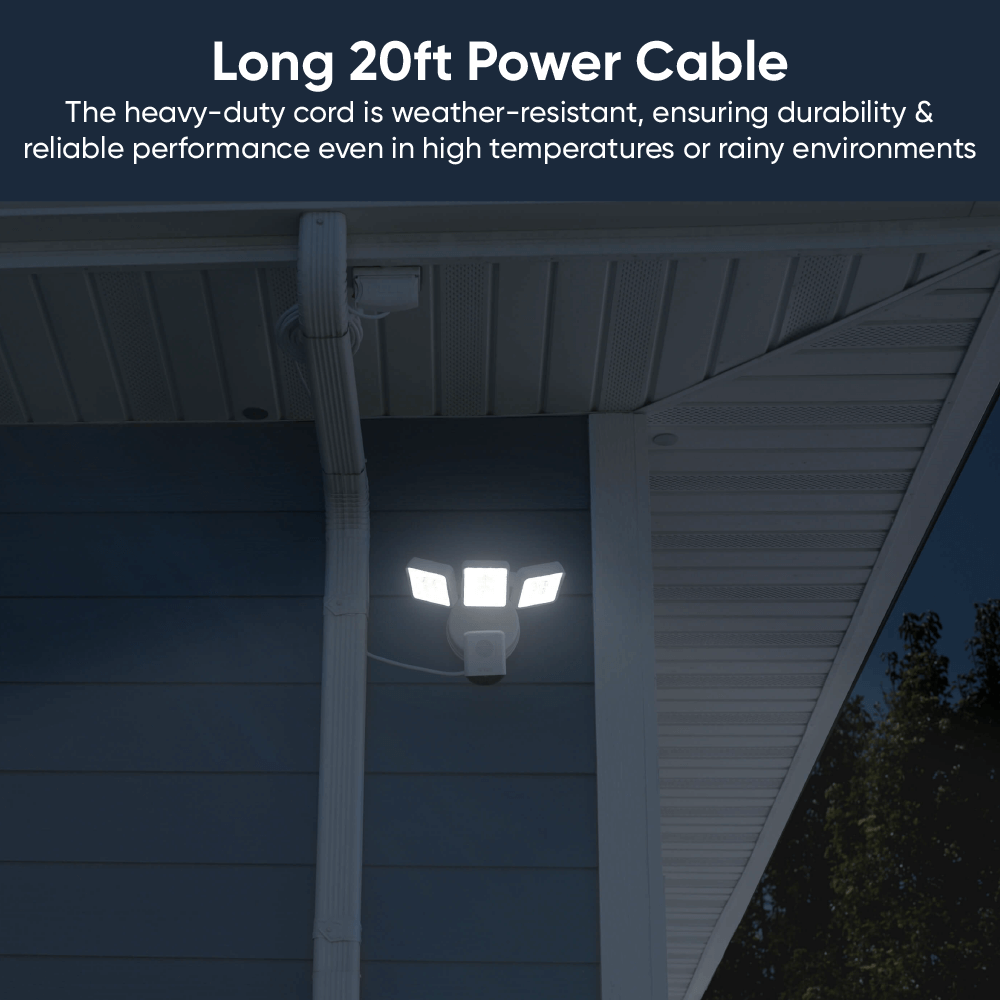
    Cordon d'alimentation de 6 m (20 pi)

    Accédez facilement à une prise extérieure. Attache-câble Velcro incluse.

  • Install icon on a black screen.

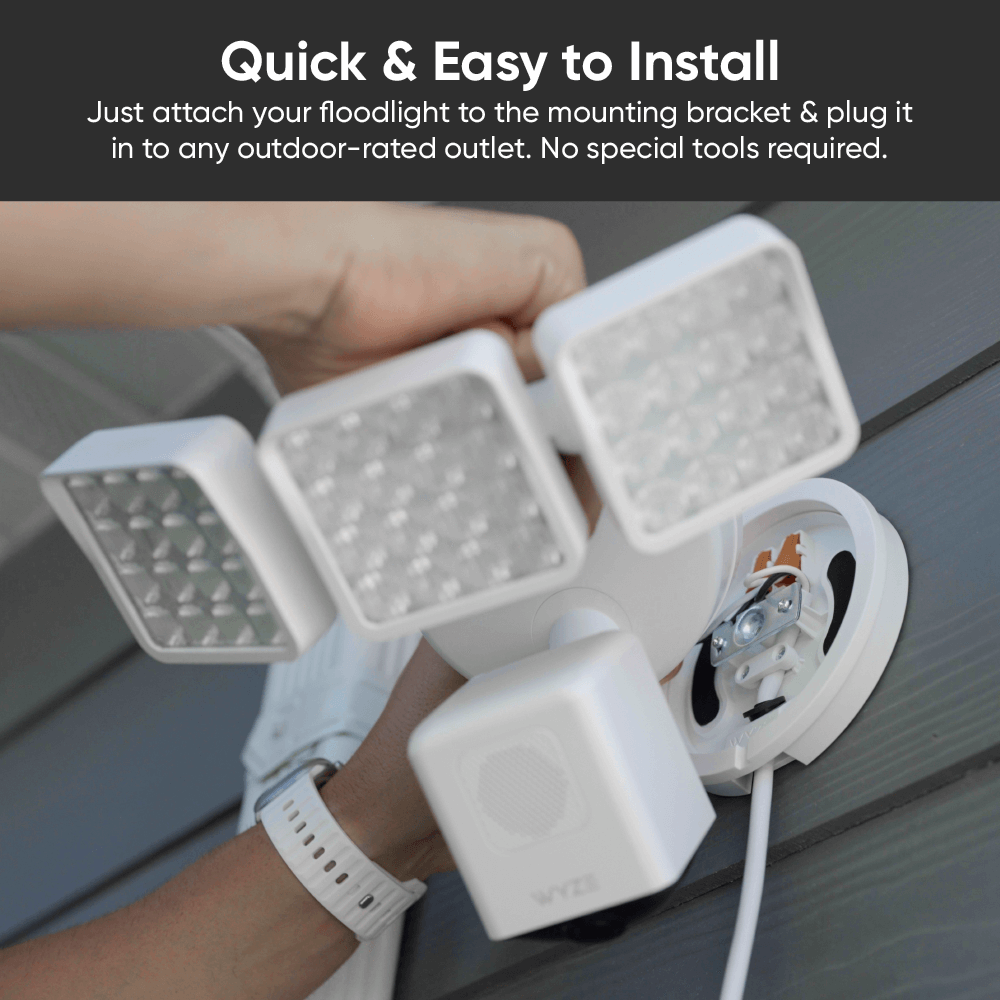
    Facile à installer

    C'est rapide et facile. Il suffit de le brancher et d'installer votre projecteur.

  • A black screen with no visible text or objects.

    Aucune boîte de jonction requise

    Plus besoin d'électricien ni de travaux. Installation facile et rapide.

  • Couleurs : Blanc et noir
  • Adapté à une utilisation en extérieur : Oui
  • Température de fonctionnement : -22 °F à 122 °F
  • Entrée : 110-120 V CA
  • Caractéristiques du cordon d'alimentation : SJTW (usage intensif, câble thermoplastique, S : service, J : junior, T : thermoplastique, W : résistant aux intempéries)
  • Câble de calibre 18 AWG
  • Longueur du cordon d'alimentation : 20 pieds (6 m)
  • Dimensions de l'emballage : 153 mm x 155 mm x 79 mm
  • Poids du colis : 1,39 lb
  • Produit complet : UL153, ​​RoHS, REACH SVHC 240, CP65
  • Montage : UL94, UL 746A,B, ASTM D495
  • Cordon d'alimentation : conforme aux normes UL62, UL817, UL2556 et UL1581, résistant au brouillard salin pendant 48 h et à une température de 105 °C.
  • 1 support de projecteur Wyze Cam
  • 1 kit de montage Floodlight Pro (anneau en silicone, vis longue)
  • 1x kit de vis de montage
  • 1 ruban adhésif en mousse
  • 1x Guide de démarrage rapide

Wyze Floodlight Cam Plug-in Mount is an accessory that offers a simple installation solution for all Wyze floodlight models–no junction box required. Use it to install any Wyze Cam to an outdoor GFCI power outlet.

Our Wyze Cam Floodlights require an outdoor junction box for installation. But many homes today lack multiple exterior junction boxes, and hiring a licensed electrician to install one can average ~$650.

With a Wyze Floodlight Cam Plug-In Mount, you don't need a junction box at all. You can install your Wyze Cam Floodlight near any outdoor-rated GFCI power outlet, simplifying installation and reducing the cost.

All Wyze Cam Floodlight models are compatible with this mount, including Wyze Cam Floodlight v1, v2, and Pro. The mount is not compatible with any non-Wyze floodlight camera.

The mount is available in matte white and matte black to seamlessly match our existing Wyze Cam Floodlight devices.

The included outdoor power cord is 20 feet long.

Yes, the plug-in mount and it's attached power cord are both outdoor-rated. It is suitable for outdoor environments when properly installed.

Yes, Wyze Floodlight Cam Plug-In Mount is safe for outdoor use as long as it is connected to a GFCI outdoor power outlet with a power output of 110-120V AC.

Wyze Floodlight Cam Plug-in Mount requires a power input of 110-120V AC. This is standard for most residential homes in the US.

No, DO NOT power the plug-in mount until the floodlight camera is completely wired and properly installed on the mount.

Une solution d'alimentation flexible pour tous les projecteurs Wyze Cam.

Oubliez les décharges électriques (à moins que ce soit votre truc). Si vous pouvez brancher un câble, profitez de la sécurité d'un projecteur Wyze. Plus de boîtes de jonction effrayantes ni d'électriciens hors de prix.

A white table with a green plant on it.
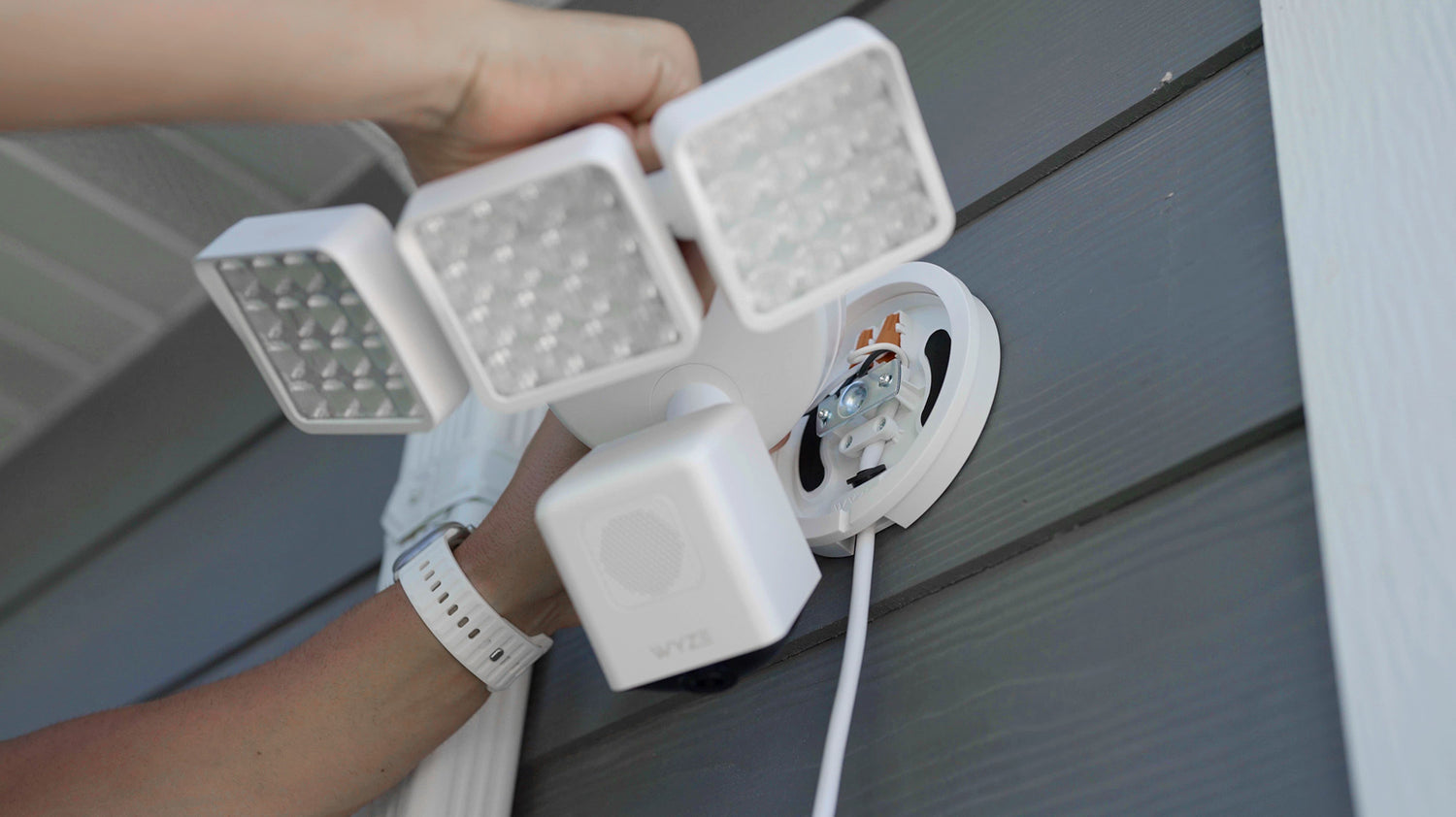
A person holding a white light fixture with a camera on it.

Installation facile. Aucune boîte de jonction nécessaire.

Dites adieu à la complexité et au coût d'une boîte de jonction. Plus besoin de faire appel à des électriciens ou à des bricoleurs, ni de percer de grands trous dans l'extérieur de votre maison.

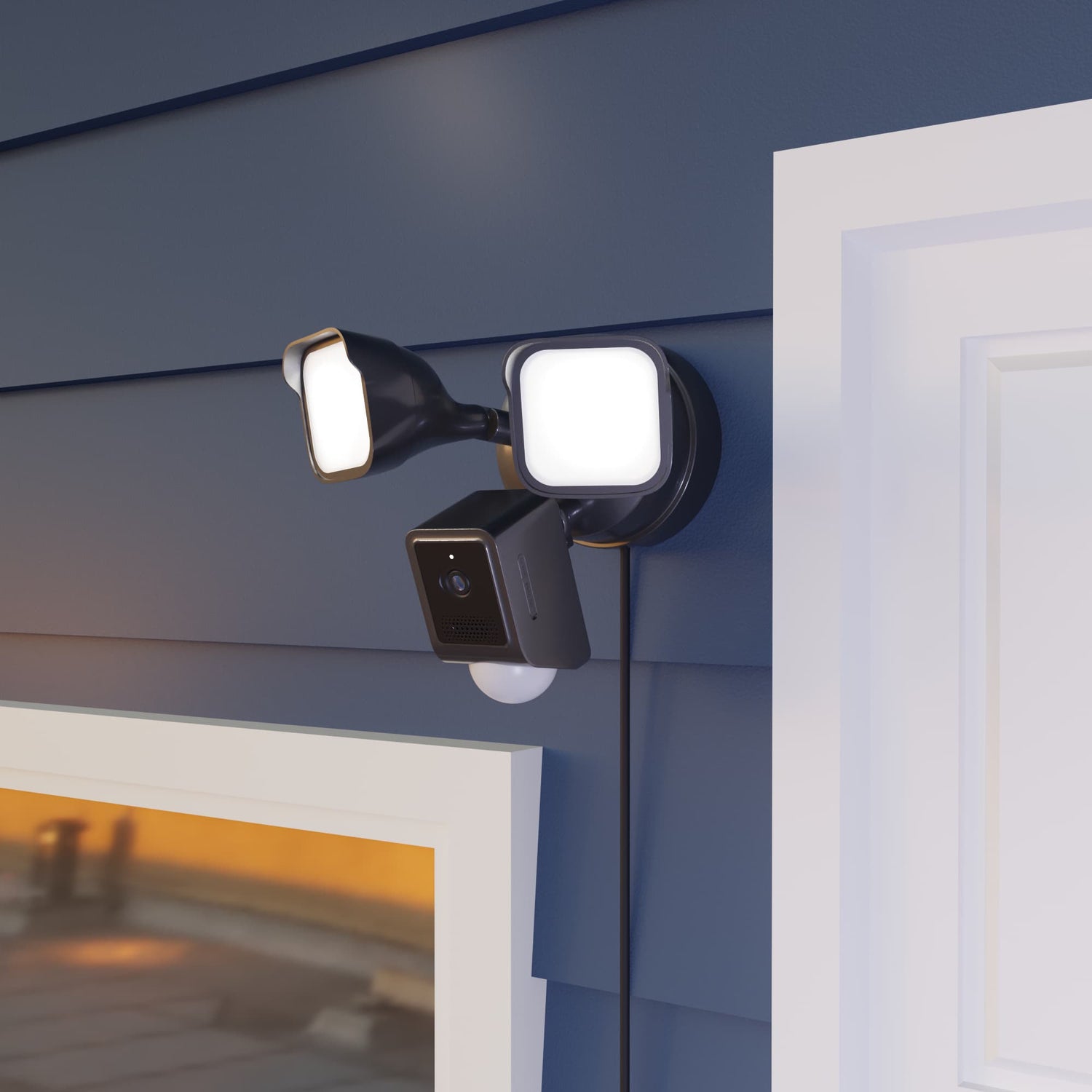
Two lights attached to a wall.

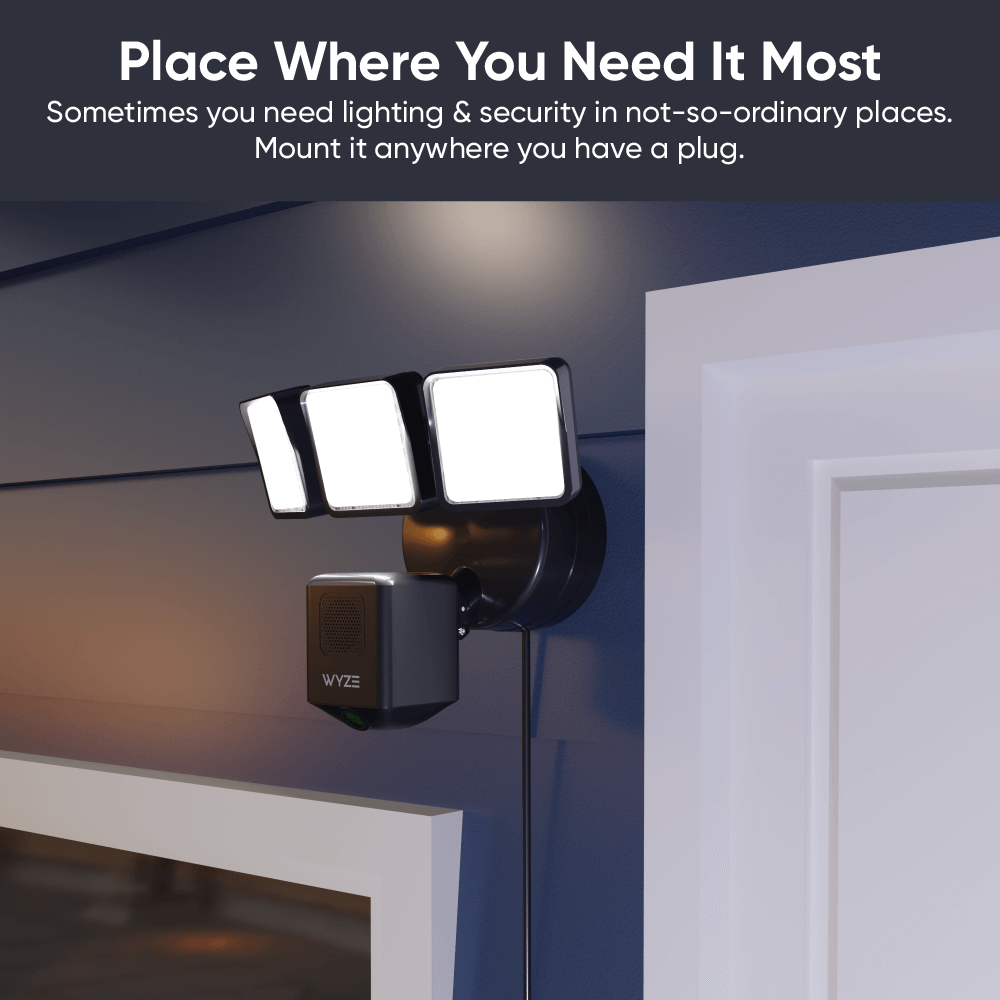
Placez-le exactement là où vous en avez besoin.

Libérez-vous des contraintes des boîtes de jonction mal placées ! Le câble robuste de 6 m (20 pi) permet d’atteindre facilement les prises extérieures. Une attache velcro est incluse pour une gestion propre du câble.

Sérieusement, regardez comme c'est facile à installer.

Comparer les projecteurs

Swipe to compare more products →
Comparer les projecteurs
Résolution de la caméra
Champ de vision
Lumens
Têtes de projecteur
Température de couleur
Connectivité Wi-Fi
Commande d'éclairage Vision IA
Détection de mouvement
Sirènes
Mode lumière ambiante
Alerte mouvement
Mode de configuration de l'appareil
Lumières infrarouges
Compatibilité des cartes MicroSD
Alimentation électrique
Intégrations intelligentes
Certifications

Support Articles

Installing your Floodlight Cam Plug-In Mount is as simple as securing in the mounting plate to the wall, wiring your Wyze Cam Floodlight to it, then plugging it into power*.

* Only plug it into power AFTER installation is complete.

Before you begin installation

Turn off power at the circuit breaker before installation. The plug-in mount works with a GFCI outlet for power. Make sure, for the outlet you plan to use for your floodlight, that the power is turned OFF before installation.

WARNING. Risk of electrical shock! Do not plug the plug-in mount into power until AFTER installation is complete as indicated by the guide below.

What's in the box?

  • Wyze Floodlight Cam Plug-In Mount x1
  • Mounting Kit x2
  • Foam Tape x2
  • Long Screw x1
  • Silicone Ring x1
  • Quick Start Guide x1

To install your Wyze Floodlight Cam Plug-In Mount:

  1. Remove the floodlight plug-in mount from the packaging.
  2. Carefully read the instructions on the red sticker labels before removing it for mounting.
  3. Position your plug-in mount at the area you want your floodlight to be, near your GFCI outlet. The cord from the plug-in mount is 20 feet long.
  4. Secure the mounting plate to the wall using the screws included in the mounting kit.
  5. Remove the paper backing from each piece of foam tape and place it over the curved screw holes on the mounting plate.
  6. Next, follow along in the Quick Start Guide and/or the video below to mount your Wyze Cam Floodlight v1, Wyze Cam Floodlight v2, Wyze Cam Floodlight Pro.

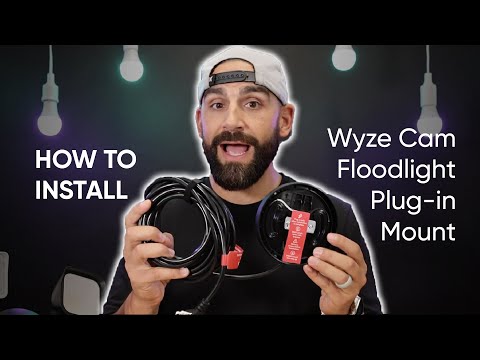
Here's a handy video for how to install Wyze Floodlight Cam Plug-In Mount and any Wyze Cam Floodlight model:

Download the Quick Start Guide for Wyze Floodlight Cam Plug-n Mount in this article.

Below is the Quick Start Guide for Wyze Floodlight Cam Plug-In Mount, a manual for how to install the device and secure a Wyze Cam Floodlight the mount.

This guide is a user manual with the basics about Wyze Floodlight Cam Plug-In Mount including:

  • What's in the box for Wyze Floodlight Cam Plug-In Mount.
  • How to install your plug-in mount.
  • How to install your Wyze Cam Floodlight device onto the plug-in mount.

Power Issues

Problem

Your Wyze Floodlight Cam Plug-in Mount won’t power on your Wyze Cam Floodlight.

Troubleshooting

  1. Remove the device from power.
  2. If possible, verify if the power outlet has a normal power supply of 110-120V AC.
  3. Ensure the devices are not visibly damaged.
  4. Try a different outlet.
  5. Ensure that Wyze Floodlight Cam Plug-in Mount was installed properly by following the steps in our Wyze Floodlight Cam Plug-in Mount Installation Guide. If you’re ever unsure when dealing with wiring or power, we recommend reaching out to a licensed electrician at your discretion.
  6. If possible, try a different Wyze Floodlight Cam Plug-in Mount.
  7. If possible, try a different Wyze Cam Floodlight.
  8. If possible, try wiring Wyze Cam Floodlight to a junction box.

Other Issues

For all other troubleshooting, please follow the troubleshooting provided for the attached Wyze Cam Floodlight.

  • Wyze Cam Floodlight v1 Help Center
  • Wyze Cam Floodlight v2 Help Center
  • Wyze Cam Floodlight Pro Help Center
Added to your cart
Livraison GRATUITE pour les commandes de 59 $ et plus
Subtotal
$0.00
View cart